
Blueprint Monument Infographic Poster
This prompt generates a square, information-dense architectural infographic poster of a historic monument, suitable for civic heritage, tourism, or educational visualizations.
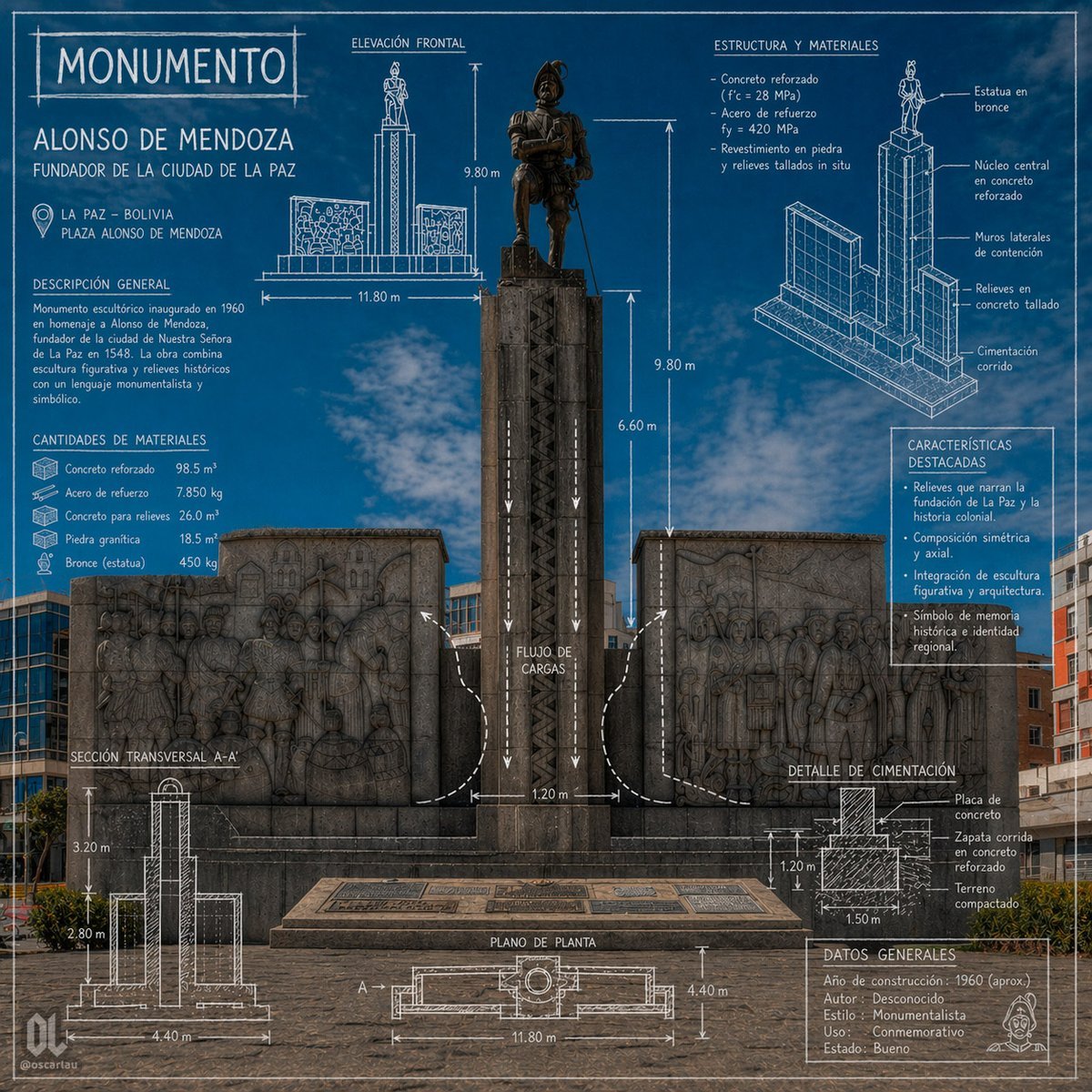
- Prompt included
- Model and format preset
- Free template
The prompt behind this image
Copy the exact prompt behind Blueprint Monument Infographic Poster, or open it in the studio and make it yours.
- Type
- architectural monument infographic poster
- Subject › Monument Name
- MONUMENTO
- Subject › Person
- ALONSO DE MENDOZA
- Subject › Subtitle
- FUNDADOR DE LA CIUDAD DE LA PAZ
- Subject › Location City
- LA PAZ – BOLIVIA
- Subject › Location Site
- PLAZA ALONSO DE MENDOZA
- Subject › Main View
- front-facing photograph of the monument integrated with blueprint-style technical overlays
- Subject › Environment
- urban plaza under a vivid blue sky with light clouds, surrounding mid-rise buildings in the background, paved stone foreground
- Style › Visual Language
- photorealistic monument photo combined with architectural drafting graphics
- Style › Color Palette
- deep cobalt blue background overlay, white technical linework and labels, dark gray stone, bronze statue
- Style › Mood
- formal, commemorative, informative, civic heritage poster
- Style › Rendering
- sharp, high-detail, symmetrical composition, infographic presentation, blueprint aesthetics
- Monument › Centerpiece
- tall central pedestal with a bronze statue of a historical conquistador standing on top, flanked by 2 large stone relief walls
- Monument › Count Flanking Reliefs
- 2
- Monument › Materials Visible
- bronze statue, dark carved stone pedestal, stone bas-relief panels, concrete base
- Layout › Sections › 0 › Title
- MONUMENTO
- Layout › Sections › 0 › Position
- top left
- Layout › Sections › 0 › Count
- 1
- Layout › Sections › 0 › Labels
- ALONSO DE MENDOZA, FUNDADOR DE LA CIUDAD DE LA PAZ
- Layout › Sections › 1 › Title
- DESCRIPCIÓN GENERAL
- Layout › Sections › 1 › Position
- left upper-middle
- Layout › Sections › 1 › Count
- 1
- Layout › Sections › 1 › Labels
- Monumento escultórico inaugurado en 1960 en homenaje a Alonso de Mendoza, fundador de la ciudad de Nuestra Señora de La Paz en 1548. La obra combina escultura figurativa y relieves históricos con un lenguaje monumentalista y simbólico.
- Layout › Sections › 2 › Title
- CANTIDADES DE MATERIALES
Raw JSON
{"type":"architectural monument infographic poster","subject":{"monument_name":"MONUMENTO","person":"ALONSO DE MENDOZA","subtitle":"FUNDADOR DE LA CIUDAD DE LA PAZ","location_city":"LA PAZ – BOLIVIA","location_site":"PLAZA ALONSO DE MENDOZA","main_view":"front-facing photograph of the monument integrated with blueprint-style technical overlays","environment":"urban plaza under a vivid blue sky with light clouds, surrounding mid-rise buildings in the background, paved stone foreground"},"style":{"visual_language":"photorealistic monument photo combined with architectural drafting graphics","color_palette":"deep cobalt blue background overlay, white technical linework and labels, dark gray stone, bronze statue","mood":"formal, commemorative, informative, civic heritage poster","rendering":"sharp, high-detail, symmetrical composition, infographic presentation, blueprint aesthetics"},"monument":{"centerpiece":"tall central pedestal with a bronze statue of a historical conquistador standing on top, flanked by 2 large stone relief walls","count_flanking_reliefs":2,"materials_visible":["bronze statue","dark carved stone pedestal","stone bas-relief panels","concrete base"]},"layout":{"sections":[{"title":"MONUMENTO","position":"top left","count":1,"labels":["ALONSO DE MENDOZA","FUNDADOR DE LA CIUDAD DE LA PAZ"]},{"title":"DESCRIPCIÓN GENERAL","position":"left upper-middle","count":1,"labels":["Monumento escultórico inaugurado en 1960 en homenaje a Alonso de Mendoza, fundador de la ciudad de Nuestra Señora de La Paz en 1548. La obra combina escultura figurativa y relieves históricos con un lenguaje monumentalista y simbólico."]},{"title":"CANTIDADES DE MATERIALES","position":"left middle","count":5,"labels":["Concreto reforzado 98.5 m³","Acero de refuerzo 7.850 kg","Concreto para relieves 26.0 m³","Piedra granítica 18.5 m³","Bronce (estatua) 450 kg"]},{"title":"ELEVACIÓN FRONTAL","position":"top center","count":4,"labels":["9.80 m","11.80 m","9.80 m","6.60 m"]},{"title":"ESTRUCTURA Y MATERIALES","position":"top right","count":4,"labels":["Concreto armado (f'c = 28 MPa)","Acero de refuerzo fy = 420 MPa","Revestimiento en piedra y relieves tallados in situ","Estatua en bronce"]},{"title":"CARACTERÍSTICAS DESTACADAS","position":"right middle","count":4,"labels":["Relieves que narran la fundación de La Paz y la historia colonial.","Composición simétrica y axial.","Integración de escultura figurativa y arquitectura.","Símbolo de memoria histórica e identidad regional."]},{"title":"SECCIÓN TRANSVERSAL A-A'","position":"bottom left","count":3,"labels":["3.20 m","2.80 m","4.40 m"]},{"title":"PLANO DE PLANTA","position":"bottom center","count":3,"labels":["A'","11.80 m","4.40 m"]},{"title":"DETALLE DE CIMENTACIÓN","position":"bottom right","count":4,"labels":["Placa de concreto","Zapata corrida en concreto reforzado","Terreno compactado","1.50 m"]},{"title":"DATOS GENERALES","position":"lower right","count":5,"labels":["Año de construcción: 1960 (aprox.)","Autor: Desconocido","Estilo: Monumentalista","Uso: Conmemorativo","Estado: Bueno"]}],"centerpiece":"full monument centered vertically with overlaid arrows, dimensions, and load-flow diagram","supporting_graphics":"1 front elevation sketch, 1 exploded isometric structural diagram, 1 cross-section diagram, 1 plan view diagram, 1 foundation detail diagram, multiple arrows and measurement annotations"},"text":{"headline":"{argument name=\"headline text\" default=\"MONUMENTO\"}","subject_name":"{argument name=\"monument name\" default=\"ALONSO DE MENDOZA\"}","subtitle":"{argument name=\"subtitle\" default=\"FUNDADOR DE LA CIUDAD DE LA PAZ\"}","city":"{argument name=\"city\" default=\"LA PAZ – BOLIVIA\"}","site":"{argument name=\"site\" default=\"PLAZA ALONSO DE MENDOZA\"}"},"composition":{"aspect_ratio":"1:1","camera":"straight-on eye-level shot, centered and symmetrical","density":"information-rich poster with technical annotations surrounding the monument","branding":"small creator mark and social handle in lower corners"}}How to use Blueprint Monument Infographic Poster in 3 steps
- 1Upload ImagePNG, JPG or paste
Add your photo
Upload the photo the template builds on. The prompt, model and format are already set.
- 2…a portrait of your subject in softgolden-hour light, 85mm…
Personalize
Edit the subject and creative details for your destination.
- 3Generate
Generate
Press Generate — your image is created in PicX Studio, so you can compare it with the original and refine one variable at a time.
More like this
Templates with the same subject, style or setup. Open one to see its prompt.

Japan Travel Brochure Poster

Gpt2 Infographic Edu Visual Ink Wash Tribute Poster for Chen Uen

Gpt2 Infographic Edu Visual Biomimetic Skyray Aircraft Poster
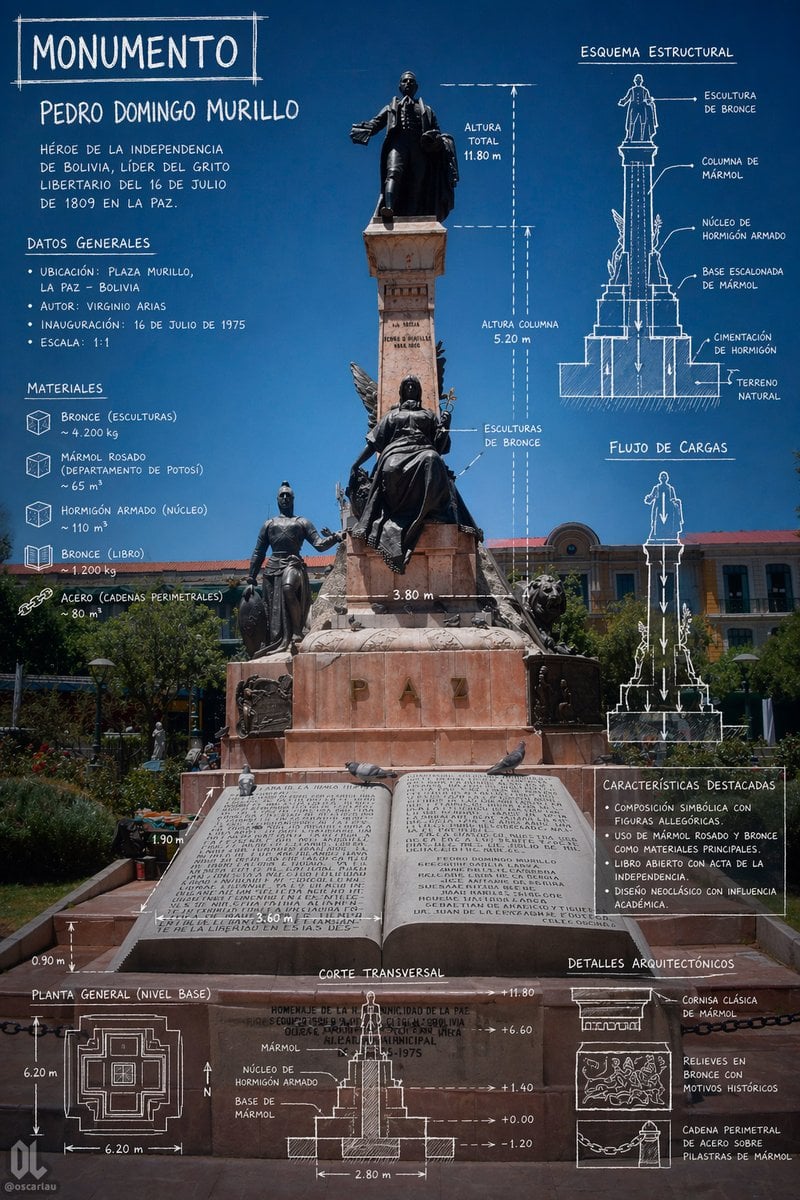
Monument Architectural Infographic Poster
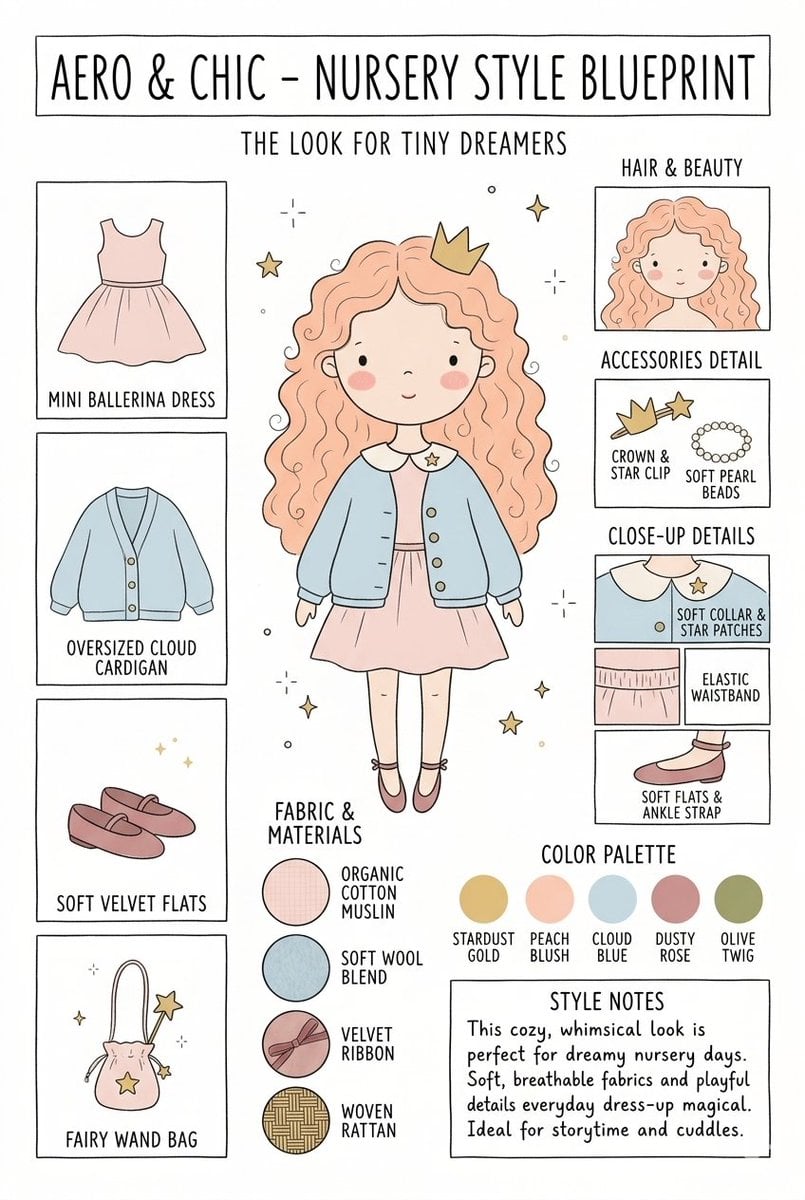
Nursery Fashion Style Blueprint Infographic
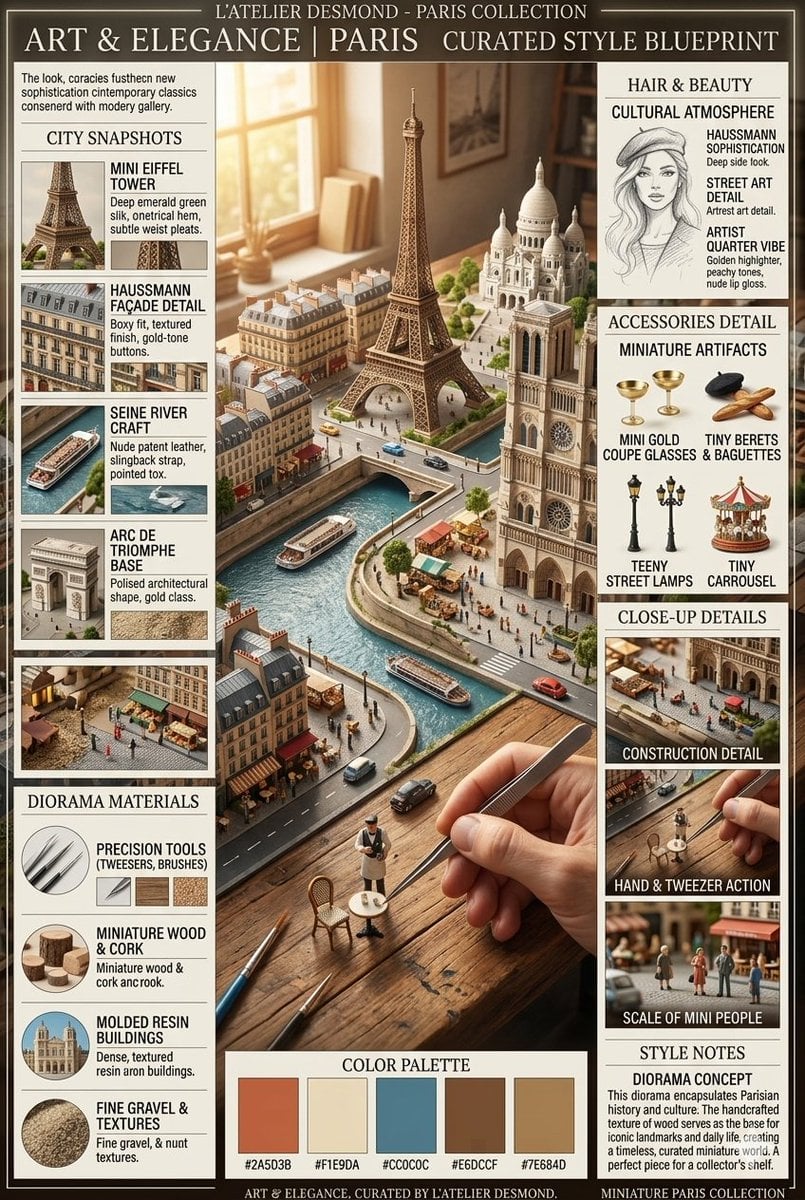
Parisian Diorama Infographic Blueprint

Cartoon TV Show Poster Pack

Trendy Cafe Drink Promo Poster

Urban Fashion Editorial Collage Streetwear Poster

Premium Fashion Editorial Cover Layout System

Polo Ralph Lauren Luxury American Heritage Fashion Campaign

Monochrome Halftone Editorial Fashion Poster
Make it yours
Blueprint Monument Infographic Poster works as-is. These are the safest ways to change it without losing the look.
Swap the setting
Keep the rest of the prompt and replace the location block. The current setting is “LA PAZ – BOLIVIA”.
Change one field
Copy a single group, rewrite it, and generate again so you can see what that field is doing.
Keep the frame, change the subject
Hold the composition and light of Blueprint Monument Infographic Poster, then swap wardrobe, props or the person for a new take.
| If the result… | Why | Fix |
|---|---|---|
| The result drifts from the preview | Too many fields changed at once. | Reuse Blueprint Monument Infographic Poster as-is first, then change one group — subject, light, or setting. |
| GPT Image 2 ignores part of the JSON | Some models flatten or skip nested keys. | Keep the same values and paste them as a short paragraph instead. |
More GPT Image 2 templates
Other prompts made for GPT Image 2.

Six VTuber Japanese Logo Sheet

Realistic Portrait of Woman and Deer

The Vista Modular Condo Poster

AI Model Routing Comparison Infographic

2.5D Anime Art Board

Isometric Productivity Desk Scene

New York Double Exposure Poster

Four-Panel AI Landscape Comparison

Japanese Tatami Lifestyle Magazine Cover

NESCAFÉ Coffee Map Poster
More image prompts
Fresh picks from across the catalog.
JSON Structured Wet Hair Gloss Fashion Portrait (4-Panel)
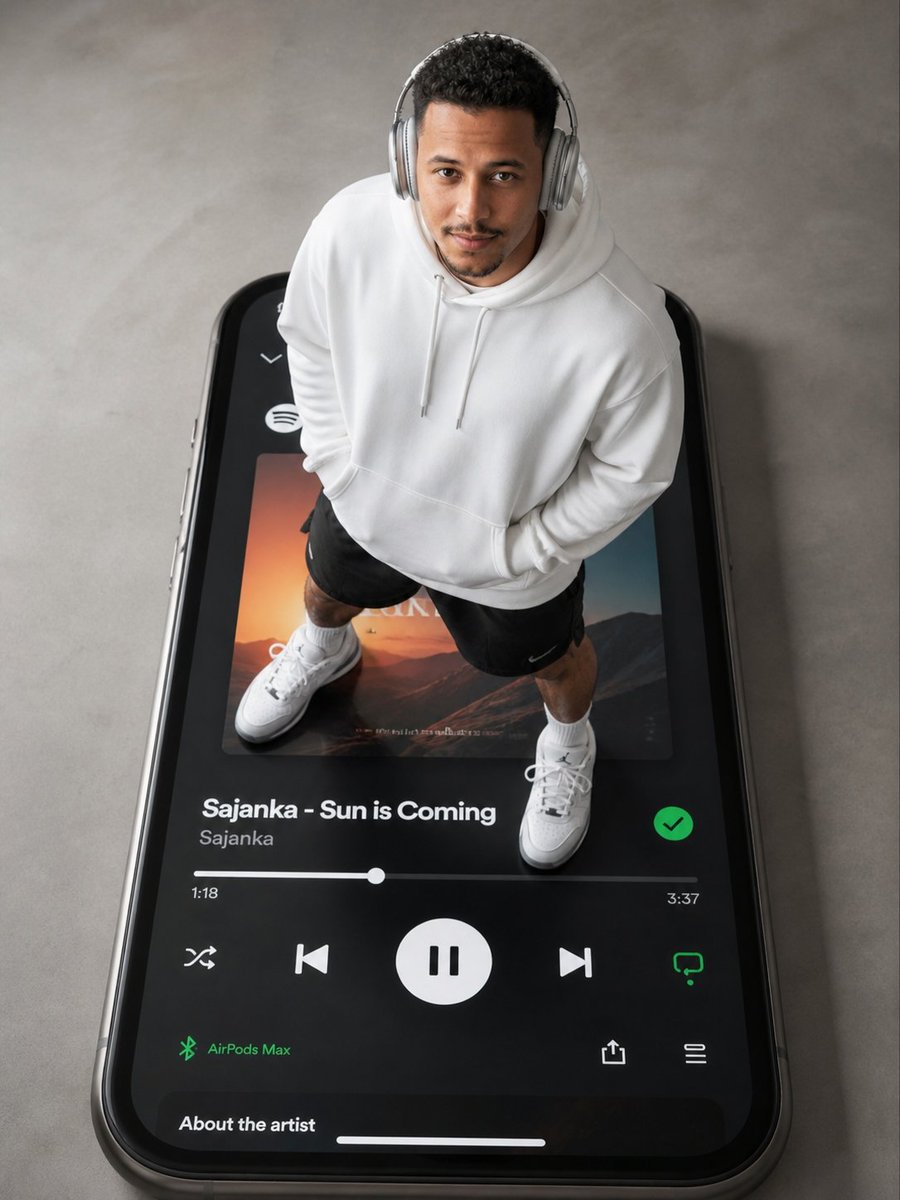
Surreal Top-Down iPhone Fashion
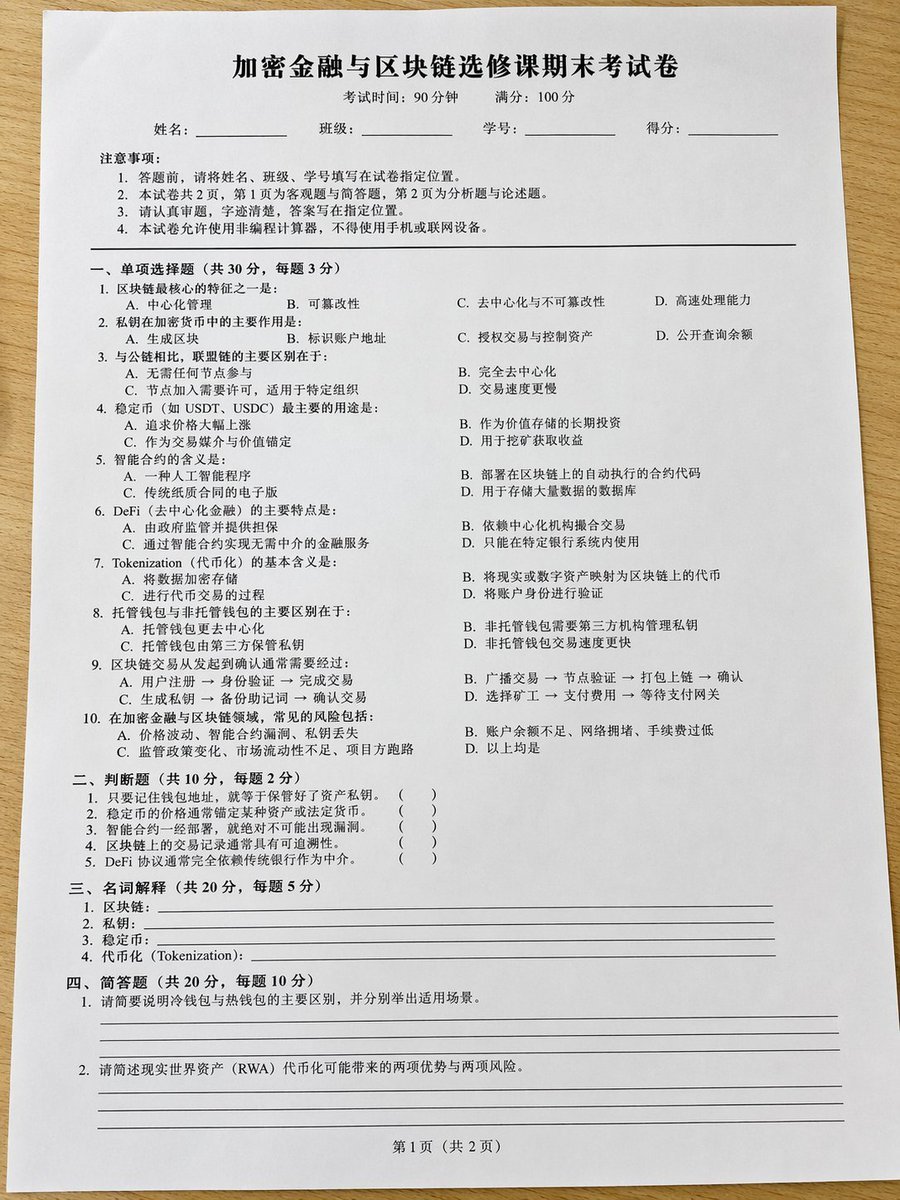
Realistic Crypto Exam Paper
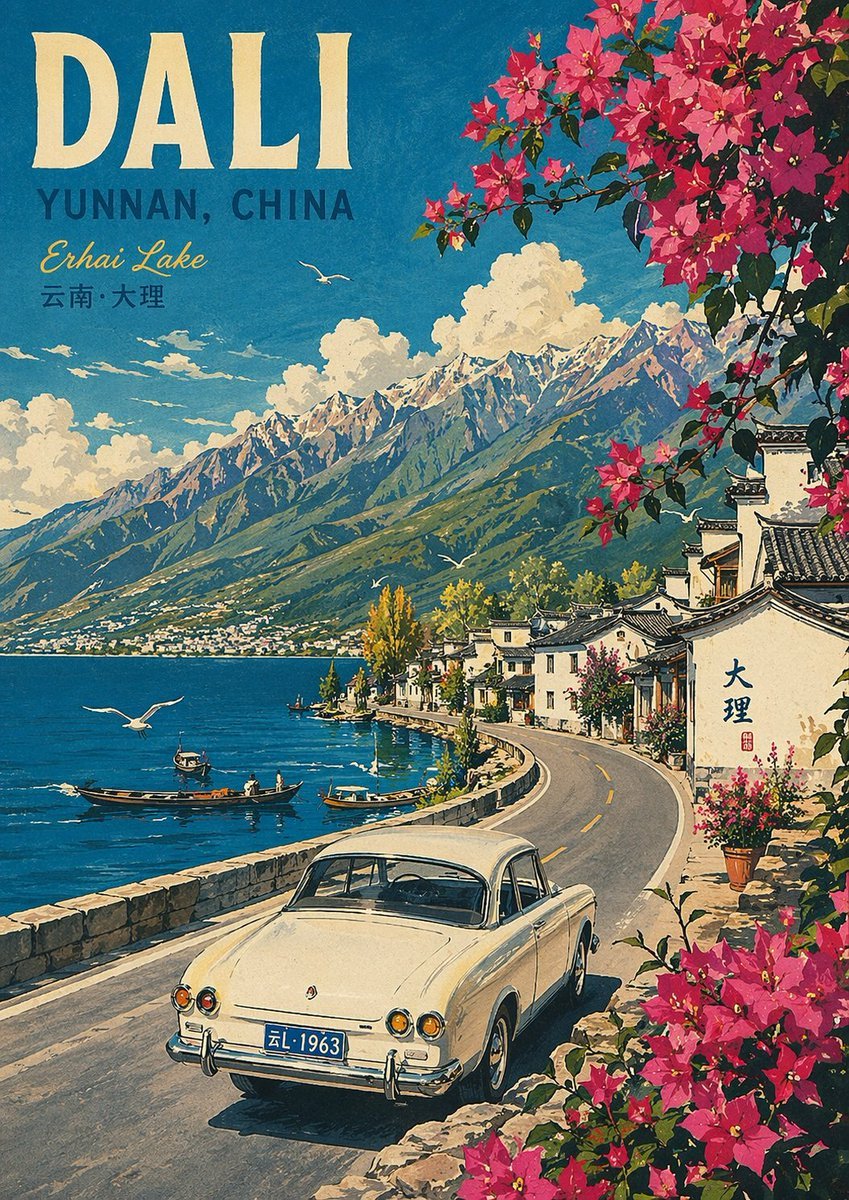
Vintage Travel Poster Illustration

Japanese Crane Folktale Poster
2000s Digital Camera Snapshot Prompt

Romantic Pastel Illustration with Strict Identity Lock
Dual Gym Mirror Selfie with Identity Lock Prompt

Pink Floral Vacation Café Portrait

Whimsical Storybook Treasure Spread
Browse template categories
Blueprint Monument Infographic Poster questions
How do I use the Blueprint Monument Infographic Poster template?
Add your photo if the template asks for one, edit the prompt if you like — the template's model and format are already selected — and press Generate. Your version opens in PicX Studio.
Can I customize the Blueprint Monument Infographic Poster template?
Yes. You can change the subject, setting, lighting, mood, format, and available model controls before creating your image.
Is the Blueprint Monument Infographic Poster template free?
Opening and editing this template is free. Generating uses credits, shown on the Generate button when you are signed in.
Which AI model should I use?
Start with GPT Image 2, which is the model associated with this template. You can compare another compatible model for a different finish.
Looking for something else? Browse all templates.

Your photo, any look
Thousands of ready templates for every top image and video model, from one credit balance.