
Japanese Crane Folktale Poster
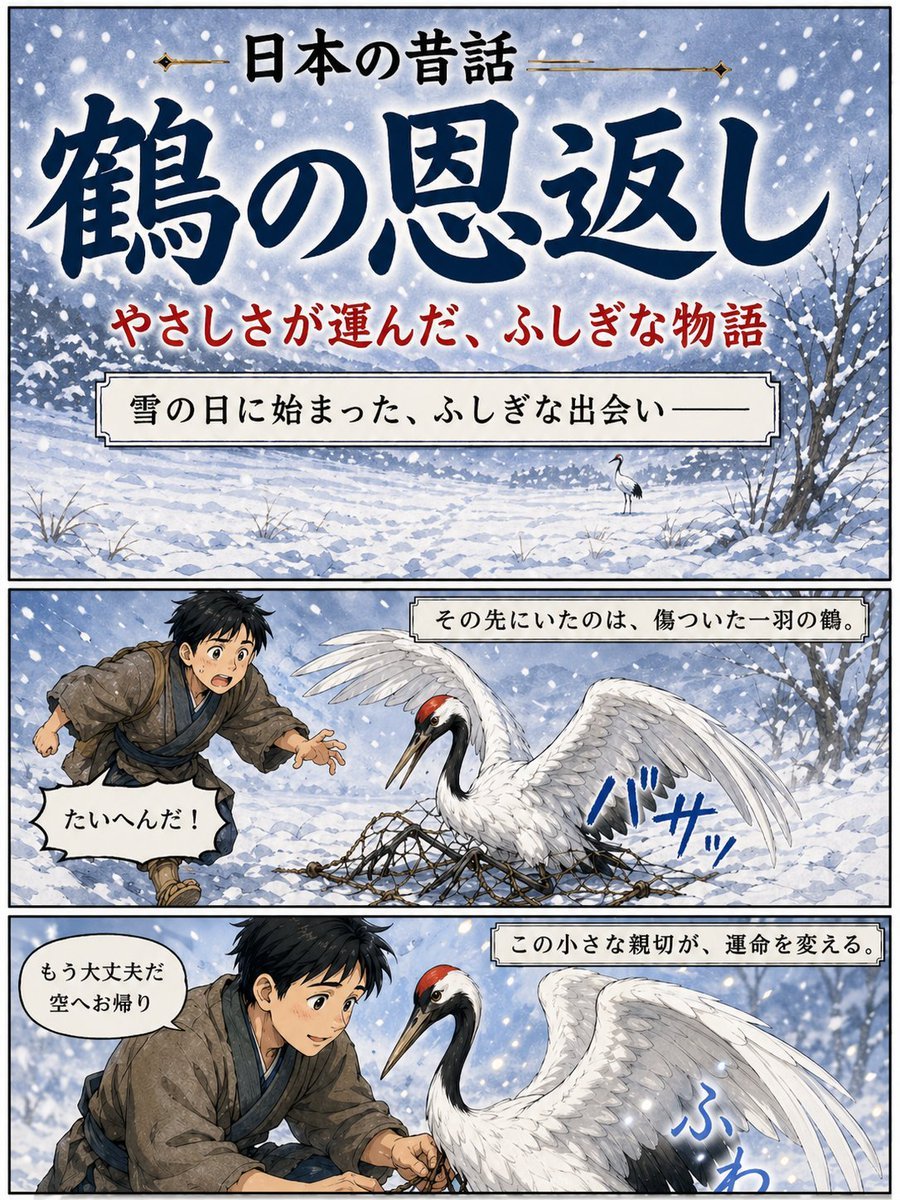
A three-panel illustrated Japanese folktale poster showing The Grateful Crane in a snowy manga-storybook format, ideal for narrative covers or cultural story visuals.
- Prompt included
- Model and format preset
- Free template
The prompt behind this image
Copy the exact prompt behind Japanese Crane Folktale Poster, or open it in the studio and make it yours.
- Type
- Japanese folktale manga-style poster
- Style
- dramatic watercolor anime illustration with inked outlines, vintage storybook poster design, soft snowy atmosphere, vertical three-panel layout with black panel borders
- Theme
- kindness, winter, folklore, gratitude
- Text › TopHeader
- 日本の昔話
- Text › MainTitle
- {argument name="title text" default="鶴の恩返し"}
- Text › Subtitle
- やさしさが運んだ、ふしぎな物語
- Layout › Orientation
- portrait
- Layout › Sections › 0 › Title
- cover panel
- Layout › Sections › 0 › Position
- top
- Layout › Sections › 0 › Count
- 1
- Layout › Sections › 0 › Labels
- title area, subtitle line, narration box
- Layout › Sections › 1 › Title
- story panel 1
- Layout › Sections › 1 › Position
- middle
- Layout › Sections › 1 › Count
- 1
- Layout › Sections › 1 › Labels
- boy running in snow, injured crane in net, sound effect, speech bubble, caption box
- Layout › Sections › 2 › Title
- story panel 2
- Layout › Sections › 2 › Position
- bottom
- Layout › Sections › 2 › Count
- 1
- Layout › Sections › 2 › Labels
- boy helping crane, crane close-up, sound effect, speech bubble, caption box
- Layout › PanelCount
- 3
- Scene › Season
- winter
- Scene › Weather
- heavy falling snow with large visible flakes
- Scene › Background
- snow-covered field with distant tree line, pale blue-gray sky, bare winter trees at the right edge, uneven snowdrifts and sparse grasses poking through snow
- TopPanel › Composition
- large title-dominant cover image over a snowy landscape
Raw JSON
{"type":"Japanese folktale manga-style poster","style":"dramatic watercolor anime illustration with inked outlines, vintage storybook poster design, soft snowy atmosphere, vertical three-panel layout with black panel borders","theme":"kindness, winter, folklore, gratitude","text":{"topHeader":"日本の昔話","mainTitle":"{argument name=\"title text\" default=\"鶴の恩返し\"}","subtitle":"やさしさが運んだ、ふしぎな物語"},"layout":{"orientation":"portrait","sections":[{"title":"cover panel","position":"top","count":1,"labels":["title area","subtitle line","narration box"]},{"title":"story panel 1","position":"middle","count":1,"labels":["boy running in snow","injured crane in net","sound effect","speech bubble","caption box"]},{"title":"story panel 2","position":"bottom","count":1,"labels":["boy helping crane","crane close-up","sound effect","speech bubble","caption box"]}],"panelCount":3},"scene":{"season":"winter","weather":"heavy falling snow with large visible flakes","background":"snow-covered field with distant tree line, pale blue-gray sky, bare winter trees at the right edge, uneven snowdrifts and sparse grasses poking through snow"},"topPanel":{"composition":"large title-dominant cover image over a snowy landscape","narrationBox":"雪の日に始まった、ふしぎな出会い——","backgroundDetail":"a single small crane standing in the snowy distance near the center-right"},"middlePanel":{"caption":"その先にいたのは、傷ついた一羽の鶴。","characters":[{"role":"boy","count":1,"appearance":"young Japanese boy in rustic old-fashioned village clothing, messy short black hair, brown kimono-style outer robe, blue inner layer and sash, running urgently from the left with one hand reaching forward"},{"role":"crane","count":1,"appearance":"red-crowned crane with white body, black neck and tail accents, one wing raised, trapped in a rope net spread across the snow"}],"speechBubble":"たいへんだ!","soundEffect":"バサッ"},"bottomPanel":{"caption":"この小さな親切が、運命を変える。","characters":[{"role":"boy","count":1,"appearance":"the same boy kneeling and carefully loosening the net with both hands, leaning close to the bird"},{"role":"crane","count":1,"appearance":"large red-crowned crane facing left, calmer now, wings partially lifted, feathers detailed and luminous against the snow"}],"speechBubble":"もう大丈夫だ 空へお帰り","soundEffect":"ふわ"},"colorPalette":{"primary":["indigo blue","snow white","soft gray","muted brown"],"accents":["crane crown red","subtitle red","sound effect blue"]},"rendering":"highly polished illustration, elegant Japanese calligraphy for the main title, readable printed Japanese text in captions and speech balloons, cinematic contrast between white snow and deep blue lettering"}How to use Japanese Crane Folktale Poster in 3 steps
- 1Upload ImagePNG, JPG or paste
Add your photo
Upload the photo the template builds on. The prompt, model and format are already set.
- 2…a portrait of your subject in softgolden-hour light, 85mm…
Personalize
Edit the subject and creative details for your destination.
- 3Generate
Generate
Press Generate — your image is created in PicX Studio, so you can compare it with the original and refine one variable at a time.
More like this
Templates with the same subject, style or setup. Open one to see its prompt.
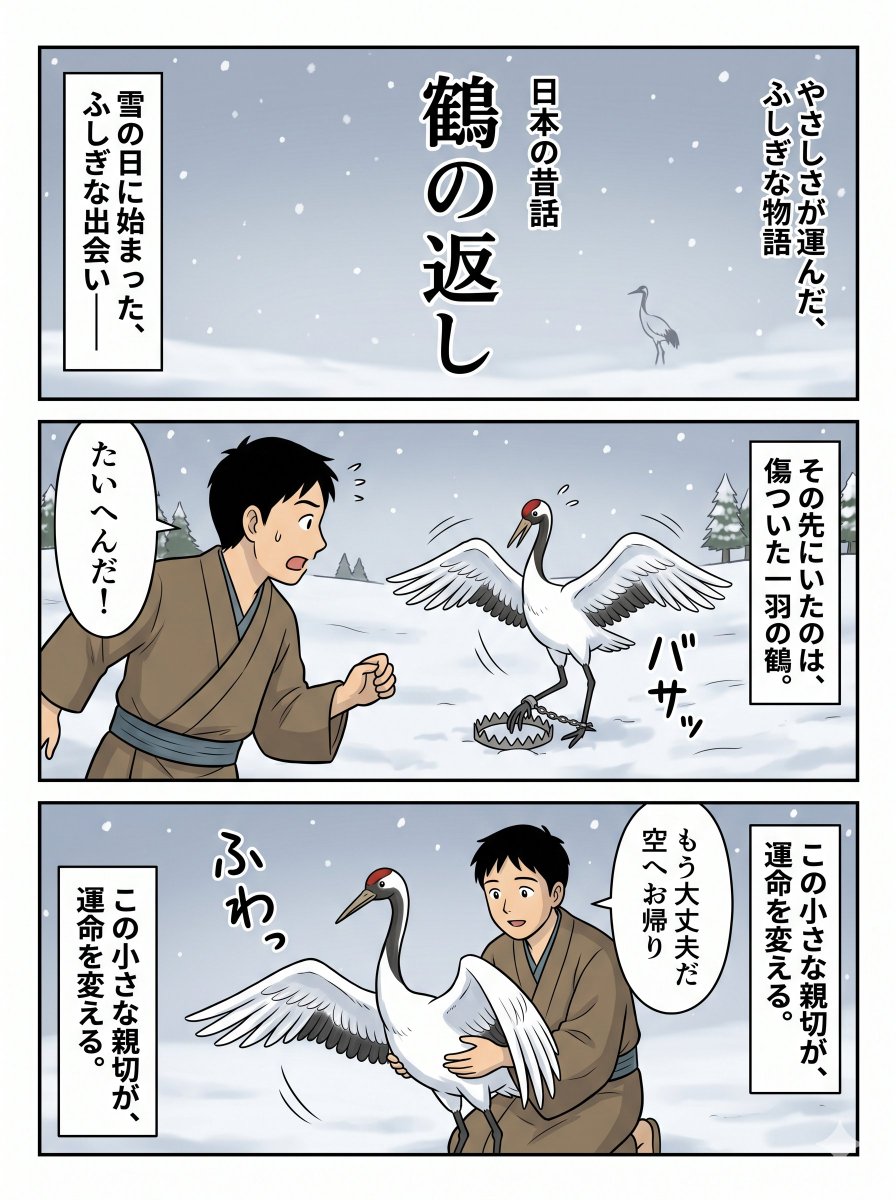
Japanese Folktale Crane Manga Page

Minecraft Japanese Research Lab Exploration

Japan Travel Brochure Poster

Cartoon TV Show Poster Pack

Trendy Cafe Drink Promo Poster

Urban Fashion Editorial Collage Streetwear Poster

Japanese Architectural Concrete Studio Fashion Campaign

Premium Fashion Editorial Cover Layout System

Polo Ralph Lauren Luxury American Heritage Fashion Campaign

Monochrome Halftone Editorial Fashion Poster

Retro Mirror Luxury Fashion Campaign Poster

Luxury Fashion Campaign Typography Poster System
Make it yours
Japanese Crane Folktale Poster works as-is. These are the safest ways to change it without losing the look.
Swap the setting
Keep the rest of the prompt and replace the location block. The current setting is “snow-covered field with distant tree line, pale blue-gray sky, bare winter trees”.
Change one field
Copy a single group, rewrite it, and generate again so you can see what that field is doing.
Keep the frame, change the subject
Hold the composition and light of Japanese Crane Folktale Poster, then swap wardrobe, props or the person for a new take.
| If the result… | Why | Fix |
|---|---|---|
| The result drifts from the preview | Too many fields changed at once. | Reuse Japanese Crane Folktale Poster as-is first, then change one group — subject, light, or setting. |
| GPT Image 2 ignores part of the JSON | Some models flatten or skip nested keys. | Keep the same values and paste them as a short paragraph instead. |
More GPT Image 2 templates
Other prompts made for GPT Image 2.

Six VTuber Japanese Logo Sheet

Realistic Portrait of Woman and Deer

The Vista Modular Condo Poster

AI Model Routing Comparison Infographic

2.5D Anime Art Board

Isometric Productivity Desk Scene

New York Double Exposure Poster

Four-Panel AI Landscape Comparison

Japanese Tatami Lifestyle Magazine Cover

NESCAFÉ Coffee Map Poster
More image prompts
Fresh picks from across the catalog.
Cute Star Migraine HUD
New Chinese Style Ice Cream Drink Poster
Cyberpunk Fantasy Trading Card App

Candid Autumnal Park Portrait with Bouquet
Soft Flash Portrait with Coquette Aesthetic
Ultra-realistic Selfie Photo with Fresh Flowers
One-Word Prompt for Instant Masterpiece

Editorial Portrait Prompt for Nano Banana Pro

Magazine Cover Style Cityscape
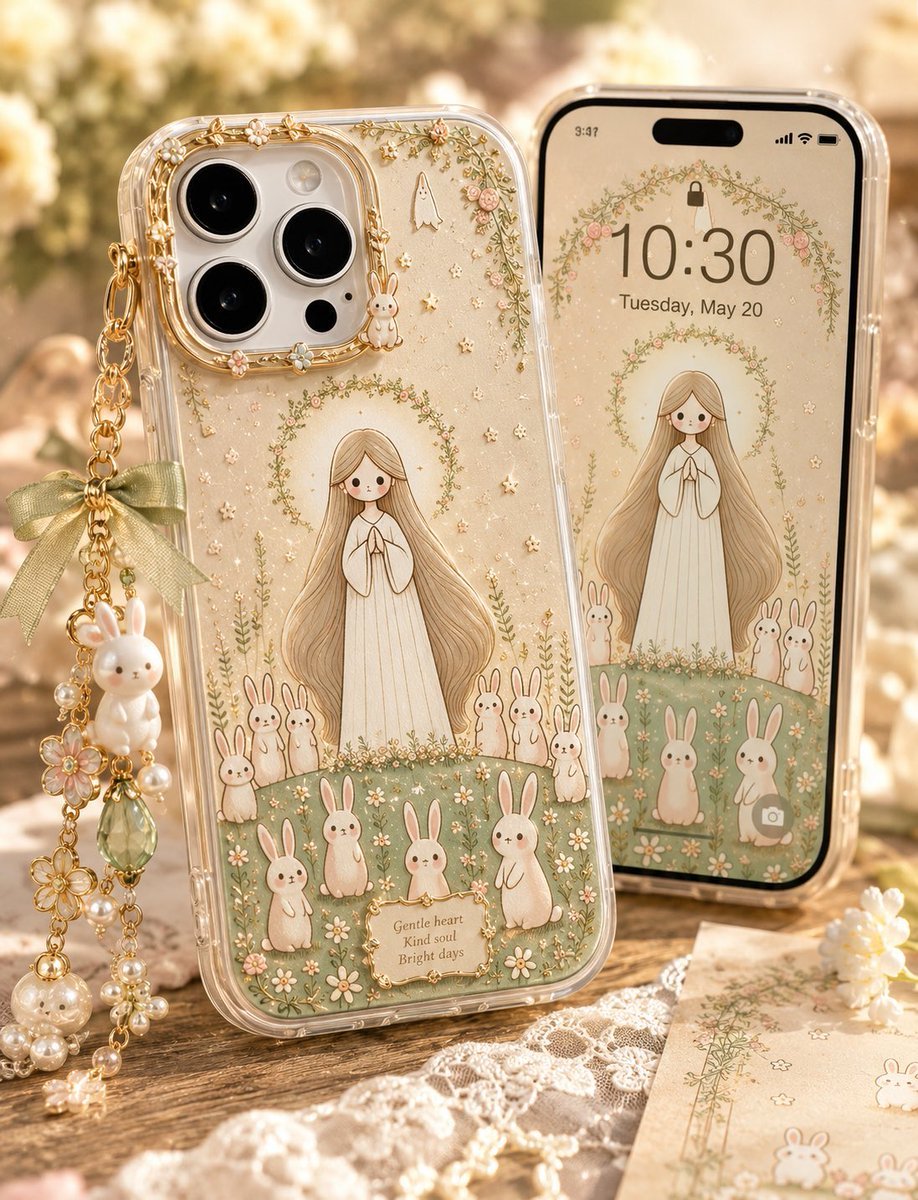
Kawaii Rabbit Smartphone Case Mockup
Browse template categories
Japanese Crane Folktale Poster questions
How do I use the Japanese Crane Folktale Poster template?
Add your photo if the template asks for one, edit the prompt if you like — the template's model and format are already selected — and press Generate. Your version opens in PicX Studio.
Can I customize the Japanese Crane Folktale Poster template?
Yes. You can change the subject, setting, lighting, mood, format, and available model controls before creating your image.
Is the Japanese Crane Folktale Poster template free?
Opening and editing this template is free. Generating uses credits, shown on the Generate button when you are signed in.
Which AI model should I use?
Start with GPT Image 2, which is the model associated with this template. You can compare another compatible model for a different finish.
Looking for something else? Browse all templates.

Your photo, any look
Thousands of ready templates for every top image and video model, from one credit balance.