
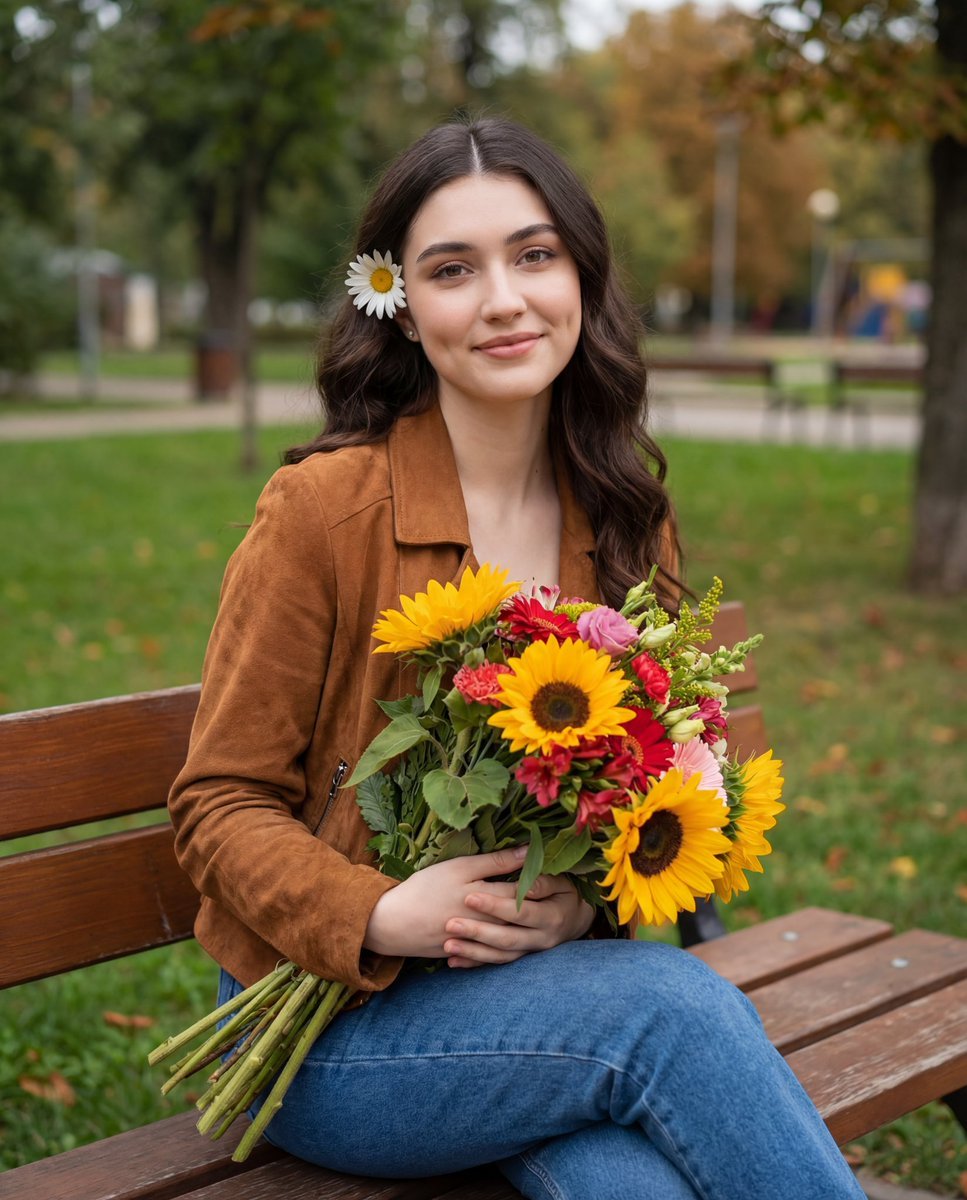
Candid Autumnal Park Portrait with Bouquet
A highly structured JSON prompt for generating a candid lifestyle portrait of a young woman seated in an outdoor park setting during autumn.
- Prompt included
- Model and format preset
- Free template
The prompt behind this image
Copy the exact prompt behind Candid Autumnal Park Portrait with Bouquet, or open it in the studio and make it yours.
{ "composition": { "framing": "medium portrait seated, from knees to head", "orientation": "vertical", "subject_placement": "center-left within frame, seated inside wooden structure", "pose": "relaxed seated pose, legs together, arms wrapped around bouquet", "camera_angle": "eye-level", "negative_space": "open grassy park background providing depth" }, "subject": { "gender_presentation": "female", "age_appearance": "young adult", "skin_tone": "light to medium warm undertone", "facial_expression": "gentle smile, friendly and approachable", "gaze": "direct eye contact with camera", "facial_features": { "cheeks": "softly contoured with visible dimples", "eyes": "large, expressive, emphasized by makeup", "brows": "defined, softly arched" }, "hair": { "color": "dark brown", "length": "long", "texture": "straight with slight natural wave", "styling": "center-parted, tucked behind ears", "accessories": "single white daisy tucked behind left ear" }, "makeup": { "style": "polished soft glam", "complexion": "even, matte-satin finish", "blush": "warm peach", "highlight": "subtle on cheekbones", "eyes": "dark eyeliner, mascara, neutral brown eyeshadow", "lips": "soft pink satin finish" } }, "wardrobe": { "outerwear": { "type": "jacket", "material": "suede or suede-like fabric", "color": "warm brown", "fit": "relaxed" }, "bottoms": { "type": "jeans", "style": "straight-leg", "color": "medium blue denim" }, "overall_style": "casual autumn aesthetic" }, "props": { "primary_object": "mixed flower bouquet", "flowers": [ "{argument name="flower 1" default="sunflowers"}", "red and pink blossoms", "orange gladiolus-like flowers", "green foliage" ], "color_palette": ["yellow", "deep red", "pink", "green"], "stem_visibility": "long stems extending downward across lap", "symbolic_tone": "cheerful, seasonal, heartfelt" }, "lighting": { "type": "natural daylight", "source_direction": "diffused overhead and frontal outdoor light", "quality": "soft and even", "shadow_style": "minimal harsh shadows", "mood": "natural, warm, candid" }, "color_grading": { "temperature": "slightly warm", "contrast": "moderate", "saturation": "balanced with vibrant yellows emphasized", "overall_palette": ["green grass", "sunflower yellow", "warm brown", "denim blue"] }, "background": { "setting": "outdoor park or garden", "elements": [ "green grass", "trees with early autumn foliage", "wooden gazebo or bench structure", "distant people and fencing" ], "depth": "background softly blurred but still readable", "environmental_context": "casual public outdoor space" }, "technical_traits": { "depth_of_field": "moderate, subject in sharp focus with mild background blur", "focus": "sharp on face and bouquet", "noise": "low", "lens_feel": "standard portrait lens (approx. 35–50mm equivalent)", "image_style": "candid lifestyle photography" }, "artistic_elements": { "aesthetic": "cozy, autumnal, wholesome", "emotional_tone": "warm, joyful, intimate", "styl" } }
How to use Candid Autumnal Park Portrait with Bouquet in 3 steps
- 1
Open
The prompt is already in the box next to the preview, with the template's model and format selected.
- 2…a portrait of your subject in softgolden-hour light, 85mm…
Personalize
Edit the subject and creative details for your destination.
- 3Generate
Generate
Press Generate — your image is created in PicX Studio, so you can compare it with the original and refine one variable at a time.
More like this
Templates with the same subject, style or setup. Open one to see its prompt.











Make it yours
Candid Autumnal Park Portrait with Bouquet works as-is. These are the safest ways to change it without losing the look.
Change one field
Copy a single group, rewrite it, and generate again so you can see what that field is doing.
Keep the frame, change the subject
Hold the composition and light of Candid Autumnal Park Portrait with Bouquet, then swap wardrobe, props or the person for a new take.
| If the result… | Why | Fix |
|---|---|---|
| The result drifts from the preview | Too many fields changed at once. | Reuse Candid Autumnal Park Portrait with Bouquet as-is first, then change one group — subject, light, or setting. |
| The model over-stylizes the scene | The prose prompt leaves finish and camera underspecified. | Add one camera or lighting sentence and stay on Nano Banana 2. |
More Nano Banana 2 templates
Other prompts made for Nano Banana 2.

Photorealistic Leaf Shaped Like a Dragon

K-Pop Idol Portrait Grid for Rapid Selection

Poetic Rain Forest Portrait During Golden Hour

Urban Street Portrait with Cartoon Inner Self Duo

Candid Nighttime Photo with Cat Prompt

High-Concept 3D Diorama Generation Prompt

Cinematic Futuristic Studio Portrait Template

Skincare Editorial Photography Collage Prompt

Hyper-Realistic Commercial Product Photography (Splash Effect)

Hyper-Realistic Nightclub Portrait Prompt
More image prompts
Fresh picks from across the catalog.
Photoreal Istanbul Romance with Identity Lock
High-Resolution Editorial Collage Prompt for Gemini Nano Banana Pro

X Sairah 0 Google Gemini Nano Banana Pro

Cinematic Grilled Cheese Action Photo

Whimsical Magical Library Digital Painting Prompt
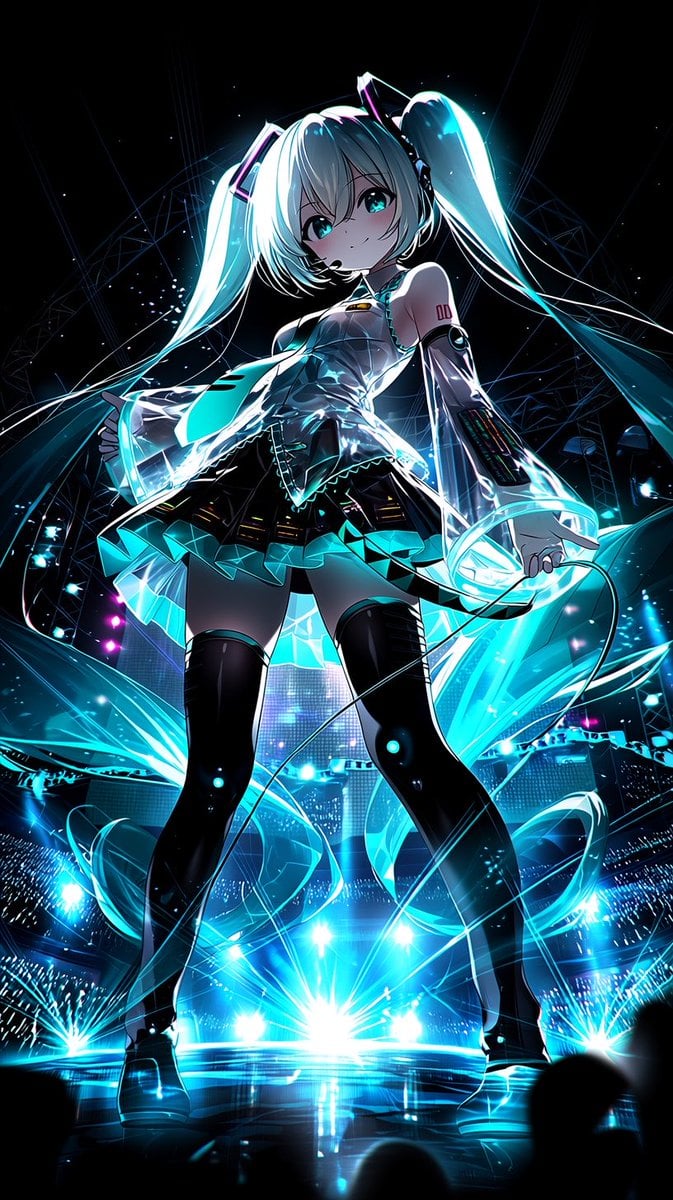
Neon Virtual Idol Concert

Pirate Sea Battle Inside a Coffee Cup
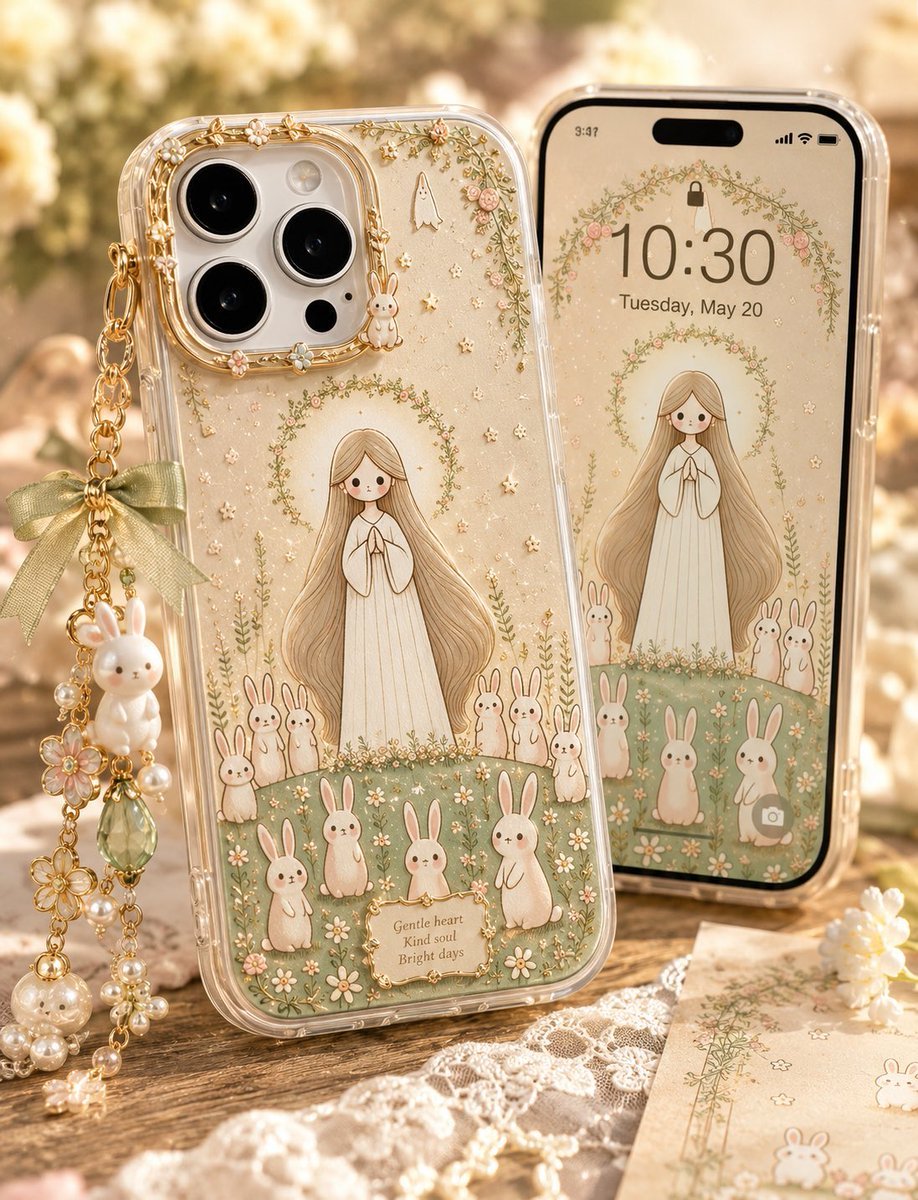
Kawaii Rabbit Smartphone Case Mockup

ChatGPT Game Asset Generation Screenshot
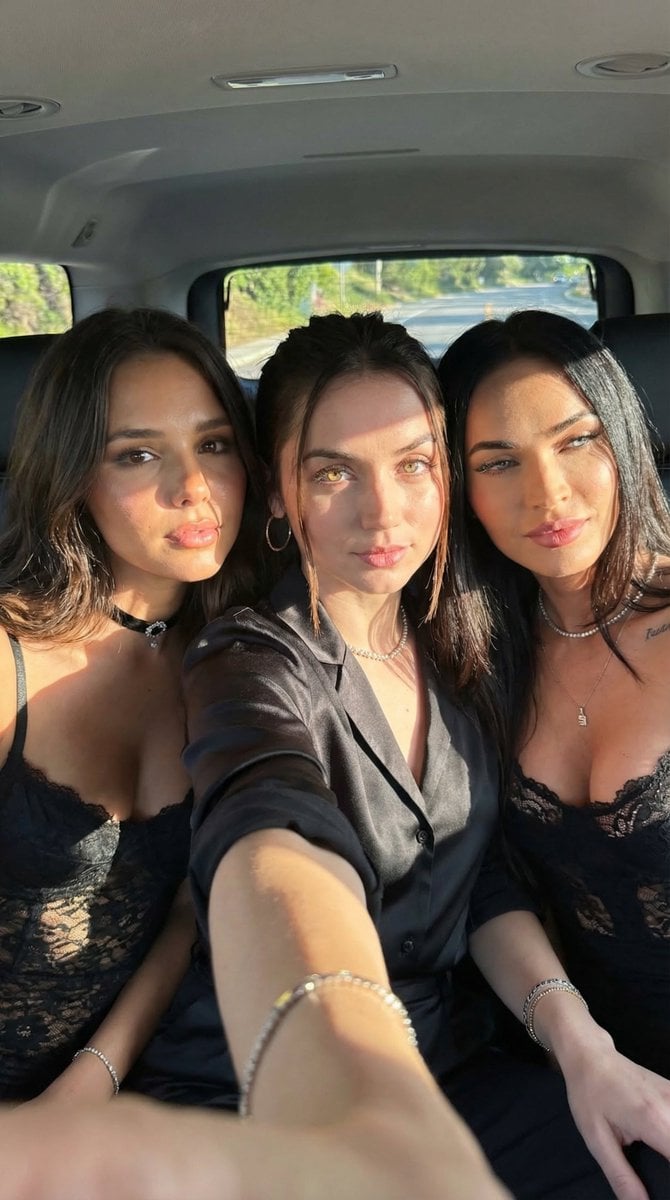
Car Selfie with Three Subjects and Identity Lock
Browse template categories
Candid Autumnal Park Portrait with Bouquet questions
How do I use the Candid Autumnal Park Portrait with Bouquet template?
Add your photo if the template asks for one, edit the prompt if you like — the template's model and format are already selected — and press Generate. Your version opens in PicX Studio.
Can I customize the Candid Autumnal Park Portrait with Bouquet template?
Yes. You can change the subject, setting, lighting, mood, format, and available model controls before creating your image.
Is the Candid Autumnal Park Portrait with Bouquet template free?
Opening and editing this template is free. Generating uses credits, shown on the Generate button when you are signed in.
Which AI model should I use?
Start with Nano Banana 2, which is the model associated with this template. You can compare another compatible model for a different finish.
Looking for something else? Browse all templates.

Your photo, any look
Thousands of ready templates for every top image and video model, from one credit balance.