
Candid Park Reading Portrait
A realistic vertical lifestyle photo of a young woman reading on grass in an overcast city park, useful for candid editorial or documentary-style imagery.
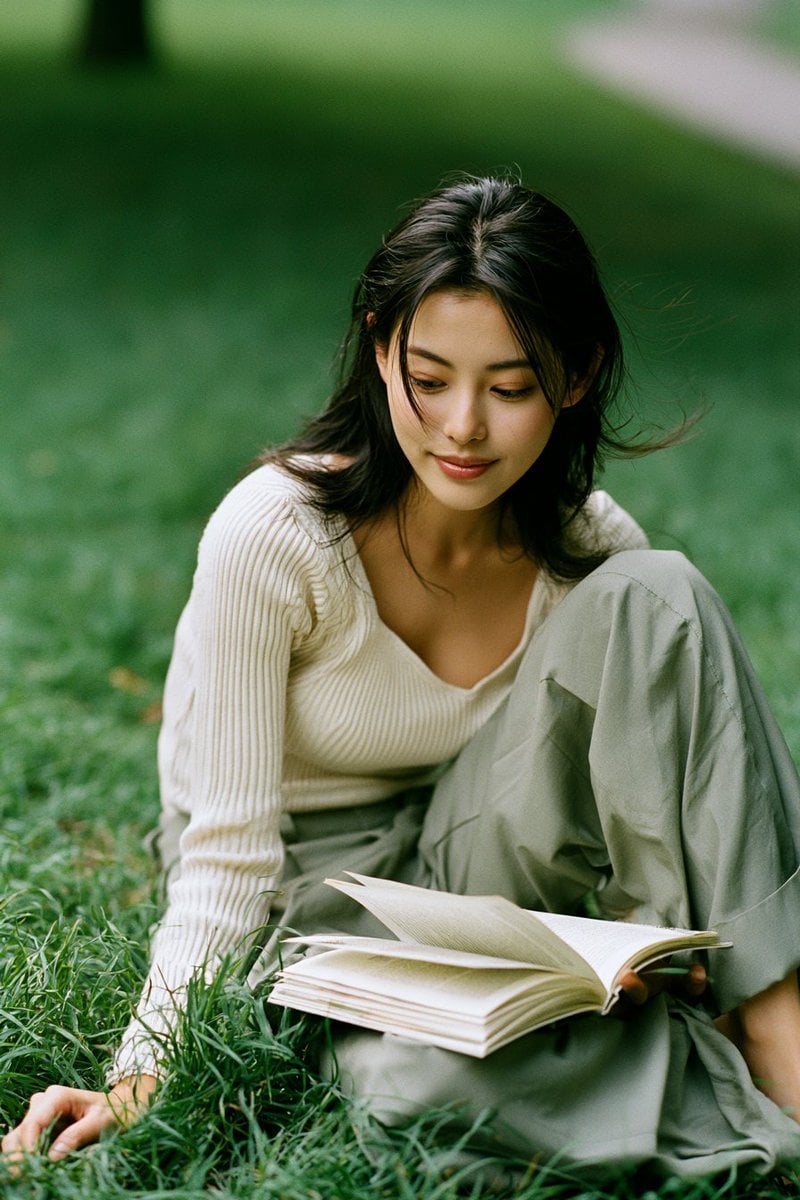
- Prompt included
- Model and format preset
- Free template
The prompt behind this image
Copy the exact prompt behind Candid Park Reading Portrait, or open it in the studio and make it yours.
Create an authentic candid daily-life photograph in a vertical portrait frame, a medium-full shot from a low ground-level angle of {argument name="subject" default="a young Japanese woman in her early 20s"} sitting alone on lush grass in a quiet city park during an overcast afternoon. She has naturally straight, fine {argument name="hair color" default="black hair"} falling just past her shoulders with a loose center part and a few wind-displaced strands; her face is completely obscured by a centered opaque rectangular {argument name="privacy block color" default="warm brown"} privacy block. She wears a long-sleeve ribbed {argument name="top color" default="cream"} knit top with a soft scoop neckline tucked into loose wide-leg {argument name="trouser color" default="muted sage green"} trousers. Pose her seated on the lawn with one knee raised and bent to the side, one hand resting in the grass near the lower left foreground, and an open paperback book or notebook spread across her lap with visible cream pages. Use soft shade-diffused cloudy daylight, gentle cool-green color grading, natural skin and fabric texture, shallow depth of field, creamy bokeh, blurred deep green lawn behind her, a dark out-of-focus tree trunk near the upper left, and a faint pale pathway blurred in the upper right. Emphasize documentary realism, imperfect candid posture, wind-touched hair, detailed grass blades in the foreground, no studio lighting, no posing glamour, no text, no extra people.
How to use Candid Park Reading Portrait in 3 steps
- 1Upload ImagePNG, JPG or paste
Add your photo
Upload the photo the template builds on. The prompt, model and format are already set.
- 2…a portrait of your subject in softgolden-hour light, 85mm…
Personalize
Edit the subject and creative details for your destination.
- 3Generate
Generate
Press Generate — your image is created in PicX Studio, so you can compare it with the original and refine one variable at a time.
More like this
Templates with the same subject, style or setup. Open one to see its prompt.
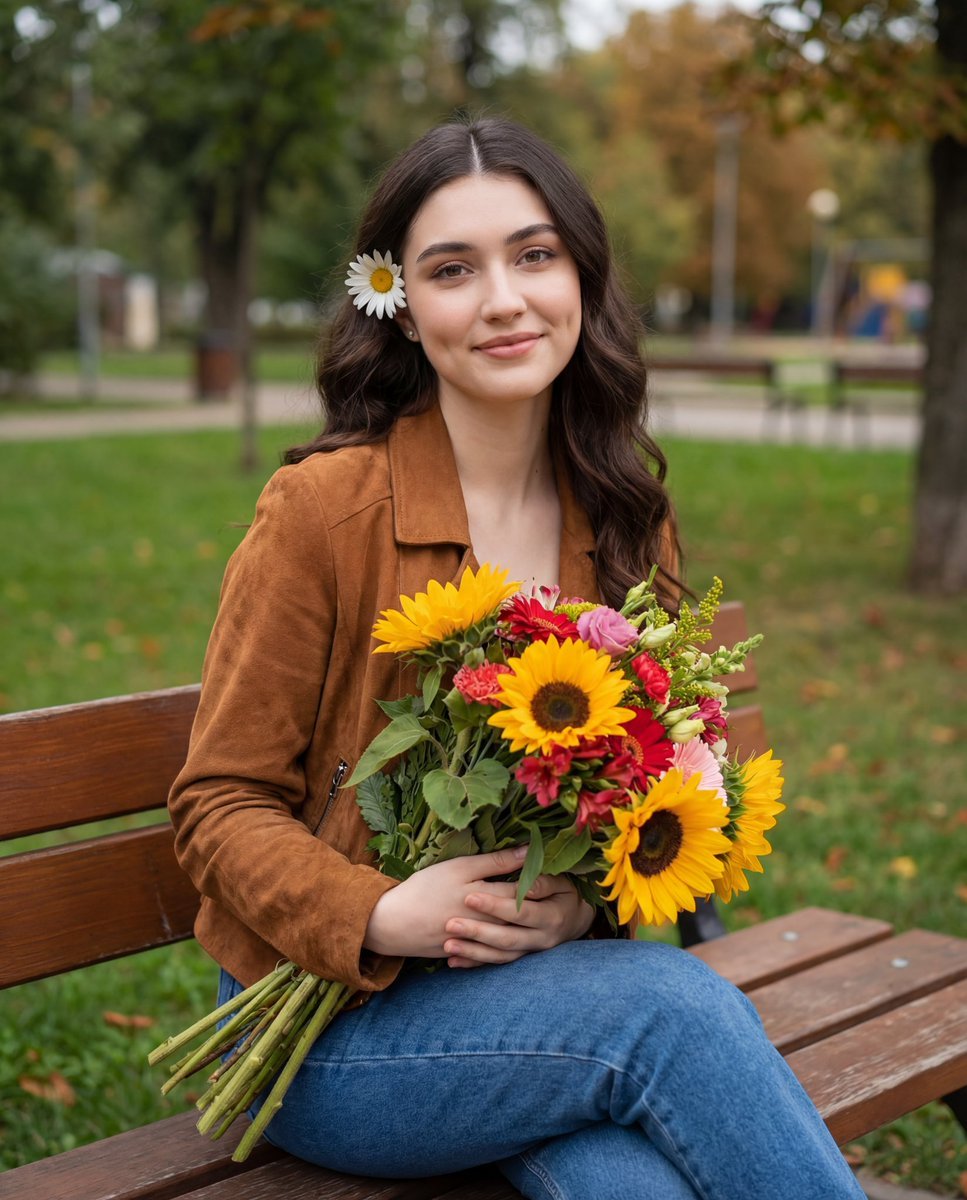











Make it yours
Candid Park Reading Portrait works as-is. These are the safest ways to change it without losing the look.
Change one field
Copy a single group, rewrite it, and generate again so you can see what that field is doing.
Keep the frame, change the subject
Hold the composition and light of Candid Park Reading Portrait, then swap wardrobe, props or the person for a new take.
| If the result… | Why | Fix |
|---|---|---|
| The result drifts from the preview | Too many fields changed at once. | Reuse Candid Park Reading Portrait as-is first, then change one group — subject, light, or setting. |
| The model over-stylizes the scene | The prose prompt leaves finish and camera underspecified. | Add one camera or lighting sentence and stay on GPT Image 2. |
More GPT Image 2 templates
Other prompts made for GPT Image 2.

Six VTuber Japanese Logo Sheet

Realistic Portrait of Woman and Deer

The Vista Modular Condo Poster

AI Model Routing Comparison Infographic

2.5D Anime Art Board

Isometric Productivity Desk Scene

New York Double Exposure Poster

Four-Panel AI Landscape Comparison

Japanese Tatami Lifestyle Magazine Cover

NESCAFÉ Coffee Map Poster
More image prompts
Fresh picks from across the catalog.
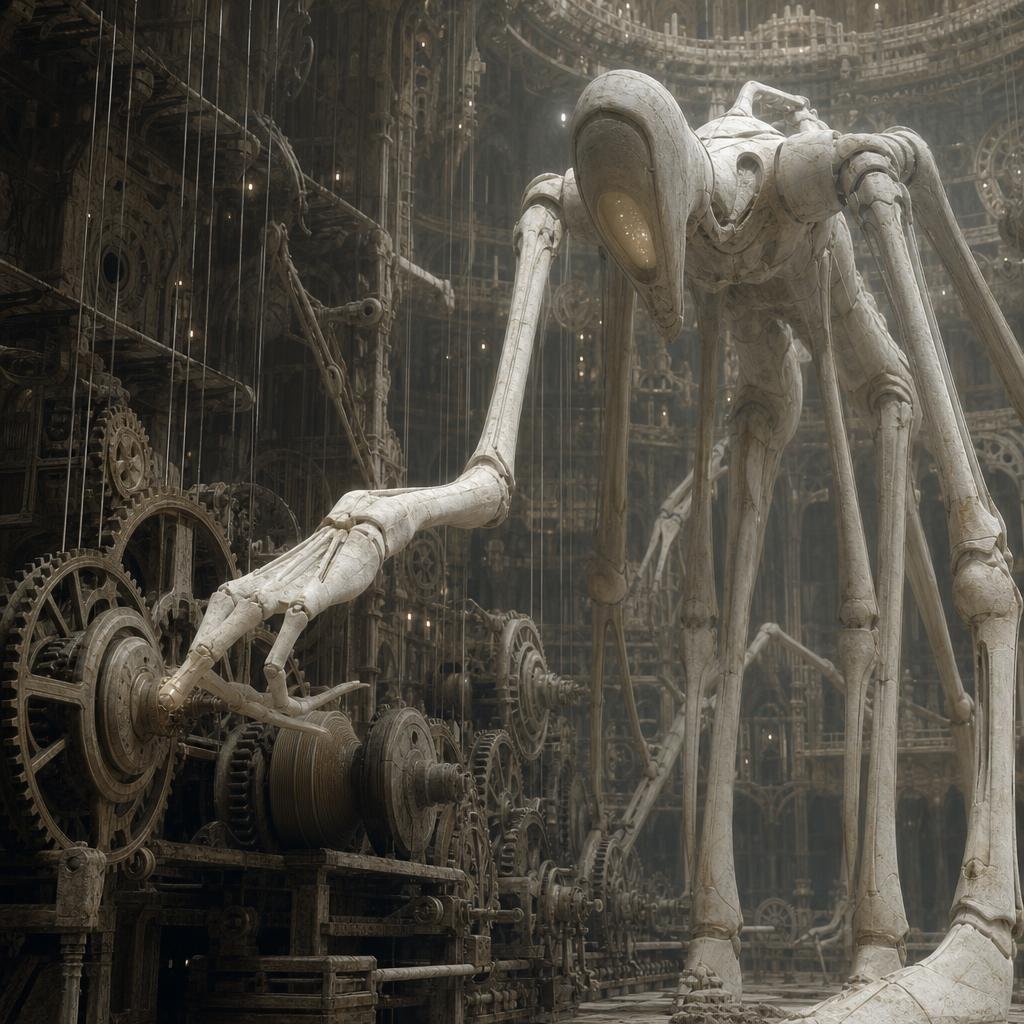
Ivory Automaton in Clockwork Cathedral

Diecast Toy Model Generation Prompt

Branded Crumpled Stickers (Placeholder)

Geospatial and historical image generation prompt

Berry Loud Food Advertisement

Cyber Cat Maid Peace Pose

Trompe l'oeil subject stepping out of social media screen
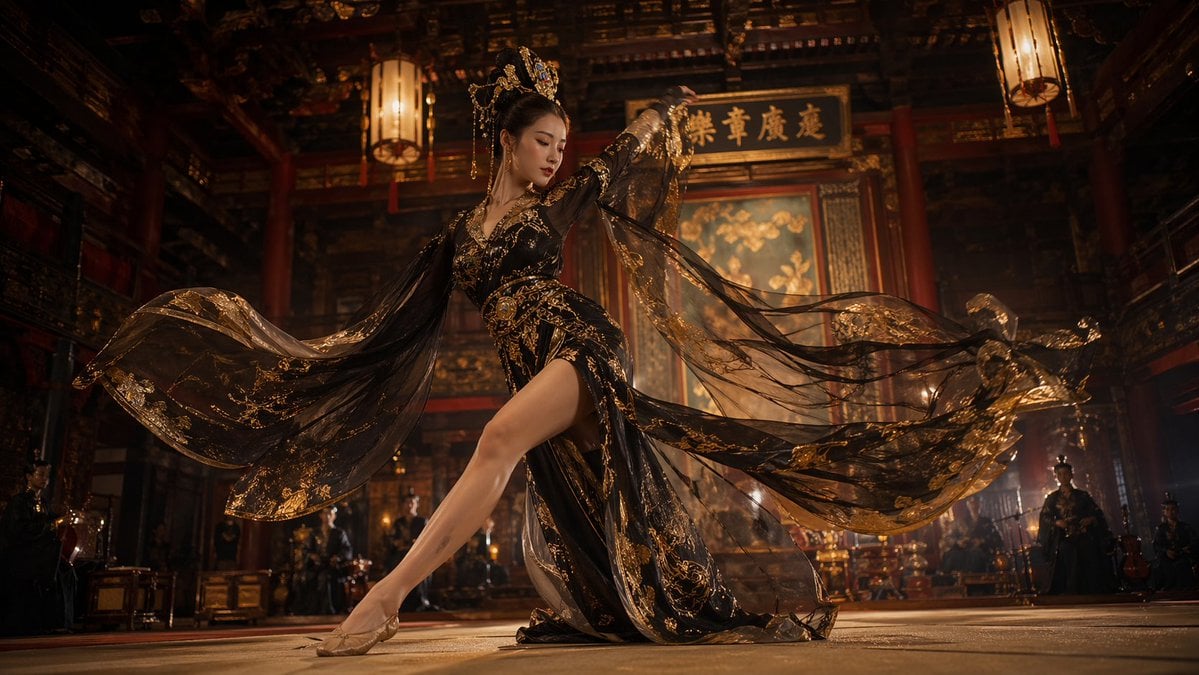
Tang Dynasty Palace Dancer
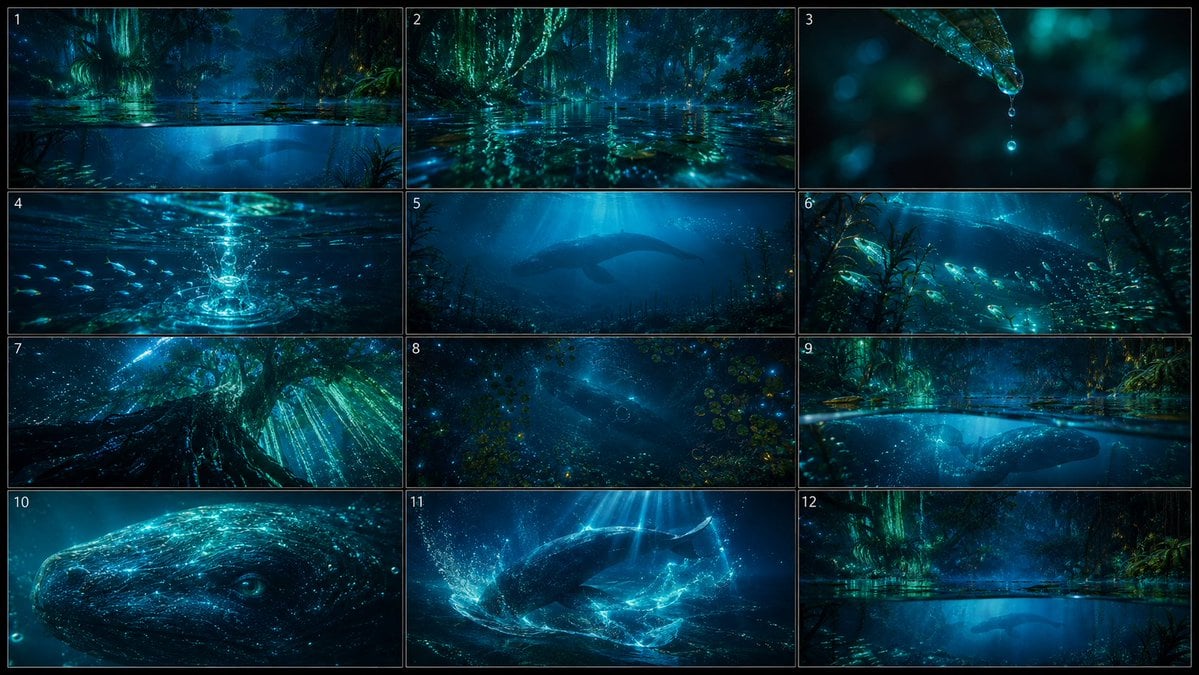
Bioluminescent Aquatic Creature Storyboard

Mecha Girl Figure Product Render
Browse template categories
Candid Park Reading Portrait questions
How do I use the Candid Park Reading Portrait template?
Add your photo if the template asks for one, edit the prompt if you like — the template's model and format are already selected — and press Generate. Your version opens in PicX Studio.
Can I customize the Candid Park Reading Portrait template?
Yes. You can change the subject, setting, lighting, mood, format, and available model controls before creating your image.
Is the Candid Park Reading Portrait template free?
Opening and editing this template is free. Generating uses credits, shown on the Generate button when you are signed in.
Which AI model should I use?
Start with GPT Image 2, which is the model associated with this template. You can compare another compatible model for a different finish.
Looking for something else? Browse all templates.

Your photo, any look
Thousands of ready templates for every top image and video model, from one credit balance.