
Mecha Girl Figure Product Render
Transforms a mecha girl concept sheet into a realistic painted collectible figure render for product-style visualization.
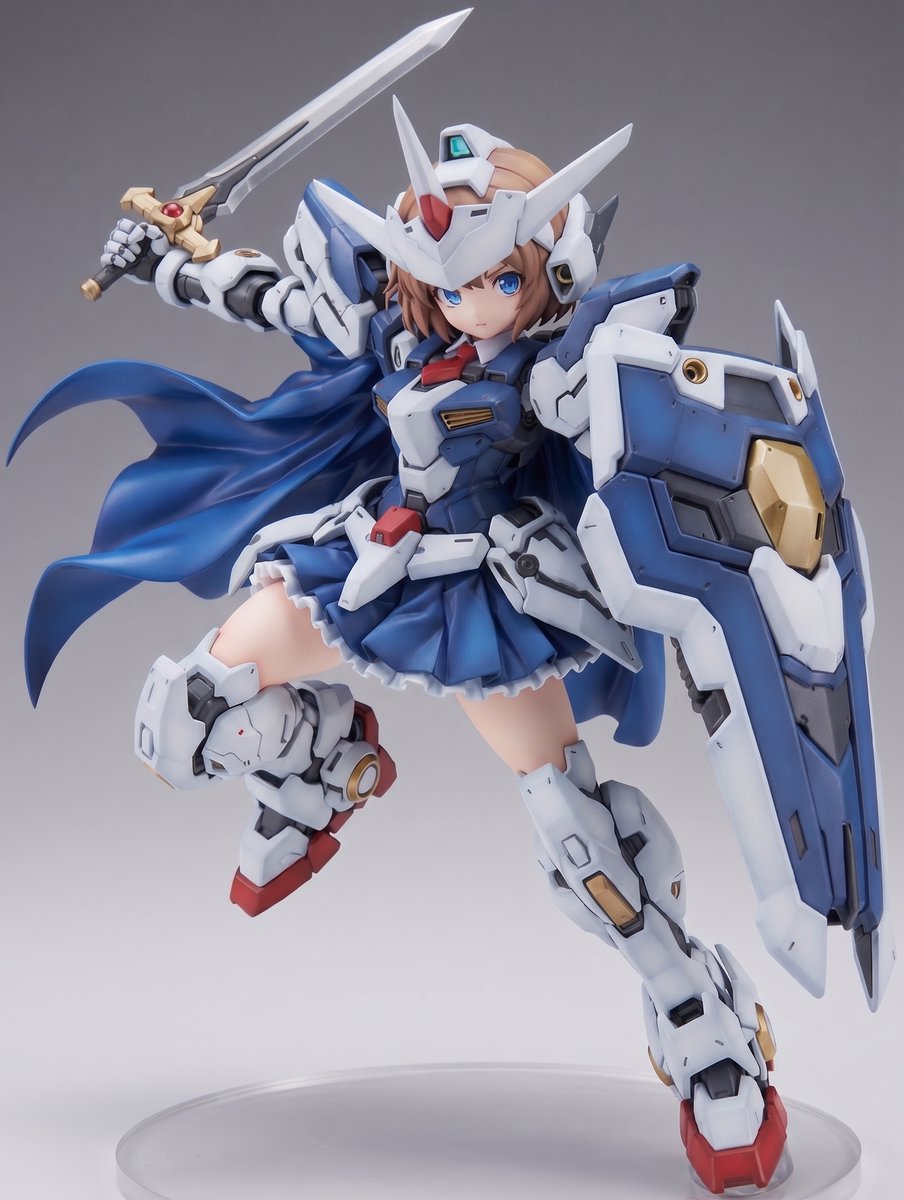
- Prompt included
- Model and format preset
- Free template
The prompt behind this image
Copy the exact prompt behind Mecha Girl Figure Product Render, or open it in the studio and make it yours.
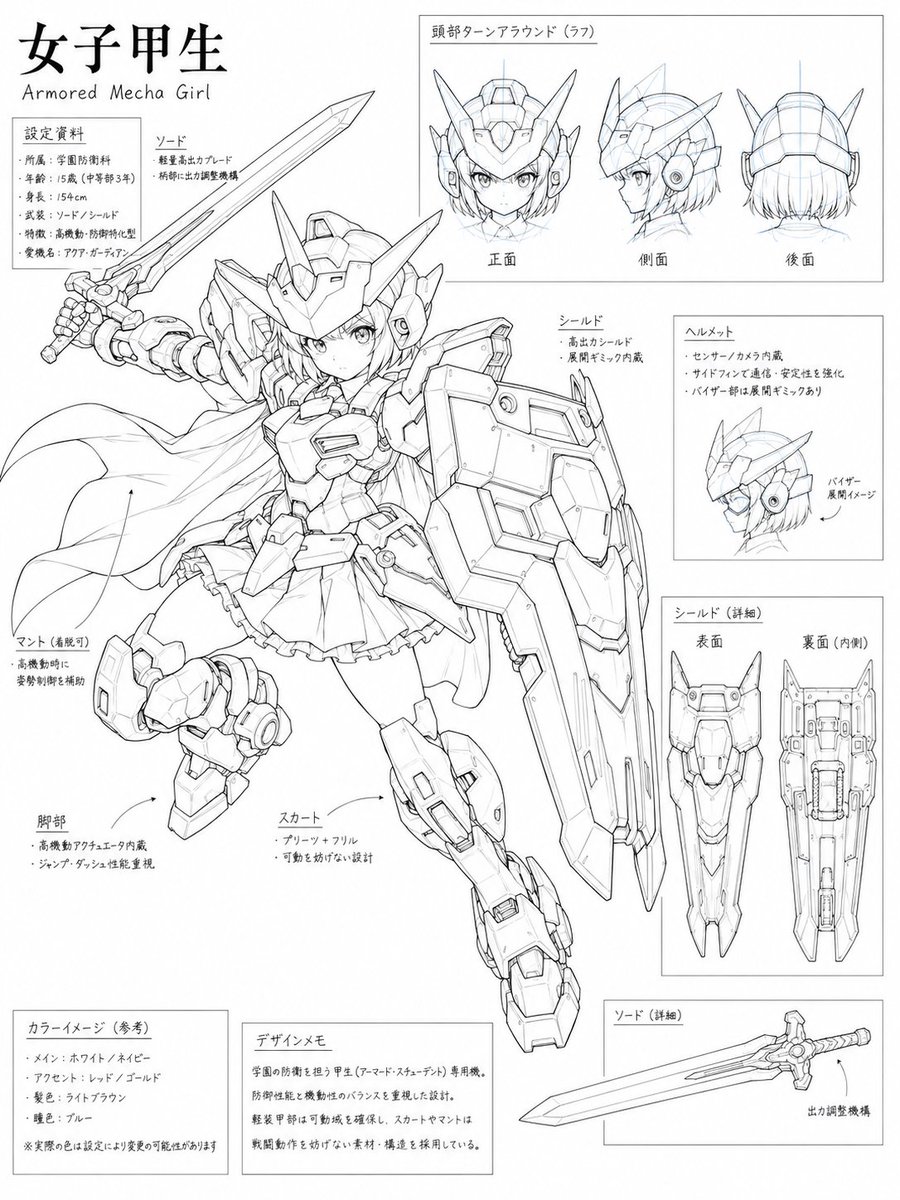
Using REFERENCE_0 as the character design sheet, transform the armored mecha girl concept into a realistic {argument name="figure scale" default="1/7 scale"} painted collectible figure product photo. Convert the black-and-white line art into a fully colored, high-quality PVC/anime figure with crisp molded armor panels, glossy and matte material separation, subtle seams, decals, and toy-like sculpted details. Keep the same core character design, dynamic airborne pose, helmet, sword, shield, cape, skirt armor, and mechanical leg armor, but render it as an actual physical figure instead of a concept sheet. Color and finish: Use the reference sheet’s color notes as the basis: {argument name="main armor color" default="white and navy blue"}, with {argument name="accent colors" default="red, gold, gray, and light brown hair"}. Make the face, hair, armor, cape, shield, and sword look like a premium painted prototype. Composition: Show a single full-body figure in a three-quarter front view, centered, with the sword raised behind her and the large shield forward on one arm. Add a simple studio setup with a neutral {argument name="background color" default="gray gradient"} background and a clear circular display base beneath the figure. Style constraints: No concept-sheet panels, no annotation boxes, no Japanese labels, no extra turnaround drawings, no text, no watermark. Make it look like a professional product render/photo of a yet-unreleased anime mecha-girl figure.
Reference images included
Mecha Girl Figure Product Render needs input media to work. They load alongside the prompt when you open it in the studio.
How to use Mecha Girl Figure Product Render in 3 steps
- 1Upload ImagePNG, JPG or paste
Add your photo
Upload the photo the template builds on. The prompt, model and format are already set.
- 2…a portrait of your subject in softgolden-hour light, 85mm…
Personalize
Edit the subject and creative details for your destination.
- 3Generate
Generate
Press Generate — your image is created in PicX Studio, so you can compare it with the original and refine one variable at a time.
More like this
Templates with the same subject, style or setup. Open one to see its prompt.
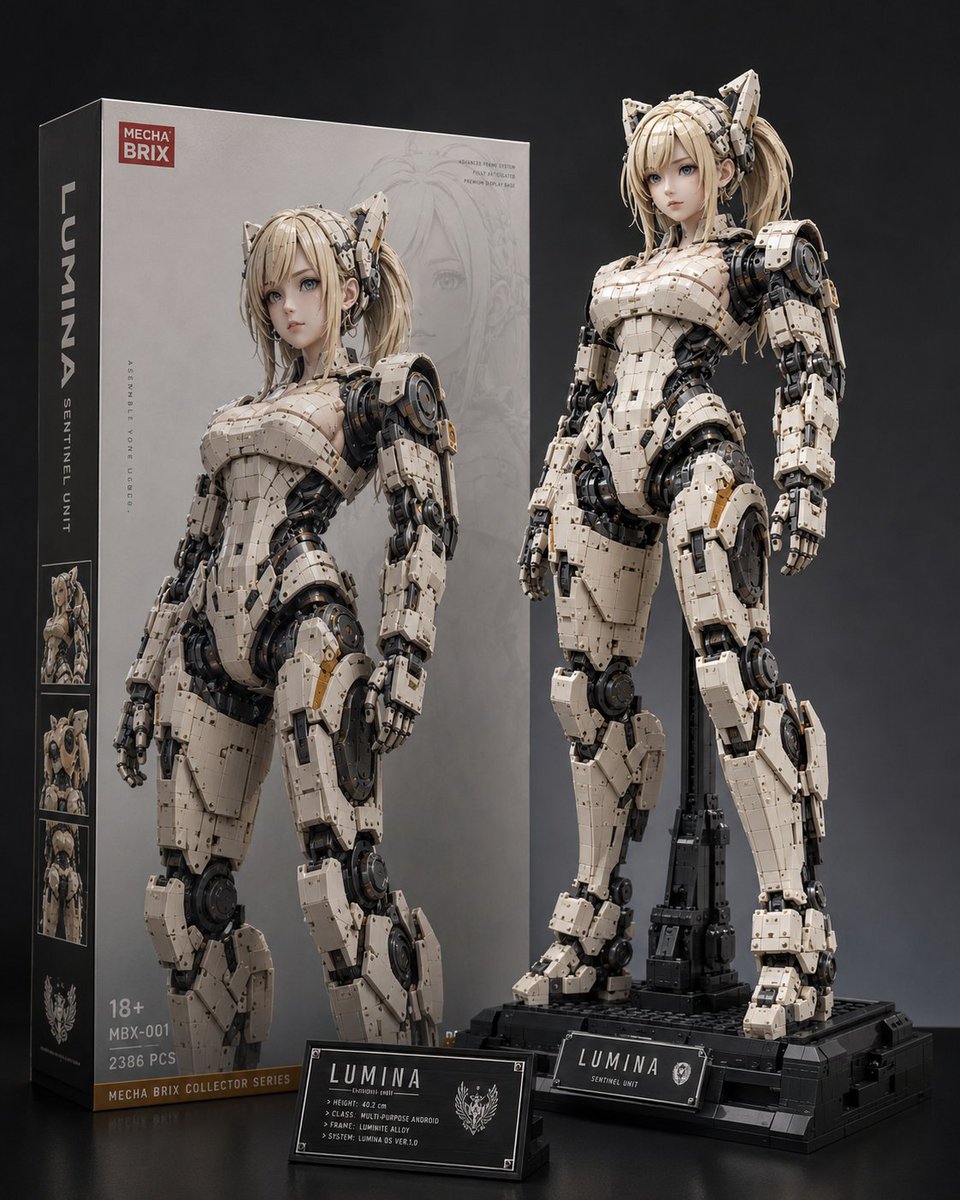
Lumina Mecha Figure Product Shot

Teen Girl Alpine Lake Mountain View
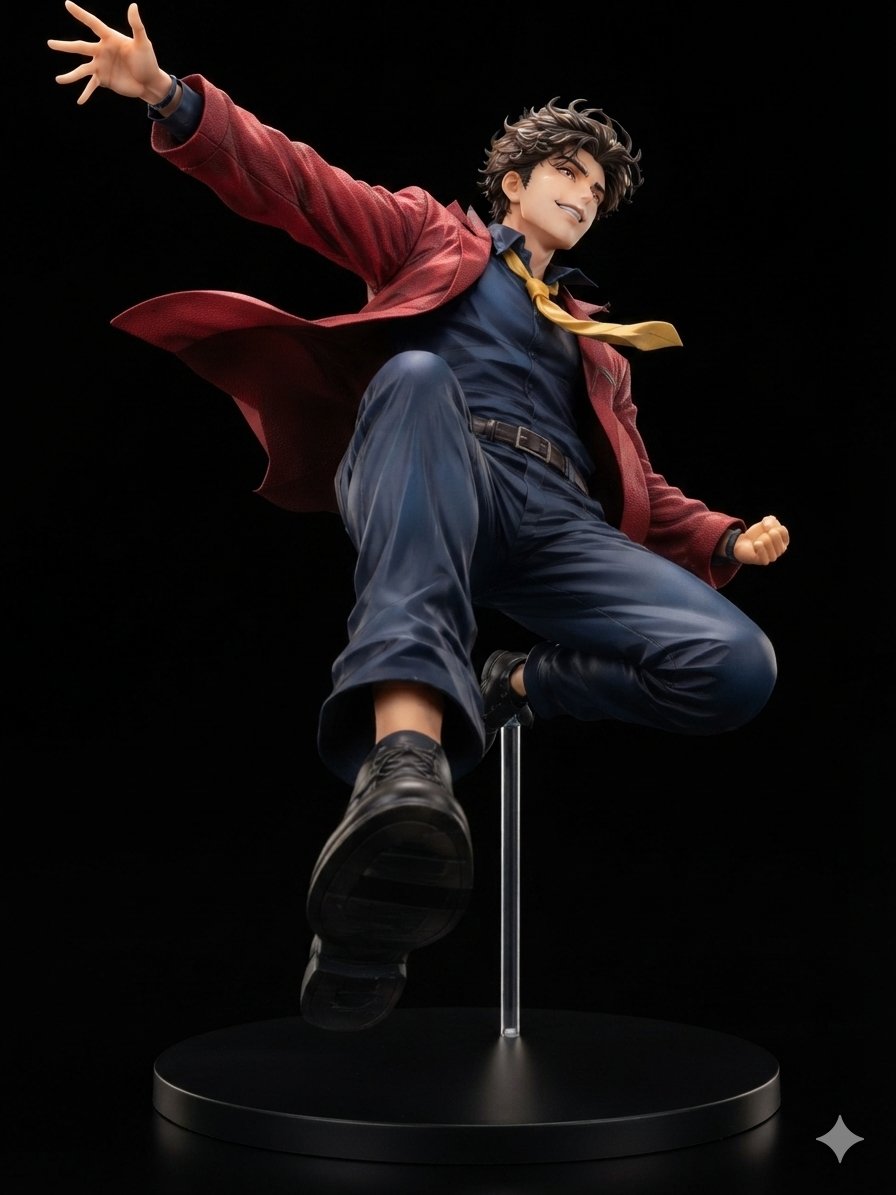
Dynamic Anime Hero Figure Render
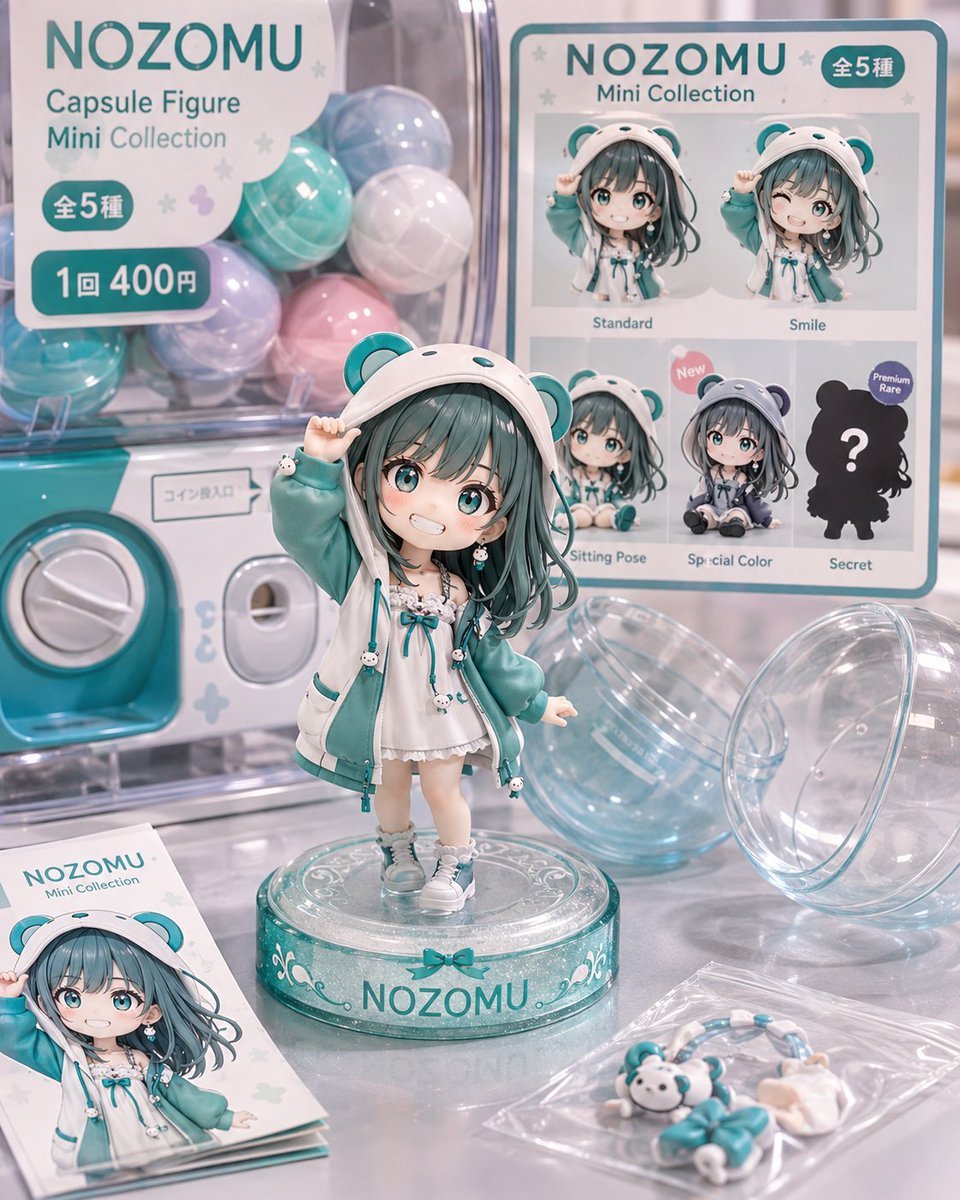
NOZOMU Capsule Figure Product Display

A k.pop idol on the stage with mic
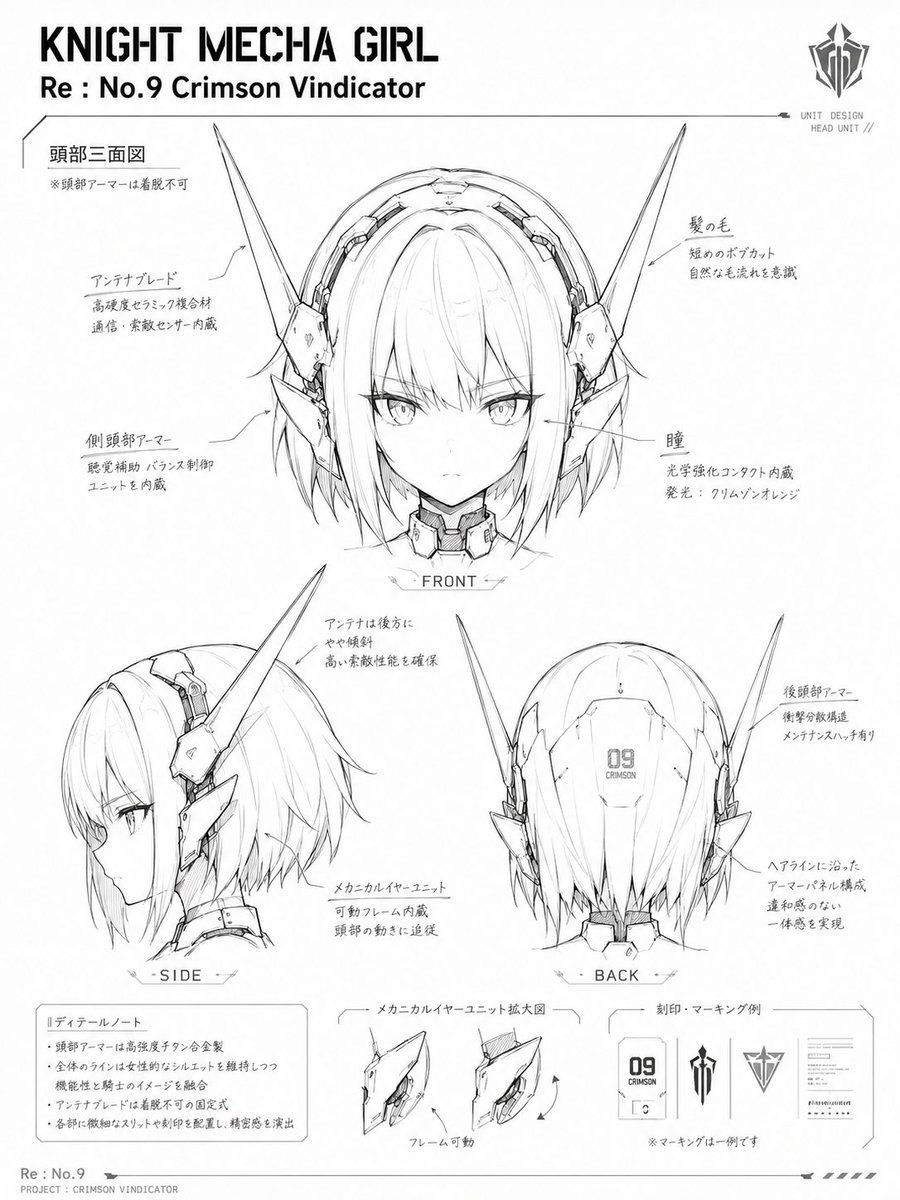
Knight Mecha Girl Model Kit Style
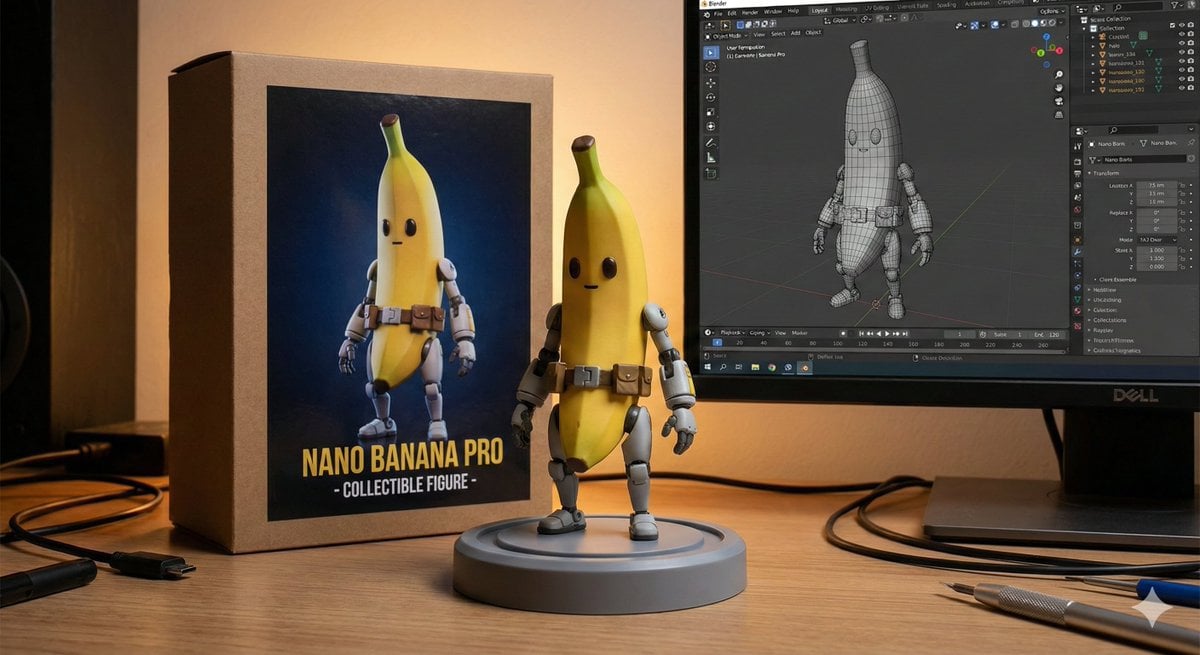
Character Figure Product Photography Setup

Trendy Cafe Drink Promo Poster

Minimalist Skincare Product Water Stone Still

Giant Forced Perspective Street Product Selfie

Playful Futuristic Brand Kit Board

Headphones Lifestyle Nine Panel Grid
Make it yours
Mecha Girl Figure Product Render works as-is. These are the safest ways to change it without losing the look.
Change one field
Copy a single group, rewrite it, and generate again so you can see what that field is doing.
Keep the frame, change the subject
Hold the composition and light of Mecha Girl Figure Product Render, then swap wardrobe, props or the person for a new take.
| If the result… | Why | Fix |
|---|---|---|
| The result drifts from the preview | Too many fields changed at once. | Reuse Mecha Girl Figure Product Render as-is first, then change one group — subject, light, or setting. |
| The model over-stylizes the scene | The prose prompt leaves finish and camera underspecified. | Add one camera or lighting sentence and stay on GPT Image 2. |
More GPT Image 2 templates
Other prompts made for GPT Image 2.

Six VTuber Japanese Logo Sheet

Realistic Portrait of Woman and Deer

The Vista Modular Condo Poster

AI Model Routing Comparison Infographic

2.5D Anime Art Board

Isometric Productivity Desk Scene

New York Double Exposure Poster

Four-Panel AI Landscape Comparison

Japanese Tatami Lifestyle Magazine Cover

NESCAFÉ Coffee Map Poster
More image prompts
Fresh picks from across the catalog.
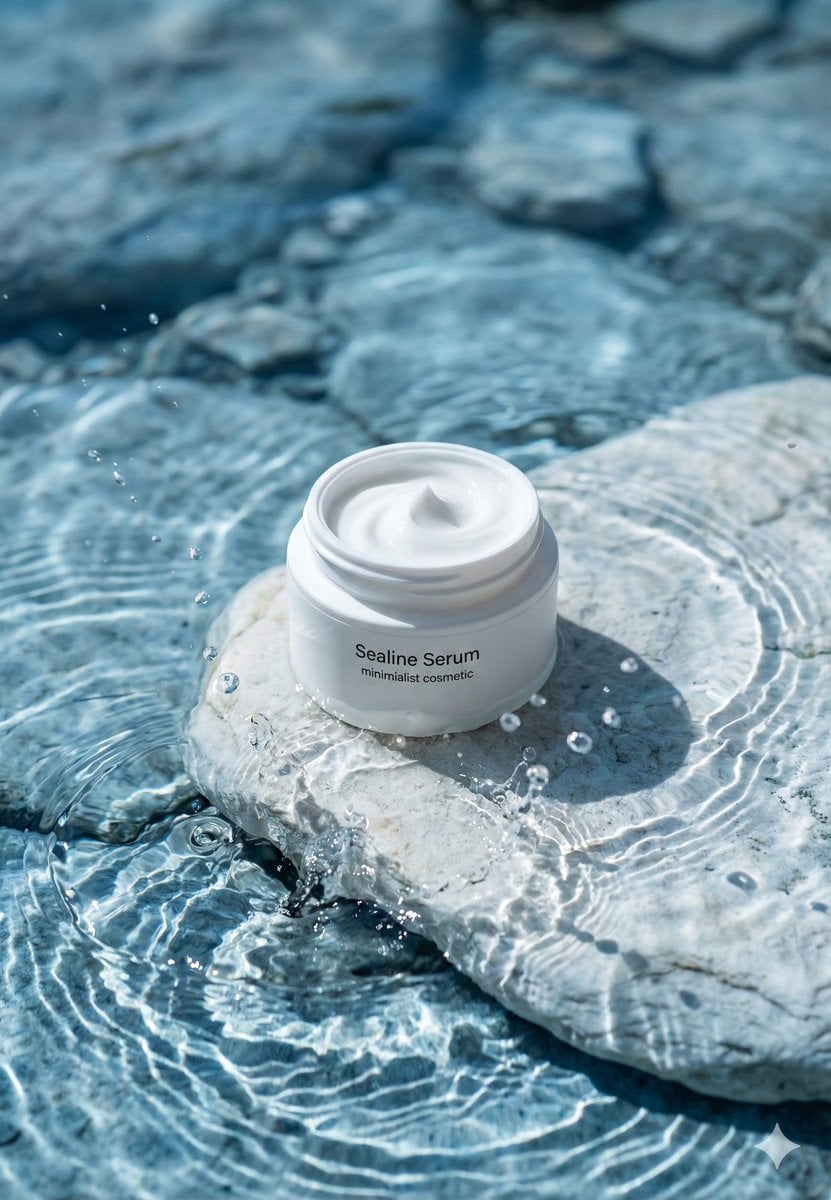
Luxury Skincare Product Macro Shot in Water

Nano Banana Pro Image Generation Failure Example
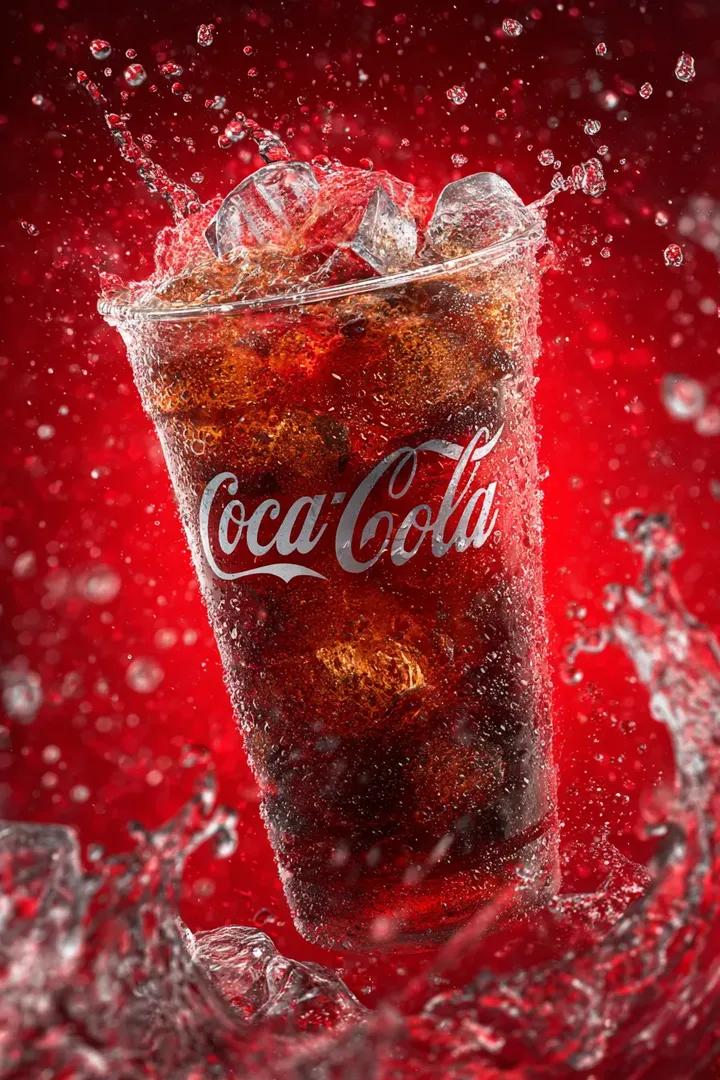
Coca Cola Product Photography with Splashes
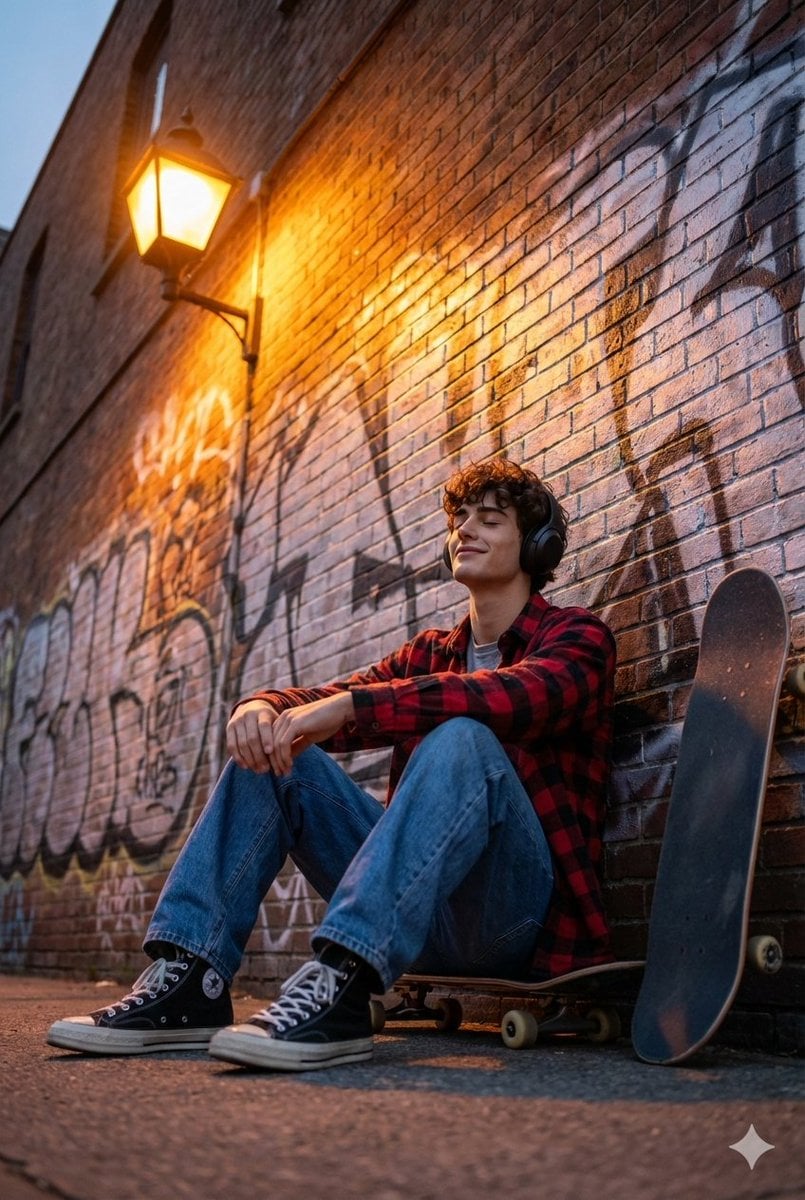
Cinematic Skateboarder Portrait Prompt at Golden Hour
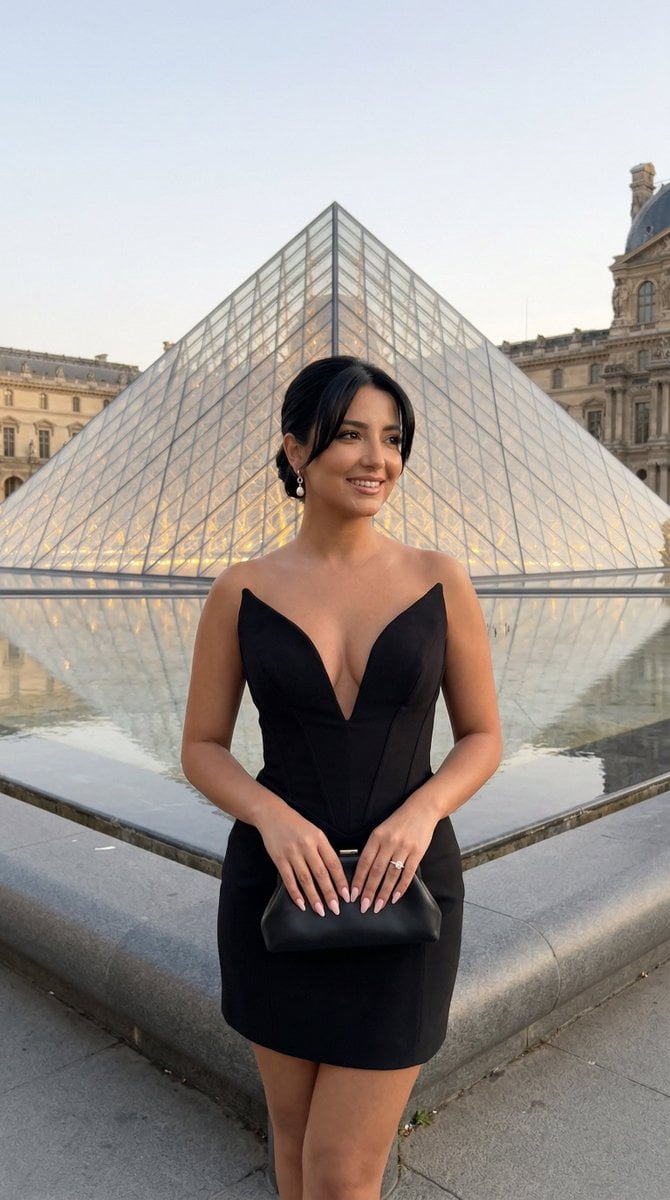
Louvre Pyramid Luxury Editorial Campaign
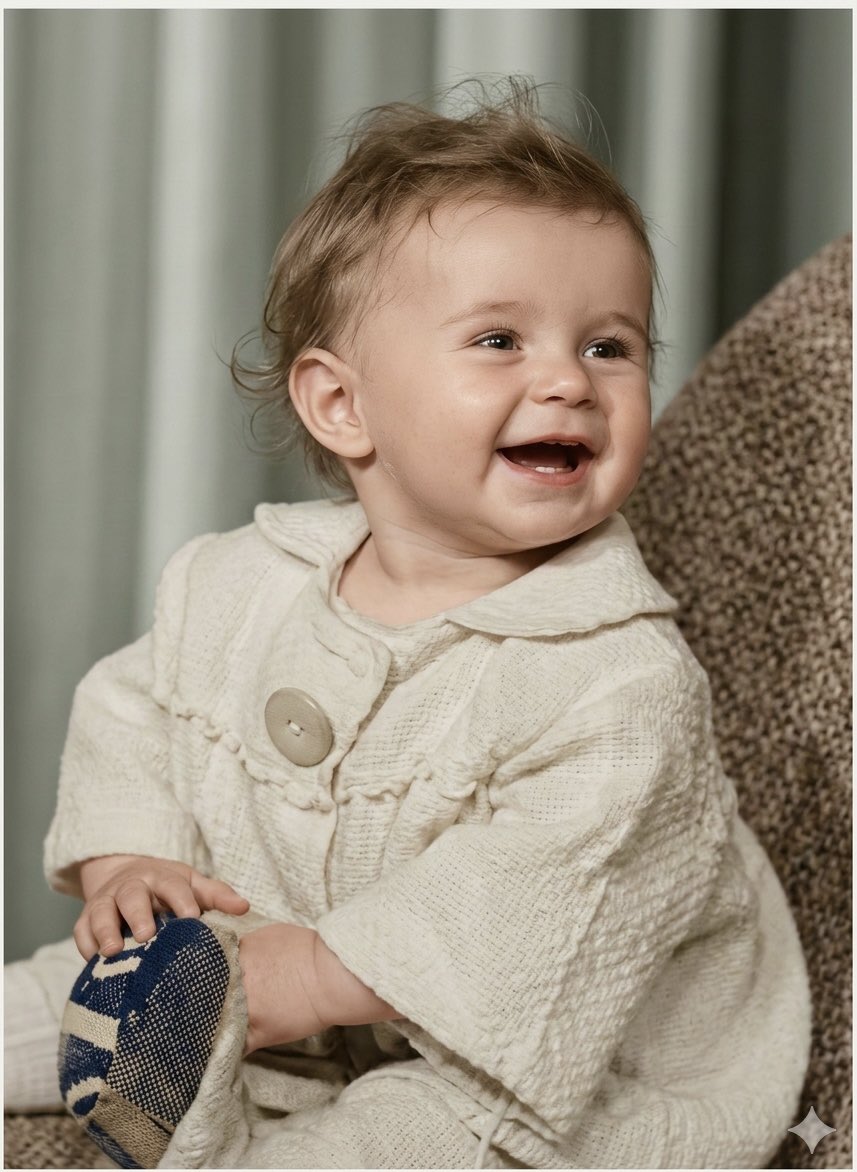
Old Photo Restoration Prompt for Nano Banana Pro 2.0

Cinematic Food Infographic of Levengi Chicken
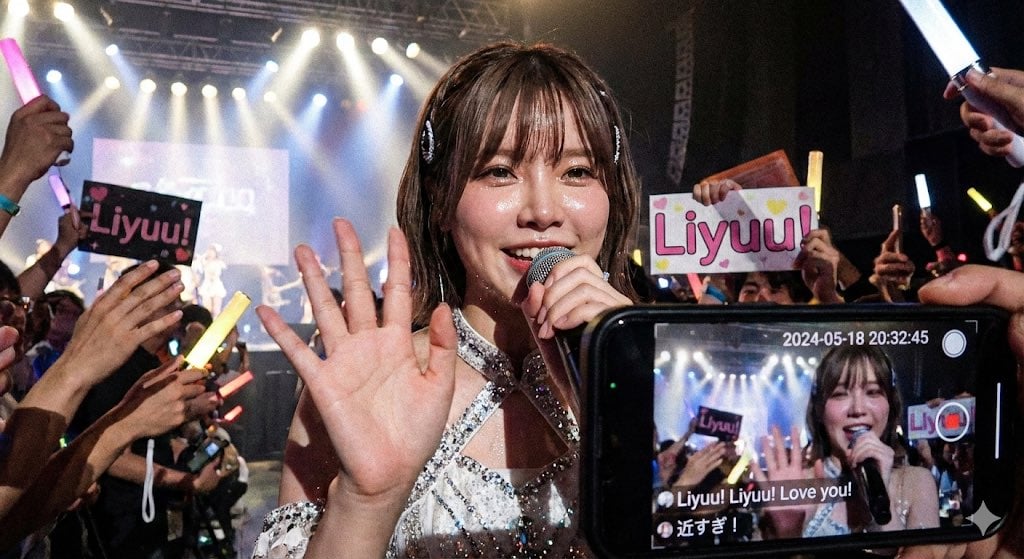
Liyuu live concert close-up fan cam
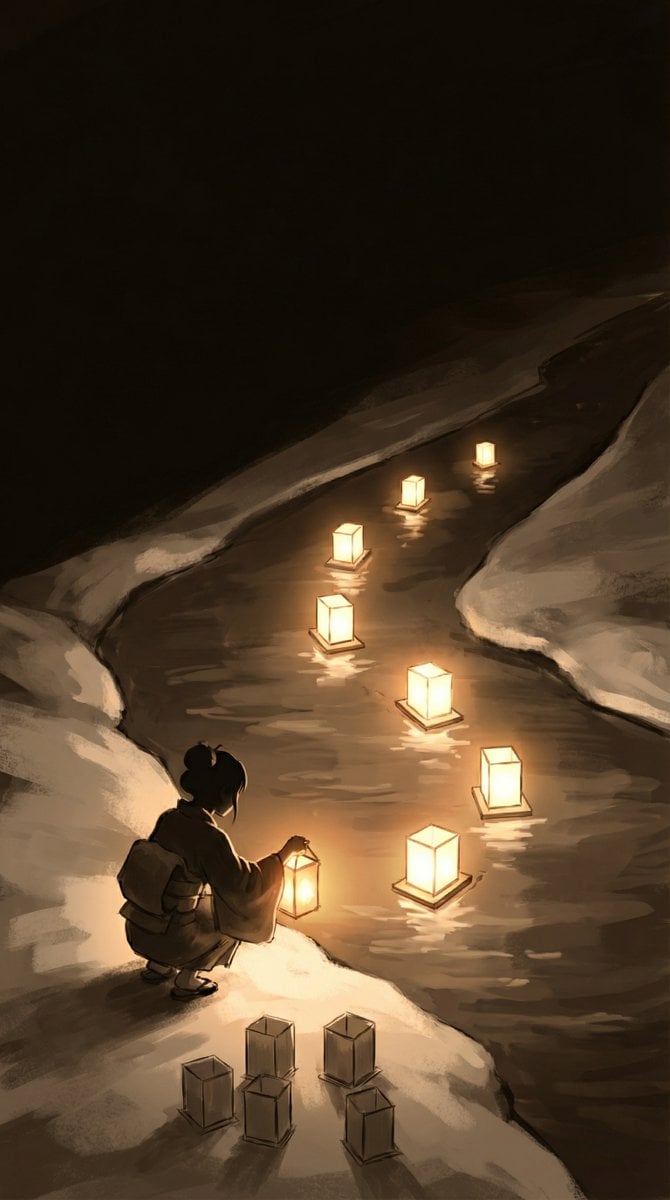
Object-Oriented Prompt for Composition and Lighting Study
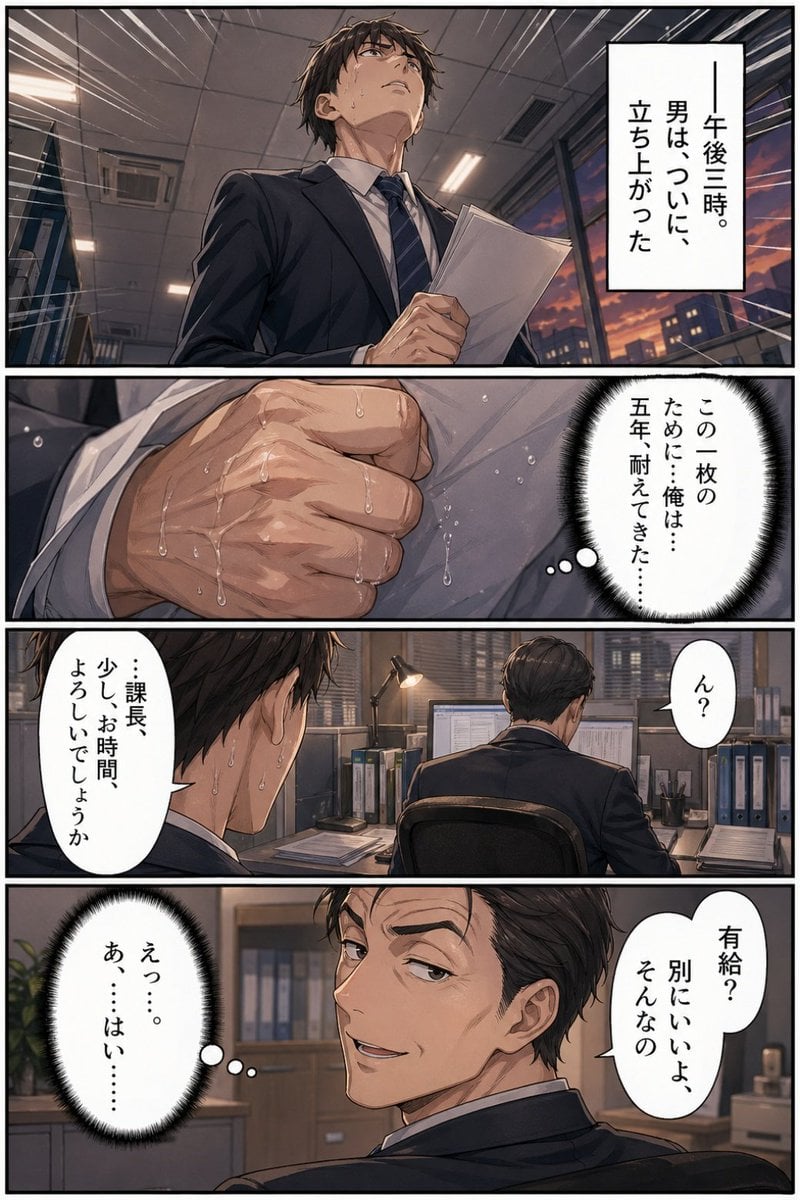
Business Office Manga Page
Browse template categories
Mecha Girl Figure Product Render questions
How do I use the Mecha Girl Figure Product Render template?
Add your photo if the template asks for one, edit the prompt if you like — the template's model and format are already selected — and press Generate. Your version opens in PicX Studio.
Can I customize the Mecha Girl Figure Product Render template?
Yes. You can change the subject, setting, lighting, mood, format, and available model controls before creating your image.
Is the Mecha Girl Figure Product Render template free?
Opening and editing this template is free. Generating uses credits, shown on the Generate button when you are signed in.
Which AI model should I use?
Start with GPT Image 2, which is the model associated with this template. You can compare another compatible model for a different finish.
Looking for something else? Browse all templates.

Your photo, any look
Thousands of ready templates for every top image and video model, from one credit balance.