How do I use the Louvre Pyramid Luxury Editorial Campaign template?
Choose the primary action to open PicX Studio with the available template settings. Review the model and format, personalize the creative direction, and generate when ready.
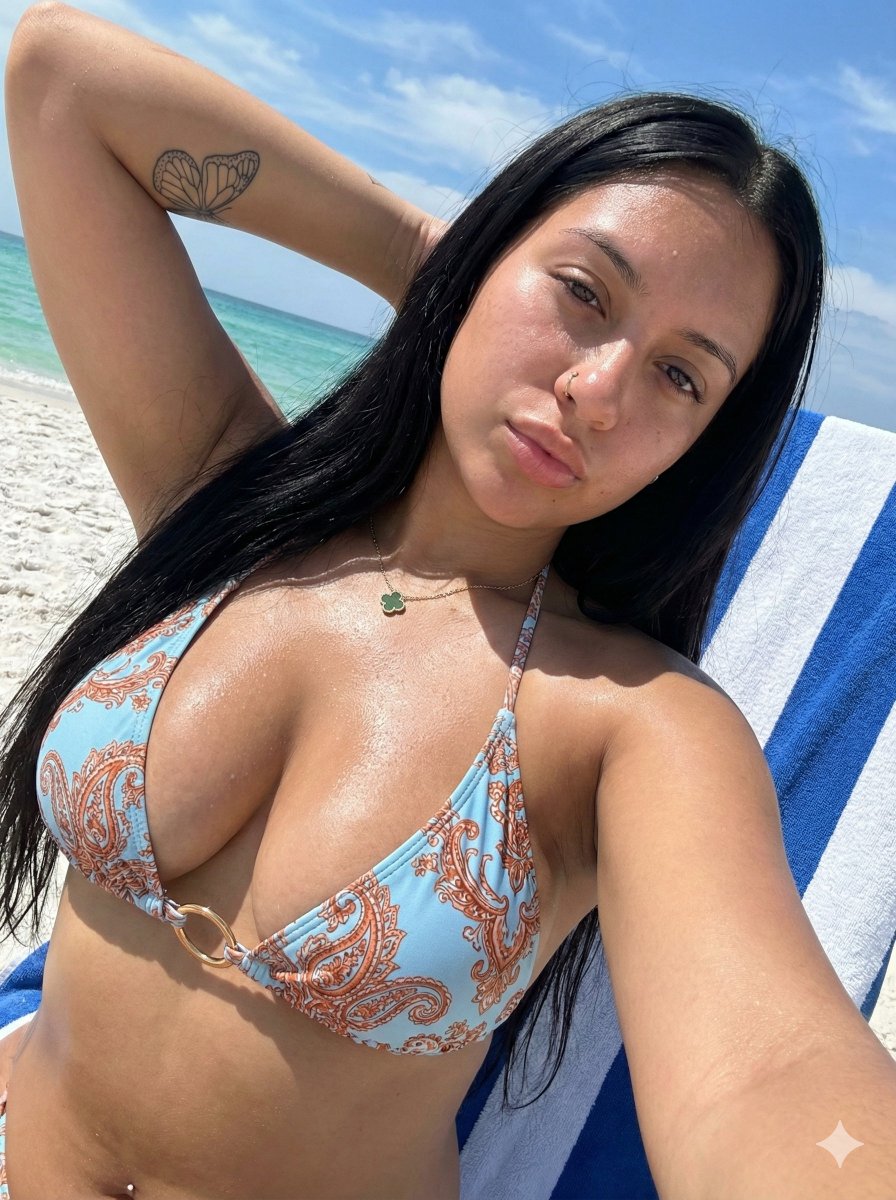
A highly structured JSON prompt for Nano Banana 2, intended for an image-to-image generation task, transforming a reference image into a minimal, high-fashion editorial campaign shot in front of the Louvre pyramid in Paris. Change the subject, setting, or lighting one variable at a time.

{ "generation_request": { "meta_data": { "tool": "Nano Banana 2", "task_type": "louvre_pyramid_luxury_editorial_campaign", "language": "en", "priority": "highest", "version": "v2.0_LOUVRE_PYRAMID_COUTURE_MINIMAL" }, "input": { "mode": "image_to_image", "reference_image_usage": "very_high", "preserve_identity": true, "notes": "Use the woman from the reference image as identity reference. Preserve her facial features and realism. Transform the scene into a high-fashion editorial campaign in front of the Louvre pyramid. Remove all tourists, barriers, and distractions to create a clean, exclusive, minimal luxury environment. Upgrade the styling into a couture black mini dress with a deep sculpted neckline, refined tailoring, and a high-fashion silhouette. The final result should feel like a premium fashion campaign shot in Paris." }, "output_settings": { "aspect_ratio": "4:5", "orientation": "portrait", "resolution_target": "ultra_high_res", "num_images": 1, "render_style": "luxury_couture_editorial", "sharpness": "ultra_crisp", "grain": "subtle_film_grain", "dynamic_range": "high_dynamic_range_clean", "color_grade": "neutral_paris_luxury_tones" }, "subject": { "identity": "reference woman", "expression": "soft confident smile, effortless luxury, natural but editorial presence", "hair": "long sleek hair with soft movement, polished but natural", "makeup": "clean glowing skin, minimal luxury makeup, soft contour, natural lips", "outfit": "black couture mini dress with deep sculpted neckline, body-contouring fit, structured tailoring, premium fabric with subtle texture", "accessories": "minimal jewelry, refined designer sunglasses optional" }, "scene": { "environment": "Louvre pyramid courtyard in Paris, clean and minimal with no tourists or barriers", "composition": "subject centered or slightly off-center with the glass pyramid behind, strong architectural symmetry", "styling": "clean, minimal, high-fashion campaign aesthetic", "lighting": "bright natural sunlight with soft shadows, crisp highlights, cinematic clarity", "mood": "luxury, modern, confident, effortless Parisian elegance" }, "pose_language": { "pose": "relaxed standing pose, slightly shifted weight, subtle hip angle, editorial stance", "hands": "natural relaxed placement", "posture": "elongated, confident, minimal movement" }, "camera": { "lens": "35mm or 50mm fashion lens", "framing": "full-body or mid-full editorial composition", "angle": "slightly low angle to emphasize presence and architecture", "focus": "sharp focus on subject, crisp architectural background", "depth_of_field": "moderate depth for clean architectural clarity" }, "must_have": [ "
Choose the primary action to open PicX Studio with the available template settings. Review the model and format, personalize the creative direction, and generate when ready.
Yes. You can change the subject, setting, lighting, mood, format, and available model controls before creating your image.
This template is free to open and customize. Generation usage is shown in PicX Studio before you create.
Start with Nano Banana 2, which is the model associated with this template. You can compare another compatible model for a different finish.
© 2026 PicX Studio. All rights reserved.

Follow a topic to a crawlable collection of related PicX Studio templates.
43,474 public templates available. Verified via the PicX Studio public templates API; refreshed hourly.


![A hero crystal typography visual for a luxury brand campaign — [BRAND NAME]
Act as a CGI Optical Physicist and 3D Type Sculptor creating a hero crystal typograp](https://images.meigen.ai/tweets/2043748561729302884/0.jpg)
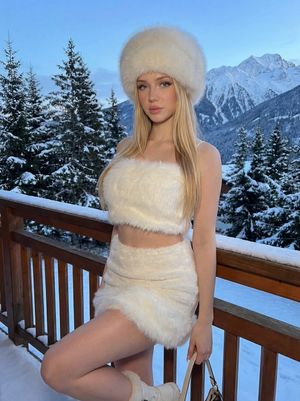




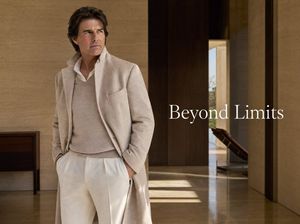
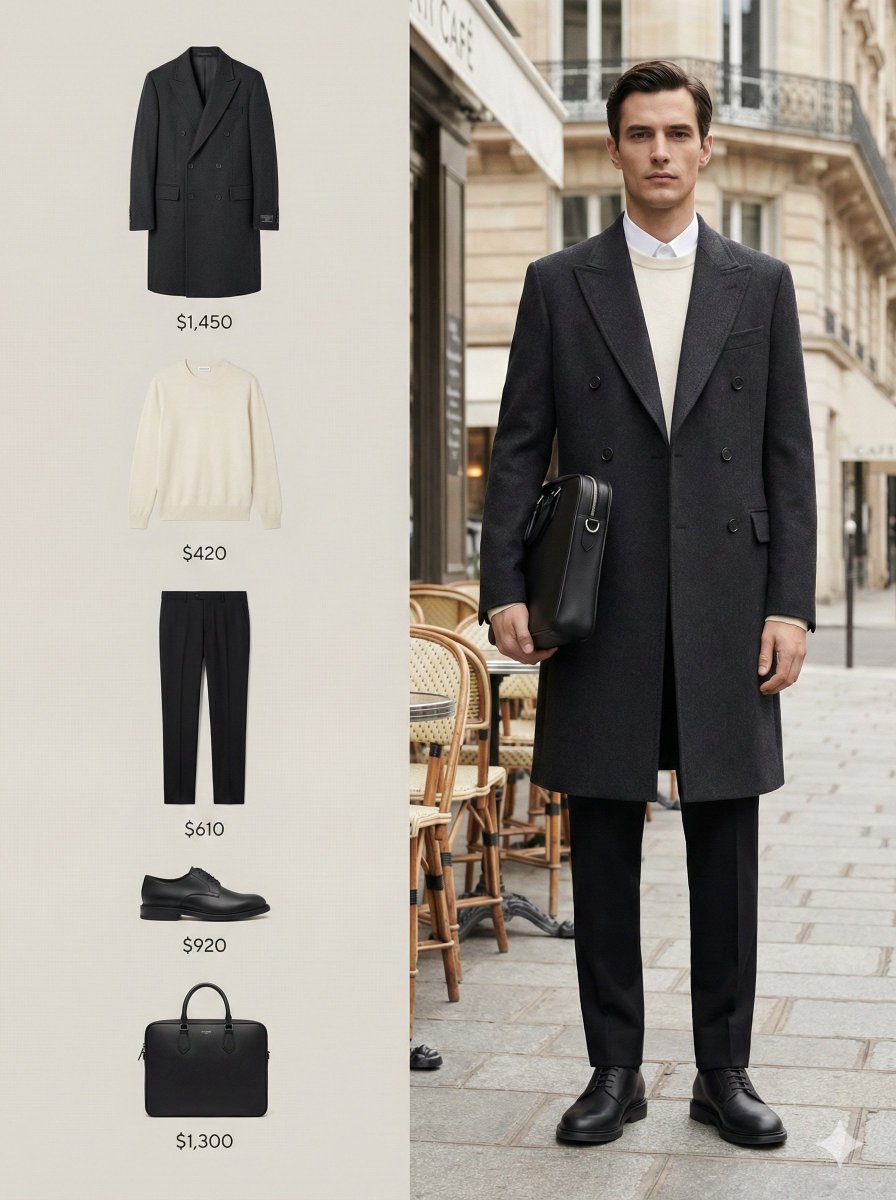
![Act as a Senior Editorial Art Director and Campaign Photographer — [BRAND NAME]
Act as a Senior Editorial Art Director and Campaign Photographer specializing i](https://images.meigen.ai/tweets/2038678161873838496/0.jpg)



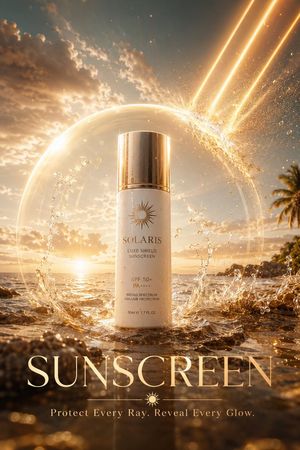
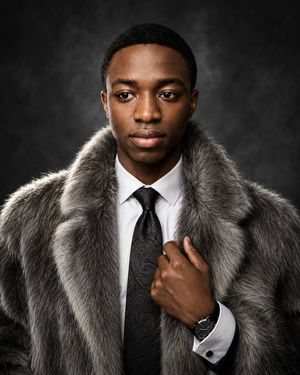
![A close-up editorial campaign of a premium embroidered garment — [BRAND NAME]
Act as a Macro Product Photographer and Textile Art Director shooting a close-up](https://images.meigen.ai/tweets/2044829425464656123/0.jpg)

![Naive doodle-style subject illustration — A doodle-style {argument name="subject" default="[subject]"}, naive lines, humorous shape exaggeration](https://pbs.twimg.com/media/G6Wl2YxbsAARB2b.jpg)















![Giant Hugging Tokyo Tower Photo Prompt — [写真の人物]が巨大化し東京の近代的な都市景観の上にしゃがんで、東京タワーをやさしく抱きしめている、カメラ目線、昼間の明るい空、柔らかな自然光、下に広がる詳細な建物、リアルさとファンタジーが調和した雰囲気、鮮明なフォーカス、鮮やかな色彩](https://pbs.twimg.com/media/G7vRj8Pa0AAIrmZ.jpg)