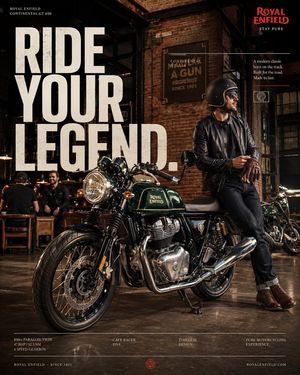
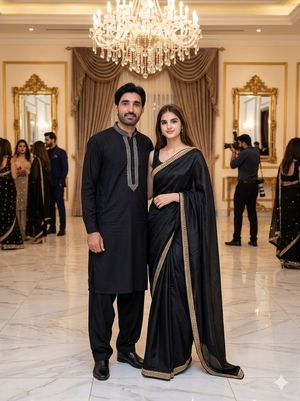
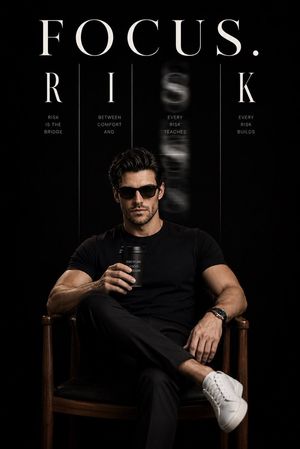
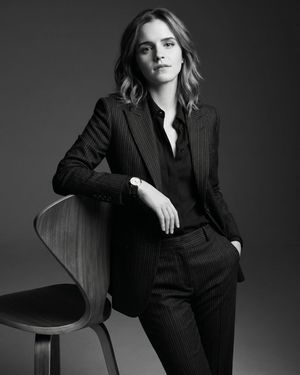
How do I use the Luxury Brand Campaign Portrait template?
Choose the primary action to open PicX Studio with the available template settings. Review the model and format, personalize the creative direction, and generate when ready.
A high-fashion prompt for a luxury brand campaign featuring an elegant woman in a branded chair and setting.
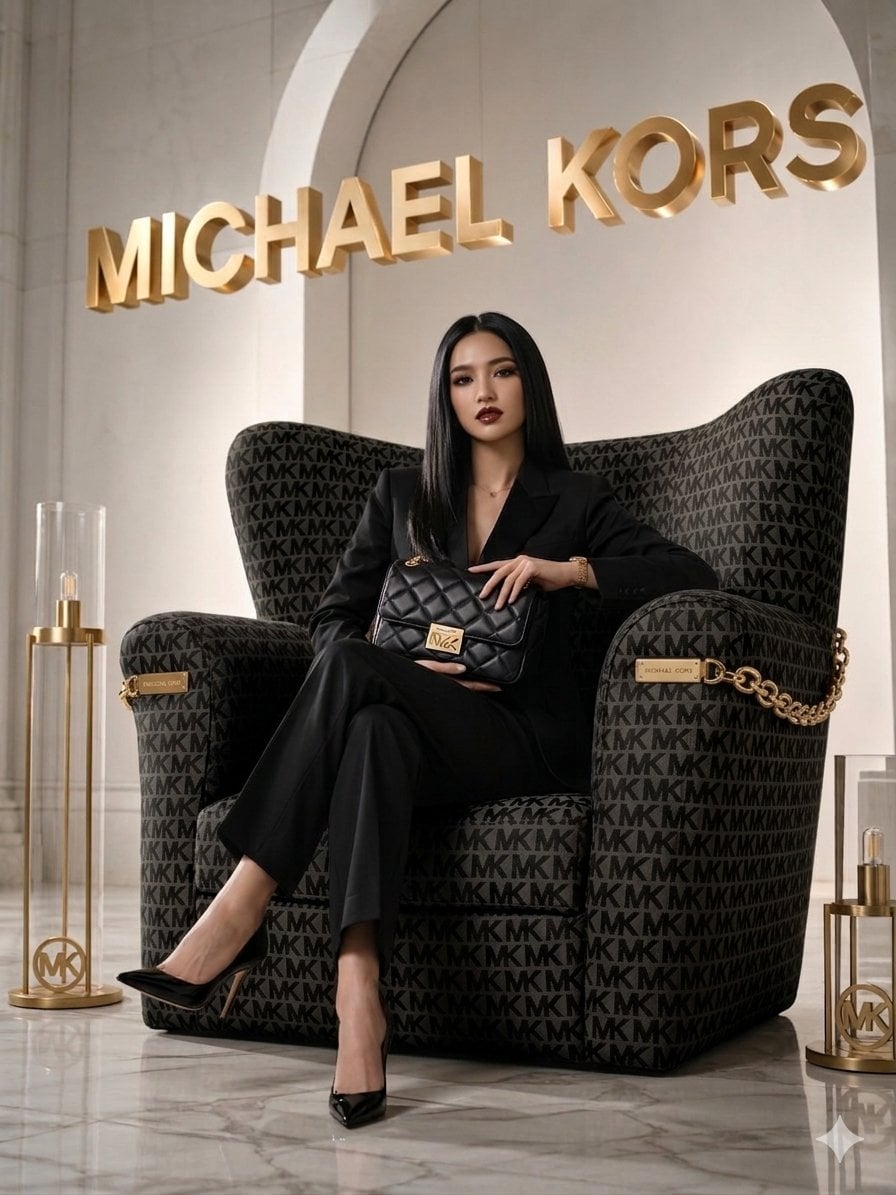
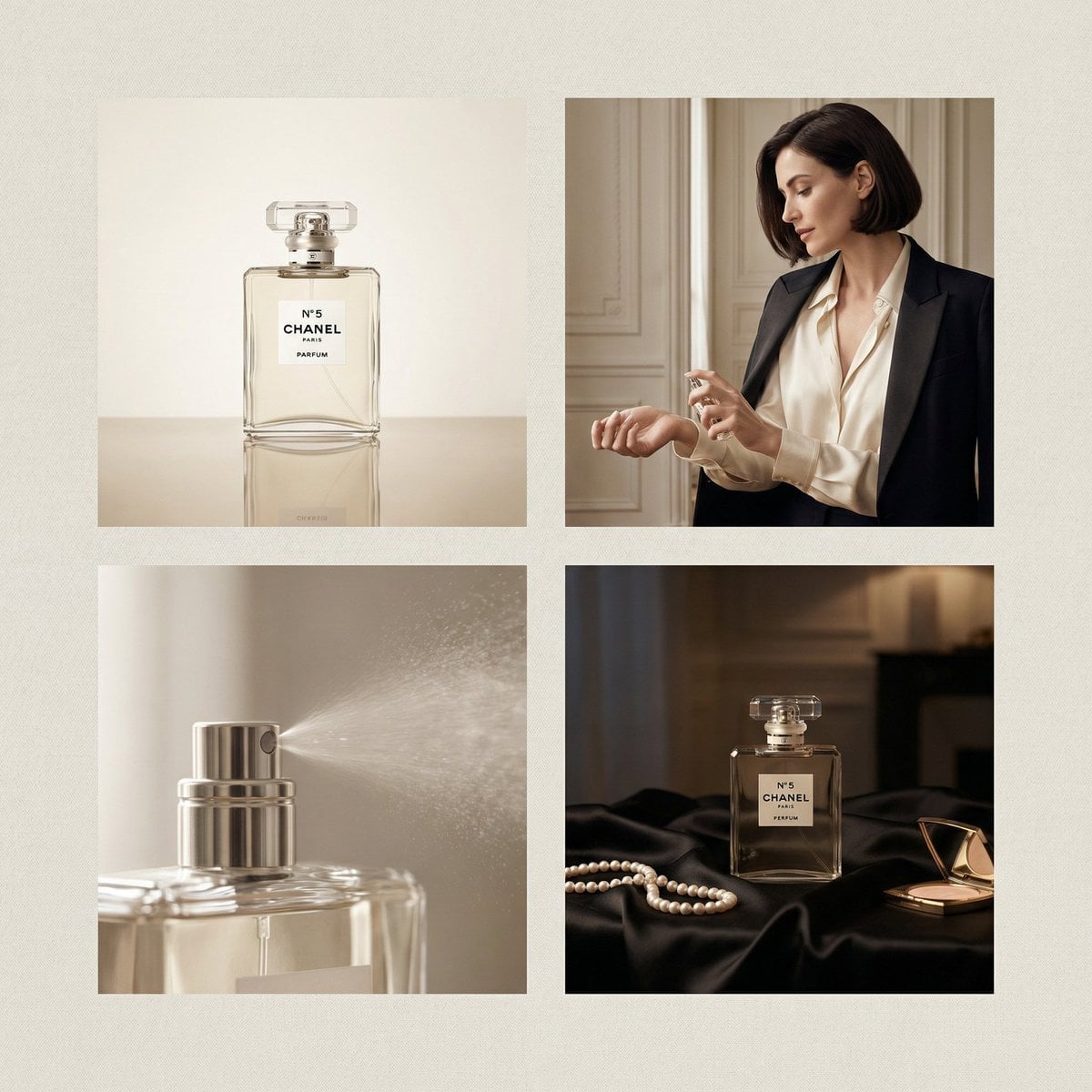
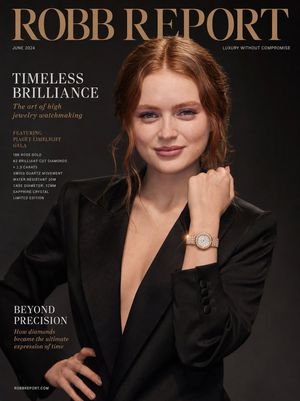
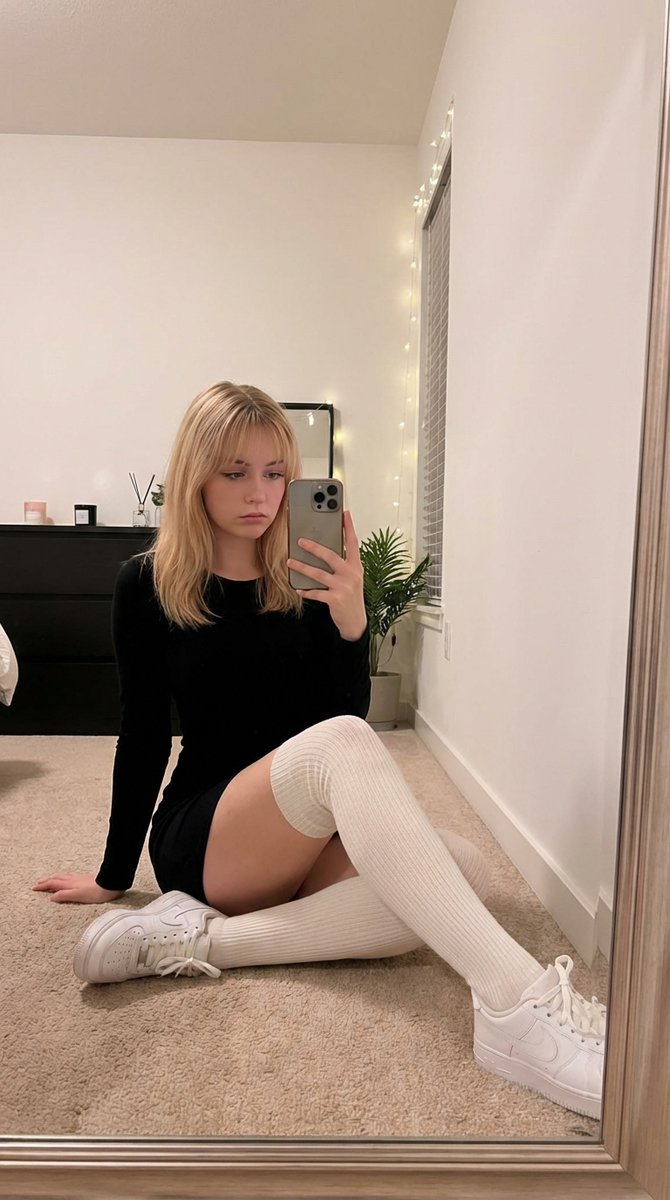
A chic, high-fashion promotional image in the style of a {argument name="style type" default="luxury brand campaign"}. Create an elegant woman using the referenced image with straight hair wearing a {argument name="outfit" default="tailored black pantsuit and black stiletto heels"}, sitting confidently cross-legged in a massive armchair. The large armchair is upholstered in a black fabric repeating the "{argument name="brand monogram" default="MK"}" monogram pattern, styled with gold chain accents. She holds a stylish quilted black leather Michael Kors handbag with a prominent gold clasp on her lap. In the background, large 3D metallic gold letters on the wall spell out "MICHAEL KORS". The setting is a luxurious marble-floored hall with an elegant archway, flanked by modern gold floor lamps featuring the MK logo. The lighting is soft and cinematic, creating an upscale, sophisticated atmosphere.
Choose the primary action to open PicX Studio with the available template settings. Review the model and format, personalize the creative direction, and generate when ready.
Yes. You can change the subject, setting, lighting, mood, format, and available model controls before creating your image.
This template is free to open and customize. Generation usage is shown in PicX Studio before you create.
Start with Nano Banana 2, which is the model associated with this template. You can compare another compatible model for a different finish.
Follow a topic to a crawlable collection of related PicX Studio templates.