
Object-Oriented Prompt for Composition and Lighting Study
This is an extremely detailed, structured YAML-style prompt designed for the Nano Banana Pro AI, focusing on logical composition and visual flow.
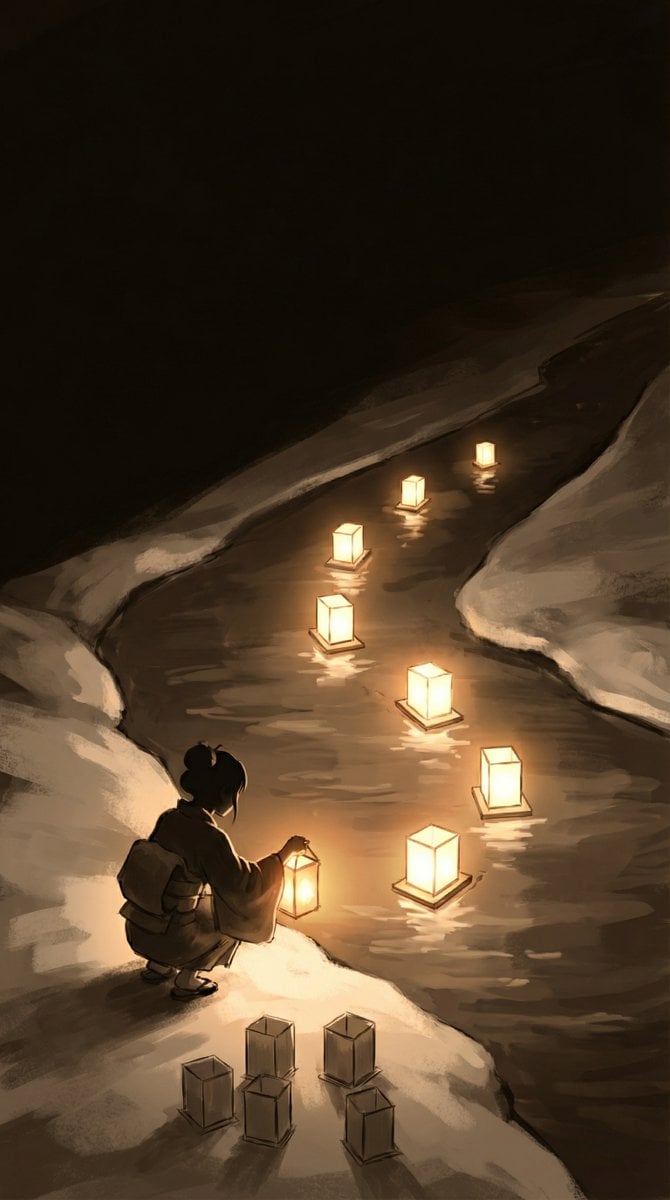
- Prompt included
- Model and format preset
- Premium template
The prompt behind this image
Copy the exact prompt behind Object-Oriented Prompt for Composition and Lighting Study, or open it in the studio and make it yours.
# Composition & Lighting Study Generator # Project: "{argument name="Project Title" default="Zodiac Parade"}" - {argument name="Illustration Theme" default="Emotional Night Illustration"} # Purpose: コントラストの高いコンセプトアートを作成し、全体の「流れ」と「配置」を確定させる # ▼ 1. プロジェクトのゴール定義 project_goal: type: "Atmospheric Concept Art / Lighting Study" # ここで「S字の光の道」を視覚的な最優先事項としてAIに認識させる visual_priority: "Establish a strong S-curve visual path using light." canvas_configuration: aspect_ratio: "9:16" # 色塗りに惑わされないよう、あえてモノクロやセピアのスケッチとして出力指示 rendering_mode: "Monochrome or Sepia Sketch with Strong Lighting Bloom." camera_angle: "High Angle (Cinematic overview)." # ▼ 2. 視線誘導ロジック(ここが重要) visual_guidance_logic: # 視線のスタートとゴールを言語化する path_of_light: "視線は『左下(少女)』から始まり、水面の灯籠を辿って『右上(奥)』へ抜ける。" # 明暗のルールを決めることで、画面が散らかるのを防ぐ contrast_strategy: - "Darkest Areas: River surface (reflecting lights)." - "Brightest Areas: Lanterns (Light Sources)." # テキストを入れるための「左上」の余白を確保 negative_space: "Top-Left (Dark Sky) should be kept empty for text placement." # ▼ 3. オブジェクトのクラス定義 scene_elements: # --- 境界線 (Terrain) --- - element: "Terrain_Divider" visual: "Diagonal separation." # ここで「陸」と「川」を明確に分けないと、キャラが水没したり浮いたりする details: "Bottom-Left is the Snowy River Bank (Land). Top-Right is the flowing River (Water)." # --- 人物 (Character) --- - element: "Girl_Silhouette" position: "Bottom_Left (On the snow)" pose: "Crouching/Sitting, facing the river." # 初期段階では「顔」よりも「着物のボリューム感(塊)」を重視 style: "Rough sketch style, showing the volume of the Kimono." # --- 灯籠の配置 (Lanterns) --- # ▼「12個」と一言で書くより、グループ分けしたほうがAIは数を守りやすい - element: "Lantern_Group_Water (Past/Present)" count: "7 lanterns (1 in hand + 6 on water)." arrangement: "Forming a beautiful S-Curve flowing towards top-right." - element: "Lantern_Group_Land (Future)" count: "5 lanterns." arrangement: "Clustered neatly, waiting to be released." rendering_style: - "Chiaroscuro (Strong contrast between light and dark)." - "Focus on Composition balance and Visual Flow."
How to use Object-Oriented Prompt for Composition and Lighting Study in 3 steps
- 1
Open
The prompt is already in the box next to the preview, with the template's model and format selected.
- 2…a portrait of your subject in softgolden-hour light, 85mm…
Personalize
Edit the subject and creative details for your destination.
- 3Generate
Generate
Press Generate — your image is created in PicX Studio, so you can compare it with the original and refine one variable at a time.
More like this
Templates with the same subject, style or setup. Open one to see its prompt.
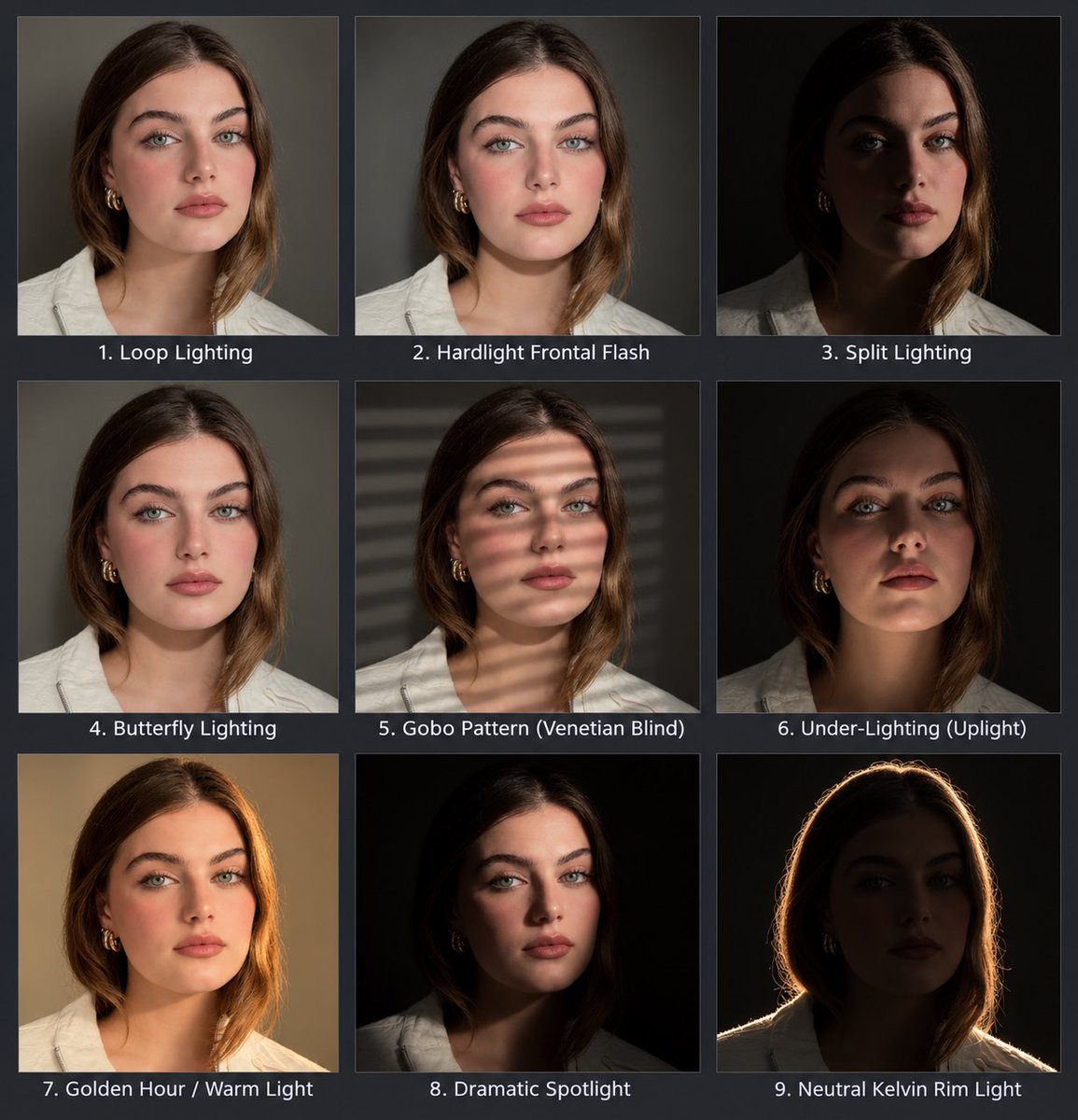
Portrait Lighting Study Grid
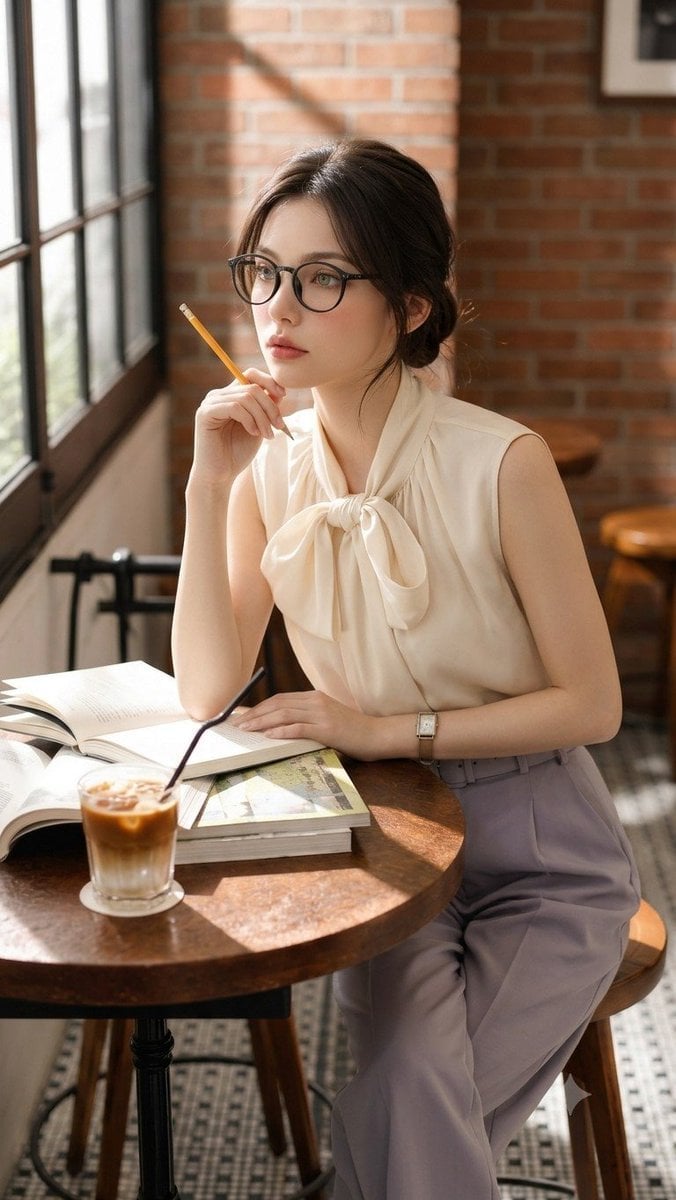
Douyin Aesthetic Café Study Portrait
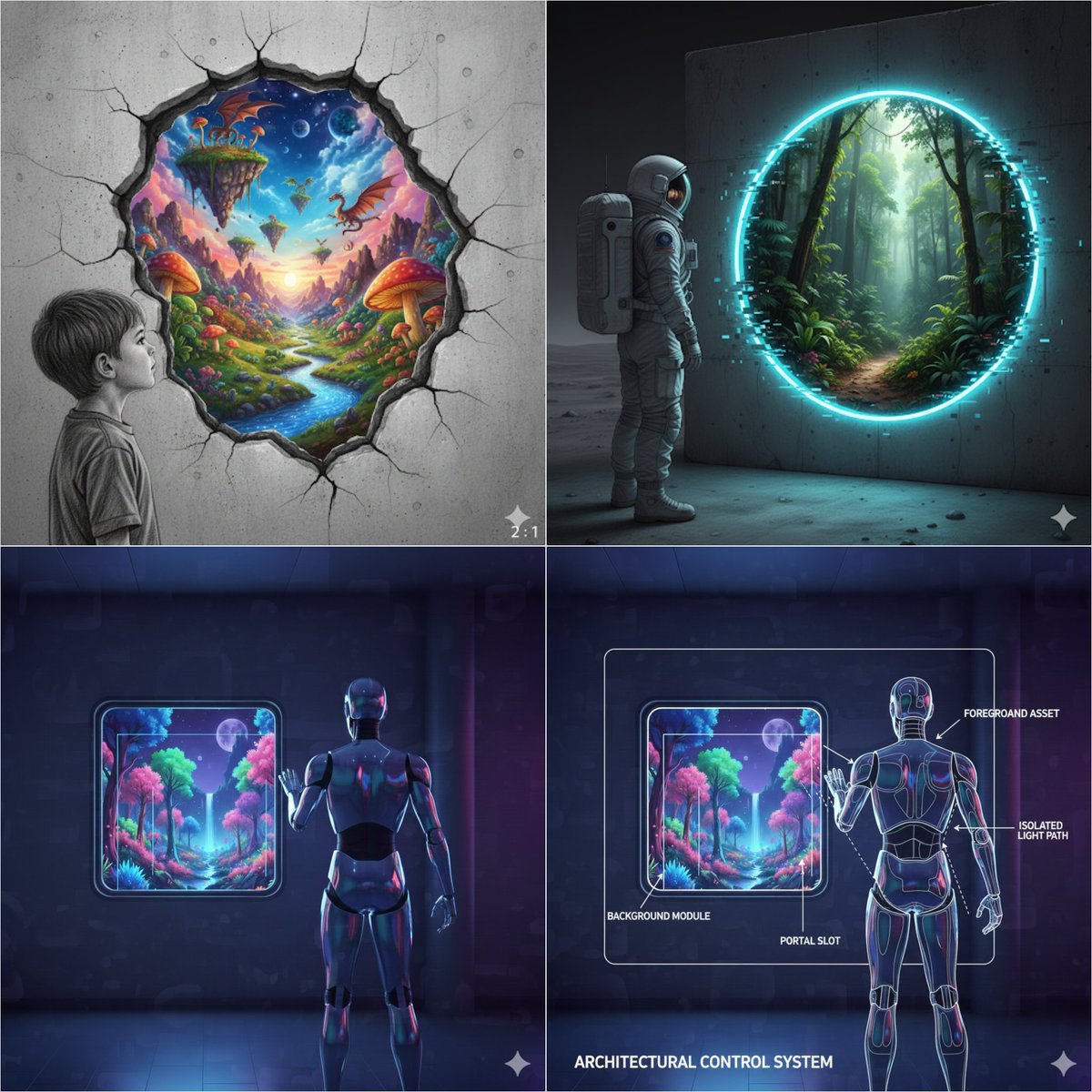
Object-Oriented prompt for controlling foreground and background
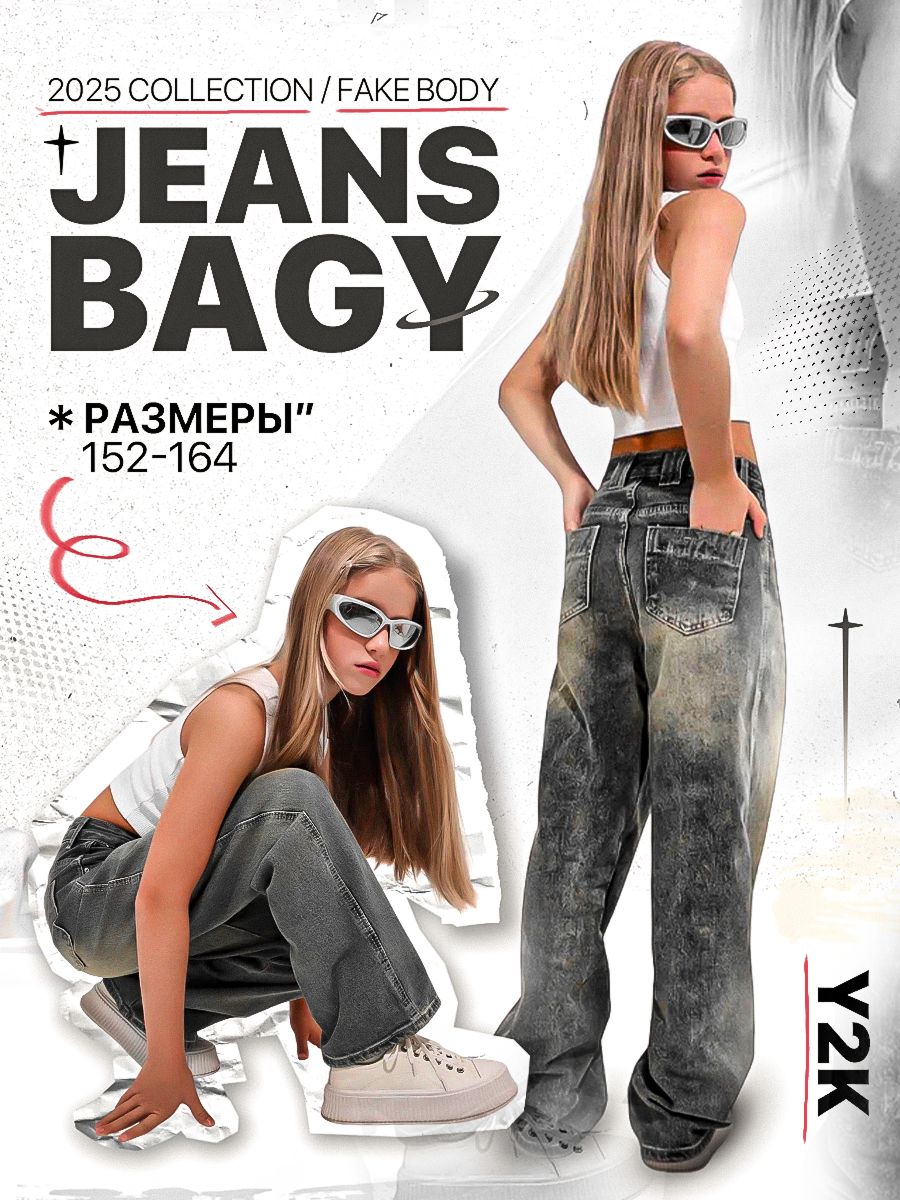
Y2K Streetwear Fashion Flyer
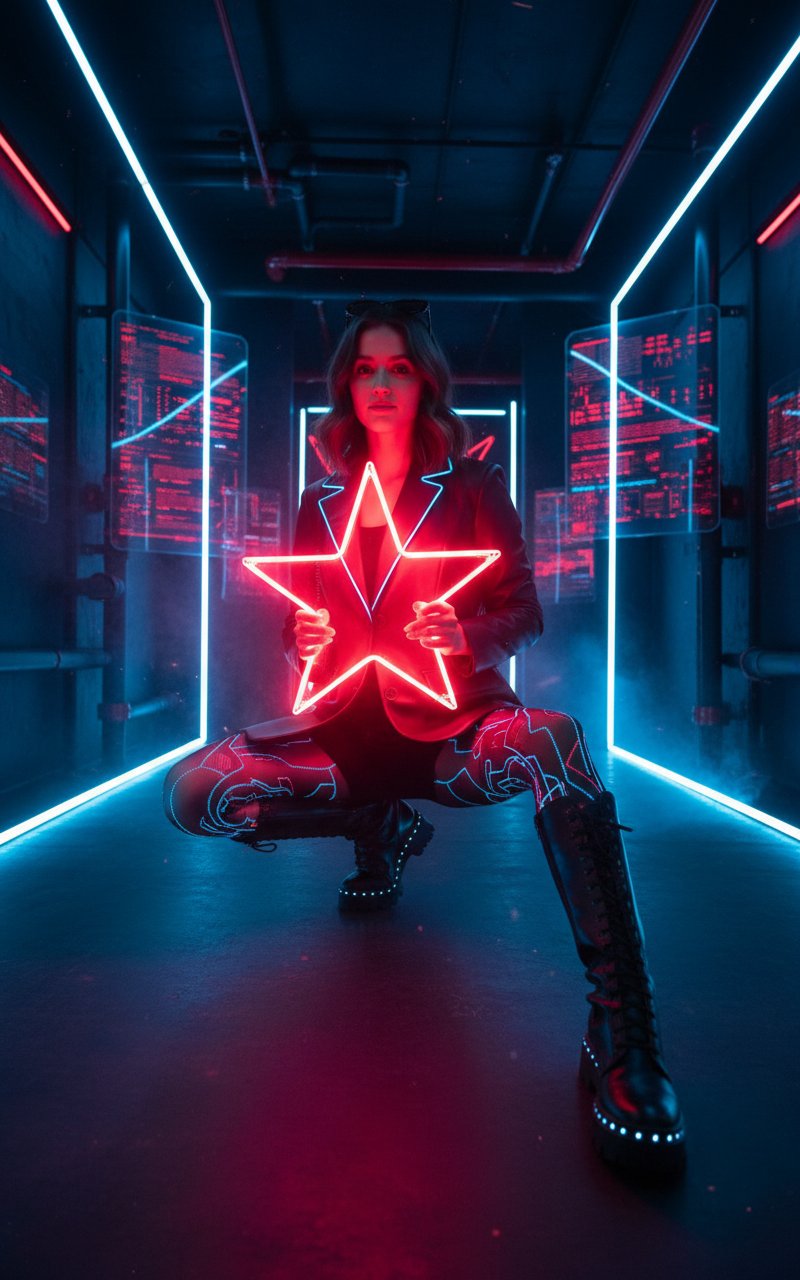
Music Video Photoshoot
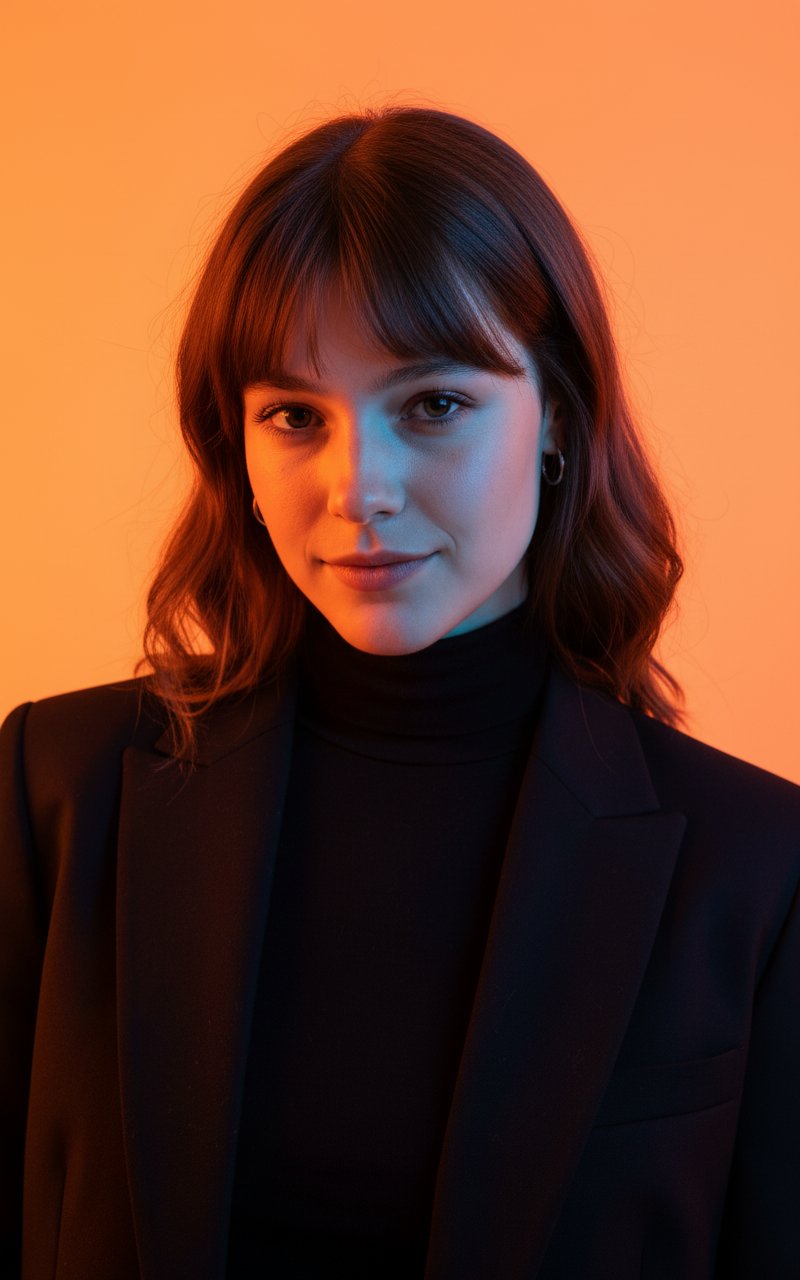
Colour Professional Photoshoot
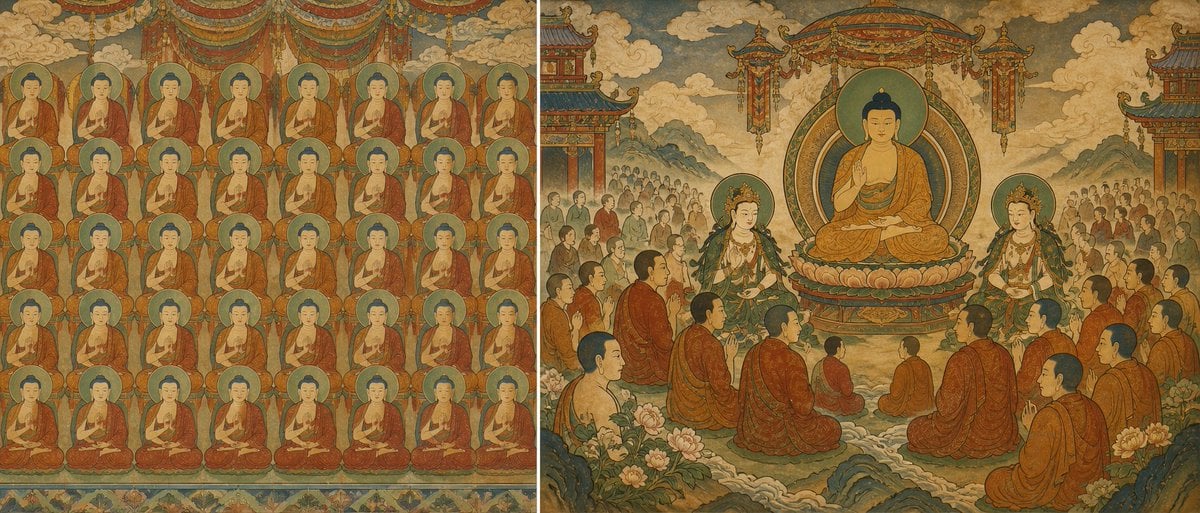
Buddhist Mural Composition Diptych
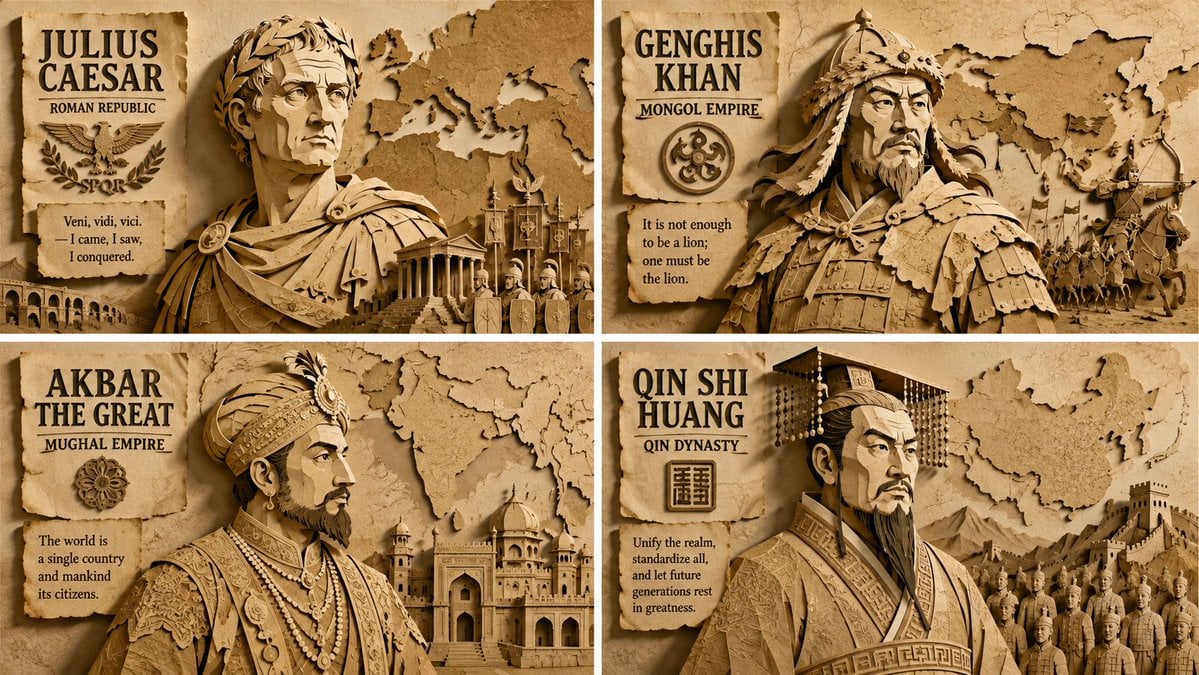
Paper Relief Hierarchical Composition
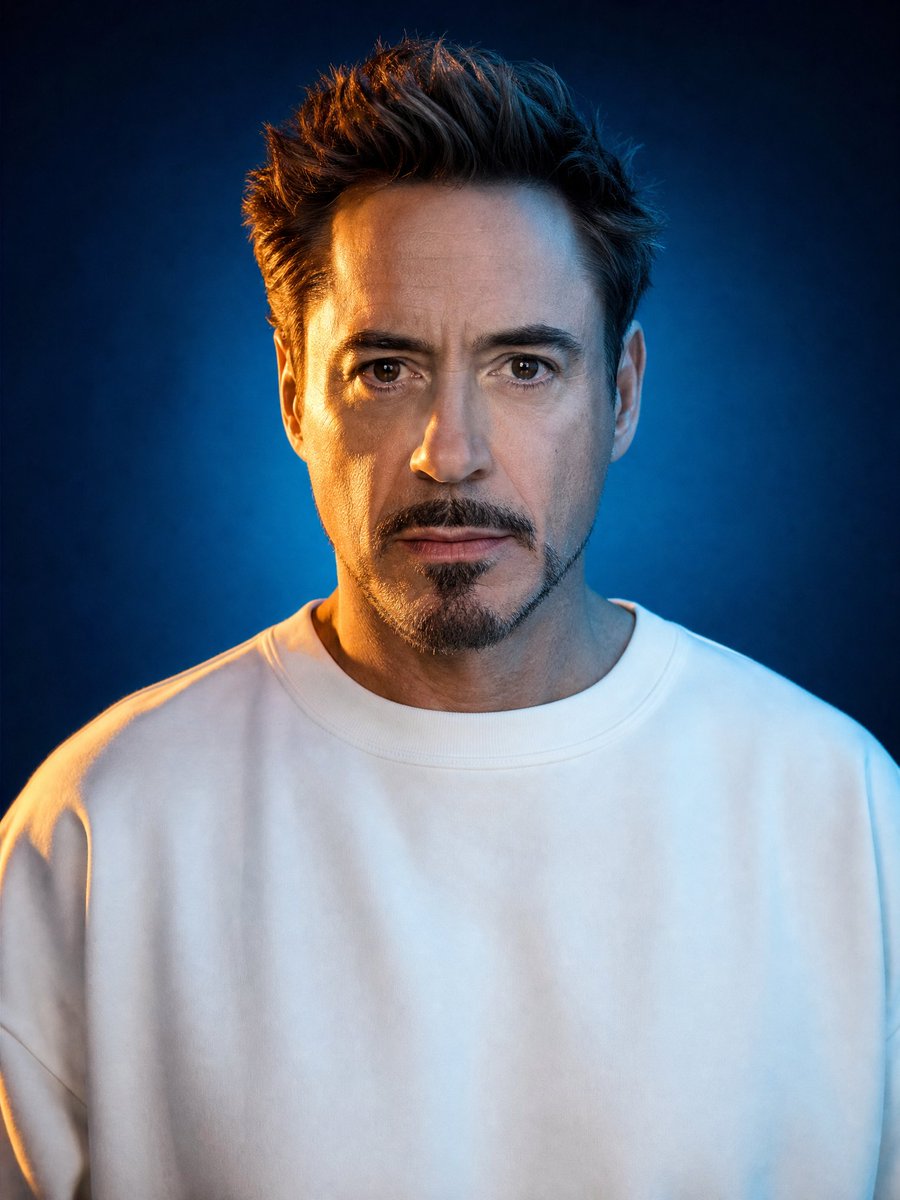
Cinematic Studio Portrait Lighting Setup

Mushroom Still Life Composition

Nano Banana Pro Identity Lock — Composition + Face Reference

LIGHTING each element still lit by its original source, windows casting
Make it yours
Object-Oriented Prompt for Composition and Lighting Study works as-is. These are the safest ways to change it without losing the look.
Change one field
Copy a single group, rewrite it, and generate again so you can see what that field is doing.
Keep the frame, change the subject
Hold the composition and light of Object-Oriented Prompt for Composition and Lighting Study, then swap wardrobe, props or the person for a new take.
| If the result… | Why | Fix |
|---|---|---|
| The result drifts from the preview | Too many fields changed at once. | Reuse Object-Oriented Prompt for Composition and Lighting Study as-is first, then change one group — subject, light, or setting. |
| The model over-stylizes the scene | The prose prompt leaves finish and camera underspecified. | Add one camera or lighting sentence and stay on Nano Banana 2. |
More Nano Banana 2 templates
Other prompts made for Nano Banana 2.

Photorealistic Leaf Shaped Like a Dragon

K-Pop Idol Portrait Grid for Rapid Selection

Poetic Rain Forest Portrait During Golden Hour

Urban Street Portrait with Cartoon Inner Self Duo

Candid Nighttime Photo with Cat Prompt

High-Concept 3D Diorama Generation Prompt

Cinematic Futuristic Studio Portrait Template

Skincare Editorial Photography Collage Prompt

Hyper-Realistic Commercial Product Photography (Splash Effect)

Hyper-Realistic Nightclub Portrait Prompt
More image prompts
Fresh picks from across the catalog.
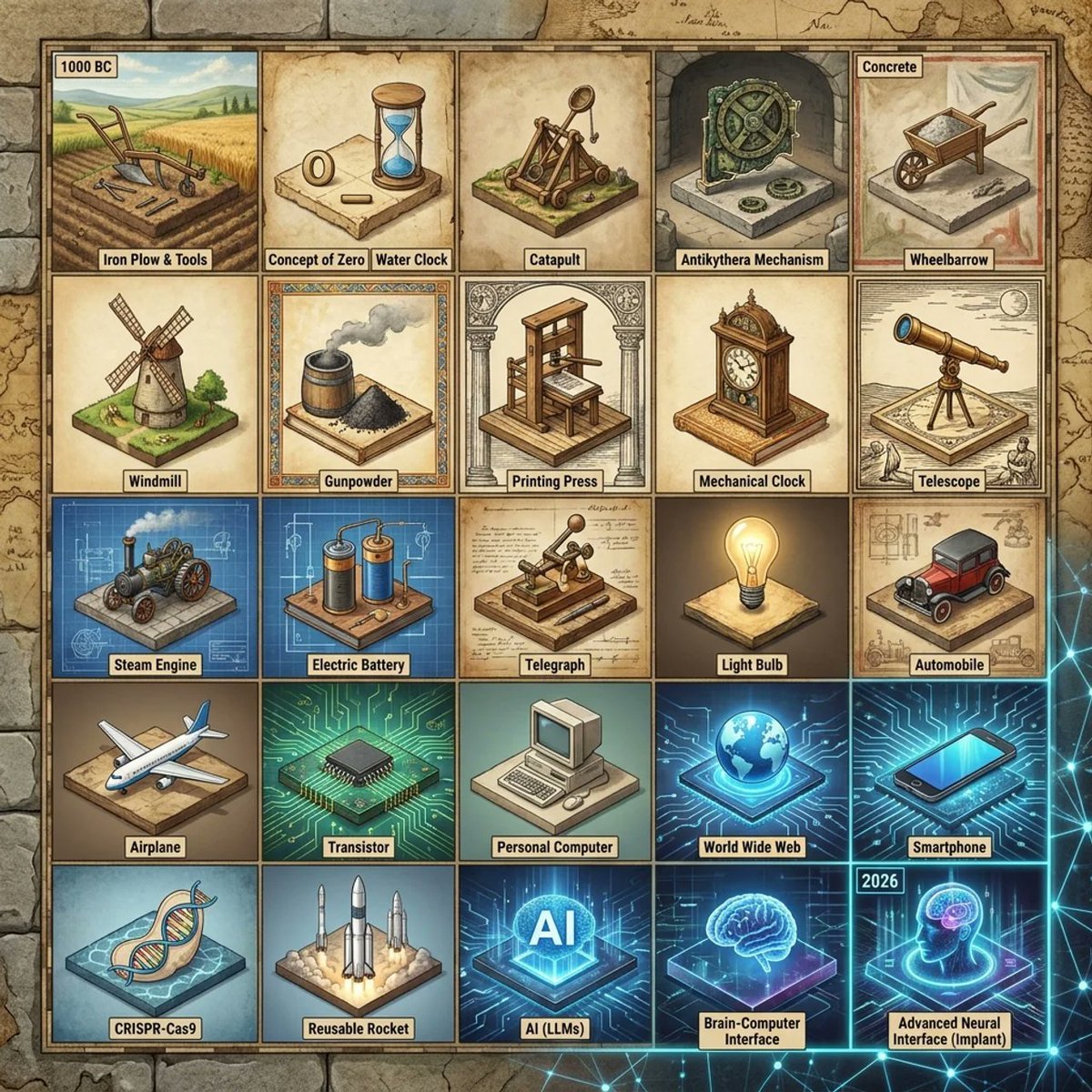
Historical Invention Timeline Grid
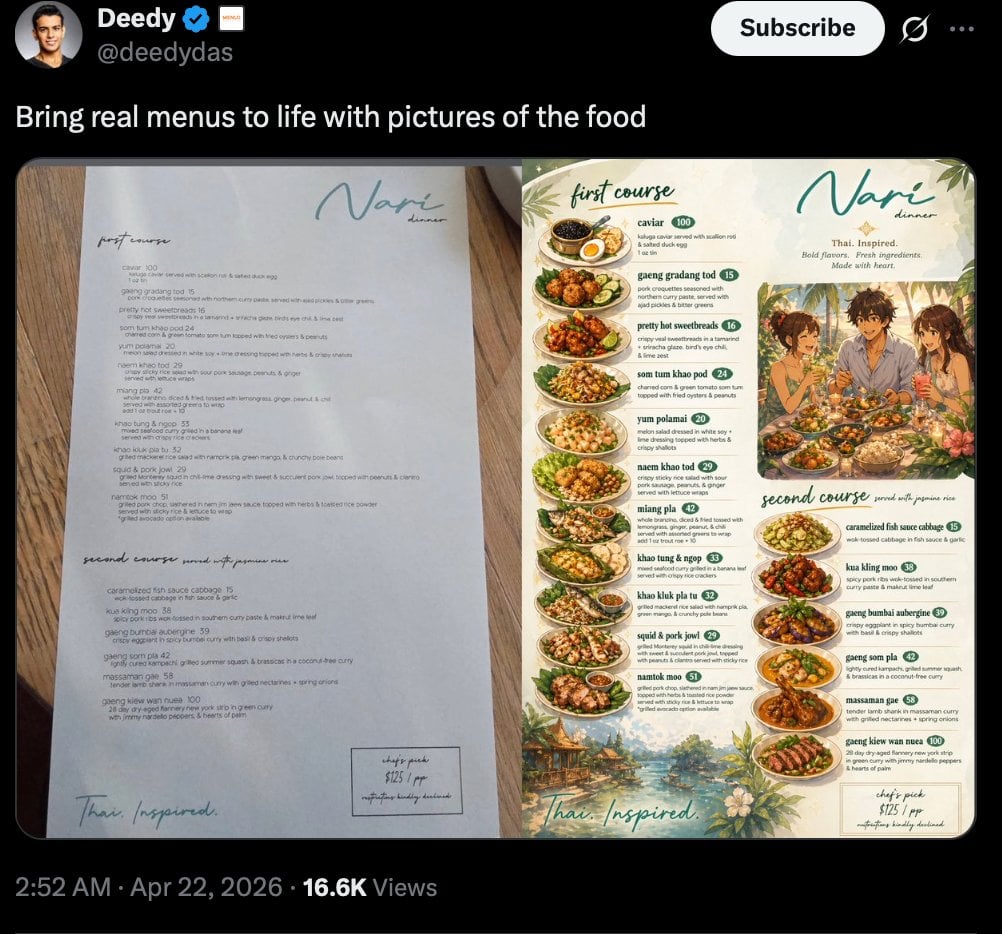
Viral Tweet Menu Before-and-After
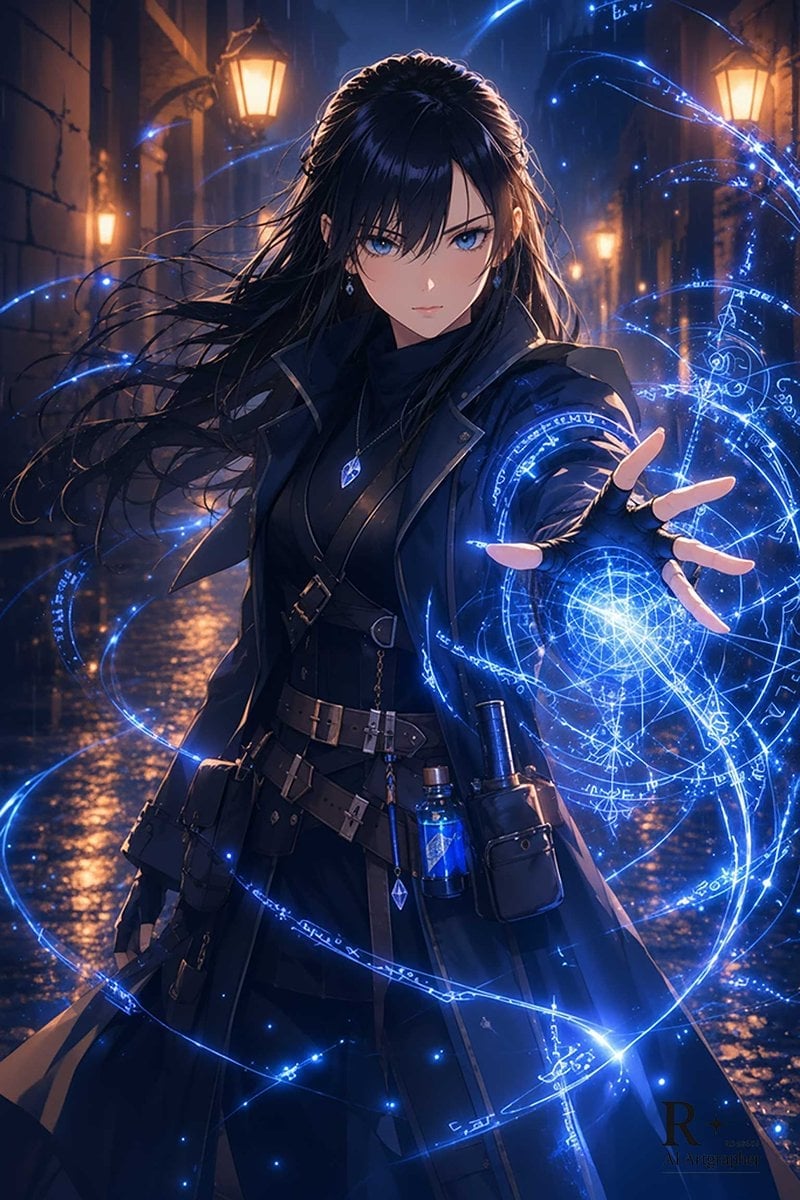
Blue Arcane Spellcaster in Rainy Alley
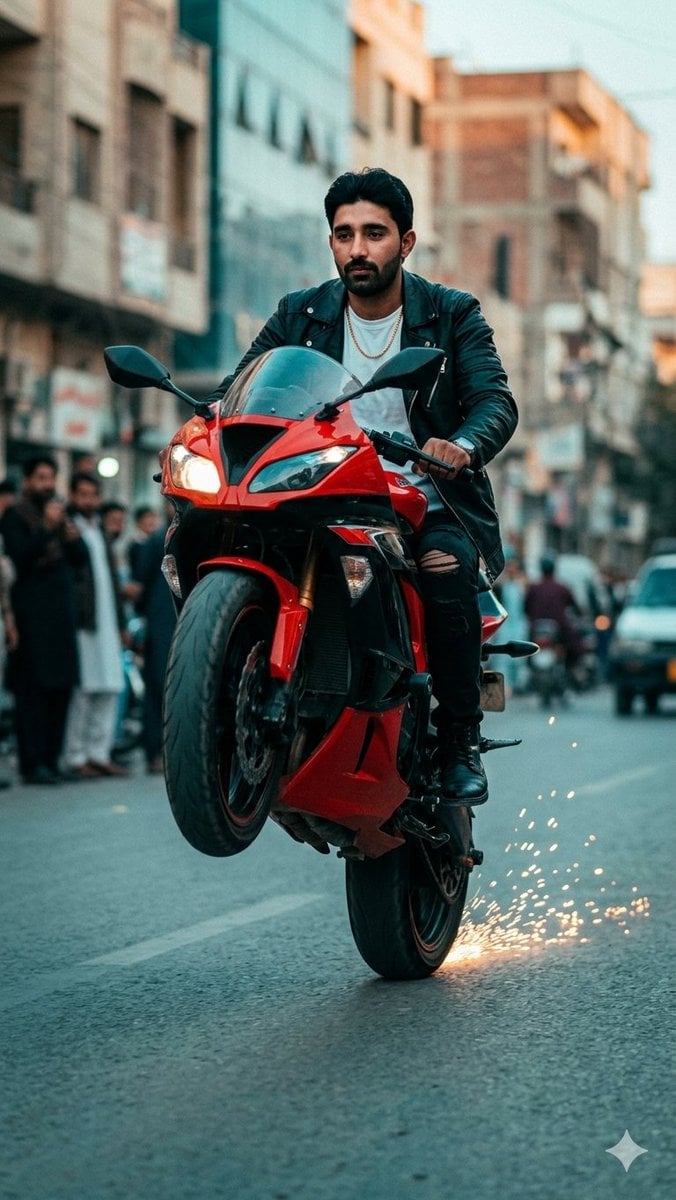
Sport Motorcycle Wheelie Street Photo

Japanese AI Palm Reading Certificate
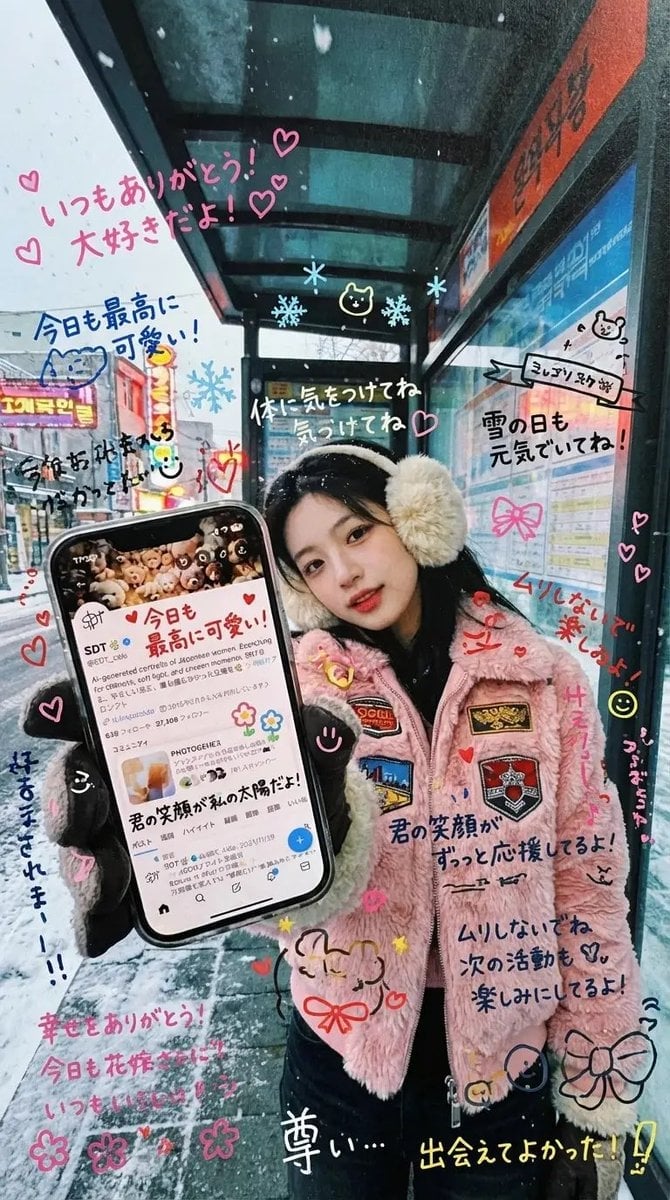
Handwritten Graffiti Message for Favorite Idol

Six Japanese Train Logo Variations
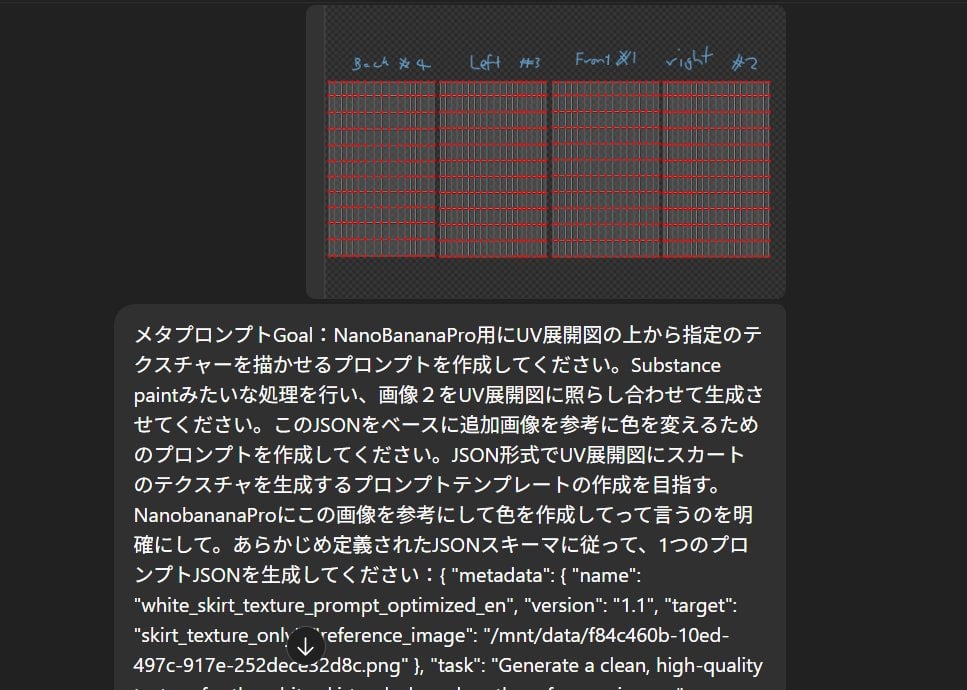
Texture Creation via JSON and UV Map Metaprompt
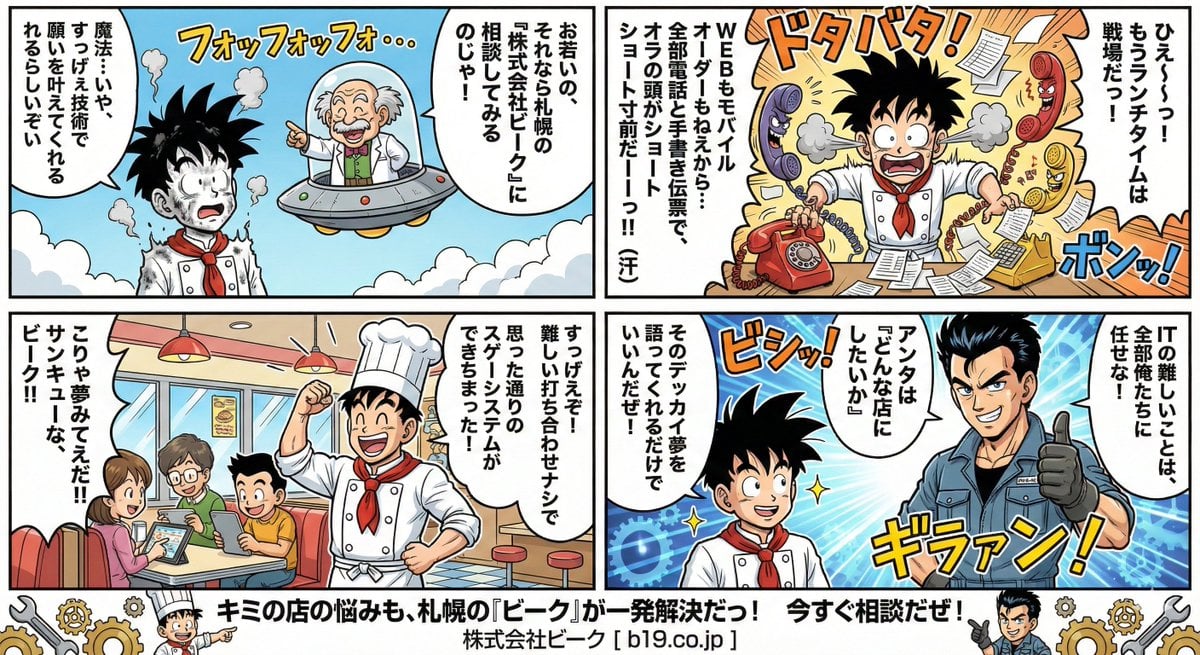
Manga Style Transfer Prompt (Toriyama Akira and Igarashi Yumiko)
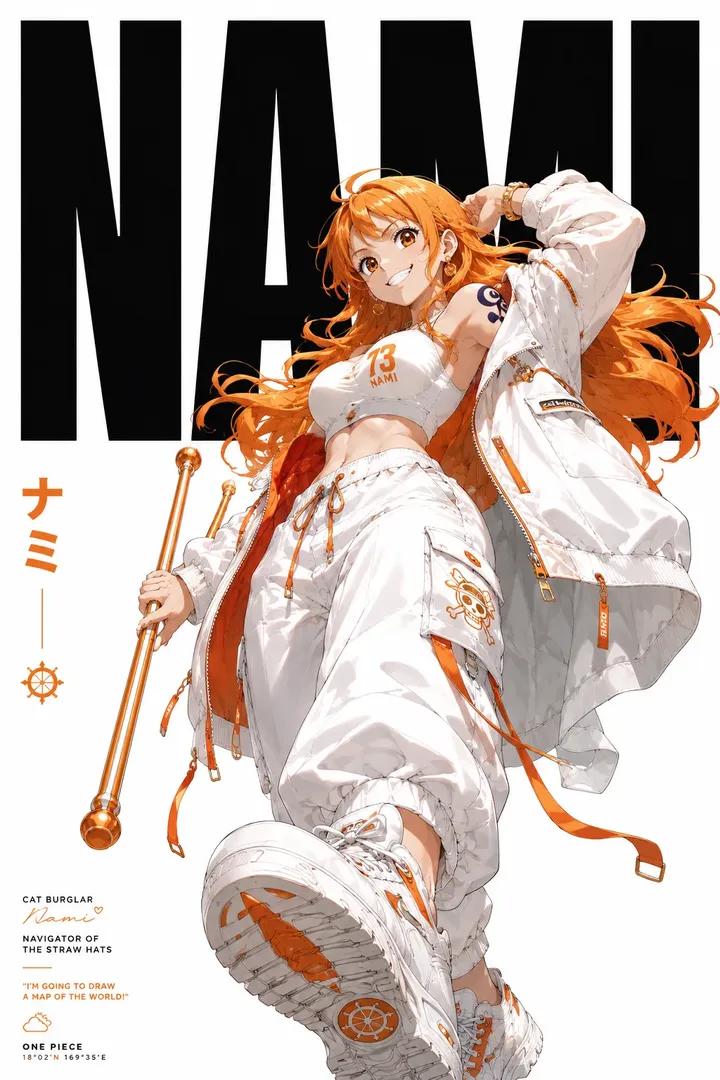
Anime Streetwear Editorial Poster
Browse template categories
Object-Oriented Prompt for Composition and Lighting Study questions
How do I use the Object-Oriented Prompt for Composition and Lighting Study template?
Add your photo if the template asks for one, edit the prompt if you like — the template's model and format are already selected — and press Generate. Your version opens in PicX Studio.
Can I customize the Object-Oriented Prompt for Composition and Lighting Study template?
Yes. You can change the subject, setting, lighting, mood, format, and available model controls before creating your image.
Is the Object-Oriented Prompt for Composition and Lighting Study template free?
Opening and editing this template is free. Generating uses credits, shown on the Generate button when you are signed in.
Which AI model should I use?
Start with Nano Banana 2, which is the model associated with this template. You can compare another compatible model for a different finish.
Looking for something else? Browse all templates.

Your photo, any look
Thousands of ready templates for every top image and video model, from one credit balance.