
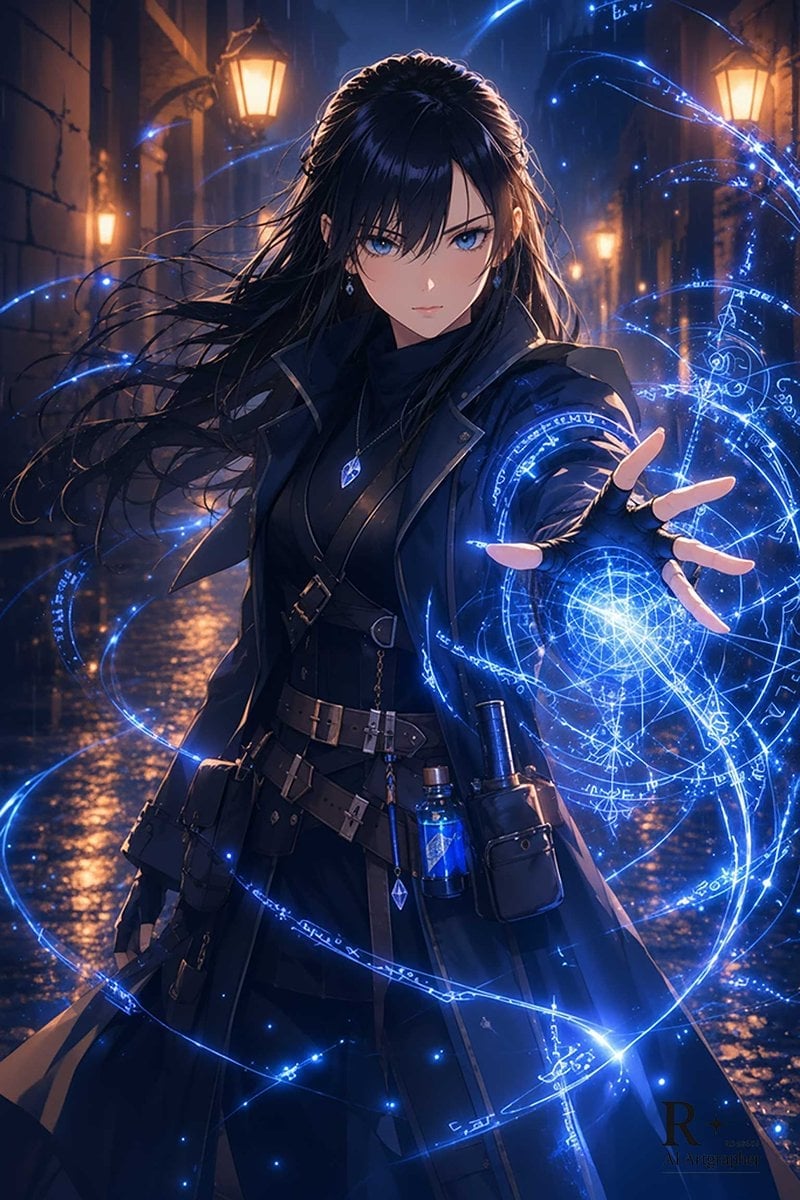
Blue Arcane Spellcaster in Rainy Alley
Generates a cinematic anime dark-fantasy mage casting glowing blue magic in a rainy old-city street, useful for character art or cover illustrations.
- Prompt included
- Model and format preset
- Free template
The prompt behind this image
Copy the exact prompt behind Blue Arcane Spellcaster in Rainy Alley, or open it in the studio and make it yours.
Create a dramatic vertical anime-style dark fantasy illustration of {argument name="character name" default="a mysterious female spellcaster"} standing in a rain-slicked narrow old-city alley at night, surrounded by warm gas-lamp light and deep blue shadows. She has {argument name="hair color" default="long flowing black hair"} whipping in the wind, with her face deliberately hidden by a soft square blur for anonymity. She wears a sleek layered {argument name="outfit color" default="black"} gothic mage outfit: high-collared coat, fitted bodice, belts and buckles, fingerless glove, small leather pouches, hanging charms, and a blue crystal pendant plus small glowing potion bottles at her waist. Her right hand is thrust toward the viewer in foreshortened perspective, casting a brilliant {argument name="magic color" default="electric blue"} arcane spell made of one large circular magic sigil, several concentric rings, rune-like markings, geometric lines, star points, and many swirling light trails wrapping around her body. The wet cobblestone street reflects the lamps and blue magic, with rain streaks, mist, cinematic rim lighting, sparkling particles, high contrast, ultra-detailed painterly rendering, sharp fabric and leather textures, dynamic composition, fantasy action atmosphere, and a small subtle artist-style monogram watermark in the lower right.
How to use Blue Arcane Spellcaster in Rainy Alley in 3 steps
- 1Upload ImagePNG, JPG or paste
Add your photo
Upload the photo the template builds on. The prompt, model and format are already set.
- 2…a portrait of your subject in softgolden-hour light, 85mm…
Personalize
Edit the subject and creative details for your destination.
- 3Generate
Generate
Press Generate — your image is created in PicX Studio, so you can compare it with the original and refine one variable at a time.
More like this
Templates with the same subject, style or setup. Open one to see its prompt.
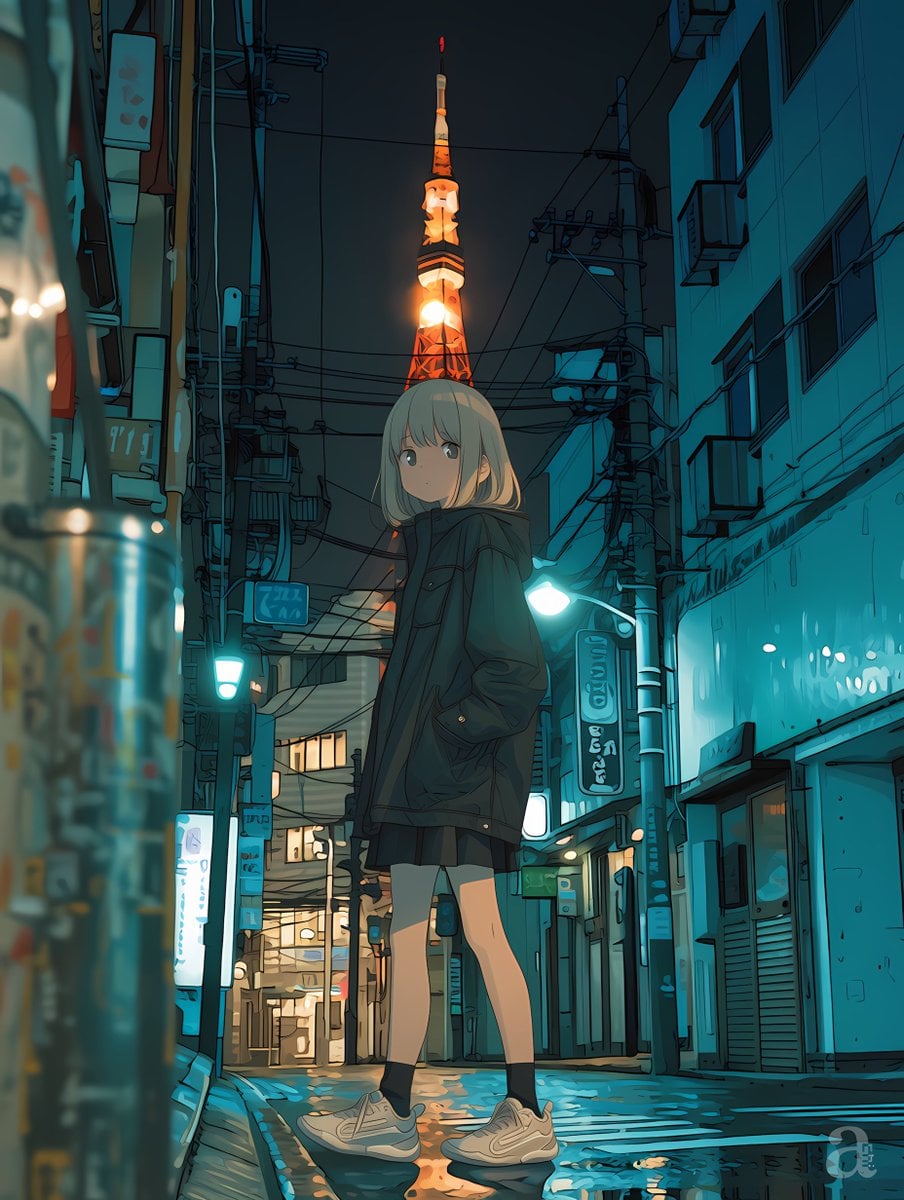
Anime Girl in Rainy Tokyo Alley

Monochrome Portrait Jersey Accent Poster
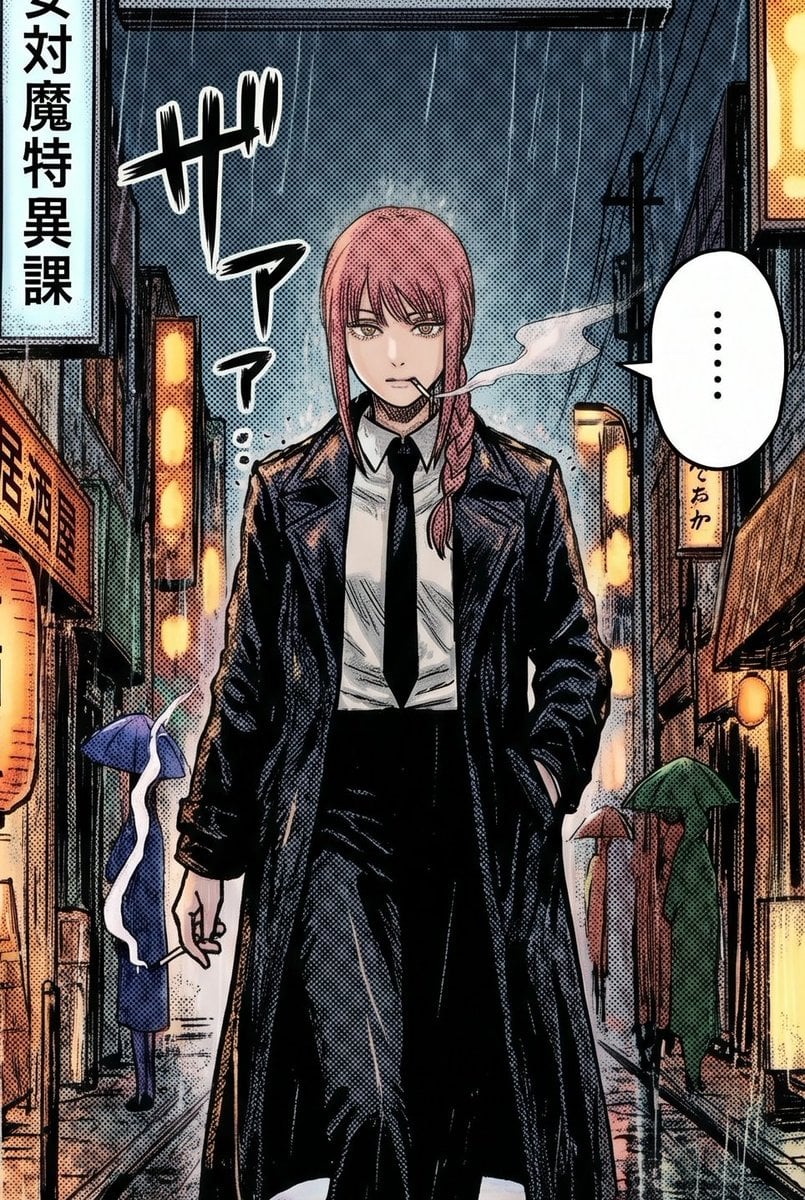
Rainy Manga Alley Woman Portrait
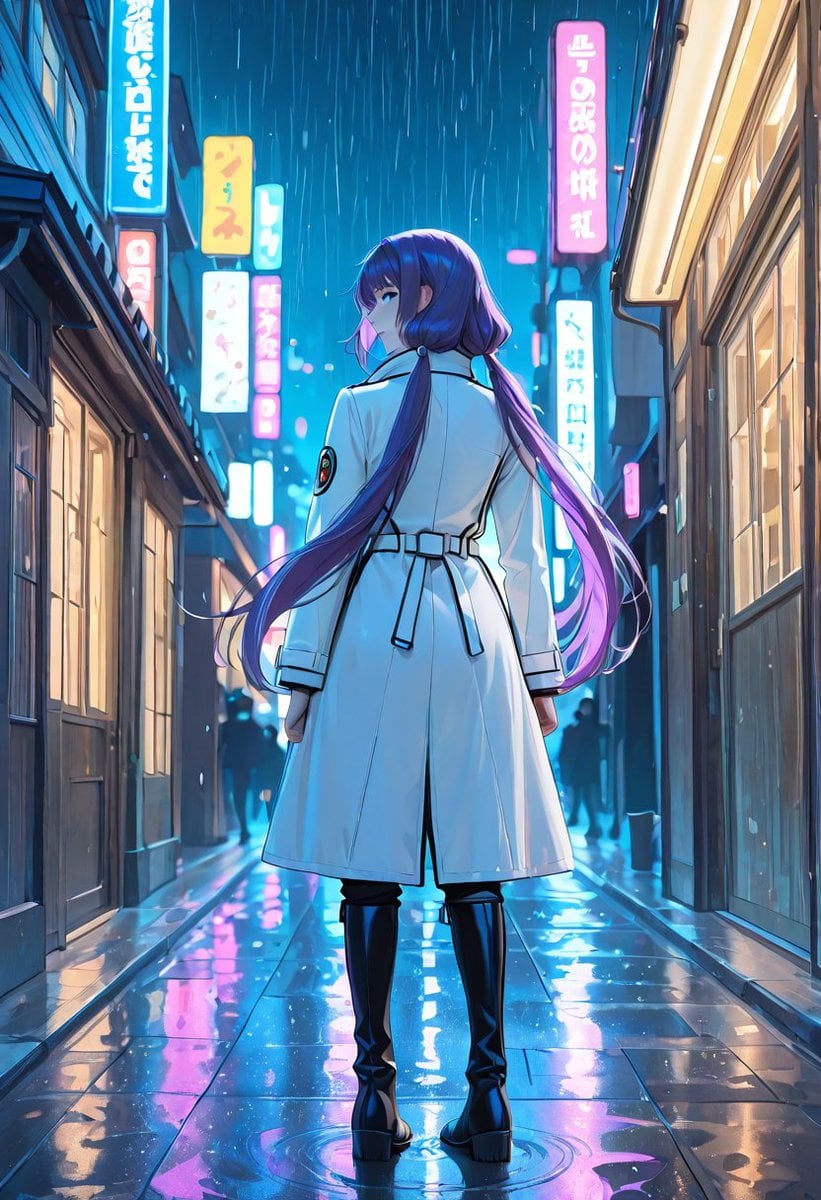
Rainy Neon Anime Alley Woman
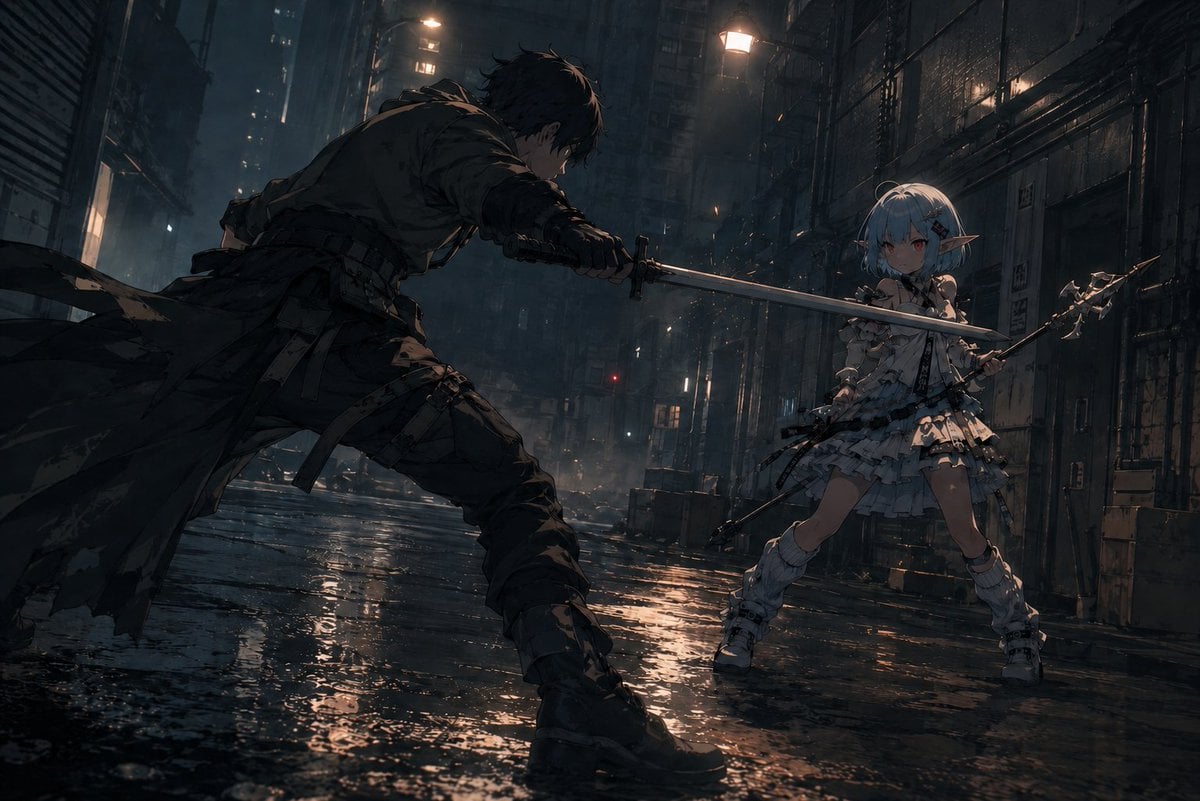
Rainy Cyberpunk Alley Sword Duel

Cosmetic Tube Product — Nano Banana 2

Nano Banana - Evening Champagne Blue
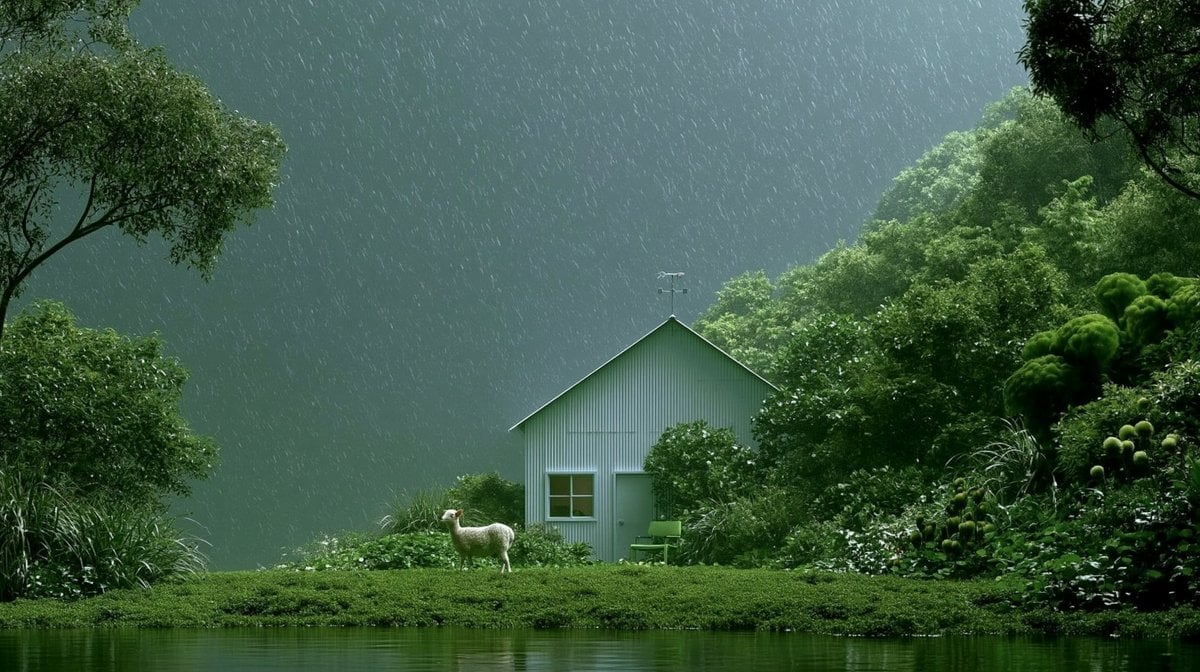
Rainy Cottage Garden With Sheep
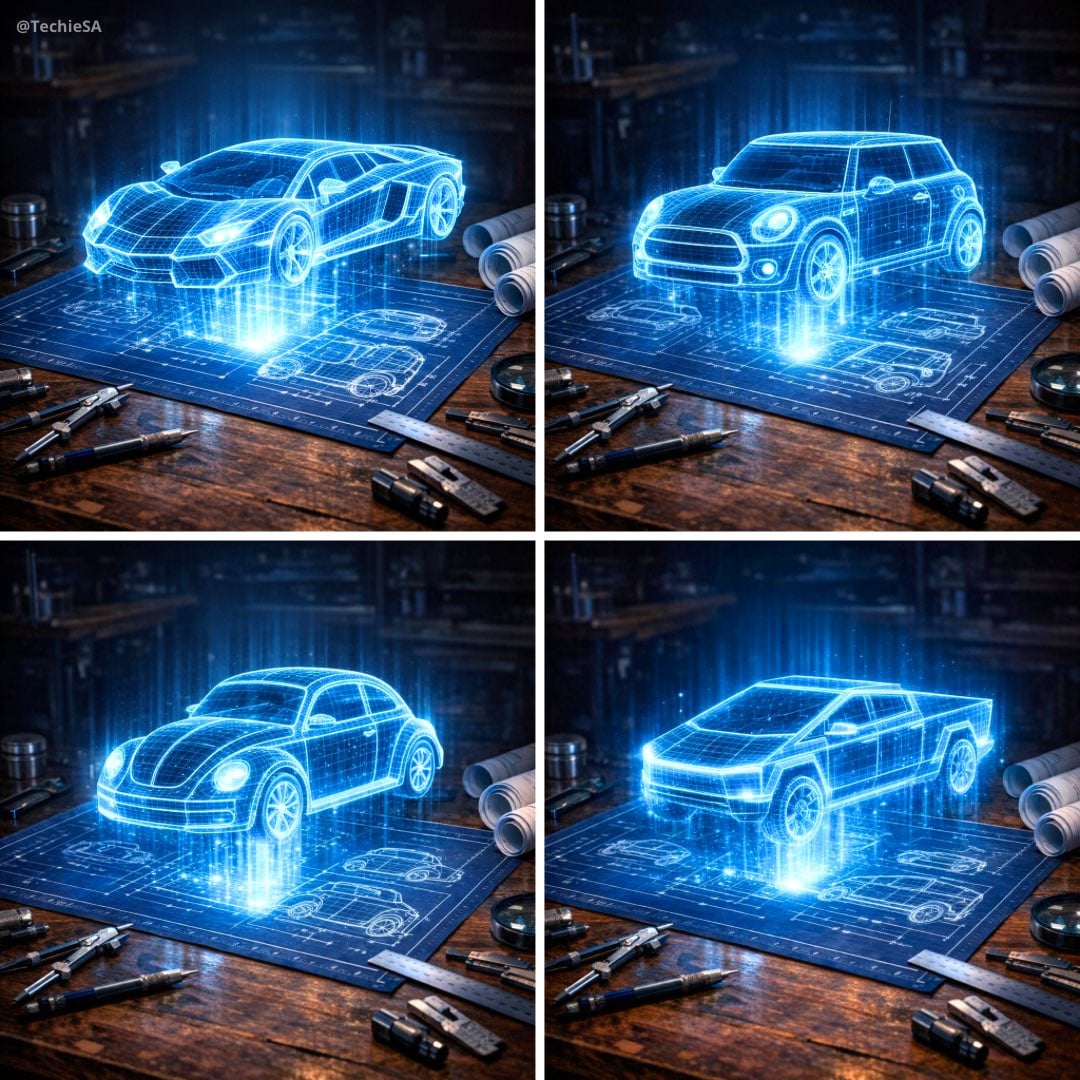
Holographic Car Blueprint Wireframe

Anime Alley Kick Transformation
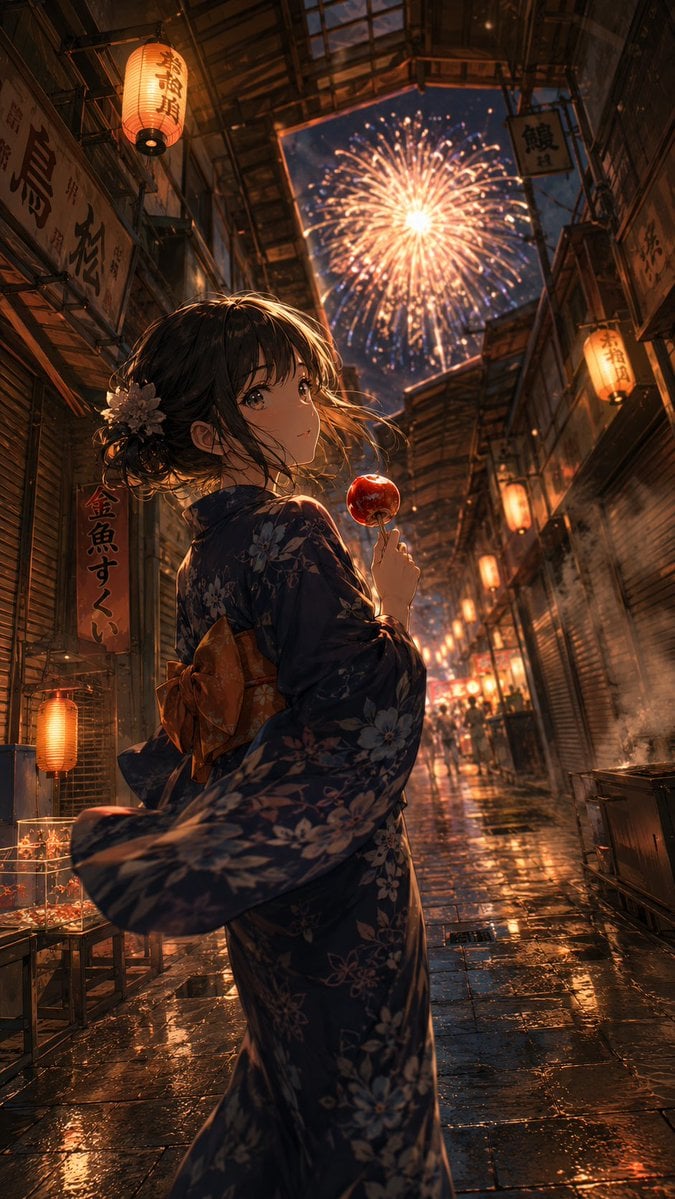
Anime Yukata Festival Alley
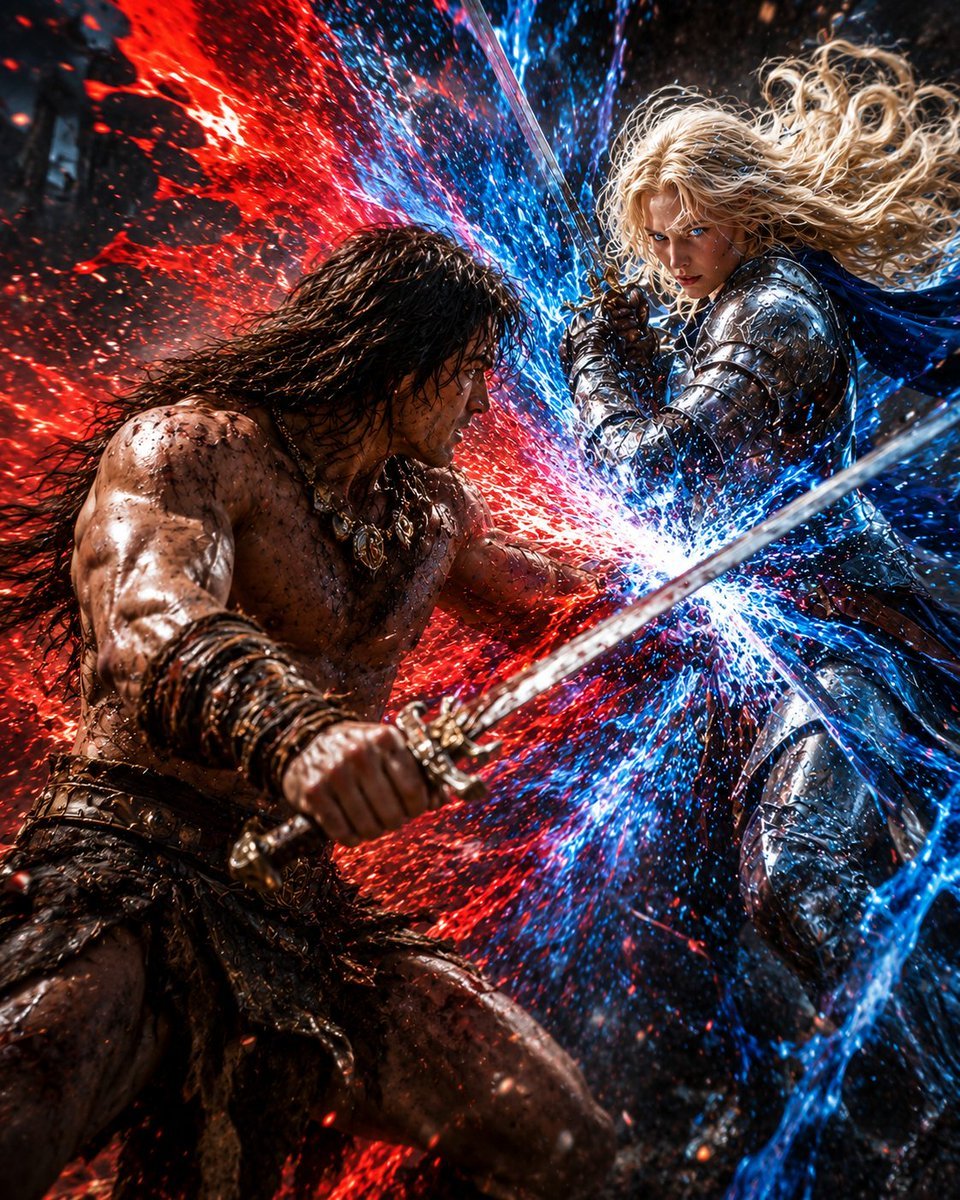
Red and Blue Fantasy Sword Clash
Make it yours
Blue Arcane Spellcaster in Rainy Alley works as-is. These are the safest ways to change it without losing the look.
Change one field
Copy a single group, rewrite it, and generate again so you can see what that field is doing.
Keep the frame, change the subject
Hold the composition and light of Blue Arcane Spellcaster in Rainy Alley, then swap wardrobe, props or the person for a new take.
| If the result… | Why | Fix |
|---|---|---|
| The result drifts from the preview | Too many fields changed at once. | Reuse Blue Arcane Spellcaster in Rainy Alley as-is first, then change one group — subject, light, or setting. |
| The model over-stylizes the scene | The prose prompt leaves finish and camera underspecified. | Add one camera or lighting sentence and stay on GPT Image 2. |
More GPT Image 2 templates
Other prompts made for GPT Image 2.

Six VTuber Japanese Logo Sheet

Realistic Portrait of Woman and Deer

The Vista Modular Condo Poster

AI Model Routing Comparison Infographic

2.5D Anime Art Board

Isometric Productivity Desk Scene

New York Double Exposure Poster

Four-Panel AI Landscape Comparison

Japanese Tatami Lifestyle Magazine Cover

NESCAFÉ Coffee Map Poster
More image prompts
Fresh picks from across the catalog.
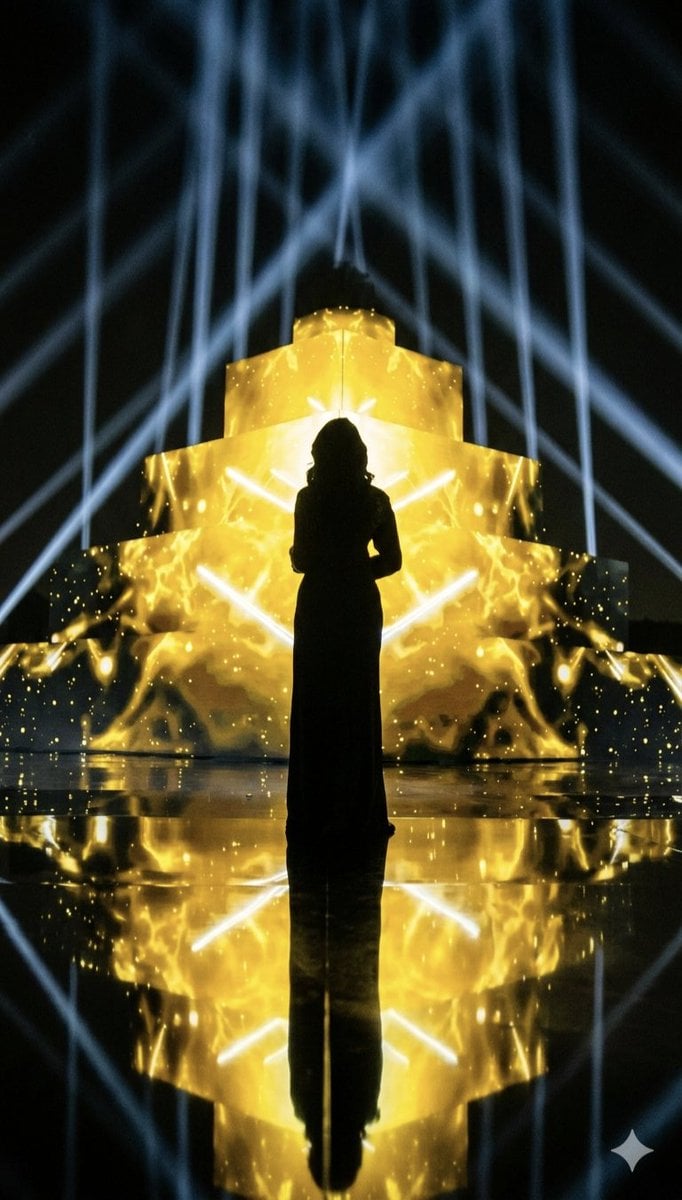
Dramatic Silhouette on Golden Pyramid Stage
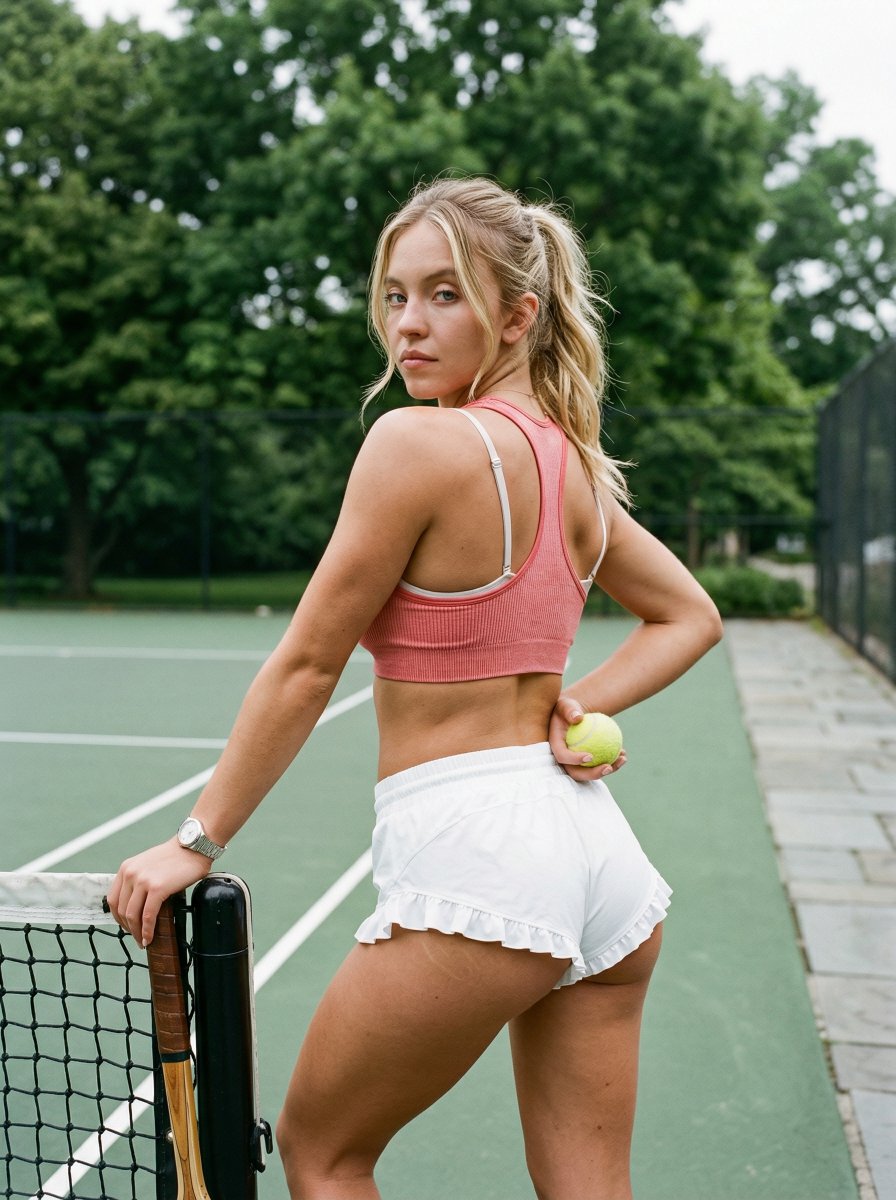
Curvy Woman Tennis Court Portrait
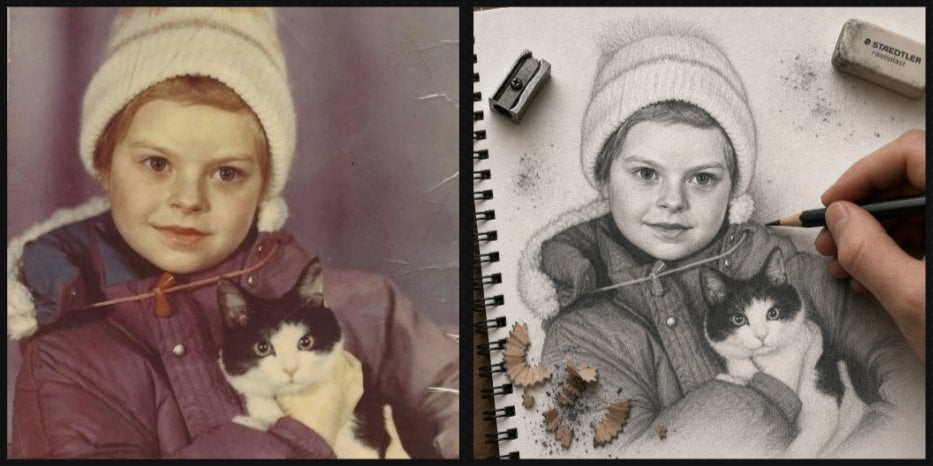
Vintage Photo to Graphite Sketch
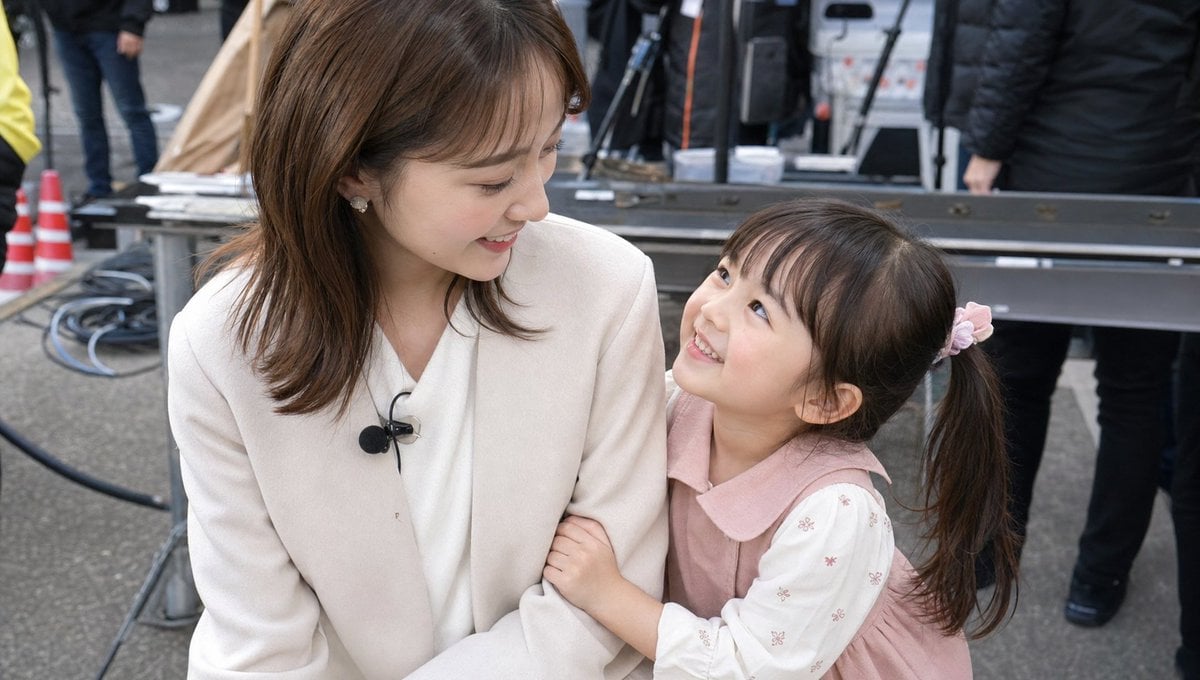
Candid TV Announcer Family Moment
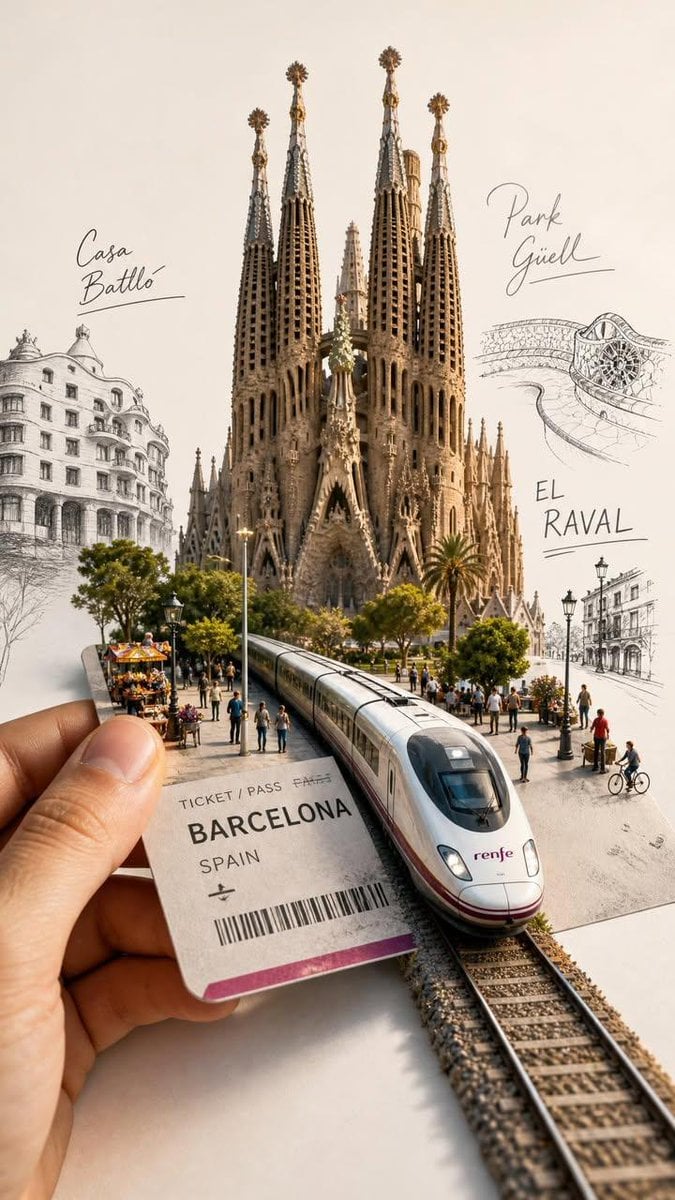
Forced Perspective Travel Ticket Train
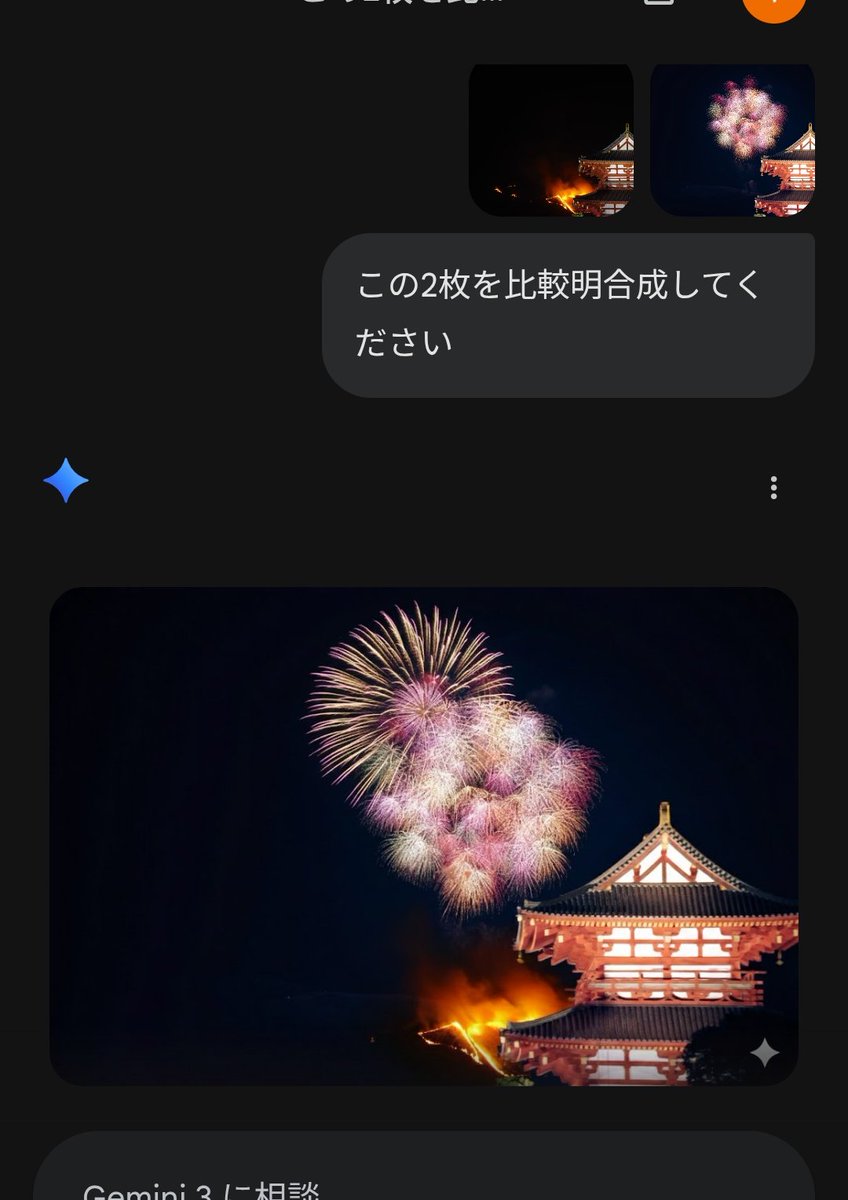
Instructional Prompt for Strict Image Generation
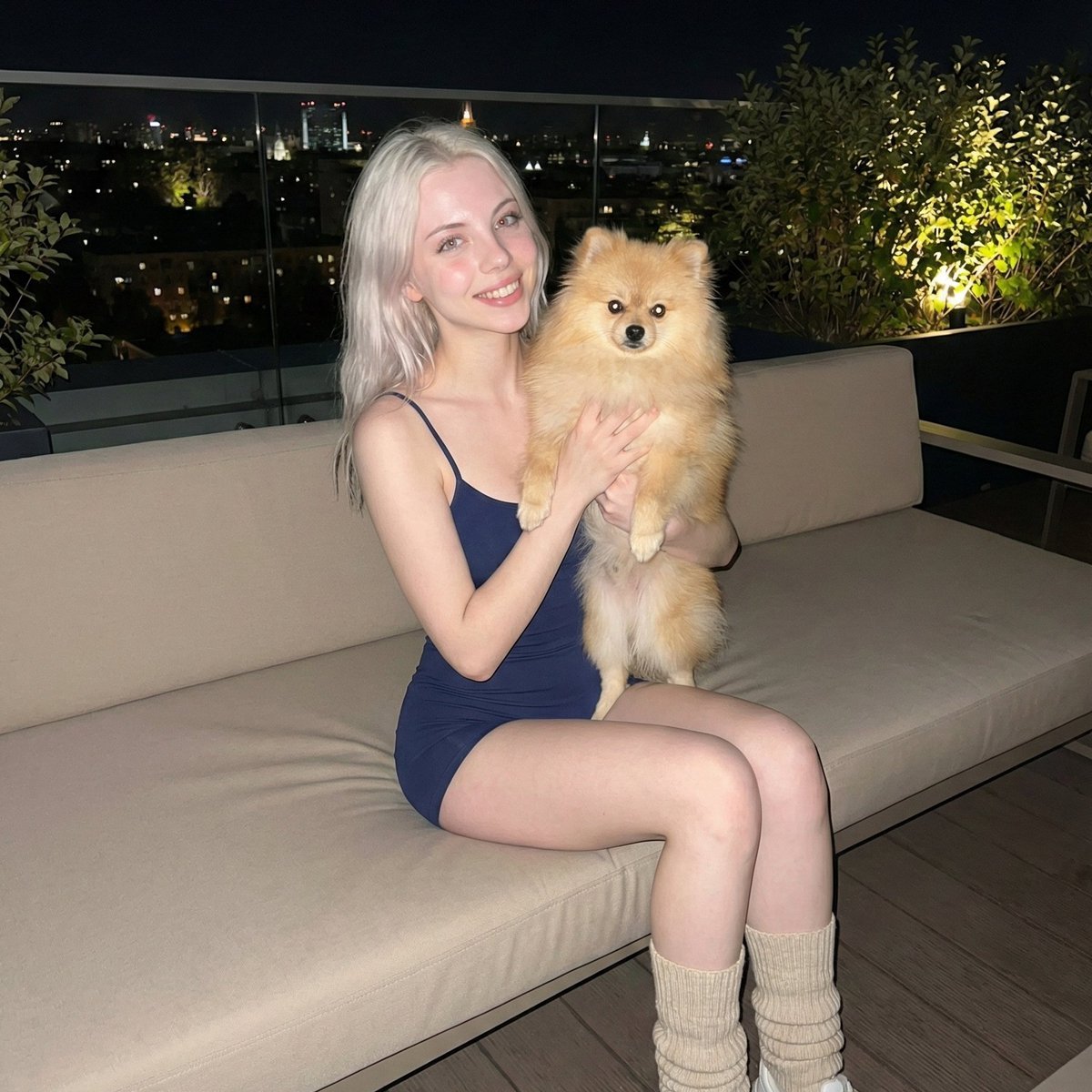
Photorealistic Portrait of Woman Holding a Pomeranian (iPhone Style)
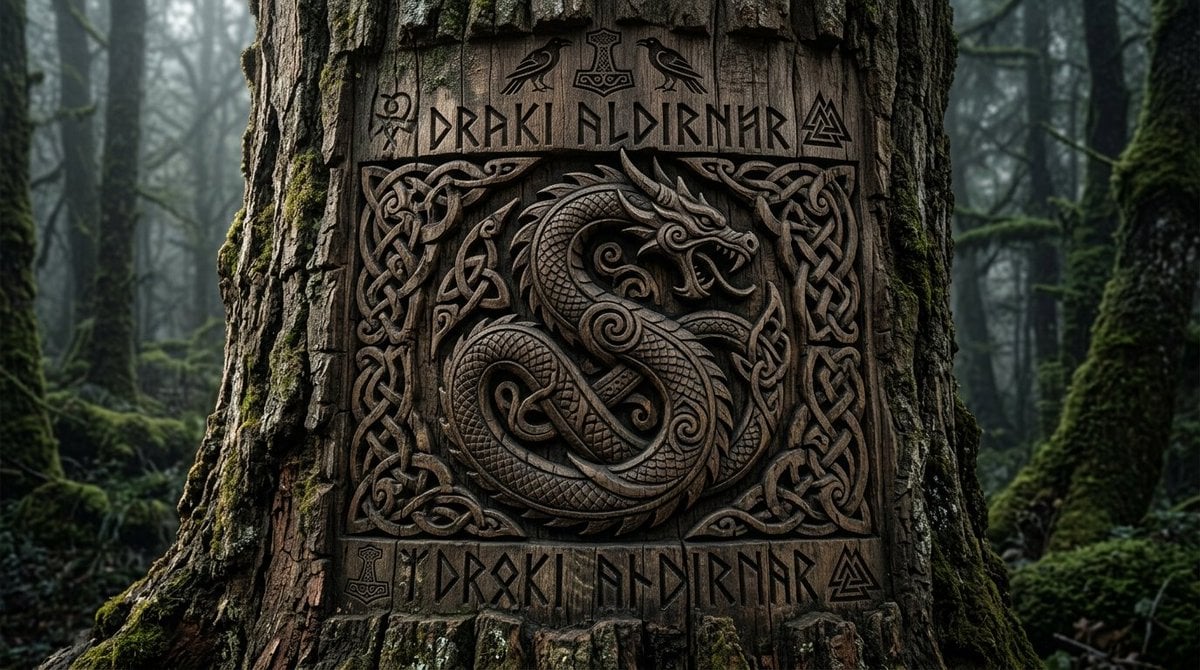
Viking Tree Carvings

Chibi sticker set prompt for Nano Banana Pro
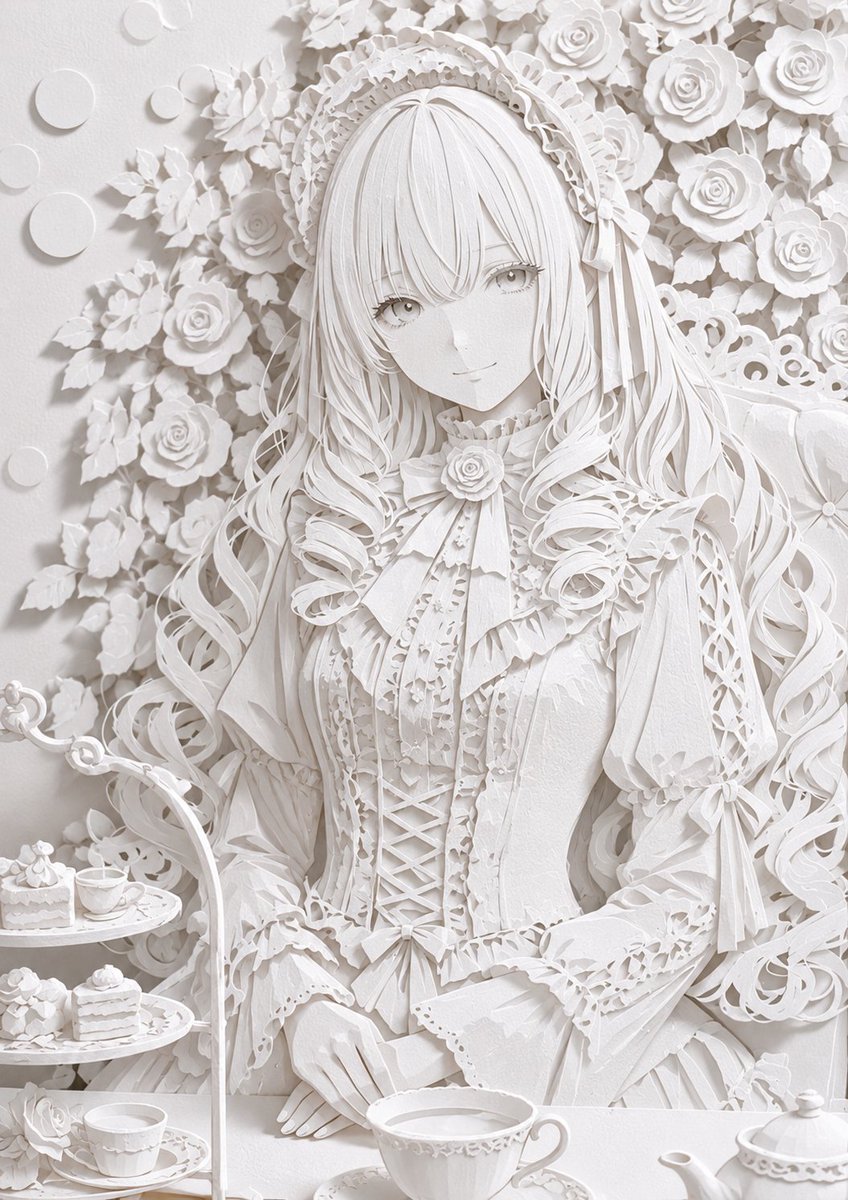
Realistic White Paper Craft Style Conversion
Browse template categories
Blue Arcane Spellcaster in Rainy Alley questions
How do I use the Blue Arcane Spellcaster in Rainy Alley template?
Add your photo if the template asks for one, edit the prompt if you like — the template's model and format are already selected — and press Generate. Your version opens in PicX Studio.
Can I customize the Blue Arcane Spellcaster in Rainy Alley template?
Yes. You can change the subject, setting, lighting, mood, format, and available model controls before creating your image.
Is the Blue Arcane Spellcaster in Rainy Alley template free?
Opening and editing this template is free. Generating uses credits, shown on the Generate button when you are signed in.
Which AI model should I use?
Start with GPT Image 2, which is the model associated with this template. You can compare another compatible model for a different finish.
Looking for something else? Browse all templates.

Your photo, any look
Thousands of ready templates for every top image and video model, from one credit balance.