
Anime Yukata Festival Alley
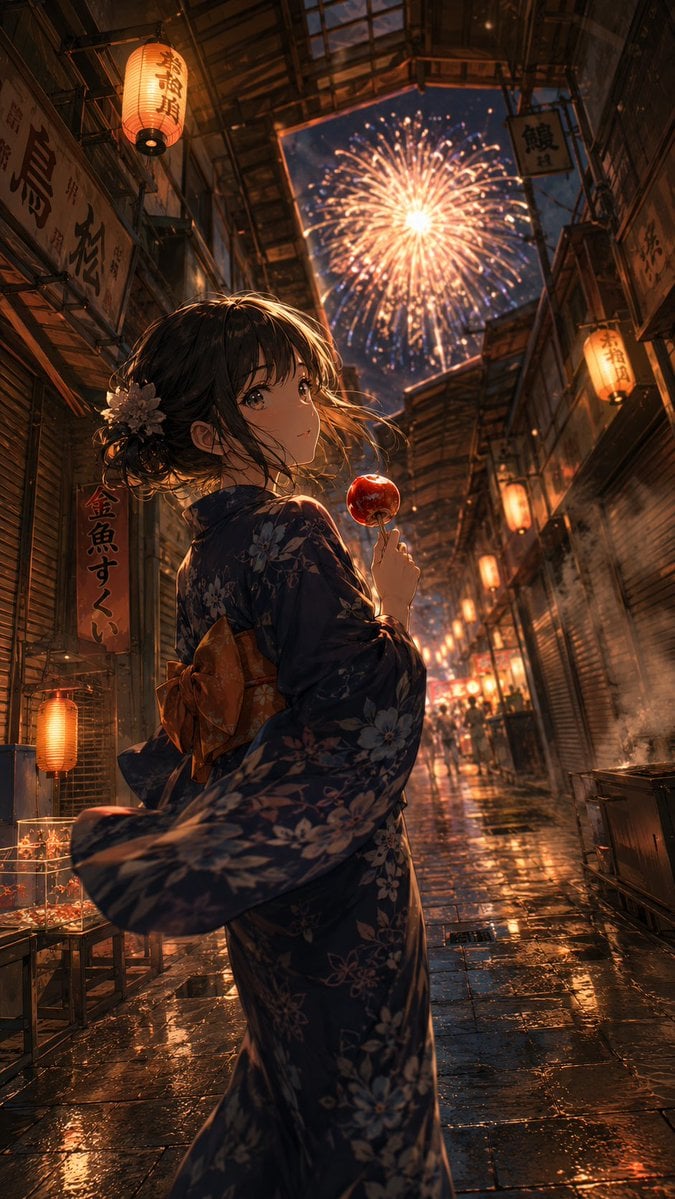
A cinematic vertical anime scene of a yukata-clad girl holding a candied apple in a lantern-lit rainy festival alley beneath fireworks.
- Prompt included
- Model and format preset
- Free template
The prompt behind this image
Copy the exact prompt behind Anime Yukata Festival Alley, or open it in the studio and make it yours.
Create a cinematic vertical anime illustration of a young Japanese woman at a summer festival standing in a narrow old-fashioned shopping alley at night. She is shown from behind in a three-quarter turn, looking back softly toward the viewer with a calm, wistful expression, holding one glossy red candied apple on a stick near her face. She wears a dark navy yukata with pale floral patterns and a warm ochre obi tied in a bow at the back; her dark brown hair is loosely pinned up with stray windblown strands and one pale flower hair ornament. The alley is covered by a high arched glass-and-metal arcade roof with an opening to the night sky, where a large golden firework explodes directly above the street. Surround both sides with aged wooden storefronts, closed metal shutters, hanging Japanese shop signs, and glowing orange paper lanterns; include wet stone pavement reflecting lantern light, fireworks, and shop lights after rain. Use exactly these main visible repeated elements: 1 female subject, 1 candied apple, 1 large firework burst, 1 prominent hair flower, 1 back obi bow, multiple Japanese lanterns and shop signs receding into depth. Style should be highly detailed modern anime key visual, dramatic perspective looking down the alley, warm amber lighting mixed with cool blue night shadows, volumetric mist and steam, sparkling firework embers, glossy reflections, shallow depth of field, richly textured architecture, romantic nostalgic mood, no modern cars, no watermark, no readable English text.
How to use Anime Yukata Festival Alley in 3 steps
- 1Upload ImagePNG, JPG or paste
Add your photo
Upload the photo the template builds on. The prompt, model and format are already set.
- 2…a portrait of your subject in softgolden-hour light, 85mm…
Personalize
Edit the subject and creative details for your destination.
- 3Generate
Generate
Press Generate — your image is created in PicX Studio, so you can compare it with the original and refine one variable at a time.
More like this
Templates with the same subject, style or setup. Open one to see its prompt.

Pixar Anime Festival Mask
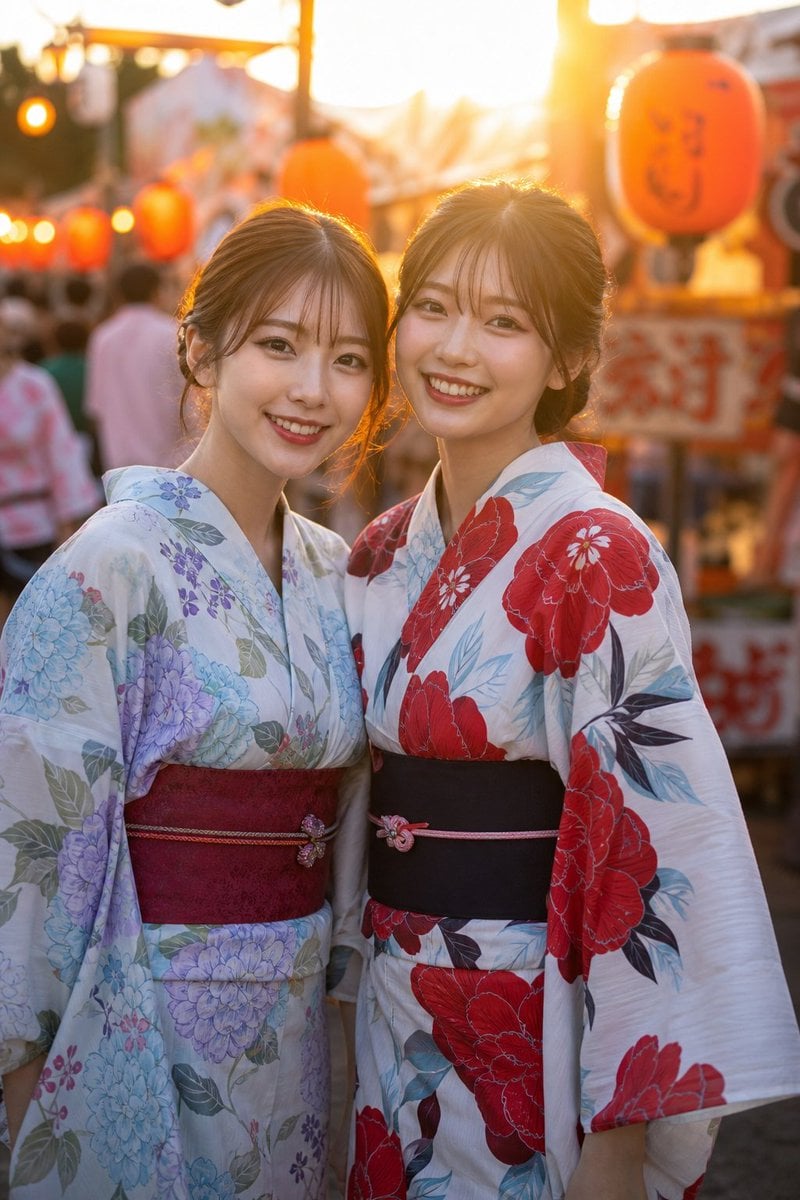
Two Friends in Yukata at Summer Festival
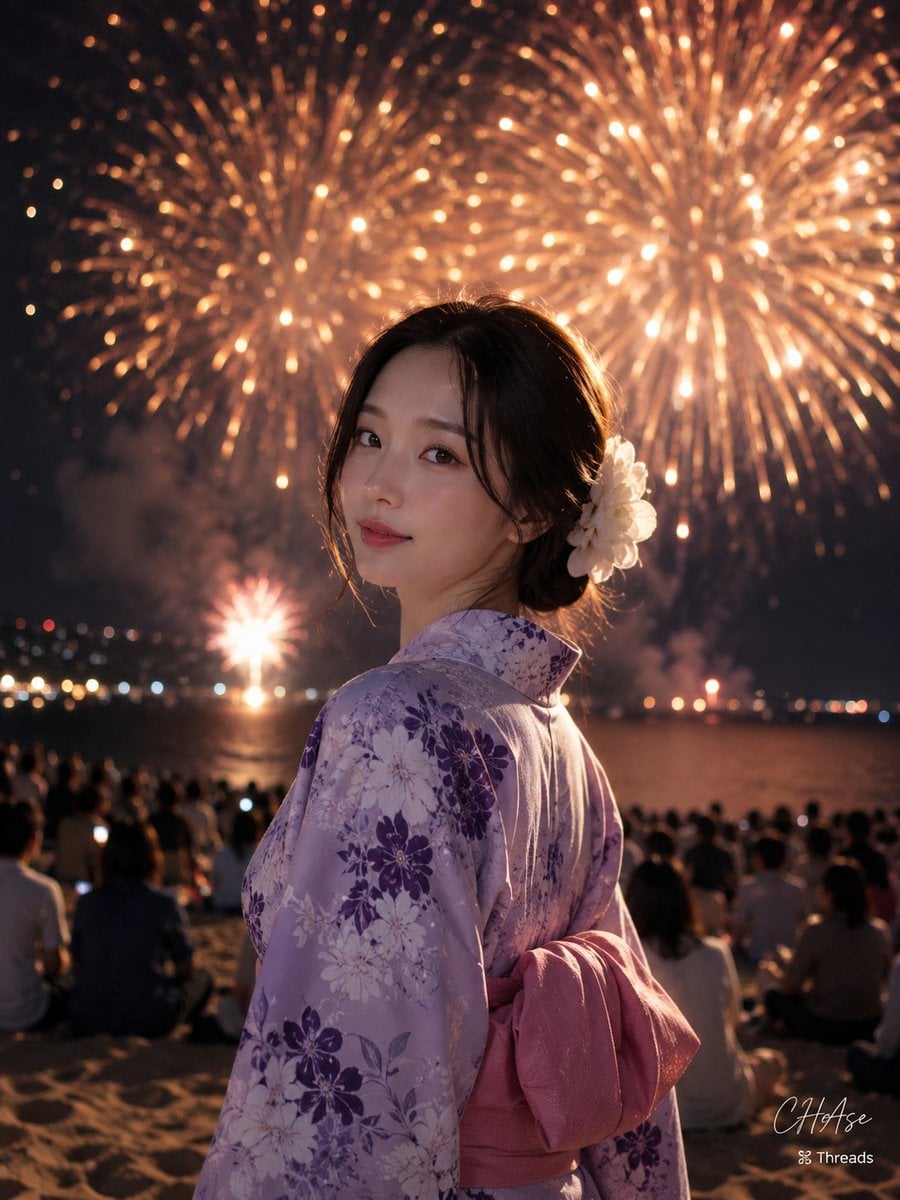
Elegant Japanese Yukata at Beach Fireworks Festival
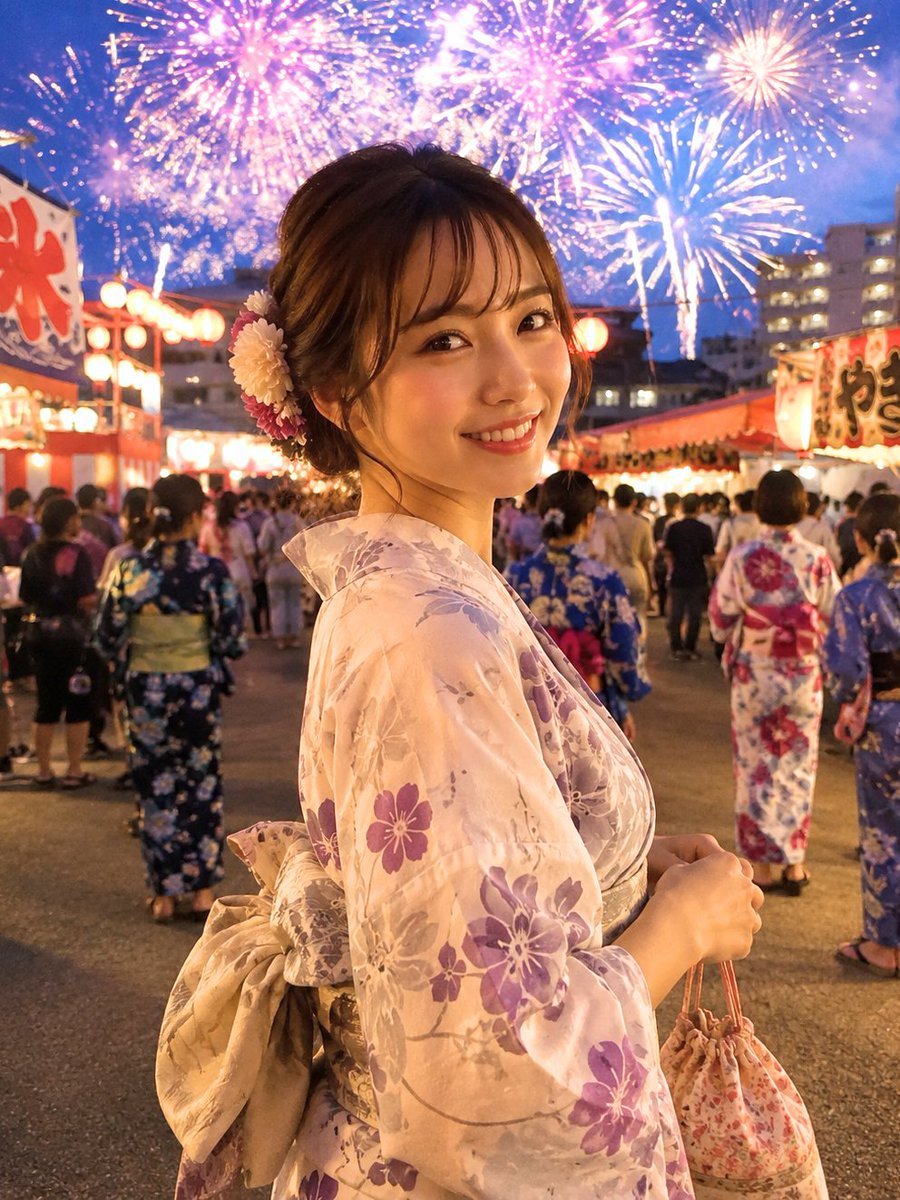
Japanese Fireworks Festival Yukata Portrait
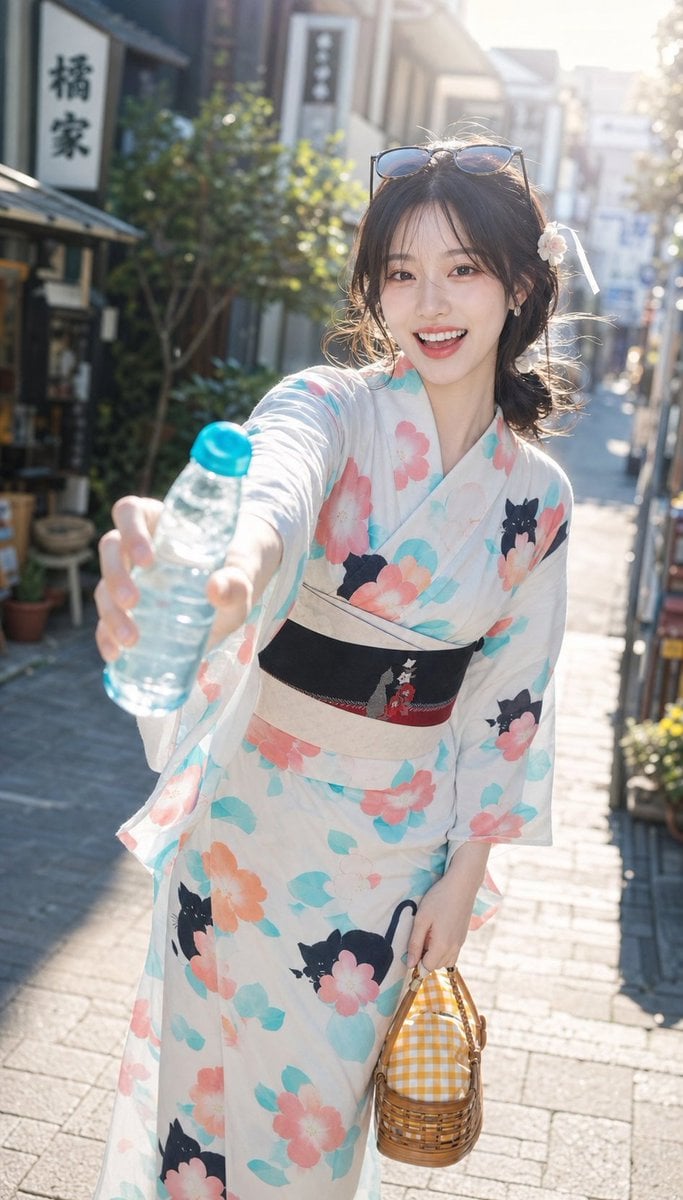
Japanese Yukata Summer Festival Snapshot

Cel 2D Finale Fireworks

Cel 2D Garden Maze

Cel 2D Rooftop Concert

Cel 2D Bicycle Coast

Cel 2D Castle Gate

Cel 2D Kitchen Chaos

Cel 2D Carnival Ride
Make it yours
Anime Yukata Festival Alley works as-is. These are the safest ways to change it without losing the look.
Change one field
Copy a single group, rewrite it, and generate again so you can see what that field is doing.
Keep the frame, change the subject
Hold the composition and light of Anime Yukata Festival Alley, then swap wardrobe, props or the person for a new take.
| If the result… | Why | Fix |
|---|---|---|
| The result drifts from the preview | Too many fields changed at once. | Reuse Anime Yukata Festival Alley as-is first, then change one group — subject, light, or setting. |
| The model over-stylizes the scene | The prose prompt leaves finish and camera underspecified. | Add one camera or lighting sentence and stay on GPT Image 2. |
More GPT Image 2 templates
Other prompts made for GPT Image 2.

Six VTuber Japanese Logo Sheet

Realistic Portrait of Woman and Deer

The Vista Modular Condo Poster

AI Model Routing Comparison Infographic

2.5D Anime Art Board

Isometric Productivity Desk Scene

New York Double Exposure Poster

Four-Panel AI Landscape Comparison

Japanese Tatami Lifestyle Magazine Cover

NESCAFÉ Coffee Map Poster
More image prompts
Fresh picks from across the catalog.

Celestial Blue Anime Princess
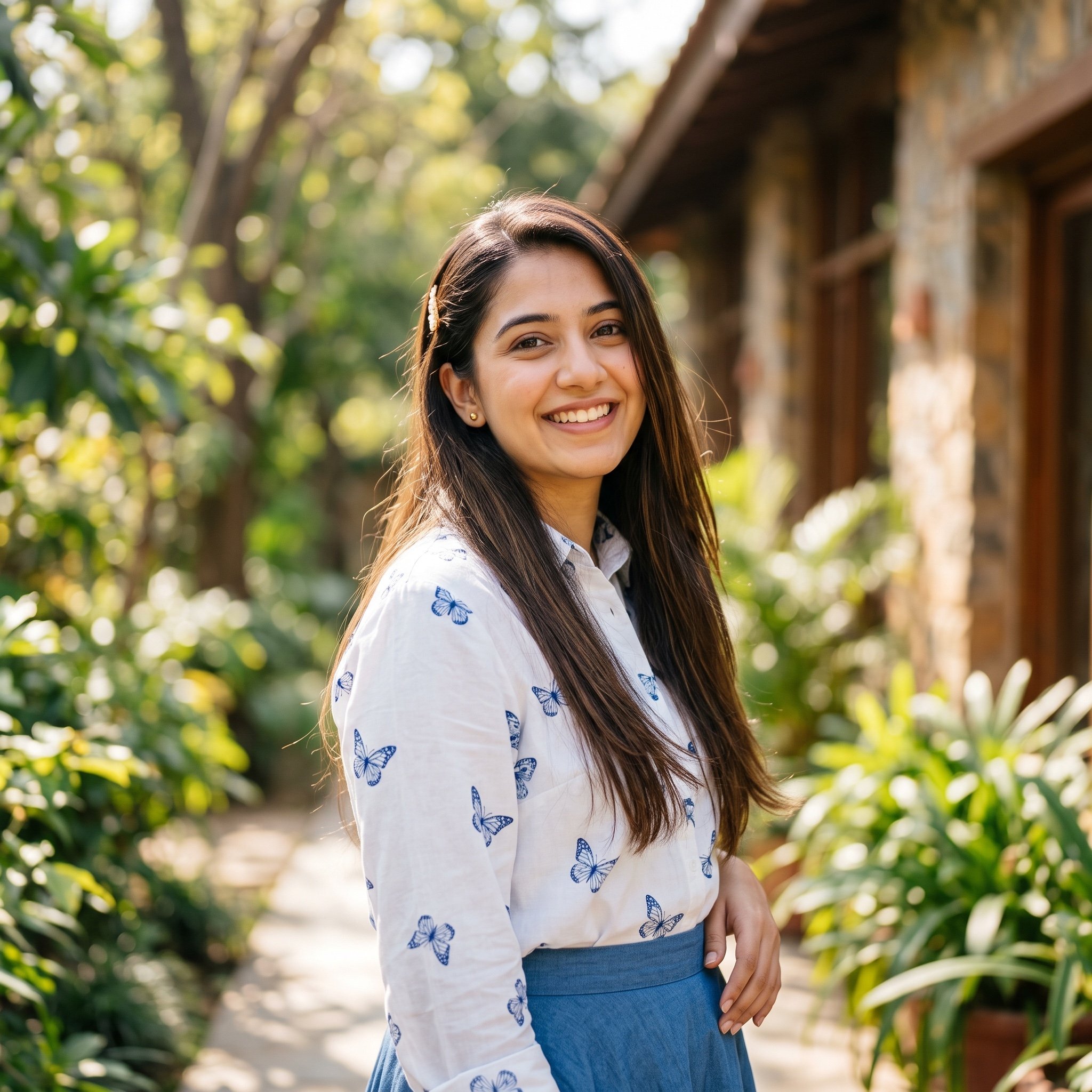
Ayesha Outdoor Portrait Prompt
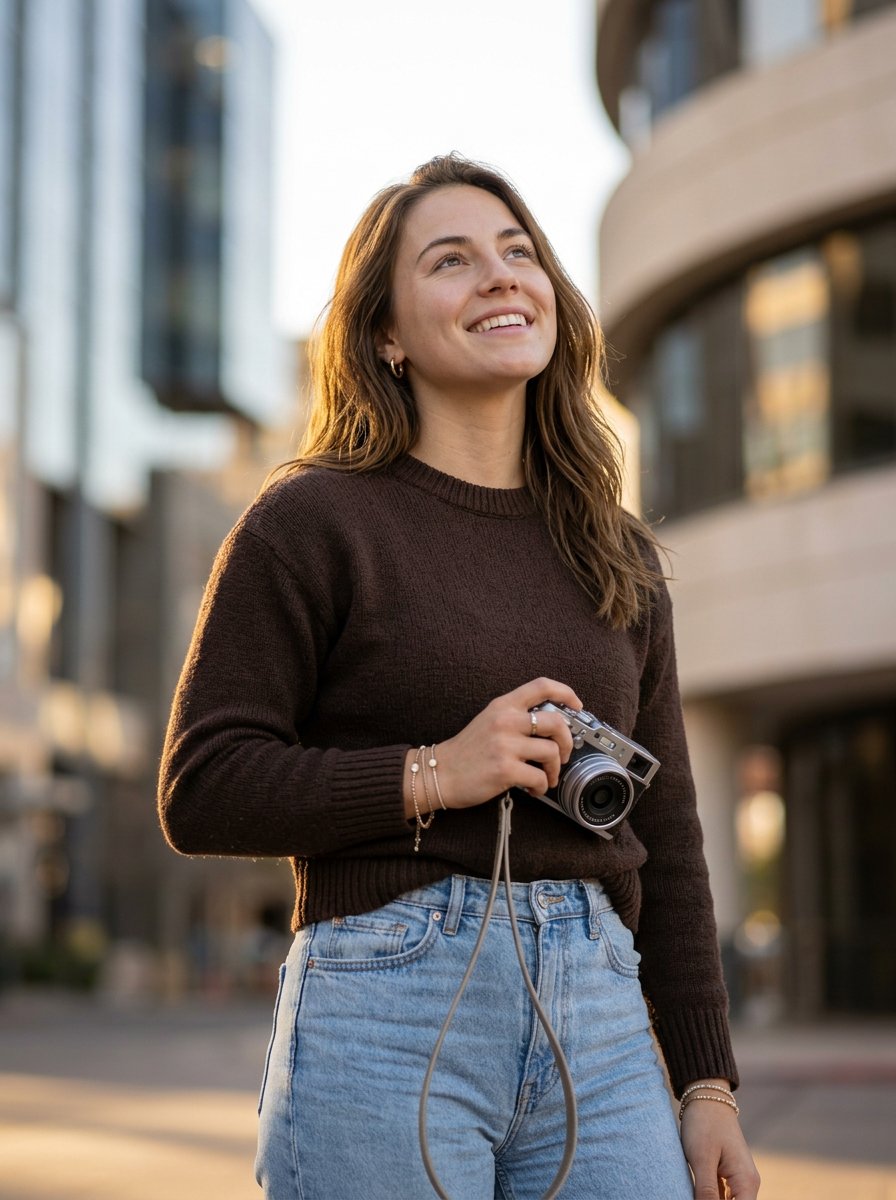
photography
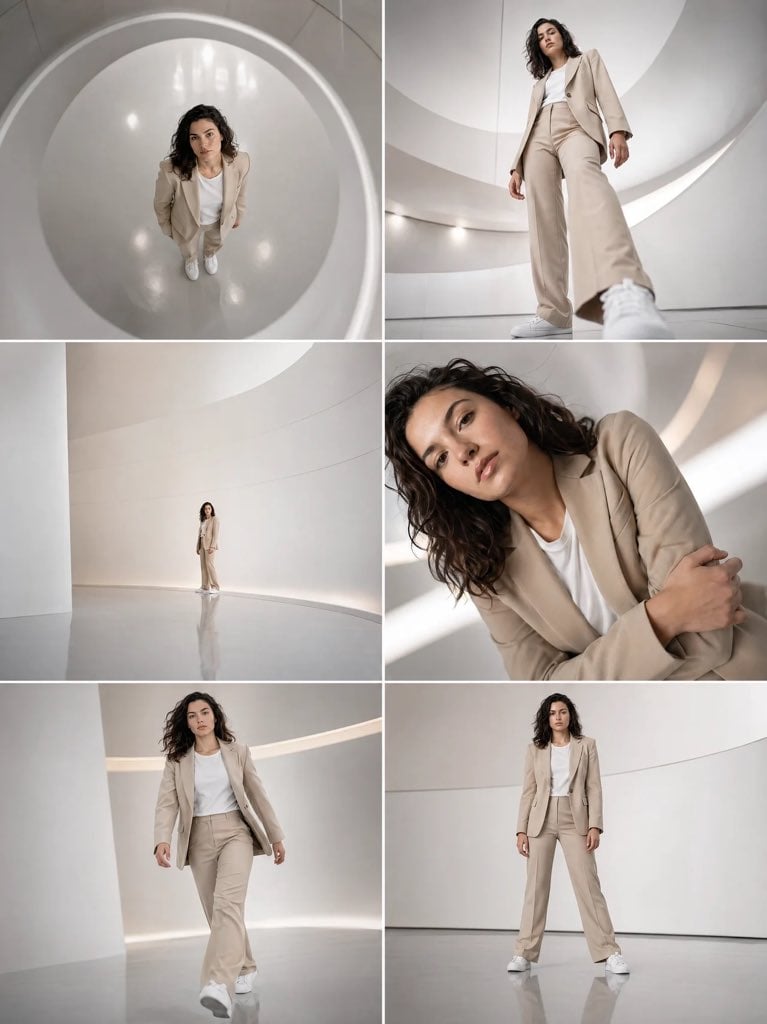
Futuristic Beige Suit Editorial Collage
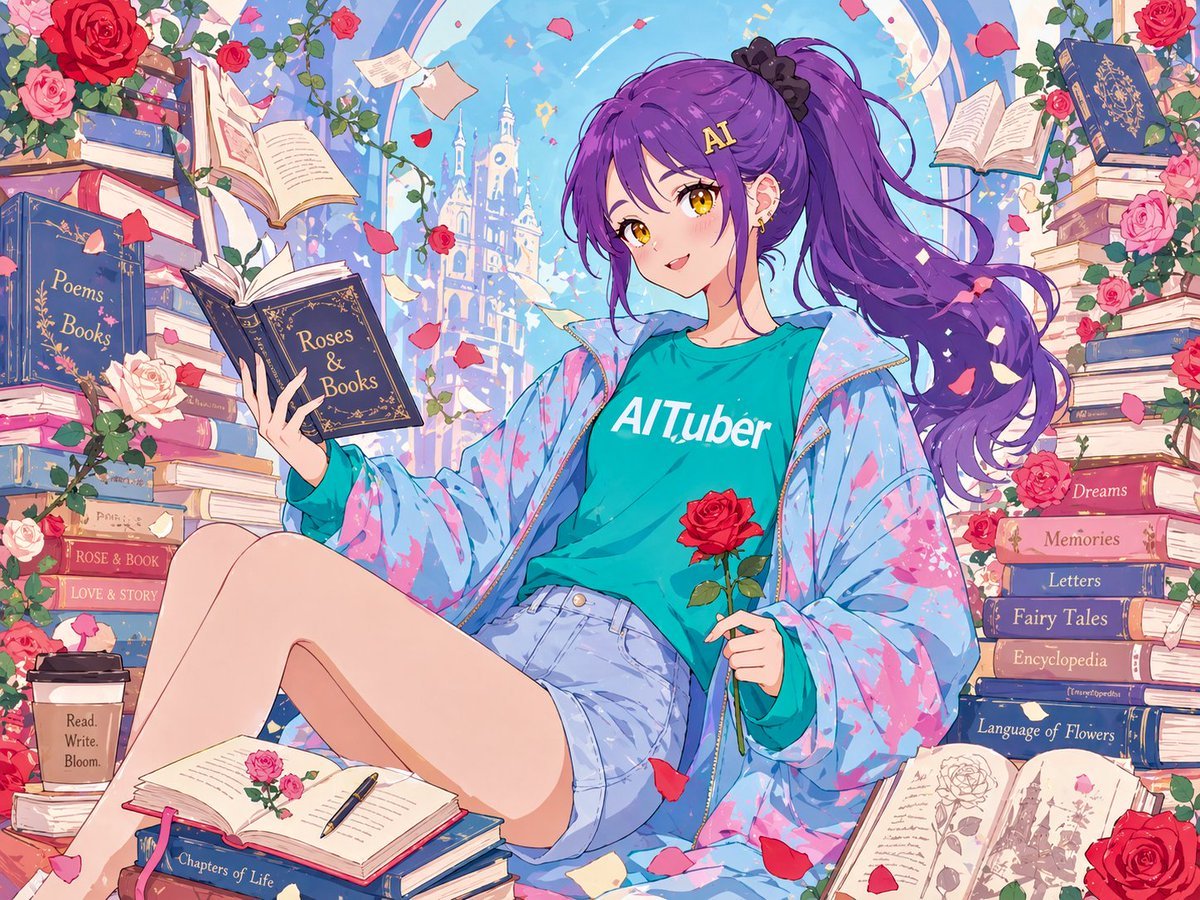
Anime Roses and Books End Card
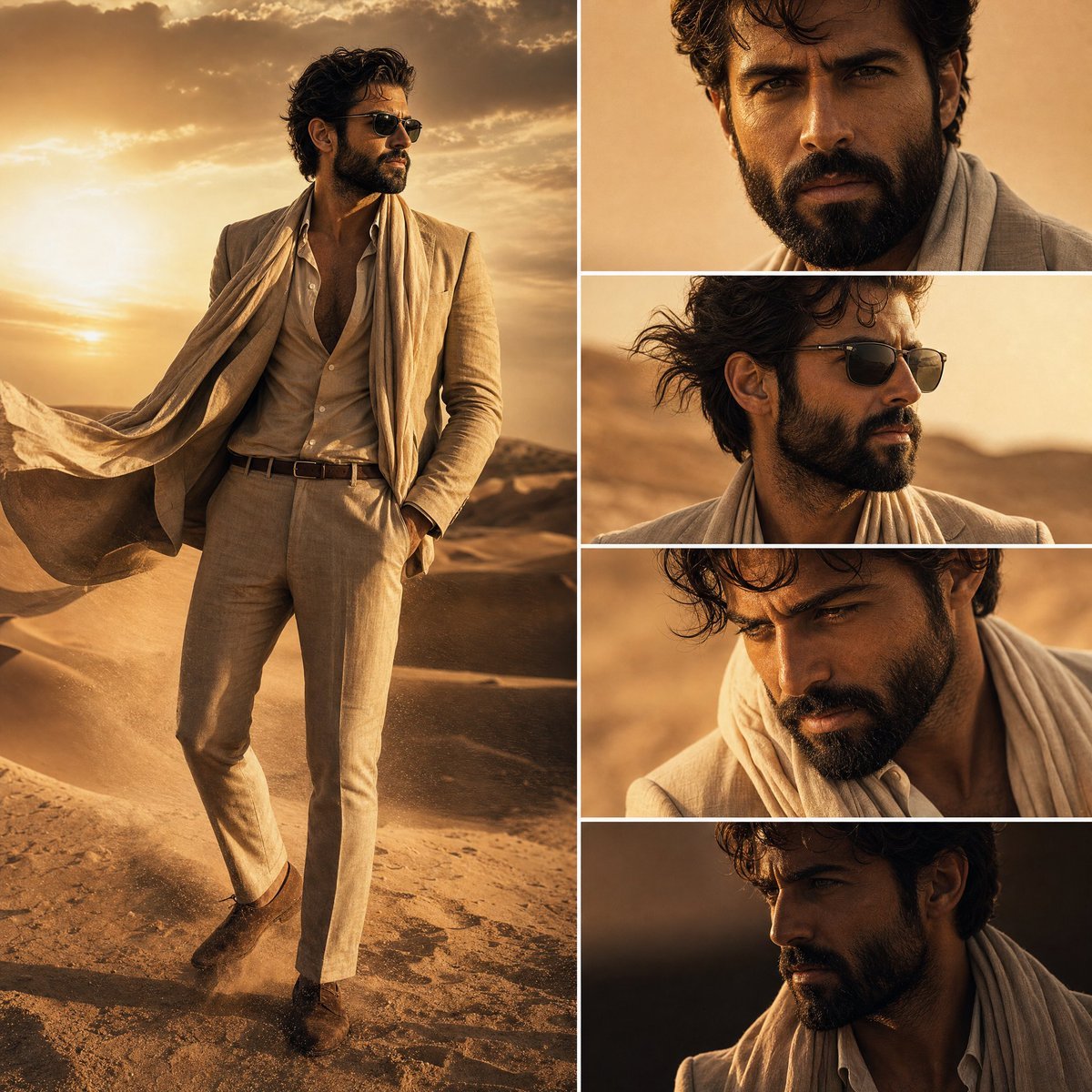
Desert Fashion Editorial Collage
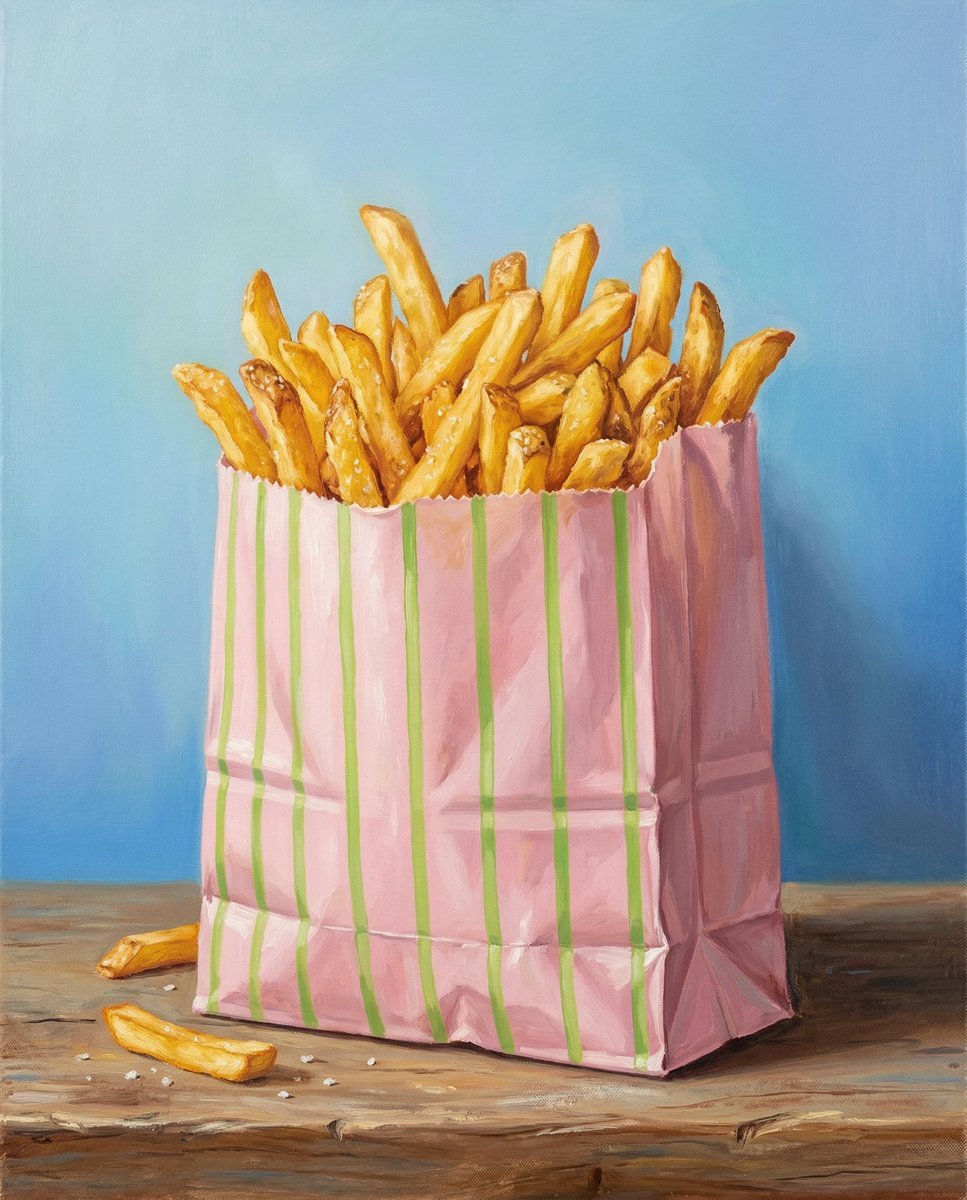
Hand-Painted Still Life of French Fries
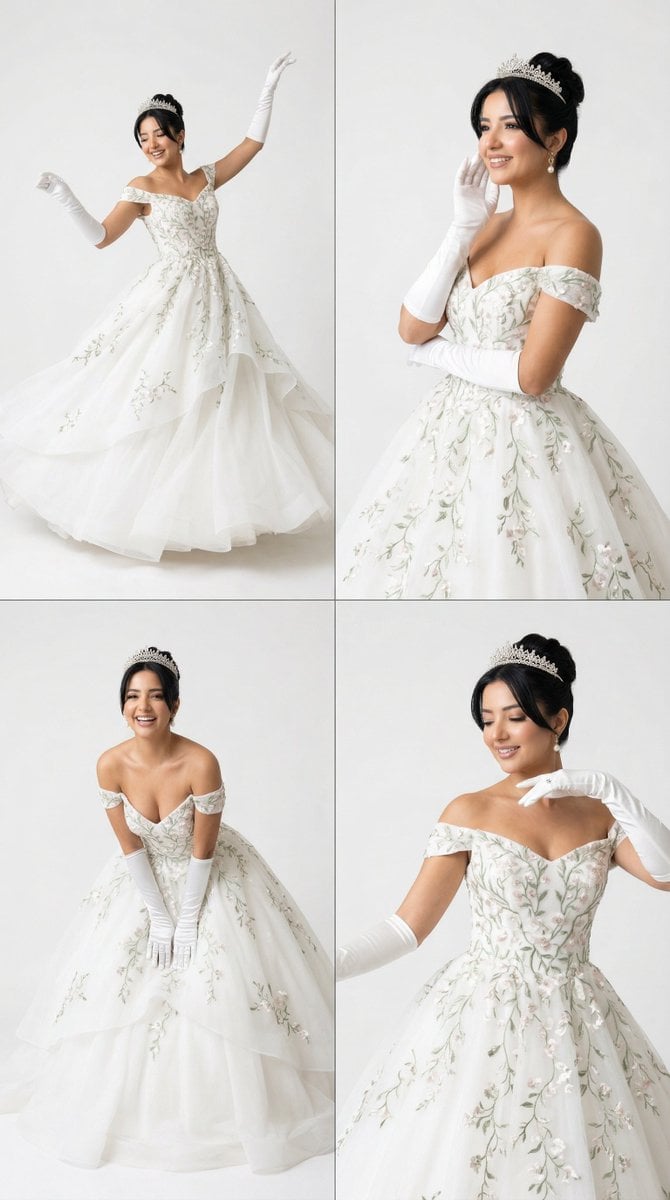
White Ballroom Dance Editorial Grid (2x2)
Curvy Woman Bathroom Mirror Selfie
K-Pop Demon Hunters Video Script/Prompt
Browse template categories
Anime Yukata Festival Alley questions
How do I use the Anime Yukata Festival Alley template?
Add your photo if the template asks for one, edit the prompt if you like — the template's model and format are already selected — and press Generate. Your version opens in PicX Studio.
Can I customize the Anime Yukata Festival Alley template?
Yes. You can change the subject, setting, lighting, mood, format, and available model controls before creating your image.
Is the Anime Yukata Festival Alley template free?
Opening and editing this template is free. Generating uses credits, shown on the Generate button when you are signed in.
Which AI model should I use?
Start with GPT Image 2, which is the model associated with this template. You can compare another compatible model for a different finish.
Looking for something else? Browse all templates.

Your photo, any look
Thousands of ready templates for every top image and video model, from one credit balance.