
Pixar Anime Festival Mask
Curated anime + Disney template.

- Prompt included
- Model and format preset
- Free template
The prompt behind this image
Copy the exact prompt behind Pixar Anime Festival Mask, or open it in the studio and make it yours.
Pixar street festival night, anime character holding ornate fox mask, confetti and lantern bokeh, saturated Disney parade colors, 4:5
How to use Pixar Anime Festival Mask in 3 steps
- 1
Open
The prompt is already in the box next to the preview, with the template's model and format selected.
- 2…a portrait of your subject in softgolden-hour light, 85mm…
Personalize
Edit the subject and creative details for your destination.
- 3Generate
Generate
Press Generate — your image is created in PicX Studio, so you can compare it with the original and refine one variable at a time.
More like this
Templates with the same subject, style or setup. Open one to see its prompt.

Pixar Anime Star Ladder

Pixar Anime Harvest Feast

Pixar Anime Cloud Whale

Pixar Anime Storm Lighthouse

Pixar Anime Robot Friend

Pixar Anime Sky Race

Pixar Anime Rainy Window

Pixar Anime Villain Glare
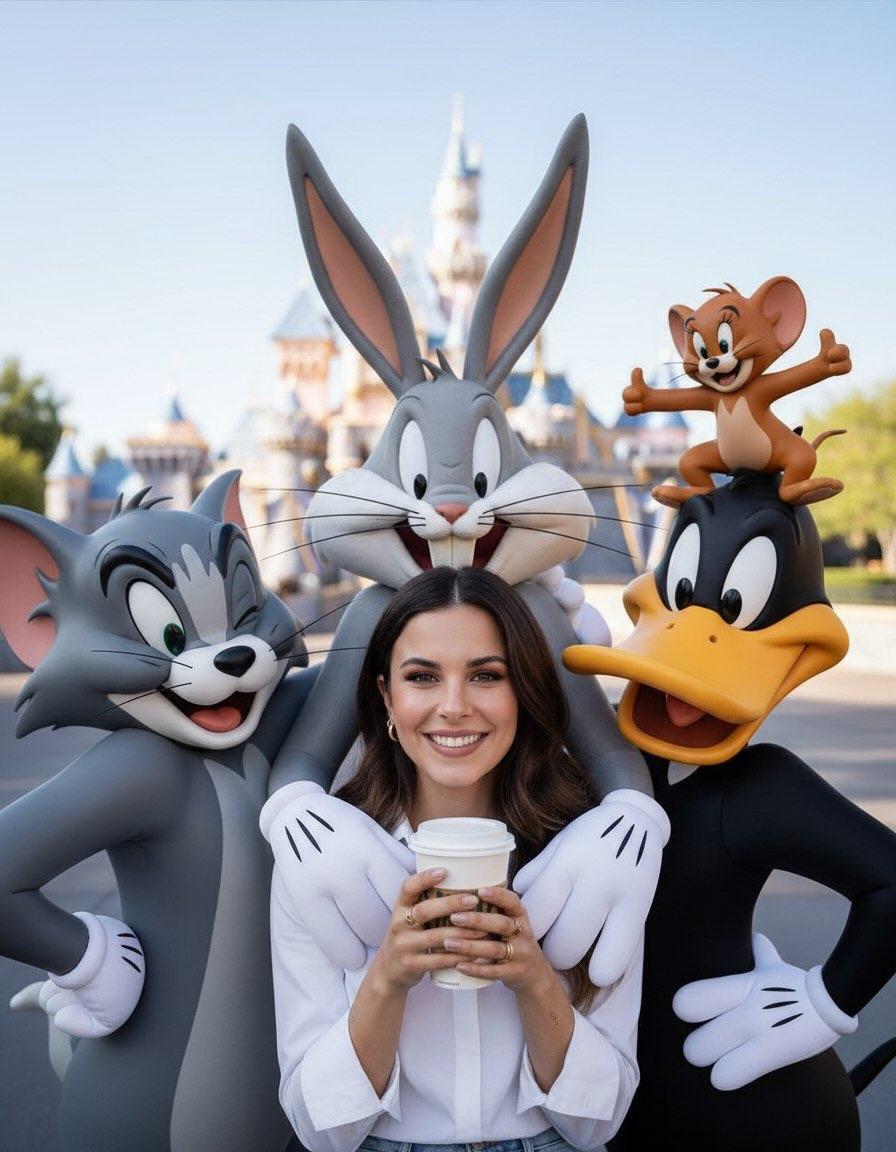
CGI 3D Street Festival

Felt & Knit 3D Character — Photo-Exact Face, Pixar-Quality Plush Figurine

CGI 3D Finale Fireworks

CGI 3D Garden Maze
Make it yours
Pixar Anime Festival Mask works as-is. These are the safest ways to change it without losing the look.
Change one field
Copy a single group, rewrite it, and generate again so you can see what that field is doing.
Keep the frame, change the subject
Hold the composition and light of Pixar Anime Festival Mask, then swap wardrobe, props or the person for a new take.
| If the result… | Why | Fix |
|---|---|---|
| The result drifts from the preview | Too many fields changed at once. | Reuse Pixar Anime Festival Mask as-is first, then change one group — subject, light, or setting. |
| The model over-stylizes the scene | The prose prompt leaves finish and camera underspecified. | Add one camera or lighting sentence and stay on PicX Studio. |
More image prompts
Fresh picks from across the catalog.
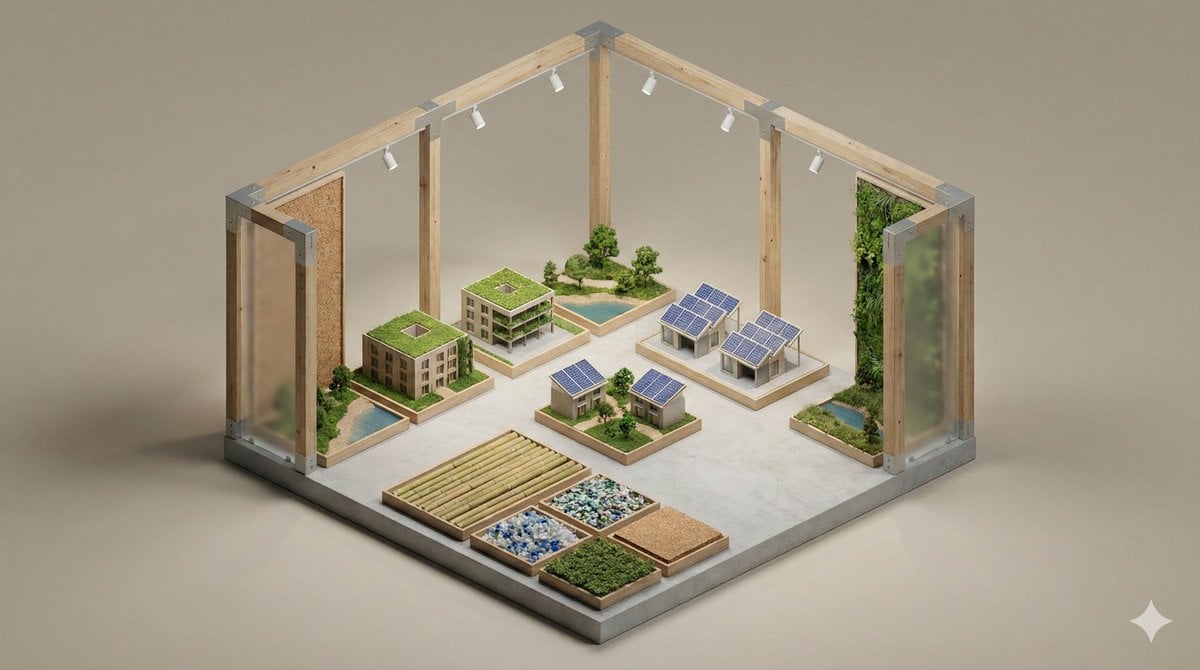
Minimalist 3D Isometric Exhibition Pod Diorama
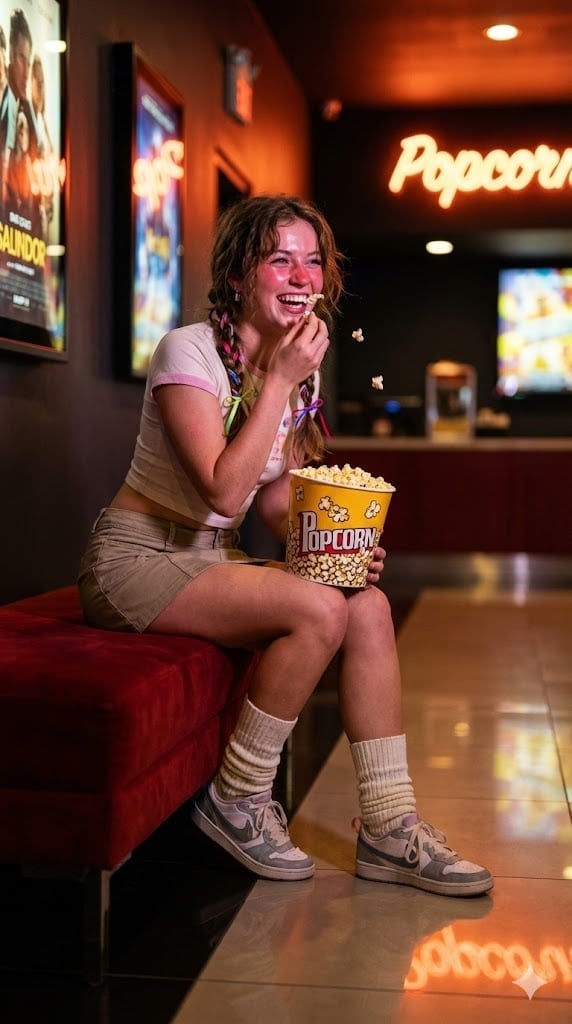
Candid Night Snapshot in a Retro Cinema Lobby
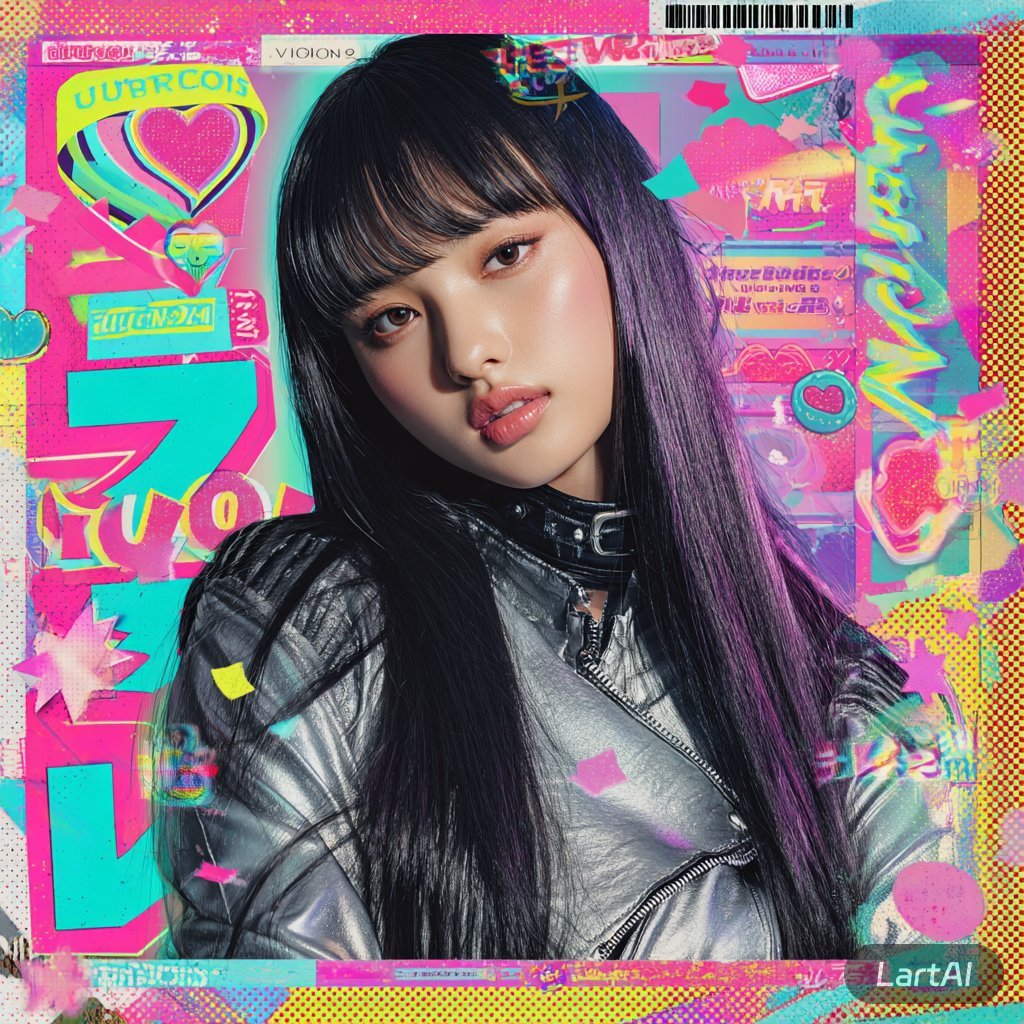
@Lart_AI Prompt 👇 Prompt: Ultra-stylized high-f
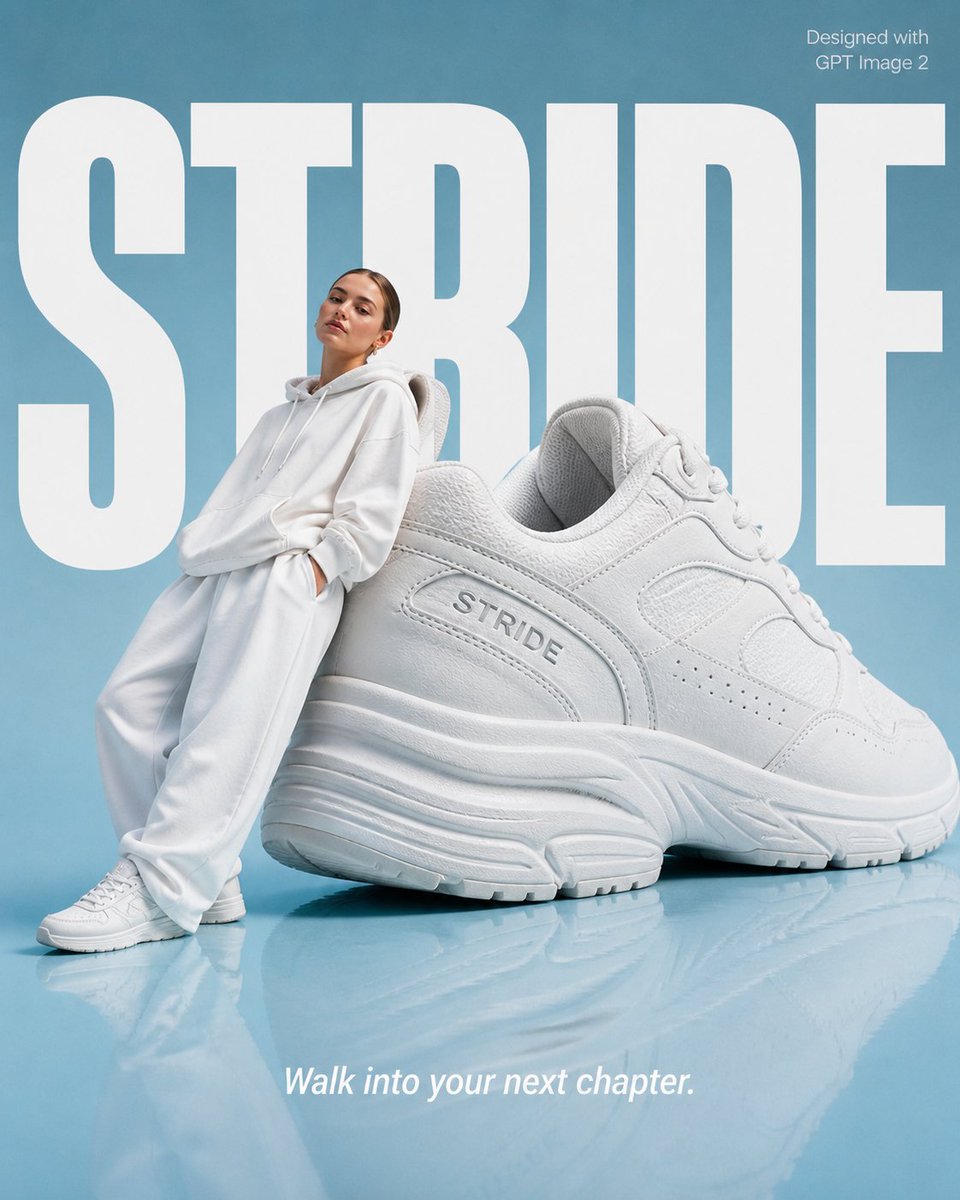
High-End Fashion 'Stride' Poster
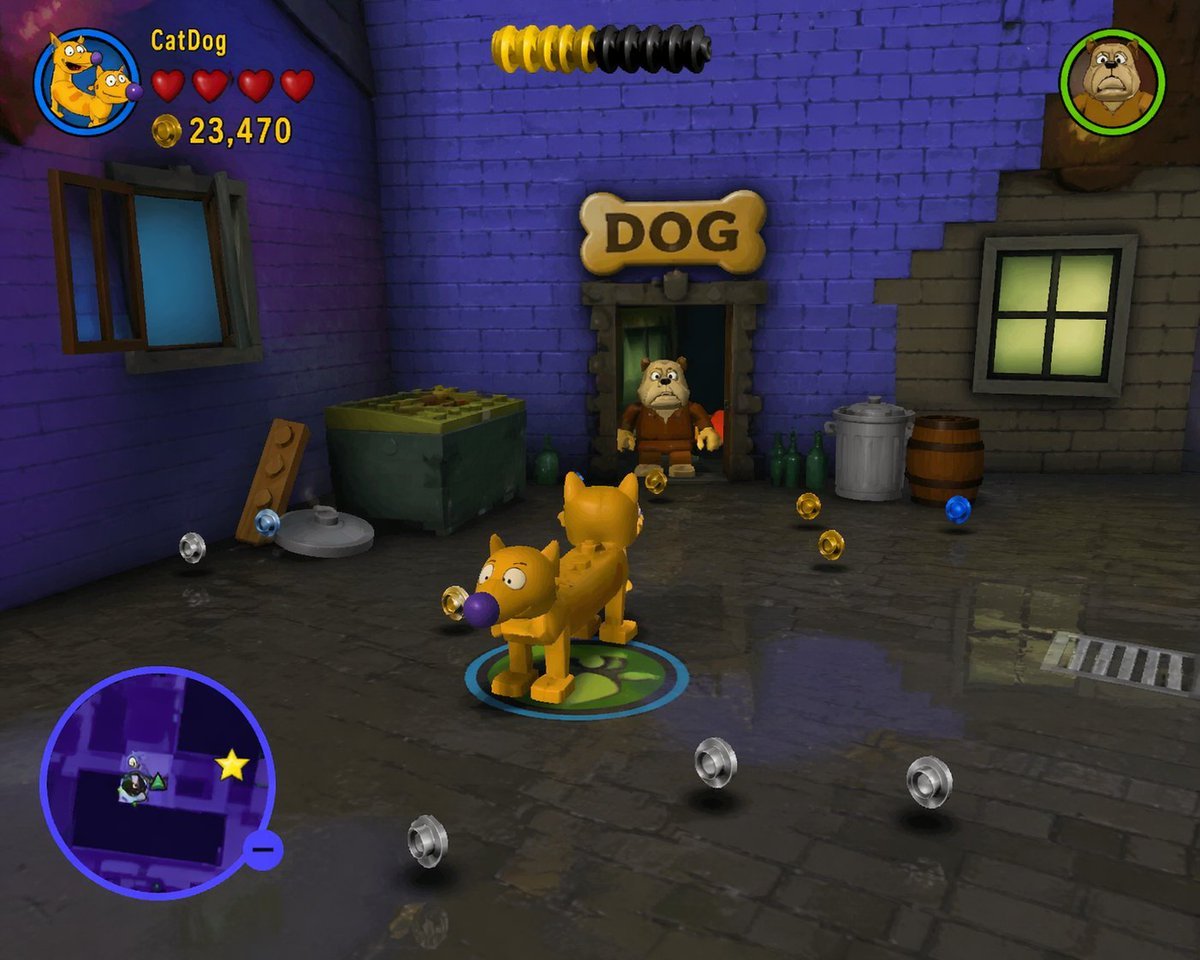
LEGO Video Game Mockup
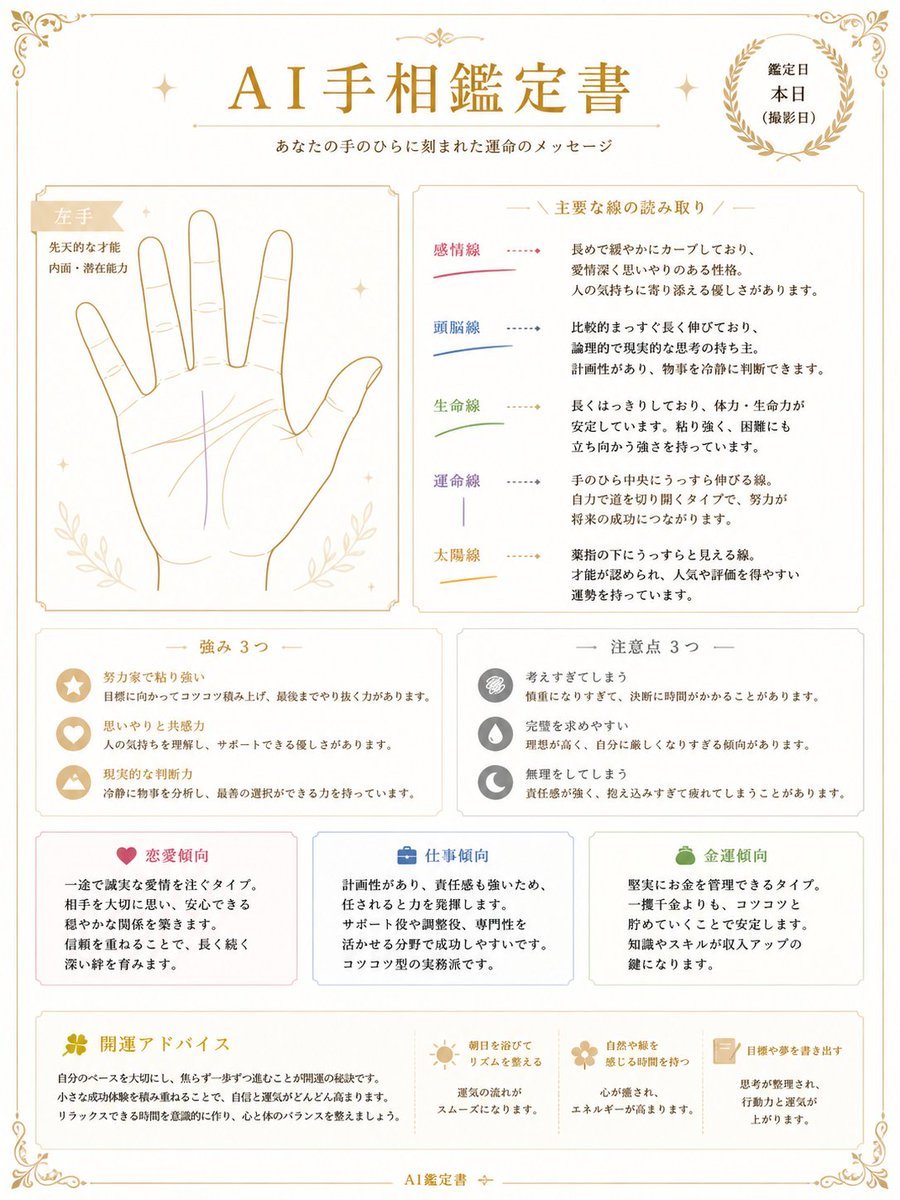
Japanese AI Palm Reading Certificate
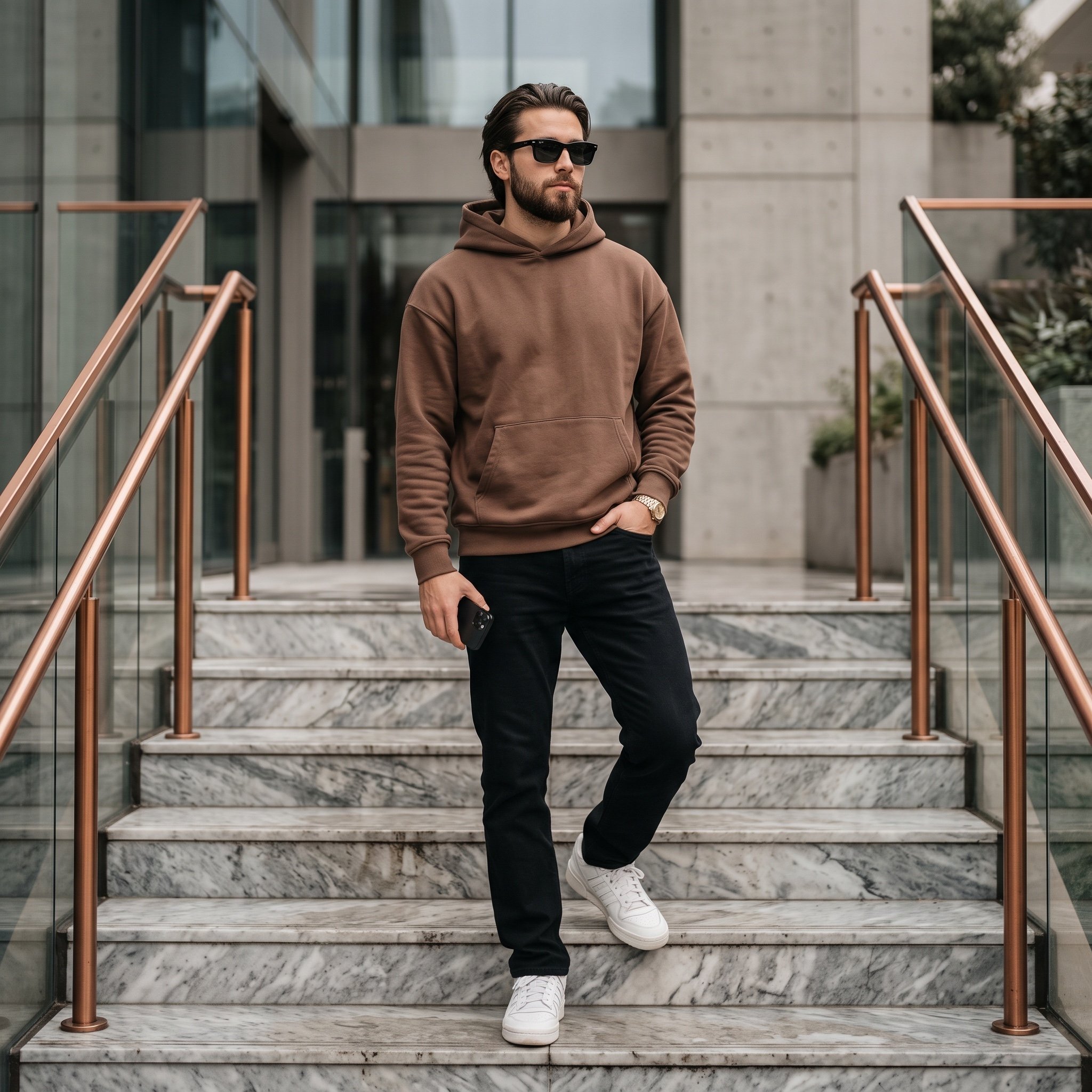
Cinematic Portrait of a Stylish Young Man
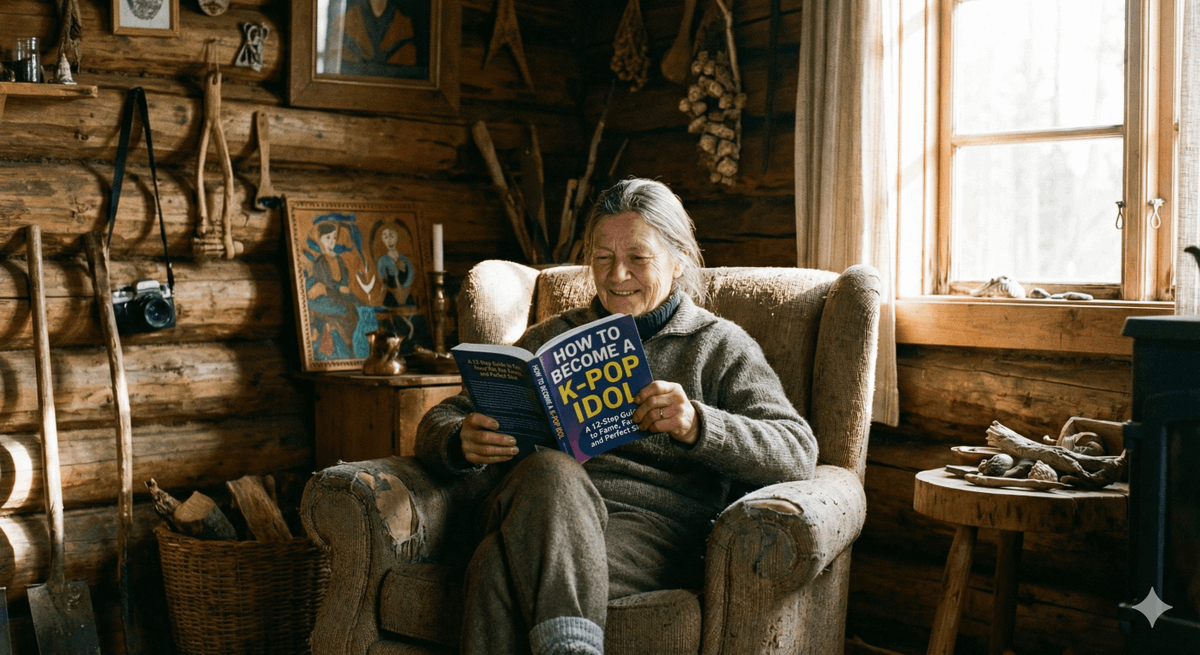
Absurd Book Title Image Generation
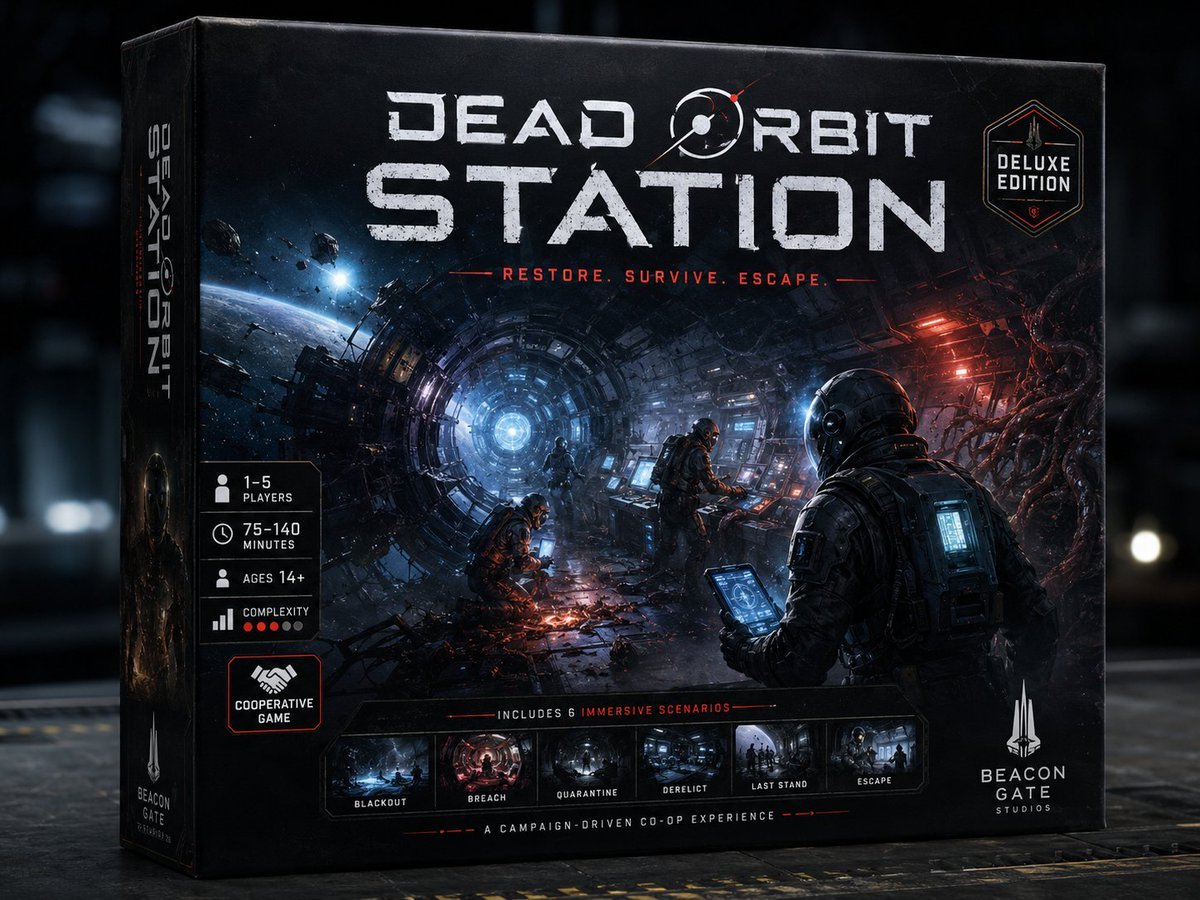
Dead Orbit Station Board Game Box
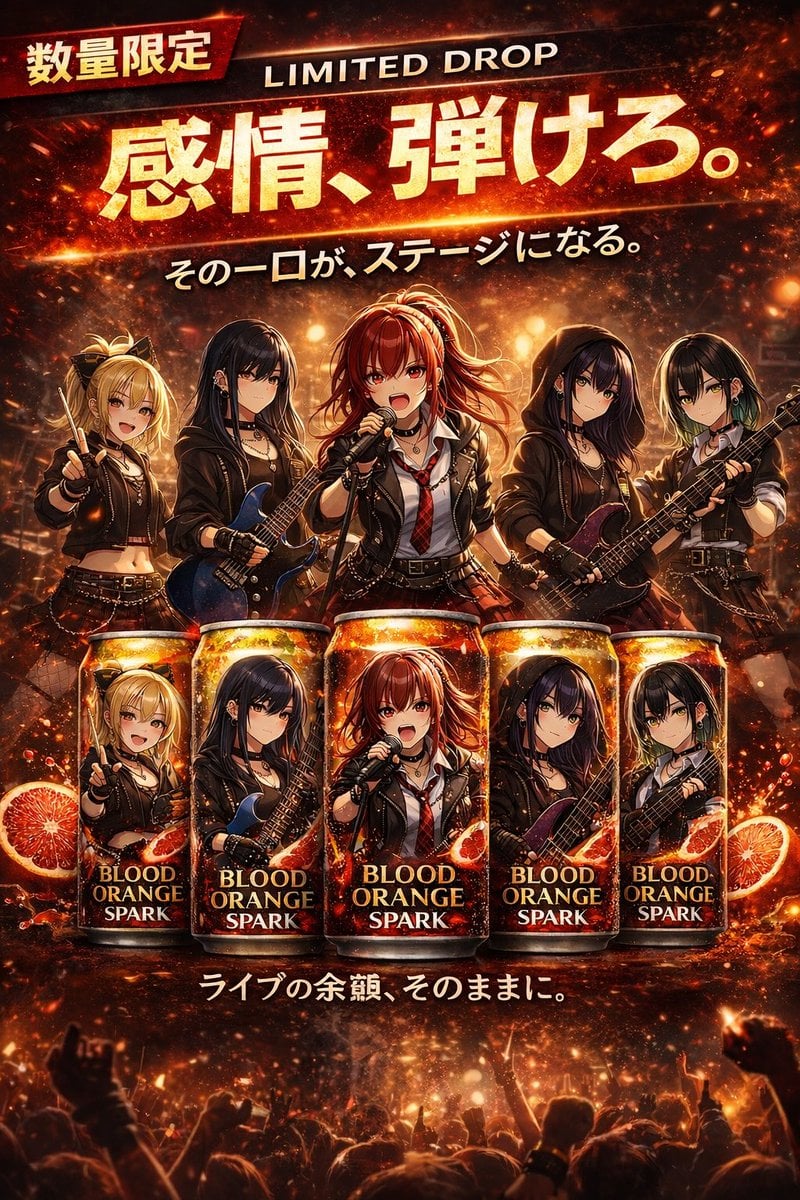
Anime Rock Band Beverage Collab Poster
Browse template categories
Pixar Anime Festival Mask questions
How do I use the Pixar Anime Festival Mask template?
Add your photo if the template asks for one, edit the prompt if you like — the template's model and format are already selected — and press Generate. Your version opens in PicX Studio.
Can I customize the Pixar Anime Festival Mask template?
Yes. You can change the subject, setting, lighting, mood, format, and available model controls before creating your image.
Is the Pixar Anime Festival Mask template free?
Opening and editing this template is free. Generating uses credits, shown on the Generate button when you are signed in.
Which AI model should I use?
Choose a compatible model in PicX Studio based on the style, speed, and output controls your project needs.
Looking for something else? Browse all templates.

Your photo, any look
Thousands of ready templates for every top image and video model, from one credit balance.