
Desert Fashion Editorial Collage
A detailed multi-panel magazine layout prompt for GPT Image 2 featuring consistent male character close-ups in a desert setting.
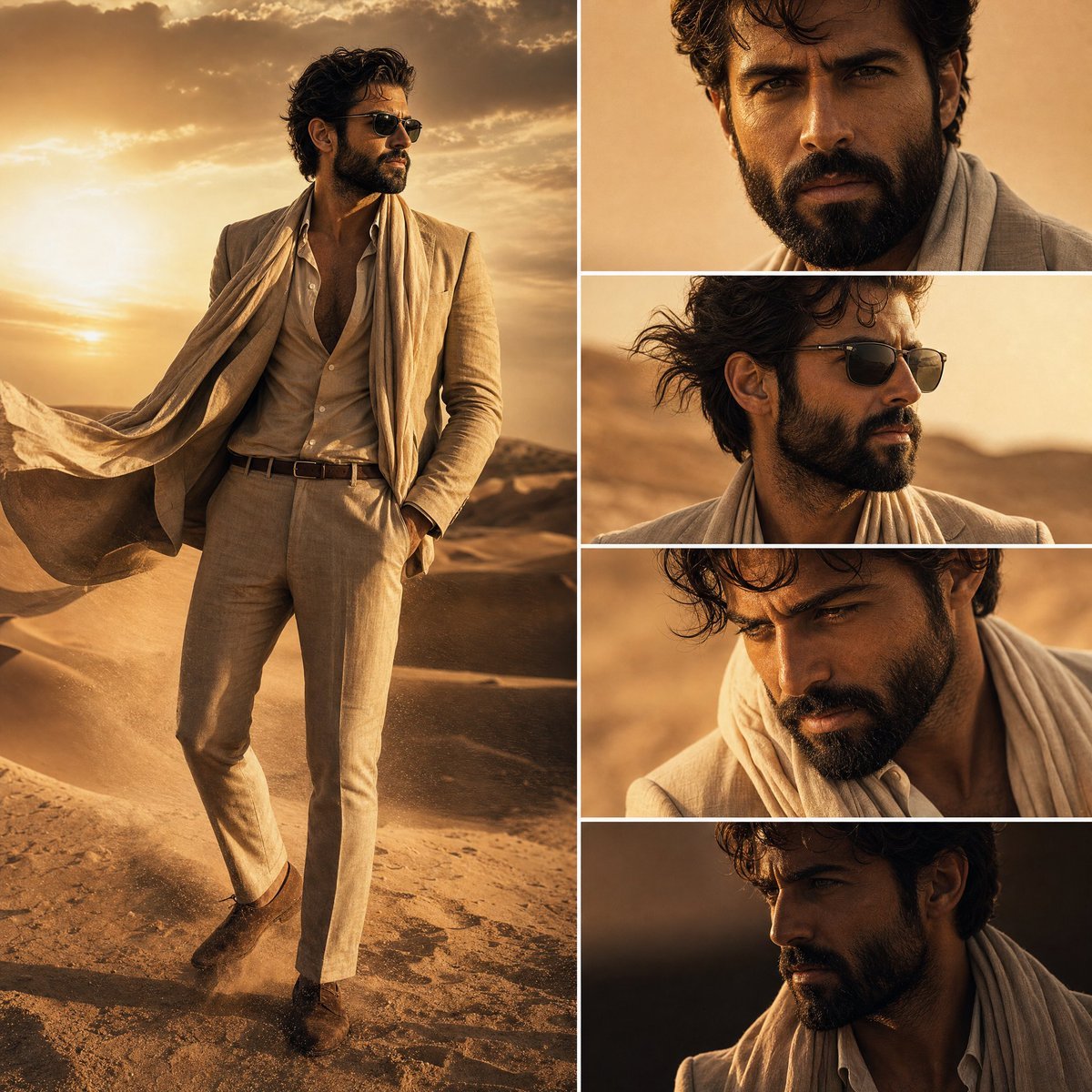
- Prompt included
- Model and format preset
- Free template
The prompt behind this image
Copy the exact prompt behind Desert Fashion Editorial Collage, or open it in the studio and make it yours.
Create a high-end cinematic fashion editorial composition in a {argument name="setting" default="desert environment"} featuring a stylish Hollywood-inspired man with a well-groomed beard. The character must remain perfectly consistent across all panels (same face, same beard style, same outfit, same lighting mood). LAYOUT: Vertical 9:16 ultra-premium magazine layout Split composition: LEFT SIDE: One full-body shot of the man standing in the desert dunes RIGHT SIDE: A vertical 4-panel grid of close-up shots of his face (different angles but same character consistency) CHARACTER: Handsome Hollywood-style male protagonist Sharp jawline, thick well-groomed beard Confident attitude, slightly intense cinematic expression Wearing stylish {argument name="outfit" default="luxury desert fashion (beige linen suit / open collar shirt / light scarf / designer sunglasses optional)"} ENVIRONMENT: Vast golden desert dunes Soft wind blowing sand particles Warm {argument name="lighting" default="sunset / golden hour lighting"} High cinematic depth, realistic shadows STYLE: Ultra-realistic cinematic photography Hollywood movie poster aesthetic Luxury fashion editorial (Vogue / GQ style) High contrast, soft glow, film grain subtle Sharp focus, DSLR quality, 8K detail RIGHT SIDE PANEL DETAILS (4 CLOSE-UPS): Front face close-up with intense eyes Side profile with wind effect Slight downward angle moody expression Dramatic low light shadow face shot COLOR PALETTE: Golden sand, warm amber, desert orange Soft brown tones, cinematic shadows Natural skin tones, realistic highlights MOOD: Powerful, mysterious, elite, alpha male cinematic vibe Luxury desert wanderer aesthetic Modern Hollywood fashion film still.
How to use Desert Fashion Editorial Collage in 3 steps
- 1Upload ImagePNG, JPG or paste
Add your photo
Upload the photo the template builds on. The prompt, model and format are already set.
- 2…a portrait of your subject in softgolden-hour light, 85mm…
Personalize
Edit the subject and creative details for your destination.
- 3Generate
Generate
Press Generate — your image is created in PicX Studio, so you can compare it with the original and refine one variable at a time.
More like this
Templates with the same subject, style or setup. Open one to see its prompt.

untitled

Google Gemini Nano Banana Pro

Conceptual Fashion Portrait in Spider We

01 Skincare Split Portrait — Nano Banana 2

24 The Getty Center — California Series

21 Glass Floor Skyscraper — California Series

19 Luxury Helicopter Travel — California Series

08 Rodeo Drive Luxury Exit — California Series

03 Beverly Hills Convertible — California Series

Gpt Image 2 Fashion Portrait

Caution Tape Fashion — Industrial Editorial

Nano Banana - Paris Cafe Editorial
Make it yours
Desert Fashion Editorial Collage works as-is. These are the safest ways to change it without losing the look.
Change one field
Copy a single group, rewrite it, and generate again so you can see what that field is doing.
Keep the frame, change the subject
Hold the composition and light of Desert Fashion Editorial Collage, then swap wardrobe, props or the person for a new take.
| If the result… | Why | Fix |
|---|---|---|
| The result drifts from the preview | Too many fields changed at once. | Reuse Desert Fashion Editorial Collage as-is first, then change one group — subject, light, or setting. |
| The model over-stylizes the scene | The prose prompt leaves finish and camera underspecified. | Add one camera or lighting sentence and stay on GPT Image 2. |
More GPT Image 2 templates
Other prompts made for GPT Image 2.

Six VTuber Japanese Logo Sheet

Realistic Portrait of Woman and Deer

The Vista Modular Condo Poster

AI Model Routing Comparison Infographic

2.5D Anime Art Board

Isometric Productivity Desk Scene

New York Double Exposure Poster

Four-Panel AI Landscape Comparison

Japanese Tatami Lifestyle Magazine Cover

NESCAFÉ Coffee Map Poster
More image prompts
Fresh picks from across the catalog.
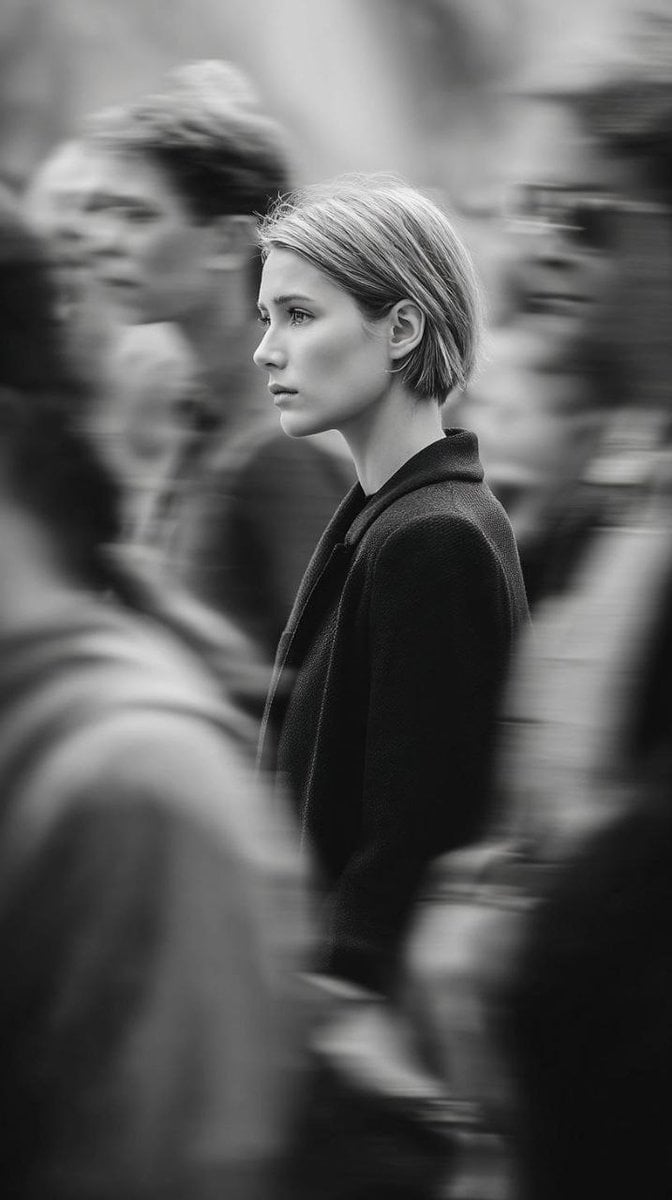
Editorial Monochrome Street Photograph (Leica SL3)
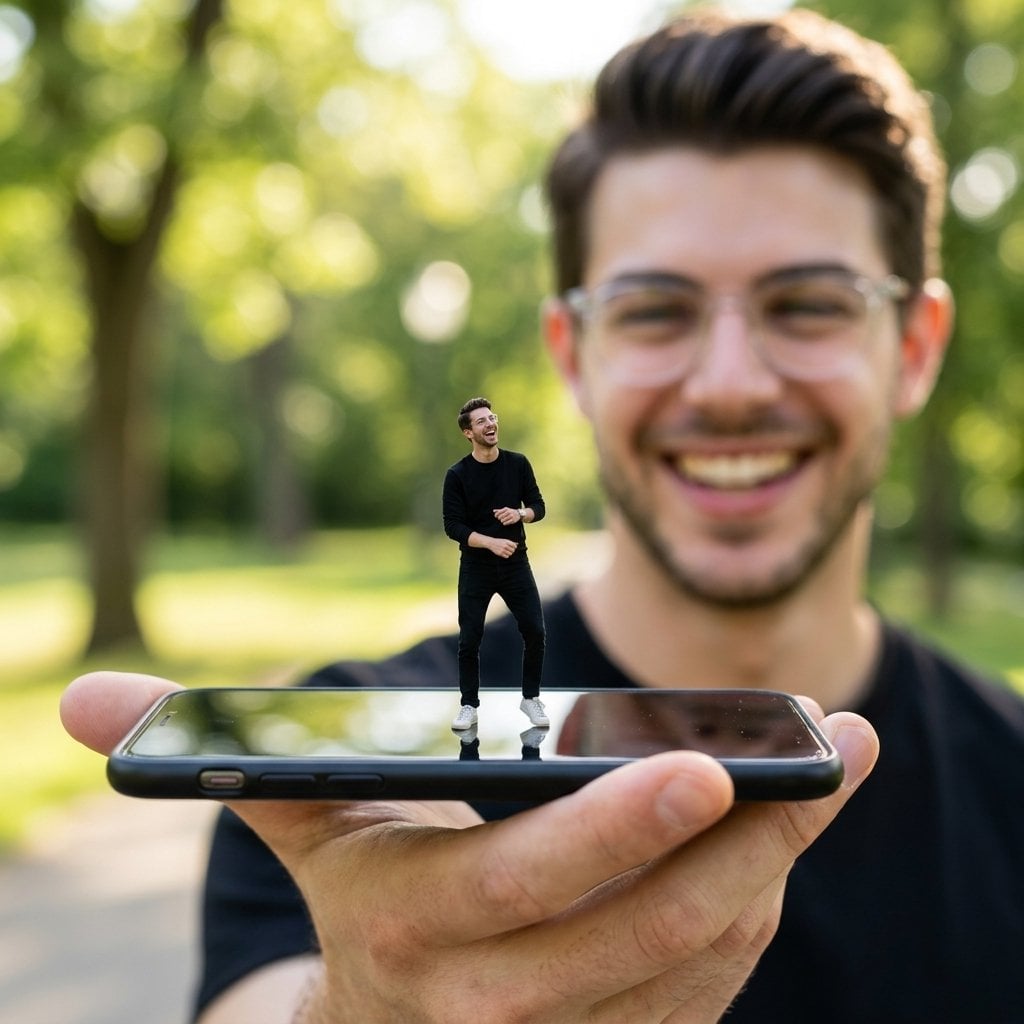
Forced Perspective Miniature Self on Smartphone Screen
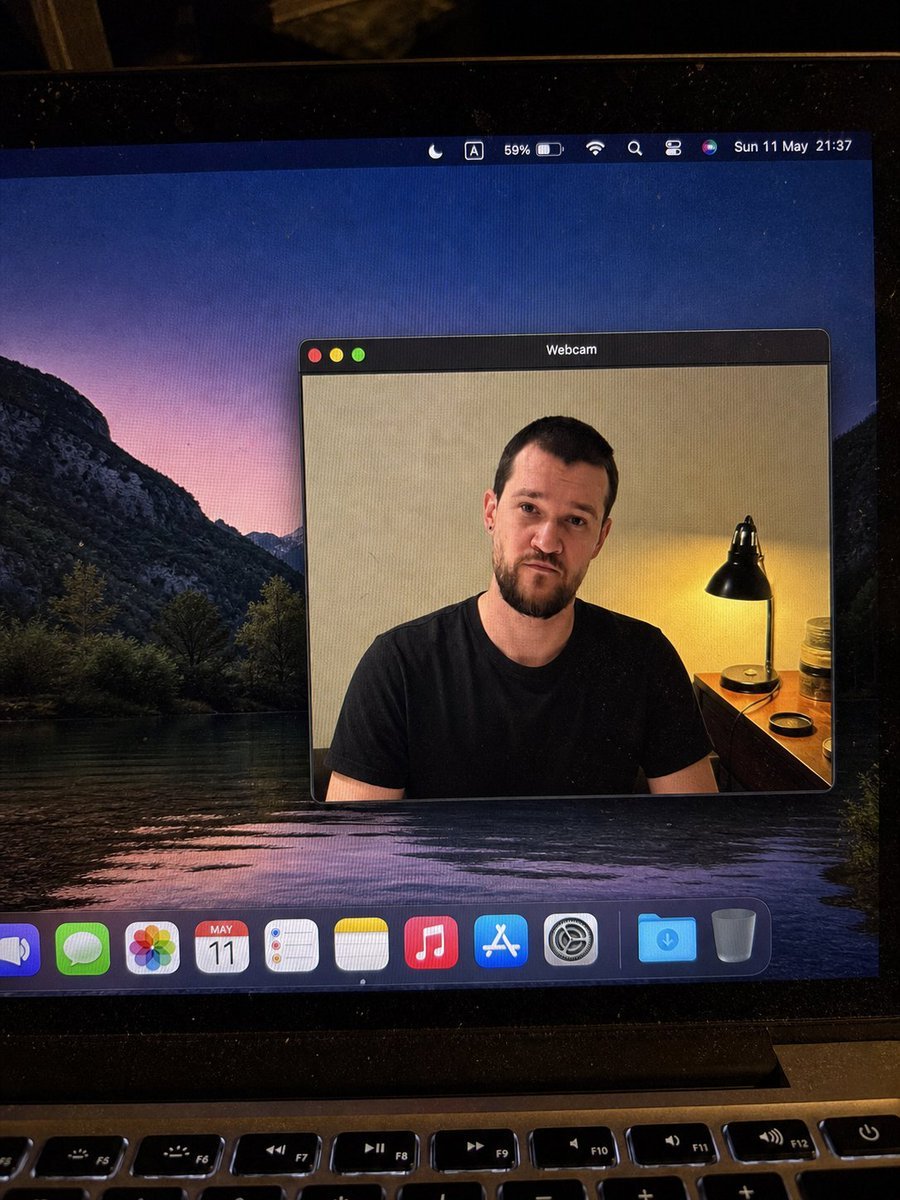
MacBook Webcam Window Photo
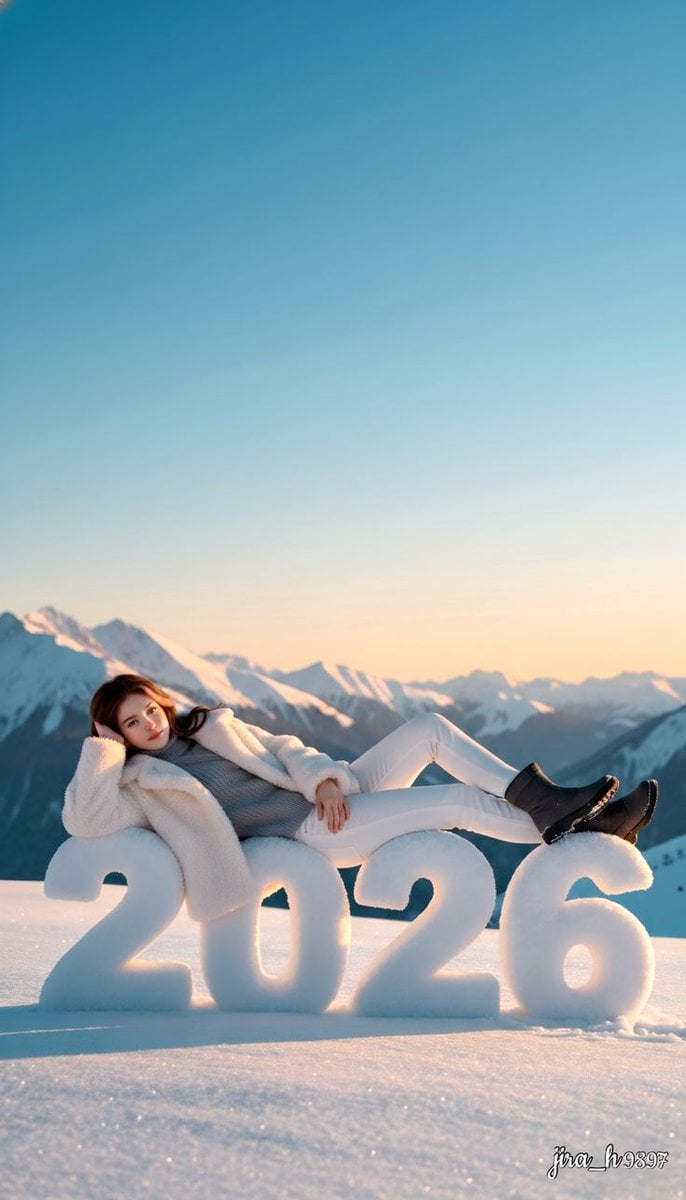
Luxurious New Year 2026 Portrait on a Snowy Mountain
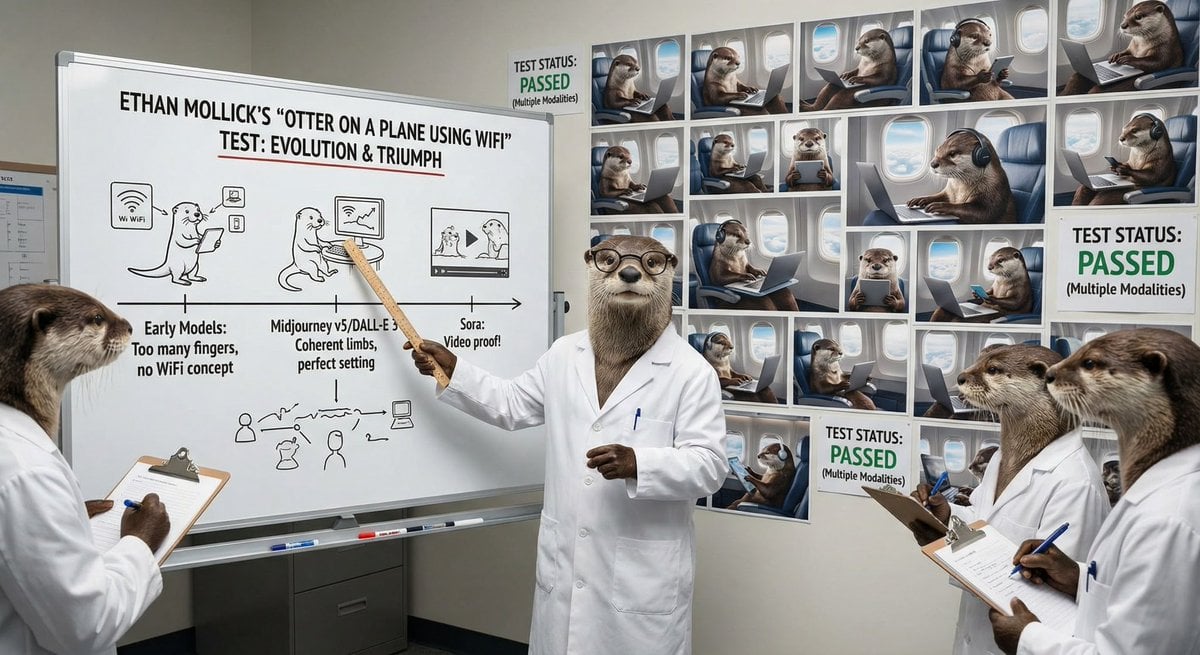
Otter scientists explaining the WiFi plane test
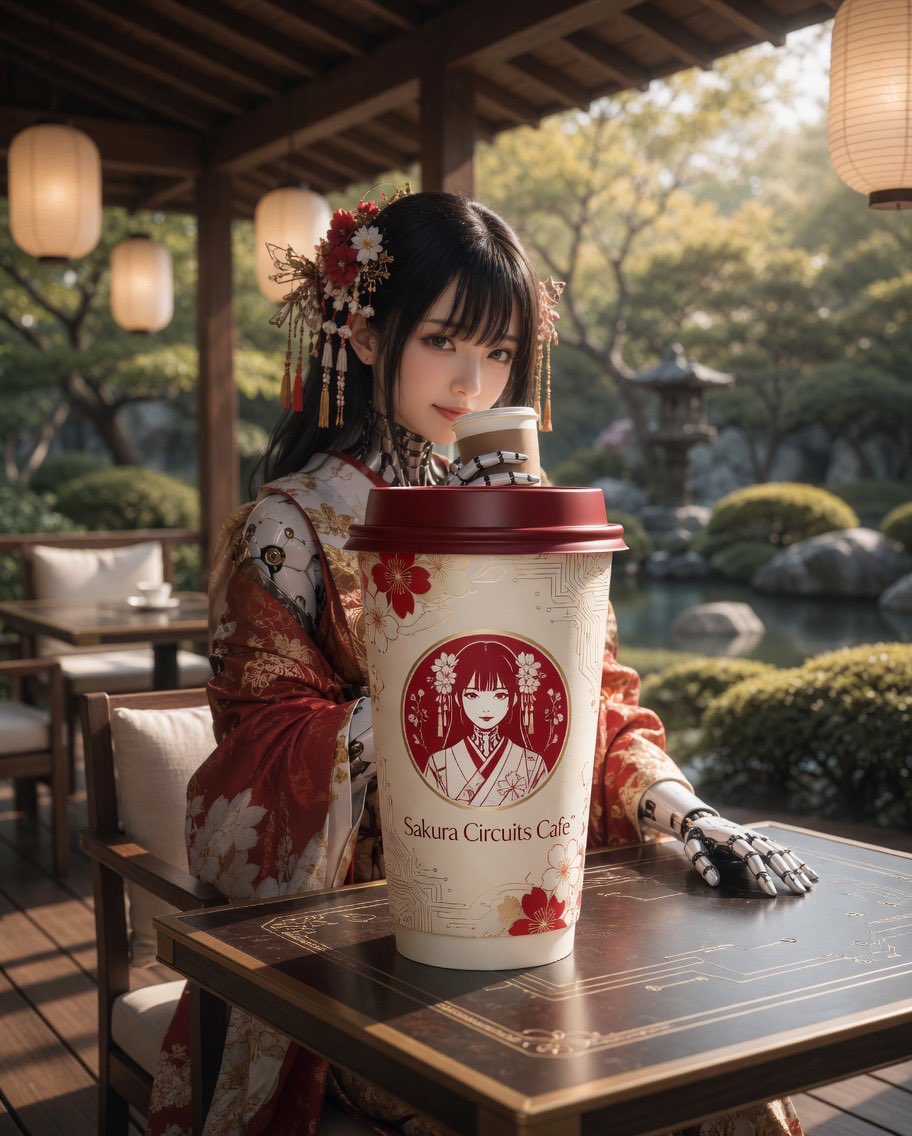
Cyber Kimono Café Portrait
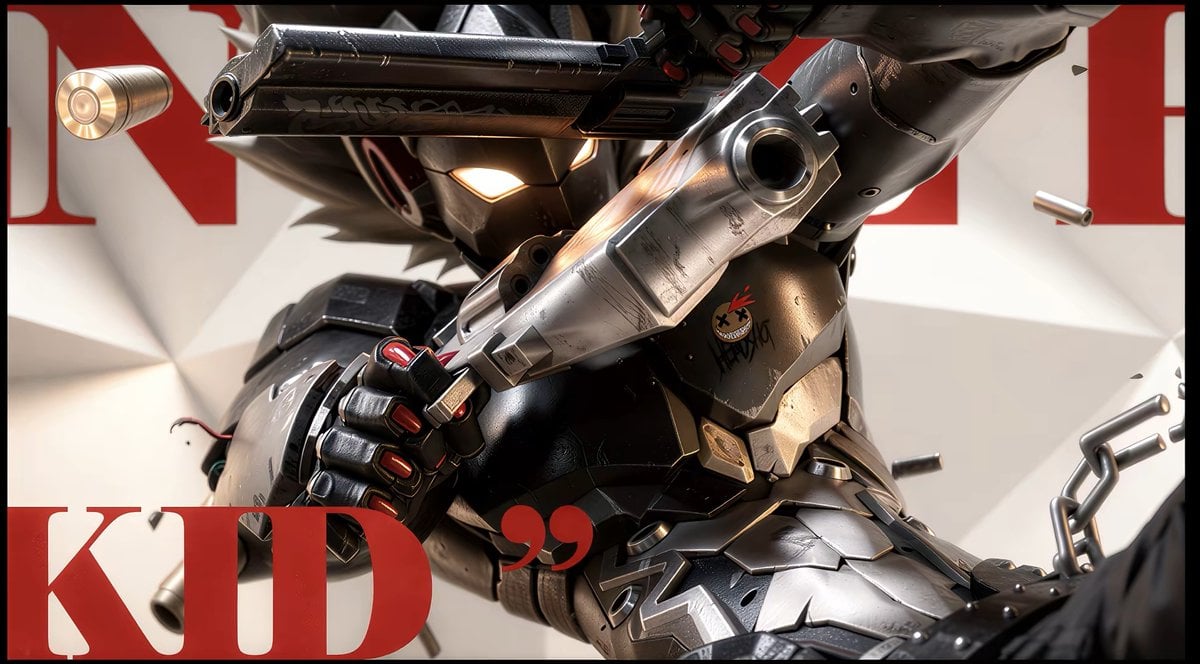
Anime Illustration to Hyperreal Photo
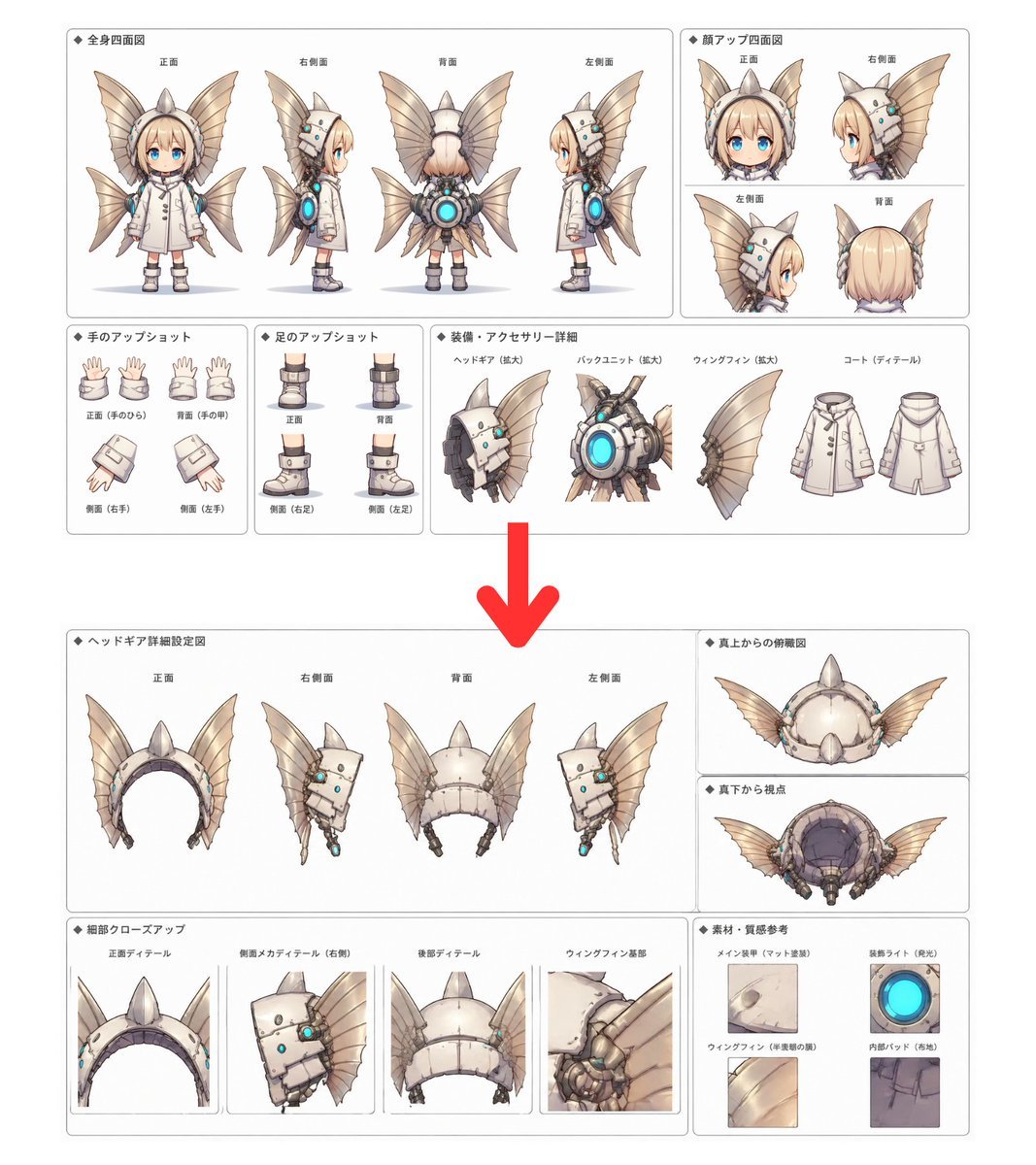
Character Setting Sheet Generator
3D Red Bird Listening with Human Ear
Propaganda Poster Style: Nose Hair Horror
Browse template categories
Desert Fashion Editorial Collage questions
How do I use the Desert Fashion Editorial Collage template?
Add your photo if the template asks for one, edit the prompt if you like — the template's model and format are already selected — and press Generate. Your version opens in PicX Studio.
Can I customize the Desert Fashion Editorial Collage template?
Yes. You can change the subject, setting, lighting, mood, format, and available model controls before creating your image.
Is the Desert Fashion Editorial Collage template free?
Opening and editing this template is free. Generating uses credits, shown on the Generate button when you are signed in.
Which AI model should I use?
Start with GPT Image 2, which is the model associated with this template. You can compare another compatible model for a different finish.
Looking for something else? Browse all templates.

Your photo, any look
Thousands of ready templates for every top image and video model, from one credit balance.