
White Ballroom Dance Editorial Grid (2x2)
A structured prompt for generating a photorealistic 2x2 editorial grid featuring one elegant woman with consistent facial identity across all panels.
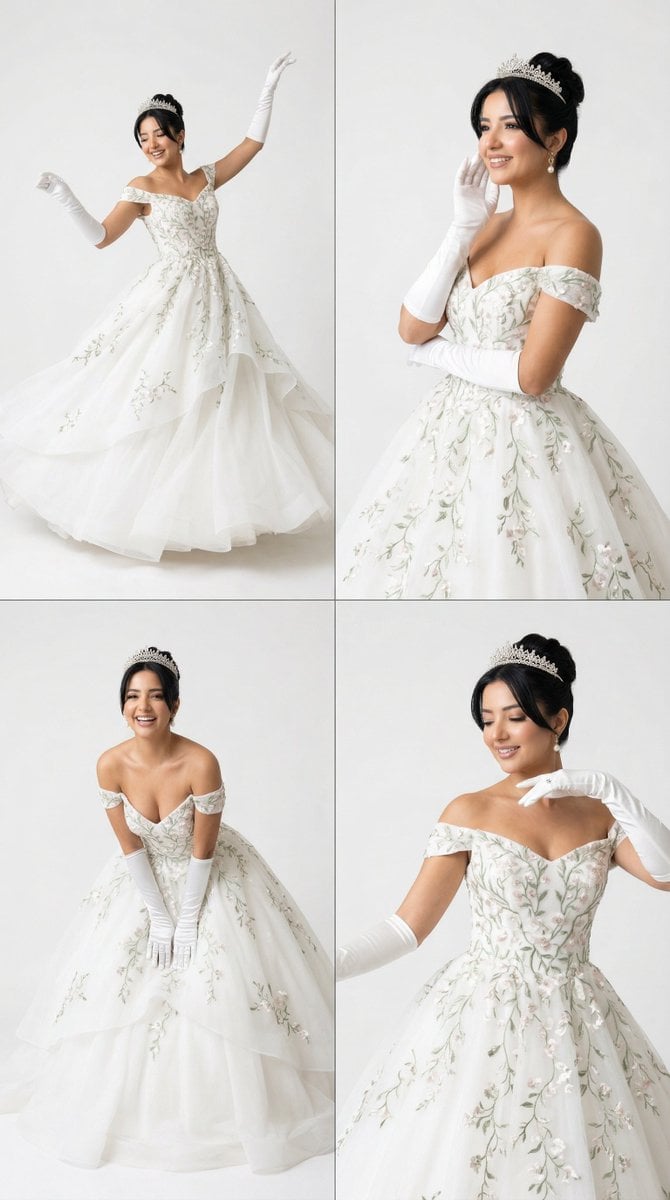
- Prompt included
- Model and format preset
- Free template
The prompt behind this image
Copy the exact prompt behind White Ballroom Dance Editorial Grid (2x2), or open it in the studio and make it yours.
- Generation Request › Meta Data › Tool
- NanoBanana Pro
- Generation Request › Meta Data › Task Type
- white_ballroom_dance_editorial_2x2_grid
- Generation Request › Meta Data › Language
- en
- Generation Request › Meta Data › Priority
- highest
- Generation Request › Meta Data › Version
- v1.0_WHITE_PRINCESS_DANCE_GRID
- Generation Request › Input › Mode
- text_to_image
- Generation Request › Input › Notes
- Create a photoreal 2x2 editorial grid featuring one elegant adult woman across four panels. She should have the same facial identity in all four panels and appear like a modern princess in a grand white gown with a tiara and long white opera gloves. The dress should be a luxurious off-shoulder or strapless white ball gown with delicate floral embroidery, soft green vine-like detailing, couture volume, and regal movement. The mood should feel joyful, graceful, romantic, and refined, inspired by a royal ballroom dance moment. Every panel should show a different dance-related pose or candid movement, but the woman must remain the same. The background in all four panels must be bright white or very pale ivory, clean and elegant, with no dark ballroom background. Keep the result airy, luminous, aristocratic, and timeless.
- Generation Request › Output Settings › Aspect Ratio
- 4:5
- Generation Request › Output Settings › Orientation
- portrait
- Generation Request › Output Settings › Resolution Target
- ultra_high_res
- Generation Request › Output Settings › Num Images
- 1
- Generation Request › Output Settings › Layout › Type
- grid
- Generation Request › Output Settings › Layout › Rows
- 2
- Generation Request › Output Settings › Layout › Cols
- 2
- Generation Request › Output Settings › Layout › Gutter
- thin
- Generation Request › Output Settings › Layout › Outer Border
- none
- Generation Request › Output Settings › Layout › Panel Consistency
- very_high
- Generation Request › Output Settings › Render Style
- luxury_editorial_realism
- Generation Request › Output Settings › Sharpness
- editorial_crisp
- Generation Request › Output Settings › Grain
- subtle_film
- Generation Request › Output Settings › Dynamic Range
- soft_bright_natural
- Generation Request › Output Settings › Color Grade
- ivory_white_royal
- Generation Request › Subject › Identity
- one woman with highly consistent facial features across all four panels
- Generation Request › Subject › Hair
- sleek elegant updo with a refined tiara
Raw JSON
{
  "generation_request": {
    "meta_data": {
      "tool": "NanoBanana Pro",
      "task_type": "white_ballroom_dance_editorial_2x2_grid",
      "language": "en",
      "priority": "highest",
      "version": "v1.0_WHITE_PRINCESS_DANCE_GRID"
    },
    "input": {
      "mode": "text_to_image",
      "notes": "Create a photoreal 2x2 editorial grid featuring one elegant adult woman across four panels. She should have the same facial identity in all four panels and appear like a modern princess in a grand white gown with a tiara and long white opera gloves. The dress should be a luxurious off-shoulder or strapless white ball gown with delicate floral embroidery, soft green vine-like detailing, couture volume, and regal movement. The mood should feel joyful, graceful, romantic, and refined, inspired by a royal ballroom dance moment. Every panel should show a different dance-related pose or candid movement, but the woman must remain the same. The background in all four panels must be bright white or very pale ivory, clean and elegant, with no dark ballroom background. Keep the result airy, luminous, aristocratic, and timeless."
    },
    "output_settings": {
      "aspect_ratio": "4:5",
      "orientation": "portrait",
      "resolution_target": "ultra_high_res",
      "num_images": 1,
      "layout": {
        "type": "grid",
        "rows": 2,
        "cols": 2,
        "gutter": "thin",
        "outer_border": "none",
        "panel_consistency": "very_high"
      },
      "render_style": "luxury_editorial_realism",
      "sharpness": "editorial_crisp",
      "grain": "subtle_film",
      "dynamic_range": "soft_bright_natural",
      "color_grade": "ivory_white_royal"
    },
    "subject": {
      "identity": "one woman with highly consistent facial features across all four panels",
      "hair": "sleek elegant updo with a refined tiara",
      "outfit": "luxurious white embroidered ball gown with delicate floral and vine details, voluminous skirt, white opera gloves",
      "beauty": "fresh regal makeup, luminous skin, soft defined eyes, elegant smile"
    },
    "scene": {
      "environment": "bright white or pale ivory editorial background, minimal and clean",
      "mood": "romantic, royal, joyful, graceful, refined"
    },
    "panel_direction": {
      "panel_1": "joyful dance pose with both arms raised elegantly, open smile, gown moving beautifully",
      "panel_2": "graceful seated or paused portrait in the gown, soft regal smile, calm elegant presence",
      "panel_3": "leaning forward slightly with playful royal warmth, gloves visible, full skirt spread around her",
      "panel_4": "refined dance-inspired pose with soft movement in the shoulders and gown, poised smile and princess energy"
    },
    "camera": {
      "framing": "mixed three-quarter and full gown portraits",
      "angle": "clean editorial fashion angles",
      "focus": "sharp on face, tiara, embroidery, glove details, and "
    }
  }
}How to use White Ballroom Dance Editorial Grid (2x2) in 3 steps
- 1
Open
The prompt is already in the box next to the preview, with the template's model and format selected.
- 2…a portrait of your subject in softgolden-hour light, 85mm…
Personalize
Edit the subject and creative details for your destination.
- 3Generate
Generate
Press Generate — your image is created in PicX Studio, so you can compare it with the original and refine one variable at a time.
More like this
Templates with the same subject, style or setup. Open one to see its prompt.

Korean Luxury Fashion Editorial 2x2 Grid Series

Luxury Black-and-White Fashion Contact Sheet
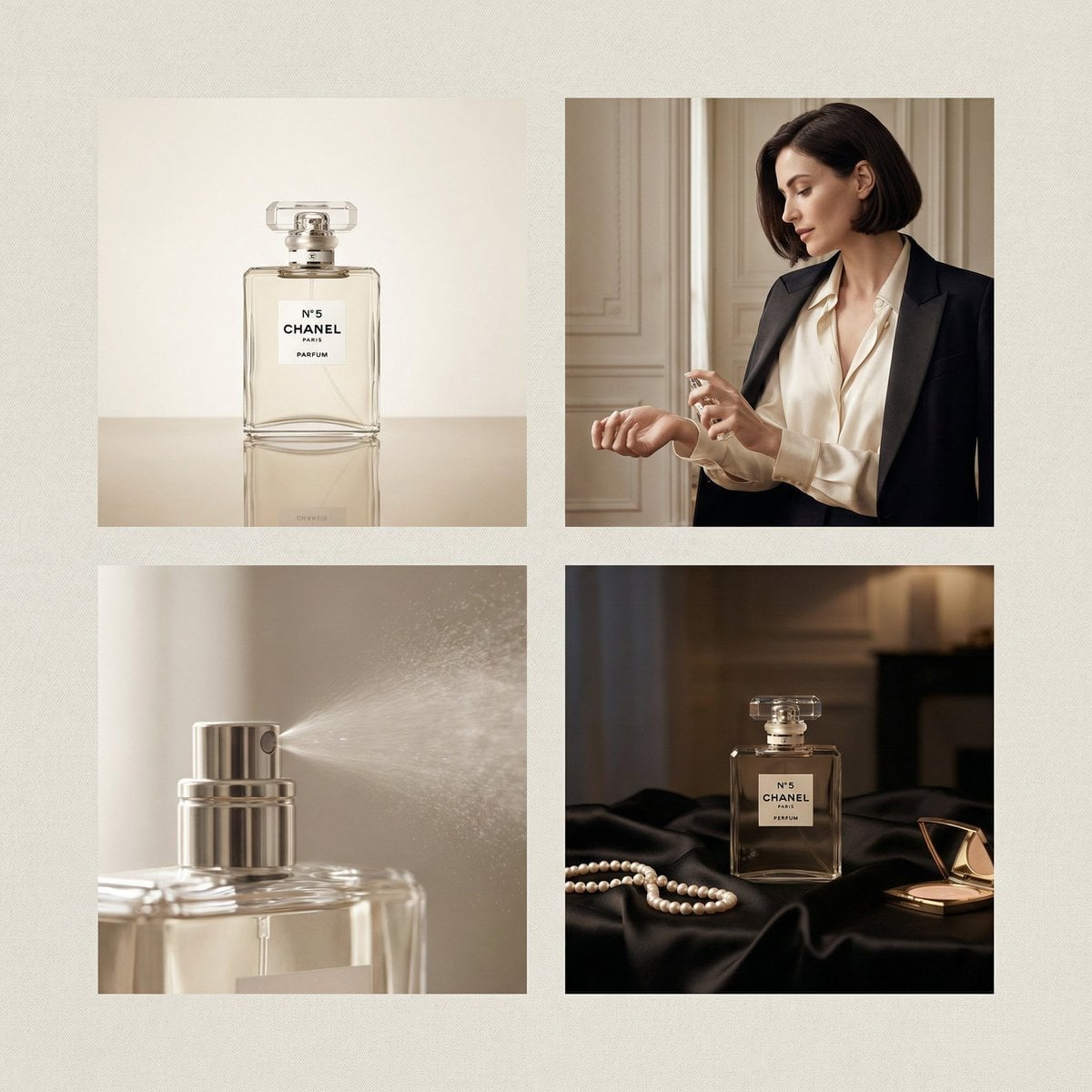
Chanel Perfume 2x2 Grid Luxury Campaign
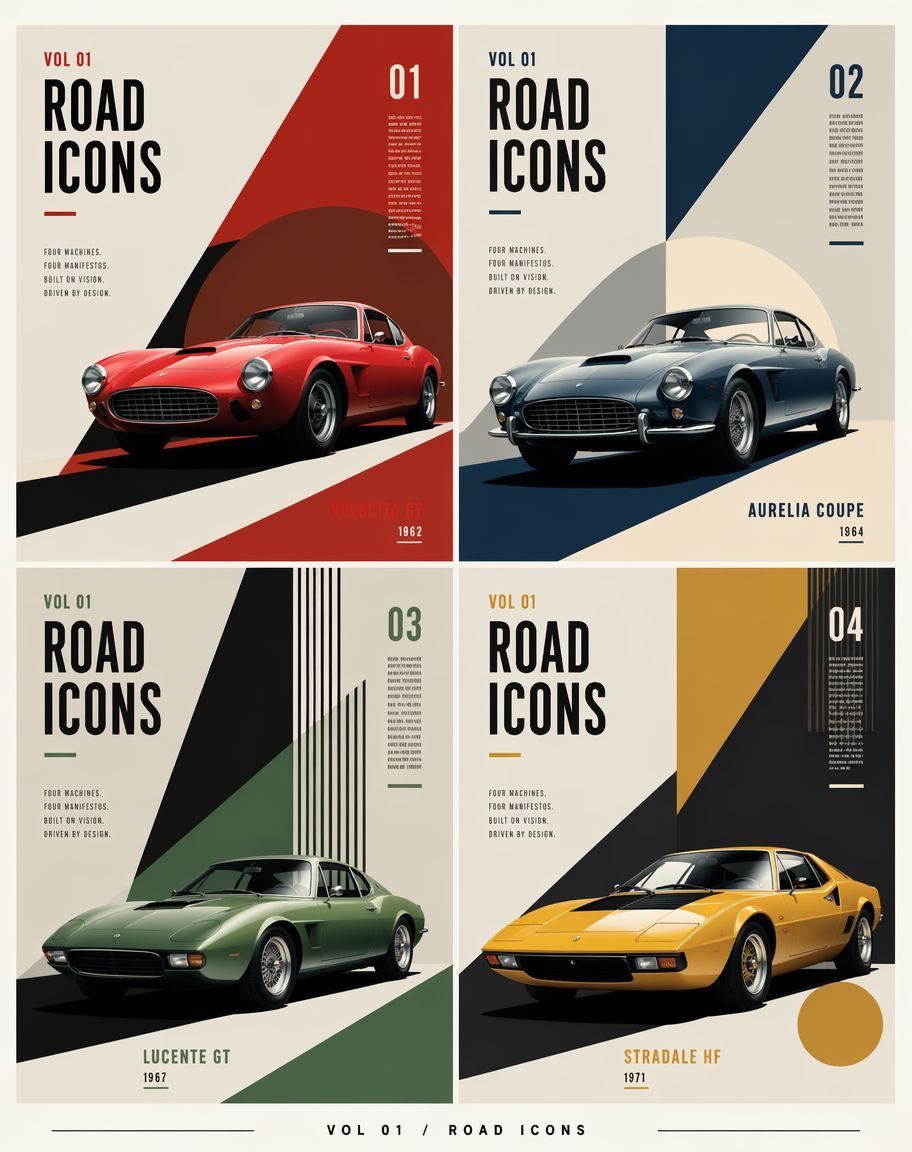
Constructivist Classic Car Editorial Grid
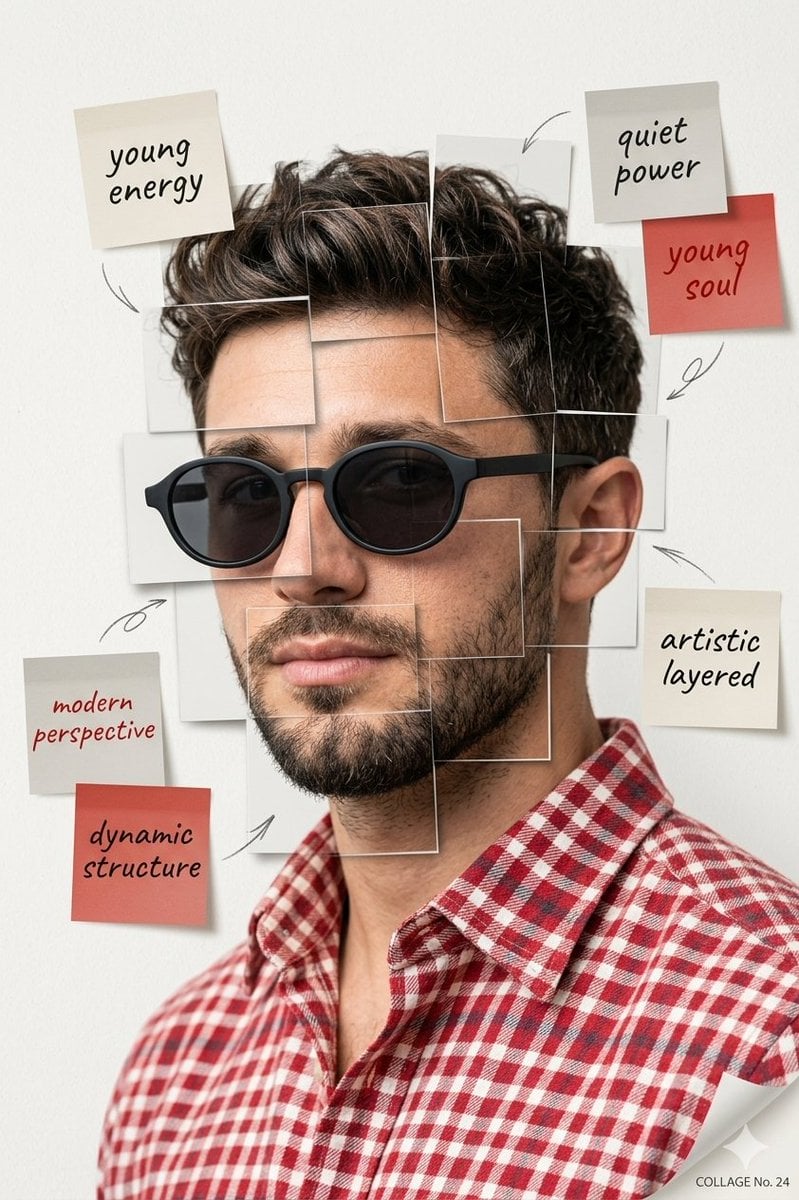
Deconstructed Grid Editorial Portrait
Minimalist White Dress Editorial

Toon Cartoon Ballroom Dance
Paper Cut Ballroom Dance

Pixel Limited Ballroom Dance

Watercolor Anim Ballroom Dance
Motion Graphics Ballroom Dance

Stop Motion Ballroom Dance
Make it yours
White Ballroom Dance Editorial Grid (2x2) works as-is. These are the safest ways to change it without losing the look.
Swap the setting
Keep the rest of the prompt and replace the location block. The current setting is “4:5”.
Change one field
Copy a single group, rewrite it, and generate again so you can see what that field is doing.
Keep the frame, change the subject
Hold the composition and light of White Ballroom Dance Editorial Grid (2x2), then swap wardrobe, props or the person for a new take.
| If the result… | Why | Fix |
|---|---|---|
| The result drifts from the preview | Too many fields changed at once. | Reuse White Ballroom Dance Editorial Grid (2x2) as-is first, then change one group — subject, light, or setting. |
| Nano Banana 2 ignores part of the JSON | Some models flatten or skip nested keys. | Keep the same values and paste them as a short paragraph instead. |
More Nano Banana 2 templates
Other prompts made for Nano Banana 2.

Photorealistic Leaf Shaped Like a Dragon

K-Pop Idol Portrait Grid for Rapid Selection

Poetic Rain Forest Portrait During Golden Hour

Urban Street Portrait with Cartoon Inner Self Duo

Candid Nighttime Photo with Cat Prompt

High-Concept 3D Diorama Generation Prompt

Cinematic Futuristic Studio Portrait Template

Skincare Editorial Photography Collage Prompt

Hyper-Realistic Commercial Product Photography (Splash Effect)

Hyper-Realistic Nightclub Portrait Prompt
More image prompts
Fresh picks from across the catalog.
Surreal Resin-Split Portrait
Cinematic Dual-Color Studio Portrait
Perfume promo with niche Le Labo-like feel
Lin Daiyu Ink-Wash Poster

Summer Breeze Handwritten Typography
Ethereal Silhouette on a Rooftop Edge
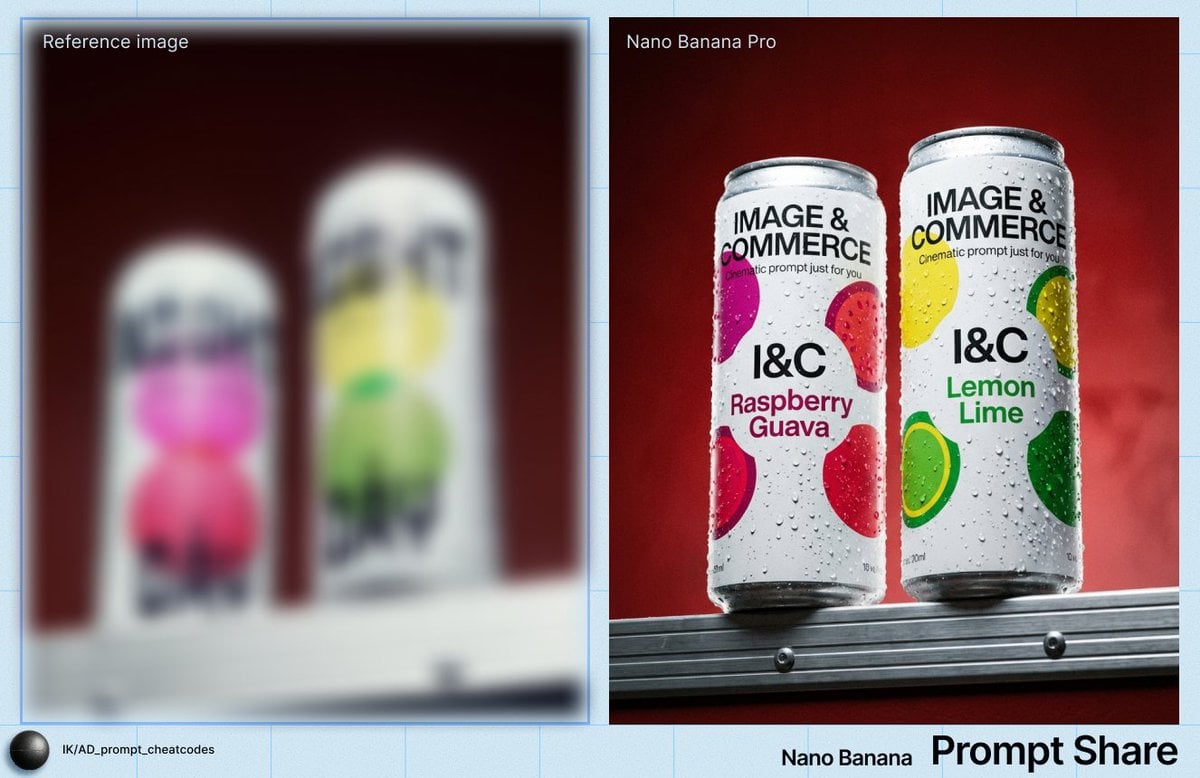
Two Soda Cans Product Photography Prompt
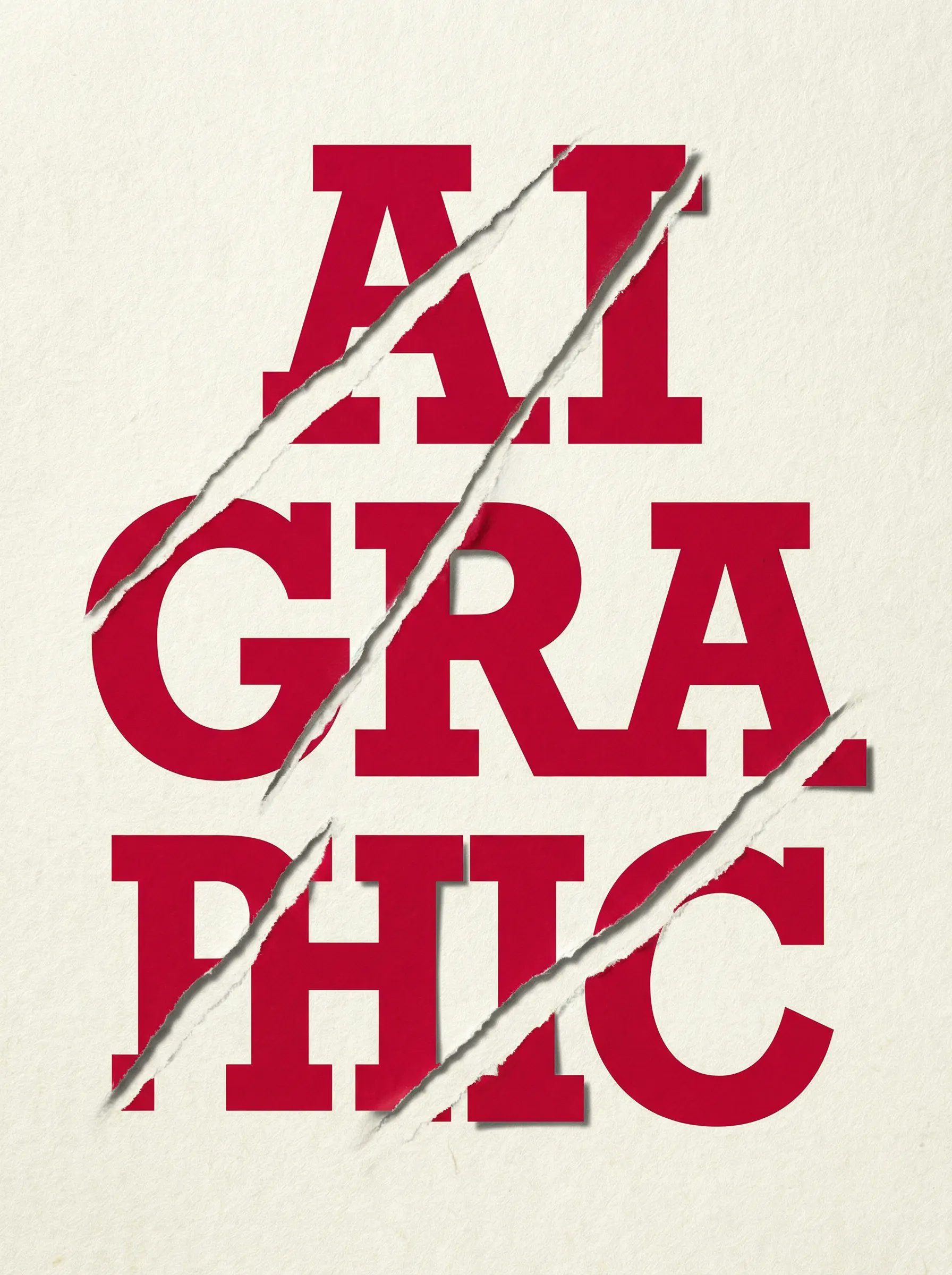
untitled
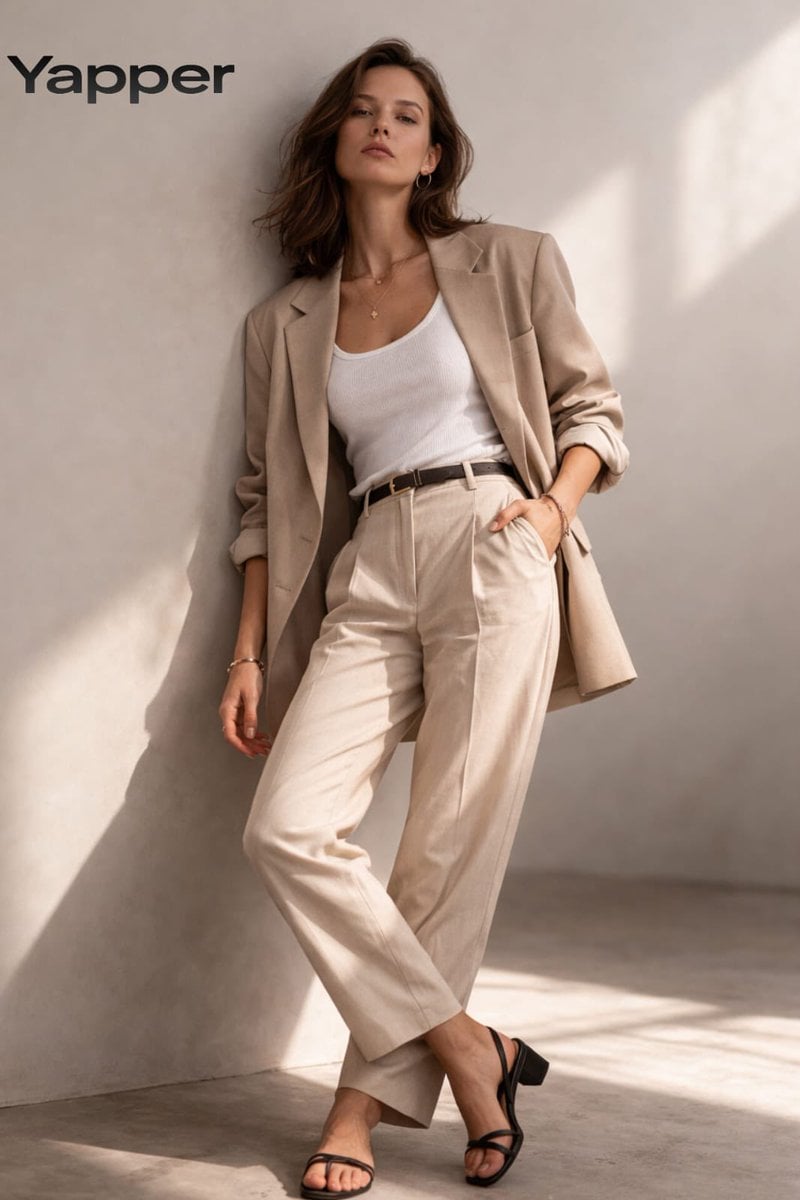
Minimalist Fashion Studio Portrait
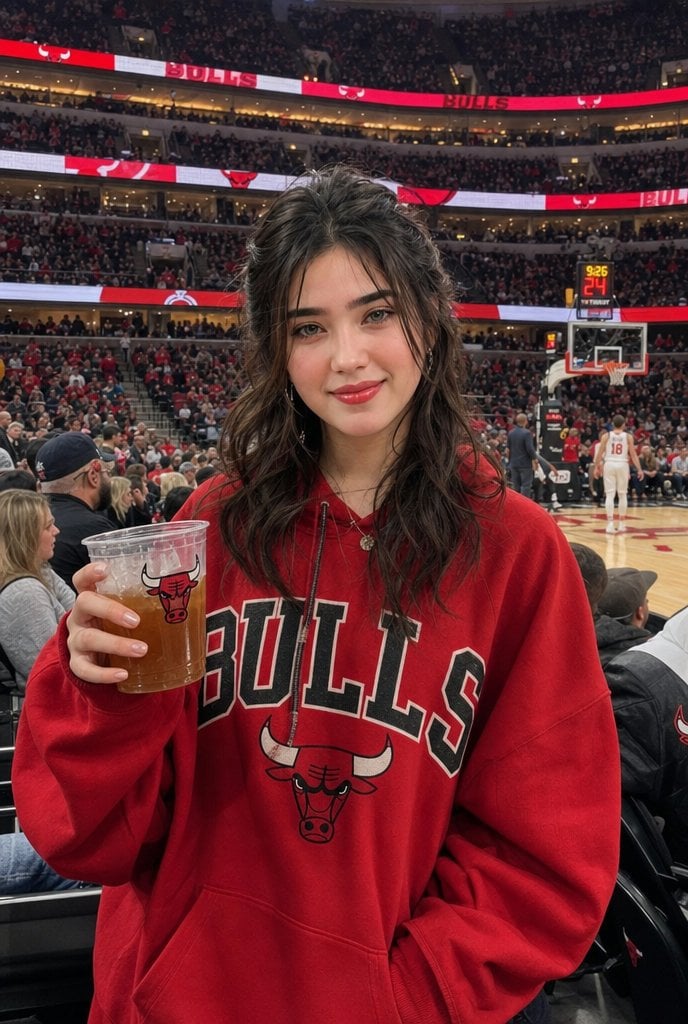
Chicago Bulls Arena Portrait
Browse template categories
White Ballroom Dance Editorial Grid (2x2) questions
How do I use the White Ballroom Dance Editorial Grid (2x2) template?
Add your photo if the template asks for one, edit the prompt if you like — the template's model and format are already selected — and press Generate. Your version opens in PicX Studio.
Can I customize the White Ballroom Dance Editorial Grid (2x2) template?
Yes. You can change the subject, setting, lighting, mood, format, and available model controls before creating your image.
Is the White Ballroom Dance Editorial Grid (2x2) template free?
Opening and editing this template is free. Generating uses credits, shown on the Generate button when you are signed in.
Which AI model should I use?
Start with Nano Banana 2, which is the model associated with this template. You can compare another compatible model for a different finish.
Looking for something else? Browse all templates.

Your photo, any look
Thousands of ready templates for every top image and video model, from one credit balance.