
Surreal Resin-Split Portrait
An incredibly detailed and technical prompt for a split-face portrait featuring black resin textures, amber markings, and highly specific camera settings.
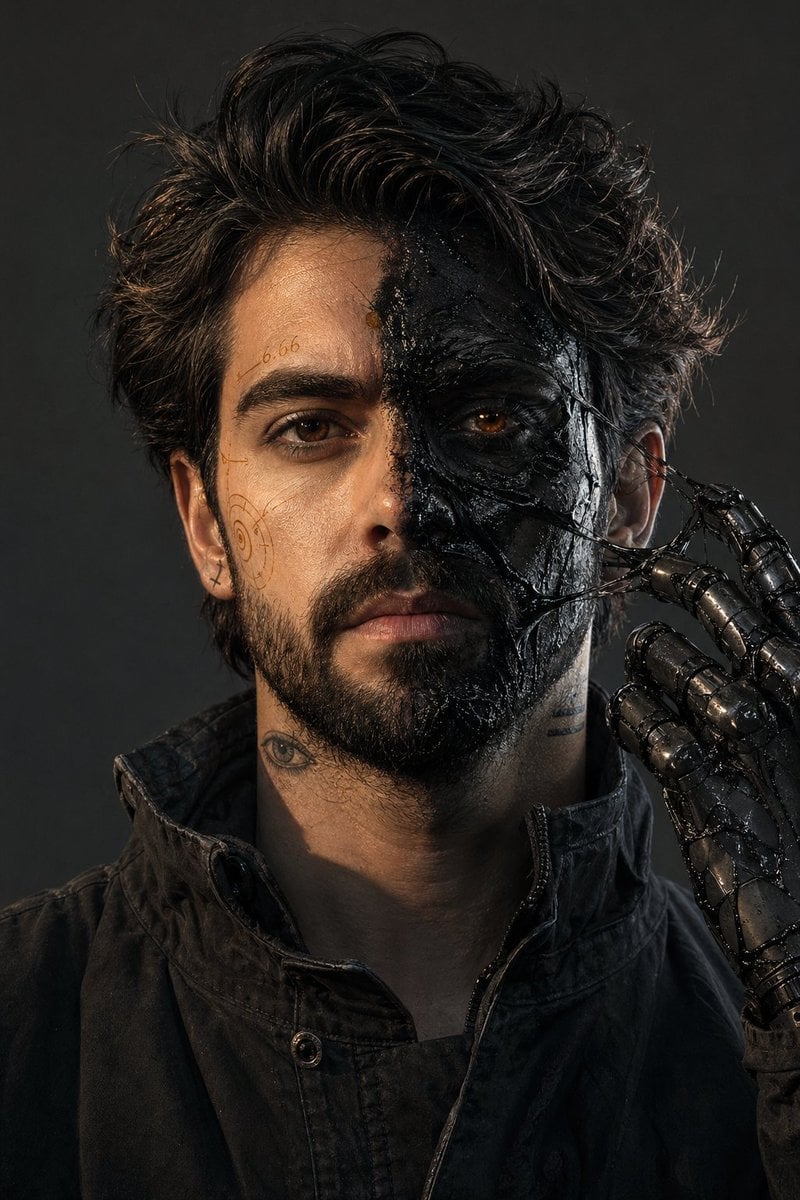
- Prompt included
- Model and format preset
- Free template
The prompt behind this image
Copy the exact prompt behind Surreal Resin-Split Portrait, or open it in the studio and make it yours.
Ultra-photorealistic 8K RAW, 35mm, f/8, deep focus, no blur, no DOF, no noise, no grain, no haze, no dust, no volumetric light, no soft light, no glow. IMAX stage, 2:3 aspect ratio. Male with my exact face, 181cm 73kg, {argument name="hair style" default="messy dark hair"}, short stubble. Face split: left side — clean skin with {argument name="markings" default="thin amber technical markings (numbers \"6.66\", spiral symbols, hand-drawn)"}; right side — {argument name="skin effect" default="matte black skin covered in thick black resin (glossy, wet-looking, partially dried with stretched glossy strings between skin and fingers)"}. One eye natural dark brown, other faint amber glow (subtle, like light through honey, no beam). Tattoos: small eye on left neck, two horizontal lines on right jaw, tiny cross behind right ear. One mechanical prosthetic hand (black steel with sticky resin residue) raised to chin, fingers pulling a glossy resin string away from right cheek. Clothing: matte black worn jacket, high collar, no hood. Lighting: hard warm amber key from upper left, cool grey fill from lower right, sharp shadows. Color: desaturated grey-black, only amber as accent in resin reflections. Background: solid charcoal grey wall. Clean dry air, no particles. All surfaces sharp.
How to use Surreal Resin-Split Portrait in 3 steps
- 1
Open
The prompt is already in the box next to the preview, with the template's model and format selected.
- 2…a portrait of your subject in softgolden-hour light, 85mm…
Personalize
Edit the subject and creative details for your destination.
- 3Generate
Generate
Press Generate — your image is created in PicX Studio, so you can compare it with the original and refine one variable at a time.
More like this
Templates with the same subject, style or setup. Open one to see its prompt.

Christmas Ornament Portrait Glossy Glass Resin Finish with Hand Painted Details Holiday Lighting
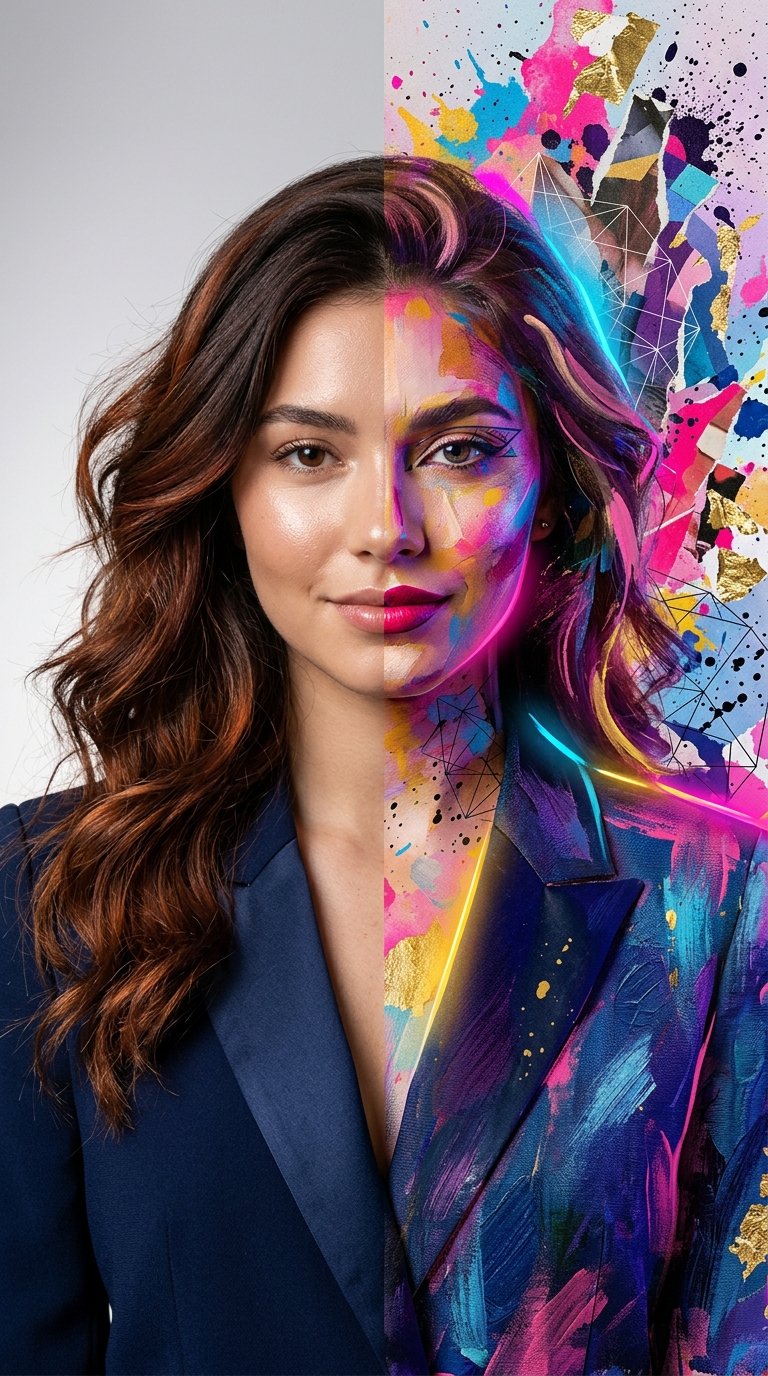
Split Portrait - Mixed Media

Found Photograph: Us, 1970

80s Couple Studio Portrait

80s Bollywood Star

80s Golden Hour Cinema

Me in 1985

1985 Studio Portrait
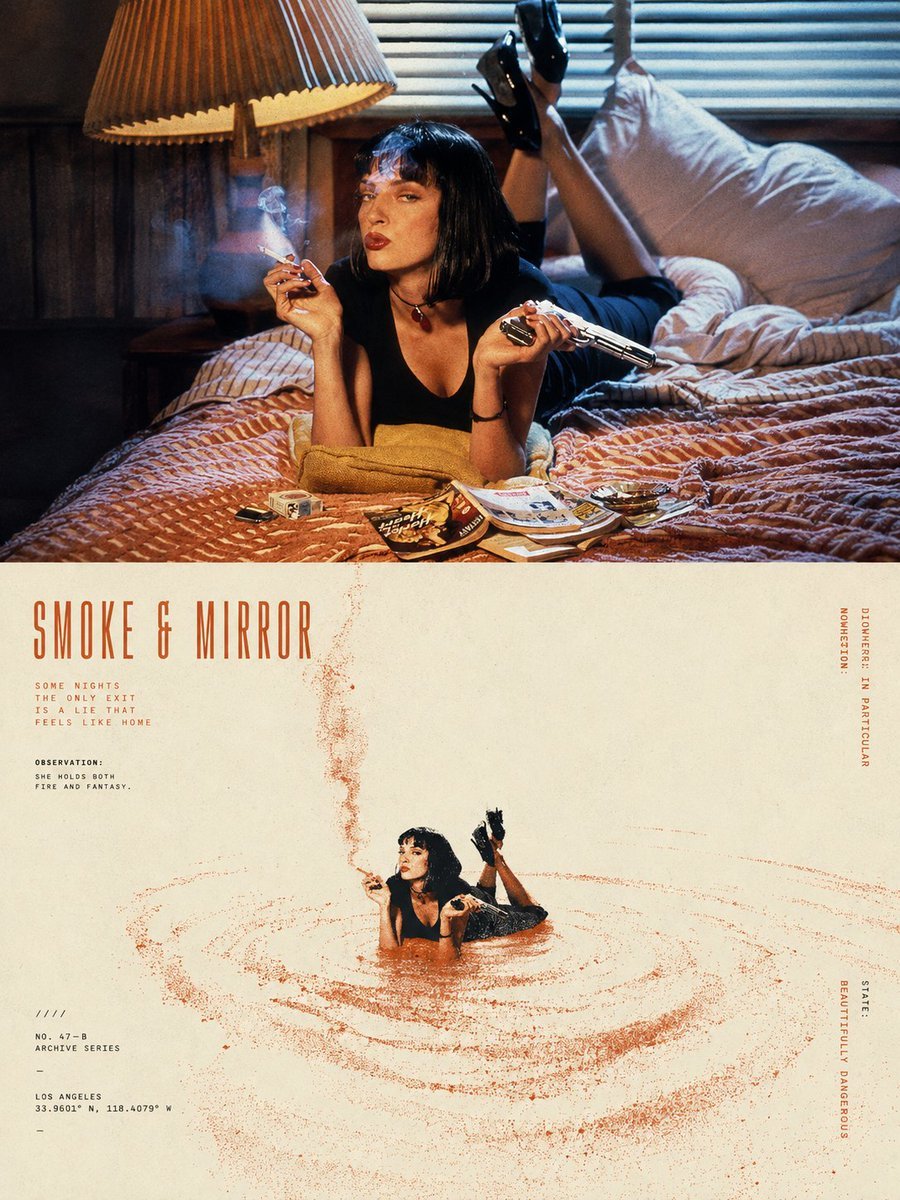
Split-Screen Surreal Printmaking Design

Hyper-Realistic Minecraft POV Portrait

Rooftop Fisheye — Cat-Ear Balaclava at Golden Hour

Surreal Cat Astronaut — Humanoid Face Freefall
Make it yours
Surreal Resin-Split Portrait works as-is. These are the safest ways to change it without losing the look.
Change one field
Copy a single group, rewrite it, and generate again so you can see what that field is doing.
Keep the frame, change the subject
Hold the composition and light of Surreal Resin-Split Portrait, then swap wardrobe, props or the person for a new take.
| If the result… | Why | Fix |
|---|---|---|
| The result drifts from the preview | Too many fields changed at once. | Reuse Surreal Resin-Split Portrait as-is first, then change one group — subject, light, or setting. |
| The model over-stylizes the scene | The prose prompt leaves finish and camera underspecified. | Add one camera or lighting sentence and stay on GPT Image 2. |
More GPT Image 2 templates
Other prompts made for GPT Image 2.

Six VTuber Japanese Logo Sheet

Realistic Portrait of Woman and Deer

The Vista Modular Condo Poster

AI Model Routing Comparison Infographic

2.5D Anime Art Board

Isometric Productivity Desk Scene

New York Double Exposure Poster

Four-Panel AI Landscape Comparison

Japanese Tatami Lifestyle Magazine Cover

NESCAFÉ Coffee Map Poster
More image prompts
Fresh picks from across the catalog.
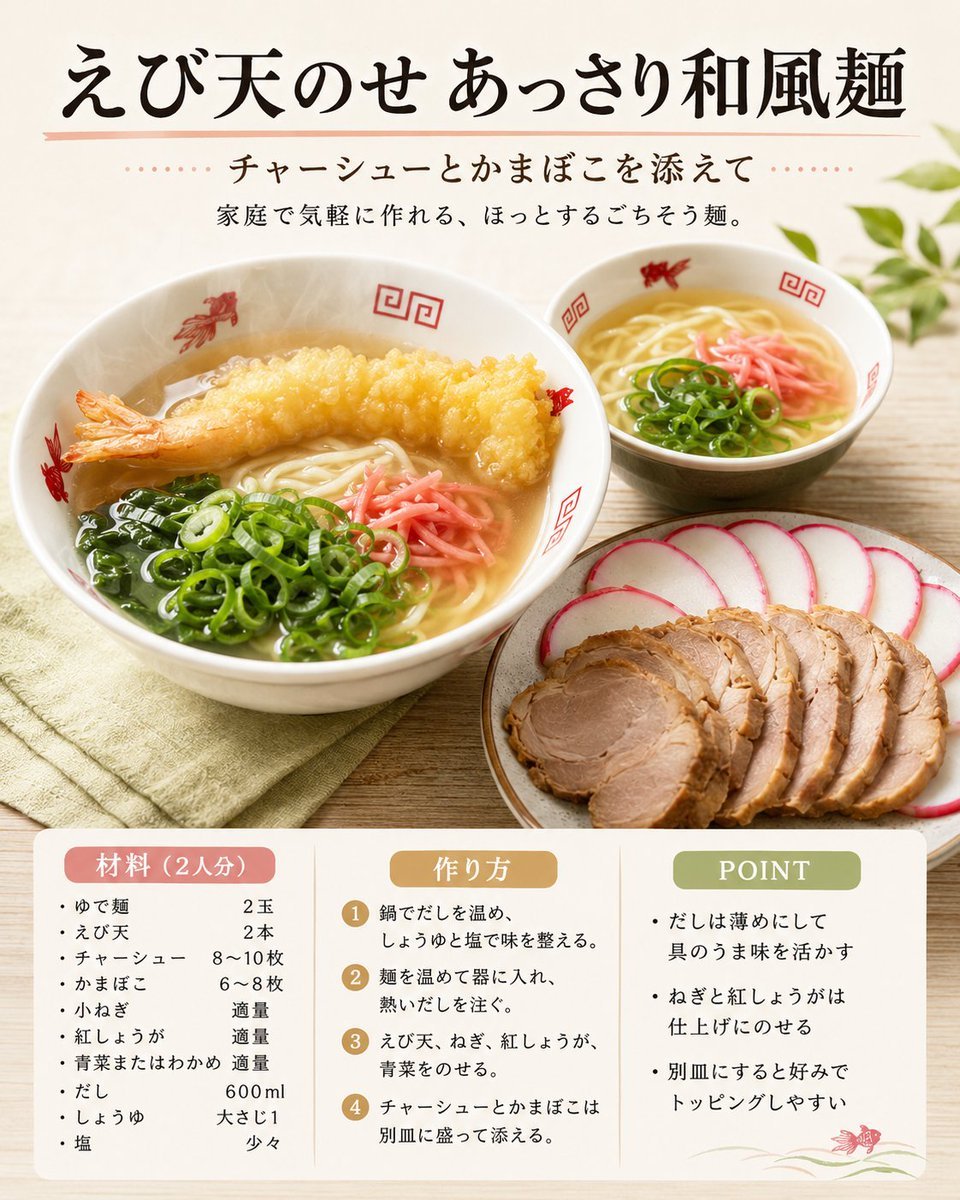
Japanese Tempura Noodle Recipe Card
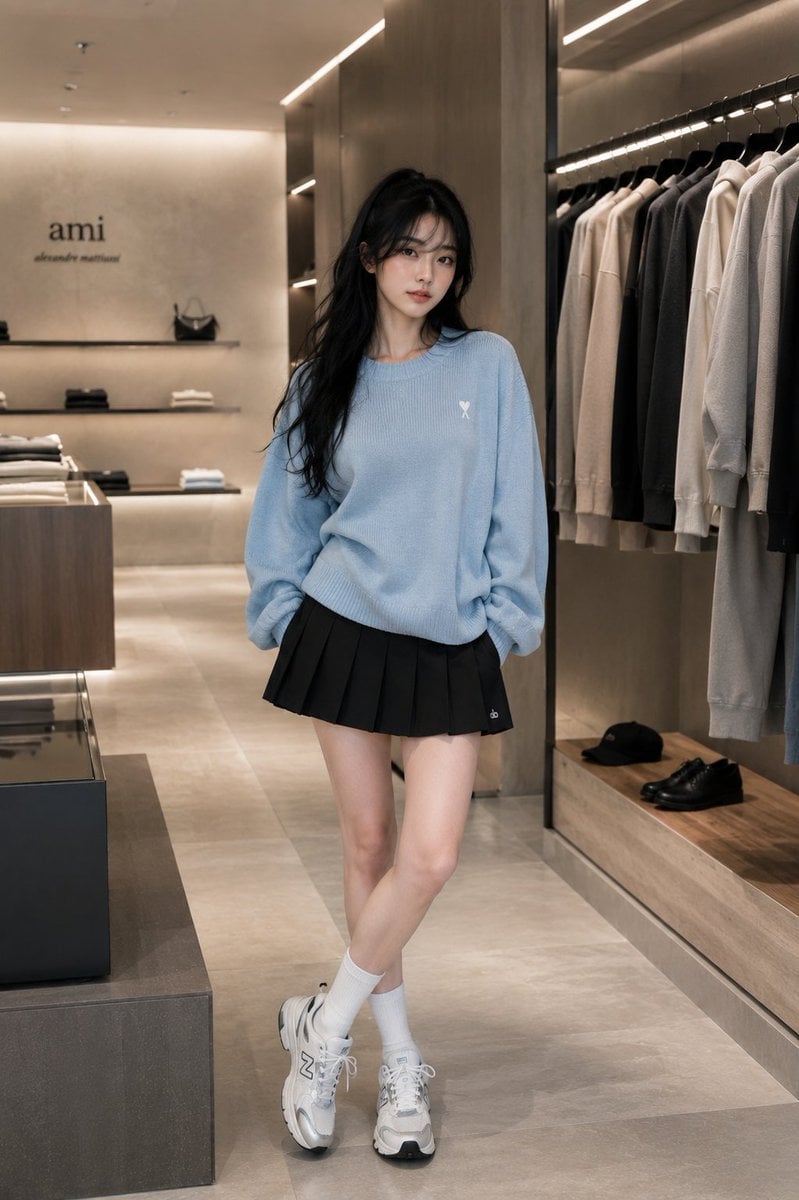
Minimalist Boutique Fashion Editorial
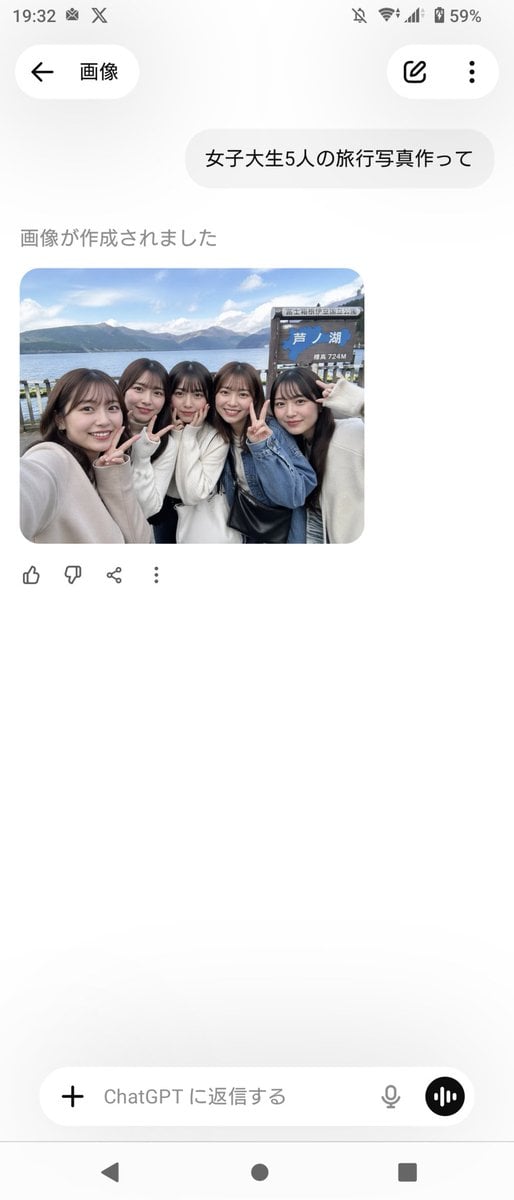
Realistic Friends Trip Selfie at Lake Ashi
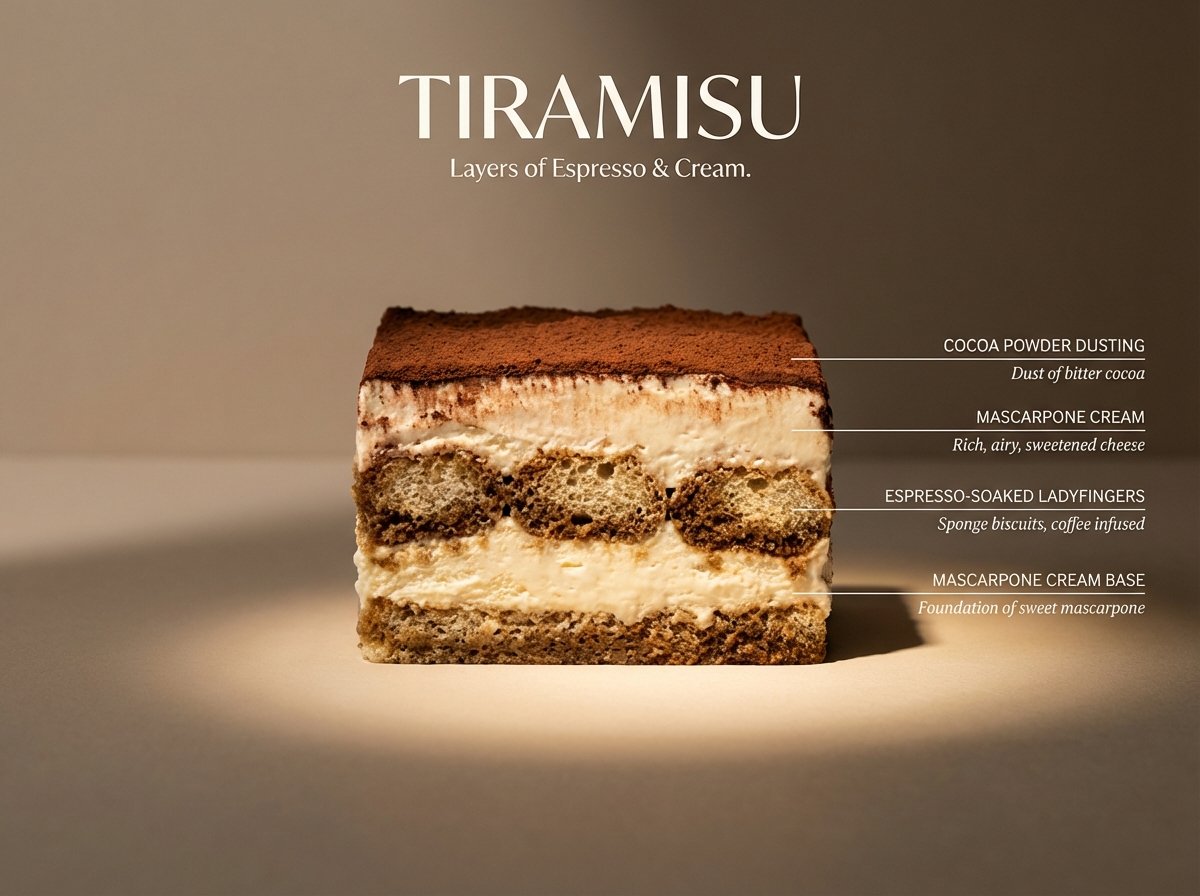
Architectural Tiramisu Cross-Section
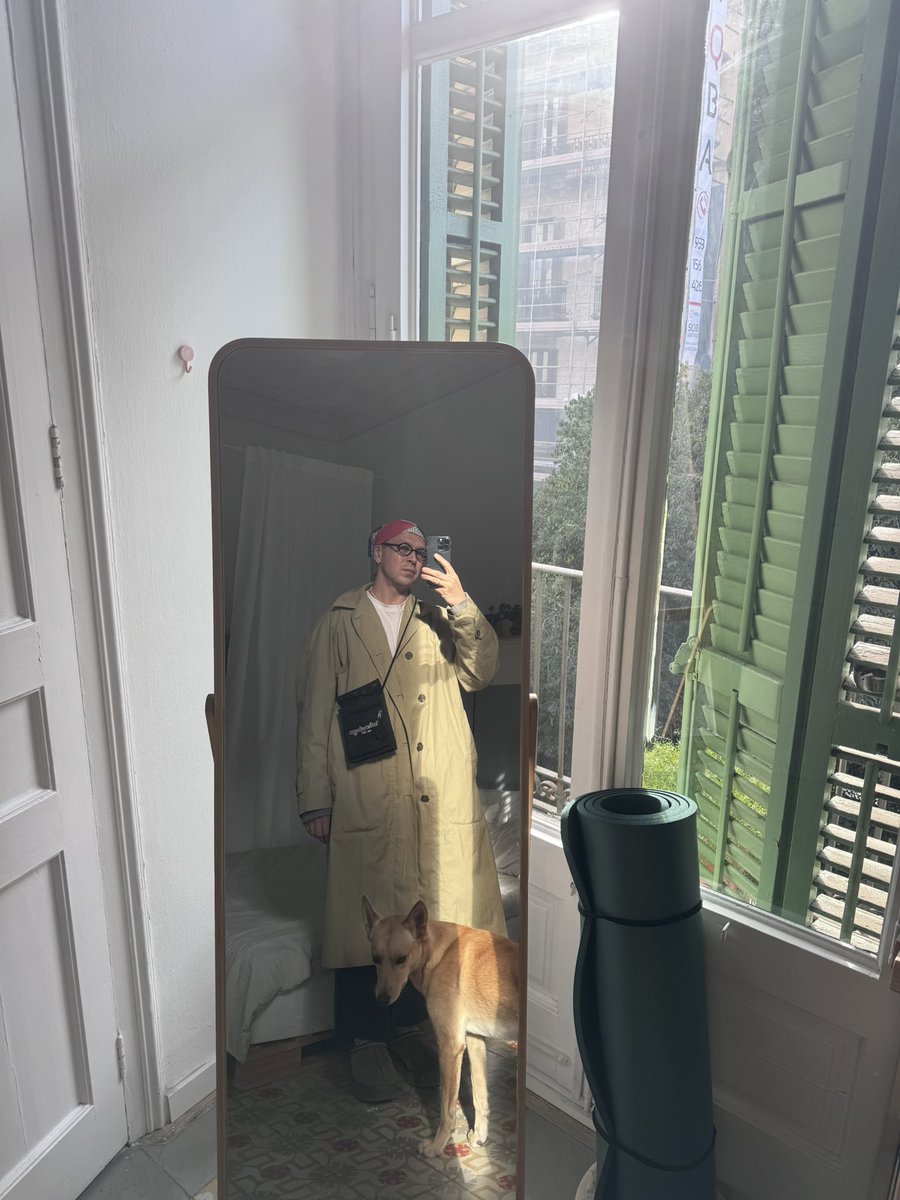
Outfit transfer between two photos
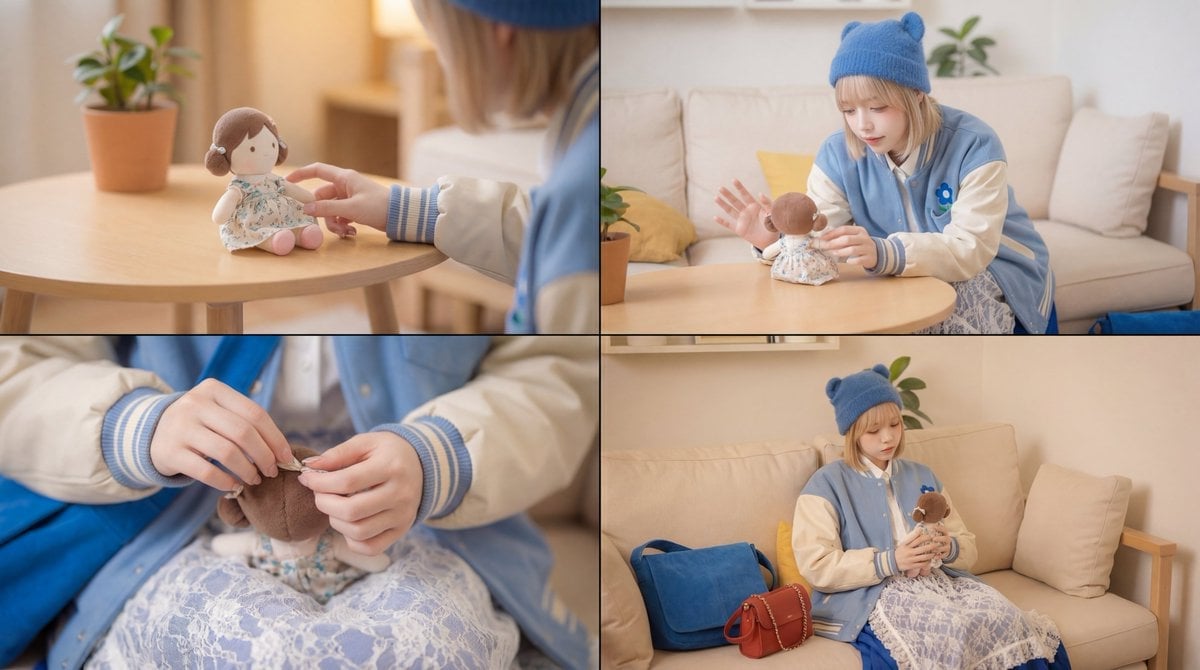
Cinematic Video Prompt for Girl Playing with Doll
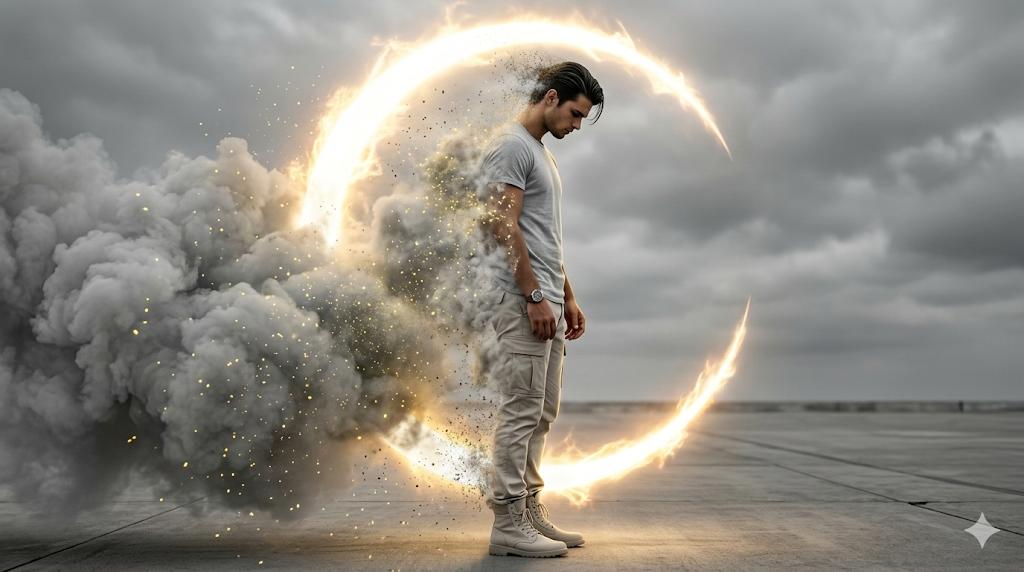
Cinematic Disintegration Portrait Prompt
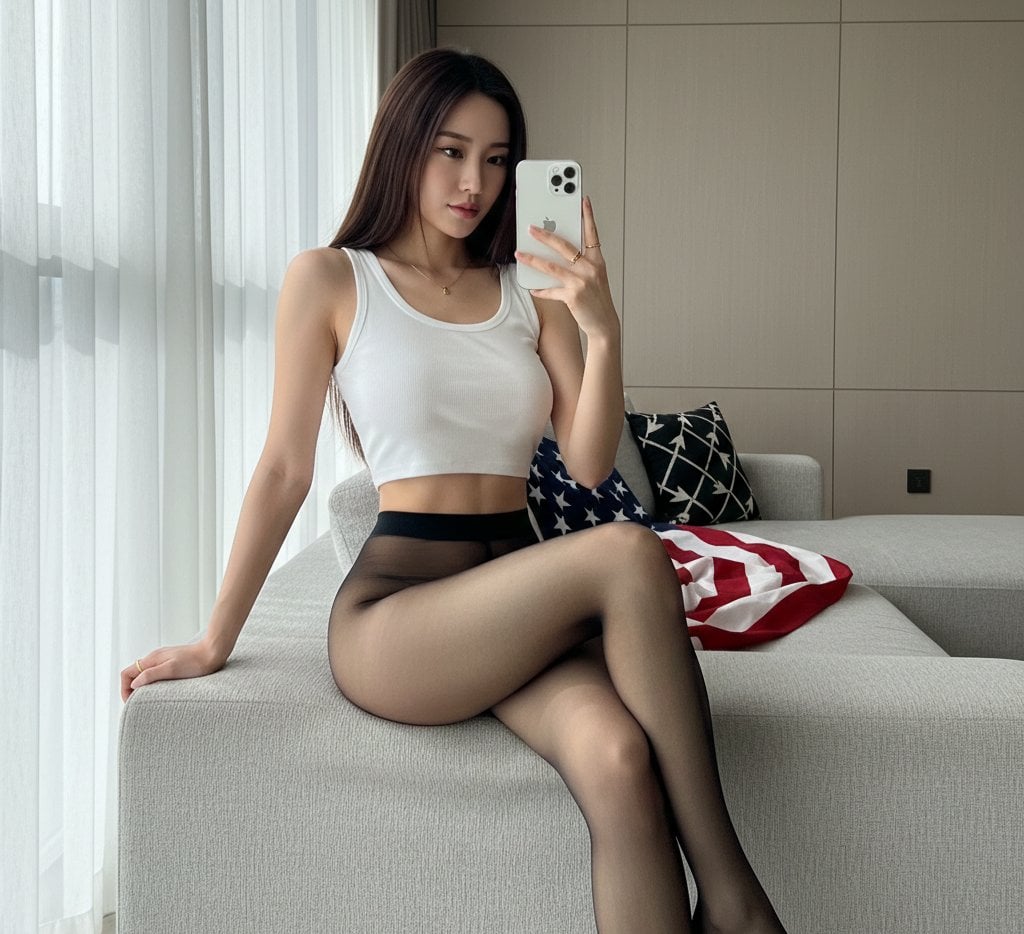
Mirror Selfie with Hosiery and Flag Background Prompt
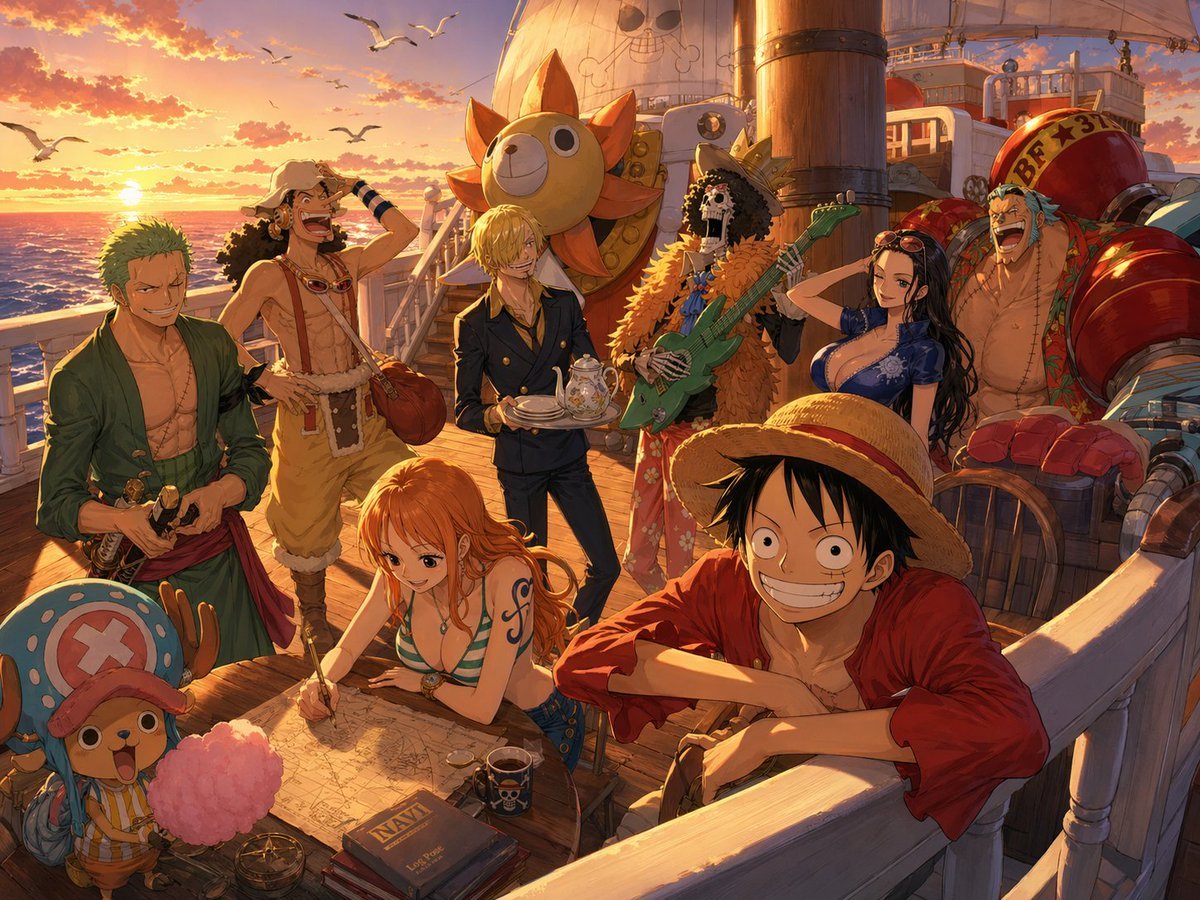
One Piece Straw Hat Crew at Sunset
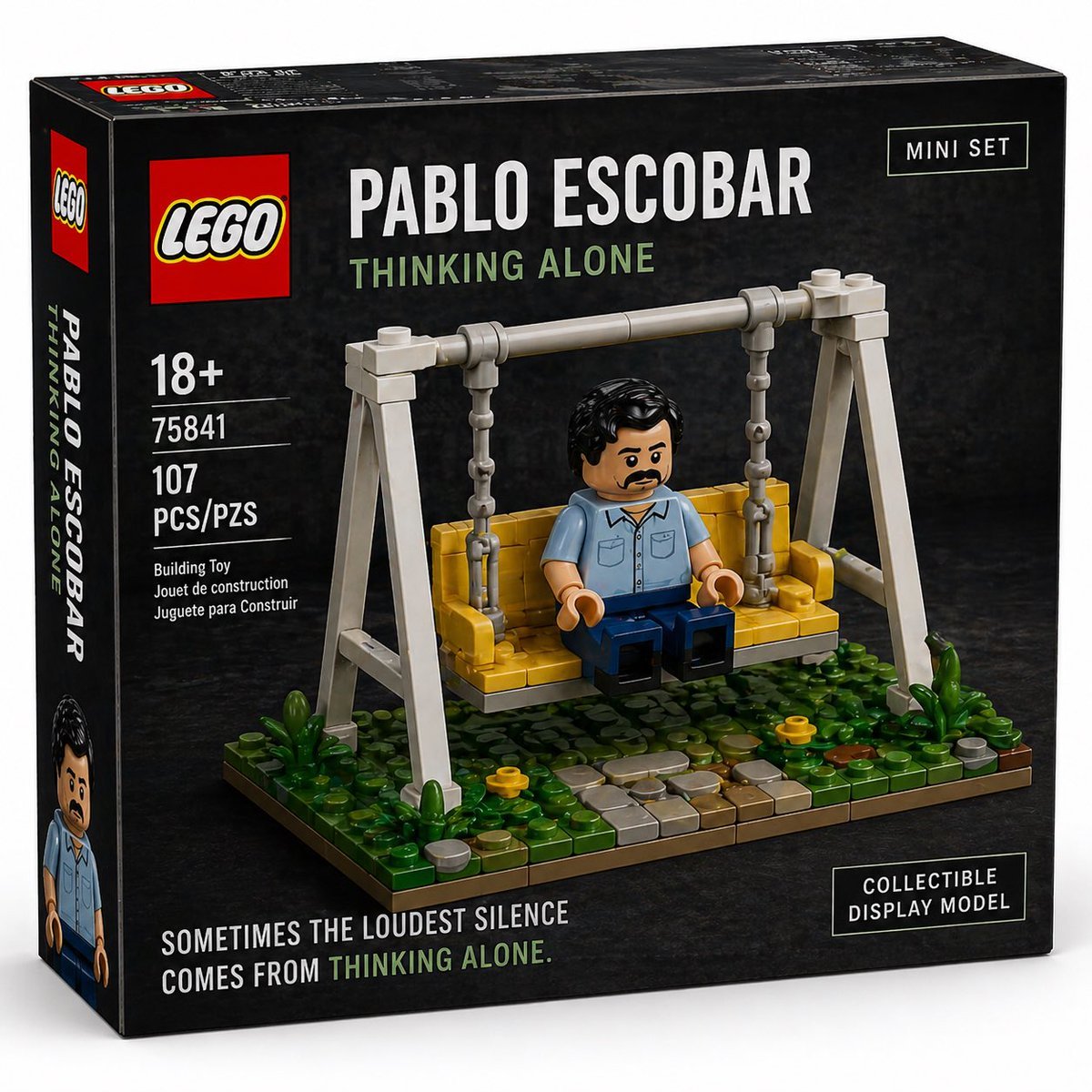
Brick Mini Set Box Mockup
Browse template categories
Surreal Resin-Split Portrait questions
How do I use the Surreal Resin-Split Portrait template?
Add your photo if the template asks for one, edit the prompt if you like — the template's model and format are already selected — and press Generate. Your version opens in PicX Studio.
Can I customize the Surreal Resin-Split Portrait template?
Yes. You can change the subject, setting, lighting, mood, format, and available model controls before creating your image.
Is the Surreal Resin-Split Portrait template free?
Opening and editing this template is free. Generating uses credits, shown on the Generate button when you are signed in.
Which AI model should I use?
Start with GPT Image 2, which is the model associated with this template. You can compare another compatible model for a different finish.
Looking for something else? Browse all templates.

Your photo, any look
Thousands of ready templates for every top image and video model, from one credit balance.