
Architectural Tiramisu Cross-Section
A highly specific prompt for generating a hyperreal, architectural food photograph of a tiramisu cross-section, detailing visible layers, textures, lighting (dramatic left side lighting), and labeling the ingredients…
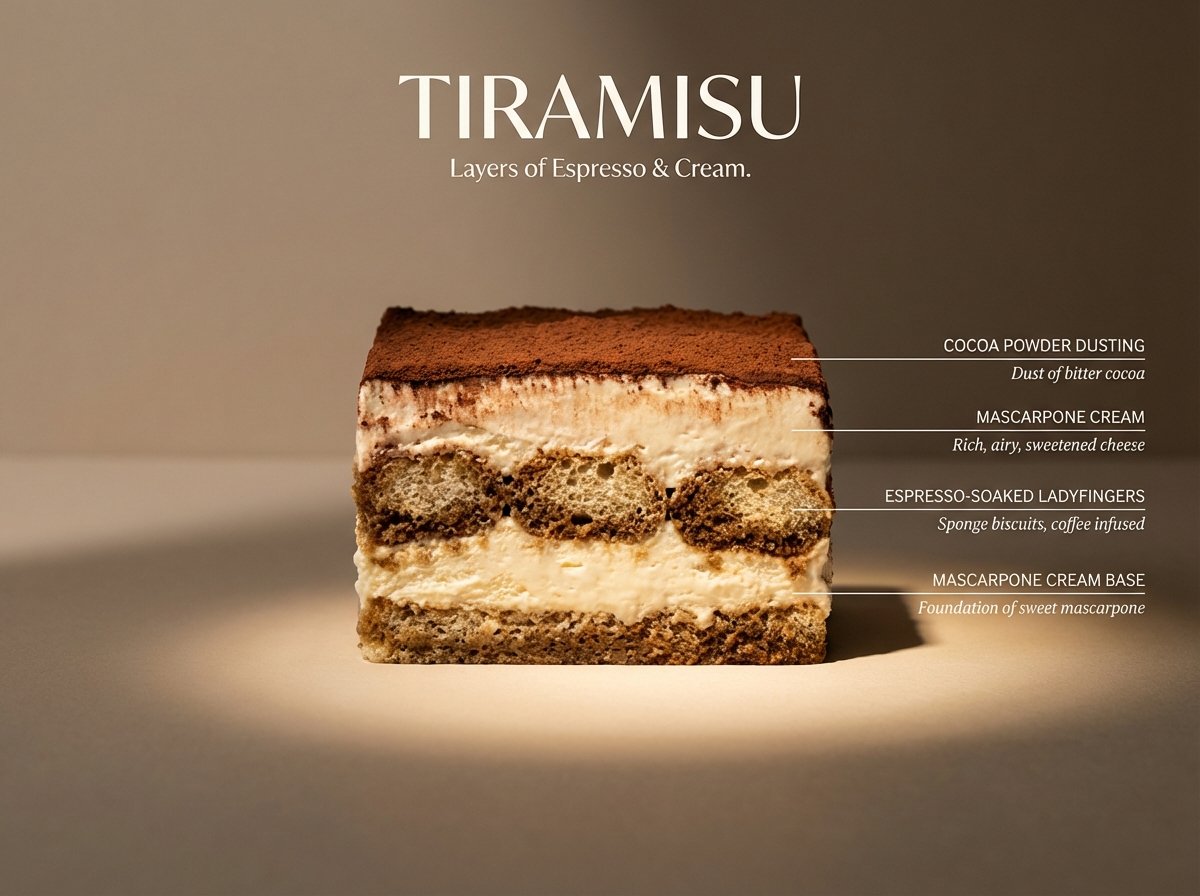
- Prompt included
- Model and format preset
- Free template
The prompt behind this image
Copy the exact prompt behind Architectural Tiramisu Cross-Section, or open it in the studio and make it yours.
Perfect cinematic cross-section cut through a tiramisu, sliced cleanly down the center, cut face straight-on to camera like a geological flavor diagram. Clearly visible layers: cocoa powder dusting, mascarpone cream, espresso-soaked ladyfingers, mascarpone cream base — each layer labeled with thin horizontal line to the right, uppercase sans-serif ingredient name with italic descriptor below. Flat matte neutral beige background. Dramatic left side lighting casting long shadows, single warm spotlight illuminating the cut face. Hyperreal textures — visible cocoa dust, creamy air pockets, soaked sponge structure, slight moisture and softness. Mood: architectural food photography meets scientific illustration. Title “TIRAMISU” in large elegant type at top. Subtitle: “Layers of Espresso & Cream.” 4K, tack sharp, Wes Anderson symmetry meets Michelin-star kitchen.
How to use Architectural Tiramisu Cross-Section in 3 steps
- 1
Open
The prompt is already in the box next to the preview, with the template's model and format selected.
- 2…a portrait of your subject in softgolden-hour light, 85mm…
Personalize
Edit the subject and creative details for your destination.
- 3Generate
Generate
Press Generate — your image is created in PicX Studio, so you can compare it with the original and refine one variable at a time.
More like this
Templates with the same subject, style or setup. Open one to see its prompt.
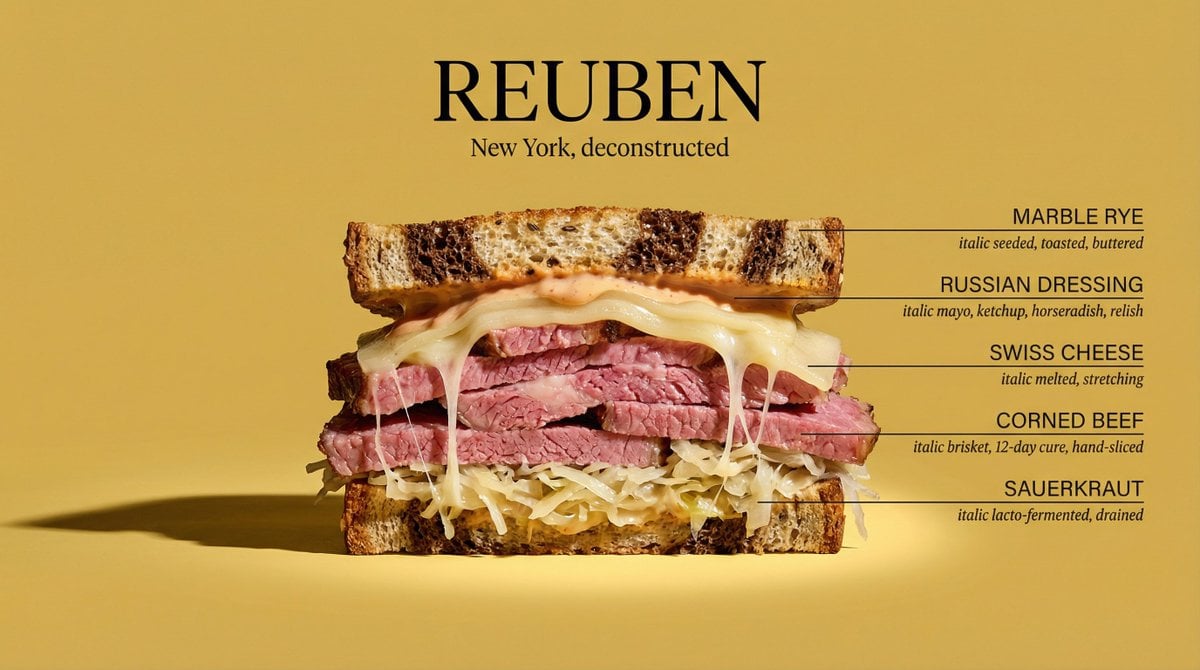
Architectural Food Photography Cross-Section Prompt
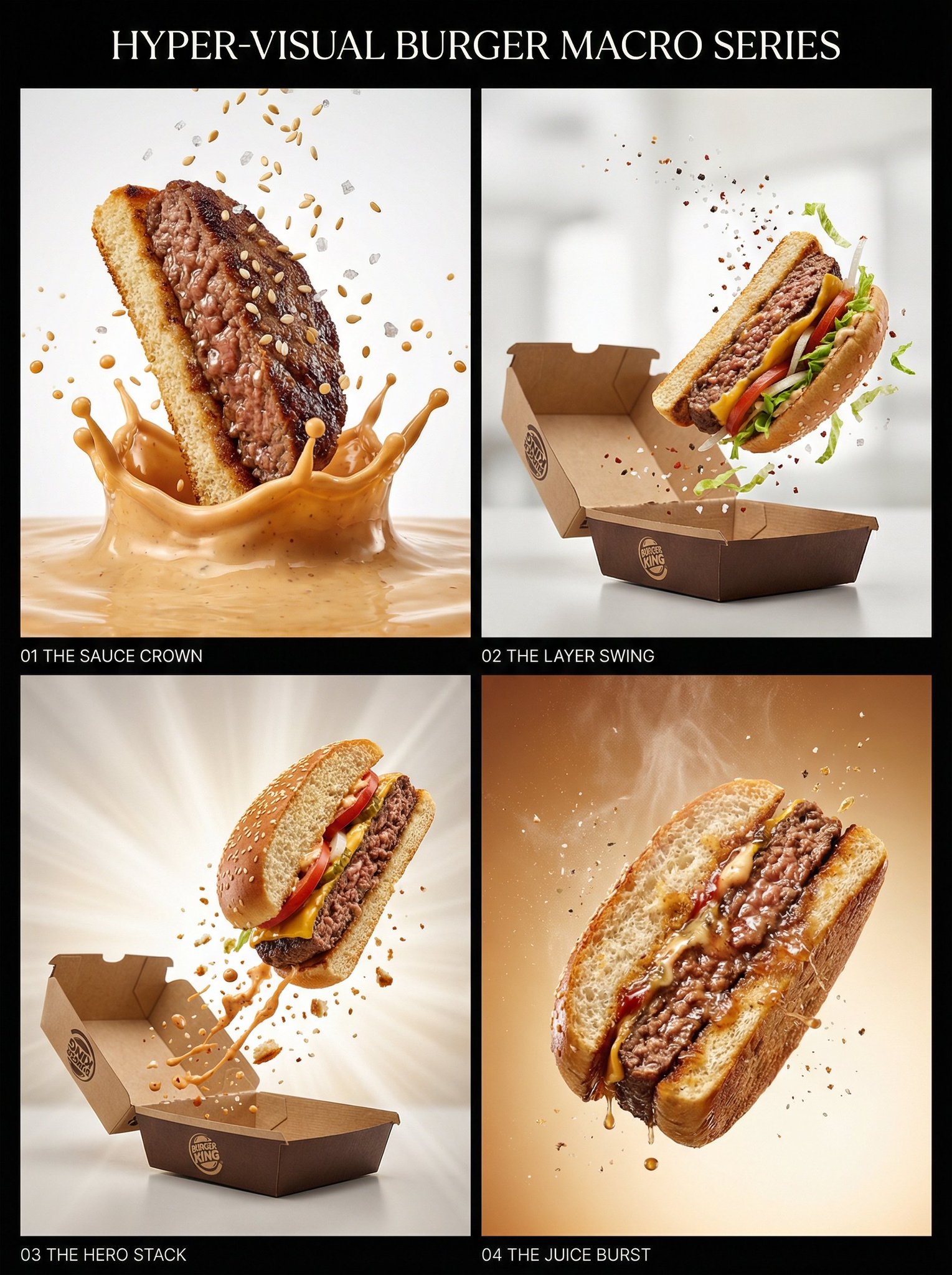
Juicy burger slice beef patty cross-section with bun edge
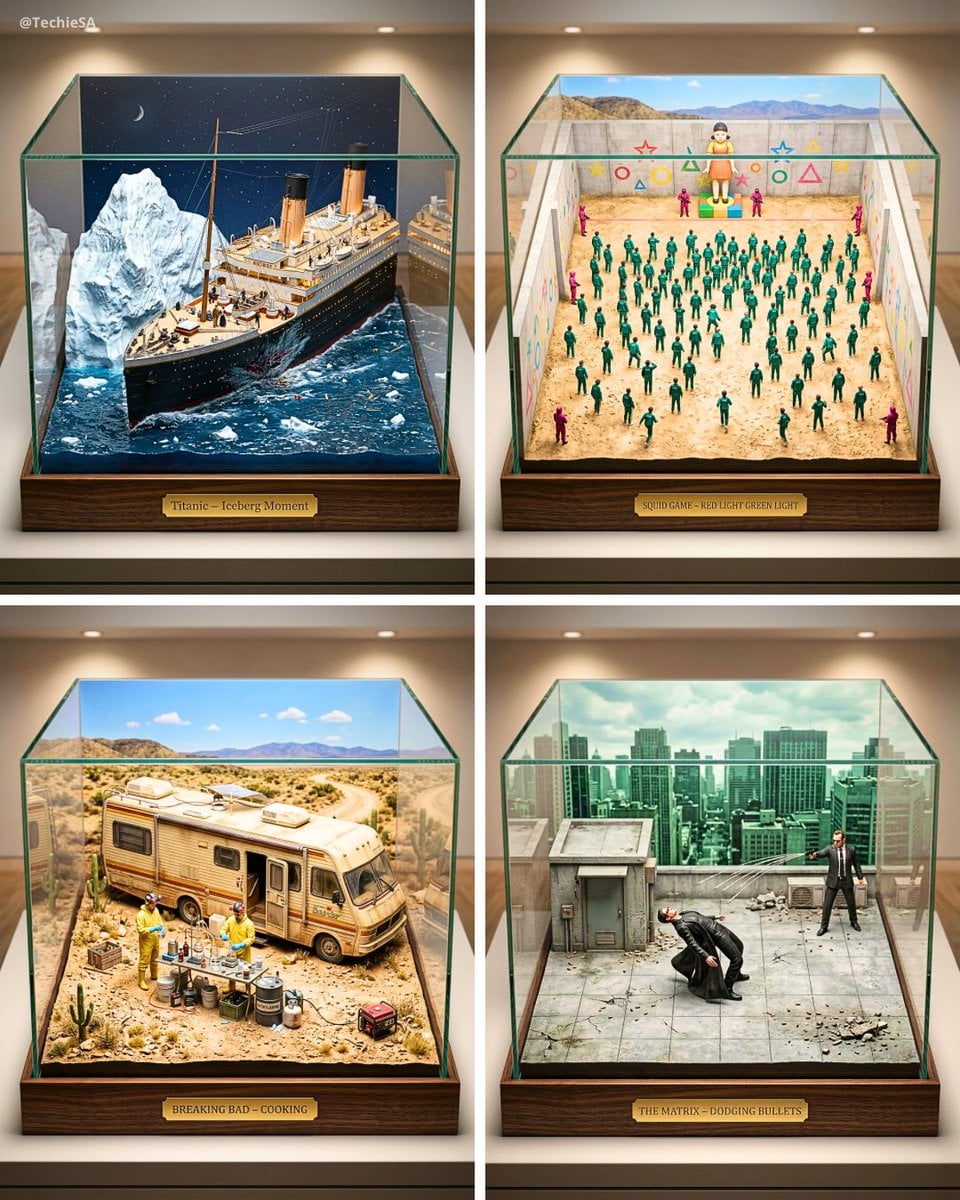
Paper Cut Architectural Section
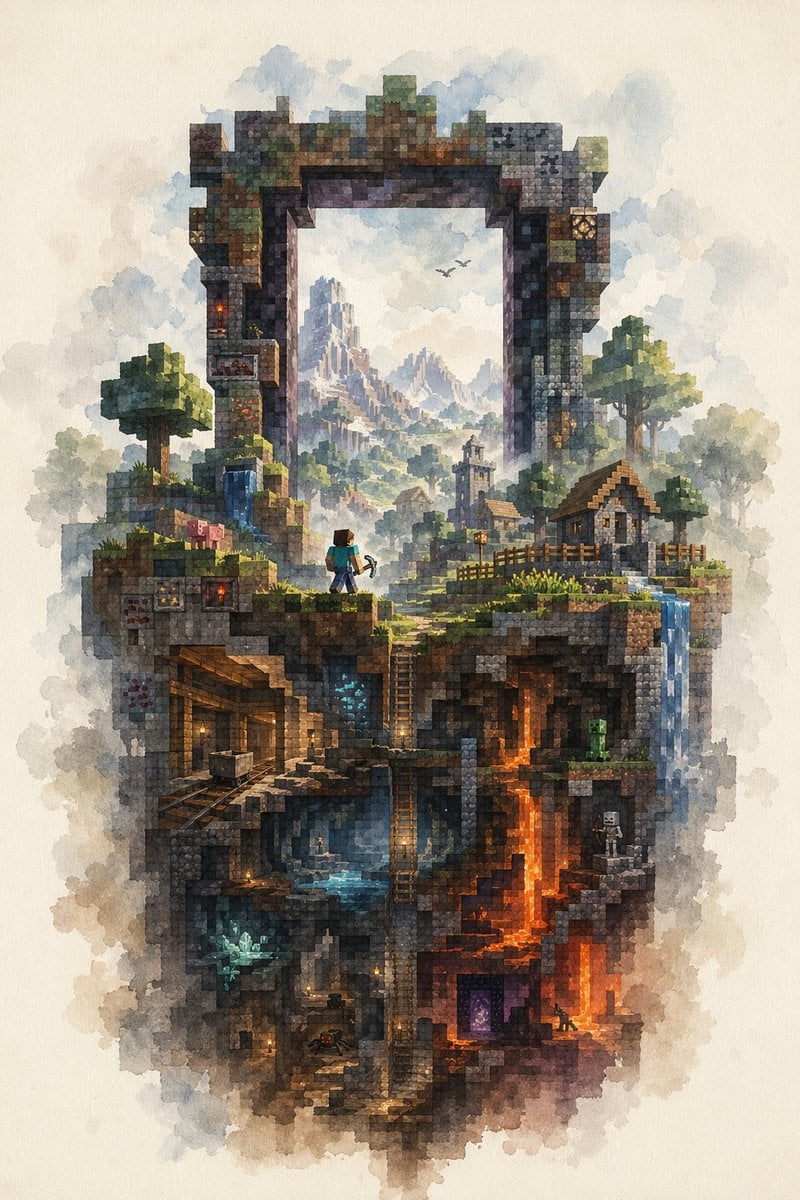
Watercolor Minecraft World Cross-Section
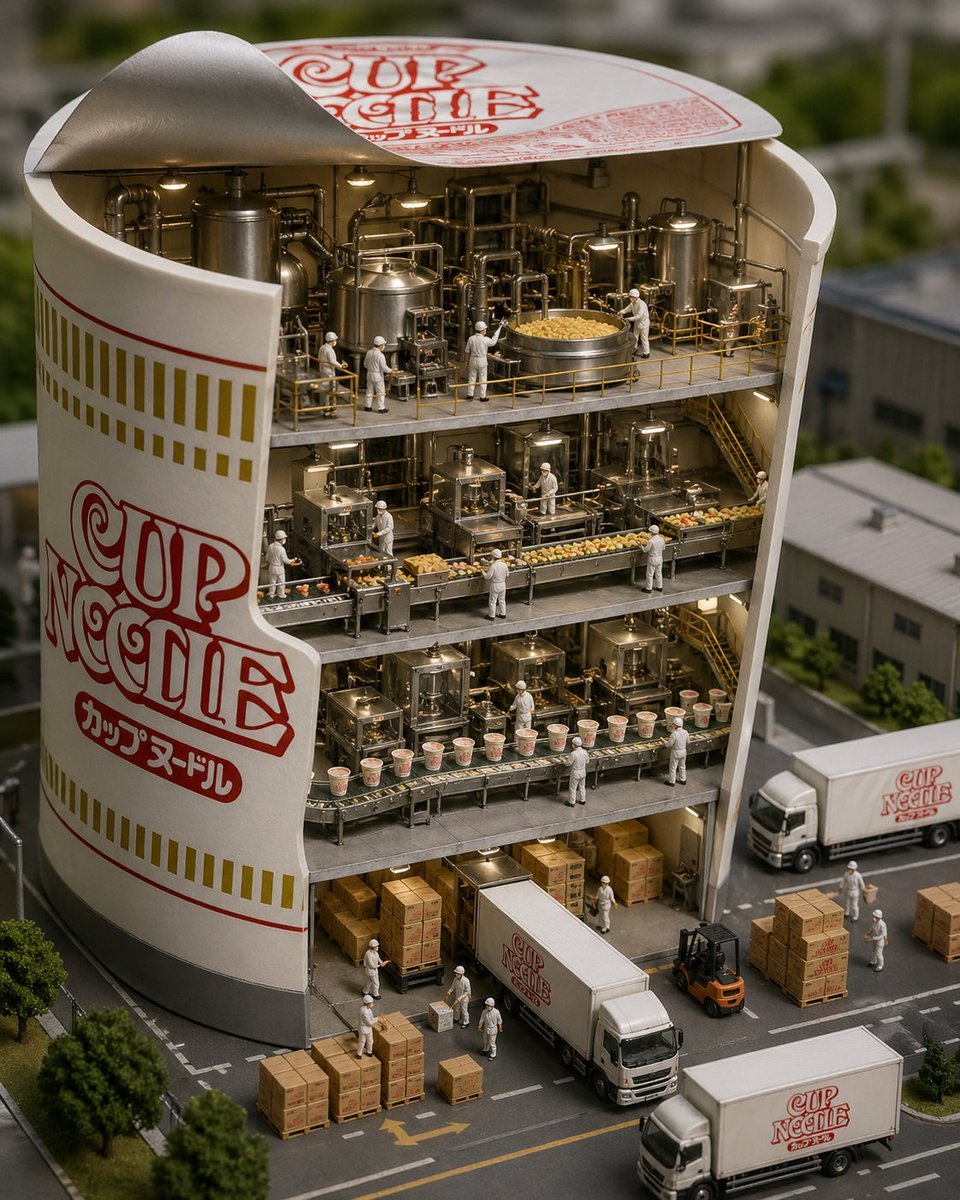
Cup Noodle Factory Cross-Section Diorama
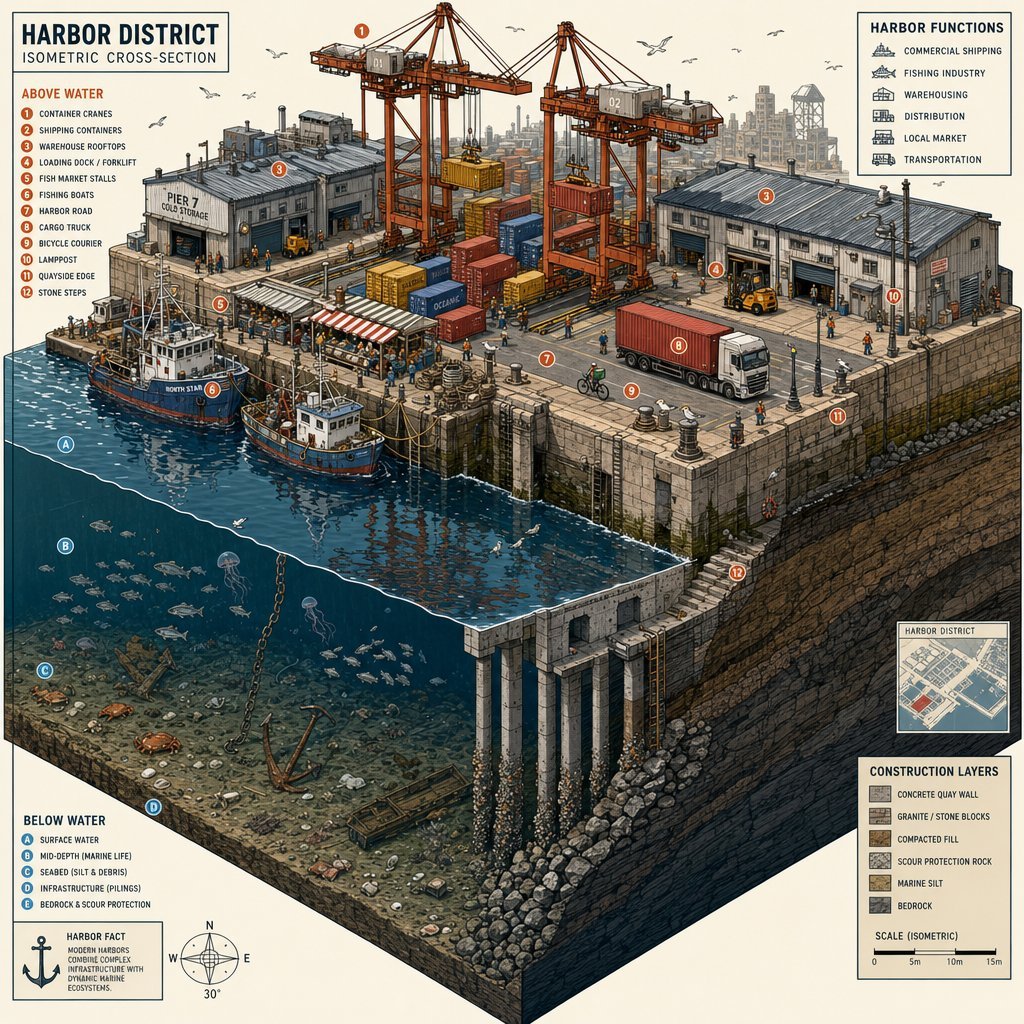
Isometric Harbor District Cross-Section
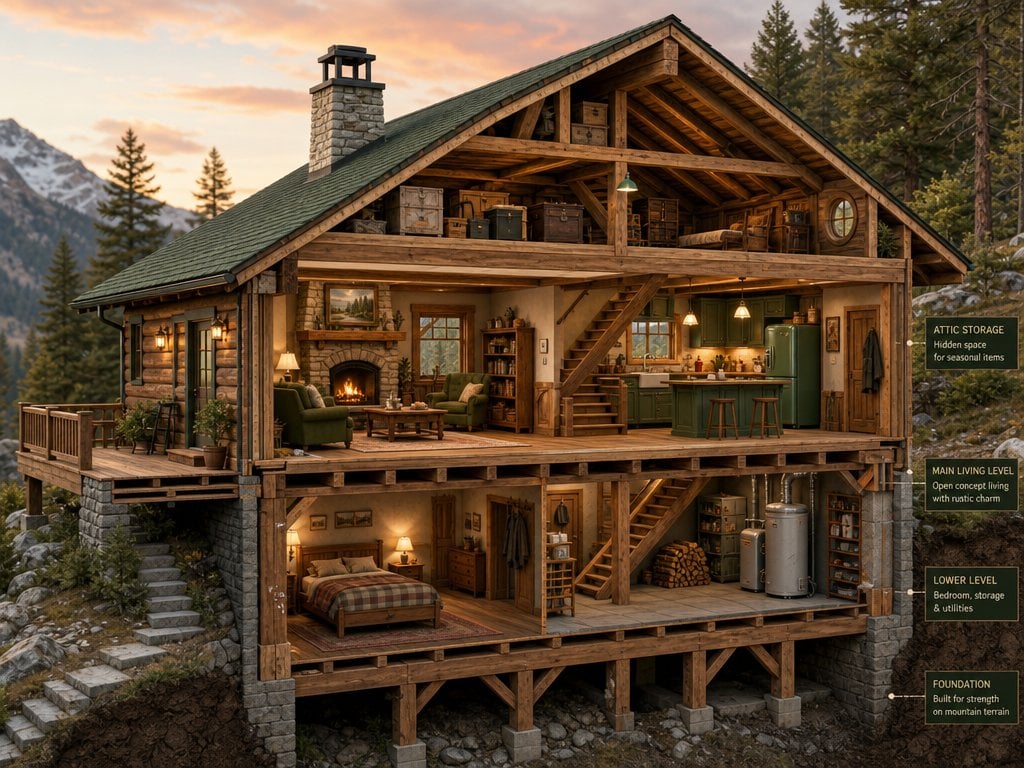
Cross-Section Cutaway Render
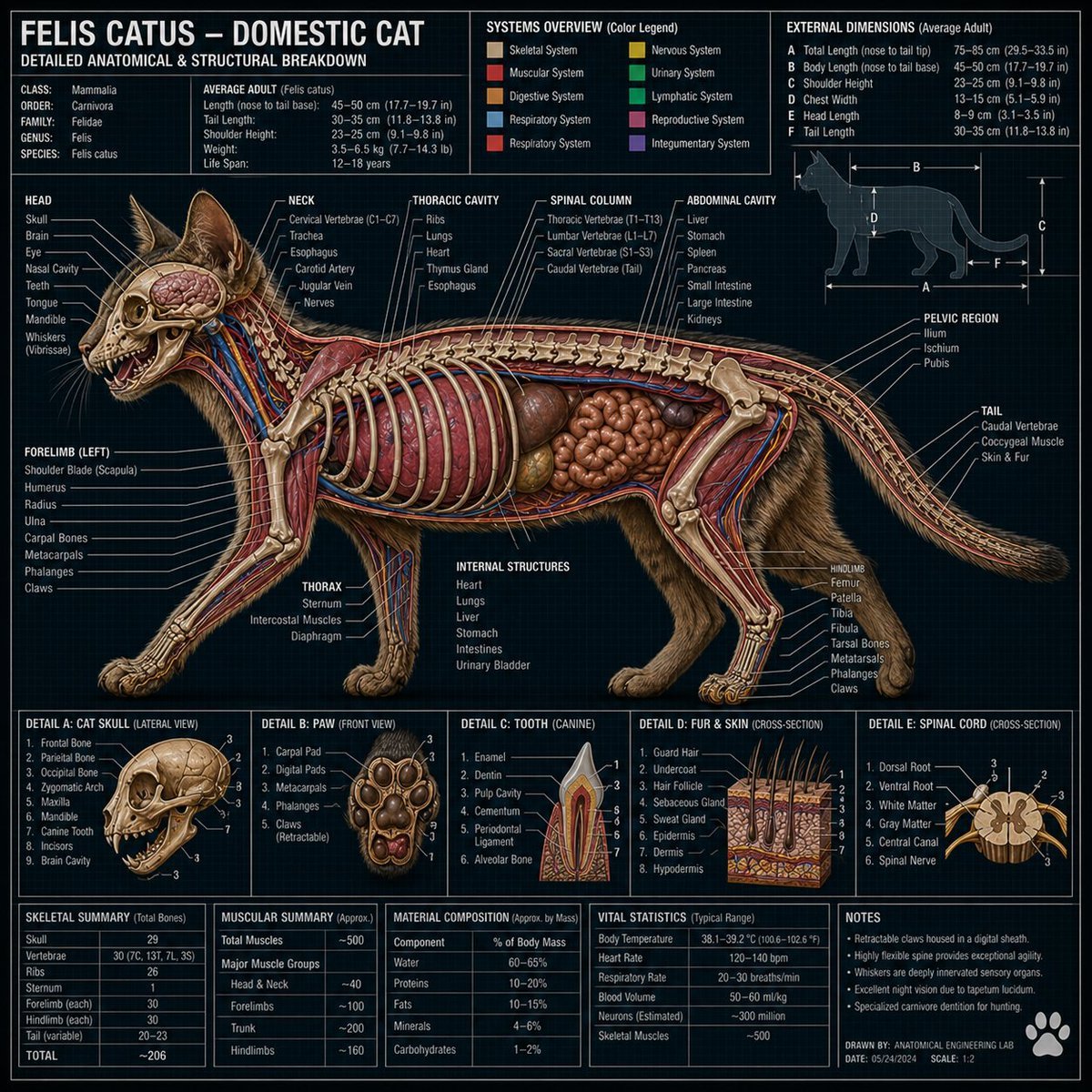
Technical Cross-Section Diagram
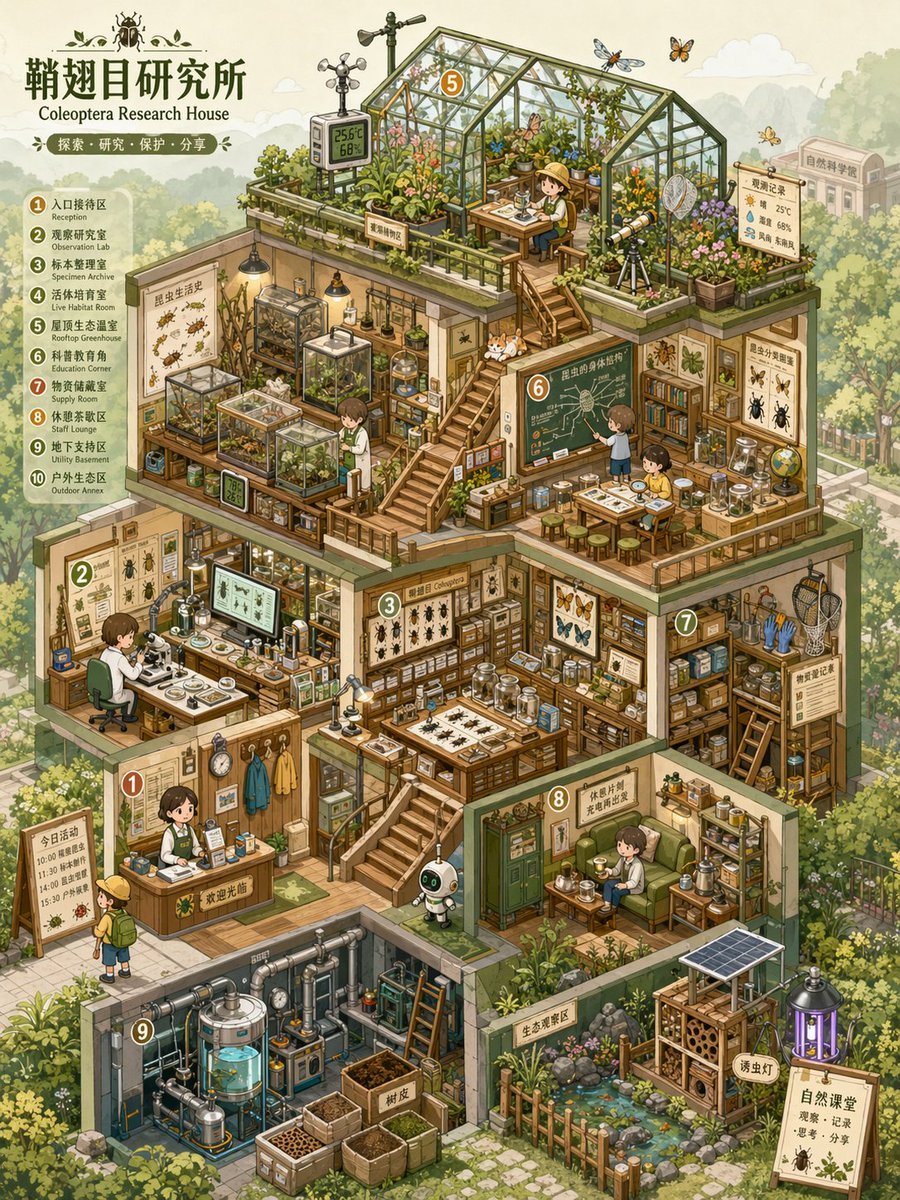
Isometric Micro-World Cross-Section Archive
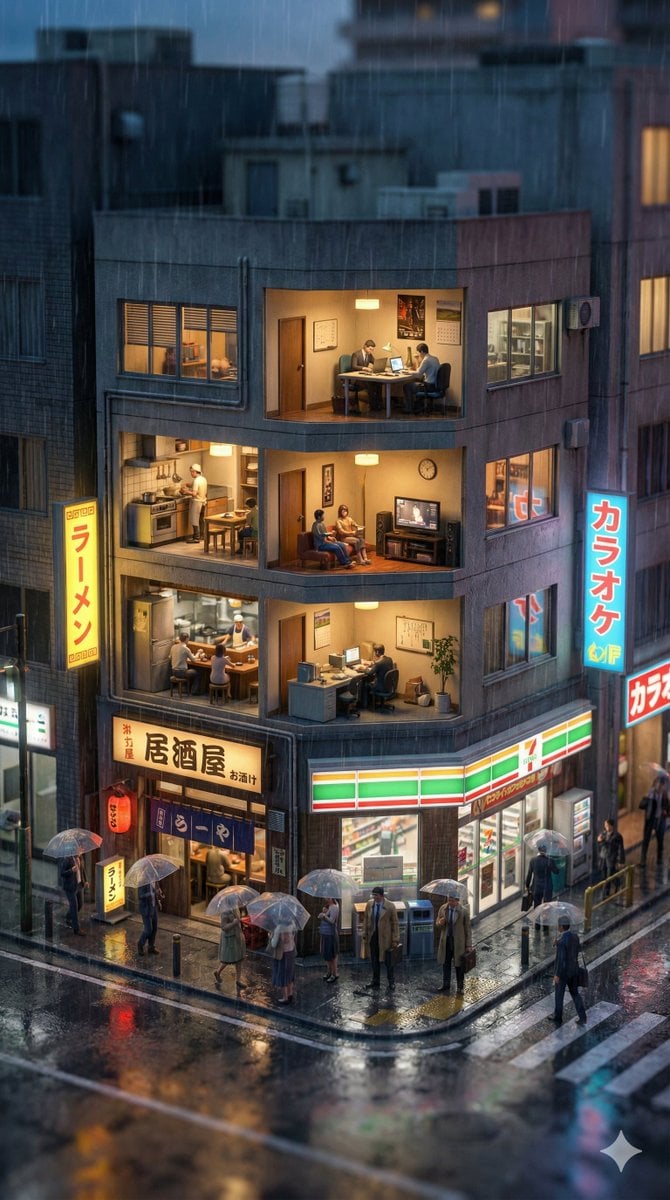
Vertical Tilt-Shift Miniature City Cross-Section

Isometric Cross-Section Illustration of a Floating Modular Apartment Building
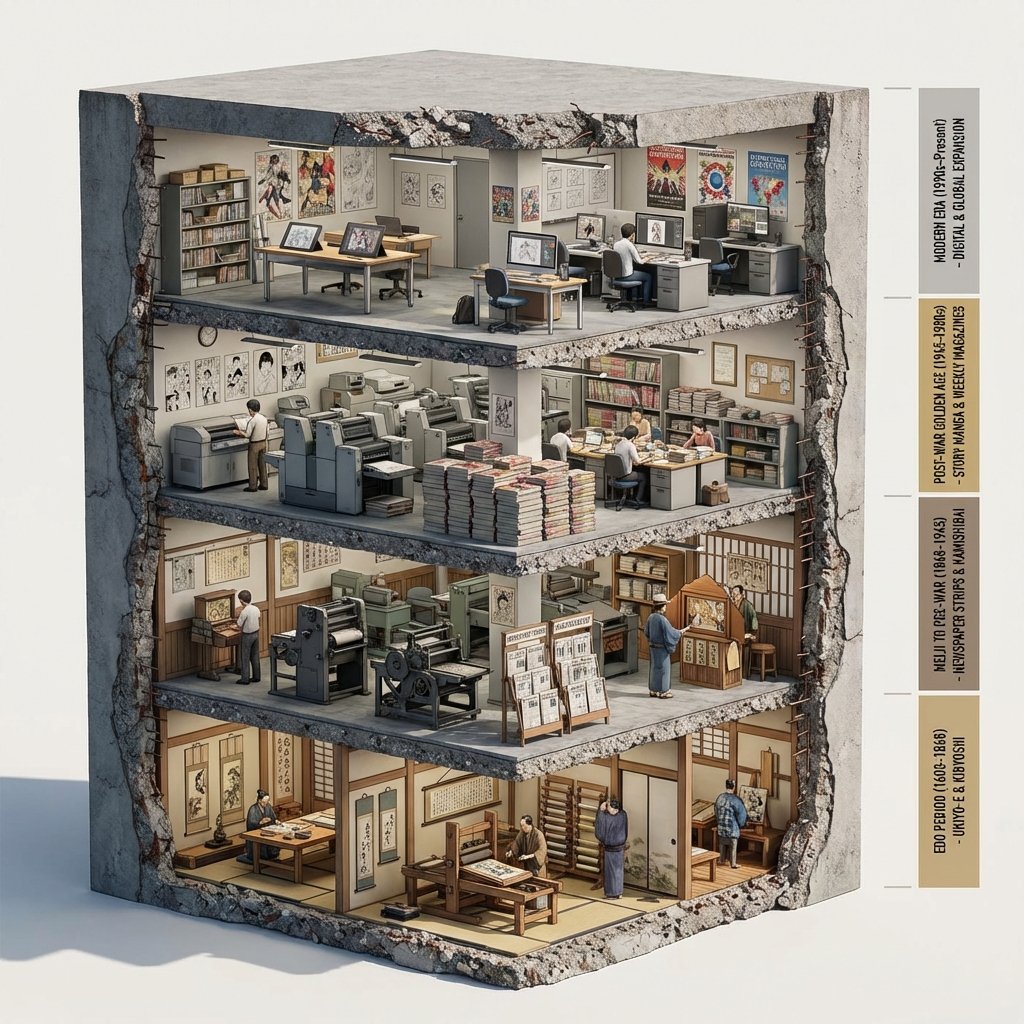
Manga Evolution Architectural Section Prompt
Make it yours
Architectural Tiramisu Cross-Section works as-is. These are the safest ways to change it without losing the look.
Change one field
Copy a single group, rewrite it, and generate again so you can see what that field is doing.
Keep the frame, change the subject
Hold the composition and light of Architectural Tiramisu Cross-Section, then swap wardrobe, props or the person for a new take.
| If the result… | Why | Fix |
|---|---|---|
| The result drifts from the preview | Too many fields changed at once. | Reuse Architectural Tiramisu Cross-Section as-is first, then change one group — subject, light, or setting. |
| The model over-stylizes the scene | The prose prompt leaves finish and camera underspecified. | Add one camera or lighting sentence and stay on Nano Banana 2. |
More Nano Banana 2 templates
Other prompts made for Nano Banana 2.

Photorealistic Leaf Shaped Like a Dragon

K-Pop Idol Portrait Grid for Rapid Selection

Poetic Rain Forest Portrait During Golden Hour

Urban Street Portrait with Cartoon Inner Self Duo

Candid Nighttime Photo with Cat Prompt

High-Concept 3D Diorama Generation Prompt

Cinematic Futuristic Studio Portrait Template

Skincare Editorial Photography Collage Prompt

Hyper-Realistic Commercial Product Photography (Splash Effect)

Hyper-Realistic Nightclub Portrait Prompt
More image prompts
Fresh picks from across the catalog.

Nan Goldin Style Morning Café Portrait
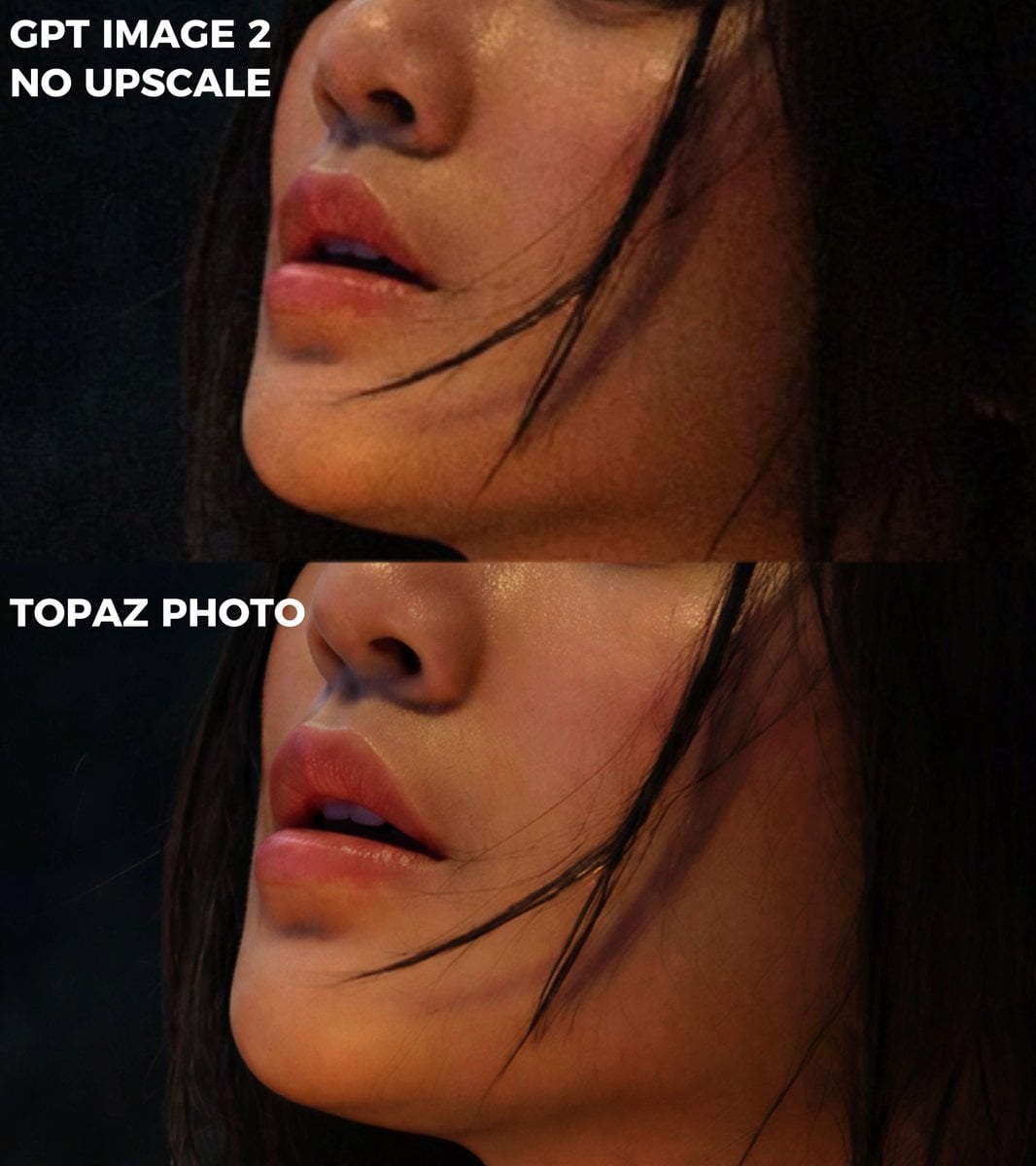
Extreme Zoom Comparison Crop
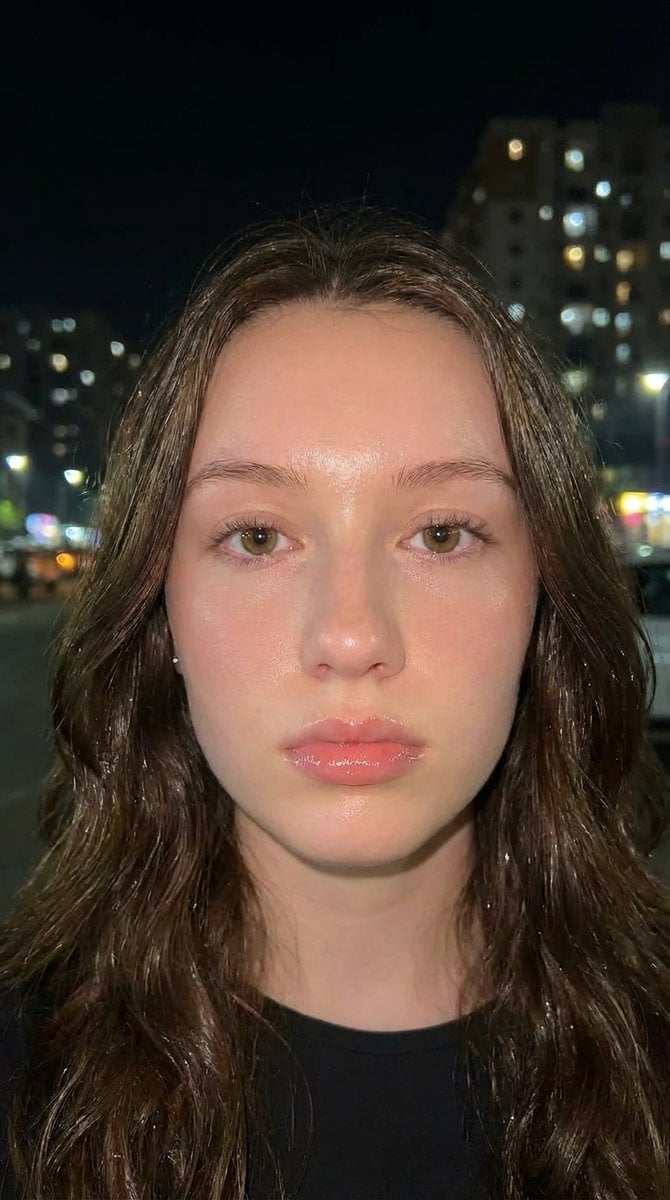
Hyper-Idealized Douyin-Style Night Portrait
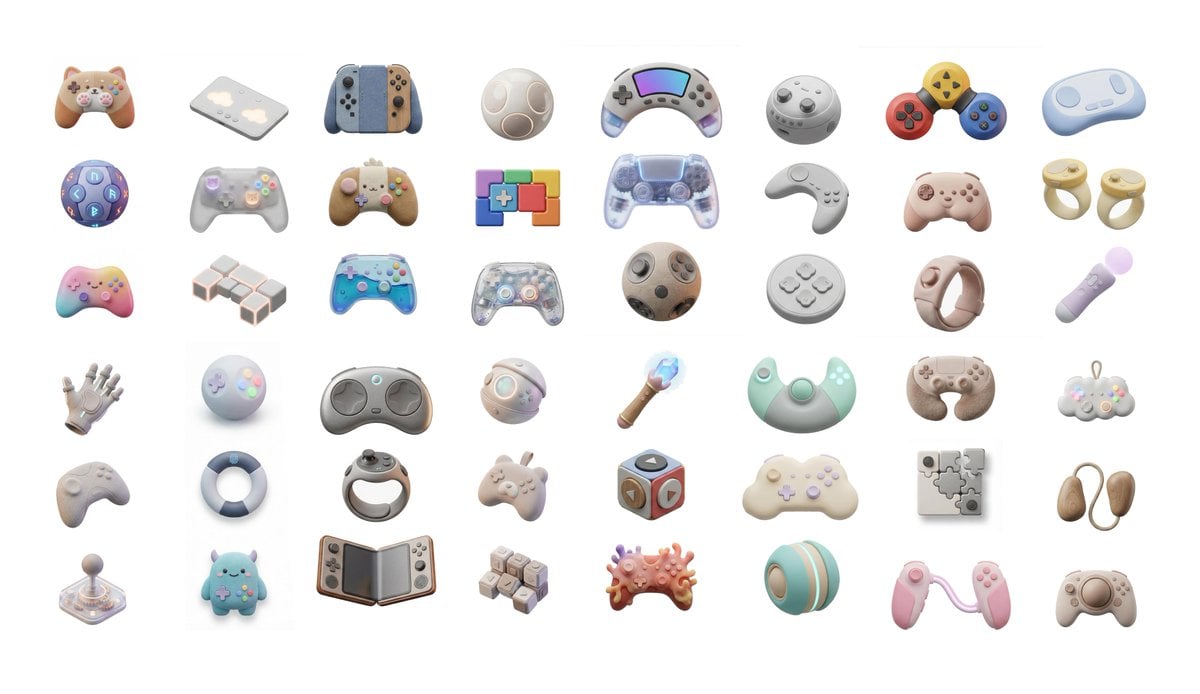
3D Artsy Video Game Controller Grid

Cinematic Photorealistic Godzilla Encounter Prompt

Thumbnail design prompt for articles or content
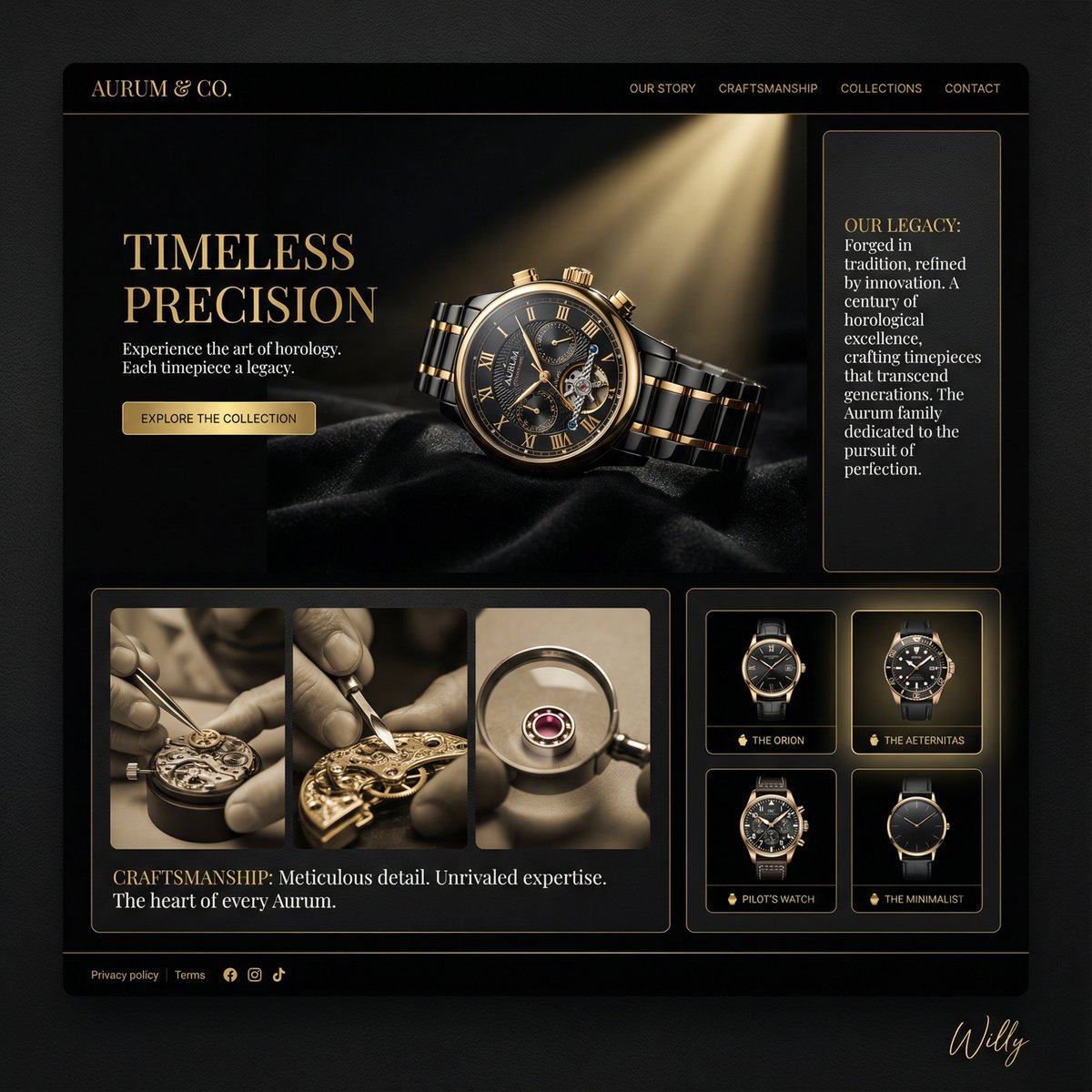
Luxury Watch Brand Landing Page Design Prompt

Weekly Outfit Design Prompt
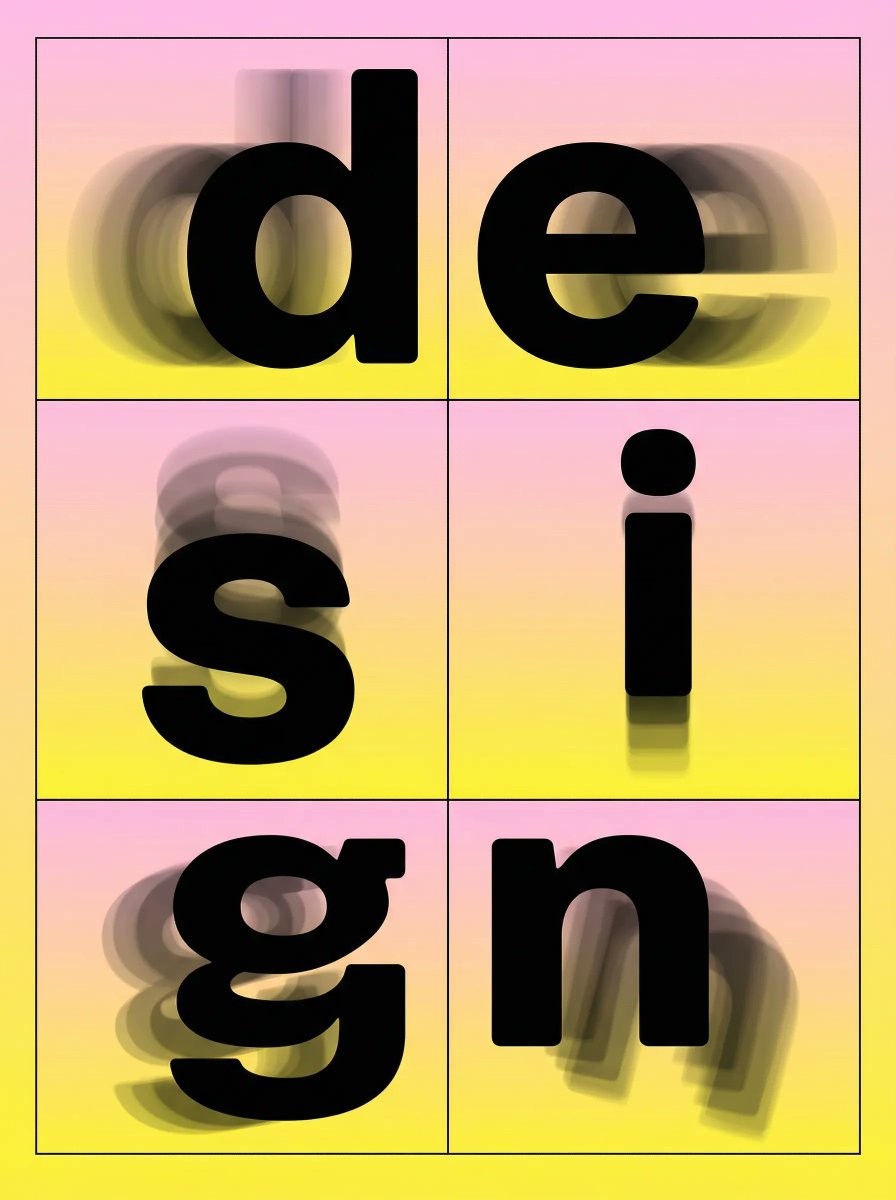
Brutalist Directional Blur Typography Poster Prompt

Late-Night Coastal Portrait with Flash and Sunset Glow
Browse template categories
Architectural Tiramisu Cross-Section questions
How do I use the Architectural Tiramisu Cross-Section template?
Add your photo if the template asks for one, edit the prompt if you like — the template's model and format are already selected — and press Generate. Your version opens in PicX Studio.
Can I customize the Architectural Tiramisu Cross-Section template?
Yes. You can change the subject, setting, lighting, mood, format, and available model controls before creating your image.
Is the Architectural Tiramisu Cross-Section template free?
Opening and editing this template is free. Generating uses credits, shown on the Generate button when you are signed in.
Which AI model should I use?
Start with Nano Banana 2, which is the model associated with this template. You can compare another compatible model for a different finish.
Looking for something else? Browse all templates.

Your photo, any look
Thousands of ready templates for every top image and video model, from one credit balance.