
Watercolor Minecraft World Cross-Section
This prompt generates a painterly Minecraft-inspired fantasy cutaway scene with a giant stone arch, village surface, and detailed underground caves, ideal for poster art or evocative game-inspired illustration.
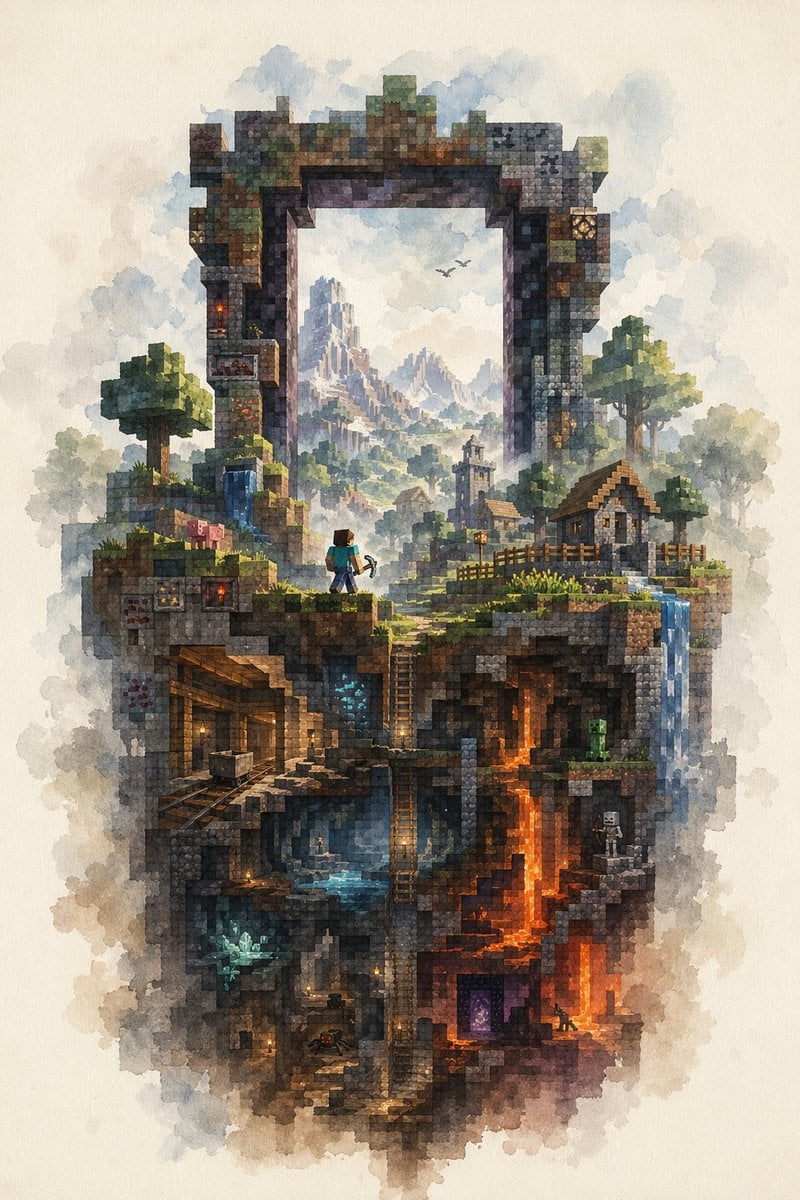
- Prompt included
- Model and format preset
- Premium template
The prompt behind this image
Copy the exact prompt behind Watercolor Minecraft World Cross-Section, or open it in the studio and make it yours.
A highly detailed watercolor illustration on textured off-white paper, depicting a vertical floating slice of a Minecraft-inspired world framed by a gigantic ruined rectangular stone portal arch. The composition is centered and portrait-oriented, with soft cloudy washes around the edges and crisp voxel-like block detail inside. At the top, the weathered arch is built from mossy stone, cracked bricks, and mineral-stained blocks, opening like a window onto a distant fantasy mountain range with misty spires and 2 small flying birds. On the upper landscape layer, include 2 blocky trees, 2 small village houses with pitched roofs, 1 church-like tower in the middle distance, wooden fences, grassy ledges, a small waterfall on the left, and another waterfall spilling down the right edge. Place 1 Steve-like adventurer near the center-left foreground, seen from behind, wearing a teal shirt and blue pants and holding a pickaxe, gazing into the world beyond the arch. Add 1 pig on the upper left grassy ledge. Beneath the surface, reveal a cutaway cross-section of underground biomes and structures: 1 abandoned mineshaft with timber supports and minecart rails on the left, 1 central cavern with blue water and ladders descending vertically, 1 glowing blue crystal deposit in a lower-left cave, 1 bright orange lava shaft running downward on the right, 1 green creeper in a mid-right cave, 1 white skeleton archer in a small right-side chamber, 1 purple Nether portal near the lower right, and 1 tiny spider in a dim lower chamber. Scatter warm torchlights through the caves for contrast. The palette should mix earthy browns, mossy greens, cool blue mist, and fiery orange lava, with a dreamy atmospheric perspective in the distance. Render the whole scene as a delicate fusion of Minecraft block geometry and traditional watercolor fantasy painting, intricate, magical, nostalgic, and painterly.
How to use Watercolor Minecraft World Cross-Section in 3 steps
- 1Upload ImagePNG, JPG or paste
Add your photo
Upload the photo the template builds on. The prompt, model and format are already set.
- 2…a portrait of your subject in softgolden-hour light, 85mm…
Personalize
Edit the subject and creative details for your destination.
- 3Generate
Generate
Press Generate — your image is created in PicX Studio, so you can compare it with the original and refine one variable at a time.
More like this
Templates with the same subject, style or setup. Open one to see its prompt.

Minecraft Next-Gen Voxel World Screenshot

Photoreal Selfie Minecraft Block World
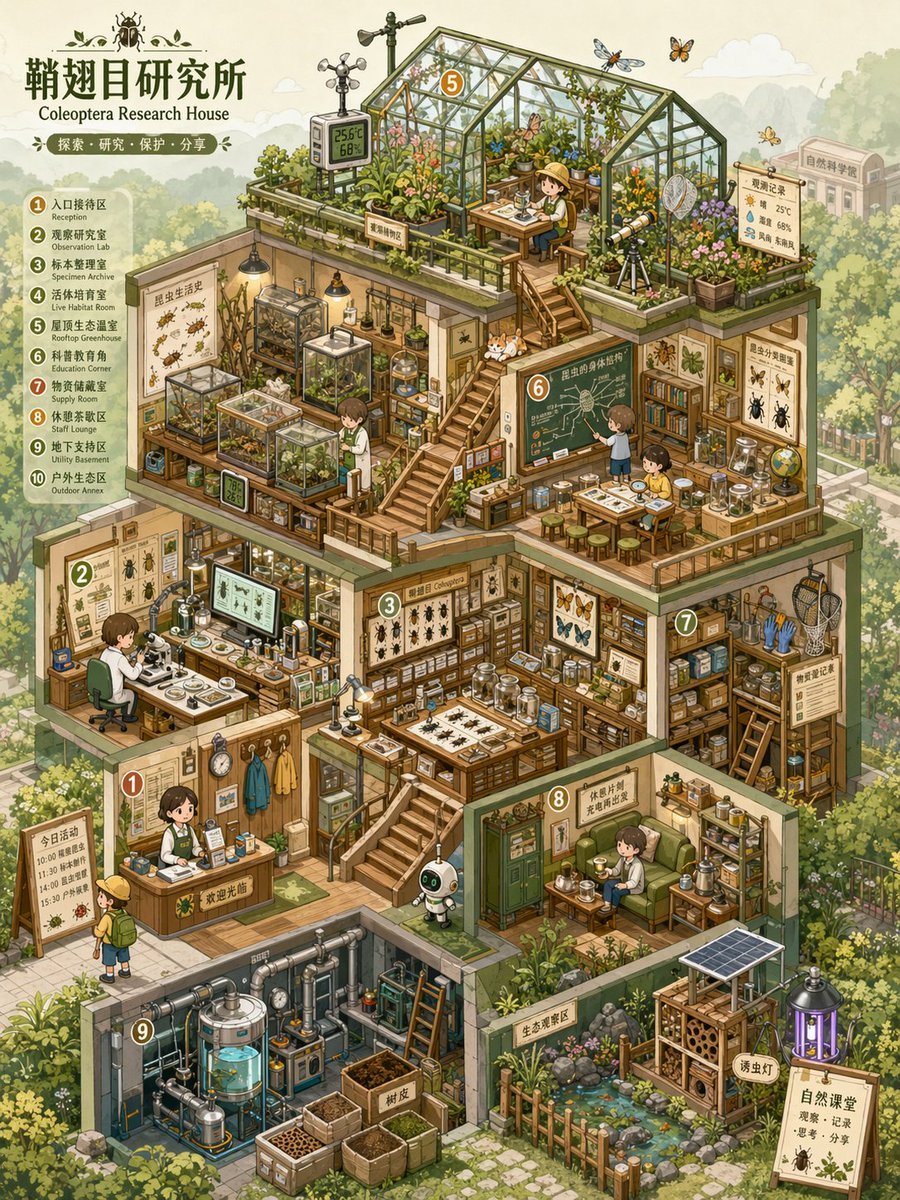
Isometric Micro-World Cross-Section Archive
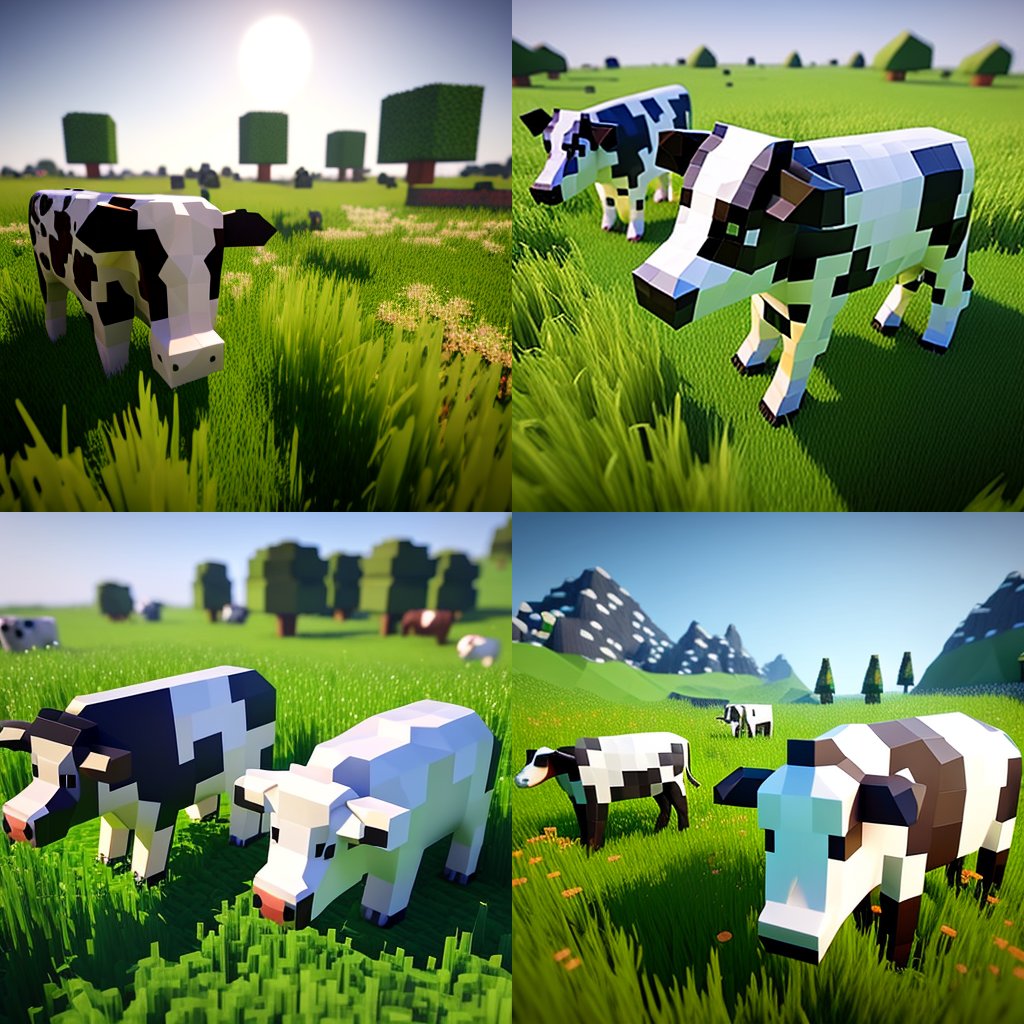
Hyper-Realistic Minecraft Cows Grazing

Hyper-Realistic Minecraft POV Portrait

Minecraft Homage Illustrious Style

Minecraft Voxel Pixel Art Aesthetic System

Minecraft Japanese Research Lab Exploration
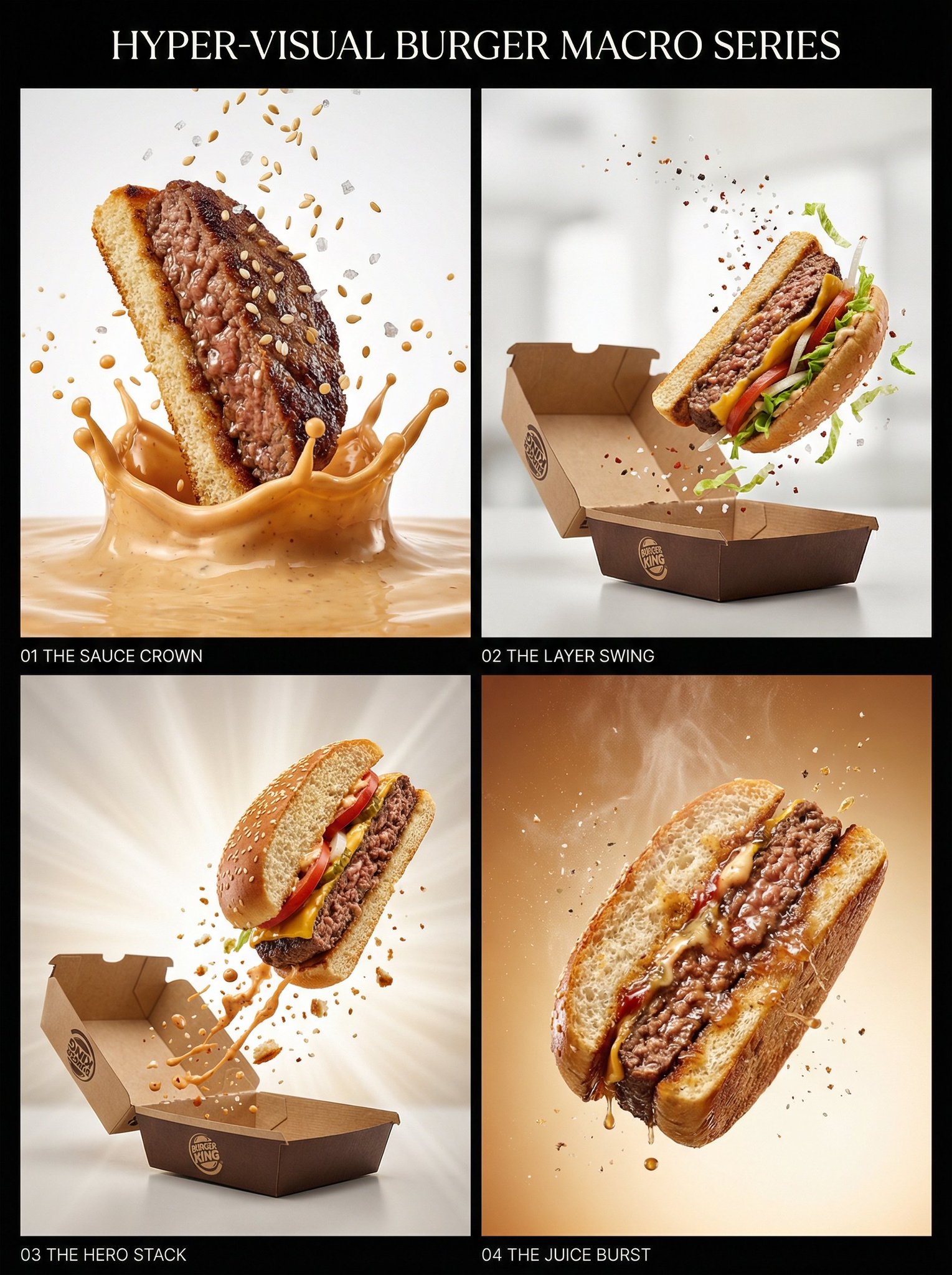
Juicy burger slice beef patty cross-section with bun edge

Watercolor Anim Finale Fireworks

Watercolor Anim Garden Maze

Watercolor Anim Rooftop Concert
Make it yours
Watercolor Minecraft World Cross-Section works as-is. These are the safest ways to change it without losing the look.
Change one field
Copy a single group, rewrite it, and generate again so you can see what that field is doing.
Keep the frame, change the subject
Hold the composition and light of Watercolor Minecraft World Cross-Section, then swap wardrobe, props or the person for a new take.
| If the result… | Why | Fix |
|---|---|---|
| The result drifts from the preview | Too many fields changed at once. | Reuse Watercolor Minecraft World Cross-Section as-is first, then change one group — subject, light, or setting. |
| The model over-stylizes the scene | The prose prompt leaves finish and camera underspecified. | Add one camera or lighting sentence and stay on GPT Image 2. |
More GPT Image 2 templates
Other prompts made for GPT Image 2.

Six VTuber Japanese Logo Sheet

Realistic Portrait of Woman and Deer

The Vista Modular Condo Poster

AI Model Routing Comparison Infographic

2.5D Anime Art Board

Isometric Productivity Desk Scene

New York Double Exposure Poster

Four-Panel AI Landscape Comparison

Japanese Tatami Lifestyle Magazine Cover

NESCAFÉ Coffee Map Poster
More image prompts
Fresh picks from across the catalog.
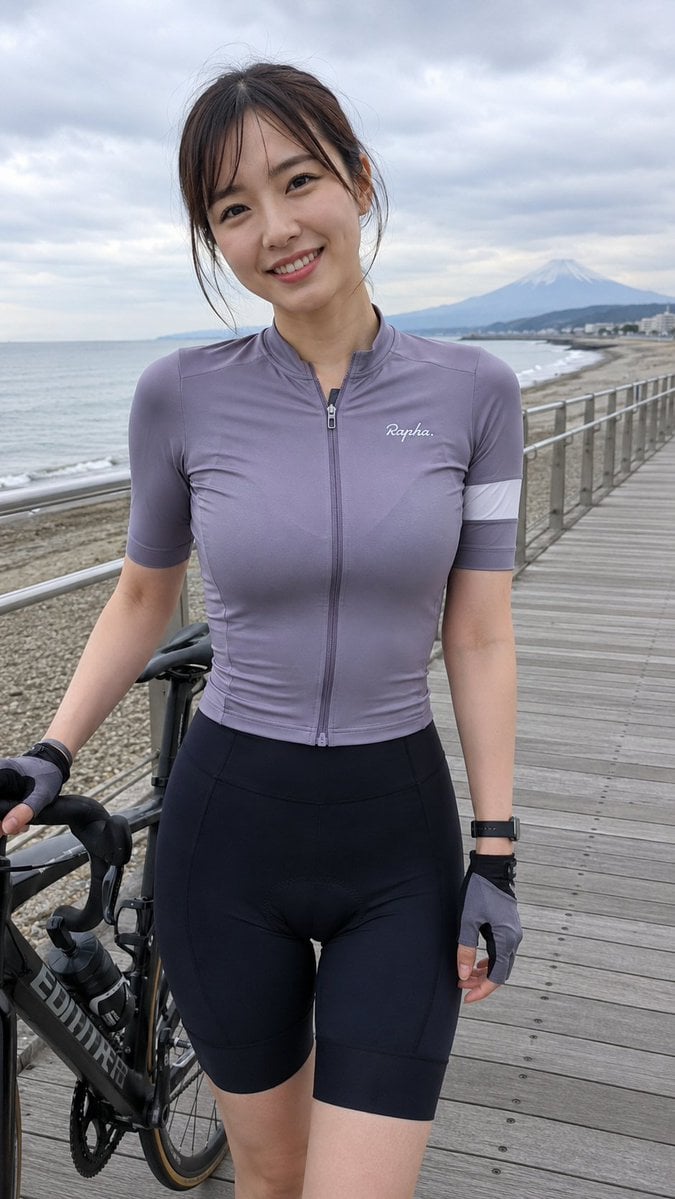
Coastal Cycling Break with Fuji
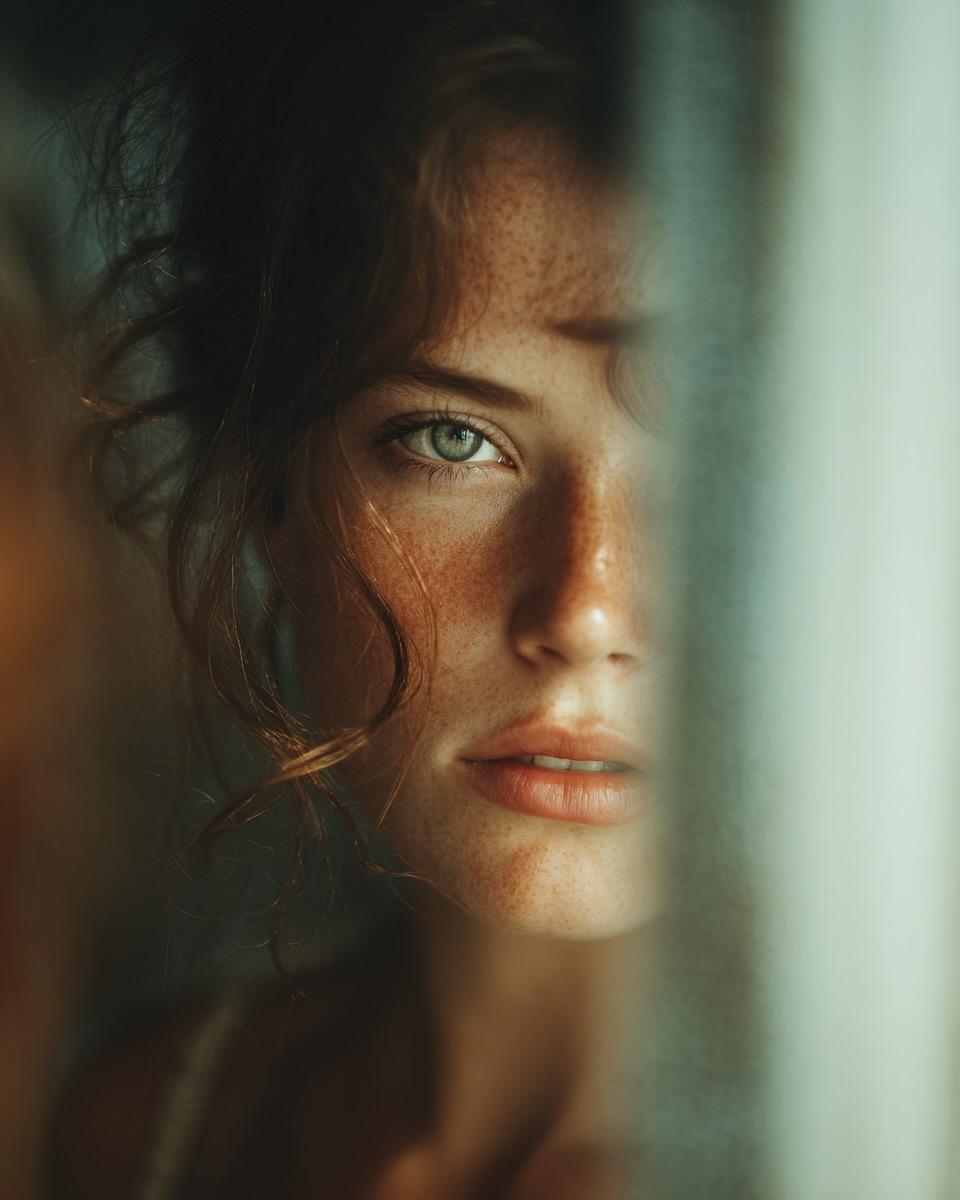
Woman's Reflection Only in Mirror
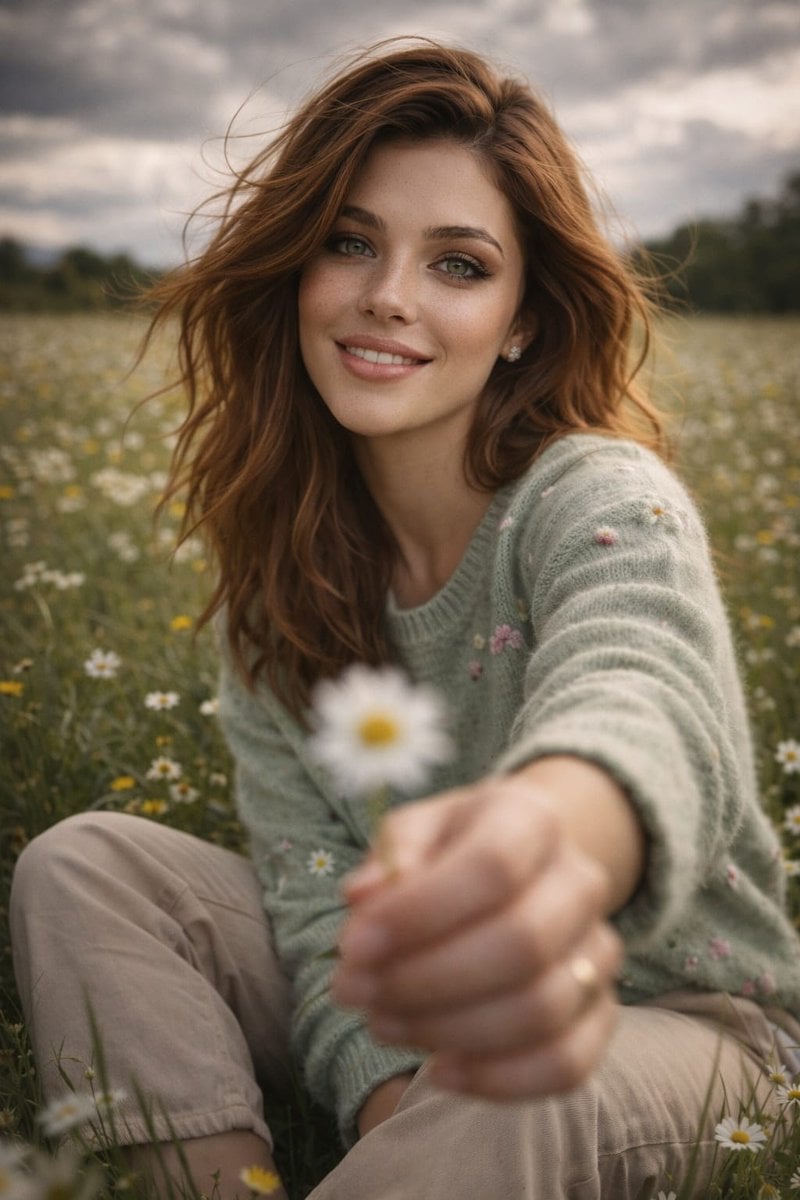
Cinematic Lifestyle Portrait Prompt using Nano Banana 2 with Face Reference
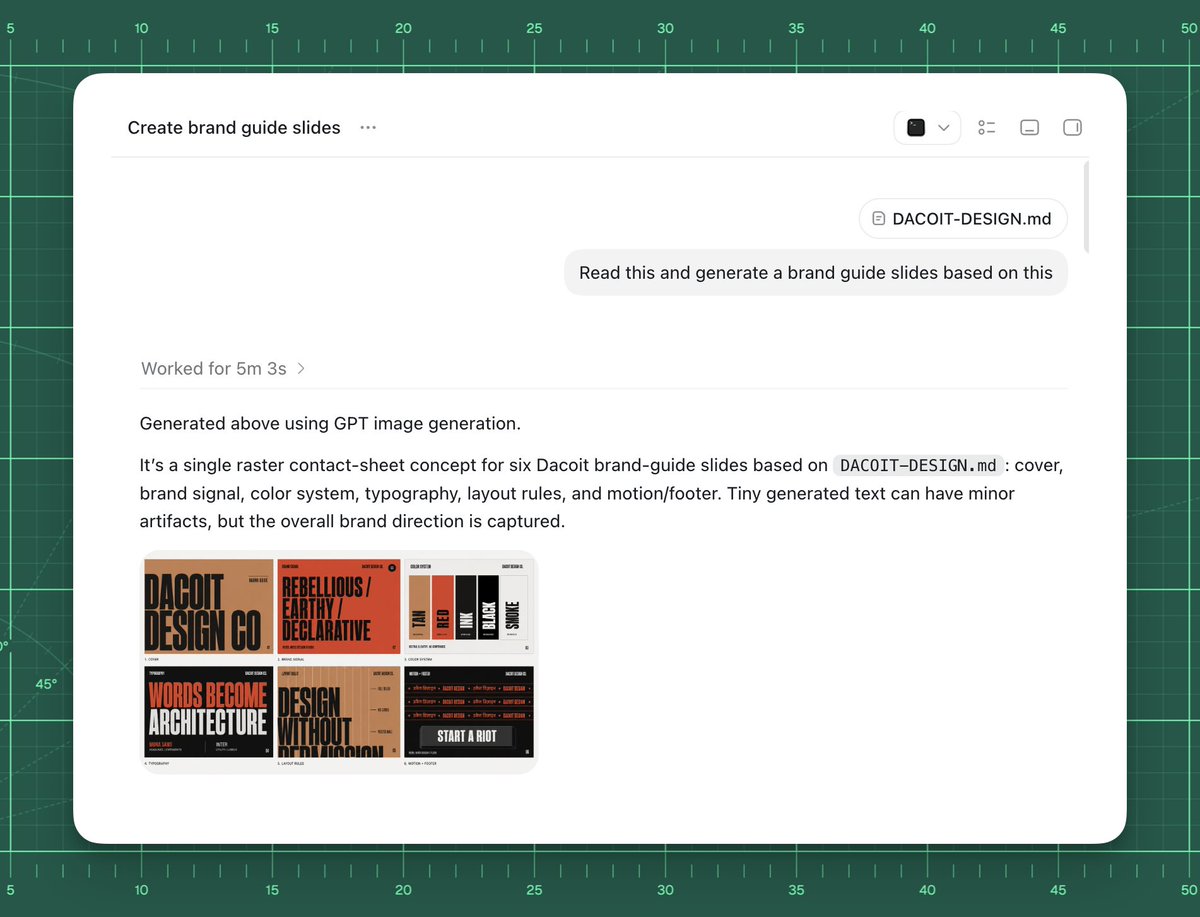
AI Brand Guide Generation UI

Nano Banana Pro Image Generation Refusal Analysis (Freepik Example)
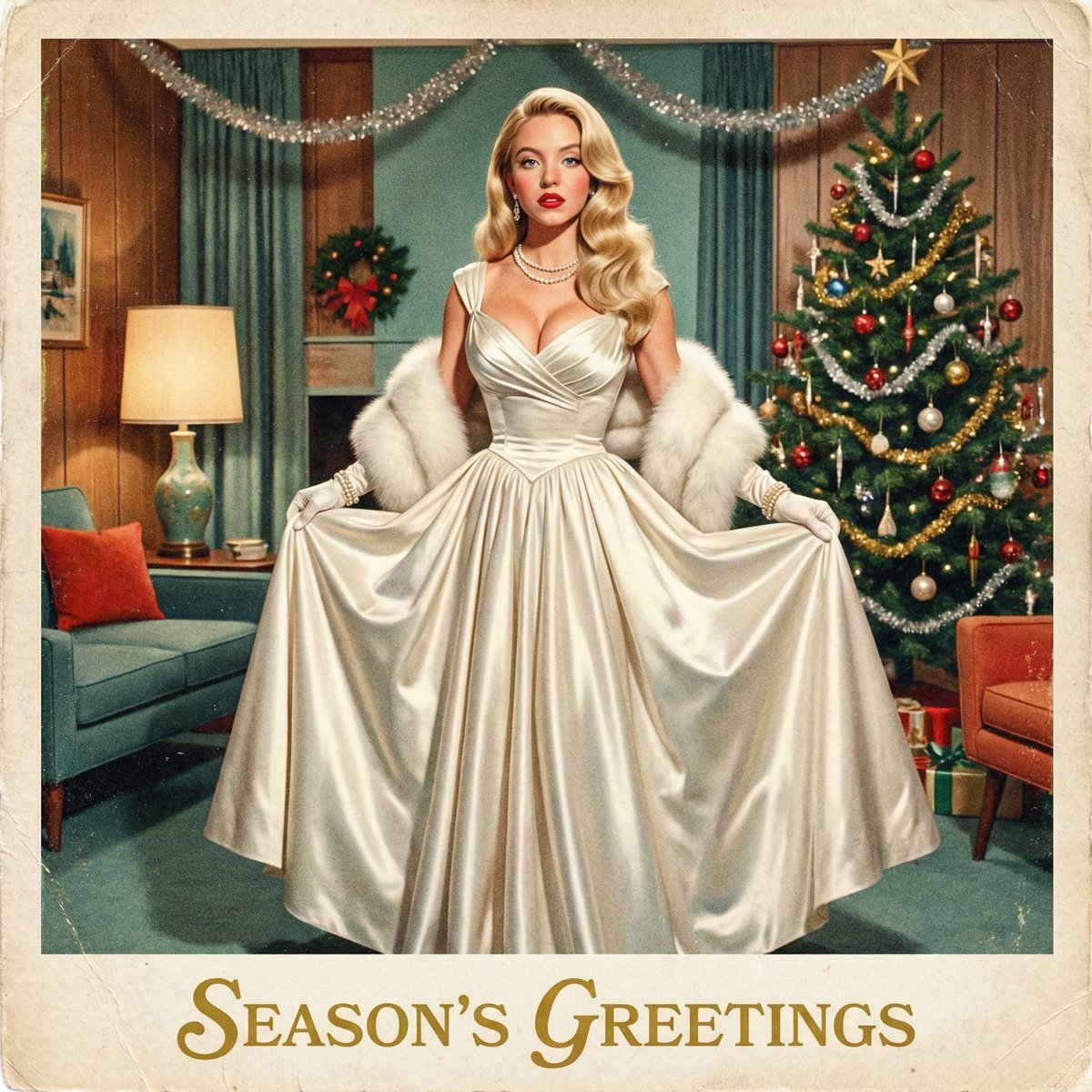
Chrono-Holiday Artisan: Christmas Card Re-render by Era
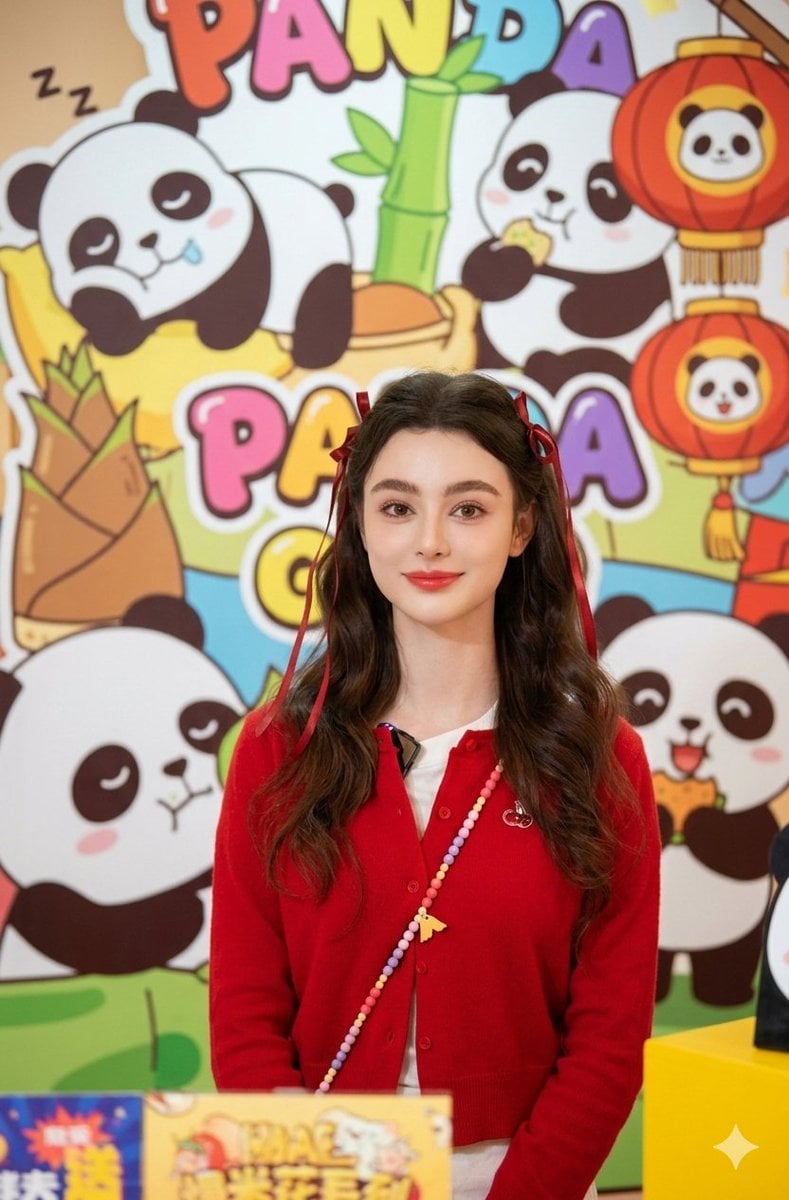
Portrait of Dasha Taran in Kawaii Fashion
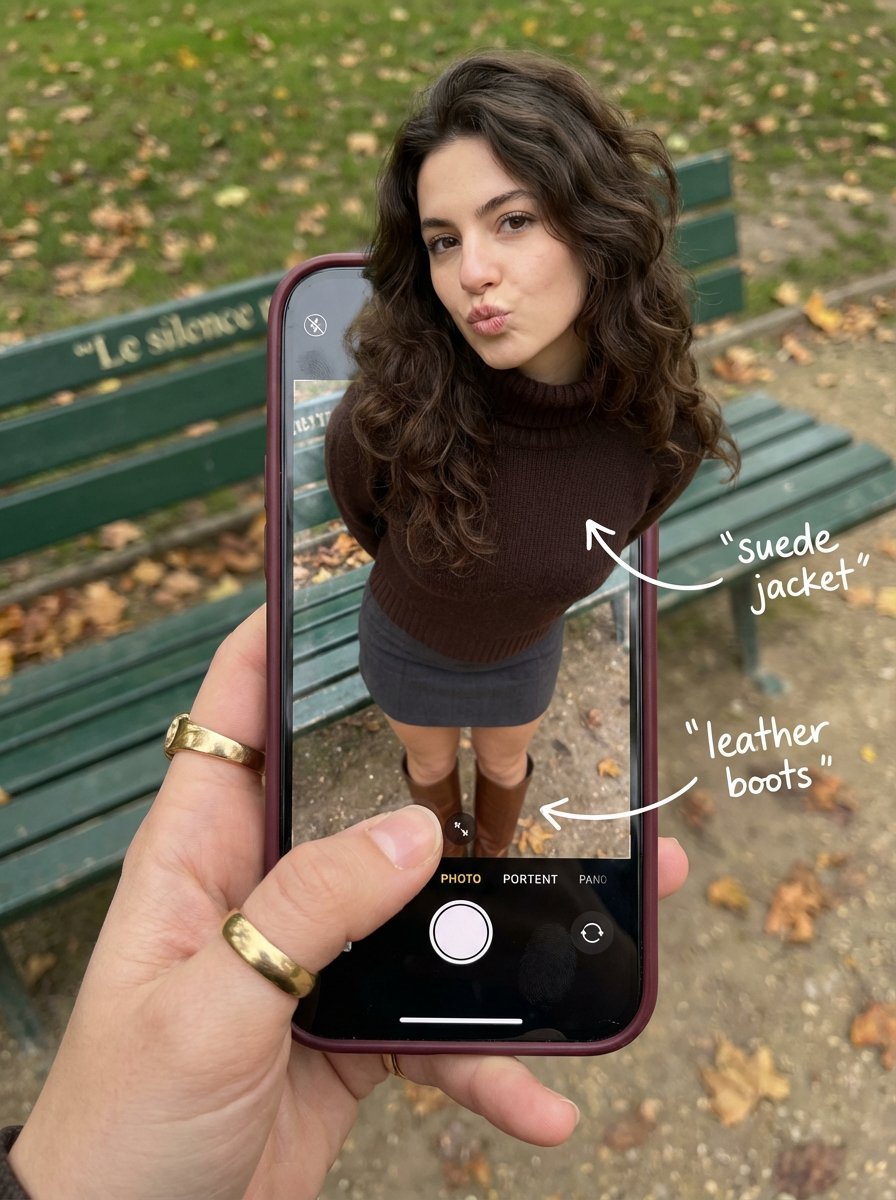
Outfit Pop-Out Phone Illusion Portrait
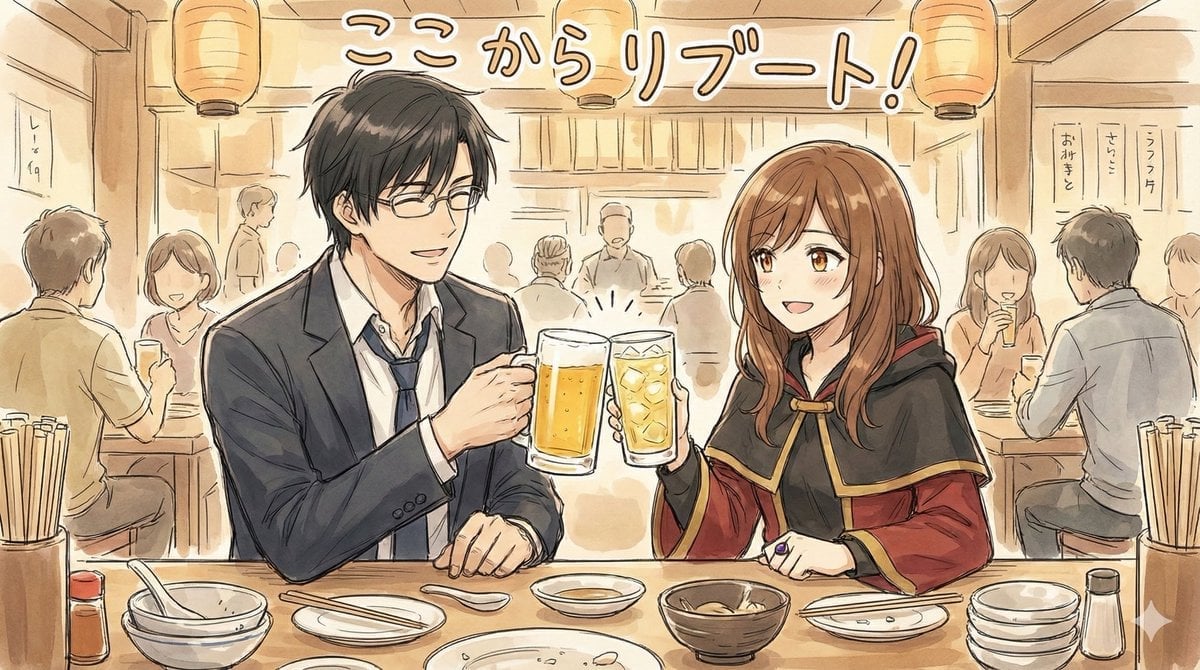
Manga-style Sketch Prompt for Nano Banana Pro
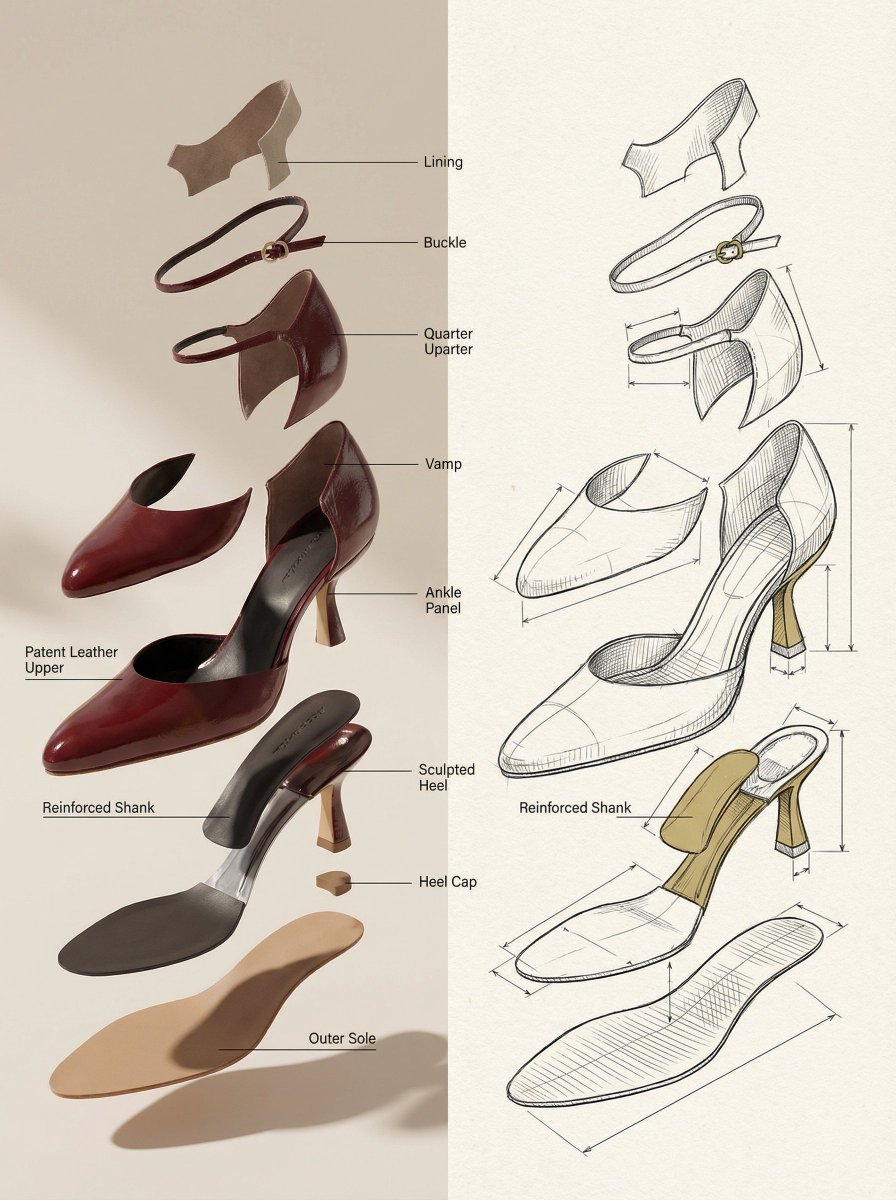
Exploded View Product Render Prompt
Browse template categories
Watercolor Minecraft World Cross-Section questions
How do I use the Watercolor Minecraft World Cross-Section template?
Add your photo if the template asks for one, edit the prompt if you like — the template's model and format are already selected — and press Generate. Your version opens in PicX Studio.
Can I customize the Watercolor Minecraft World Cross-Section template?
Yes. You can change the subject, setting, lighting, mood, format, and available model controls before creating your image.
Is the Watercolor Minecraft World Cross-Section template free?
Opening and editing this template is free. Generating uses credits, shown on the Generate button when you are signed in.
Which AI model should I use?
Start with GPT Image 2, which is the model associated with this template. You can compare another compatible model for a different finish.
Looking for something else? Browse all templates.

Your photo, any look
Thousands of ready templates for every top image and video model, from one credit balance.