
Luxury Watch Brand Landing Page Design Prompt
A detailed prompt for generating the visual design and layout of a luxury watch brand landing page.
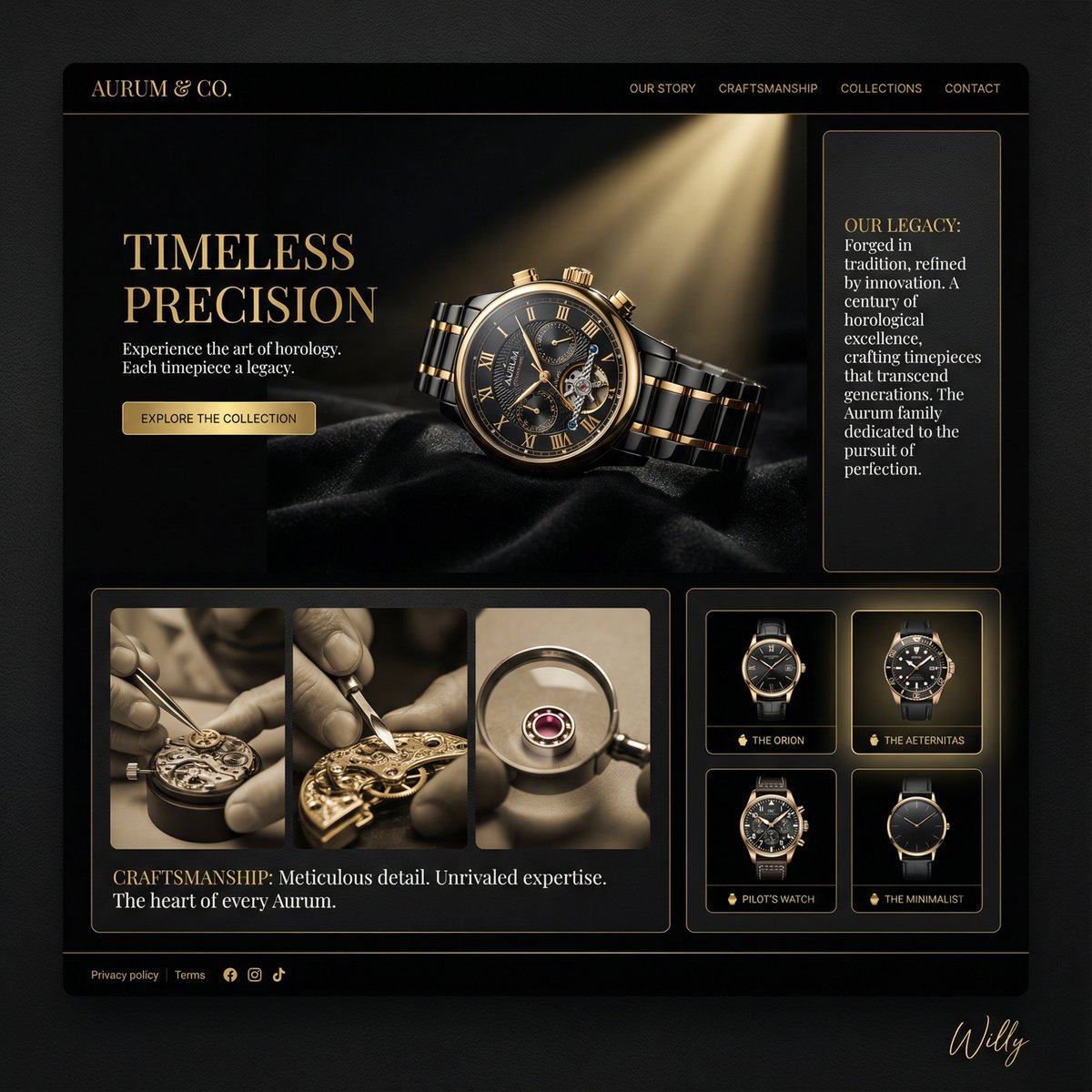
- Prompt included
- Model and format preset
- Free template
The prompt behind this image
Copy the exact prompt behind Luxury Watch Brand Landing Page Design Prompt, or open it in the studio and make it yours.
Luxury watch brand landing page, clean dark luxury aesthetic, 16:9 ratio. PAGE TYPE: Landing page - product showcase and brand storytelling LAYOUT: Asymmetric bento grid, black and gold color scheme HEADER: -Minimal logo (gold serif on black) -Discreet navigation (Our Story, Craftsmanship, Collections, Contact) HERO SECTION: -Dominated by a single, high-quality product shot: A luxury watch with intricate detailing, -Spotlight illuminating the watch against a black velvet background -Title: "{argument name="hero title" default="Timeless Precision"}", gold serif -Supporting text: "Experience the art of horology. Each timepiece a legacy." -CTA: Explore the Collection OTHER SECTIONS: -Short sections with imagery and minimal text -Story: Gold-etched text about the history of the brand -Craftsmanship: Close-up shots of the watchmaking process, highlighting details -Collection: Small thumbnail previews with hover states STYLE: Dark luxury, noir, sophisticated, subtle gold accents COLOR PALETTE: Black base (#000000 to #1A1A1A), gold accents (#D4AF37), white typography TYPOGRAPHY: Didot headlines, clean sans-serif body text UI ELEMENTS: -Gold line dividers to segment sections -Limited animations to give the impression of quality and exclusivity Keywords: dark luxury, bento grid layout, luxury watch brand, product showcase, brand storytelling, noir, premium aesthetic. A stylish handwritten signature Willy is elegantly and small letters placed at the Bottom Right corner.
How to use Luxury Watch Brand Landing Page Design Prompt in 3 steps
- 1
Open
The prompt is already in the box next to the preview, with the template's model and format selected.
- 2…a portrait of your subject in softgolden-hour light, 85mm…
Personalize
Edit the subject and creative details for your destination.
- 3Generate
Generate
Press Generate — your image is created in PicX Studio, so you can compare it with the original and refine one variable at a time.
More like this
Templates with the same subject, style or setup. Open one to see its prompt.
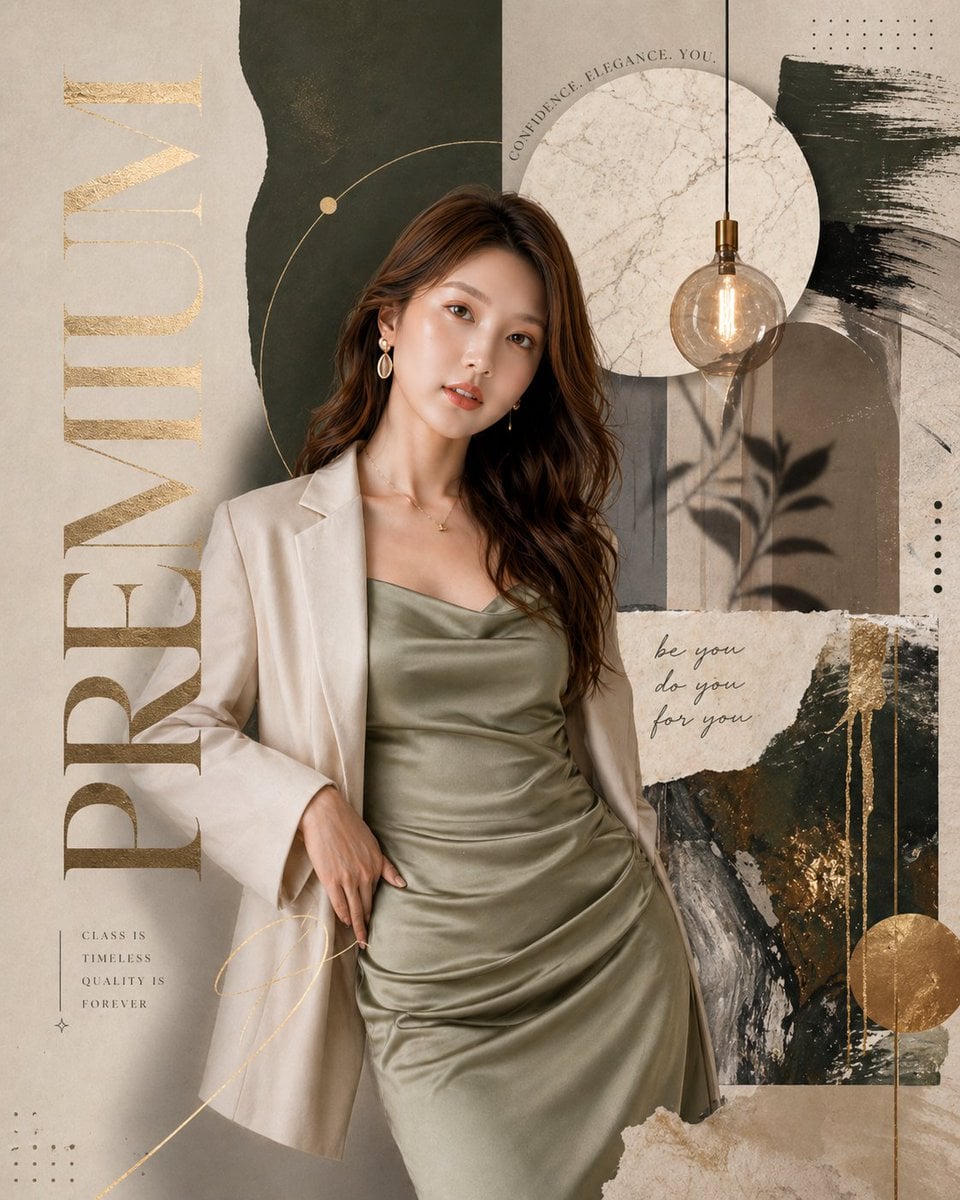
Luxury Watch Cash Reflect

Luxury E-Commerce Landing Page Mockup
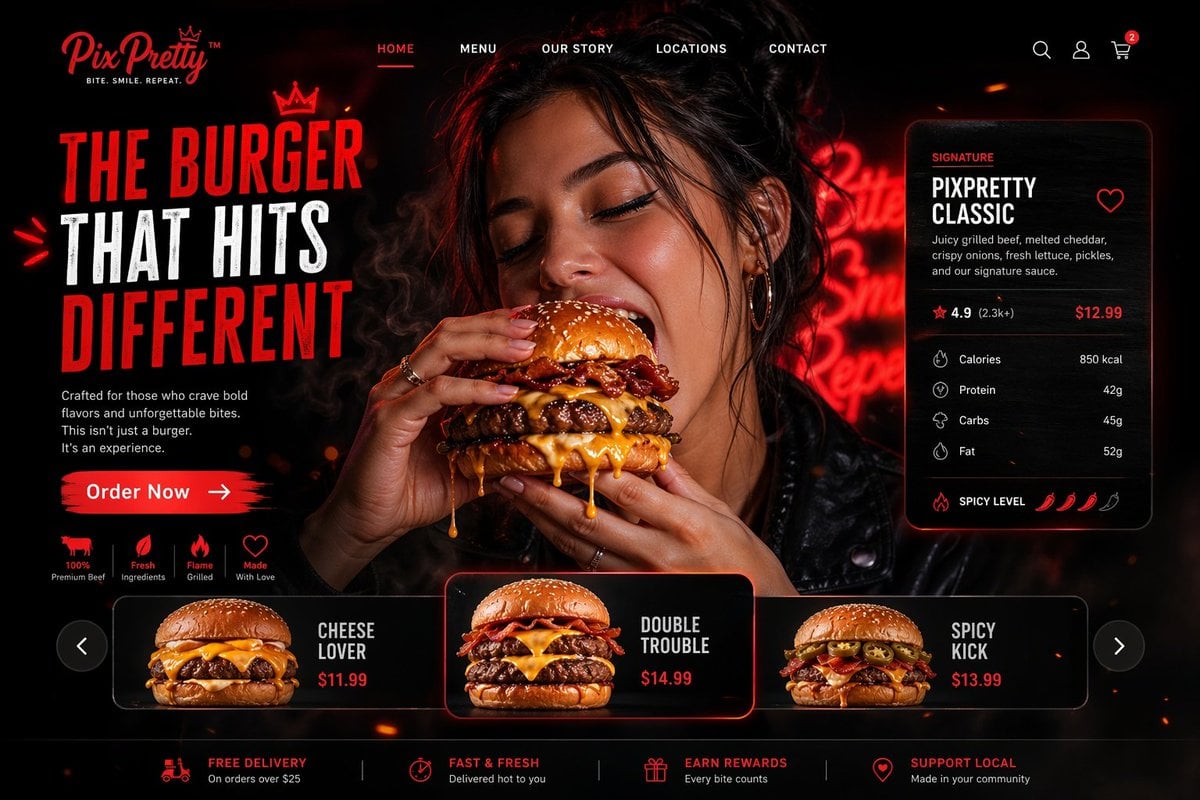
Luxury Cinematic Burger Landing Page
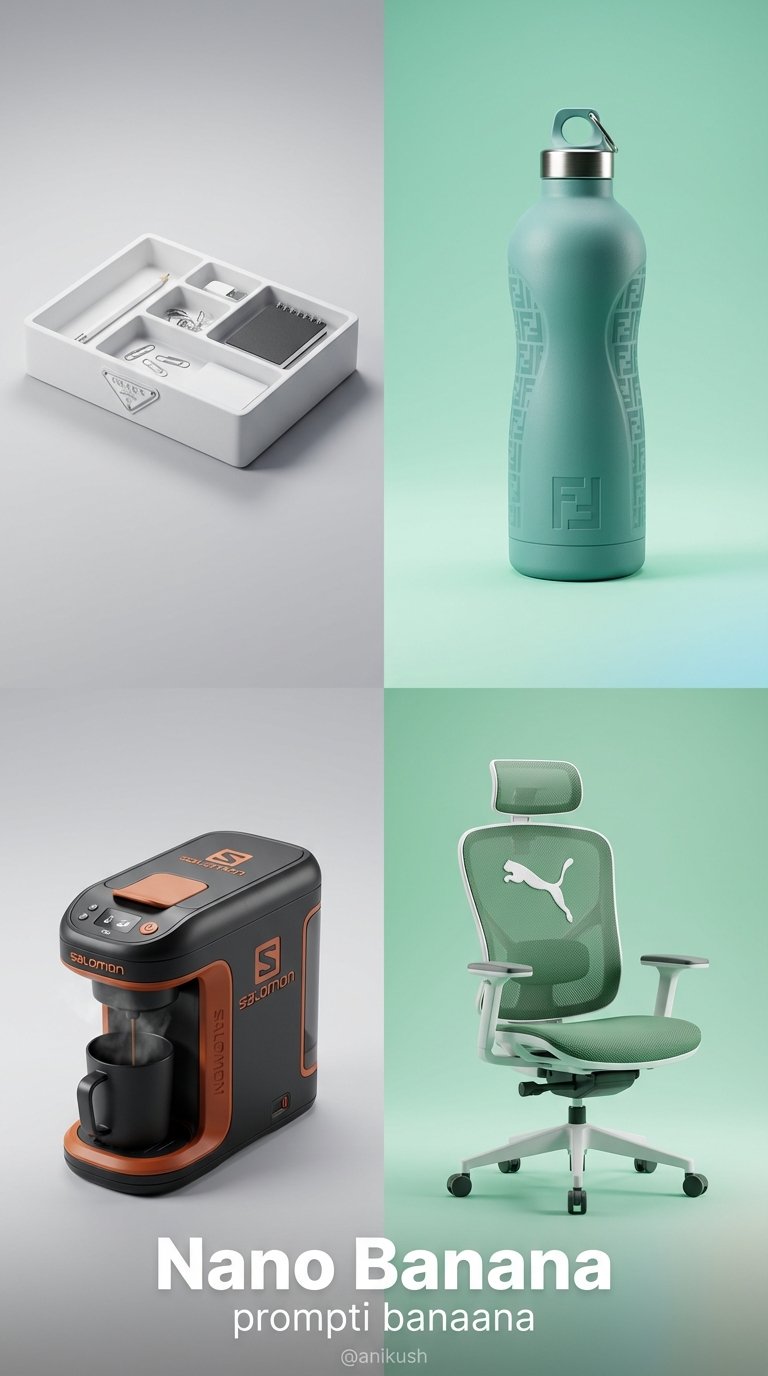
Minimalist Luxury Brand Concept

A luxury brand advertisement featuring three stylish arranged
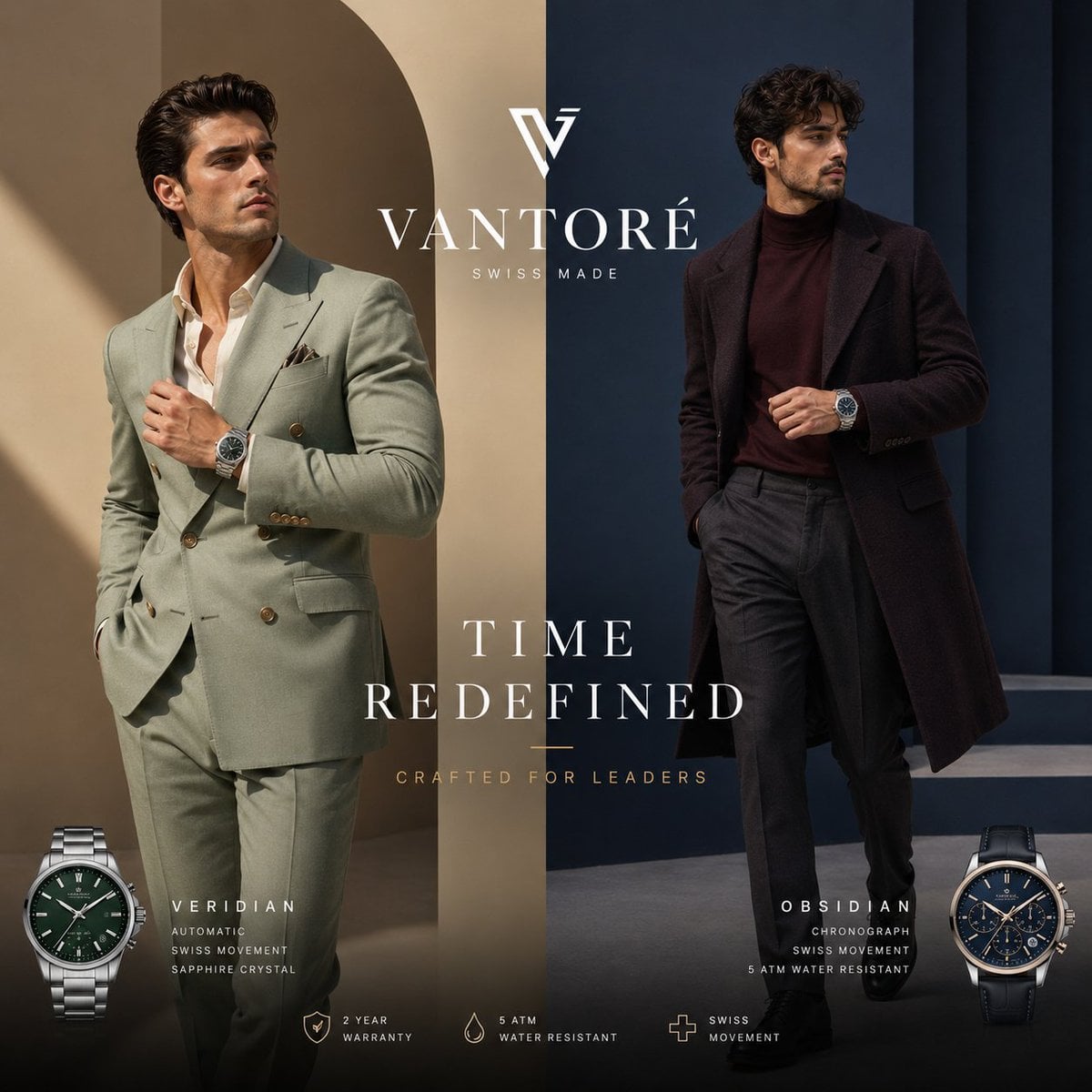
Luxury Split Watch Campaign
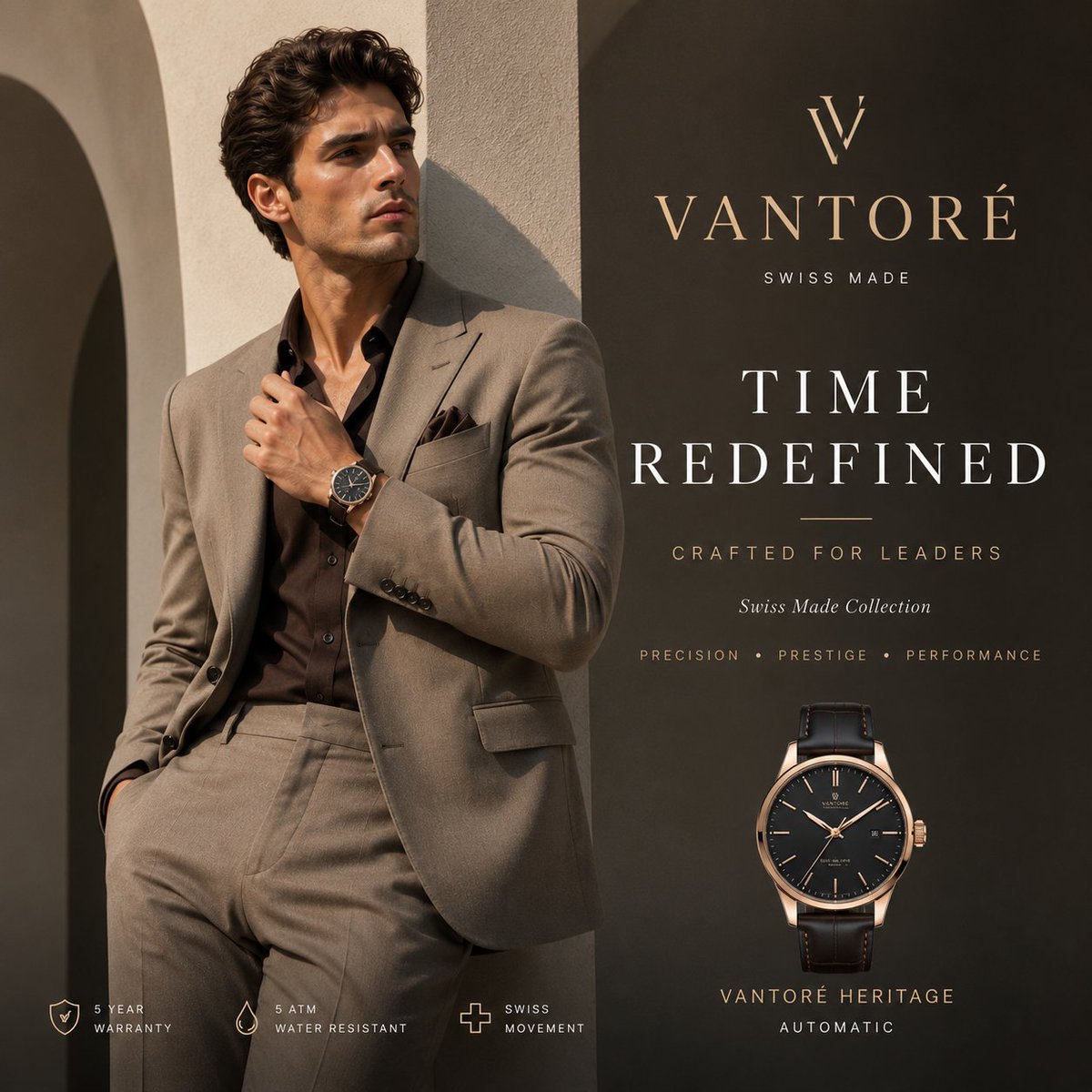
Luxury VANTORÉ Watch Advertisement
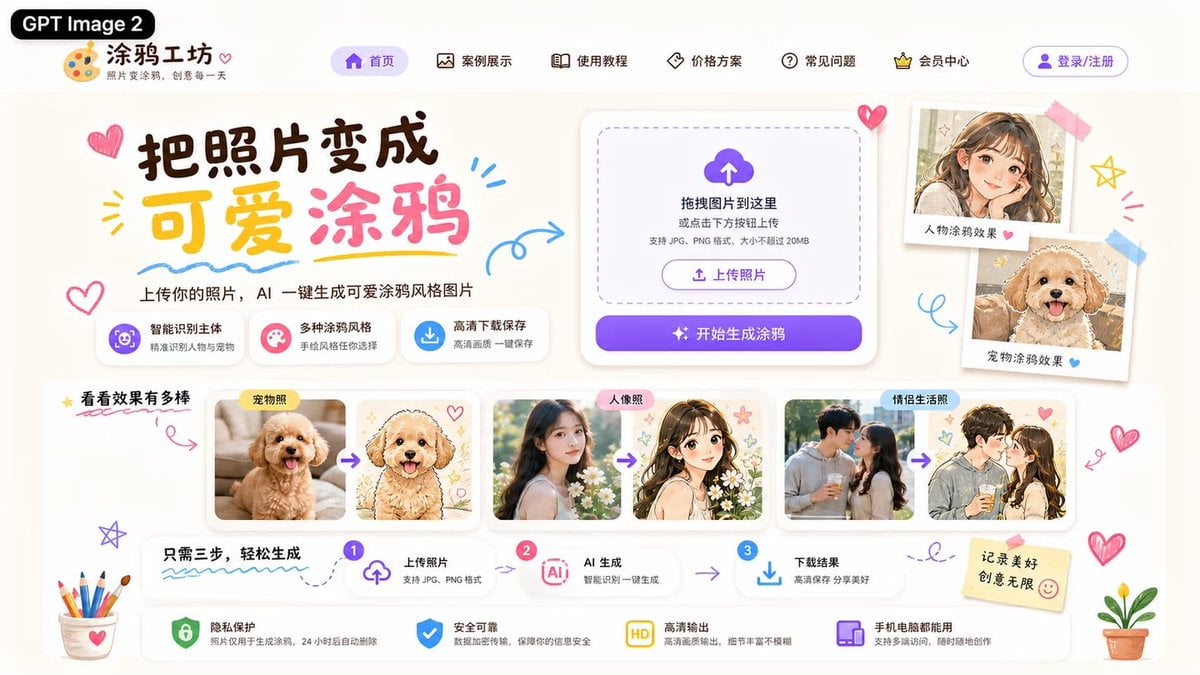
Cute AI Doodle Generator Landing Page
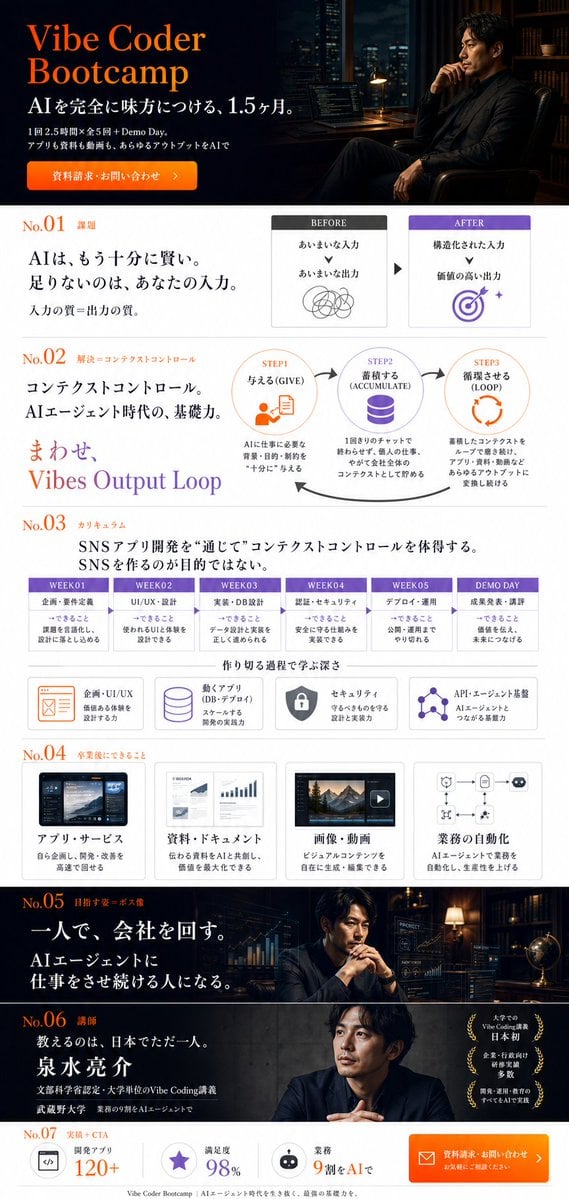
Vibe Coder Bootcamp Landing Page
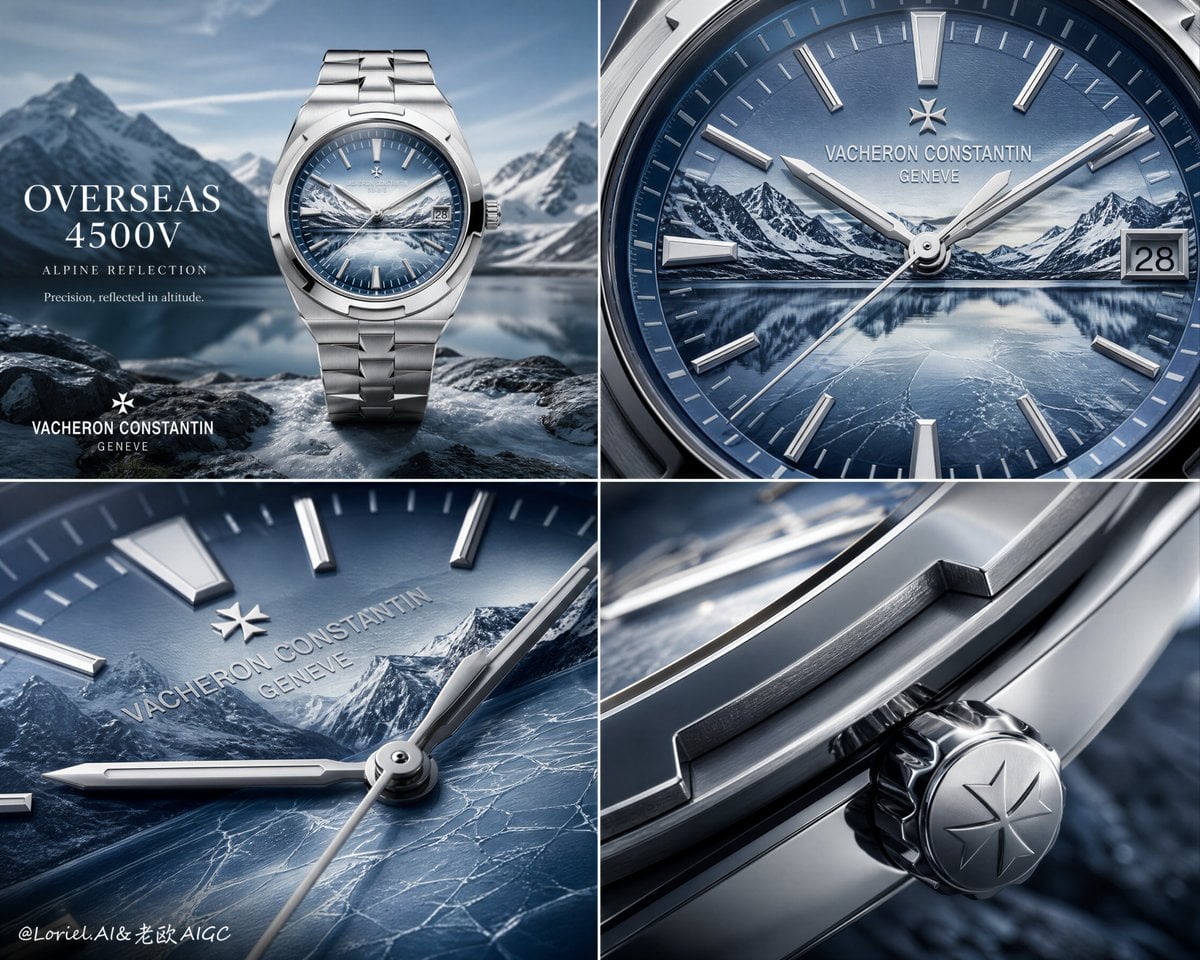
Luxury Watch Alpine Advertising Board
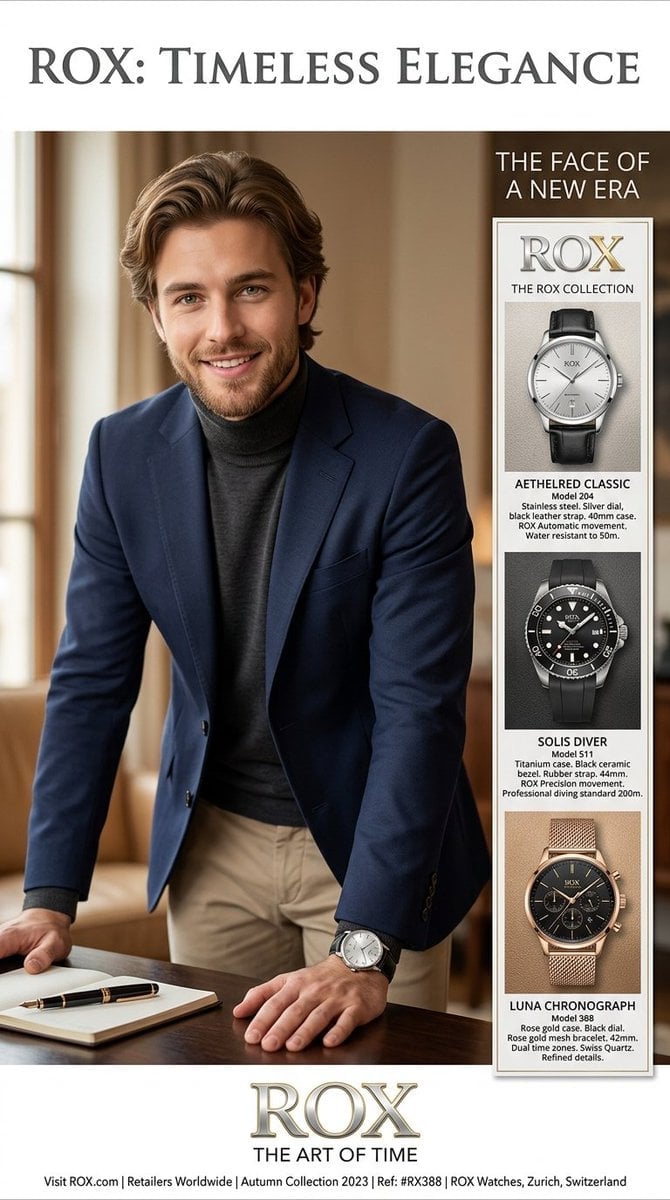
Luxury Watch Magazine Advertisement
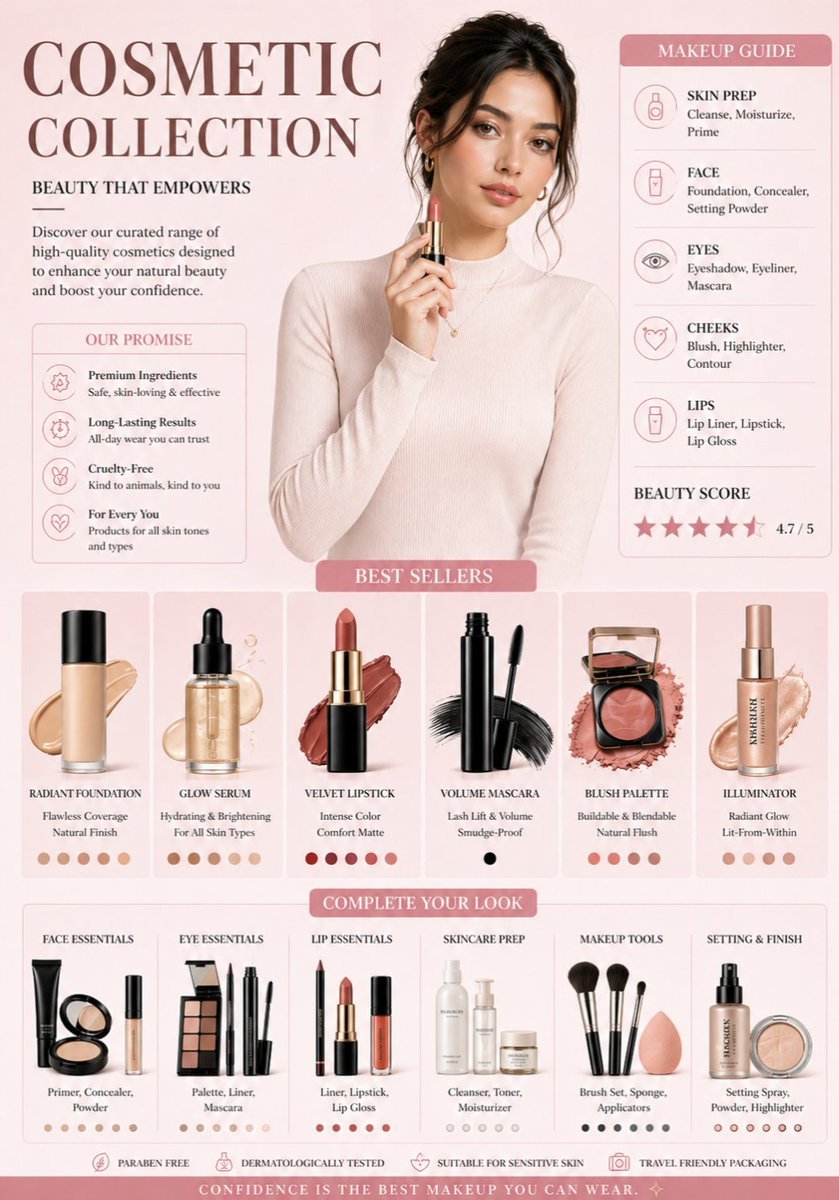
Luxury Cosmetic Brand Infographic
Make it yours
Luxury Watch Brand Landing Page Design Prompt works as-is. These are the safest ways to change it without losing the look.
Change one field
Copy a single group, rewrite it, and generate again so you can see what that field is doing.
Keep the frame, change the subject
Hold the composition and light of Luxury Watch Brand Landing Page Design Prompt, then swap wardrobe, props or the person for a new take.
| If the result… | Why | Fix |
|---|---|---|
| The result drifts from the preview | Too many fields changed at once. | Reuse Luxury Watch Brand Landing Page Design Prompt as-is first, then change one group — subject, light, or setting. |
| The model over-stylizes the scene | The prose prompt leaves finish and camera underspecified. | Add one camera or lighting sentence and stay on Nano Banana 2. |
More Nano Banana 2 templates
Other prompts made for Nano Banana 2.

Photorealistic Leaf Shaped Like a Dragon

K-Pop Idol Portrait Grid for Rapid Selection

Poetic Rain Forest Portrait During Golden Hour

Urban Street Portrait with Cartoon Inner Self Duo

Candid Nighttime Photo with Cat Prompt

High-Concept 3D Diorama Generation Prompt

Cinematic Futuristic Studio Portrait Template

Skincare Editorial Photography Collage Prompt

Hyper-Realistic Commercial Product Photography (Splash Effect)

Hyper-Realistic Nightclub Portrait Prompt
More image prompts
Fresh picks from across the catalog.
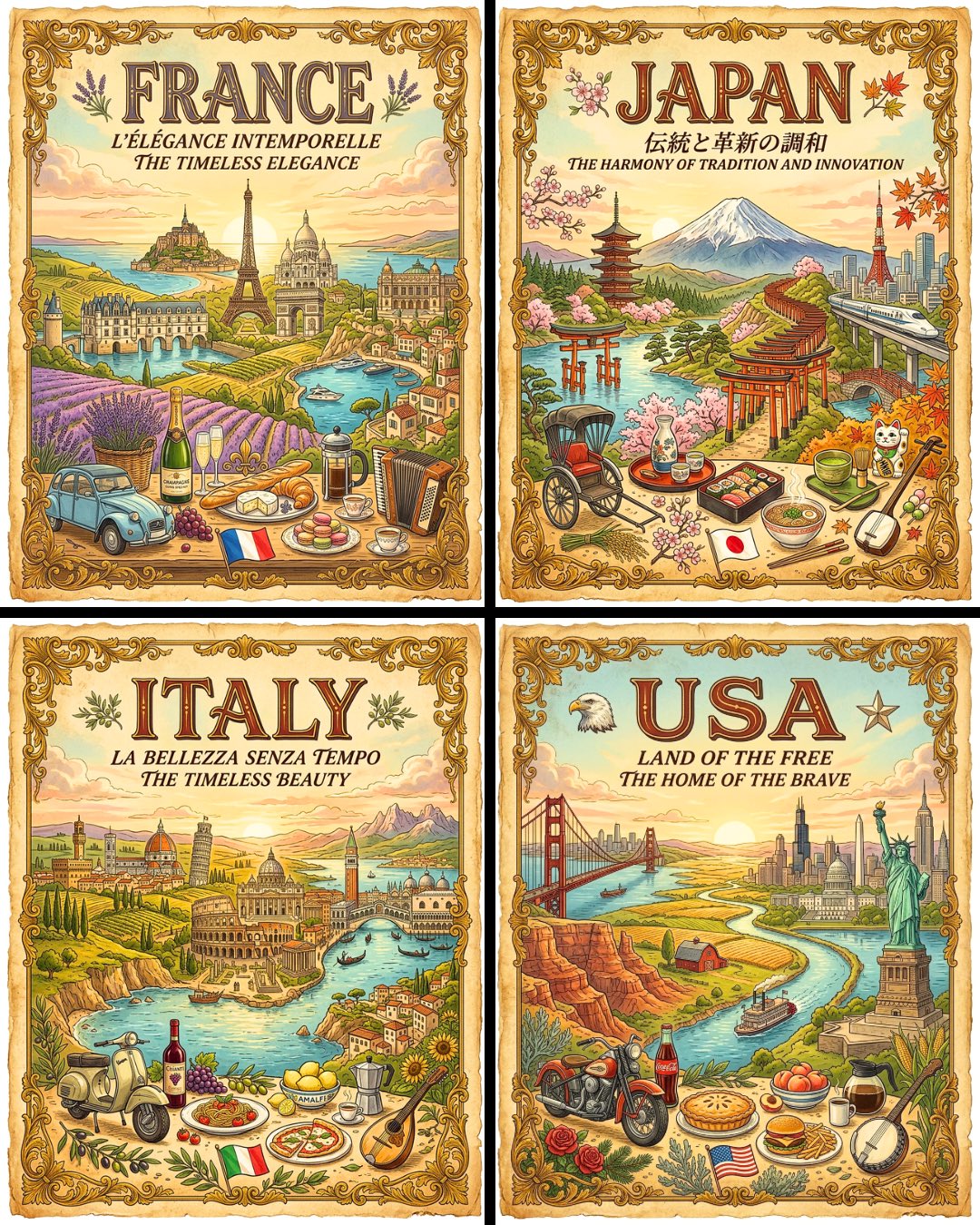
Vintage Travel Posters by Nano Banana 2
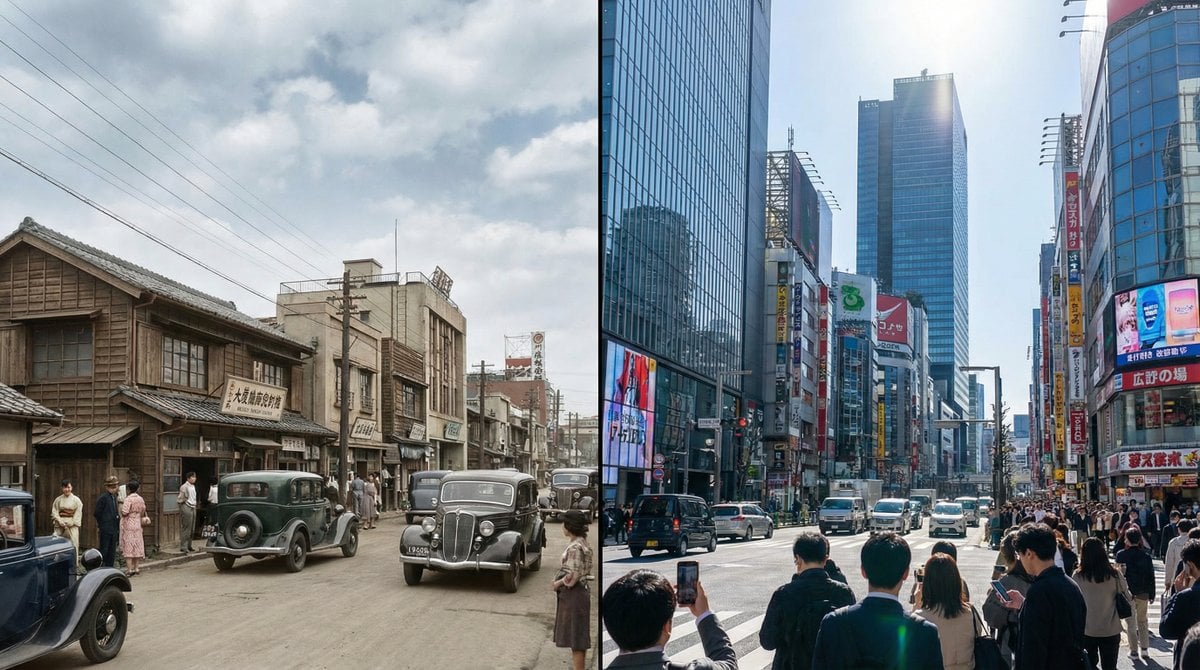
Split-screen time-lapse of same location by coordinates
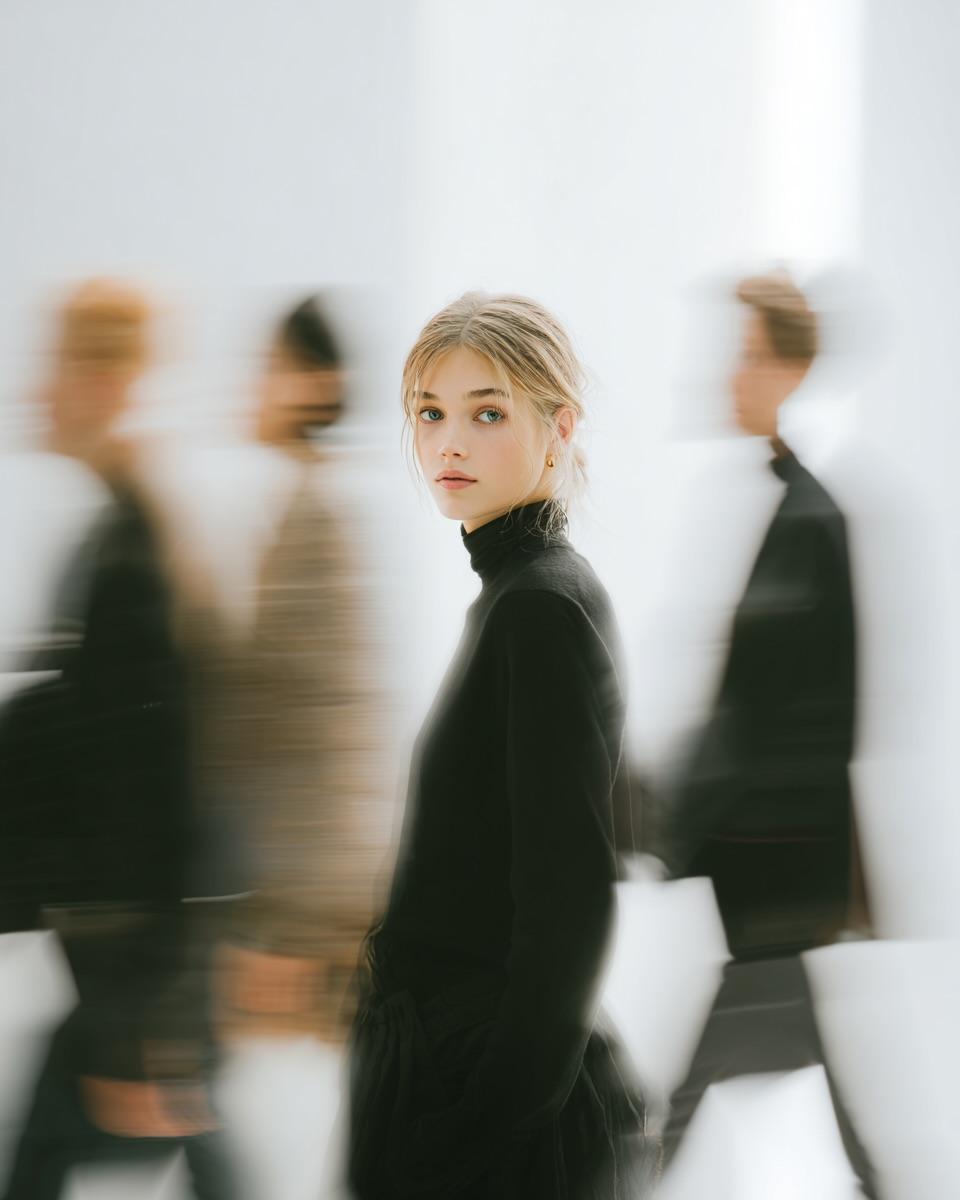
High Fashion Pictorial with Motion Blur
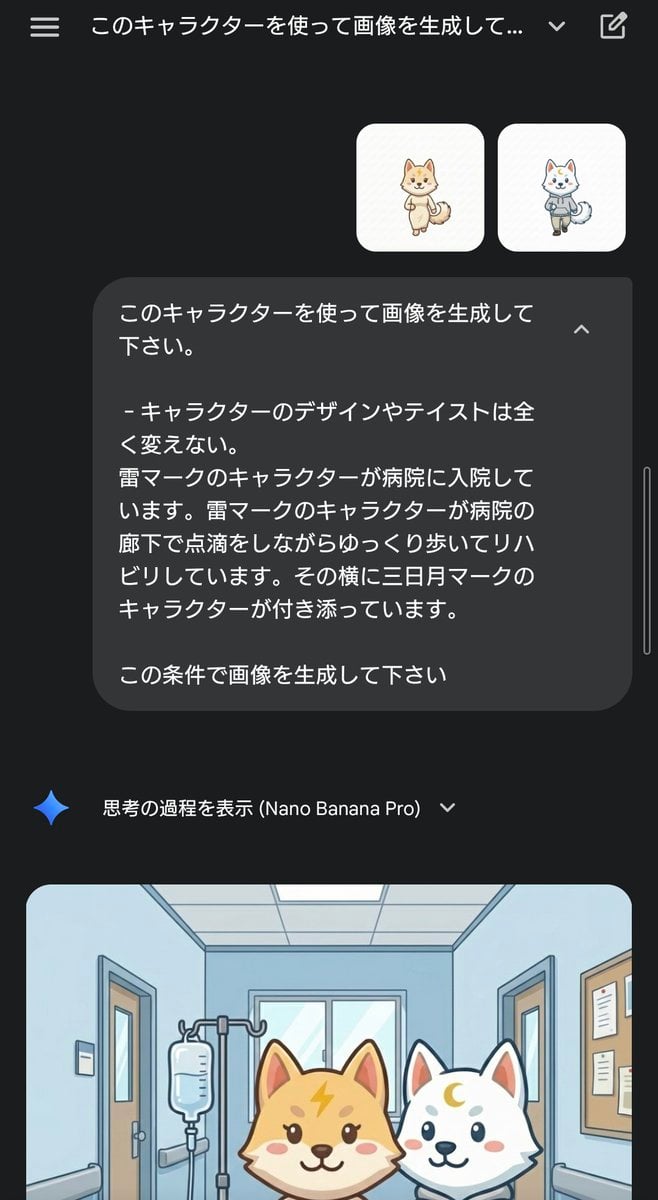
Character Rehabilitation Scene Generation Prompt

Dancer Character - Four View Reference Sheet
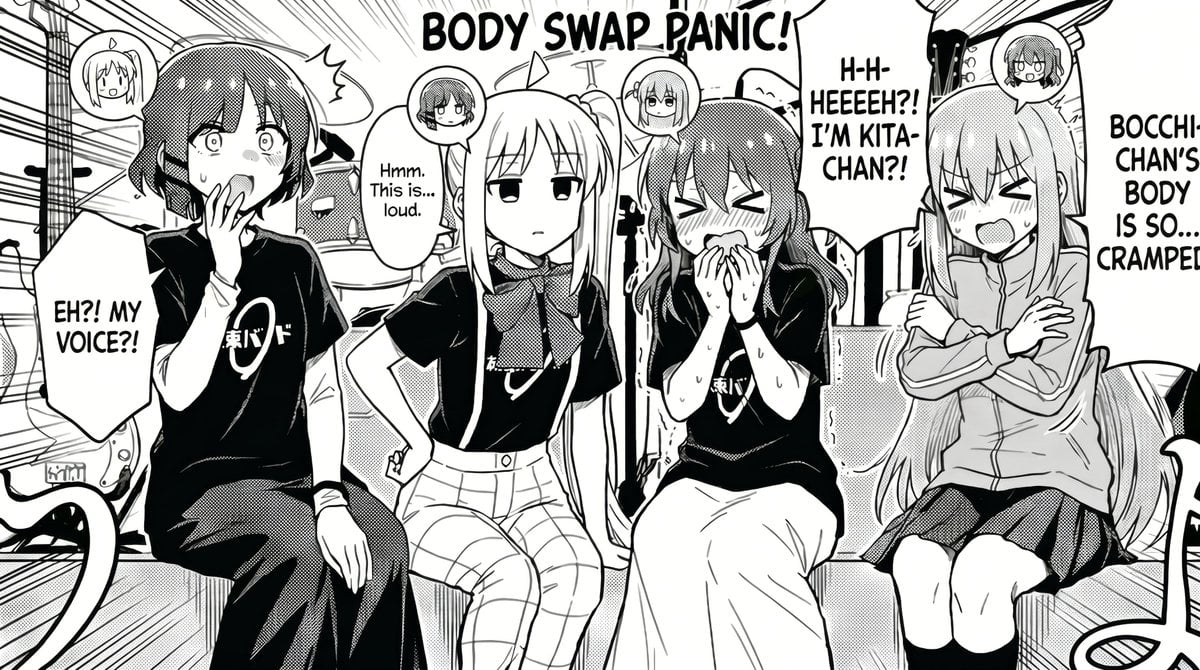
Manga Body Swap Band Panic
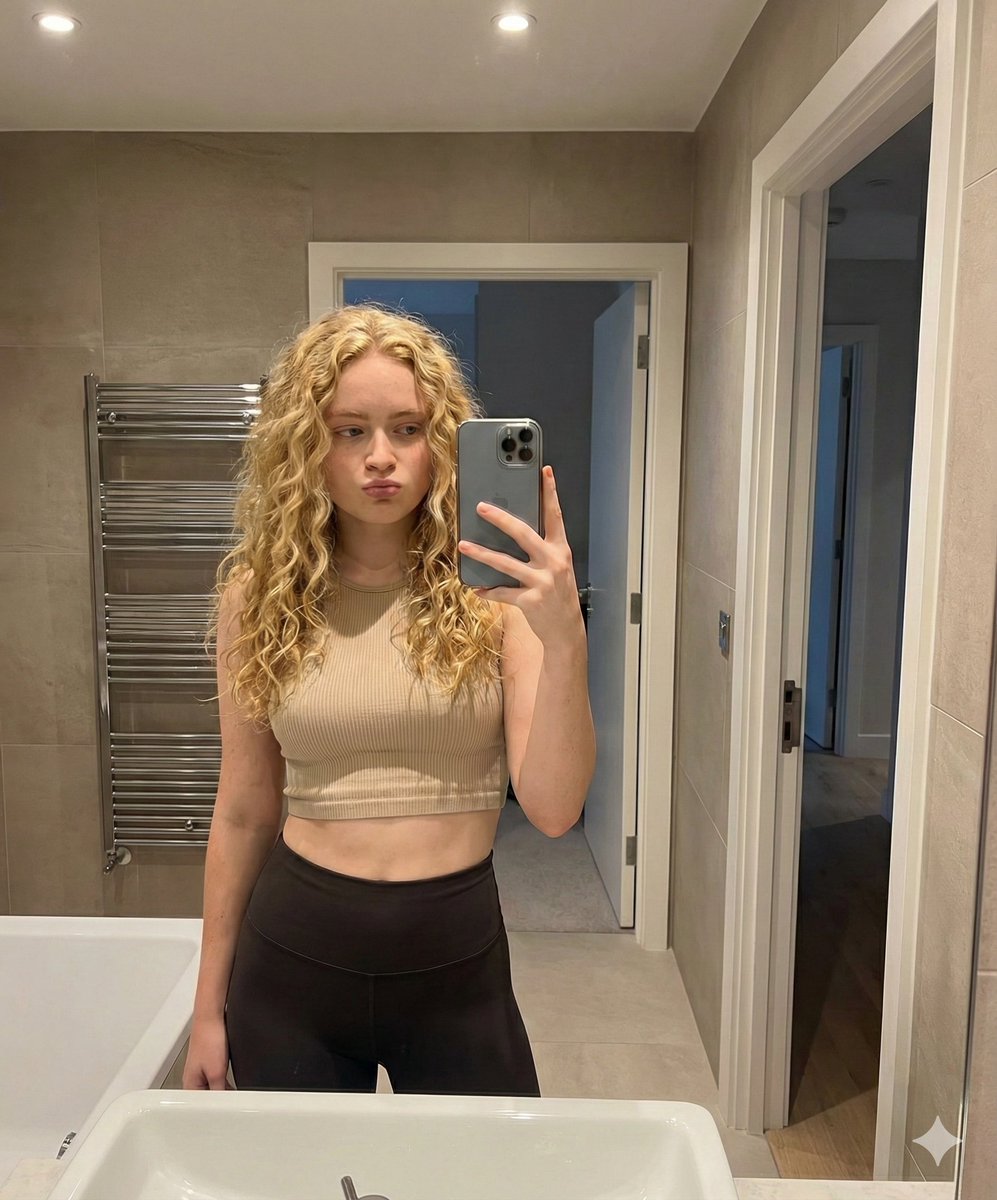
Mirror Selfie in Modern Bathroom Prompt
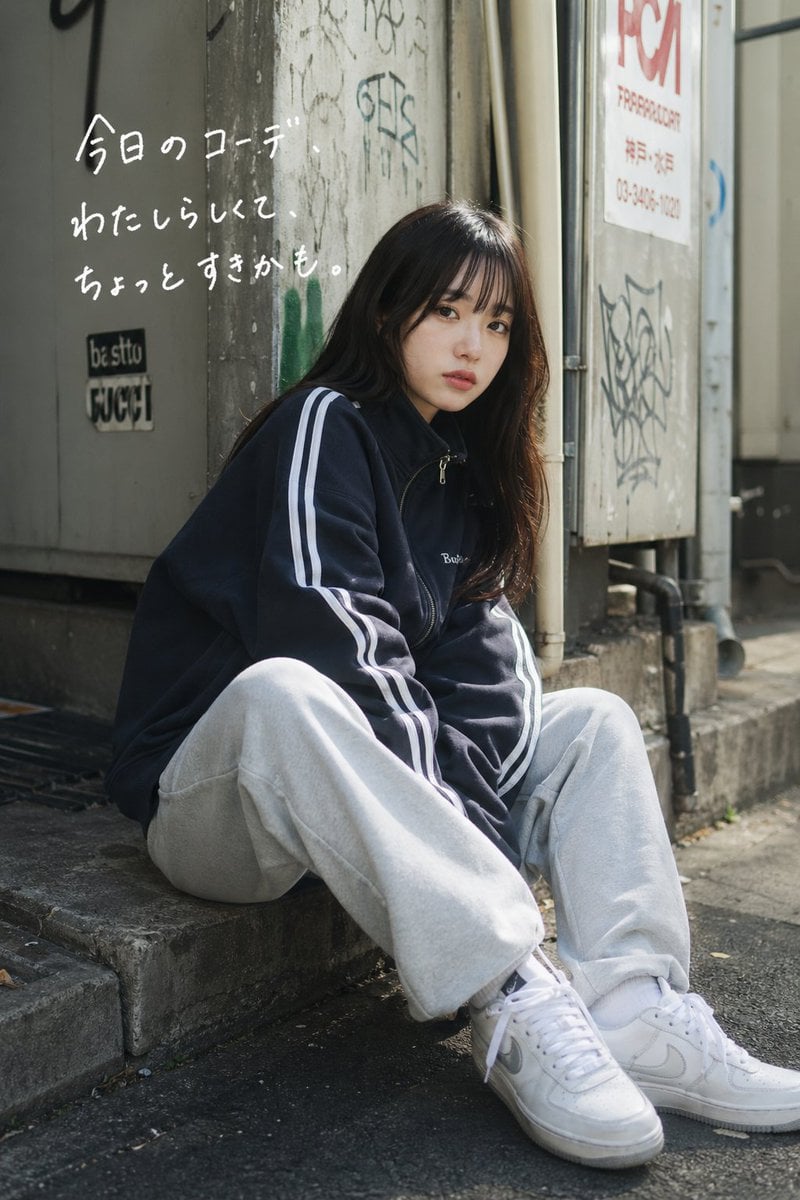
Casual Street Outfit Photo with Handwritten Text
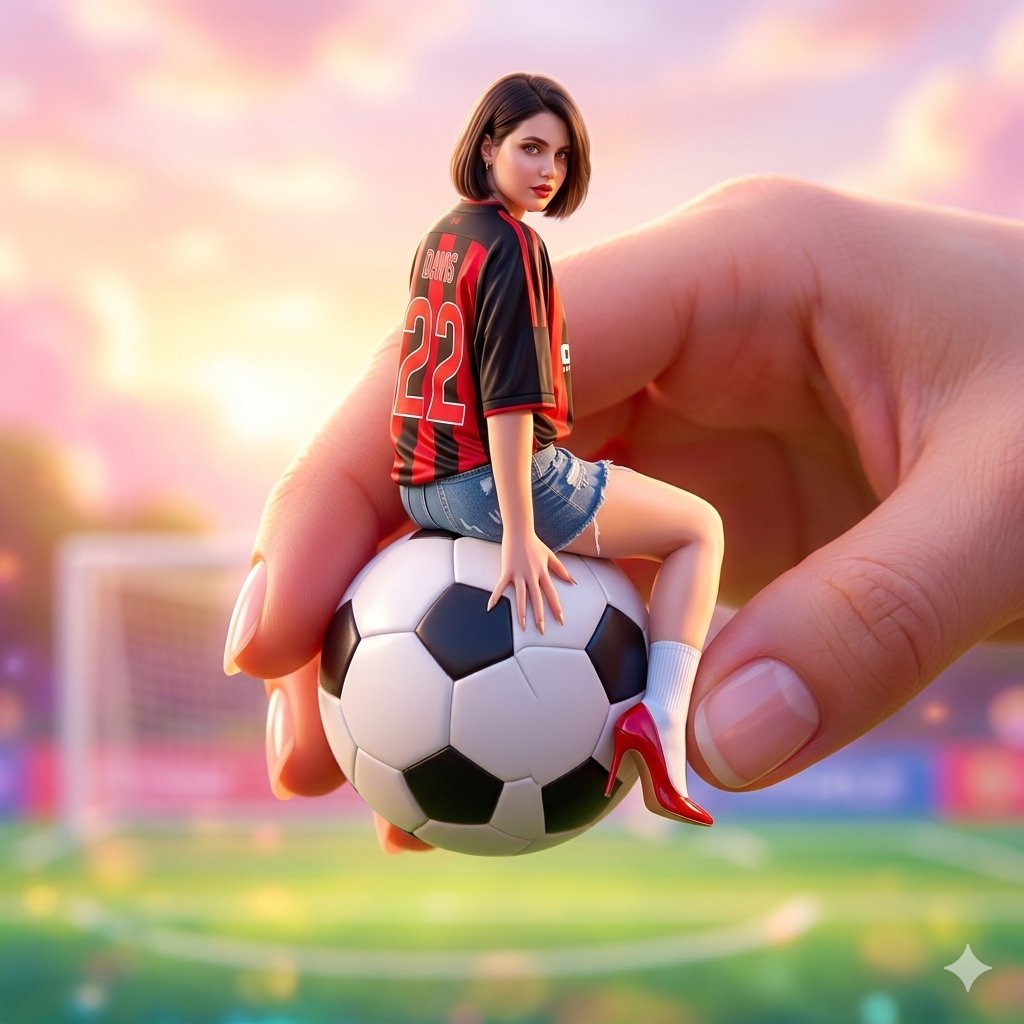
Miniature Fashionable Girl on Soccer Ball
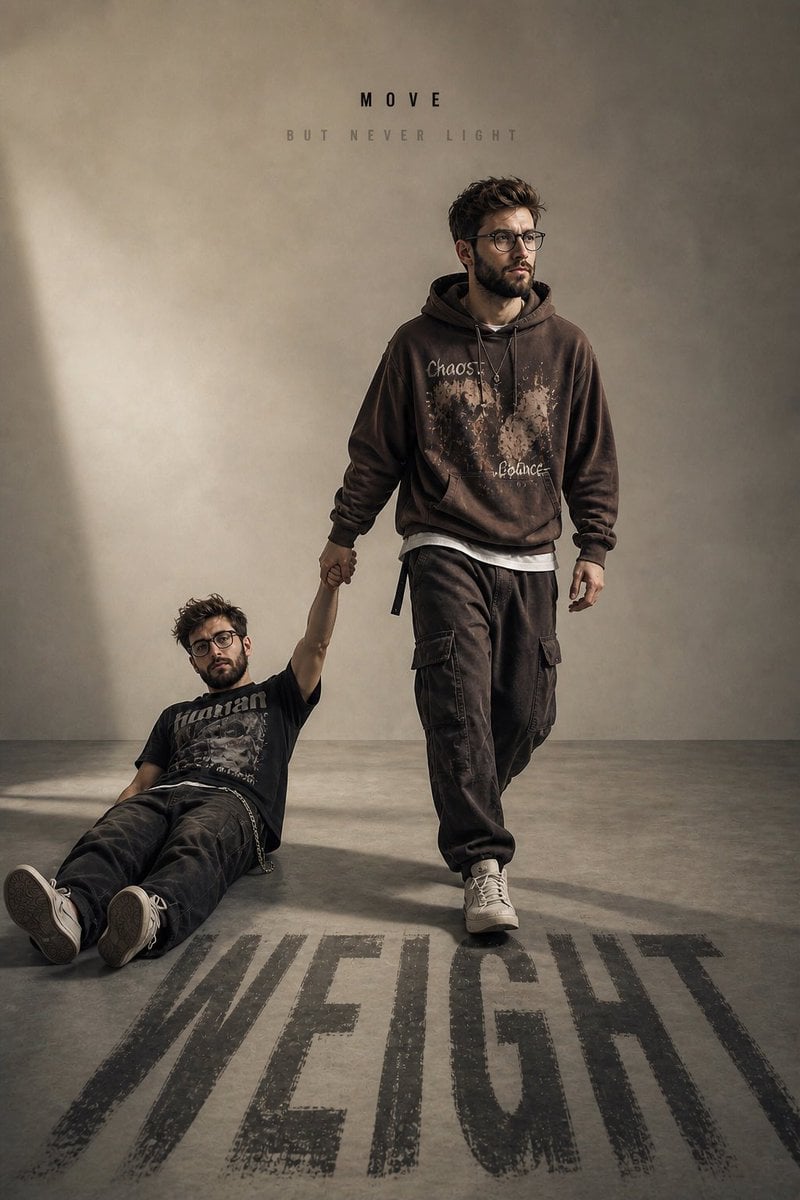
Emotional Burden Surrealist Portrait
Browse template categories
Luxury Watch Brand Landing Page Design Prompt questions
How do I use the Luxury Watch Brand Landing Page Design Prompt template?
Add your photo if the template asks for one, edit the prompt if you like — the template's model and format are already selected — and press Generate. Your version opens in PicX Studio.
Can I customize the Luxury Watch Brand Landing Page Design Prompt template?
Yes. You can change the subject, setting, lighting, mood, format, and available model controls before creating your image.
Is the Luxury Watch Brand Landing Page Design Prompt template free?
Opening and editing this template is free. Generating uses credits, shown on the Generate button when you are signed in.
Which AI model should I use?
Start with Nano Banana 2, which is the model associated with this template. You can compare another compatible model for a different finish.
Looking for something else? Browse all templates.

Your photo, any look
Thousands of ready templates for every top image and video model, from one credit balance.