How do I use the Luxury Cosmetic Brand Infographic template?
Choose the primary action to open PicX Studio with the available template settings. Review the model and format, personalize the creative direction, and generate when ready.
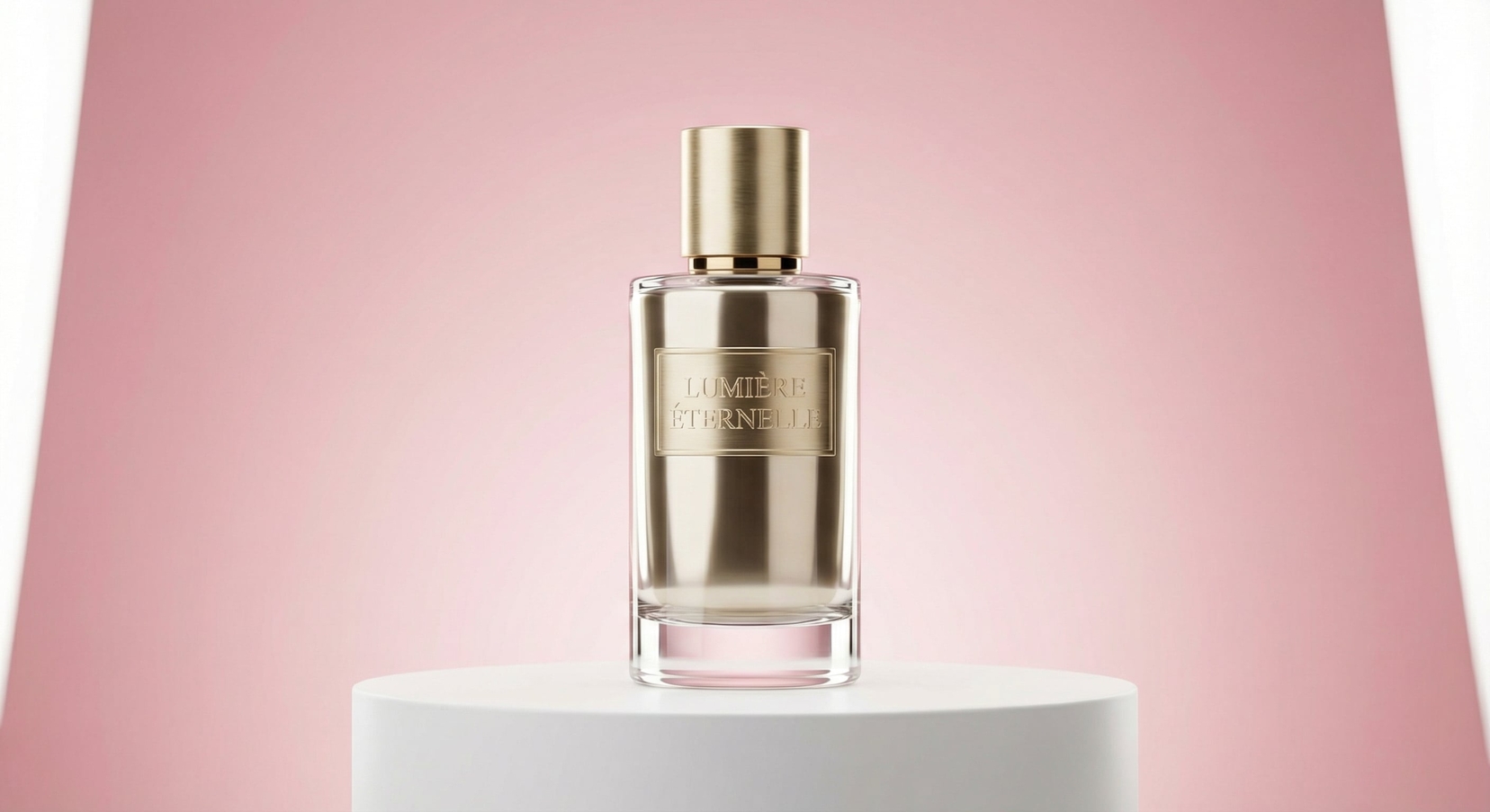
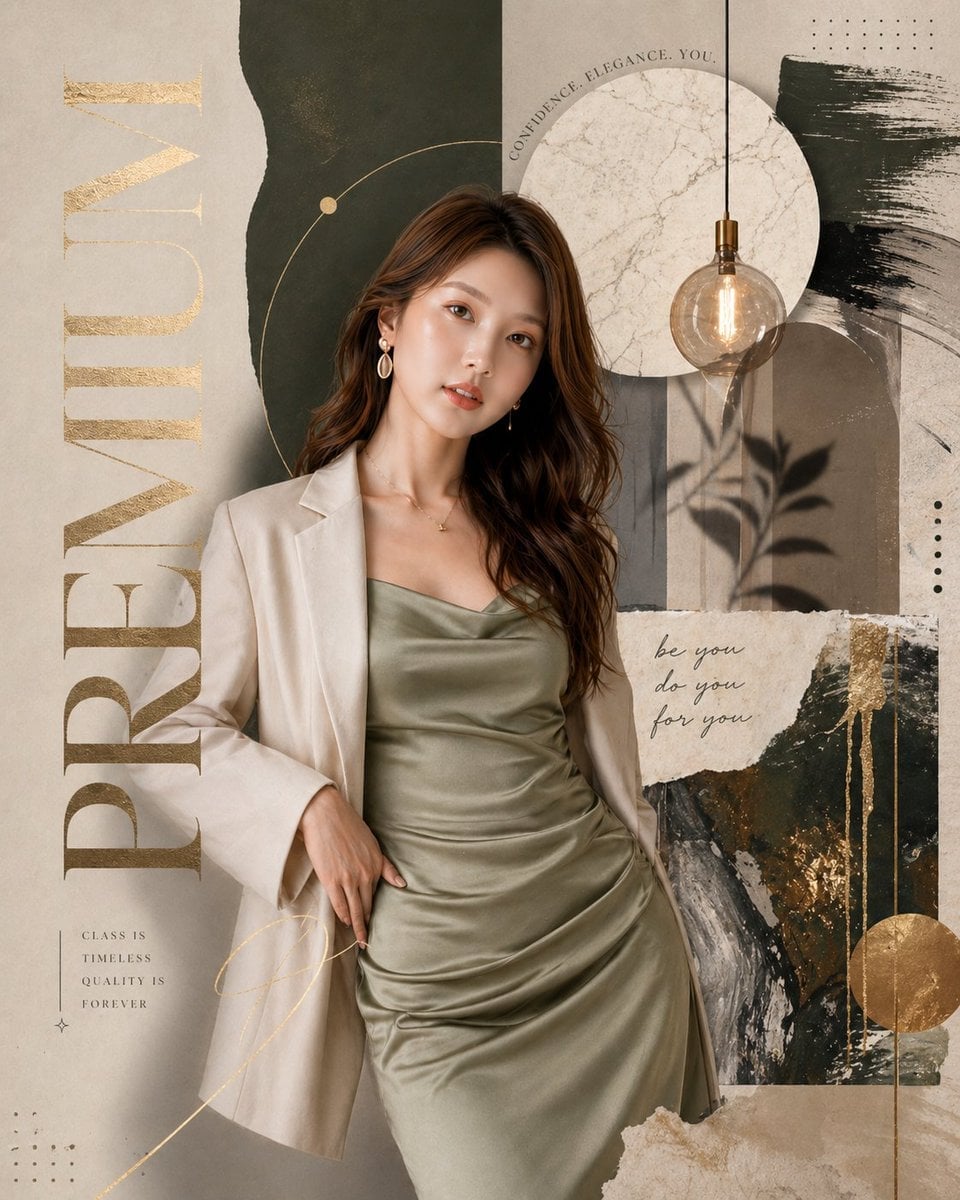
A high-end commercial infographic prompt for a cosmetic brand, featuring a soft aesthetic with rose and champagne gold tones and a product grid.
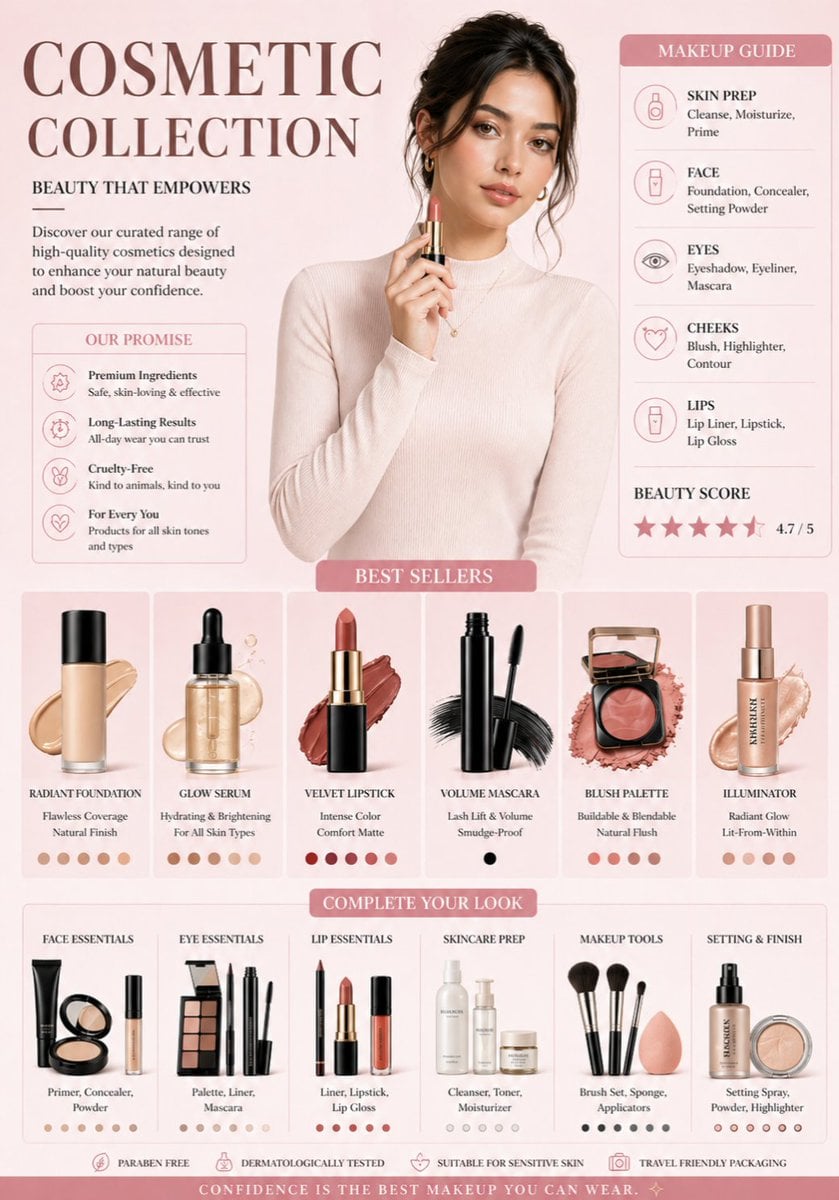
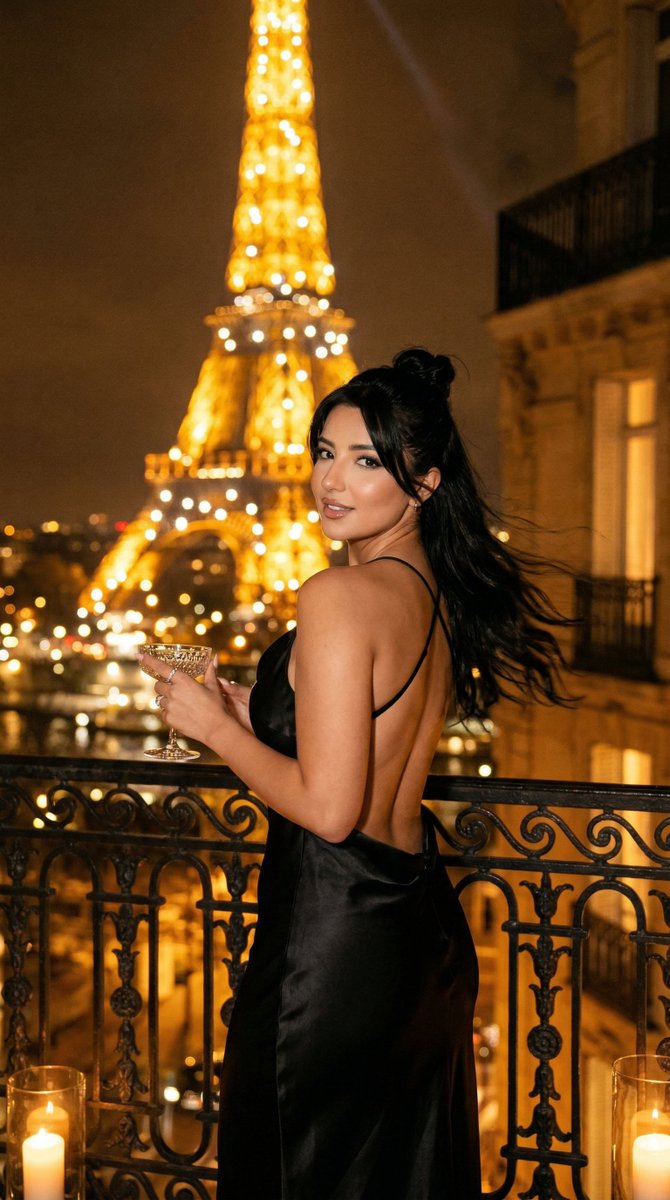
A professional cosmetic brand infographic in a soft aesthetic style. The color palette features {argument name="colors" default="muted rose, cream, and champagne gold"}. At the top center, a high-fashion portrait of a woman with glowing skin and soft makeup, wearing a {argument name="outfit" default="cream turtleneck"}. Below her, a clean grid of isolated makeup products: a glass foundation bottle with a liquid swatch, a sleek black mascara wand, and a rose-gold blush compact. The background is a clean, minimal gradient. Professional studio lighting, soft shadows, high-end commercial photography style, 8k resolution.
Choose the primary action to open PicX Studio with the available template settings. Review the model and format, personalize the creative direction, and generate when ready.
Yes. You can change the subject, setting, lighting, mood, format, and available model controls before creating your image.
This template is free to open and customize. Generation usage is shown in PicX Studio before you create.
Start with Nano Banana 2, which is the model associated with this template. You can compare another compatible model for a different finish.
Follow a topic to a crawlable collection of related PicX Studio templates.