
Elegant Cosmetic Spotlight
Elegant Cosmetic Spotlight is a ready photo look.
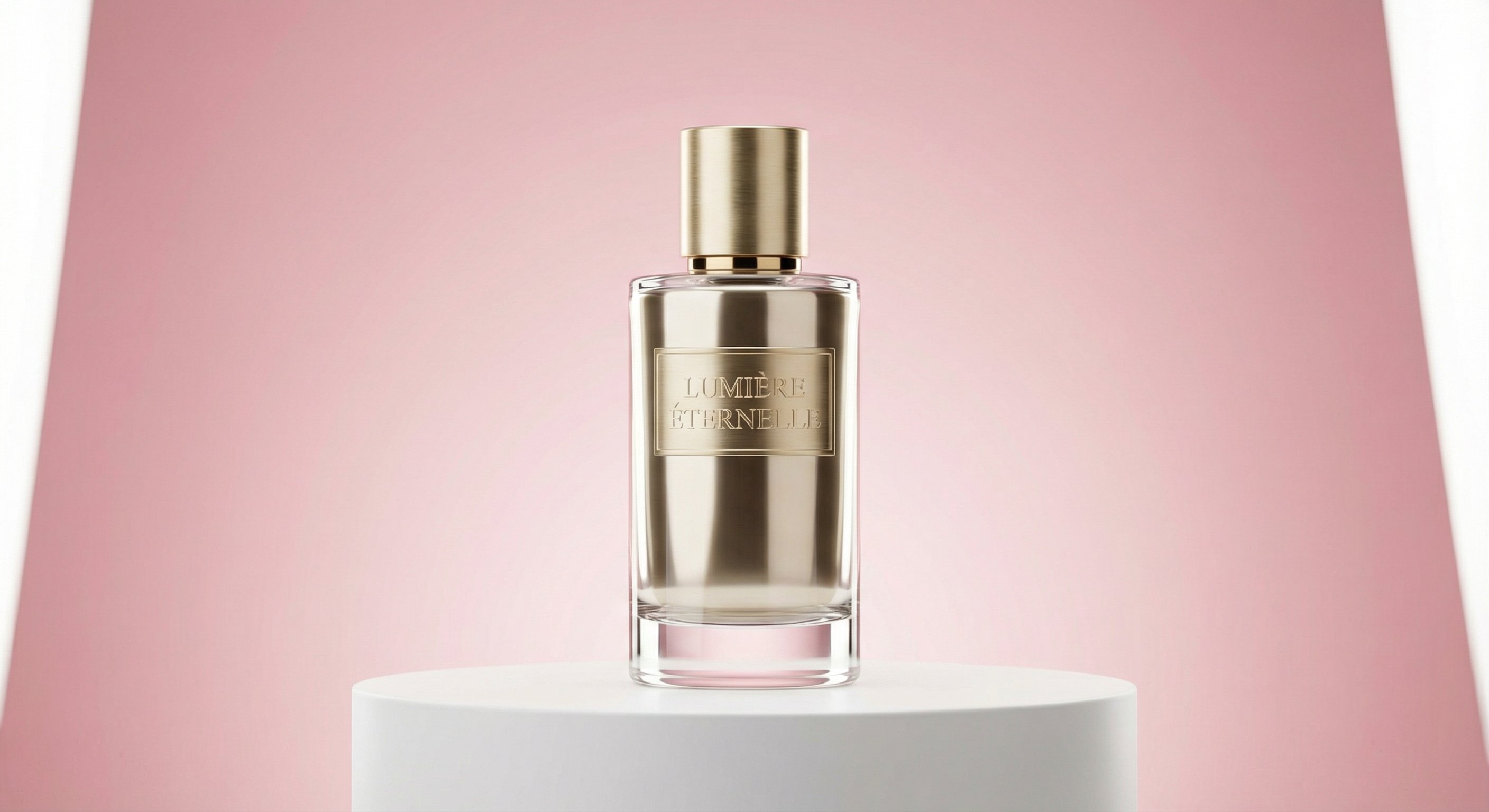
- Prompt included
- Model and format preset
- Free template
The prompt behind this image
Copy the exact prompt behind Elegant Cosmetic Spotlight, or open it in the studio and make it yours.
beauty cosmetic bottle standing on minimal podium, soft pink background, smooth gradient, elegant studio lighting, glossy reflections, luxury skincare brand feel, soft glow highlight, ultra-sharp, professional commercial photography
How to use Elegant Cosmetic Spotlight in 3 steps
- 1
Open
The prompt is already in the box next to the preview, with the template's model and format selected.
- 2…a portrait of your subject in softgolden-hour light, 85mm…
Personalize
Edit the subject and creative details for your destination.
- 3Generate
Generate
Press Generate — your image is created in PicX Studio, so you can compare it with the original and refine one variable at a time.
More like this
Templates with the same subject, style or setup. Open one to see its prompt.
Violin Soloist Spotlight
Ballerina Stage Spotlight
Glass Brand Logo Volcanic Landscape
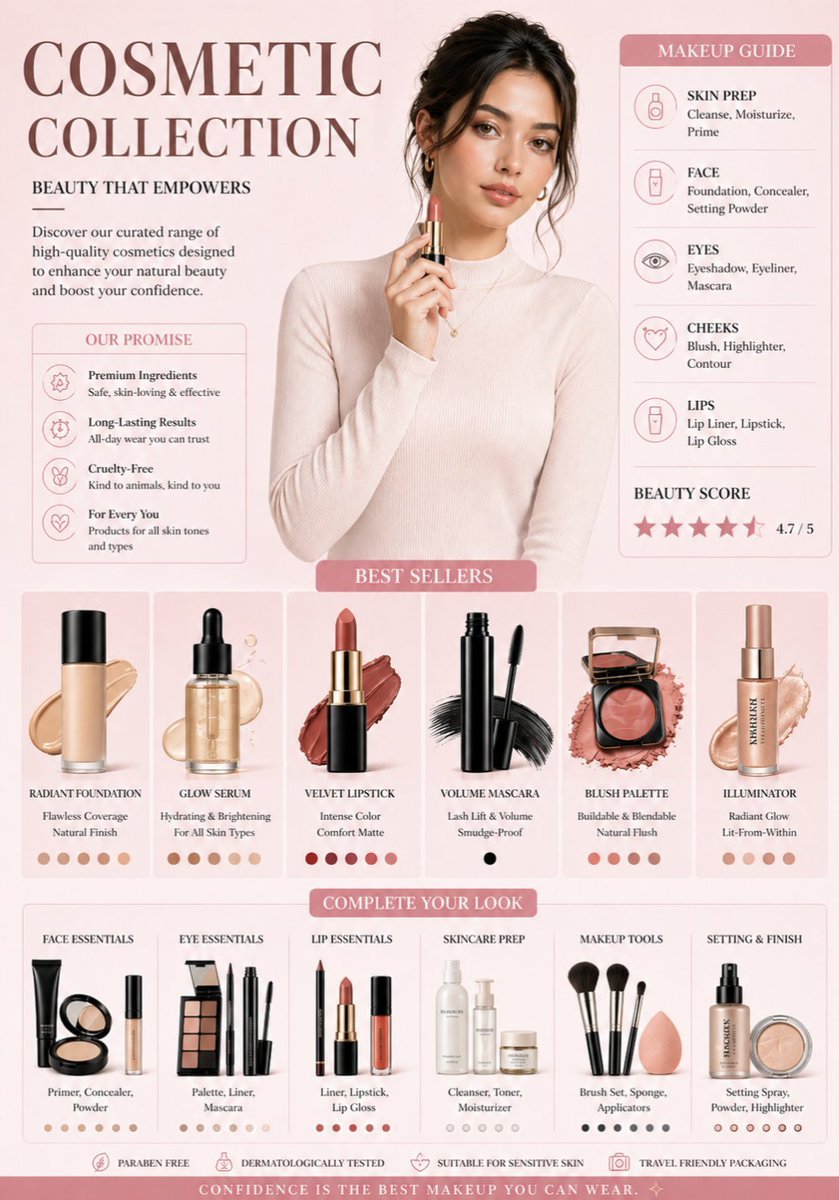
Luxury Cosmetic Brand Infographic
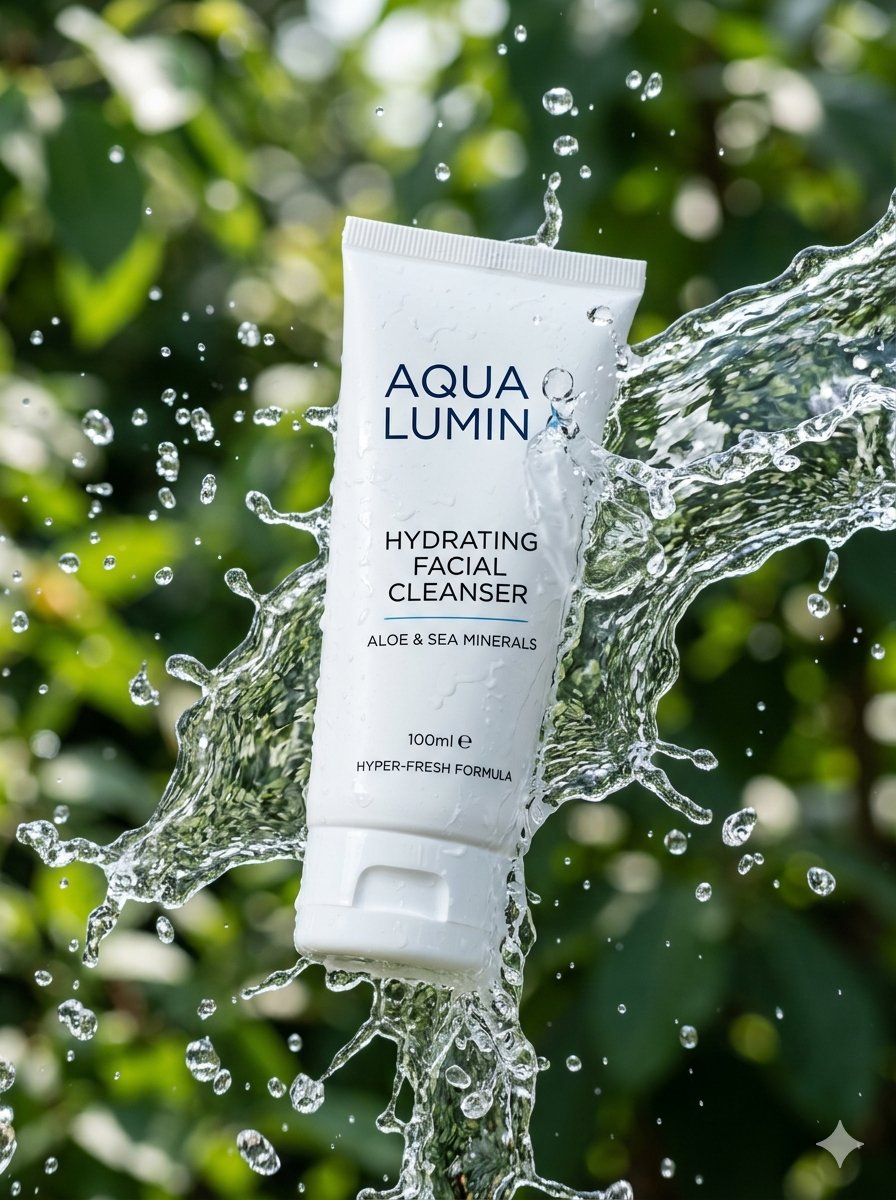
Cinematic Cosmetic Product Photography
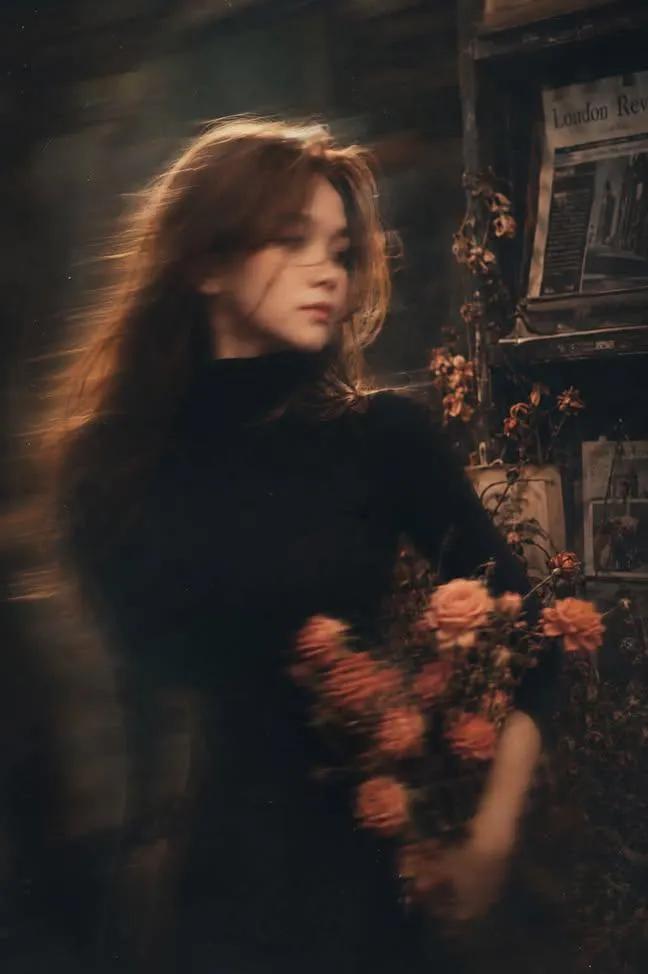
Sealing Wax Letter Desk

Ballroom Floor Reflections
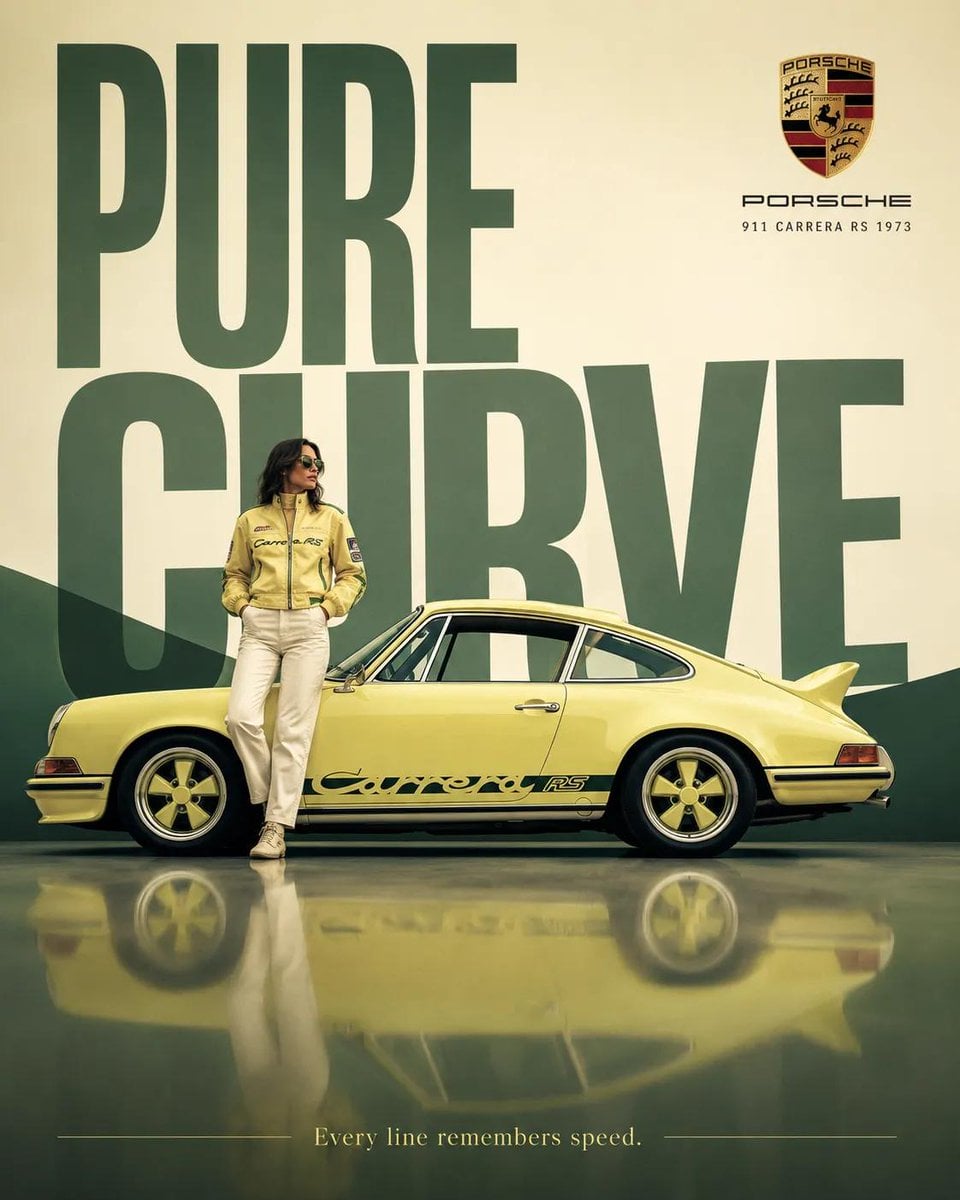
Vintage Camera Leather Case
Hedge Maze Aerial Dawn
Tuxedo Cuff Adjust
Cathedral Choir Loft
Pearl Necklace Vanity
Make it yours
Elegant Cosmetic Spotlight works as-is. These are the safest ways to change it without losing the look.
Change one field
Copy a single group, rewrite it, and generate again so you can see what that field is doing.
Keep the frame, change the subject
Hold the composition and light of Elegant Cosmetic Spotlight, then swap wardrobe, props or the person for a new take.
| If the result… | Why | Fix |
|---|---|---|
| The result drifts from the preview | Too many fields changed at once. | Reuse Elegant Cosmetic Spotlight as-is first, then change one group — subject, light, or setting. |
| The model over-stylizes the scene | The prose prompt leaves finish and camera underspecified. | Add one camera or lighting sentence and stay on PicX Studio. |
More image prompts
Fresh picks from across the catalog.

Kasane Teto Pop Idol Portrait
Absolute Face Preservation Urban Streetwear
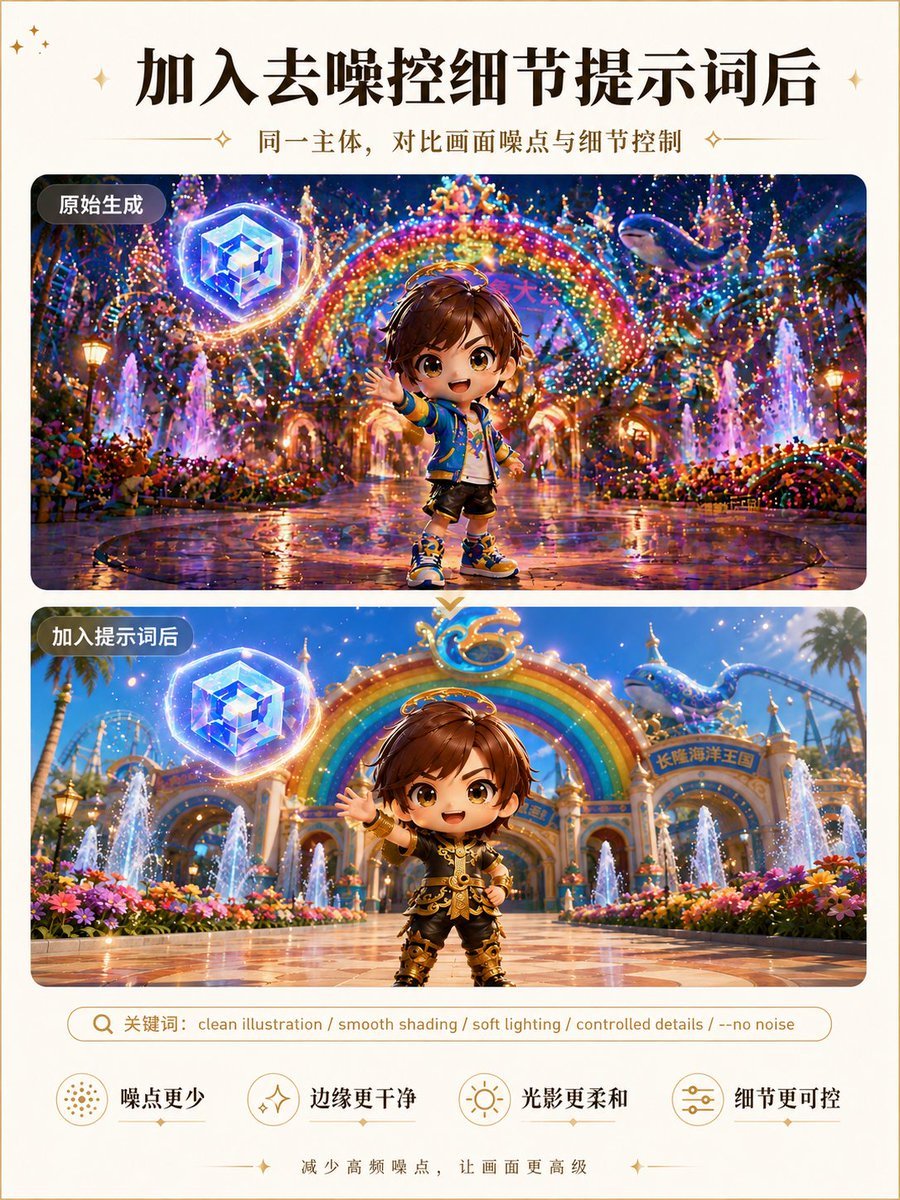
Clean Illustration Smoothing Filter
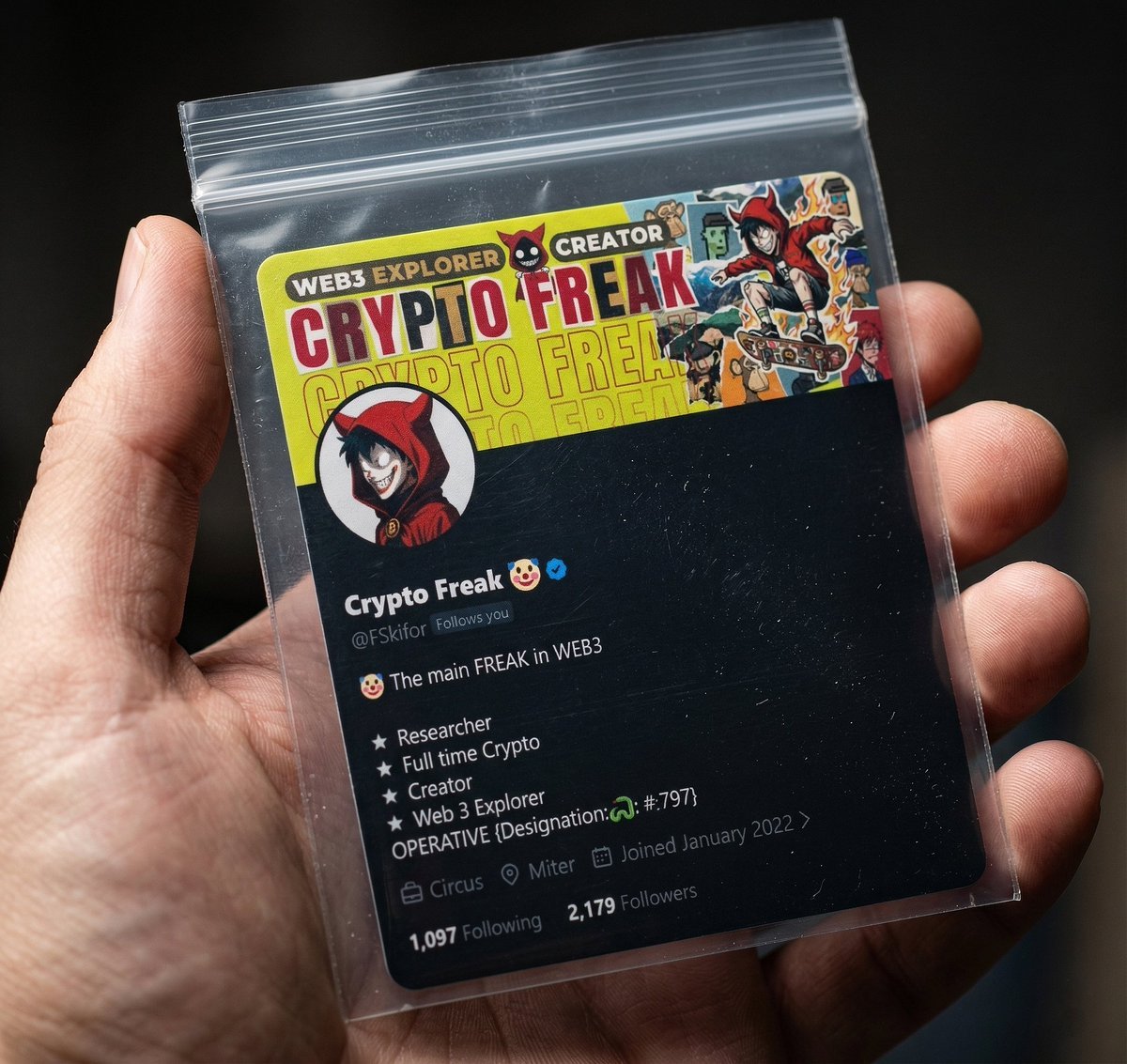
Collectible Card in Zip Bag Macro Photography Prompt
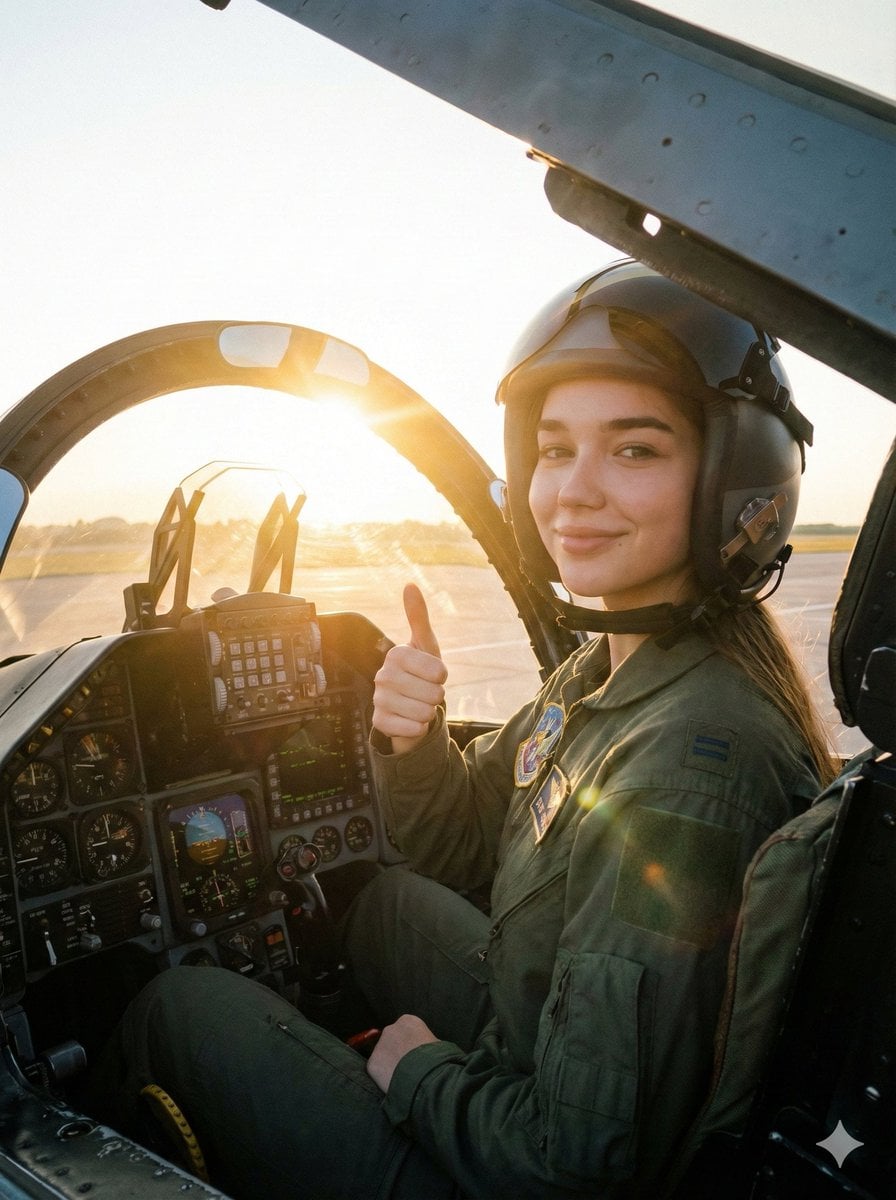
Cinematic Female Fighter Pilot Portrait at Sunset
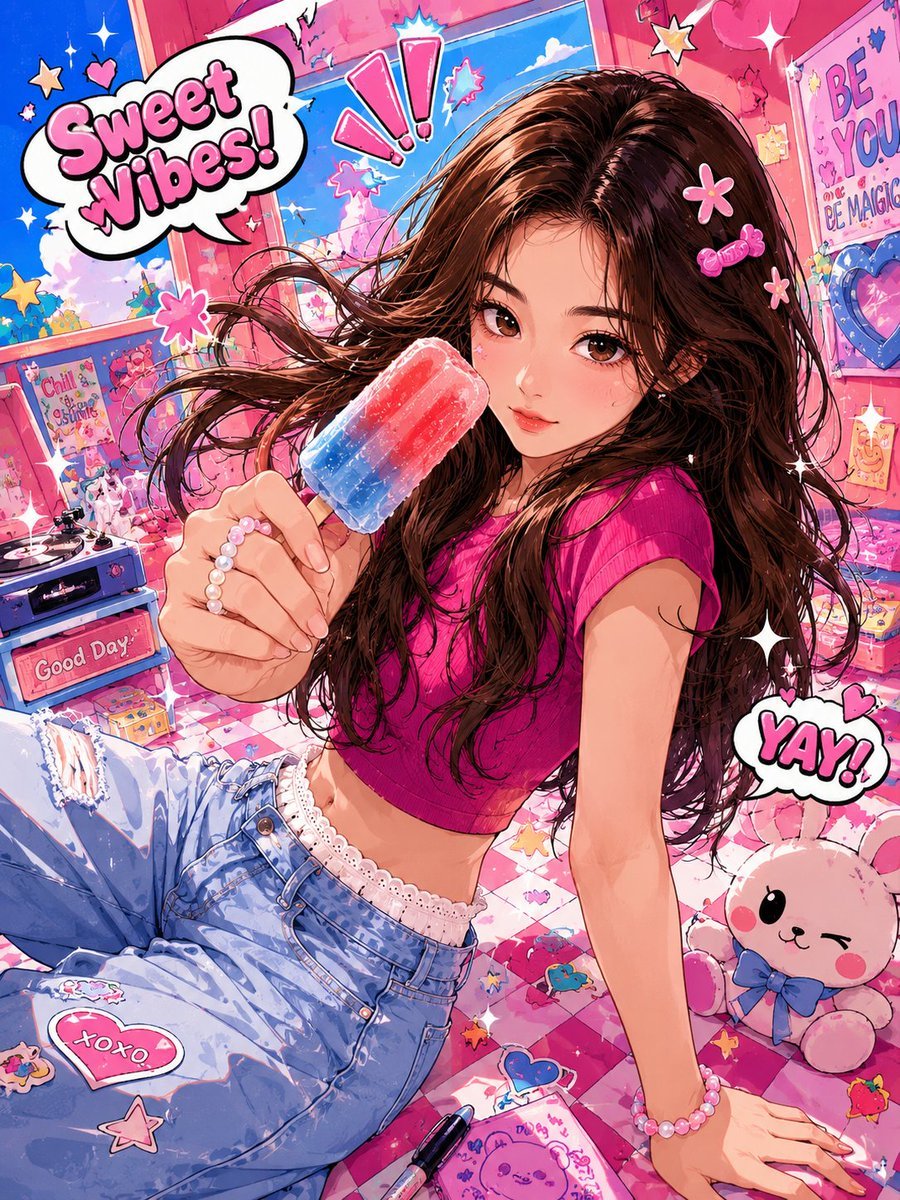
Vibrant Trendy Anime Illustration Transform
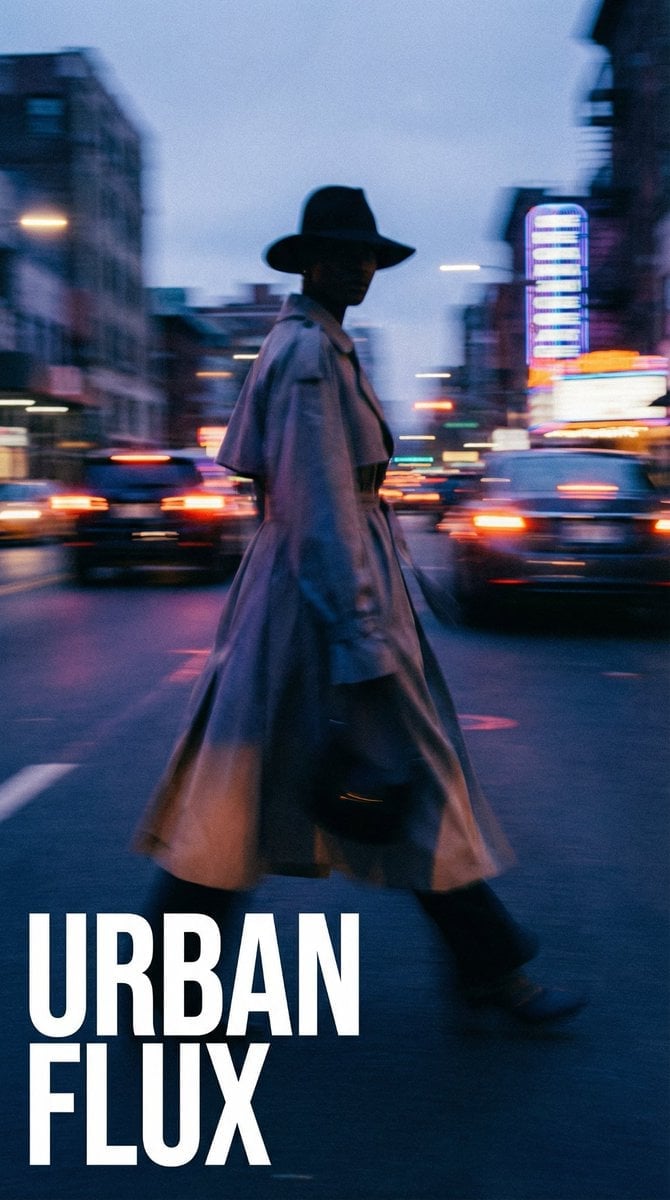
Dynamic Portrait with Cinematic Motion Blur
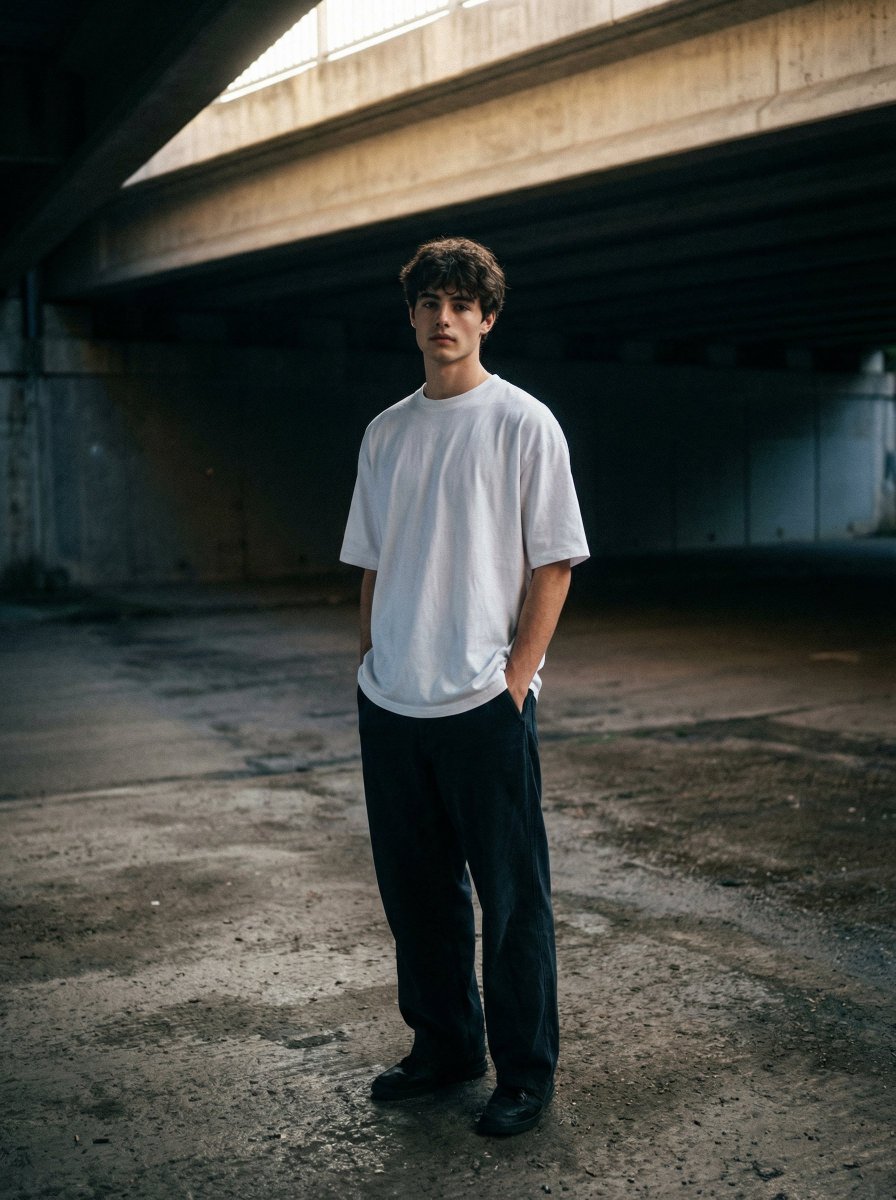
Moody urban portrait under a concrete overpass
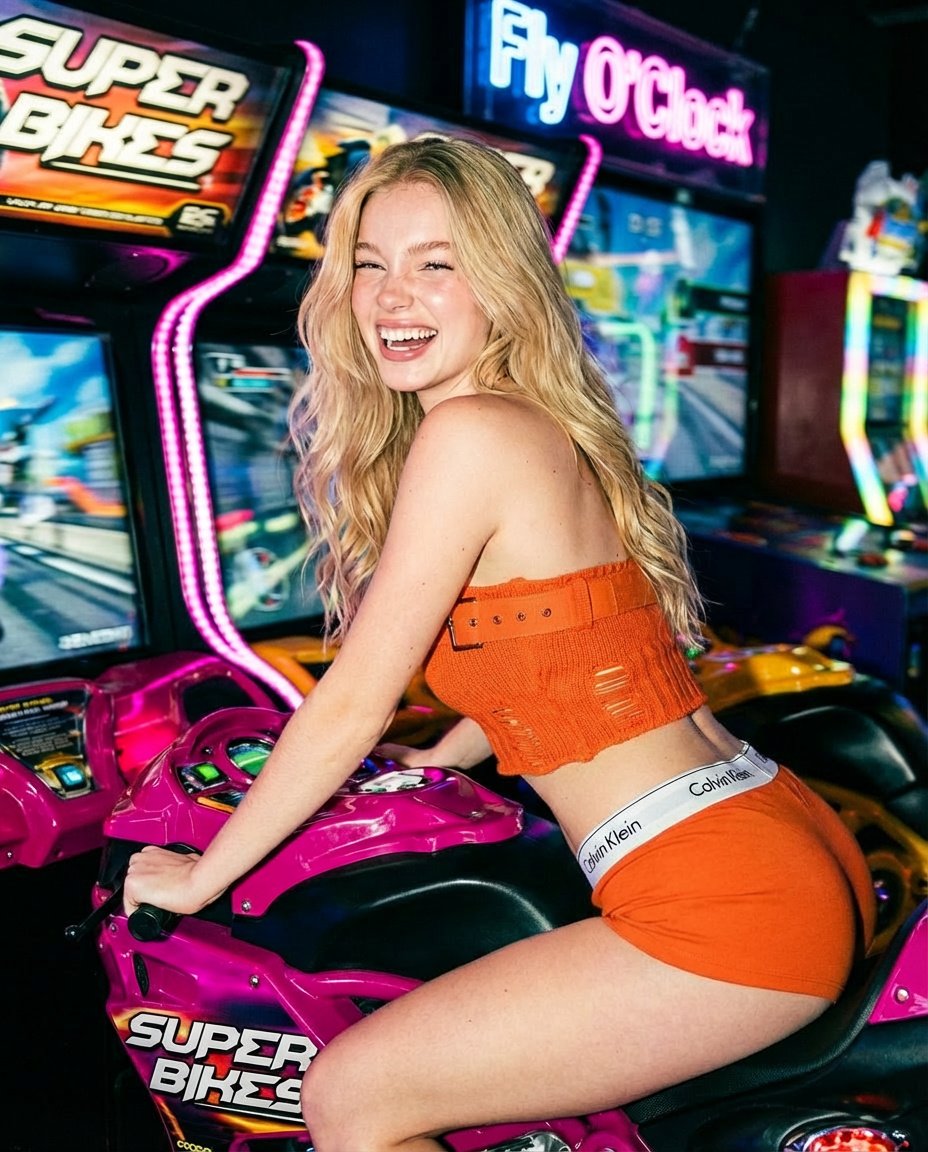
Photorealistic Arcade Motorcycle Game Portrait Prompt
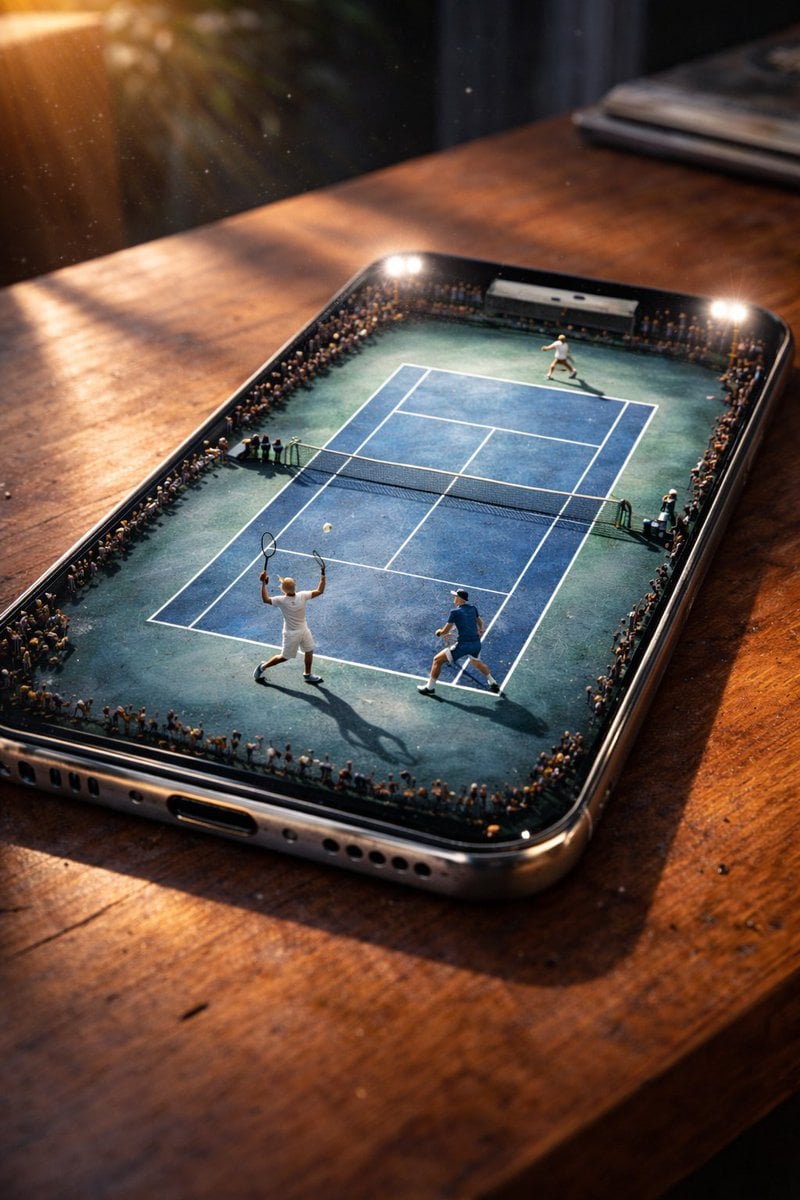
Miniature Tennis Court on Smartphone Screen
Browse template categories
Elegant Cosmetic Spotlight questions
How do I use the Elegant Cosmetic Spotlight template?
Add your photo if the template asks for one, edit the prompt if you like — the template's model and format are already selected — and press Generate. Your version opens in PicX Studio.
Can I customize the Elegant Cosmetic Spotlight template?
Yes. You can change the subject, setting, lighting, mood, format, and available model controls before creating your image.
Is the Elegant Cosmetic Spotlight template free?
Opening and editing this template is free. Generating uses credits, shown on the Generate button when you are signed in.
Which AI model should I use?
Choose a compatible model in PicX Studio based on the style, speed, and output controls your project needs.
Looking for something else? Browse all templates.

Your photo, any look
Thousands of ready templates for every top image and video model, from one credit balance.