
Vibrant Trendy Anime Illustration Transform
A creative prompt that transforms real photos into high-saturation, vibrant anime-style posters with exaggerated poses and imaginative backgrounds.
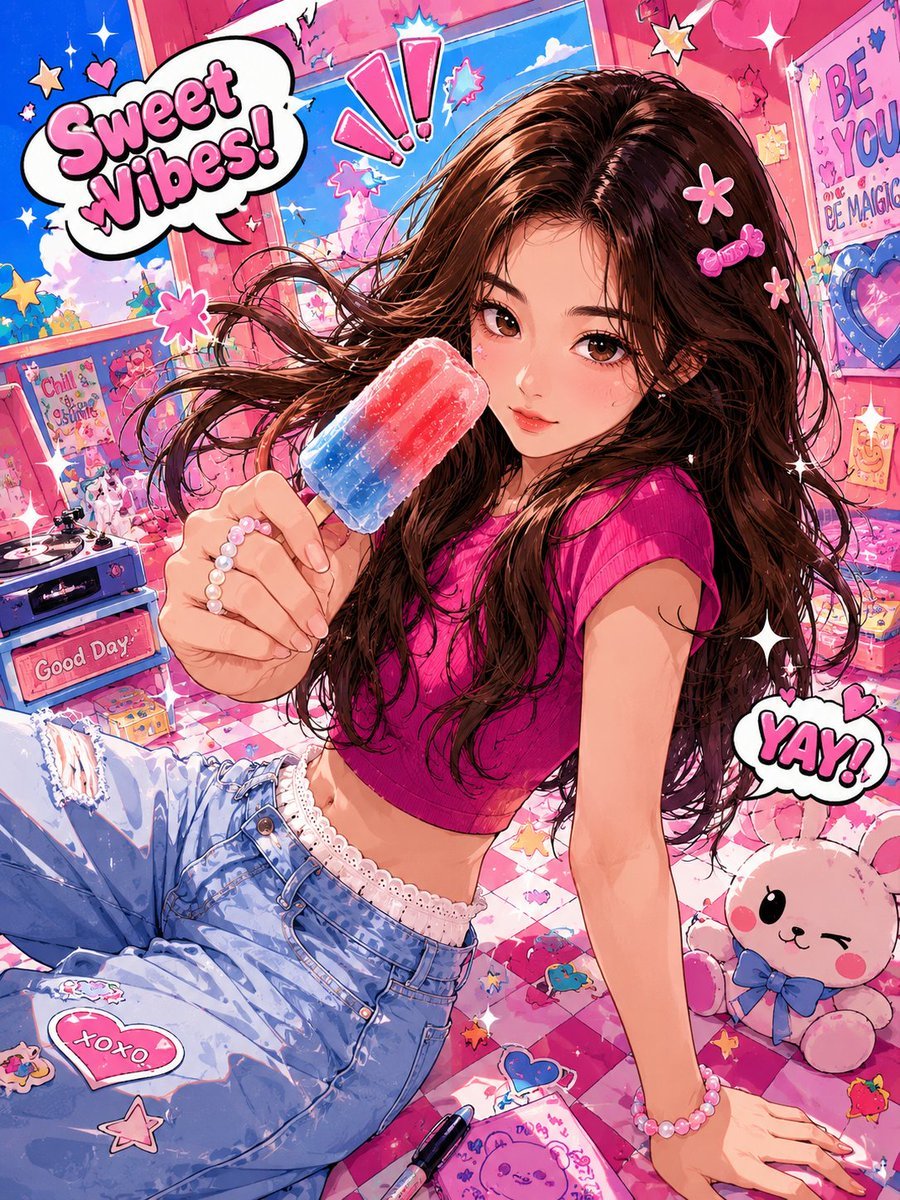
- Prompt included
- Model and format preset
- Free template
The prompt behind this image
Copy the exact prompt behind Vibrant Trendy Anime Illustration Transform, or open it in the studio and make it yours.
Based on the everyday photo uploaded by the user, create a high-saturation, trendy anime-style illustration. Preserve the person's basic recognizability, including face shape, facial-feature relationships, base hairstyle, and overall demeanor, but the overall look must be clearly anime-ized and non-realistic. The art style should reference energetic, quirky, popular anime illustration: confident, forceful linework with slight variation in thickness; coloring in a simple cel-shaded style with large flat-color shadow blocks; bright, high-saturation, high-contrast colors. The character's expression and movement can be bold and exaggerated, with simpler facial features that carry more emotional intensity, and the limbs and perspective may be moderately stretched or distorted. The scene can be freely reimagined independent of the original photo, reconstructed into a cartoon world with a fun wide-angle perspective and slight spatial distortion, adding elements such as stickers, hearts, stars, onomatopoeia, speech bubbles, small animals, or fun props. The overall composition should be highly dynamic, lively, funny, and impactful, like a trendy anime poster full of vitality.
How to use Vibrant Trendy Anime Illustration Transform in 3 steps
- 1Upload ImagePNG, JPG or paste
Add your photo
Upload the photo the template builds on. The prompt, model and format are already set.
- 2…a portrait of your subject in softgolden-hour light, 85mm…
Personalize
Edit the subject and creative details for your destination.
- 3Generate
Generate
Press Generate — your image is created in PicX Studio, so you can compare it with the original and refine one variable at a time.
More like this
Templates with the same subject, style or setup. Open one to see its prompt.

Captain Tsubasa Anime World Cup Poster

Anime Character Charm Analysis Sheet
Anime Street Illustration Transformation
Vibrant Colored Pencil Bird Illustration

Anime Alley Kick Transformation

Cel 2D Finale Fireworks

Cel 2D Garden Maze

Cel 2D Rooftop Concert

Cel 2D Bicycle Coast

Cel 2D Castle Gate

Cel 2D Kitchen Chaos

Cel 2D Carnival Ride
Make it yours
Vibrant Trendy Anime Illustration Transform works as-is. These are the safest ways to change it without losing the look.
Change one field
Copy a single group, rewrite it, and generate again so you can see what that field is doing.
Keep the frame, change the subject
Hold the composition and light of Vibrant Trendy Anime Illustration Transform, then swap wardrobe, props or the person for a new take.
| If the result… | Why | Fix |
|---|---|---|
| The result drifts from the preview | Too many fields changed at once. | Reuse Vibrant Trendy Anime Illustration Transform as-is first, then change one group — subject, light, or setting. |
| The model over-stylizes the scene | The prose prompt leaves finish and camera underspecified. | Add one camera or lighting sentence and stay on GPT Image 2. |
More GPT Image 2 templates
Other prompts made for GPT Image 2.

Six VTuber Japanese Logo Sheet

Realistic Portrait of Woman and Deer

The Vista Modular Condo Poster

AI Model Routing Comparison Infographic

2.5D Anime Art Board

Isometric Productivity Desk Scene

New York Double Exposure Poster

Four-Panel AI Landscape Comparison

Japanese Tatami Lifestyle Magazine Cover

NESCAFÉ Coffee Map Poster
More image prompts
Fresh picks from across the catalog.
Python-Scripted Hidden Logo Landscape
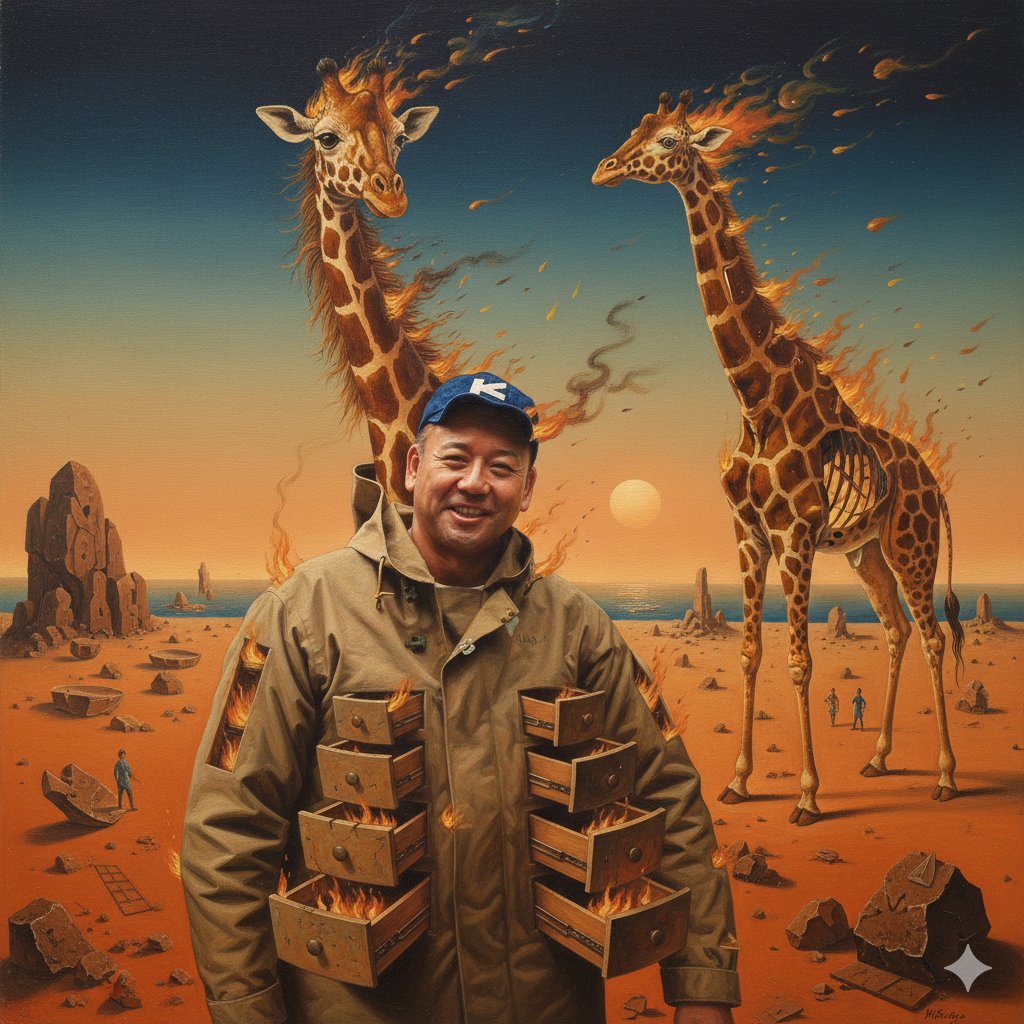
Image Style Transfer Prompt: Viking to Dali's 'Burning Giraffe' Style
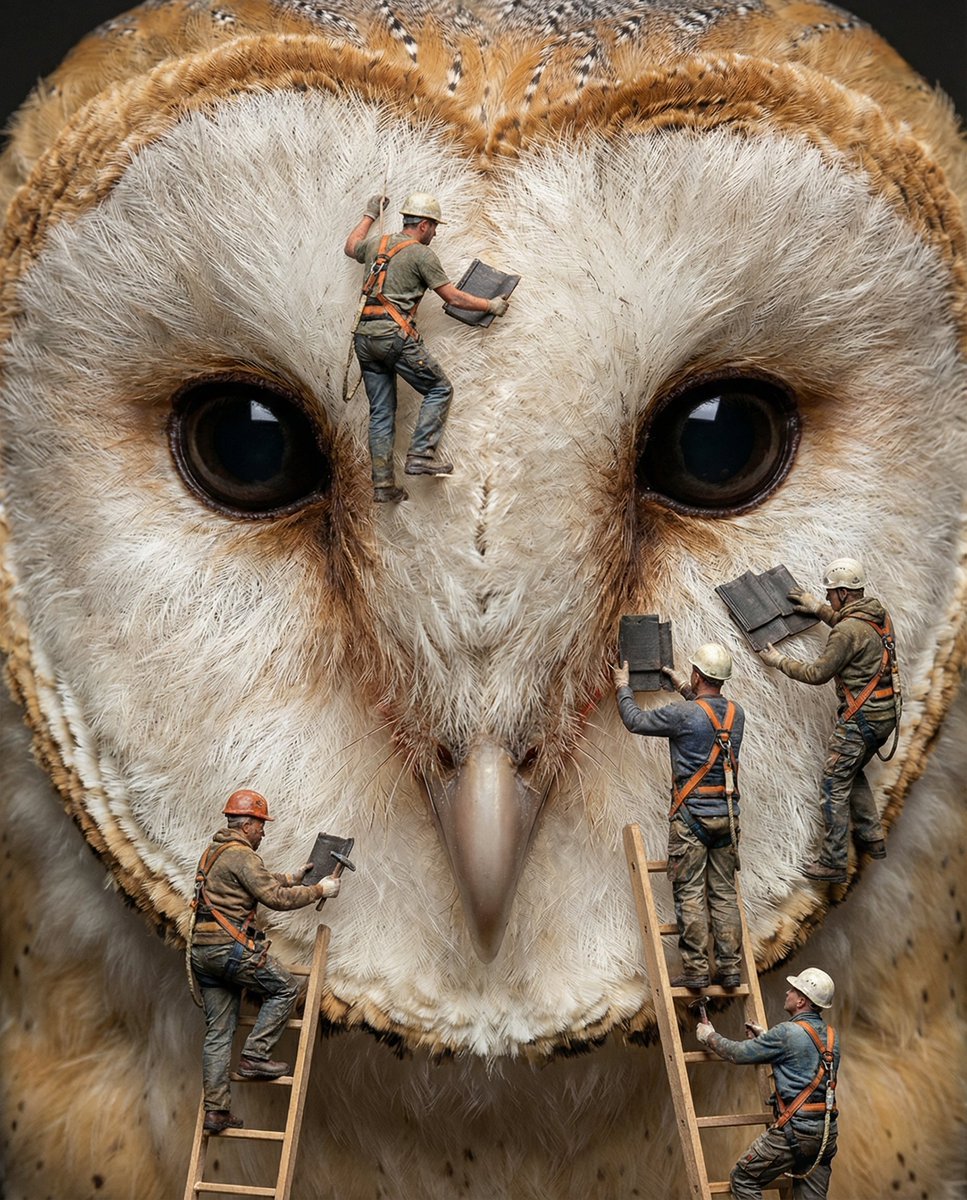
Hyper-Realistic Composite Macro Photography Prompt
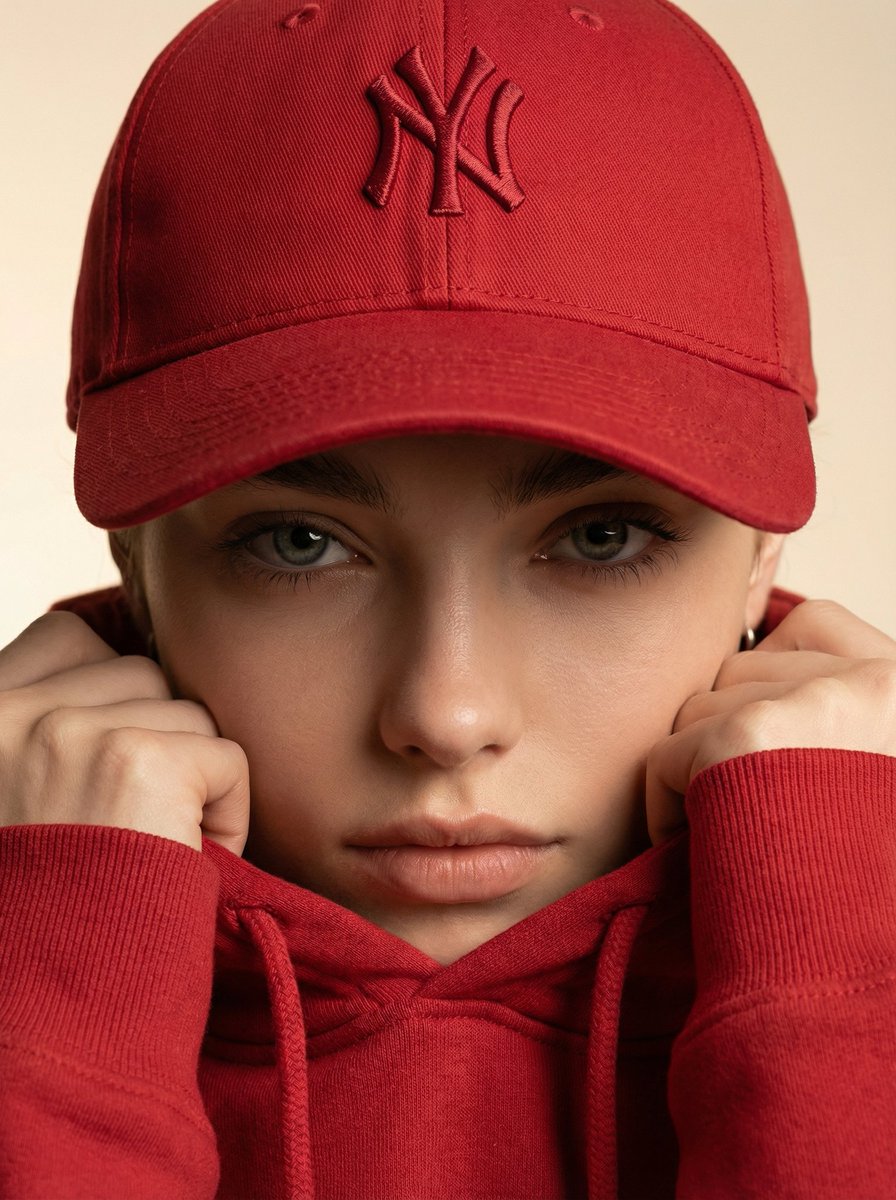
Ultra-Realistic Fashion Beauty Crop
Four-Panel Manga: The Darkness of SNS (Part 2)
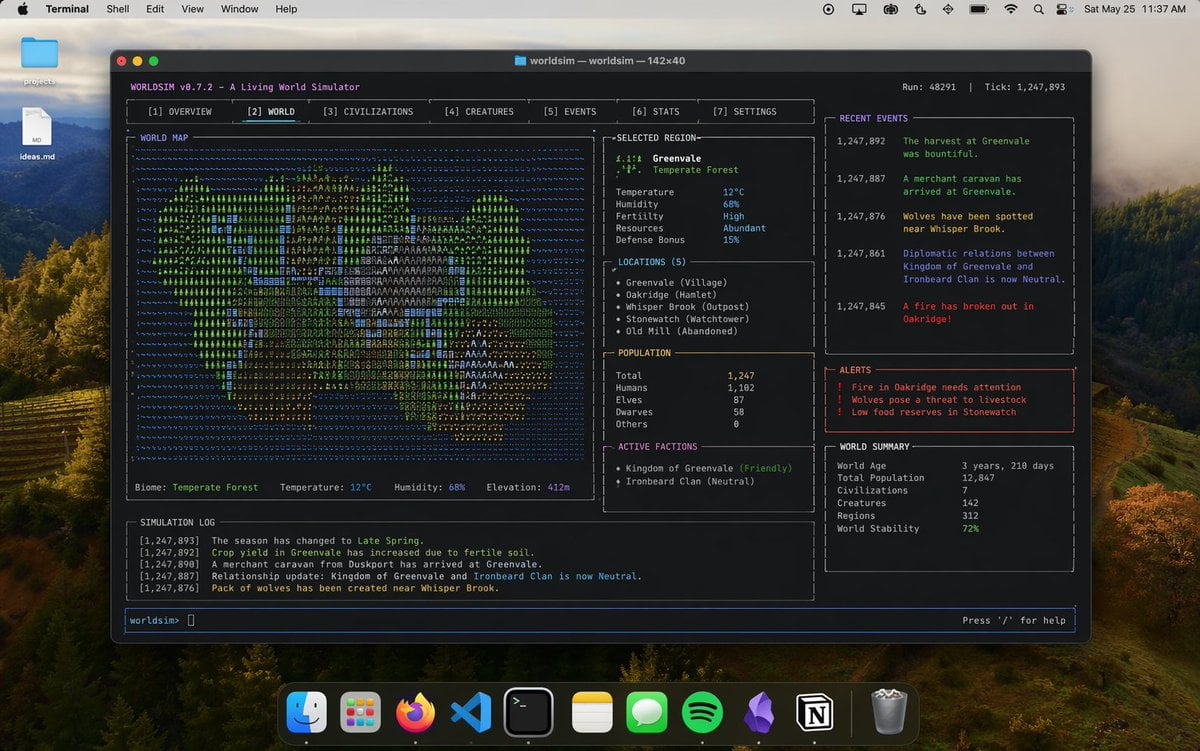
Mac Terminal World Sim UI
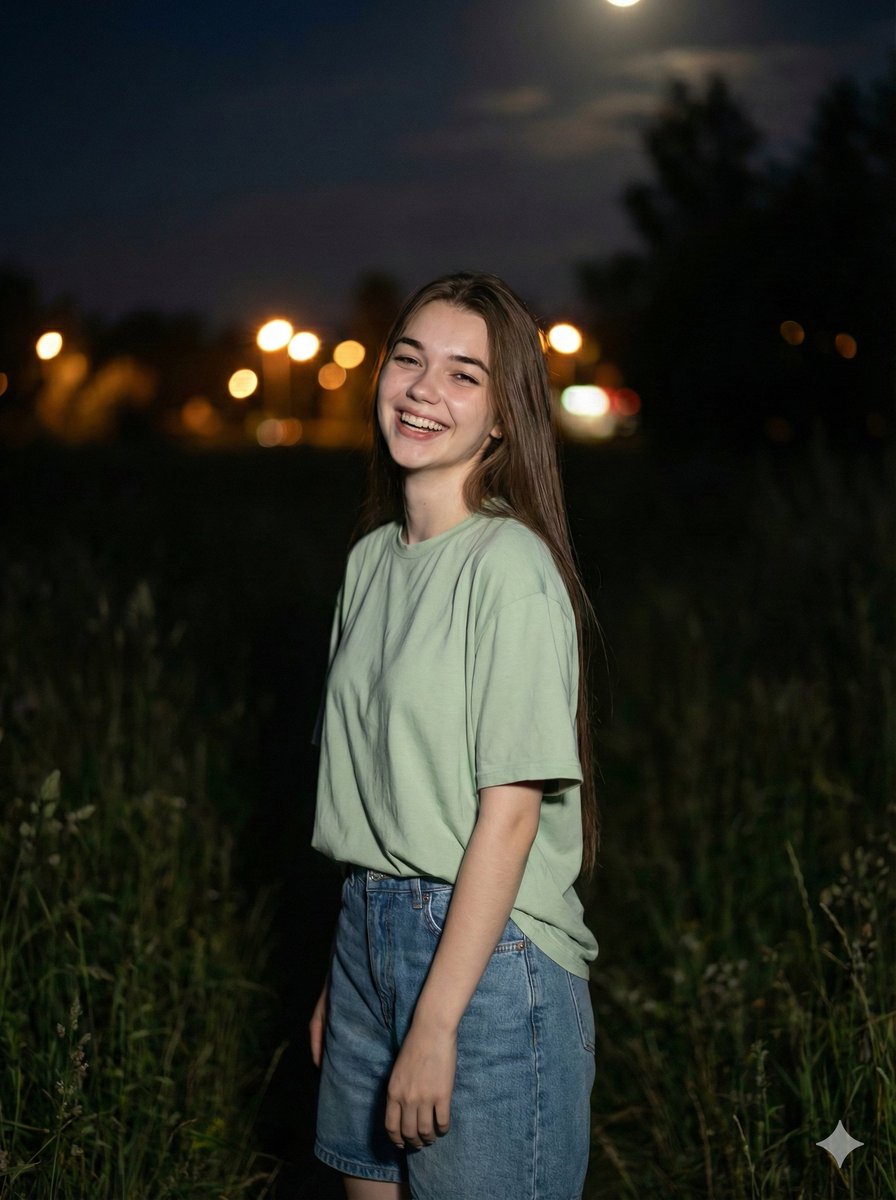
Cinematic Night Portrait Prompt
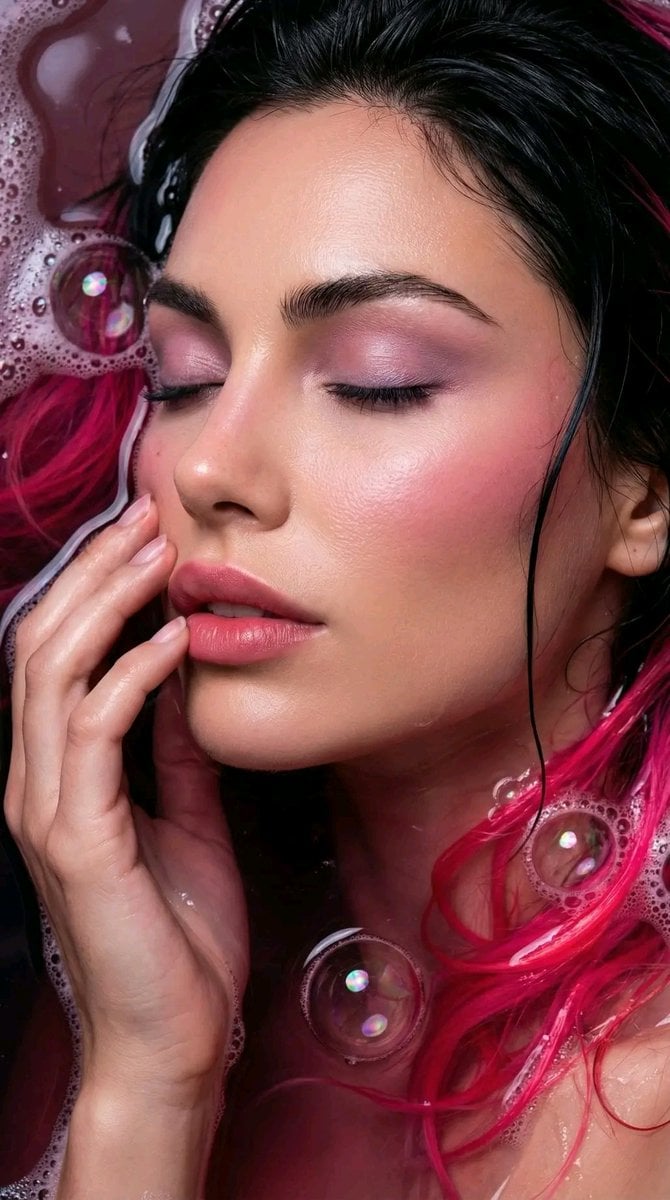
Ethereal Bloom Immersion Macro Portrait Prompt
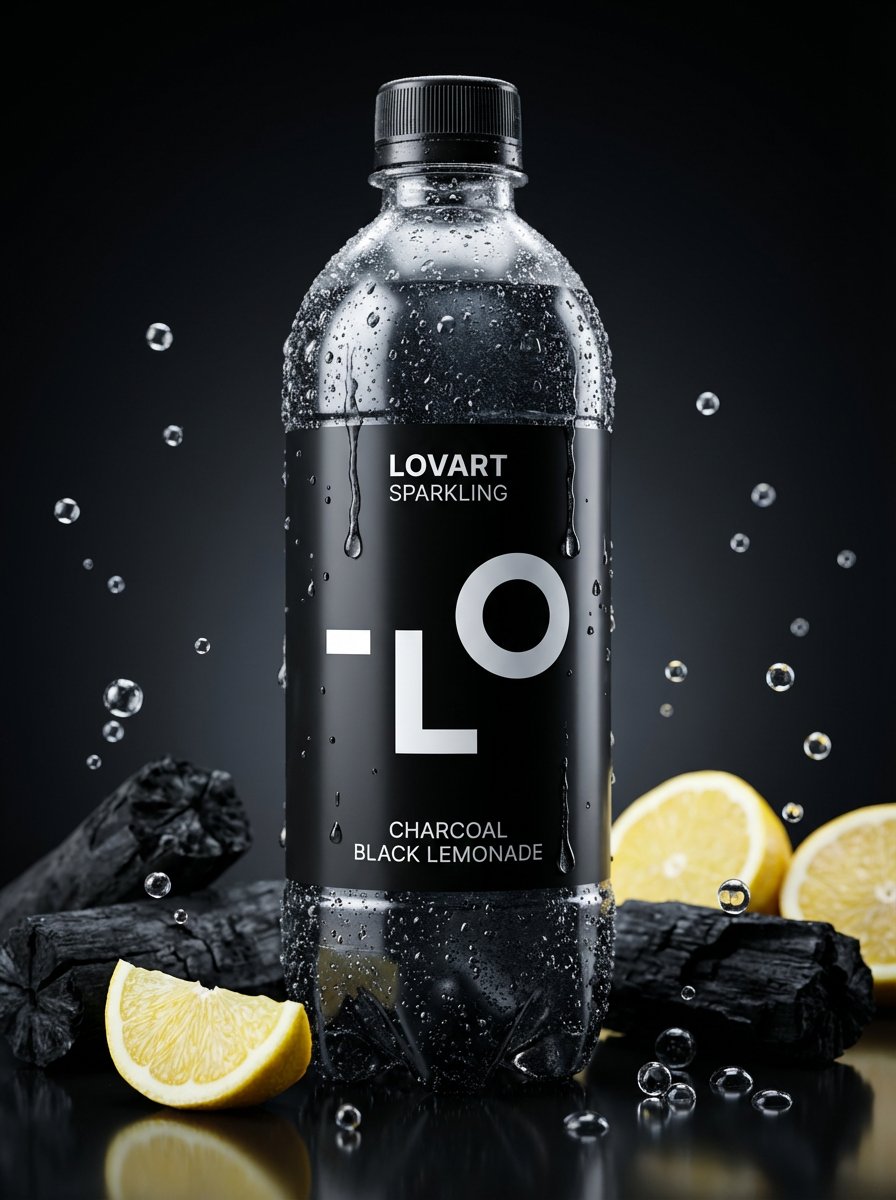
Image-to-Beverage Mockup Conversion
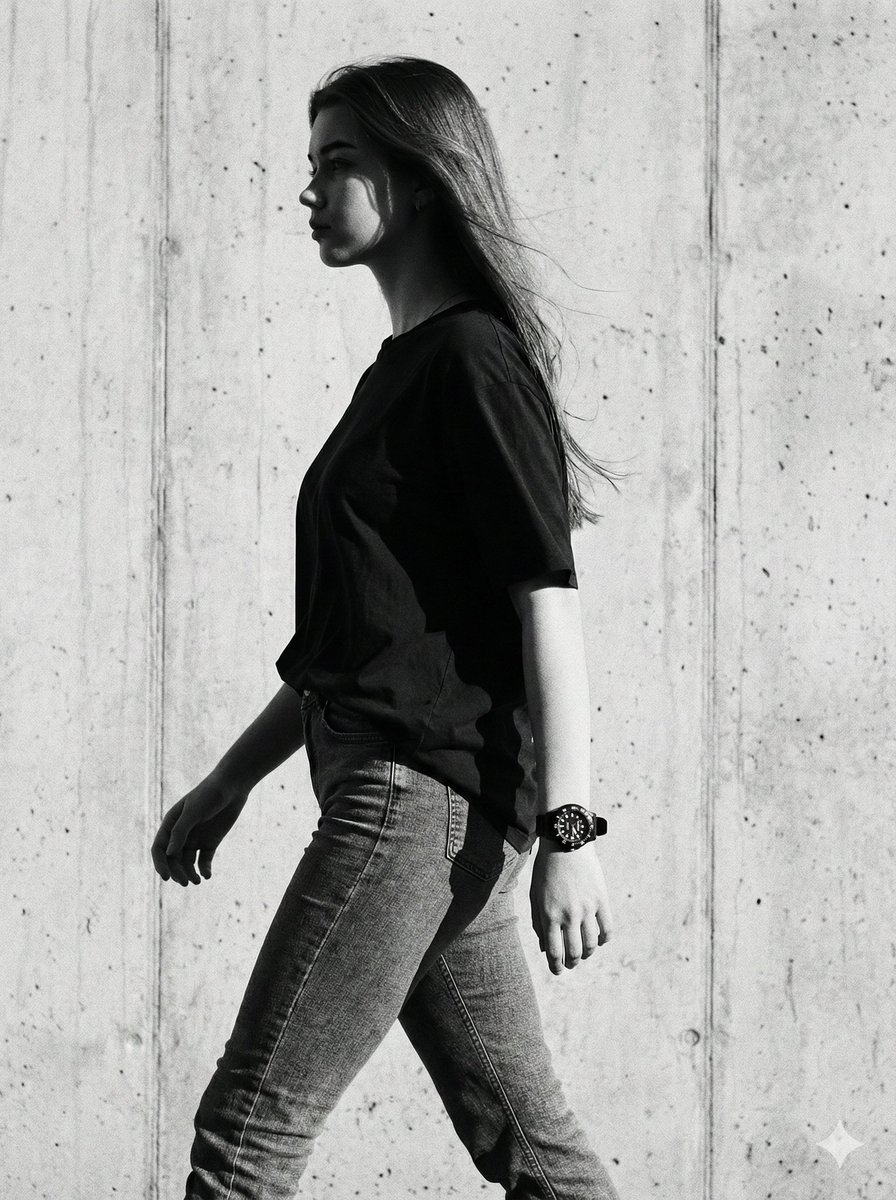
Cinematic Black-and-White High-Fashion Portrait
Browse template categories
Vibrant Trendy Anime Illustration Transform questions
How do I use the Vibrant Trendy Anime Illustration Transform template?
Add your photo if the template asks for one, edit the prompt if you like — the template's model and format are already selected — and press Generate. Your version opens in PicX Studio.
Can I customize the Vibrant Trendy Anime Illustration Transform template?
Yes. You can change the subject, setting, lighting, mood, format, and available model controls before creating your image.
Is the Vibrant Trendy Anime Illustration Transform template free?
Opening and editing this template is free. Generating uses credits, shown on the Generate button when you are signed in.
Which AI model should I use?
Start with GPT Image 2, which is the model associated with this template. You can compare another compatible model for a different finish.
Looking for something else? Browse all templates.

Your photo, any look
Thousands of ready templates for every top image and video model, from one credit balance.