
Ethereal Bloom Immersion Macro Portrait Prompt
An extremely detailed, multi-section prompt for Gemini Nano Banana 3.0 Pro, designed to create an ultra-realistic, editorial, macro portrait of a woman's face partially submerged in rose-tinted liquid, framed by…
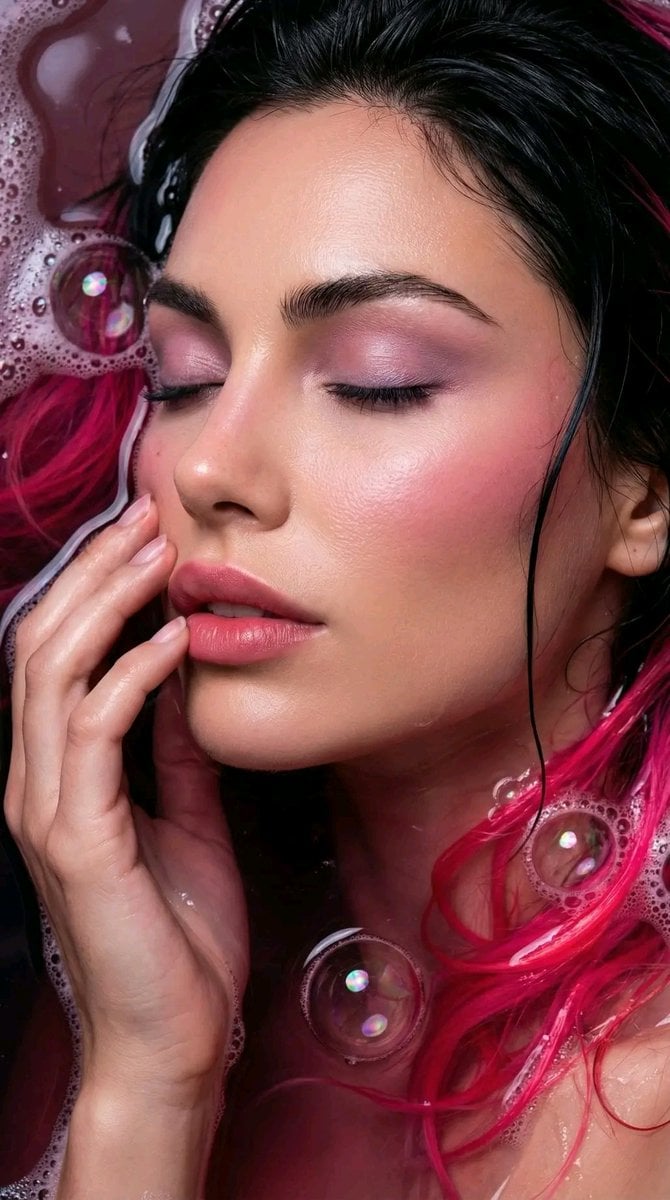
- Prompt included
- Model and format preset
- Free template
The prompt behind this image
Copy the exact prompt behind Ethereal Bloom Immersion Macro Portrait Prompt, or open it in the studio and make it yours.
Ultra realistic 8K extreme close up face portrait of a young woman with full facial alignment and identity preservation. Vertical 9:16 framing. No clothing is visible. Focus tightly on closed eyes, nose, and lips. Face slightly angled to the left side of the frame. Her face is partially submerged in a dark, rich rose-tinted liquid, nearly black beneath the surface, creating cinematic underwater shadowing. Wet black hair flows around the face with vivid neon pink tips reflecting softly in the water. Two hands gently touch each other near the side of her lips, interacting naturally with hair and skin in a neutral editorial manner. Surrounding the face, iridescent bubbles are artfully arranged to frame the face, creating layered depth and compositional interest. A small number of soft soap suds appear around select bubbles for texture. Hair strands float naturally, interacting with bubbles and light. Mood and Concept: Cinematic, immersive, and ethereal. Emphasis on editorial composition, layered textures, lighting, and color contrast. Extreme close-up highlights facial structure, bubble framing, and hair movement, with subtle leftward tilt of the face adding dynamic editorial composition. Makeup and Nails: Dewy porcelain skin with blush matching neon pink hair tips, applied on cheeks and temples for cohesive color harmony. Eyeshadow in soft pink-violet matching the hair tips, blended smoothly over closed eyelids. Gradient MLBB lips in a subtle rose tone. Fingernails in barely there tint with wet reflective quality. Hair: Wet black hair floating around the face with neon pink ends vividly visible and reflecting in the water. Strands interact naturally with bubbles and hands. Accessories: None. Only water, bubbles, soap suds, hair, and hands appear in frame. Photography Specs: Sony A1 with 90 mm macro lens Aperture f2.0 Shutter speed 1/200 s ISO 160 Vertical 9:16 extreme macro with controlled low key lighting and rich color saturation emphasizing underwater depth. Detail and Finish: High tactile realism in skin, hair, hands, and bubble membranes. Iridescent thin-film reflections on bubbles and soft soap suds create layered texture. Dark liquid base maintains cinematic shadow depth beneath hair. Neon pink hair tips and matching blush and eyeshadow reflect subtly in water. Wet surfaces preserve natural sheen. Bubbles are arranged to artistically frame the face, enhancing composition and focus. Hands touching near the side of the lips provide compositional balance. Final image reads as a refined, cinematic, editorial high-fashion beauty portrait with closed-eye serenity, subtle leftward angle, and cohesive pink color story.
How to use Ethereal Bloom Immersion Macro Portrait Prompt in 3 steps
- 1
Open
The prompt is already in the box next to the preview, with the template's model and format selected.
- 2…a portrait of your subject in softgolden-hour light, 85mm…
Personalize
Edit the subject and creative details for your destination.
- 3Generate
Generate
Press Generate — your image is created in PicX Studio, so you can compare it with the original and refine one variable at a time.
More like this
Templates with the same subject, style or setup. Open one to see its prompt.

Found Photograph: Us, 1970

80s Couple Studio Portrait

80s Bollywood Star

80s Golden Hour Cinema

Me in 1985

1985 Studio Portrait

Hyper-Realistic Minecraft POV Portrait

Ethereal Bloom Magazine Cover

Rooftop Fisheye — Cat-Ear Balaclava at Golden Hour

Rainy Café Window Moody Portrait

untitled

2025 Aesthetic Photography
Make it yours
Ethereal Bloom Immersion Macro Portrait Prompt works as-is. These are the safest ways to change it without losing the look.
Change one field
Copy a single group, rewrite it, and generate again so you can see what that field is doing.
Keep the frame, change the subject
Hold the composition and light of Ethereal Bloom Immersion Macro Portrait Prompt, then swap wardrobe, props or the person for a new take.
| If the result… | Why | Fix |
|---|---|---|
| The result drifts from the preview | Too many fields changed at once. | Reuse Ethereal Bloom Immersion Macro Portrait Prompt as-is first, then change one group — subject, light, or setting. |
| The model over-stylizes the scene | The prose prompt leaves finish and camera underspecified. | Add one camera or lighting sentence and stay on Nano Banana 2. |
More Nano Banana 2 templates
Other prompts made for Nano Banana 2.

Photorealistic Leaf Shaped Like a Dragon

K-Pop Idol Portrait Grid for Rapid Selection

Poetic Rain Forest Portrait During Golden Hour

Urban Street Portrait with Cartoon Inner Self Duo

Candid Nighttime Photo with Cat Prompt

High-Concept 3D Diorama Generation Prompt

Cinematic Futuristic Studio Portrait Template

Skincare Editorial Photography Collage Prompt

Hyper-Realistic Commercial Product Photography (Splash Effect)

Hyper-Realistic Nightclub Portrait Prompt
More image prompts
Fresh picks from across the catalog.
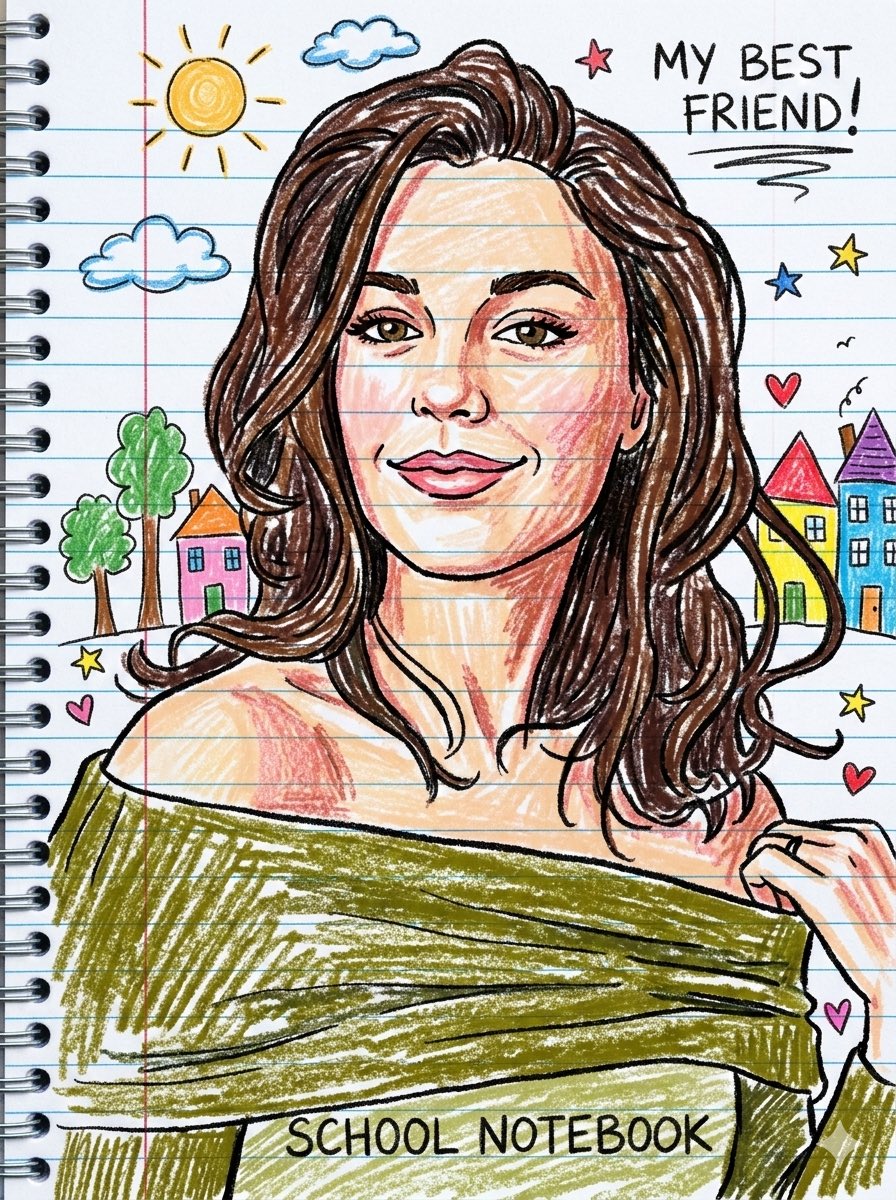
Playful Crayon Drawing Notebook Style Prompt
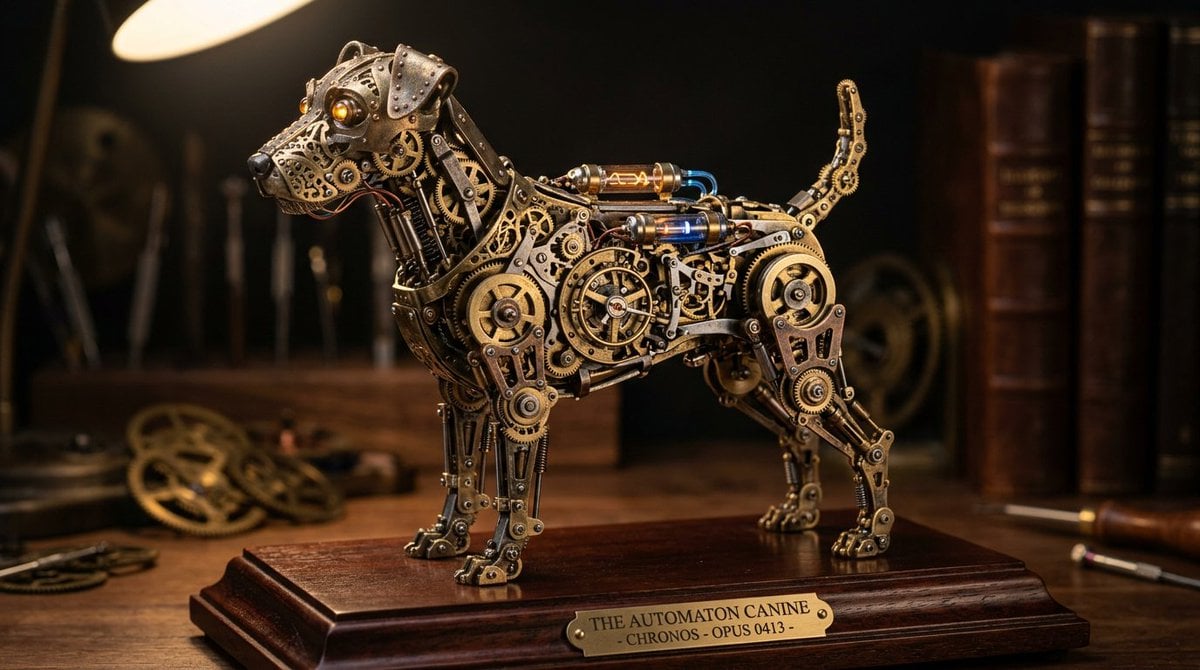
Steampunk Miniature Clockwork Machine
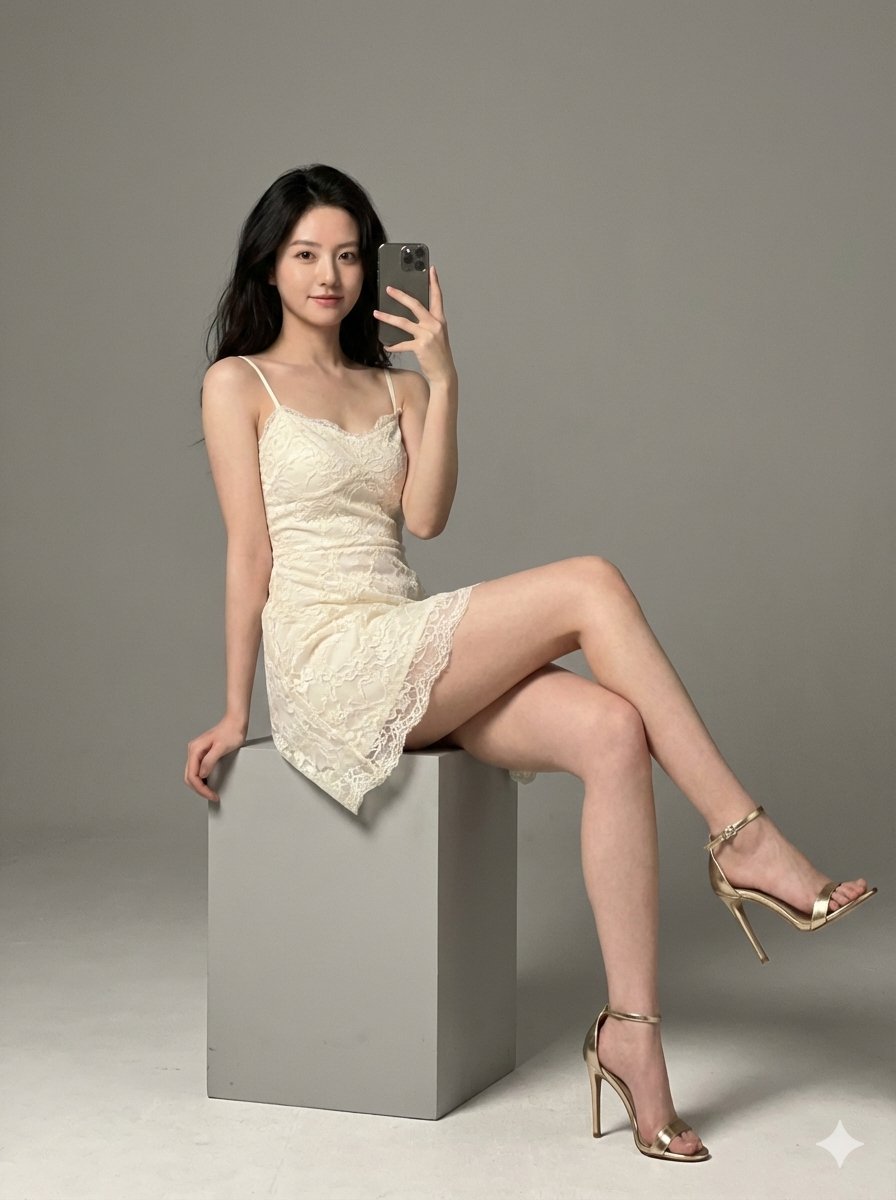
Hyper-Realistic High-Fashion Portrait in Ivory Lace Minidress
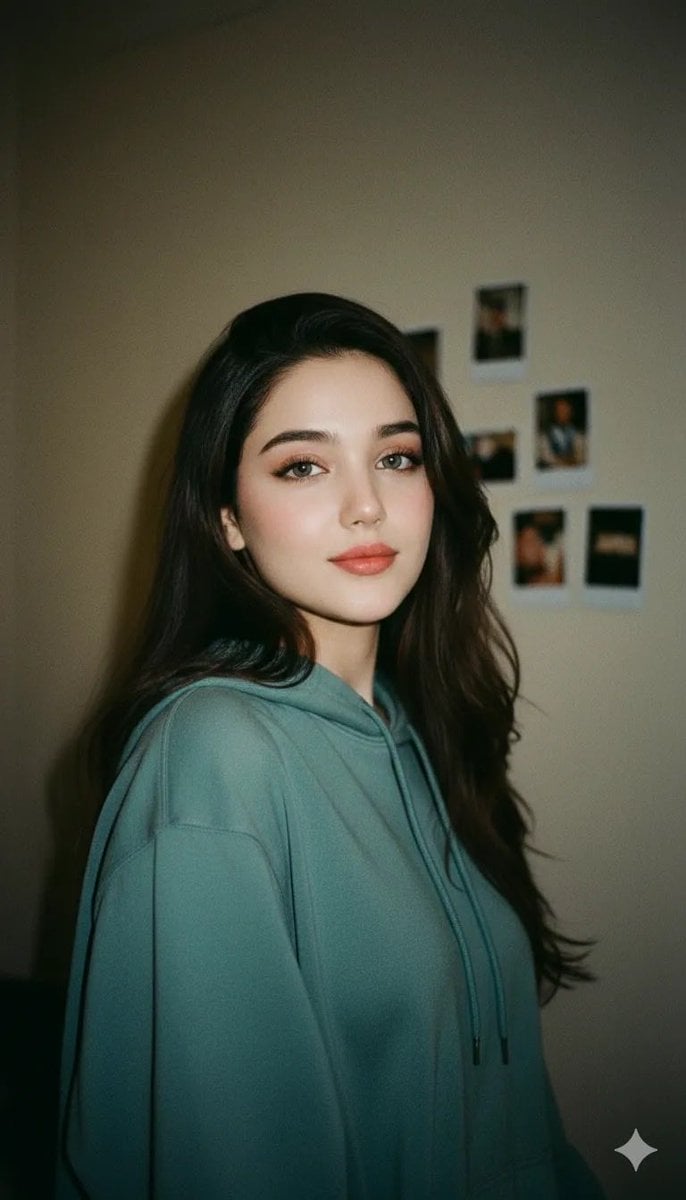
Cinematic Indoor Portrait of a Woman in a Teal Hoodie (Two Variations)
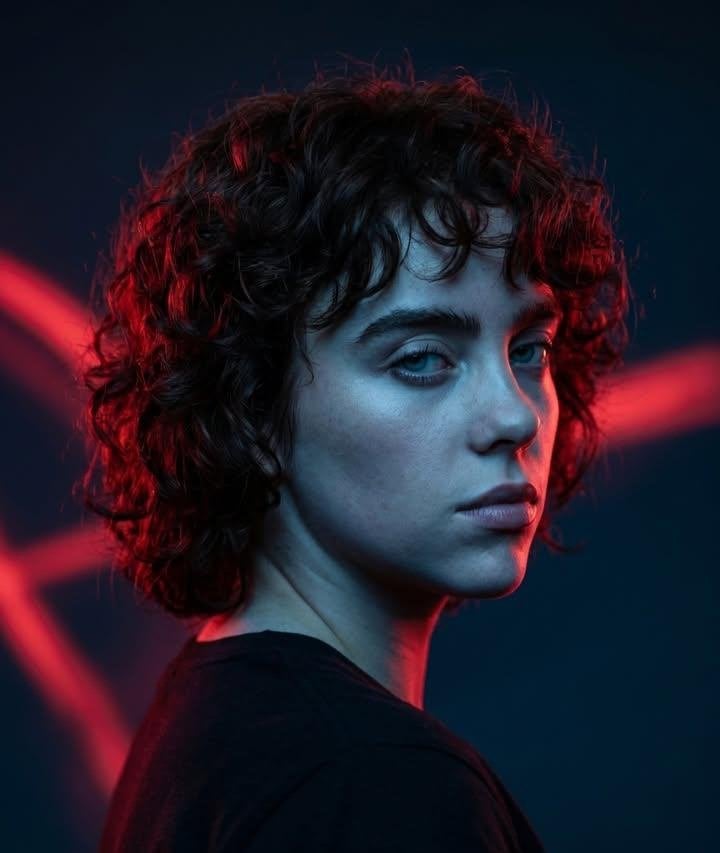
Red Rim Lighting Cinematic Portrait
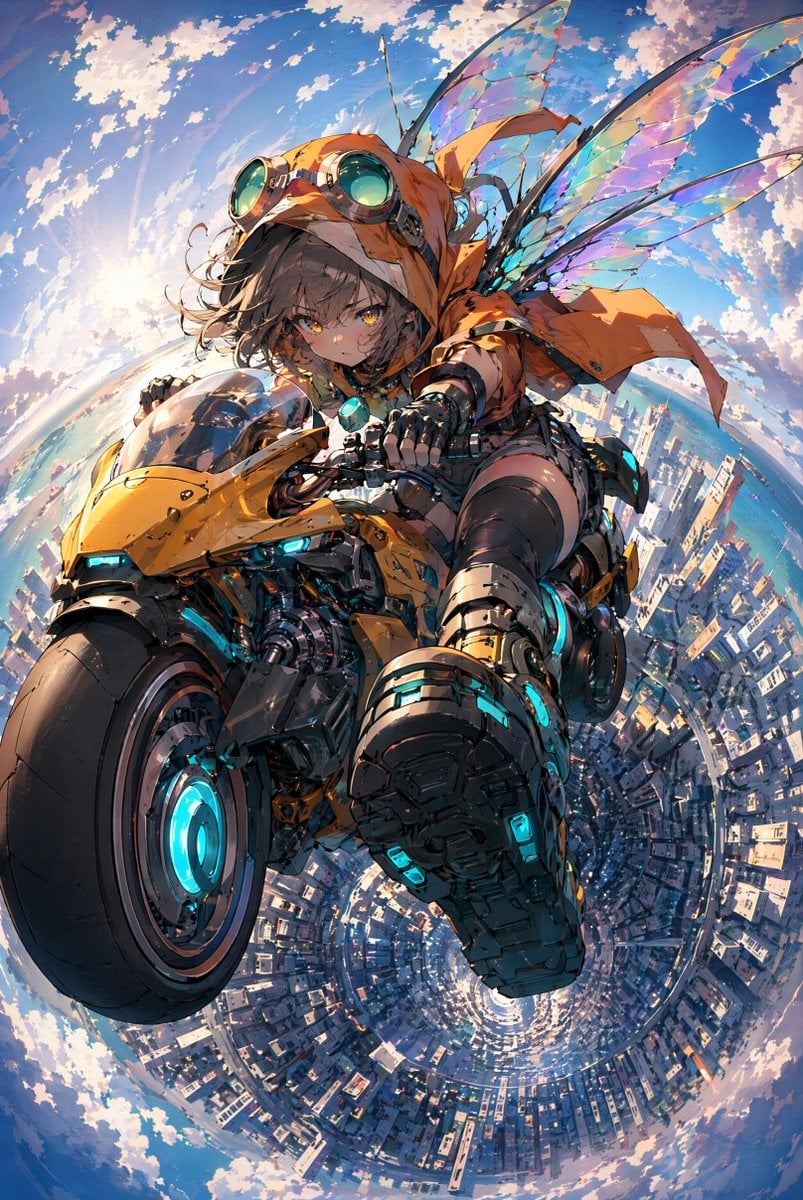
Fairy Biker Above Tiny-Planet City
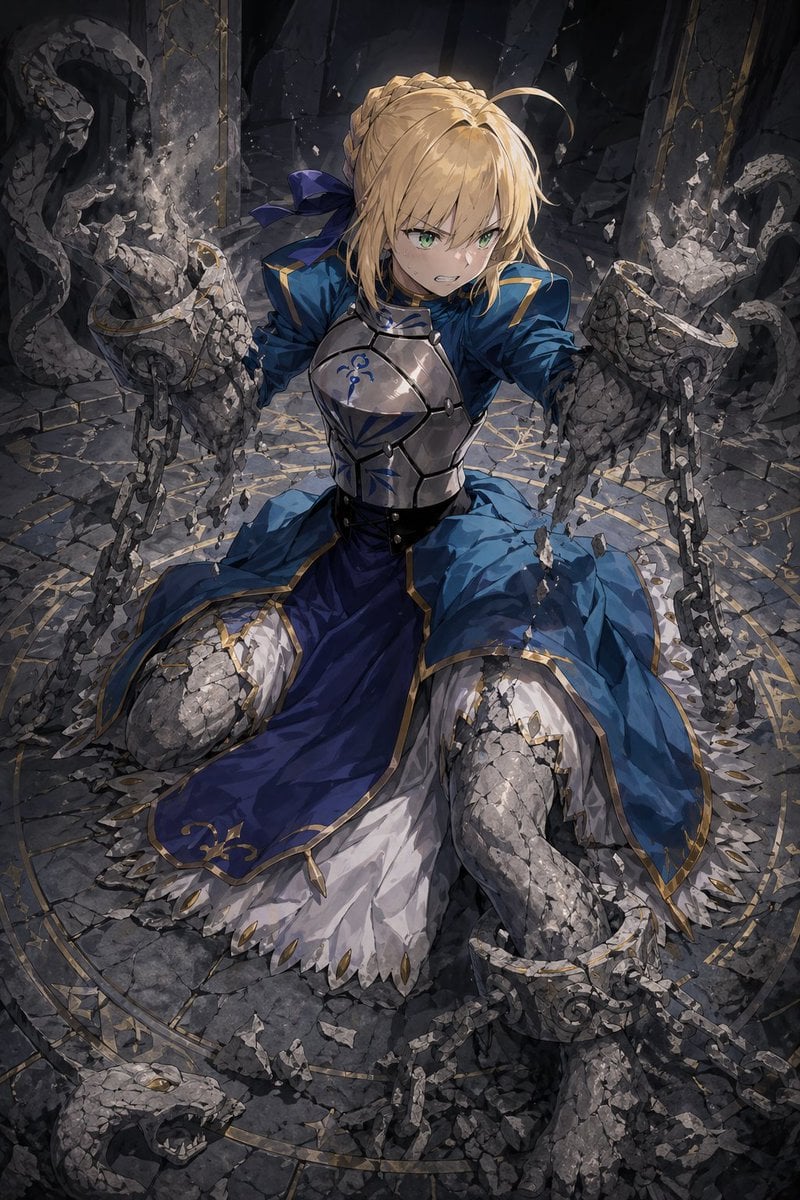
Partial Petrification Knight Card Art
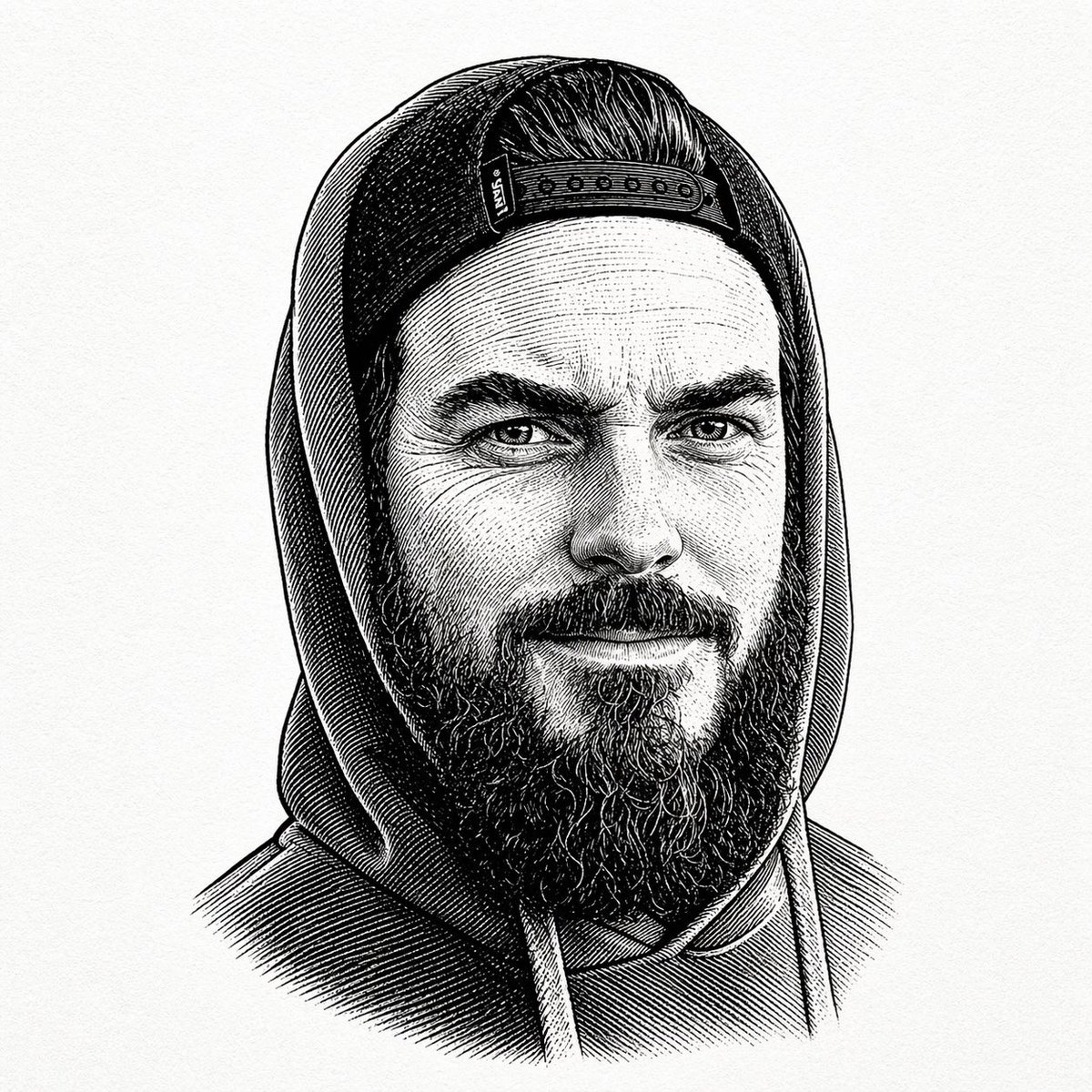
Vintage Engraved Hoodie Portrait
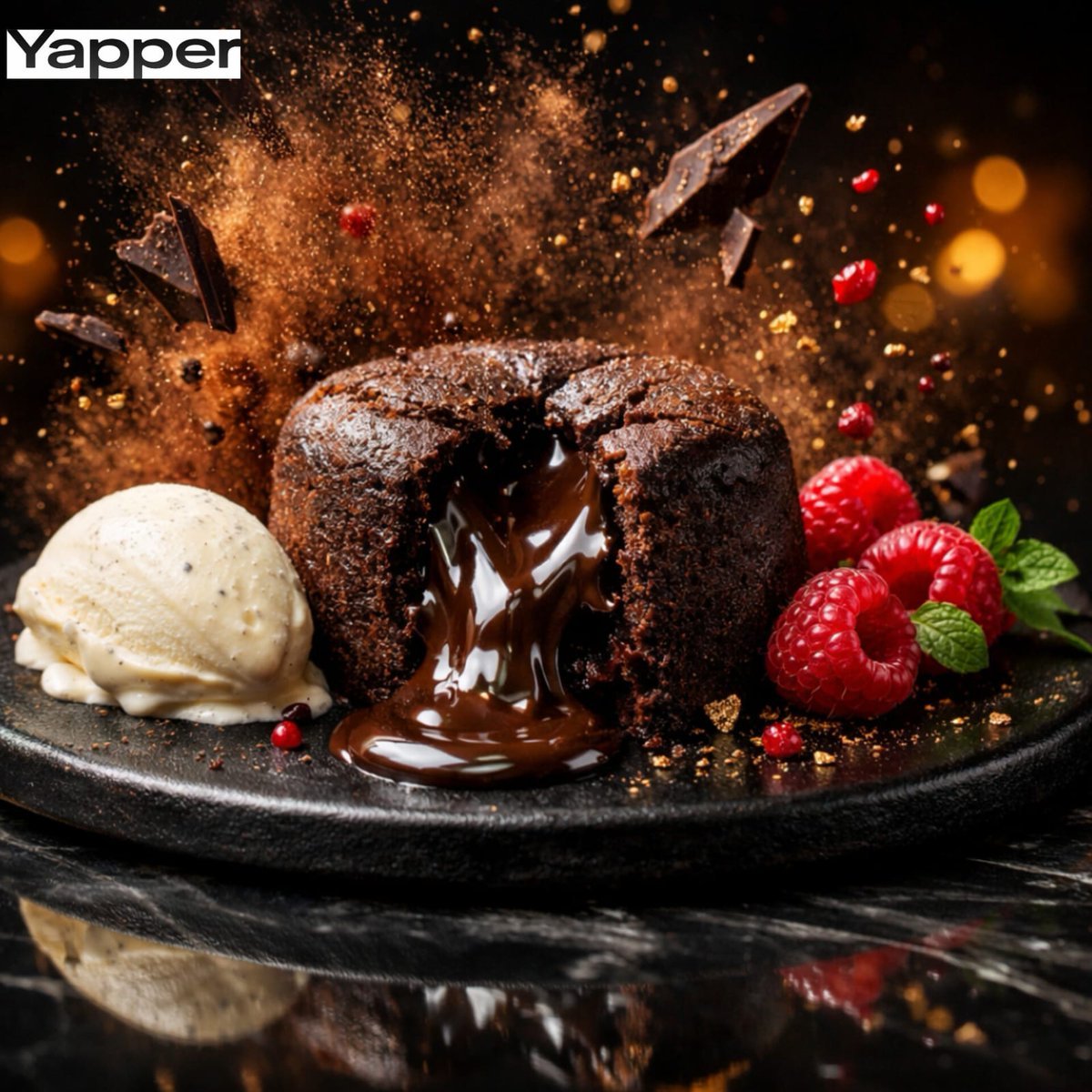
High-Speed Cinematic Luxury Dessert Photography Prompt (Molten Chocolate Lava Cake)
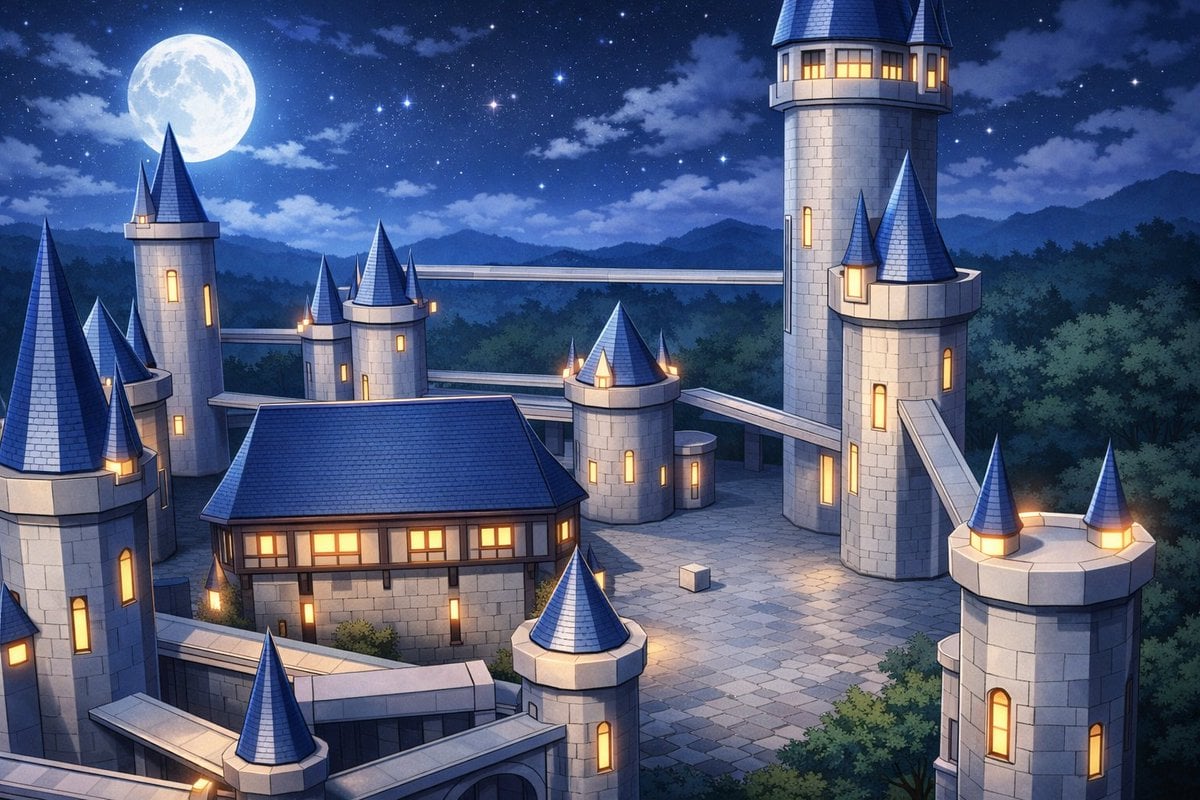
Anime Fantasy Castle at Night
Browse template categories
Ethereal Bloom Immersion Macro Portrait Prompt questions
How do I use the Ethereal Bloom Immersion Macro Portrait Prompt template?
Add your photo if the template asks for one, edit the prompt if you like — the template's model and format are already selected — and press Generate. Your version opens in PicX Studio.
Can I customize the Ethereal Bloom Immersion Macro Portrait Prompt template?
Yes. You can change the subject, setting, lighting, mood, format, and available model controls before creating your image.
Is the Ethereal Bloom Immersion Macro Portrait Prompt template free?
Opening and editing this template is free. Generating uses credits, shown on the Generate button when you are signed in.
Which AI model should I use?
Start with Nano Banana 2, which is the model associated with this template. You can compare another compatible model for a different finish.
Looking for something else? Browse all templates.

Your photo, any look
Thousands of ready templates for every top image and video model, from one credit balance.