
Fairy Biker Above Tiny-Planet City
A dynamic anime illustration prompt for creating a fairy-winged girl on a futuristic yellow hoverbike flying over a fisheye cityscape.
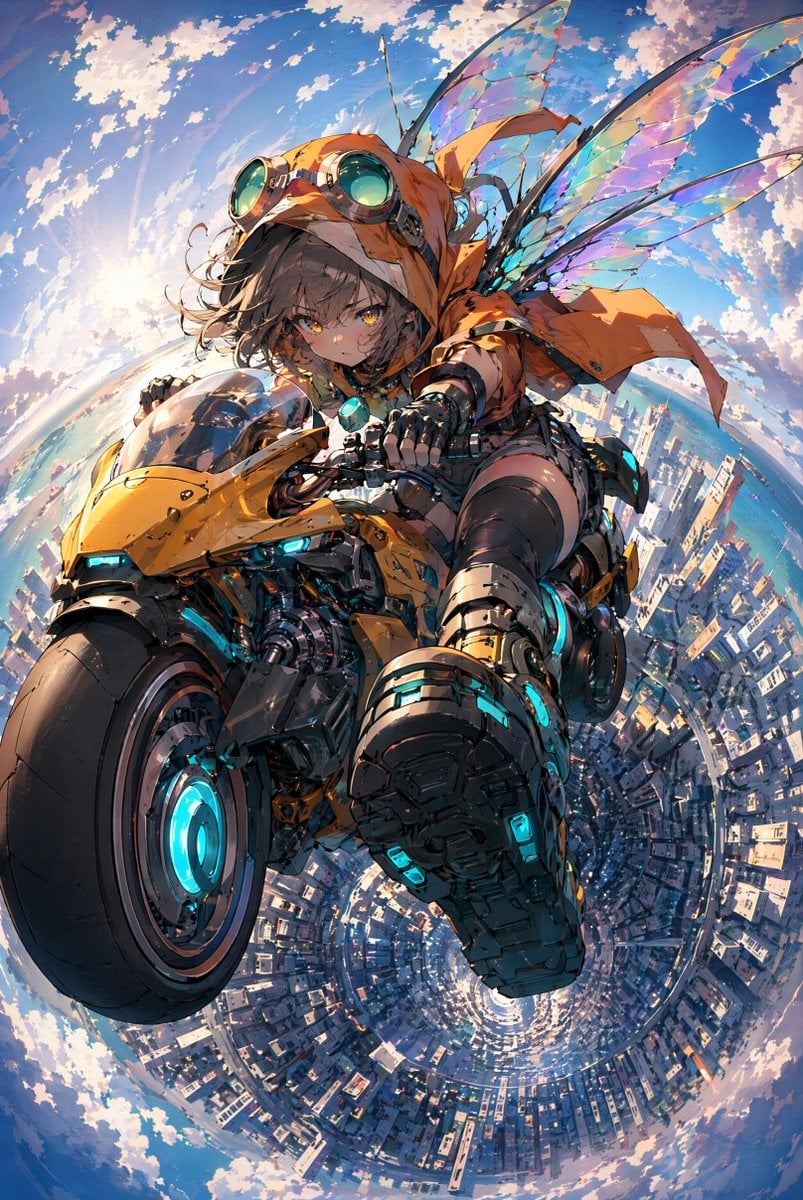
- Prompt included
- Model and format preset
- Free template
The prompt behind this image
Copy the exact prompt behind Fairy Biker Above Tiny-Planet City, or open it in the studio and make it yours.
Create a highly detailed vertical anime key visual of {argument name="character name" default="a petite fairy-like biker girl"} riding a futuristic yellow hoverbike through the sky above a city. Use an extreme dynamic low-angle perspective with fisheye / tiny-planet distortion: the motorcycle and rider rush toward the viewer, the front wheel huge in the lower left foreground, the rider’s heavy boot thrust toward the camera in the lower center, and the city below curves into a circular vortex-like panorama. The character is a young anime girl with short tousled dark brown hair, golden eyes, a focused determined expression, and light freckles. She wears an oversized orange hooded jacket with long fluttering fabric strips, large brass-and-teal aviator goggles on her hood, black gloves, dark shorts, thigh-high stockings, and bulky mechanical boots with cyan glowing accents. Give her translucent iridescent insect/fairy wings, exactly two large wing pairs visible behind her, shimmering with rainbow colors and thin dark veins. The hoverbike is a compact cyberpunk sport motorcycle in glossy yellow-orange armor with exposed black mechanical parts, a clear tinted windscreen, cyan glowing headlights, cyan energy rings in the wheels, and small turquoise light details throughout. The background is a bright blue sky filled with scattered white clouds, warm sunlight from the left, and a dense modern coastal city far below wrapping around the circular horizon; include hints of ocean near the horizon. Visual style: crisp polished Japanese anime illustration, sharp linework, rich mechanical detail, cinematic lighting, high saturation, sparkling highlights, motion energy, no blur on the main character, ultra-clean rendering suitable for GPT image generation. Constraints: no text, no logo, no watermark, keep the character and bike sharply defined, emphasize clarity and beautiful detail for the rider and motorcycle.
How to use Fairy Biker Above Tiny-Planet City in 3 steps
- 1Upload ImagePNG, JPG or paste
Add your photo
Upload the photo the template builds on. The prompt, model and format are already set.
- 2…a portrait of your subject in softgolden-hour light, 85mm…
Personalize
Edit the subject and creative details for your destination.
- 3Generate
Generate
Press Generate — your image is created in PicX Studio, so you can compare it with the original and refine one variable at a time.
More like this
Templates with the same subject, style or setup. Open one to see its prompt.
City Spherical Panorama Tiny Planet
Tiny Planet Rooftop Portrait
Toronto Tiny Planet Travel Poster

Cozy Knit Sweater Window Portrait

Minimalist Hand-Drawn Doodle Portrait
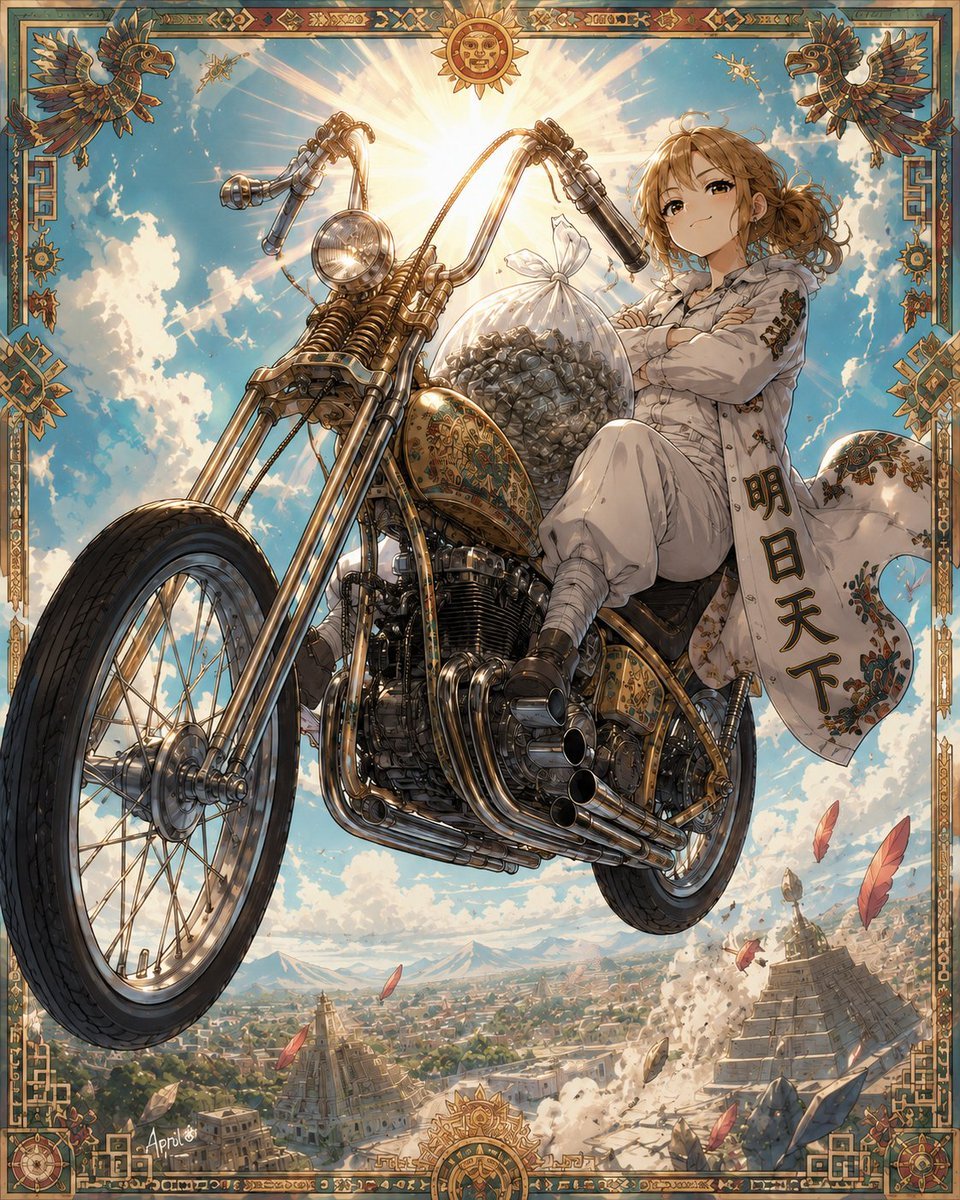
Skyborne Anime Biker in Ancient City
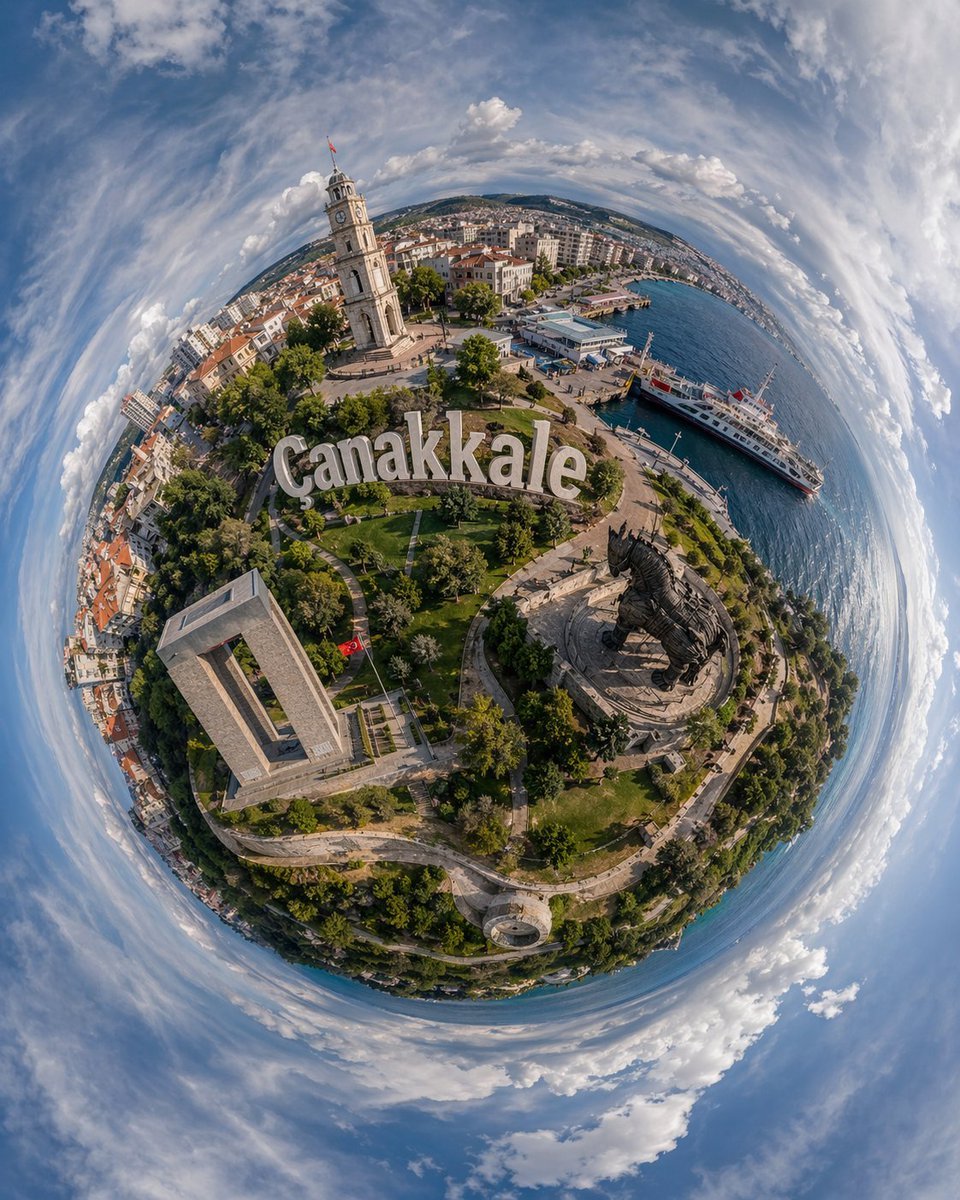
Tiny Planet Aerial of Canakkale
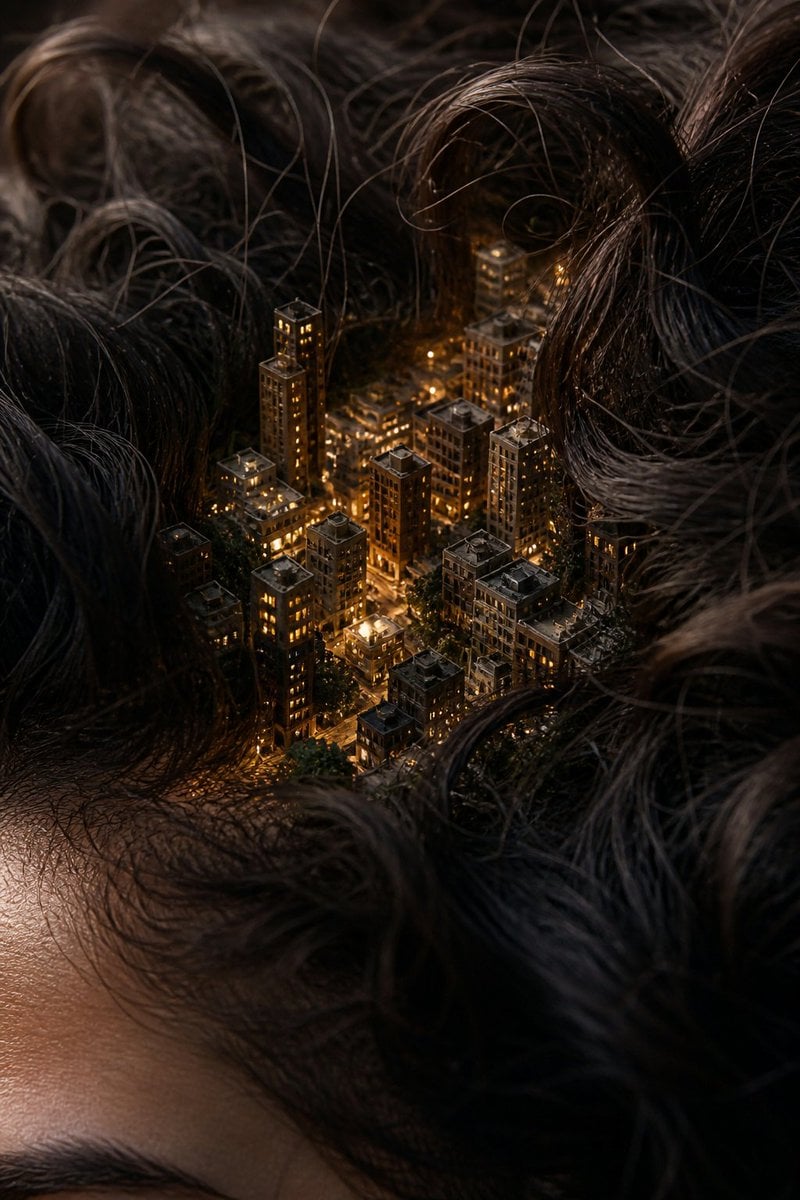
Miniature City Tiny Worlds
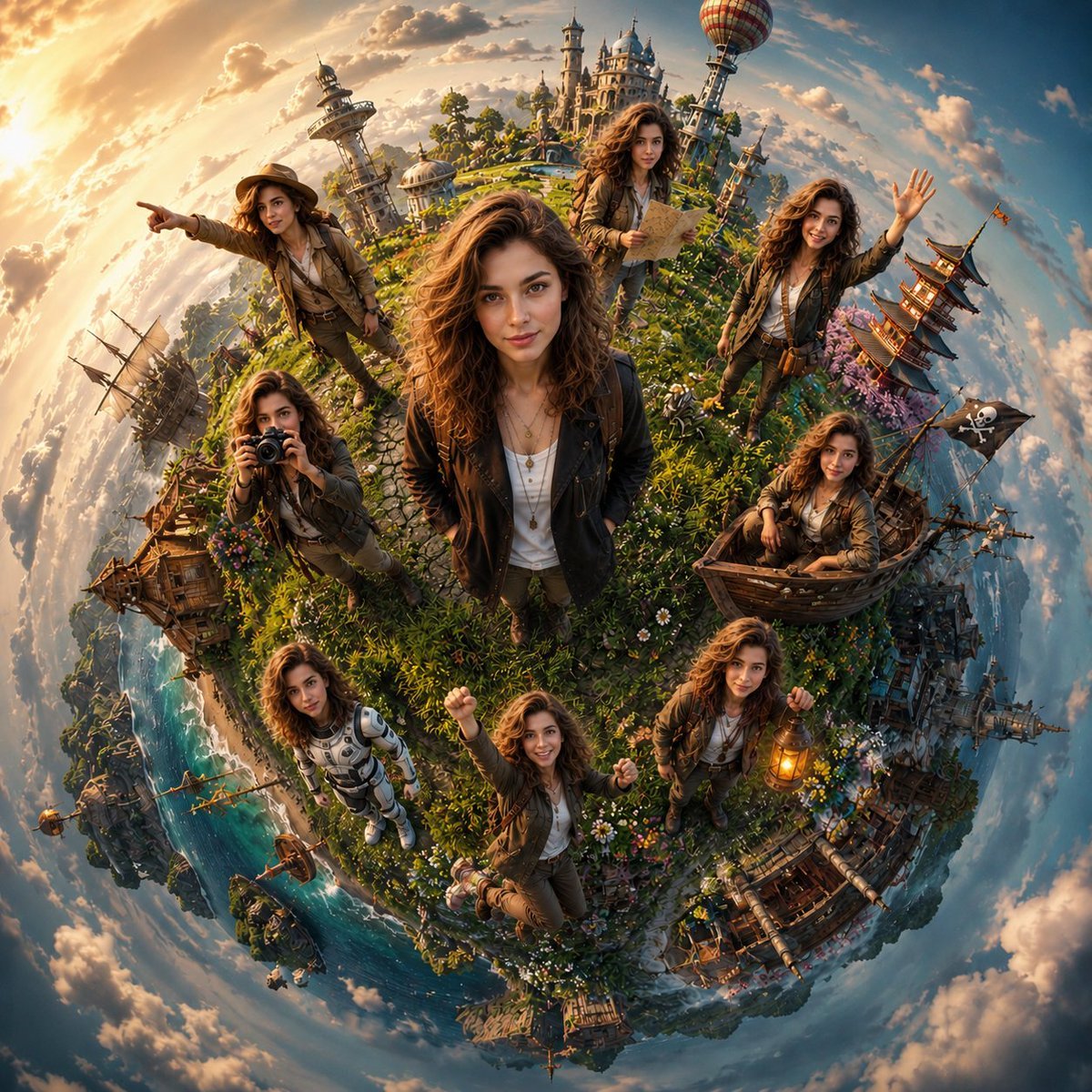
Cinematic Tiny Planet Fantasy World
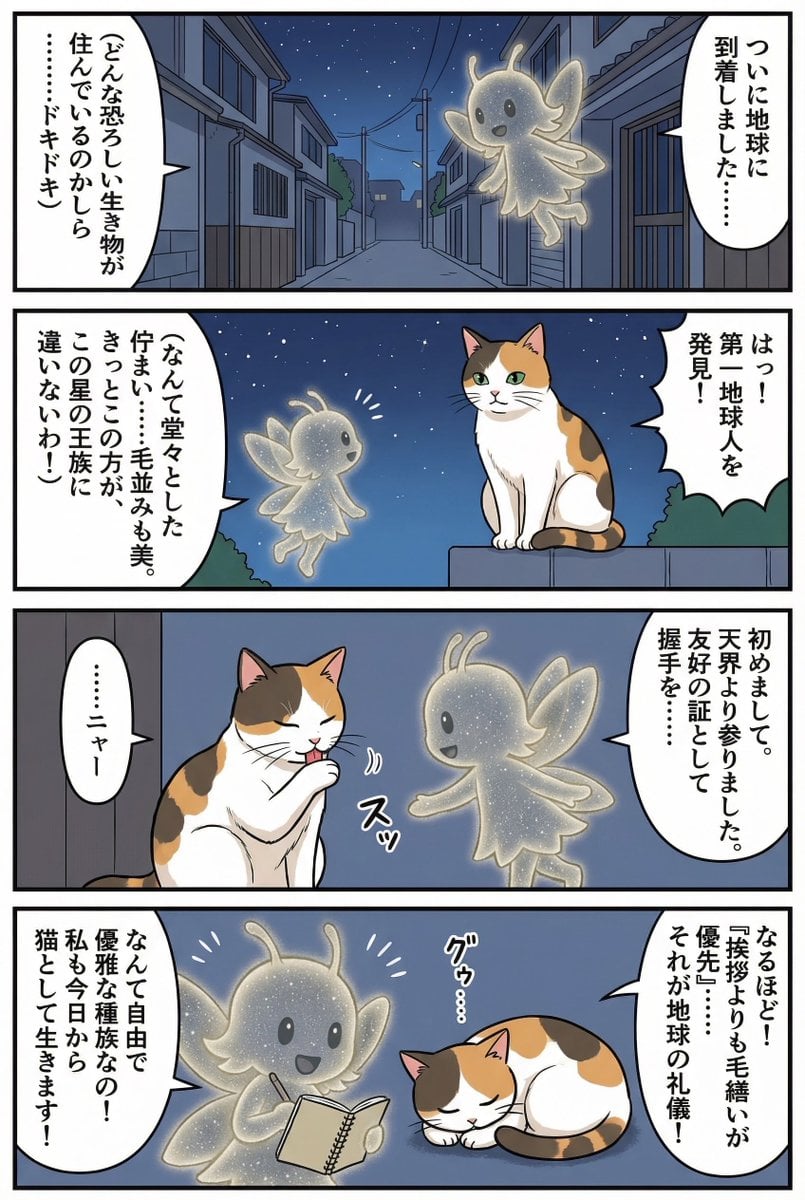
Four-panel manga of a fairy who thinks Earth is a cat planet
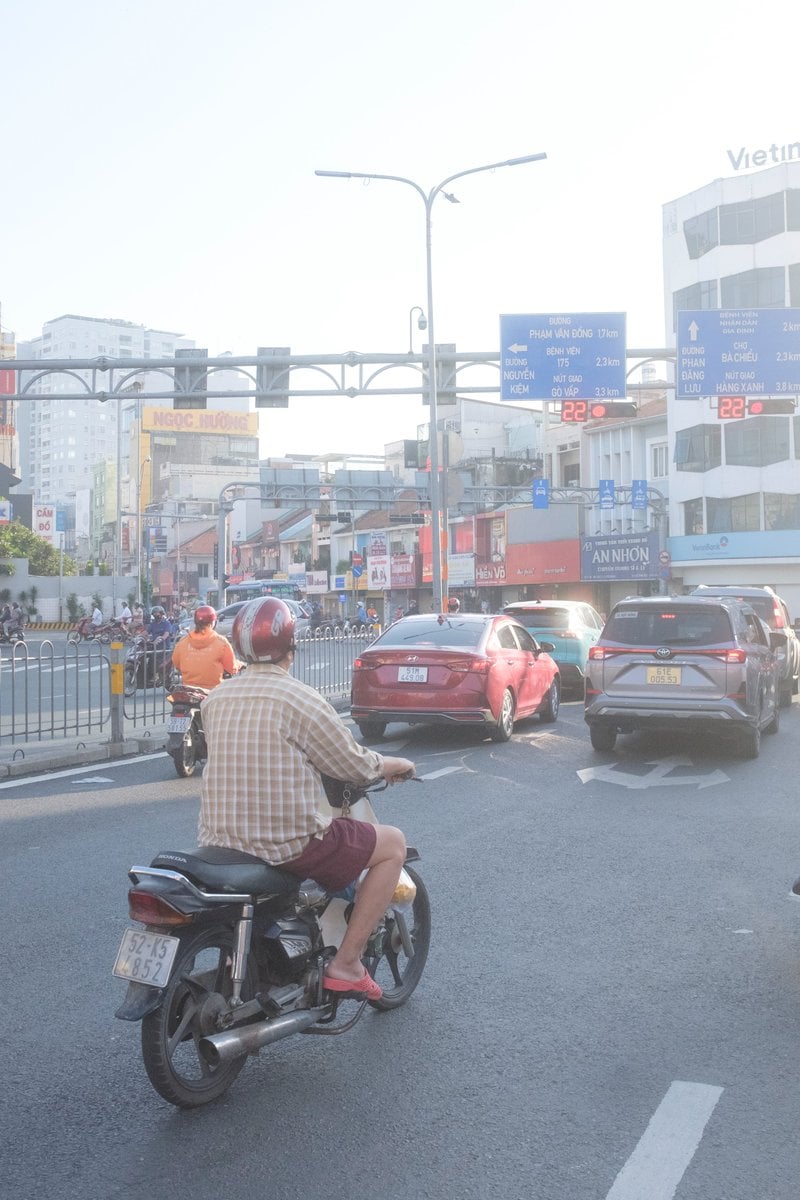
Edit city photo into rainy scene with Vietnamese bikers
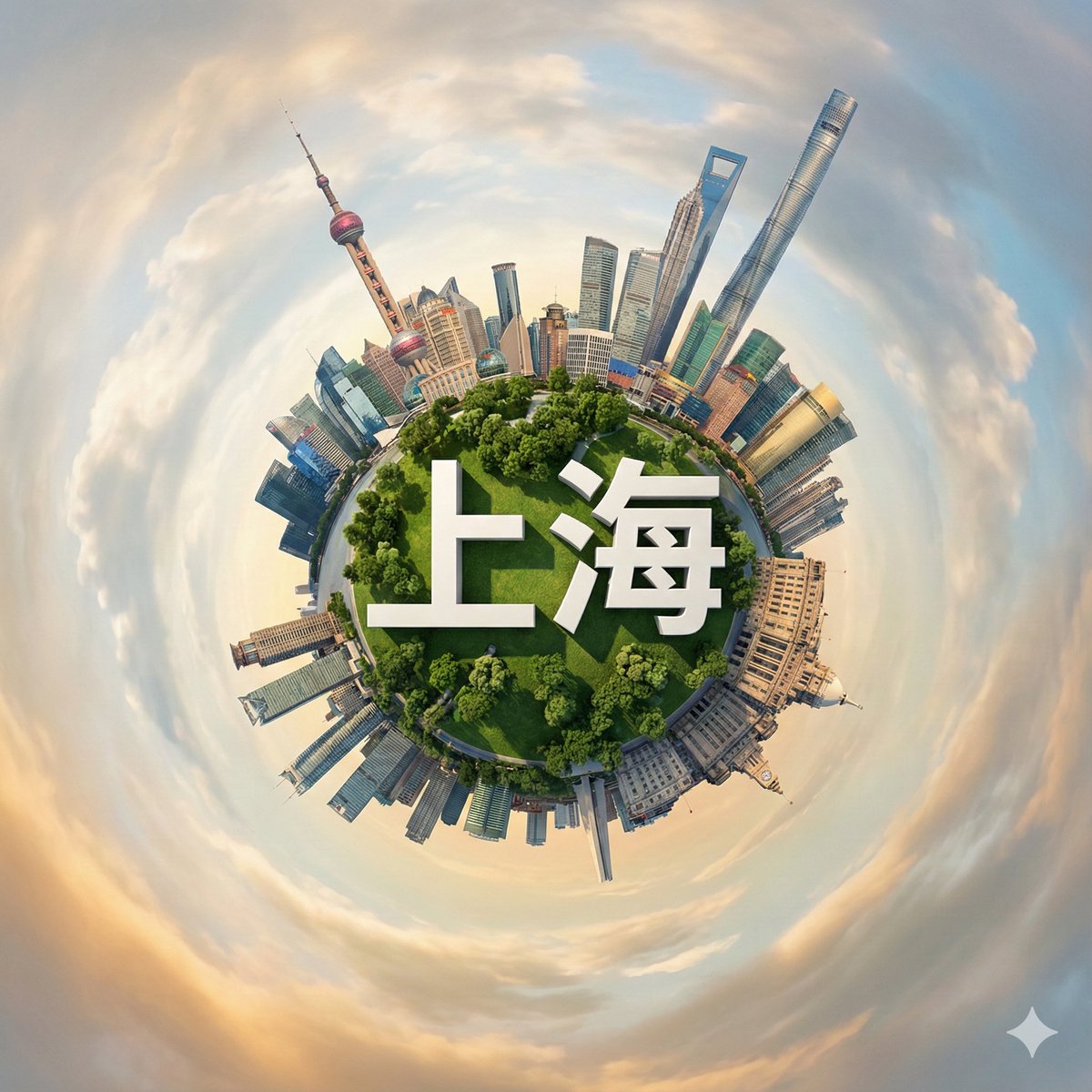
Hyperrealistic Miniature Planet Cityscape
Make it yours
Fairy Biker Above Tiny-Planet City works as-is. These are the safest ways to change it without losing the look.
Change one field
Copy a single group, rewrite it, and generate again so you can see what that field is doing.
Keep the frame, change the subject
Hold the composition and light of Fairy Biker Above Tiny-Planet City, then swap wardrobe, props or the person for a new take.
| If the result… | Why | Fix |
|---|---|---|
| The result drifts from the preview | Too many fields changed at once. | Reuse Fairy Biker Above Tiny-Planet City as-is first, then change one group — subject, light, or setting. |
| The model over-stylizes the scene | The prose prompt leaves finish and camera underspecified. | Add one camera or lighting sentence and stay on GPT Image 2. |
More GPT Image 2 templates
Other prompts made for GPT Image 2.

Six VTuber Japanese Logo Sheet

Realistic Portrait of Woman and Deer

The Vista Modular Condo Poster

AI Model Routing Comparison Infographic

2.5D Anime Art Board

Isometric Productivity Desk Scene

New York Double Exposure Poster

Four-Panel AI Landscape Comparison

Japanese Tatami Lifestyle Magazine Cover

NESCAFÉ Coffee Map Poster
More image prompts
Fresh picks from across the catalog.
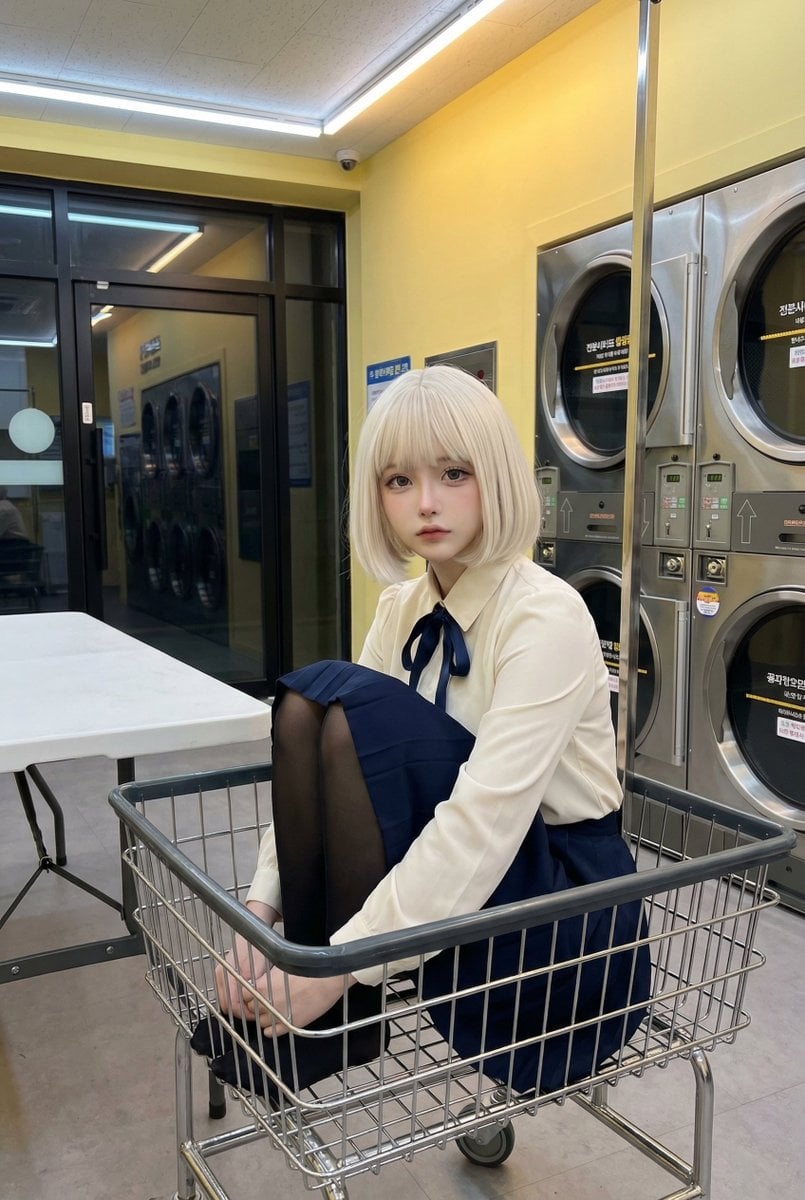
Cosplay Model in Laundry Cart Portrait
2000s Scrapbook Collage Image Prompt
Character Design Expression Style Guide Prompt
2000s OVA Style High School Girl Monster Hunt
Emerald Green Satin Dress Fashion Editorial
Nano Banana Pro Cinematic Night Romcom Ride Prompt
Gen Z Flash Selfie Collage
Humorous Temple Signboard with Goofy Monk
untitled
Hyper-Realistic Street Photography Portrait in Times Square
Browse template categories
Fairy Biker Above Tiny-Planet City questions
How do I use the Fairy Biker Above Tiny-Planet City template?
Add your photo if the template asks for one, edit the prompt if you like — the template's model and format are already selected — and press Generate. Your version opens in PicX Studio.
Can I customize the Fairy Biker Above Tiny-Planet City template?
Yes. You can change the subject, setting, lighting, mood, format, and available model controls before creating your image.
Is the Fairy Biker Above Tiny-Planet City template free?
Opening and editing this template is free. Generating uses credits, shown on the Generate button when you are signed in.
Which AI model should I use?
Start with GPT Image 2, which is the model associated with this template. You can compare another compatible model for a different finish.
Looking for something else? Browse all templates.

Your photo, any look
Thousands of ready templates for every top image and video model, from one credit balance.