
Cosplay Model in Laundry Cart Portrait
A highly detailed JSON prompt for Nano Banana Pro, focusing on generating a realistic portrait of a platinum blonde cosplay model seated inside a metal laundry cart in a bright laundromat, emphasizing the contrast…
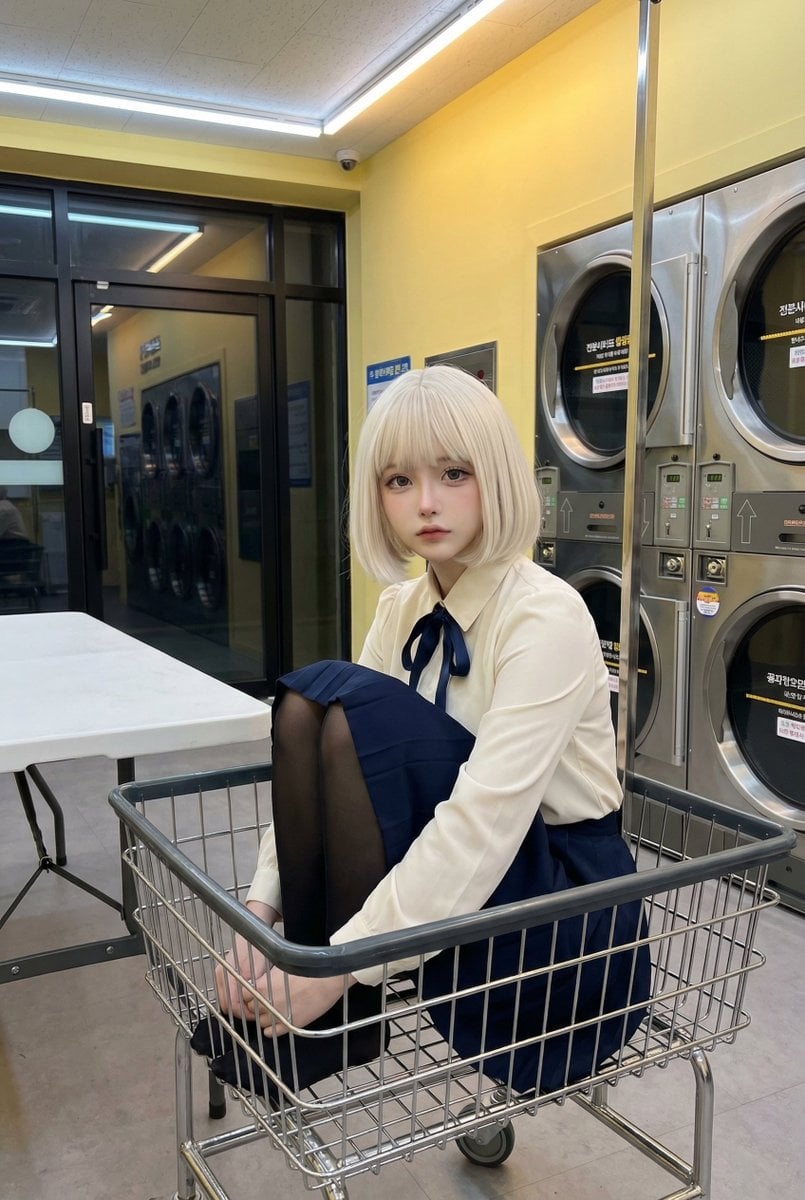
- Prompt included
- Model and format preset
- Free template
The prompt behind this image
Copy the exact prompt behind Cosplay Model in Laundry Cart Portrait, or open it in the studio and make it yours.
{ "subject": { "description": "A young adult cosplay model with a doll-like face and platinum blonde bob sits inside a metal laundry cart in a bright laundromat, combining pristine costume styling with an ordinary everyday setting.", "mirror_rules": [], "age": "young adult, early 20s", "expression": { "eyes": { "look": "soft, direct, slightly distant", "energy": "calm, restrained, quietly magnetic", "direction": "toward the camera" }, "mouth": { "position": "slightly parted, relaxed", "energy": "muted, delicate" }, "overall": "composed, melancholic, gently unreal" }, "face": { "preserve_original": "preserve the same delicate proportions, large eyes, small jawline, narrow nose bridge, and refined cosplay facial balance", "makeup": "soft realistic cosplay makeup, enlarged iris effect, subtle eyeliner, pale matte base, faint blush, softly defined nose and lips" } }, "hair": { "color": "light platinum blonde", "style": "straight chin-length bob with full blunt bangs and one loose ahoge strand", "effect": "sleek strands, softly separated ends, light reflective shine" }, "body": { "frame": "slim, petite-to-average frame", "waist": "narrow and defined", "chest": "subtle", "legs": "long, together, extended downward, fully covered in black tights", "skin": { "visible_areas": "face and neck", "tone": "cool fair tone", "texture": "smooth, velvet-cool, lightly powder-soft", "lighting_effect": "overhead fluorescent light softened by warm yellow wall bounce and mild metal reflections" } }, "pose": { "position": "seated inside a metal wire laundry cart", "base": "hips settled deep in the basket, shoulders relaxed, hands tucked behind the body for support", "overall": "head slightly tilted, knees together, lower legs vertical, still and composed" }, "clothing": { "top": { "type": "long-sleeve blouse", "color": "ivory white with a navy ribbon", "details": "structured collar, puffed sleeves, button front, satin-like navy bow tie at the neck", "effect": "clean, pressed, softly luminous fabric" }, "bottom": { "type": "high-waisted pleated skirt with black tights", "color": "deep navy and black", "details": "short pleated skirt, smooth semi-opaque tights, shoes not visible" } }, "accessories": { "prop": "metal wire laundry cart" }, "photography": { "camera_style": "realistic social media cosplay photo, high-end smartphone snapshot", "angle": "front-facing, eye-level to slightly high angle", "shot_type": "full-body seated environmental portrait", "aspect_ratio": "4:5 vertical", "texture": "clean sharp detail, soft skin finish, natural indoor contrast, minimal grain", "lighting": "bright overhead laundromat fluorescence mixed with warm yello
How to use Cosplay Model in Laundry Cart Portrait in 3 steps
- 1
Open
The prompt is already in the box next to the preview, with the template's model and format selected.
- 2…a portrait of your subject in softgolden-hour light, 85mm…
Personalize
Edit the subject and creative details for your destination.
- 3Generate
Generate
Press Generate — your image is created in PicX Studio, so you can compare it with the original and refine one variable at a time.
More like this
Templates with the same subject, style or setup. Open one to see its prompt.

Ultra Detailed 3d Plush Cartoon Characte

Found Photograph: Us, 1970

80s Couple Studio Portrait

80s Bollywood Star

80s Golden Hour Cinema

Me in 1985

1985 Studio Portrait

Hyper-Realistic Minecraft POV Portrait

Rooftop Fisheye — Cat-Ear Balaclava at Golden Hour

Rainy Café Window Moody Portrait
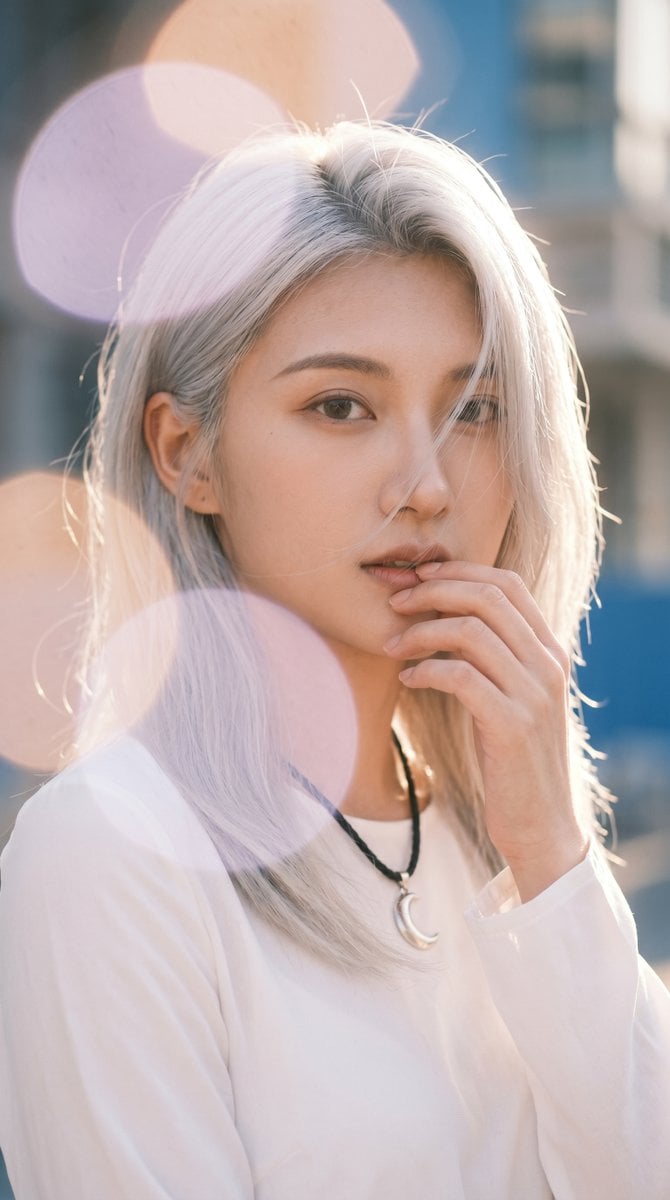
Backlit Silver-Haired Model Portrait
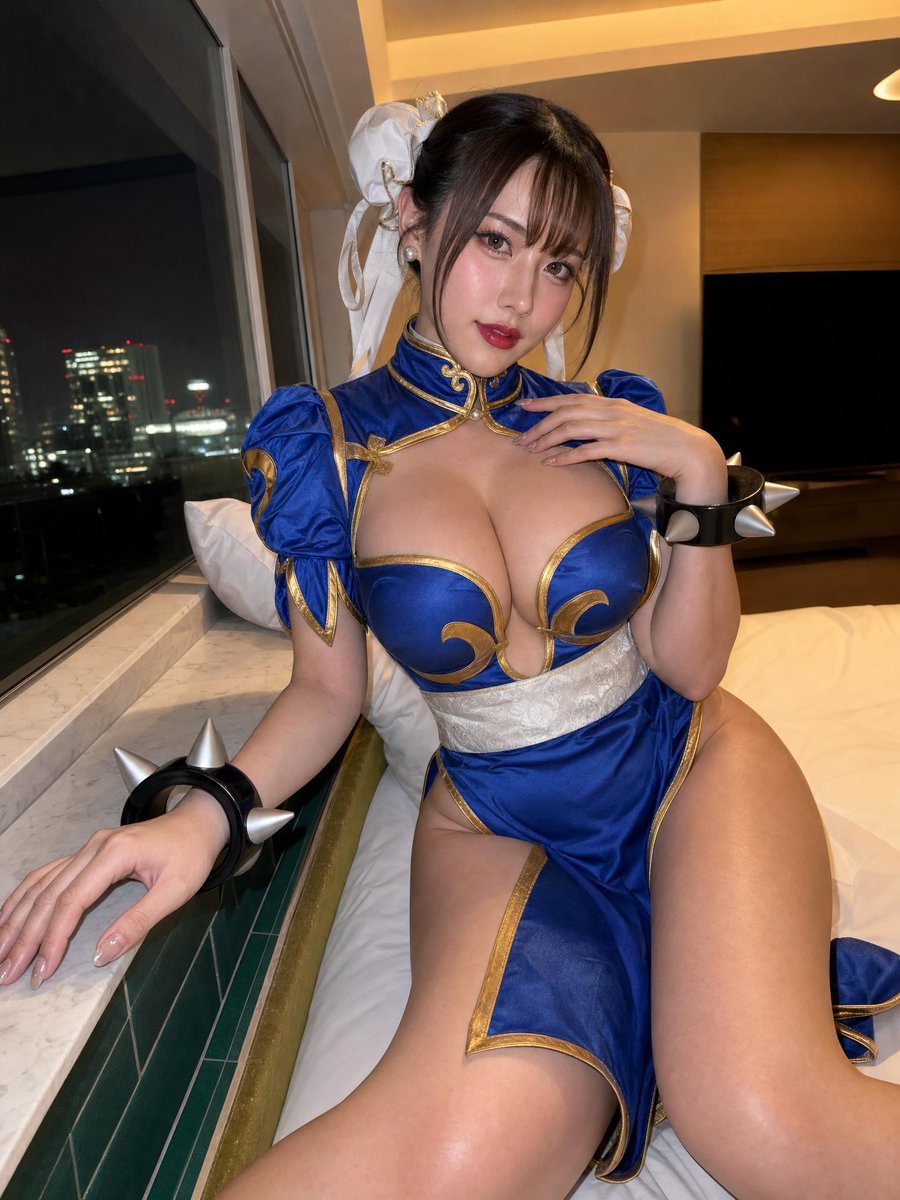
Idol-Style Cosplay Hotel Portrait
Make it yours
Cosplay Model in Laundry Cart Portrait works as-is. These are the safest ways to change it without losing the look.
Change one field
Copy a single group, rewrite it, and generate again so you can see what that field is doing.
Keep the frame, change the subject
Hold the composition and light of Cosplay Model in Laundry Cart Portrait, then swap wardrobe, props or the person for a new take.
| If the result… | Why | Fix |
|---|---|---|
| The result drifts from the preview | Too many fields changed at once. | Reuse Cosplay Model in Laundry Cart Portrait as-is first, then change one group — subject, light, or setting. |
| The model over-stylizes the scene | The prose prompt leaves finish and camera underspecified. | Add one camera or lighting sentence and stay on Nano Banana 2. |
More Nano Banana 2 templates
Other prompts made for Nano Banana 2.

Photorealistic Leaf Shaped Like a Dragon

K-Pop Idol Portrait Grid for Rapid Selection

Poetic Rain Forest Portrait During Golden Hour

Candid Nighttime Photo with Cat Prompt

High-Concept 3D Diorama Generation Prompt

Cinematic Futuristic Studio Portrait Template

Skincare Editorial Photography Collage Prompt

Hyper-Realistic Commercial Product Photography (Splash Effect)

Hyper-Realistic Nightclub Portrait Prompt

Cinematic Urban Rain Scene Prompt (Neo-Noir)
More image prompts
Fresh picks from across the catalog.
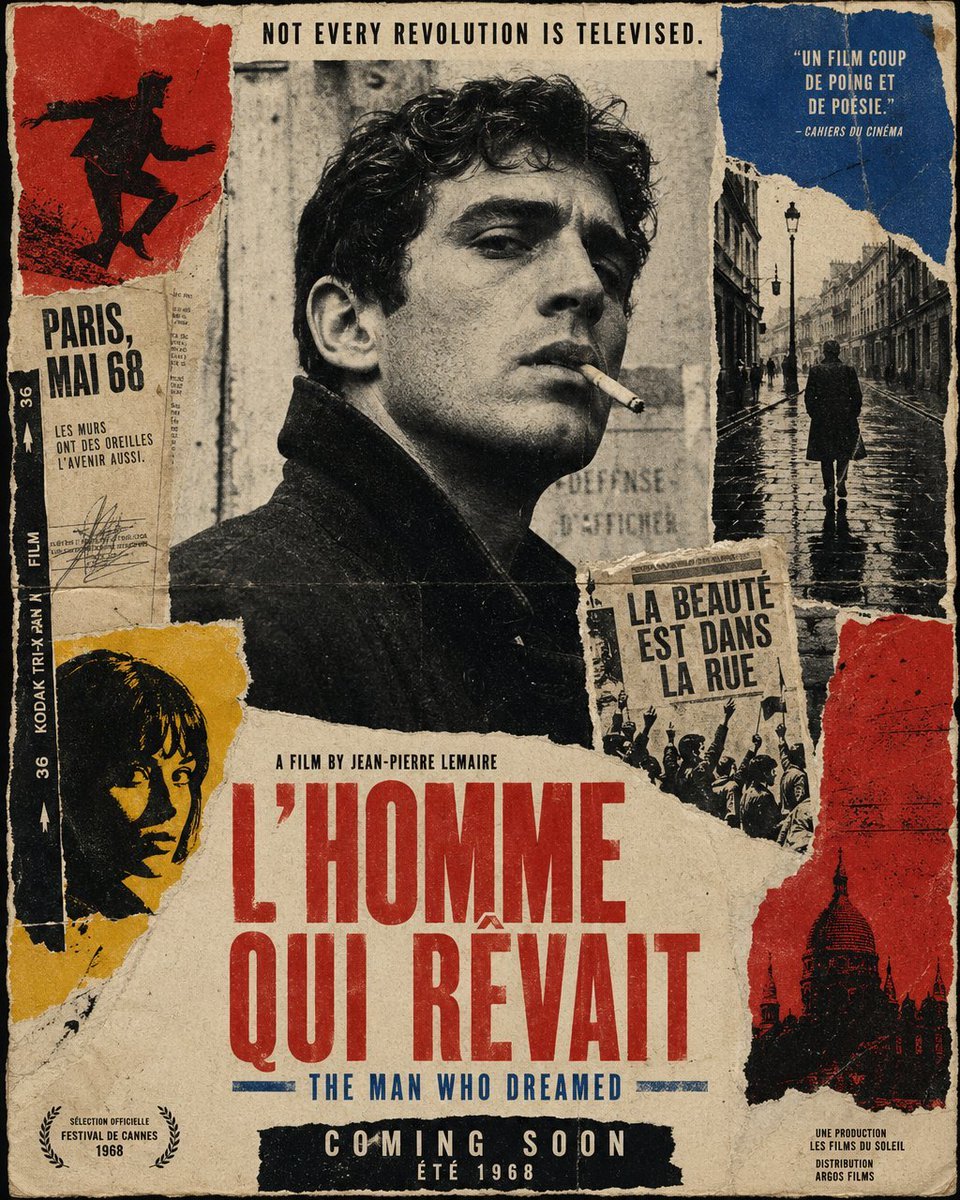
French New Wave Protest Film Poster

Muslim Woman Overlooking Mecca
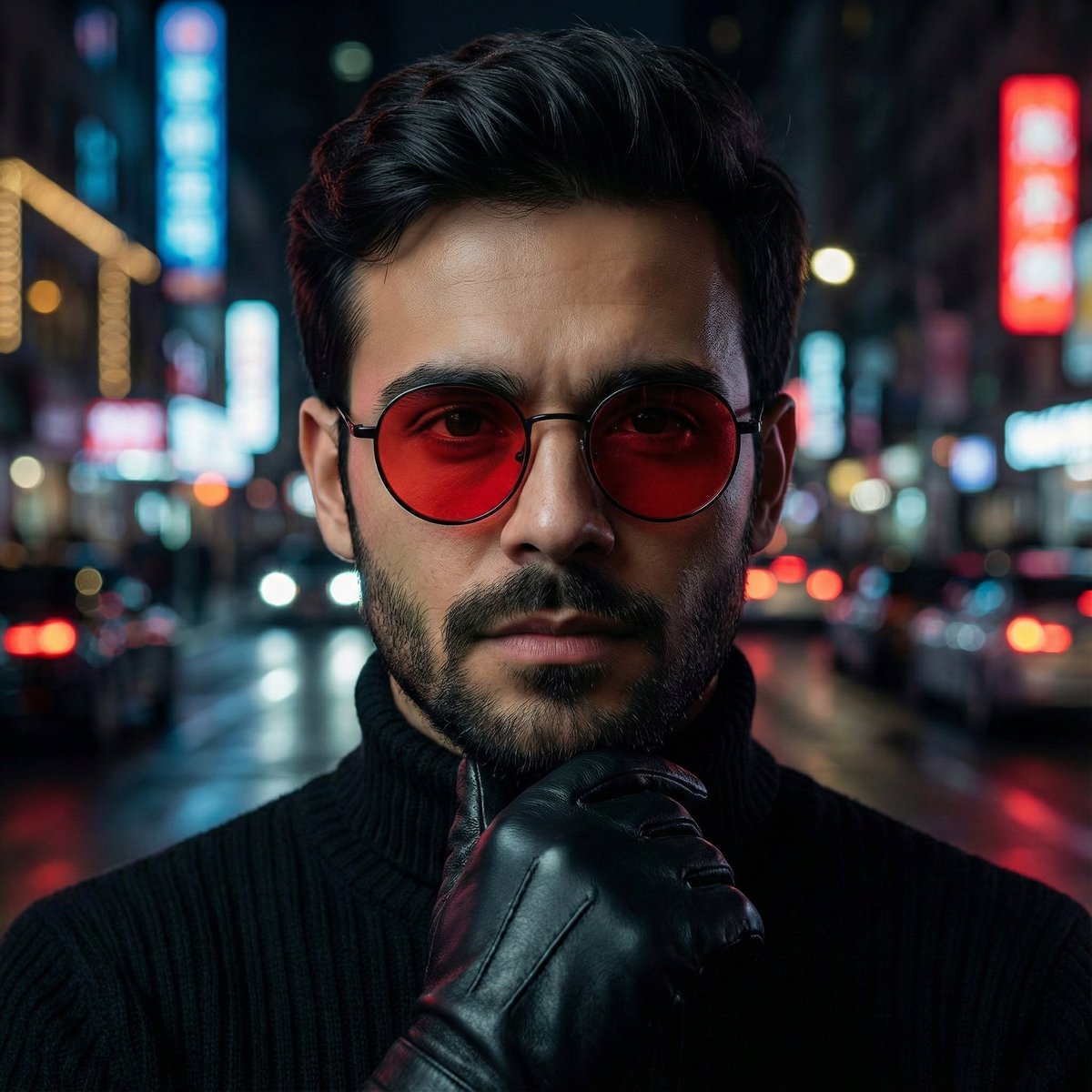
Cinematic Close-Up Portrait Prompt with Red-Tinted Glasses
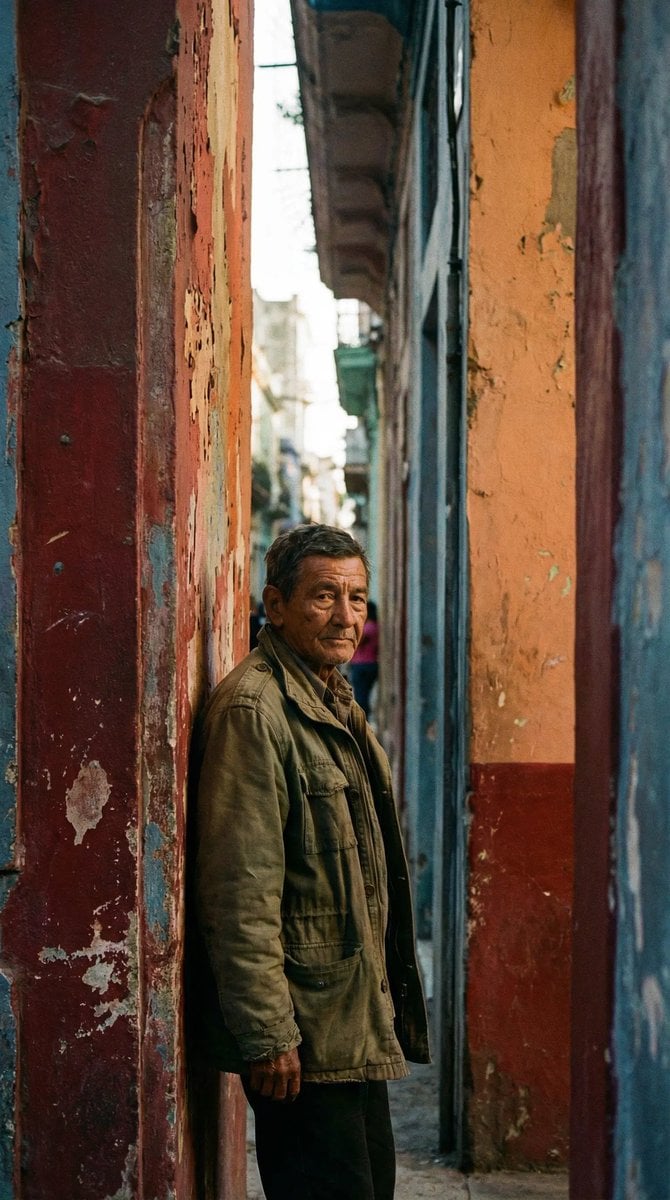
Timeless human-centered street photography
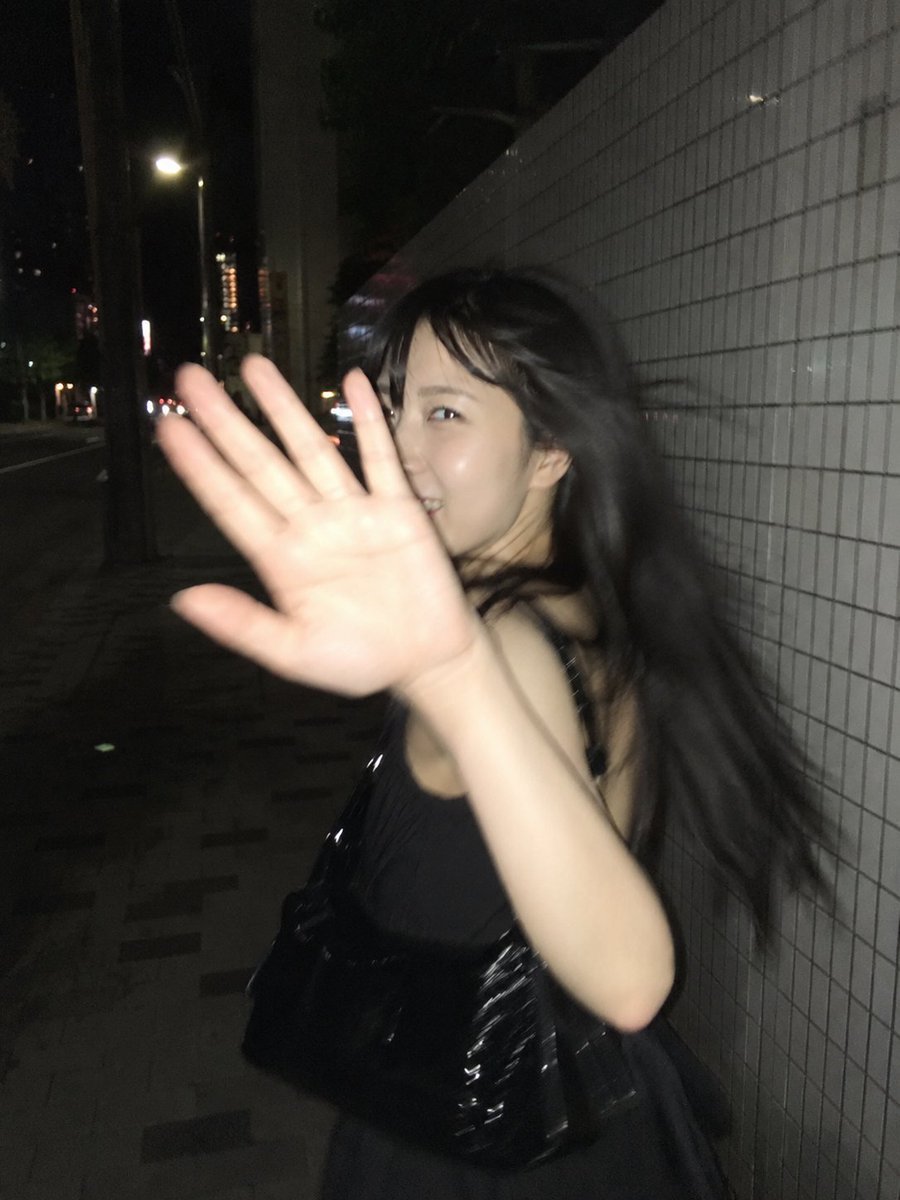
Candid Tokyo Street Night Photography
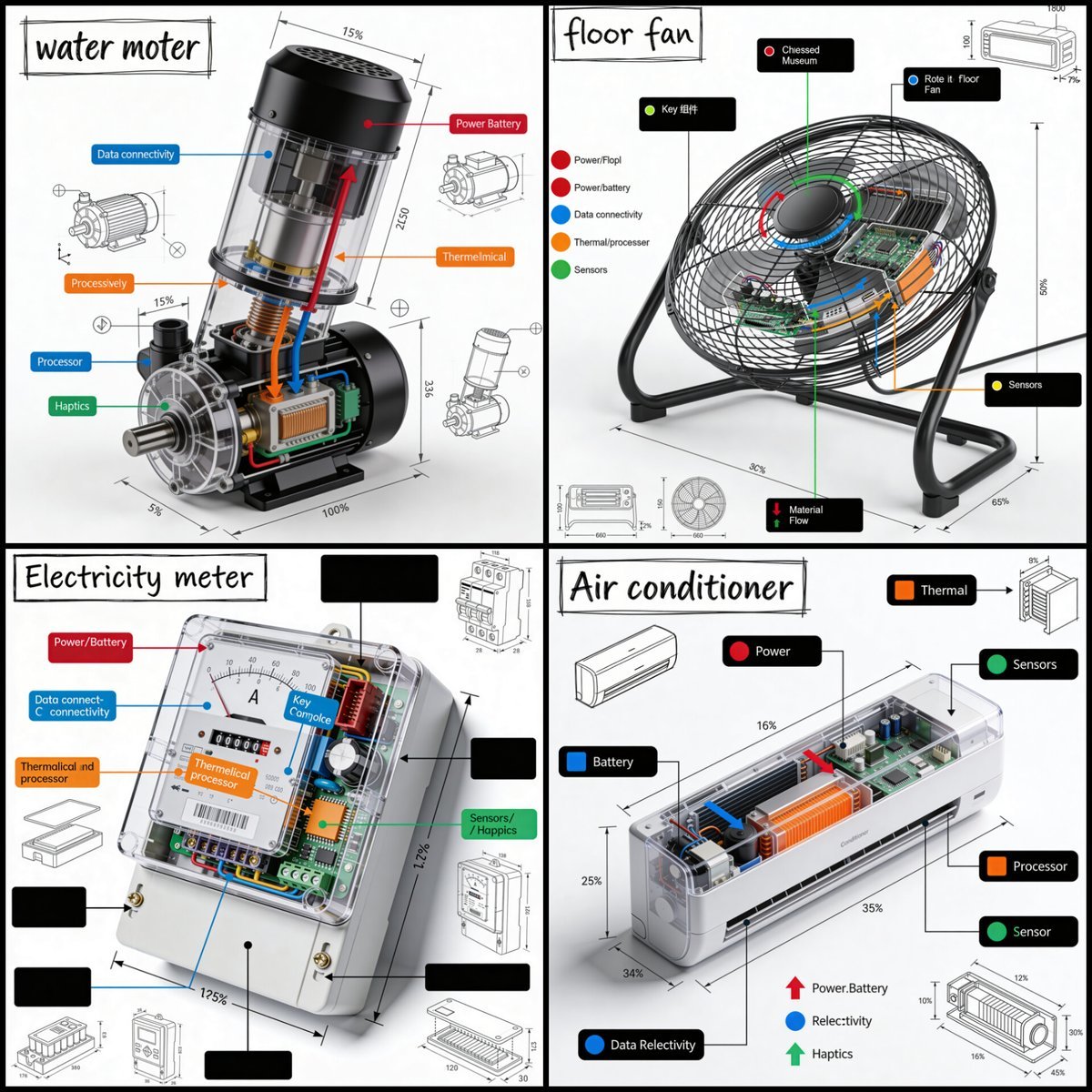
Technical Product Teardown Infographic
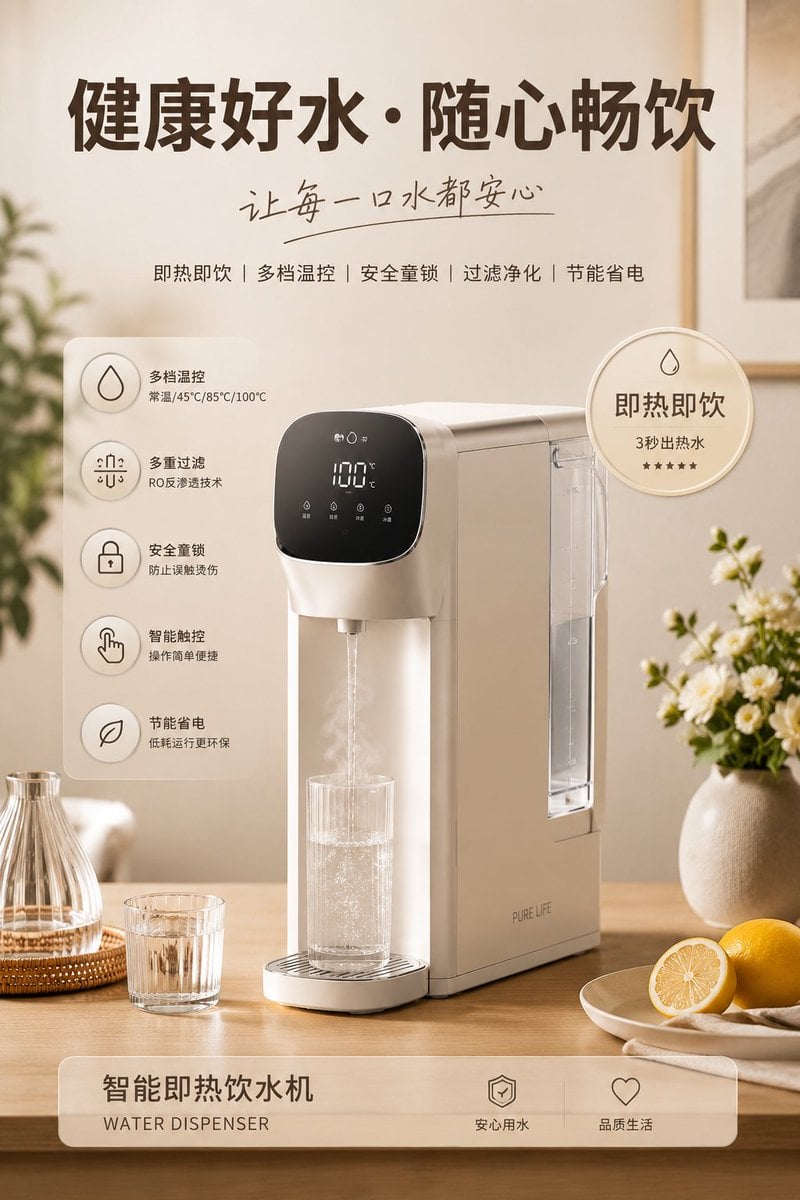
Home Appliance Commercial Poster

Ultra-Photorealistic Cinematic Travel Photography
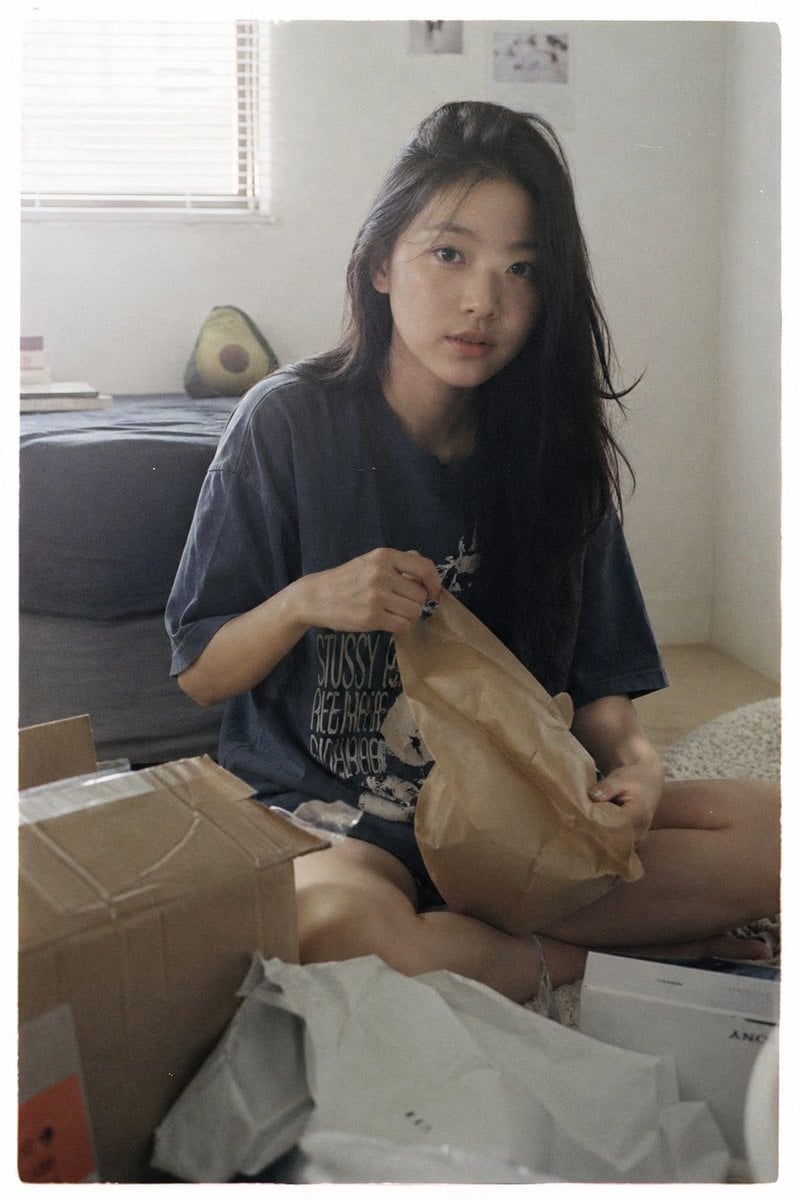
Japanese Film Aesthetic Unboxing Scene
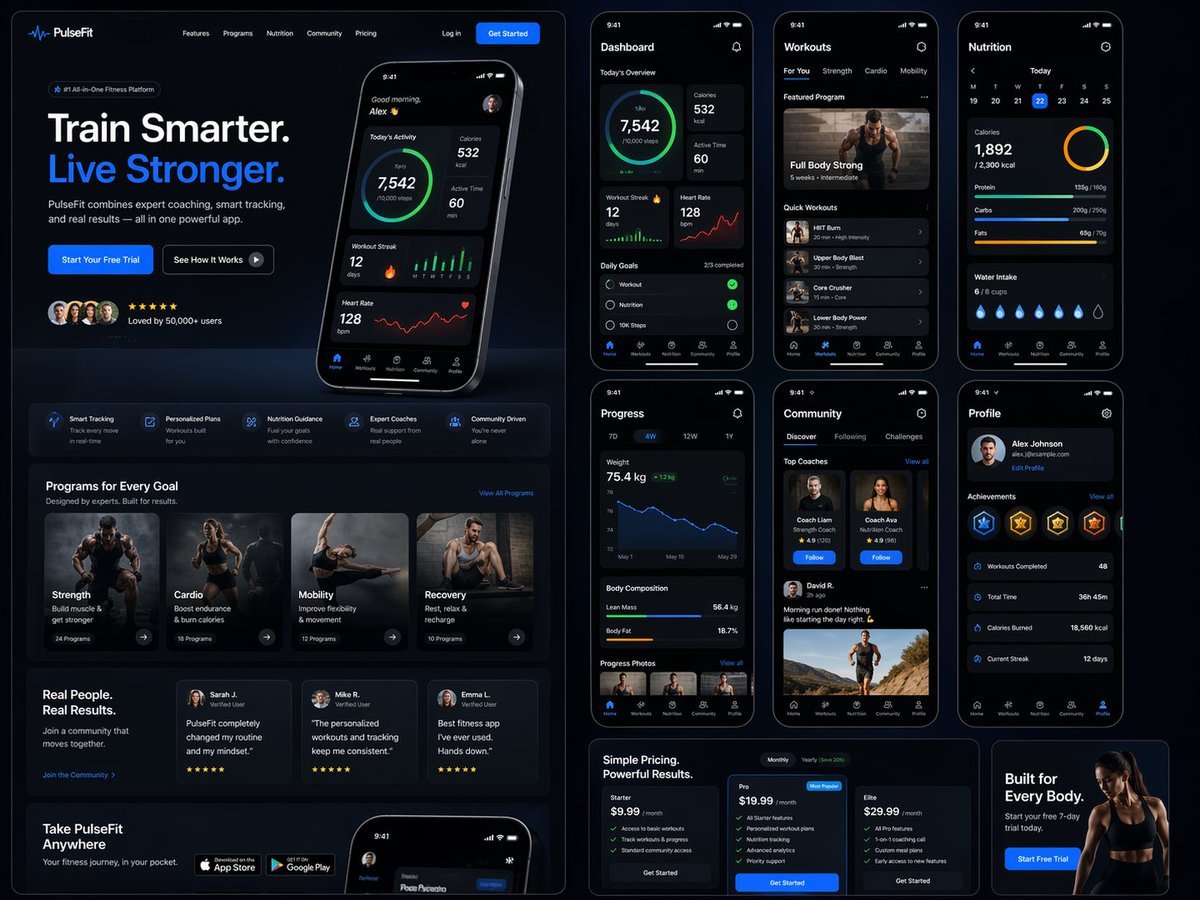
Fitness SaaS Landing Page UI
Browse template categories
Cosplay Model in Laundry Cart Portrait questions
How do I use the Cosplay Model in Laundry Cart Portrait template?
Add your photo if the template asks for one, edit the prompt if you like — the template's model and format are already selected — and press Generate. Your version opens in PicX Studio.
Can I customize the Cosplay Model in Laundry Cart Portrait template?
Yes. You can change the subject, setting, lighting, mood, format, and available model controls before creating your image.
Is the Cosplay Model in Laundry Cart Portrait template free?
Opening and editing this template is free. Generating uses credits, shown on the Generate button when you are signed in.
Which AI model should I use?
Start with Nano Banana 2, which is the model associated with this template. You can compare another compatible model for a different finish.
Looking for something else? Browse all templates.

Your photo, any look
Thousands of ready templates for every top image and video model, from one credit balance.