
Vibrant Colored Pencil Bird Illustration
A detailed prompt for creating a vibrant colored-pencil illustration of a goldfinch in a field of daisies during a summer rain, featuring realistic water droplets and golden sunlight.
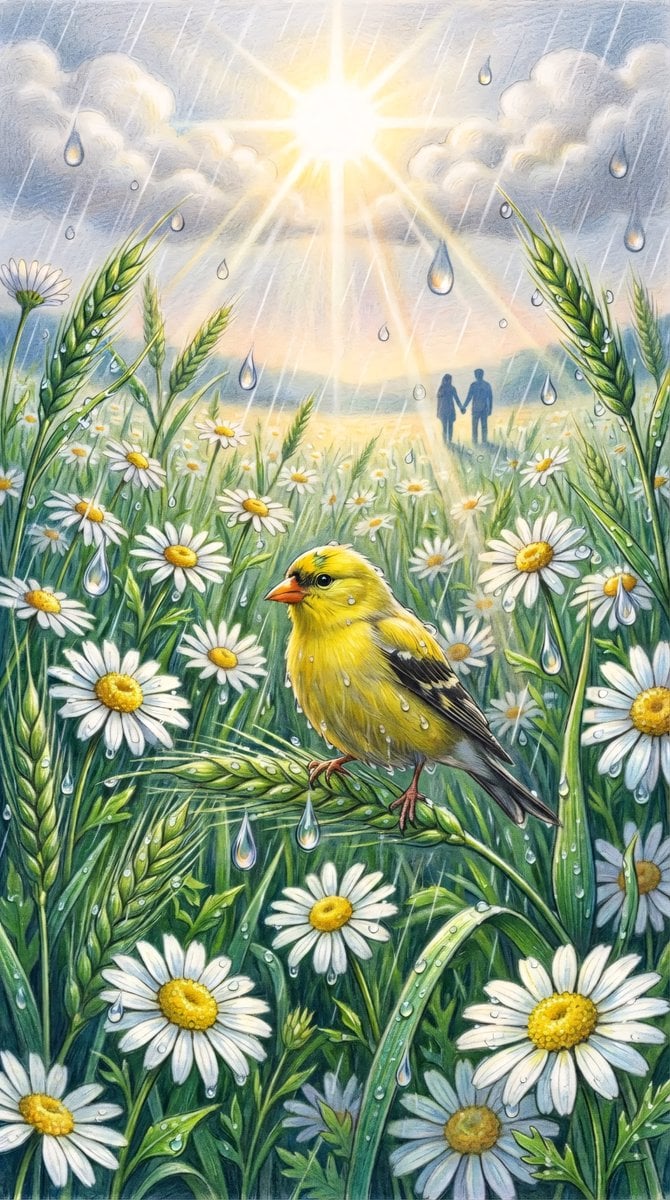
- Prompt included
- Model and format preset
- Free template
The prompt behind this image
Copy the exact prompt behind Vibrant Colored Pencil Bird Illustration, or open it in the studio and make it yours.
{argument name="style" default="A vibrant colored-pencil illustration"} in portrait orientation. In the foreground, a small {argument name="subject" default="bright yellow goldfinch"} with an orange beak and subtle black wing markings perches on a curved bent stalk of green wheat, its feathers damp with tiny clinging water droplets, head slightly turned. It is surrounded by a lush, dense field of {argument name="flowers" default="white daisies with bright sunny-yellow to golden textured centers"}, interwoven with green wheat stalks and tall grasses, some daisies slightly angled or partially obscured. The greenery is rendered in deep, rich tones — emerald, forest green and deep vivid greens — providing strong contrast to the crisp white petals. Large, prominent, glass-like teardrop-shaped water droplets hang suspended throughout the air at varying depths, refracting the light, together with droplets clinging to the petals and leaves. A soft summer rain falls in visible diagonal streaks of water. At the top center, a brilliant glowing sun breaks through soft textured clouds in shades of grey-white, casting luminous golden "god rays" and a warm lens-flare effect that filters down through the droplets across the whole field. In the far distance past the swaying daisies and wheat, a couple stands hand in hand as dark, soft blue-grey silhouettes, tiny and peaceful against the glowing sky and gentle haze at the horizon. The palette is dominated by rich, deep greens (from forest green to bright emerald and lime), crisp white, vibrant sunny yellow, and warm golden light, with cool, transparent, reflective droplets, accented by a slightly moody, atmospheric sky. The composition is dense, immersive and eye-level, with large detailed daisies and wheat in the foreground receding into a soft, sunlit distance. The style is reminiscent of colored pencil art, with visible textures and soft blending creating a fresh, lush, slightly dramatic mood. The overall atmosphere is bright yet deep, peaceful and slightly magical, capturing a fleeting moment where sunlight and rain coexist.
How to use Vibrant Colored Pencil Bird Illustration in 3 steps
- 1
Open
The prompt is already in the box next to the preview, with the template's model and format selected.
- 2…a portrait of your subject in softgolden-hour light, 85mm…
Personalize
Edit the subject and creative details for your destination.
- 3Generate
Generate
Press Generate — your image is created in PicX Studio, so you can compare it with the original and refine one variable at a time.
More like this
Templates with the same subject, style or setup. Open one to see its prompt.
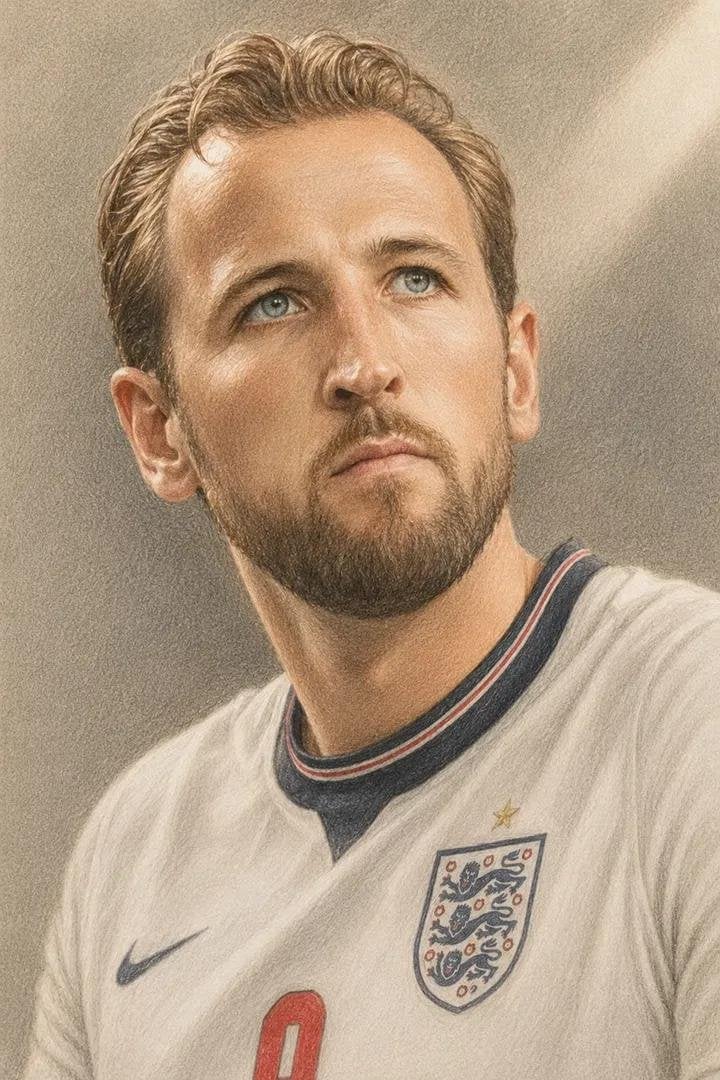
Colored Pencil Football Player Illustration
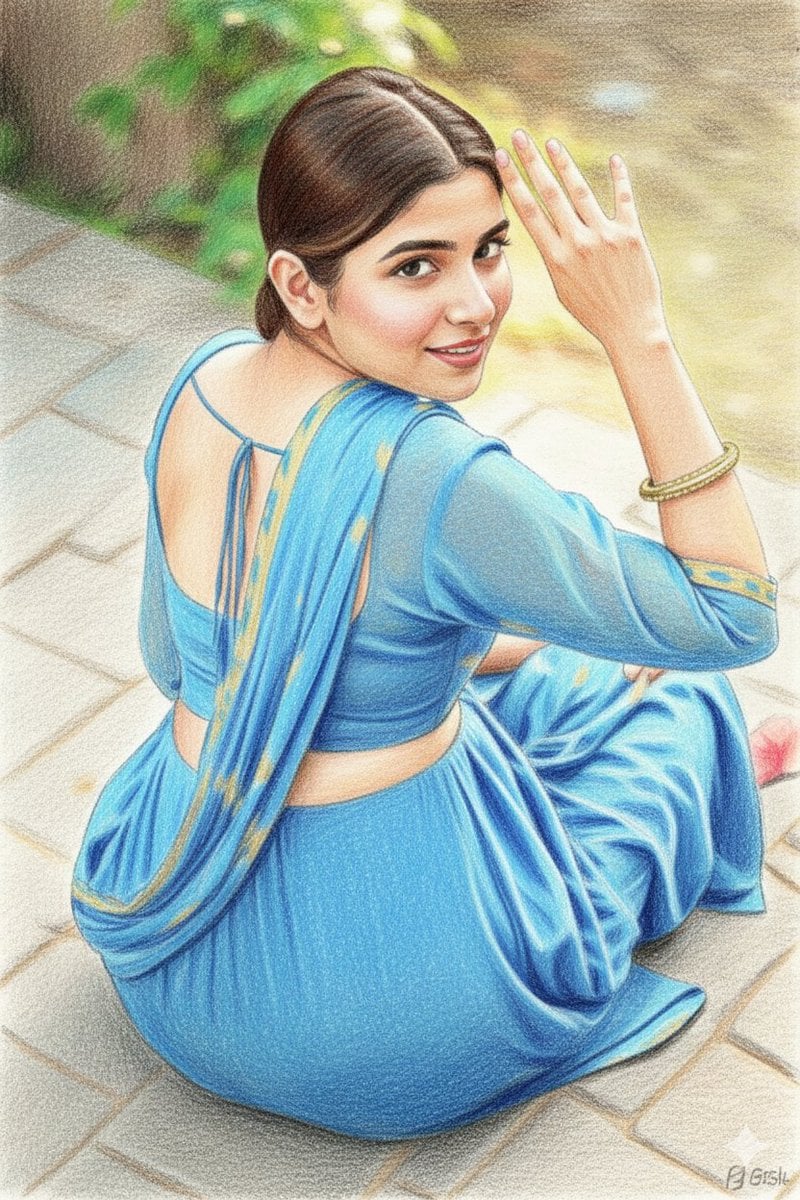
Colored Pencil Sketchbook Illustration
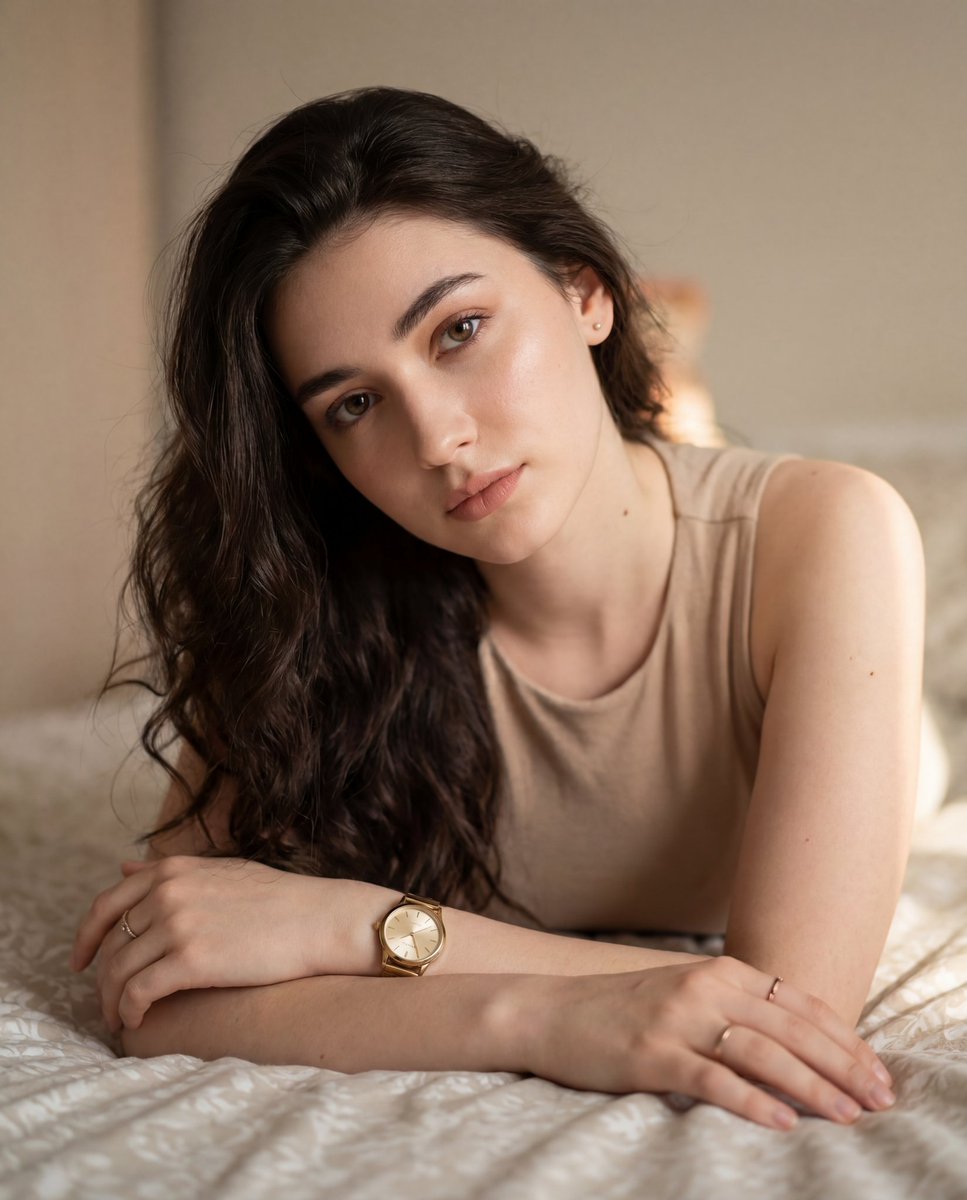
Colored Pencil Illustration Style Prompt
Children's Book Style Colored Pencil and Watercolor Illustration
Colored Pencil Orchid Sketch
Realistic Dodo Bird Illustration
Colored Pencil Meadow Landscape
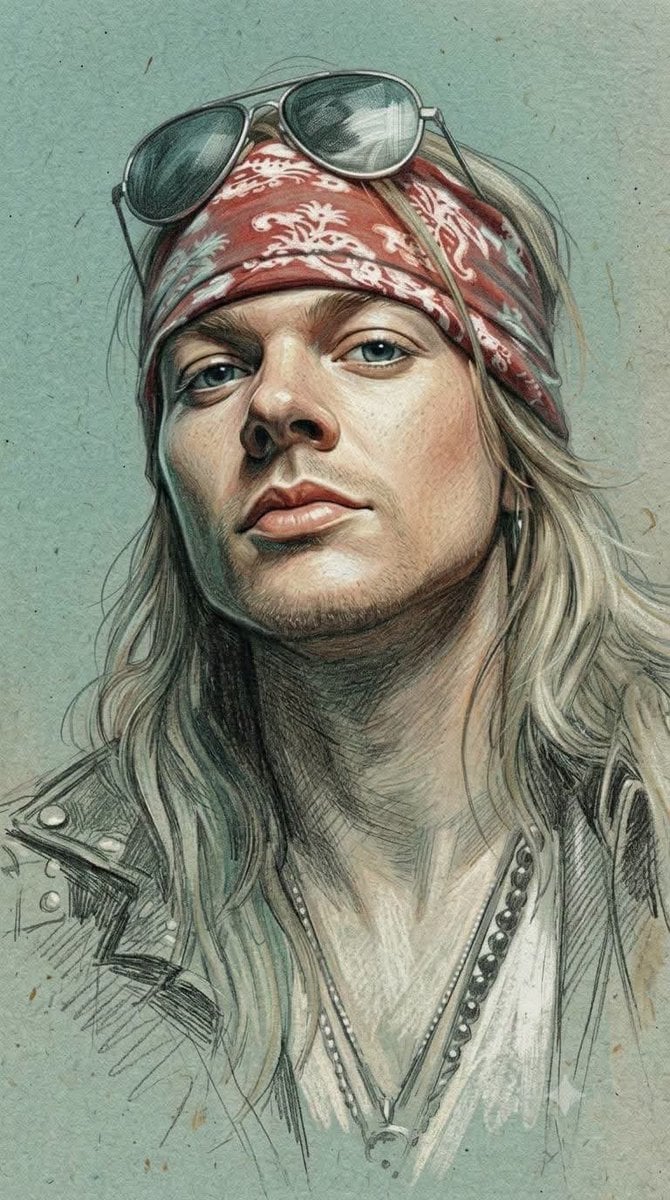
Traditional Colored Pencil Portrait Sketch
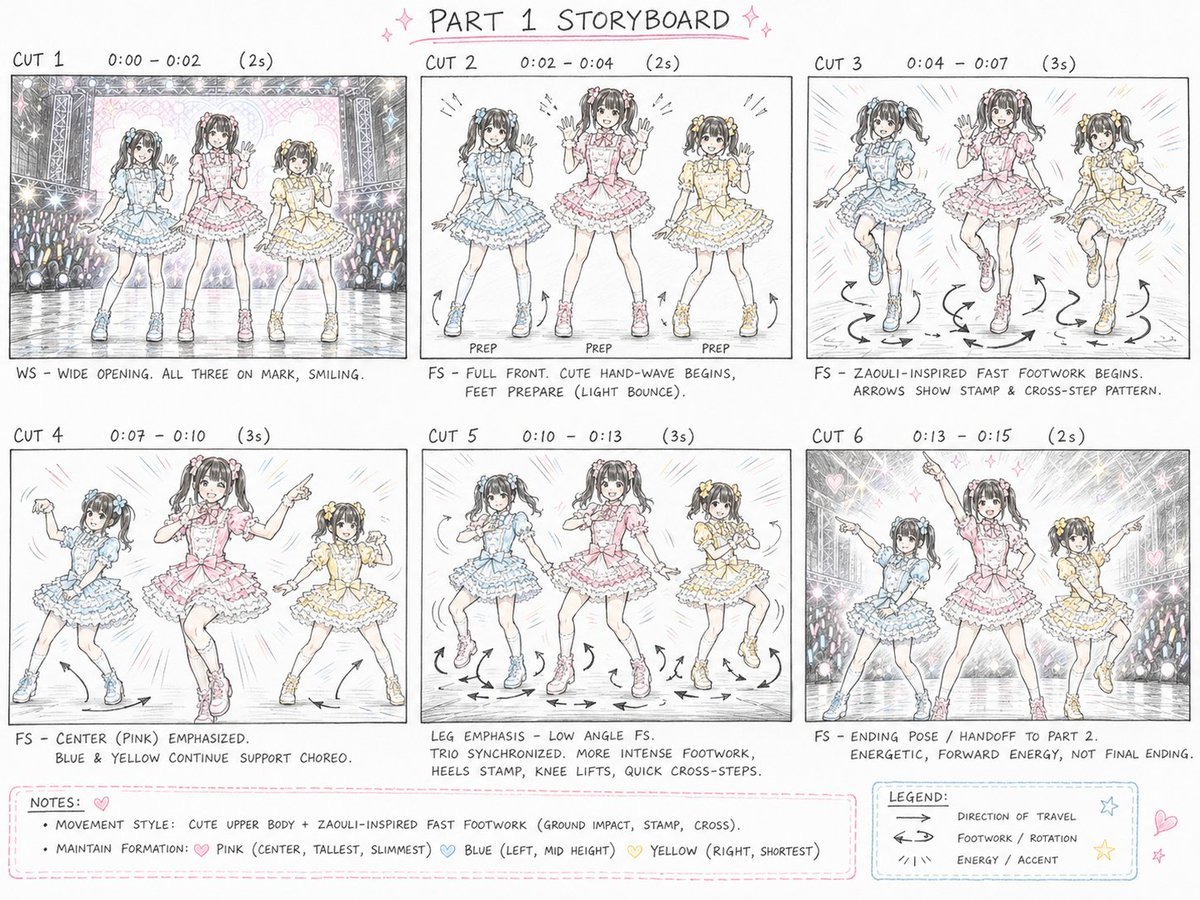
Cute Colored Pencil Storyboard Sheet
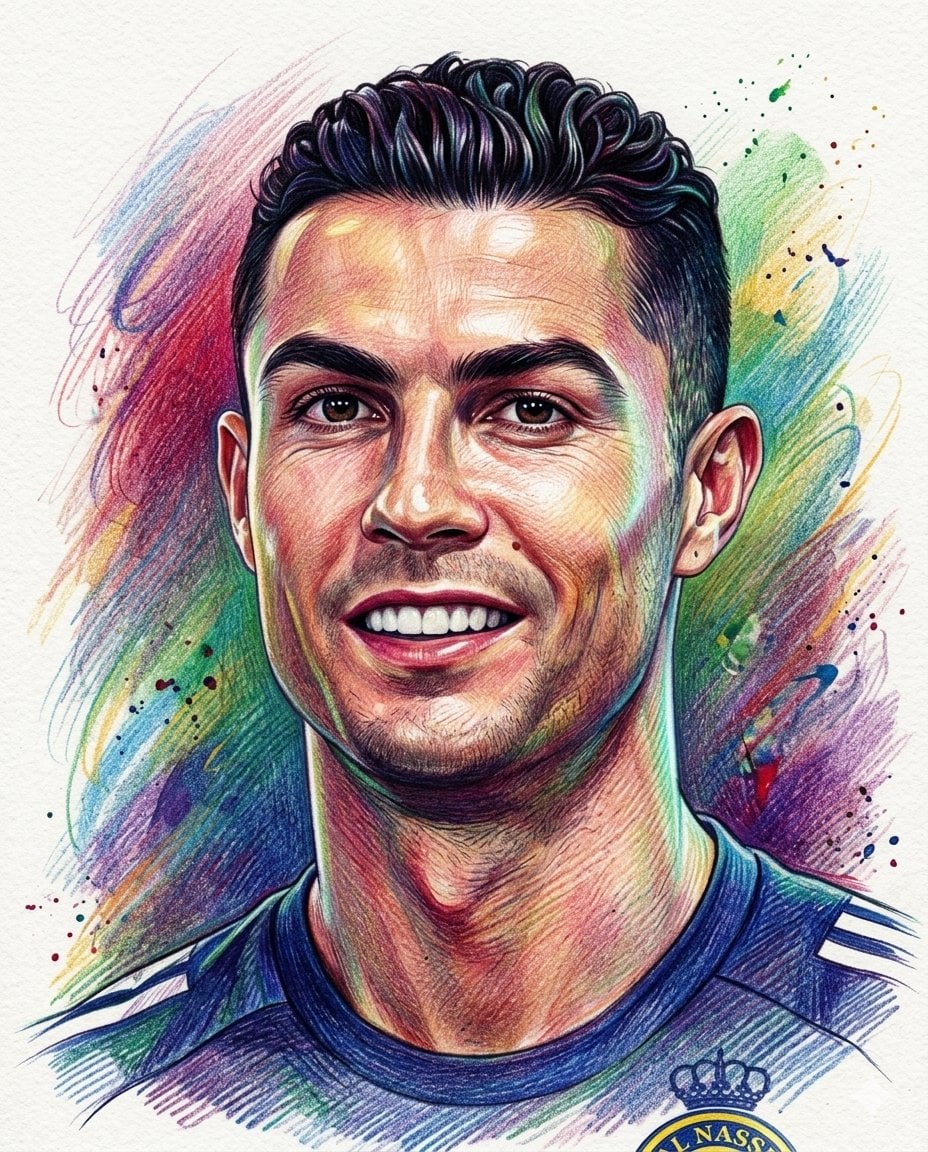
Realistic Colored Pencil Portrait
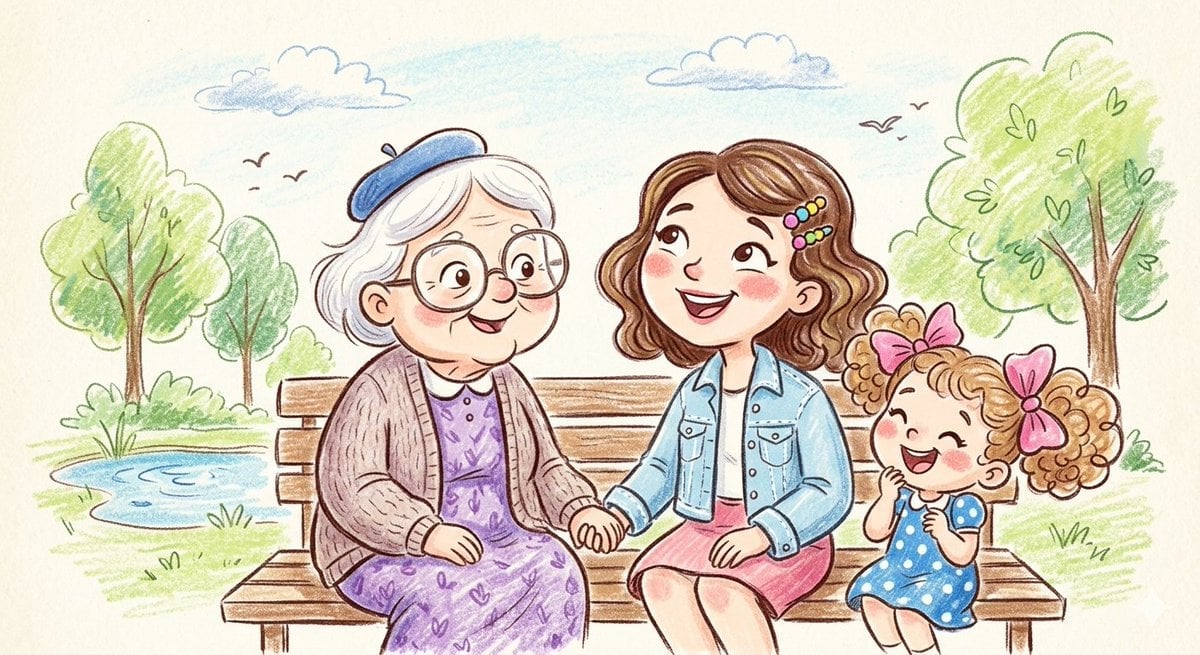
Crayon and Pencil Family Illustration

Stylized Fashion Portrait Bold Color Contrast Editorial
Make it yours
Vibrant Colored Pencil Bird Illustration works as-is. These are the safest ways to change it without losing the look.
Change one field
Copy a single group, rewrite it, and generate again so you can see what that field is doing.
Keep the frame, change the subject
Hold the composition and light of Vibrant Colored Pencil Bird Illustration, then swap wardrobe, props or the person for a new take.
| If the result… | Why | Fix |
|---|---|---|
| The result drifts from the preview | Too many fields changed at once. | Reuse Vibrant Colored Pencil Bird Illustration as-is first, then change one group — subject, light, or setting. |
| The model over-stylizes the scene | The prose prompt leaves finish and camera underspecified. | Add one camera or lighting sentence and stay on GPT Image 2. |
More GPT Image 2 templates
Other prompts made for GPT Image 2.

Six VTuber Japanese Logo Sheet

Realistic Portrait of Woman and Deer

The Vista Modular Condo Poster

AI Model Routing Comparison Infographic

2.5D Anime Art Board

Isometric Productivity Desk Scene

New York Double Exposure Poster

Four-Panel AI Landscape Comparison

Japanese Tatami Lifestyle Magazine Cover

NESCAFÉ Coffee Map Poster
More image prompts
Fresh picks from across the catalog.
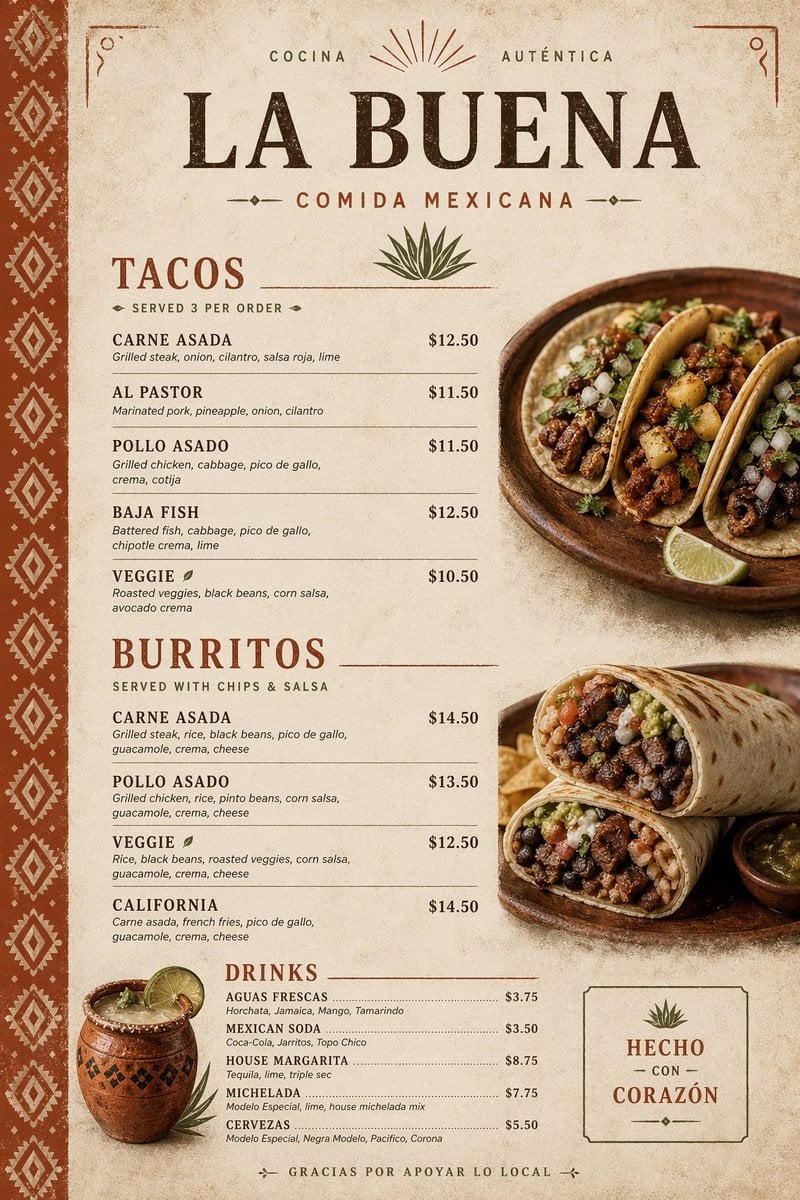
Modern Mexican Restaurant Menu Design
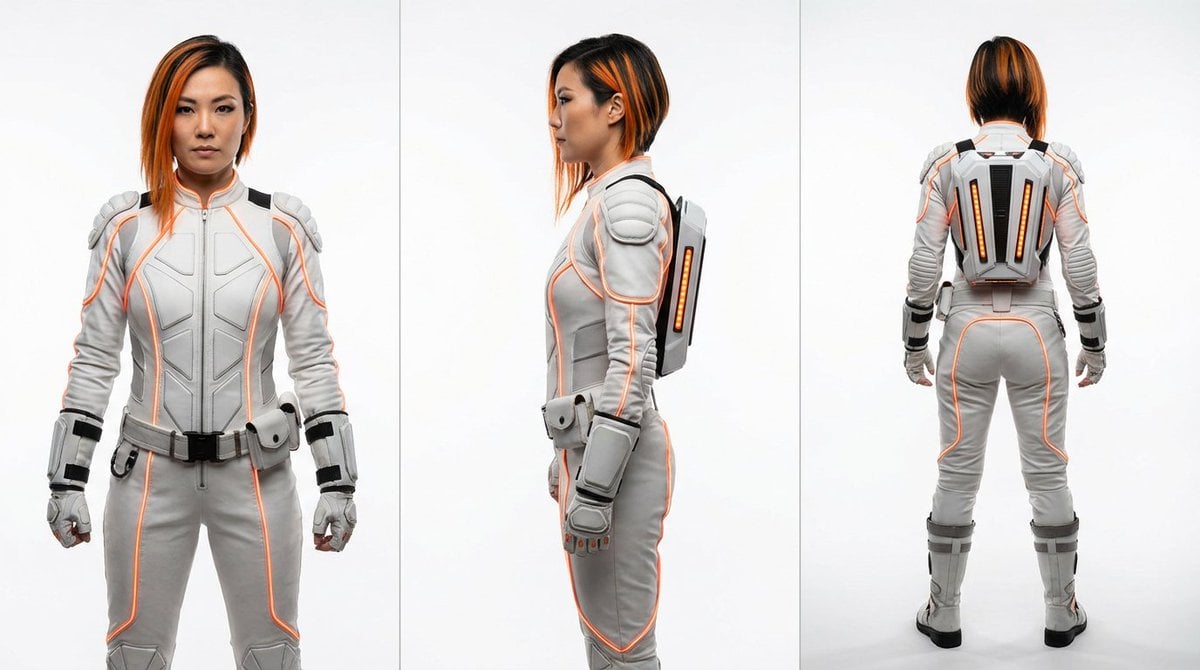
Sci-Fi Punk Japanese Woman View

High-Concept 3D Diorama Generation Prompt
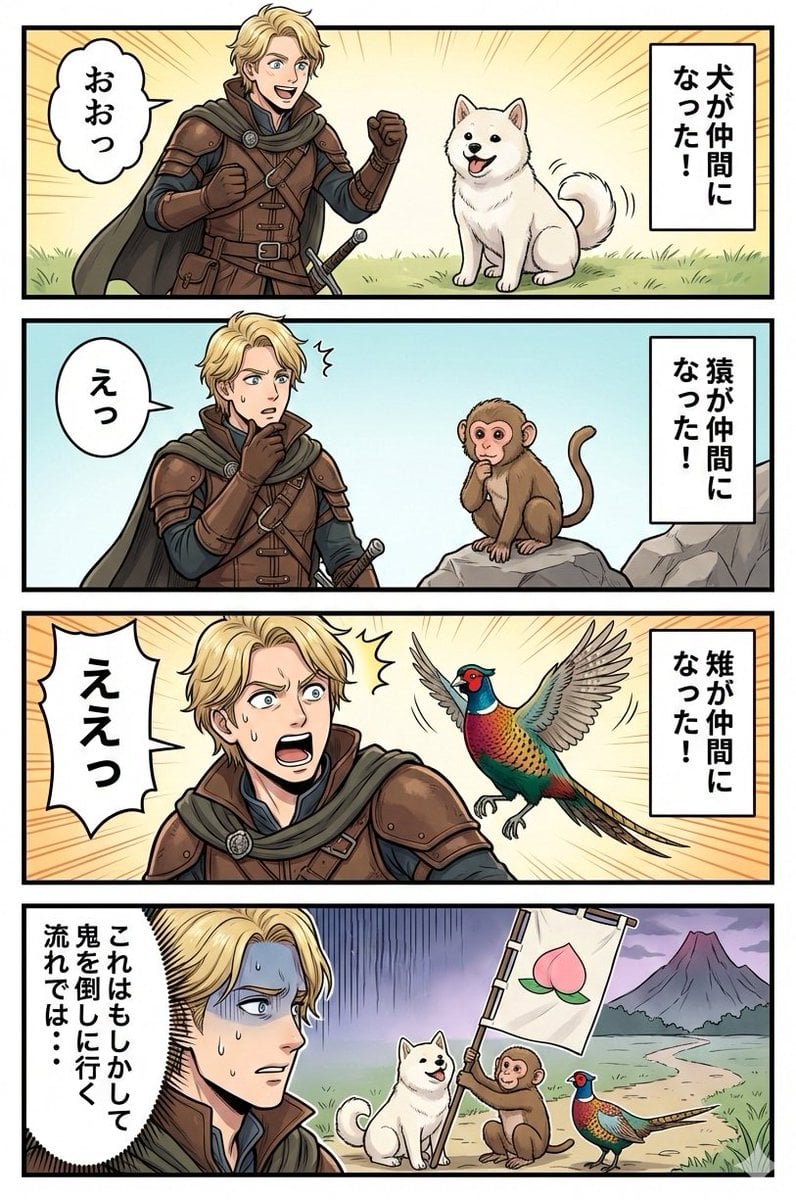
Google Nano Banana Manga: One Person and Three Animals
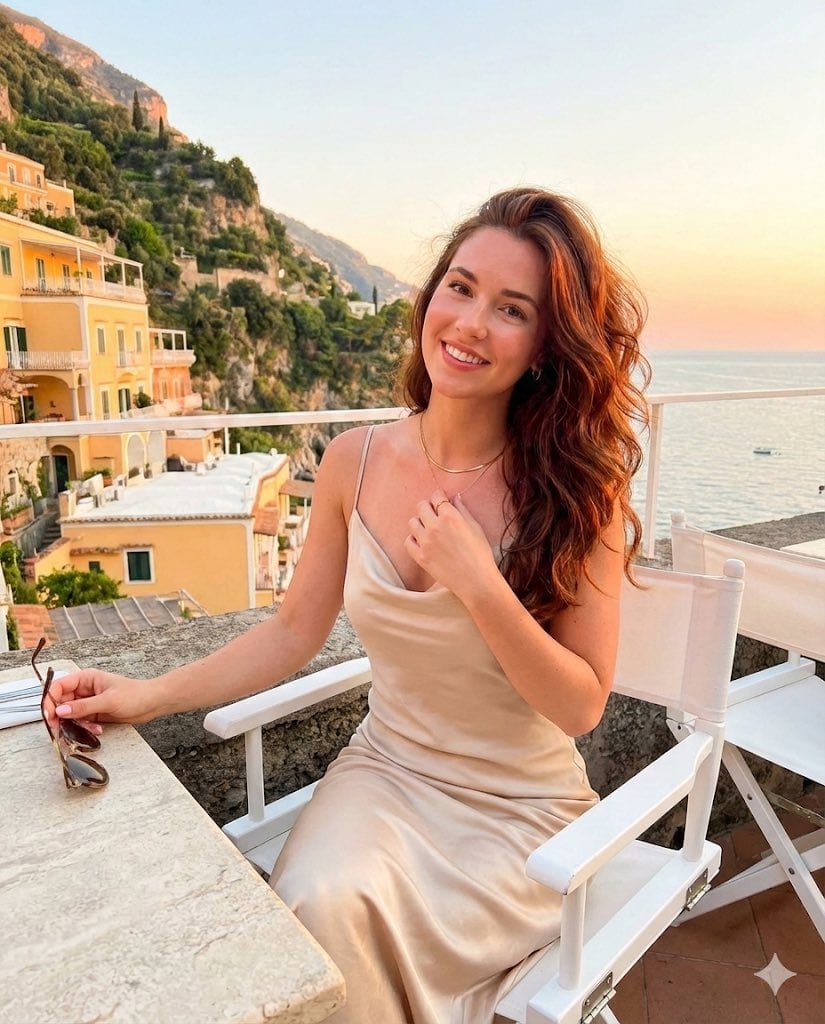
Golden Hour Positano Terrace Lifestyle Shot
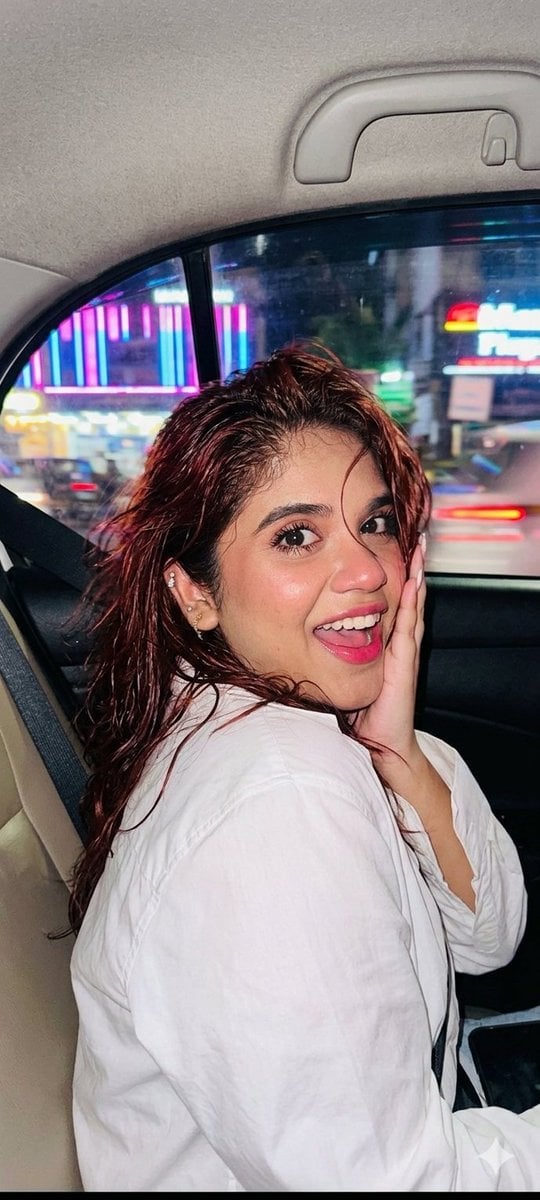
Nightlife Car Ride Portrait
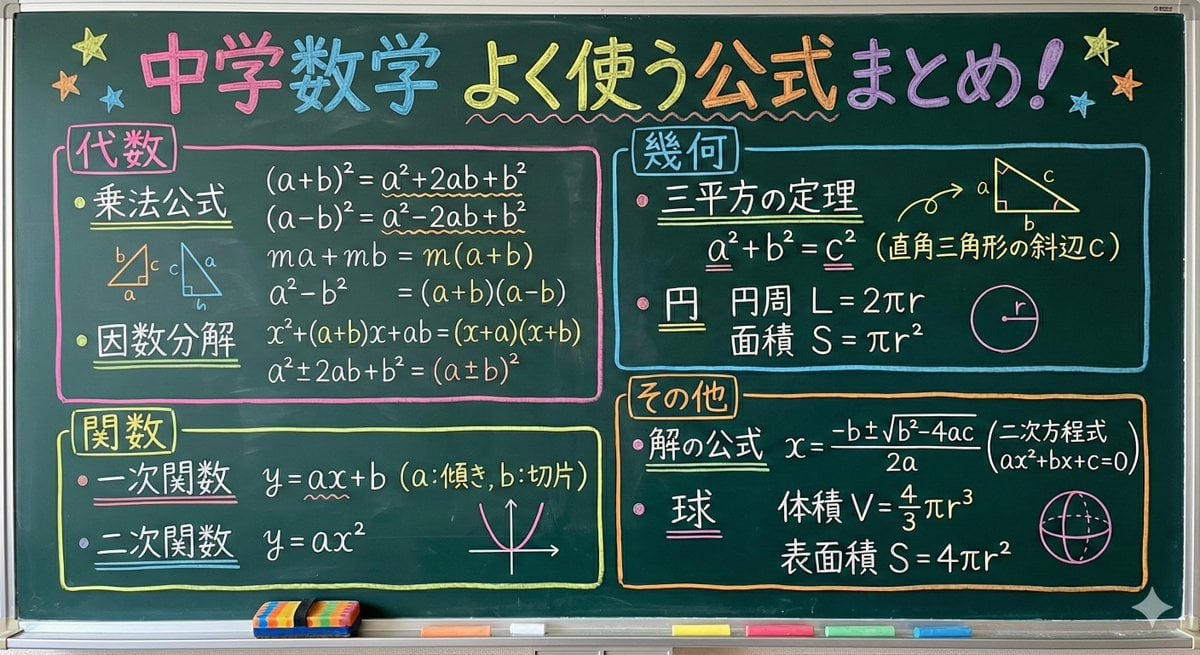
Educational Prompt for High School Math Formulas on a Chalkboard
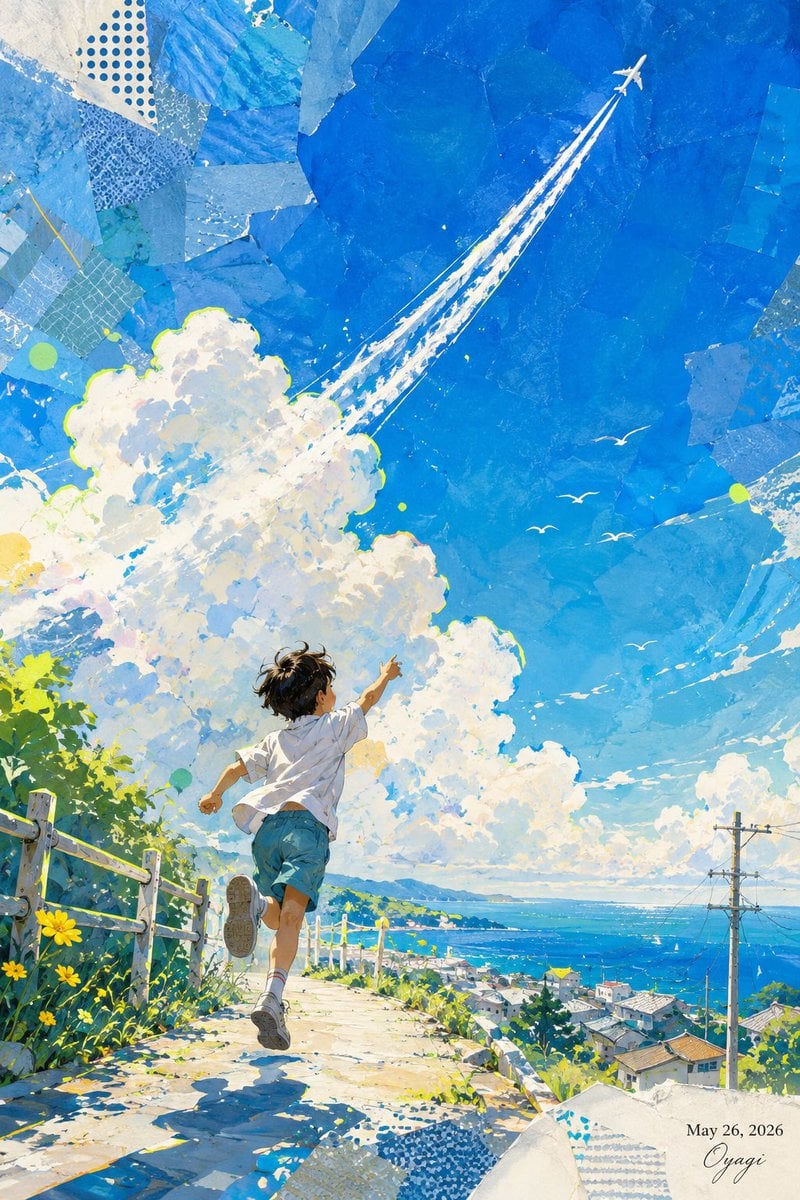
Boy Chasing Airplane Contrail
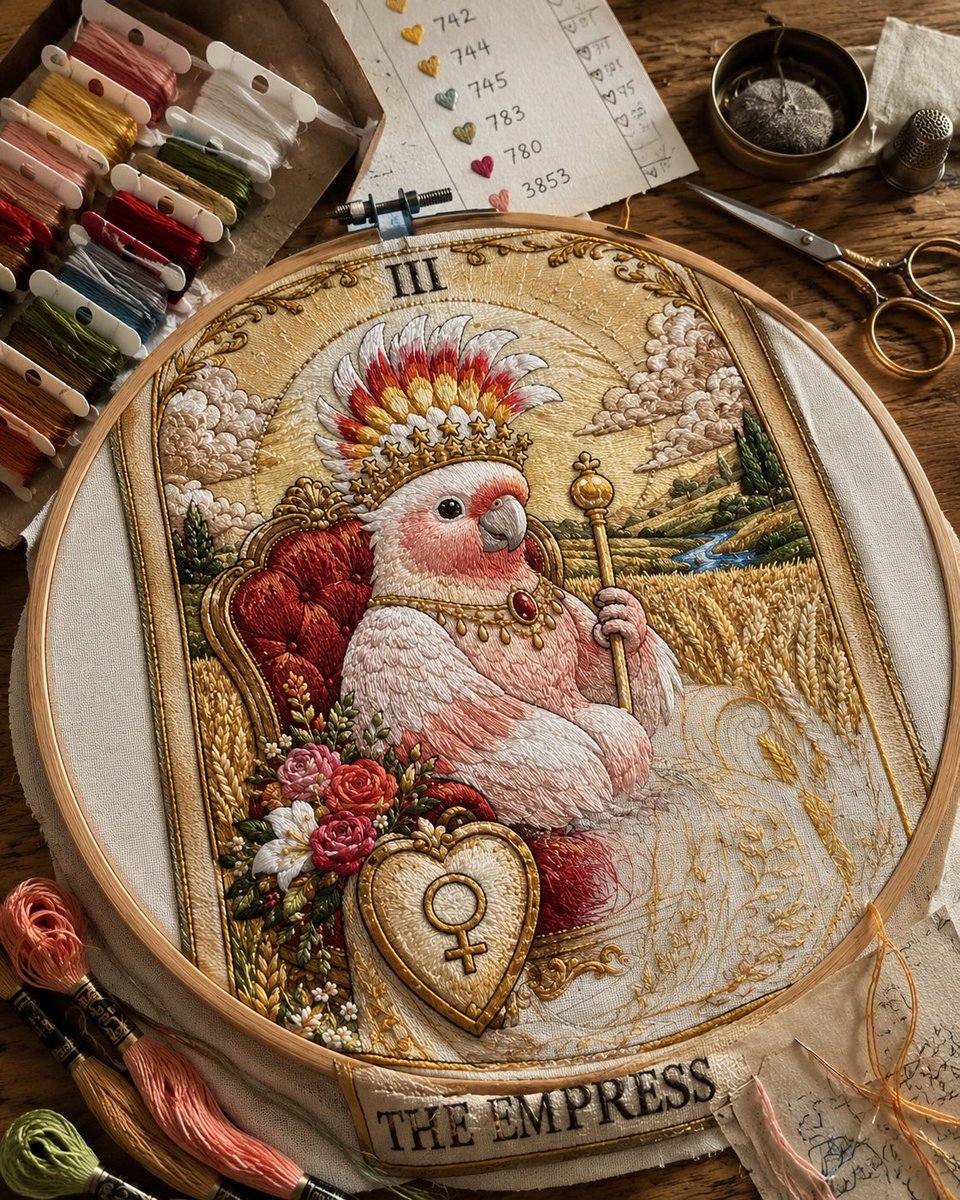
Embroidered Empress Tarot Cockatoo
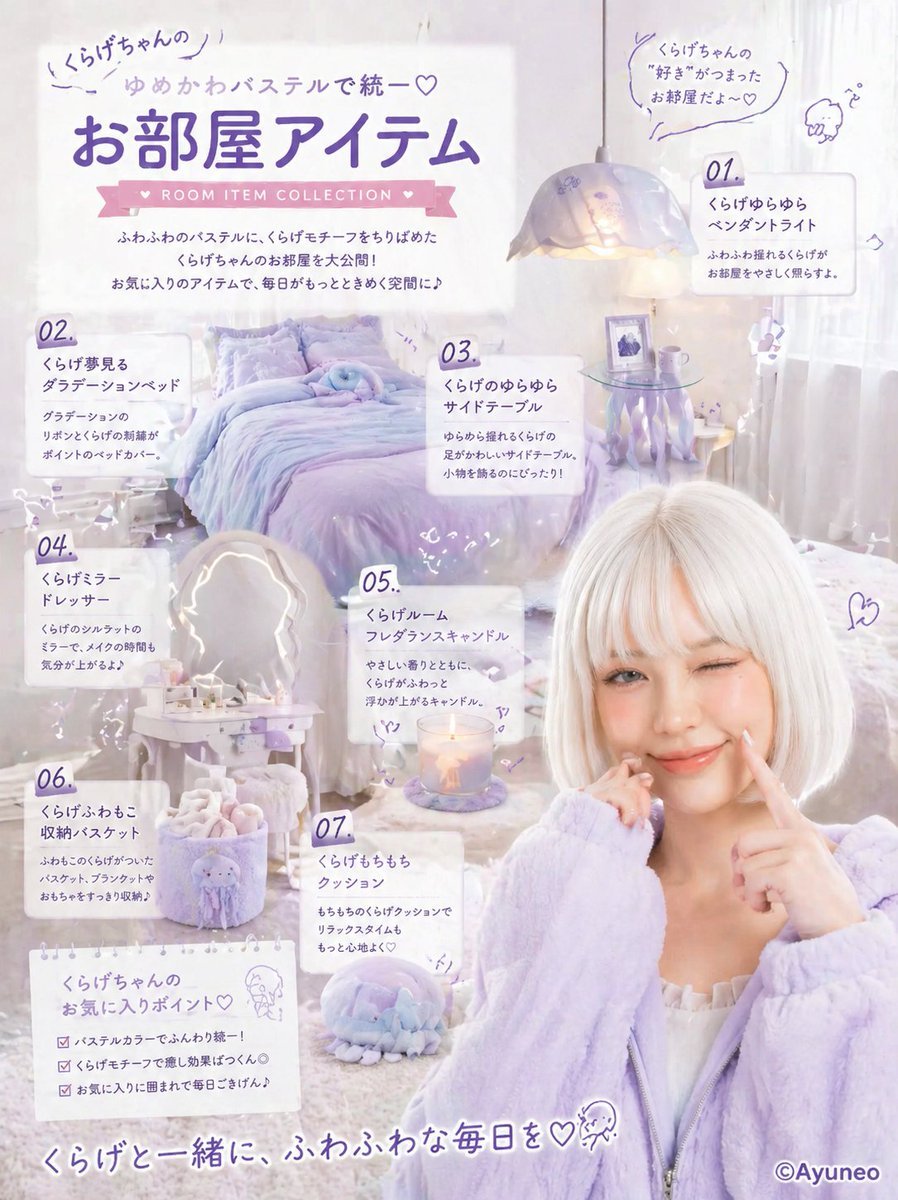
Pastel Jellyfish Room Item Poster
Browse template categories
Vibrant Colored Pencil Bird Illustration questions
How do I use the Vibrant Colored Pencil Bird Illustration template?
Add your photo if the template asks for one, edit the prompt if you like — the template's model and format are already selected — and press Generate. Your version opens in PicX Studio.
Can I customize the Vibrant Colored Pencil Bird Illustration template?
Yes. You can change the subject, setting, lighting, mood, format, and available model controls before creating your image.
Is the Vibrant Colored Pencil Bird Illustration template free?
Opening and editing this template is free. Generating uses credits, shown on the Generate button when you are signed in.
Which AI model should I use?
Start with GPT Image 2, which is the model associated with this template. You can compare another compatible model for a different finish.
Looking for something else? Browse all templates.

Your photo, any look
Thousands of ready templates for every top image and video model, from one credit balance.