
Manga Body Swap Band Panic
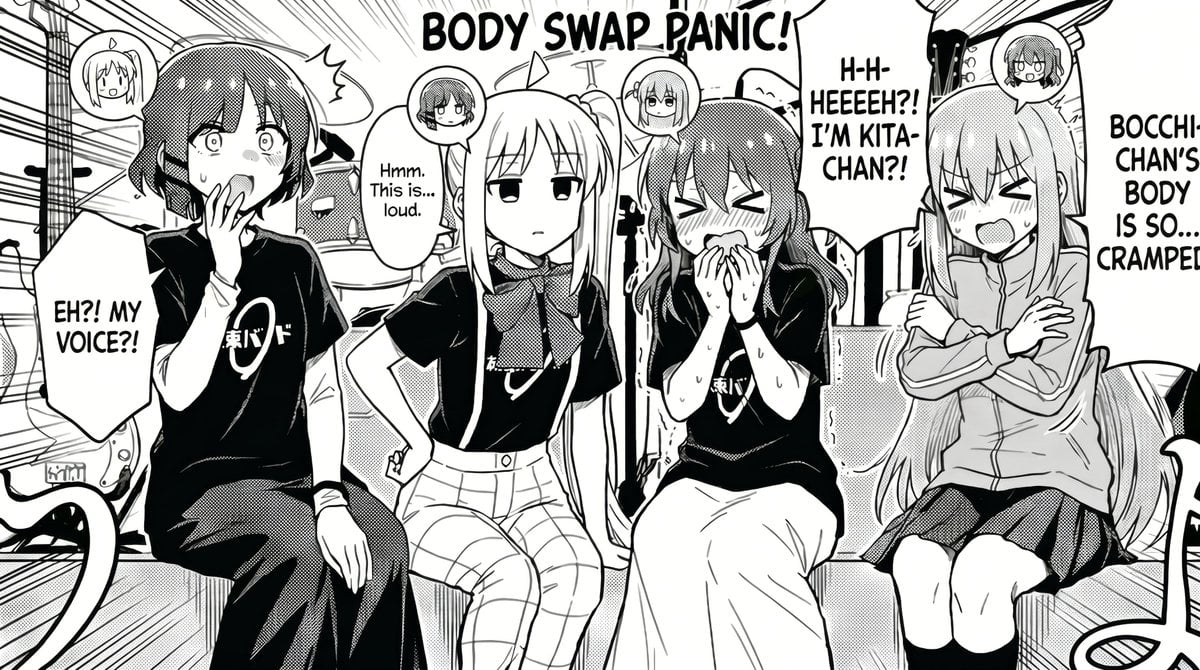
This prompt generates a black-and-white anime-style comedy manga panel of four band girls reacting to a chaotic body swap in a music studio, ideal for fan comics and humorous character-swap scenes.
- Prompt included
- Model and format preset
- Free template
The prompt behind this image
Copy the exact prompt behind Manga Body Swap Band Panic, or open it in the studio and make it yours.
A black-and-white manga comic panel in a clean seinen/anime style, showing 4 girls from a rock band sitting side by side in a cramped music studio right after an electrical accident, with a chaotic body-swap theme. Large hand-lettered title text at the top reads {argument name="headline text" default="BODY SWAP PANIC!"}. The scene is framed as a single wide panel with dramatic speed lines and comic energy. From left to right: girl 1 is a short-haired shy girl in a black band T-shirt and dark pants, staring at her hand and speaking in shock, with a speech bubble that says {argument name="left speech" default="EH?! MY VOICE!?"}; girl 2 is a calm, expressionless blonde girl with long straight hair, wearing a black band T-shirt, scarf, and plaid pants, sitting with one hand on her hip and saying in a smaller speech bubble, "Hmm. This is... loud."; girl 3 is a flustered cheerful girl with medium-length hair in a black band T-shirt and long skirt, blushing, sweating, clutching her hands near her mouth, with a large speech bubble that says {argument name="center speech" default="H-H-HEEEEH?! I'M KITA-CHAN?!"}; girl 4 is a long-haired girl in a zip hoodie and skirt, sitting rigidly with arms crossed and eyes squeezed shut, complaining in a tall speech bubble that says {argument name="right speech" default="BOCCHI-CHAN'S BODY IS SO... CRAMPED!"}. All 4 girls have small circular inset head icons above or near them showing whose mind is inside whose body, for a body-swap explanation device. The band shirts have a simple Japanese logo on the chest. Background shows exactly 3 visible studio elements: a drum kit in the back, an amplifier or speaker cabinet, and cables or equipment edges around the floor and sides. Use monochrome screentone shading, halftone textures, blush marks, sweat drops, bold ink outlines, and expressive manga lettering. The mood is comedic panic, awkward confusion, and post-shock chaos in a rehearsal room. Composition should feel crowded, readable, and like a fan comic inspired by {argument name="series" default="Bocchi the Rock!"}.
How to use Manga Body Swap Band Panic in 3 steps
- 1Upload ImagePNG, JPG or paste
Add your photo
Upload the photo the template builds on. The prompt, model and format are already set.
- 2…a portrait of your subject in softgolden-hour light, 85mm…
Personalize
Edit the subject and creative details for your destination.
- 3Generate
Generate
Press Generate — your image is created in PicX Studio, so you can compare it with the original and refine one variable at a time.
More like this
Templates with the same subject, style or setup. Open one to see its prompt.
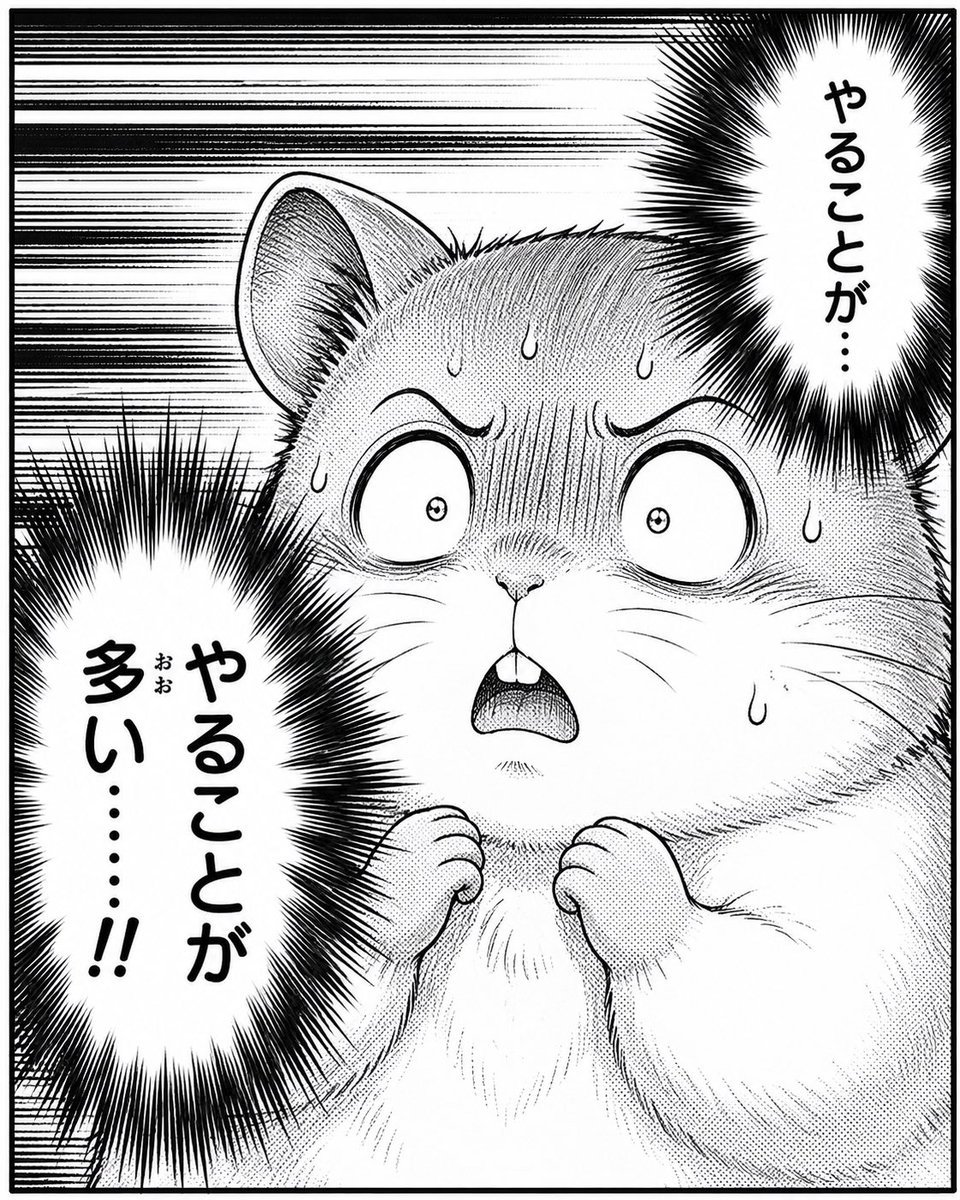
Panicked Hamster Manga Panel
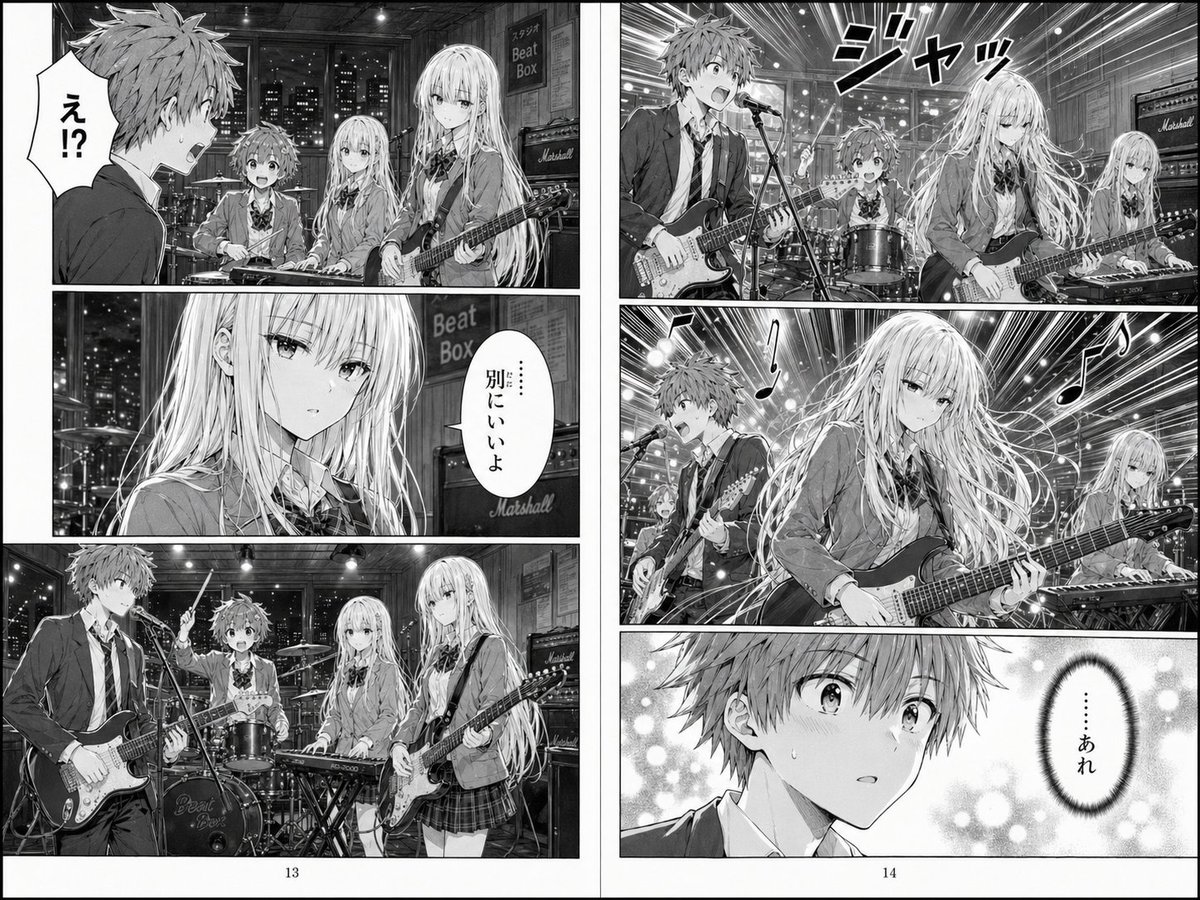
Two-Page School Band Manga Spread
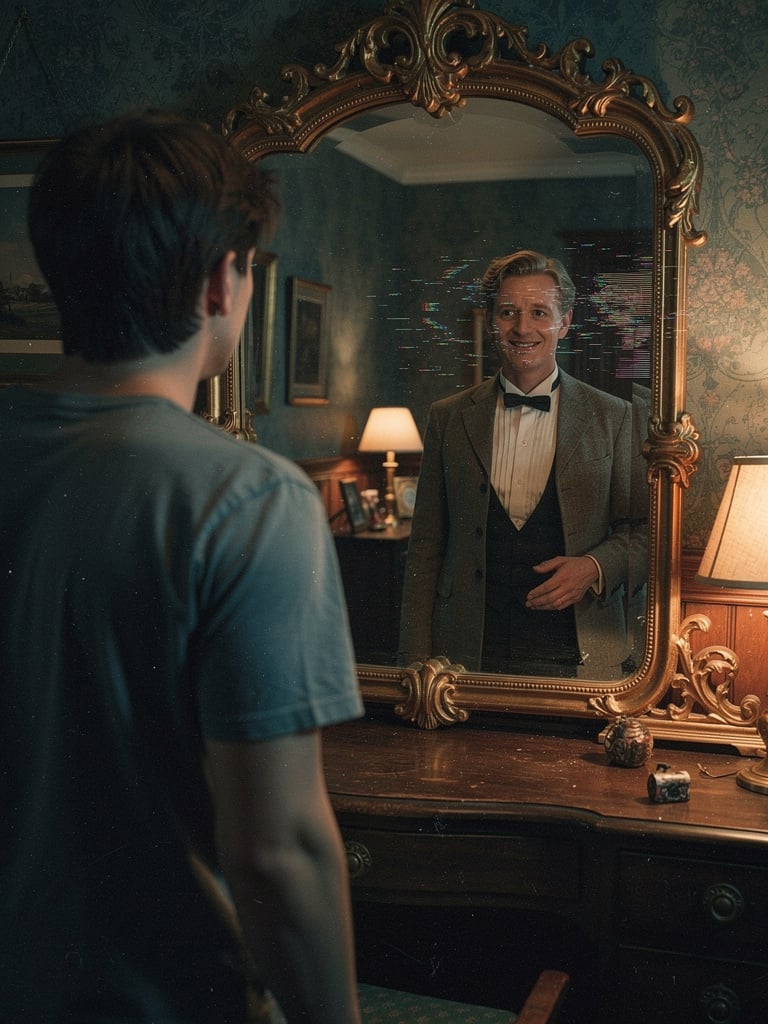
Body Swap Mirror Reflection
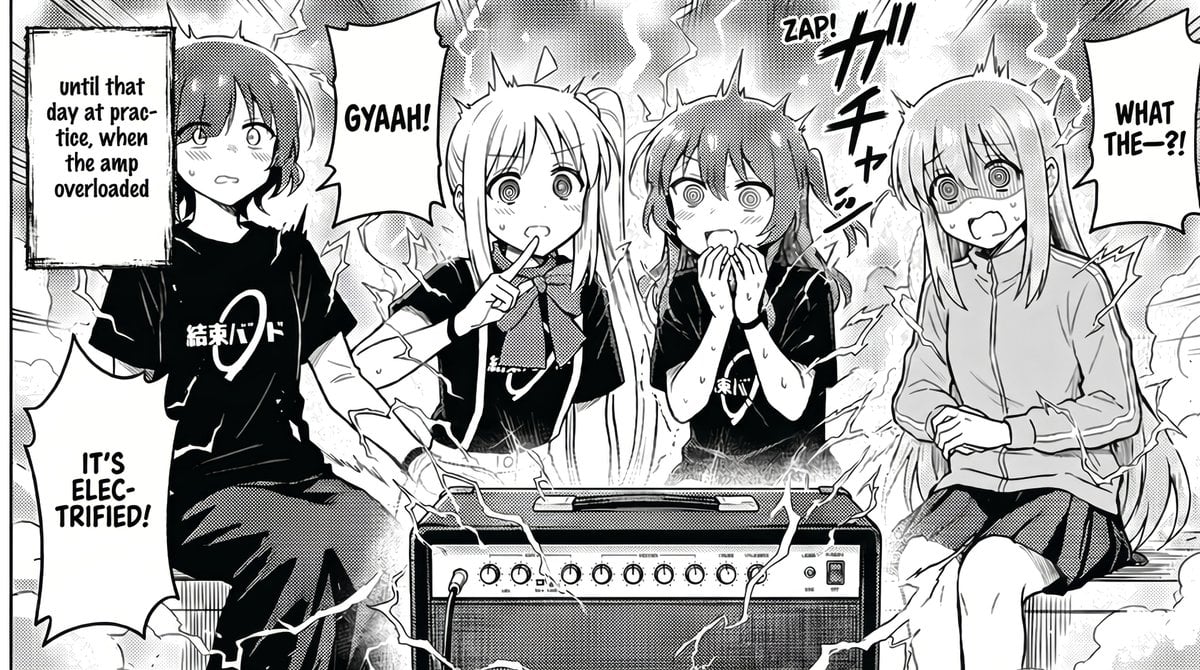
Manga Amp Shock Band Comic
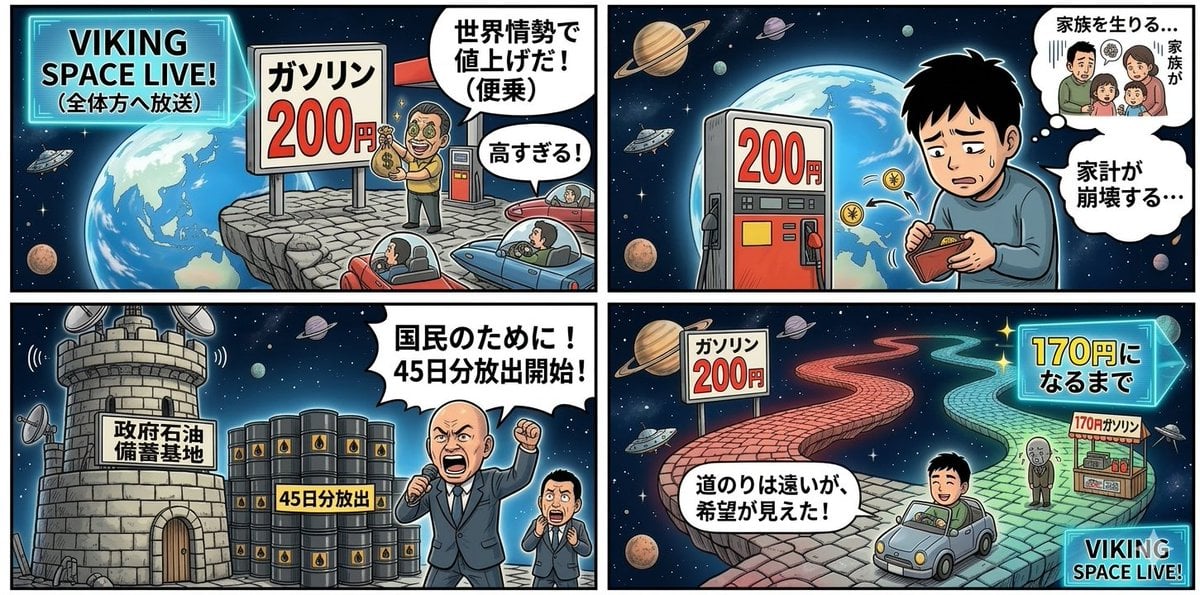
Four-Panel Manga Prompt: Oil Rush Panic
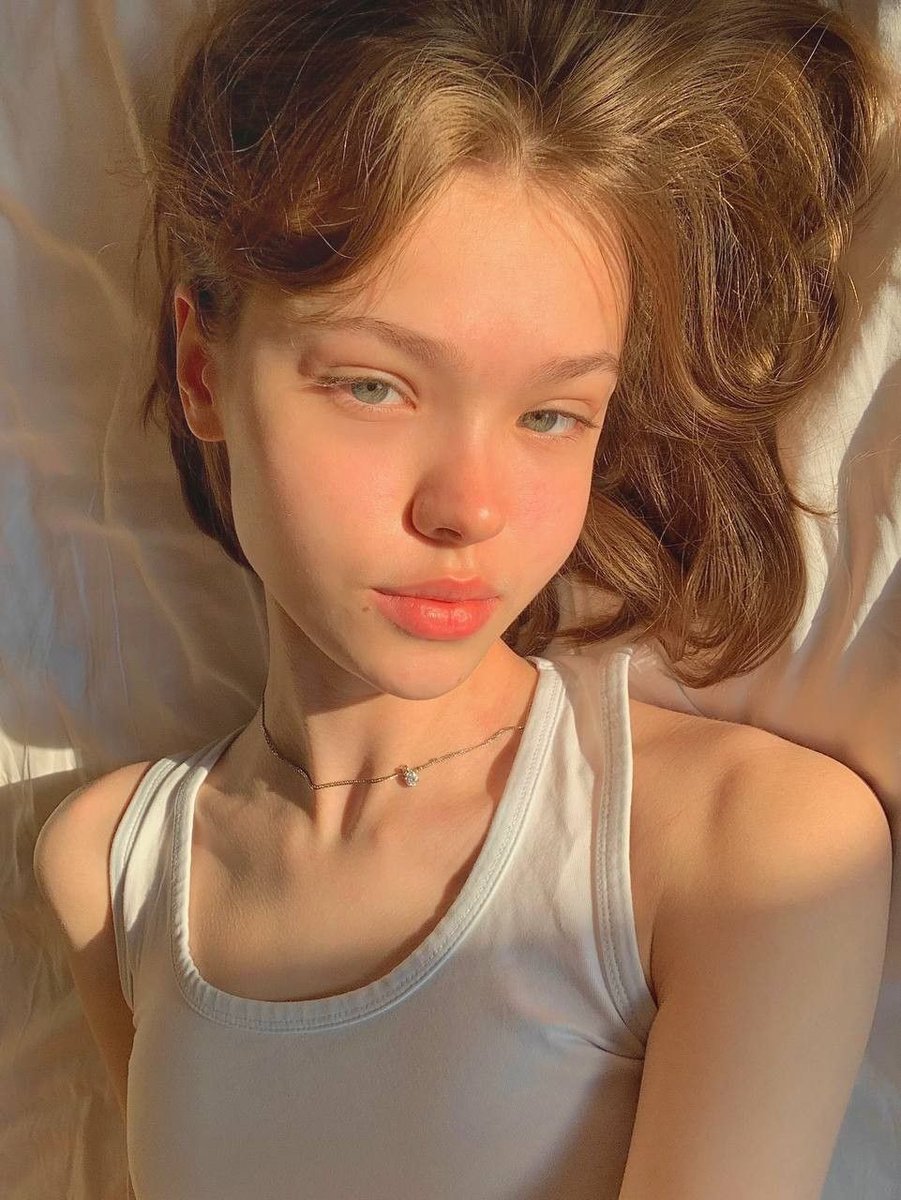
Identity Swap Image Recreation
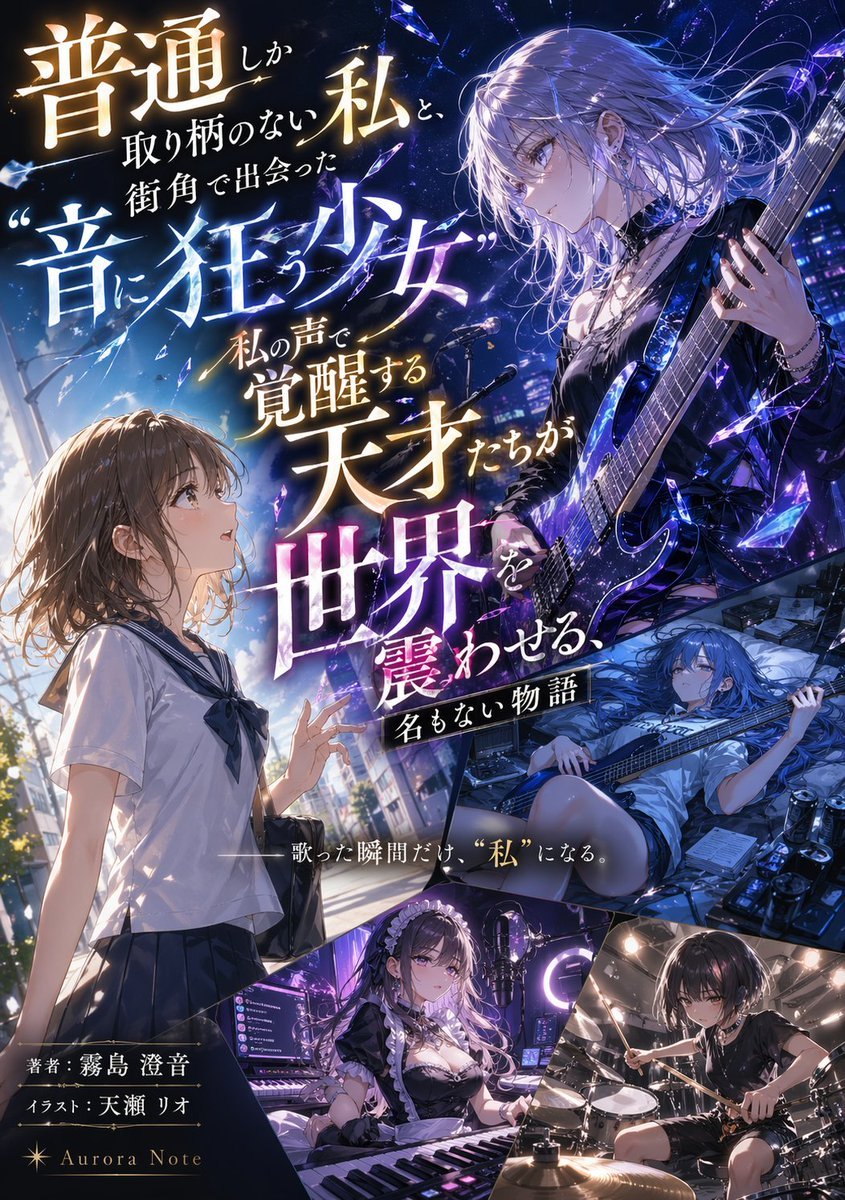
Light Novel Cover with Multi-Character Band Layout
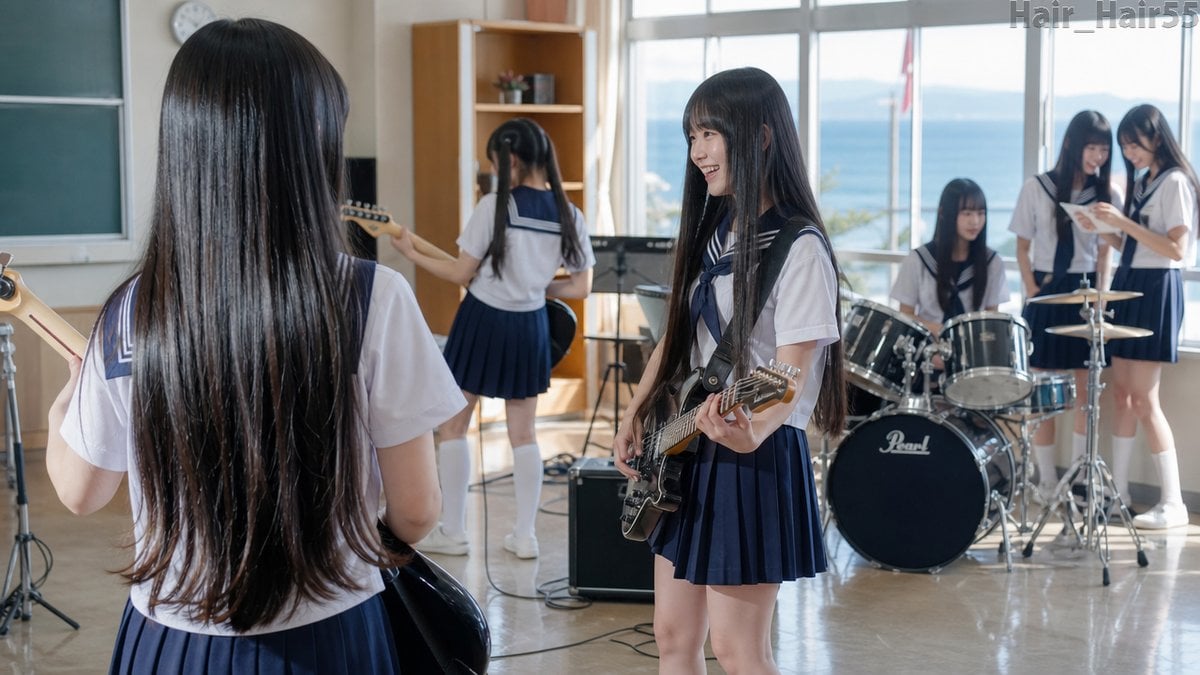
Seaside School Band Rehearsal
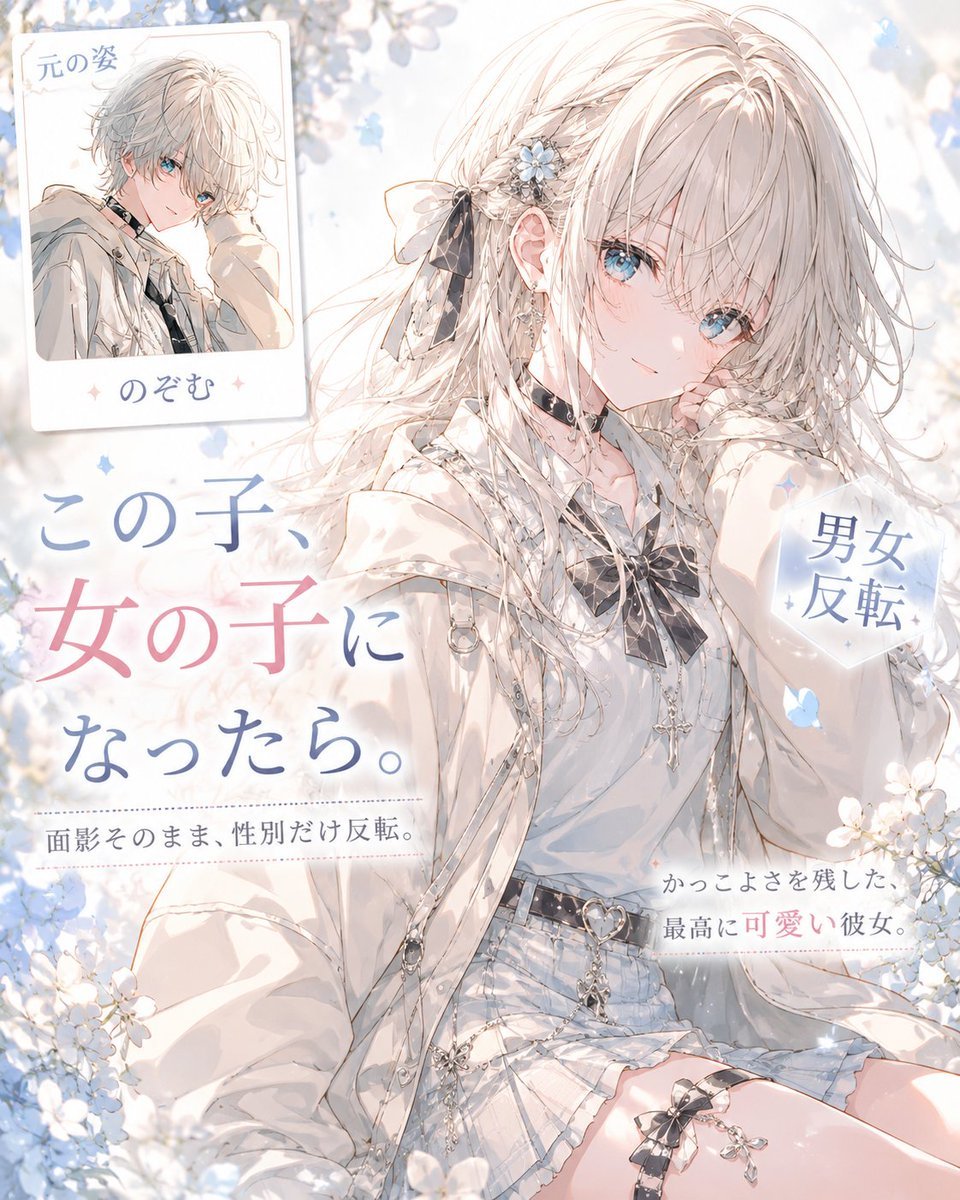
Anime Gender-Swap Promo Illustration
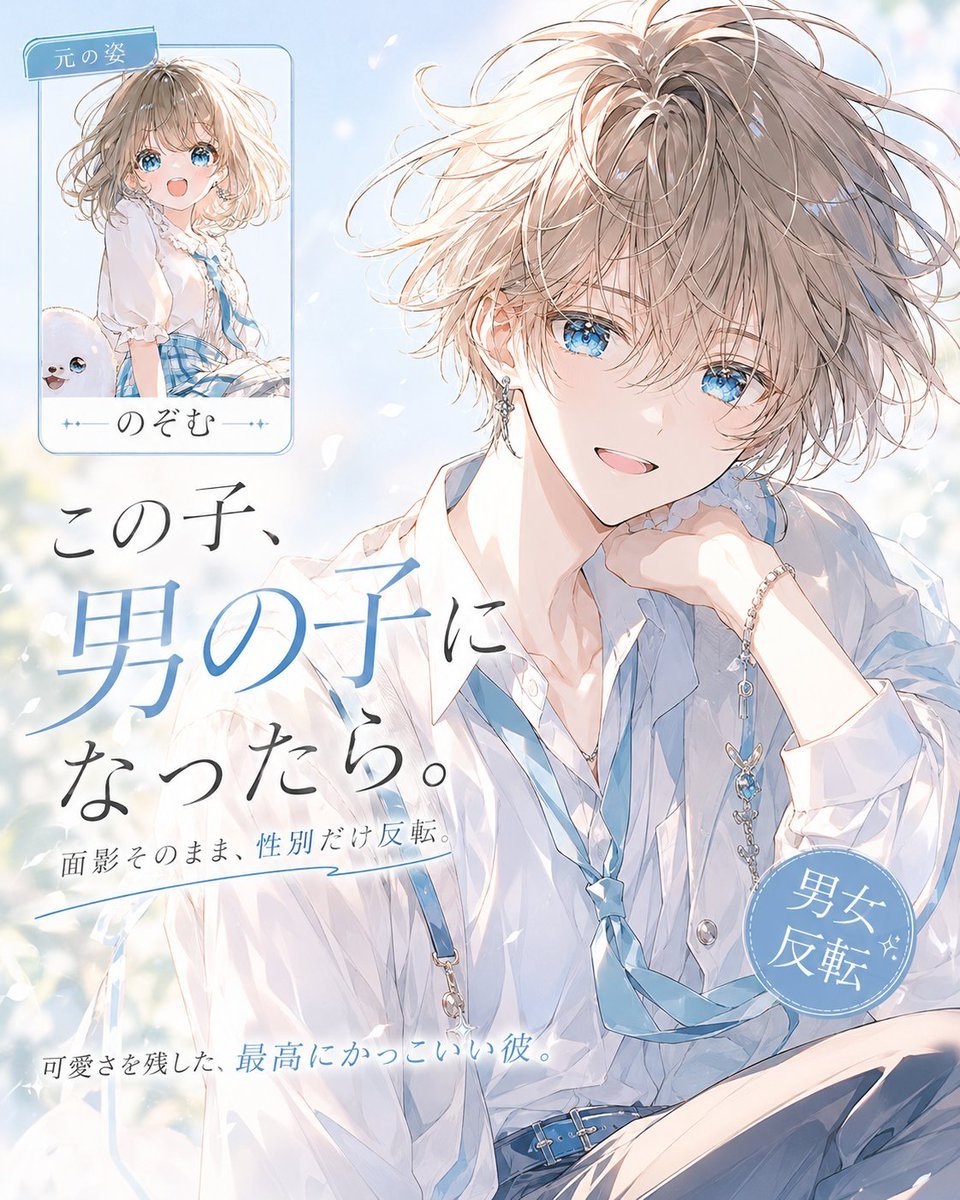
Anime Gender Swap Before After Poster
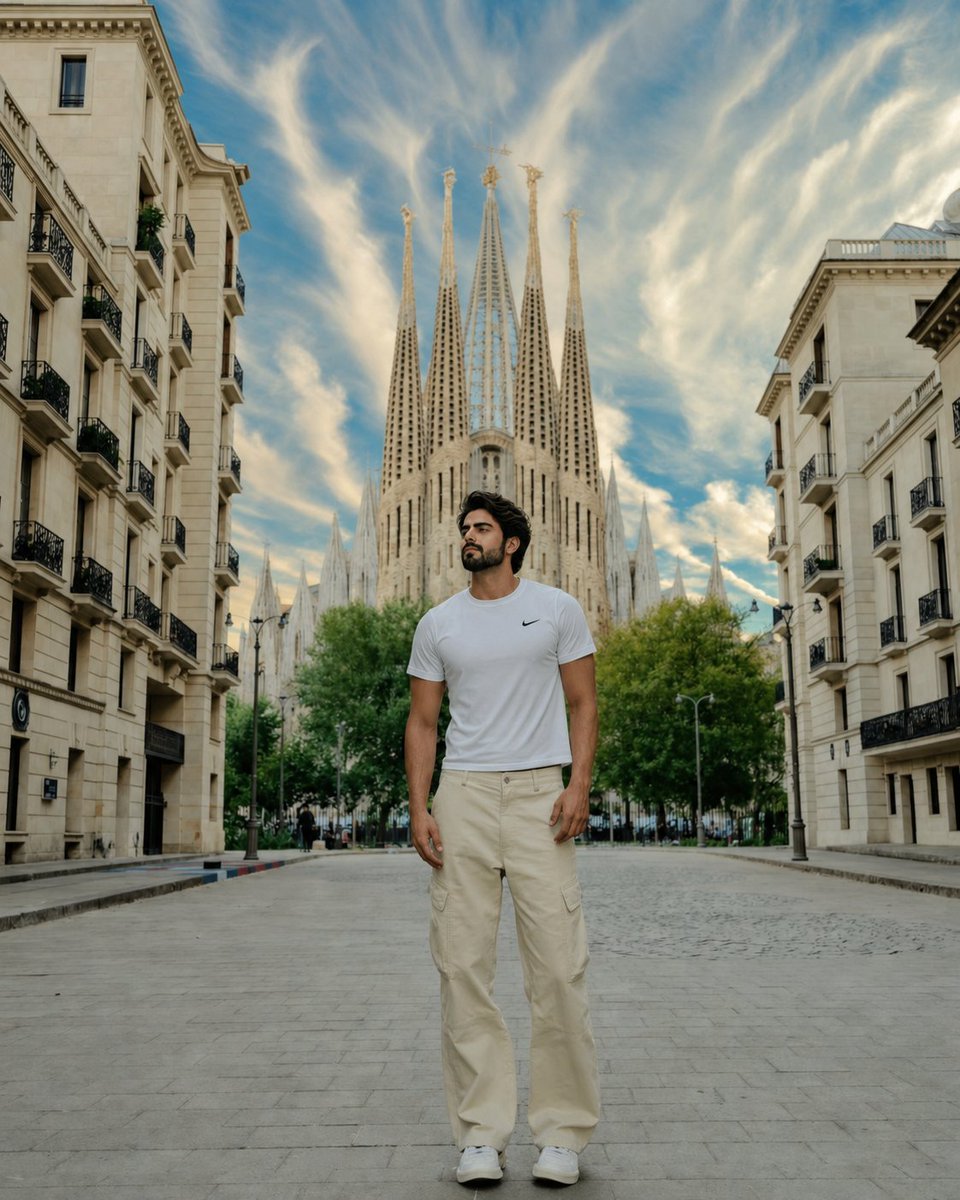
Barcelona Travel Portrait with Face Swap
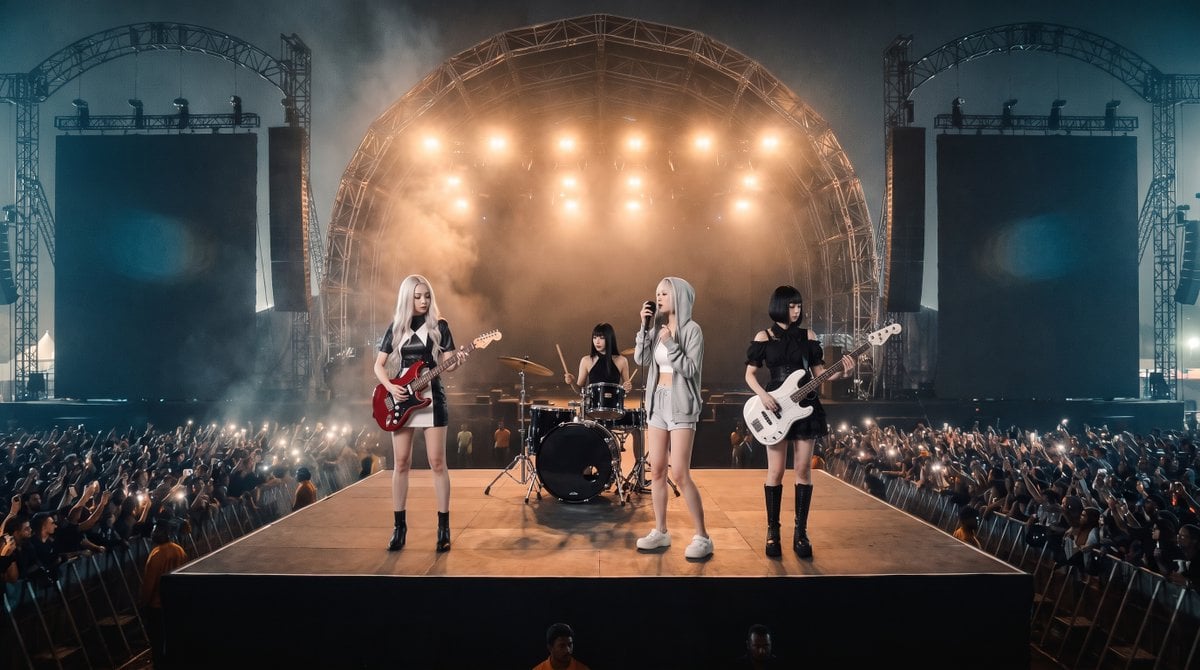
Photorealistic Festival Band Performance
Make it yours
Manga Body Swap Band Panic works as-is. These are the safest ways to change it without losing the look.
Change one field
Copy a single group, rewrite it, and generate again so you can see what that field is doing.
Keep the frame, change the subject
Hold the composition and light of Manga Body Swap Band Panic, then swap wardrobe, props or the person for a new take.
| If the result… | Why | Fix |
|---|---|---|
| The result drifts from the preview | Too many fields changed at once. | Reuse Manga Body Swap Band Panic as-is first, then change one group — subject, light, or setting. |
| The model over-stylizes the scene | The prose prompt leaves finish and camera underspecified. | Add one camera or lighting sentence and stay on GPT Image 2. |
More GPT Image 2 templates
Other prompts made for GPT Image 2.

Six VTuber Japanese Logo Sheet

Realistic Portrait of Woman and Deer

The Vista Modular Condo Poster

AI Model Routing Comparison Infographic

2.5D Anime Art Board

Isometric Productivity Desk Scene

New York Double Exposure Poster

Four-Panel AI Landscape Comparison

Japanese Tatami Lifestyle Magazine Cover

NESCAFÉ Coffee Map Poster
More image prompts
Fresh picks from across the catalog.
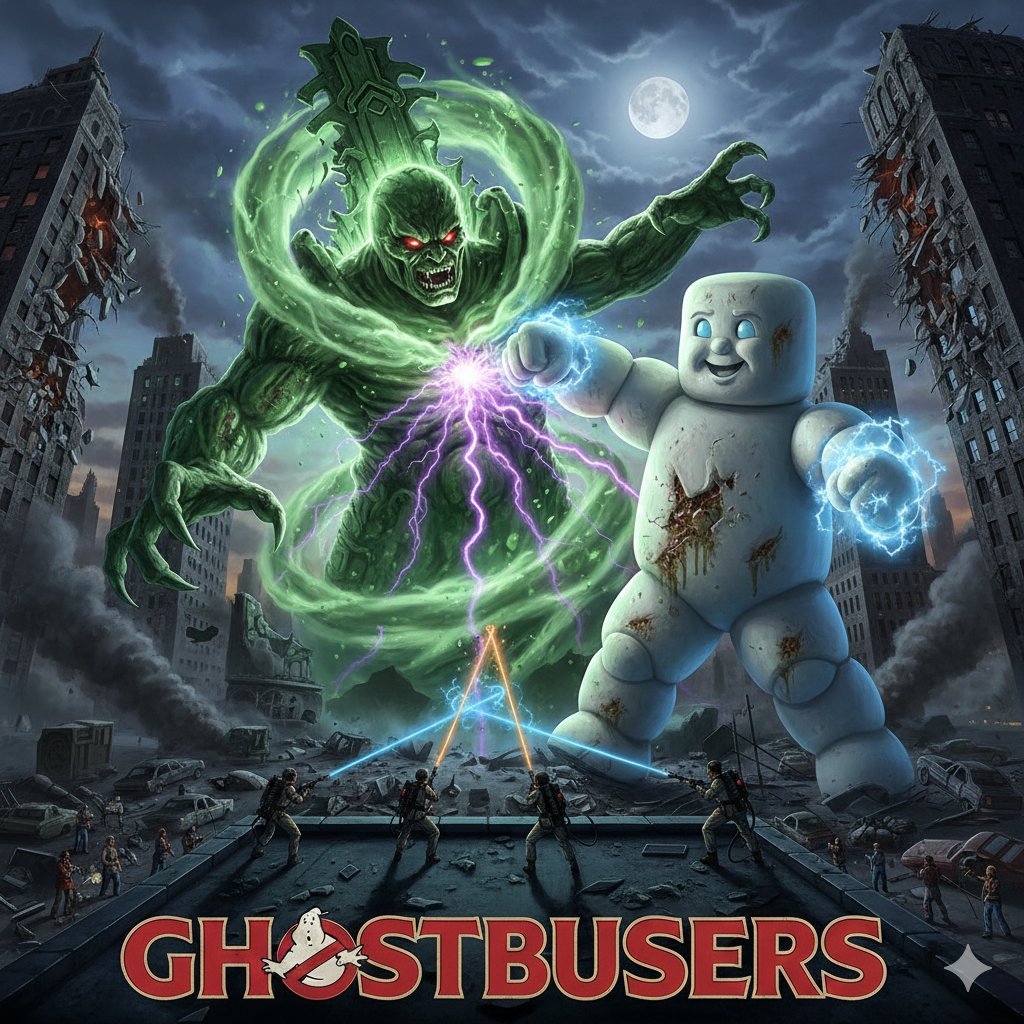
Generate Ghostbusters Scene with Gozer and Stay Puft
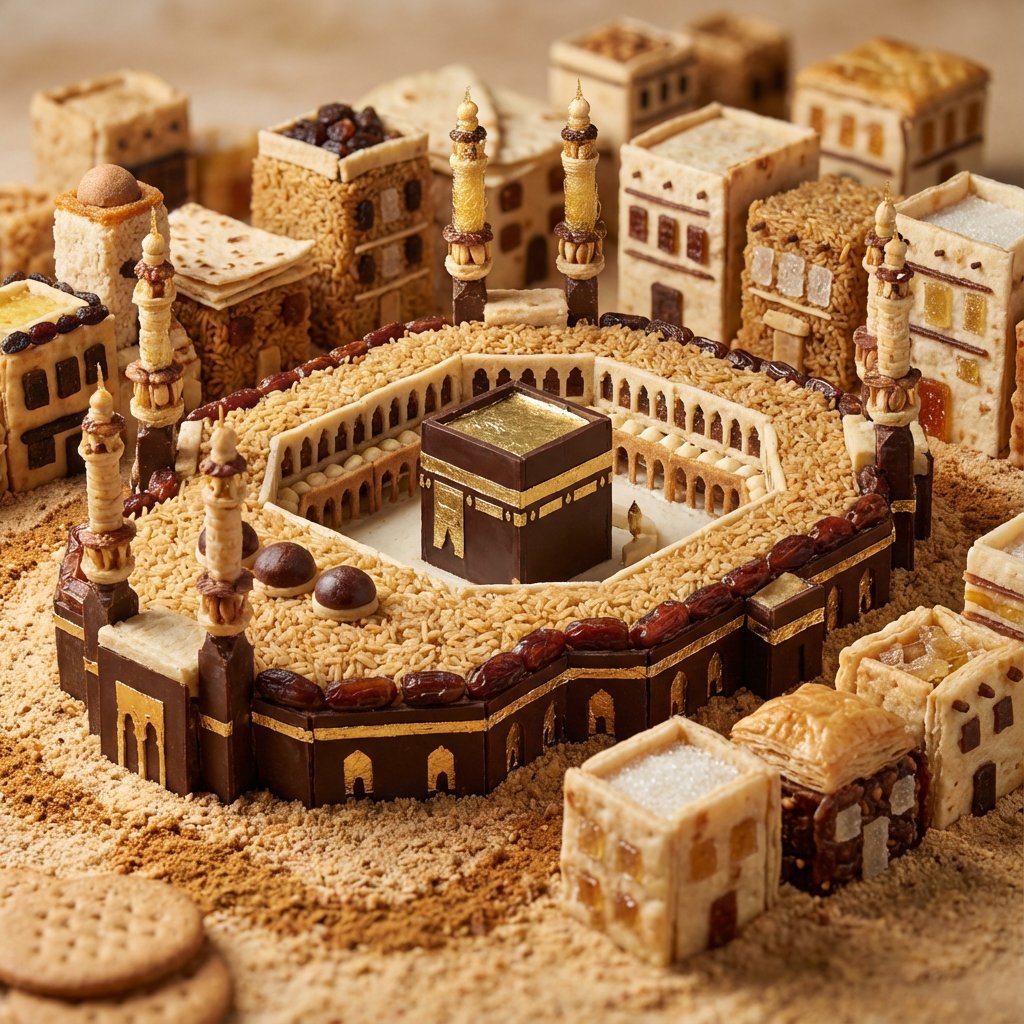
Edible Cityscape Diorama (Double Inference)
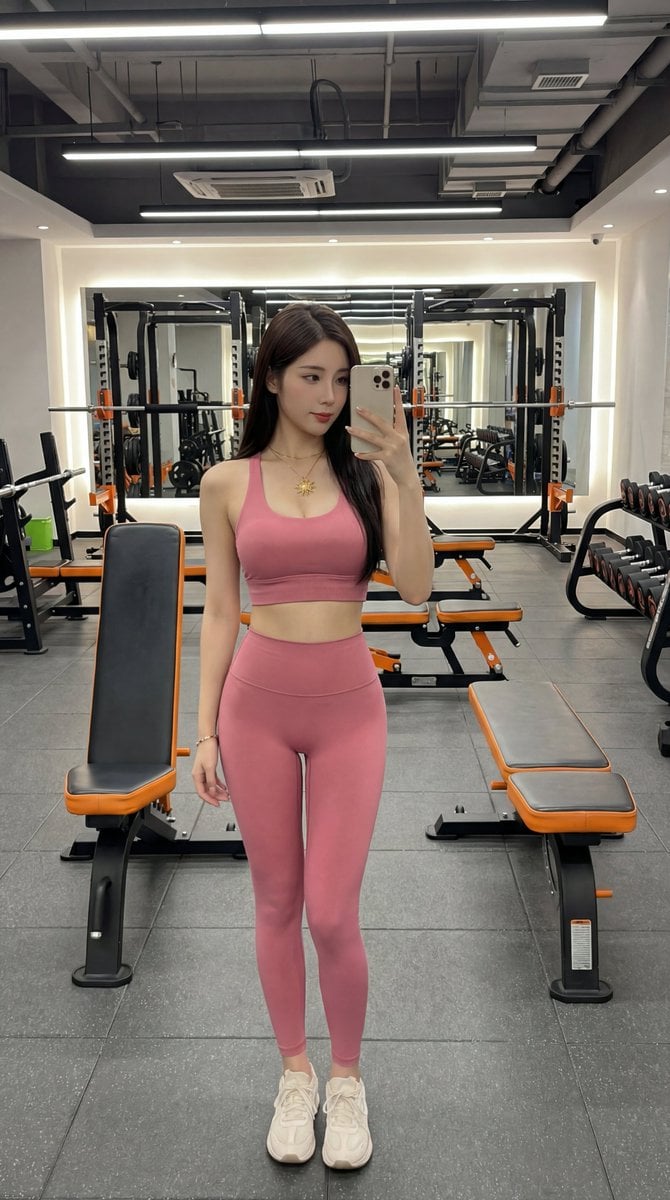
Photorealistic Gym Selfie Portrait with Specific Composition and Color Palette
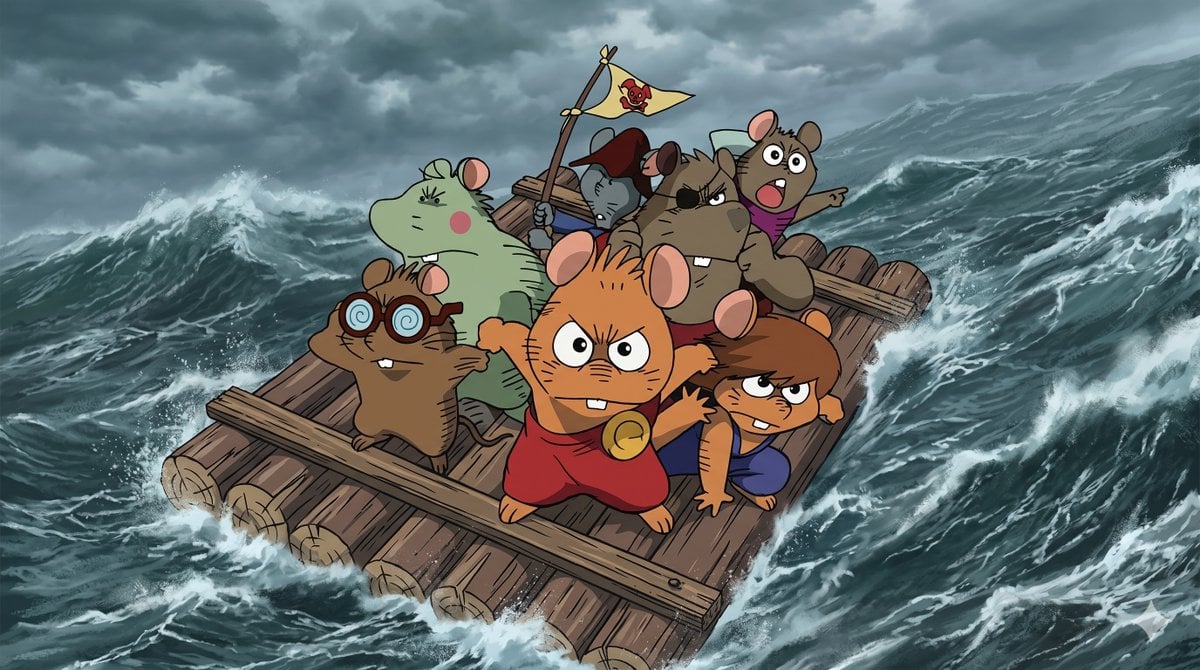
Anime Scene Reconstruction and Expansion
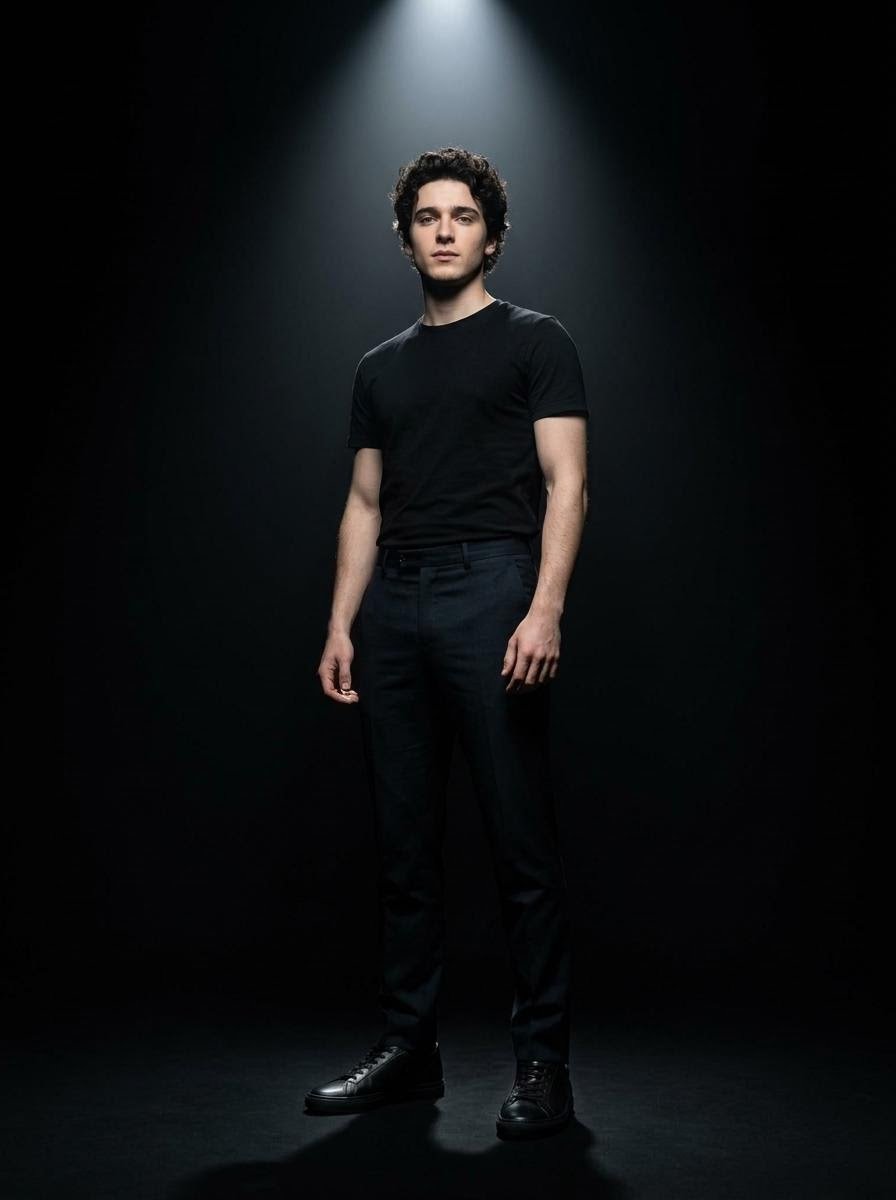
Dramatic Spotlight Studio Portrait
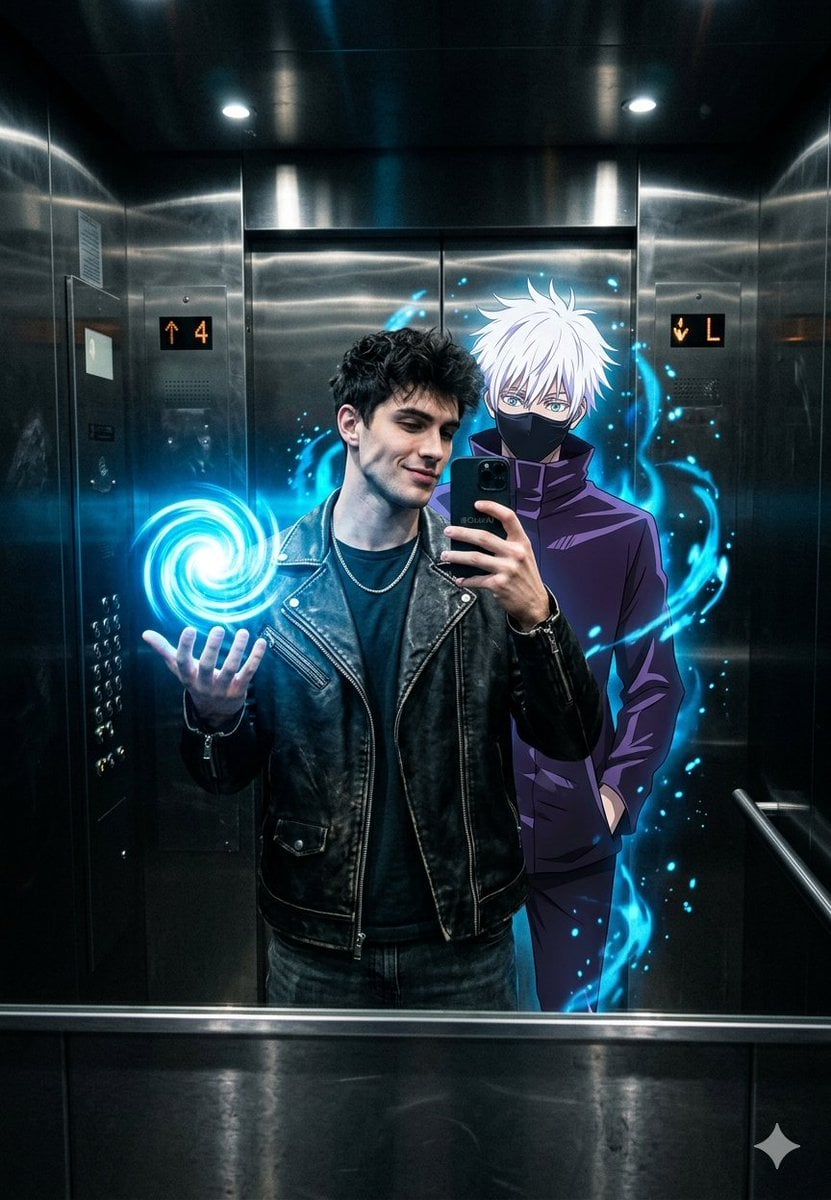
Anime World Elevator Mirror Selfie
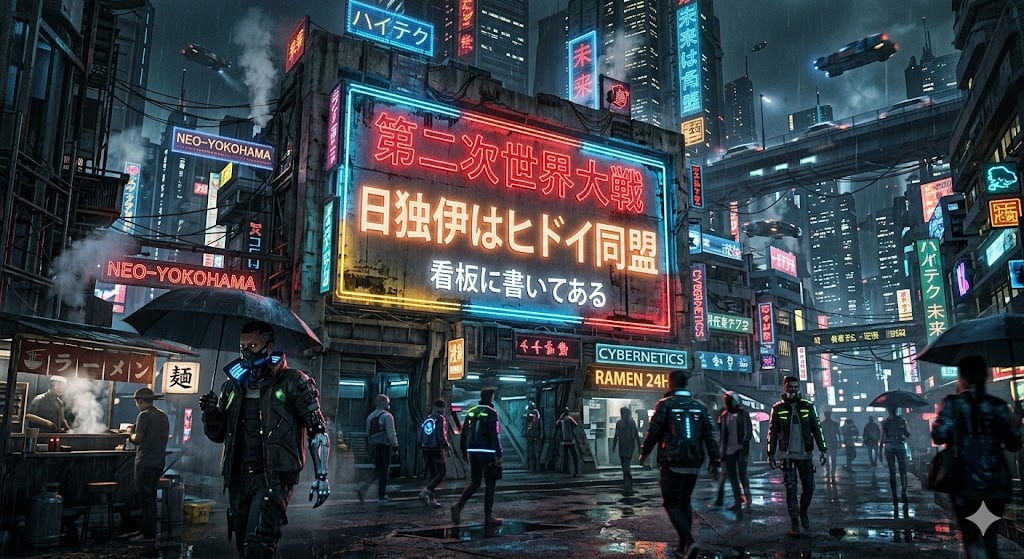
Cyberpunk World War II Signboard

untitled
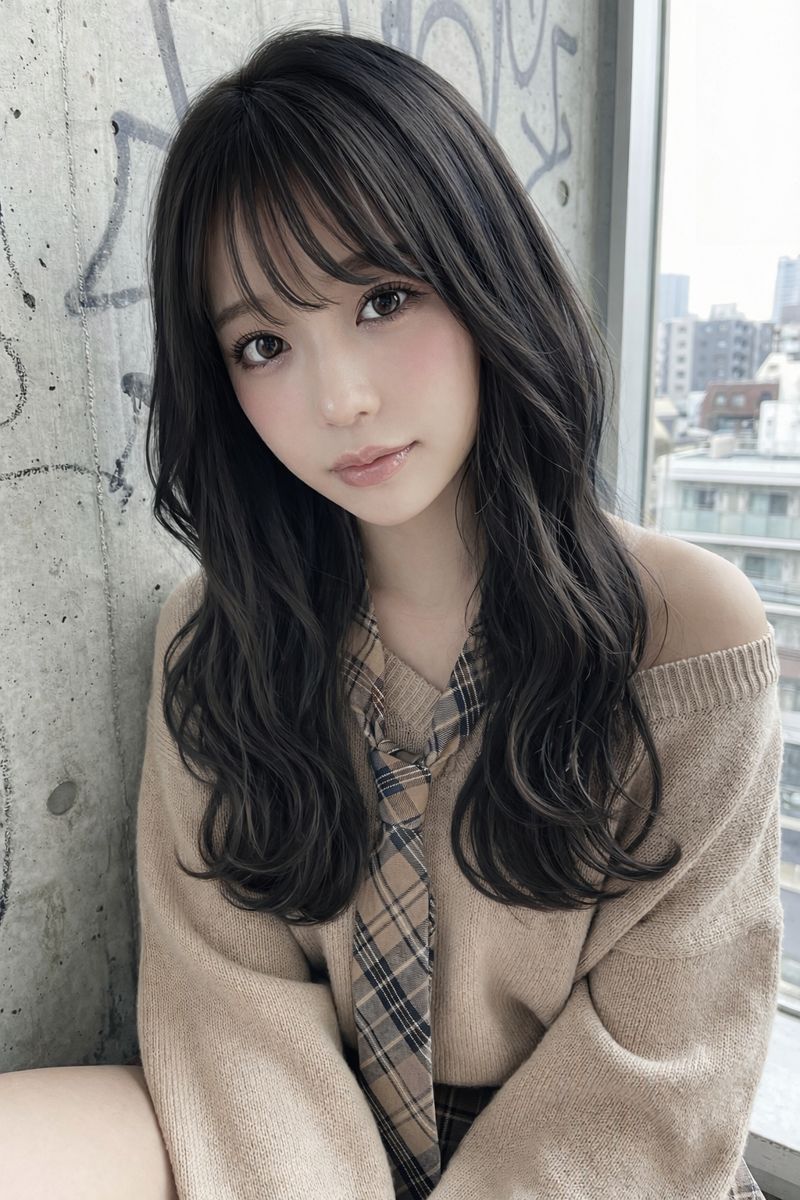
Image Editing: Change Hair Color to Black
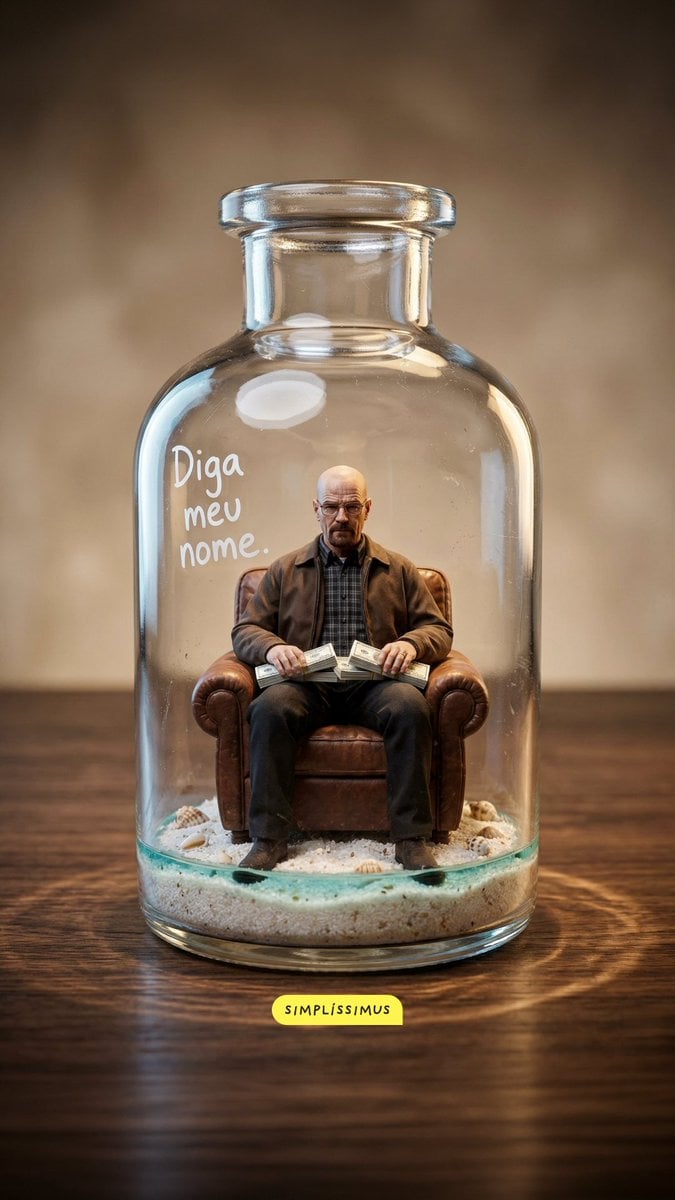
Hyper-real Miniature Diorama Pop Culture Prompt for Nano Banana 2
Browse template categories
Manga Body Swap Band Panic questions
How do I use the Manga Body Swap Band Panic template?
Add your photo if the template asks for one, edit the prompt if you like — the template's model and format are already selected — and press Generate. Your version opens in PicX Studio.
Can I customize the Manga Body Swap Band Panic template?
Yes. You can change the subject, setting, lighting, mood, format, and available model controls before creating your image.
Is the Manga Body Swap Band Panic template free?
Opening and editing this template is free. Generating uses credits, shown on the Generate button when you are signed in.
Which AI model should I use?
Start with GPT Image 2, which is the model associated with this template. You can compare another compatible model for a different finish.
Looking for something else? Browse all templates.

Your photo, any look
Thousands of ready templates for every top image and video model, from one credit balance.