
Anime Gender-Swap Promo Illustration
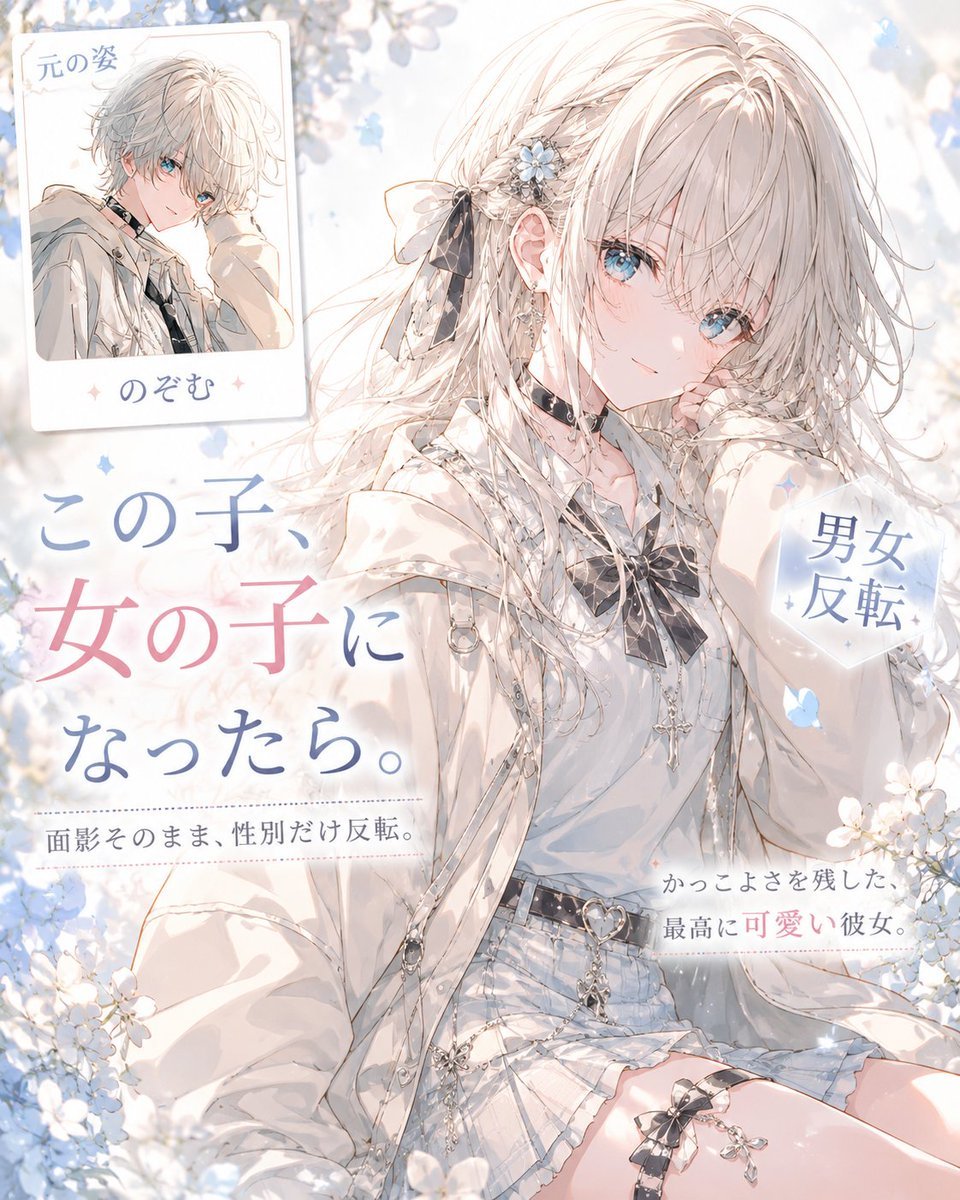
Generates a dreamy Japanese anime promotional illustration showing a handsome boy transformed into a cute girl with an inset original-character card.
- Prompt included
- Model and format preset
- Free template
The prompt behind this image
Copy the exact prompt behind Anime Gender-Swap Promo Illustration, or open it in the studio and make it yours.
Goal: Create a soft, luminous anime-style promotional illustration for a gender-swap character transformation concept, turning an originally handsome boy into an adorable girl while preserving the original atmosphere. Canvas: Square 1:1 composition, high-resolution, airy pastel palette, bright white background with pale blue flowers and bokeh light. Use delicate linework, watercolor-like shading, and refined shojo illustration aesthetics. Main subject: A beautiful anime girl with long silvery-white hair, pale skin, large clear blue eyes, and a gentle slightly melancholic expression. She is seated in a relaxed pose, leaning her cheek on one hand, looking toward the viewer. Her hair is flowing and detailed, with a side braid, loose strands, a black ribbon bow, and small blue-white flower hair ornaments. Outfit and accessories: She wears a white oversized hoodie layered over a white blouse, a black ribbon tie, black choker, pale blue pleated mini skirt, decorative belts, silver chains, heart-shaped belt detail, dangling charms, earrings, and a lace garter-like accessory with a black bow on one thigh. The styling should feel elegant, cute, and slightly gothic-lolita inspired while remaining bright and delicate. Layout: Add exactly 3 text areas and exactly 1 inset reference card. The inset card is placed at the upper left, tilted slightly, showing the original male version: a handsome anime boy with short fluffy white hair, blue eyes, a white hoodie, and a calm expression. The card includes Japanese text at the top and bottom. The main headline occupies the left-center area in large vertical-feeling Japanese typography with blue and pink emphasis. A small hexagonal label sits on the right side near the girl's shoulder. Two small caption lines appear near the lower left and lower right. Text content: Use the following visible Japanese text exactly where appropriate: main headline 「この子、女の子になったら。」 with 「女の子」 emphasized in pink and the rest in blue; small caption 「面影そのまま、性別だけ反転。」; right hexagon label 「男女反転」; lower-right caption 「かっこよさを残した、最高に可愛い彼女。」; inset card top 「元の姿」 and inset card bottom 「のぞむ」. Atmosphere: Dreamy spring light, floating petals, soft sparkles, white blossoms in the foreground and background, gentle lens glow, romantic magazine-ad composition. Keep the image clean, elegant, and highly polished, with no harsh shadows. Customizable parameters: transform {argument name="character name" default="のぞむ"} from an original handsome boy into a cute girl; use {argument name="hair color" default="silvery white"}; use {argument name="eye color" default="clear blue"}; main headline text {argument name="headline text" default="この子、女の子になったら。"}; transformation label {argument name="transformation label" default="男女反転"}. Constraints: Preserve exactly 1 inset card, exactly 3 main text areas outside the card, and exactly 1 main character. Do not add extra characters, logos, watermarks, or modern UI elements. The image should look like a finished Japanese light-novel or social media announcement illustration.
How to use Anime Gender-Swap Promo Illustration in 3 steps
- 1Upload ImagePNG, JPG or paste
Add your photo
Upload the photo the template builds on. The prompt, model and format are already set.
- 2…a portrait of your subject in softgolden-hour light, 85mm…
Personalize
Edit the subject and creative details for your destination.
- 3Generate
Generate
Press Generate — your image is created in PicX Studio, so you can compare it with the original and refine one variable at a time.
More like this
Templates with the same subject, style or setup. Open one to see its prompt.

Captain Tsubasa Anime World Cup Poster

Anime Character Charm Analysis Sheet
Anime Gender Swap Before After Poster
Retro Anime Gender Swap Visual

Cel 2D Finale Fireworks

Cel 2D Garden Maze

Cel 2D Rooftop Concert

Cel 2D Bicycle Coast

Cel 2D Castle Gate

Cel 2D Kitchen Chaos

Cel 2D Carnival Ride

Cel 2D Rainy Bus Stop
Make it yours
Anime Gender-Swap Promo Illustration works as-is. These are the safest ways to change it without losing the look.
Change one field
Copy a single group, rewrite it, and generate again so you can see what that field is doing.
Keep the frame, change the subject
Hold the composition and light of Anime Gender-Swap Promo Illustration, then swap wardrobe, props or the person for a new take.
| If the result… | Why | Fix |
|---|---|---|
| The result drifts from the preview | Too many fields changed at once. | Reuse Anime Gender-Swap Promo Illustration as-is first, then change one group — subject, light, or setting. |
| The model over-stylizes the scene | The prose prompt leaves finish and camera underspecified. | Add one camera or lighting sentence and stay on GPT Image 2. |
More GPT Image 2 templates
Other prompts made for GPT Image 2.

Six VTuber Japanese Logo Sheet

Realistic Portrait of Woman and Deer

The Vista Modular Condo Poster

AI Model Routing Comparison Infographic

2.5D Anime Art Board

Isometric Productivity Desk Scene

New York Double Exposure Poster

Four-Panel AI Landscape Comparison

Japanese Tatami Lifestyle Magazine Cover

NESCAFÉ Coffee Map Poster
More image prompts
Fresh picks from across the catalog.
Cinematic Character Design Sheet
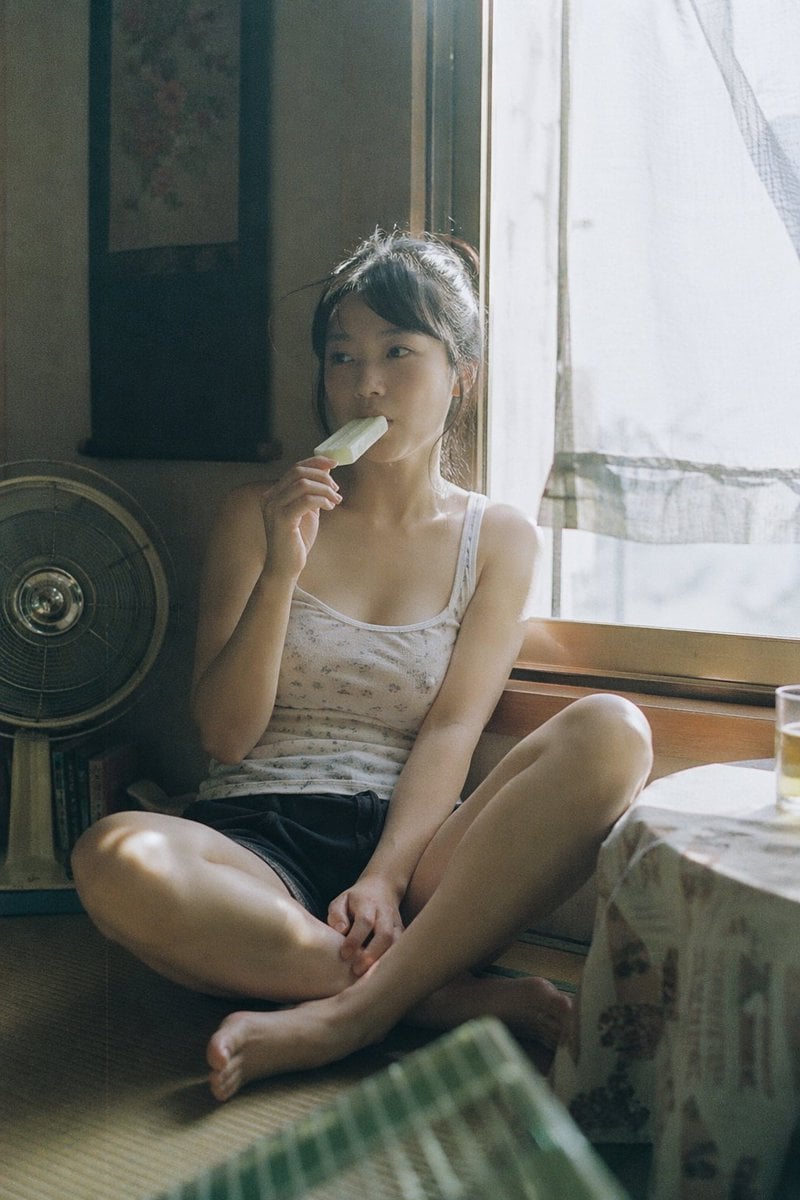
Summer Ice Cream Moment
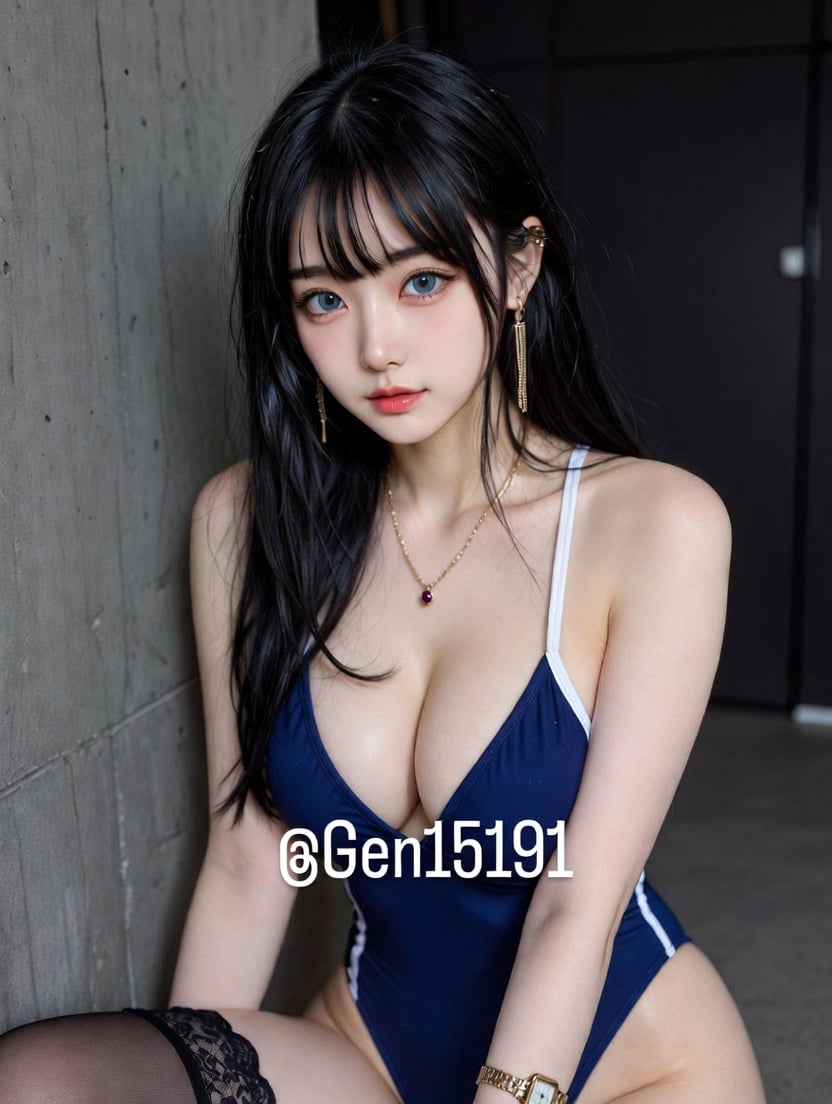
T-Shirt Text Customization Prompt
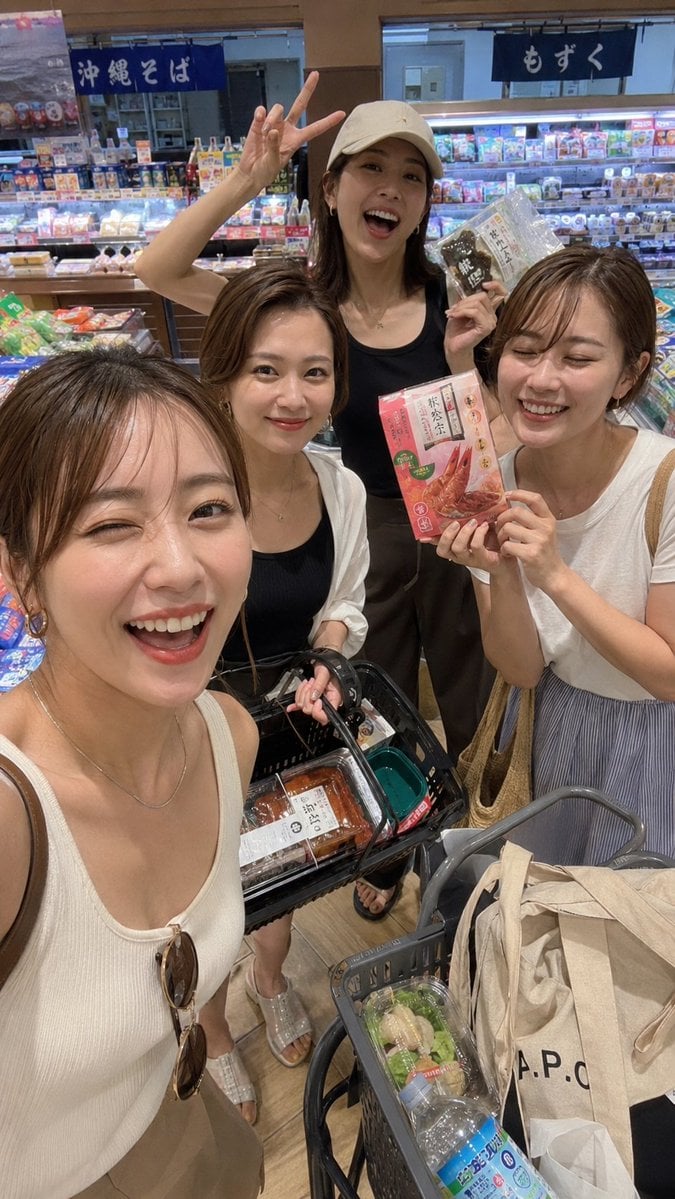
Vacation Grocery Selfie
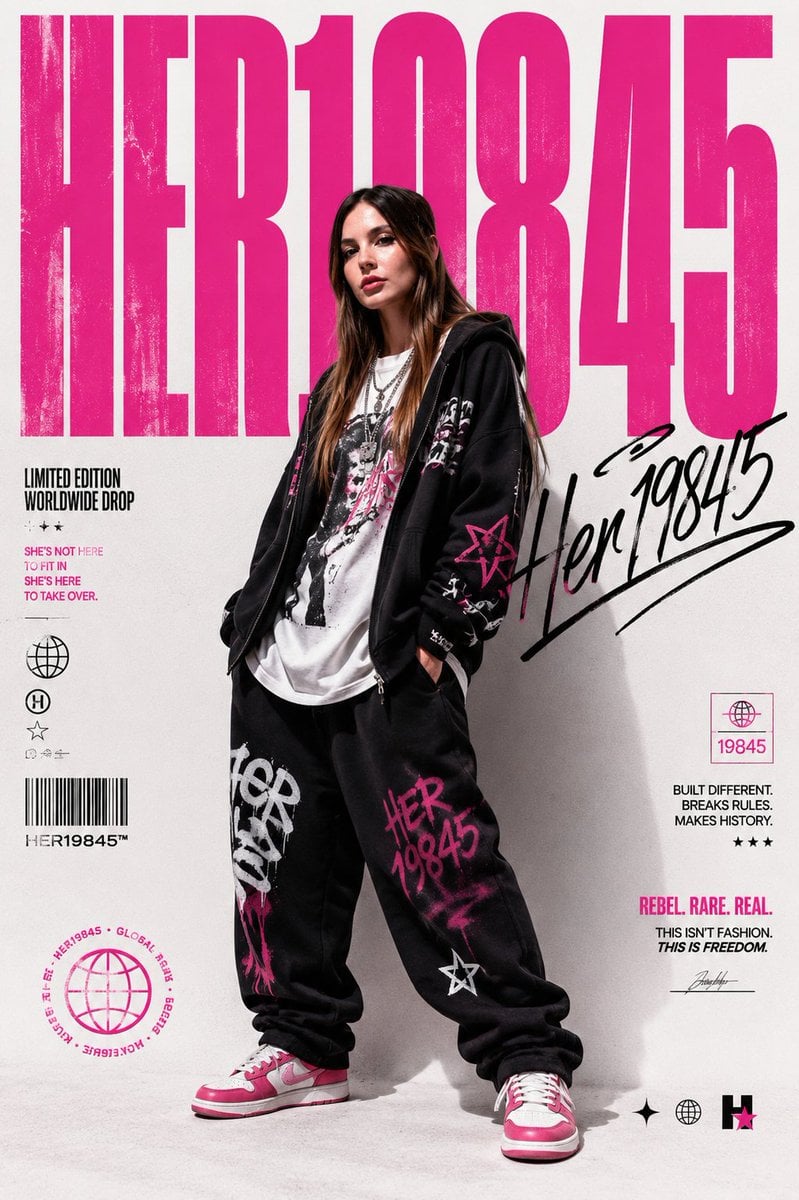
Streetwear Brand Drop Collage Poster
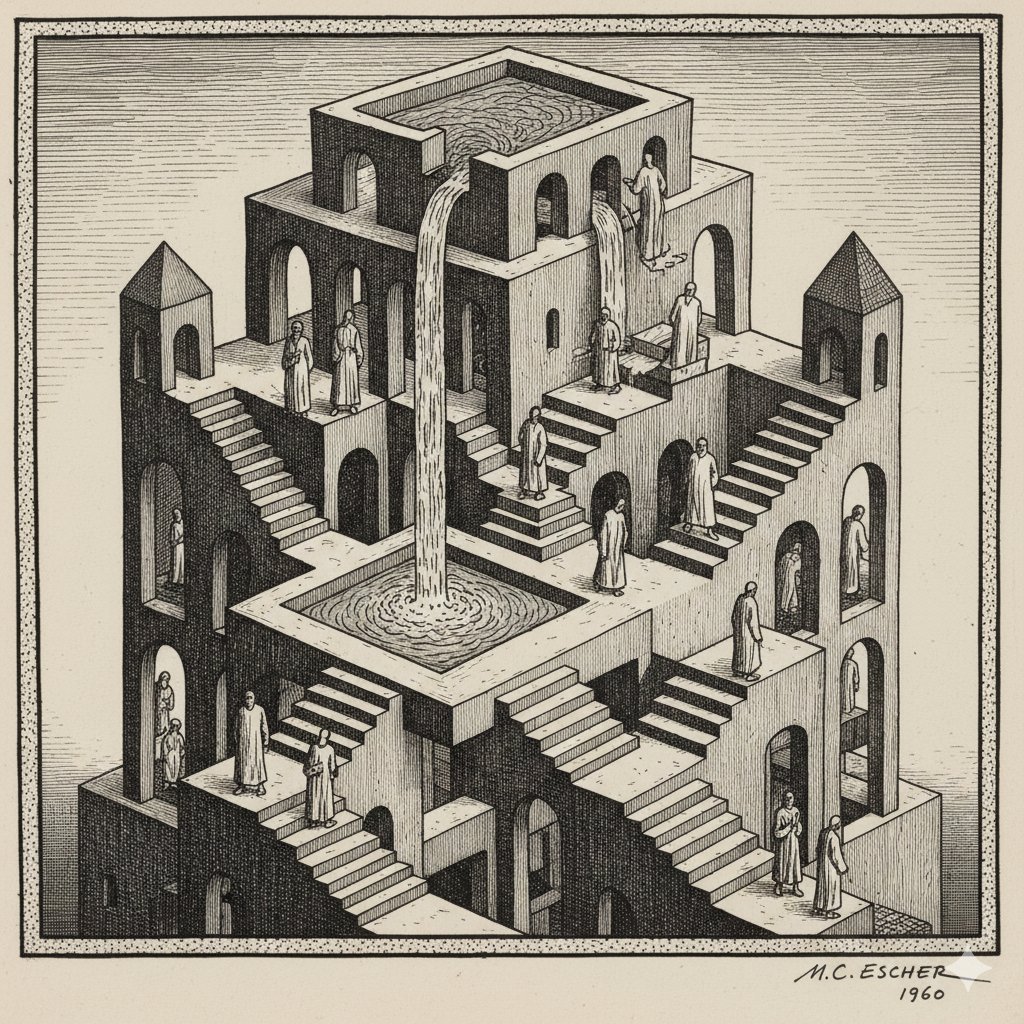
Escher-style Optical Illusion Generation
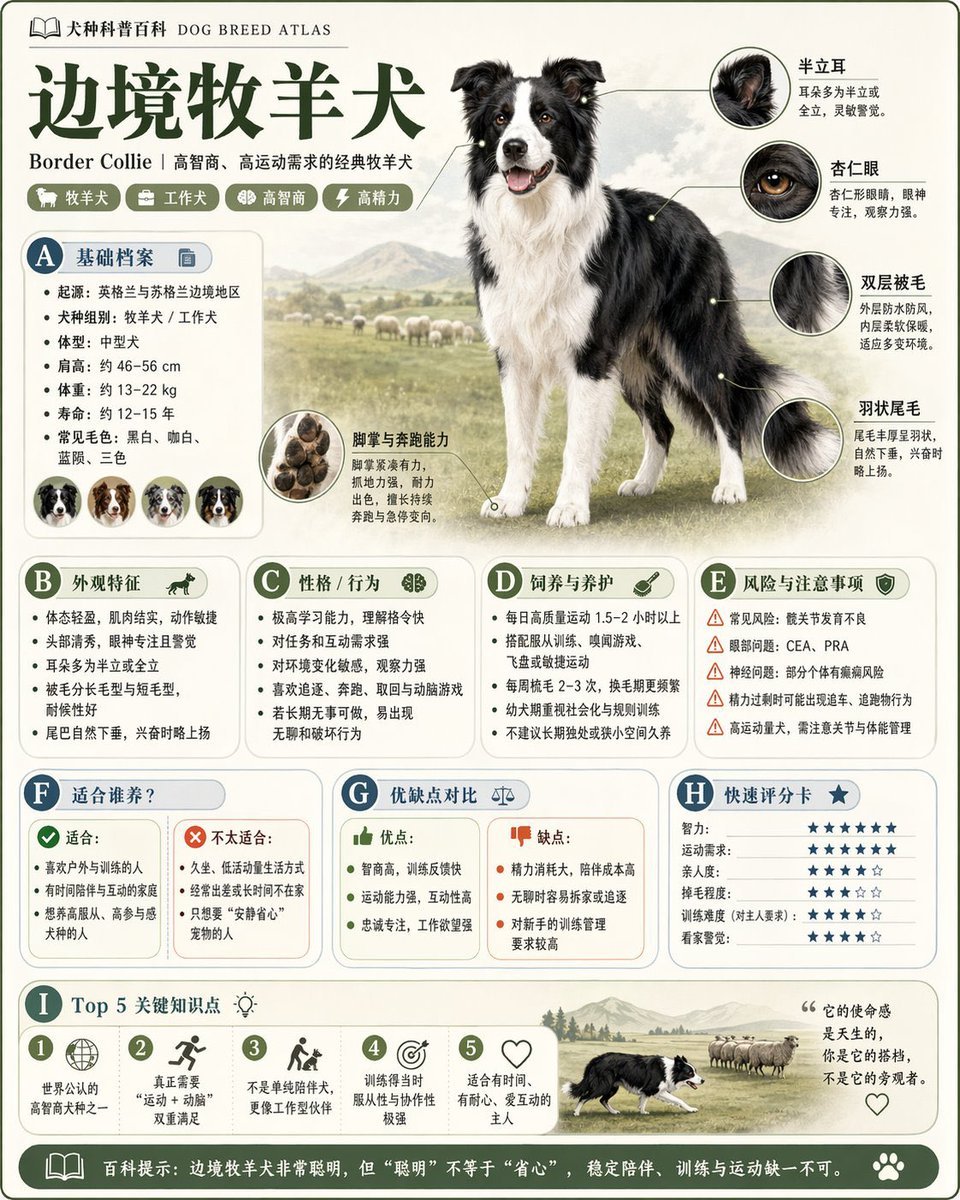
Encyclopedia Style Infographic Generator

Poetic Rain Forest Portrait During Golden Hour
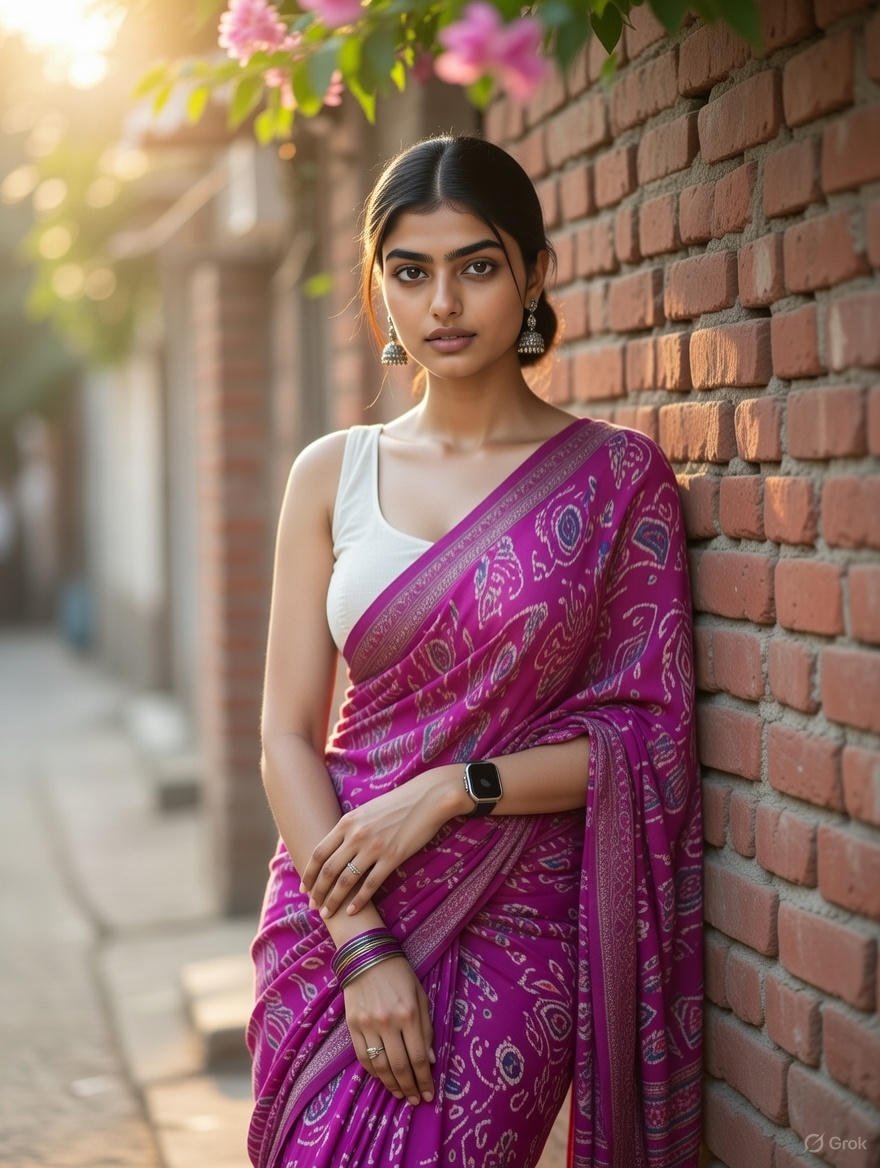
Grok Identity Lock Prompt for Saree Portrait

Nano Banana 2 Eastern Dragon Prompt
Browse template categories
Anime Gender-Swap Promo Illustration questions
How do I use the Anime Gender-Swap Promo Illustration template?
Add your photo if the template asks for one, edit the prompt if you like — the template's model and format are already selected — and press Generate. Your version opens in PicX Studio.
Can I customize the Anime Gender-Swap Promo Illustration template?
Yes. You can change the subject, setting, lighting, mood, format, and available model controls before creating your image.
Is the Anime Gender-Swap Promo Illustration template free?
Opening and editing this template is free. Generating uses credits, shown on the Generate button when you are signed in.
Which AI model should I use?
Start with GPT Image 2, which is the model associated with this template. You can compare another compatible model for a different finish.
Looking for something else? Browse all templates.

Your photo, any look
Thousands of ready templates for every top image and video model, from one credit balance.