
Streetwear Brand Drop Collage Poster
Generates a bold editorial streetwear campaign poster with oversized hot-pink typography, punk branding, and a full-body fashion model.
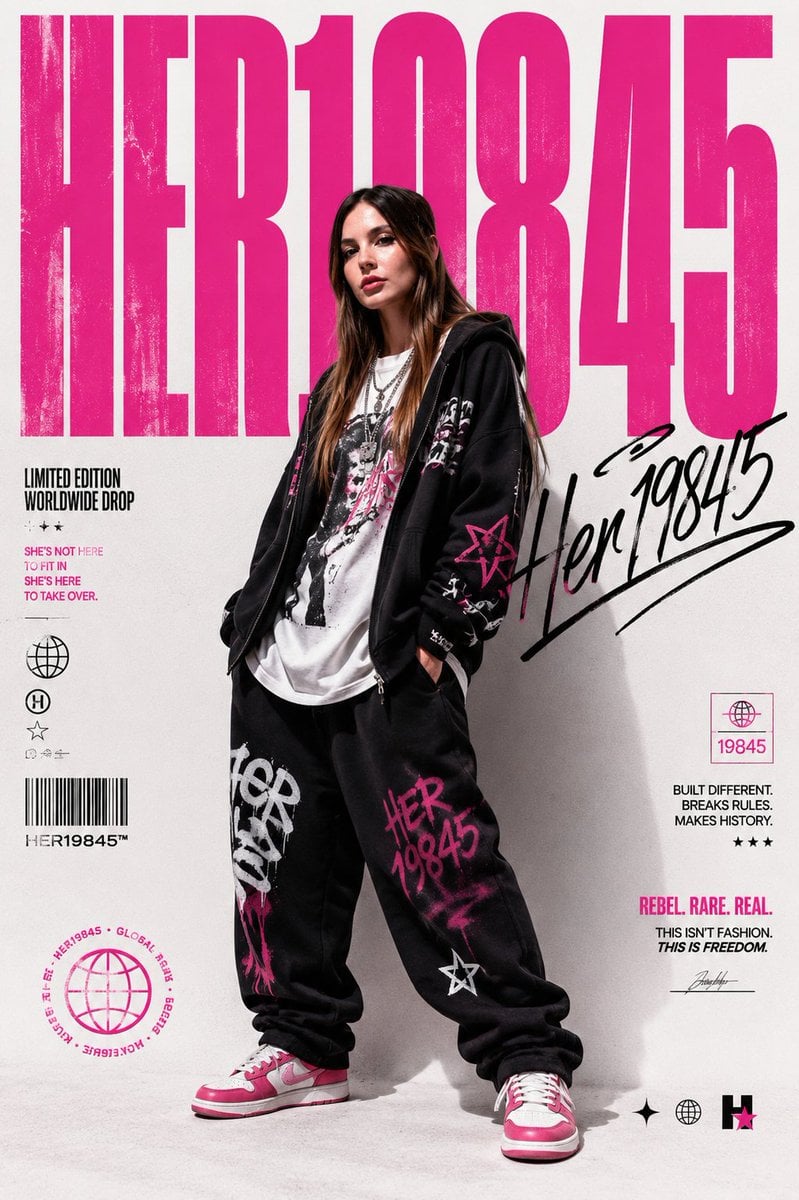
- Prompt included
- Model and format preset
- Premium template
The prompt behind this image
Copy the exact prompt behind Streetwear Brand Drop Collage Poster, or open it in the studio and make it yours.
Goal: Create a high-fashion streetwear campaign poster for a limited-edition drop, centered on a full-body model wearing an oversized black graphic hoodie and black sweatpants with hot-pink graffiti branding. Canvas: Vertical portrait poster, approximately 2:3 aspect ratio, off-white studio background with subtle paper grain, slight shadows on the floor and wall, editorial fashion lighting. Layout: Huge condensed hot-pink headline text fills the entire top background, reading {argument name="main headline" default="HER19845"}. Place the model in the center foreground, overlapping the headline so the letters appear behind the head and torso. Keep the composition bold, poster-like, and slightly grungy. Subject details: A young adult streetwear model stands relaxed with legs apart and hands in pockets, long brown hair falling over the shoulders, face softly obscured or blurred, wearing layered silver necklaces, a white graphic T-shirt, an oversized black zip hoodie with white and hot-pink punk graphics, loose black sweatpants with large pink and white graffiti text, and pink-and-white sneakers. The visible outfit has exactly 6 major pieces: black hoodie, white graphic T-shirt, black sweatpants, pink-and-white sneakers, silver necklace stack, and long loose hair. Text and graphics: Include exactly 7 secondary text/graphic clusters around the model: 1) left mid block reading “LIMITED EDITION / WORLDWIDE DROP” with three small stars and the slogan “SHE’S NOT HERE / TO FIT IN / SHE’S HERE / TO TAKE OVER.” in pink; 2) left vertical icon stack with a globe icon, circled H icon, outlined star icon, tiny abstract symbols, barcode, and small text “HER19845™”; 3) lower-left circular hot-pink globe stamp with surrounding microtext about global drop and rebel/hacker energy; 4) large black handwritten signature across the right side reading {argument name="signature text" default="Her 19845"}, underlined with expressive marker strokes; 5) right mid small outlined pink label box containing a globe icon and “19845”; 6) right lower manifesto block reading “BUILT DIFFERENT. / BREAKS RULES. / MAKES HISTORY.” with three stars, then “REBEL. RARE. REAL.” in pink and “THIS ISN’T FASHION. / THIS IS FREEDOM.” beneath it plus a small signature line; 7) bottom-right row of four small symbols: black sparkle star, black globe, black vertical bars, and a pink star inside a black square. Visual style: Magazine cover meets underground streetwear lookbook, clean studio photography mixed with distressed punk typography, hot pink and black on off-white, sharp high-resolution product detail, slightly worn ink texture on the giant headline, graffiti marks on clothing, premium editorial realism. Constraints: Use exactly the text clusters and symbols listed, avoid adding extra logos or watermarks, keep the face intentionally non-identifiable, make the poster feel like a collectible fashion drop announcement for {argument name="brand name" default="HER19845"}.
How to use Streetwear Brand Drop Collage Poster in 3 steps
- 1Upload ImagePNG, JPG or paste
Add your photo
Upload the photo the template builds on. The prompt, model and format are already set.
- 2…a portrait of your subject in softgolden-hour light, 85mm…
Personalize
Edit the subject and creative details for your destination.
- 3Generate
Generate
Press Generate — your image is created in PicX Studio, so you can compare it with the original and refine one variable at a time.
More like this
Templates with the same subject, style or setup. Open one to see its prompt.

Urban Fashion Editorial Collage Poster

Usa Cinematic Hyperreal Collage Poster
Urban Streetwear Fashion Collage Poster

Gpt2 Product Marketing Streetwear Sneaker Poster Ad

1988 Mall Style

Japan Travel Brochure Poster
Jaw-dropping premium advertising poster in 9 16 vertical format

Six-Panel Retro Japanese Poster Collage
Minimalist Nescafé Brand Poster
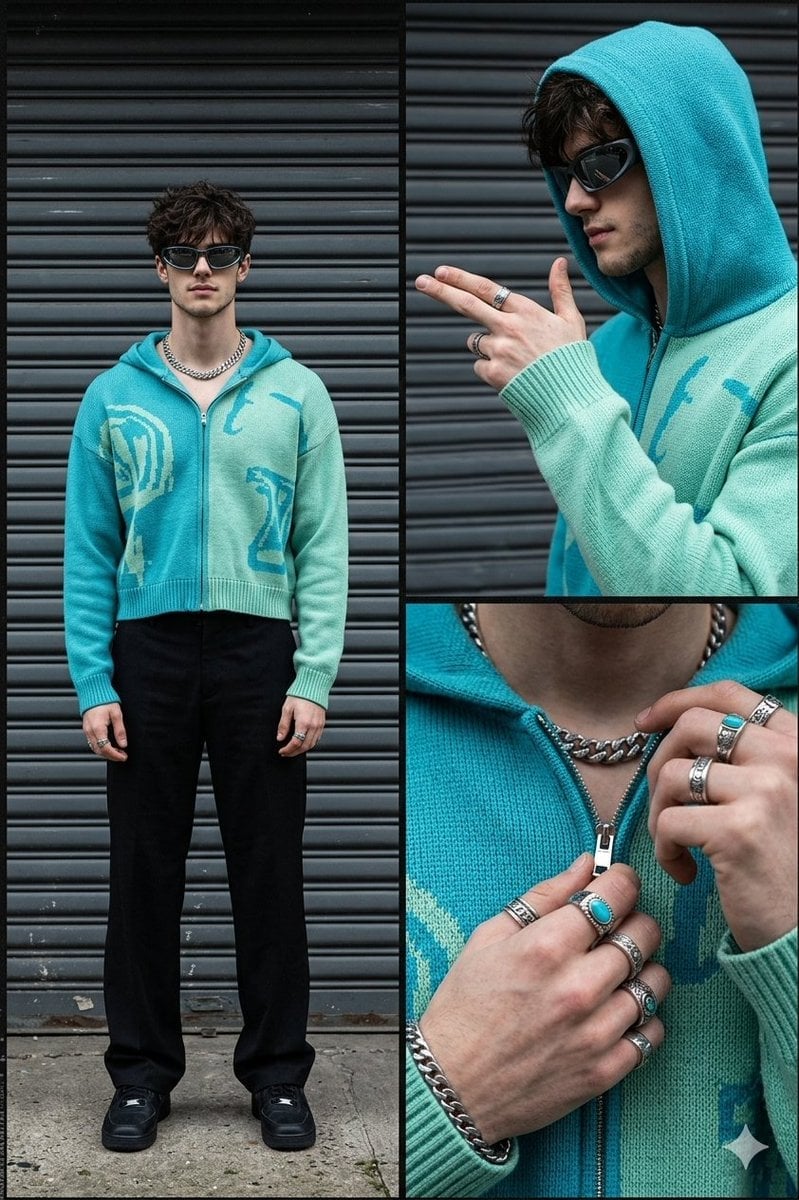
Streetwear Fashion Collage Prompt
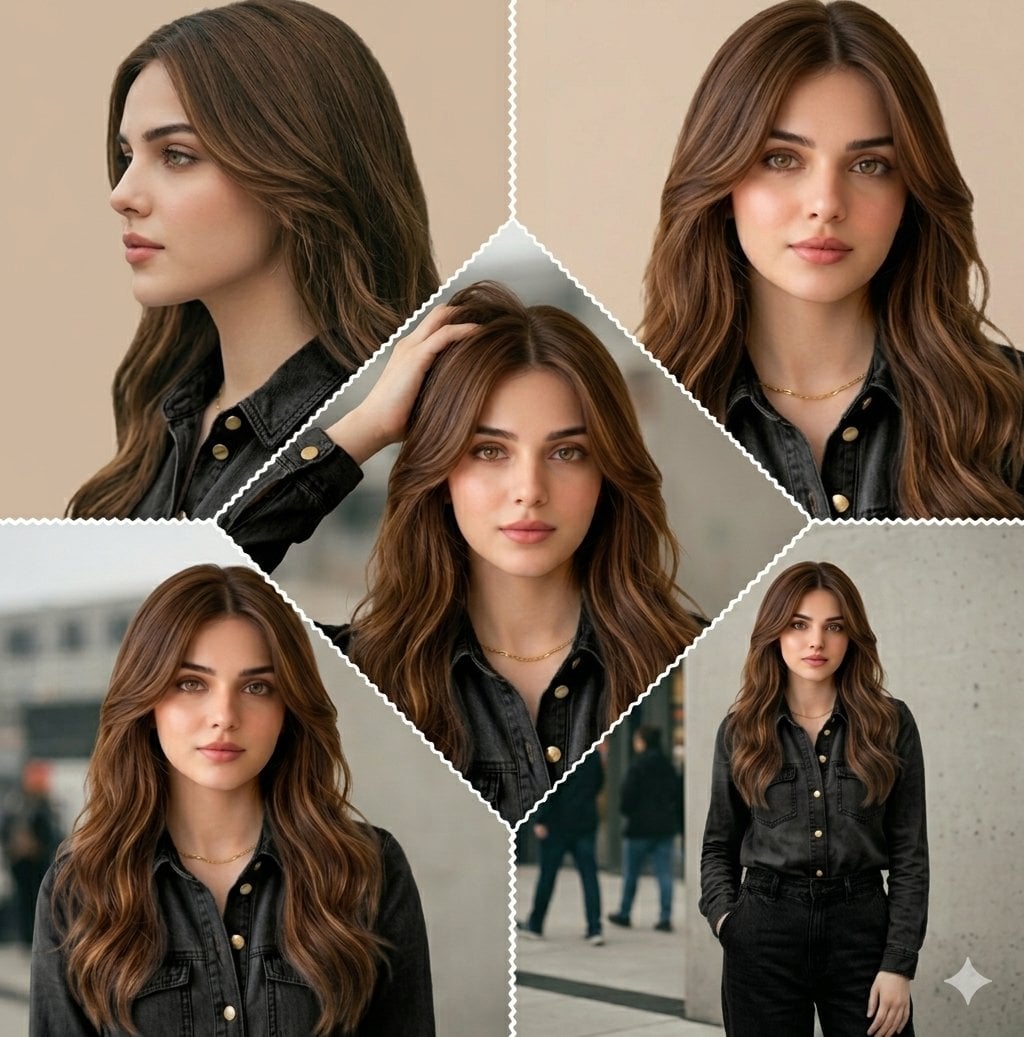
Cinematic Streetwear Model Collage
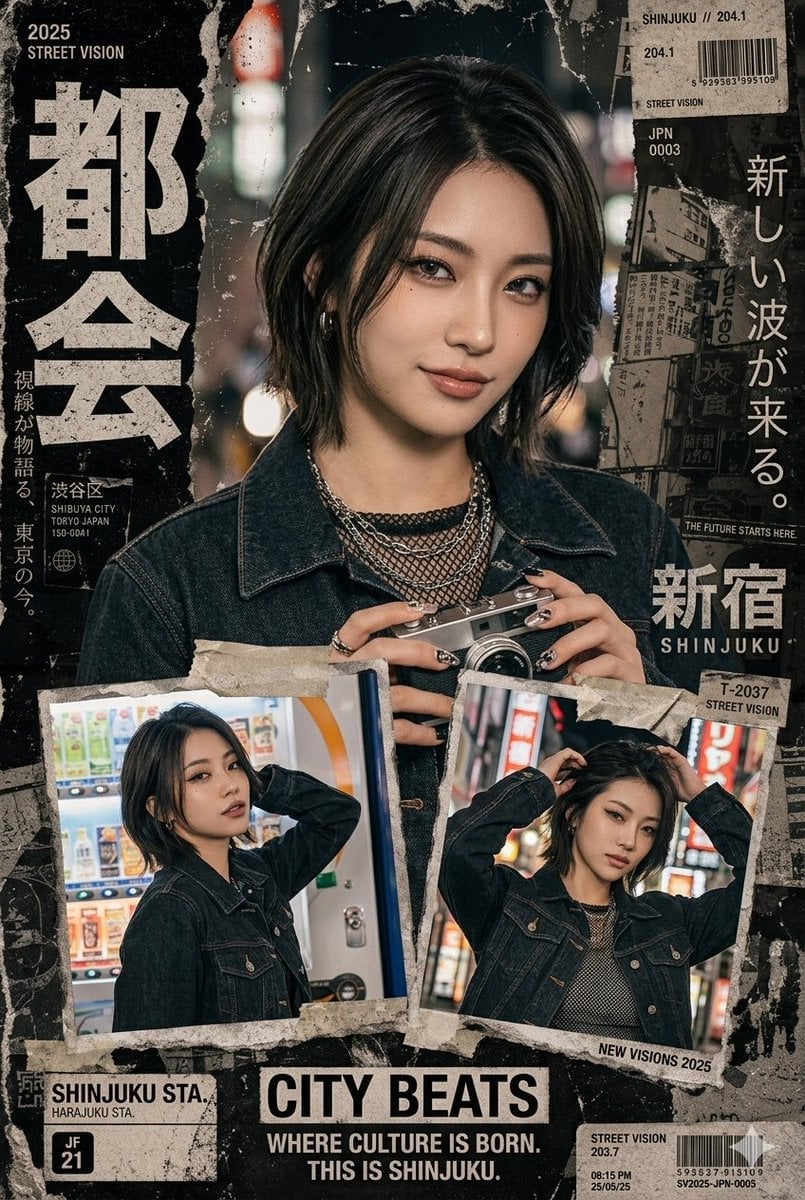
Japanese Streetwear Magazine Collage
Make it yours
Streetwear Brand Drop Collage Poster works as-is. These are the safest ways to change it without losing the look.
Change one field
Copy a single group, rewrite it, and generate again so you can see what that field is doing.
Keep the frame, change the subject
Hold the composition and light of Streetwear Brand Drop Collage Poster, then swap wardrobe, props or the person for a new take.
| If the result… | Why | Fix |
|---|---|---|
| The result drifts from the preview | Too many fields changed at once. | Reuse Streetwear Brand Drop Collage Poster as-is first, then change one group — subject, light, or setting. |
| The model over-stylizes the scene | The prose prompt leaves finish and camera underspecified. | Add one camera or lighting sentence and stay on GPT Image 2. |
More GPT Image 2 templates
Other prompts made for GPT Image 2.

Six VTuber Japanese Logo Sheet

Realistic Portrait of Woman and Deer

The Vista Modular Condo Poster

AI Model Routing Comparison Infographic

2.5D Anime Art Board

Isometric Productivity Desk Scene

New York Double Exposure Poster

Four-Panel AI Landscape Comparison

Japanese Tatami Lifestyle Magazine Cover

NESCAFÉ Coffee Map Poster
More image prompts
Fresh picks from across the catalog.

Cinematic Firelit Portrait Transformation
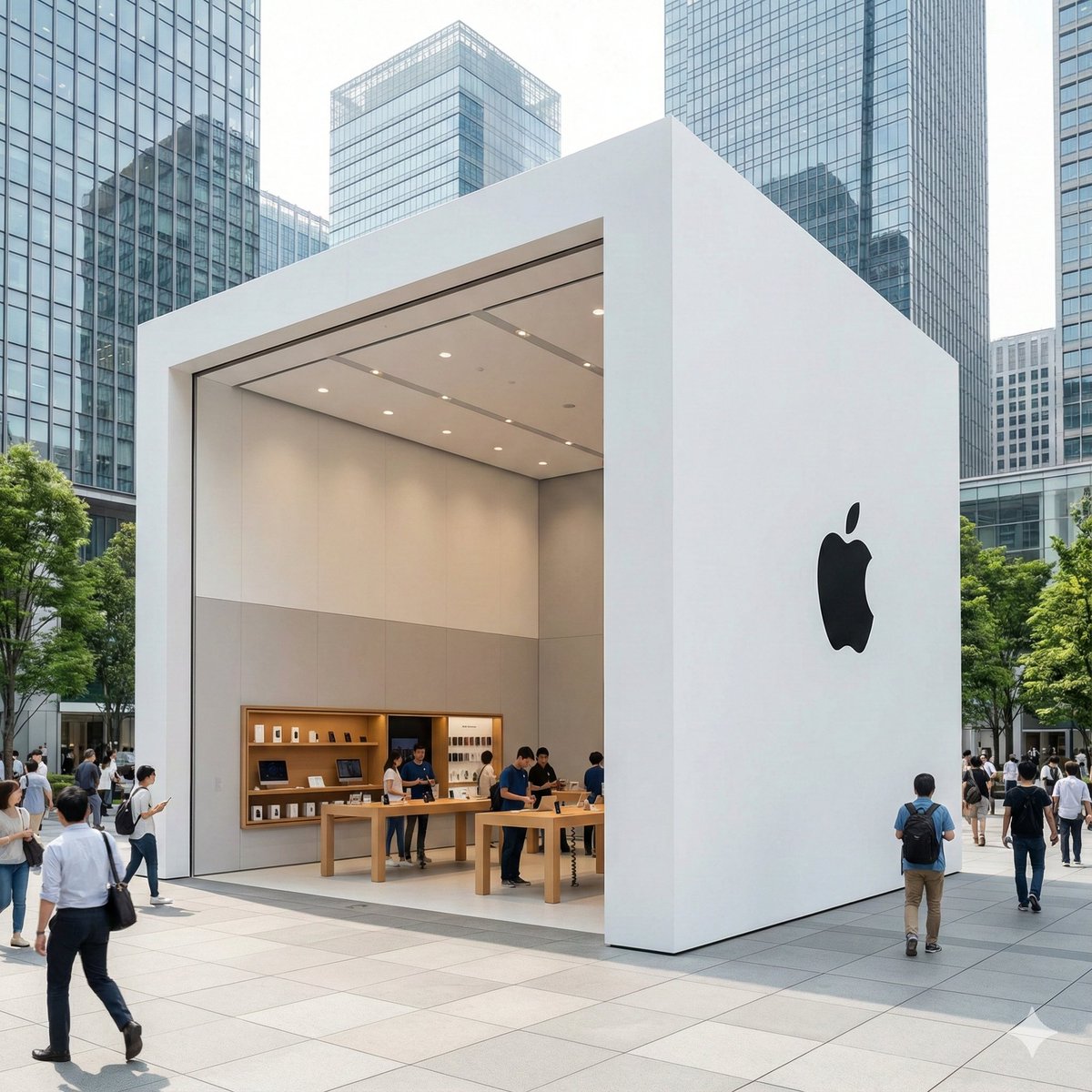
Ultra-Photorealistic Luxury Pop-Up Store Prompt
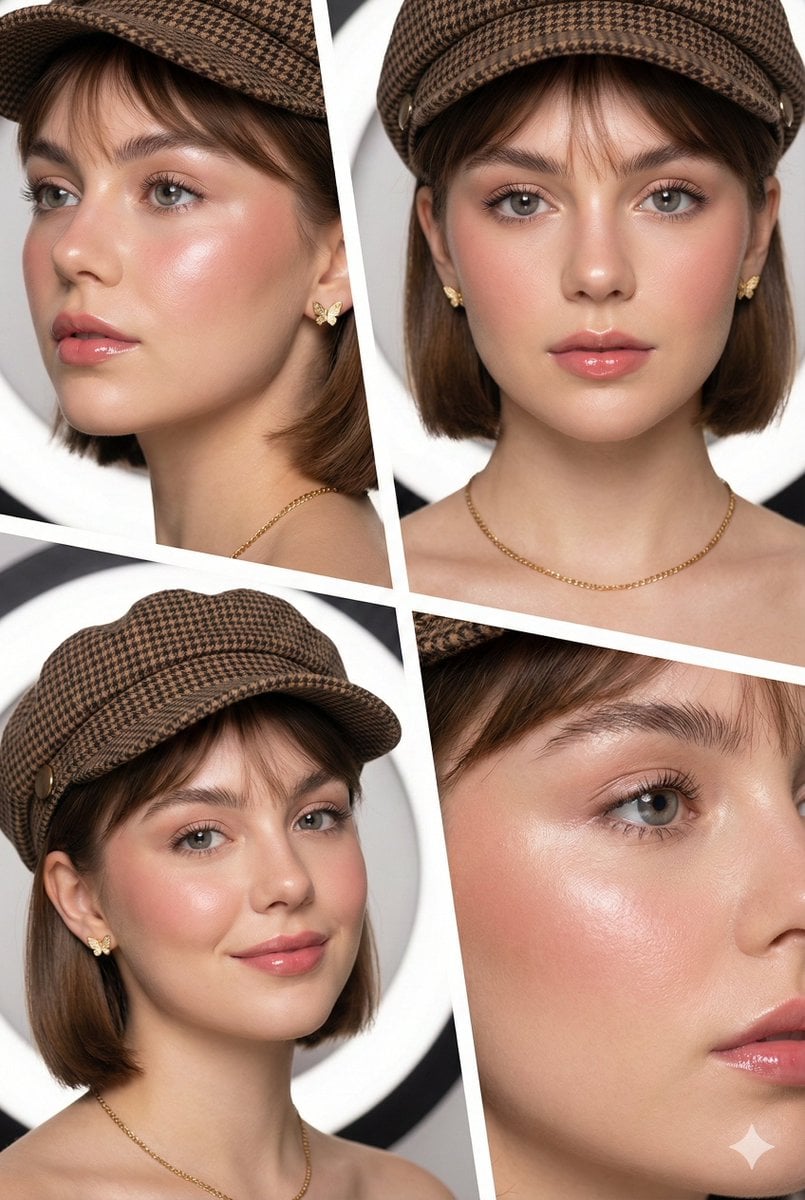
Panel Beauty Editorial Collage
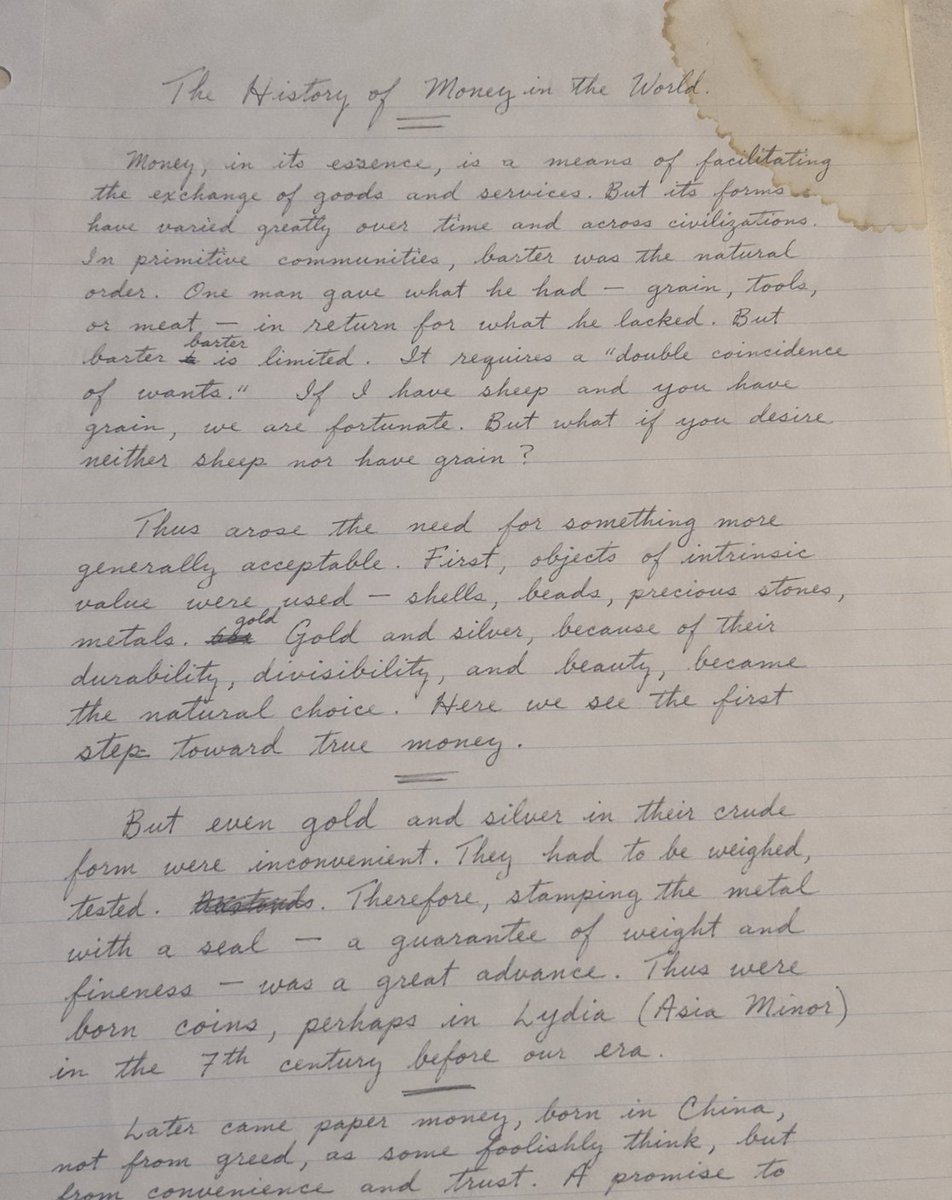
Handwritten Historical Essay
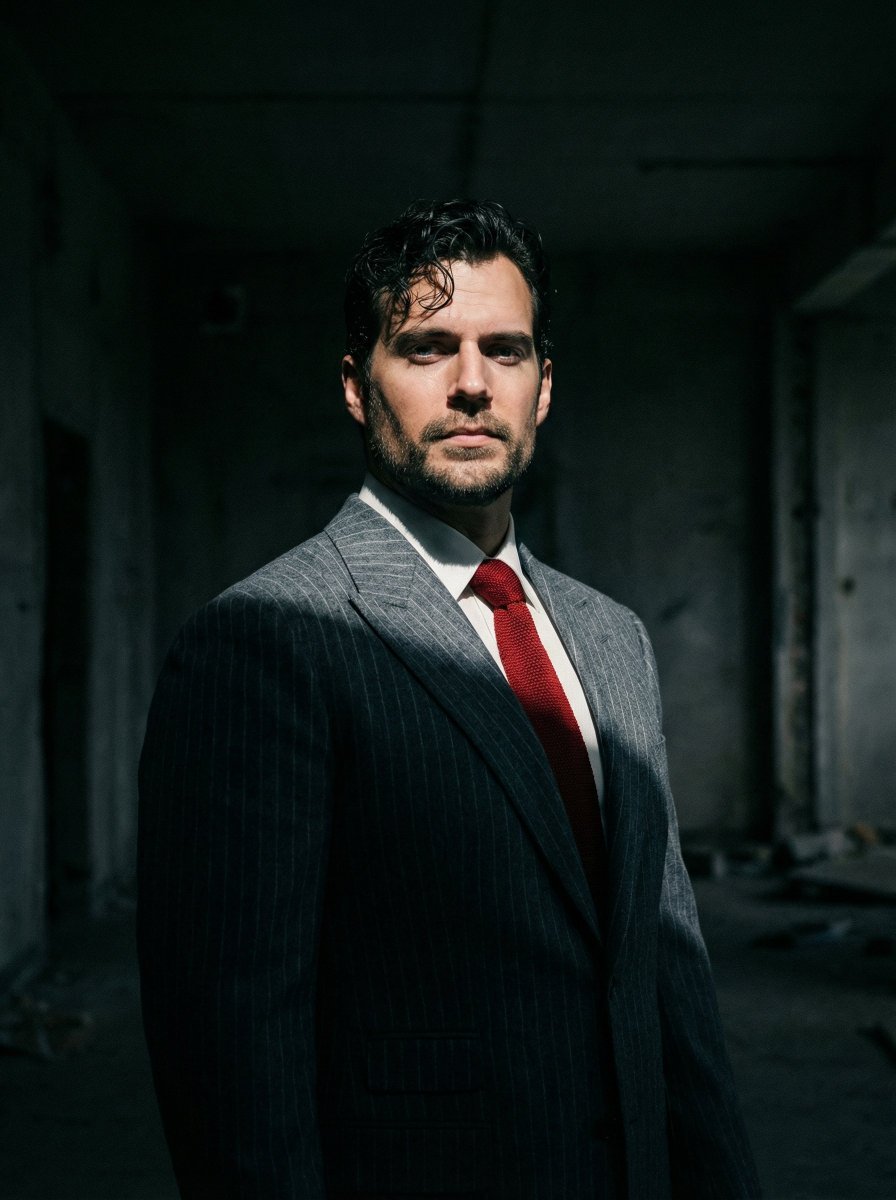
Dramatic Cinematic Low-Angle Portrait Prompt (Reference Image Required)
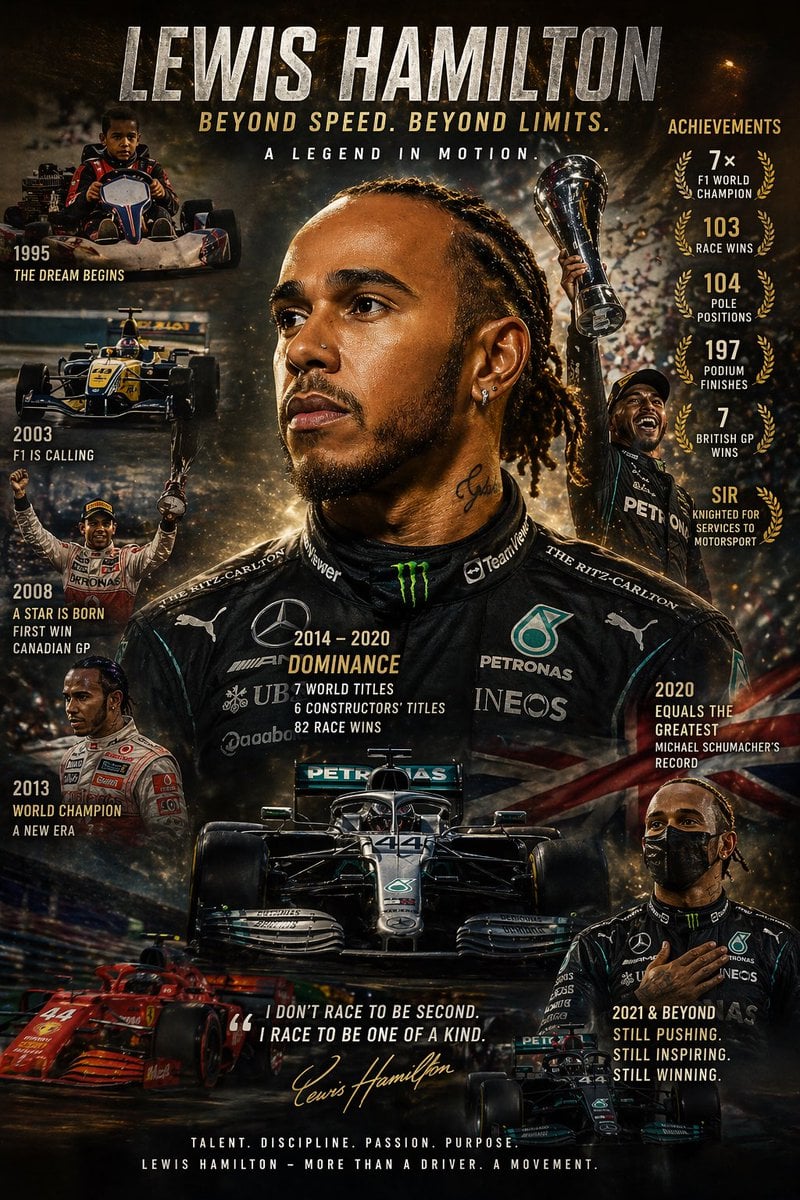
Cinematic Racing Legend Poster
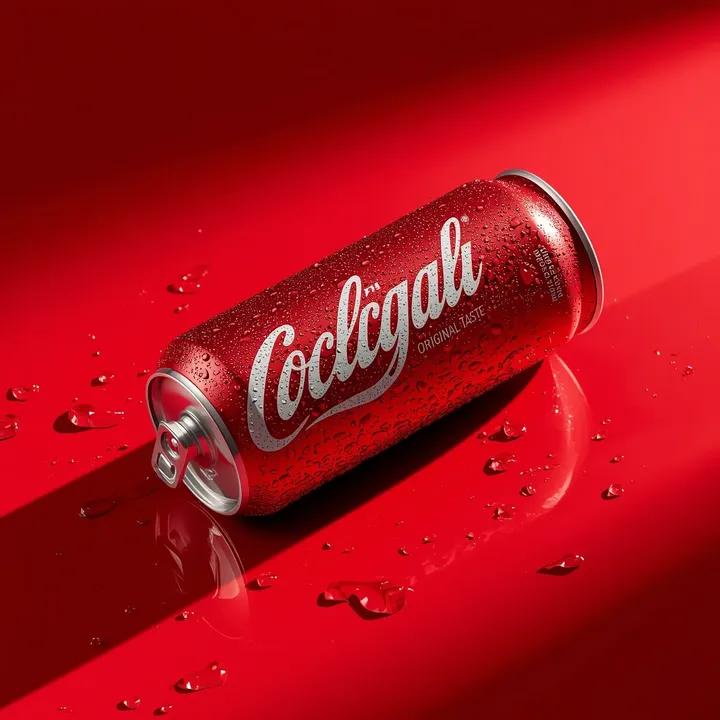
Ultra-Realistic Beverage Product Photography
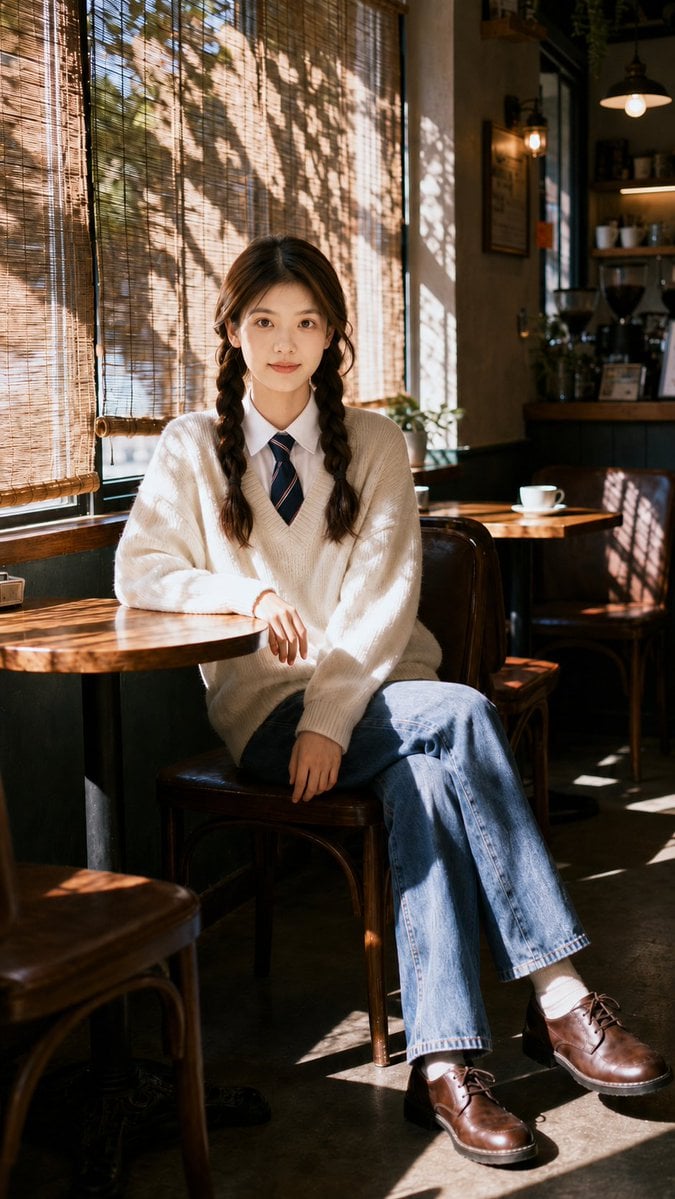
Nostalgic Cafe Identity Reference Portrait

Cinematic 3D logo with auto-assigned texture
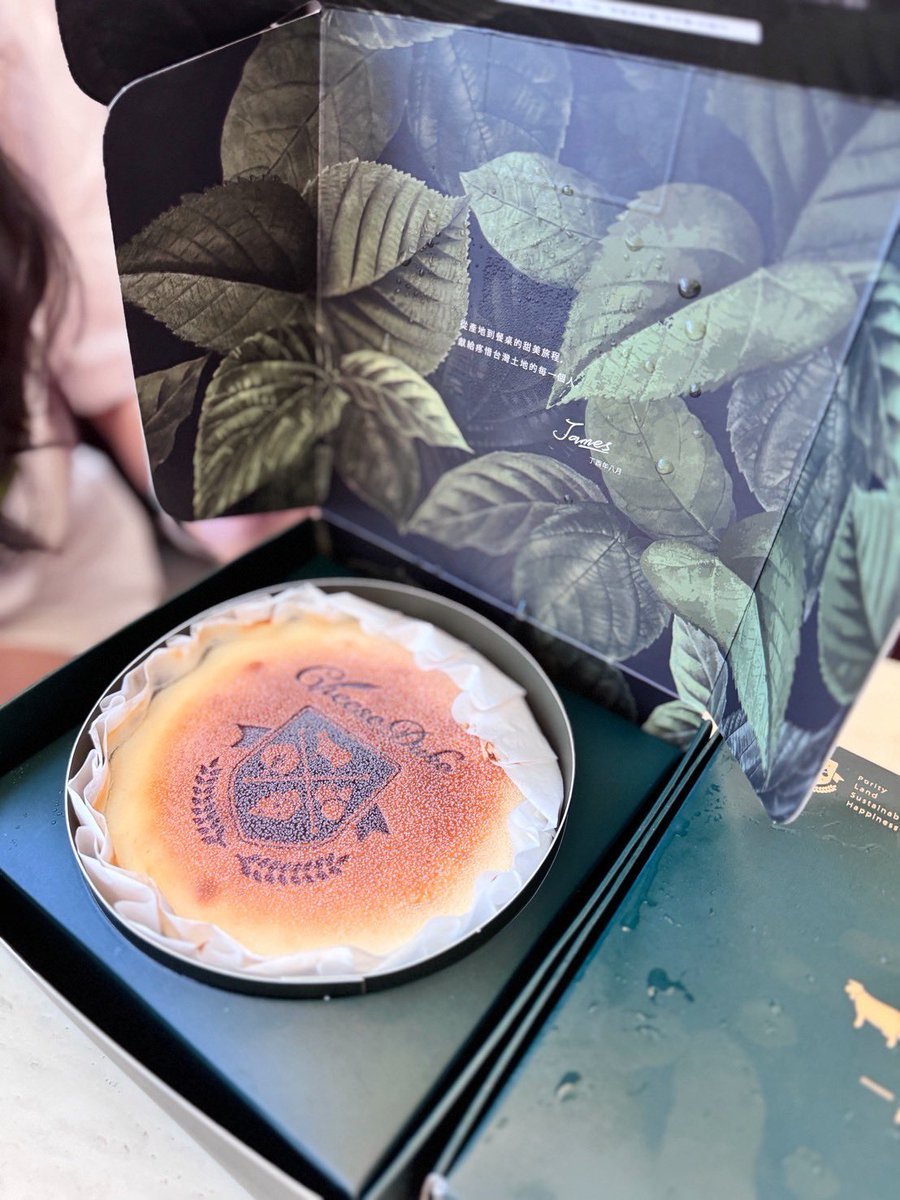
Professional cake advertising photo
Browse template categories
Streetwear Brand Drop Collage Poster questions
How do I use the Streetwear Brand Drop Collage Poster template?
Add your photo if the template asks for one, edit the prompt if you like — the template's model and format are already selected — and press Generate. Your version opens in PicX Studio.
Can I customize the Streetwear Brand Drop Collage Poster template?
Yes. You can change the subject, setting, lighting, mood, format, and available model controls before creating your image.
Is the Streetwear Brand Drop Collage Poster template free?
Opening and editing this template is free. Generating uses credits, shown on the Generate button when you are signed in.
Which AI model should I use?
Start with GPT Image 2, which is the model associated with this template. You can compare another compatible model for a different finish.
Looking for something else? Browse all templates.

Your photo, any look
Thousands of ready templates for every top image and video model, from one credit balance.