How do I use the Japanese Streetwear Magazine Collage template?
Choose the primary action to open PicX Studio with the available template settings. Review the model and format, personalize the creative direction, and generate when ready.
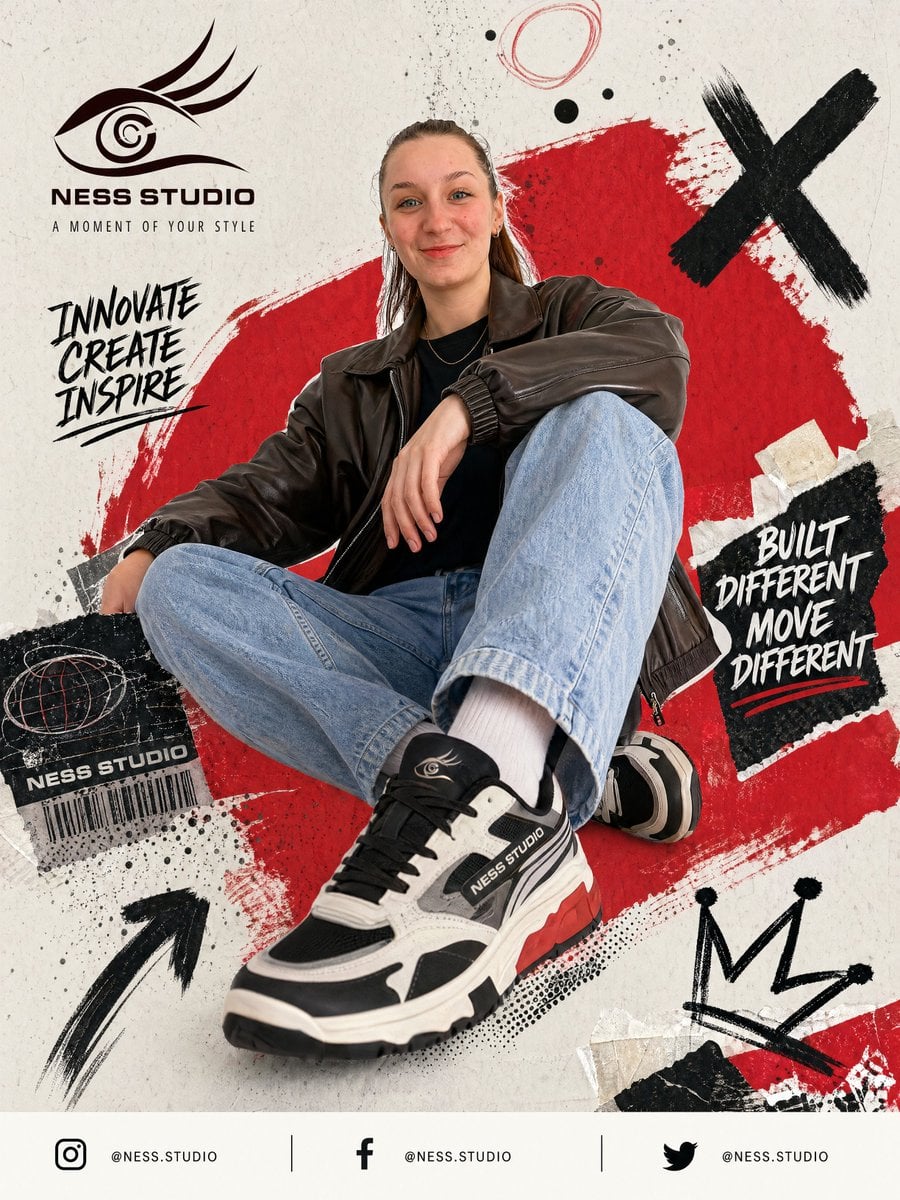
An edgy urban streetwear magazine-style poster collage featuring portrait and Polaroid-style candid poses with grit, Japanese typography, and graphic design ele

A {argument name="style" default="Japanese streetwear magazine-style poster collage"} with a gritty, urban aesthetic, featuring a main portrait of a fashionable young East Asian woman alongside smaller taped-on Polaroid-style photos showing her in different candid poses. The design uses a dark, muted color palette dominated by black, charcoal, sepia, and textured grunge details, accented by bold typography. Large, weathered Japanese kanji characters are positioned vertically on the side, surrounded by street-fashion graphic elements like barcodes, date stamps, and labels like "STREET VISION." The overall look is edgy, cinematic, and modern, blending raw street photography with structured editorial layout design.
Choose the primary action to open PicX Studio with the available template settings. Review the model and format, personalize the creative direction, and generate when ready.
Yes. You can change the subject, setting, lighting, mood, format, and available model controls before creating your image.
This template is free to open and customize. Generation usage is shown in PicX Studio before you create.
Start with Nano Banana 2, which is the model associated with this template. You can compare another compatible model for a different finish.
Follow a topic to a crawlable collection of related PicX Studio templates.