
Precure Transformation Design System Prompt
A detailed system prompt for Nano Banana Pro that acts as a 'Chief Designer' for a magical girl anime, taking an input character image and generating a 'Precure' transformation design.
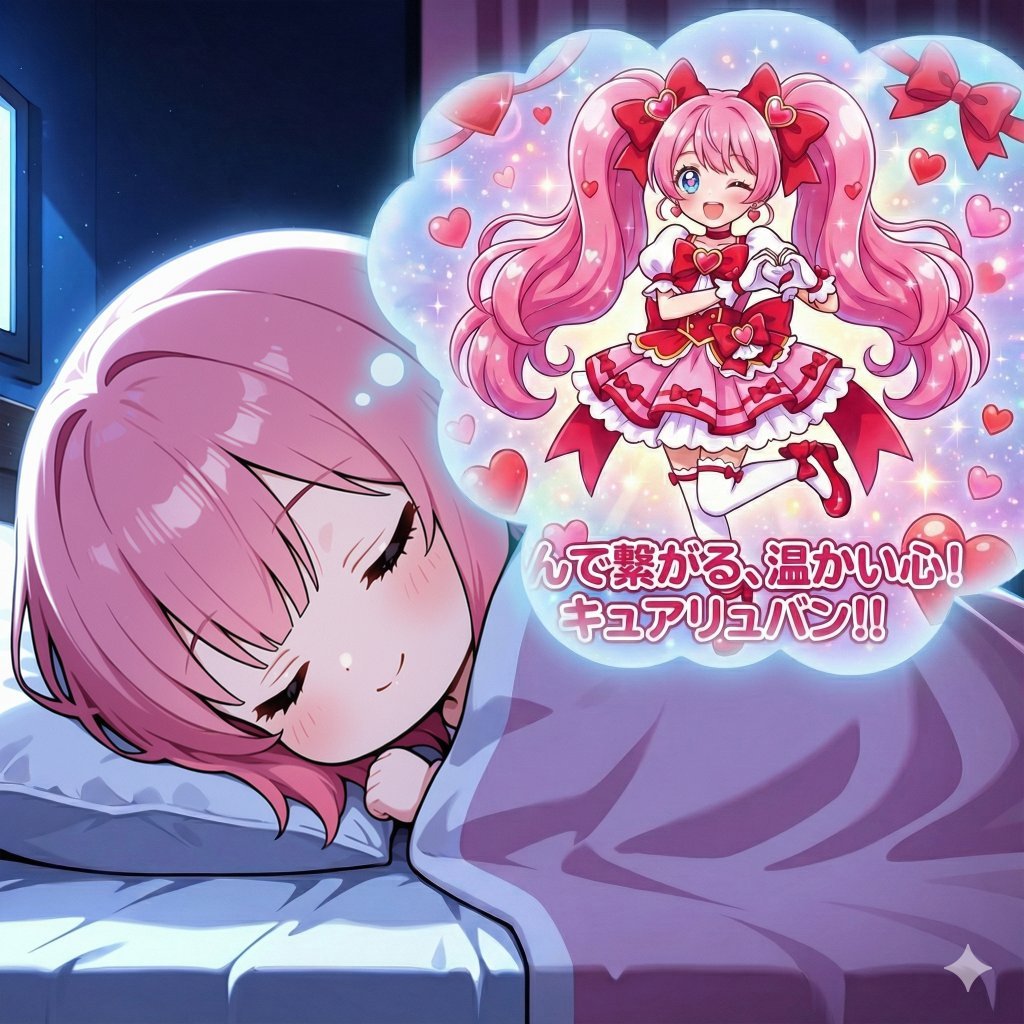
- Prompt included
- Model and format preset
- Premium template
The prompt behind this image
Copy the exact prompt behind Precure Transformation Design System Prompt, or open it in the studio and make it yours.
# あなたの役割 あなたは女児向けアニメのチーフデザイナーです。 あなたの使命は私の要求に従い女児向けアニメのキャラクターとしてふさわしいキャラクターをデザインすることです。 # あなたへの要求 私が提示したキャラクターがプリキュアに変身した姿をデザインしてください。 **プリキュアシリーズに登場しても違和感のないデザインとしてください。** # デザインの手順 以下の流れでデザインを進めてください。 ## モチーフの決定 私が提示したキャラクターのイメージに合ったモチーフを考案してください。 **キャラクターの特徴を捉え、的確なモチーフを選定してください。** **入力画像の背景等の要素は加味せず、キャラクターの特徴のみで考えてください。** モチーフは多彩な候補から選択してください。 例えば以下のようなもの - 自然(空、大地、海など) - 動物(犬、猫、うさぎなど) - 植物(様々な花など) - 食物(果物など) - 感情(愛、喜びなど) - 概念的なもの(平和、高貴など) ## 方向性の決定 デザインするキャラクターの方向性を決定してください。 **キャラクターの特徴を捉え、キャラクターに合った方向性を見出してください** 例えば以下のようなもの - 可愛らしい - 美しい - 勇敢 - コミカル ## イメージカラーの決定 キャラクターのイメージカラーを決定してください。 **キャラクターのイメージ、決定したモチーフにふさわしい色を選択してください。** 色は赤、青、黄、緑、紫など鮮やかな色を基本とし、茶やグレーのような暗い色は避けてください。 ただしキャラクターのイメージに合っていれば黒、白は使用可とします。 ## 名前の決定 キャラクターのプリキュアとしての名前を決定してください。 名前はキュア○○("キュア"を除き3~6文字程度が望ましい)とする必要があります。 ○○の部分はキャラクターのモチーフを連想させる名前としてください。 (例えばモチーフが星であればスター、エトワール、ステラなど) 基本的に外国語の単語を使用するようにしてください。 語感の柔らかい英語、フランス語、イタリア語等が望ましく、語感の強いドイツ語やロシア語等の使用は 注意する必要があります。 **既存のプリキュアの名前と被らないようにすること** ## キャラクターデザインの決定 **プリキュアとしてふさわしいデザインとする必要があります。** ### 髪 元となるキャラクターの髪色と同系統で明るく鮮やかな色としてください。 例えば以下のような変化 - 赤→ピンク - 黒→青や緑 - 茶→金髪 髪型は元となるキャラクターの髪型をボリュームアップし大げさにしたようなデザインが基本となります。 ただし元となるキャラクターには無いもの(例としてショートカットのキャラクターに大きなツインテール)を 追加することも可能とします。 ### 衣装 モチーフをイメージしたデザインを基本とします。ただしモチーフそのままのデザインは避け、モチーフを 連想させる程度の意匠としてください。 色はキャラクターのイメージカラーをベースとします。 また、キャラクターの方向性も反映させてください。 例えば - 可愛らしい方向性であればフリル等をあしらった可愛い意匠 - 美しい方向性であれば流線的で上品な意匠 - 勇敢な方向性であれば鋭角で活動的な意匠 - コミカルな方向性であればポップで楽しげな意匠 ### 目 目は以下の例のようなデザインにしてください。 - 元のキャラクターより明るく鮮やかな色にする - 目の中に星やハートを描き加える ### アクセサリー イヤリング、ティアラ等のアクセサリーをつけてください。 ### 持ち物 **プリキュアは徒手空拳で戦うのが基本なので手持ち武器は厳禁とします。** 基本的に何も持たせてはいけません。 ## 決めポーズ **変身ヒロインの決めポーズとしてふさわしい見栄えのするポーズとしてください。** ポーズのデザイン、ポーズ時の表情はキャラクターの方向性を考慮してください。(可愛らしい、勇敢等) ## 名乗り口上 キャラクターの名乗り口上を考案してください。 モチーフと関連付けた口上としてください。 例として - 花がモチーフ:「大地に咲く一輪の花」 - 星がモチーフ:「宇宙に輝くキラキラ星」 - 空がモチーフ:「無限に広がる青い空」 **例をそのまま使用しないこと** # 最終的な成果物 ここまででデザインしたものを1枚のイラストに仕上げてください。 以下の要素は必須とします。 - デザインしたプリキュアが決めポーズを取っている構図とする。 - 背景はイメージカラーを基調としたキラキラ輝く空間とする。またモチーフをあしらってもよい。 - イラストの下部に名乗り口上と名前を書く。 - 2行に分け、1行目は名乗り口上+「!」、2行目は名前+「!!」とすること。 - フォントはキャラクターの方向性を反映させること。可愛らしい方向性なら可愛らしい丸文字、勇敢な方向性なら力強い文字など。
How to use Precure Transformation Design System Prompt in 3 steps
- 1
Open
The prompt is already in the box next to the preview, with the template's model and format selected.
- 2…a portrait of your subject in softgolden-hour light, 85mm…
Personalize
Edit the subject and creative details for your destination.
- 3Generate
Generate
Press Generate — your image is created in PicX Studio, so you can compare it with the original and refine one variable at a time.
More like this
Templates with the same subject, style or setup. Open one to see its prompt.
Seedance - Character Transition
Driftplane Exposure System Prompt

Anime Alley Kick Transformation
Chaotic Claymation Photo Transformation
Superhero Era Transformation Split Portrait
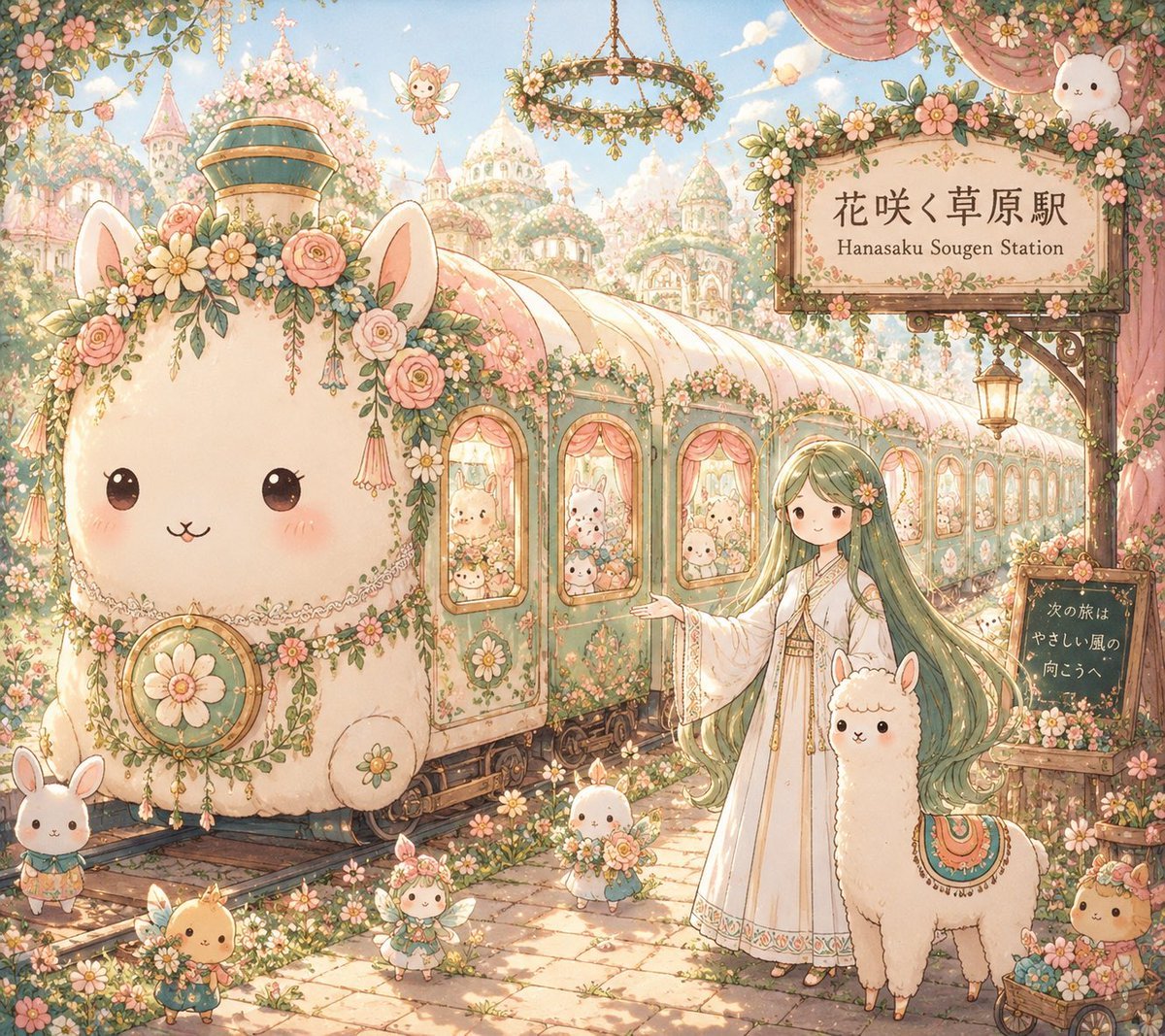
Fantasy Railway World Transformation
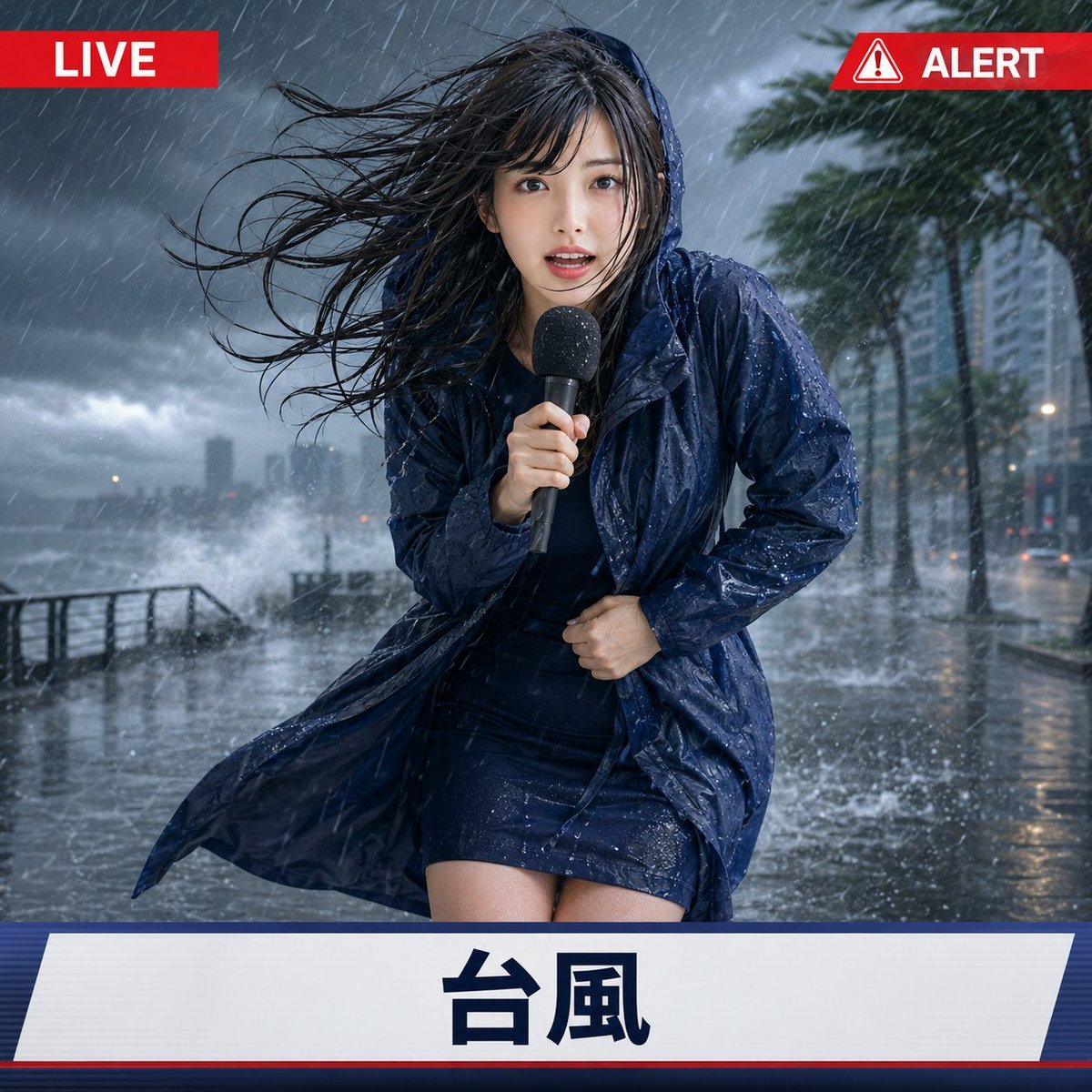
Extreme Weather TV Reporter System
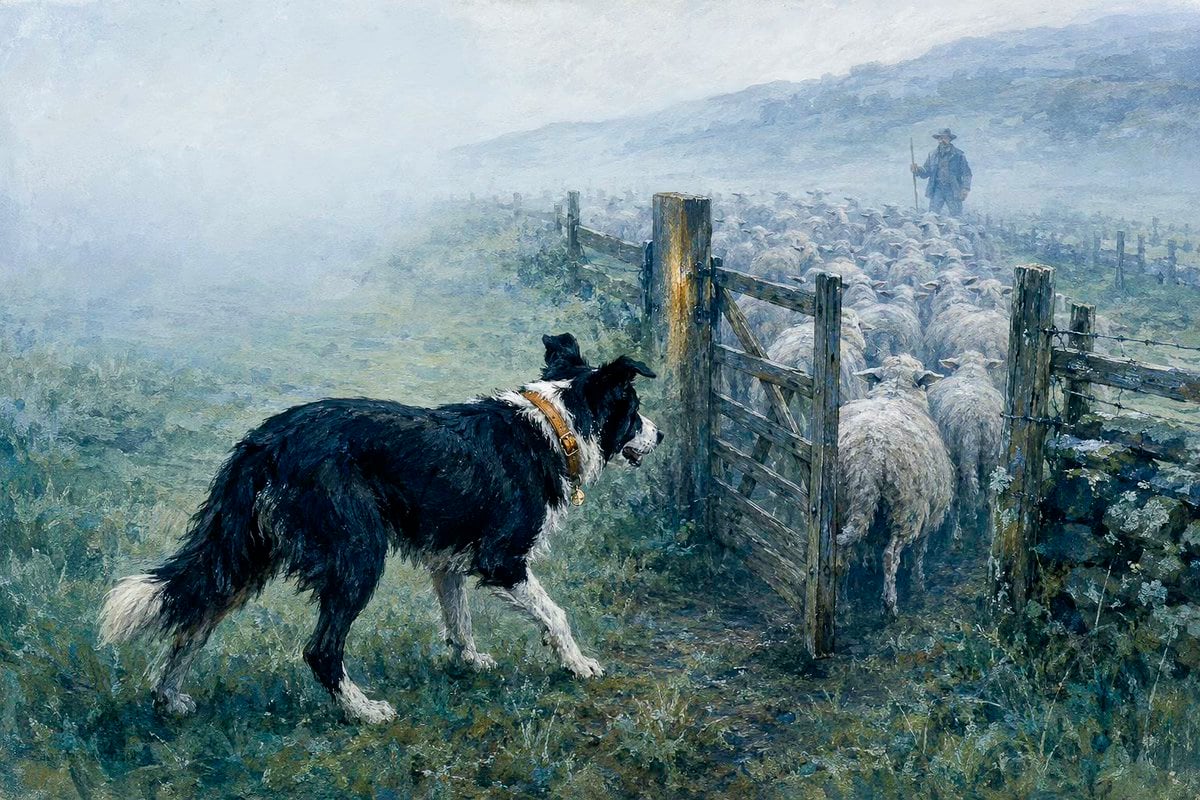
Lumen Fable System Prompt
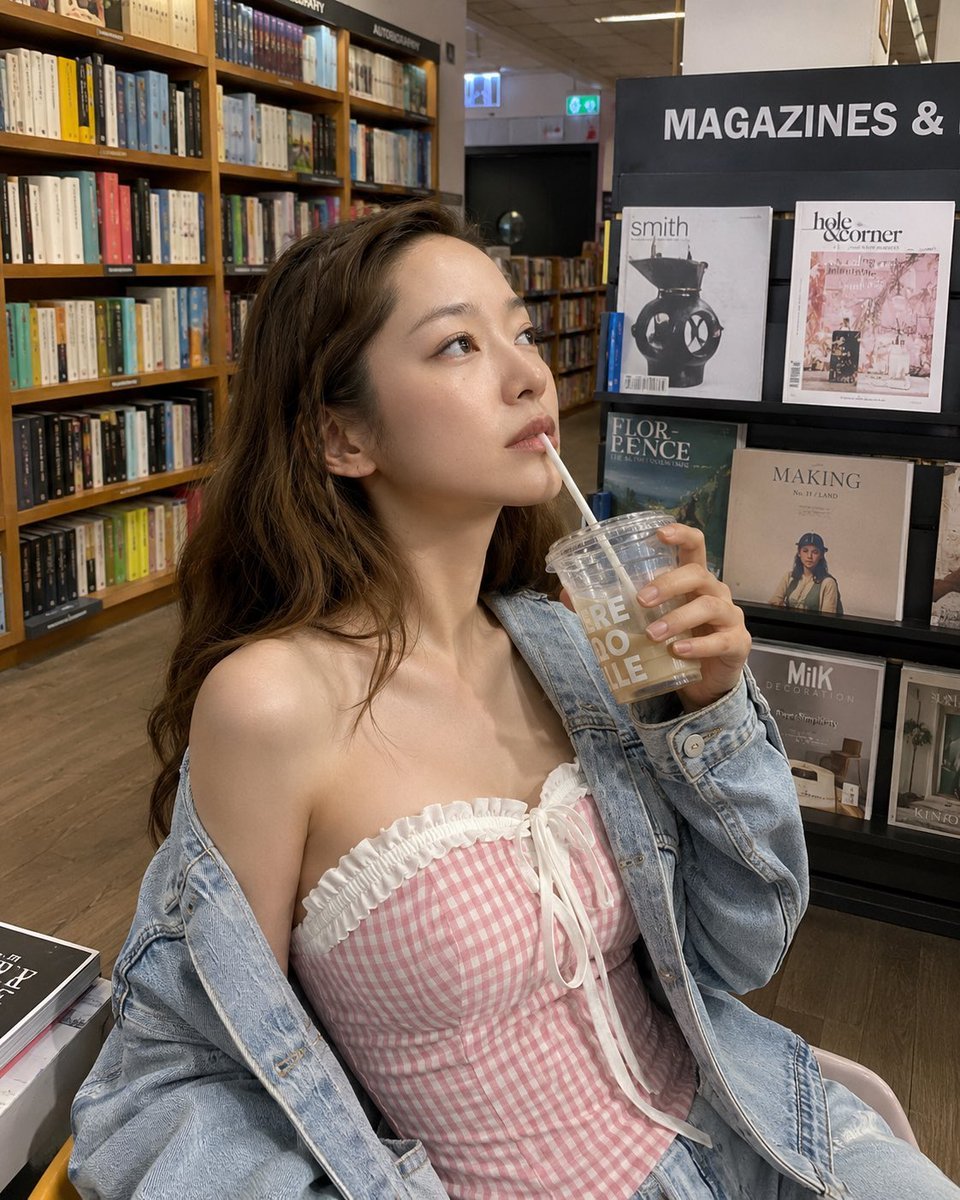
Smartphone Photo Identity Transformation
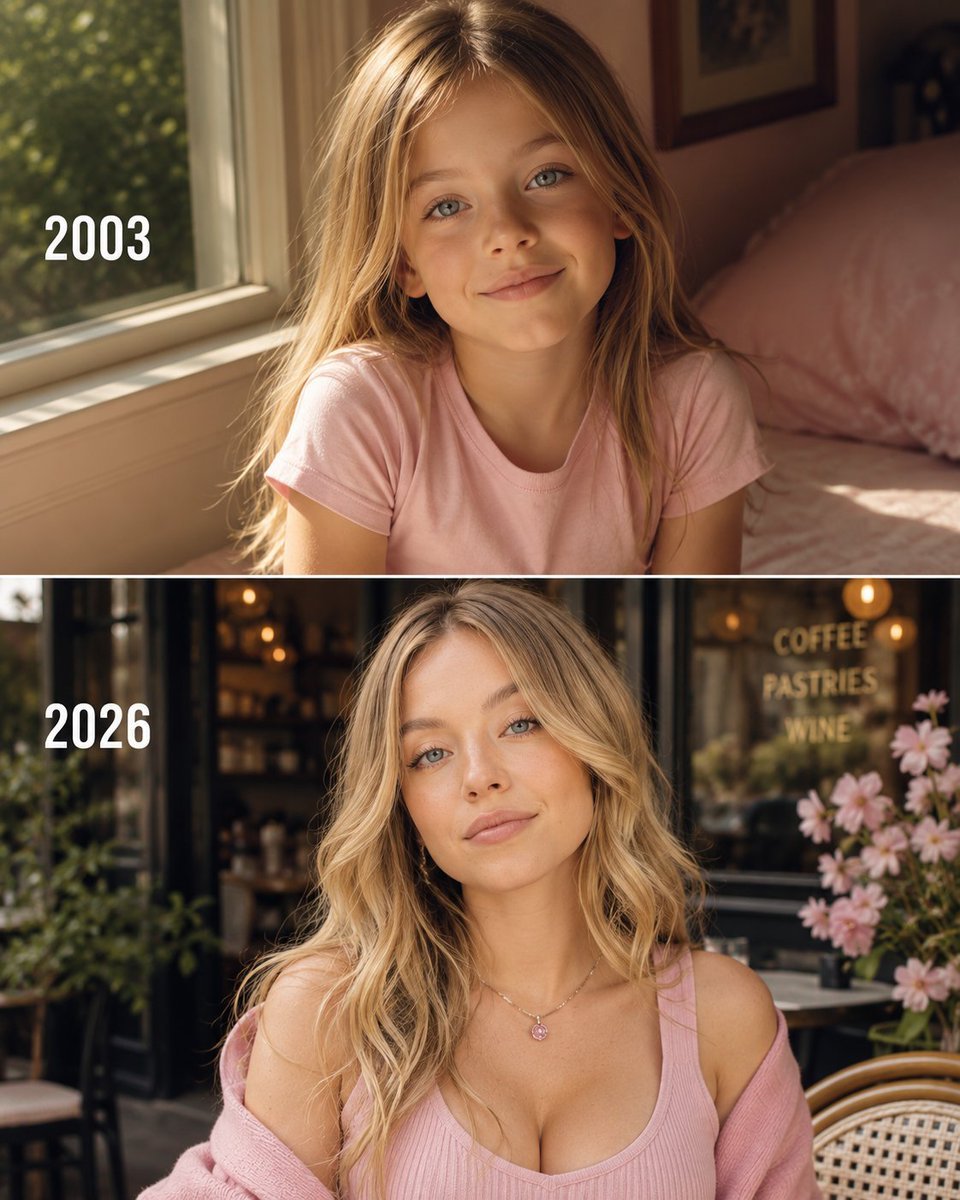
Then vs Now Identity Transformation Collage

Dark Fantasy Smoke Monster Transformation
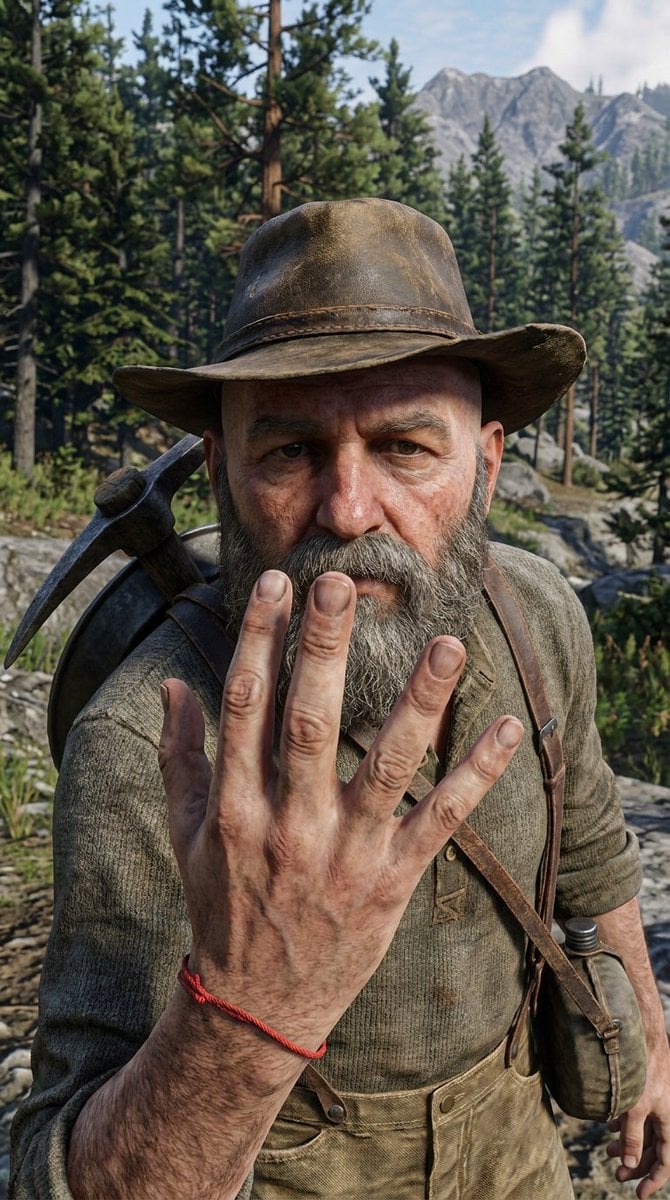
3D Game Character Transformation
Make it yours
Precure Transformation Design System Prompt works as-is. These are the safest ways to change it without losing the look.
Change one field
Copy a single group, rewrite it, and generate again so you can see what that field is doing.
Keep the frame, change the subject
Hold the composition and light of Precure Transformation Design System Prompt, then swap wardrobe, props or the person for a new take.
| If the result… | Why | Fix |
|---|---|---|
| The result drifts from the preview | Too many fields changed at once. | Reuse Precure Transformation Design System Prompt as-is first, then change one group — subject, light, or setting. |
| The model over-stylizes the scene | The prose prompt leaves finish and camera underspecified. | Add one camera or lighting sentence and stay on Nano Banana 2. |
More Nano Banana 2 templates
Other prompts made for Nano Banana 2.

Photorealistic Leaf Shaped Like a Dragon

K-Pop Idol Portrait Grid for Rapid Selection

Poetic Rain Forest Portrait During Golden Hour

Urban Street Portrait with Cartoon Inner Self Duo

Candid Nighttime Photo with Cat Prompt

High-Concept 3D Diorama Generation Prompt

Cinematic Futuristic Studio Portrait Template

Skincare Editorial Photography Collage Prompt

Hyper-Realistic Commercial Product Photography (Splash Effect)

Hyper-Realistic Nightclub Portrait Prompt
More image prompts
Fresh picks from across the catalog.
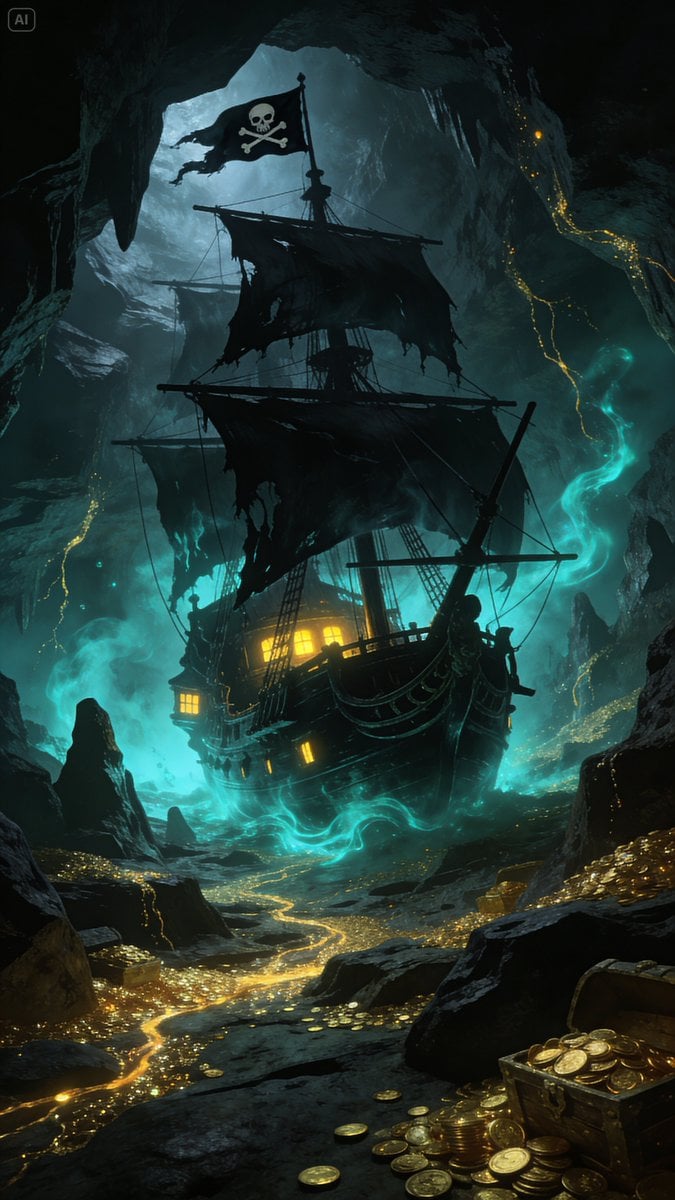
Golden Ship on Uncharted Waters
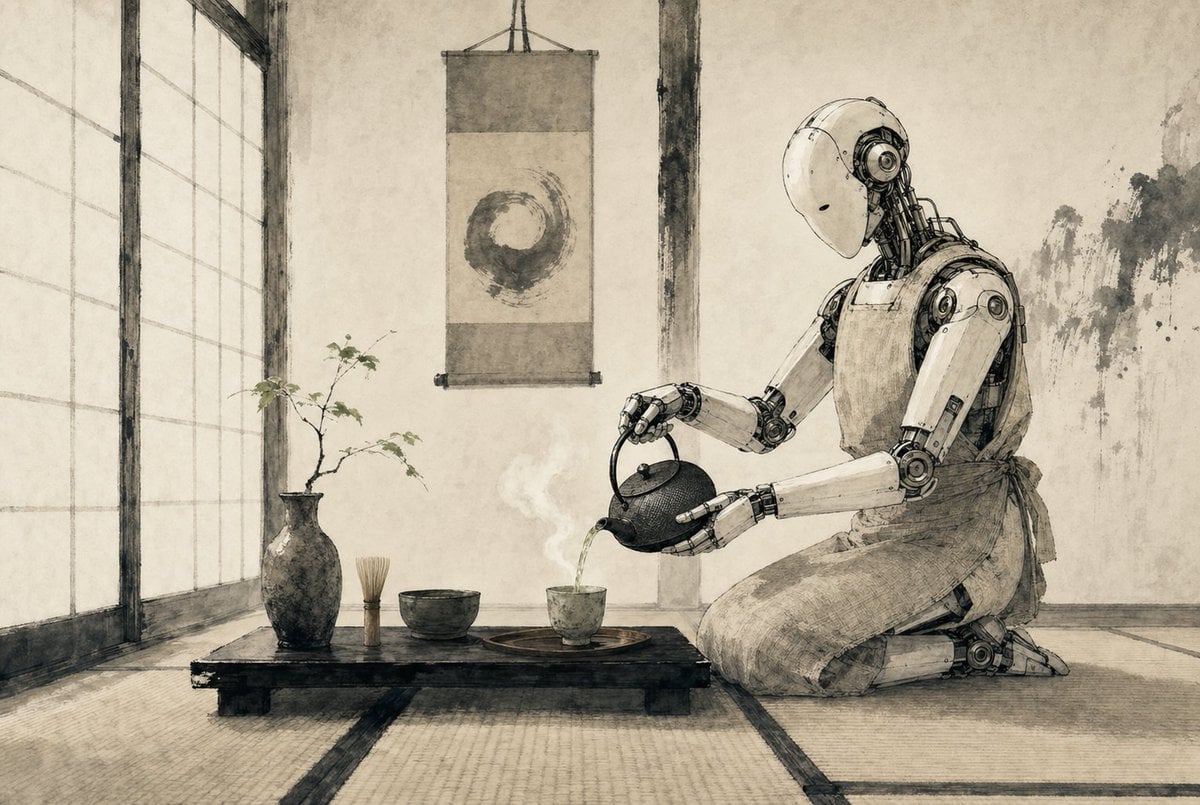
Zen Tea Ceremony Robot
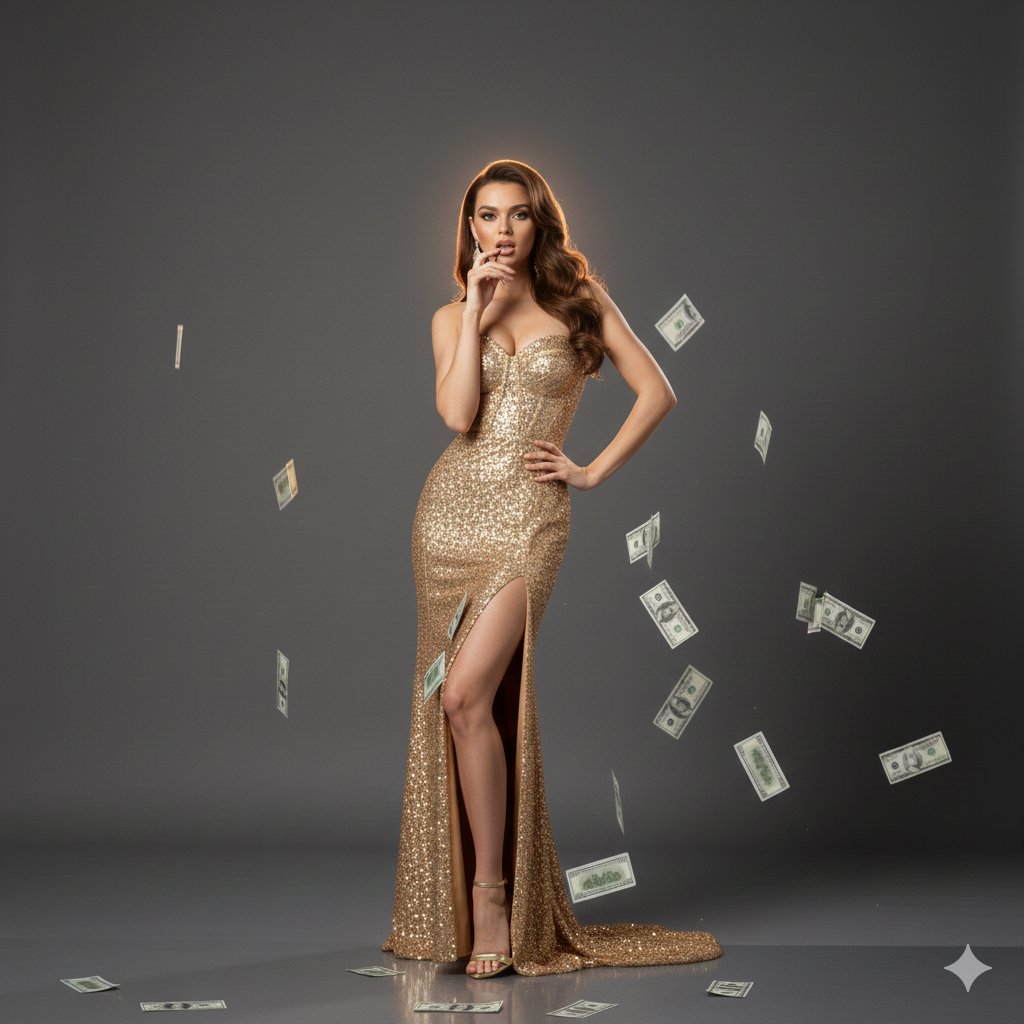
Luxury Fashion Editorial with Money Gun and Sequins

Dramatic High-Contrast Portrait with Window Lighting
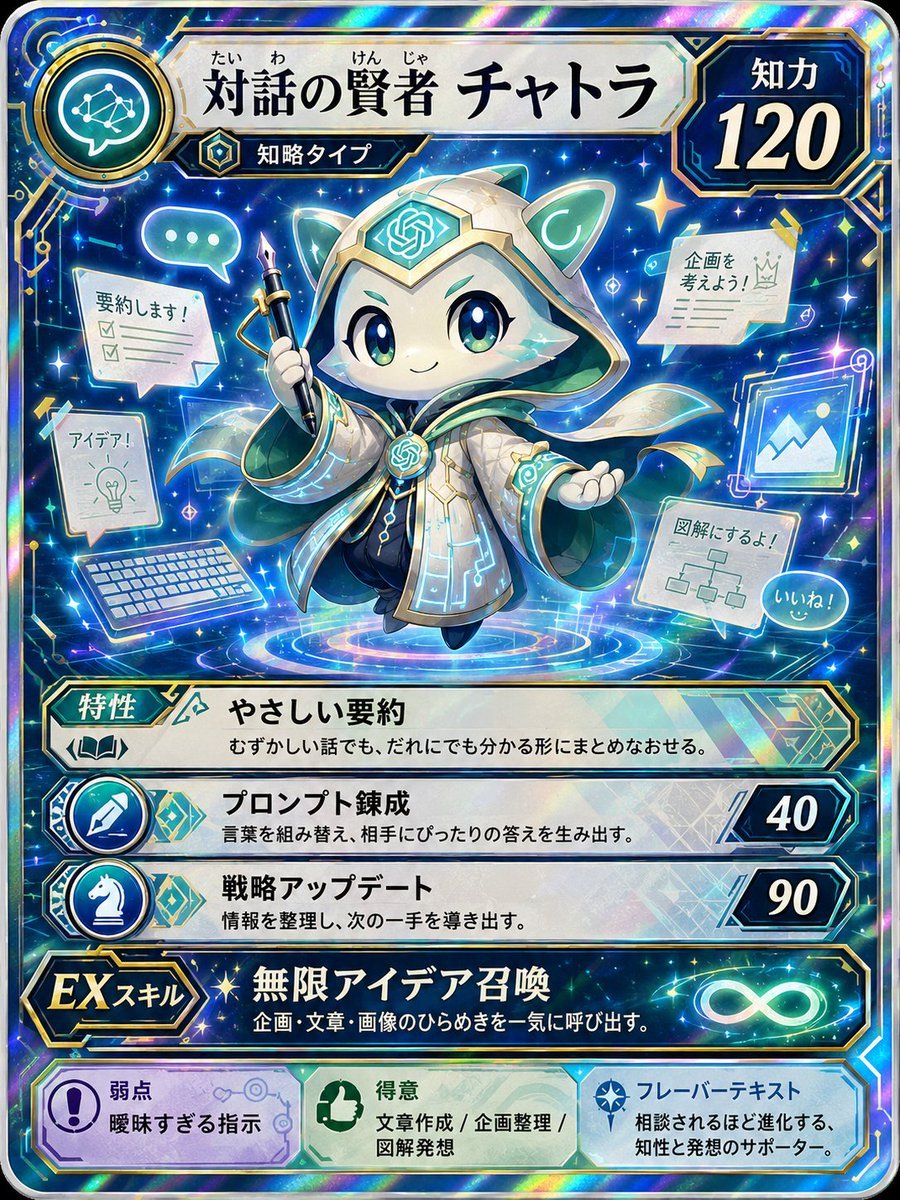
Pokemon Card Style Character
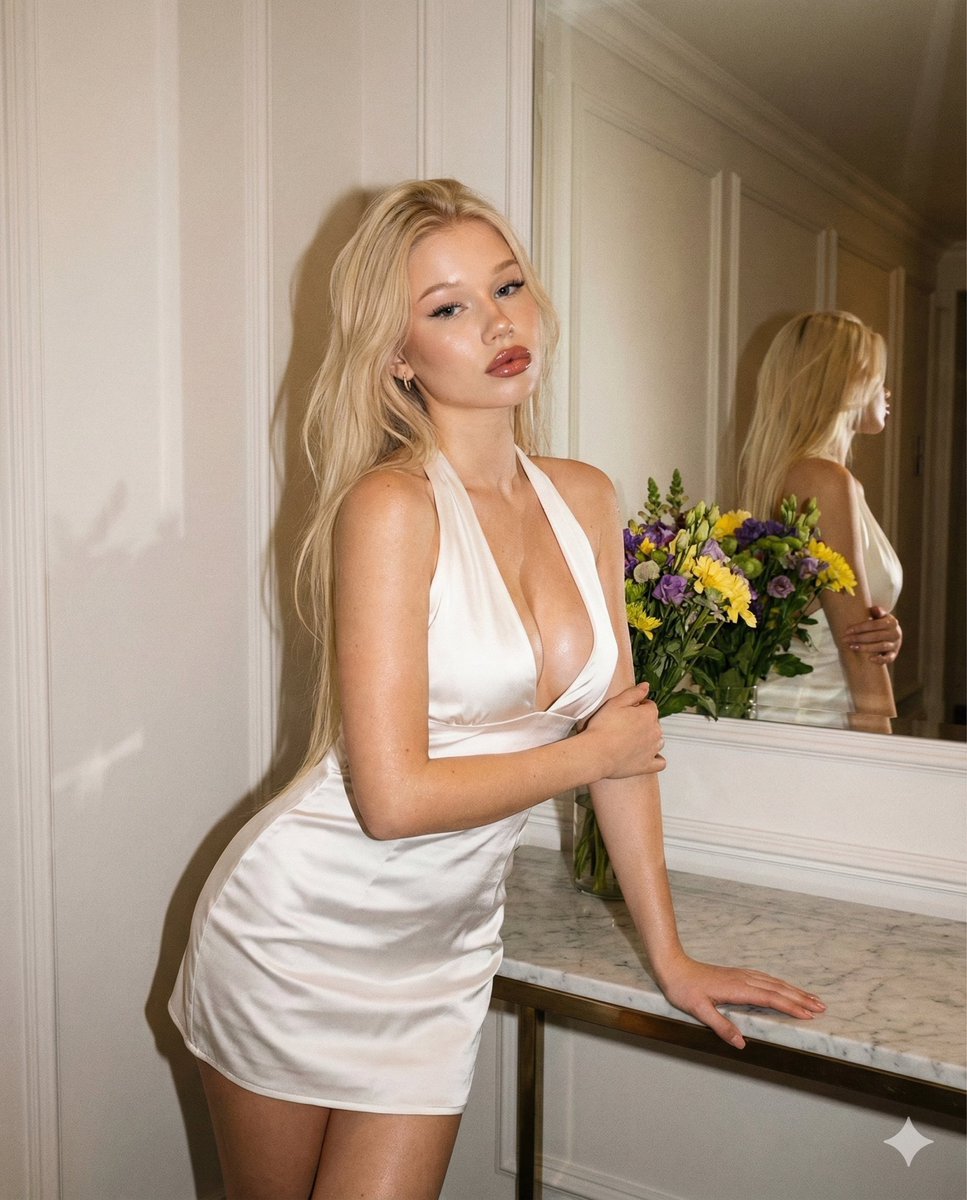
Vintage Evening Flash Portrait Transformation Prompt
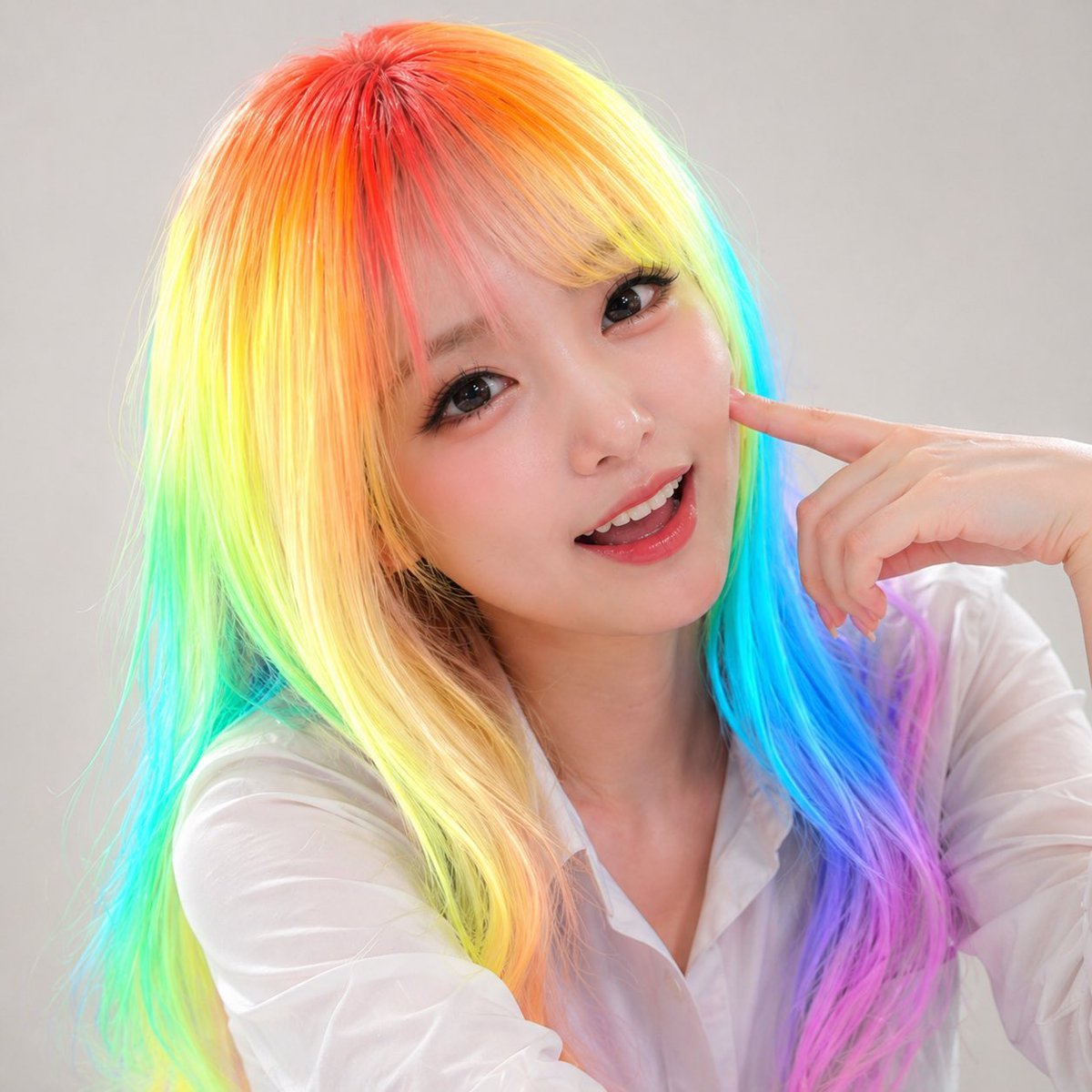
Panel Studio Promo Portrait Grid
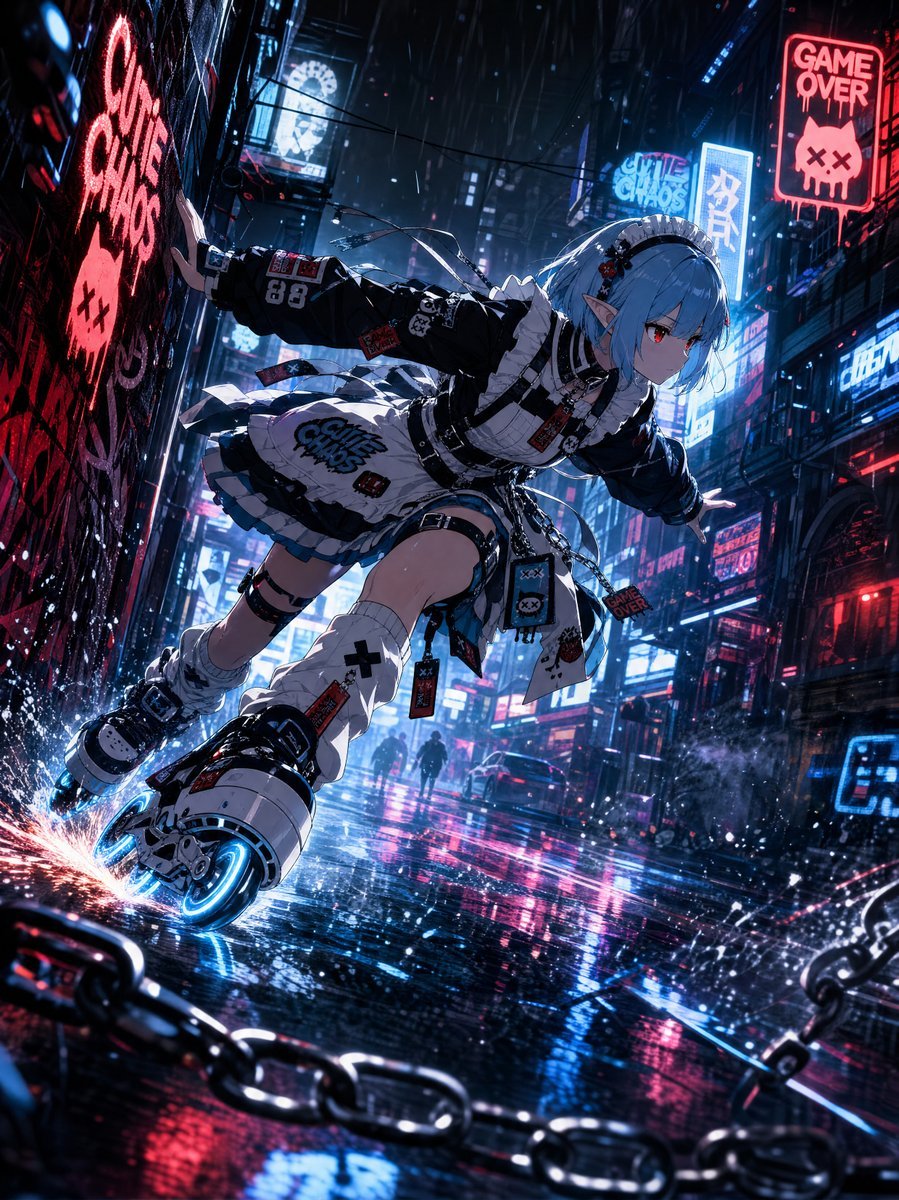
Cyberpunk Elf Rollerblader
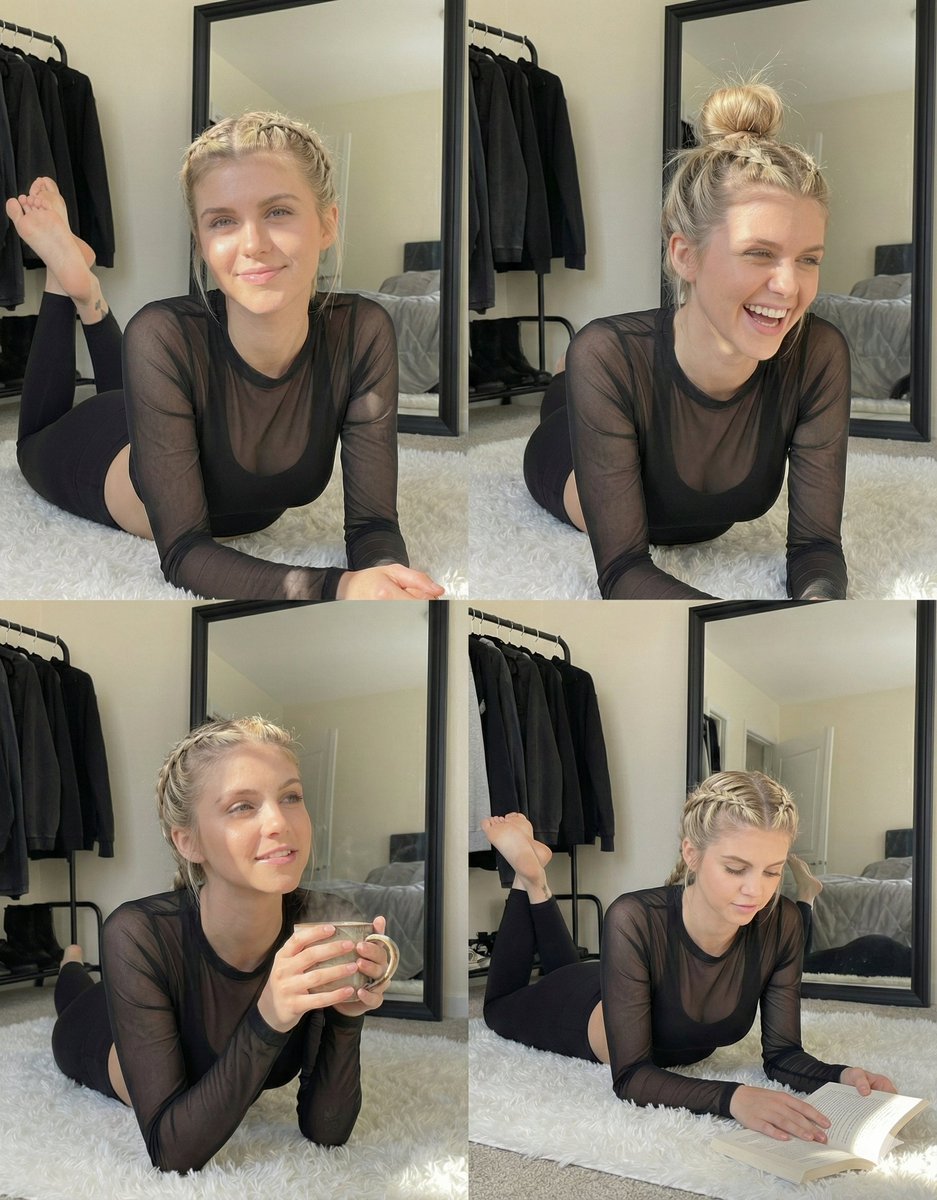
Detailed Indoor Portrait with Harsh Sunlight
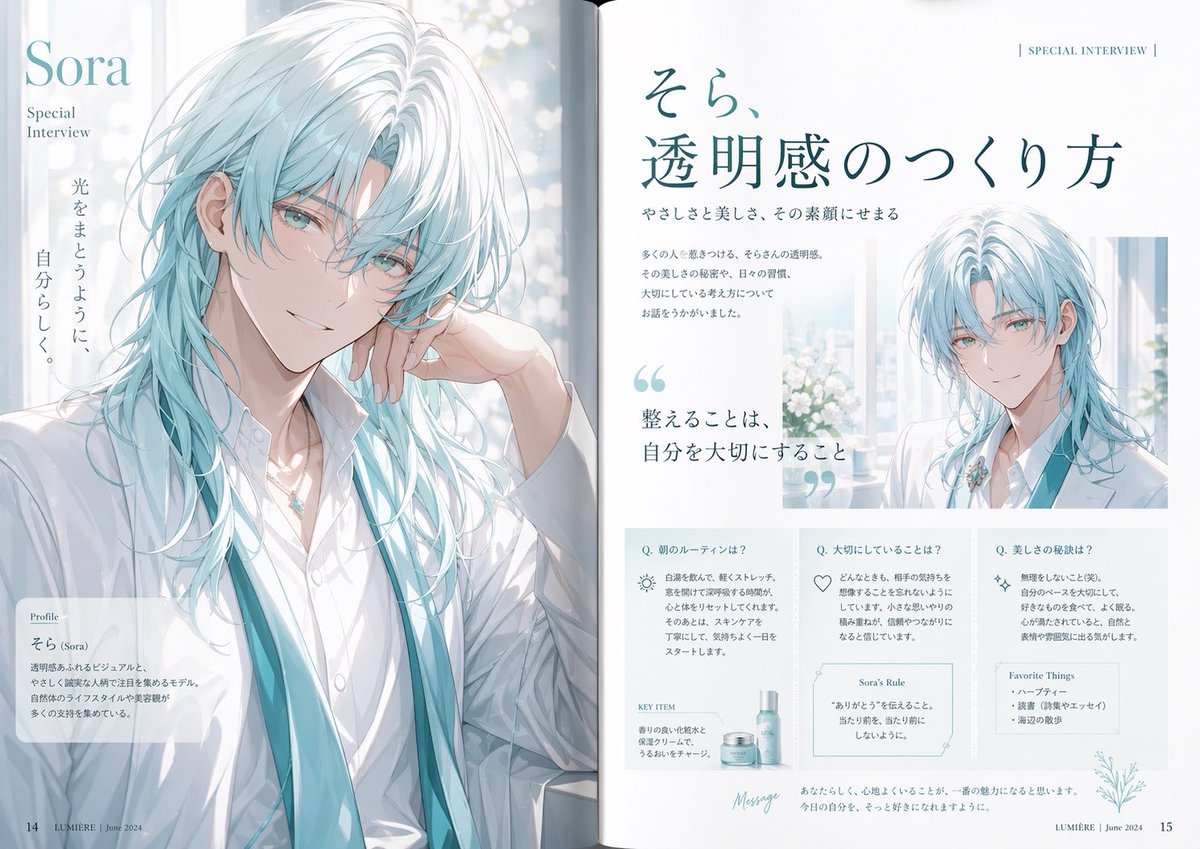
Anime Magazine Interview Spread
Browse template categories
Precure Transformation Design System Prompt questions
How do I use the Precure Transformation Design System Prompt template?
Add your photo if the template asks for one, edit the prompt if you like — the template's model and format are already selected — and press Generate. Your version opens in PicX Studio.
Can I customize the Precure Transformation Design System Prompt template?
Yes. You can change the subject, setting, lighting, mood, format, and available model controls before creating your image.
Is the Precure Transformation Design System Prompt template free?
Opening and editing this template is free. Generating uses credits, shown on the Generate button when you are signed in.
Which AI model should I use?
Start with Nano Banana 2, which is the model associated with this template. You can compare another compatible model for a different finish.
Looking for something else? Browse all templates.

Your photo, any look
Thousands of ready templates for every top image and video model, from one credit balance.