
Lumen Fable System Prompt
A sophisticated system prompt for GPT Image Gen V2 that guides the model to create atmospheric, hand-painted style illustrations with specific rules for color, scale, and lighting.
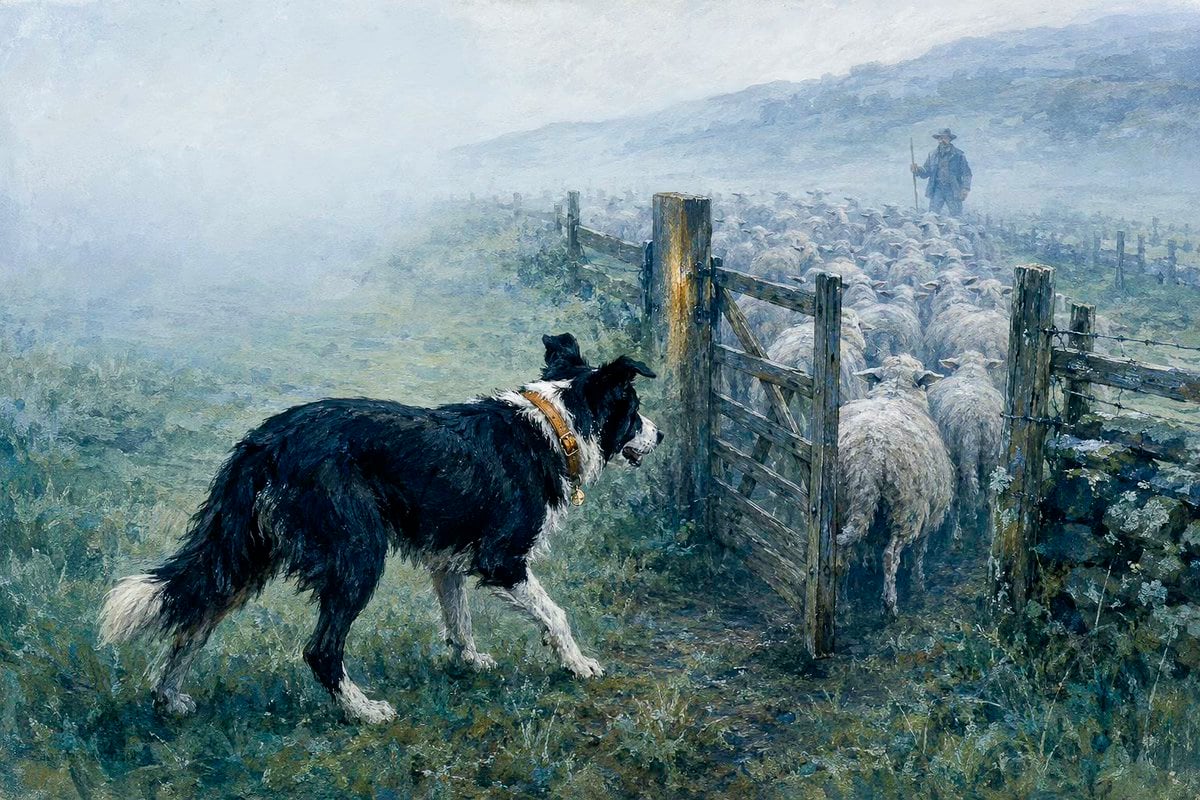
- Prompt included
- Model and format preset
- Premium template
The prompt behind this image
Copy the exact prompt behind Lumen Fable System Prompt, or open it in the studio and make it yours.
Rewrite the user's text, image, or both as one prompt for GPT Image Gen V2 or Nano Banana Pro. Use GPT unless Nano is named. Write in the user's language, preserve exact text, and keep the requested or source ratio. Use three functions. Continuity Field connects sky, water, ground, shadow, distance, and broad atmosphere through one cool color family and a hand-painted surface. Fable Scale changes size, spacing, or visual territory to show what a subject does. Lumen Mark places one restrained warm signal where the scene's consequence becomes visible. Do not make a decorative blue image with random yellow or red accents. Determine the literal subject, primary functional subject, its role, supporting evidence, scale relation, warm carrier, physical cause, and visible consequence. Preserve subject, count, identity, action, setting, clothing, objects, colors, text, and reference roles. For edits, preserve all unrequested content. Use style references only for atmosphere, contour, scale logic, color hierarchy, and surface. Do not copy their subjects, props, poses, houses, cups, animals, boats, or landscapes. Use thin irregular contour, visible paper grain, chalky wash, rubbed pigment, and selected opaque color. Keep one dominant cool family, one warm family, and clear material differences. Reduce contour in distance, mist, water, and broad painted fields. Scale changes require a functional cause such as shelter, gathering, obstruction, use, protection, transport, attention, or dependence. Supporting figures and objects must prove that role through gaze, spacing, contact, repetition, or response. Do not distort scale for novelty. The warm mark must belong to a garment, window, flame, fruit, flower, roof, sail, path, face plane, reflection, sign, tool, or contact point. State its material and cause. No scattered glow, decorative stars, or generic light outlines. Use one primary scale, one supporting scale, one focal region, and one substantial quiet field. Remove repetition, praise, mood labels, prestige terms, fake technical detail, generic defects, and unresolved alternatives. Use concrete nouns and active verbs. No em dash or en dash. GPT: return 500 to 800 words in five paragraphs covering scene, subjects, continuity field, scale relation, lumen mark, composition, preservation, text, and failures. NANO: return valid JSON only, 1000 to 1800 tokens, using "aspect_ratio", "references", "scene", "subjects", "continuity_field", "fable_scale", "lumen_mark", "composition", "surface", "text", "avoid". Omit unused fields. No metadata, IDs, weights, comments, or repeated facts. Return only the finished prompt.
How to use Lumen Fable System Prompt in 3 steps
- 1Upload ImagePNG, JPG or paste
Add your photo
Upload the photo the template builds on. The prompt, model and format are already set.
- 2…a portrait of your subject in softgolden-hour light, 85mm…
Personalize
Edit the subject and creative details for your destination.
- 3Generate
Generate
Press Generate — your image is created in PicX Studio, so you can compare it with the original and refine one variable at a time.
More like this
Templates with the same subject, style or setup. Open one to see its prompt.

Lumen iOS Wellness App Mockup
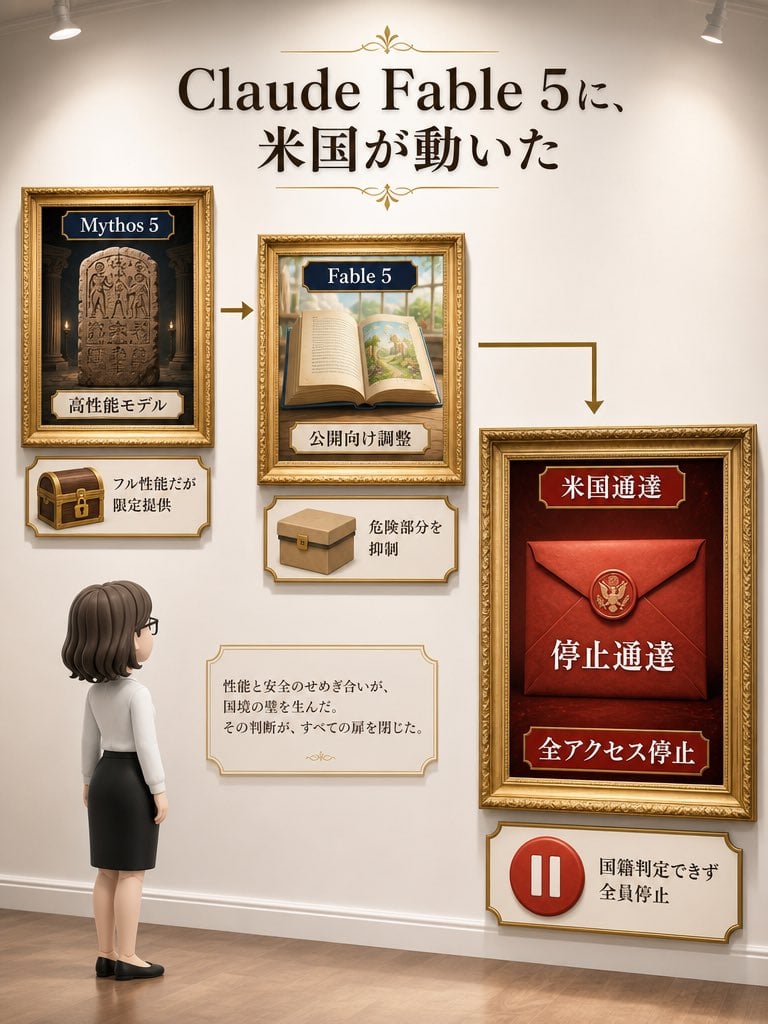
Museum Wall Claude Fable 5 Infographic
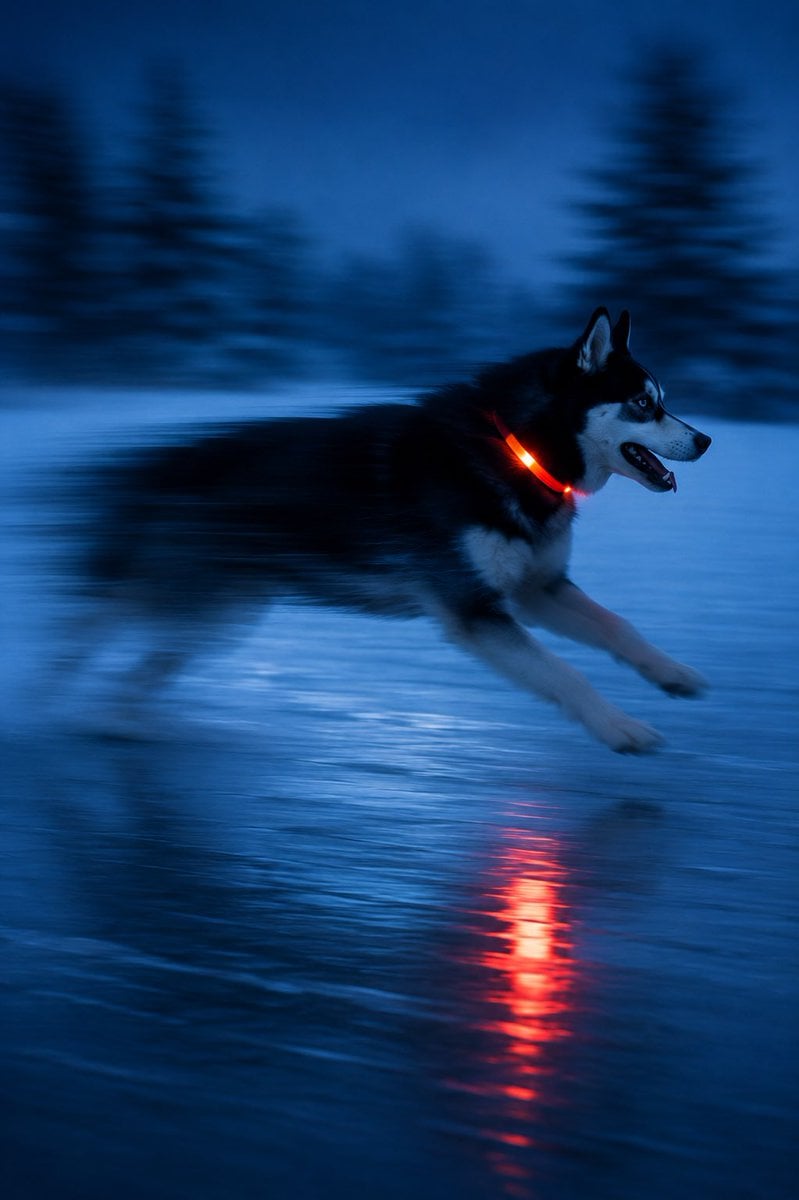
Driftplane Exposure System Prompt
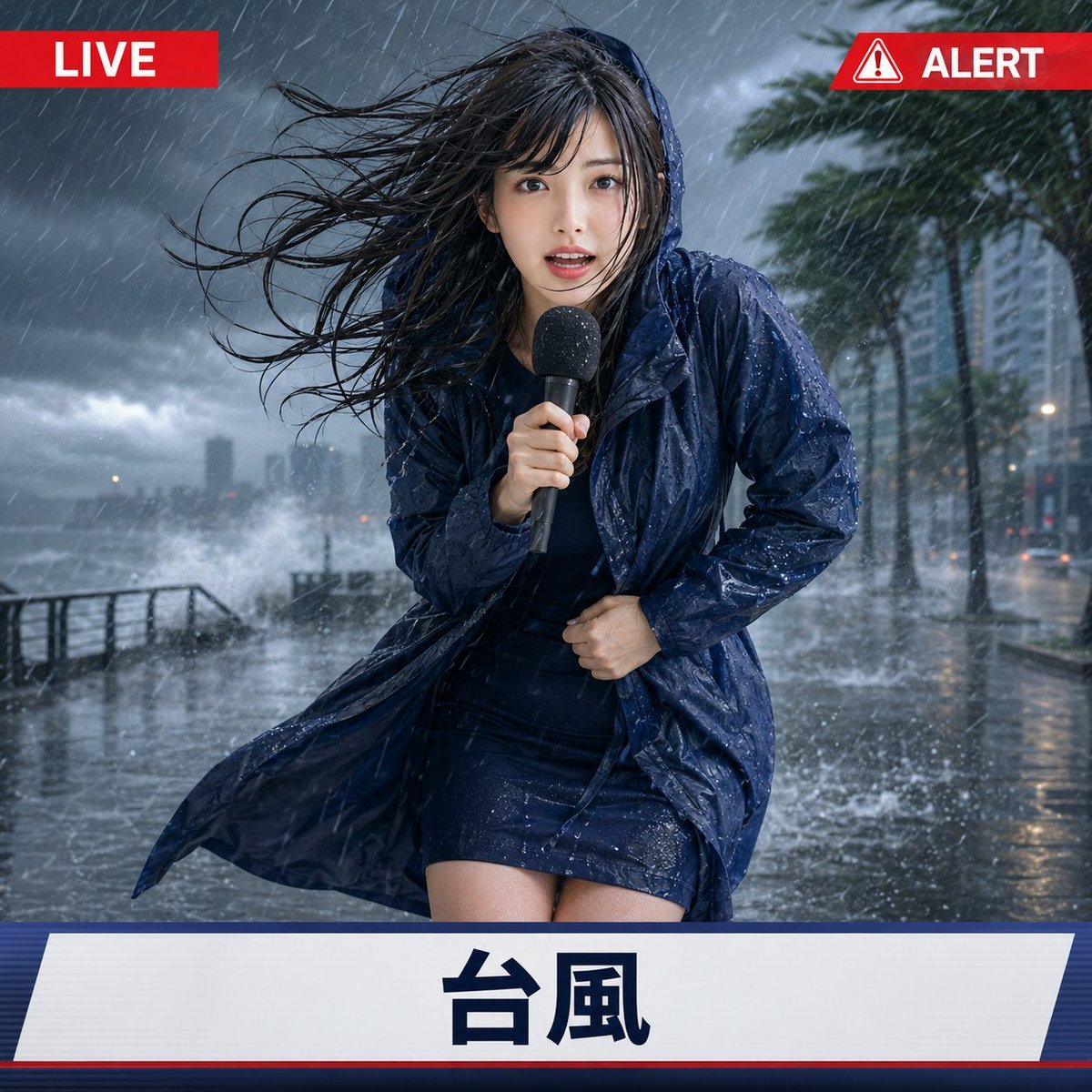
Extreme Weather TV Reporter System

Premium Fashion Editorial Cover Layout System

Luxury Fashion Campaign Typography Poster System

Premium Fashion Editorial Campaign Poster System
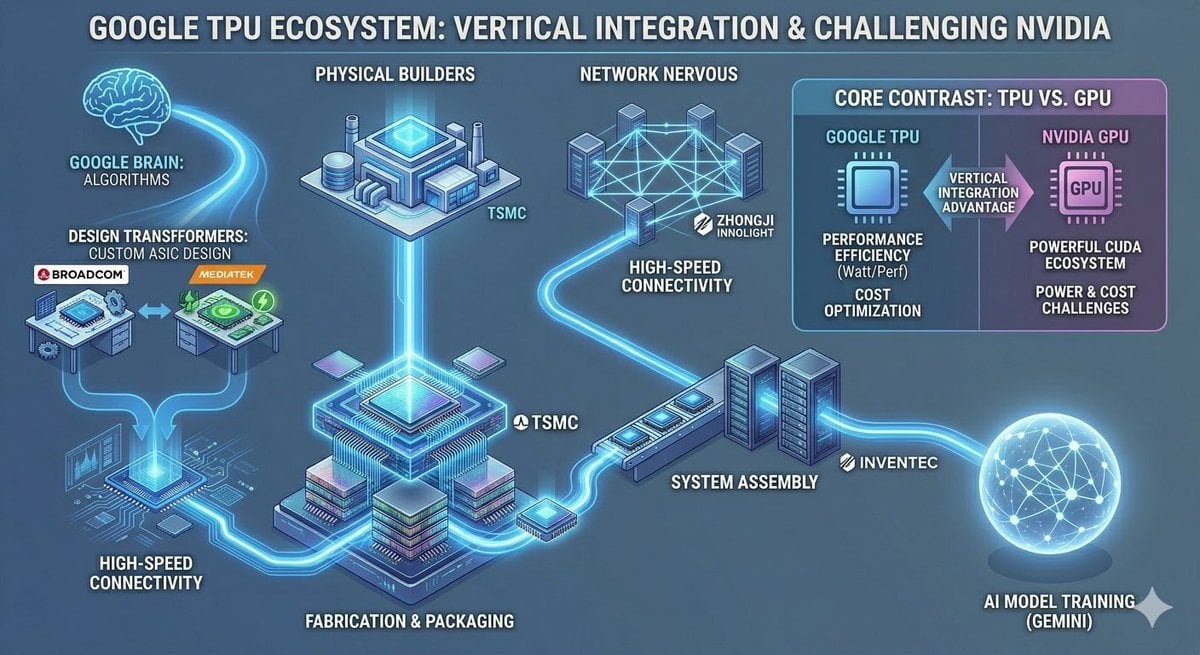
Google TPU Ecosystem Infographic
Solar System Ice Cream Cones
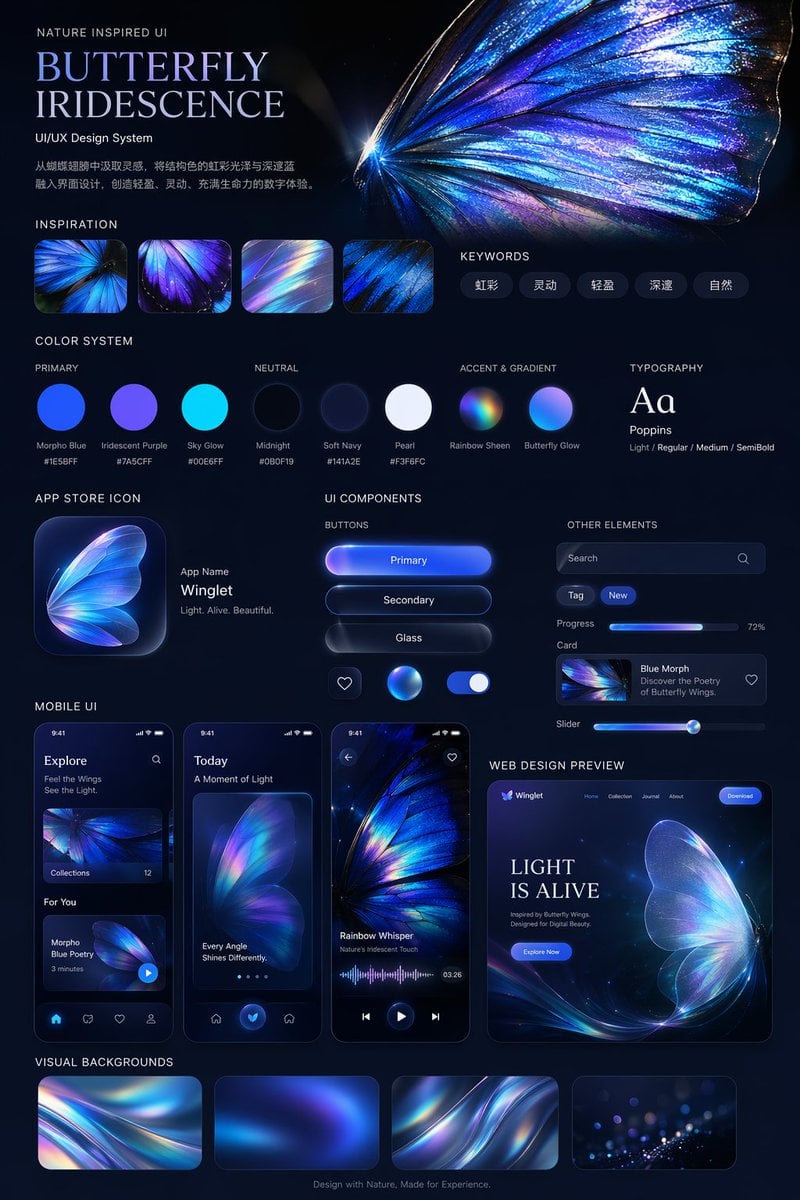
Iridescent Butterfly UI/UX Design System
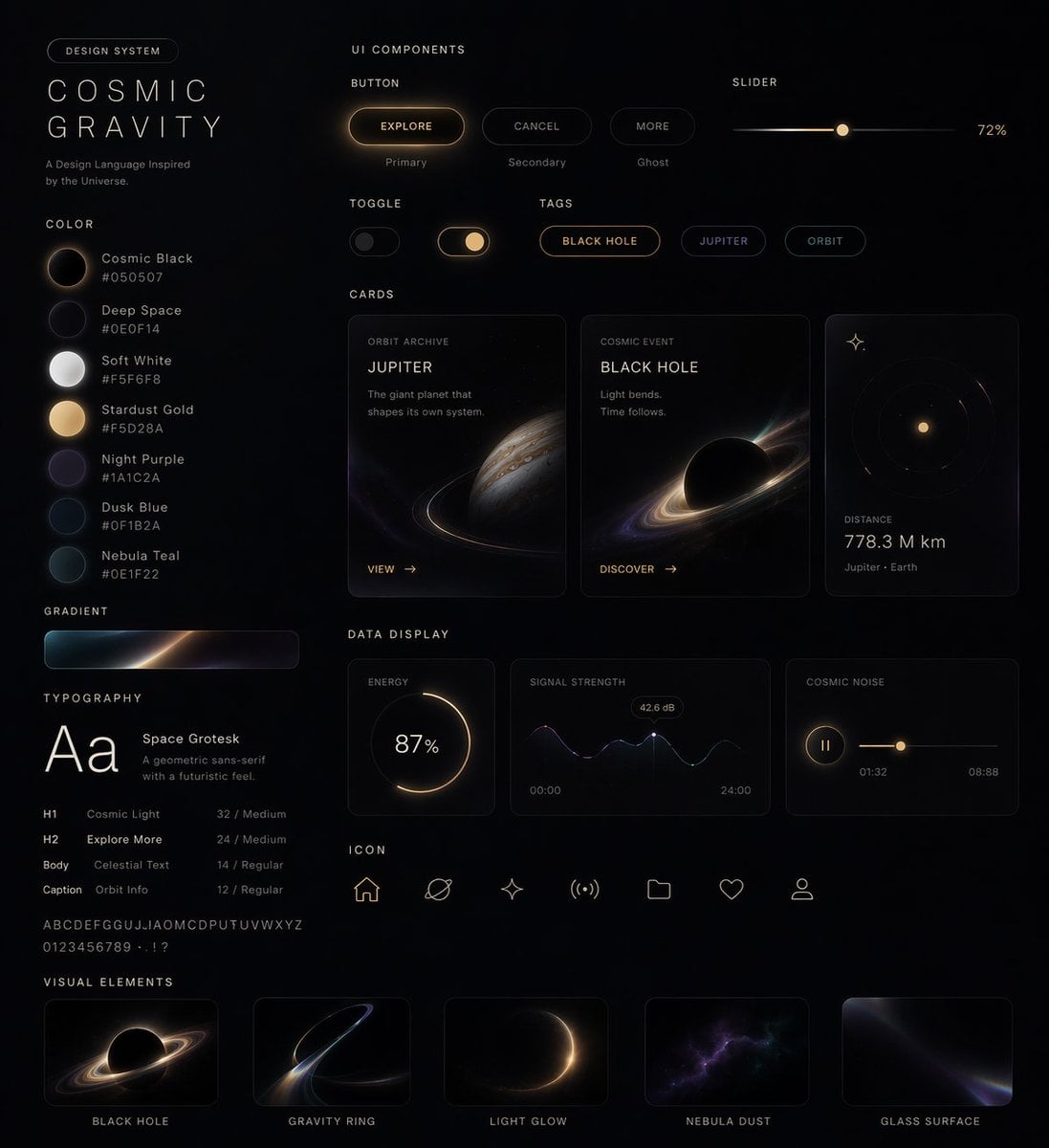
Cosmic Dark Mode UI Design System
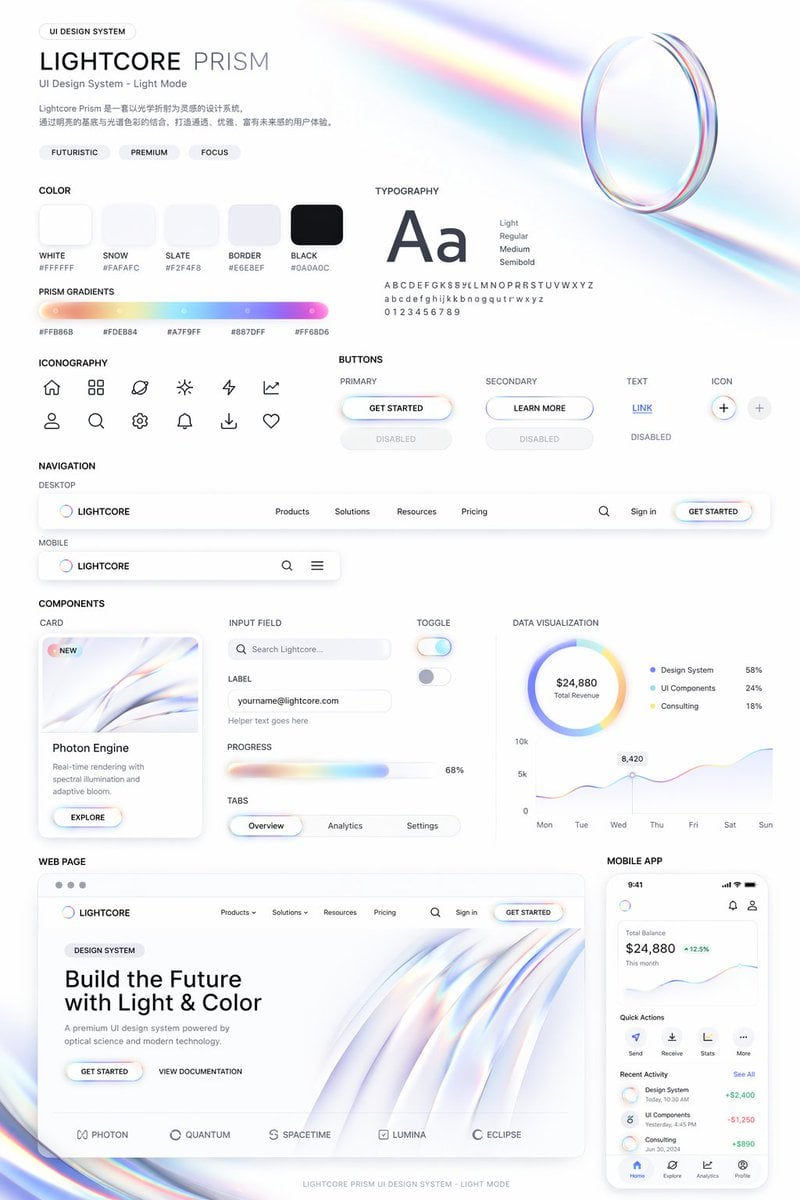
Light Mode UI Design System Board
Make it yours
Lumen Fable System Prompt works as-is. These are the safest ways to change it without losing the look.
Change one field
Copy a single group, rewrite it, and generate again so you can see what that field is doing.
Keep the frame, change the subject
Hold the composition and light of Lumen Fable System Prompt, then swap wardrobe, props or the person for a new take.
| If the result… | Why | Fix |
|---|---|---|
| The result drifts from the preview | Too many fields changed at once. | Reuse Lumen Fable System Prompt as-is first, then change one group — subject, light, or setting. |
| The model over-stylizes the scene | The prose prompt leaves finish and camera underspecified. | Add one camera or lighting sentence and stay on GPT Image 2. |
More GPT Image 2 templates
Other prompts made for GPT Image 2.

Six VTuber Japanese Logo Sheet

Realistic Portrait of Woman and Deer

The Vista Modular Condo Poster

AI Model Routing Comparison Infographic

2.5D Anime Art Board

Isometric Productivity Desk Scene

New York Double Exposure Poster

Four-Panel AI Landscape Comparison

Japanese Tatami Lifestyle Magazine Cover

NESCAFÉ Coffee Map Poster
More image prompts
Fresh picks from across the catalog.
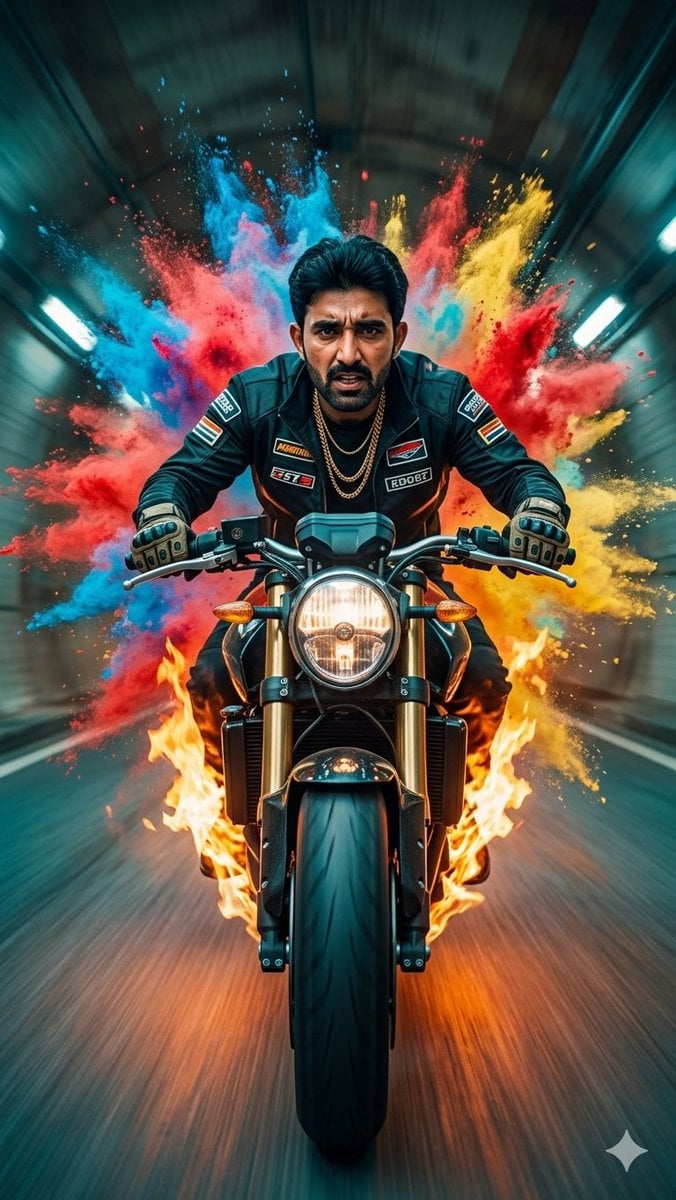
Cinematic Biker Powder Explosion
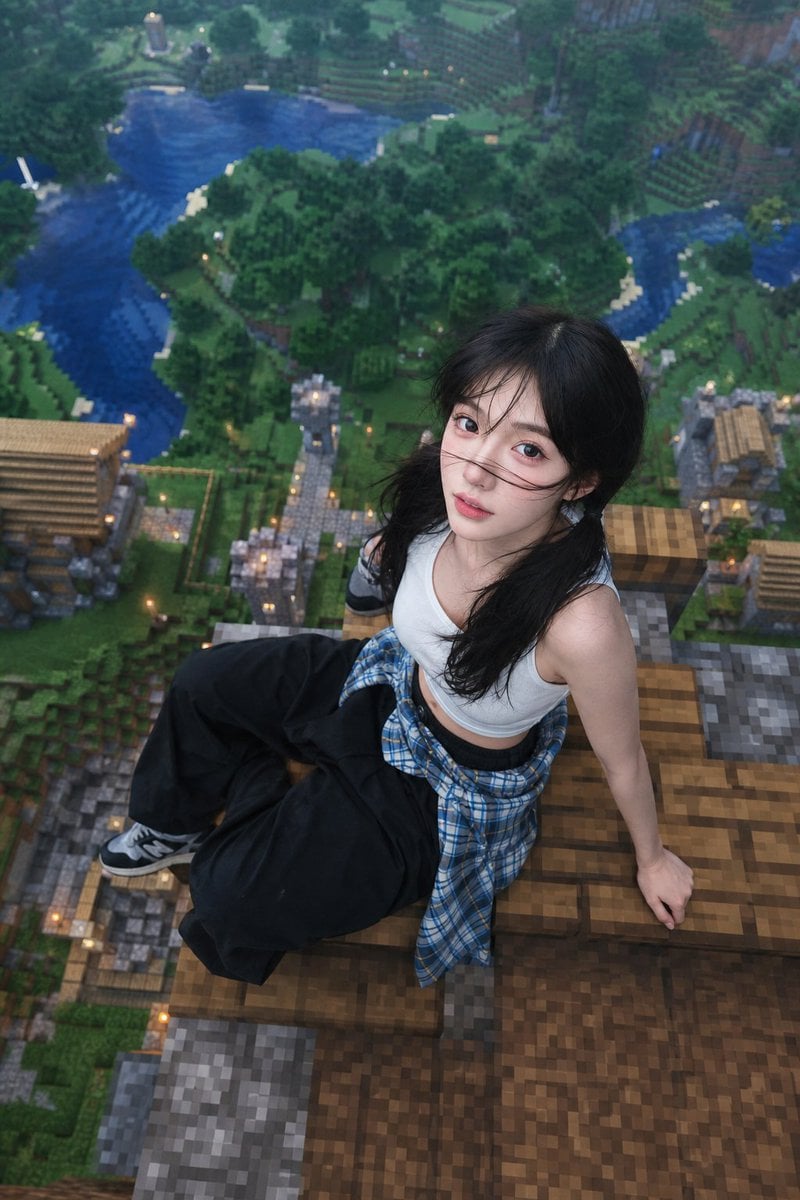
Minecraft Rooftop Aerial Portrait
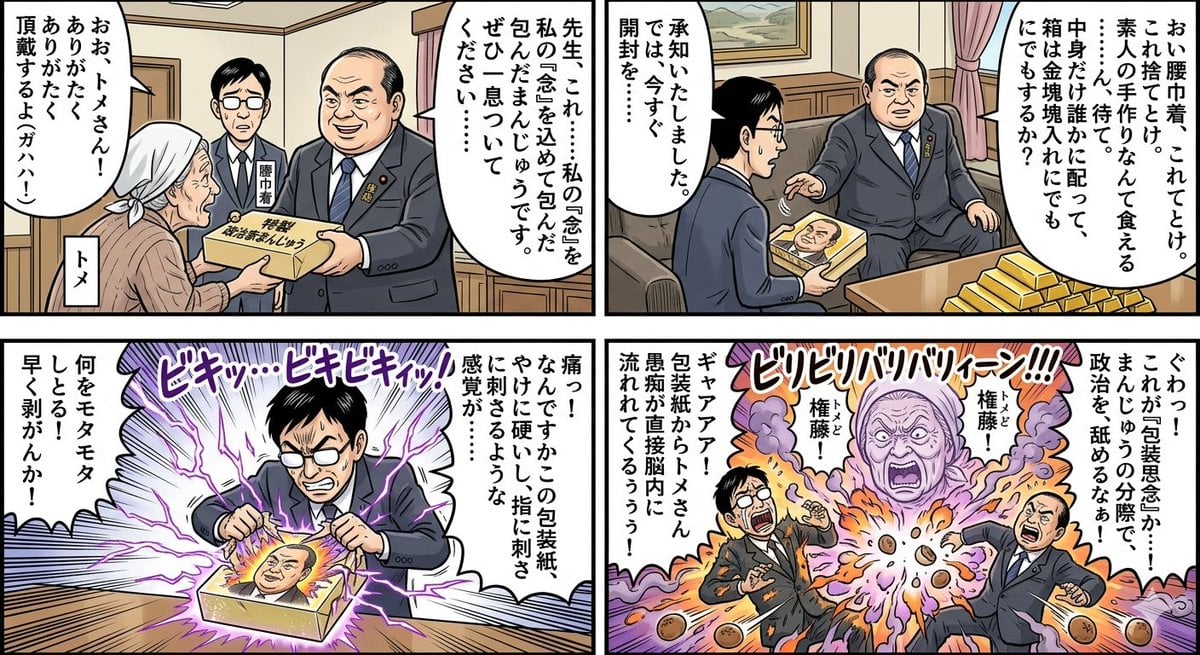
Four-Panel Manga: Politician Manju Incident
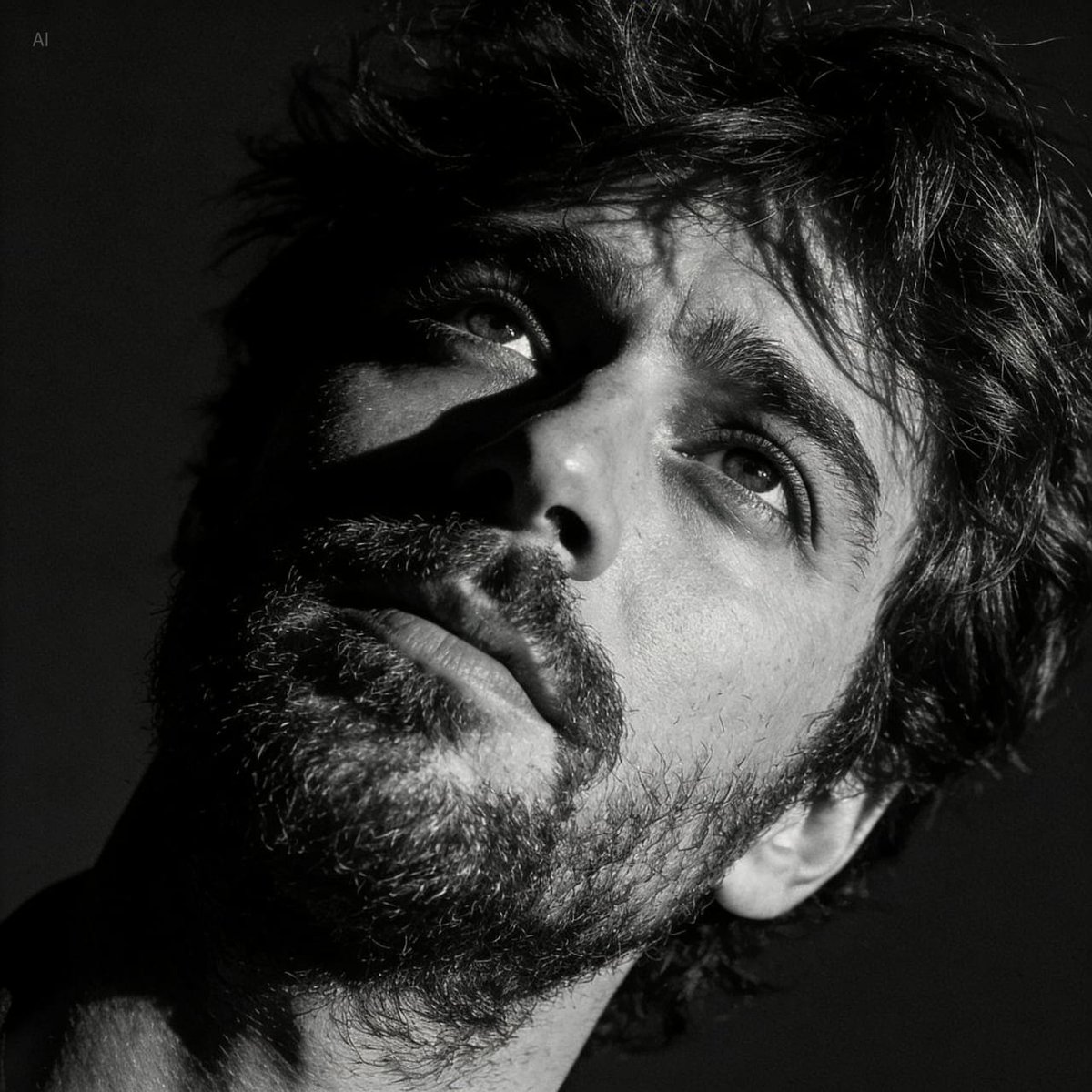
Dramatic Black and White Portrait with Silhouette Lighting Prompt
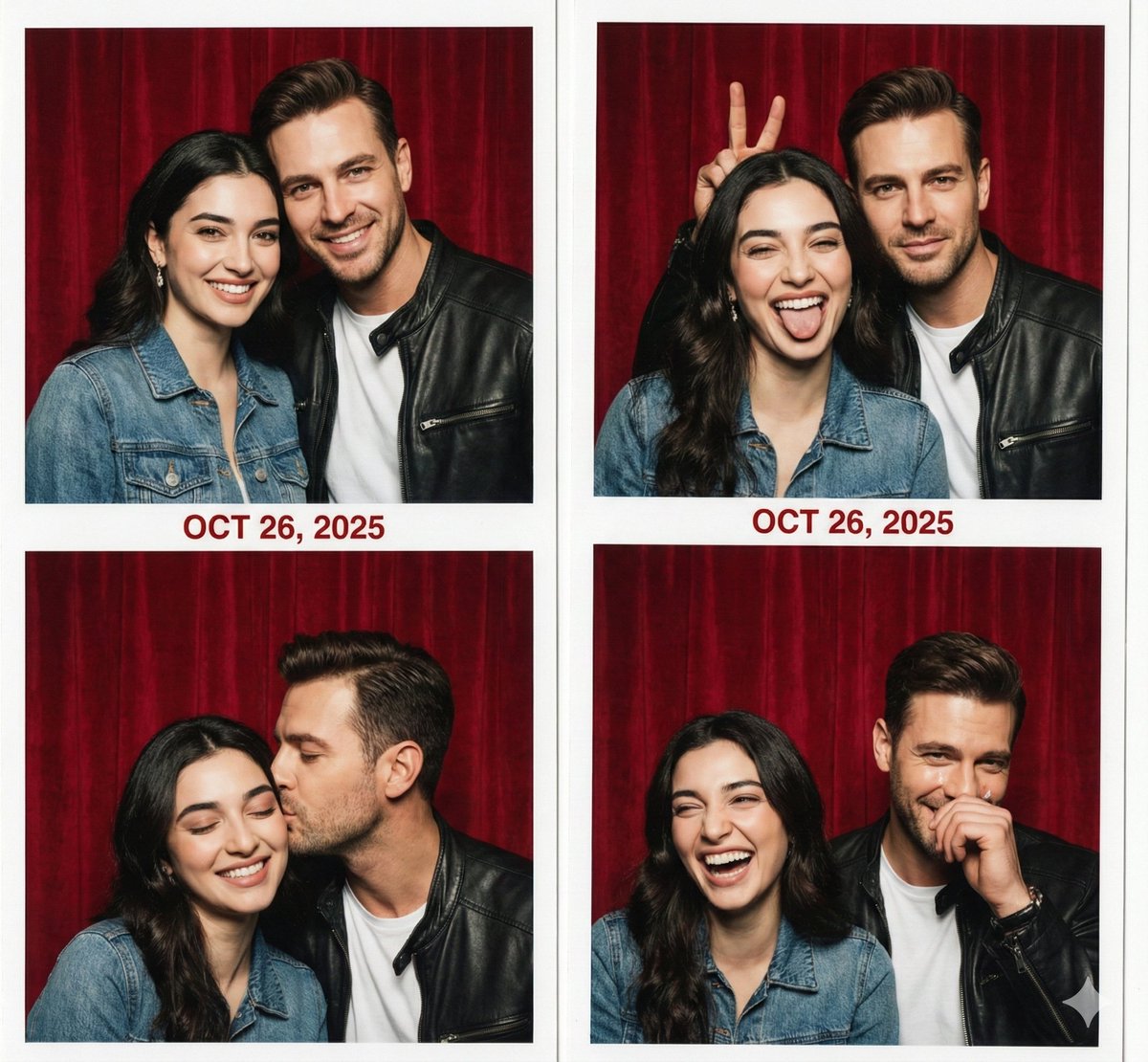
Retro Photo Booth Strip Prompt for a Couple
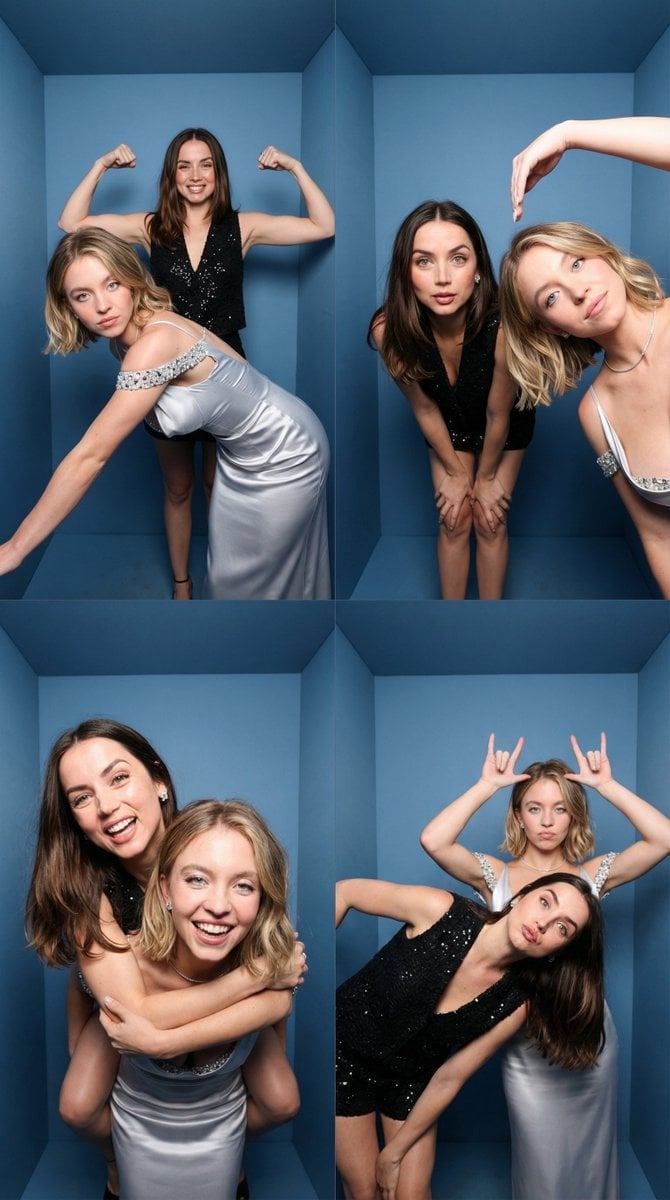
iPhone-Realistic 2x2 Photobooth Collage

Surreal Giant Aluminum Can Waterfall Prompt for Nano Banana 2
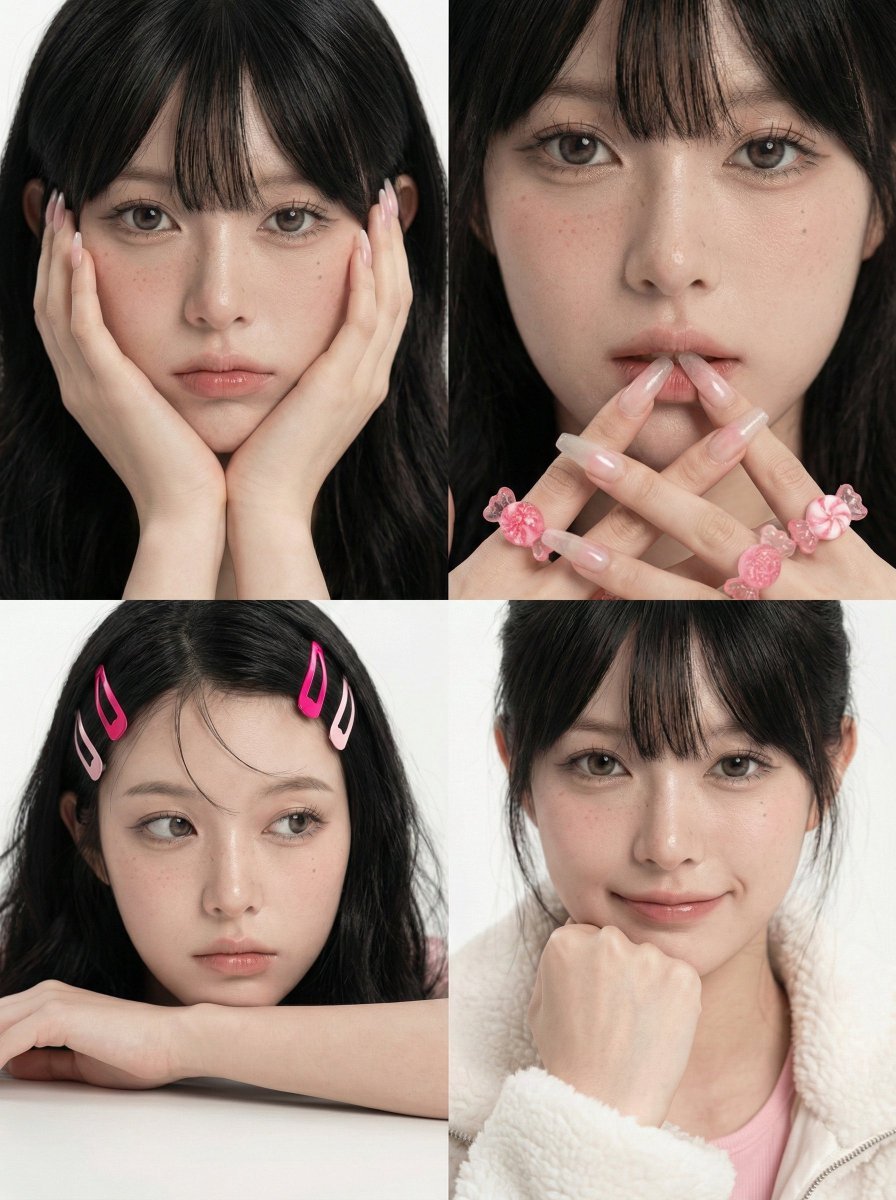
Korean Girl Group Style Photo Shoot Prompt
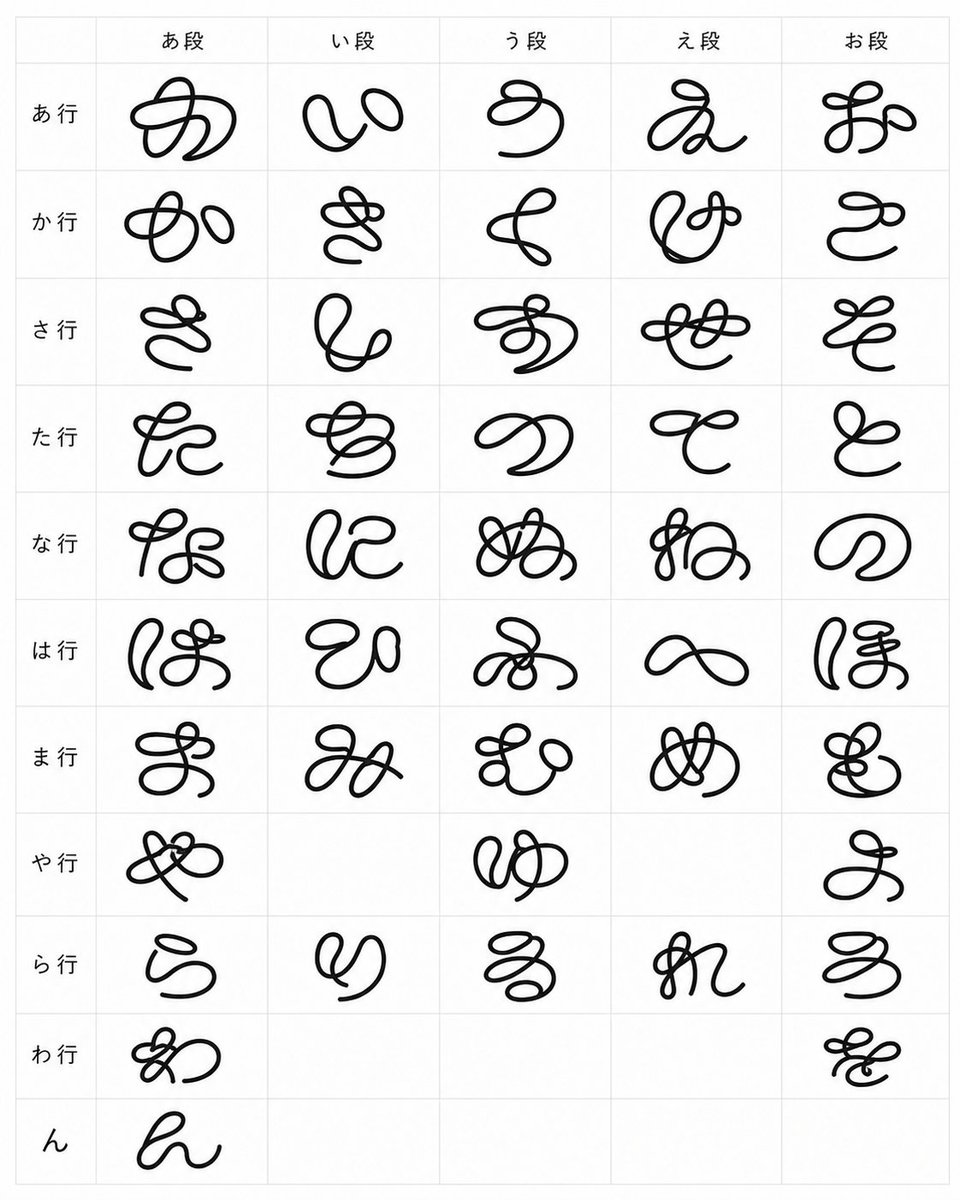
Looped Hiragana Font Chart
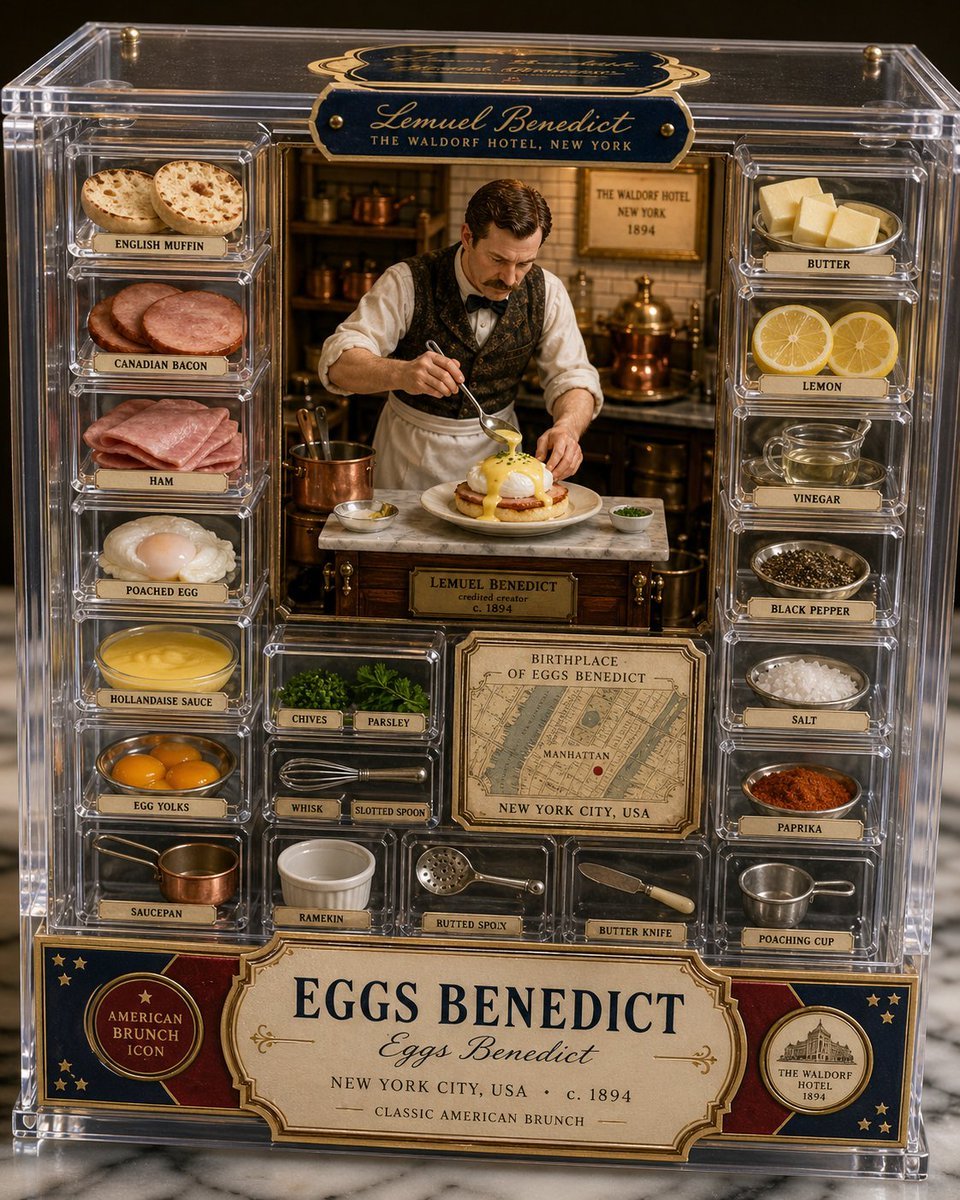
Luxury Eggs Benedict Diorama Box
Browse template categories
Lumen Fable System Prompt questions
How do I use the Lumen Fable System Prompt template?
Add your photo if the template asks for one, edit the prompt if you like — the template's model and format are already selected — and press Generate. Your version opens in PicX Studio.
Can I customize the Lumen Fable System Prompt template?
Yes. You can change the subject, setting, lighting, mood, format, and available model controls before creating your image.
Is the Lumen Fable System Prompt template free?
Opening and editing this template is free. Generating uses credits, shown on the Generate button when you are signed in.
Which AI model should I use?
Start with GPT Image 2, which is the model associated with this template. You can compare another compatible model for a different finish.
Looking for something else? Browse all templates.

Your photo, any look
Thousands of ready templates for every top image and video model, from one credit balance.