
Google TPU Ecosystem Infographic
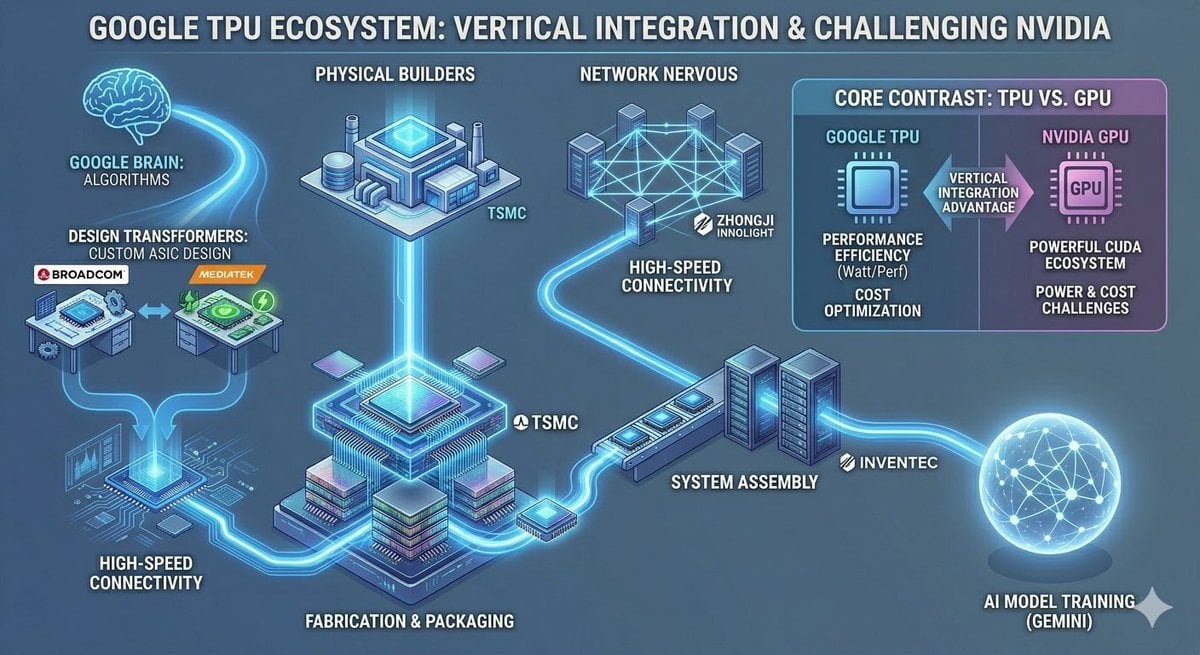
Generates a wide neon-blue technology infographic mapping the Google TPU supply chain and comparing TPU advantages against Nvidia GPUs for investor or industry analysis.
- Prompt included
- Model and format preset
- Premium template
The prompt behind this image
Copy the exact prompt behind Google TPU Ecosystem Infographic, or open it in the studio and make it yours.
- Type
- wide futuristic tech industry infographic
- Title
- {argument name="headline text" default="GOOGLE TPU ECOSYSTEM: VERTICAL INTEGRATION & CHALLENGING NVIDIA"}
- Style
- dark blue isometric vector infographic, glowing cyan circuit pathways, neon highlights, 3D chip and data-center icons, clean corporate technology presentation, high contrast white uppercase labels with subtle drop shadows, 16:9 landscape
- Layout › Background
- blue-gray gradient with faint circuitry, all nodes connected by luminous cyan data-flow lines
- Layout › Main Flow
- a left-to-right ecosystem map showing Google's TPU supply chain from algorithms and ASIC design through fabrication, networking, system assembly, and AI model training
- Layout › Discrete Labeled Sections Count
- 8
- Layout › Sections › 0 › Title
- GOOGLE BRAIN: ALGORITHMS
- Layout › Sections › 0 › Position
- upper left
- Layout › Sections › 0 › Visual
- glowing outline brain icon feeding a cyan stream into the ecosystem
- Layout › Sections › 1 › Title
- DESIGN TRANSFORMERS: CUSTOM ASIC DESIGN
- Layout › Sections › 1 › Position
- left middle
- Layout › Sections › 1 › Count
- 2
- Layout › Sections › 1 › Labels
- BROADCOM, MEDIATEK
- Layout › Sections › 1 › Visual
- two small chip-design workstation tables connected by arrows, Broadcom on the left and MediaTek on the right
- Layout › Sections › 2 › Title
- HIGH-SPEED CONNECTIVITY
- Layout › Sections › 2 › Position
- lower left
- Layout › Sections › 2 › Visual
- circuit-board routing and glowing data links feeding into the central TPU package
- Layout › Sections › 3 › Title
- PHYSICAL BUILDERS
- Layout › Sections › 3 › Position
- top center
- Layout › Sections › 3 › Count
- 1
- Layout › Sections › 3 › Labels
- TSMC
- Layout › Sections › 3 › Visual
- isometric semiconductor factory with a bright blue roof core, connected vertically to the central chip
- Layout › Sections › 4 › Title
- FABRICATION & PACKAGING
- Layout › Sections › 4 › Position
- bottom center
Raw JSON
{"type":"wide futuristic tech industry infographic","title":"{argument name=\"headline text\" default=\"GOOGLE TPU ECOSYSTEM: VERTICAL INTEGRATION & CHALLENGING NVIDIA\"}","style":"dark blue isometric vector infographic, glowing cyan circuit pathways, neon highlights, 3D chip and data-center icons, clean corporate technology presentation, high contrast white uppercase labels with subtle drop shadows, 16:9 landscape","layout":{"background":"blue-gray gradient with faint circuitry, all nodes connected by luminous cyan data-flow lines","main_flow":"a left-to-right ecosystem map showing Google's TPU supply chain from algorithms and ASIC design through fabrication, networking, system assembly, and AI model training","discrete_labeled_sections_count":8,"sections":[{"title":"GOOGLE BRAIN: ALGORITHMS","position":"upper left","visual":"glowing outline brain icon feeding a cyan stream into the ecosystem"},{"title":"DESIGN TRANSFORMERS: CUSTOM ASIC DESIGN","position":"left middle","count":2,"labels":["BROADCOM","MEDIATEK"],"visual":"two small chip-design workstation tables connected by arrows, Broadcom on the left and MediaTek on the right"},{"title":"HIGH-SPEED CONNECTIVITY","position":"lower left","visual":"circuit-board routing and glowing data links feeding into the central TPU package"},{"title":"PHYSICAL BUILDERS","position":"top center","count":1,"labels":["TSMC"],"visual":"isometric semiconductor factory with a bright blue roof core, connected vertically to the central chip"},{"title":"FABRICATION & PACKAGING","position":"bottom center","count":1,"labels":["TSMC"],"visual":"large central stacked TPU chip package on a circuit substrate, glowing cyan processor die, multilayer packaging blocks"},{"title":"NETWORK NERVOUS","position":"upper center-right","count":1,"labels":["ZHONGJI INNOLIGHT"],"visual":"cluster of server towers connected by a luminous mesh network, data stream flowing downward"},{"title":"SYSTEM ASSEMBLY","position":"right center","count":1,"labels":["INVENTEC"],"visual":"rack servers and a long assembly module connected to the main TPU flow"},{"title":"AI MODEL TRAINING (GEMINI)","position":"lower right","visual":"large glowing wireframe sphere with connected nodes representing AI training output"}]},"comparison_panel":{"title":"CORE CONTRAST: TPU VS. GPU","position":"upper right","panel_style":"rounded rectangle card split vertically, cyan Google TPU side on left and purple Nvidia GPU side on right","columns_count":2,"columns":[{"heading":"GOOGLE TPU","icon":"cyan processor icon","points_count":3,"points":["PERFORMANCE EFFICIENCY (Watt/Perf)","COST OPTIMIZATION","VERTICAL INTEGRATION ADVANTAGE"]},{"heading":"NVIDIA GPU","icon":"purple chip icon labeled GPU","points_count":3,"points":["POWERFUL CUDA ECOSYSTEM","POWER & COST CHALLENGES","VERTICAL INTEGRATION ADVANTAGE shown as a central arrow contrast marker"]}]},"visual_elements":{"company_labels_count":5,"company_labels":["BROADCOM","MEDIATEK","TSMC","ZHONGJI INNOLIGHT","INVENTEC"],"major_icons_count":9,"major_icons":["brain","two ASIC design workstations","semiconductor factory","central packaged TPU chip","network server mesh","assembly rack servers","comparison card","GPU chip","AI training globe"]},"customization":"Keep all text legible and in English, preserve the exact uppercase labels, use a polished financial research infographic look suitable for explaining the TPU industry chain. Emphasize {argument name=\"highlight theme\" default=\"vertical integration and challenging NVIDIA\"} with bright cyan data paths and a premium technology aesthetic."}How to use Google TPU Ecosystem Infographic in 3 steps
- 1Upload ImagePNG, JPG or paste
Add your photo
Upload the photo the template builds on. The prompt, model and format are already set.
- 2…a portrait of your subject in softgolden-hour light, 85mm…
Personalize
Edit the subject and creative details for your destination.
- 3Generate
Generate
Press Generate — your image is created in PicX Studio, so you can compare it with the original and refine one variable at a time.
More like this
Templates with the same subject, style or setup. Open one to see its prompt.
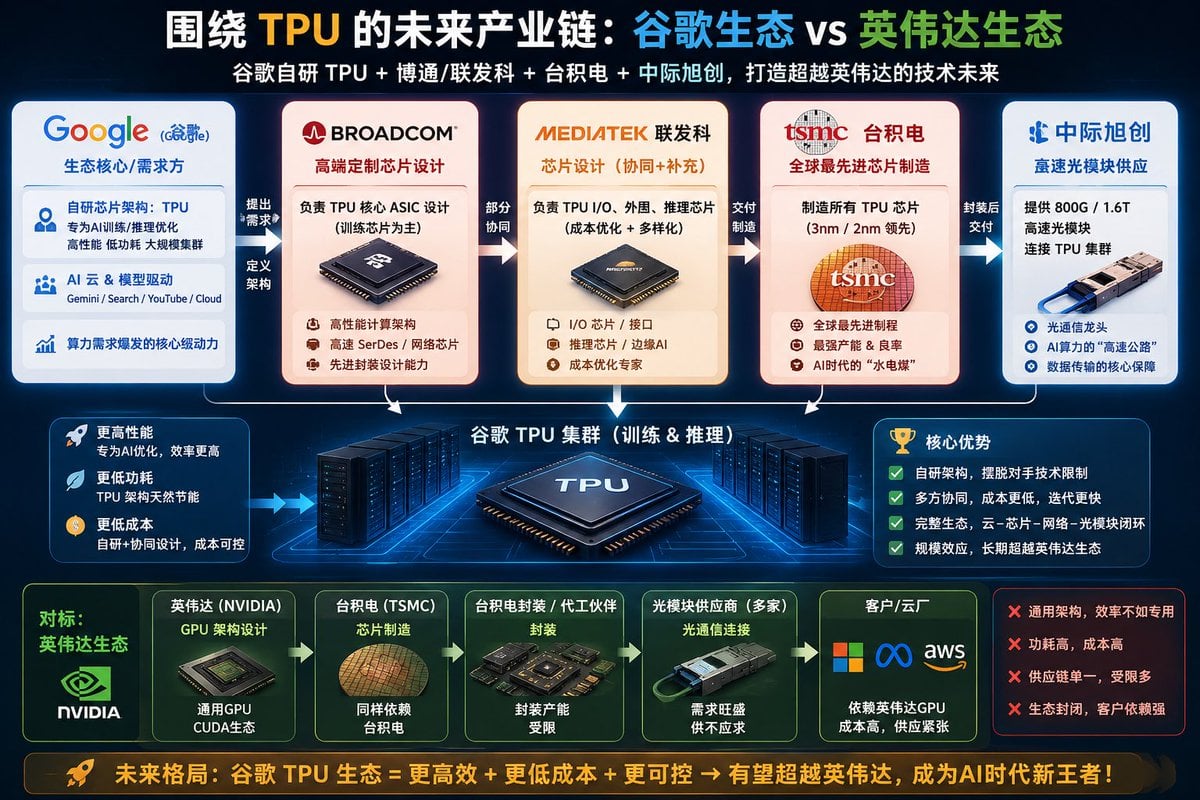
Google TPU vs Nvidia Ecosystem Infographic

Japan Travel Brochure Poster

Isometric Process Educational Diorama

Isometric Vehicle Teardown Infographic Template
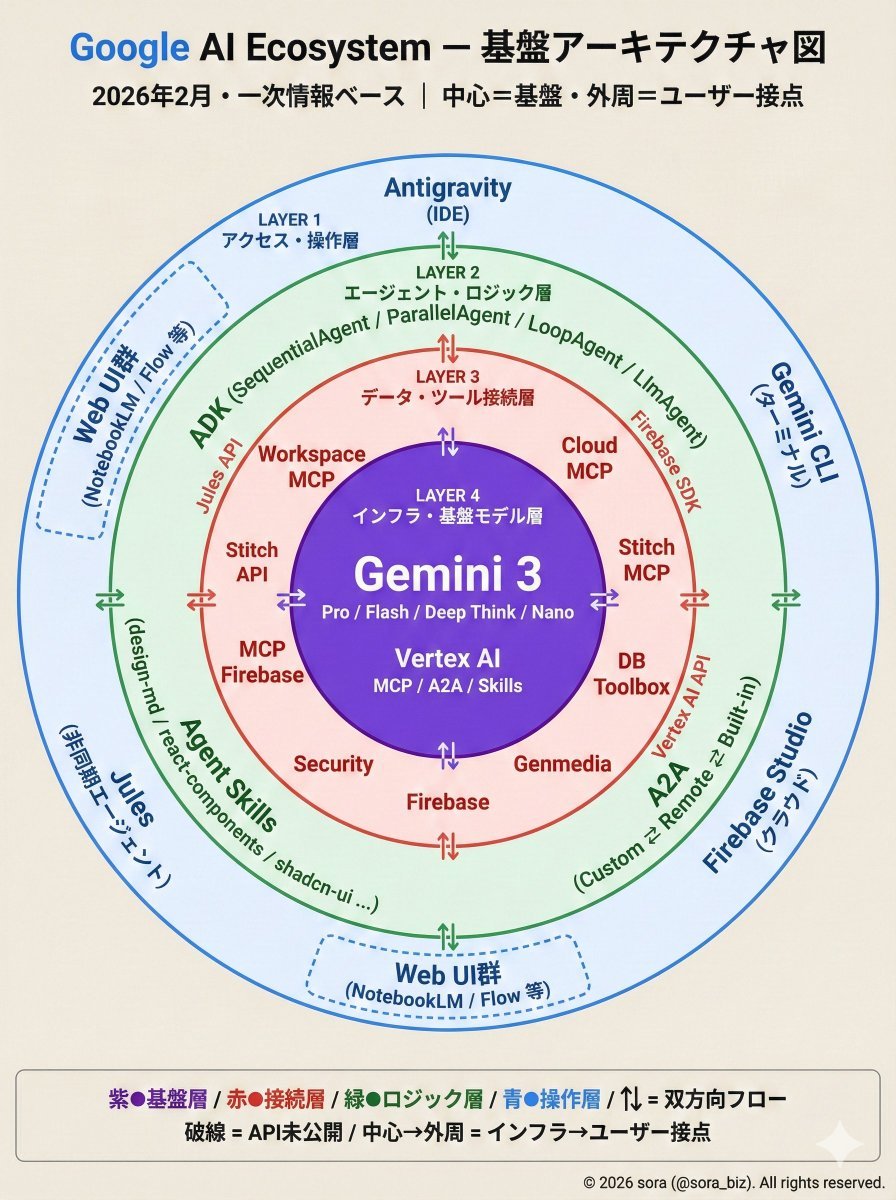
Google AI Ecosystem Diagram Generation

Gpt2 E Commerce Main Image Earbuds E Commerce Infographic

Gpt2 Infographic Edu Visual Alishan One Day Travel Poster

Gpt2 Infographic Edu Visual Ethnographic Plate for Tibetan Ceremonial Hat

Gpt2 Infographic Edu Visual Earth Signs Zodiac Character Poster

Gpt2 Infographic Edu Visual Water Signs Zodiac Character Poster

Gpt2 Infographic Edu Visual Ink Wash Tribute Poster for Chen Uen

Gpt2 Infographic Edu Visual Vintage Claude Shannon Infographic Poster
Make it yours
Google TPU Ecosystem Infographic works as-is. These are the safest ways to change it without losing the look.
Swap the setting
Keep the rest of the prompt and replace the location block. The current setting is “blue-gray gradient with faint circuitry, all nodes connected by luminous cyan da”.
Change one field
Copy a single group, rewrite it, and generate again so you can see what that field is doing.
Keep the frame, change the subject
Hold the composition and light of Google TPU Ecosystem Infographic, then swap wardrobe, props or the person for a new take.
| If the result… | Why | Fix |
|---|---|---|
| The result drifts from the preview | Too many fields changed at once. | Reuse Google TPU Ecosystem Infographic as-is first, then change one group — subject, light, or setting. |
| GPT Image 2 ignores part of the JSON | Some models flatten or skip nested keys. | Keep the same values and paste them as a short paragraph instead. |
More GPT Image 2 templates
Other prompts made for GPT Image 2.

Six VTuber Japanese Logo Sheet

Realistic Portrait of Woman and Deer

The Vista Modular Condo Poster

AI Model Routing Comparison Infographic

2.5D Anime Art Board

Isometric Productivity Desk Scene

New York Double Exposure Poster

Four-Panel AI Landscape Comparison

Japanese Tatami Lifestyle Magazine Cover

NESCAFÉ Coffee Map Poster
More image prompts
Fresh picks from across the catalog.

Blonde Woman in Red Bodysuit in Snow

Surreal Editorial Fashion Portrait with Newspaper Background

Generating Ideal Nose Shapes for Cosmetic Surgery Consultation

Elegance on the Green Magazine Page
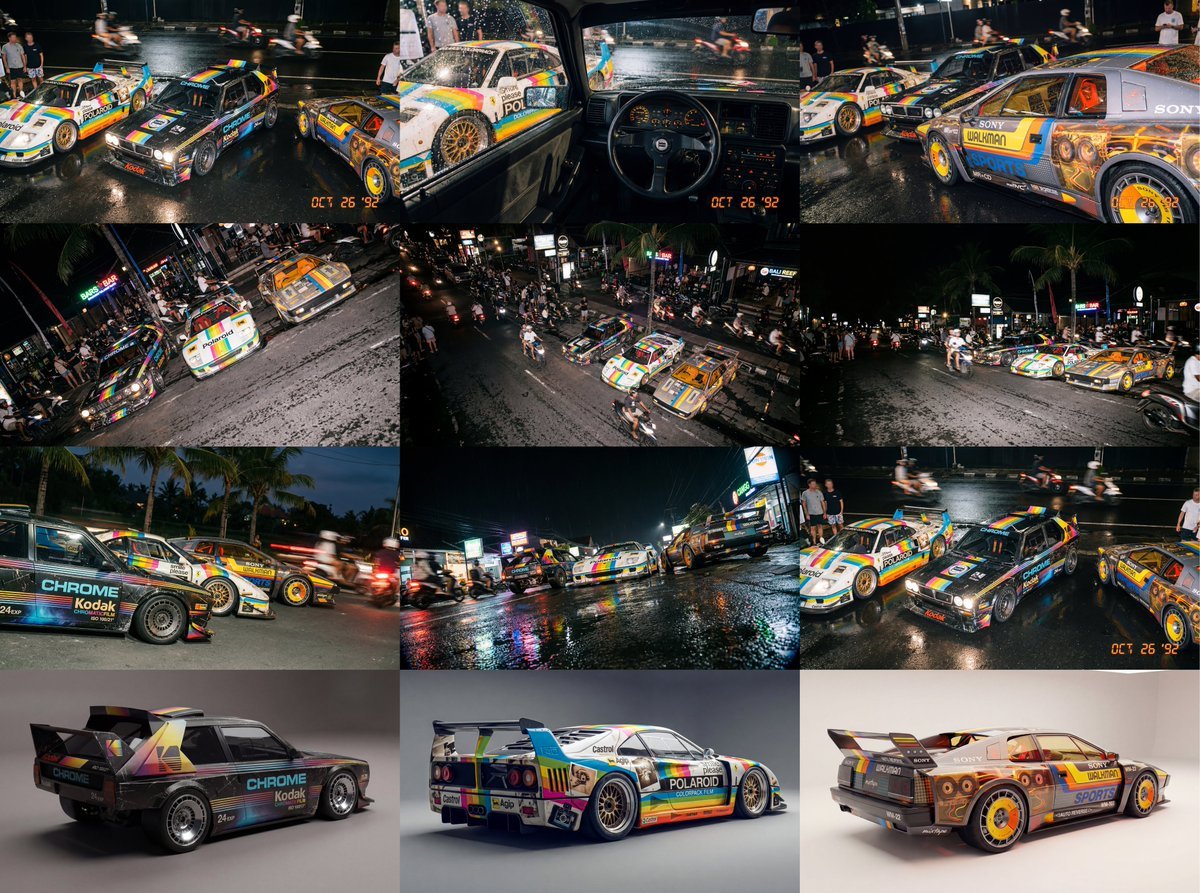
Composite Racing Car Shot with Vintage Film Branding
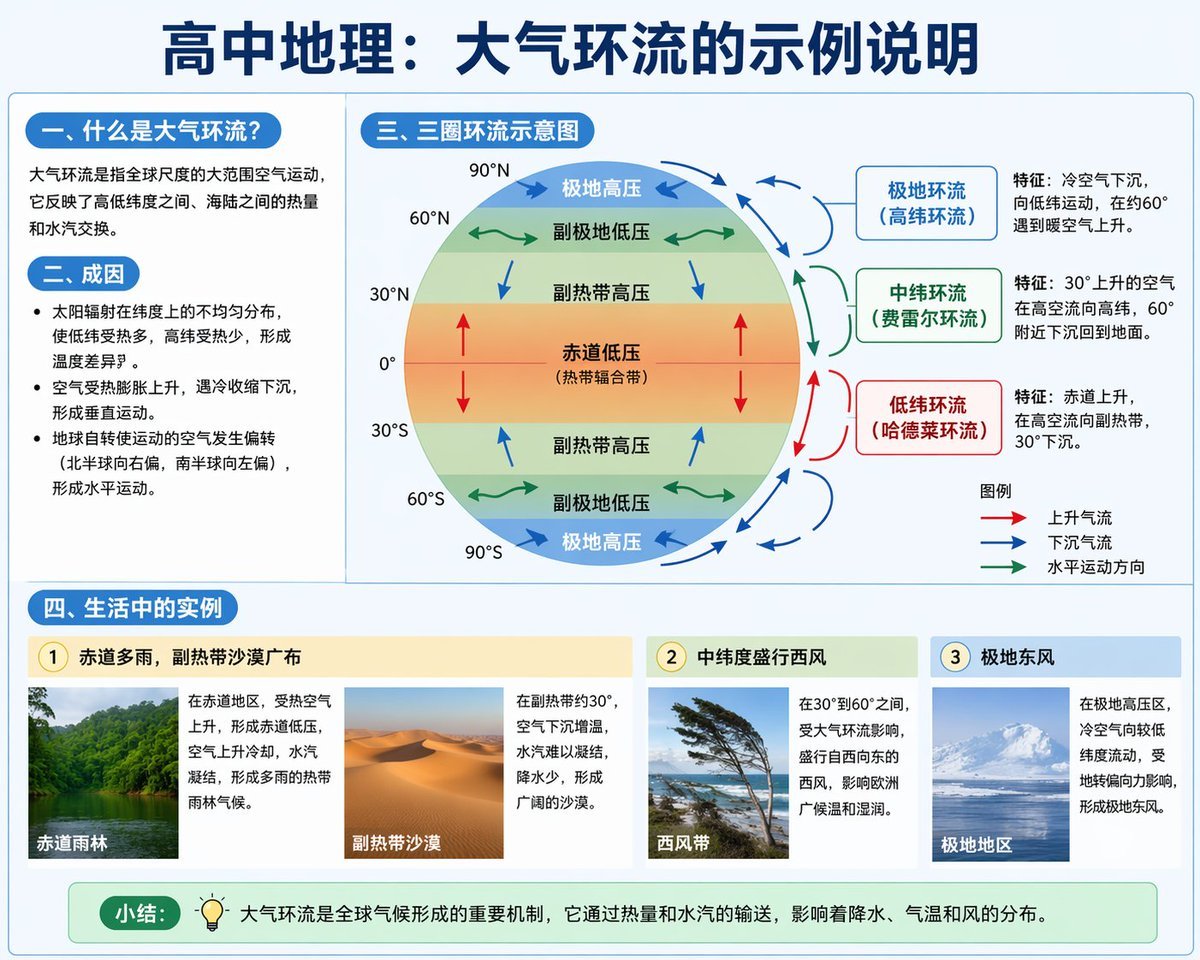
Educational Infographic on Atmospheric Circulation
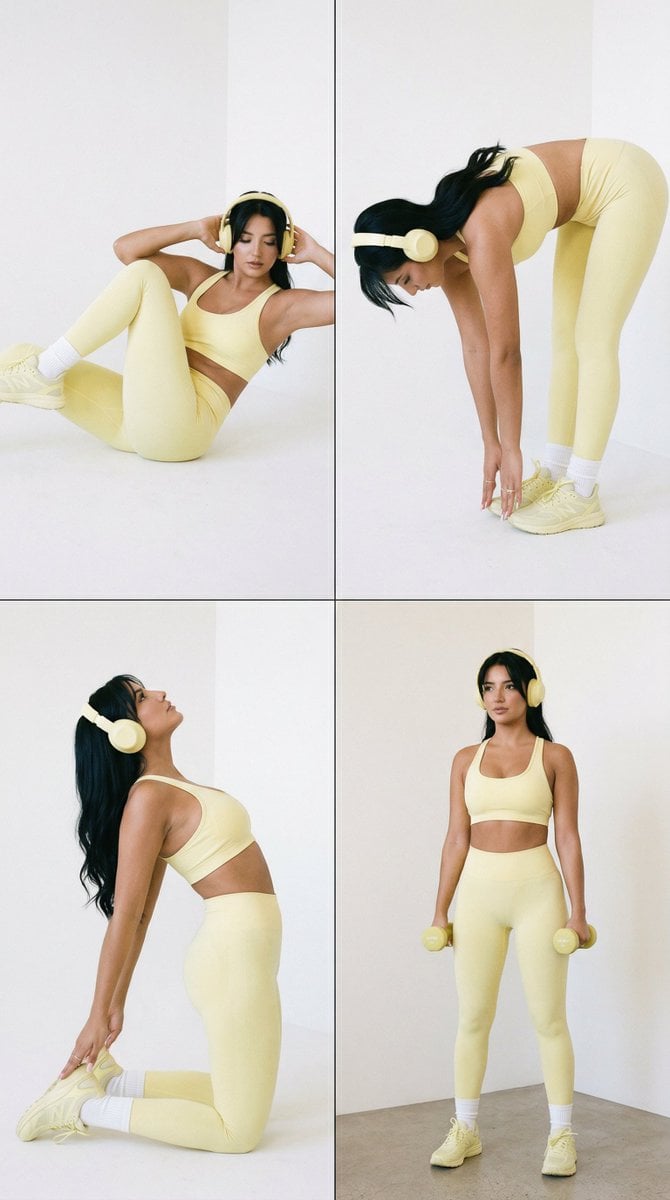
Nano Banana Pro Fitness Editorial Grid Prompt (Yellow Activewear, Identity Locked)

Rugged Urban Portrait

Image Analysis and Correction Tool Description

Minimalist Skincare Product Studio Photography Prompt
Browse template categories
Google TPU Ecosystem Infographic questions
How do I use the Google TPU Ecosystem Infographic template?
Add your photo if the template asks for one, edit the prompt if you like — the template's model and format are already selected — and press Generate. Your version opens in PicX Studio.
Can I customize the Google TPU Ecosystem Infographic template?
Yes. You can change the subject, setting, lighting, mood, format, and available model controls before creating your image.
Is the Google TPU Ecosystem Infographic template free?
Opening and editing this template is free. Generating uses credits, shown on the Generate button when you are signed in.
Which AI model should I use?
Start with GPT Image 2, which is the model associated with this template. You can compare another compatible model for a different finish.
Looking for something else? Browse all templates.

Your photo, any look
Thousands of ready templates for every top image and video model, from one credit balance.