
Vacation Grocery Selfie
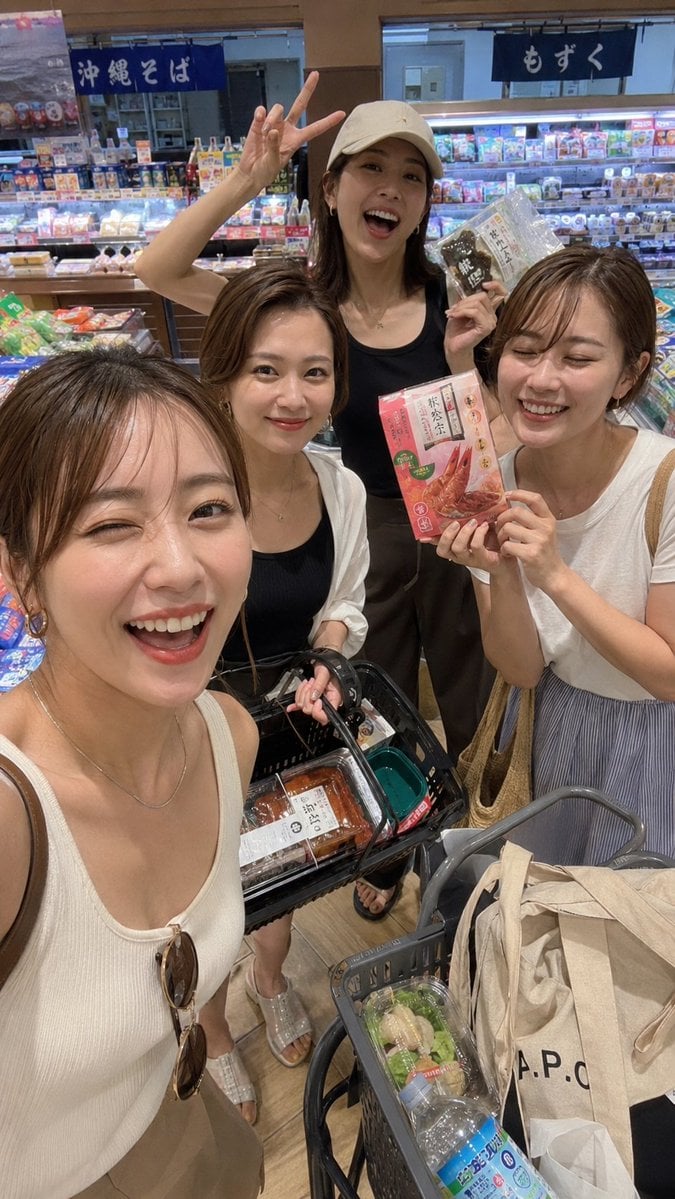
A realistic vertical phone selfie of four women shopping together in a Japanese supermarket, useful for lifestyle travel and candid social media scenes.
- Prompt included
- Model and format preset
- Free template
The prompt behind this image
Copy the exact prompt behind Vacation Grocery Selfie, or open it in the studio and make it yours.
Create a realistic vertical smartphone selfie photo inside a brightly lit Japanese supermarket during a vacation snack run. Show exactly four young adult women posing closely around two shopping baskets and a cart, with natural casual styling and candid travel energy. The woman nearest the camera is at the lower left, cropped like she is holding the phone for a wide-angle selfie, wearing a cream ribbed tank top, a thin necklace, shoulder bag strap, and sunglasses hanging from her neckline. The second woman stands center-left in a white open shirt over a black top, holding a black shopping basket filled with packaged groceries. The third woman stands in the back center wearing a beige baseball cap, black sleeveless top, and dark pants, flashing a peace sign above her head while holding up a packaged food item. The fourth woman stands on the right in a white T-shirt and striped gray skirt, holding a pink packaged food box toward the camera. Include exactly two visible shopping containers: one black hand basket with packaged food inside and one gray supermarket cart basket containing a beige tote bag with bold “A.P.C.” text, a bottled drink, and small packaged produce. Background: refrigerated deli shelves packed with colorful products, price tags, and Japanese hanging signs, including blue 「沖縄そば」 on the left and dark 「もずく」 on the right. Use warm indoor fluorescent lighting, slight wide-angle phone distortion, casual handheld composition, realistic textures, and a busy but cheerful shopping atmosphere. Faces should be anonymized with smooth brown rectangular blur blocks covering all four faces, preserving the rest of the photo realism. Customize the scene as {argument name="location" default="Japanese supermarket"}, the group size as {argument name="number of women" default="four"}, the visible sign text as {argument name="Japanese signs" default="沖縄そば and もずく"}, the tote bag logo as {argument name="tote bag logo" default="A.P.C."}, and the mood as {argument name="mood" default="excited vacation grocery run"}.
How to use Vacation Grocery Selfie in 3 steps
- 1Upload ImagePNG, JPG or paste
Add your photo
Upload the photo the template builds on. The prompt, model and format are already set.
- 2…a portrait of your subject in softgolden-hour light, 85mm…
Personalize
Edit the subject and creative details for your destination.
- 3Generate
Generate
Press Generate — your image is created in PicX Studio, so you can compare it with the original and refine one variable at a time.
More like this
Templates with the same subject, style or setup. Open one to see its prompt.

4x4 Grid - Candid Nostalgic Vacation Selfies

Tropical Vacation Selfie — Nano Banana (Chryzleen)

Theme Park Anime Selfie

Rooftop Fisheye — Cat-Ear Balaclava at Golden Hour

Felt & Knit 3D Character — Photo-Exact Face, Pixar-Quality Plush Figurine

Eid al-Adha Cute Chaos — Fisheye Selfie with Farm Selfie, Mosque & Animals

Cat Photobomb Selfie — 0.5x Wide Angle Café Chaos

Gen Z Triple Selfie Collage — Y2K Flash Photography

Surreal Cat Astronaut — Humanoid Face Freefall

Anime Rain Poncho Parade

Anime Street Performer Magic

Anime Ferry Boat Arrival
Make it yours
Vacation Grocery Selfie works as-is. These are the safest ways to change it without losing the look.
Change one field
Copy a single group, rewrite it, and generate again so you can see what that field is doing.
Keep the frame, change the subject
Hold the composition and light of Vacation Grocery Selfie, then swap wardrobe, props or the person for a new take.
| If the result… | Why | Fix |
|---|---|---|
| The result drifts from the preview | Too many fields changed at once. | Reuse Vacation Grocery Selfie as-is first, then change one group — subject, light, or setting. |
| The model over-stylizes the scene | The prose prompt leaves finish and camera underspecified. | Add one camera or lighting sentence and stay on GPT Image 2. |
More GPT Image 2 templates
Other prompts made for GPT Image 2.

Six VTuber Japanese Logo Sheet

Realistic Portrait of Woman and Deer

The Vista Modular Condo Poster

AI Model Routing Comparison Infographic

2.5D Anime Art Board

Isometric Productivity Desk Scene

New York Double Exposure Poster

Four-Panel AI Landscape Comparison

Japanese Tatami Lifestyle Magazine Cover

NESCAFÉ Coffee Map Poster
More image prompts
Fresh picks from across the catalog.

Image Generation Prompt for Nano Banana Pro
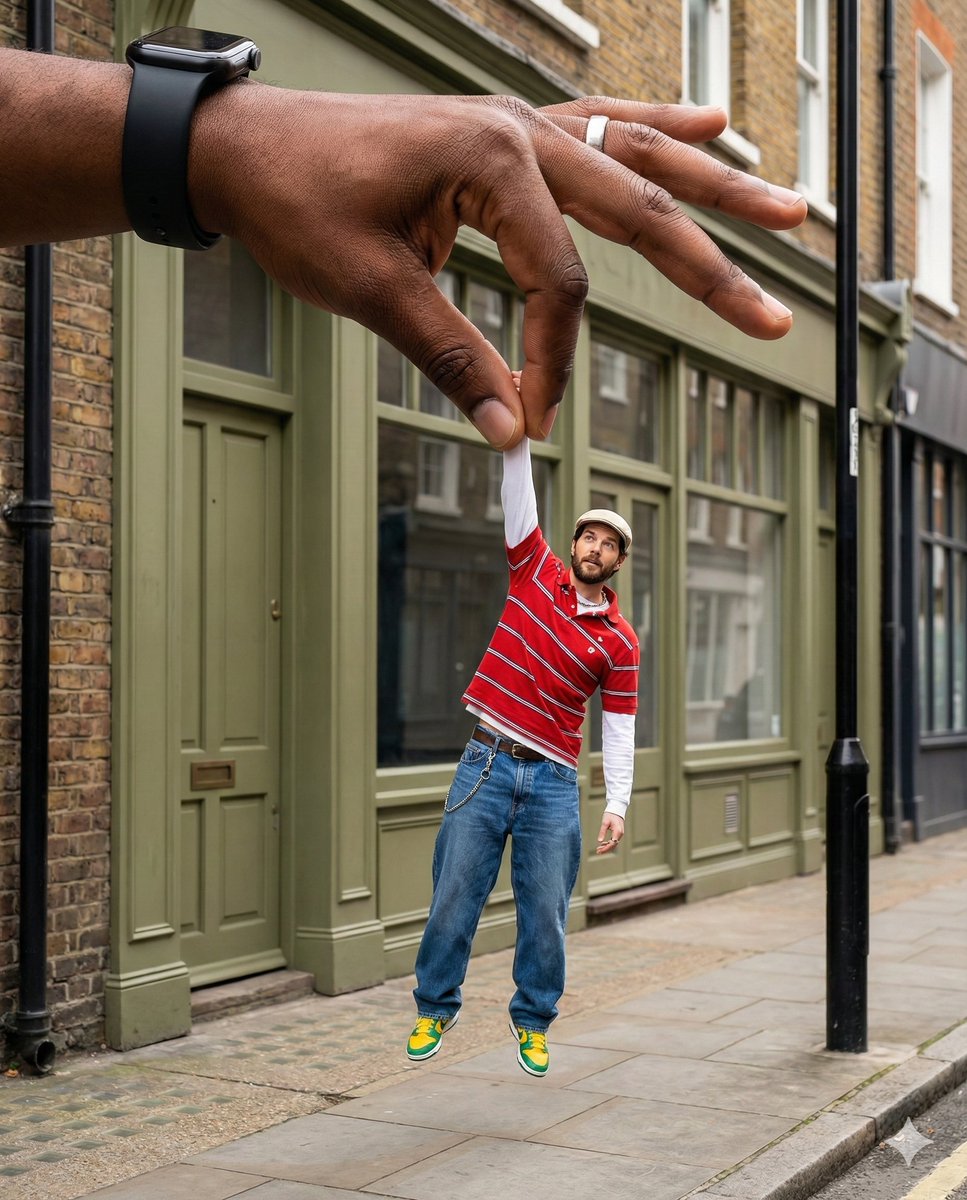
Surreal Forced-Perspective Street Photography with Giant Hand
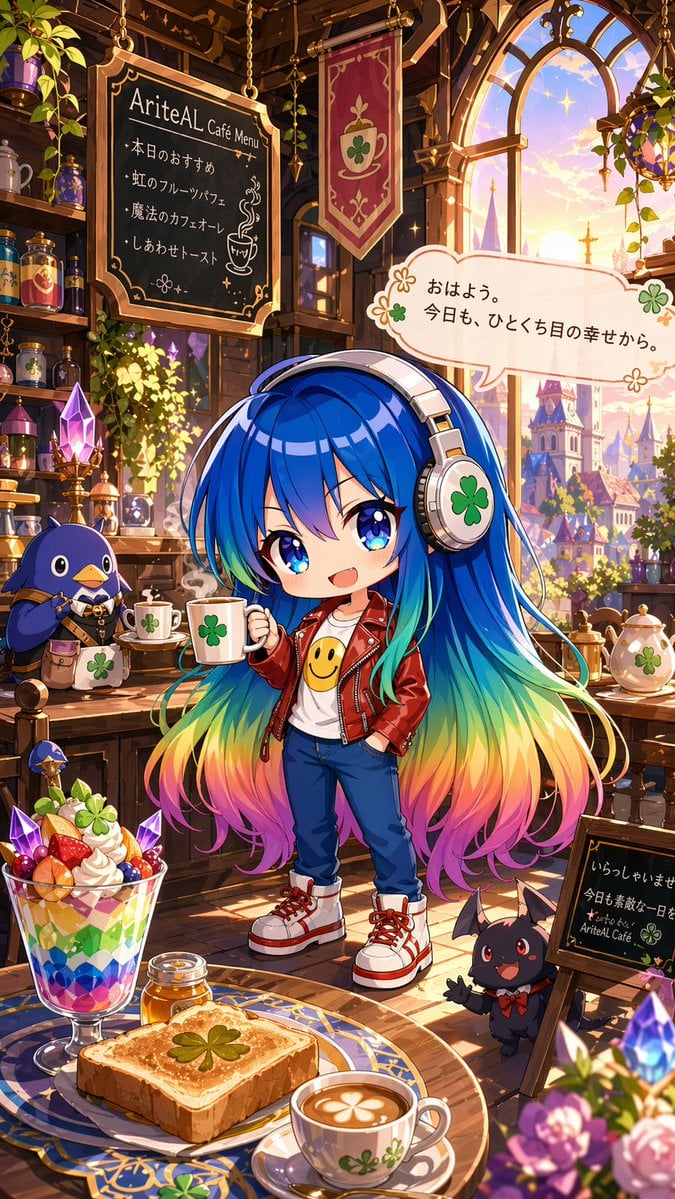
Magical Chibi Cafe Mascot at Sunrise
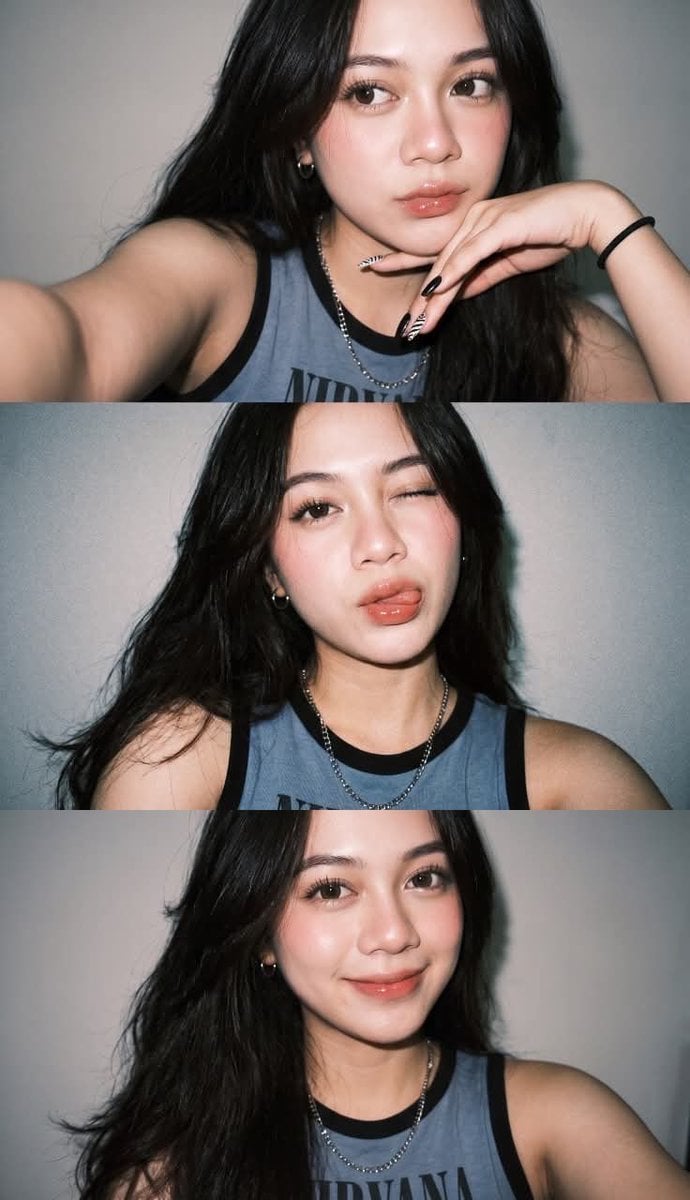
Ultra-Realistic Night Flash Selfie

Photorealistic Fashion Portrait on Car Hood at Seaside
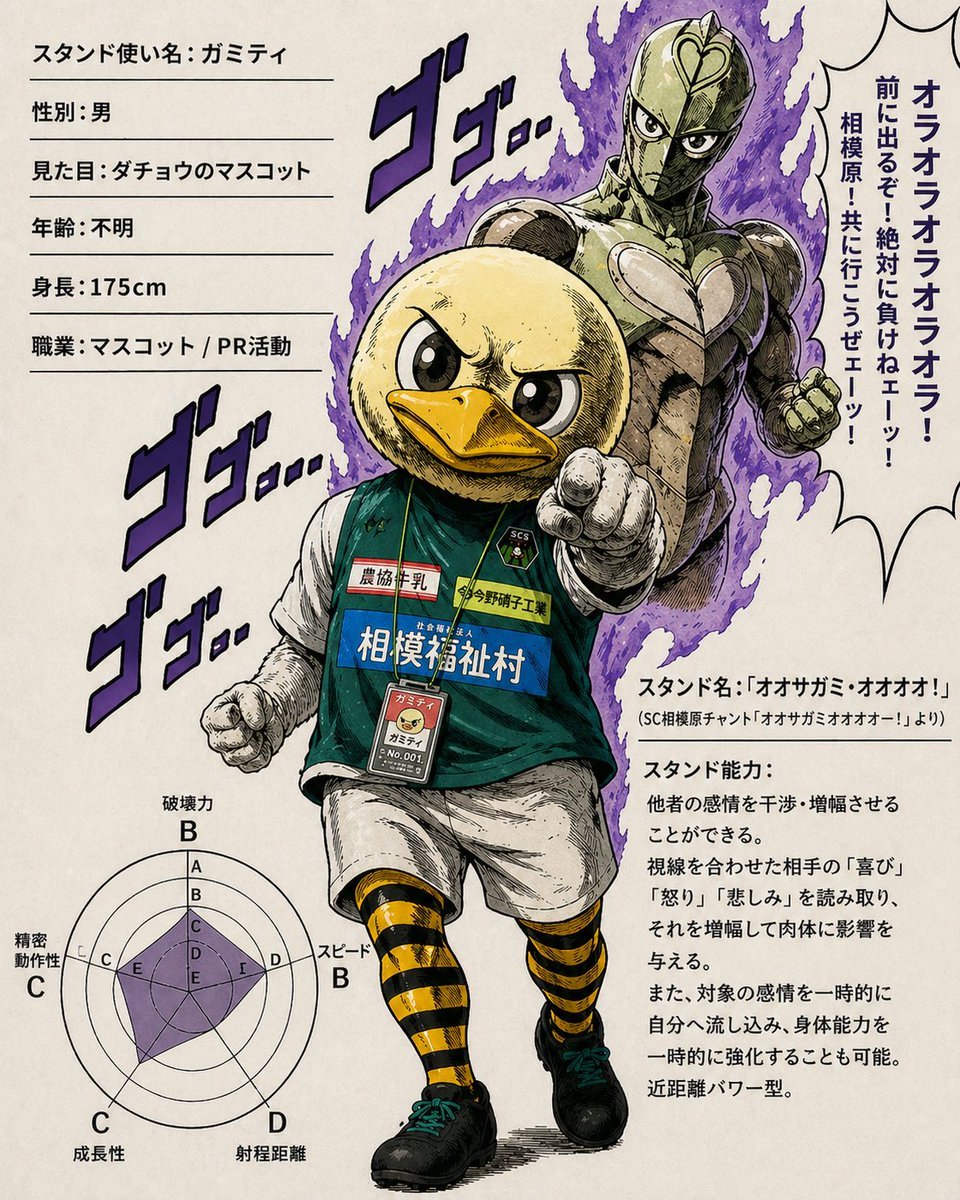
JoJo-Style Duck Mascot Stand Profile

Ultra wide-angle cinematic photo of a rabbit and eagle
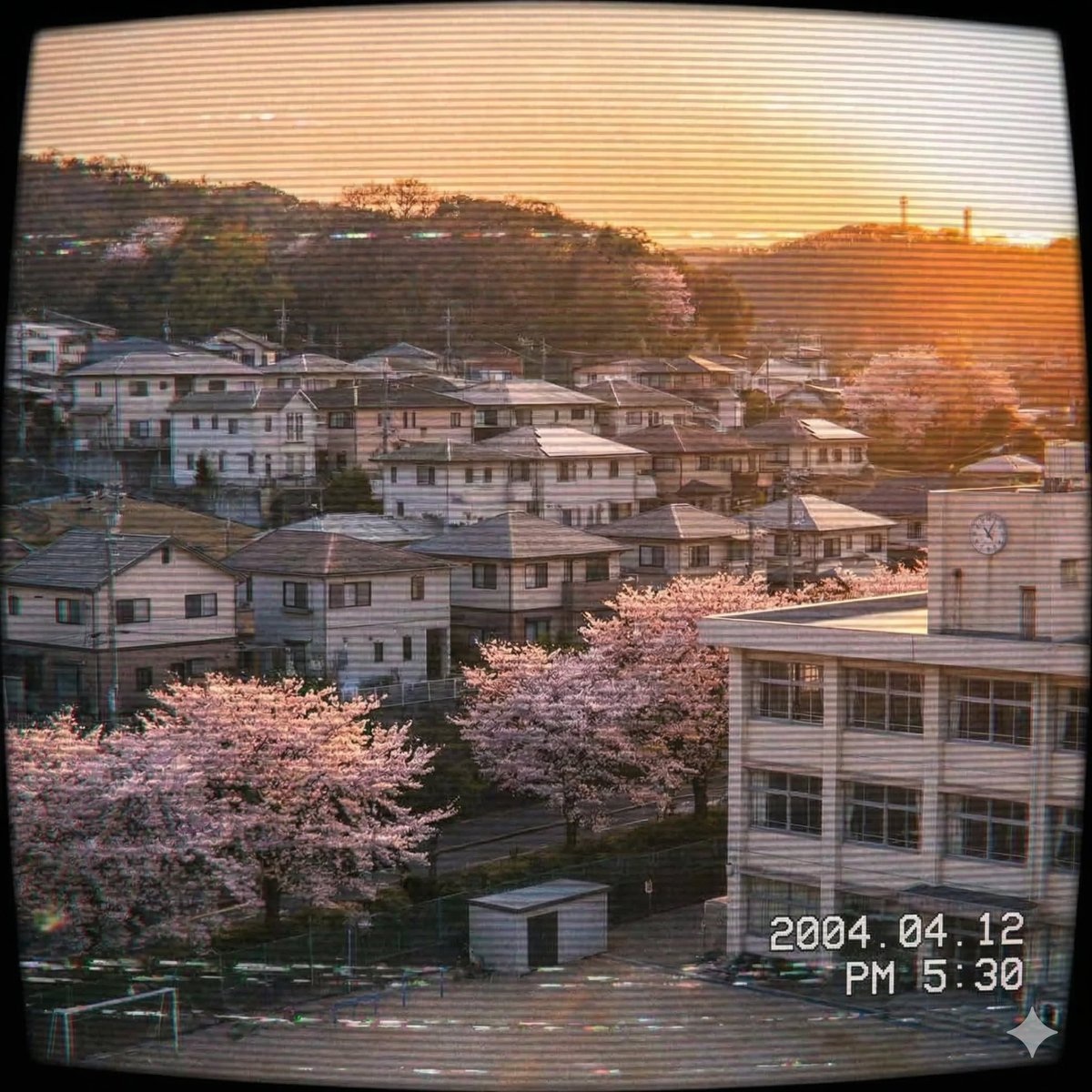
Japanese Suburb in 2000s Old Footage Style
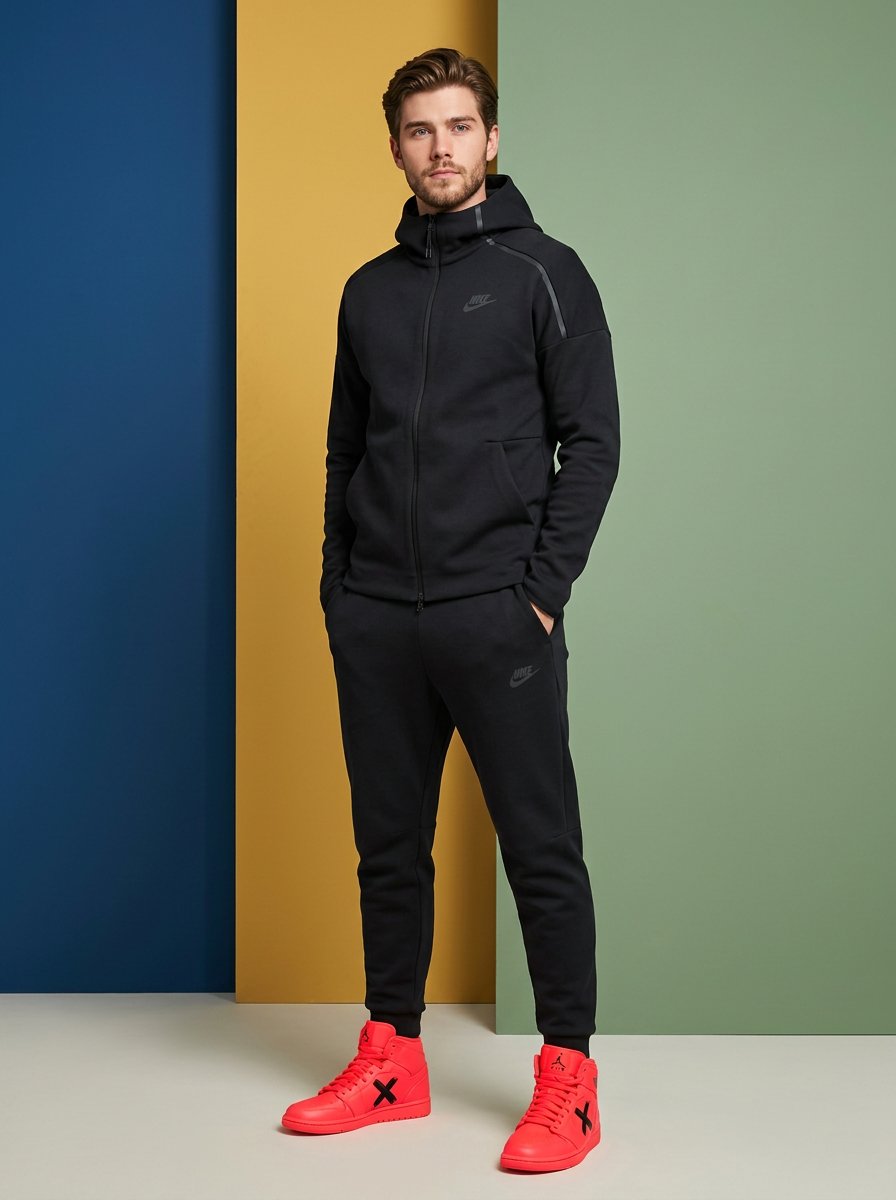
High-Fashion Sportswear Catalog Prompt

Bone to Spaceship Transition Image
Browse template categories
Vacation Grocery Selfie questions
How do I use the Vacation Grocery Selfie template?
Add your photo if the template asks for one, edit the prompt if you like — the template's model and format are already selected — and press Generate. Your version opens in PicX Studio.
Can I customize the Vacation Grocery Selfie template?
Yes. You can change the subject, setting, lighting, mood, format, and available model controls before creating your image.
Is the Vacation Grocery Selfie template free?
Opening and editing this template is free. Generating uses credits, shown on the Generate button when you are signed in.
Which AI model should I use?
Start with GPT Image 2, which is the model associated with this template. You can compare another compatible model for a different finish.
Looking for something else? Browse all templates.

Your photo, any look
Thousands of ready templates for every top image and video model, from one credit balance.