
Anime Gender Swap Before After Poster
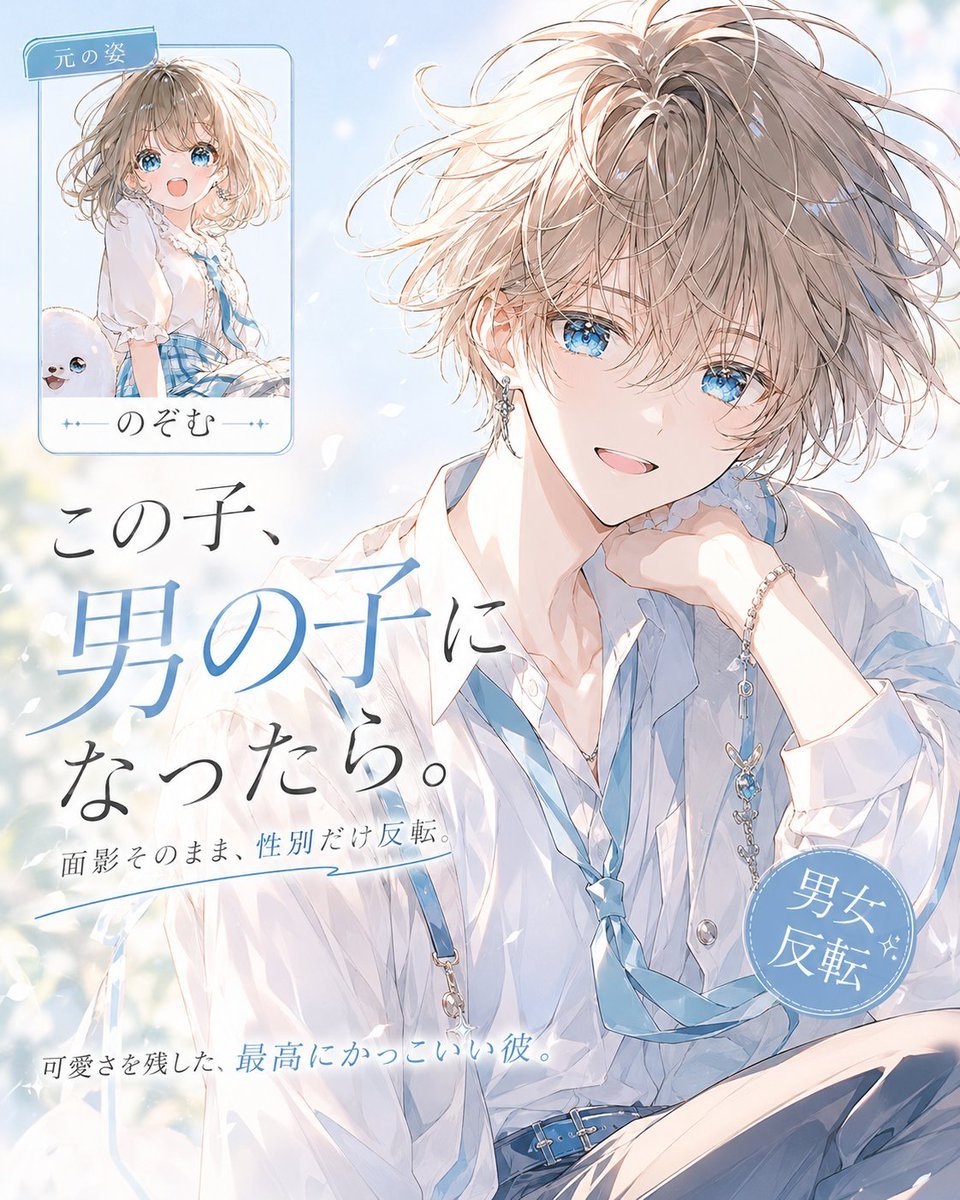
Creates a dreamy anime magazine-cover poster showing a small original girl card and a large handsome gender-swapped boy transformation.
- Prompt included
- Model and format preset
- Free template
The prompt behind this image
Copy the exact prompt behind Anime Gender Swap Before After Poster, or open it in the studio and make it yours.
Goal: Create a polished anime magazine-cover style “gender swap before/after” poster. The main subject is the transformed After character: an extremely handsome teenage boy who preserves the soft facial resemblance of the original character, with {argument name="hair color" default="light ash-blonde"} tousled medium-short hair, sparkling blue eyes, pale luminous skin, a gentle open smile, and an elegant androgynous beauty. He wears a loose white shirt with rolled sleeves, a pale blue loosened necktie, blue suspenders, slim earrings, a delicate bracelet, and a blue belt with silver details. Pose him seated in a relaxed three-quarter view, leaning slightly forward with one hand near his cheek, looking directly at the viewer. Use airy spring lighting, soft bokeh flowers, floating white petals, translucent watercolor highlights, and crisp high-detail anime linework. Canvas: Vertical 4:5 poster, light pastel blue and white palette, bright dreamy background, plenty of negative space on the left for typography, main After portrait large and dominant on the right and center. Layout: Include exactly 1 small Before card in the upper-left corner and 1 large After portrait occupying most of the canvas. The Before card should have rounded corners, a thin blue border, and show a cute original girl with the same visual identity: ash-blonde wavy bob hair, blue eyes, white blouse, blue plaid skirt or blue ribbon accents, cheerful expression. Add a small top ribbon label on the card reading {argument name="before label" default="元の姿"} and a name under the mini portrait reading {argument name="character name" default="のぞむ"}. Add exactly 1 circular blue stamp near the lower-right of the poster reading {argument name="stamp text" default="男女\n反転"} with tiny sparkle marks. Text content: Large elegant Japanese headline on the left, set in a mix of black and soft blue calligraphic serif type: {argument name="headline text" default="この子、\n男の子に\nなったら。"}. Under it, smaller Japanese subcopy: "面影そのまま、性別だけ反転。" Near the bottom, add a small caption: "可愛さを残した、最高にかっこいい彼。" Use refined magazine typography, with the key words in blue and the rest in dark ink. Visual style: High-end shoujo anime illustration, glossy magazine cover composition, ethereal watercolor lighting, detailed hair strands, delicate jewelry, soft skin shading, blue-white color harmony, romantic and clean design. Keep all Japanese text legible and integrated into the layout. Avoid photorealism, clutter, extra characters, watermarks, or random additional text.
How to use Anime Gender Swap Before After Poster in 3 steps
- 1Upload ImagePNG, JPG or paste
Add your photo
Upload the photo the template builds on. The prompt, model and format are already set.
- 2…a portrait of your subject in softgolden-hour light, 85mm…
Personalize
Edit the subject and creative details for your destination.
- 3Generate
Generate
Press Generate — your image is created in PicX Studio, so you can compare it with the original and refine one variable at a time.
More like this
Templates with the same subject, style or setup. Open one to see its prompt.

Captain Tsubasa Anime World Cup Poster
Anime Gender-Swap Promo Illustration
Retro Anime Gender Swap Visual

Gpt2 Youtube Thumbnail Anime Music Bootcamp Promo Poster

Japan Travel Brochure Poster

Nice Day Anime Poster

Cel 2D Finale Fireworks

Cel 2D Garden Maze

Cel 2D Rooftop Concert

Cel 2D Bicycle Coast

Cel 2D Castle Gate

Cel 2D Kitchen Chaos
Make it yours
Anime Gender Swap Before After Poster works as-is. These are the safest ways to change it without losing the look.
Change one field
Copy a single group, rewrite it, and generate again so you can see what that field is doing.
Keep the frame, change the subject
Hold the composition and light of Anime Gender Swap Before After Poster, then swap wardrobe, props or the person for a new take.
| If the result… | Why | Fix |
|---|---|---|
| The result drifts from the preview | Too many fields changed at once. | Reuse Anime Gender Swap Before After Poster as-is first, then change one group — subject, light, or setting. |
| The model over-stylizes the scene | The prose prompt leaves finish and camera underspecified. | Add one camera or lighting sentence and stay on GPT Image 2. |
More GPT Image 2 templates
Other prompts made for GPT Image 2.

Six VTuber Japanese Logo Sheet

Realistic Portrait of Woman and Deer

The Vista Modular Condo Poster

AI Model Routing Comparison Infographic

2.5D Anime Art Board

Isometric Productivity Desk Scene

New York Double Exposure Poster

Four-Panel AI Landscape Comparison

Japanese Tatami Lifestyle Magazine Cover

NESCAFÉ Coffee Map Poster
More image prompts
Fresh picks from across the catalog.
Liminal Japanese Novel Cover

Macro Photography of Miniature Workers Cleaning Ashtray
AI Image Generation Manga Page
Early 2000s Party Photo UI
Cinematic Street Photography Portrait Prompt for Nano Banana 2
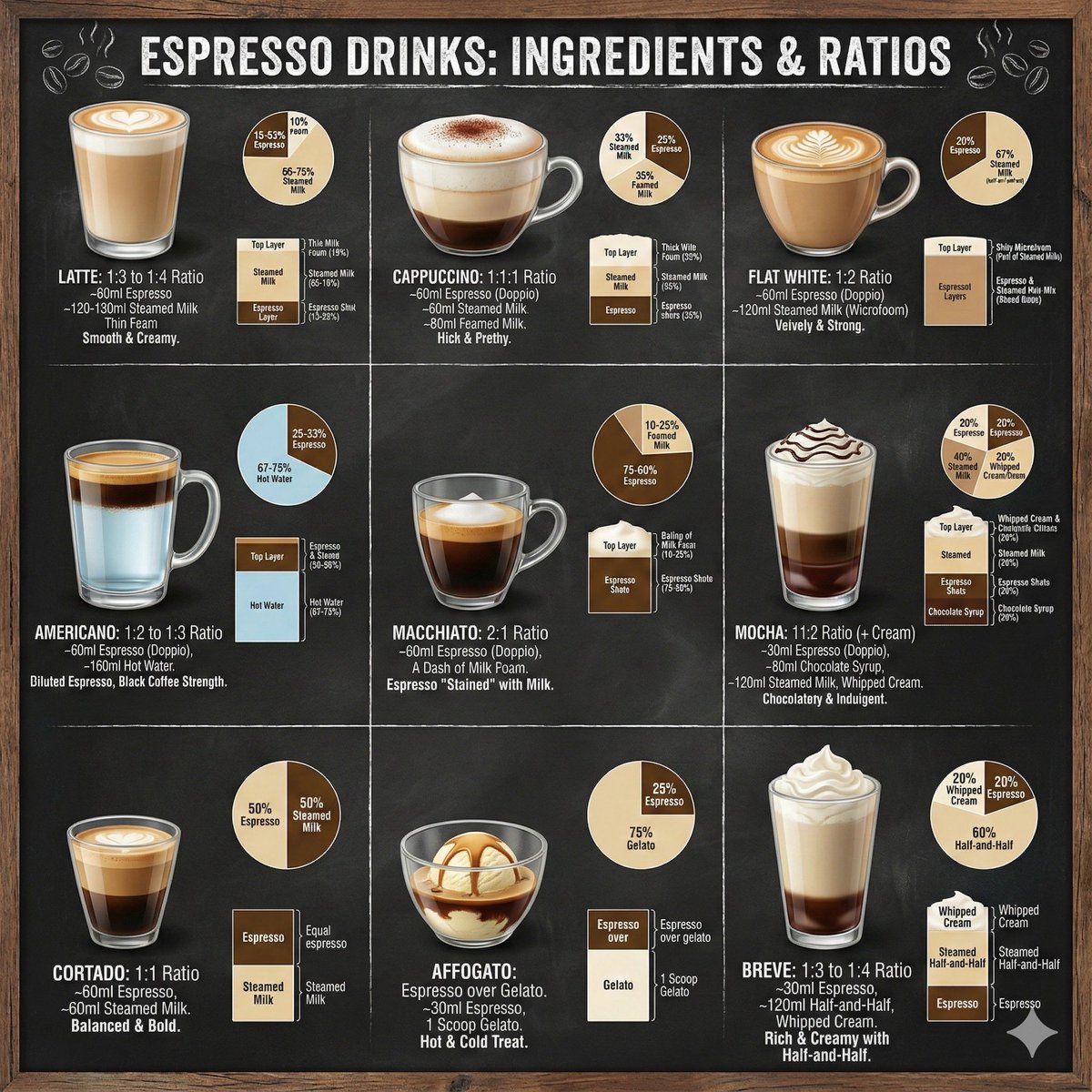
Coffee drinks infographic
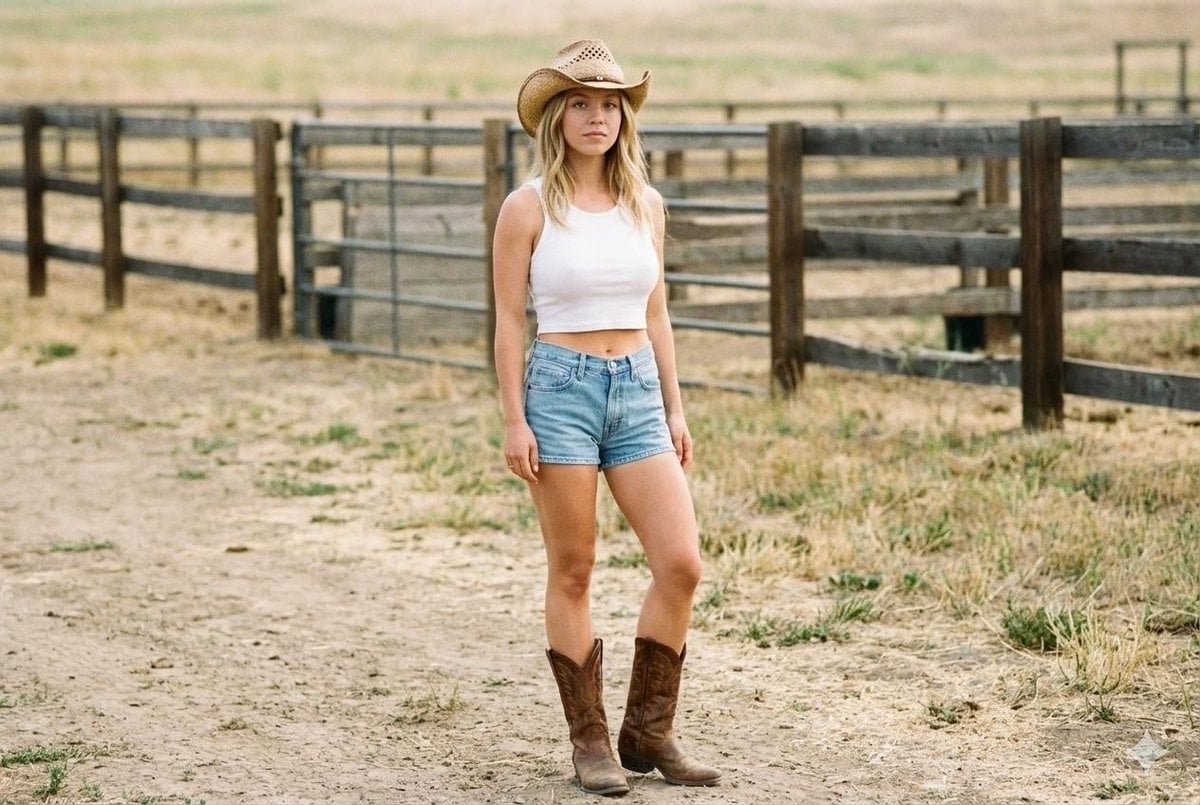
Candid Cowgirl Hat and Denim Snapshot
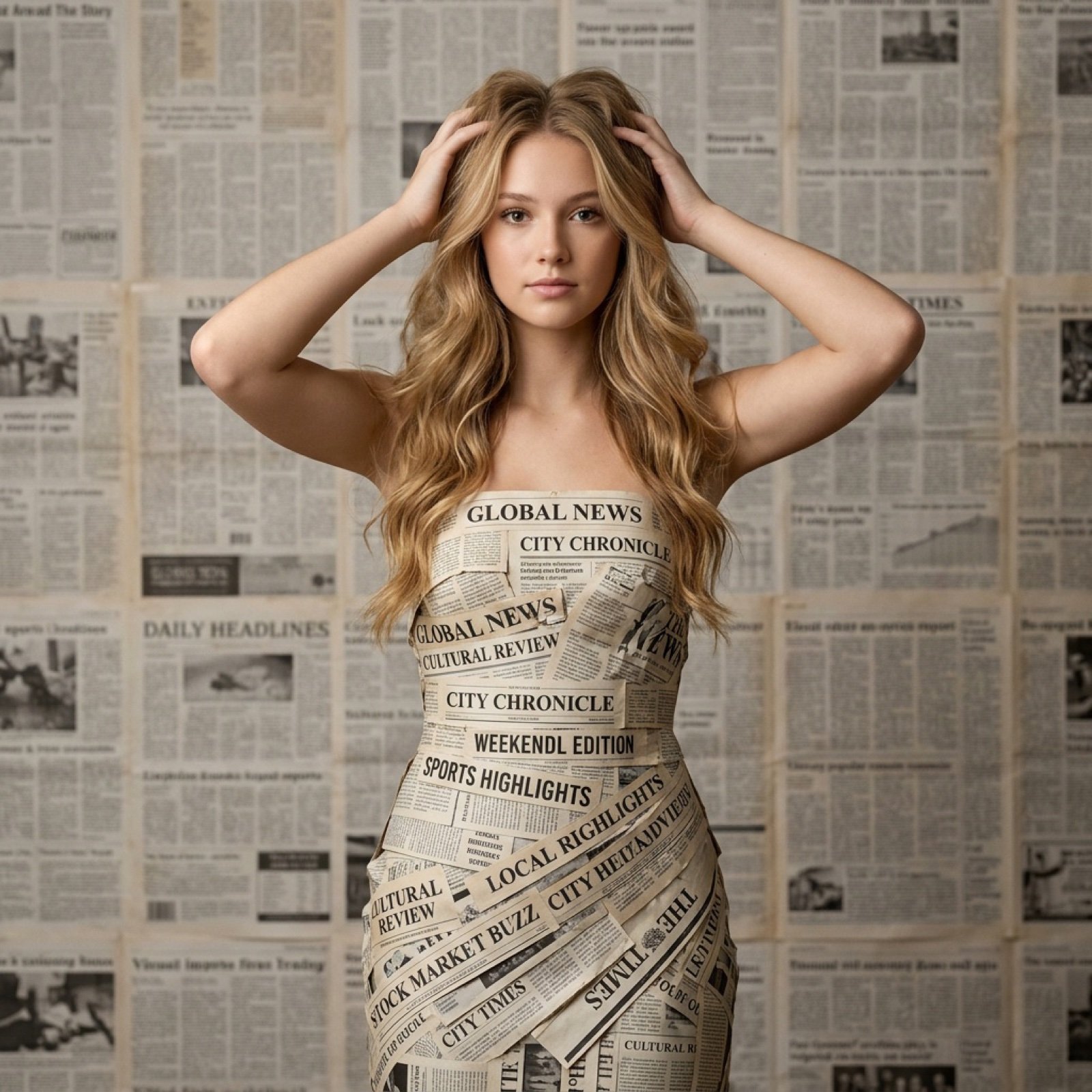
Newspaper Dress Editorial Prompt

Nostalgic Winter Street Fashion Editorial Prompt
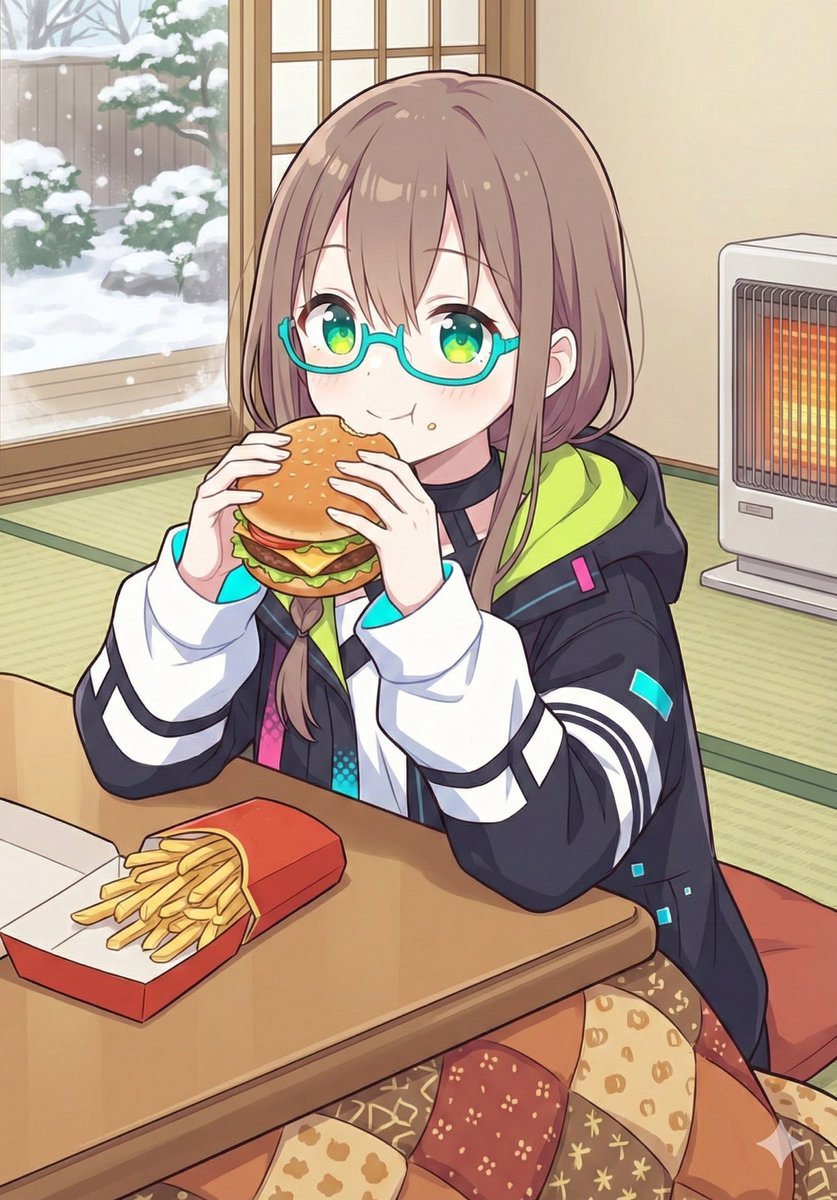
Japanese Prompt for Girl Eating Burger and Fries under Kotatsu
Browse template categories
Anime Gender Swap Before After Poster questions
How do I use the Anime Gender Swap Before After Poster template?
Add your photo if the template asks for one, edit the prompt if you like — the template's model and format are already selected — and press Generate. Your version opens in PicX Studio.
Can I customize the Anime Gender Swap Before After Poster template?
Yes. You can change the subject, setting, lighting, mood, format, and available model controls before creating your image.
Is the Anime Gender Swap Before After Poster template free?
Opening and editing this template is free. Generating uses credits, shown on the Generate button when you are signed in.
Which AI model should I use?
Start with GPT Image 2, which is the model associated with this template. You can compare another compatible model for a different finish.
Looking for something else? Browse all templates.

Your photo, any look
Thousands of ready templates for every top image and video model, from one credit balance.