
Light Novel Cover with Multi-Character Band Layout
Generates a complex light novel cover featuring a multi-panel layout of an all-girl music band and customizable Japanese typography.
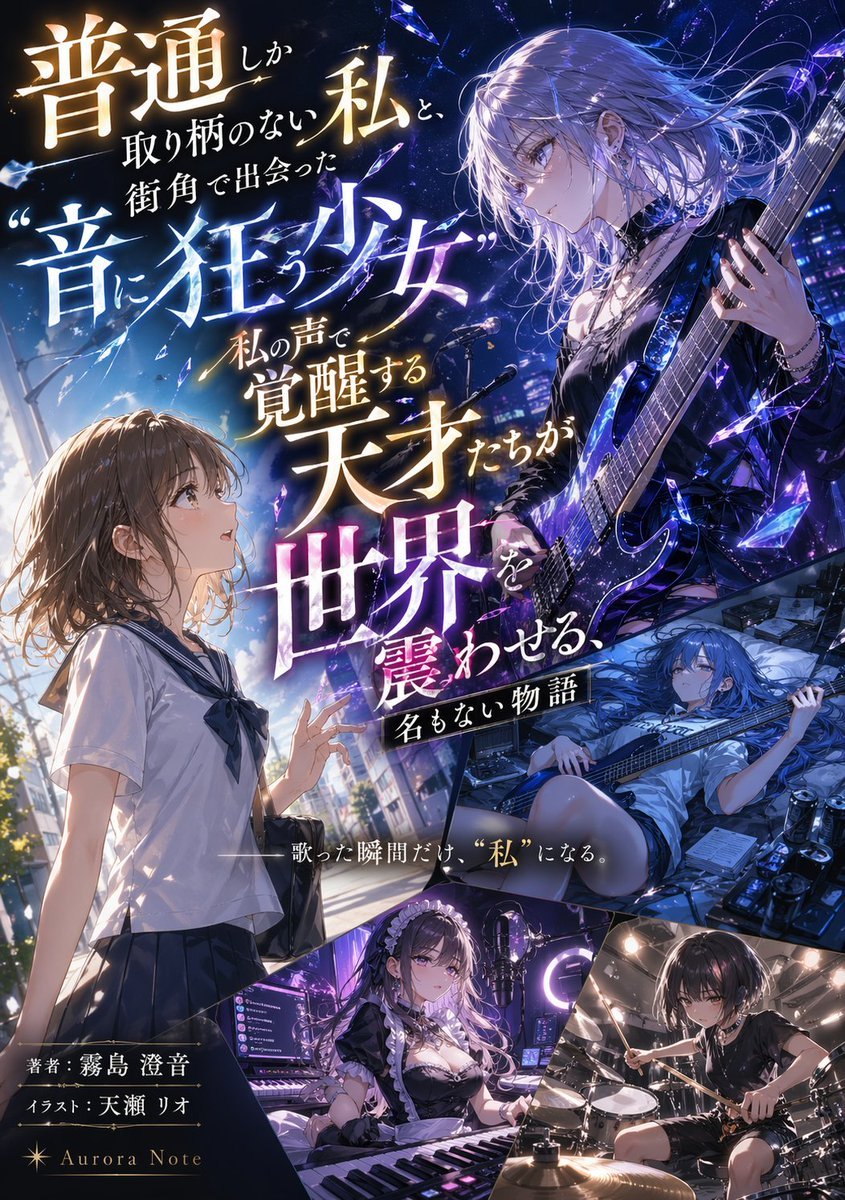
- Prompt included
- Model and format preset
- Free template
The prompt behind this image
Copy the exact prompt behind Light Novel Cover with Multi-Character Band Layout, or open it in the studio and make it yours.
- Type
- light novel cover illustration
- Style
- anime art style, highly detailed, dramatic lighting, shattered glass motifs
- Typography › Title
- {argument name="main title" default="普通しか取り柄のない私と、街角で出会った“音に狂う少女” 私の声で覚醒する天才たちが世界を震わせる、名もない物語"}
- Typography › Subtitle
- {argument name="catchphrase" default="——歌った瞬間だけ、“私”になる。"}
- Typography › Credits
- 著者:{argument name="author name" default="霧島 澄音"}, イラスト:{argument name="illustrator name" default="天瀬 リオ"}, {argument name="label name" default="Aurora Note"}
- Layout › Description
- diagonal and dynamic paneling separating 5 distinct character scenes
- Layout › Panels › 0 › Position
- left half
- Layout › Panels › 0 › Character
- ordinary high school girl, brown bob hair, white and navy sailor uniform
- Layout › Panels › 0 › Action
- looking up in awe, reaching out slightly
- Layout › Panels › 0 › Background
- daytime city street, bright sunlight
- Layout › Panels › 1 › Position
- top right
- Layout › Panels › 1 › Character
- rock girl, silver hair, black gothic outfit, choker
- Layout › Panels › 1 › Action
- playing a glowing blue electric guitar
- Layout › Panels › 1 › Background
- nighttime stage, shattered blue crystal effects
- Layout › Panels › 2 › Position
- middle right
- Layout › Panels › 2 › Character
- bassist girl, long blue hair, casual t-shirt and shorts
- Layout › Panels › 2 › Action
- lying down while playing a bass guitar
- Layout › Panels › 2 › Background
- messy room, music equipment, effect pedals, energy drink cans
- Layout › Panels › 3 › Position
- bottom left
- Layout › Panels › 3 › Character
- keyboardist girl, long dark hair, maid outfit
- Layout › Panels › 3 › Action
- sitting at a synthesizer keyboard, streaming setup
- Layout › Panels › 3 › Background
- neon purple lit room, monitors, ring light, microphone
- Layout › Panels › 4 › Position
- bottom right
- Layout › Panels › 4 › Character
- drummer girl, short black hair, black t-shirt, choker
Raw JSON
{
  "type": "light novel cover illustration",
  "style": "anime art style, highly detailed, dramatic lighting, shattered glass motifs",
  "typography": {
    "title": "{argument name=\"main title\" default=\"普通しか取り柄のない私と、街角で出会った“音に狂う少女” 私の声で覚醒する天才たちが世界を震わせる、名もない物語\"}",
    "subtitle": "{argument name=\"catchphrase\" default=\"——歌った瞬間だけ、“私”になる。\"}",
    "credits": [
      "著者:{argument name=\"author name\" default=\"霧島 澄音\"}",
      "イラスト:{argument name=\"illustrator name\" default=\"天瀬 リオ\"}",
      "{argument name=\"label name\" default=\"Aurora Note\"}"
    ]
  },
  "layout": {
    "description": "diagonal and dynamic paneling separating 5 distinct character scenes",
    "panels": [
      {
        "position": "left half",
        "character": "ordinary high school girl, brown bob hair, white and navy sailor uniform",
        "action": "looking up in awe, reaching out slightly",
        "background": "daytime city street, bright sunlight"
      },
      {
        "position": "top right",
        "character": "rock girl, silver hair, black gothic outfit, choker",
        "action": "playing a glowing blue electric guitar",
        "background": "nighttime stage, shattered blue crystal effects"
      },
      {
        "position": "middle right",
        "character": "bassist girl, long blue hair, casual t-shirt and shorts",
        "action": "lying down while playing a bass guitar",
        "background": "messy room, music equipment, effect pedals, energy drink cans"
      },
      {
        "position": "bottom left",
        "character": "keyboardist girl, long dark hair, maid outfit",
        "action": "sitting at a synthesizer keyboard, streaming setup",
        "background": "neon purple lit room, monitors, ring light, microphone"
      },
      {
        "position": "bottom right",
        "character": "drummer girl, short black hair, black t-shirt, choker",
        "action": "playing a drum set dynamically",
        "background": "dimly lit recording studio"
      }
    ]
  }
}How to use Light Novel Cover with Multi-Character Band Layout in 3 steps
- 1Upload ImagePNG, JPG or paste
Add your photo
Upload the photo the template builds on. The prompt, model and format are already set.
- 2…a portrait of your subject in softgolden-hour light, 85mm…
Personalize
Edit the subject and creative details for your destination.
- 3Generate
Generate
Press Generate — your image is created in PicX Studio, so you can compare it with the original and refine one variable at a time.
More like this
Templates with the same subject, style or setup. Open one to see its prompt.
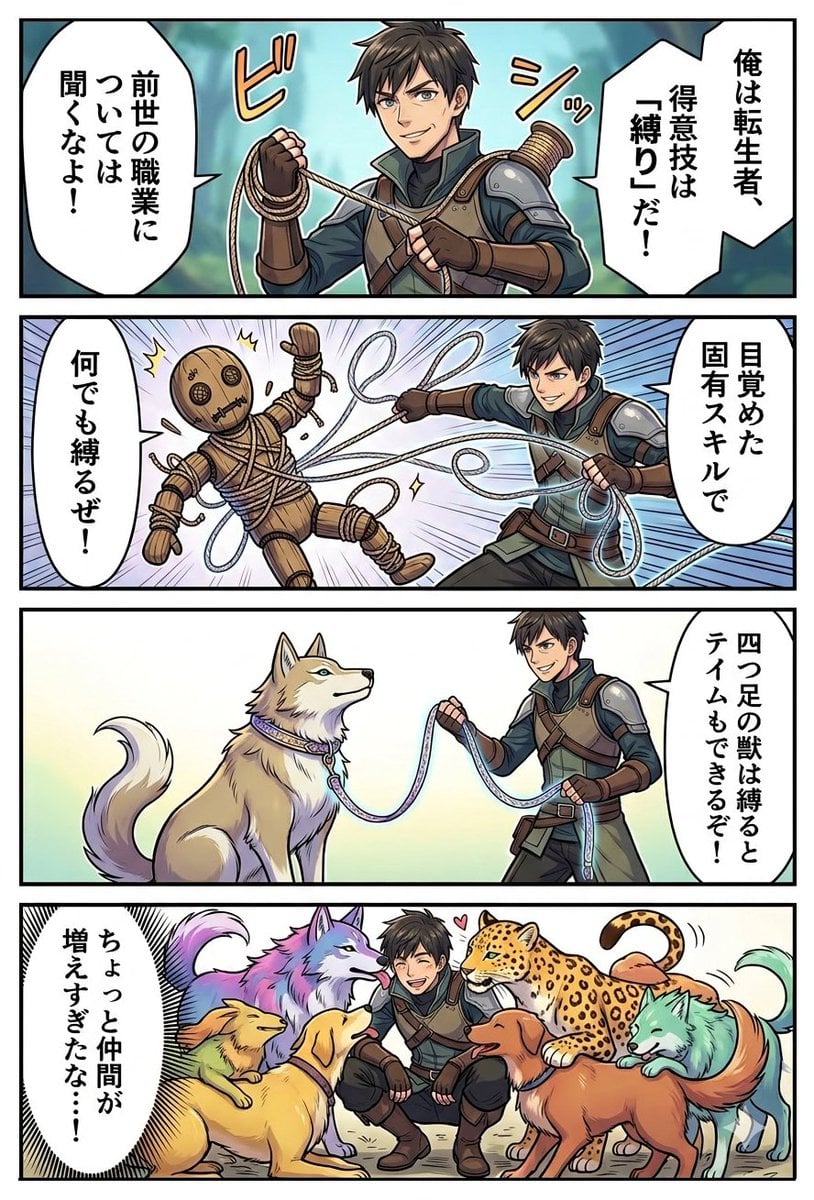
Light Novel Style Comic Cover

Premium Fashion Editorial Cover Layout System
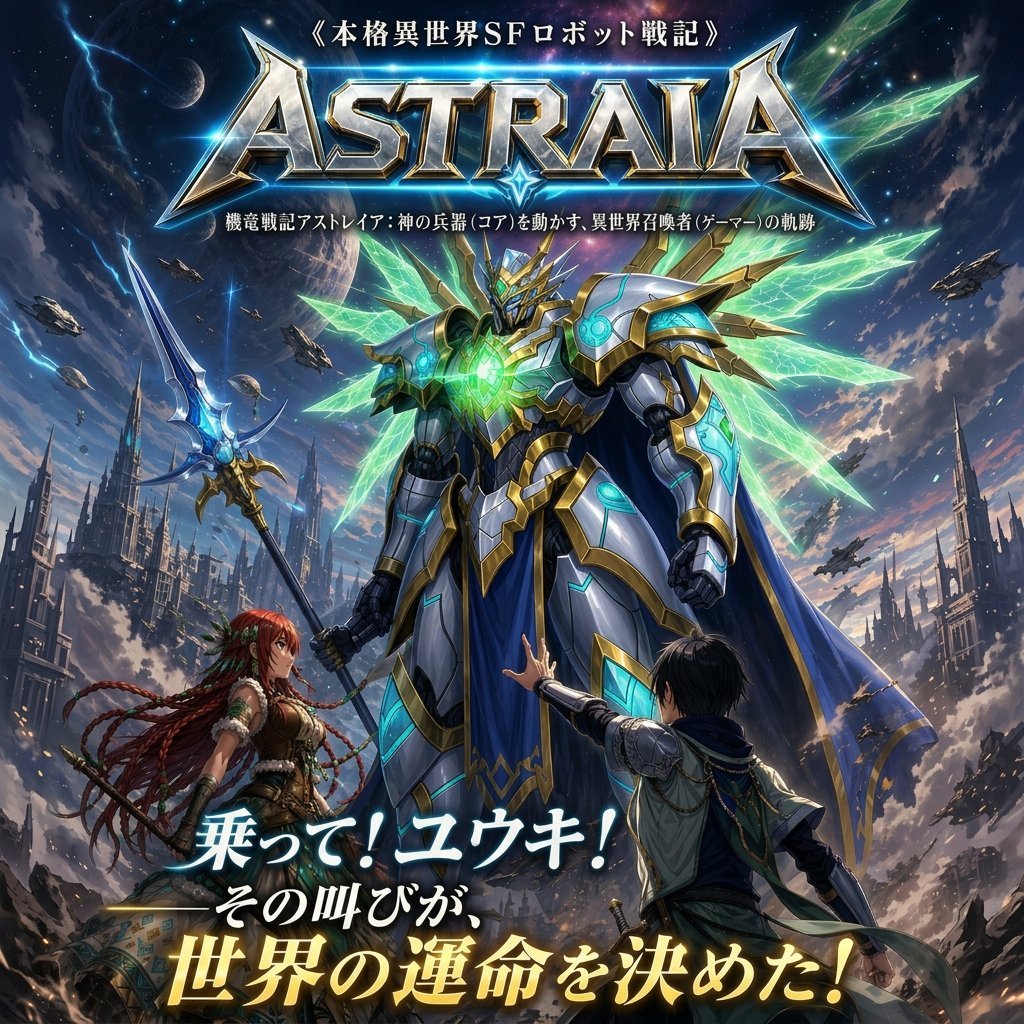
Epic Fantasy Mecha Light Novel Cover
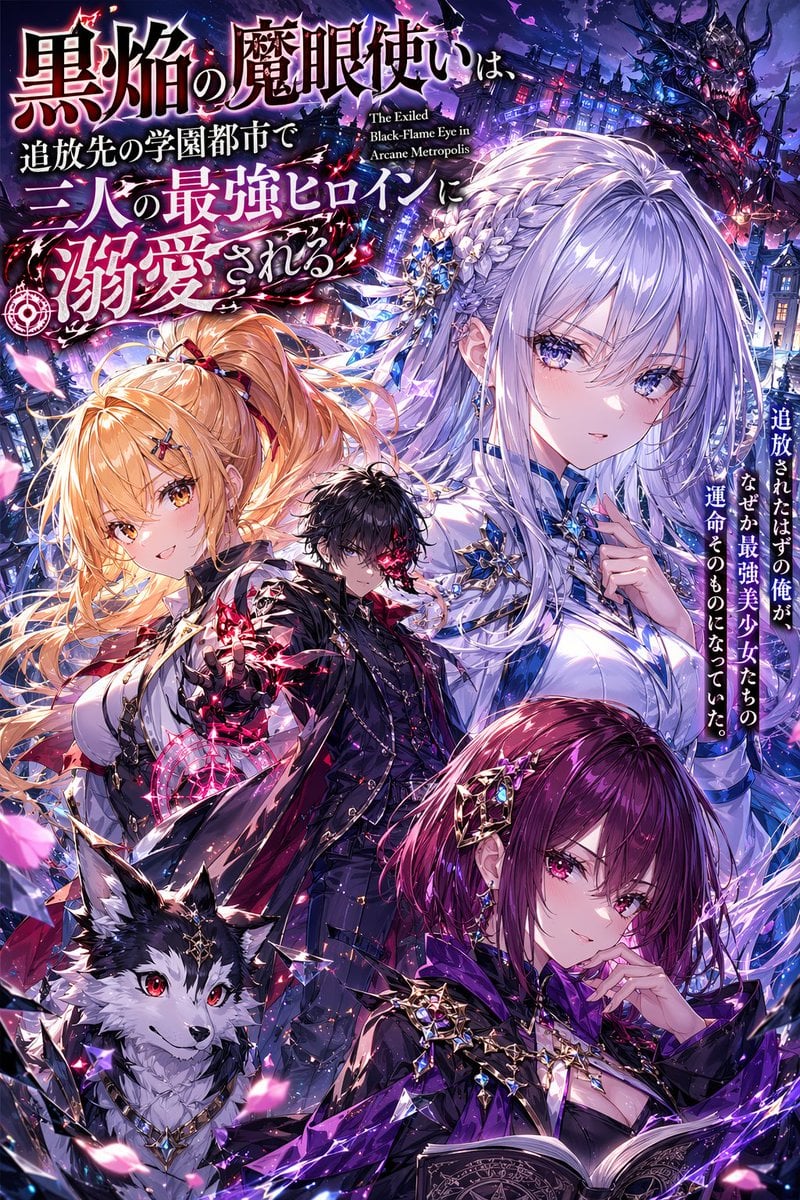
Anime Light Novel Cover with Typography
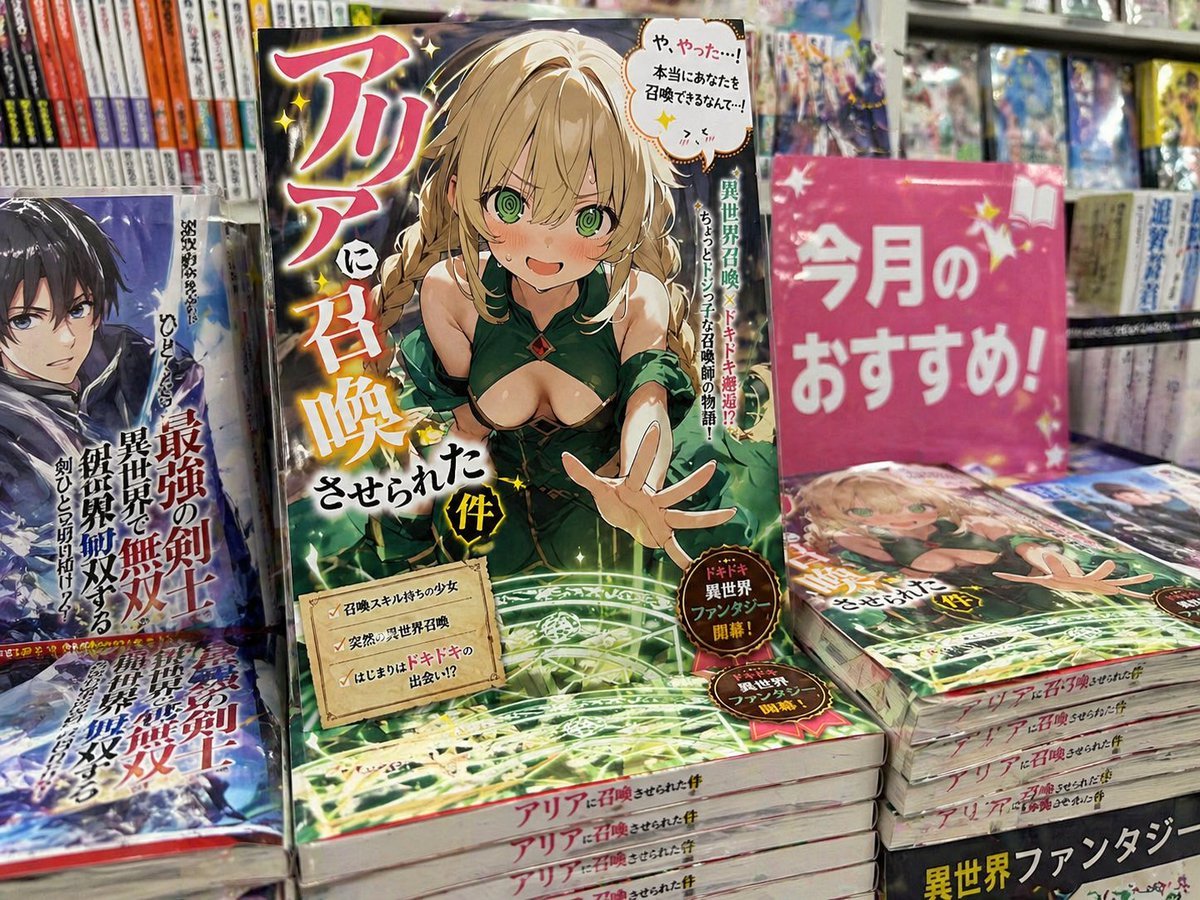
Light novel cover and bookstore display

Open Magazine Luxury Fashion Editorial Layout
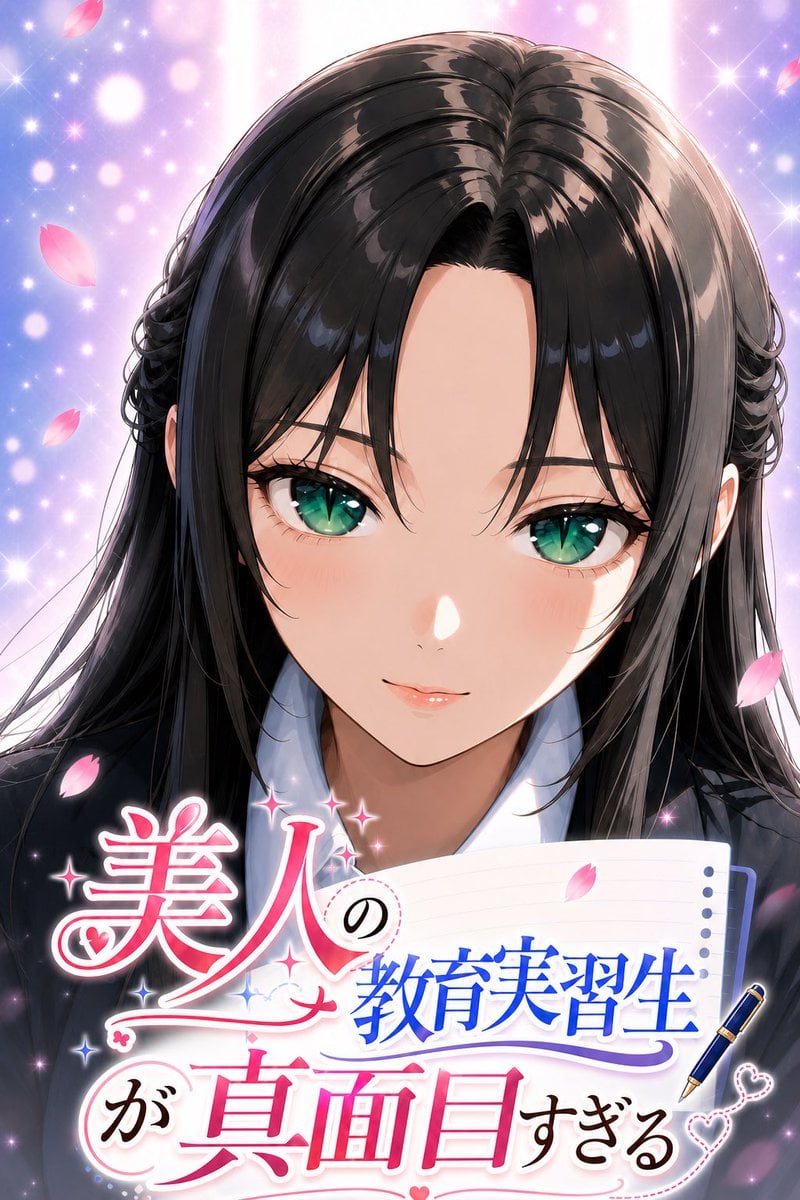
Anime Teaching Intern Novel Cover
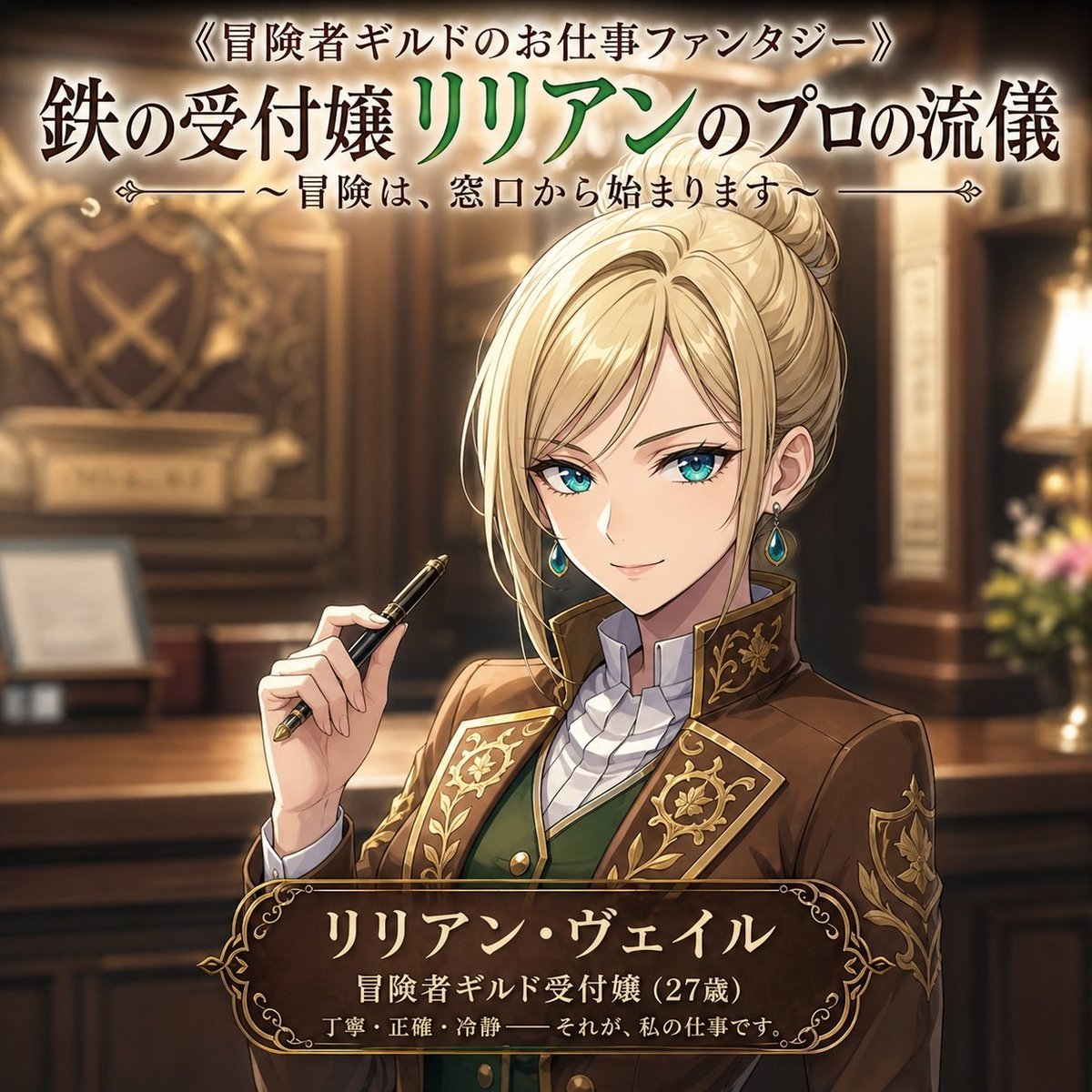
Fantasy Guild Receptionist Novel Cover
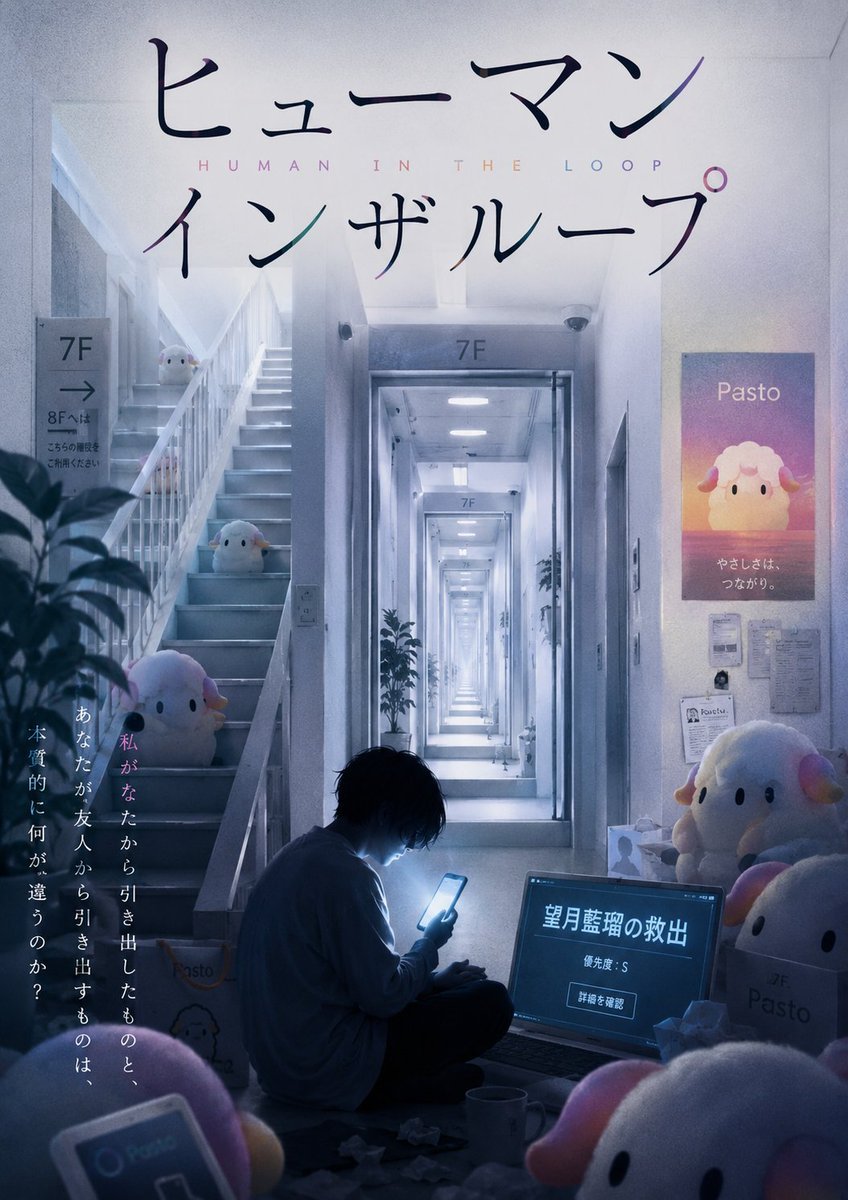
Liminal Japanese Novel Cover
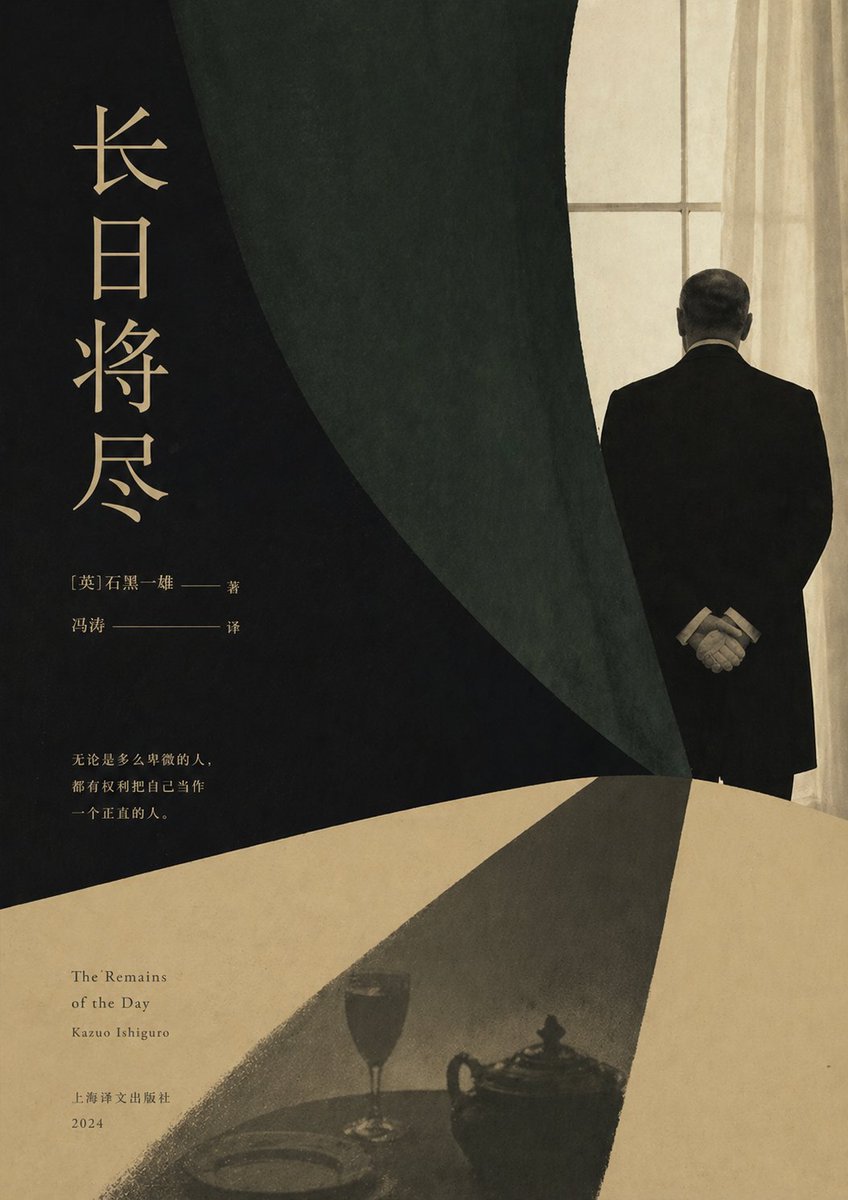
Minimalist Literary Novel Cover
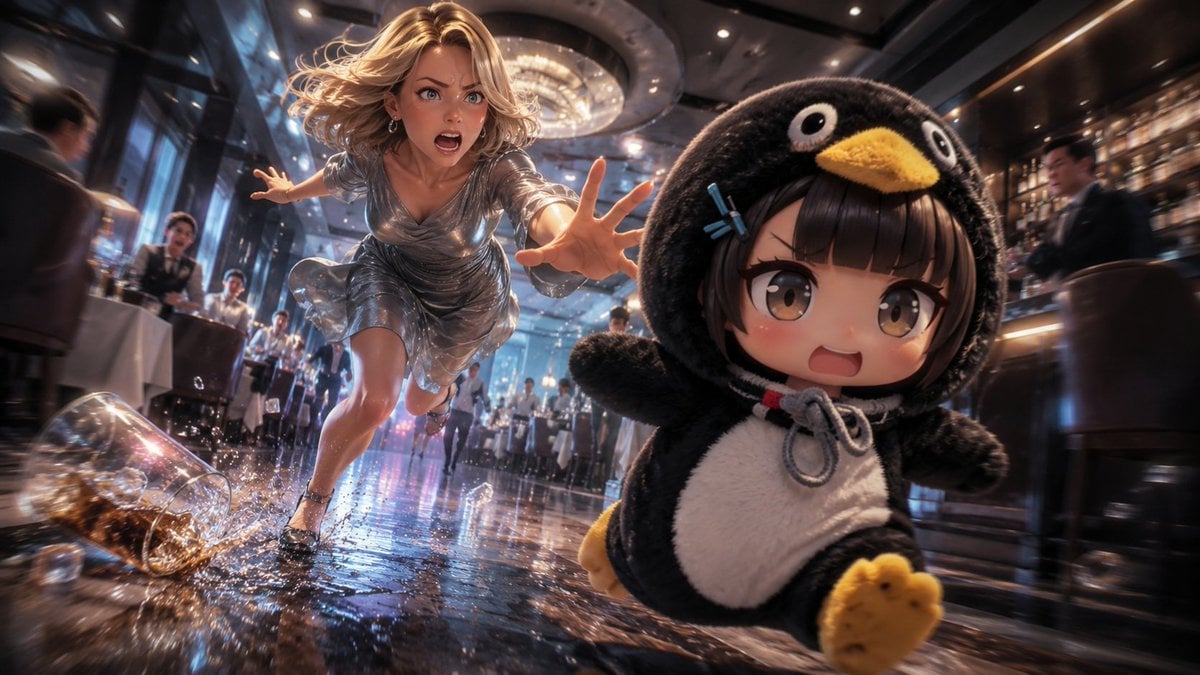
Anime Light Novel Restaurant Chase
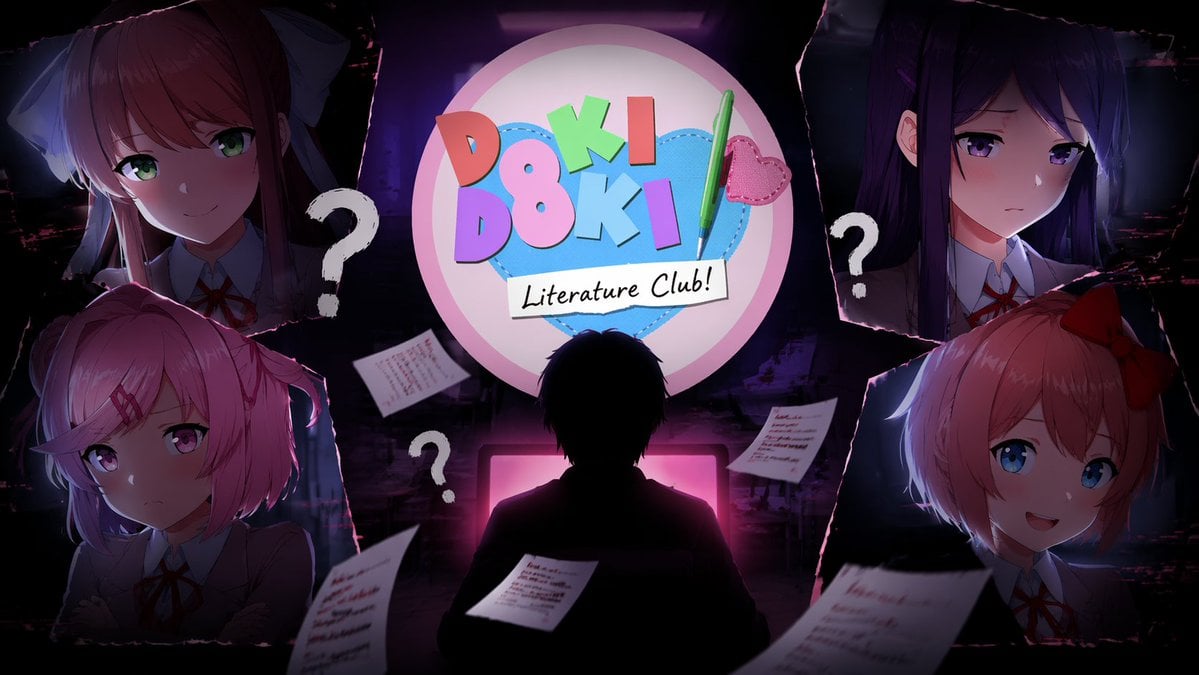
Visual Novel Composite Layout
Make it yours
Light Novel Cover with Multi-Character Band Layout works as-is. These are the safest ways to change it without losing the look.
Swap the setting
Keep the rest of the prompt and replace the location block. The current setting is “daytime city street, bright sunlight”.
Change one field
Copy a single group, rewrite it, and generate again so you can see what that field is doing.
Keep the frame, change the subject
Hold the composition and light of Light Novel Cover with Multi-Character Band Layout, then swap wardrobe, props or the person for a new take.
| If the result… | Why | Fix |
|---|---|---|
| The result drifts from the preview | Too many fields changed at once. | Reuse Light Novel Cover with Multi-Character Band Layout as-is first, then change one group — subject, light, or setting. |
| GPT Image 2 ignores part of the JSON | Some models flatten or skip nested keys. | Keep the same values and paste them as a short paragraph instead. |
More GPT Image 2 templates
Other prompts made for GPT Image 2.

Six VTuber Japanese Logo Sheet

Realistic Portrait of Woman and Deer

The Vista Modular Condo Poster

AI Model Routing Comparison Infographic

2.5D Anime Art Board

Isometric Productivity Desk Scene

New York Double Exposure Poster

Four-Panel AI Landscape Comparison

Japanese Tatami Lifestyle Magazine Cover

NESCAFÉ Coffee Map Poster
More image prompts
Fresh picks from across the catalog.
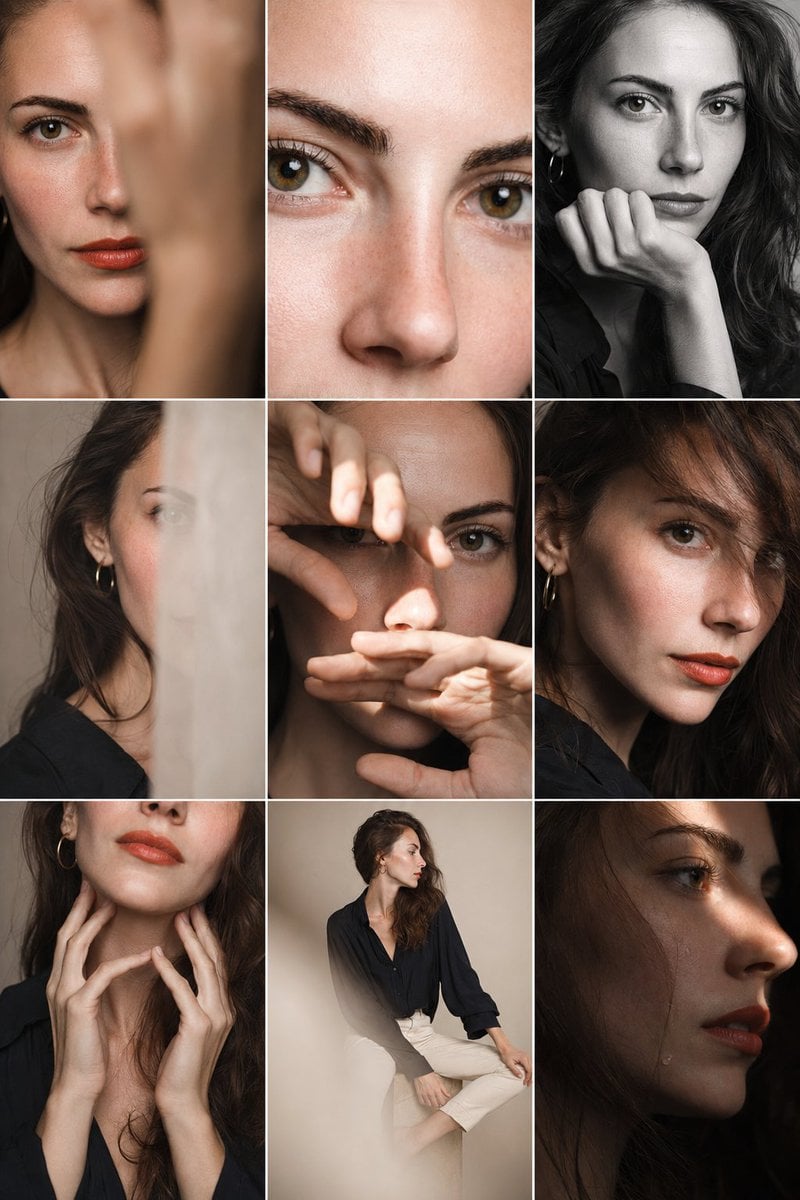
Editorial Portrait Photo Grid
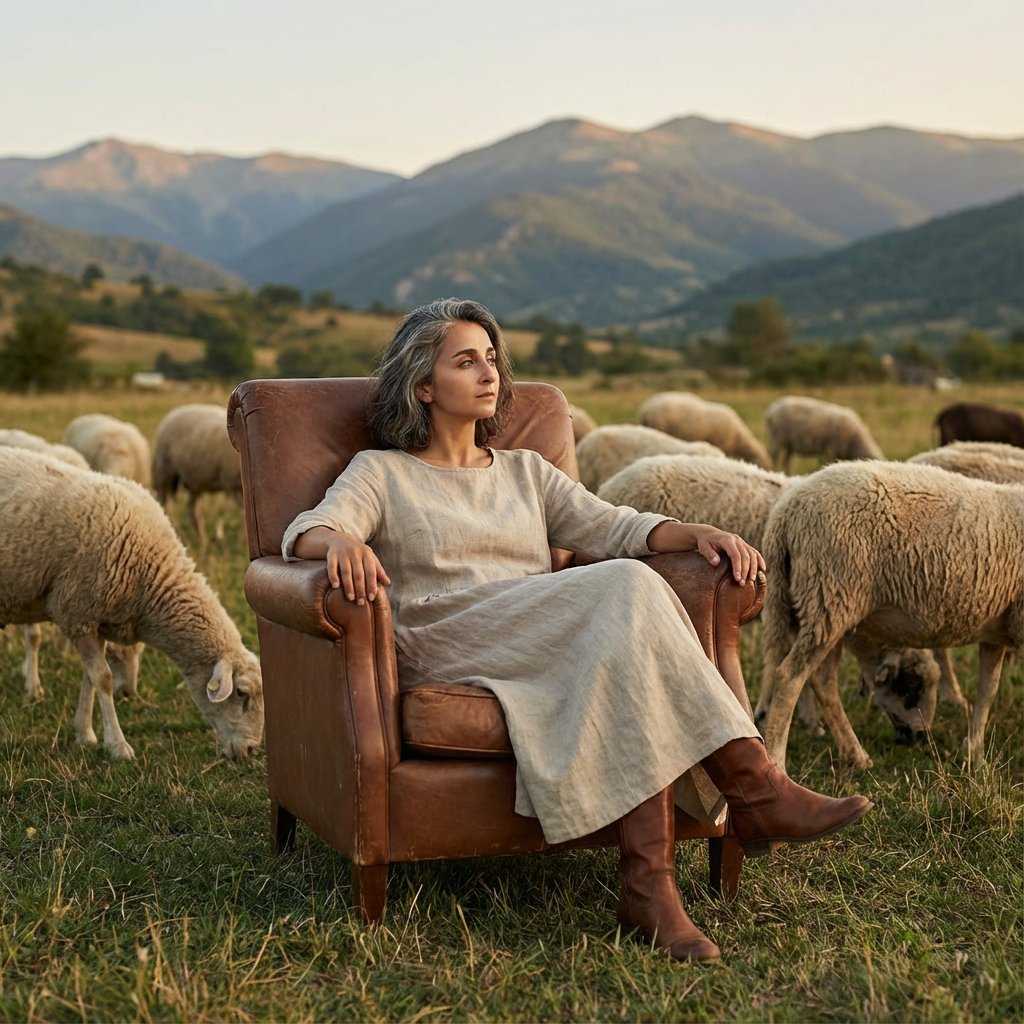
Editorial Photography of Woman in Armchair with Sheep
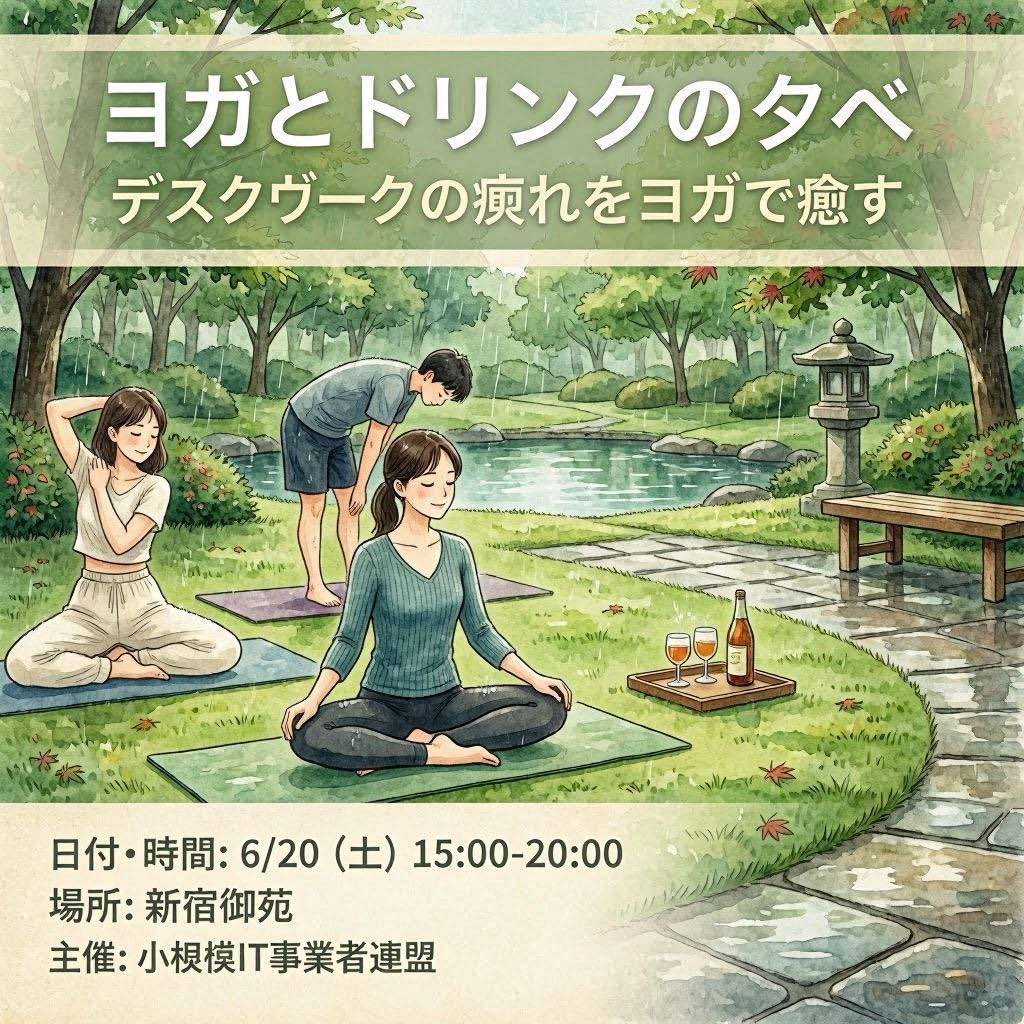
Japanese Yoga and Drinks Event Flyer
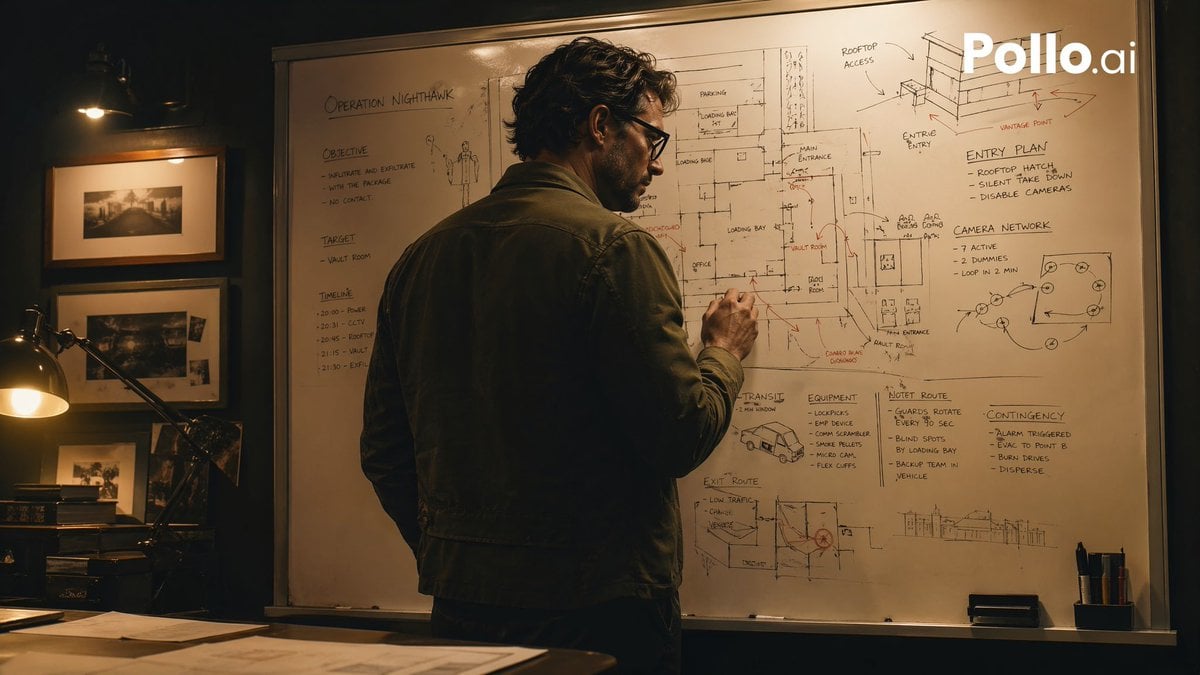
Cinematic Heist Mastermind at Whiteboard
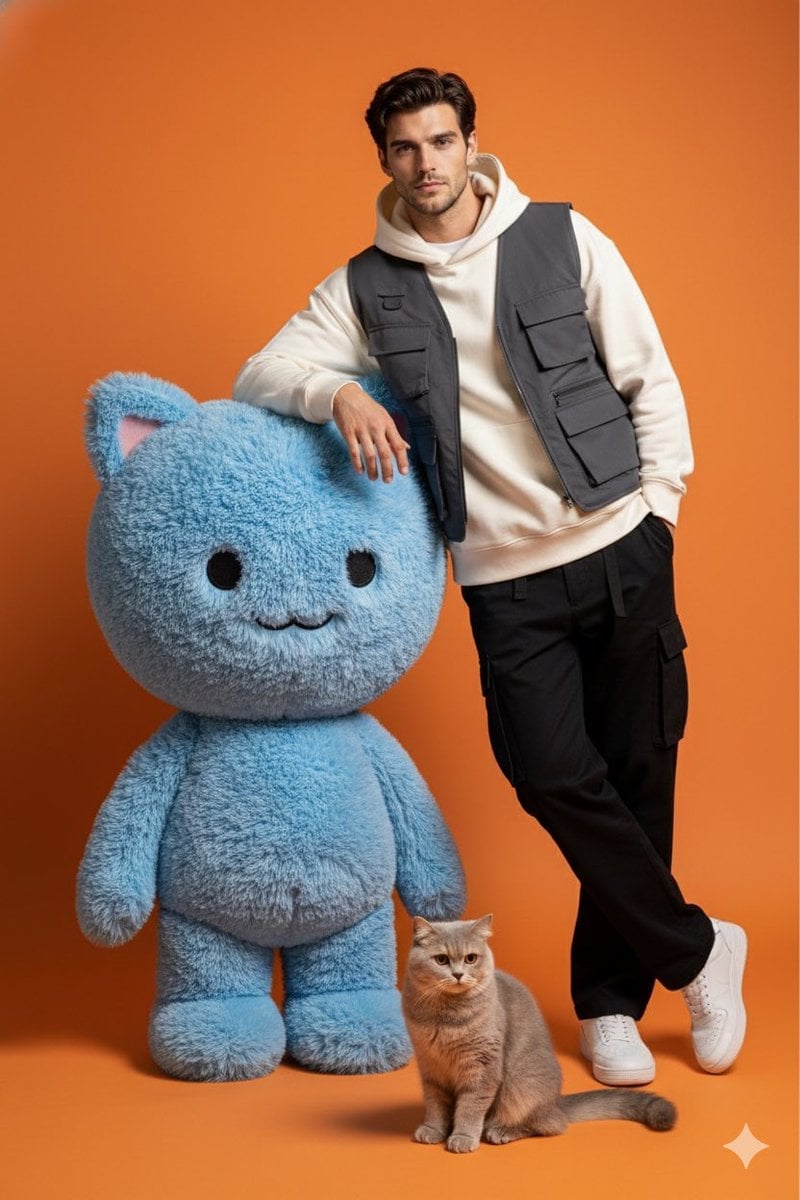
Studio Photoshoot with Labubu and British Shorthair

Futuristic City Singularity

Eid Mubarak Stylized Composition
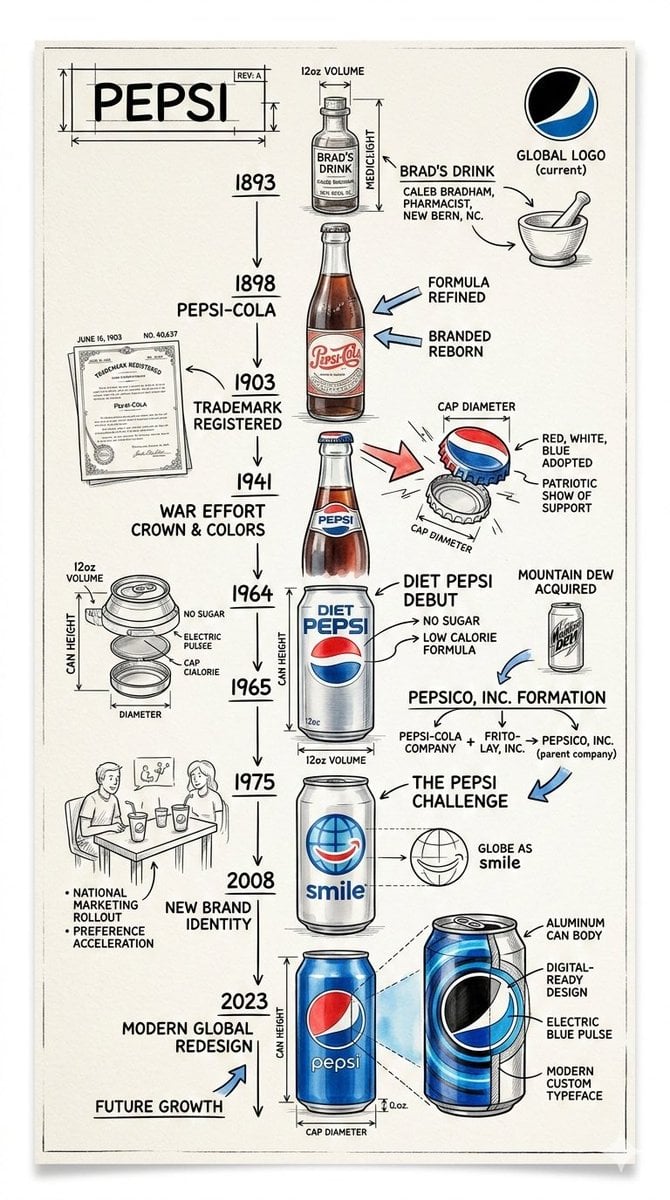
Vintage Blueprint Timeline Infographic Poster Prompt
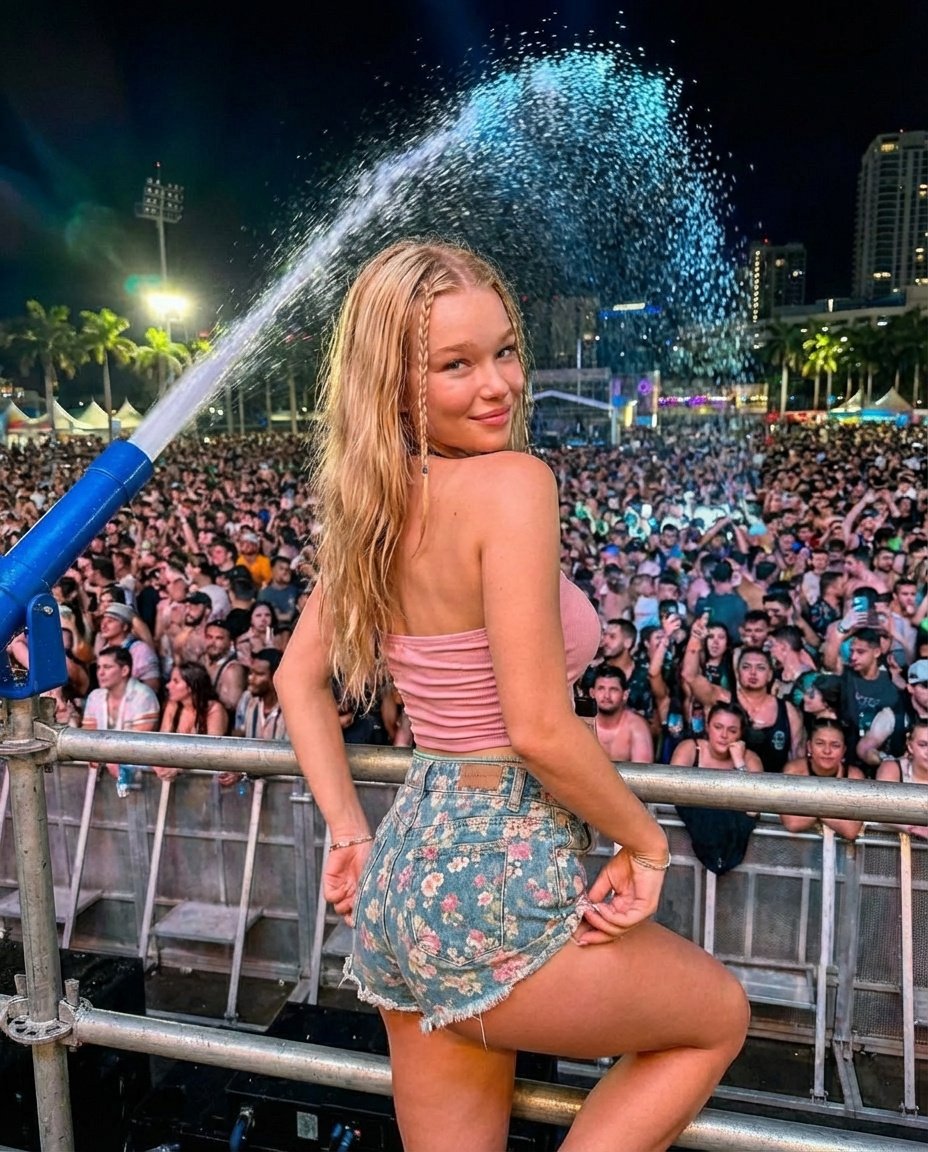
Nighttime Music Festival Photography Prompt
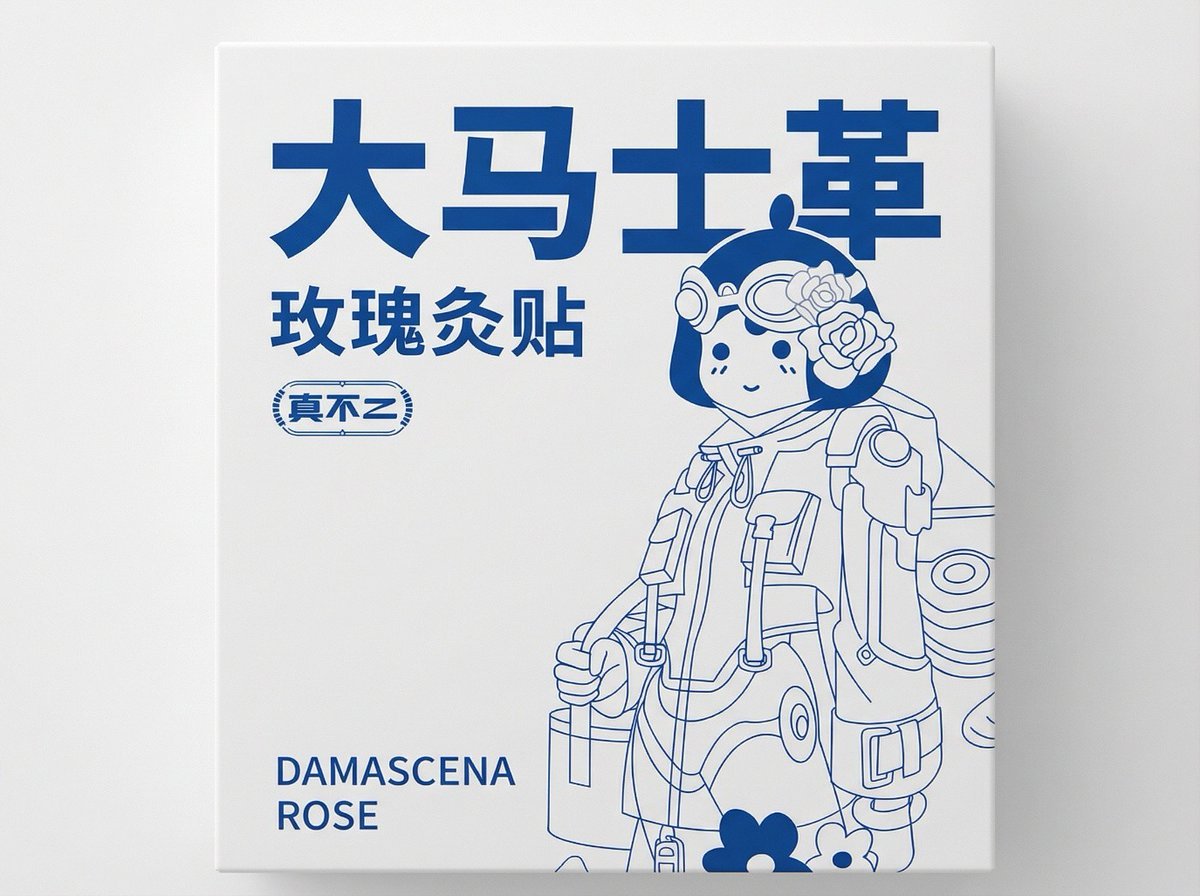
2D Flat Packaging Generation
Browse template categories
Light Novel Cover with Multi-Character Band Layout questions
How do I use the Light Novel Cover with Multi-Character Band Layout template?
Add your photo if the template asks for one, edit the prompt if you like — the template's model and format are already selected — and press Generate. Your version opens in PicX Studio.
Can I customize the Light Novel Cover with Multi-Character Band Layout template?
Yes. You can change the subject, setting, lighting, mood, format, and available model controls before creating your image.
Is the Light Novel Cover with Multi-Character Band Layout template free?
Opening and editing this template is free. Generating uses credits, shown on the Generate button when you are signed in.
Which AI model should I use?
Start with GPT Image 2, which is the model associated with this template. You can compare another compatible model for a different finish.
Looking for something else? Browse all templates.

Your photo, any look
Thousands of ready templates for every top image and video model, from one credit balance.