
Futuristic City Singularity
A cinematic monochrome aerial view of a futuristic megacity being consumed by a massive glowing black-hole-like vortex.
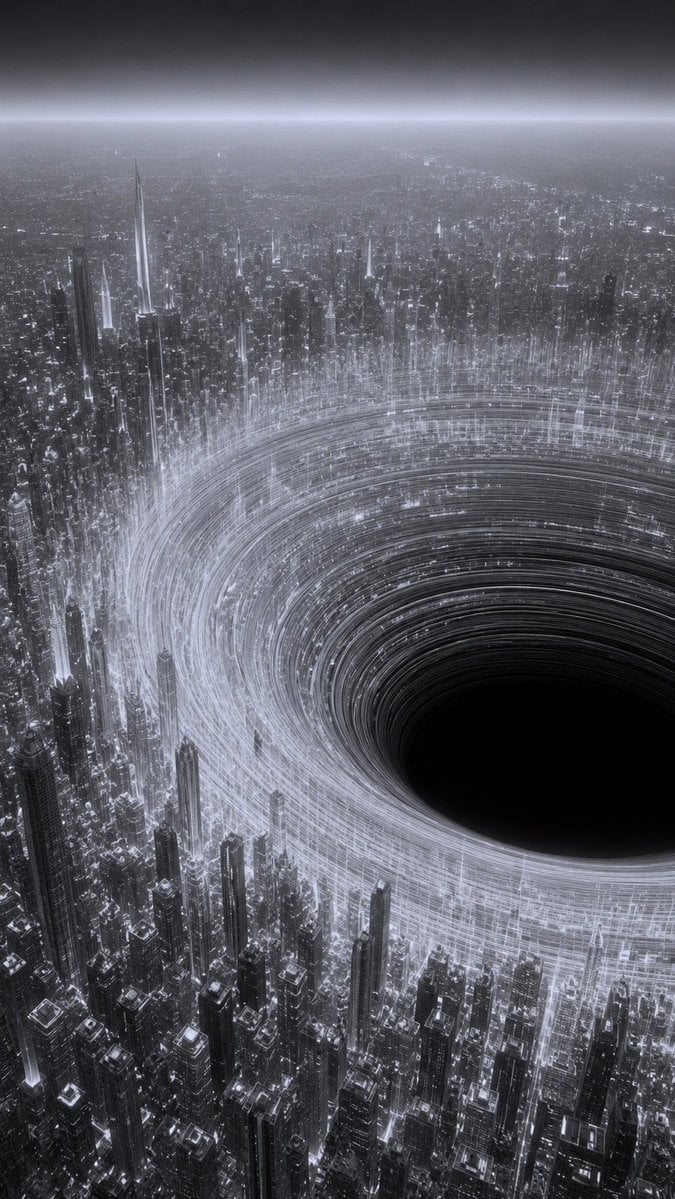
- Prompt included
- Model and format preset
- Free template
The prompt behind this image
Copy the exact prompt behind Futuristic City Singularity, or open it in the studio and make it yours.
Create a vertical cinematic sci-fi cityscape showing a vast futuristic megacity at night in monochrome {argument name="color palette" default="black, white, and cold silver-gray"}. The viewpoint is a high aerial perspective looking down across an endless dense skyline of countless narrow skyscrapers, towers, and glowing city grids stretching to a hazy horizon. In the right-center foreground, place a colossal circular black void or artificial singularity embedded in the city, like a perfectly dark bottomless hole, surrounded by bright concentric rings of light trails that spiral around it like an accretion disk. The luminous rings should be made of many fine white and silver lines, suggesting extreme speed, orbital traffic, data streams, or gravitational distortion. Tall buildings cluster tightly around and beneath the vortex, with some needle-like spires rising above the light rings; emphasize intricate architectural detail, glowing windows, reflective metallic surfaces, and immense scale. The atmosphere should feel ominous, awe-inspiring, and futuristic, with mist, fog, bloom, and a soft bright horizon band under a dark sky. Use ultra-detailed photorealistic digital matte painting style, high contrast, deep blacks, volumetric haze, sharp skyscraper silhouettes, and cinematic lighting. No people, vehicles, signs, logos, or readable text.
How to use Futuristic City Singularity in 3 steps
- 1Upload ImagePNG, JPG or paste
Add your photo
Upload the photo the template builds on. The prompt, model and format are already set.
- 2…a portrait of your subject in softgolden-hour light, 85mm…
Personalize
Edit the subject and creative details for your destination.
- 3Generate
Generate
Press Generate — your image is created in PicX Studio, so you can compare it with the original and refine one variable at a time.
More like this
Templates with the same subject, style or setup. Open one to see its prompt.

Cozy Knit Sweater Window Portrait

Minimalist Hand-Drawn Doodle Portrait

Futuristic Chrome Helmet Fashion Portrait

Futuristic Studio Neon Ring Minimalist Portrait
Futuristic Chrome Helmet Fashion Portrait
Futuristic Studio Neon Ring Minimalist Portrait

Black Liquid Cyberpunk Portrait Poster

Cyberpunk Neon Brazil World Cup Poster

Playful Futuristic Brand Kit Board

Nano Banana Pro 2.0 — 3x3 Travel Profile Grid
Futuristic Ring Megacity Concept Art
Stylish Man in Modern City
Make it yours
Futuristic City Singularity works as-is. These are the safest ways to change it without losing the look.
Change one field
Copy a single group, rewrite it, and generate again so you can see what that field is doing.
Keep the frame, change the subject
Hold the composition and light of Futuristic City Singularity, then swap wardrobe, props or the person for a new take.
| If the result… | Why | Fix |
|---|---|---|
| The result drifts from the preview | Too many fields changed at once. | Reuse Futuristic City Singularity as-is first, then change one group — subject, light, or setting. |
| The model over-stylizes the scene | The prose prompt leaves finish and camera underspecified. | Add one camera or lighting sentence and stay on GPT Image 2. |
More GPT Image 2 templates
Other prompts made for GPT Image 2.

Six VTuber Japanese Logo Sheet

Realistic Portrait of Woman and Deer

The Vista Modular Condo Poster

AI Model Routing Comparison Infographic

2.5D Anime Art Board

Isometric Productivity Desk Scene

New York Double Exposure Poster

Four-Panel AI Landscape Comparison

Japanese Tatami Lifestyle Magazine Cover

NESCAFÉ Coffee Map Poster
More image prompts
Fresh picks from across the catalog.
Screen Time Digital Town Visualization Prompt
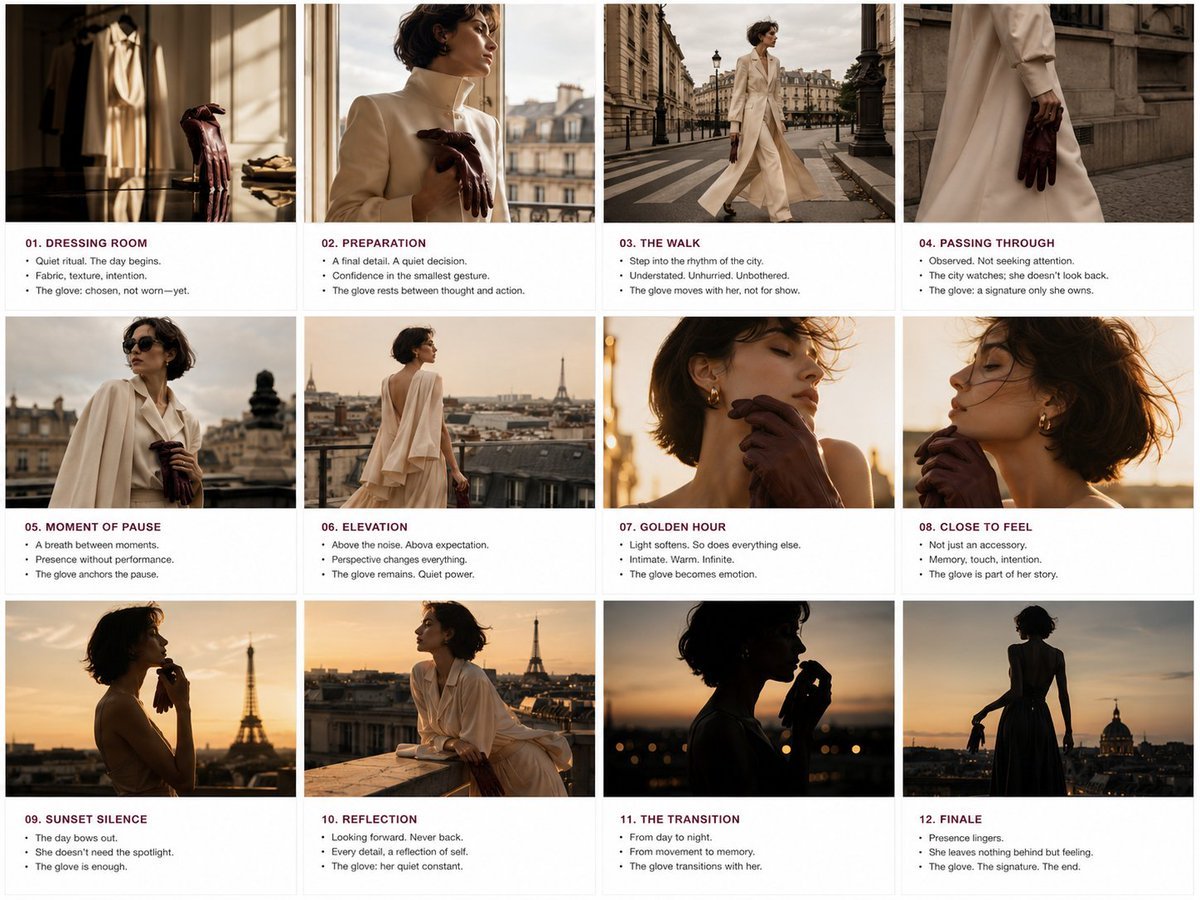
Luxury Fashion Editorial Storyboard
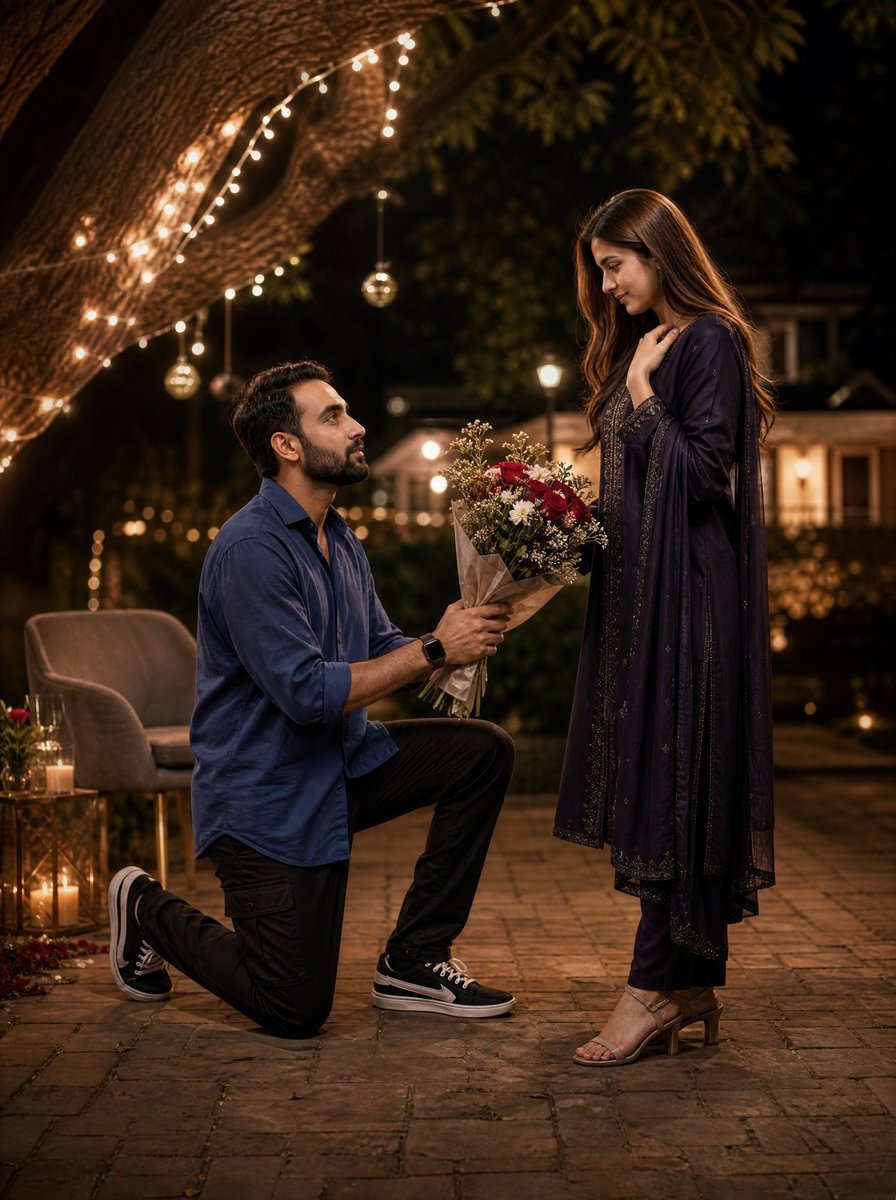
Night Park Proposal Portrait
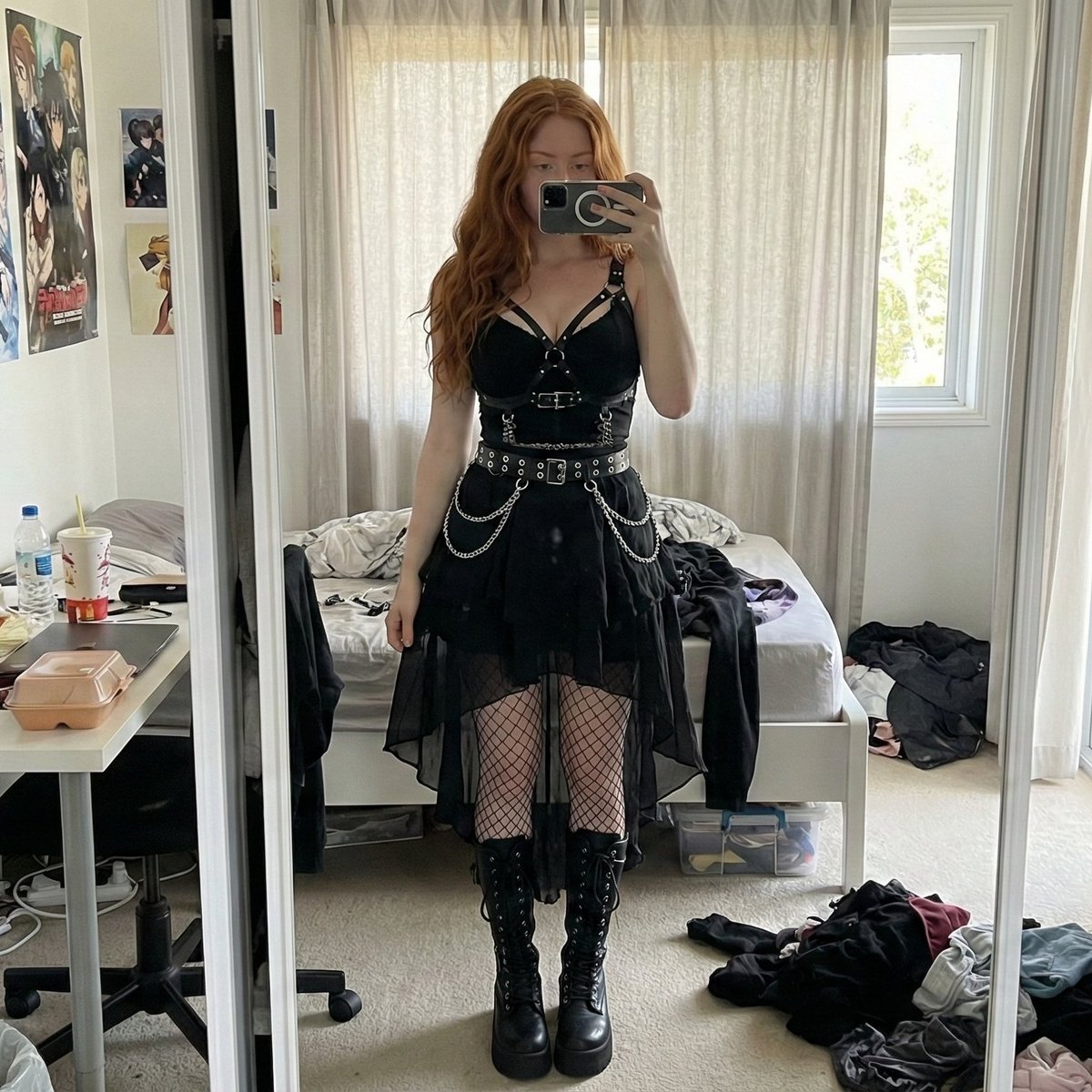
Gothic Mirror Selfie in Messy Bedroom
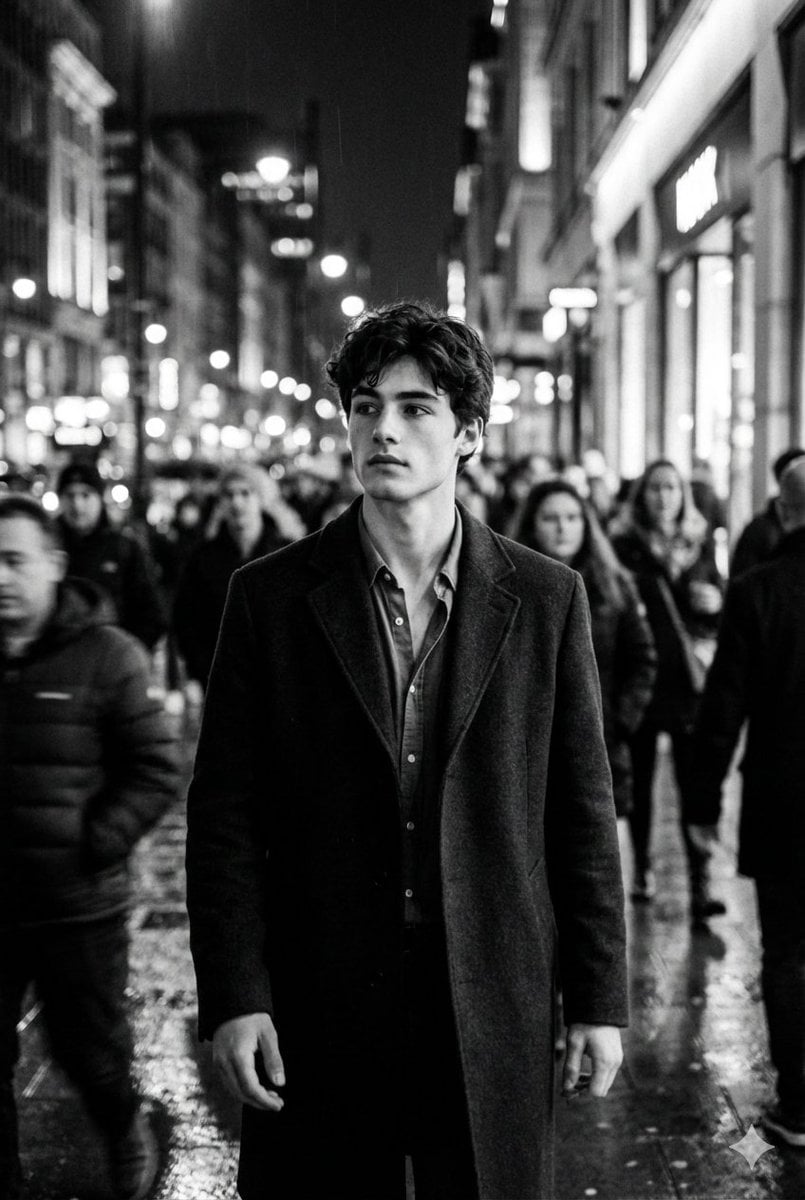
Black and White Cinematic Motion Portrait
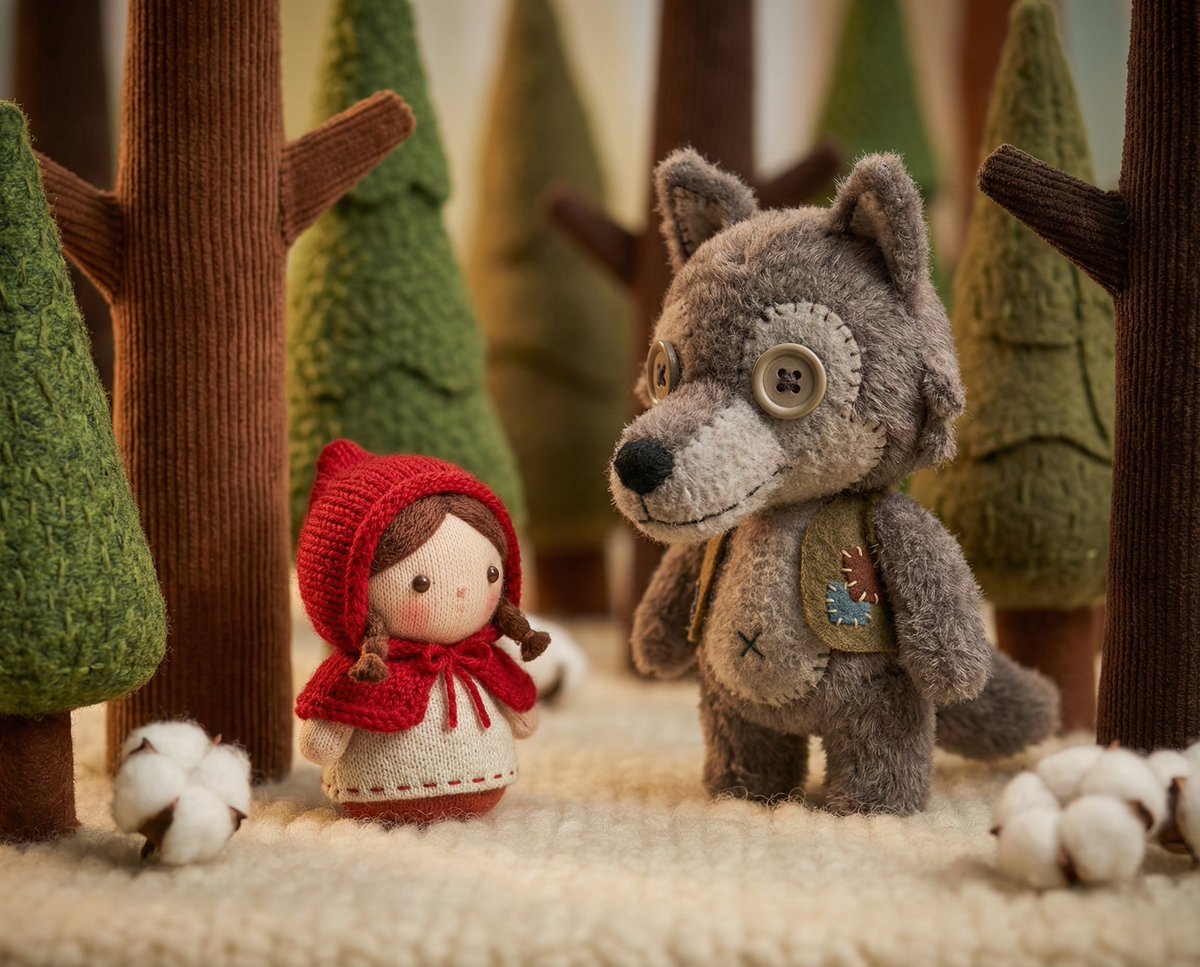
Whimsical Plush Toy Diorama of Little Red Riding Hood
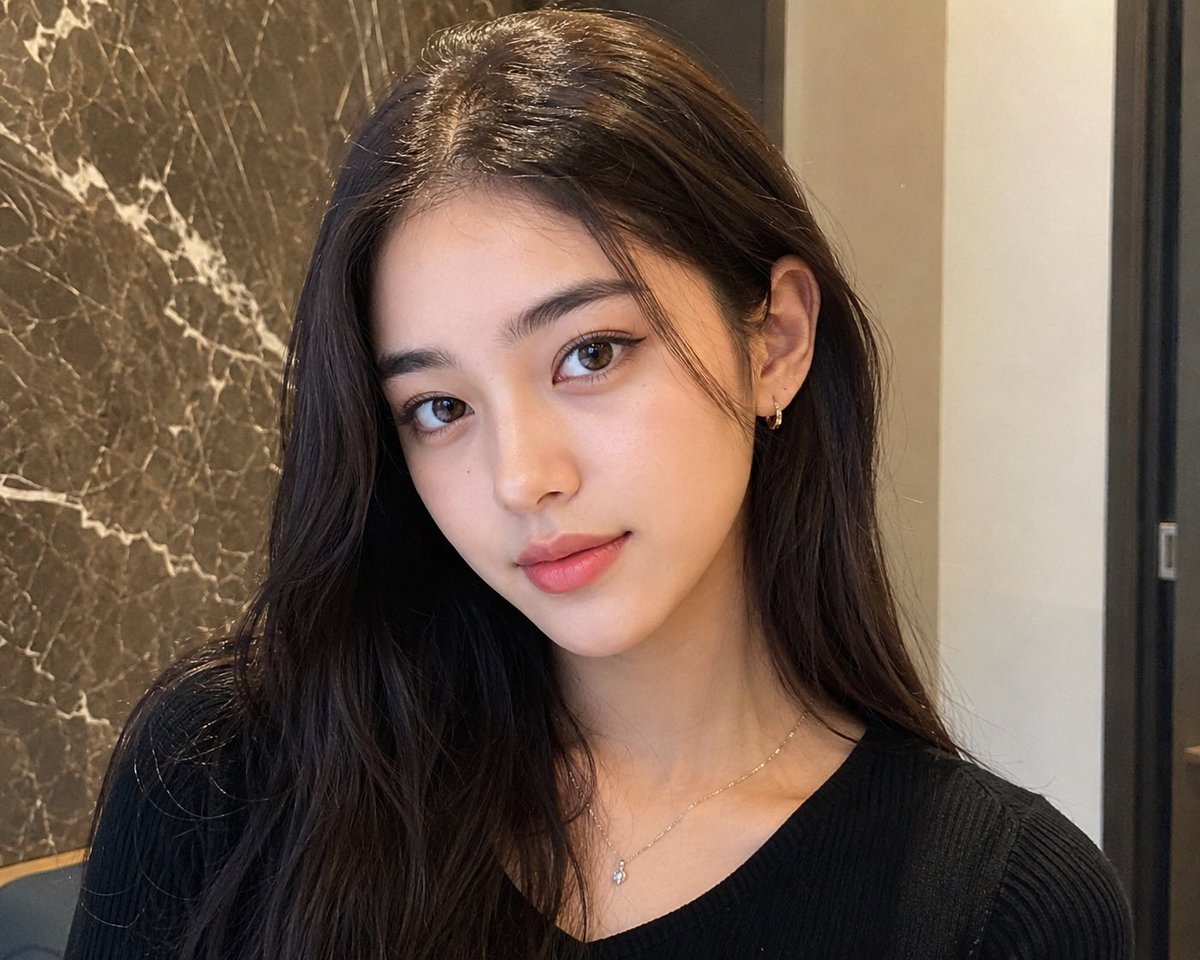
Censored Mixed-Beauty Portrait
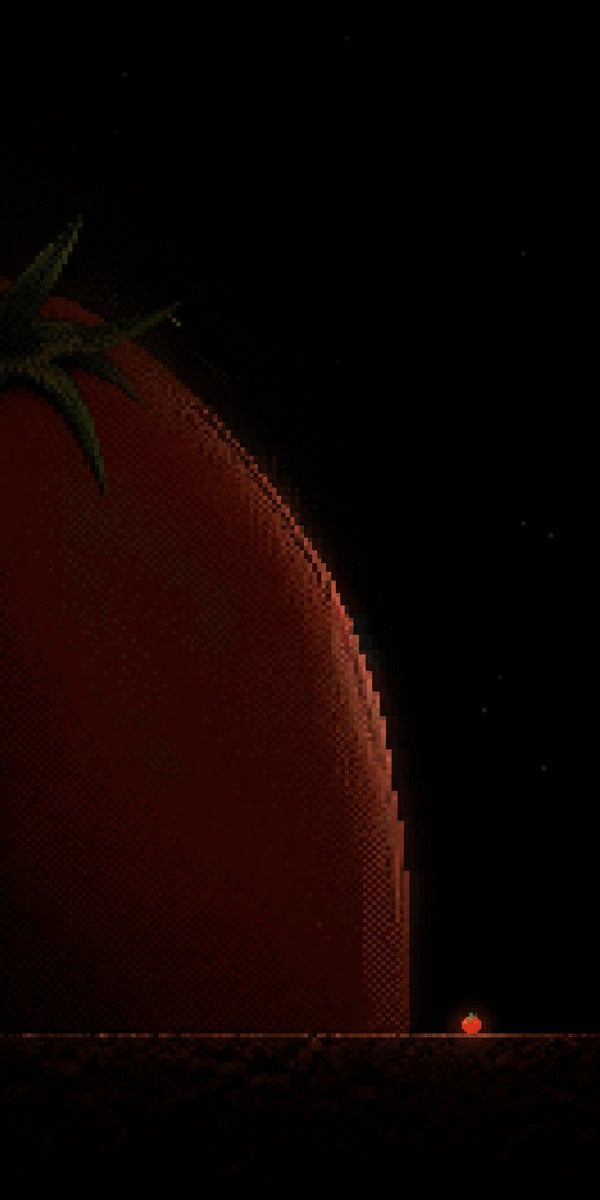
Tiny Tomato in Dark Pixel Void
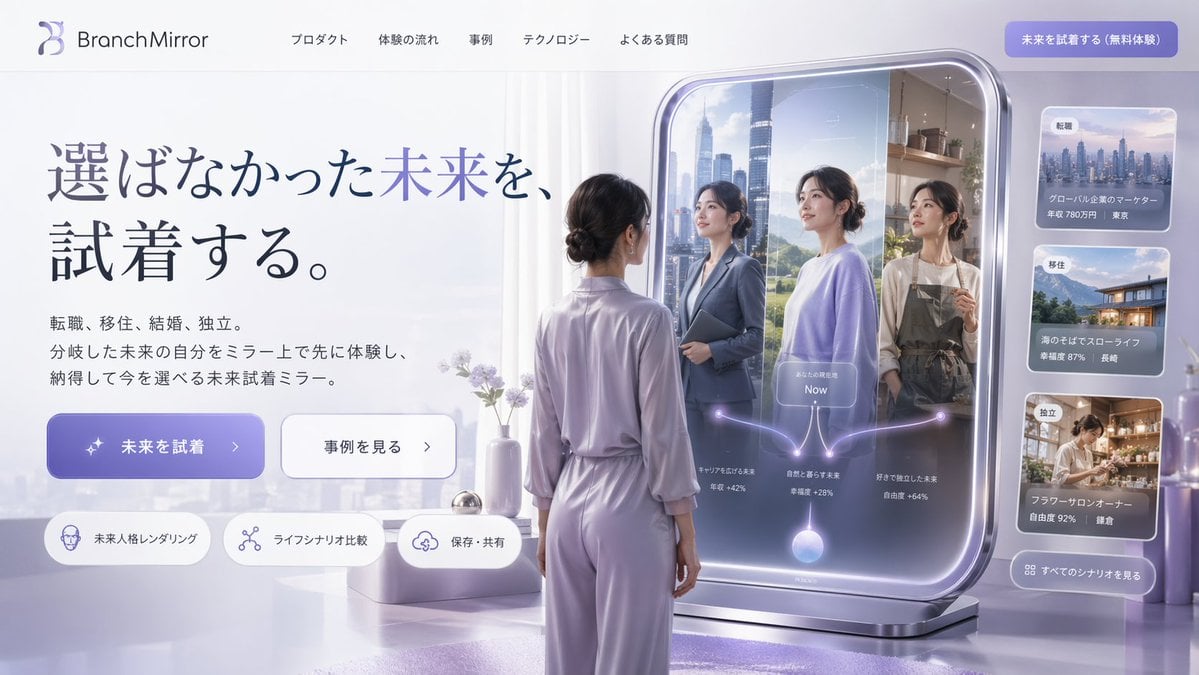
Futuristic Smart Mirror Website Mockup
Urban Street Fashion Portrait Prompt
Browse template categories
Futuristic City Singularity questions
How do I use the Futuristic City Singularity template?
Add your photo if the template asks for one, edit the prompt if you like — the template's model and format are already selected — and press Generate. Your version opens in PicX Studio.
Can I customize the Futuristic City Singularity template?
Yes. You can change the subject, setting, lighting, mood, format, and available model controls before creating your image.
Is the Futuristic City Singularity template free?
Opening and editing this template is free. Generating uses credits, shown on the Generate button when you are signed in.
Which AI model should I use?
Start with GPT Image 2, which is the model associated with this template. You can compare another compatible model for a different finish.
Looking for something else? Browse all templates.

Your photo, any look
Thousands of ready templates for every top image and video model, from one credit balance.