
Screen Time Digital Town Visualization Prompt
A highly detailed, multi-section Chinese prompt for Nano Banana Pro that visualizes the user's screen time data as a miniature digital town (Isometric City).
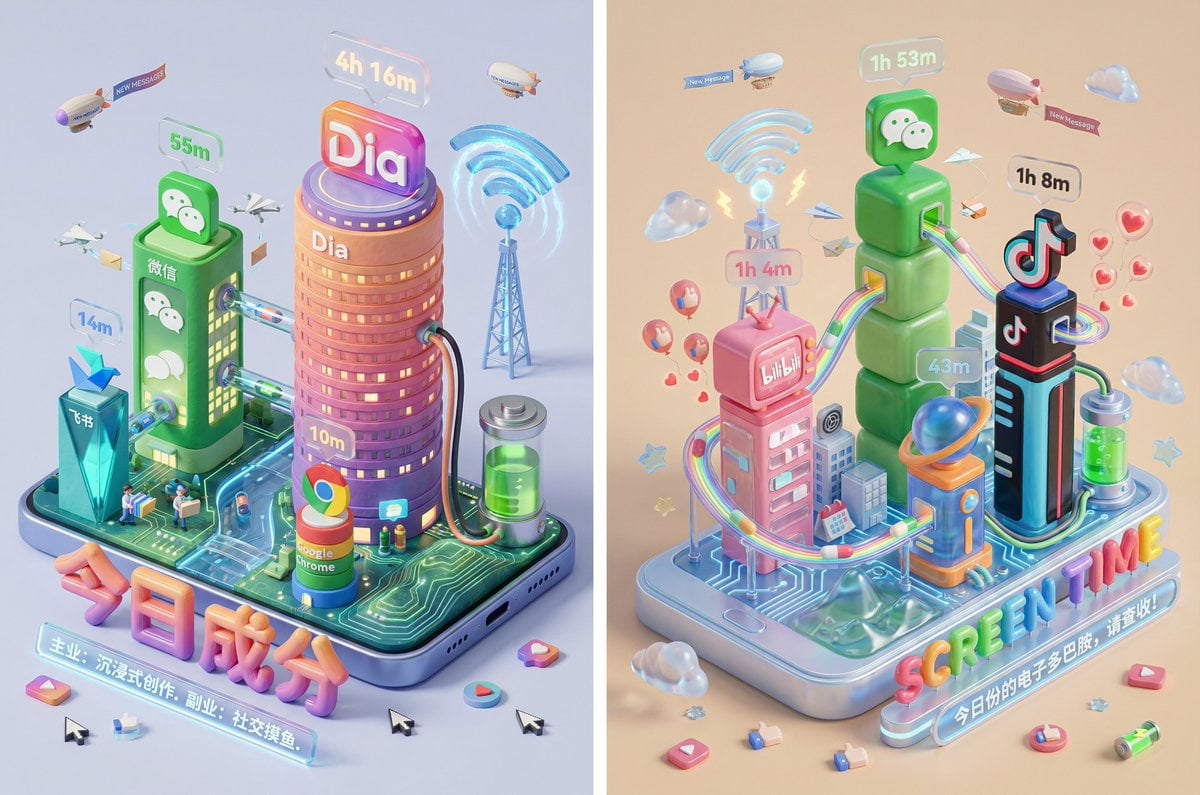
- Prompt included
- Model and format preset
- Premium template
The prompt behind this image
Copy the exact prompt behind Screen Time Digital Town Visualization Prompt, or open it in the studio and make it yours.
Please read the 【Screen Time data screenshot】 the user uploaded, and identify the names and icons of the top 4 apps. Retrieve information about these apps and their icon styles. Based on the character of the app combination (social/entertainment/productivity/general), autonomously decide the core art style. 【2. Building the main model: The town infrastructure】 At the center of the image, build a vibrant, living miniature digital town — not just a display of buildings: Smart base (the foundation): A stylized phone base. But its surface is no longer flat — it's terrain-like (depending on the style, it might be rolling circuit-board hills, a glass water surface, or a Lego baseplate). The building cluster (apps made physical): Skyscrapers representing the apps. Base: A cartoon-style smartphone base, its edges rounded, frosted metal, the screen surface glowing with a faint breathing light. Floating around the base are physicalized 3D emoji (clouds, stars, hearts), with a material like translucent jelly. The building cluster (apps made physical): On the island stand Q-version skyscrapers representing the identified apps. Height rule: Building height strictly corresponds to usage time. The app with the longest usage time is the tallest skyscraper, occupying the visual center. Shape rule: Extract the geometric features of each app icon (e.g., a round icon becomes a stacked-sphere tower, a square icon becomes a rounded-cube building). Material: A mix of premium frosted polymer clay and translucent jelly resin. The surface should have a fine fingerprint texture and a diffuse sheen, like an expensive blind-box toy. Rooftop logo: On top of each building stands the app's 3D logo, with a material like freshly made glossy candy. Floating time card: Directly above the logo, a frosted-glass-textured 3D bubble floats. Inside the bubble is a three-dimensional, softly glowing number (corresponding to usage time, e.g., "{argument name="usage duration" default="4h 12m"}"). The buildings should not be isolated from each other — they should form a neighborhood. The tall buildings are in the center (the CBD area), with lower system-app buildings (settings, calendar, etc.) possibly around them. 【3. Urban ecosystem and interaction systems】 (Core upgrade: adding "interaction" and "a sense of everyday life") Please add rich, dynamic details between the buildings, showing how this "digital town" operates: Transportation and connections (the data flow): Connection method: The buildings must have physical connections between them. Style adaptation: If it's a cyber style, use glowing fiber-optic overpasses and maglev trains; if minimalist, use transparent glass tubes; if cute, use rainbow slides. Vehicles and transport: There should be flowing light dots/capsules in the tubes or on the roads, representing data transmission. Active "data sprites" (the digital citizens): NPC setup: Besides the protagonist figure, add tiny functional NPCs. Message couriers: Near social-app buildings (like WeChat), have flying paper-airplane drones or tiny mail carriers with envelope satchels going in and out. Like sprites: Around video/community-app buildings (like Douyin/Xiaohongshu), have glowing hearts or thumbs-up balloons floating like fireflies. Delivery/shopping riders: If there's Meituan/Taobao, include miniature delivery riders or a package conveyor belt connecting to the protagonist's main building. Public infrastructure (public utilities): Wi-Fi signal tower: A glowing signal tower (shaped like the Wi-Fi icon) stands atop the town, broadcasting energy ripples across the whole town. Battery power station: At the edge of the town, a cylindrical energy tank (shaped like a battery icon) connects via thick cables to power the main buildings, with green liquid "charge" visibly sloshing inside. Notification airships: Small airships or clouds float in the sky, hung with banners reading "New message" or a "red dot." 【4. Bottom visual focal point: A stylized 3D nameplate】 (unchanged, emphasizing a premium design feel) Main title design: The large text "SCREEN TIME" or "{argument name="main title" default="今日成分"}" is designed as inflatable typography or neon-tube lettering, in a material matching the current theme. They are not printed on paper, but literally "standing" in the very foreground of the image. Decorative details: Small 3D fragment elements are scattered around the title (such as a play button, a like thumb, a battery icon), adding richness and a trendy feel to the image. Subtitle copy: Below the 3D title, generate a floating glowing light strip with a short, sharp comment based on the user's data. 【5. Rendering and photography (tech specs)】 Composition: An isometric top-down view, emphasizing a sense of bustling activity and order. Detail: Extremely rich micro-details, making the viewer want to zoom in and see what the little figures in every corner are doing. Keywords: Octane Render, C4D, Isometric City, Micro World, Living Ecosystem, 8k Resolution.
How to use Screen Time Digital Town Visualization Prompt in 3 steps
- 1Upload ImagePNG, JPG or paste
Add your photo
Upload the photo the template builds on. The prompt, model and format are already set.
- 2…a portrait of your subject in softgolden-hour light, 85mm…
Personalize
Edit the subject and creative details for your destination.
- 3Generate
Generate
Press Generate — your image is created in PicX Studio, so you can compare it with the original and refine one variable at a time.
More like this
Templates with the same subject, style or setup. Open one to see its prompt.
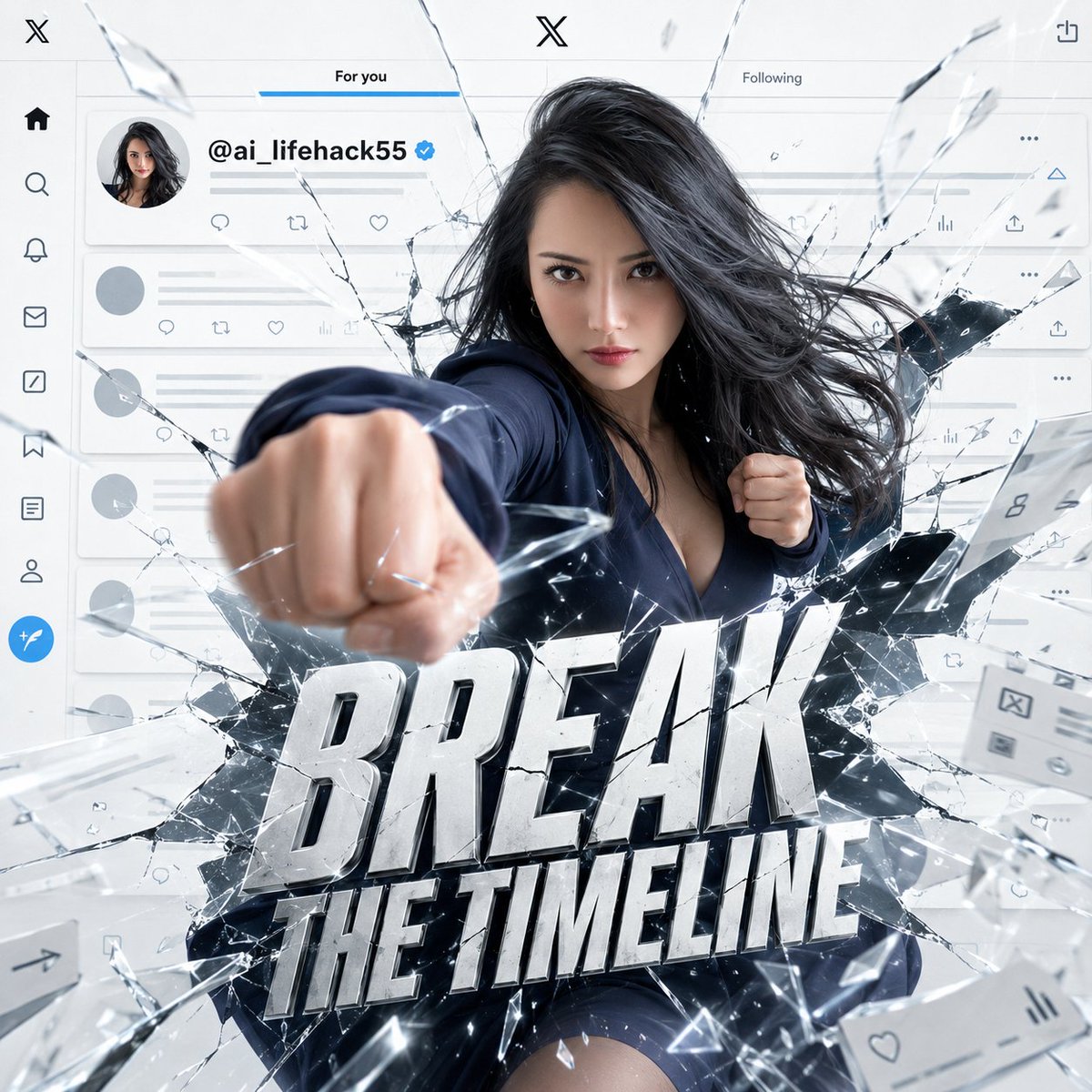
X Timeline Breakout Digital Art
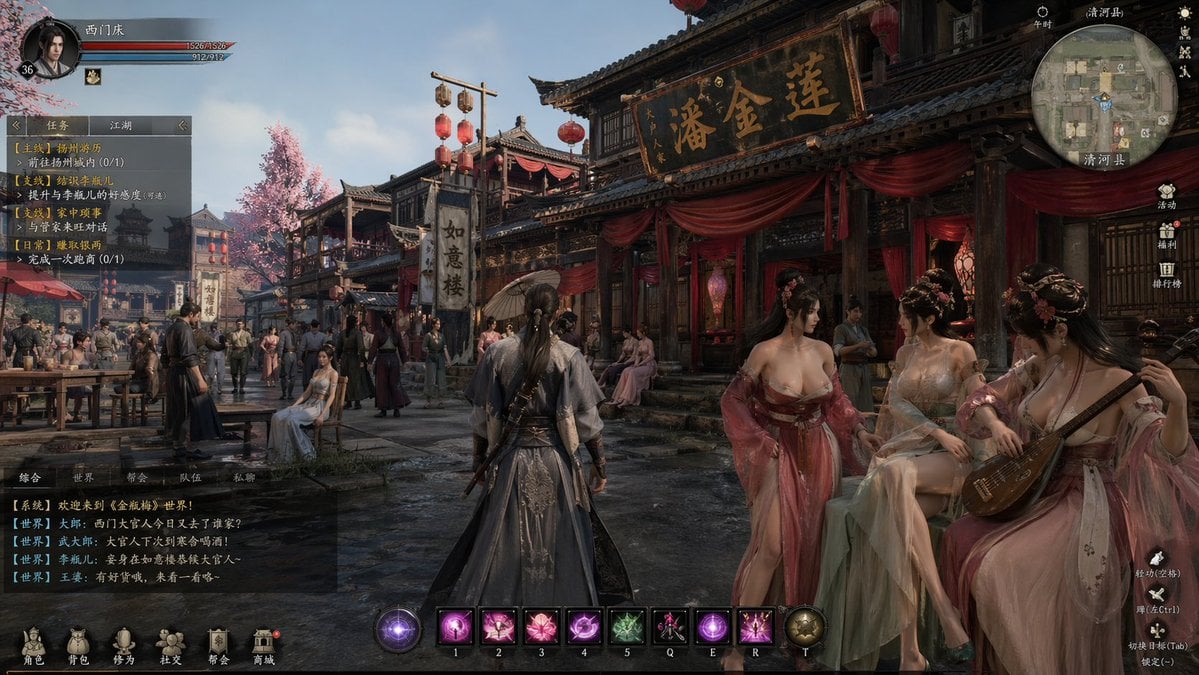
Wuxia MMORPG Ancient Town Screenshot
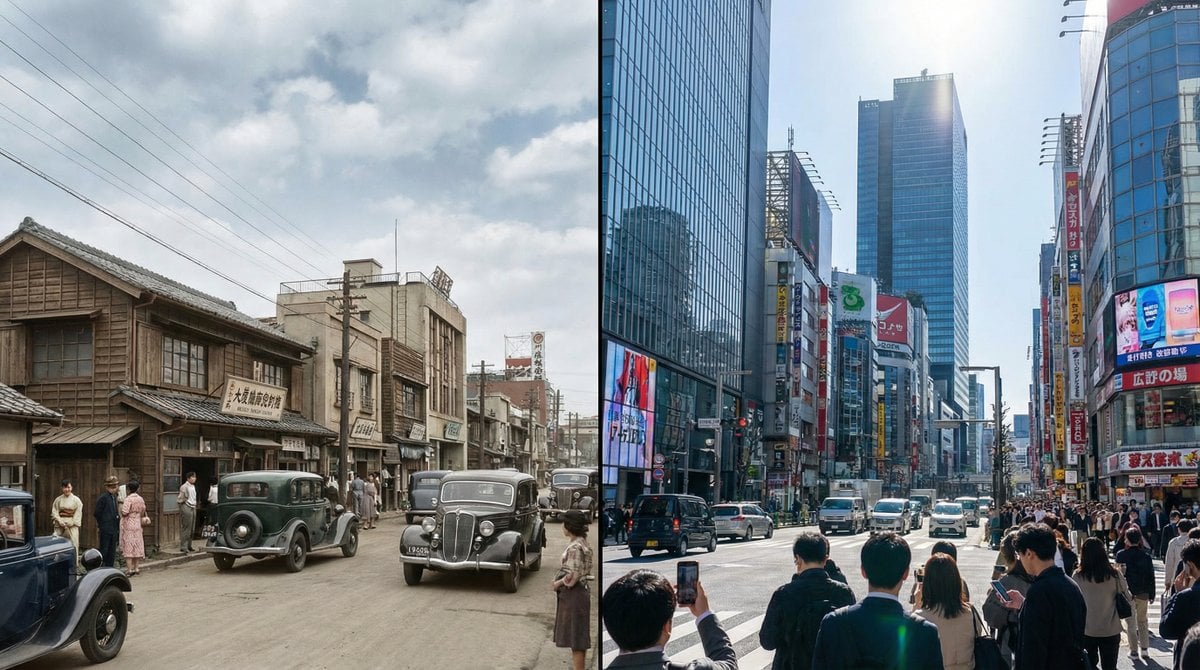
Split-screen time-lapse of same location by coordinates

Split-Screen Cinematic Time Travel Prompt
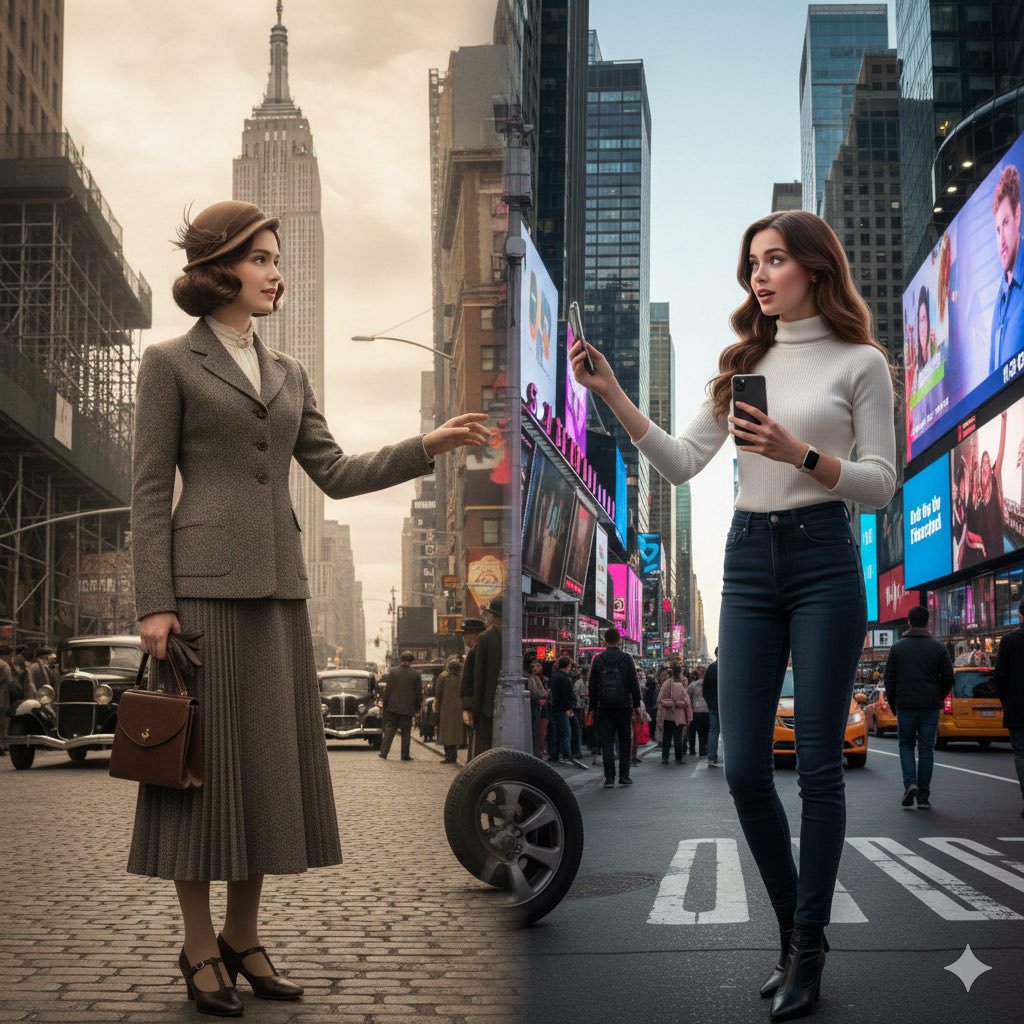
Split-Screen Cinematic Time Travel Prompt
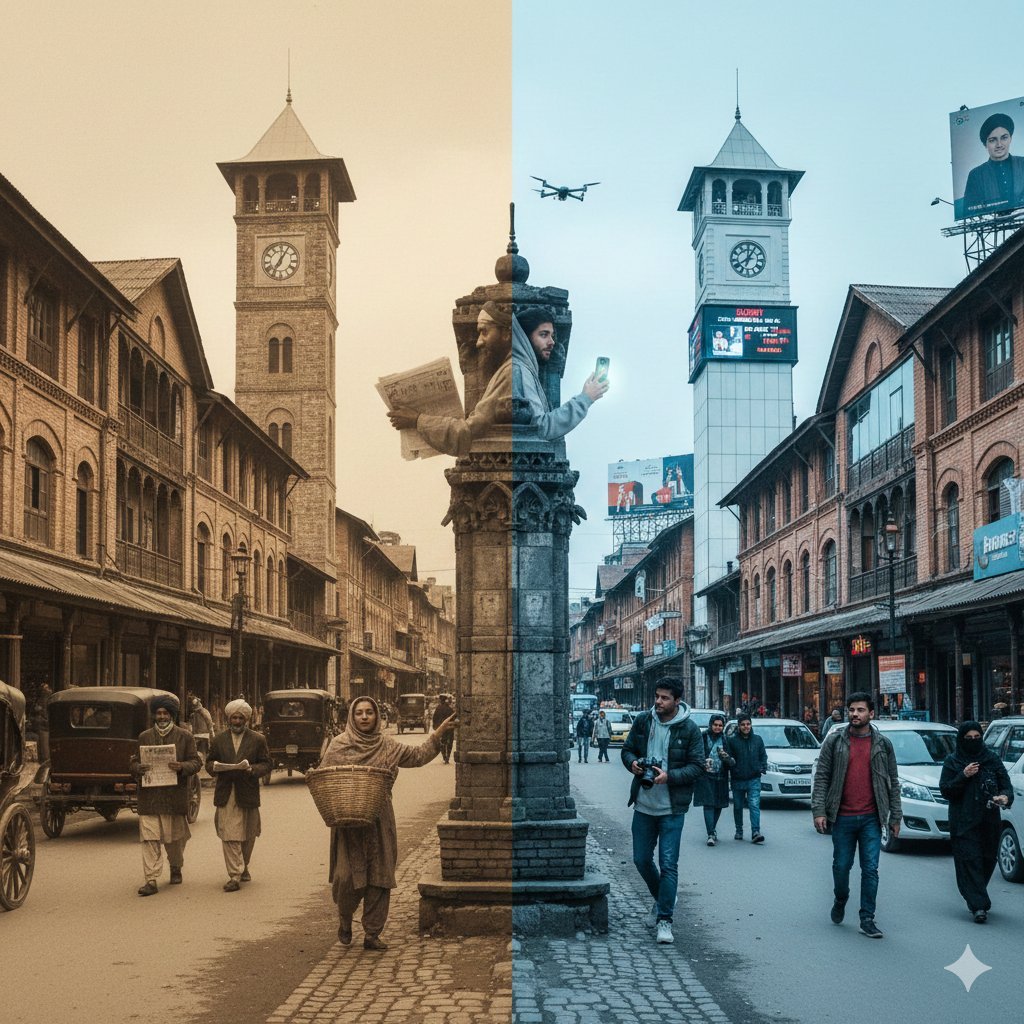
Split-Screen Time Travel Scene
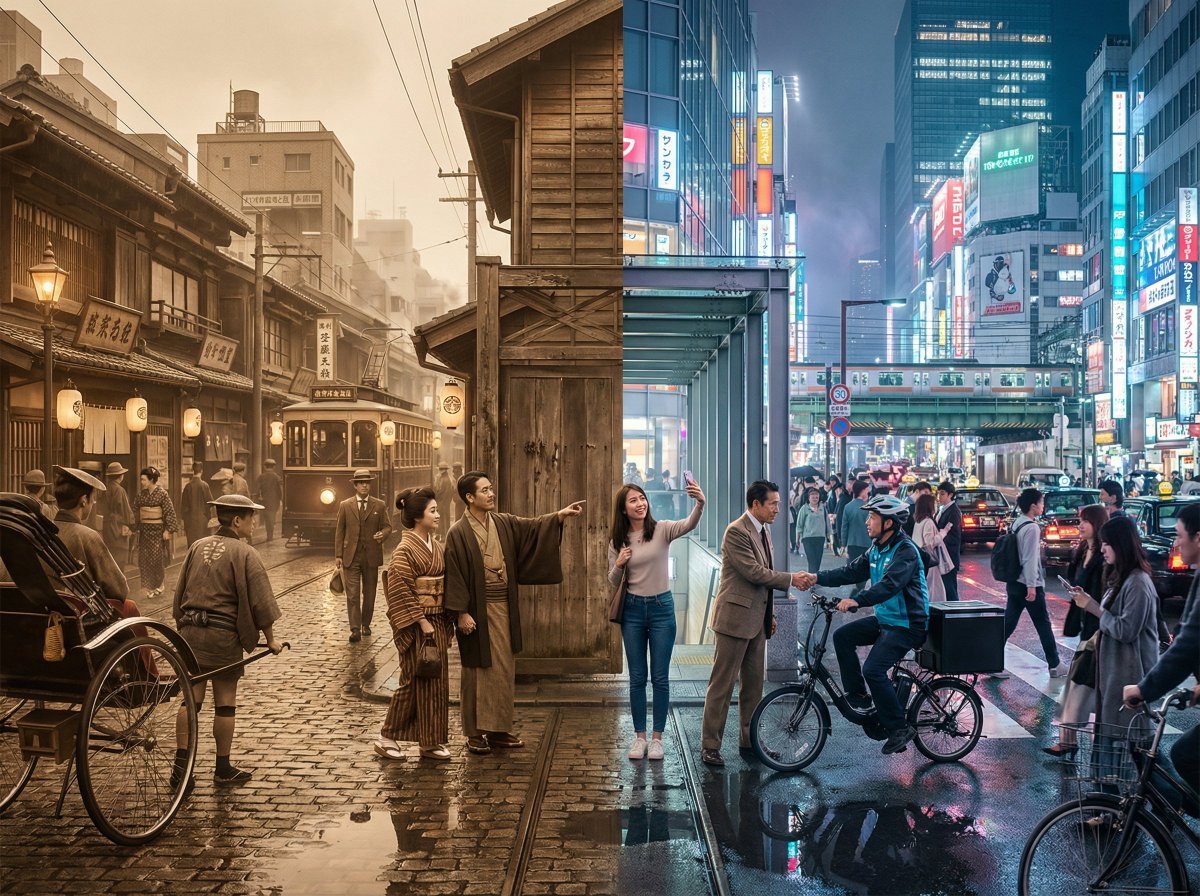
Tokyo Time-Blend Split-Screen
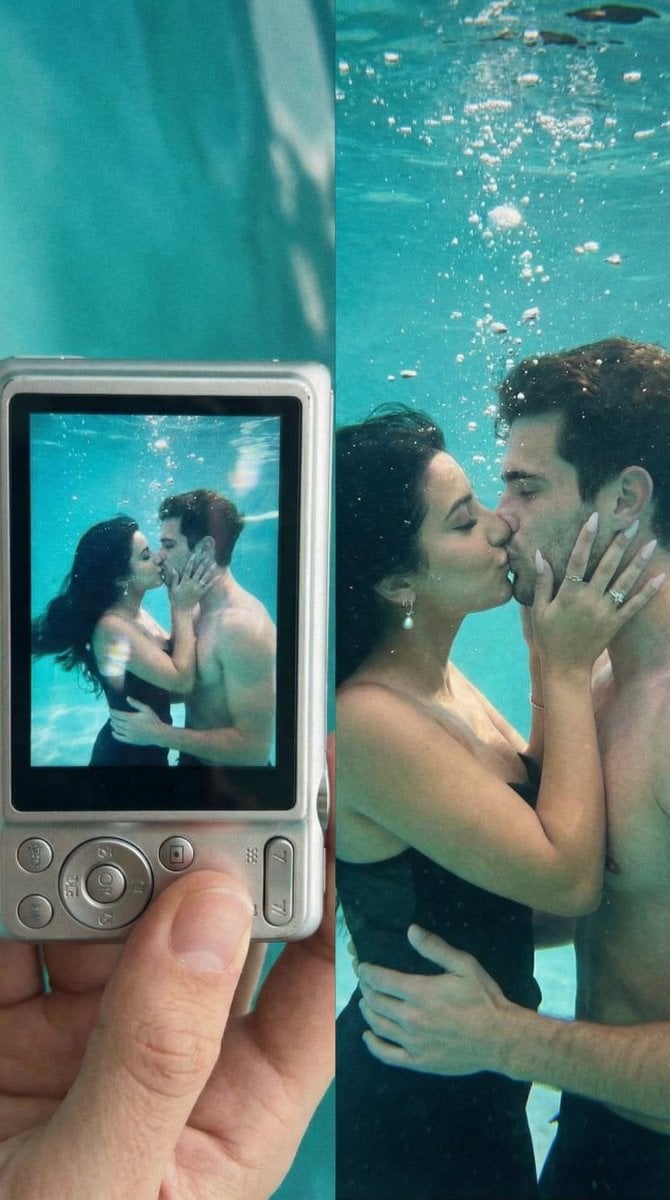
Underwater Kiss Diptych with Digital Camera Screen
Night Time Car Selfie
Dreamy Y2K Digital Camera Mirror Selfie
Anime Couple Segmentation UI Screenshot

Act as a 3D Product Visualization Artist
Make it yours
Screen Time Digital Town Visualization Prompt works as-is. These are the safest ways to change it without losing the look.
Change one field
Copy a single group, rewrite it, and generate again so you can see what that field is doing.
Keep the frame, change the subject
Hold the composition and light of Screen Time Digital Town Visualization Prompt, then swap wardrobe, props or the person for a new take.
| If the result… | Why | Fix |
|---|---|---|
| The result drifts from the preview | Too many fields changed at once. | Reuse Screen Time Digital Town Visualization Prompt as-is first, then change one group — subject, light, or setting. |
| The model over-stylizes the scene | The prose prompt leaves finish and camera underspecified. | Add one camera or lighting sentence and stay on Nano Banana 2. |
More Nano Banana 2 templates
Other prompts made for Nano Banana 2.

Photorealistic Leaf Shaped Like a Dragon

K-Pop Idol Portrait Grid for Rapid Selection

Poetic Rain Forest Portrait During Golden Hour

Urban Street Portrait with Cartoon Inner Self Duo

Candid Nighttime Photo with Cat Prompt

High-Concept 3D Diorama Generation Prompt

Cinematic Futuristic Studio Portrait Template

Skincare Editorial Photography Collage Prompt

Hyper-Realistic Commercial Product Photography (Splash Effect)

Hyper-Realistic Nightclub Portrait Prompt
More image prompts
Fresh picks from across the catalog.
Glam Spa to Tiara Story Grid (3x3 Identity Lock)

Futuristic Cyber Skincare Ad Poster
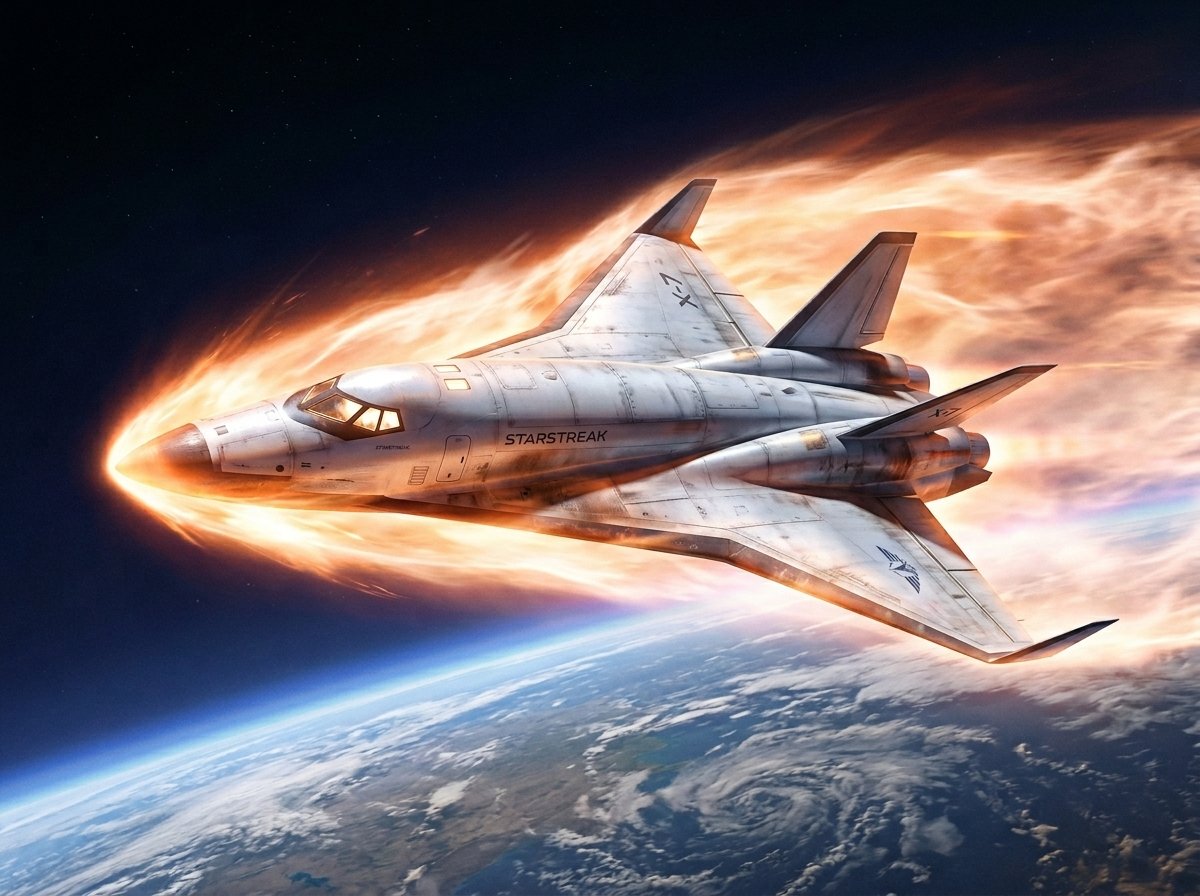
Reentry Shuttle Above Earth
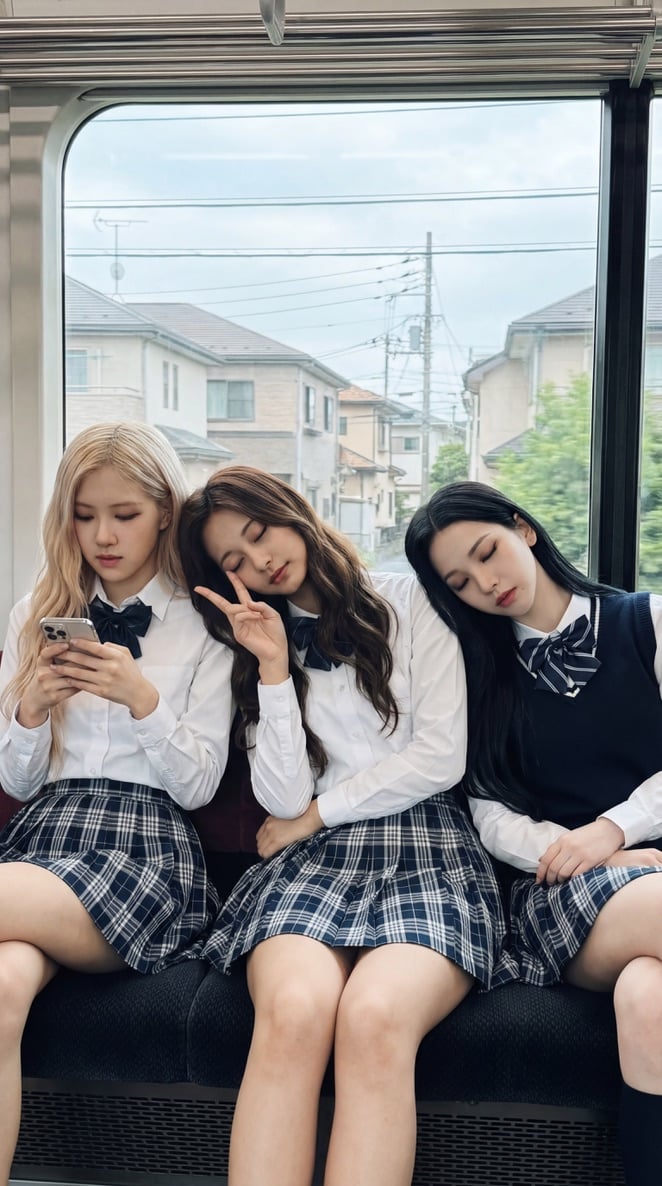
K-pop Idols Sleeping on a Train JSON Prompt
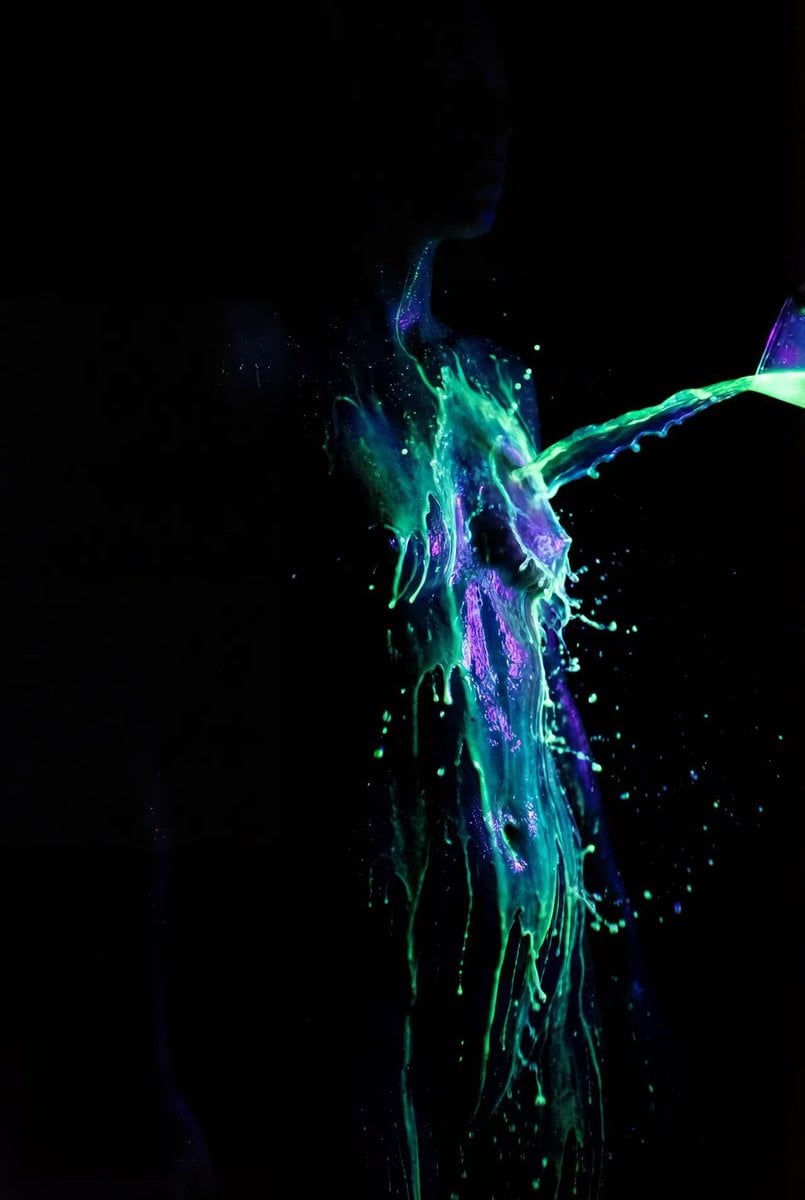
Fluorescent Paint on Silhouette Prompt
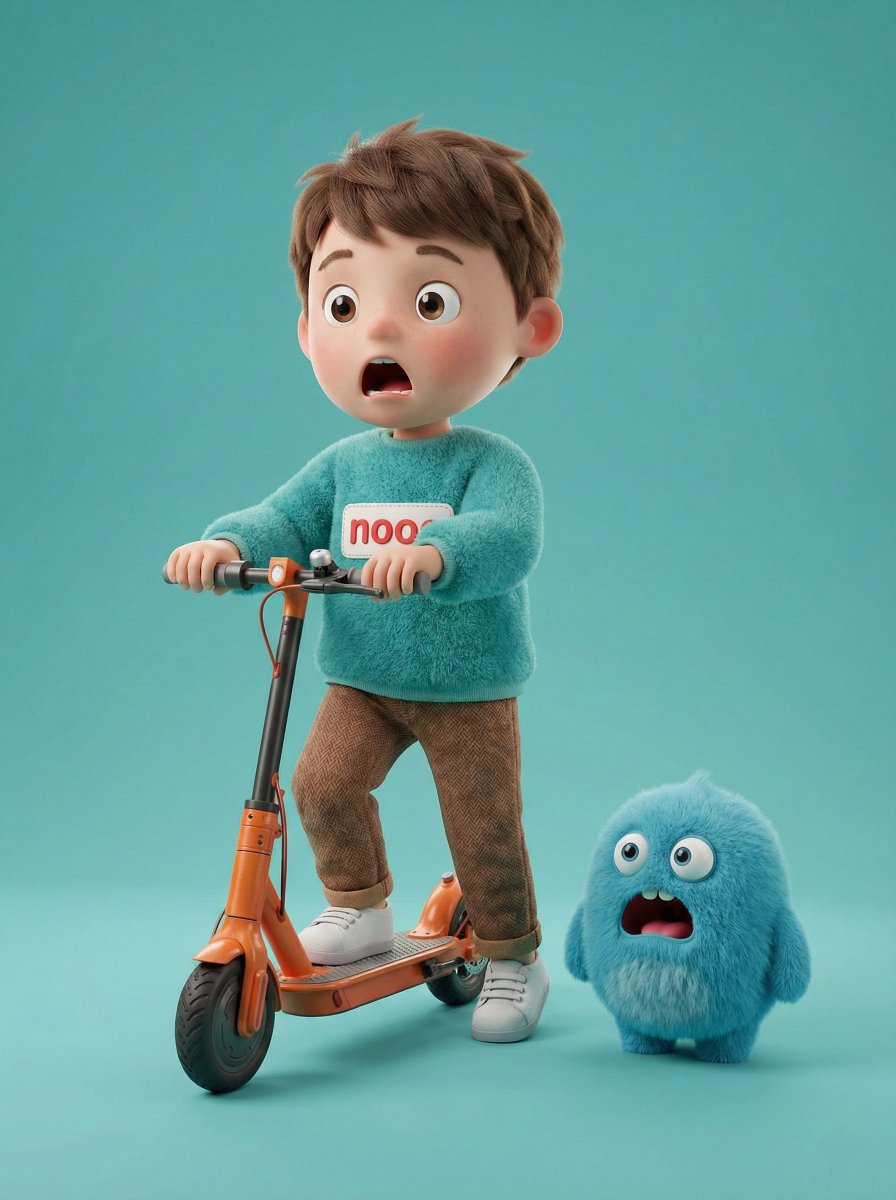
3D Render of Boy and Furry Monster on Scooter
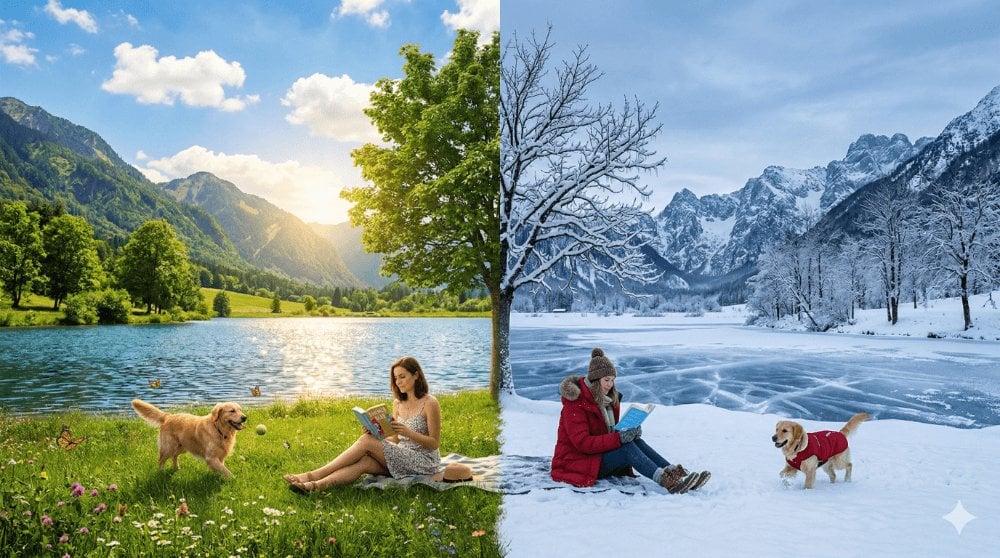
Surreal Seasonal Split Landscape
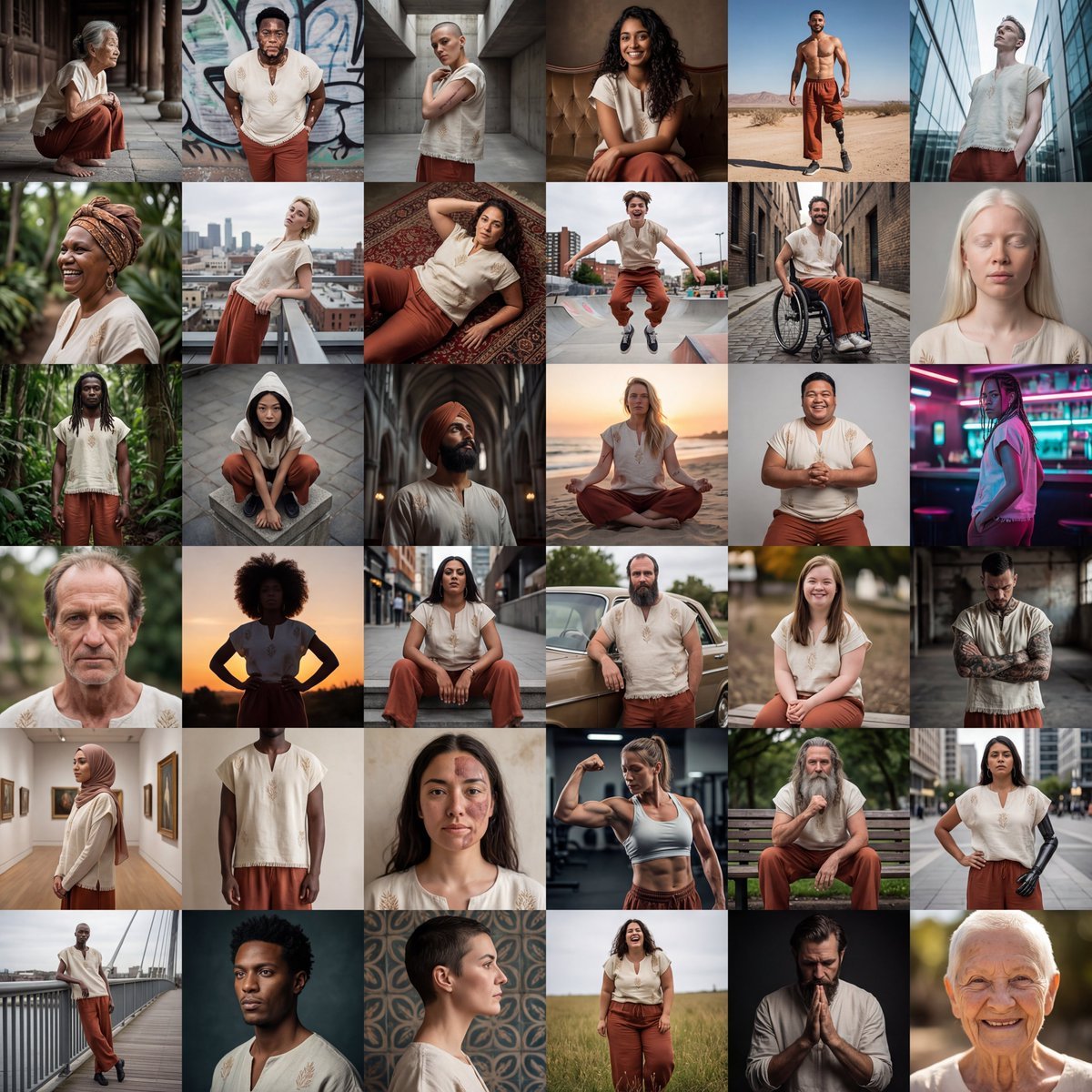
Diverse Fashion Editorial Grid

Future Aesthetic Image Generation Prompt (2025)
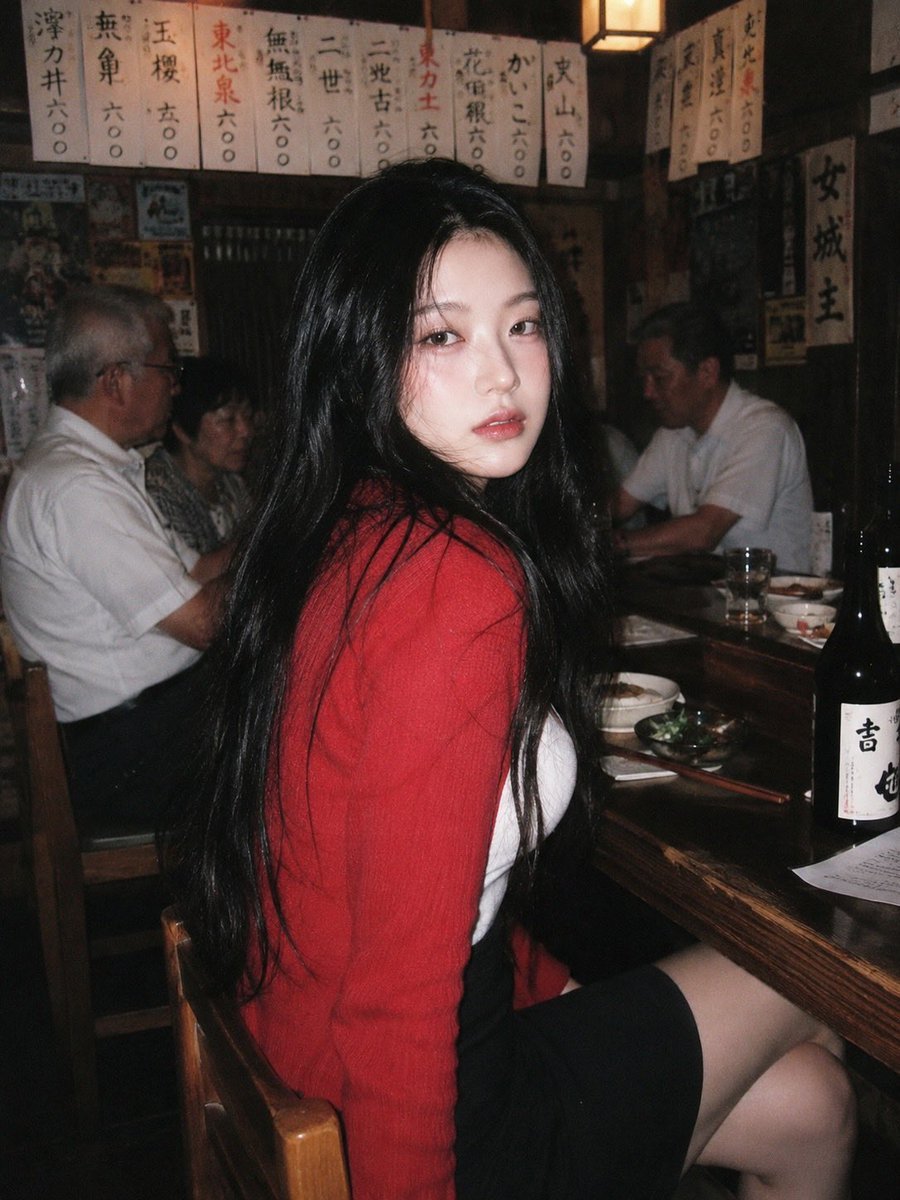
90s Japanese Izakaya Snapshot
Browse template categories
Screen Time Digital Town Visualization Prompt questions
How do I use the Screen Time Digital Town Visualization Prompt template?
Add your photo if the template asks for one, edit the prompt if you like — the template's model and format are already selected — and press Generate. Your version opens in PicX Studio.
Can I customize the Screen Time Digital Town Visualization Prompt template?
Yes. You can change the subject, setting, lighting, mood, format, and available model controls before creating your image.
Is the Screen Time Digital Town Visualization Prompt template free?
Opening and editing this template is free. Generating uses credits, shown on the Generate button when you are signed in.
Which AI model should I use?
Start with Nano Banana 2, which is the model associated with this template. You can compare another compatible model for a different finish.
Looking for something else? Browse all templates.

Your photo, any look
Thousands of ready templates for every top image and video model, from one credit balance.