
90s Japanese Izakaya Snapshot
Generates a nostalgic 90s disposable camera style photo inside a Japanese izakaya with direct flash and harsh shadows.
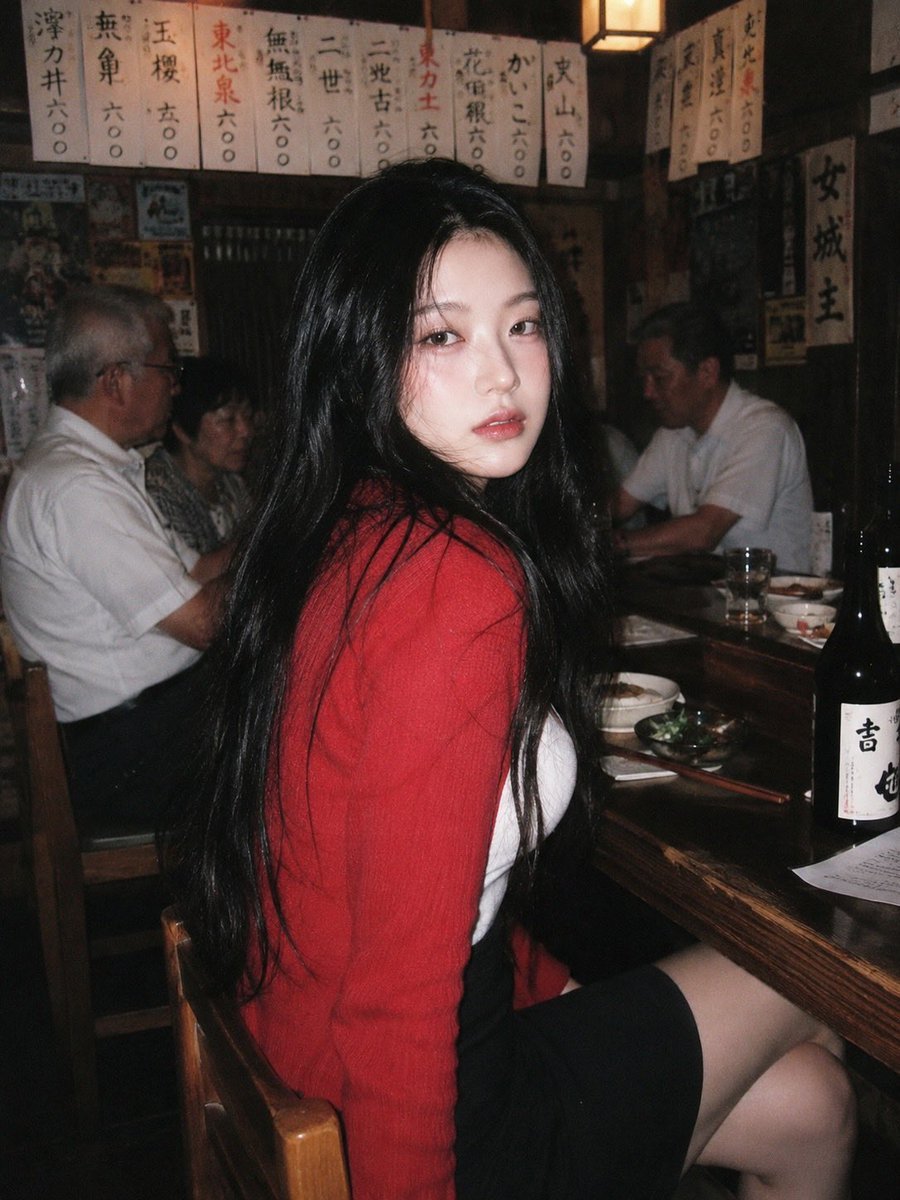
- Prompt included
- Model and format preset
- Free template
The prompt behind this image
Copy the exact prompt behind 90s Japanese Izakaya Snapshot, or open it in the studio and make it yours.
A 90s disposable-camera style flash snapshot taken inside a {argument name="location" default="small, bustling Japanese izakaya"} decorated with handwritten menus and retro posters. Direct flash creates grain, harsh shadows, and bright highlights. A {argument name="subject" default="young woman"} sits on a wooden bar stool, turning her upper body back toward the camera. She wears a {argument name="clothing" default="soft red cardigan over a white tank top, paired with a short black skirt"}. The red cardigan pops beautifully under the flash, complementing her blushed cheeks and glossy lips. Behind her, older patrons sit in the dim, noisy environment, contrasting with her vivid, intimate glow. The image feels nostalgic, imperfect, and emotionally intimate.
How to use 90s Japanese Izakaya Snapshot in 3 steps
- 1
Open
The prompt is already in the box next to the preview, with the template's model and format selected.
- 2…a portrait of your subject in softgolden-hour light, 85mm…
Personalize
Edit the subject and creative details for your destination.
- 3Generate
Generate
Press Generate — your image is created in PicX Studio, so you can compare it with the original and refine one variable at a time.
More like this
Templates with the same subject, style or setup. Open one to see its prompt.

Minecraft Japanese Research Lab Exploration
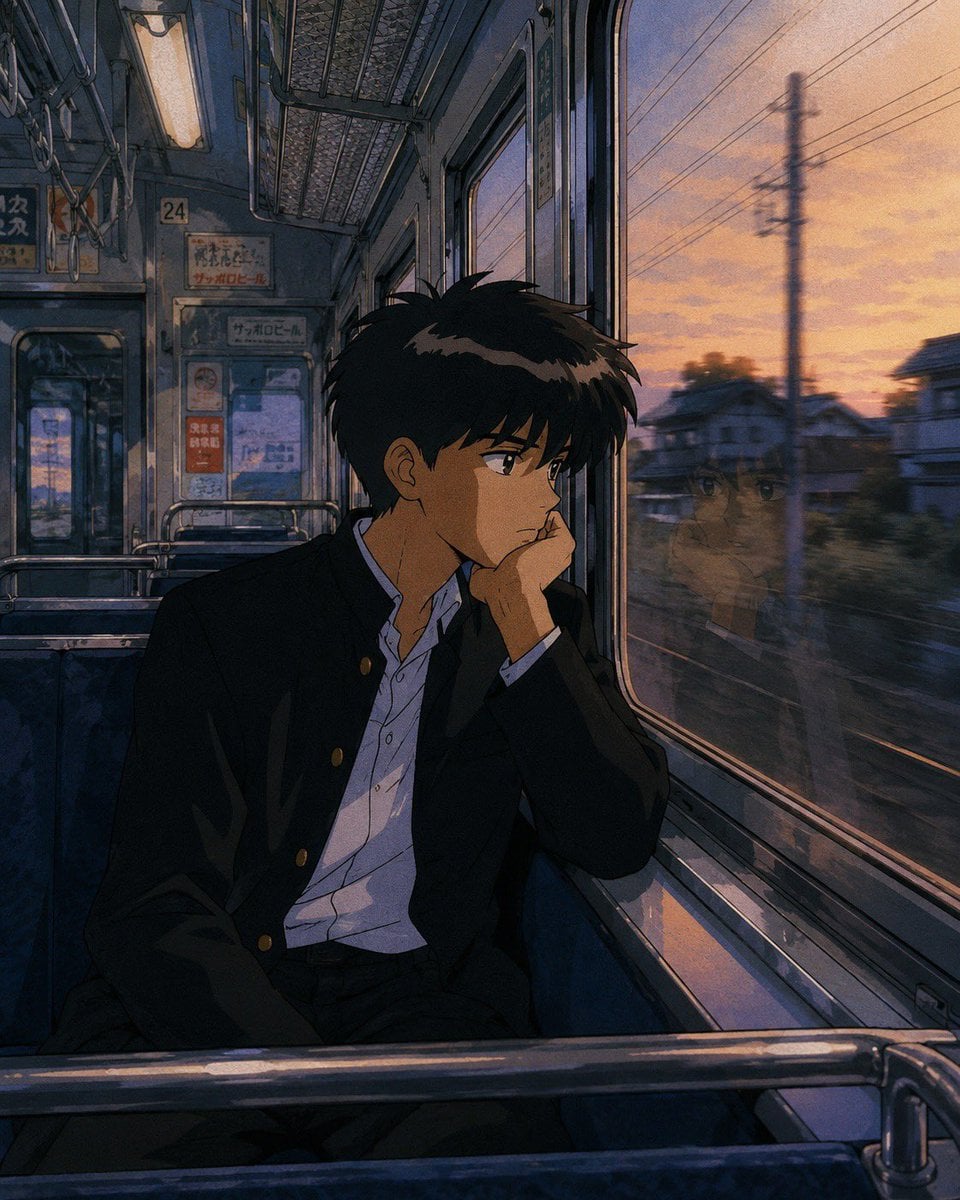
Retro 90s Japanese Anime Scenes

Japanese Architectural Concrete Studio Fashion Campaign

Japanese Minimalist Concrete Studio Fashion Editorial

Blue Backdrop Luxury Fashion Portrait Campaign

Nostalgic Digicam Café Afternoon Portrait
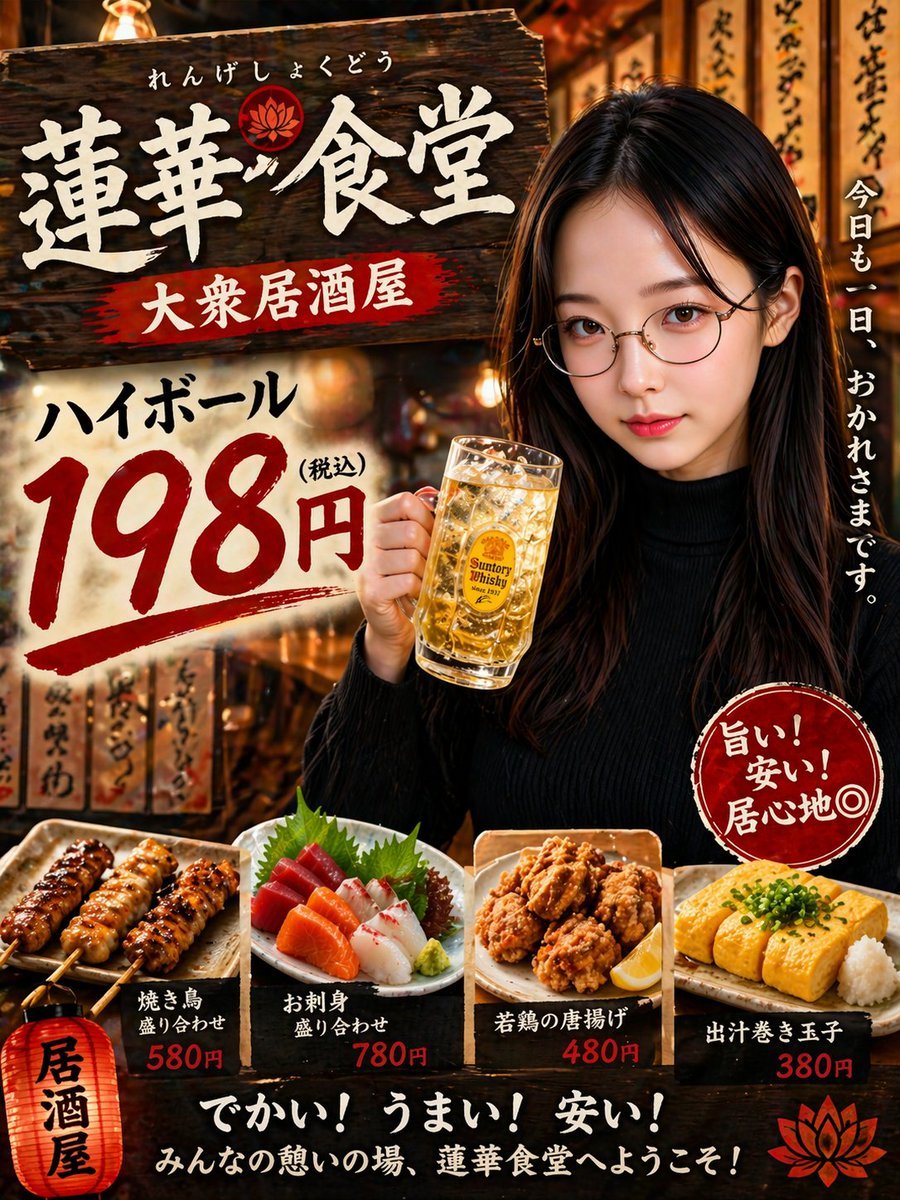
Japanese Izakaya Highball Poster
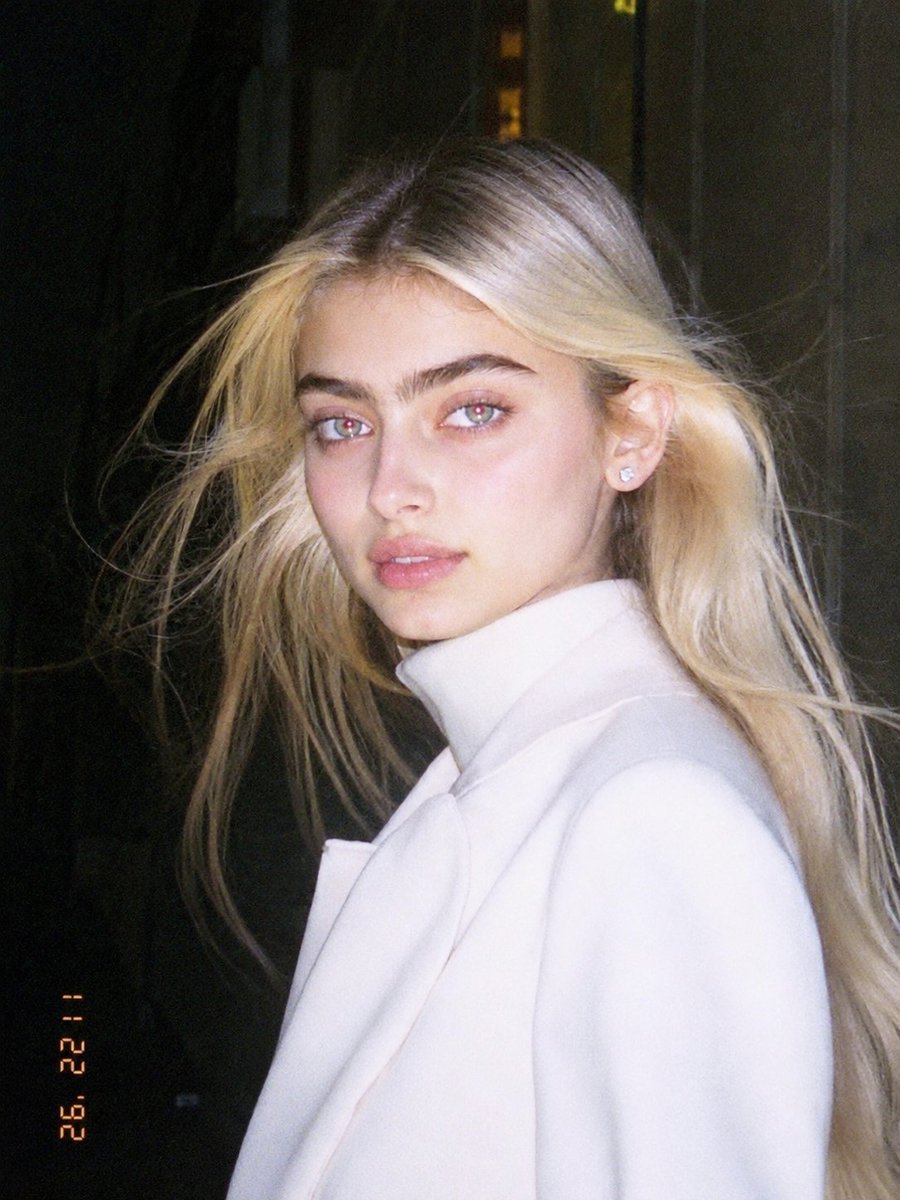
1990s Flash Camera Snapshot Portrait
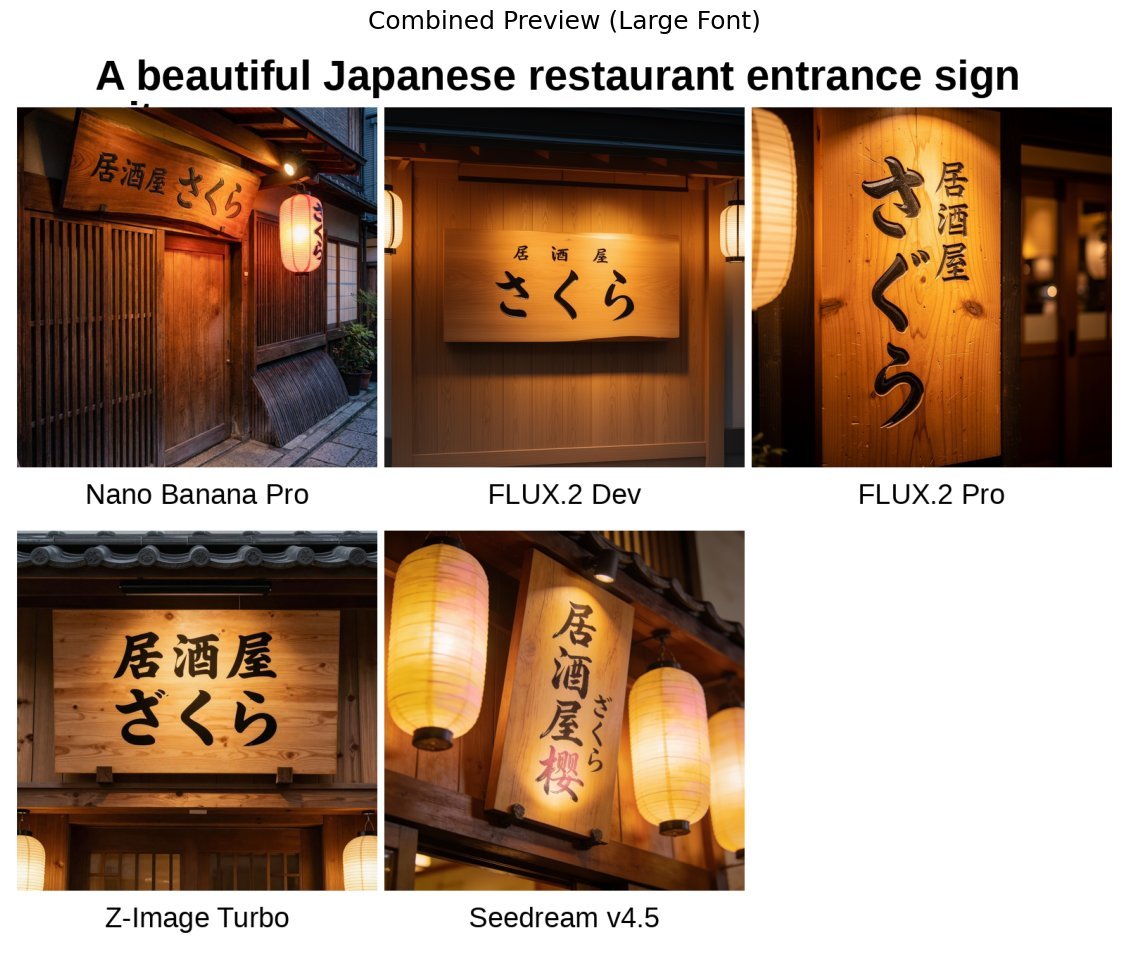
Japanese izakaya entrance sign image prompt for Nano Banana Pro
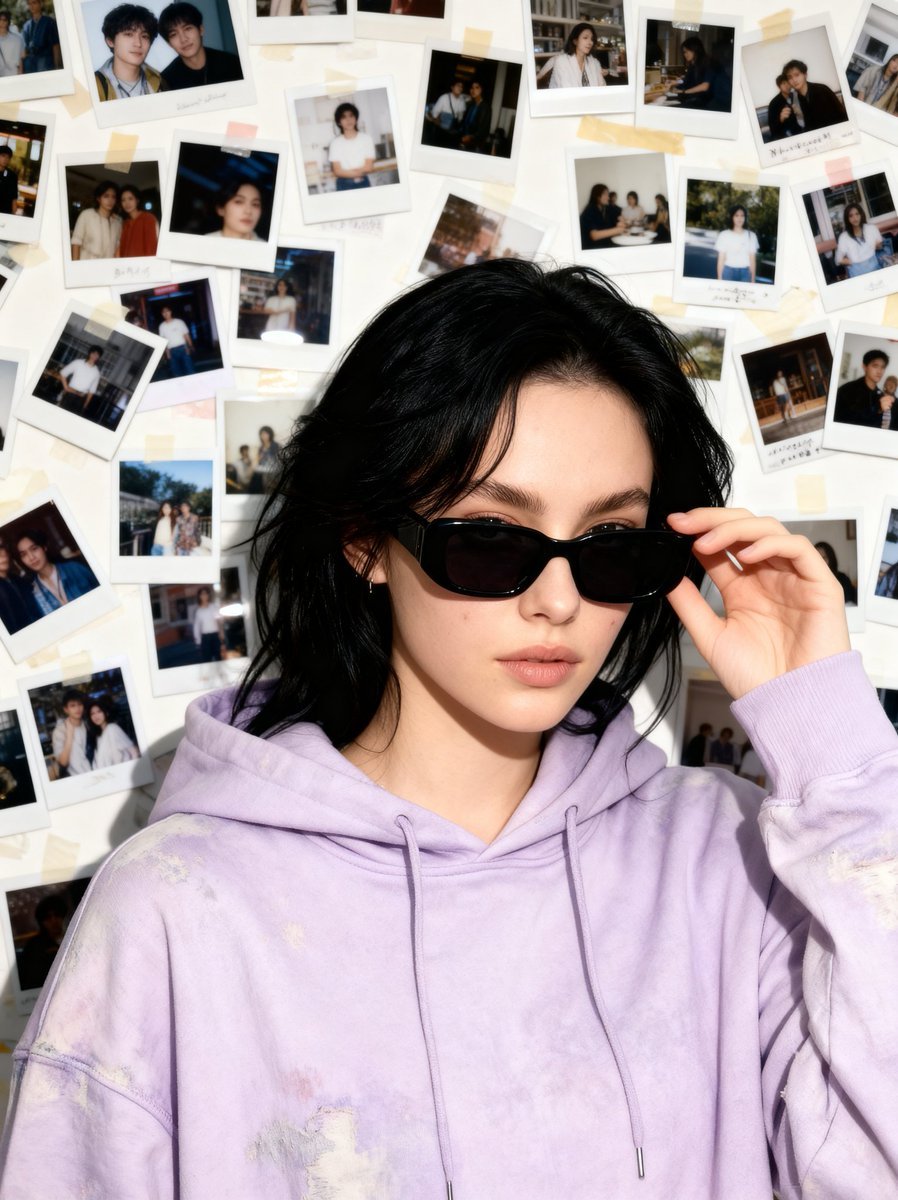
Nostalgic 90s Disposable Camera Snapshot

Japanese Film Reflection Idol
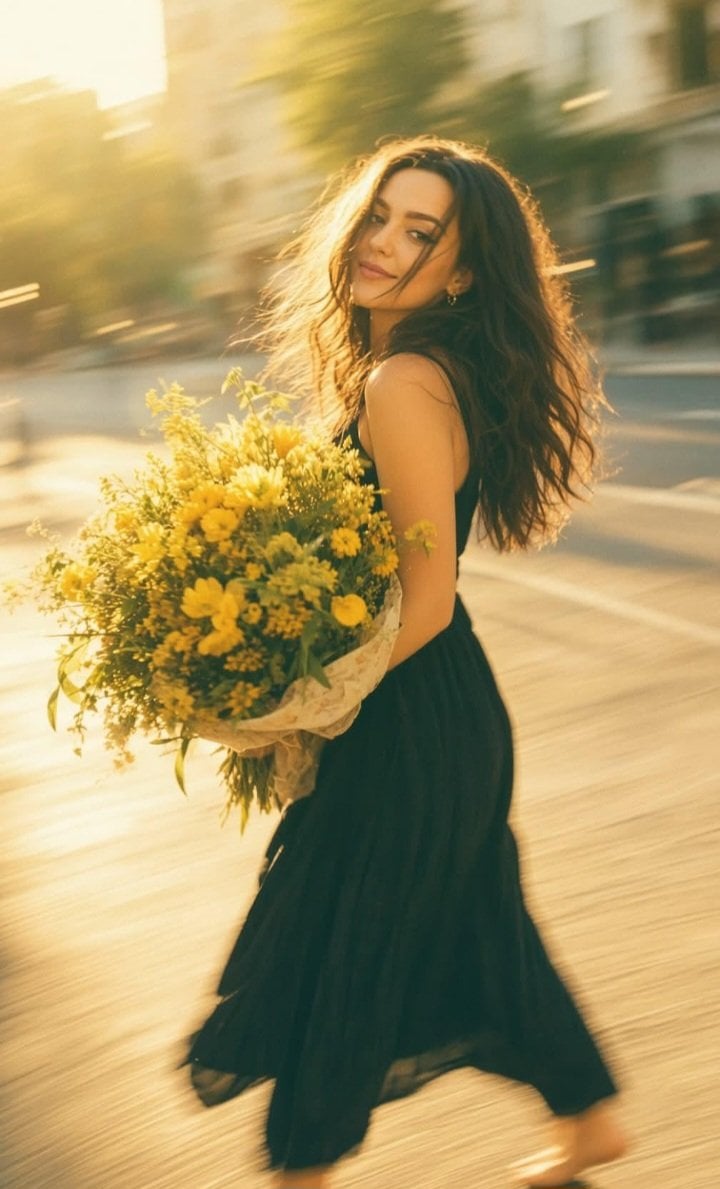
Consistent Series Character Street Snapshot
Make it yours
90s Japanese Izakaya Snapshot works as-is. These are the safest ways to change it without losing the look.
Change one field
Copy a single group, rewrite it, and generate again so you can see what that field is doing.
Keep the frame, change the subject
Hold the composition and light of 90s Japanese Izakaya Snapshot, then swap wardrobe, props or the person for a new take.
| If the result… | Why | Fix |
|---|---|---|
| The result drifts from the preview | Too many fields changed at once. | Reuse 90s Japanese Izakaya Snapshot as-is first, then change one group — subject, light, or setting. |
| The model over-stylizes the scene | The prose prompt leaves finish and camera underspecified. | Add one camera or lighting sentence and stay on GPT Image 2. |
More GPT Image 2 templates
Other prompts made for GPT Image 2.

Realistic Portrait of Woman and Deer

The Vista Modular Condo Poster

AI Model Routing Comparison Infographic

2.5D Anime Art Board

Isometric Productivity Desk Scene

New York Double Exposure Poster

Four-Panel AI Landscape Comparison

NESCAFÉ Coffee Map Poster

Brutalist Cogito Chinese Typography Poster

Cinematic Luxury Terrace Portrait
More image prompts
Fresh picks from across the catalog.
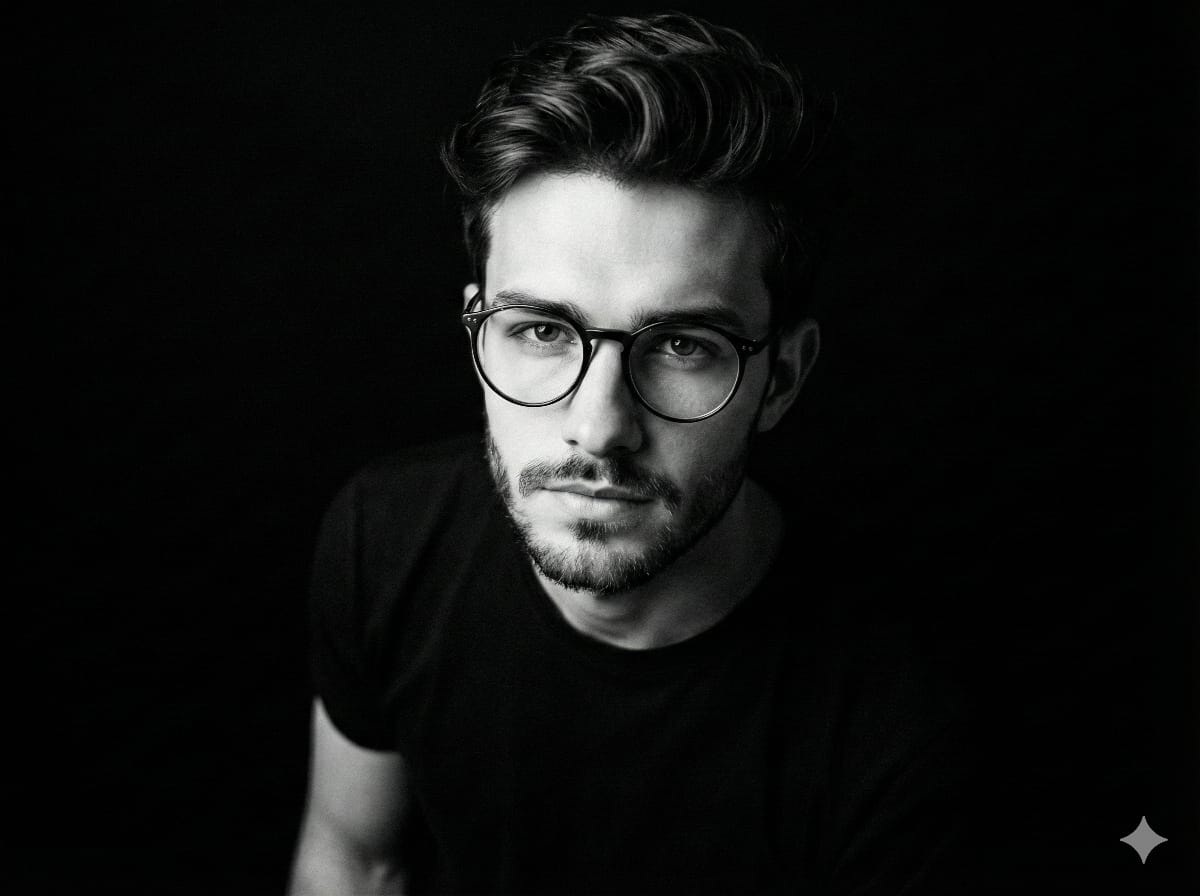
Black and White Portrait Generation Prompt
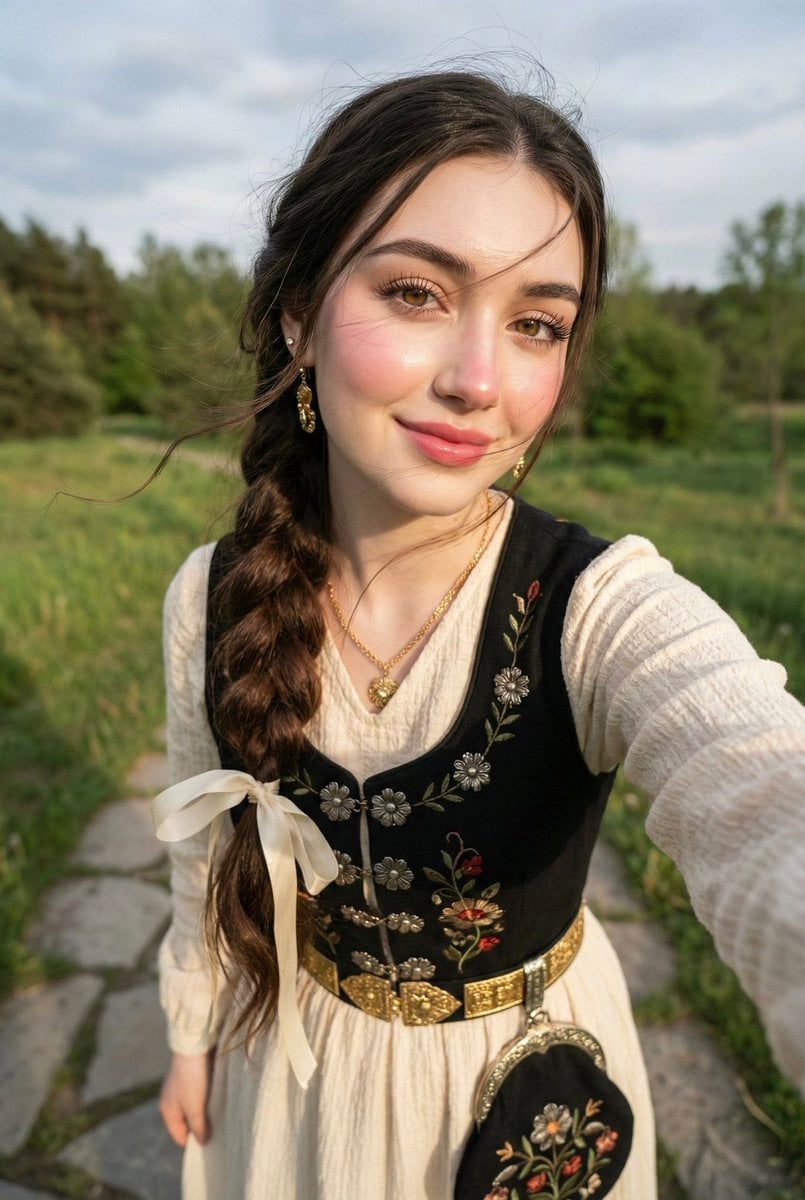
Traditional Attire Portrait with Strict Face Preservation Prompt
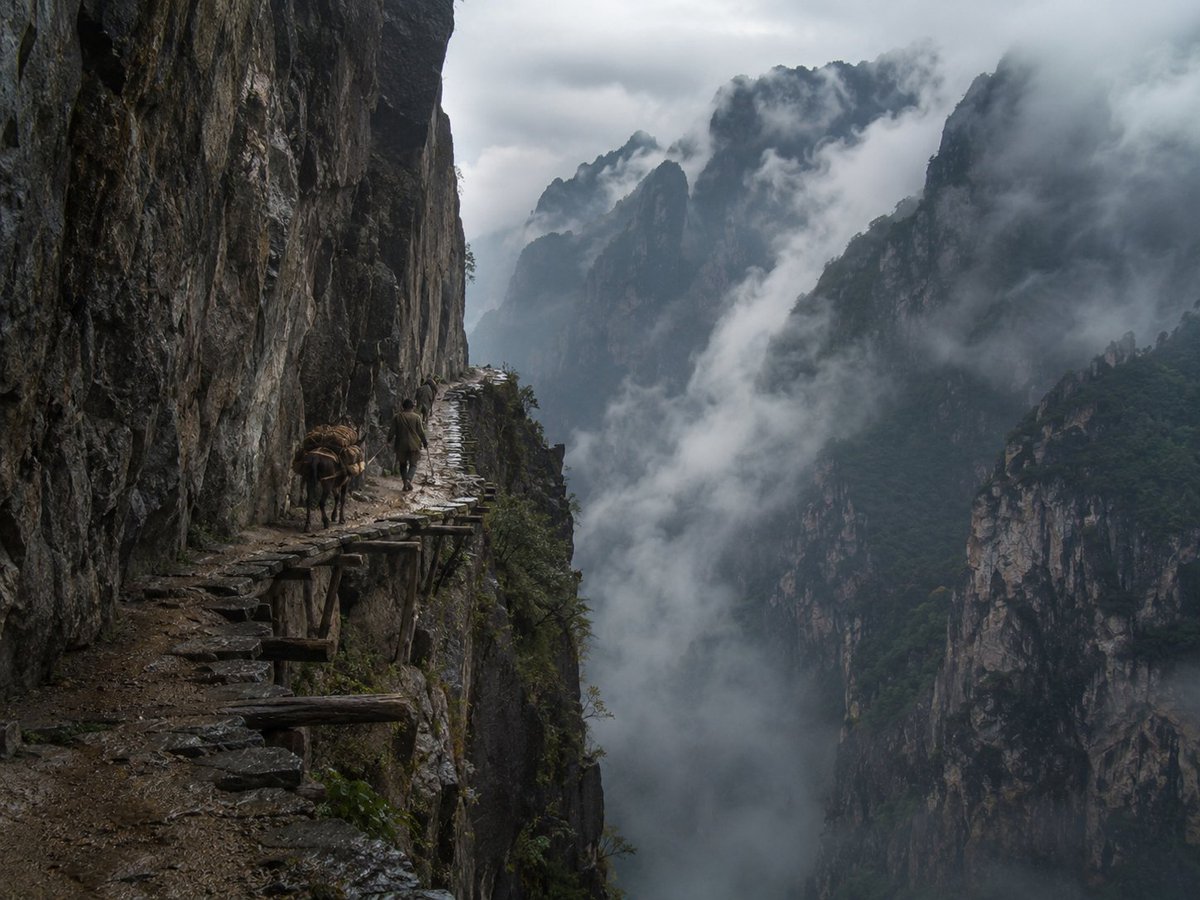
Misty Cliff Plank Road Photograph
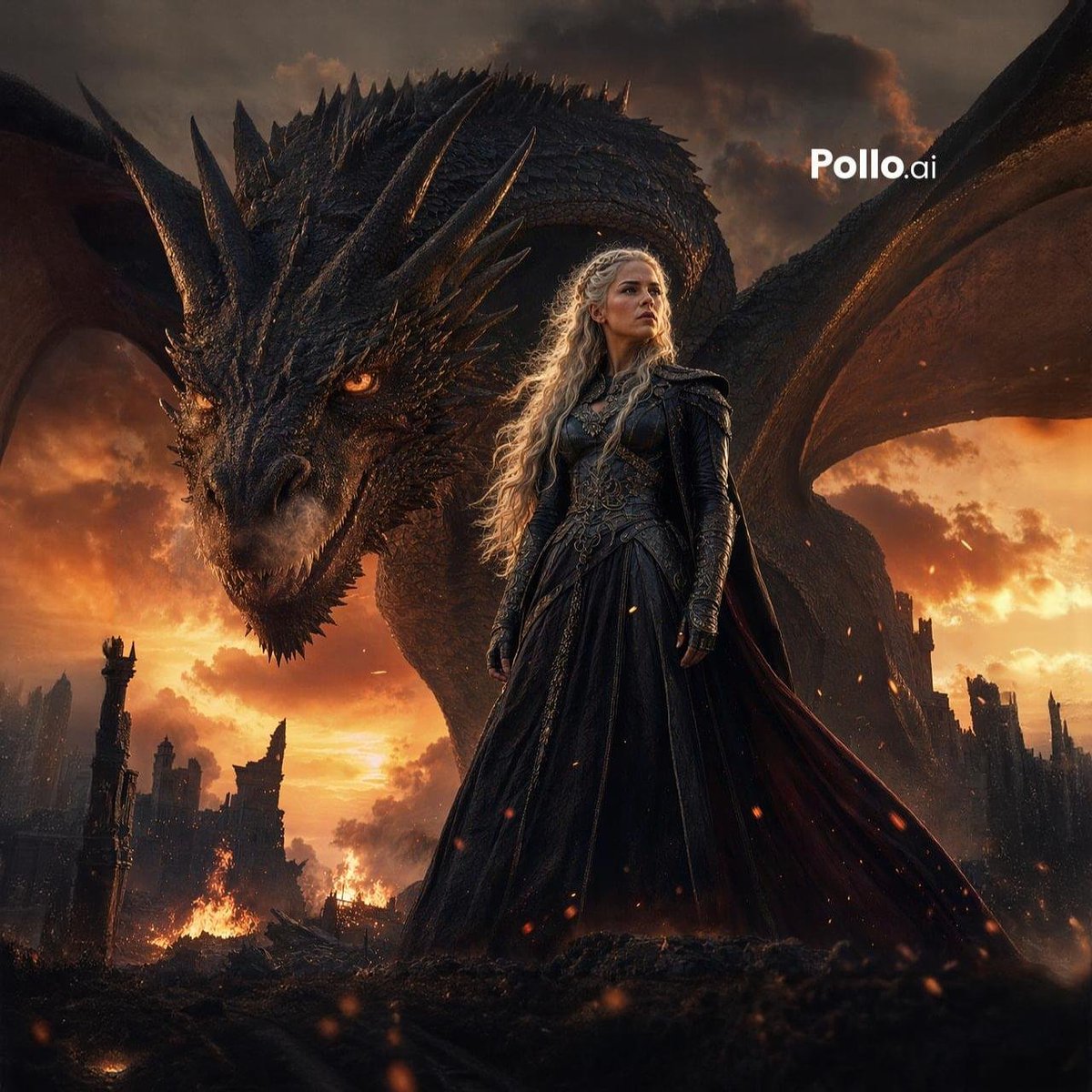
Dragon Queen at Burning Sunset
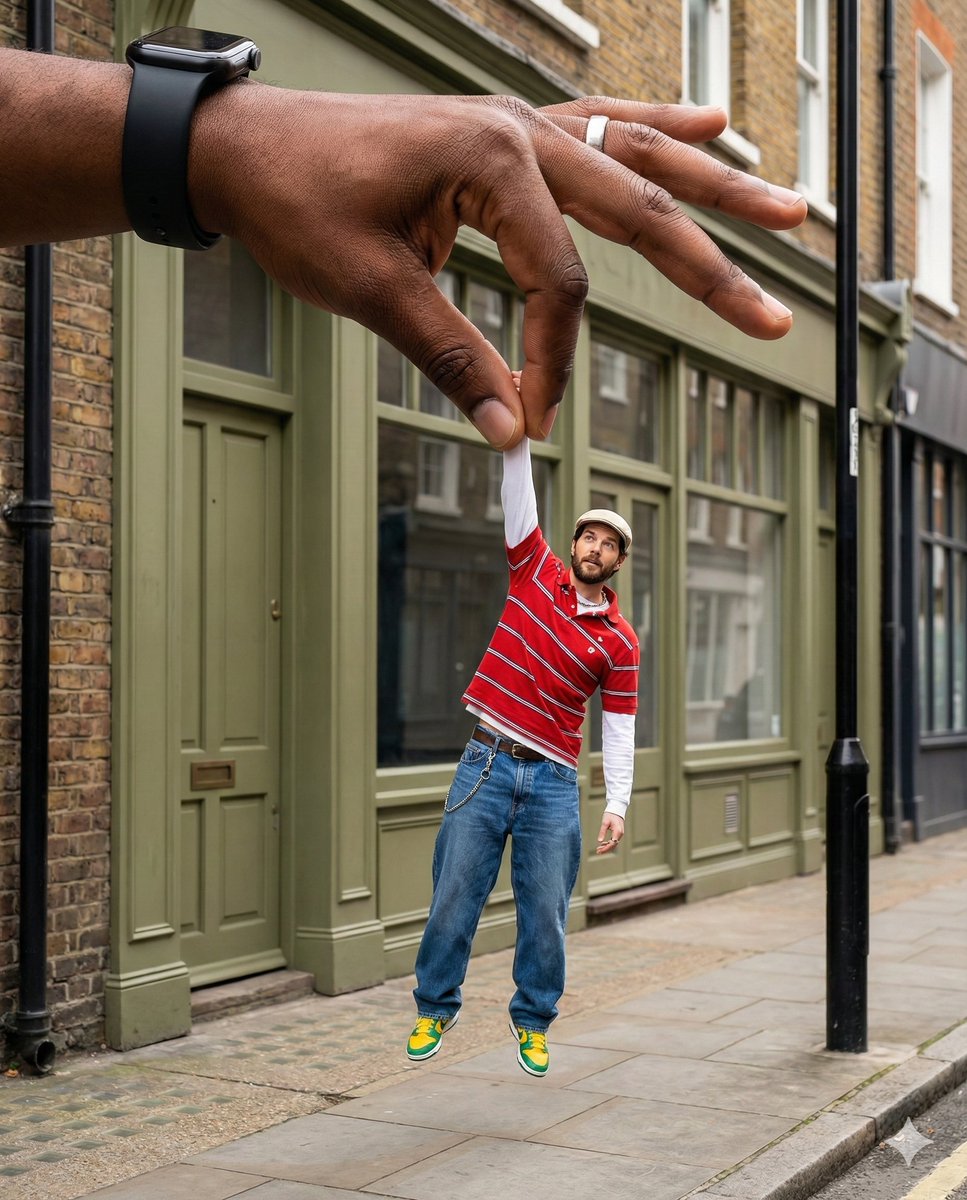
Surreal Forced-Perspective Street Photography with Giant Hand
2D Cartoon Illustration from Photo Prompt
Isometric 3d Weather Card for Shanghai
Dramatic Spotlight Portrait
Retro Minimalist Balloon Dog Illustration
Watercolor Illustration of a Cute Owl with Pink Roses
Browse template categories
90s Japanese Izakaya Snapshot questions
How do I use the 90s Japanese Izakaya Snapshot template?
Add your photo if the template asks for one, edit the prompt if you like — the template's model and format are already selected — and press Generate. Your version opens in PicX Studio.
Can I customize the 90s Japanese Izakaya Snapshot template?
Yes. You can change the subject, setting, lighting, mood, format, and available model controls before creating your image.
Is the 90s Japanese Izakaya Snapshot template free?
Opening and editing this template is free. Generating uses credits, shown on the Generate button when you are signed in.
Which AI model should I use?
Start with GPT Image 2, which is the model associated with this template. You can compare another compatible model for a different finish.
Looking for something else? Browse all templates.

Your photo, any look
Thousands of ready templates for every top image and video model, from one credit balance.