
X Timeline Breakout Digital Art
A dynamic prompt for creating digital art of a character breaking through the X (Twitter) user interface, including UI elements like cracked screens and glass shards.
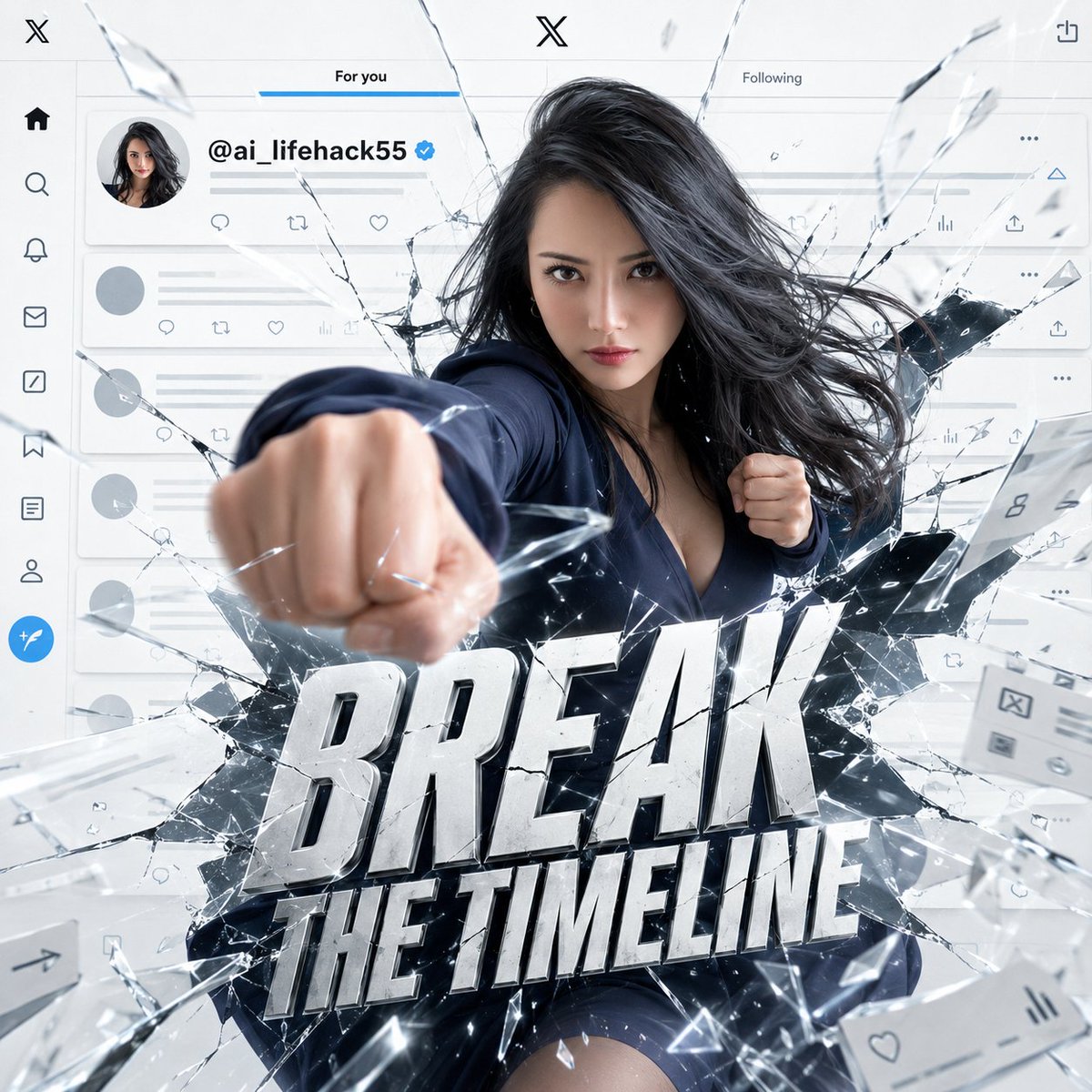
- Prompt included
- Model and format preset
- Free template
The prompt behind this image
Copy the exact prompt behind X Timeline Breakout Digital Art, or open it in the studio and make it yours.
{argument name="参照アバター" default="[人物像]"} = [参照アバター] [入力項目] {argument name="画像比率" default="1:1"} = 1:1 / 4:5 / 9:16 {XユーザーID} = @your_account {argument name="メイン文字" default="BREAK THE TIMELINE"} = BREAK THE TIMELINE [本文] {参照アバター}を同一キャラクターとして使用する。顔立ち、髪型、髪色、体型、衣装、色、雰囲気を維持し、別人化させない。表情は笑顔ではなく、口角を上げず、唇を固く結び、眉をわずかに寄せた、鋭く反抗的で覚悟のある表情にする。 {画像比率}のシネマティックなデジタルアート。背景は明るい白を基調としたXのライトモード風タイムラインUI。スマホ本体ではなく、UI画面そのものがキャンバス全面にフルブリードで広がっている。外側のスマホ枠、黒いベゼル、端末の縁は表示しない。 上部には白いヘッダー、中央の黒いXマーク、2タブ構成のナビゲーション。背景には投稿カード、プロフィール丸アイコン、返信・リポスト・いいね・表示数・共有アイコンが並び、洗練されたミニマルなXタイムラインとして見える。投稿文は薄いグレーのダミーテキストラインで処理し、目立つ投稿カードまたはプロフィール行に「{XユーザーID}」だけを鮮明に表示する。 {参照アバター}がXのタイムライン画面を内側から物理的に殴り破り、割れた透明スクリーンとUIレイヤーを突き破って前方へ飛び出してくる。片拳をカメラ方向へ強く突き出し、もう片方の腕を後ろに引き、上半身をひねった躍動感のある破壊ポーズ。拳, 肩, 髪, 衣装に強い動きを出し、突破する瞬間の緊張感と迫力を強調する。 タイムラインそのものが破壊されている。投稿カードは亀裂で分断され、各UIアイコンは割れ目に沿って歪み、白いUIパネルが薄いレイヤーとして剥がれて奥行き方向に飛散している。透明なガラス破片、白いUI破片、細い光の亀裂、衝撃波がカメラに向かって飛び散る。ただしアバターの顔は明瞭に見える。 画面前面の中央から下部寄りに「{メイン文字}」を大きく配置する。単なる文字ではなく、高級広告ポスターのメインタイトルロゴとしてデザインする。極太のコンデンスドサンセリフ、Druk、Bebas Neue、Anton、DIN Condensedのような縦長で力強い広告フォント風。白〜シルバーの立体的なベベル、黒いインナーシャドウ、薄いグレーのドロップシャドウ、シャープなエッジ、ガラス状の亀裂、透明破片、リムライト、わずかな衝撃波の歪みを加える。文字は正確につづられ、鮮明で読みやすく、UIや破片に埋もれない。 全体は明るくクリーンなライティング。白、黒、ライトグレー、シルバーを基調に、控えめなブルーまたはシアンのアクセントを加える。高級感のあるシネマティック広告ビジュアル、シャープなディテール、奥行きのあるダイナミック構図。参照アバターのデザイン性を保ちながら、立体感と迫力のあるハイクオリティな仕上げにする。 [禁止事項] 笑顔、楽しそうな表情、かわいいアイドル風、別人化、衣装変更、複数キャラクター、人体・手指破綻、顔が隠れる、X以外のSNS UI、Instagram風、TikTok風、YouTube風、Facebook風、青いTwitter鳥ロゴ、スマホ端末本体、黒ベゼル、黒枠、暗い背景、安っぽい文字、丸文字、ポップ文字、エフェクトなしの文字、文字化け、スペルミス、余計な文字、指定ID以外のアカウント名、破壊感不足、ガラス破片なし、UI破壊なし、平面的、低品質、ぼやけ、血、傷、ホラー表現
How to use X Timeline Breakout Digital Art in 3 steps
- 1Upload ImagePNG, JPG or paste
Add your photo
Upload the photo the template builds on. The prompt, model and format are already set.
- 2…a portrait of your subject in softgolden-hour light, 85mm…
Personalize
Edit the subject and creative details for your destination.
- 3Generate
Generate
Press Generate — your image is created in PicX Studio, so you can compare it with the original and refine one variable at a time.
More like this
Templates with the same subject, style or setup. Open one to see its prompt.
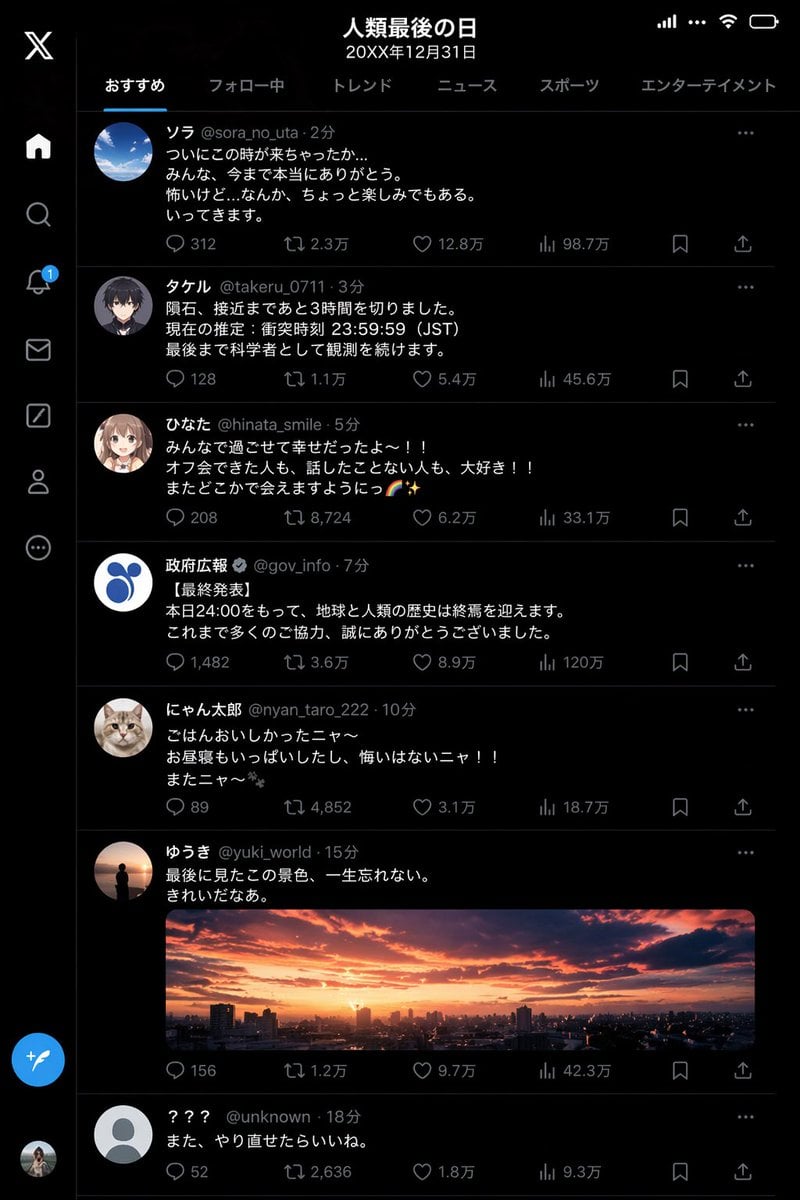
Humanity's Last Day X Timeline
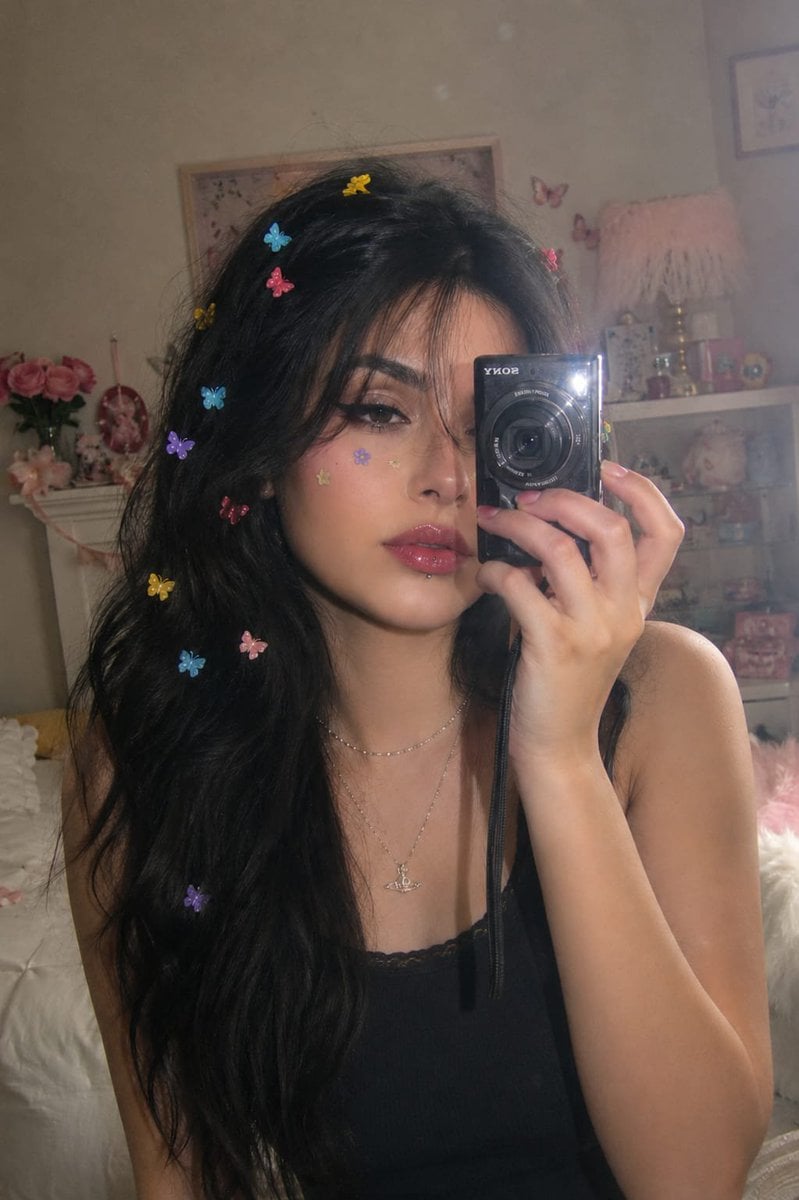
Dreamy Y2K Digital Camera Mirror Selfie
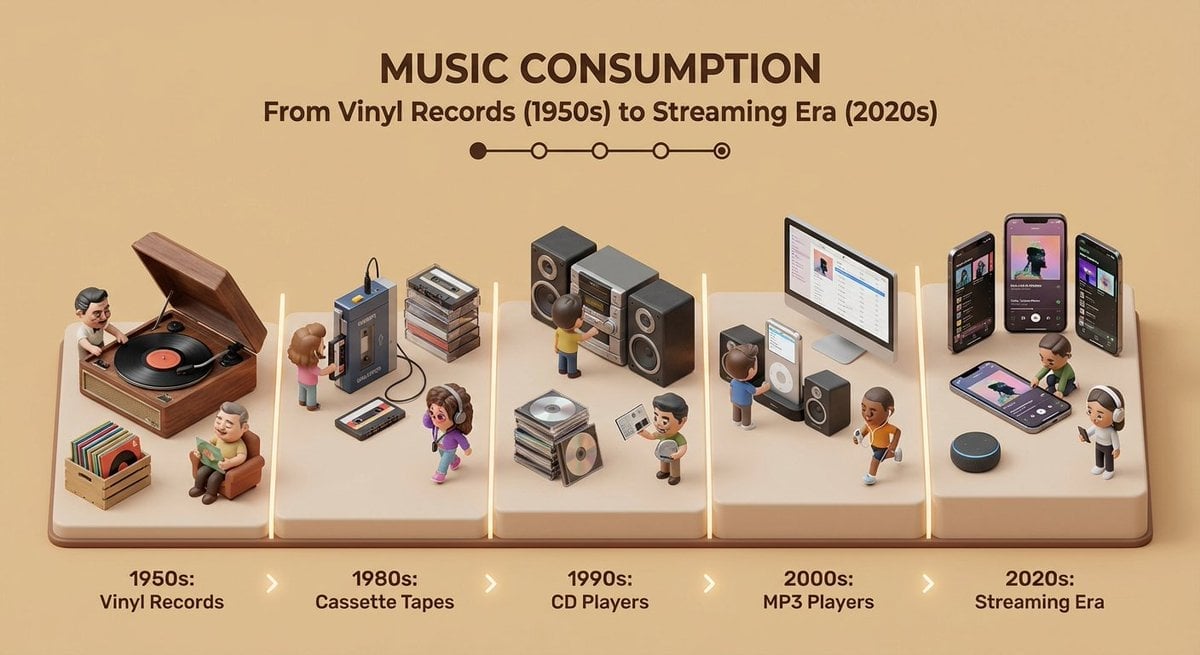
Isometric Evolution Timeline Diorama
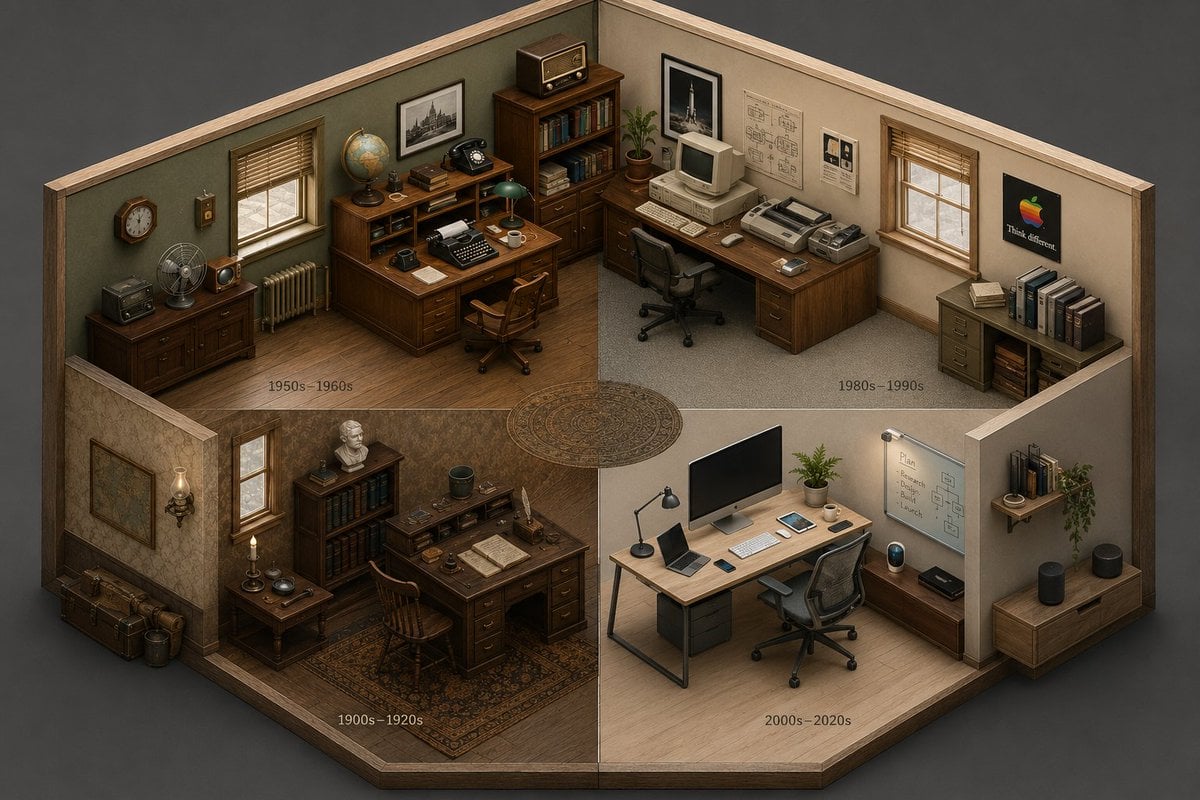
Isometric Room History Timeline

AI Coding Partner Timeline
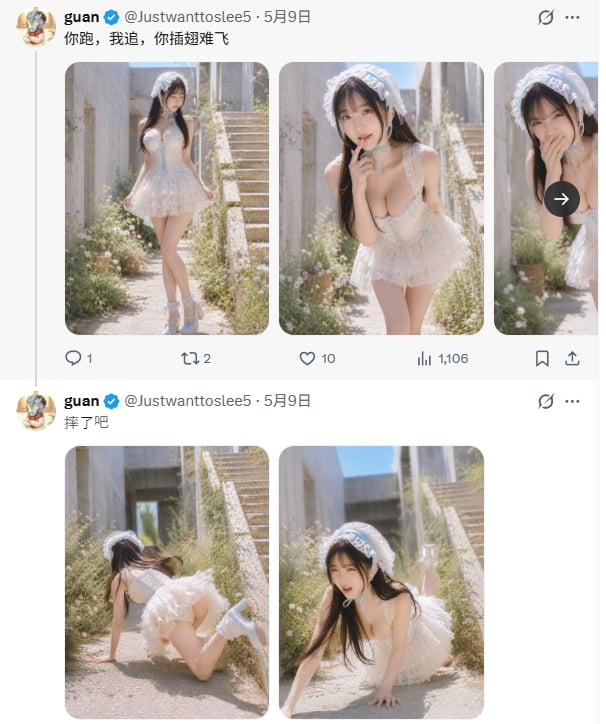
X Timeline With Blurred Fashion Photos
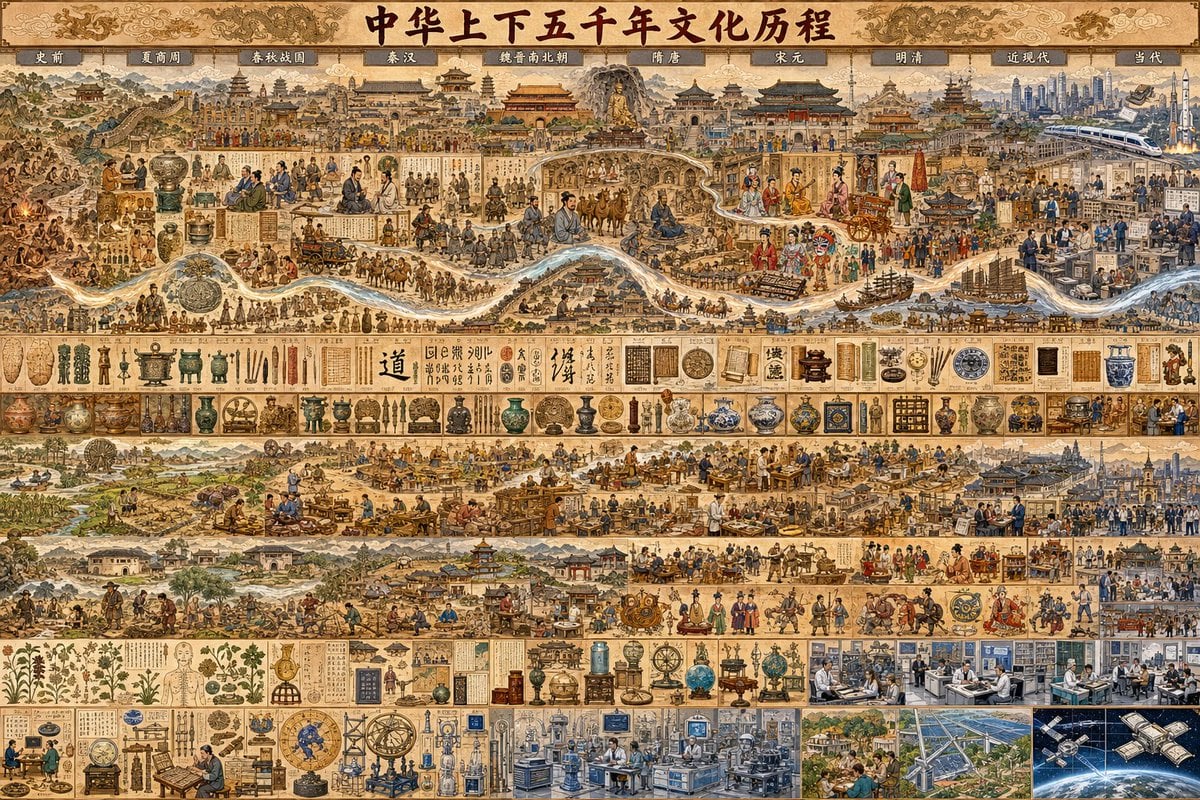
Chinese Civilization Timeline Poster
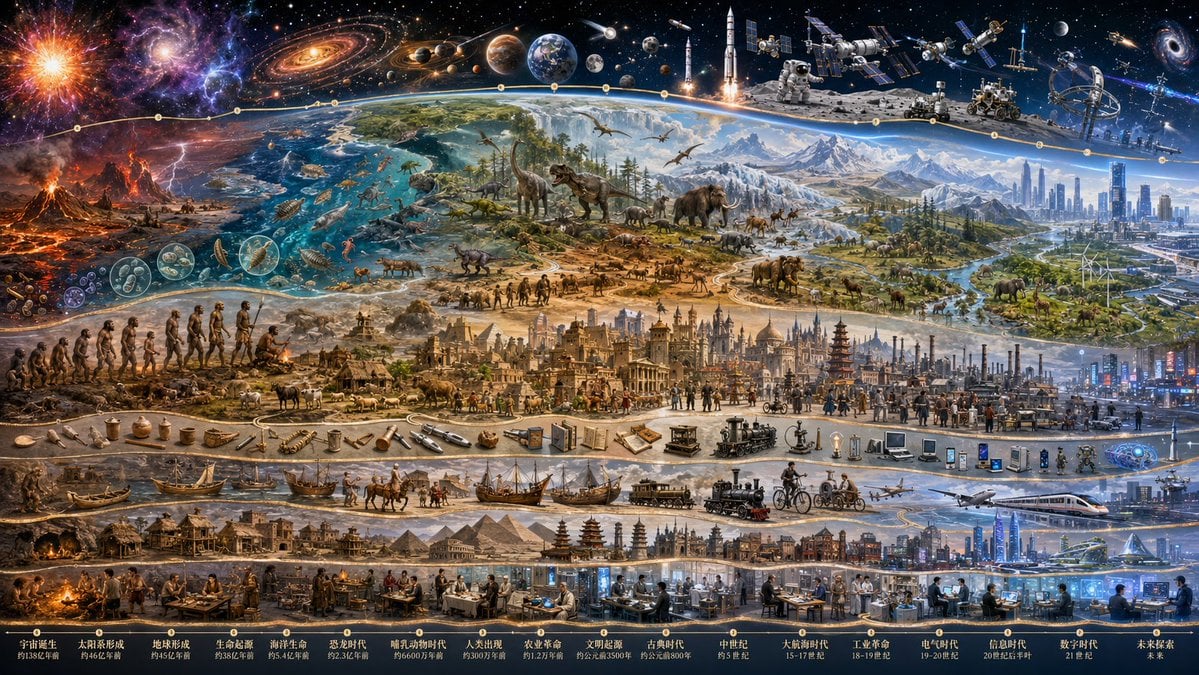
Epic Universe History Timeline Poster
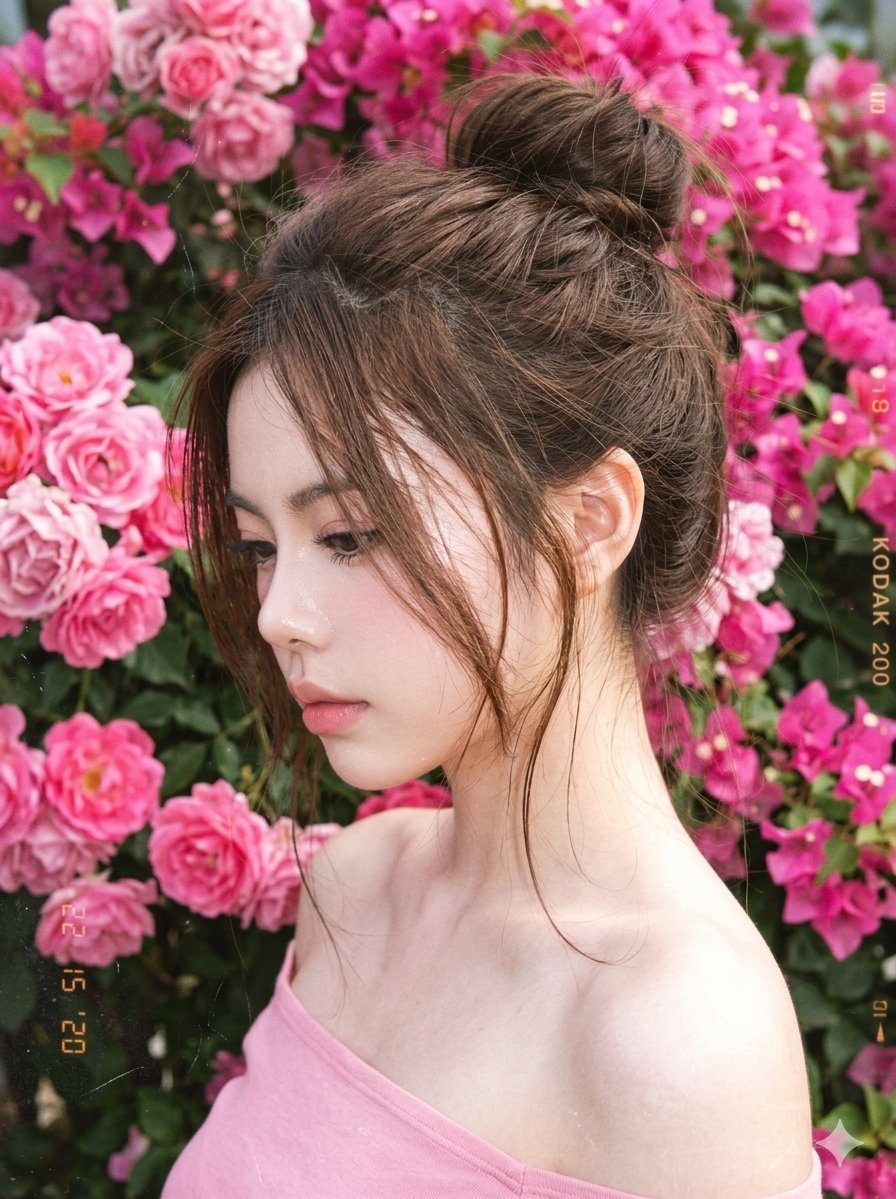
Y2K Style Digital Portrait
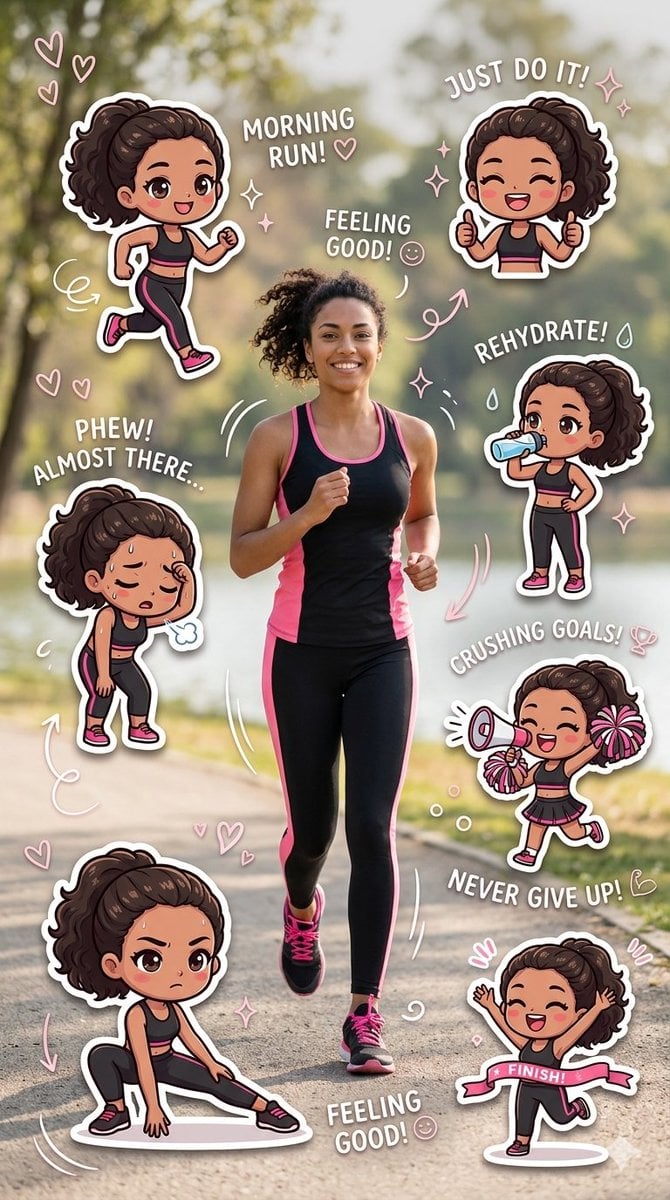
Fitness Journey Digital Collage
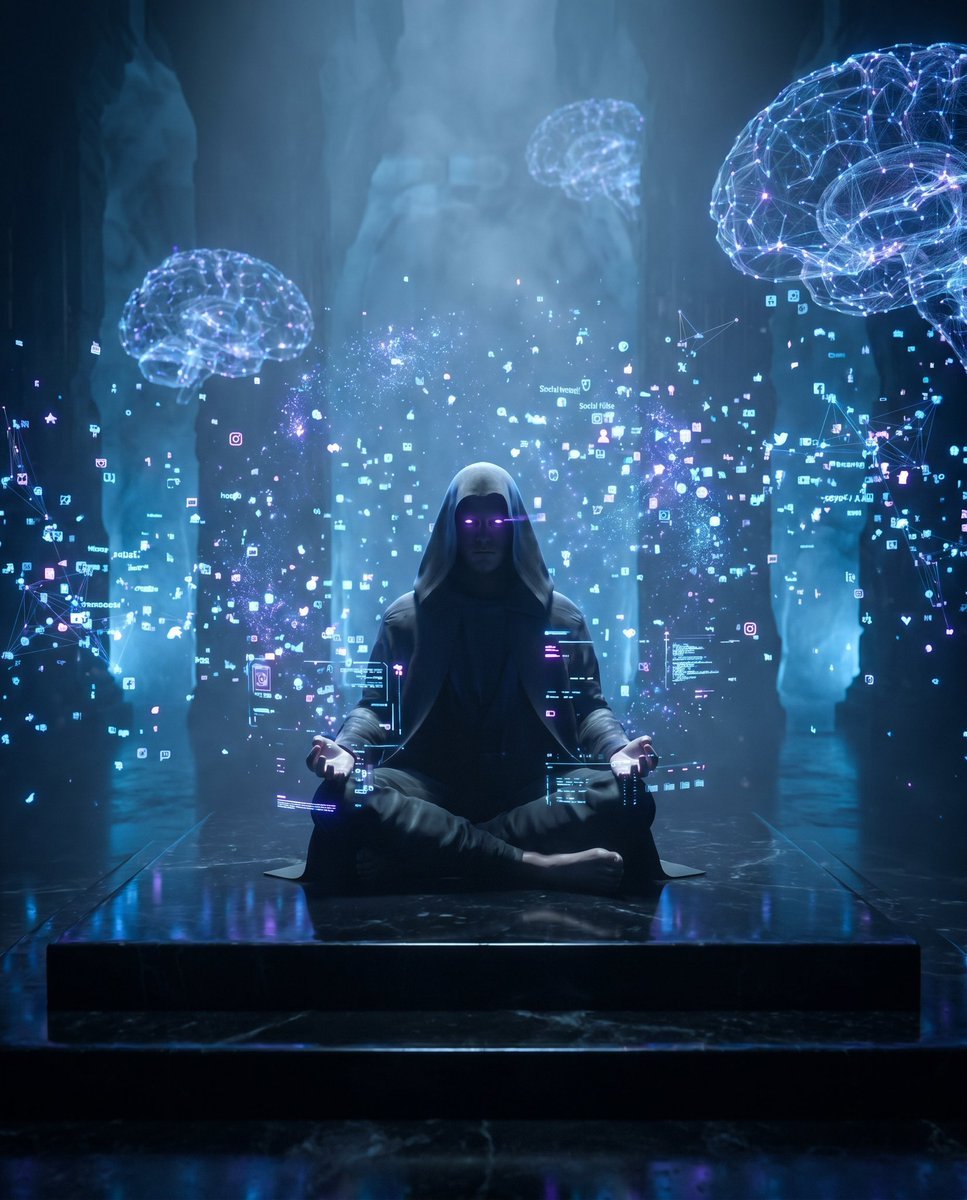
Cyber Spiritualism Digital Monk
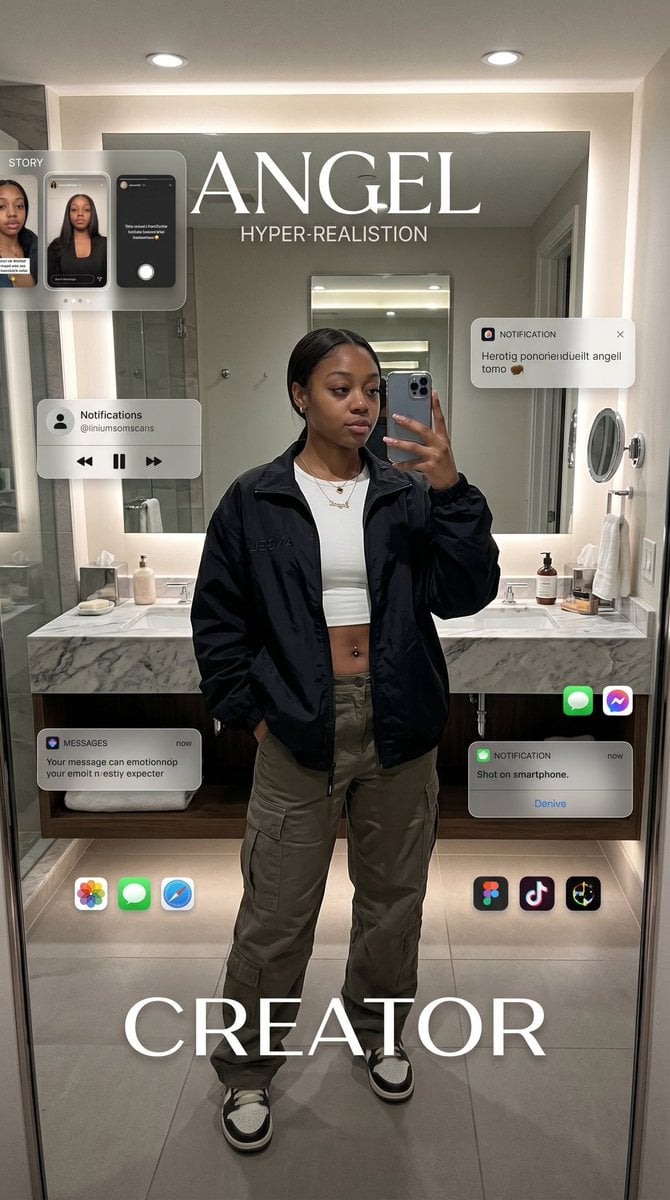
Digital Creator Mirror Selfie Poster
Make it yours
X Timeline Breakout Digital Art works as-is. These are the safest ways to change it without losing the look.
Change one field
Copy a single group, rewrite it, and generate again so you can see what that field is doing.
Keep the frame, change the subject
Hold the composition and light of X Timeline Breakout Digital Art, then swap wardrobe, props or the person for a new take.
| If the result… | Why | Fix |
|---|---|---|
| The result drifts from the preview | Too many fields changed at once. | Reuse X Timeline Breakout Digital Art as-is first, then change one group — subject, light, or setting. |
| The model over-stylizes the scene | The prose prompt leaves finish and camera underspecified. | Add one camera or lighting sentence and stay on GPT Image 2. |
More GPT Image 2 templates
Other prompts made for GPT Image 2.

Six VTuber Japanese Logo Sheet

Realistic Portrait of Woman and Deer

The Vista Modular Condo Poster

AI Model Routing Comparison Infographic

2.5D Anime Art Board

Isometric Productivity Desk Scene

New York Double Exposure Poster

Four-Panel AI Landscape Comparison

Japanese Tatami Lifestyle Magazine Cover

NESCAFÉ Coffee Map Poster
More image prompts
Fresh picks from across the catalog.
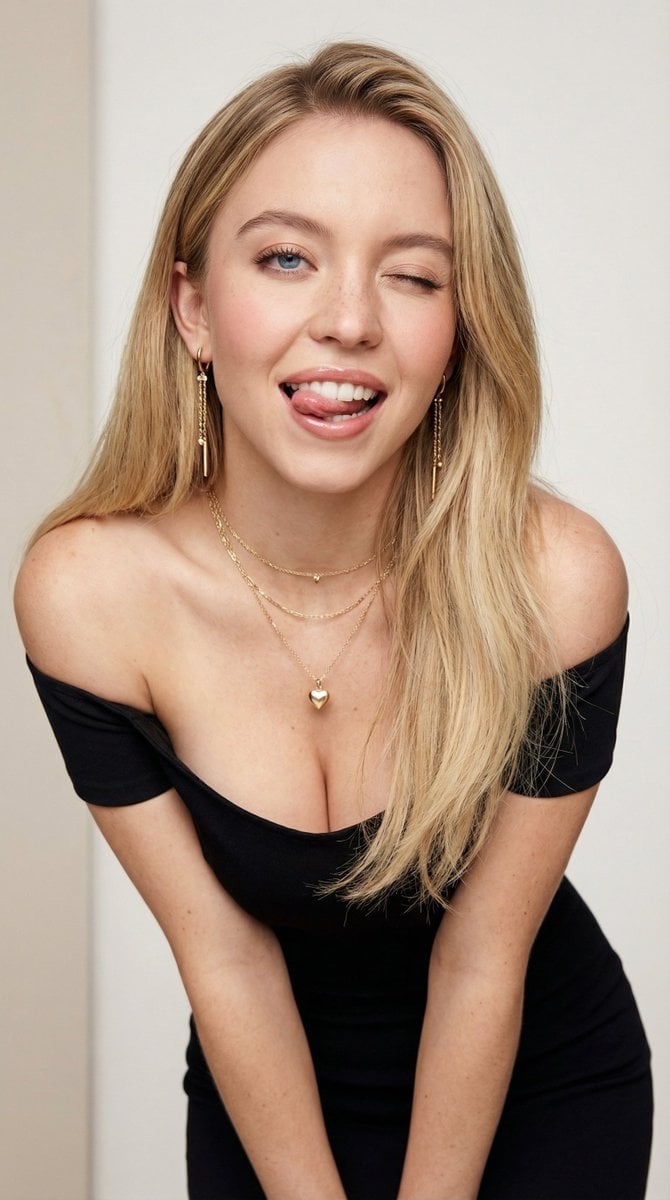
Flirty Studio Portrait Prompt with Wink and Tongue Out
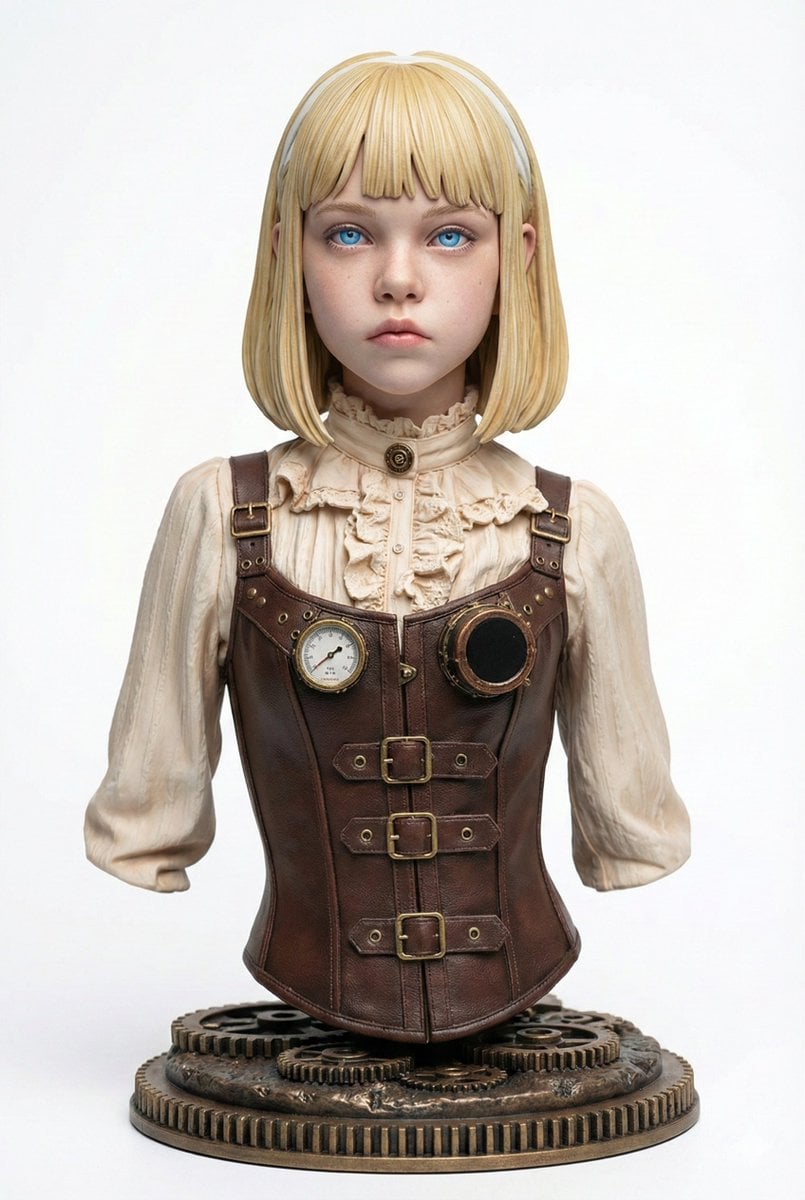
Generating Figure-Style Images from Still Photos
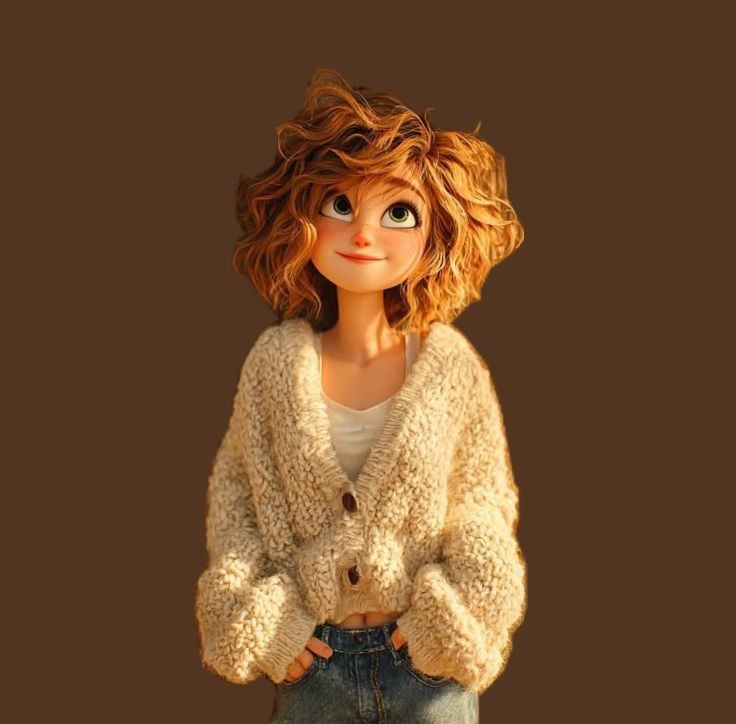
Pixar Style Curly Haired Girl
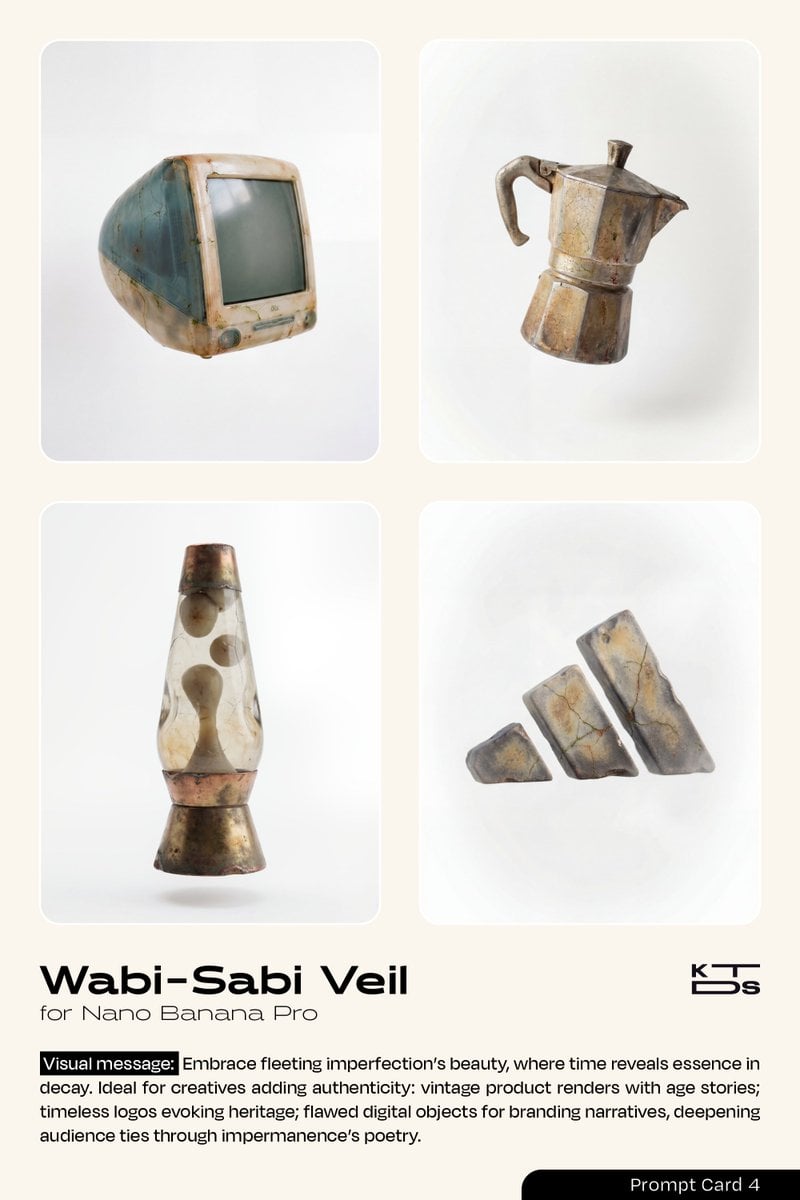
Wabi-Sabi Veil Aesthetic Prompt
Nano Banana Pro Prompt for a Young Japanese Woman Portrait
Surreal Athletic Advertising Art
Japanese Graffiti Art Portrait
Luxury Diamond X Logo
Buenos Aires avenue lettering scene
Anime Fantasy Painter in Blue Atelier
Browse template categories
X Timeline Breakout Digital Art questions
How do I use the X Timeline Breakout Digital Art template?
Add your photo if the template asks for one, edit the prompt if you like — the template's model and format are already selected — and press Generate. Your version opens in PicX Studio.
Can I customize the X Timeline Breakout Digital Art template?
Yes. You can change the subject, setting, lighting, mood, format, and available model controls before creating your image.
Is the X Timeline Breakout Digital Art template free?
Opening and editing this template is free. Generating uses credits, shown on the Generate button when you are signed in.
Which AI model should I use?
Start with GPT Image 2, which is the model associated with this template. You can compare another compatible model for a different finish.
Looking for something else? Browse all templates.

Your photo, any look
Thousands of ready templates for every top image and video model, from one credit balance.