How do I use the Y2K Style Digital Portrait template?
Choose the primary action to open PicX Studio with the available template settings. Review the model and format, personalize the creative direction, and generate when ready.
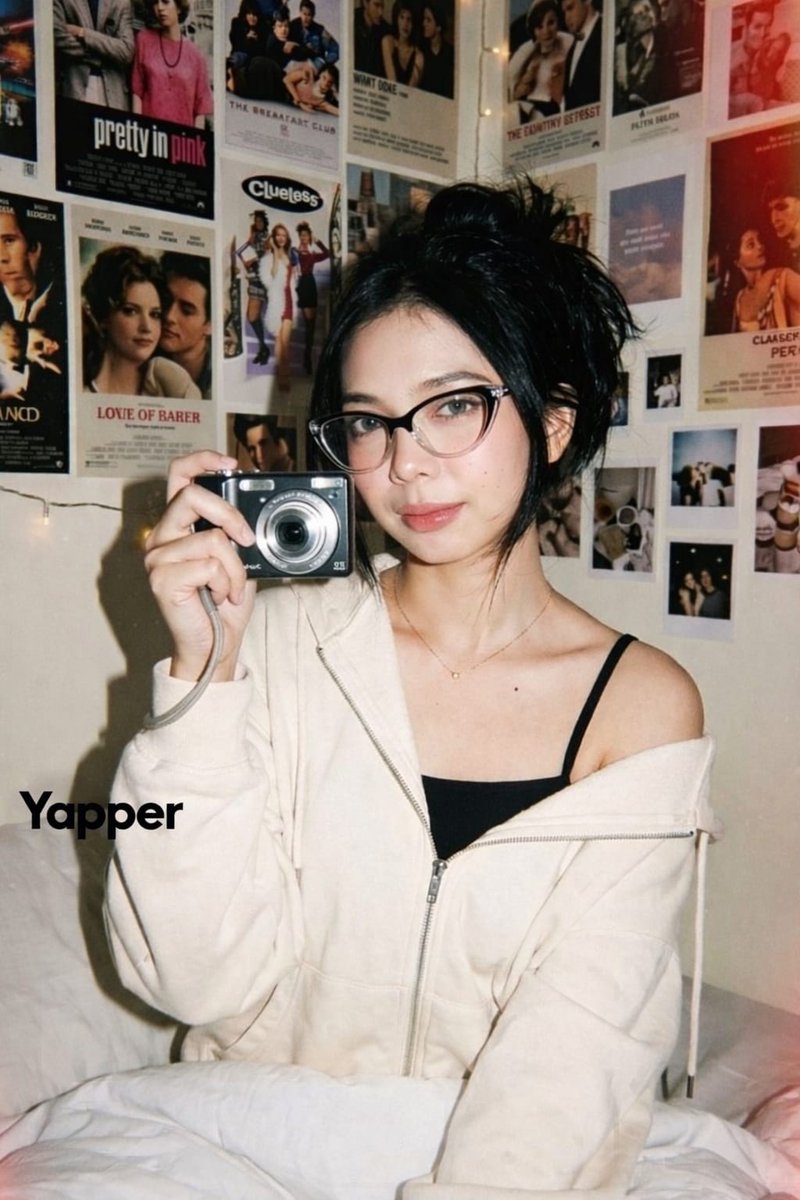
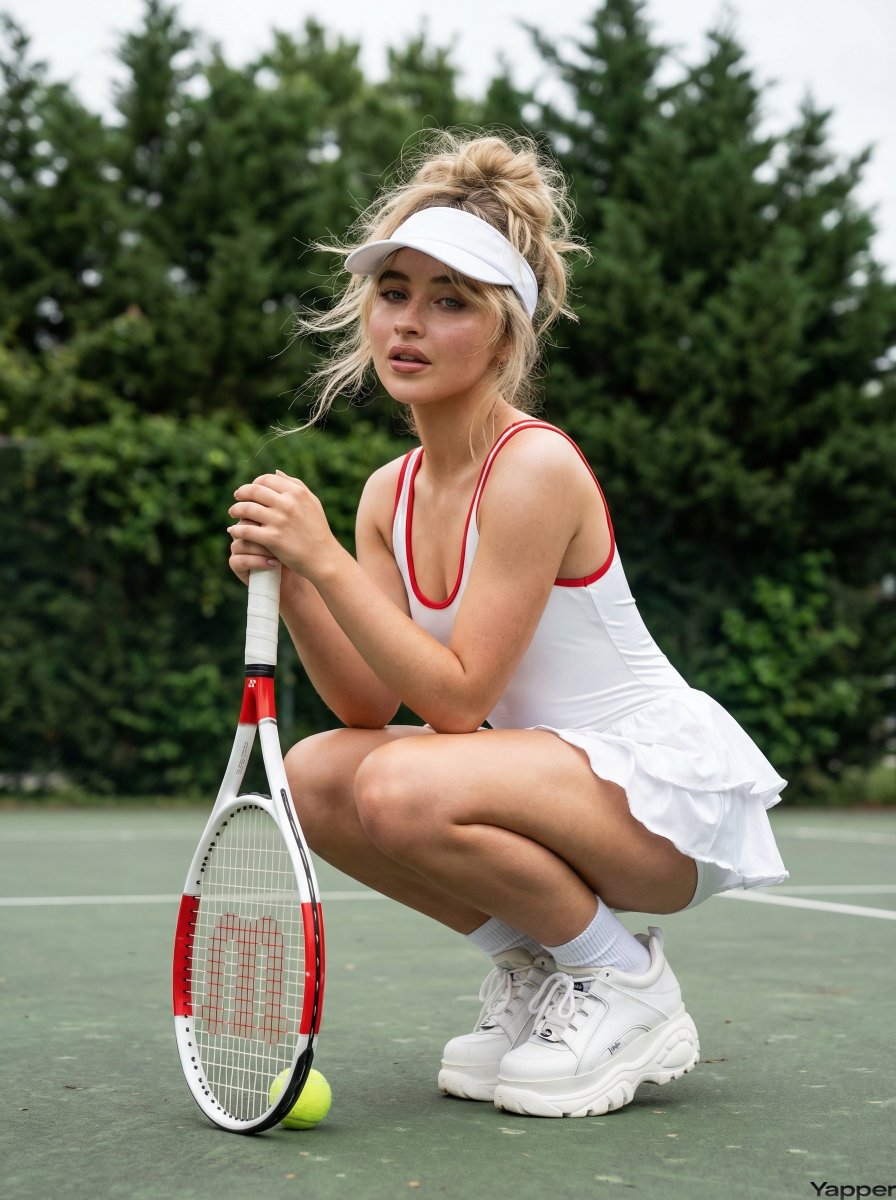
A stylistic prompt intended to recreate the look of a Y2K-era digital photograph with faded tones and film grain, using image-to-image features.
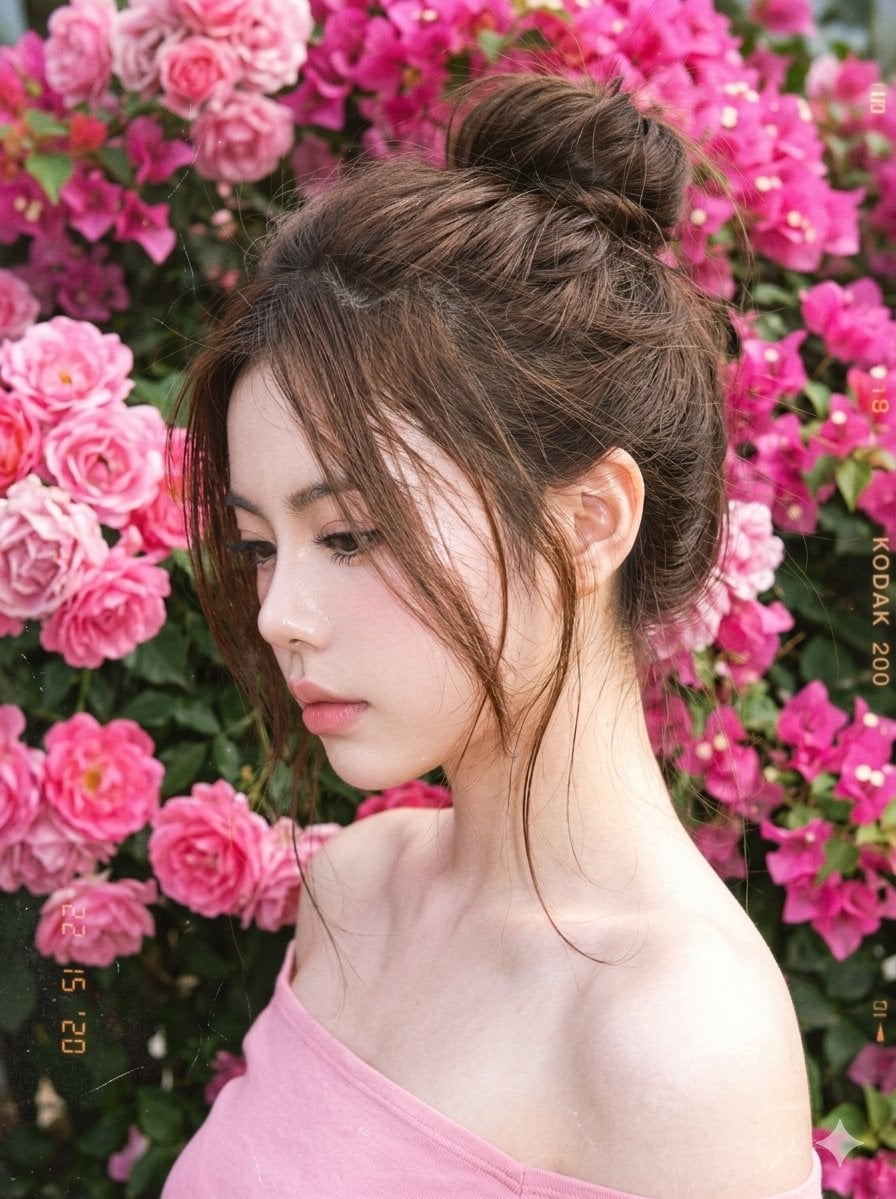
A hyper-realistic Y2K-era digital photograph of an {argument name="subject" default="adult woman"}, use the facial feature of the attached image. Main subject: Soft delicate features, rosy skin. Expression: Looking down, dreamy mood. Camera: Close portrait, direct flash soft falloff. Hair: Messy bun with loose strands. Outfit: {argument name="outfit" default="Pink off-shoulder top"}. Background: {argument name="floral background" default="Bright pink flowers filling frame"}. Composition: Side profile, floral-heavy background. Style: Film-like Y2K, faded tones, grain, scratches. Negative: over-saturation, unrealistic colors
Choose the primary action to open PicX Studio with the available template settings. Review the model and format, personalize the creative direction, and generate when ready.
Yes. You can change the subject, setting, lighting, mood, format, and available model controls before creating your image.
This template is free to open and customize. Generation usage is shown in PicX Studio before you create.
Start with Nano Banana 2, which is the model associated with this template. You can compare another compatible model for a different finish.
Follow a topic to a crawlable collection of related PicX Studio templates.