
High-Contrast Documentary Photo Under a Brutalist Overpass
A detailed prompt for generating a high-contrast, black-and-white documentary photograph, scanned from analog film.
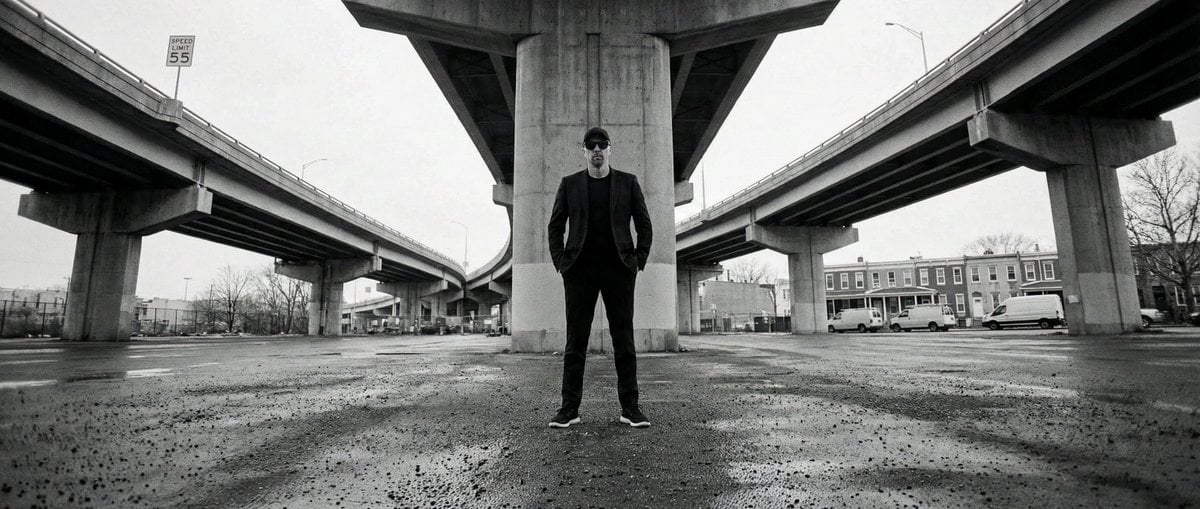
- Prompt included
- Model and format preset
- Free template
The prompt behind this image
Copy the exact prompt behind High-Contrast Documentary Photo Under a Brutalist Overpass, or open it in the studio and make it yours.
High-contrast black-and-white documentary photograph, scanned from an analog film print/book at high resolution, with subtle film grain, faint dust specks, and slight print texture. A wide-angle or fisheye lens creates visible curvature in the elevated roadways as THE_SUBJECT from the uploaded reference photo stands centered in the lower-middle foreground beneath a massive brutalist concrete highway interchange in the United States. THE_SUBJECT’s appearance must match the reference image exactly with zero deviation—no changes to face, hair, clothing, accessories, body type, or expression. The camera is eye-level with deep focus, keeping THE_SUBJECT and distant background elements sharp. Towering reinforced-concrete piers and curving interstate overpasses dominate the upper frame, forming a strong V-shaped architectural canopy above THE_SUBJECT, emphasizing human scale against infrastructure. Overcast daytime skylight provides soft, diffused overhead lighting, while gritty high-contrast processing delivers rich blacks and controlled highlights. Rectangular U.S. speed-limit signs reading “{argument name="speed limit" default="SPEED LIMIT 55"}” are visible on the elevated roadways. The environment includes worn asphalt and concrete pavement with a slight damp sheen in the foreground, leafless trees in the distance, parked box trucks and utility vans, and older urban residential buildings in the far background. The overall mood is cold, industrial, and somber, with a stark, archival street-photography feel.
How to use High-Contrast Documentary Photo Under a Brutalist Overpass in 3 steps
- 1Upload ImagePNG, JPG or paste
Add your photo
Upload the photo the template builds on. The prompt, model and format are already set.
- 2…a portrait of your subject in softgolden-hour light, 85mm…
Personalize
Edit the subject and creative details for your destination.
- 3Generate
Generate
Press Generate — your image is created in PicX Studio, so you can compare it with the original and refine one variable at a time.
More like this
Templates with the same subject, style or setup. Open one to see its prompt.
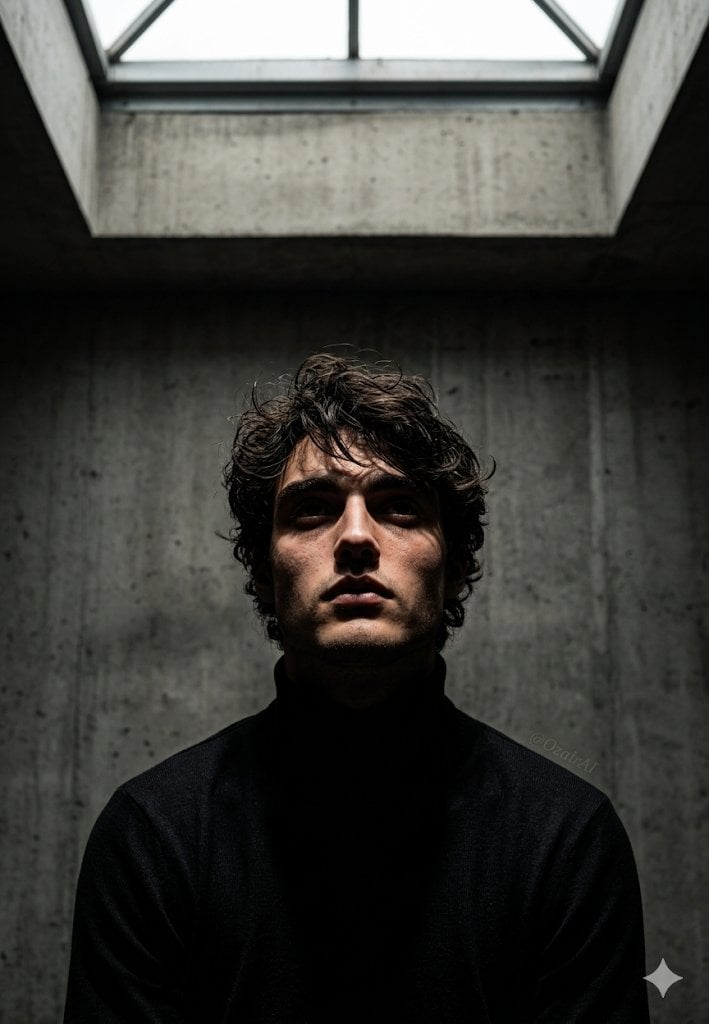
Industrial Brutalist Documentary Portrait

Cinematic Street Fashion Photographer Portrait
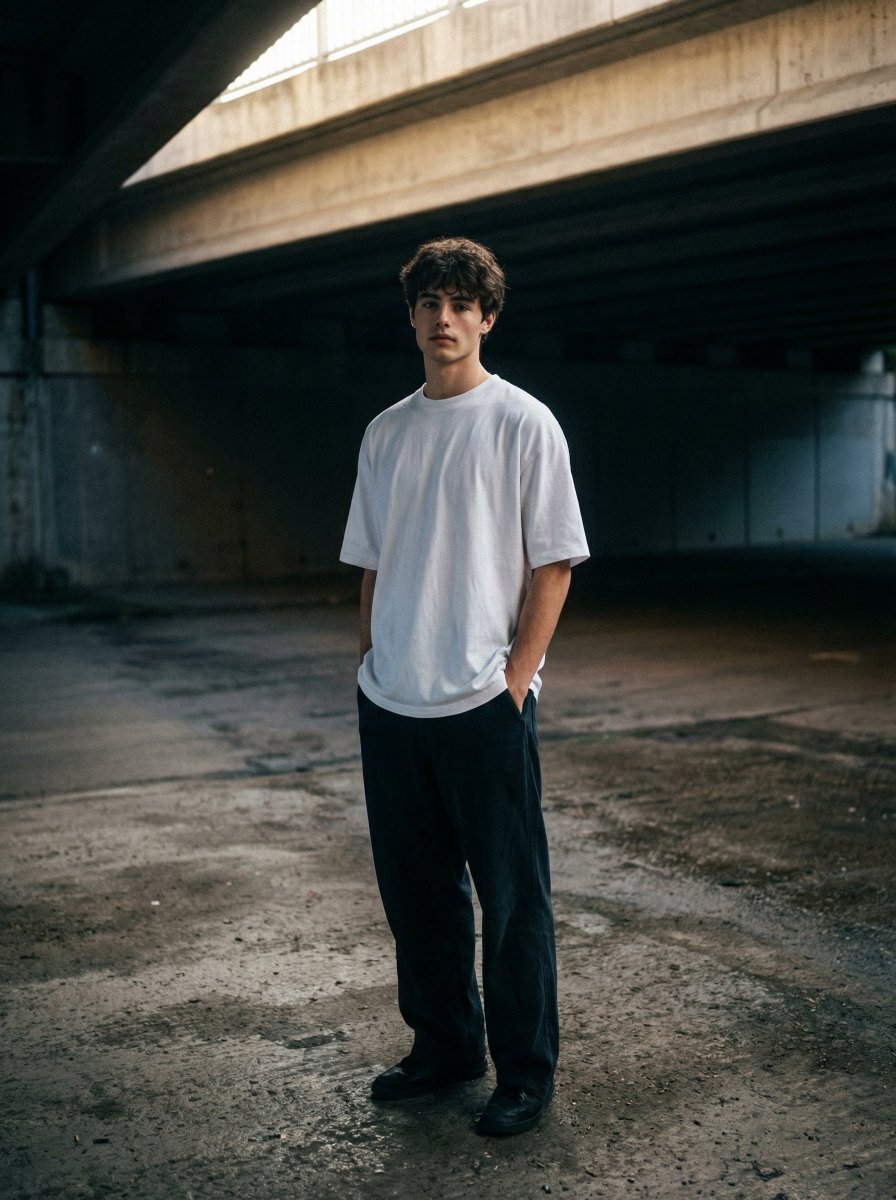
Moody urban portrait under a concrete overpass
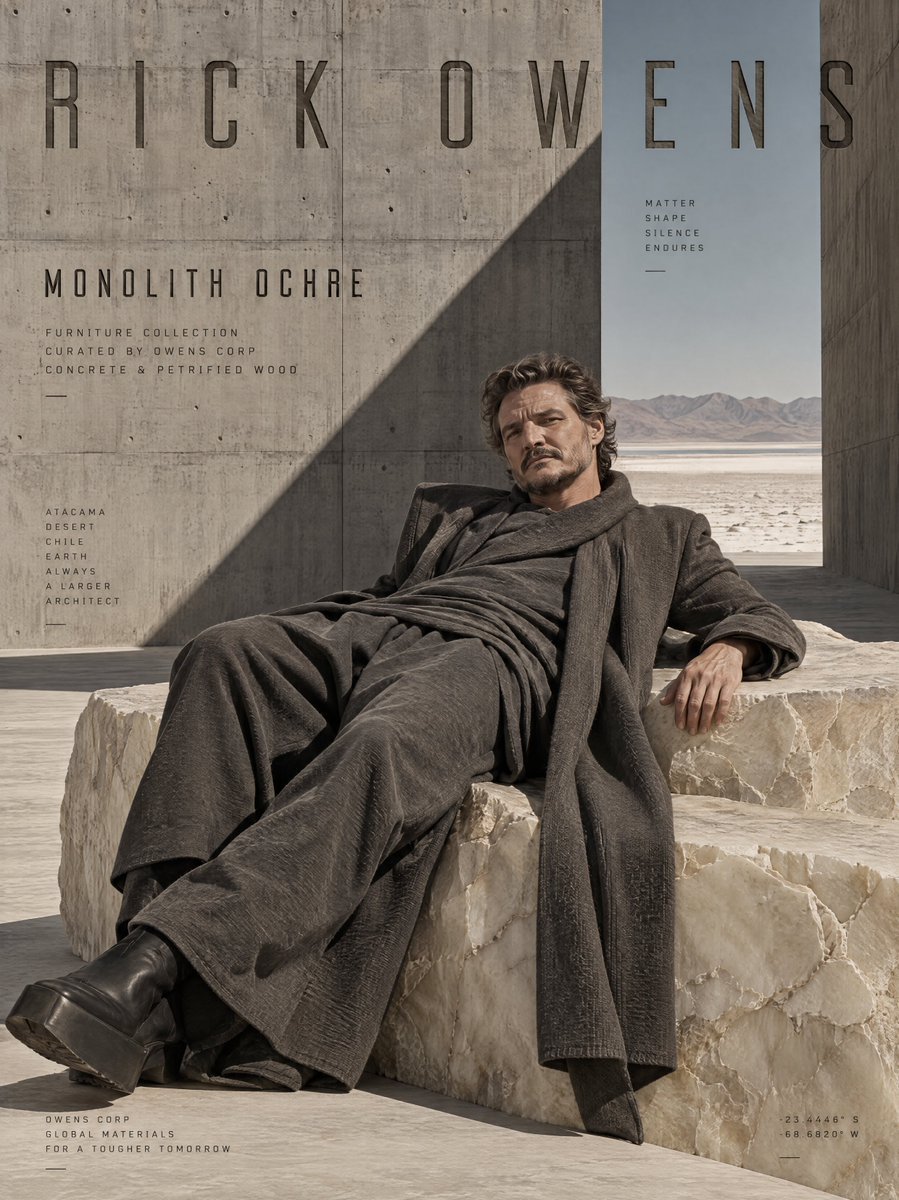
Brutalist Monolithic Architecture Portraits
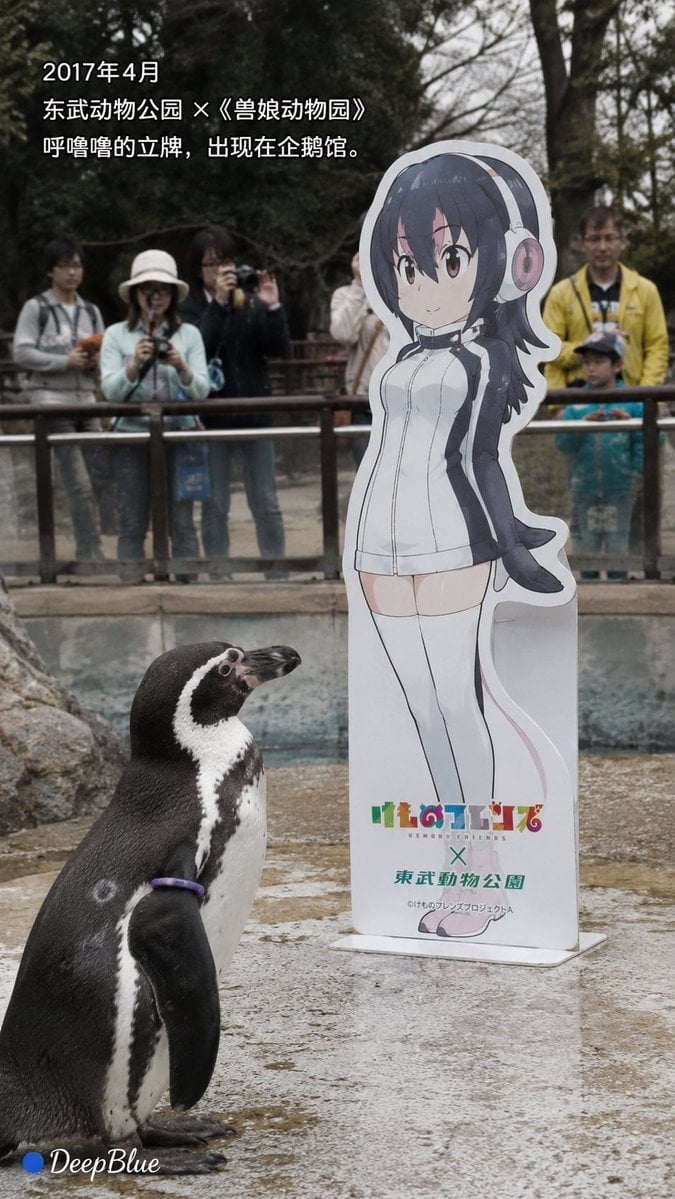
Documentary Photo Sequence of Penguin Story
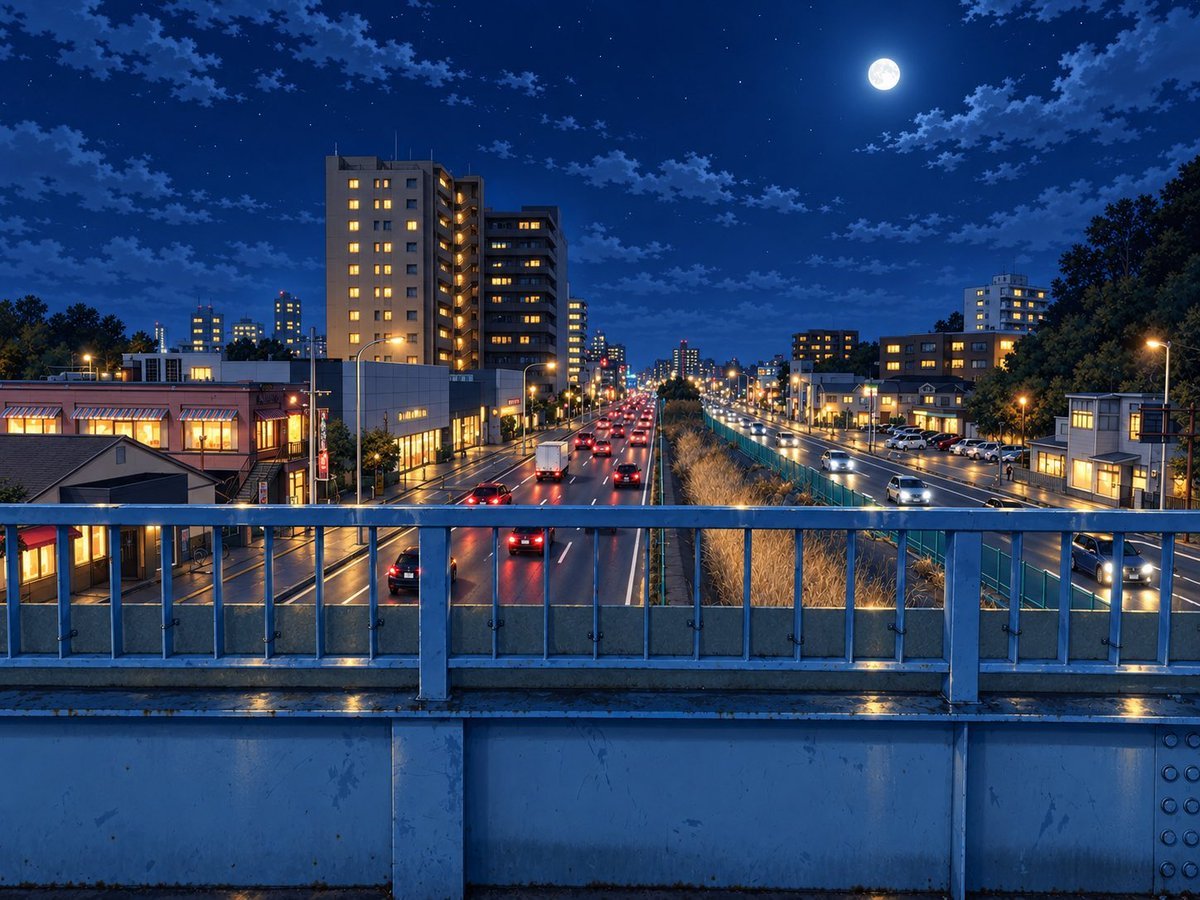
Moonlit Rainy City Overpass
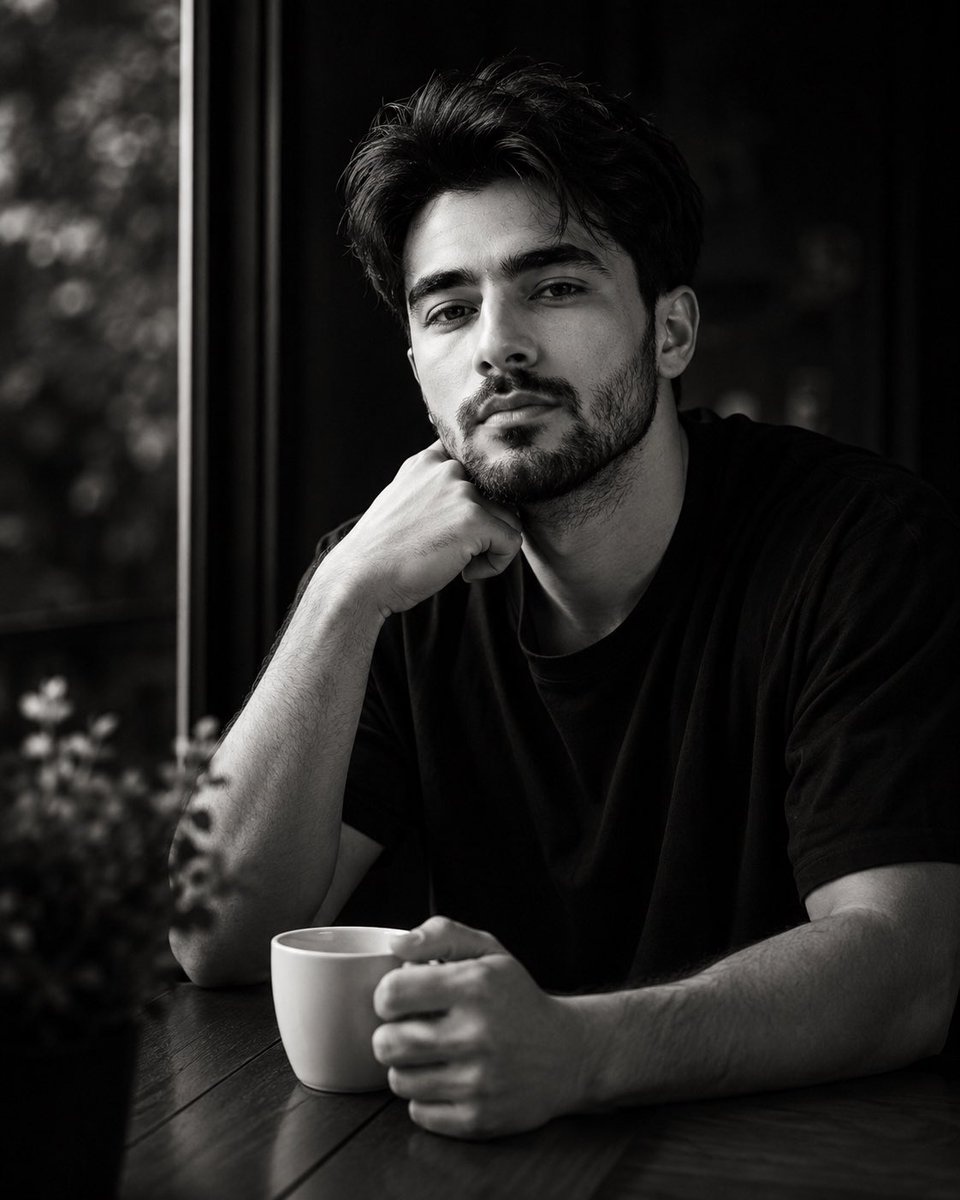
High-Contrast Monochrome Identity Portrait

High Contrast Cinematic Face Portrait
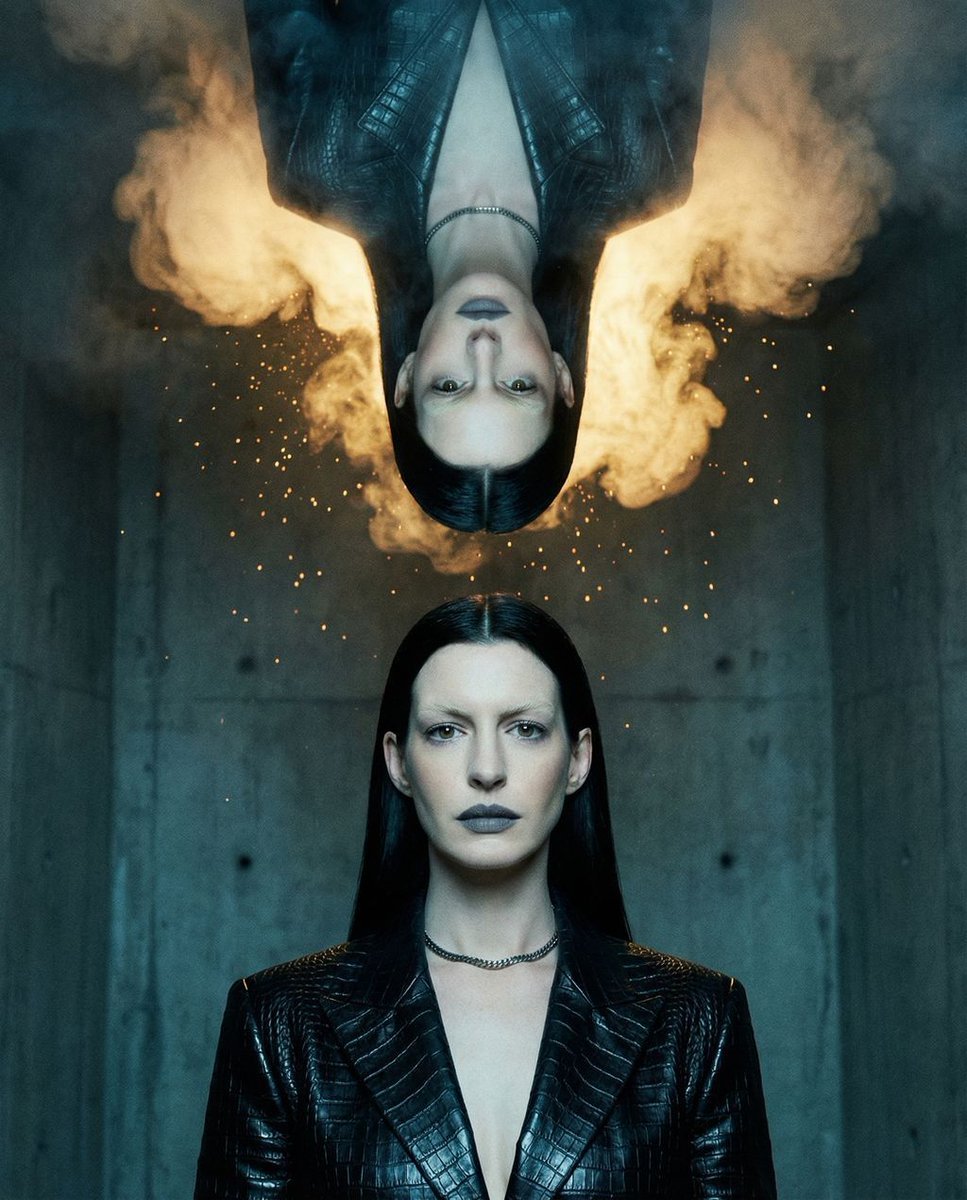
Surreal Brutalist Editorial Portrait
E g, Kinetic, Organic, Brutalist, Ethereal
Berlin Pride Documentary Street Photography
South Asian Rural Bioscope Documentary
Make it yours
High-Contrast Documentary Photo Under a Brutalist Overpass works as-is. These are the safest ways to change it without losing the look.
Change one field
Copy a single group, rewrite it, and generate again so you can see what that field is doing.
Keep the frame, change the subject
Hold the composition and light of High-Contrast Documentary Photo Under a Brutalist Overpass, then swap wardrobe, props or the person for a new take.
| If the result… | Why | Fix |
|---|---|---|
| The result drifts from the preview | Too many fields changed at once. | Reuse High-Contrast Documentary Photo Under a Brutalist Overpass as-is first, then change one group — subject, light, or setting. |
| The model over-stylizes the scene | The prose prompt leaves finish and camera underspecified. | Add one camera or lighting sentence and stay on Nano Banana 2. |
More Nano Banana 2 templates
Other prompts made for Nano Banana 2.

Photorealistic Leaf Shaped Like a Dragon

K-Pop Idol Portrait Grid for Rapid Selection

Poetic Rain Forest Portrait During Golden Hour

Urban Street Portrait with Cartoon Inner Self Duo

Candid Nighttime Photo with Cat Prompt

High-Concept 3D Diorama Generation Prompt

Cinematic Futuristic Studio Portrait Template

Skincare Editorial Photography Collage Prompt

Hyper-Realistic Commercial Product Photography (Splash Effect)

Hyper-Realistic Nightclub Portrait Prompt
More image prompts
Fresh picks from across the catalog.

Censored Anime Businessman Portrait
Dreamy Fine-Art Portrait in Ethereal Garden
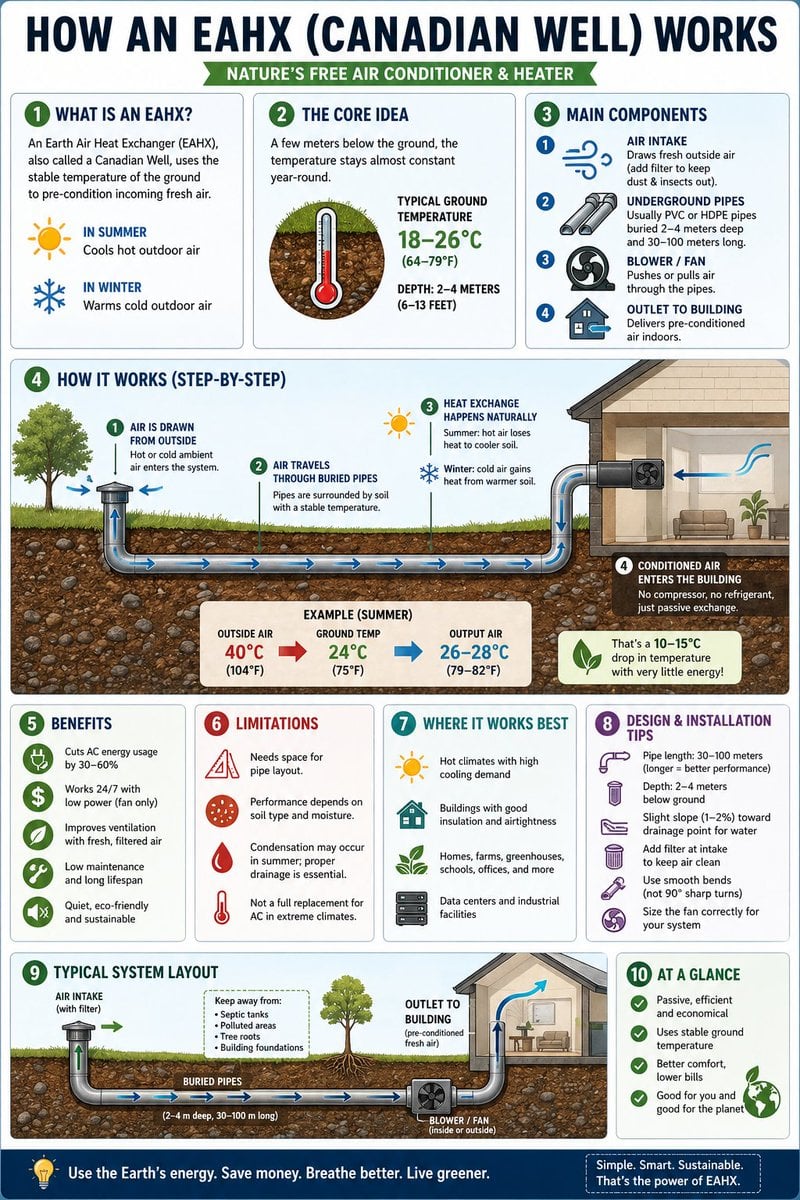
Educational Infographic Generator
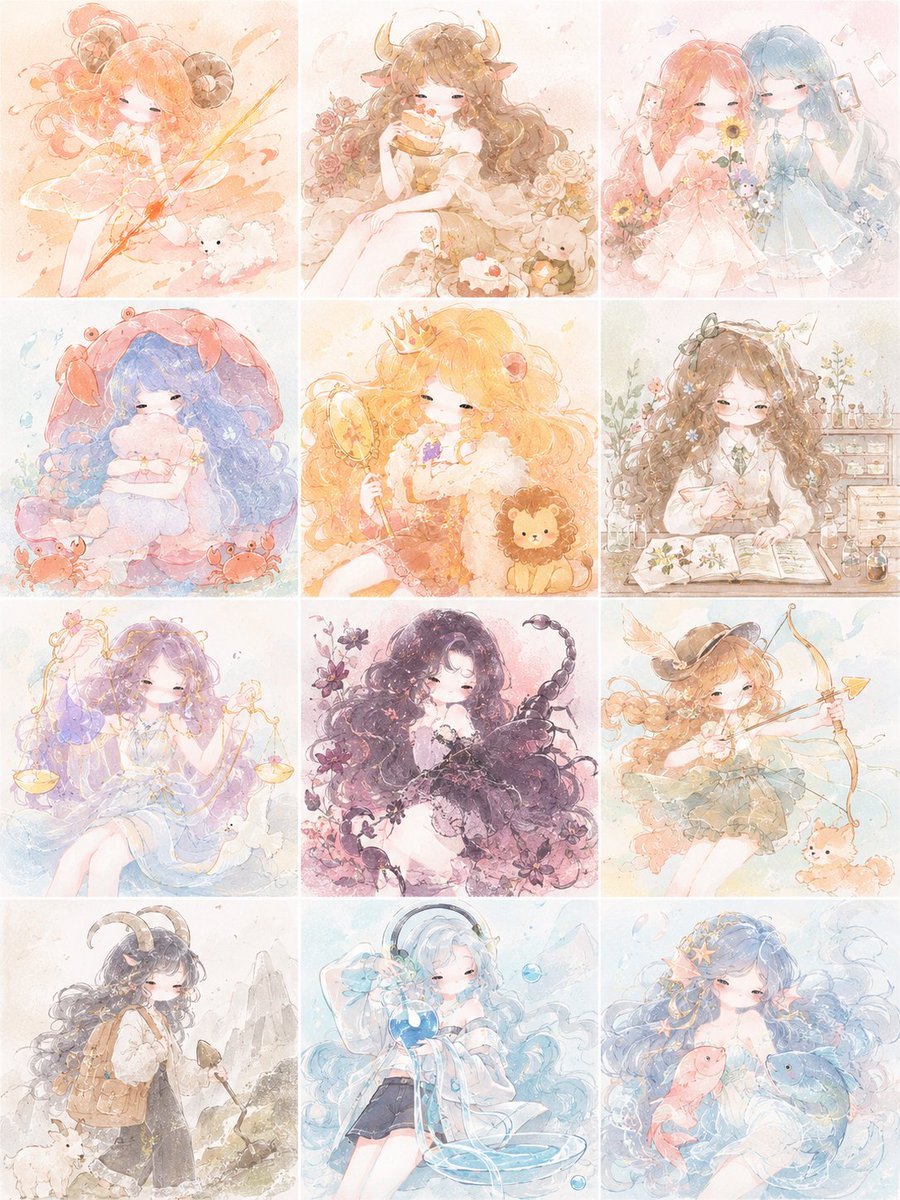
Pastel Zodiac Girls Grid
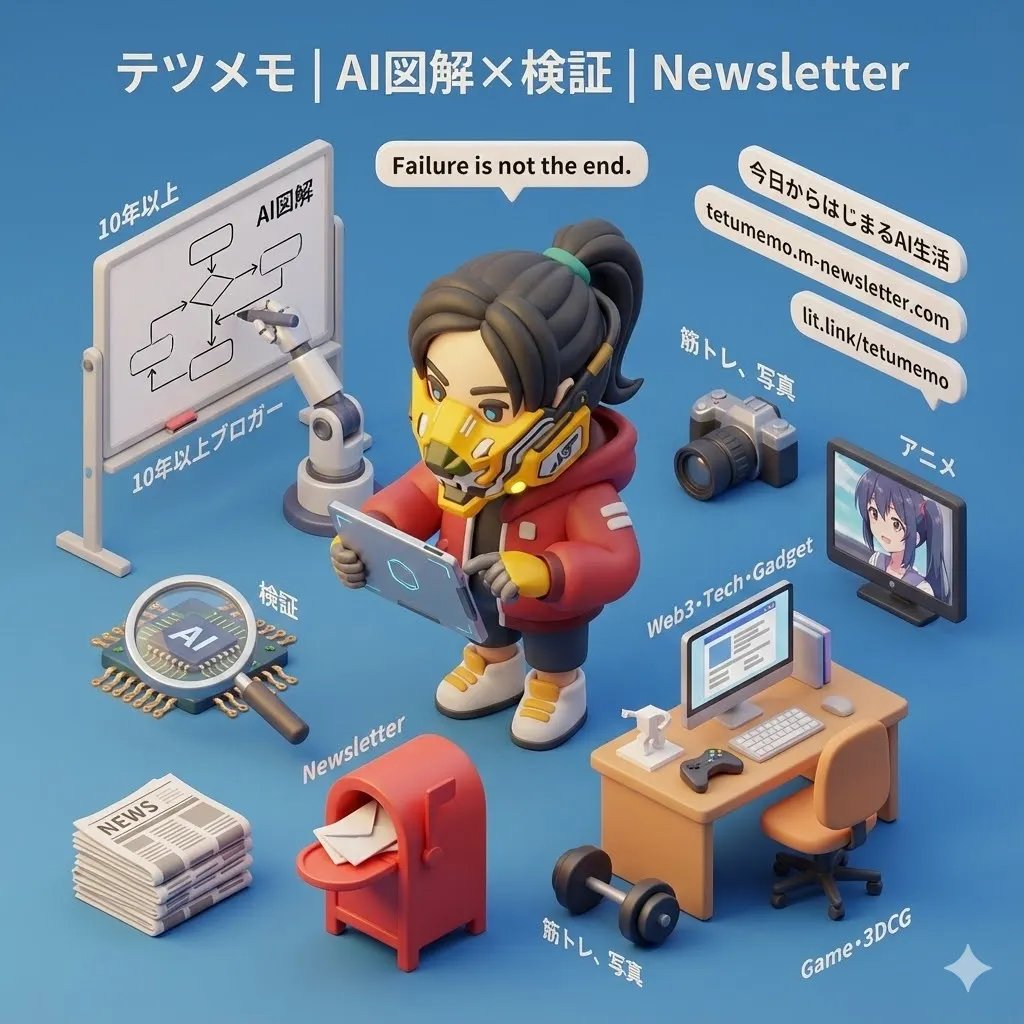
3D Cartoon Miniature Scene from Profile Image
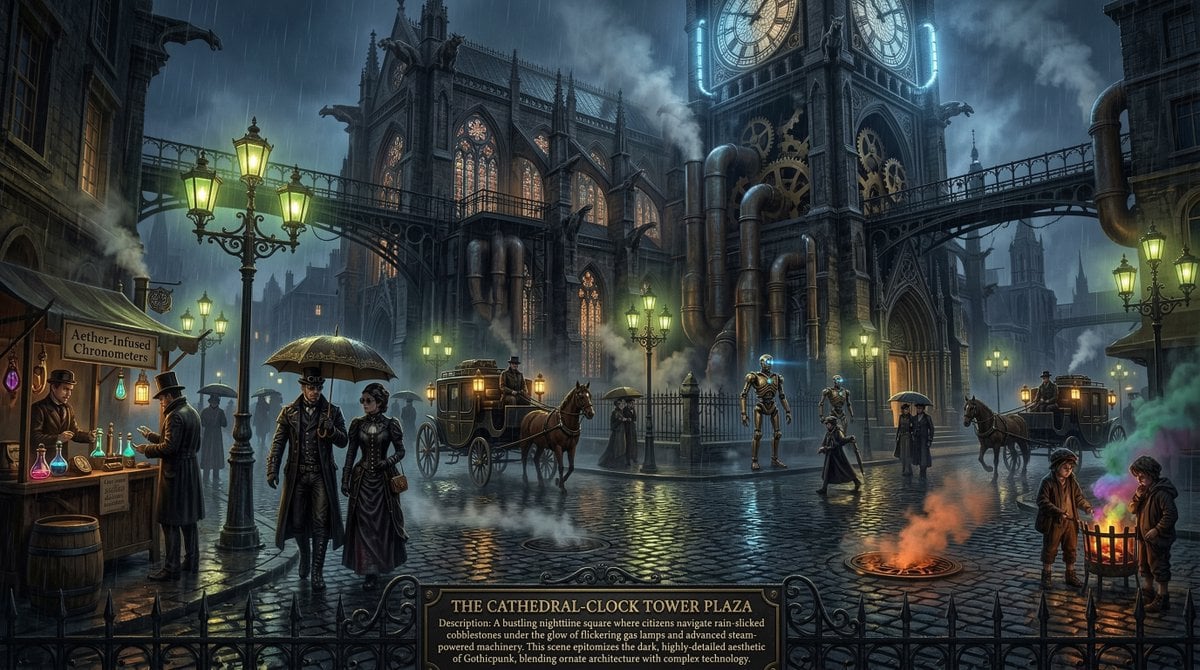
Universal Mono Punk Scene Generator
Vintage Creature Concept Art Sheet
JSON Structured Wet Hair Gloss Fashion Portrait (4-Panel)
Pro Sketch Transformation Prompt

Celestial Blue Anime Princess
Browse template categories
High-Contrast Documentary Photo Under a Brutalist Overpass questions
How do I use the High-Contrast Documentary Photo Under a Brutalist Overpass template?
Add your photo if the template asks for one, edit the prompt if you like — the template's model and format are already selected — and press Generate. Your version opens in PicX Studio.
Can I customize the High-Contrast Documentary Photo Under a Brutalist Overpass template?
Yes. You can change the subject, setting, lighting, mood, format, and available model controls before creating your image.
Is the High-Contrast Documentary Photo Under a Brutalist Overpass template free?
Opening and editing this template is free. Generating uses credits, shown on the Generate button when you are signed in.
Which AI model should I use?
Start with Nano Banana 2, which is the model associated with this template. You can compare another compatible model for a different finish.
Looking for something else? Browse all templates.

Your photo, any look
Thousands of ready templates for every top image and video model, from one credit balance.