
Surreal Brutalist Editorial Portrait
A highly detailed editorial prompt for a stoic protagonist in a brutalist concrete chamber, featuring an upside-down vapor reflection and cinematic lighting.
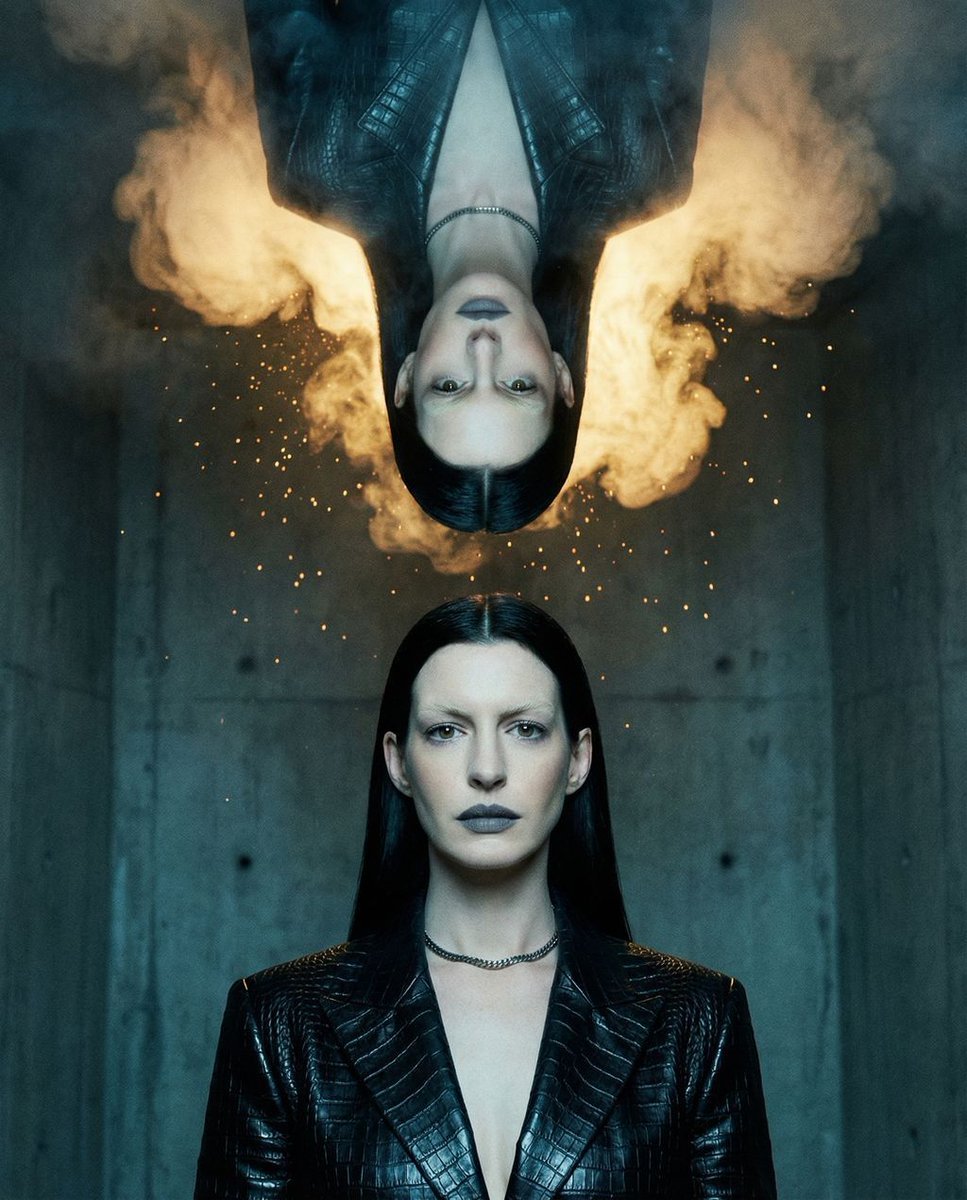
- Prompt included
- Model and format preset
- Free template
The prompt behind this image
Copy the exact prompt behind Surreal Brutalist Editorial Portrait, or open it in the studio and make it yours.
{ "vibe_title_en": "The Sovereign's Rigid Silence In Anti-Gravity Reflection", "master_prompt": "Three-Quarter Editorial waist-up portrait of a {argument name="subject" default="stoic protagonist"}. Body angled 45-degrees, face anchored directly toward the lens. Sovereign Minimalist pose: absolute stillness, resembling a rigid architectural monument. Hair: Long, bone-straight raven black, structurally gelled. Makeup: Bleached eyebrows, razor-sharp contour, matte slate-grey lip. Wardrobe: Rigid obsidian reptilian-leather jacket. Setting: {argument name="setting" default="Brutalist concrete acoustic chamber"}. Surreal practical effect: Suspended directly above, an upside-down perfect reflection of the subject formed entirely from dense volumetric vapor and suspended glowing magnesium embers. Lighting: High-contrast chiaroscuro. Hard cool cyan strobe sculpts the upright subject; warm golden optical spot backlight shapes the upside-down vapor figure. Shot on Hasselblad H6D-100c, 50mm f/1.4 lens, Kodak Portra 800. Hyper-realistic skin pores, heavy analog grain, physical light refraction.", "meta": { "intent": "Surreal Editorial Portrait", "priorities": "Rigid Geometry, Practical Surrealism, Sculptural Lighting", "device_profile": "High-Resolution Display" }, "frame": { "aspect": "4:5", "composition": "Waist-up mid-shot, upside-down mirror reflection occupying the top frame", "layout": "Vertical symmetry, anchor face in lower-mid third", "camera_angle": "Eye-level with the upright subject", "tilt_roll_degrees": "0" }, "subject": { "gender": "Female", "identity": "The Sovereign Protagonist", "demographics": "Ageless Adult", "face": "Sharp jawline, bleached eyebrows, structural contouring, matte slate-grey lips", "hair": "Long, bone-straight raven black, rigidly gelled, no loose strands", "body": "Rigid, angular, architectural posture", "expression": "Absolute stoicism, powerful rigid silence", "pose": "Waist-up, 45-degree angle body, head turned perfectly straight to camera" }, "wardrobe_accessories": { "garments": [ { "item": "{argument name="garment" default="Structural Jacket"}", "material": "Reptilian-textured leather", "color": "Obsidian Black", "fit": "Rigid and tailored" } ], "accessories": [ { "item": "Micro-chain collar", "color": "Matte Black", "material": "Tungsten", "brand_style": "Minimalist Avant-Garde" } ] }, "environment": { "setting": "Brutalist concrete acoustic chamber", "surfaces": "Porous concrete, dense volumetric vapor", "depth": "Shallow depth of field, dropping into a dark foggy abyss", "atmosphere": "Cold, cinematic, dense with suspended magnesium dust", "lens_interaction": "Light refracting through physical dust motes" }, "lighting": { "key": "Hard directional cool cyan strobe on the upright subject", "fill": "None, deep crushing shadows", "rim": "Warm golden opti
How to use Surreal Brutalist Editorial Portrait in 3 steps
- 1
Open
The prompt is already in the box next to the preview, with the template's model and format selected.
- 2…a portrait of your subject in softgolden-hour light, 85mm…
Personalize
Edit the subject and creative details for your destination.
- 3Generate
Generate
Press Generate — your image is created in PicX Studio, so you can compare it with the original and refine one variable at a time.
More like this
Templates with the same subject, style or setup. Open one to see its prompt.

untitled

Caution Tape Fashion — Industrial Editorial
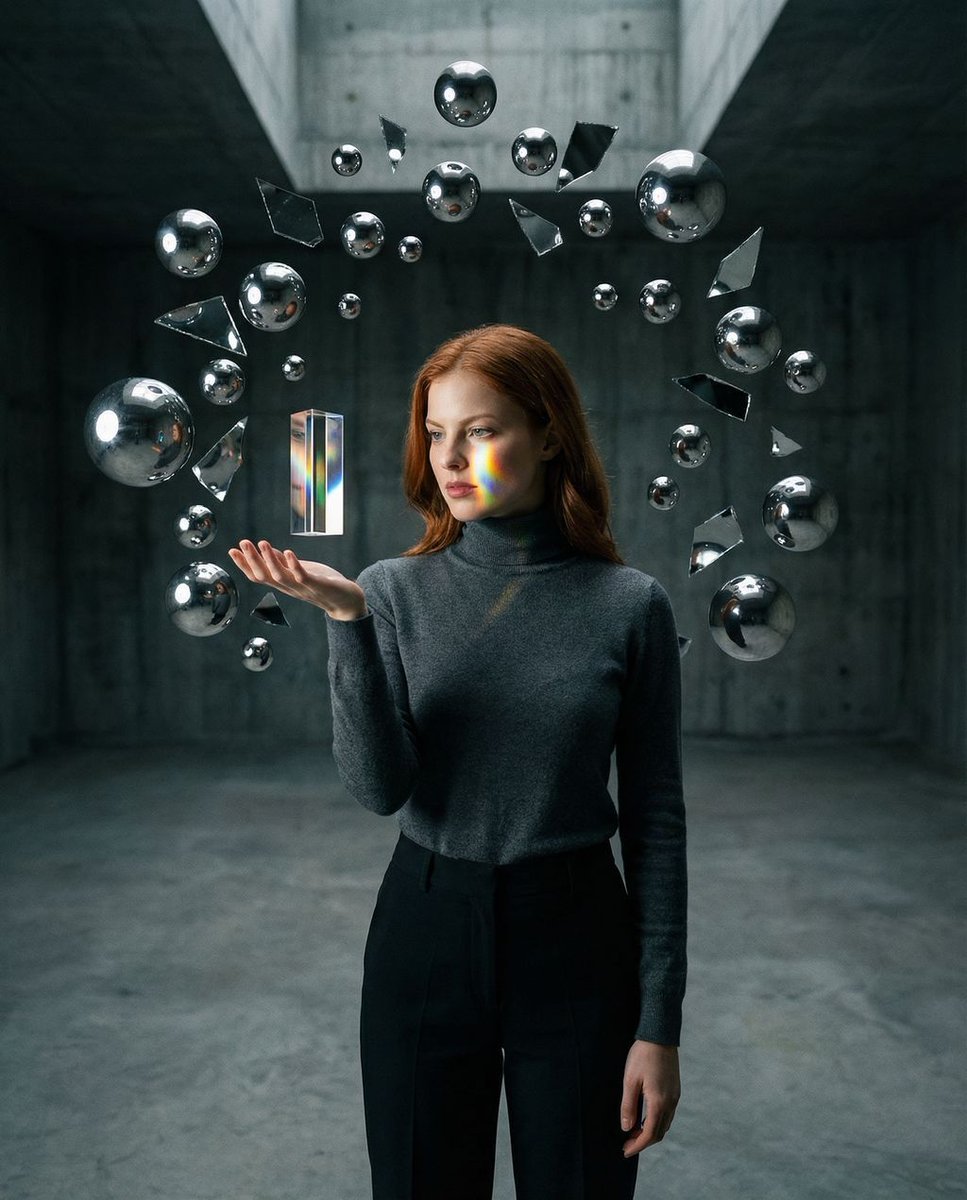
Surreal Brutalist Portrait with Kinetic Chrome Orbits Prompt in JSON
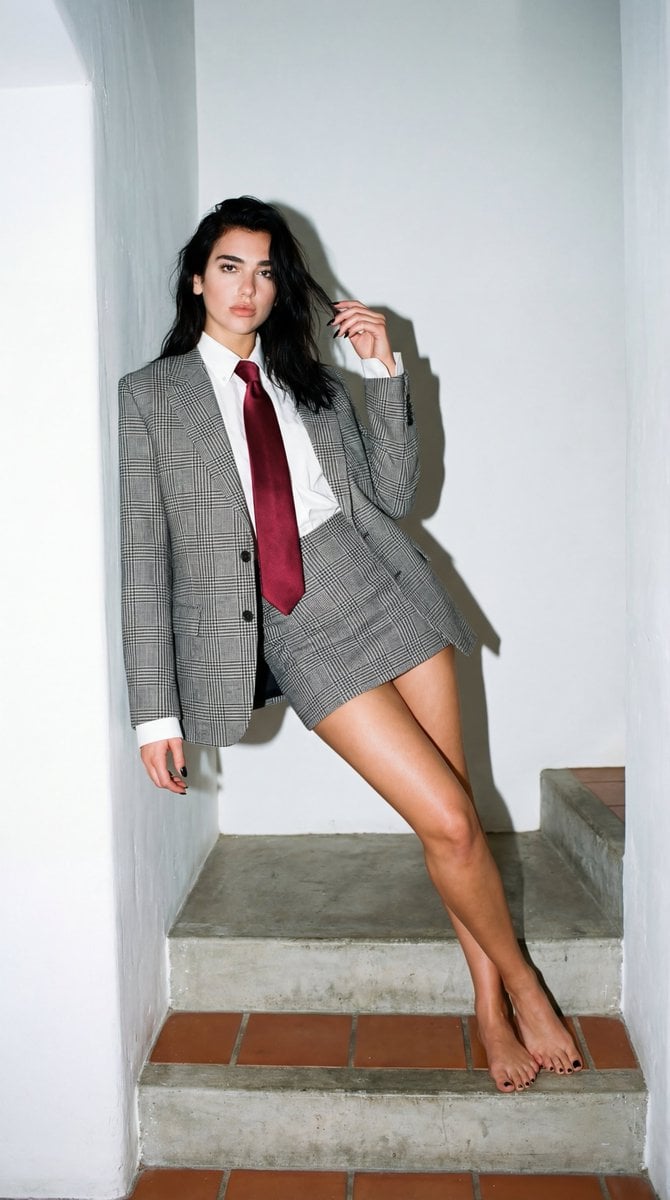
Dua Lipa Editorial Portrait (Brutalist Concrete Setting)

Nano Banana Pro Photoreal Playful Couple

Couture Fashion Editorial Woman and Drag

Nano Banana 2 Editorial Fashion Portrait

Found Photograph: Us, 1970

80s Couple Studio Portrait

80s Bollywood Star

80s Golden Hour Cinema

Me in 1985
Make it yours
Surreal Brutalist Editorial Portrait works as-is. These are the safest ways to change it without losing the look.
Change one field
Copy a single group, rewrite it, and generate again so you can see what that field is doing.
Keep the frame, change the subject
Hold the composition and light of Surreal Brutalist Editorial Portrait, then swap wardrobe, props or the person for a new take.
| If the result… | Why | Fix |
|---|---|---|
| The result drifts from the preview | Too many fields changed at once. | Reuse Surreal Brutalist Editorial Portrait as-is first, then change one group — subject, light, or setting. |
| The model over-stylizes the scene | The prose prompt leaves finish and camera underspecified. | Add one camera or lighting sentence and stay on Gemini 3 Pro Image Preview. |
More Gemini 3 Pro Image Preview templates
Other prompts made for Gemini 3 Pro Image Preview.

Creative Character in Pink Office

Avant-Garde Asian Fashion Model

Underwater Macro Face Portrait

Water-level Bridge Modification

Noir Punk Street Portrait

High Contrast Cinematic Face Portrait

Monochrome Studio Portrait with Colored Lens

Ultra-Realistic Yacht Sunset Portrait

Mushroom Still Life Composition

Whimsical Anthropomorphic Friendly Insect
More image prompts
Fresh picks from across the catalog.
Vintage Old Lens Aesthetic
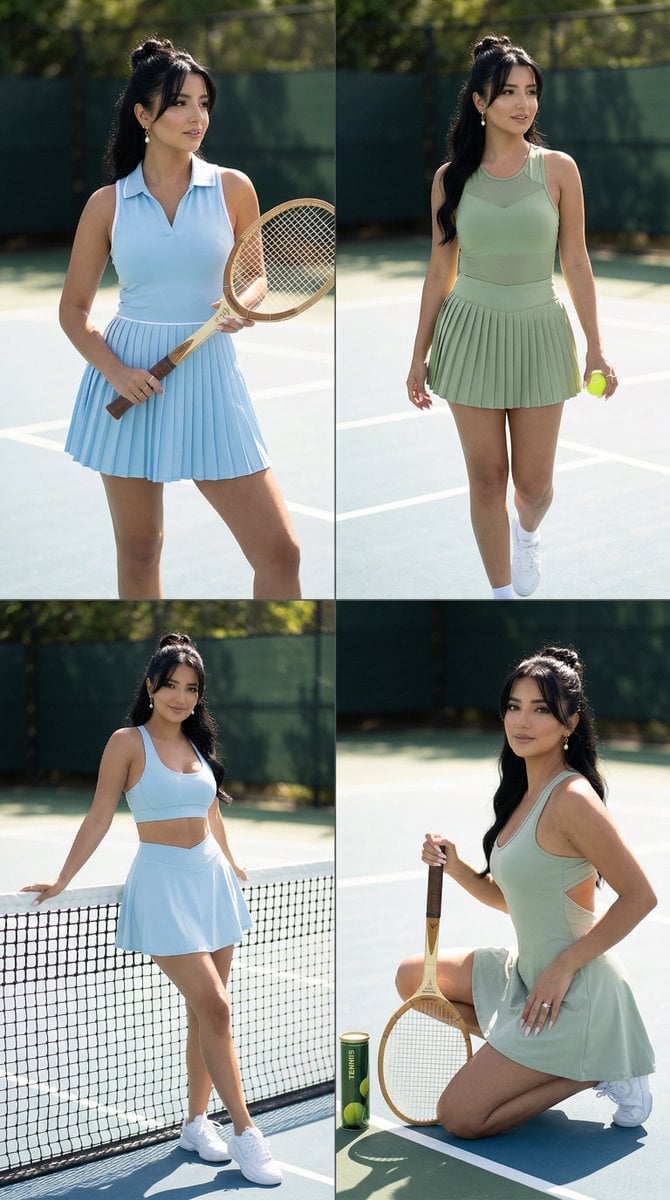
Luxury Tennis Editorial 2x2 Grid Image-to-Image Prompt for Nano Banana Pro
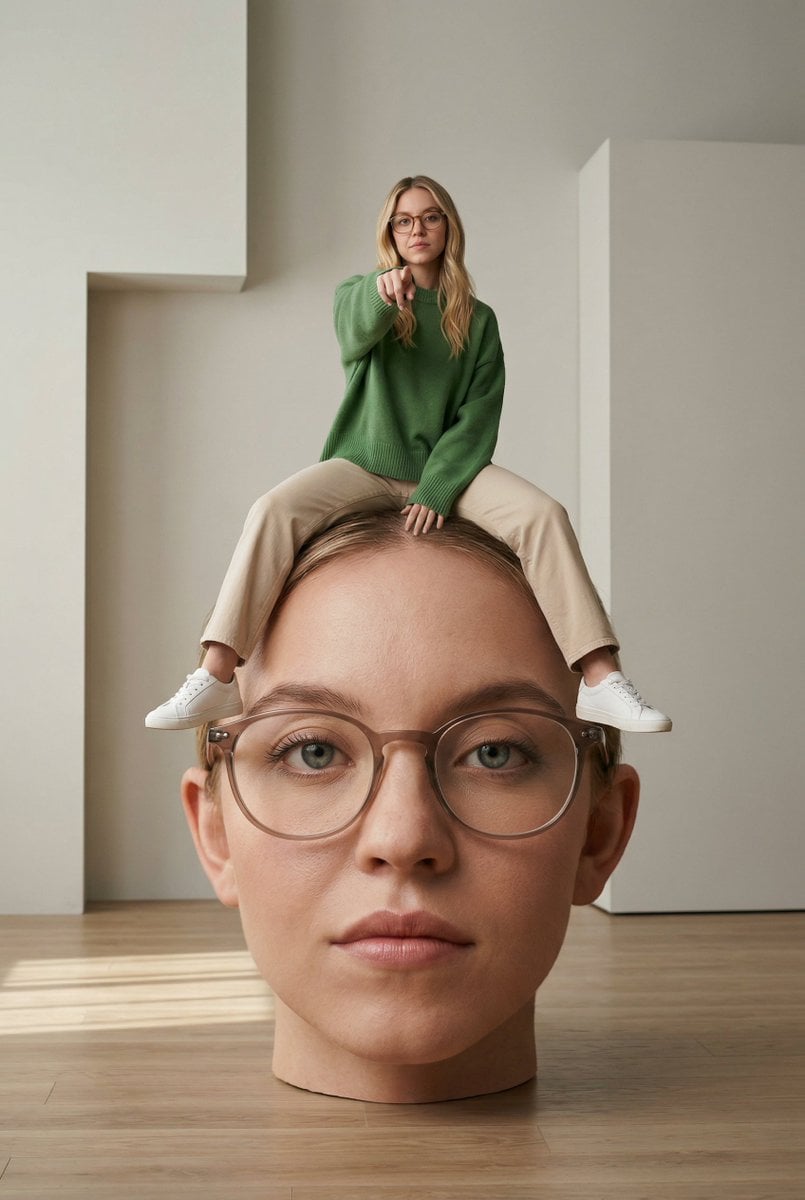
Surreal Conceptual Photography with Scale Distortion
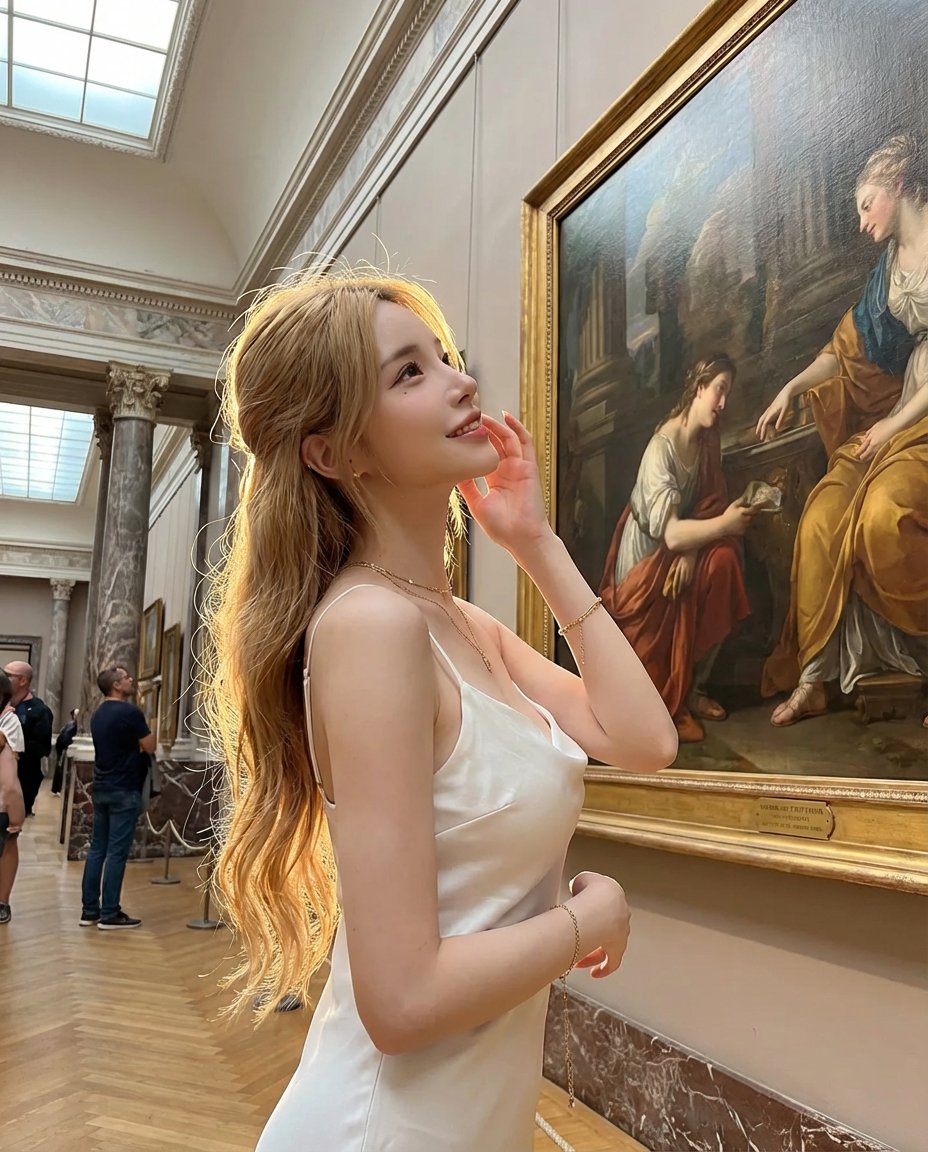
Golden Hour Art Museum Portrait Prompt
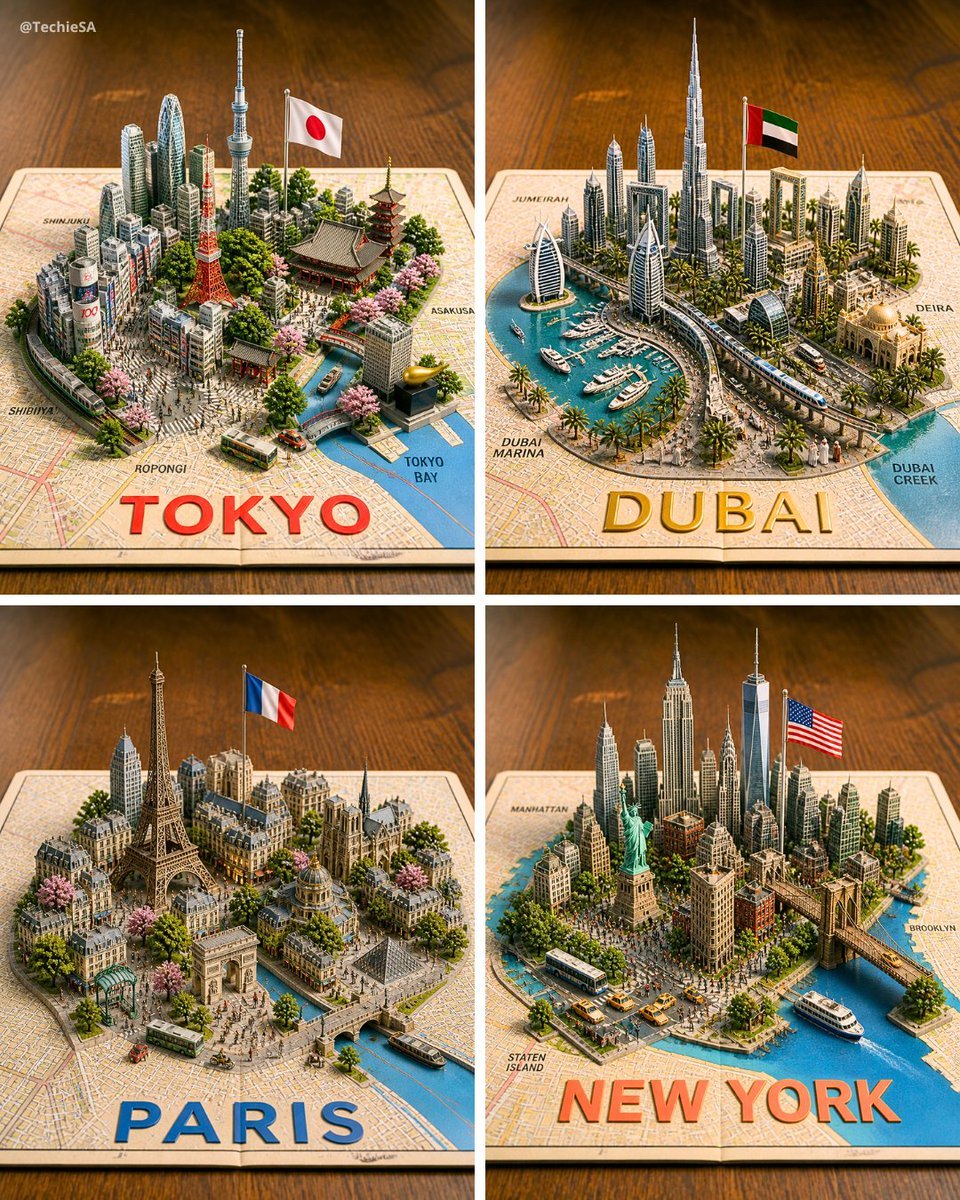
Four 3D Miniature City Maps
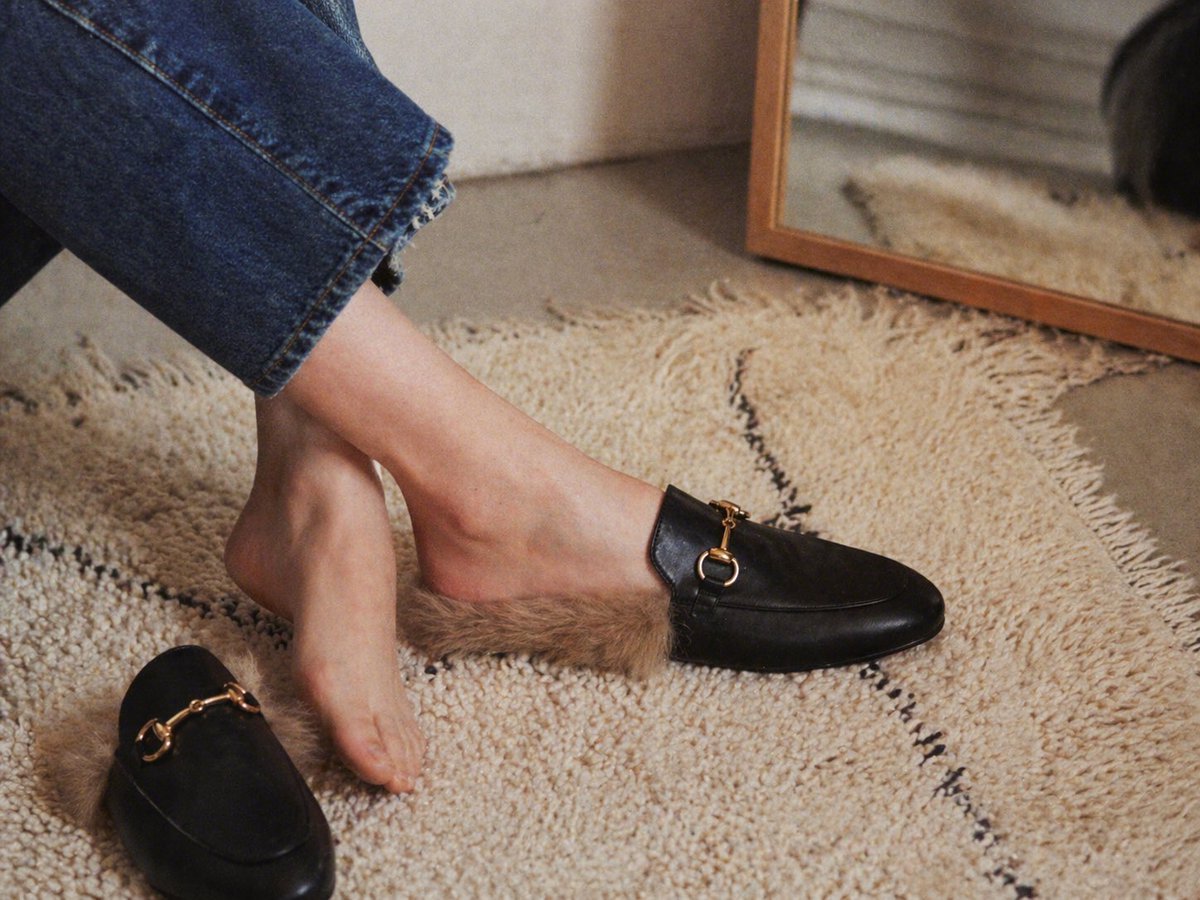
Gpt2 E Commerce Main Image Luxury Fur Lined Loafer Lifestyle Photo
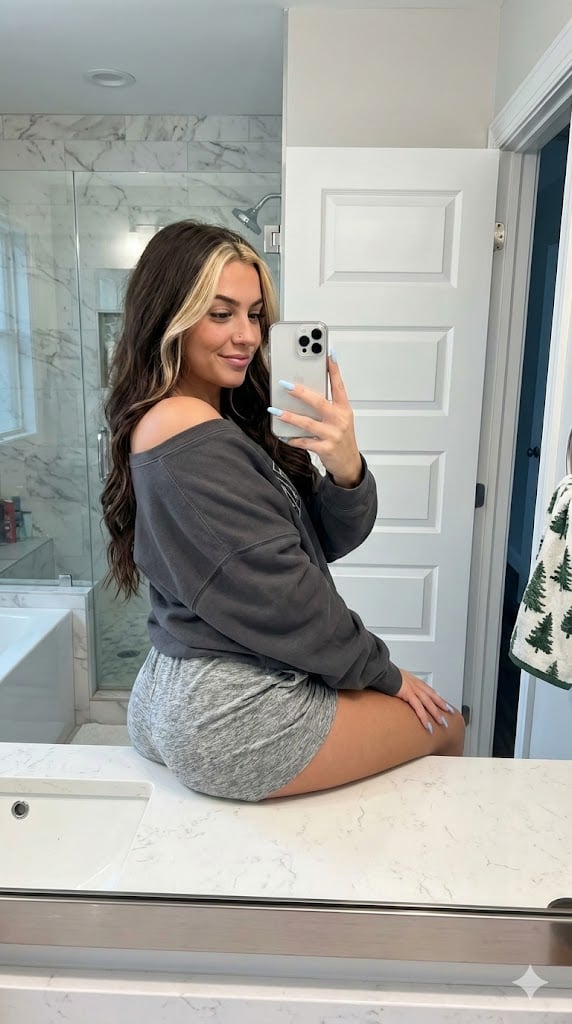
Photorealistic Bathroom Mirror Selfie with Money Piece Highlights
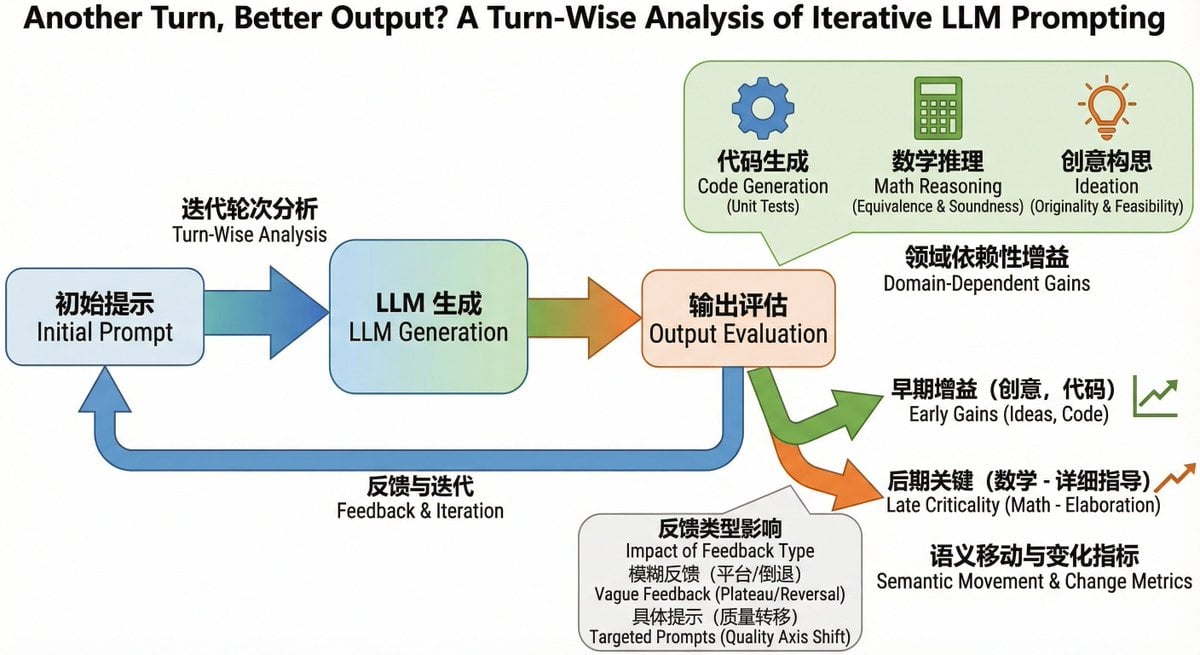
Bilingual diagram from a research paper
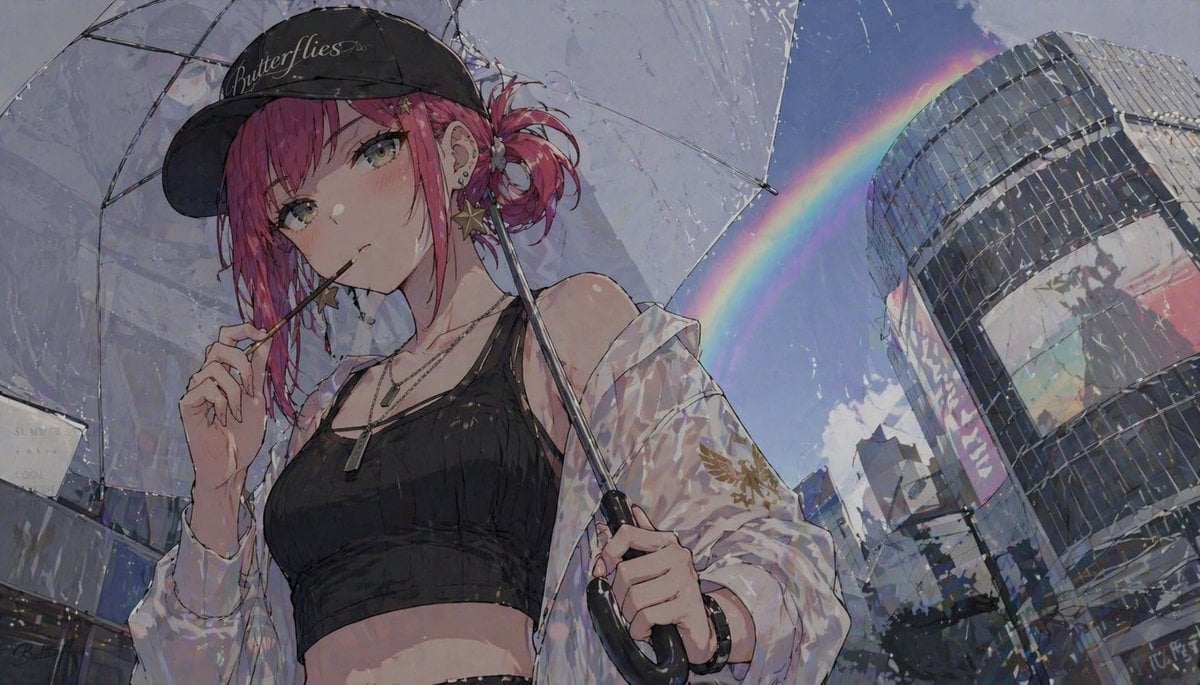
Anime Girl with Umbrella and Rainbow

High-Speed Shattering Coffee Mug
Browse template categories
Surreal Brutalist Editorial Portrait questions
How do I use the Surreal Brutalist Editorial Portrait template?
Add your photo if the template asks for one, edit the prompt if you like — the template's model and format are already selected — and press Generate. Your version opens in PicX Studio.
Can I customize the Surreal Brutalist Editorial Portrait template?
Yes. You can change the subject, setting, lighting, mood, format, and available model controls before creating your image.
Is the Surreal Brutalist Editorial Portrait template free?
Opening and editing this template is free. Generating uses credits, shown on the Generate button when you are signed in.
Which AI model should I use?
Start with Gemini 3 Pro Image Preview, which is the model associated with this template. You can compare another compatible model for a different finish.
Looking for something else? Browse all templates.

Your photo, any look
Thousands of ready templates for every top image and video model, from one credit balance.