
Four 3D Miniature City Maps
Generates a four-panel photorealistic 3D diorama of Tokyo, Dubai, Paris, and New York rising from printed maps for travel or city showcase visuals.
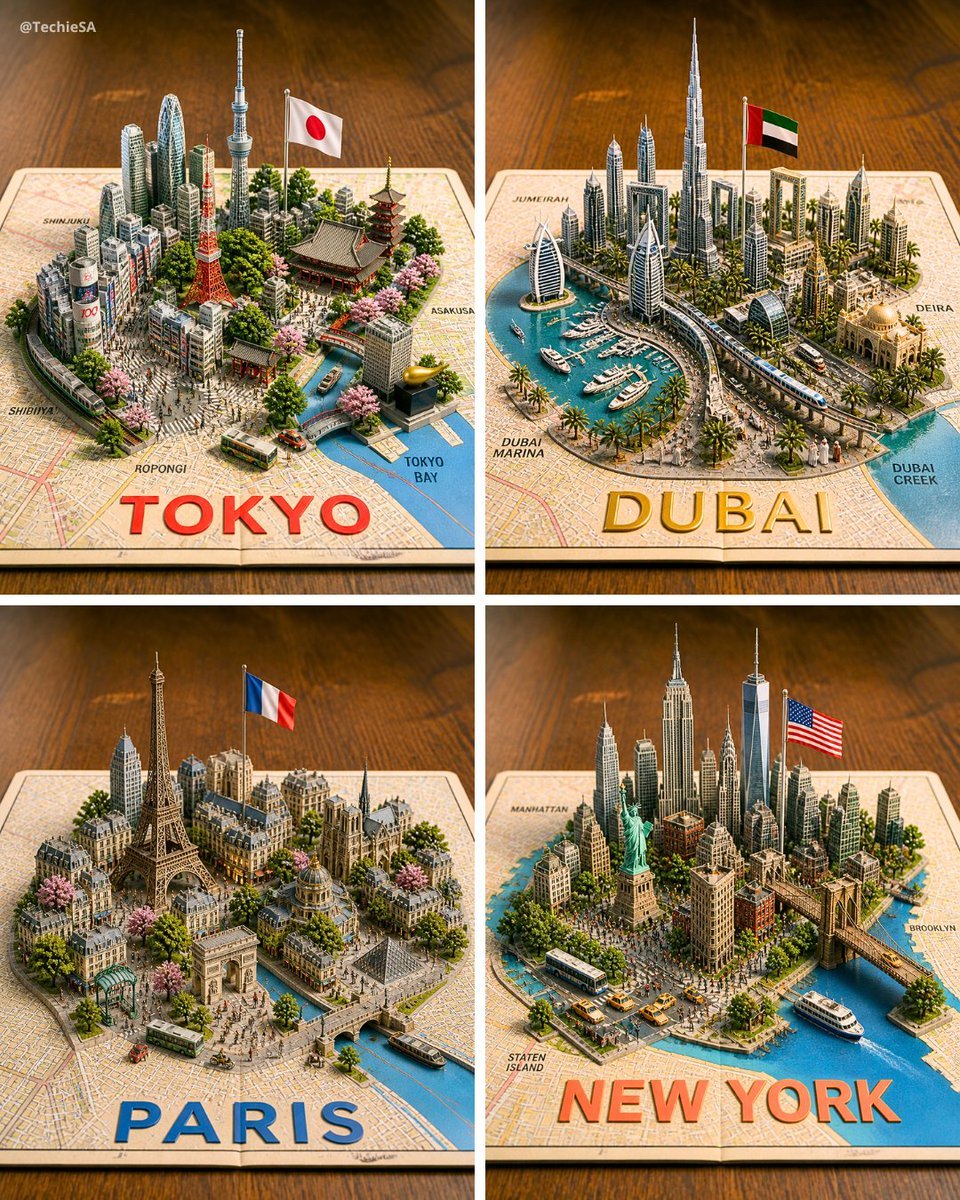
- Prompt included
- Model and format preset
- Free template
The prompt behind this image
Copy the exact prompt behind Four 3D Miniature City Maps, or open it in the studio and make it yours.
Goal: Create a photorealistic 3D miniature city-map showcase featuring exactly 4 square panels arranged in a 2×2 grid, each panel showing a famous world city as a raised diorama emerging from a printed paper street map on a warm wooden tabletop. Canvas: Square image, evenly divided by thin white gutters into four equal quadrants. Use an isometric three-quarter view from above, shallow depth of field, warm studio lighting, crisp miniature details, and realistic shadows. Layout: The 4 panels are: top-left Tokyo, top-right Dubai, bottom-left Paris, bottom-right New York. Each city sits on an open map sheet with a large bold city name printed along the bottom edge of its panel in bright color. Include small neighborhood labels on the map surface. Panel 1 — Tokyo: Build a dense miniature Tokyo skyline with exactly 6 key recognizable landmarks: Tokyo Tower, Tokyo Skytree, a traditional pagoda, a large temple roof, a modern cluster of skyscrapers, and a canal leading to Tokyo Bay. Add a Japanese flag on a pole, cherry blossom trees, small buses, tiny streets, and map labels such as Shinjuku, Shibuya, Roppongi, Asakusa, and Tokyo Bay. Large bottom text: {argument name="Tokyo label" default="TOKYO"} in bold red letters. Panel 2 — Dubai: Build a futuristic Dubai marina diorama with exactly 6 key recognizable elements: Burj Khalifa, Burj Al Arab, twin sail-like towers, Dubai Frame, a yacht-filled marina, and a curving elevated transit line. Add palm trees, modern high-rises, an Emirati flag on a pole, blue water, boats, and map labels such as Jumeira, Dubai Marina, Deira, and Dubai Creek. Large bottom text: {argument name="Dubai label" default="DUBAI"} in bold gold letters. Panel 3 — Paris: Build a classic Paris miniature with exactly 6 key recognizable landmarks: Eiffel Tower, Arc de Triomphe, Notre-Dame-style cathedral, Louvre-like glass pyramid, Haussmann apartment blocks, and a Seine river with bridges. Add a French flag on a pole, tree-lined boulevards, pink blossoms, tiny buses, pedestrians, and warm stone architecture. Large bottom text: {argument name="Paris label" default="PARIS"} in bold blue letters. Panel 4 — New York: Build a dense Manhattan miniature with exactly 6 key recognizable landmarks: Statue of Liberty, One World Trade Center, Empire State Building, Chrysler Building, Brooklyn Bridge, and a harbor with ferries. Add an American flag on a pole, yellow taxis, buses, crowded streets, waterfront piers, greenery, and map labels such as Manhattan, Brooklyn, and Staten Island. Large bottom text: {argument name="New York label" default="NEW YORK"} in bold orange-red letters. Visual style: Hyper-detailed 3D paper-map diorama, realistic plastic-and-paper miniature scale model, tilt-shift photography effect, vibrant but natural colors, warm wooden background, soft bokeh at the edges, high-resolution commercial render quality. Constraints: Keep exactly 4 panels and exactly the 4 city themes listed. Do not add extra cities. Keep all text legible, with the city names large and centered near the lower edge of each panel. Include a small creator watermark in the top-left corner reading {argument name="watermark text" default="@TechieSA"}.
How to use Four 3D Miniature City Maps in 3 steps
- 1Upload ImagePNG, JPG or paste
Add your photo
Upload the photo the template builds on. The prompt, model and format are already set.
- 2…a portrait of your subject in softgolden-hour light, 85mm…
Personalize
Edit the subject and creative details for your destination.
- 3Generate
Generate
Press Generate — your image is created in PicX Studio, so you can compare it with the original and refine one variable at a time.
More like this
Templates with the same subject, style or setup. Open one to see its prompt.

Cozy Knit Sweater Window Portrait

Minimalist Hand-Drawn Doodle Portrait

Paper Tunnel Book Architecture

Isometric Brand Store Diorama
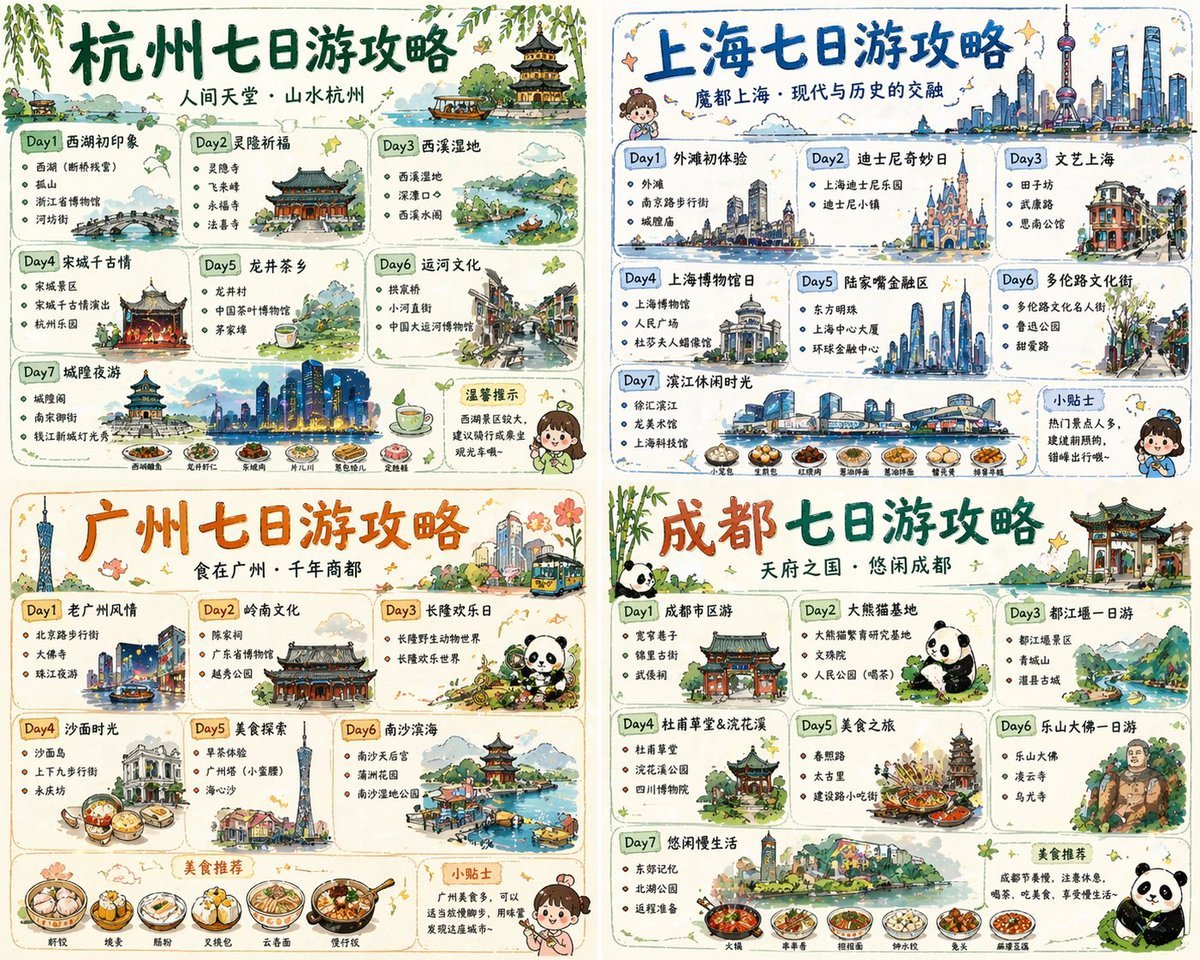
Four-City Chinese Travel Guide Poster Set
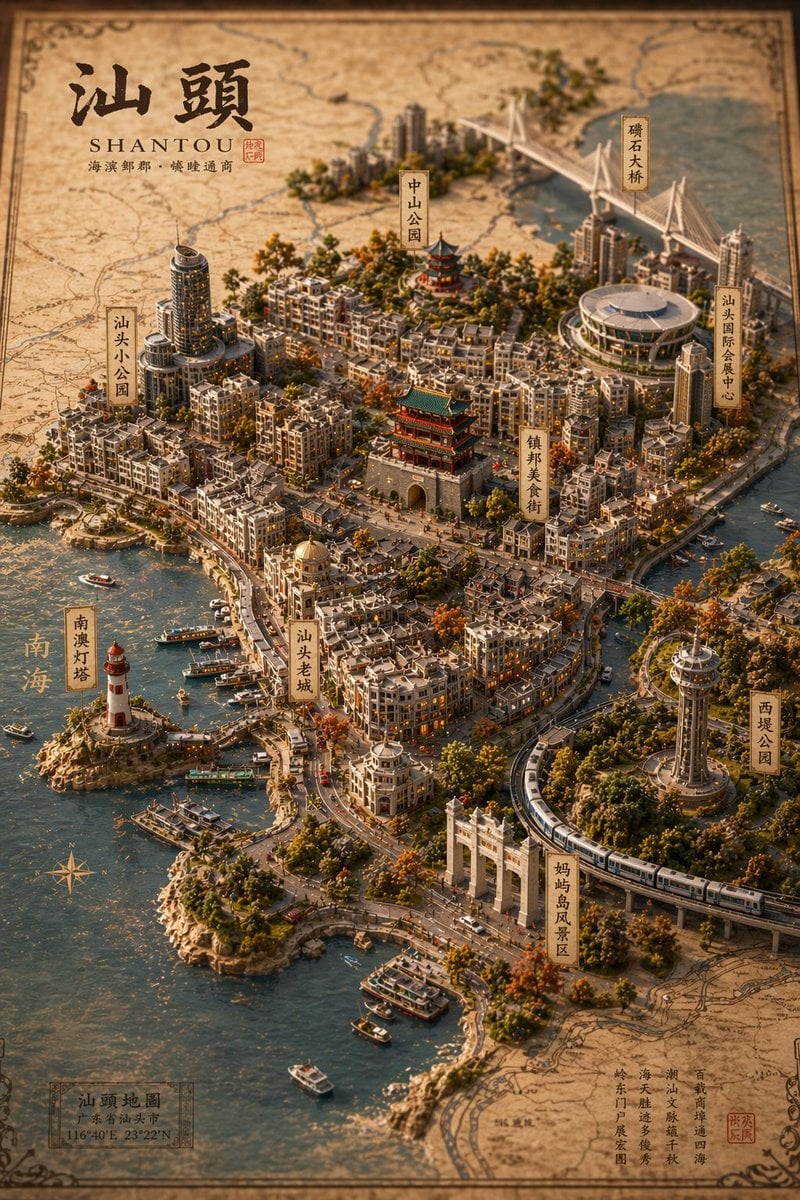
Vintage 3D Miniature City Map
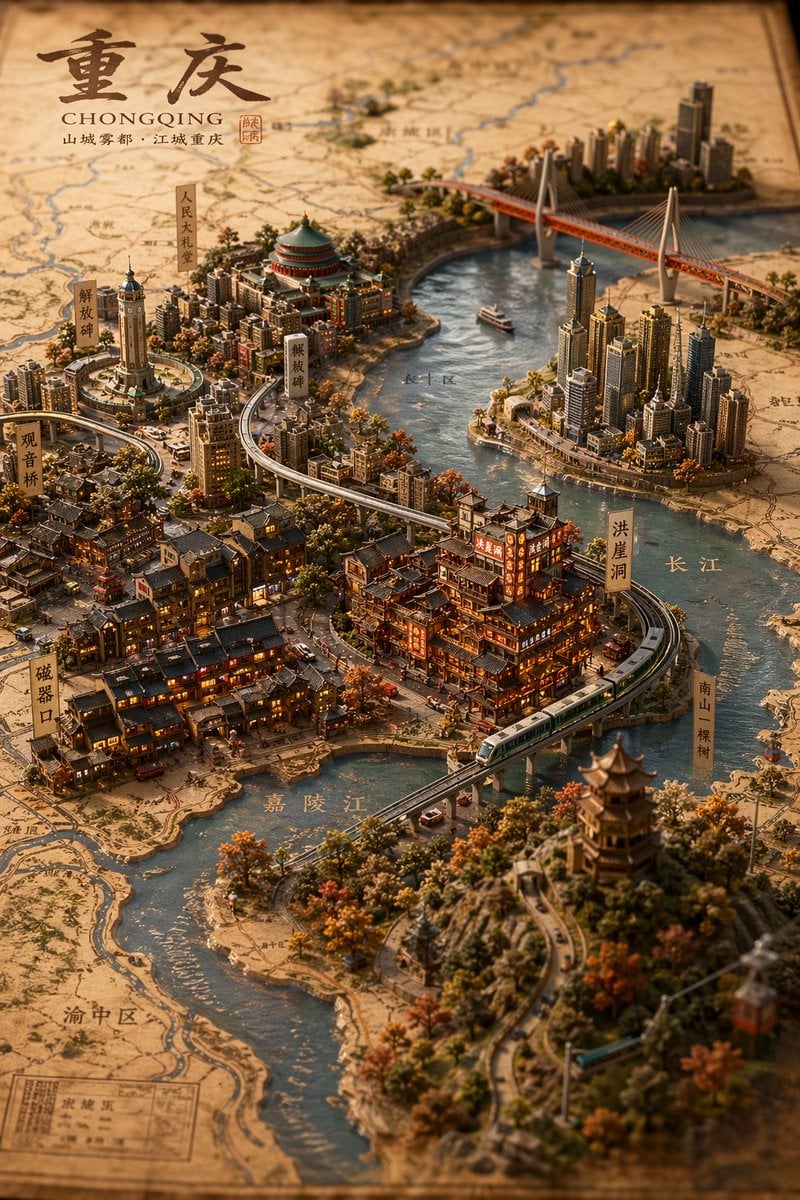
Miniature 3D City Diorama Map
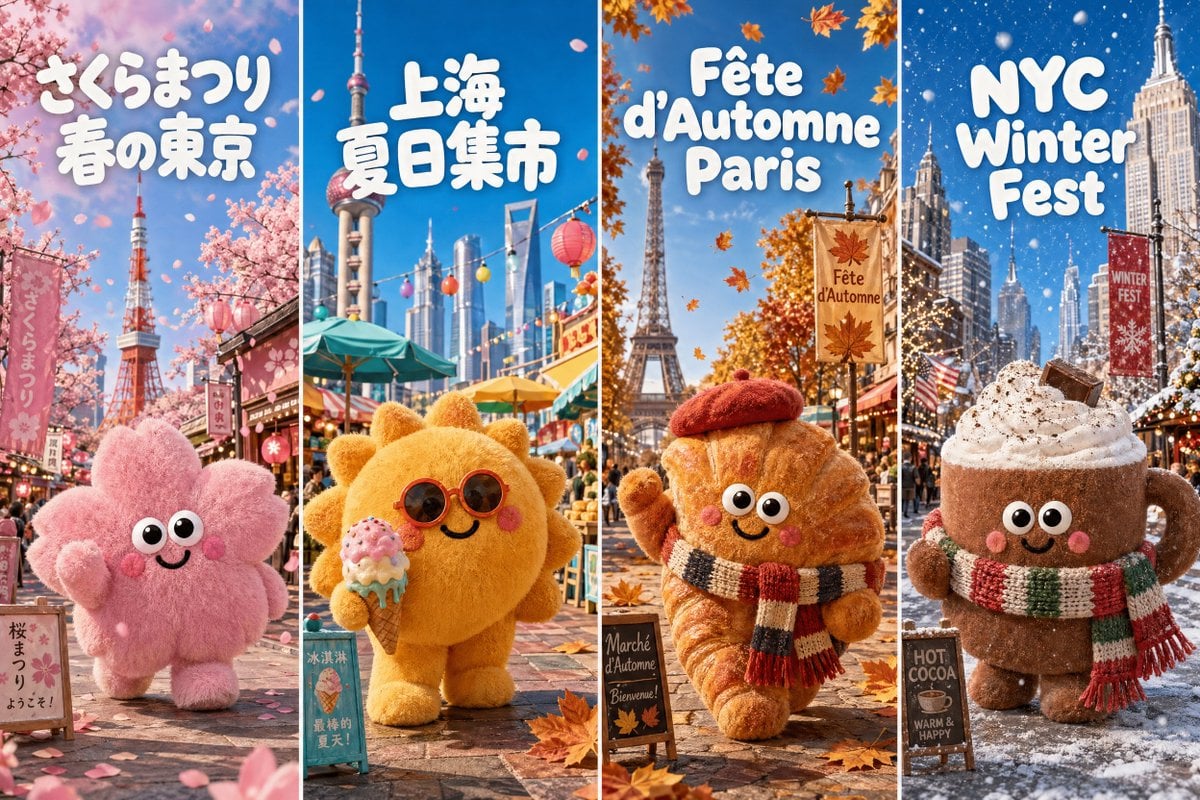
Four-Season Plush Festival City Grid

Dancer Character - Four View Reference Sheet

Nano Banana Pro 2.0 — 3x3 Travel Profile Grid
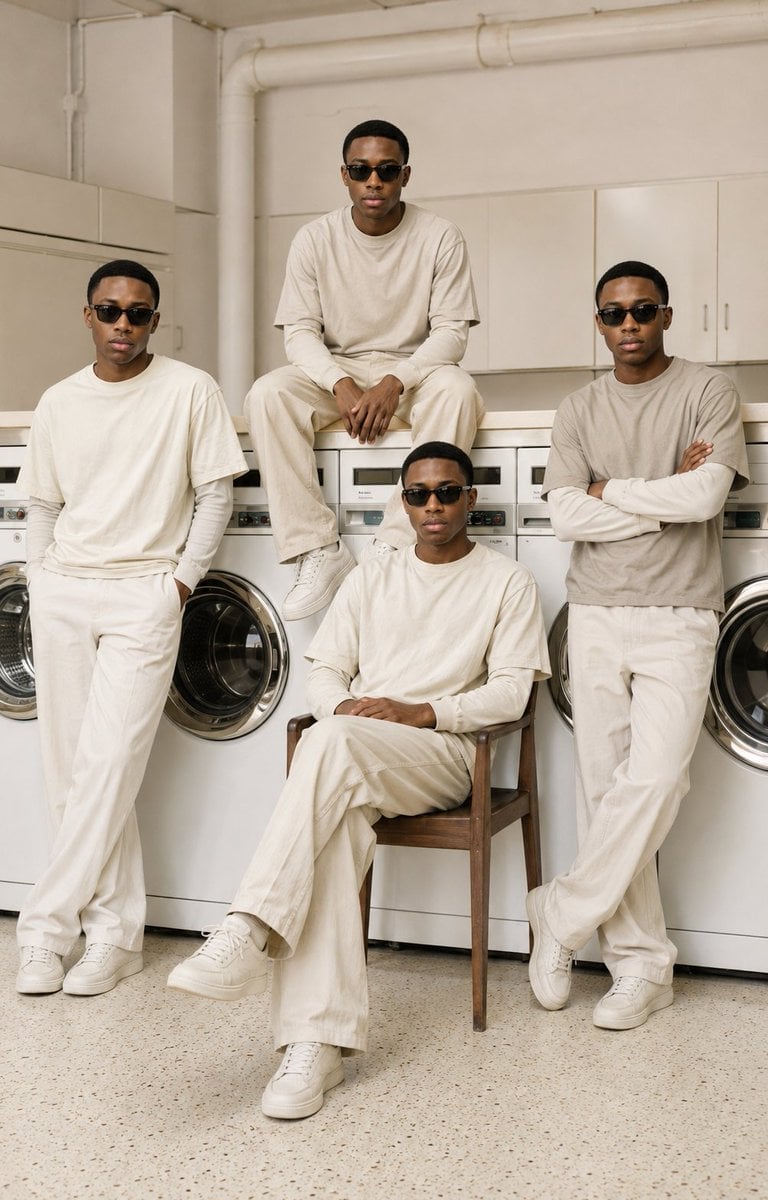
Four-Man Laundromat Fashion Editorial
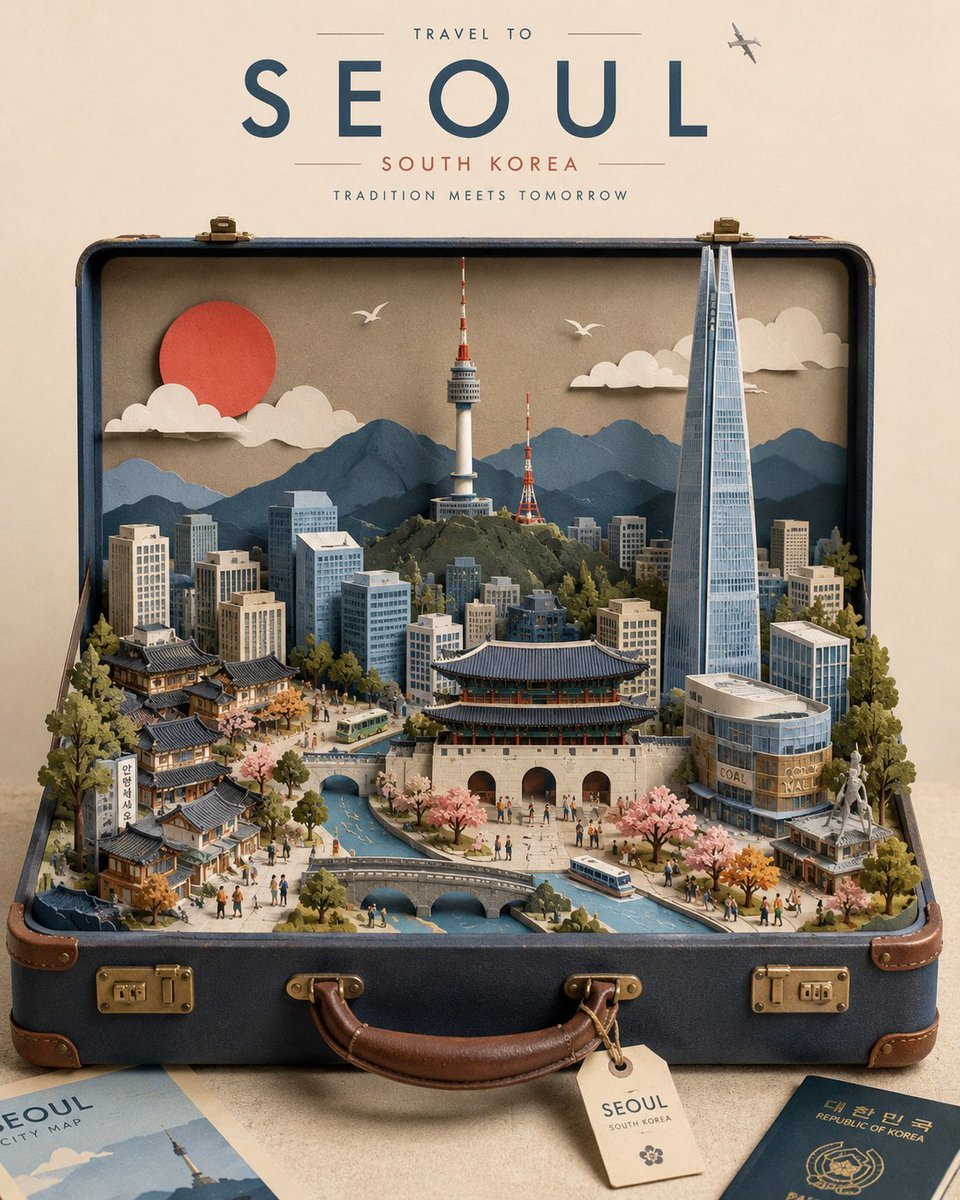
Miniature Suitcase Travel Poster
Make it yours
Four 3D Miniature City Maps works as-is. These are the safest ways to change it without losing the look.
Change one field
Copy a single group, rewrite it, and generate again so you can see what that field is doing.
Keep the frame, change the subject
Hold the composition and light of Four 3D Miniature City Maps, then swap wardrobe, props or the person for a new take.
| If the result… | Why | Fix |
|---|---|---|
| The result drifts from the preview | Too many fields changed at once. | Reuse Four 3D Miniature City Maps as-is first, then change one group — subject, light, or setting. |
| The model over-stylizes the scene | The prose prompt leaves finish and camera underspecified. | Add one camera or lighting sentence and stay on GPT Image 2. |
More GPT Image 2 templates
Other prompts made for GPT Image 2.

Six VTuber Japanese Logo Sheet

Realistic Portrait of Woman and Deer

The Vista Modular Condo Poster

AI Model Routing Comparison Infographic

2.5D Anime Art Board

Isometric Productivity Desk Scene

New York Double Exposure Poster

Japanese Tatami Lifestyle Magazine Cover

NESCAFÉ Coffee Map Poster

Brutalist Cogito Chinese Typography Poster
More image prompts
Fresh picks from across the catalog.
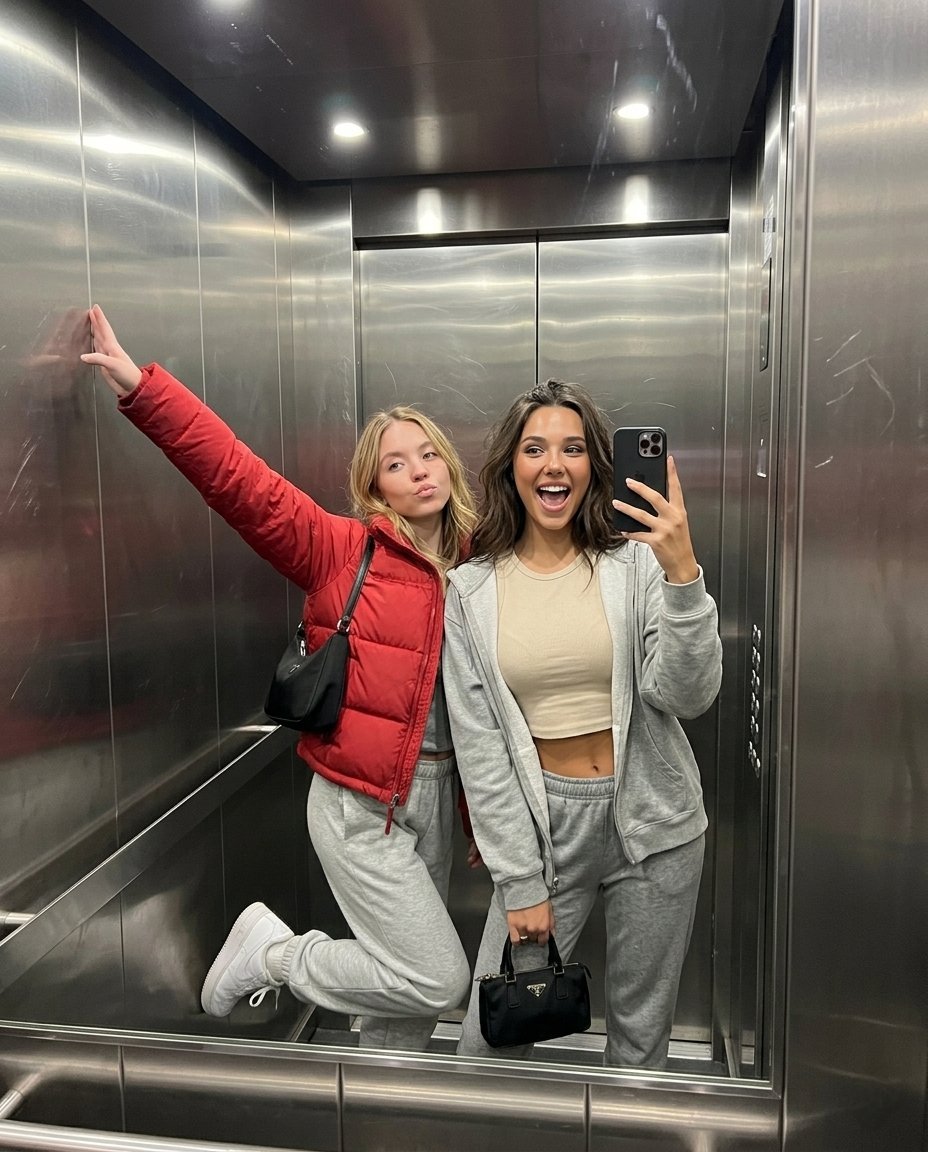
Realistic Elevator Mirror Selfie Prompt for Nano Banana Pro
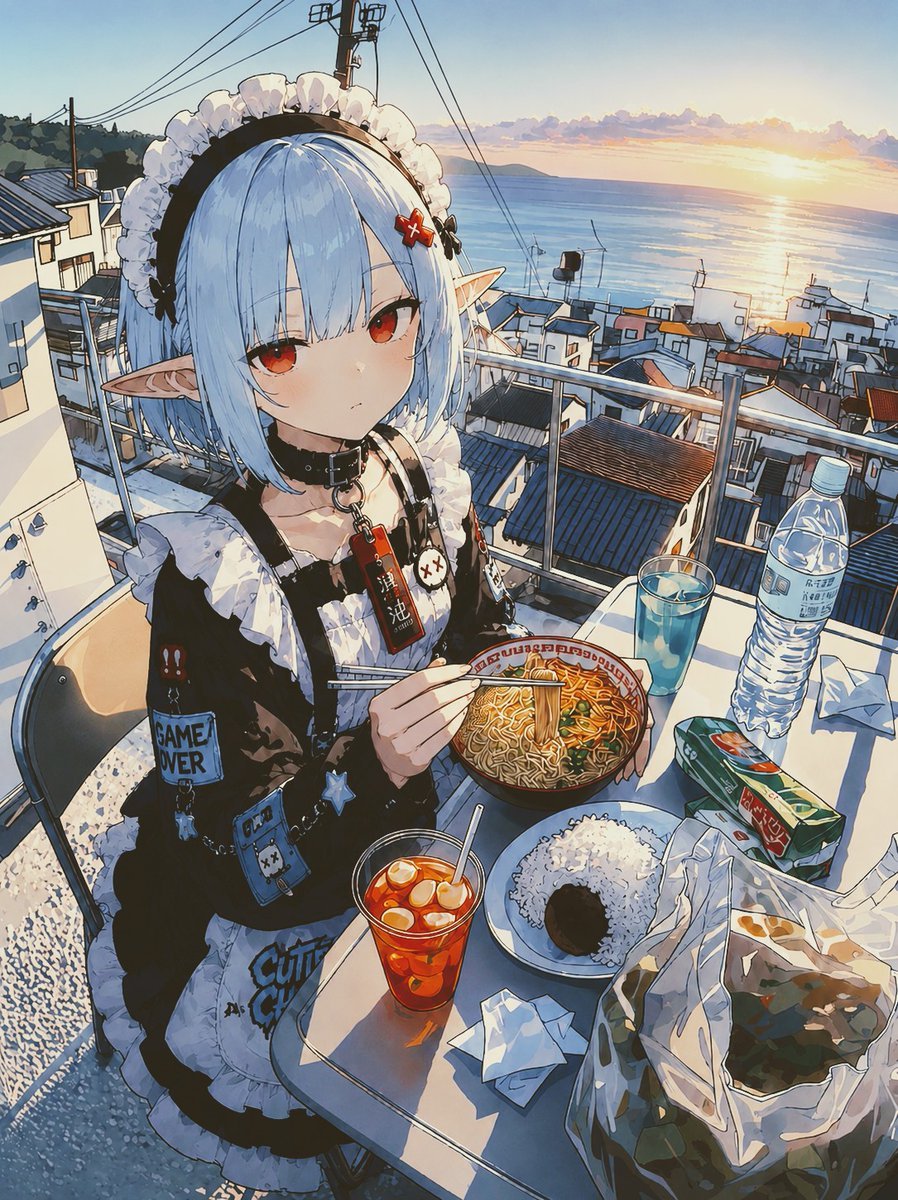
POV Seaside Elf Maid Dinner
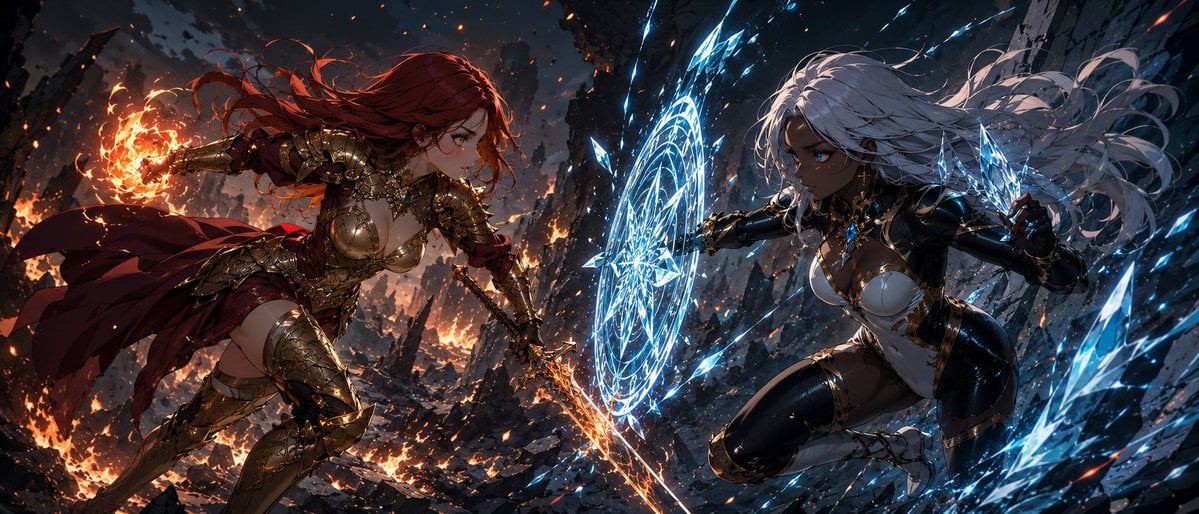
Fire Knight vs Ice Warrior Battle
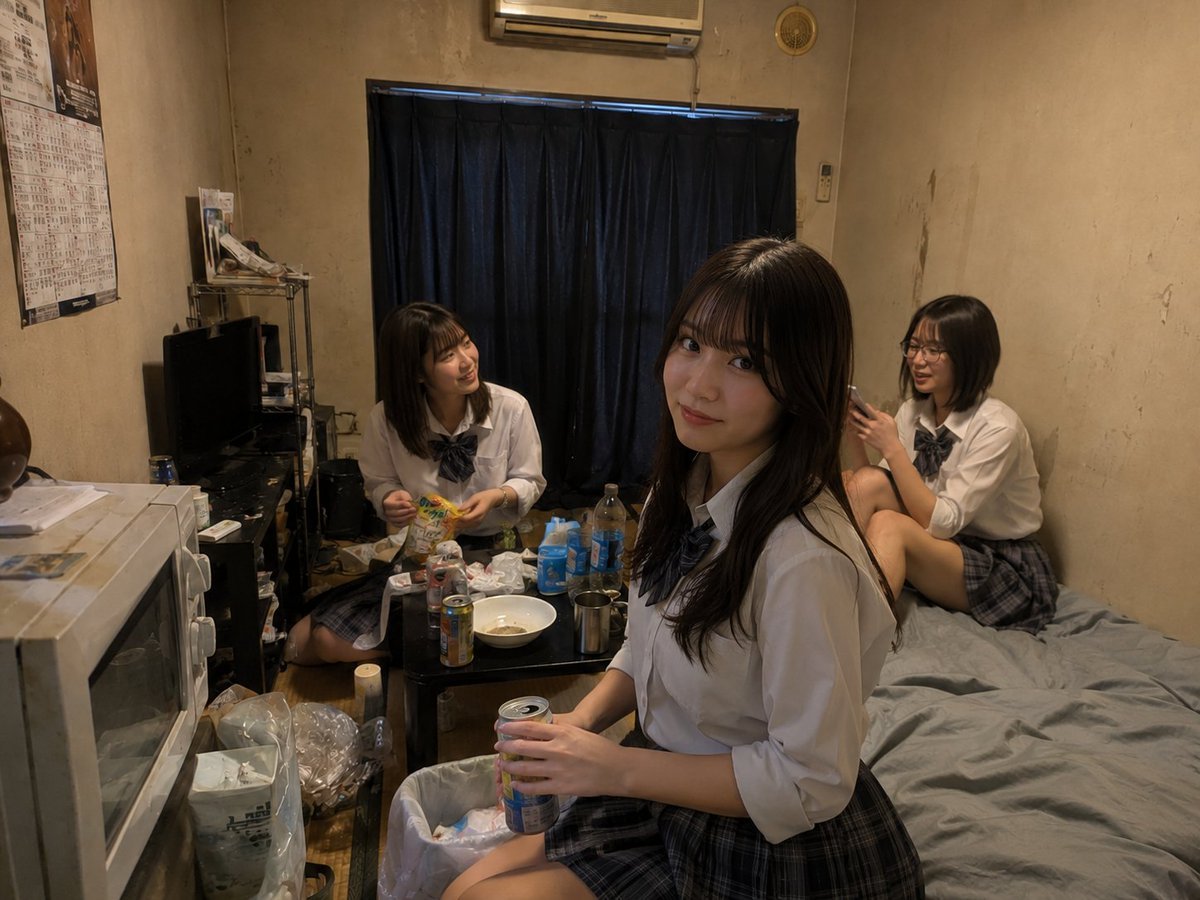
Messy Room Student Hangout
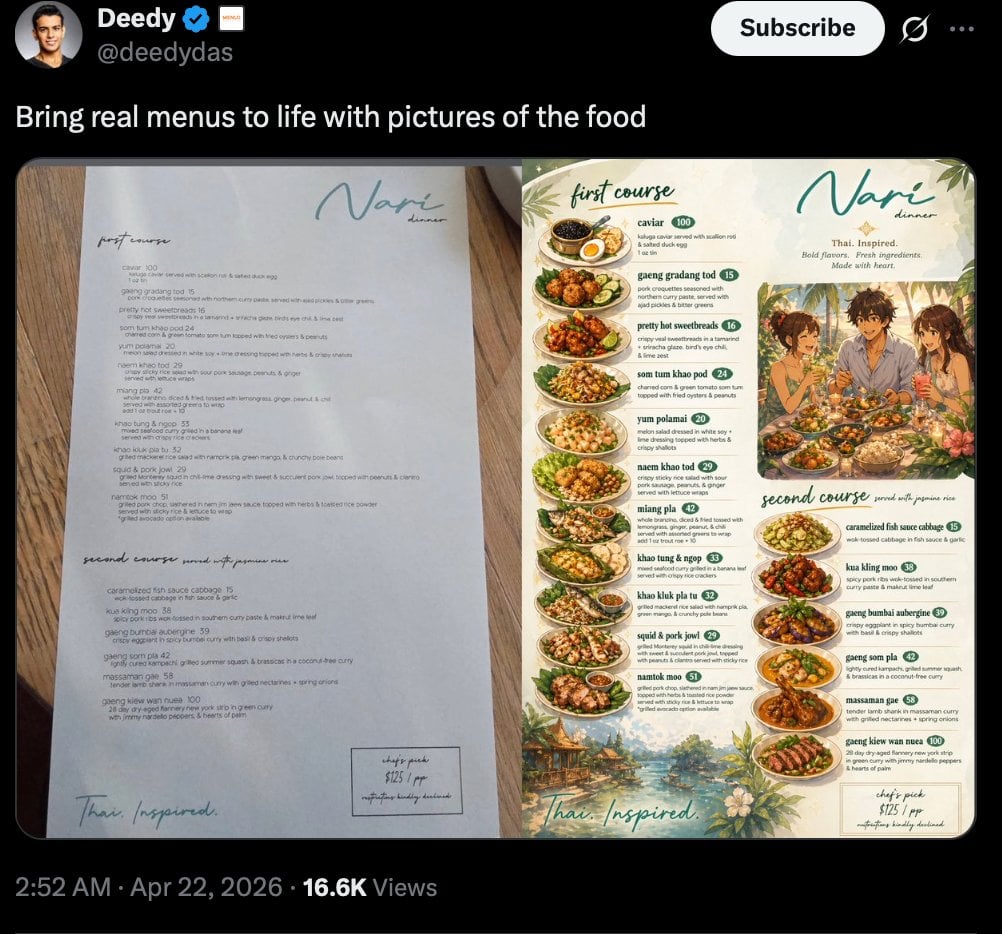
Viral Tweet Menu Before-and-After
Neon Butterfly Night Portrait
Korean Tea Plantation Portrait
1970s Kodachrome Street Documentary Moment
Premium Gen-Z Streetwear Fashion Collage
Cool Menthol Shampoo Ad
Browse template categories
Four 3D Miniature City Maps questions
How do I use the Four 3D Miniature City Maps template?
Add your photo if the template asks for one, edit the prompt if you like — the template's model and format are already selected — and press Generate. Your version opens in PicX Studio.
Can I customize the Four 3D Miniature City Maps template?
Yes. You can change the subject, setting, lighting, mood, format, and available model controls before creating your image.
Is the Four 3D Miniature City Maps template free?
Opening and editing this template is free. Generating uses credits, shown on the Generate button when you are signed in.
Which AI model should I use?
Start with GPT Image 2, which is the model associated with this template. You can compare another compatible model for a different finish.
Looking for something else? Browse all templates.

Your photo, any look
Thousands of ready templates for every top image and video model, from one credit balance.