
Premium Gen-Z Streetwear Fashion Collage
A sophisticated multi-style fashion collage featuring a male model in high-end streetwear, designed with editorial magazine aesthetics and cinematic lighting.
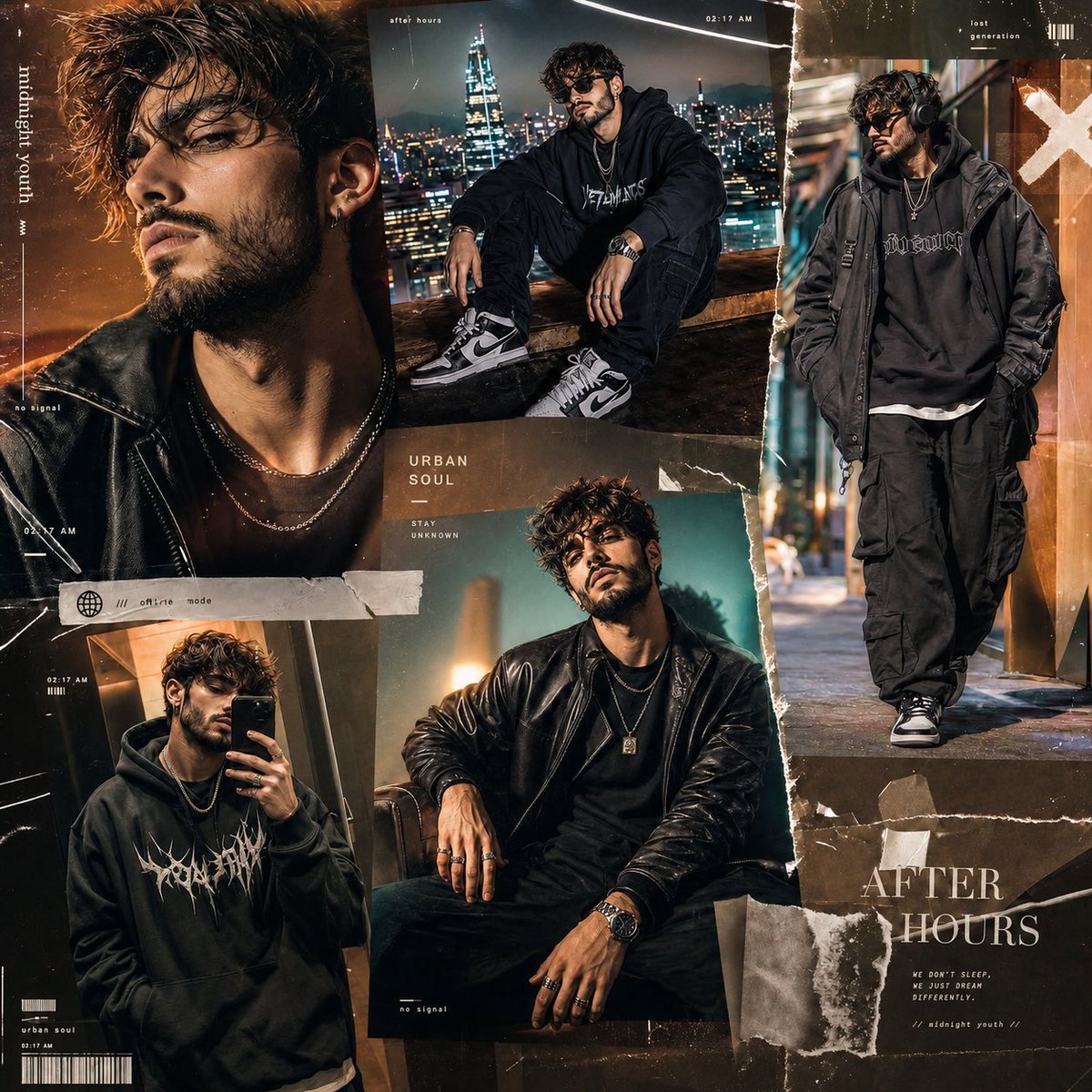
- Prompt included
- Model and format preset
- Free template
The prompt behind this image
Copy the exact prompt behind Premium Gen-Z Streetwear Fashion Collage, or open it in the studio and make it yours.
Create a premium 1:1 ultra-stylish fashion collage advertisement featuring the same {argument name="subject" default="young handsome bearded male model"} across multiple cinematic portrait styles inside one single high-end composition. The model should have sharp jawline, textured beard, messy stylish hair, attractive confident expression, modern masculine aura, and {argument name="styling" default="luxury Gen-Z street fashion styling"}. Entire mood should feel bold, dark, mysterious, and visually addictive — designed for viral social media aesthetics. Theme: midnight luxury + underground streetwear + cinematic masculine energy. Include: – one intense cinematic close-up portrait with moody side lighting – one stylish rooftop streetwear pose at night overlooking neon city lights – one candid walking shot wearing oversized fashion layers and headphones – one luxury editorial studio portrait with dramatic shadows – one casual mirror selfie frame with relaxed Gen-Z attitude Outfits should include layered streetwear, oversized hoodies, leather jackets, silver chains, rings, watches, black cargo pants, premium sneakers, sunglasses, and luxury accessories. Keep the same character identity in every frame. Use a rich color palette of matte black, charcoal gray, deep emerald, cold silver, dark navy, smoky teal, and subtle warm skin highlights instead of bright colorful tones. Design the layout like an expensive modern fashion magazine mixed with underground music album aesthetics. Use {argument name="composition" default="asymmetrical collage composition"}, overlapping frames, ripped paper textures, glossy reflections, motion blur streaks, cinematic grain, magazine cutout effects, shadow overlays, luxury fashion graphics, subtle chrome textures, and layered editorial design. Typography should be very tiny, minimal, and aesthetic — almost hidden naturally inside the artwork. Add micro-text details like: “midnight youth” “no signal” “after hours” “lost generation” “urban soul” “02:17 AM” “offline mode” Use cinematic lighting, shallow depth of field, realistic skin texture, high-fashion photography aesthetics, dark luxury atmosphere, professional editorial color grading, ultra realistic details, visually rich composition, premium Instagram/Twitter fashion campaign energy, ultra detailed masterpiece.
How to use Premium Gen-Z Streetwear Fashion Collage in 3 steps
- 1
Open
The prompt is already in the box next to the preview, with the template's model and format selected.
- 2…a portrait of your subject in softgolden-hour light, 85mm…
Personalize
Edit the subject and creative details for your destination.
- 3Generate
Generate
Press Generate — your image is created in PicX Studio, so you can compare it with the original and refine one variable at a time.
More like this
Templates with the same subject, style or setup. Open one to see its prompt.

1988 Mall Style
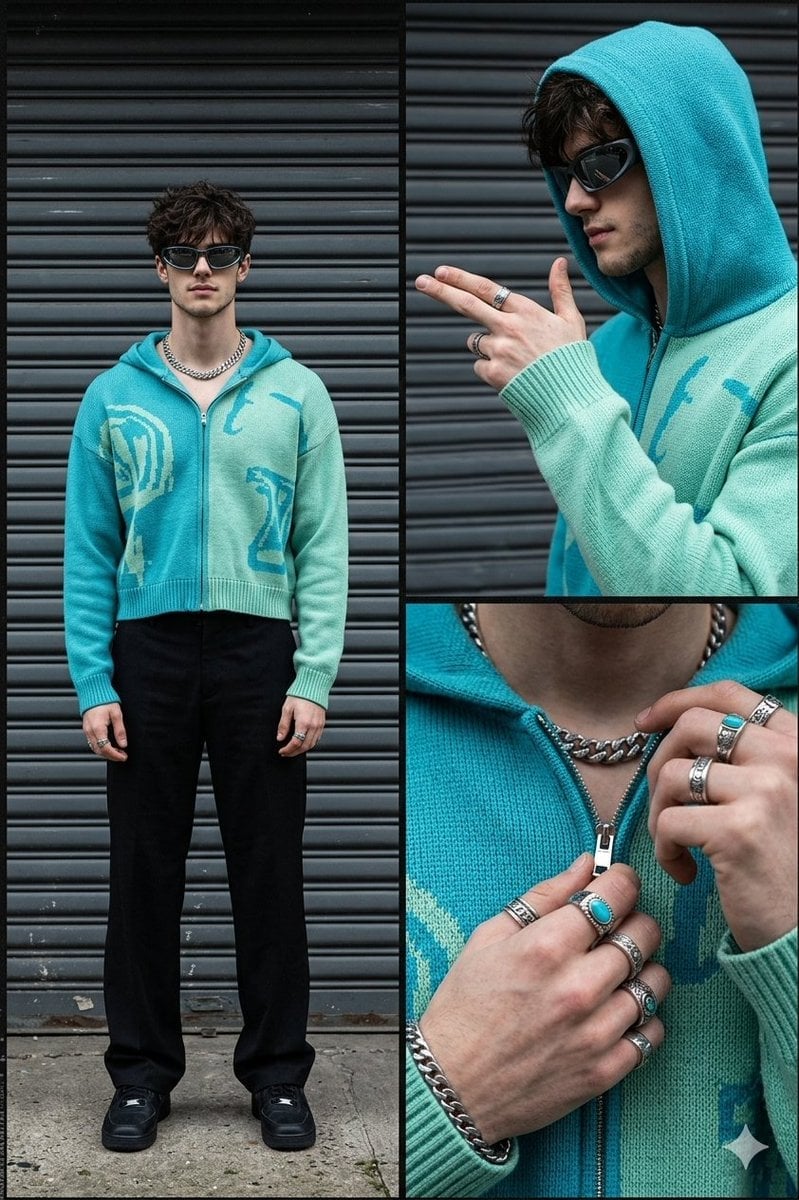
Streetwear Fashion Collage Prompt
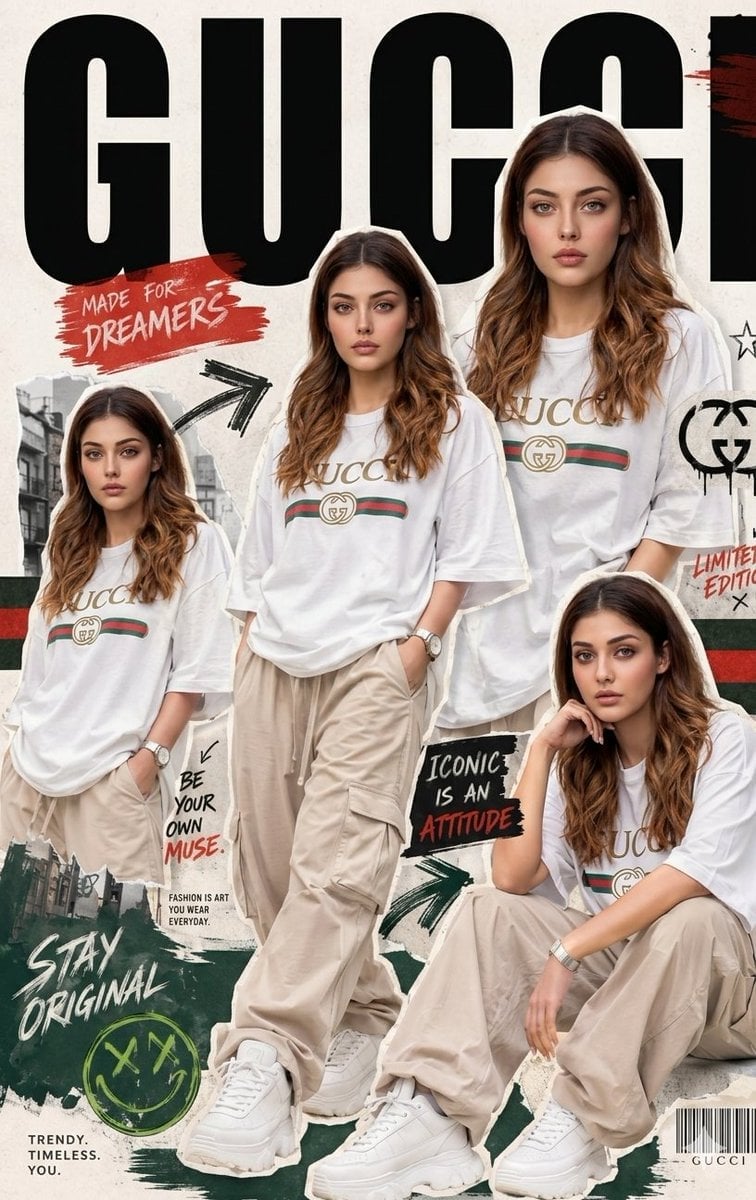
Urban Streetwear Fashion Collage Poster

Miniature Self Portrait Collage

80s College Gate

80s Polka Dot Saree
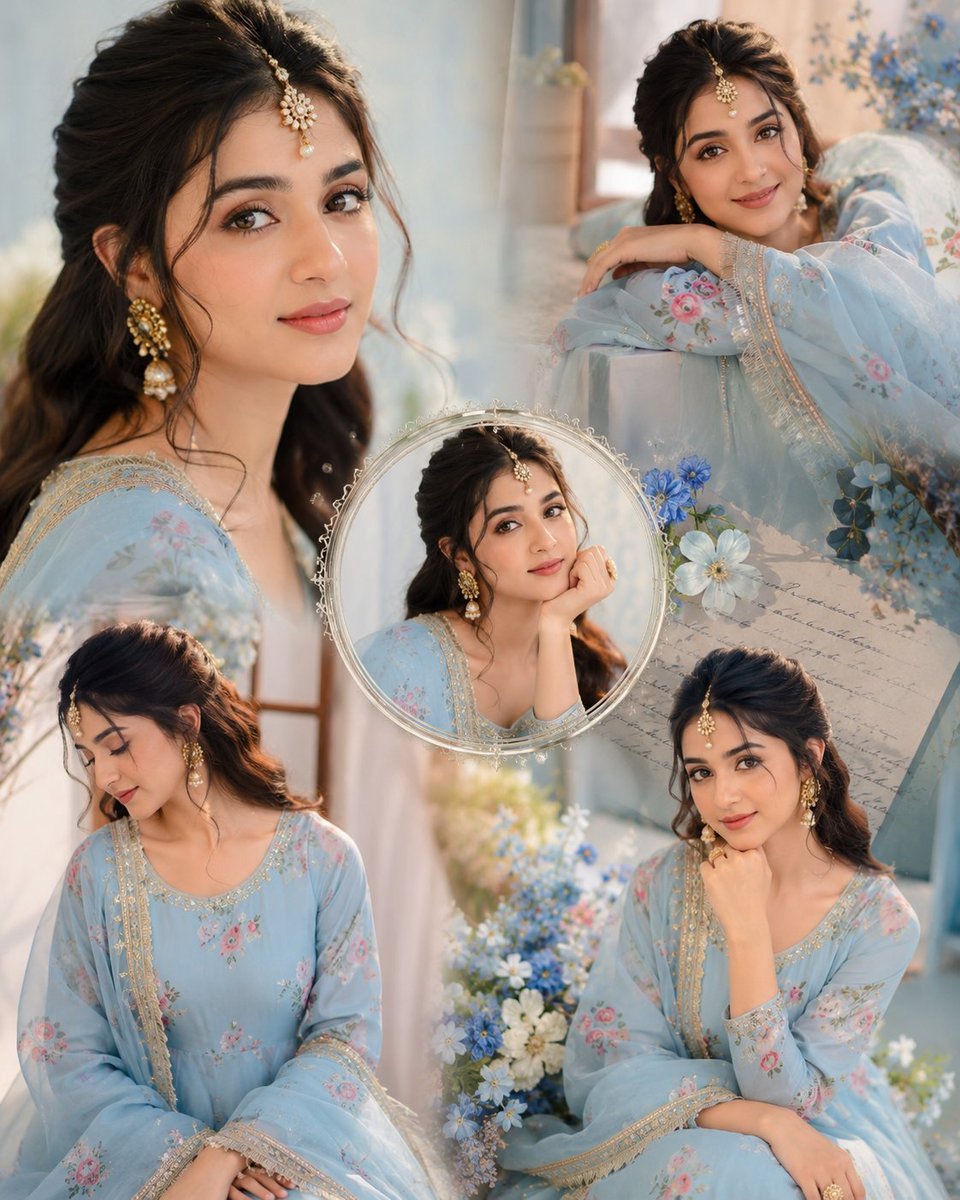
Indian Anarkali Fashion Collage

Rainy Monsoon Fashion Collage
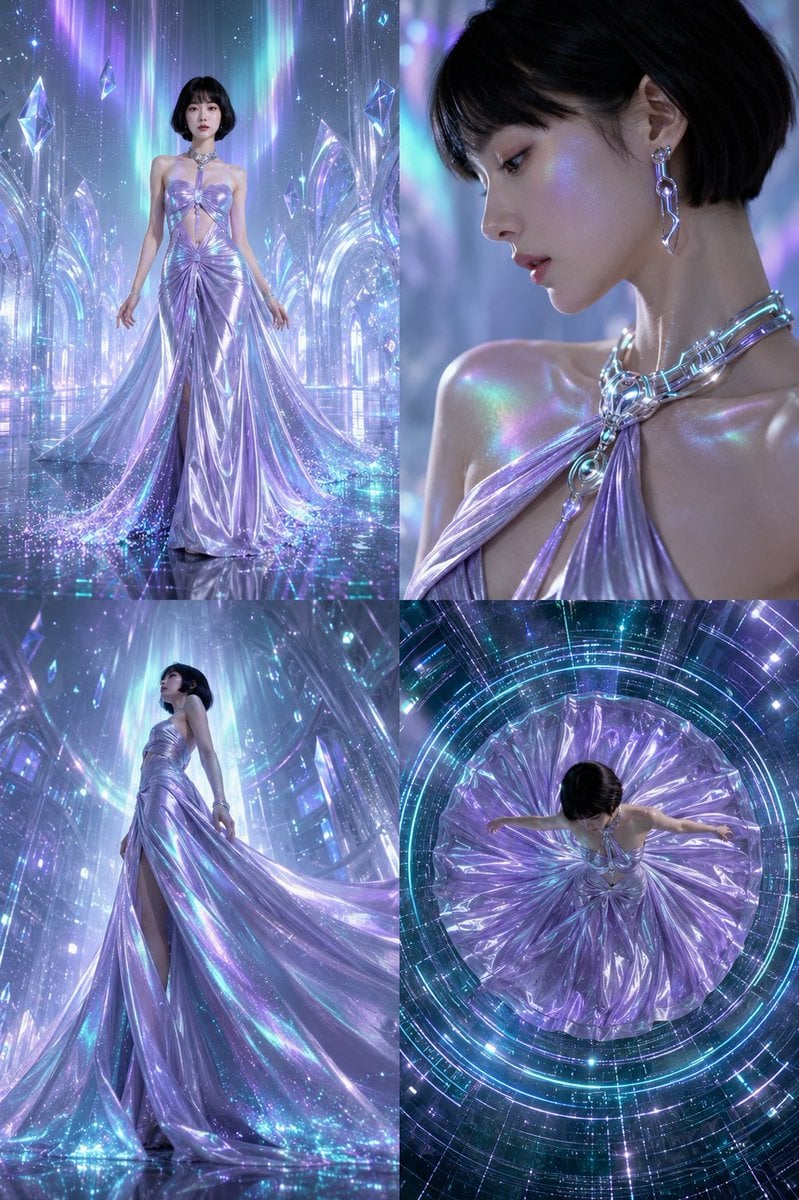
Futuristic Ice Palace Fashion Collage
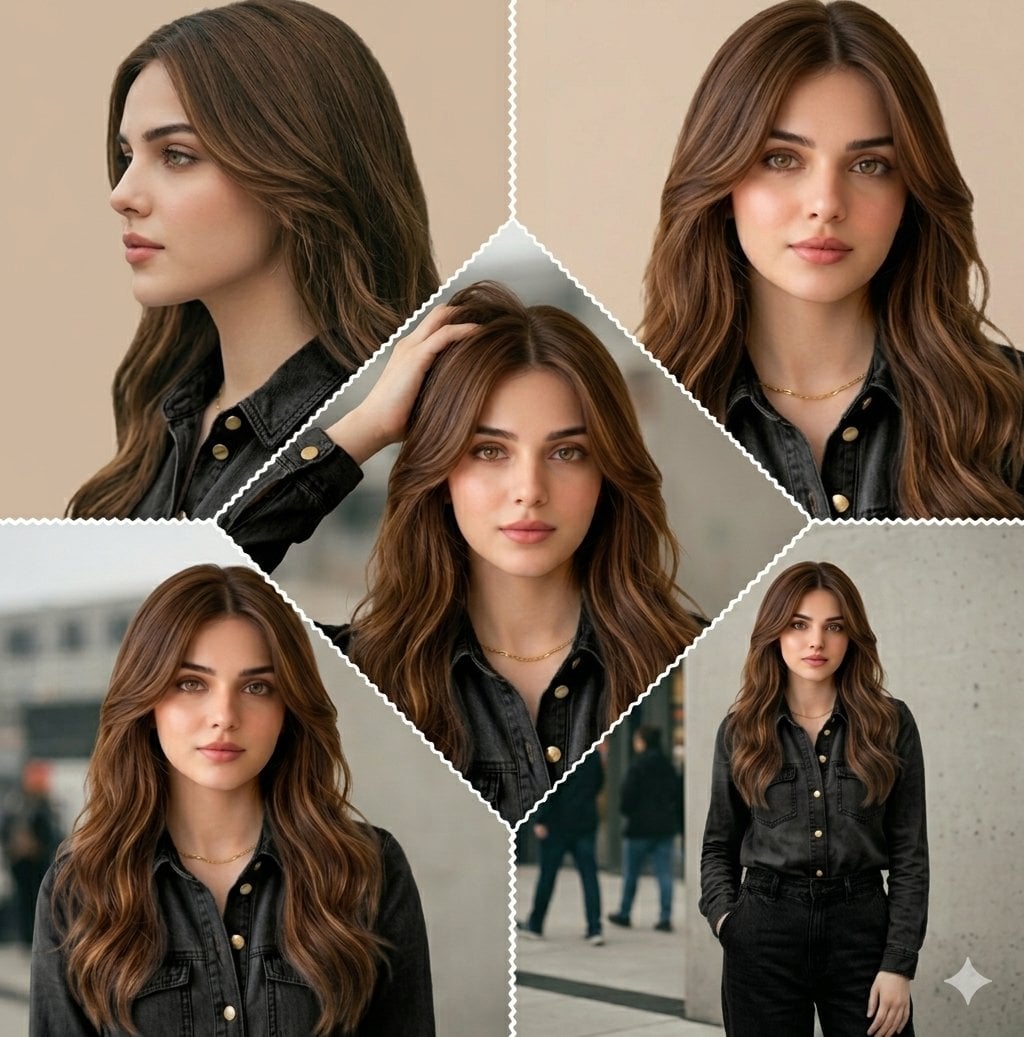
Cinematic Streetwear Model Collage
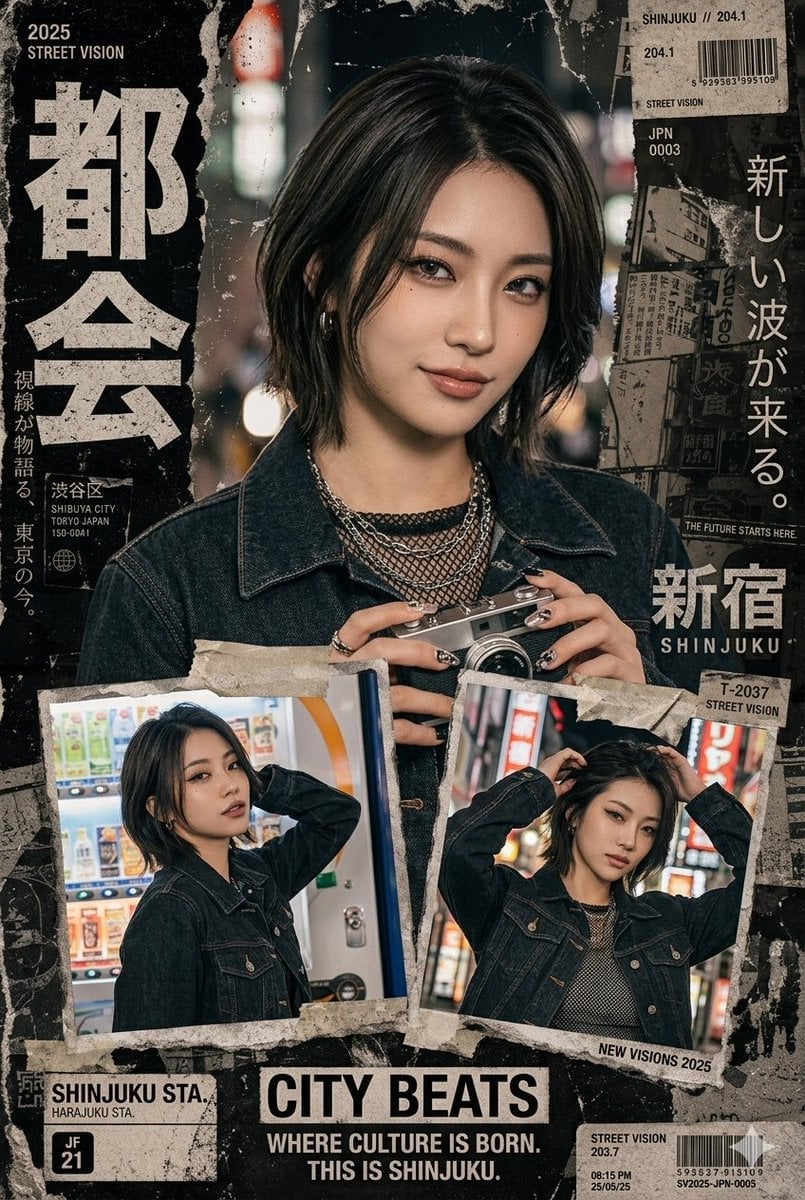
Japanese Streetwear Magazine Collage
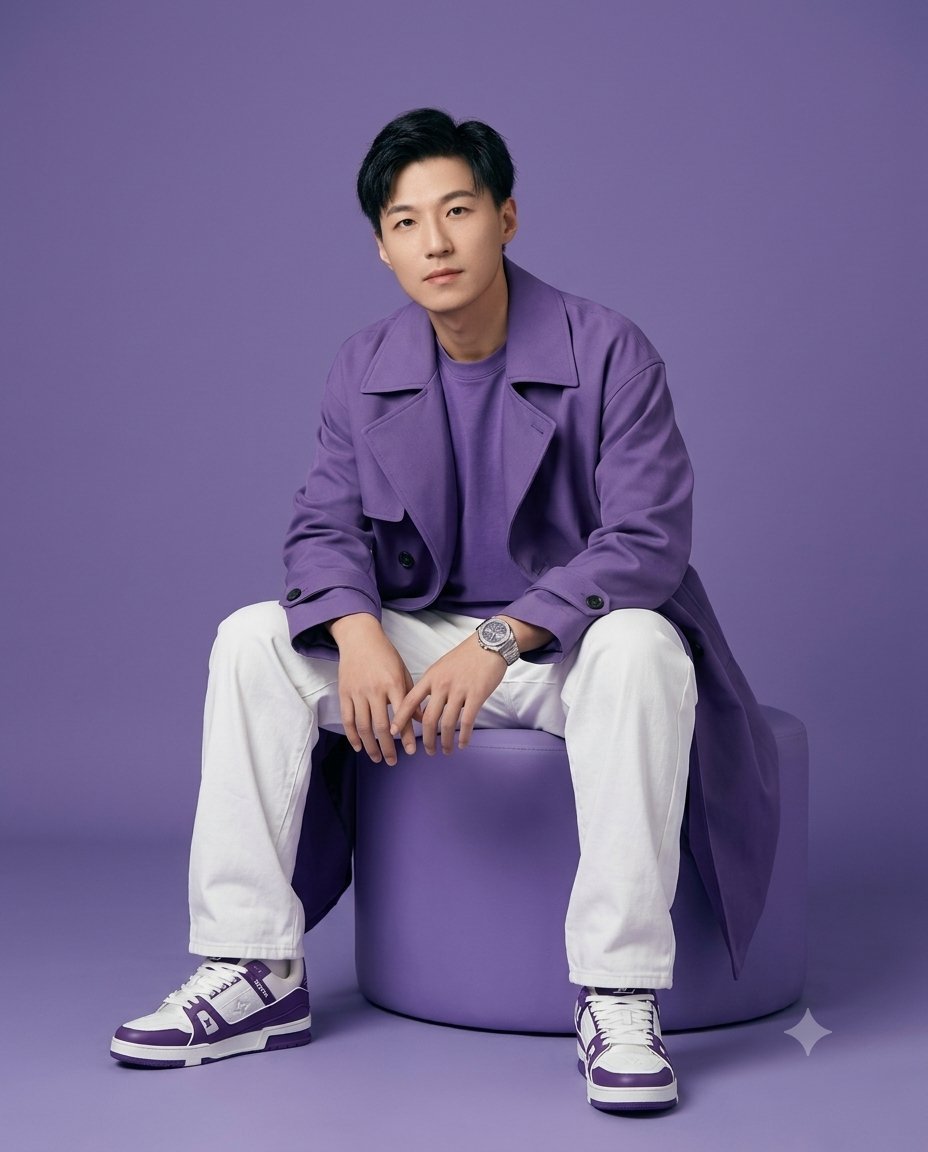
High-Fidelity Gen-Z Fashion Editorial Portrait
Make it yours
Premium Gen-Z Streetwear Fashion Collage works as-is. These are the safest ways to change it without losing the look.
Change one field
Copy a single group, rewrite it, and generate again so you can see what that field is doing.
Keep the frame, change the subject
Hold the composition and light of Premium Gen-Z Streetwear Fashion Collage, then swap wardrobe, props or the person for a new take.
| If the result… | Why | Fix |
|---|---|---|
| The result drifts from the preview | Too many fields changed at once. | Reuse Premium Gen-Z Streetwear Fashion Collage as-is first, then change one group — subject, light, or setting. |
| The model over-stylizes the scene | The prose prompt leaves finish and camera underspecified. | Add one camera or lighting sentence and stay on GPT Image 2. |
More GPT Image 2 templates
Other prompts made for GPT Image 2.

Six VTuber Japanese Logo Sheet

Realistic Portrait of Woman and Deer

The Vista Modular Condo Poster

AI Model Routing Comparison Infographic

2.5D Anime Art Board

Isometric Productivity Desk Scene

New York Double Exposure Poster

Four-Panel AI Landscape Comparison

Japanese Tatami Lifestyle Magazine Cover

NESCAFÉ Coffee Map Poster
More image prompts
Fresh picks from across the catalog.
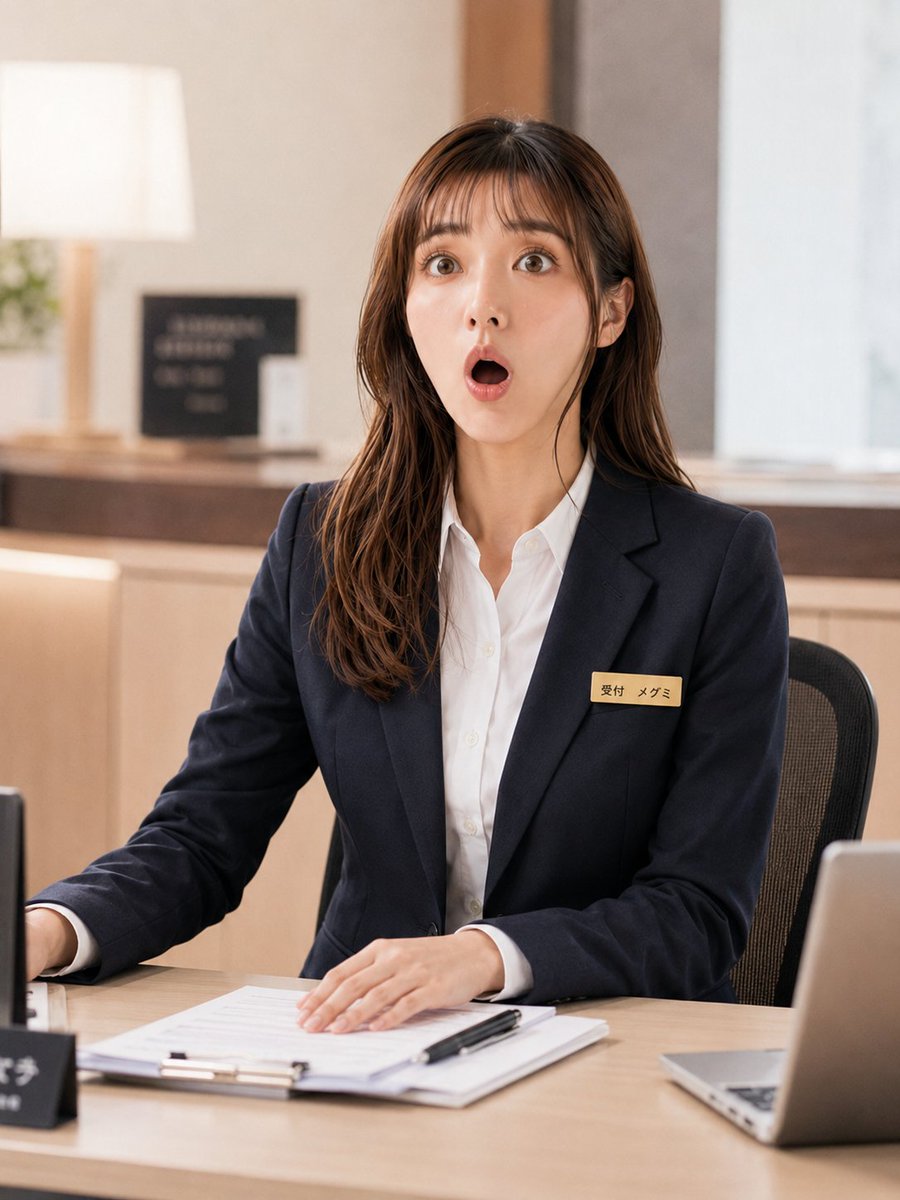
Receptionist Seated at Front Desk

Doraemon Watercolor Silhouette Dreamscapes
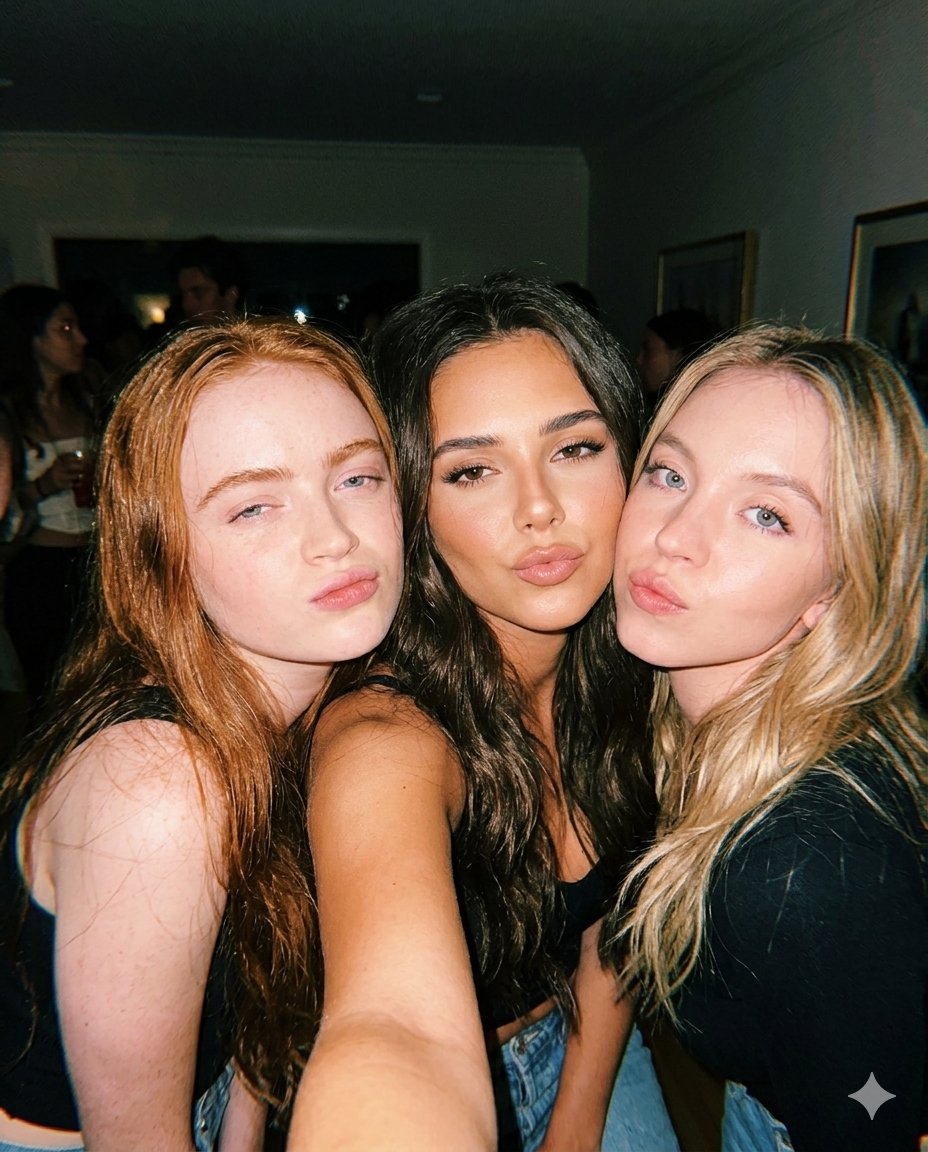
Vintage Flash Group Selfie Prompt for Nano Banana Pro
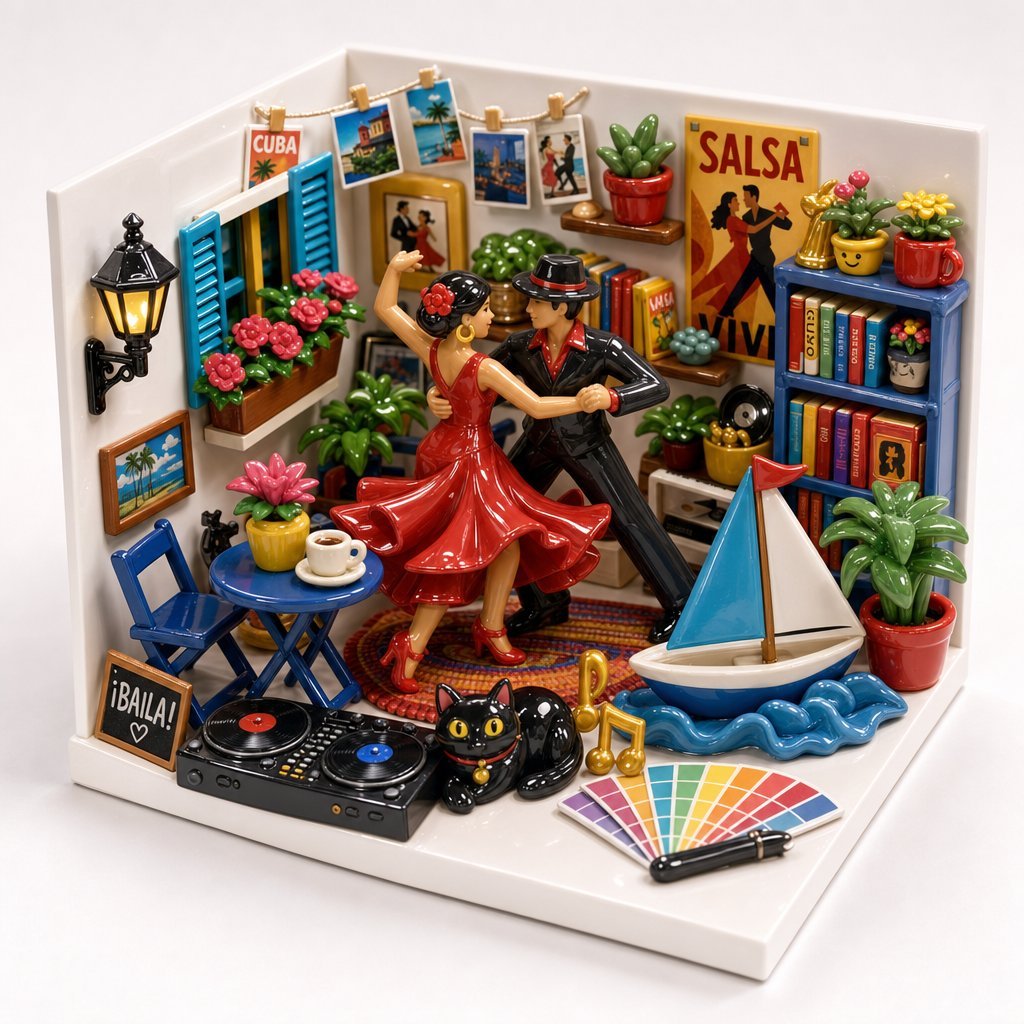
Miniature Salsa Box Garden Diorama
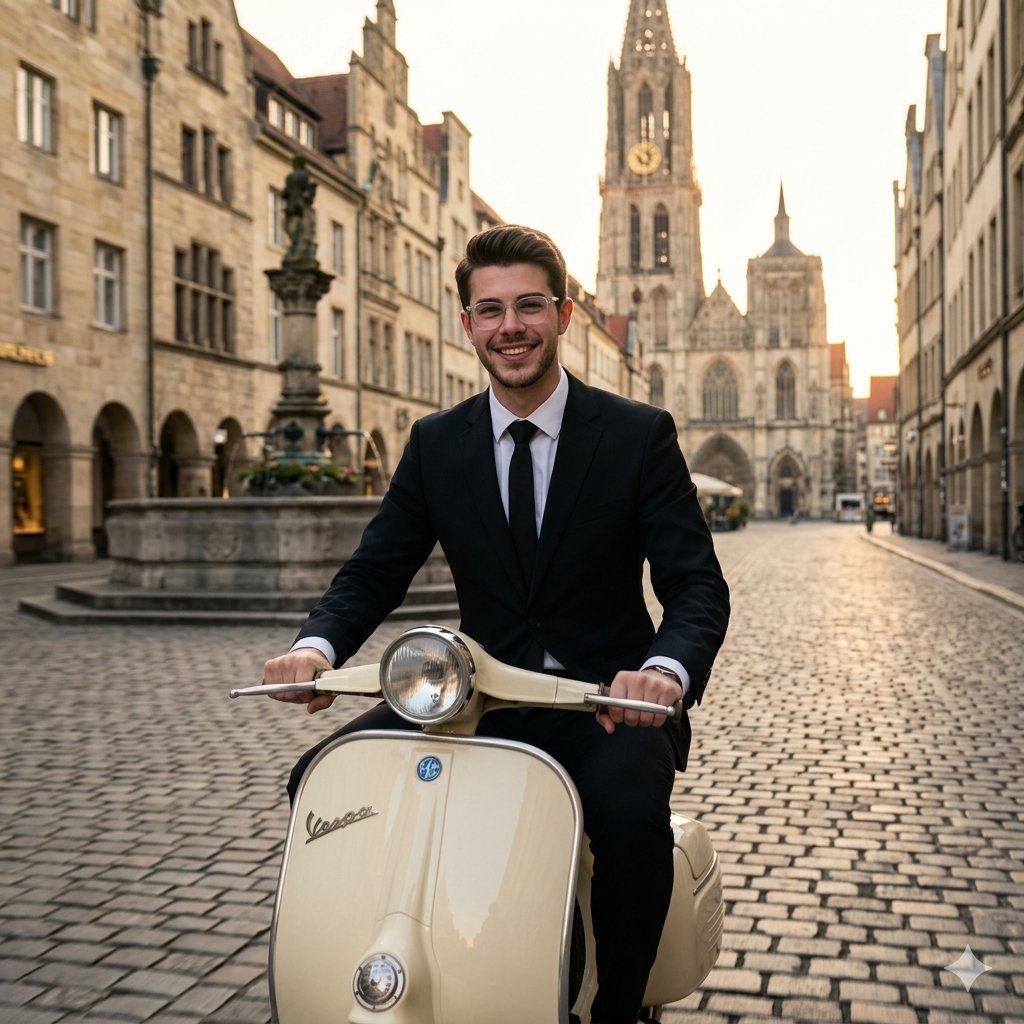
Vintage European Scooter Ride
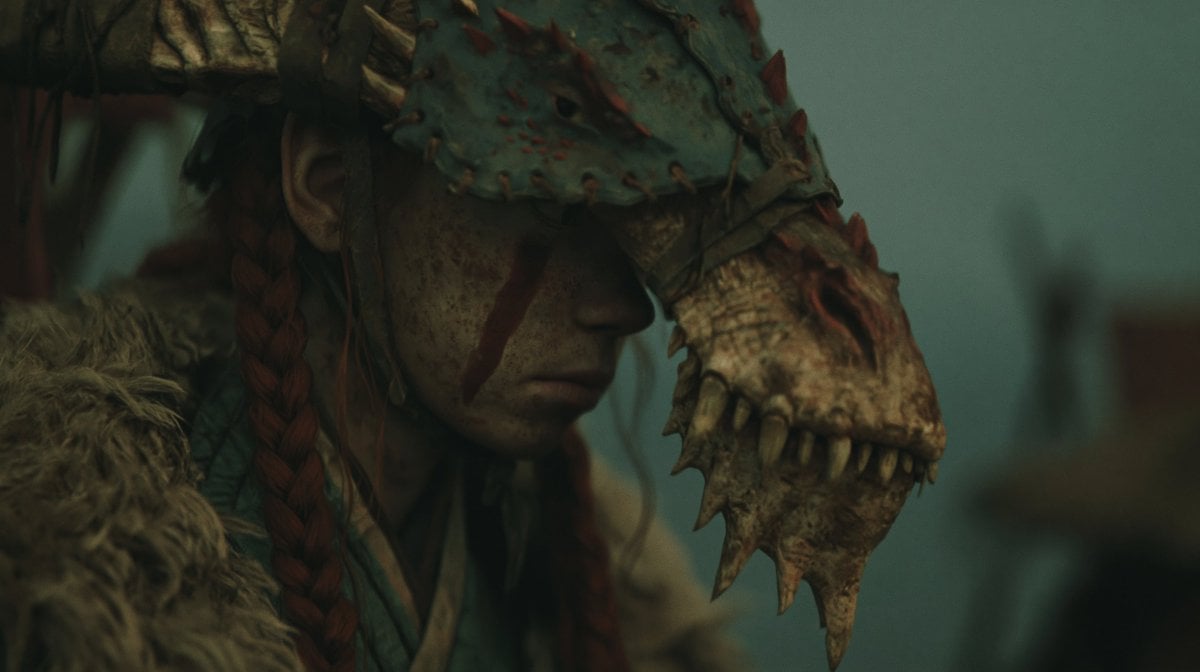
Censored Dragon Skull Warrior
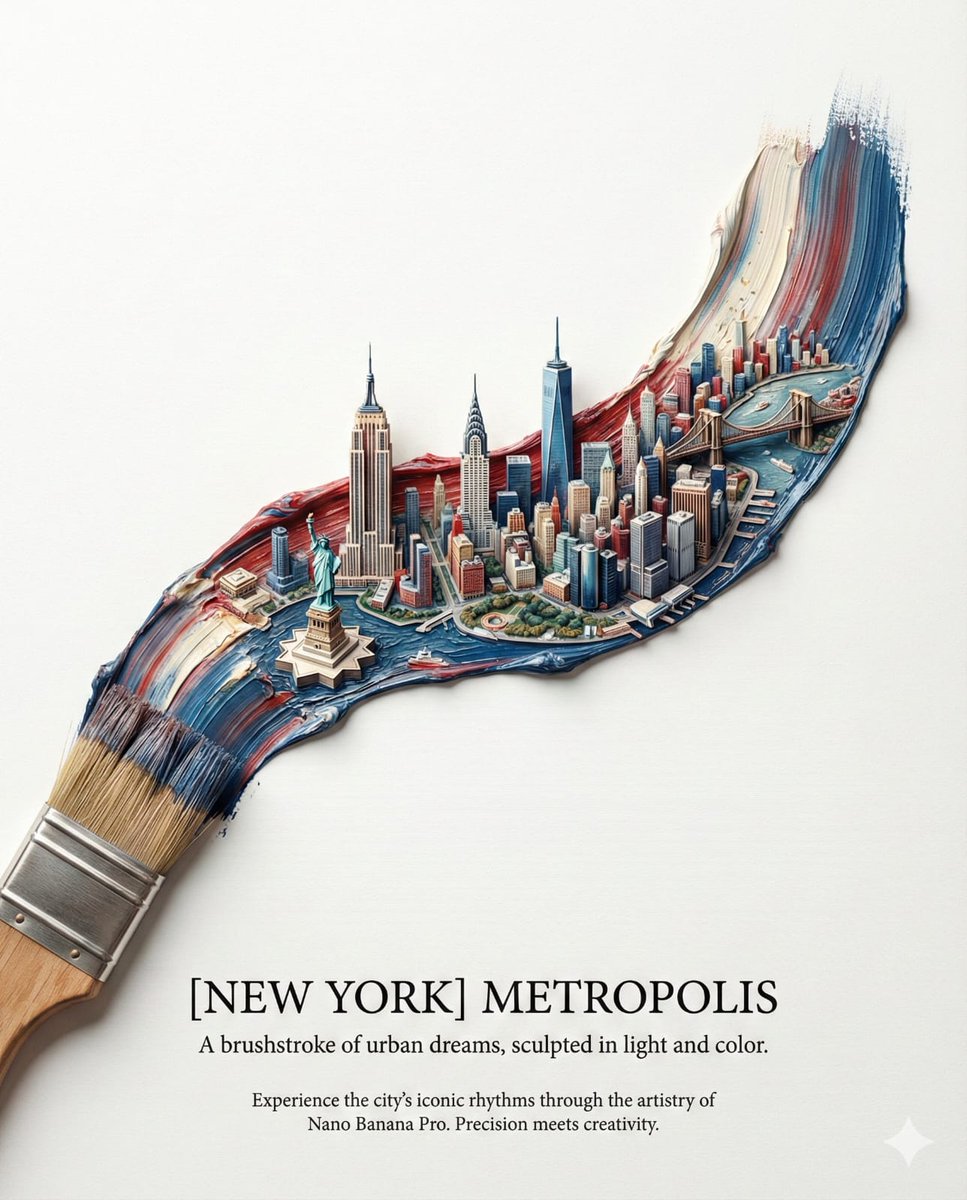
Ultra-Realistic Promotional Image Prompt
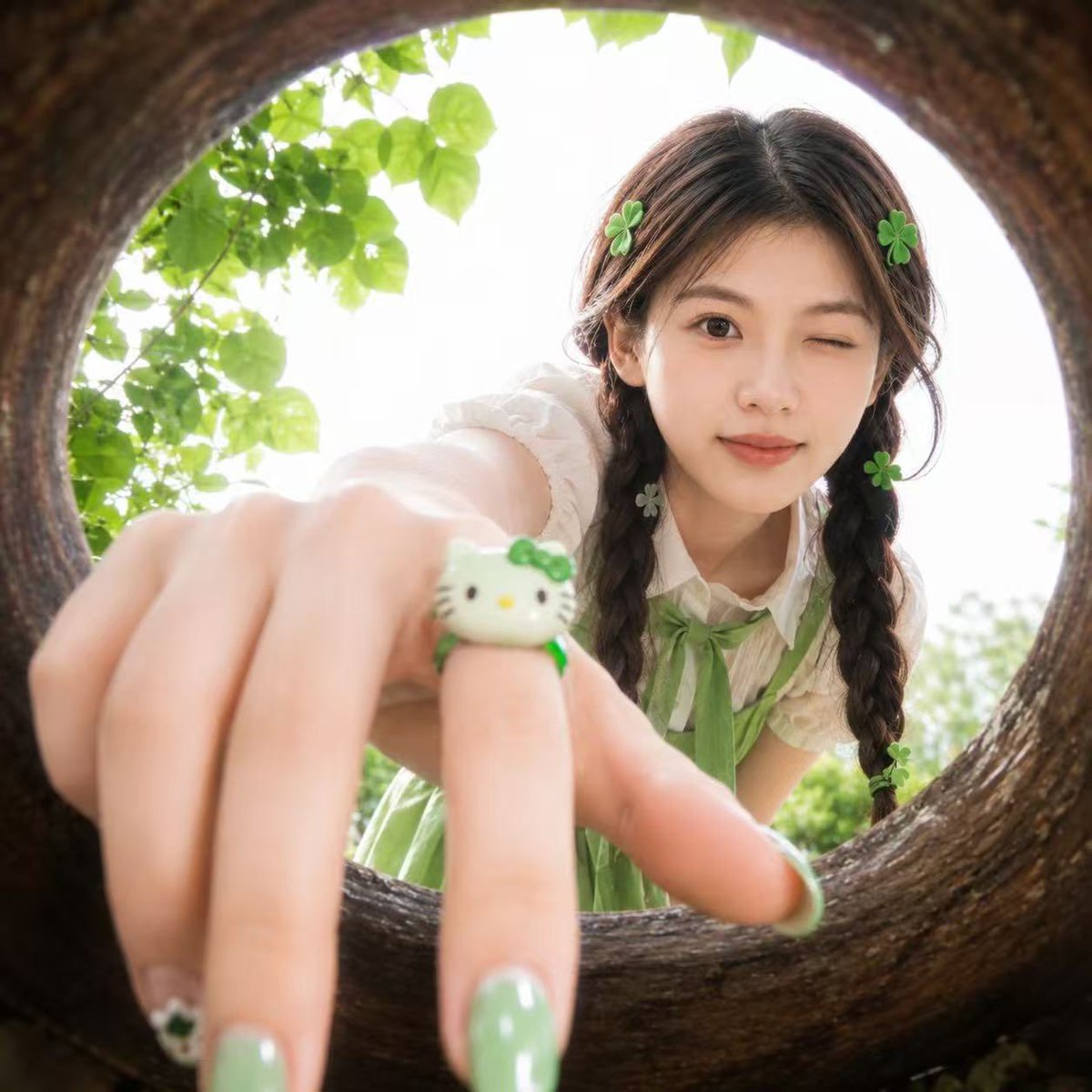
Soft Spring Cherry Blossom POV Portrait
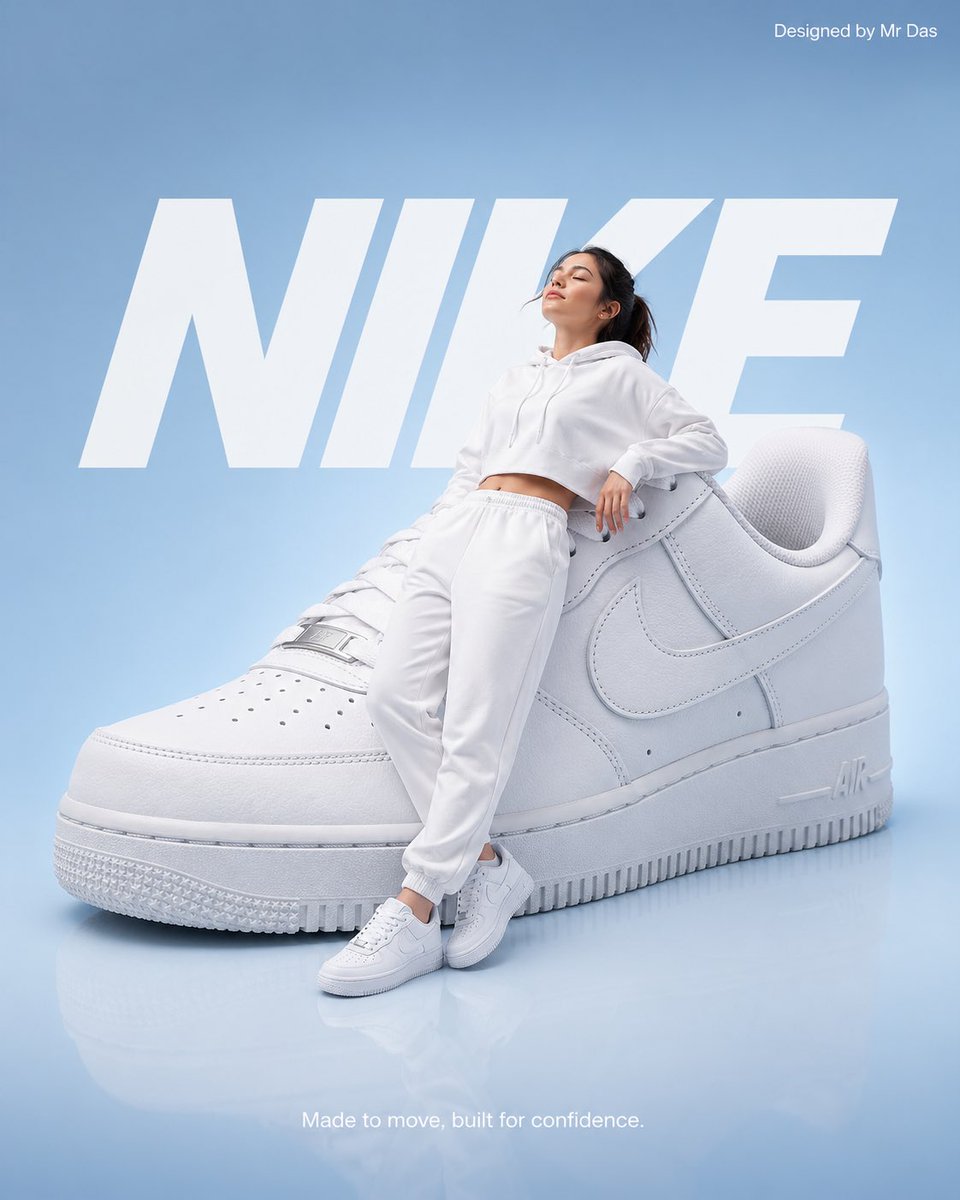
Minimalist Nike Fashion Advertisement
Watercolor Man Portrait with City Skyline
Browse template categories
Premium Gen-Z Streetwear Fashion Collage questions
How do I use the Premium Gen-Z Streetwear Fashion Collage template?
Add your photo if the template asks for one, edit the prompt if you like — the template's model and format are already selected — and press Generate. Your version opens in PicX Studio.
Can I customize the Premium Gen-Z Streetwear Fashion Collage template?
Yes. You can change the subject, setting, lighting, mood, format, and available model controls before creating your image.
Is the Premium Gen-Z Streetwear Fashion Collage template free?
Opening and editing this template is free. Generating uses credits, shown on the Generate button when you are signed in.
Which AI model should I use?
Start with GPT Image 2, which is the model associated with this template. You can compare another compatible model for a different finish.
Looking for something else? Browse all templates.

Your photo, any look
Thousands of ready templates for every top image and video model, from one credit balance.