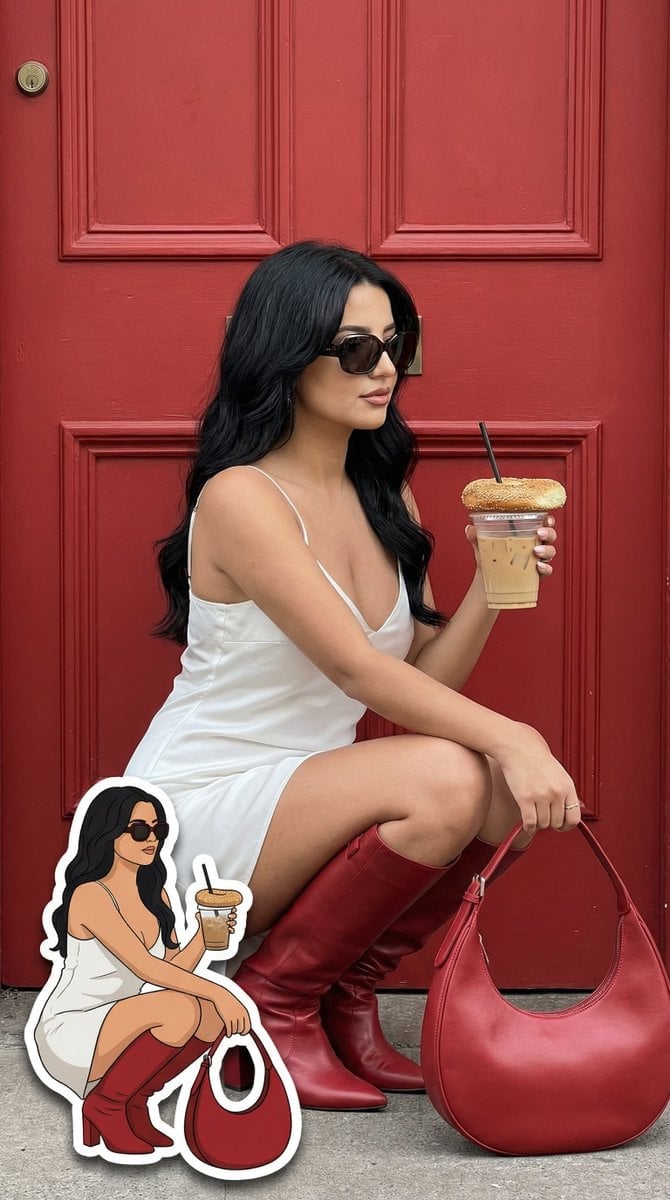
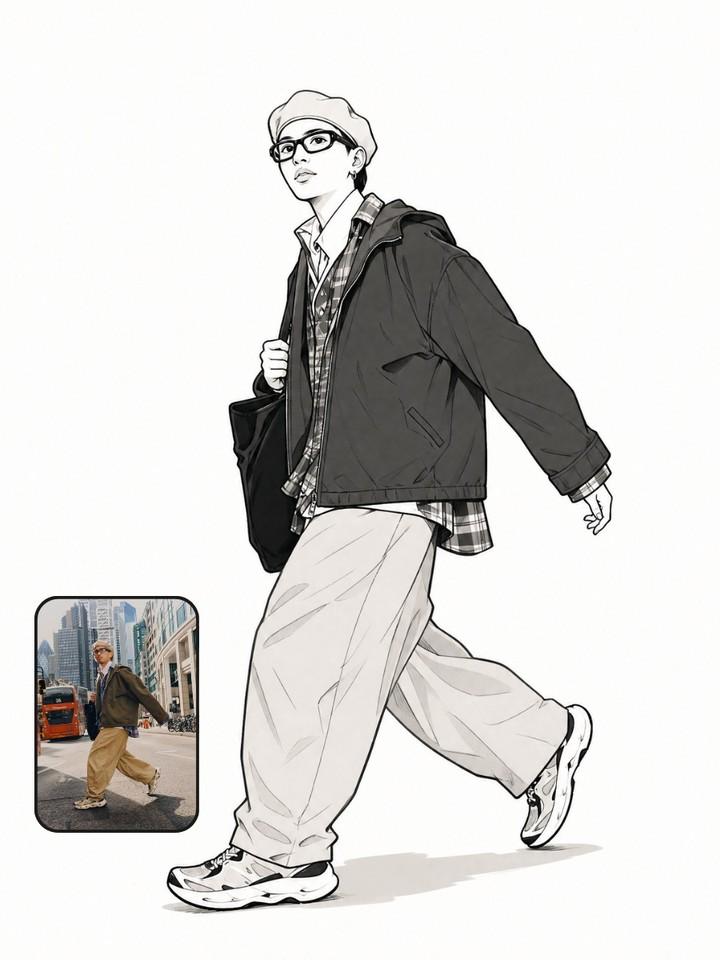
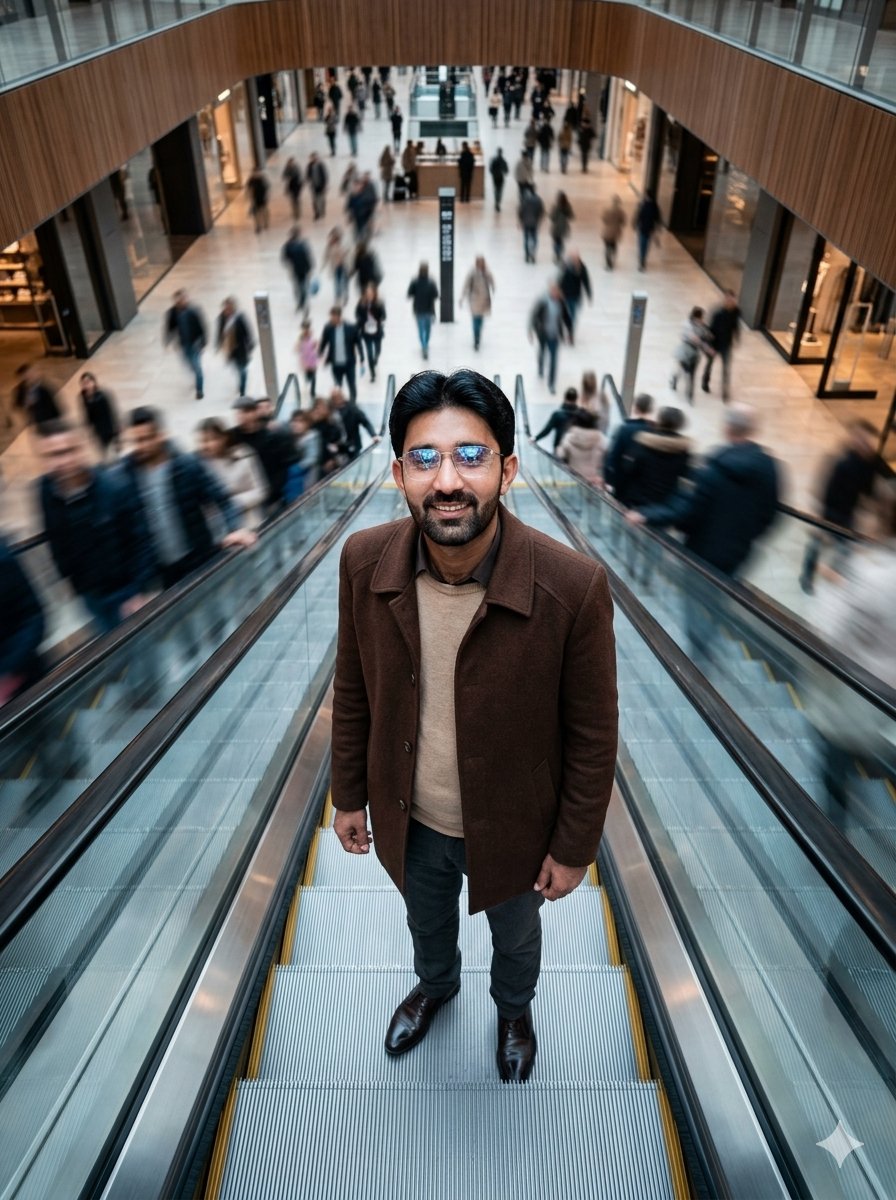
How do I use the High-Fidelity Gen-Z Fashion Editorial Portrait template?
Edit the prompt in the box under the preview — the template's model and format are already selected — and press Generate. Your version appears right on this page.
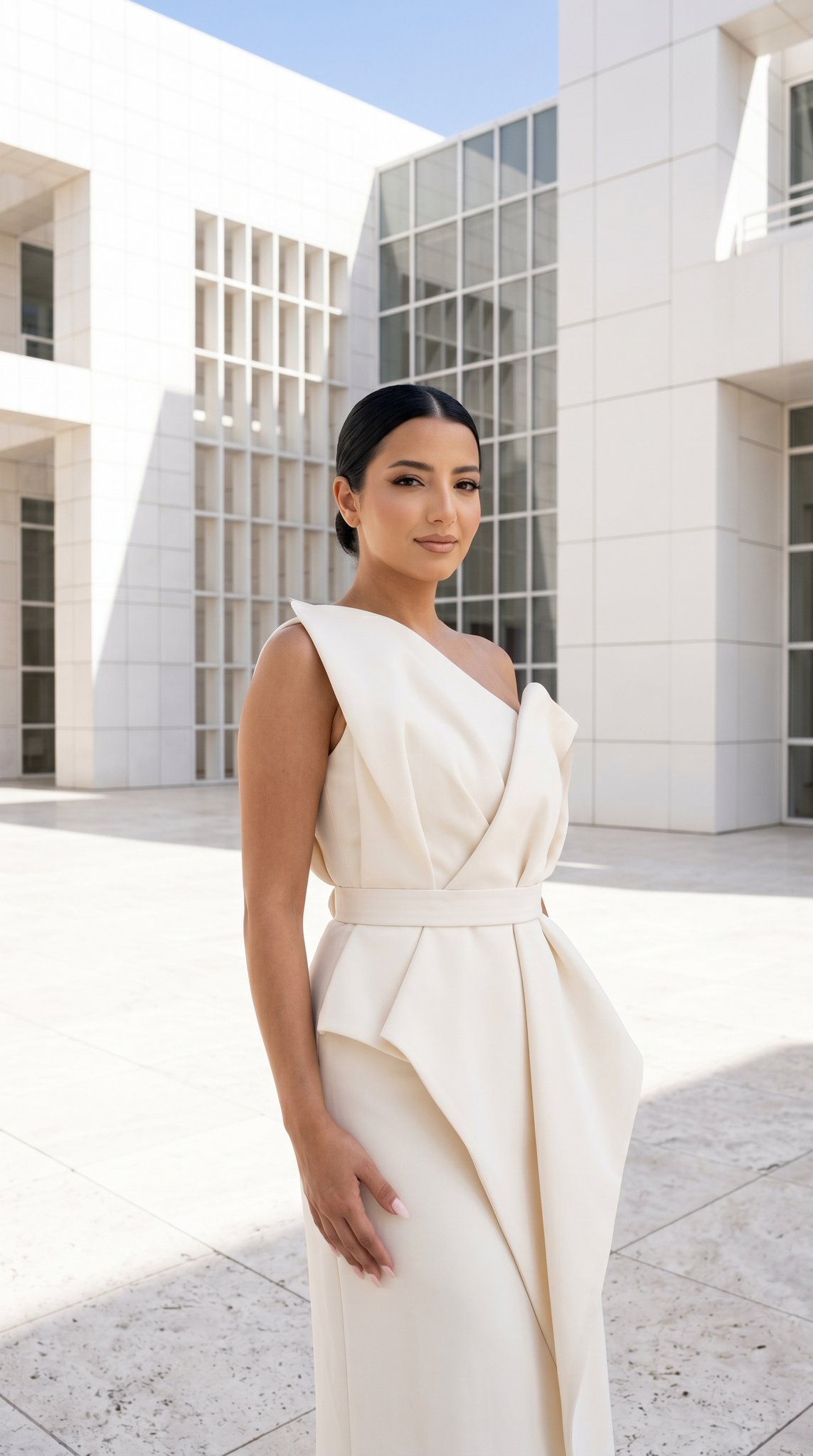
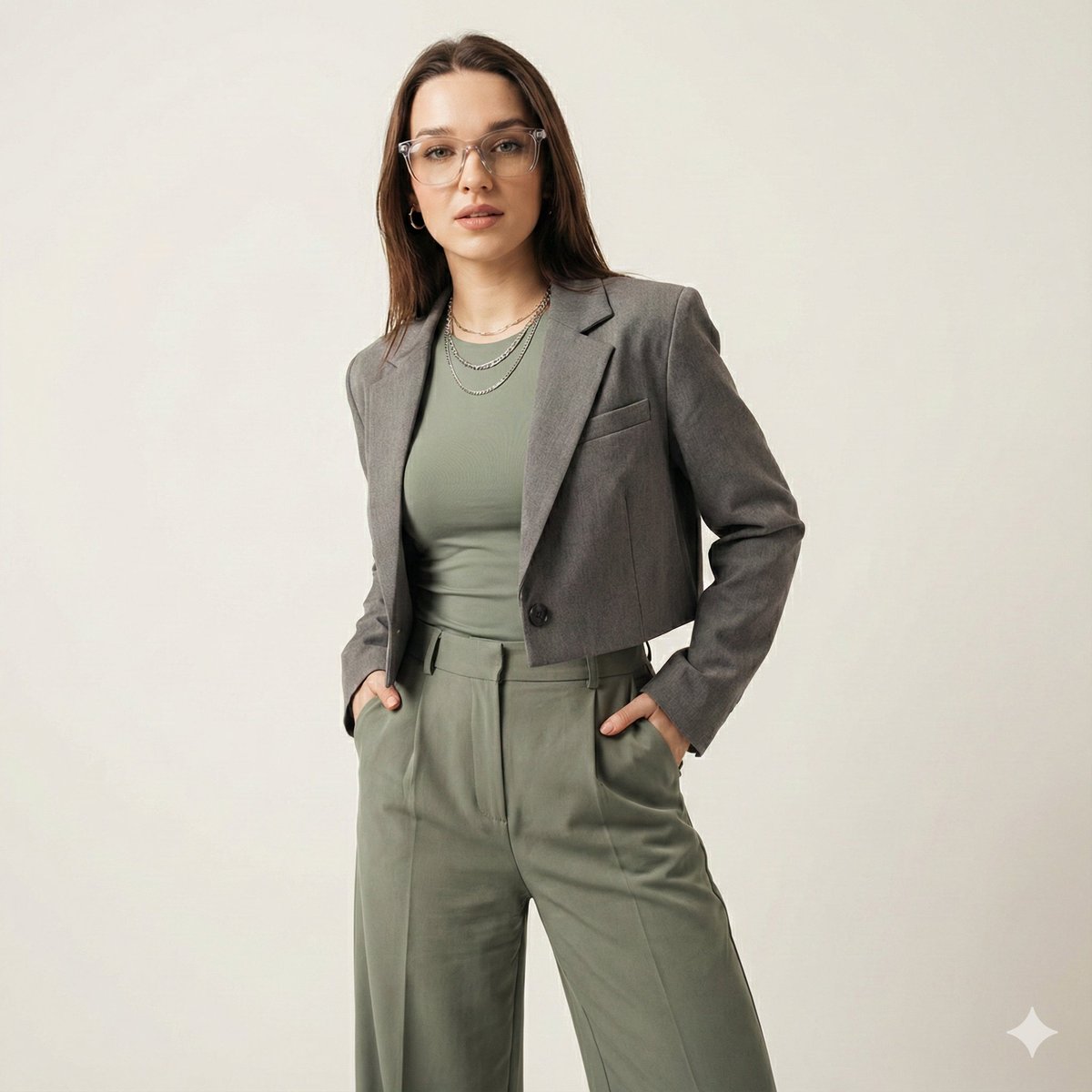
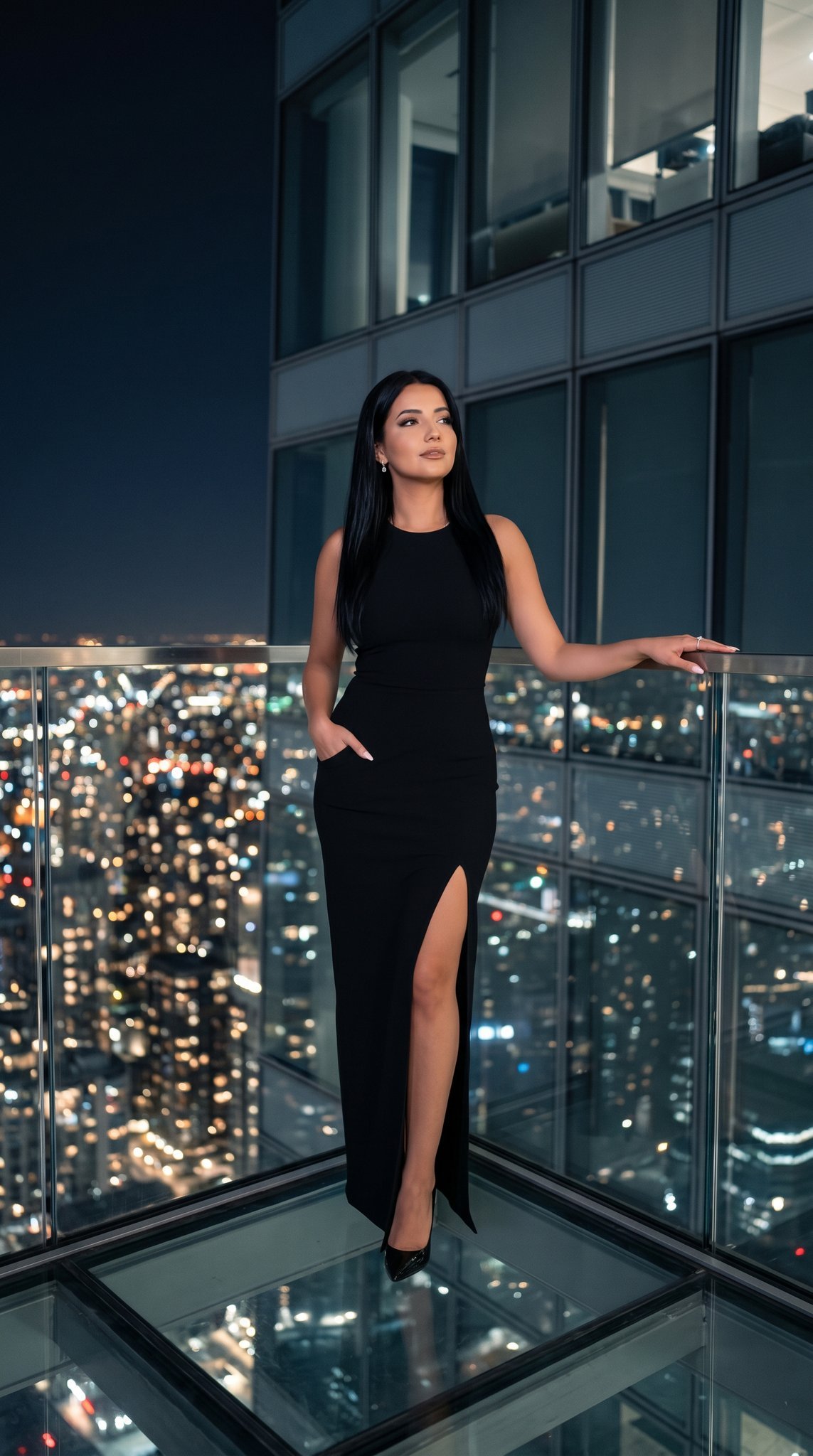
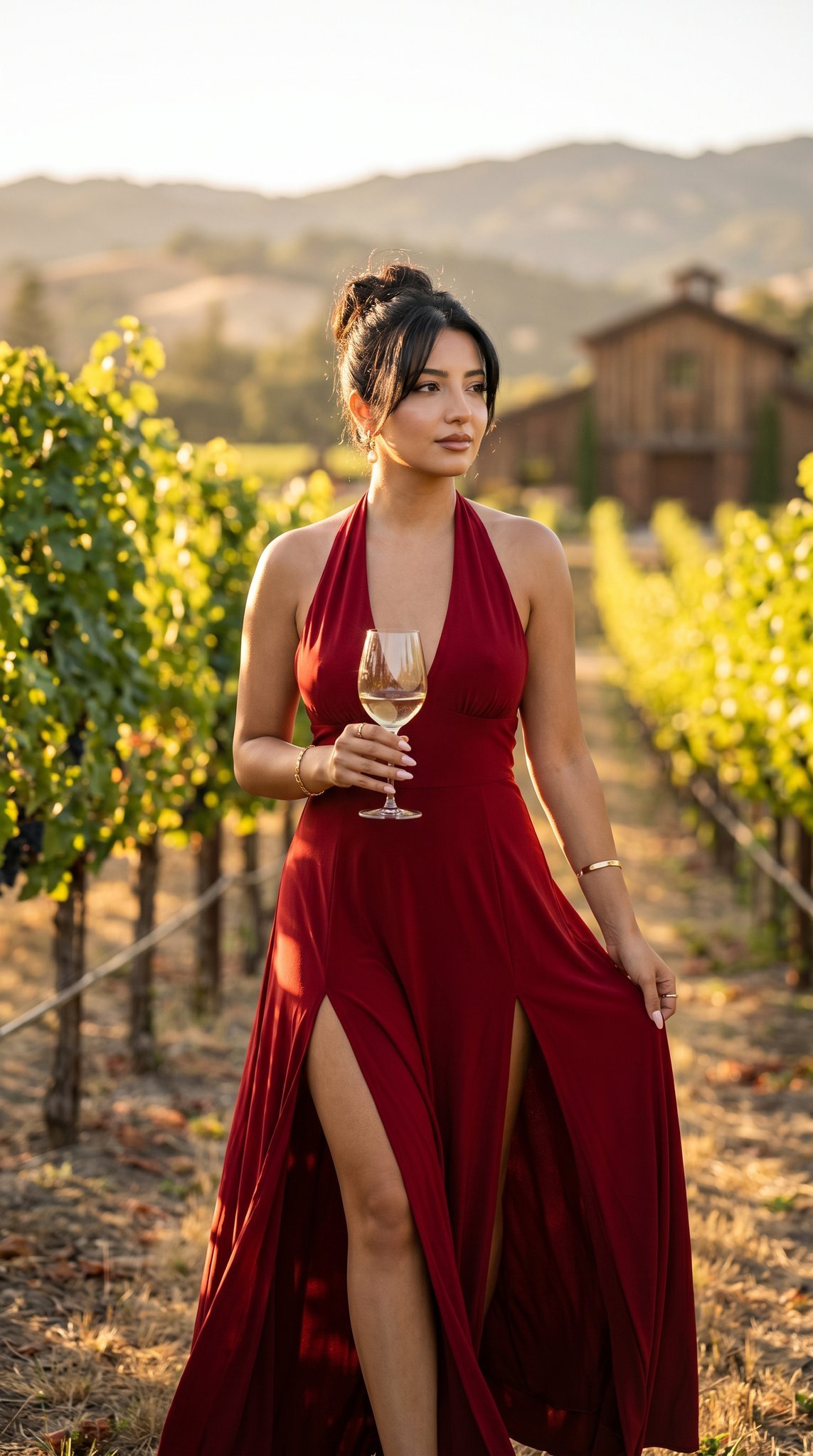
A sophisticated prompt for generating high-end fashion portraits with 100% identity retention from an uploaded image, featuring a minimalist monochrome studio setting.

使用上传的面部图像,以绝对准确性(100% 身份保留)保留人物的面部身份,保持精确的面部形状、骨骼结构、前额、眉毛、眼睛、鼻子、嘴唇、耳朵、下颌线、发型、发际线、面部毛发、肤色、肤质、年龄和自然表情,不美化或改变个体。创建一张超高端 Gen-Z 时尚编辑肖像,拍摄同一人物随意地坐在一个完美圆柱形的{argument name="主题色" default="哑光紫色"}脚凳上,身体略微前倾,双肘自然地搁在大腿上,双手松散地交握在一起,展现毫不费力的自信和现代态度,同时与镜头进行直接眼神接触。让被摄者穿着超大号的奢华单色紫色风衣,内搭同色紫色圆领 T 恤、宽松版型白色长裤、优质白紫色设计师运动鞋,以及一款精致的 stainless steel 腕表。将被摄者置于一个无缝单色紫色工作室中,地板和背景均为相同的丰富{argument name="主题色" default="哑光紫色"},采用干净的极简美学,没有额外的道具或干扰元素。使用高端专业时尚工作室照明来照亮场景,大型柔光箱略微位于镜头左侧上方,辅以微妙的补光和柔和的电影式阴影,这些阴影塑造面部轮廓,同时保留逼真的皮肤纹理和高端面料细节。以完美的 {argument name="构图比例" default="4:5"} 纵向构图捕捉图像,全身和鞋子完全可见,居中构图,使用 {argument name="镜头" default="85mm"} 中画幅人像镜头拍摄,浅景深、超锐利对焦、超现实皮肤毛孔、奢华编辑色彩分级、Apple 风格极简主义、Vogue 广告品质、商业广告摄影、HDR、照片级真实 8K 分辨率。负面提示:不同人物、身份改变、面部替换、改变的面部特征、美化面部、不同发型、不正确面部毛发、不对称面部、扭曲解剖结构、多余手指、缺失手指、重复肢体、畸形手部、模糊图像、低质量、低分辨率、卡通、动漫、CGI、插图、塑料皮肤、过度平滑皮肤、鱼眼镜头、广角失真、杂乱背景、文字、水印、标志、裁剪鞋子、裁剪身体、伪影。
使用上传的面部图像,以绝对准确性(100% 身份保留)保留人物的面部身份,保持精确的面部形状、骨骼结构、前额、眉毛、眼睛、鼻子、嘴唇、耳朵、下颌线、发型、发际线、面部毛发、肤色、肤质、年龄和自然表情,不美化或改变个体。创建一张超高端 Gen-Z 时尚编辑肖像,拍摄同一人物随意地坐在一个完美圆柱形的{argument name="主题色" default="哑光紫色"}脚凳上,身体略微前倾,双肘自然地搁在大腿上,双手松散地交握在一起,展现毫不费力的自信和现代态度,同时与镜头进行直接眼神接触。让被摄者穿着超大号的奢华单色紫色风衣,内搭同色紫色圆领 T 恤、宽松版型白色长裤、优质白紫色设计师运动鞋,以及一款精致的 stainless steel 腕表。将被摄者置于一个无缝单色紫色工作室中,地板和背景均为相同的丰富{argument name="主题色" default="哑光紫色"},采用干净的极简美学,没有额外的道具或干扰元素。使用高端专业时尚工作室照明来照亮场景,大型柔光箱略微位于镜头左侧上方,辅以微妙的补光和柔和的电影式阴影,这些阴影塑造面部轮廓,同时保留逼真的皮肤纹理和高端面料细节。以完美的 {argument name="构图比例" default="4:5"} 纵向构图捕捉图像,全身和鞋子完全可见,居中构图,使用 {argument name="镜头" default="85mm"} 中画幅人像镜头拍摄,浅景深、超锐利对焦、超现实皮肤毛孔、奢华编辑色彩分级、Apple 风格极简主义、Vogue 广告品质、商业广告摄影、HDR、照片级真实 8K 分辨率。负面提示:不同人物、身份改变、面部替换、改变的面部特征、美化面部、不同发型、不正确面部毛发、不对称面部、扭曲解剖结构、多余手指、缺失手指、重复肢体、畸形手部、模糊图像、低质量、低分辨率、卡通、动漫、CGI、插图、塑料皮肤、过度平滑皮肤、鱼眼镜头、广角失真、杂乱背景、文字、水印、标志、裁剪鞋子、裁剪身体、伪影。
Edit the prompt in the box under the preview — the template's model and format are already selected — and press Generate. Your version appears right on this page.
Yes. You can change the subject, setting, lighting, mood, format, and available model controls before creating your image.
Opening and editing this template is free. Generating uses credits, shown on the Generate button when you are signed in.
Start with Nano Banana 2, which is the model associated with this template. You can compare another compatible model for a different finish.
Follow a topic to a crawlable collection of related PicX Studio templates.