
Crimson Fashion Editorial Studio Look Integration Prompt
A highly structured image-to-image prompt for integrating a specific crimson fashion look (halter vest, mini skirt, patent heels) onto a reference model in a high-end studio editorial setting.
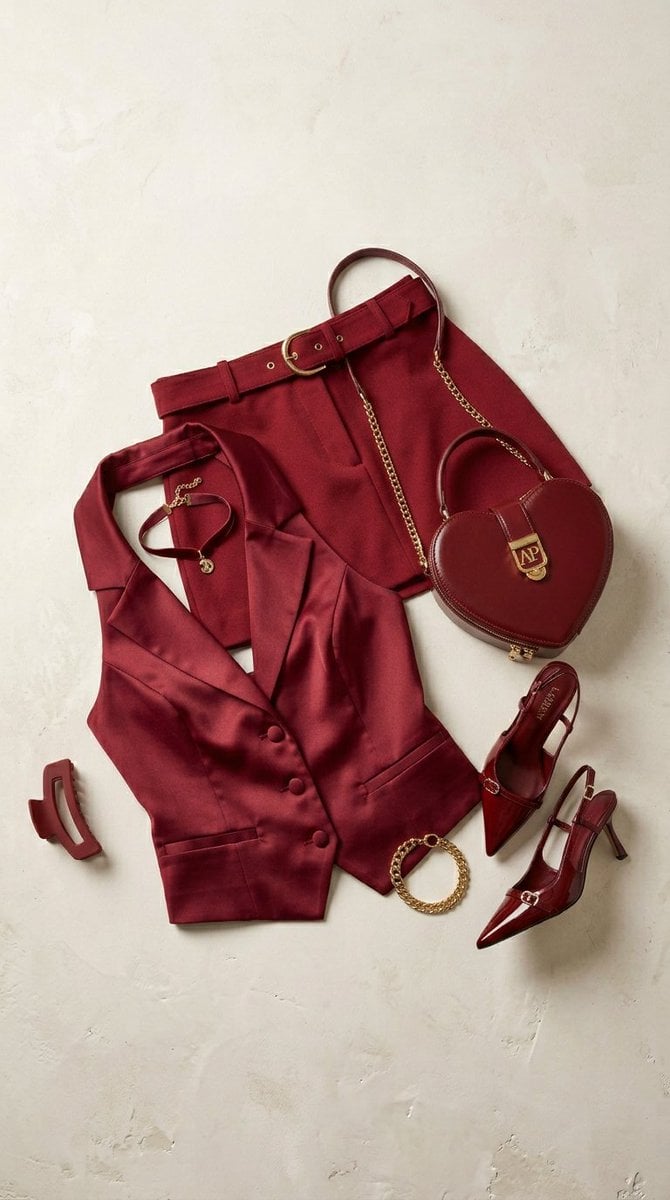
- Prompt included
- Model and format preset
- Free template
The prompt behind this image
Copy the exact prompt behind Crimson Fashion Editorial Studio Look Integration Prompt, or open it in the studio and make it yours.
{ "generation_request": { "meta_data": { "tool": "NanoBanana Pro", "task_type": "studio_fashion_look_integration", "language": "en", "priority": "highest", "version": "v5.0_CRIMSON_LOOK_ON_MODEL_EDITORIAL" }, "input": { "mode": "image_to_image", "reference_image_usage": "very_high", "preserve_identity": true, "preserve_facial_features": true, "notes": "Use the provided woman as identity anchor. Dress her in the uploaded deep crimson halter vest, matching belted mini skirt, patent slingback heels, heart-shaped handbag, red choker, gold bracelet, and claw clip. Ensure natural body fit and realistic tailoring." }, "output_settings": { "aspect_ratio": "4:5", "orientation": "portrait", "resolution_target": "ultra_high_res", "render_style": "luxury_studio_editorial", "sharpness": "editorial_crisp", "grain": "subtle_35mm" }, "scene": { "environment": "professional high-end studio with neutral gradient backdrop (warm gray to soft beige)", "lighting": { "style": "Vogue studio lighting", "key_light": "large diffused softbox front-left", "fill": "controlled subtle fill", "rim_light": "gentle edge highlight for silhouette separation", "shadow": "clean sculpted shadow under feet" }, "camera": { "lens": "85mm", "aperture": "f2.8", "focus": "sharp on eyes and fabric texture", "angle": "slightly low for power stance" } }, "styling_integration": { "halter_vest": { "fit": "snug but natural, tailored to torso", "fabric_behavior": "realistic satin drape and seam tension" }, "mini_skirt": { "waist_alignment": "accurate fit on hips", "belt": "natural buckle weight and fabric indentation" }, "heels": { "pose_adjustment": "natural foot posture with heel lift", "patent_reflection": "realistic glossy highlights" }, "handbag": { "scale": "proportional to body", "gold_hardware": "real metallic reflection physics" }, "accessories": { "choker": "natural neck curvature alignment", "bracelet": "realistic wrist placement", "claw_clip": "hair integrated, not floating" } }, "pose_direction": { "body_language": "confident editorial stance", "expression": "controlled powerful gaze", "shoulders": "relaxed but structured", "hands": "one hand holding handbag, other resting naturally on hip" }, "color_control": { "crimson_tone": "deep rich red, not oversaturated", "skin_tone_balance": "natural and luminous", "contrast": "editorial mid-high contrast" }, "quality_control": { "identity_lock": "strict", "fabric_physics": "maximum", "anatomy_accuracy": "perfect", "avoid": [
How to use Crimson Fashion Editorial Studio Look Integration Prompt in 3 steps
- 1Upload ImagePNG, JPG or paste
Add your photo
Upload the photo the template builds on. The prompt, model and format are already set.
- 2…a portrait of your subject in softgolden-hour light, 85mm…
Personalize
Edit the subject and creative details for your destination.
- 3Generate
Generate
Press Generate — your image is created in PicX Studio, so you can compare it with the original and refine one variable at a time.
More like this
Templates with the same subject, style or setup. Open one to see its prompt.

Luxury Black-and-White Fashion Contact Sheet

Gpt Image 2 Fashion Portrait

Futuristic Studio Neon Ring Minimalist Portrait

untitled

Google Gemini Nano Banana Pro

Conceptual Fashion Portrait in Spider We

01 Skincare Split Portrait — Nano Banana 2

24 The Getty Center — California Series

21 Glass Floor Skyscraper — California Series

19 Luxury Helicopter Travel — California Series

08 Rodeo Drive Luxury Exit — California Series

03 Beverly Hills Convertible — California Series
Make it yours
Crimson Fashion Editorial Studio Look Integration Prompt works as-is. These are the safest ways to change it without losing the look.
Change one field
Copy a single group, rewrite it, and generate again so you can see what that field is doing.
Keep the frame, change the subject
Hold the composition and light of Crimson Fashion Editorial Studio Look Integration Prompt, then swap wardrobe, props or the person for a new take.
| If the result… | Why | Fix |
|---|---|---|
| The result drifts from the preview | Too many fields changed at once. | Reuse Crimson Fashion Editorial Studio Look Integration Prompt as-is first, then change one group — subject, light, or setting. |
| The model over-stylizes the scene | The prose prompt leaves finish and camera underspecified. | Add one camera or lighting sentence and stay on Nano Banana 2. |
More Nano Banana 2 templates
Other prompts made for Nano Banana 2.

Photorealistic Leaf Shaped Like a Dragon

K-Pop Idol Portrait Grid for Rapid Selection

Poetic Rain Forest Portrait During Golden Hour

Urban Street Portrait with Cartoon Inner Self Duo

Candid Nighttime Photo with Cat Prompt

High-Concept 3D Diorama Generation Prompt

Cinematic Futuristic Studio Portrait Template

Skincare Editorial Photography Collage Prompt

Hyper-Realistic Commercial Product Photography (Splash Effect)

Hyper-Realistic Nightclub Portrait Prompt
More image prompts
Fresh picks from across the catalog.
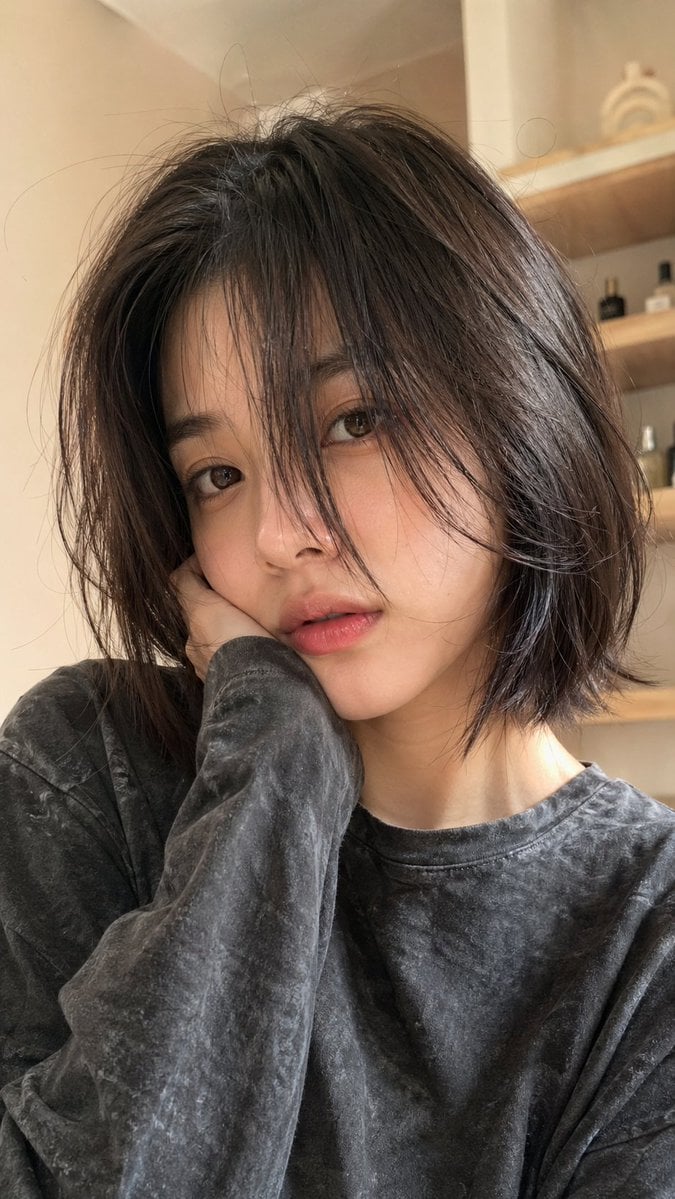
Hyper-Realistic Selfie Portrait
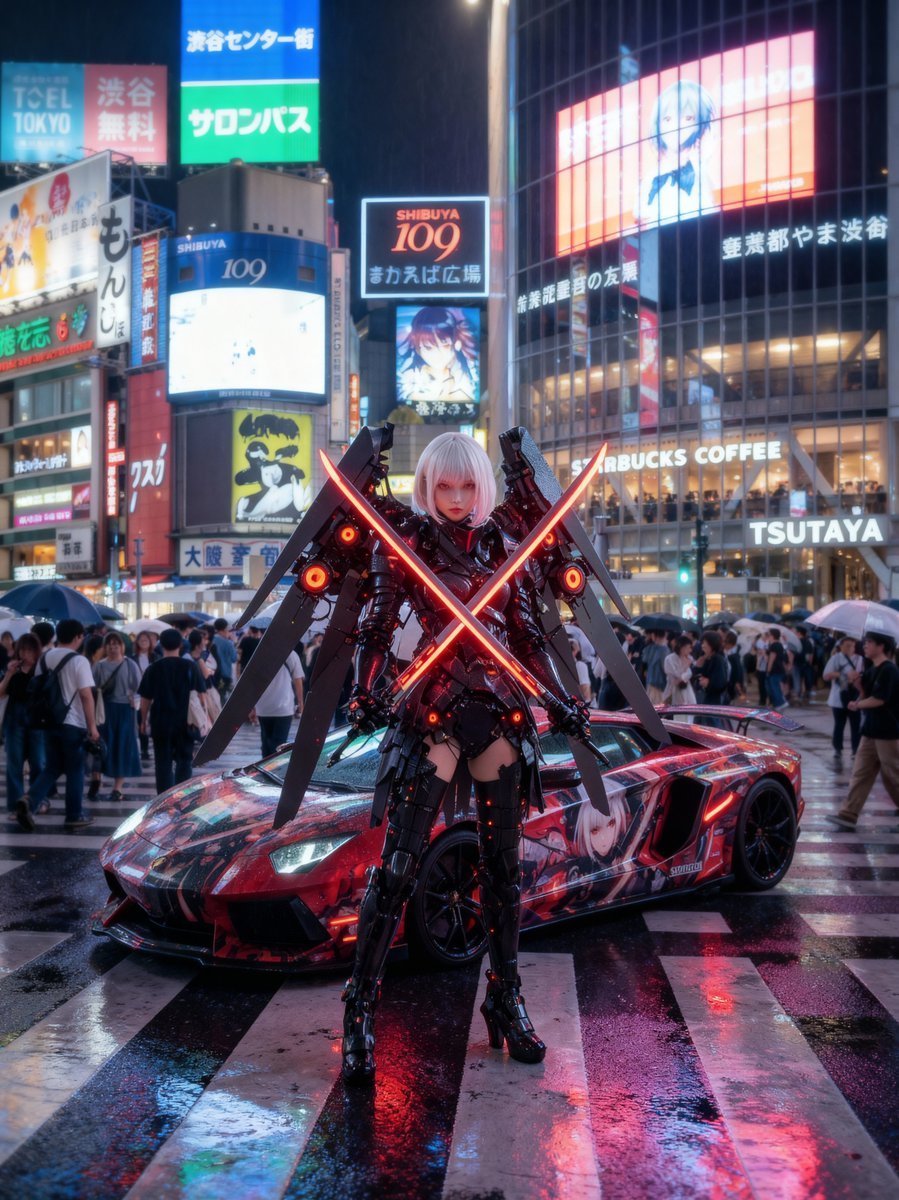
Cosplayer with itasha at Shibuya Scramble Crossing
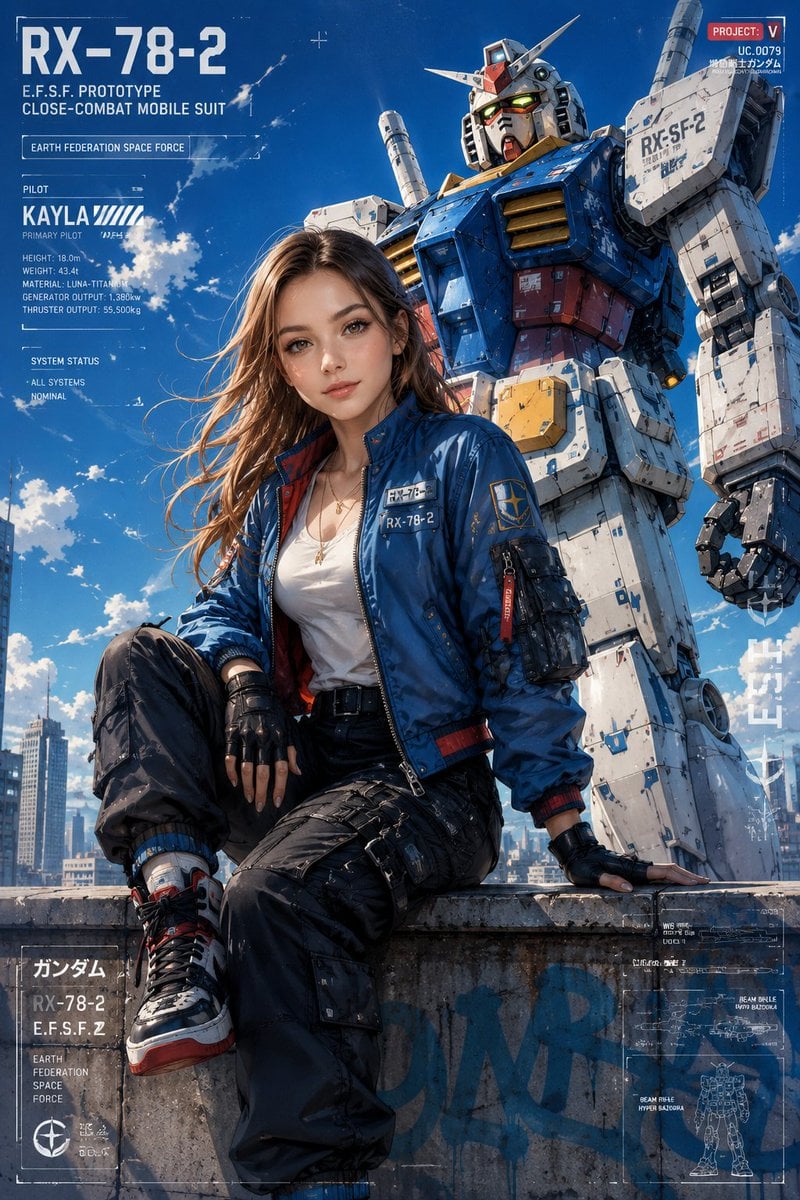
Anime Style Mecha Fashion Editorial
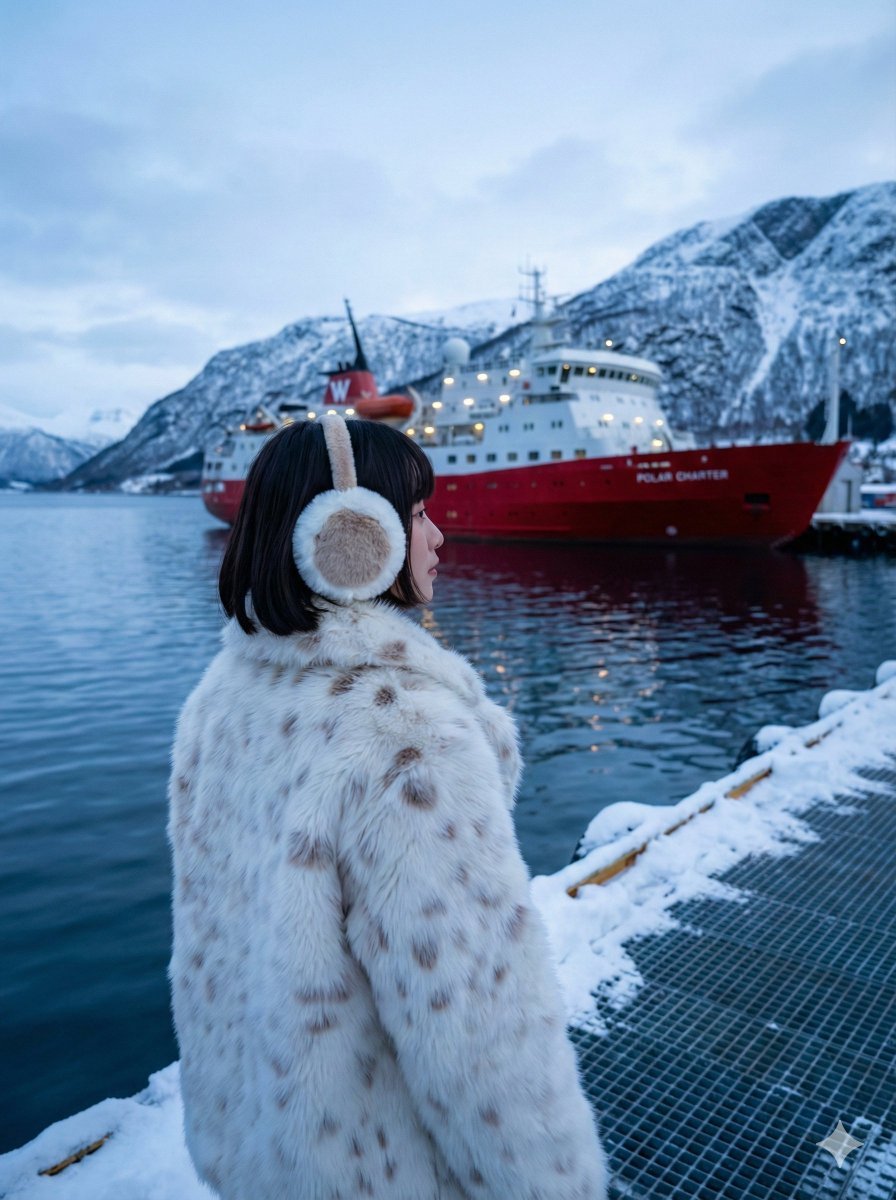
Moody Cinematic Travel Photo in Snowy Harbor
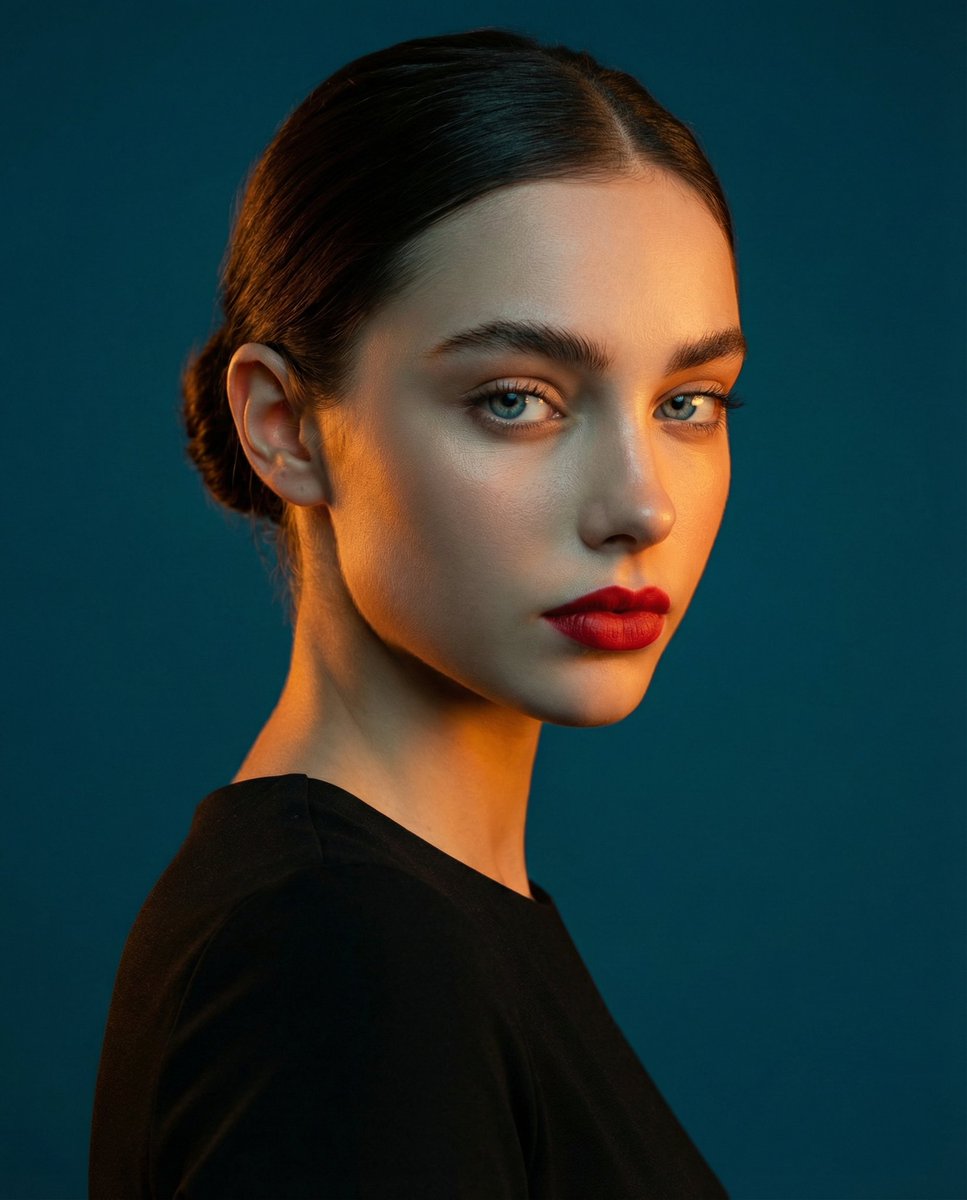
High-Contrast Studio Portrait with Teal and Orange Light
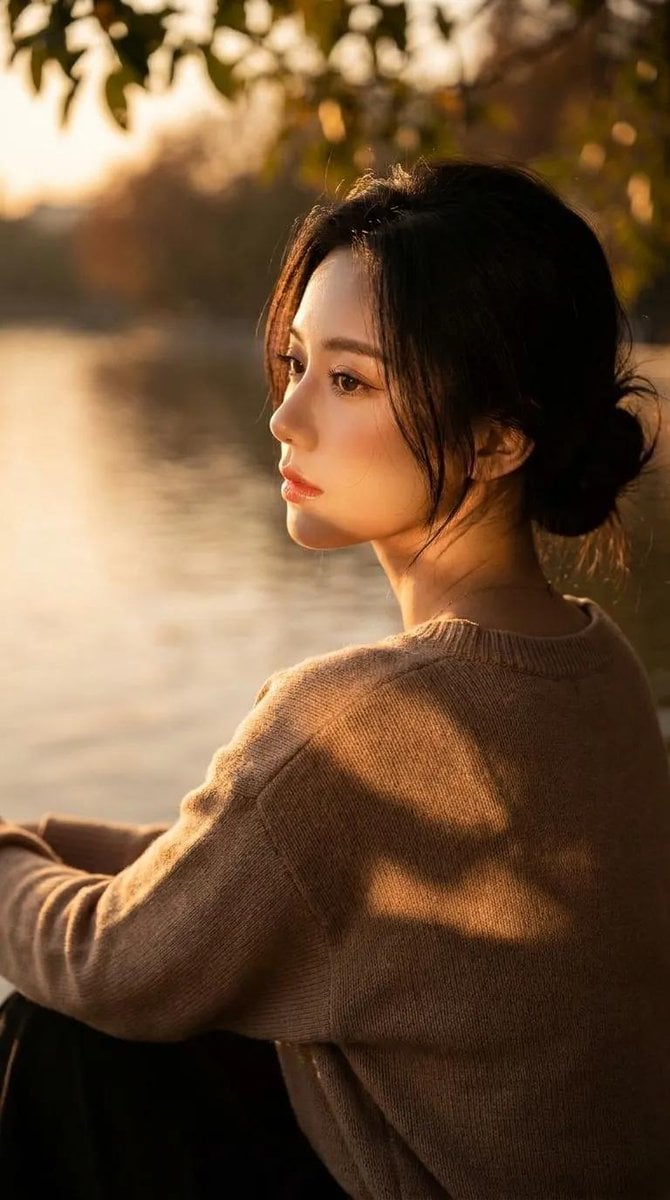
Cinematic Lakeside Portrait
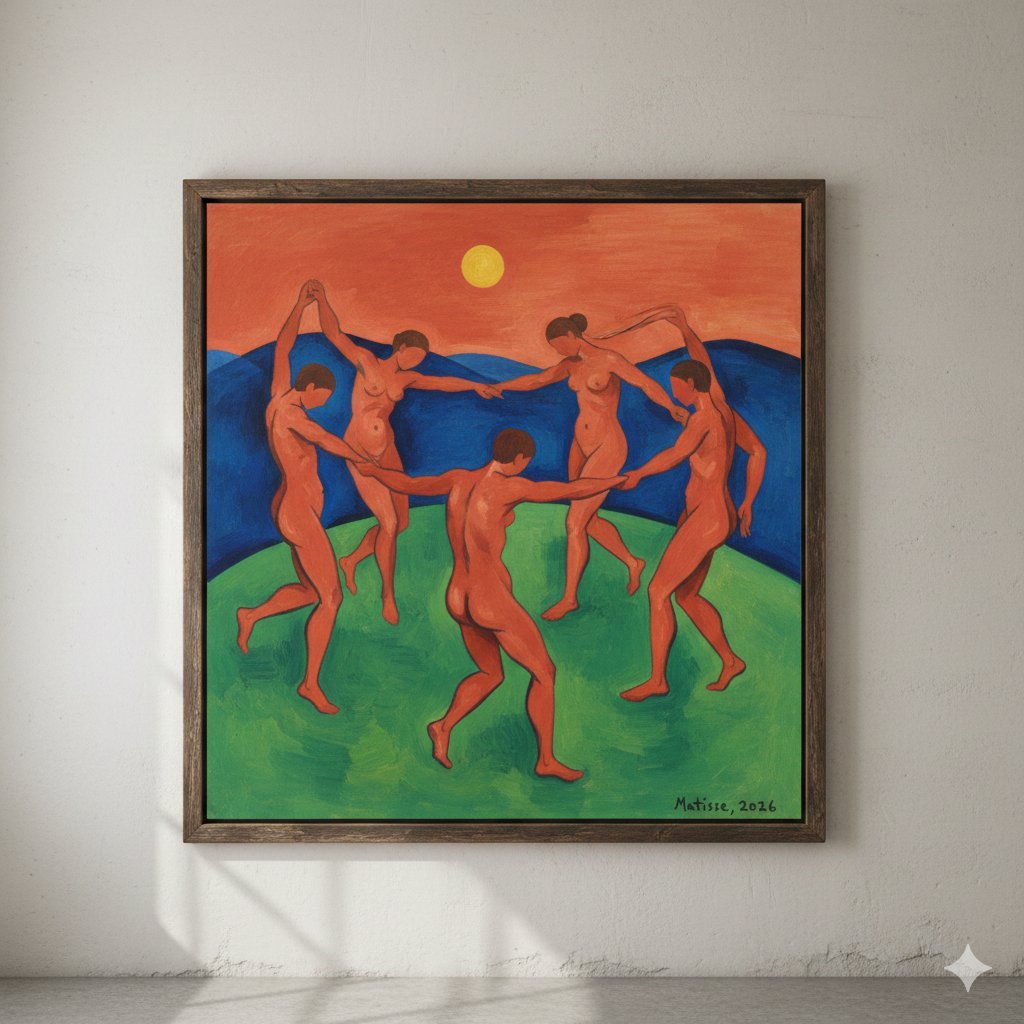
Matisse's Dance Style Image Generation
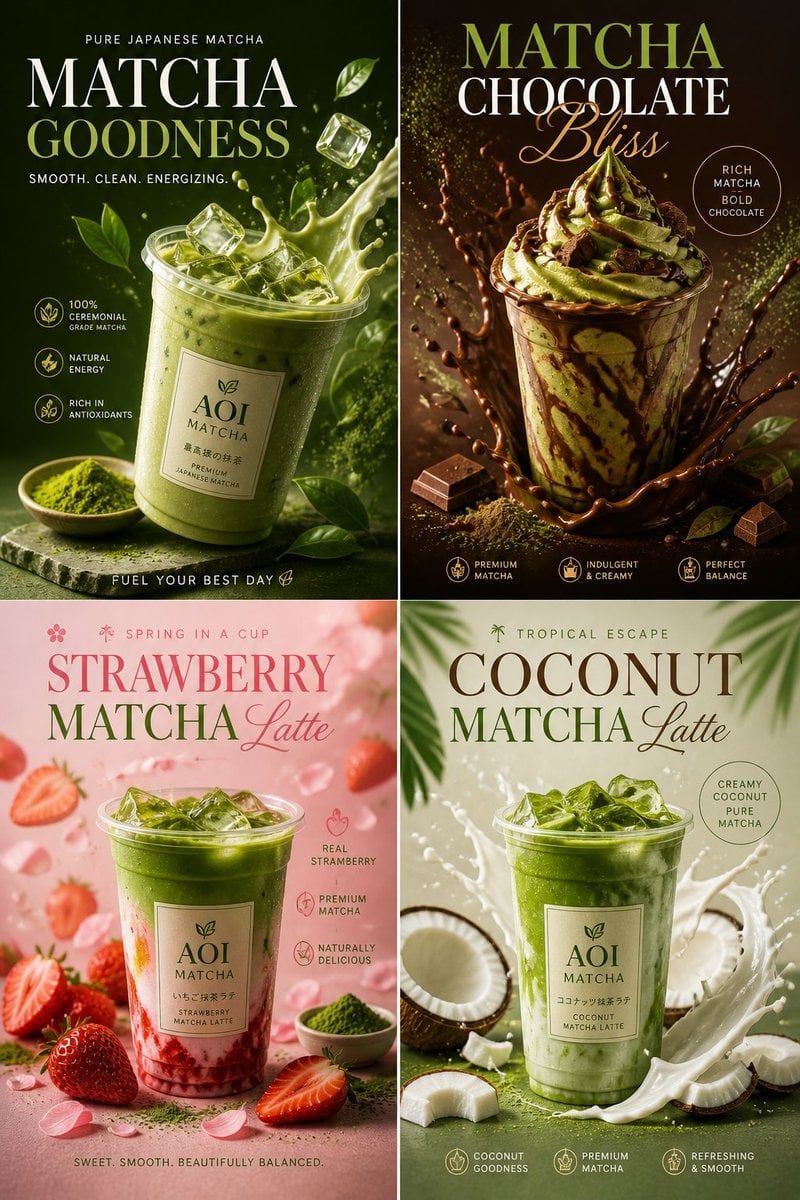
Commercial Food Photography Poster
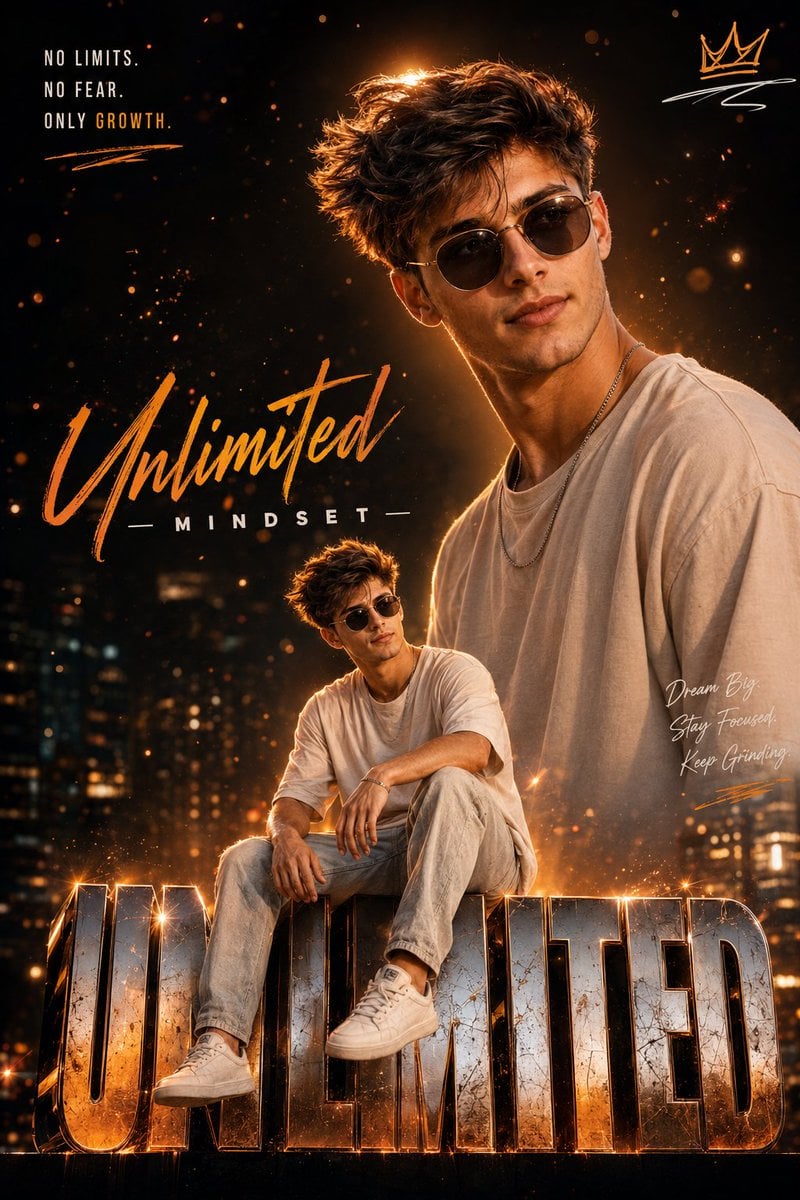
Instagram Milestone Influencer Poster

untitled
Browse template categories
Crimson Fashion Editorial Studio Look Integration Prompt questions
How do I use the Crimson Fashion Editorial Studio Look Integration Prompt template?
Add your photo if the template asks for one, edit the prompt if you like — the template's model and format are already selected — and press Generate. Your version opens in PicX Studio.
Can I customize the Crimson Fashion Editorial Studio Look Integration Prompt template?
Yes. You can change the subject, setting, lighting, mood, format, and available model controls before creating your image.
Is the Crimson Fashion Editorial Studio Look Integration Prompt template free?
Opening and editing this template is free. Generating uses credits, shown on the Generate button when you are signed in.
Which AI model should I use?
Start with Nano Banana 2, which is the model associated with this template. You can compare another compatible model for a different finish.
Looking for something else? Browse all templates.

Your photo, any look
Thousands of ready templates for every top image and video model, from one credit balance.