
Cinematic Artisan Portrait Prompt for Model Making Workshop
This detailed prompt is designed to generate a cinematic, National Geographic-style portrait of a craftsman working on a miniature model of a famous structure, like the Death Star.
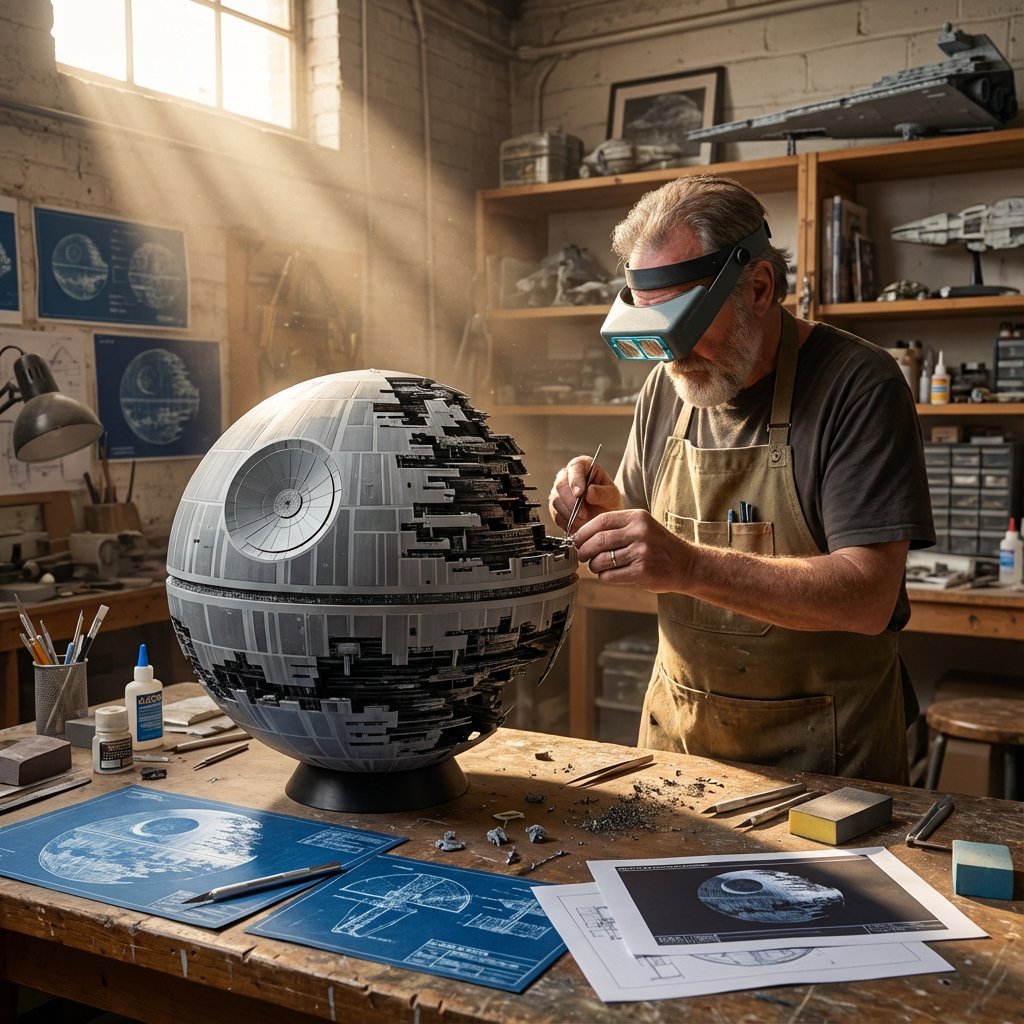
- Prompt included
- Model and format preset
- Premium template
The prompt behind this image
Copy the exact prompt behind Cinematic Artisan Portrait Prompt for Model Making Workshop, or open it in the studio and make it yours.
Do this for {argument name="structure name" default="Death Star"}: <instruction> 1. The Semantic Inference Engine (The Masterpiece): Input A is a Famous Building, City, or Fictional Structure (e.g., The Colosseum, Hogwarts, The Death Star). Analyze the subject to determine the Model Aesthetic : The Material: Identify the primary modeling medium. (e.g., Ancient Ruins -> Plaster/Clay. Modern City -> White Foamcore/Acrylic. Fantasy -> Wood/Moss). The Blueprints: Identify the reference documents on the table. (e.g., Vintage Parchment Maps vs. Blue Cyanotypes vs. Digital CAD printouts). 2. The Workshop : Goal: "Cinematic Artisan" Portrait. The Room: A cluttered, high-ceilinged Model Maker's Studio. Wooden shelves line the walls, filled with "Previous Projects" (other models in the same genre). The Character: an input inspired maker character wearing a relevant apron and an appropriate Visor or protective tool The Table: A scarred wooden workbench covered in scale modeling tools: X-Acto knives, glue bottles, sanding blocks, and sawdust. 3. The Narrative : The Pose: The craftsman is leaning in close to the "Model" (Input A), which sits centrally on the table. The Interaction: He is delicately placing a Tiny Detail Component onto the structure using tweezers or his fingers. (e.g., Planting a miniature tree, placing a tiny flag, or gluing a microscopic figure). The Scale: The model looks grand but miniature; the human hands look massive and weathered in comparison. 4. Lighting & Atmosphere: Lighting: Volumetric God Rays (Tyndall Effect). A strong, singular shaft of warm sunlight streams in from a high window (top left/center), illuminating the floating dust particles and spotlighting the model. Contrast: The workshop corners are in deep shadow; the work surface is bright. Palette: Warm, dusty Earth Tones (Browns, Golds, Beiges). Output: ONE image, 16:9 Aspect Ratio, Cinematic Photography, "National Geographic" aesthetic, Volumetric Lighting. </instruction>
How to use Cinematic Artisan Portrait Prompt for Model Making Workshop in 3 steps
- 1
Open
The prompt is already in the box next to the preview, with the template's model and format selected.
- 2…a portrait of your subject in softgolden-hour light, 85mm…
Personalize
Edit the subject and creative details for your destination.
- 3Generate
Generate
Press Generate — your image is created in PicX Studio, so you can compare it with the original and refine one variable at a time.
More like this
Templates with the same subject, style or setup. Open one to see its prompt.

Found Photograph: Us, 1970

80s Couple Studio Portrait

80s Bollywood Star

80s Golden Hour Cinema

Me in 1985

1985 Studio Portrait

Hyper-Realistic Minecraft POV Portrait

Rooftop Fisheye — Cat-Ear Balaclava at Golden Hour

Rainy Café Window Moody Portrait
Backlit Silver-Haired Model Portrait
Reflected Relic: Surreal Artisan Portrait
Surreal Fashion Portrait in a Textile Dye Workshop
Make it yours
Cinematic Artisan Portrait Prompt for Model Making Workshop works as-is. These are the safest ways to change it without losing the look.
Change one field
Copy a single group, rewrite it, and generate again so you can see what that field is doing.
Keep the frame, change the subject
Hold the composition and light of Cinematic Artisan Portrait Prompt for Model Making Workshop, then swap wardrobe, props or the person for a new take.
| If the result… | Why | Fix |
|---|---|---|
| The result drifts from the preview | Too many fields changed at once. | Reuse Cinematic Artisan Portrait Prompt for Model Making Workshop as-is first, then change one group — subject, light, or setting. |
| The model over-stylizes the scene | The prose prompt leaves finish and camera underspecified. | Add one camera or lighting sentence and stay on Nano Banana 2. |
More Nano Banana 2 templates
Other prompts made for Nano Banana 2.

Photorealistic Leaf Shaped Like a Dragon

K-Pop Idol Portrait Grid for Rapid Selection

Poetic Rain Forest Portrait During Golden Hour

Urban Street Portrait with Cartoon Inner Self Duo

Candid Nighttime Photo with Cat Prompt

High-Concept 3D Diorama Generation Prompt

Cinematic Futuristic Studio Portrait Template

Skincare Editorial Photography Collage Prompt

Hyper-Realistic Commercial Product Photography (Splash Effect)

Hyper-Realistic Nightclub Portrait Prompt
More image prompts
Fresh picks from across the catalog.
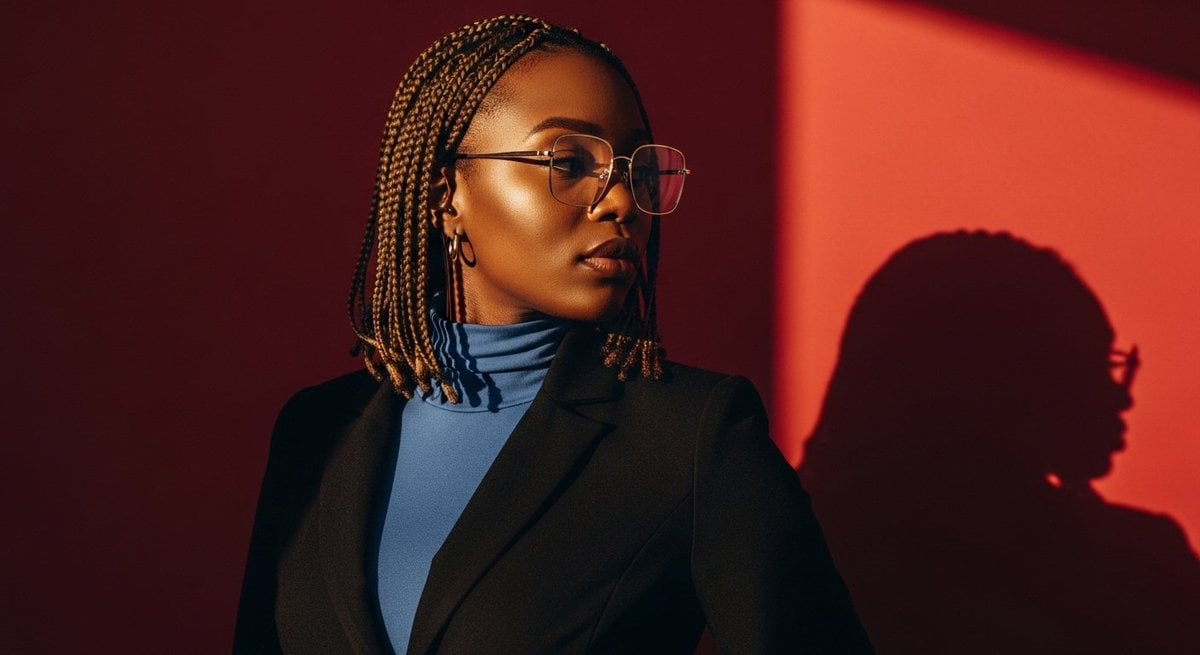
Elegant African Woman Studio Portrait Prompt
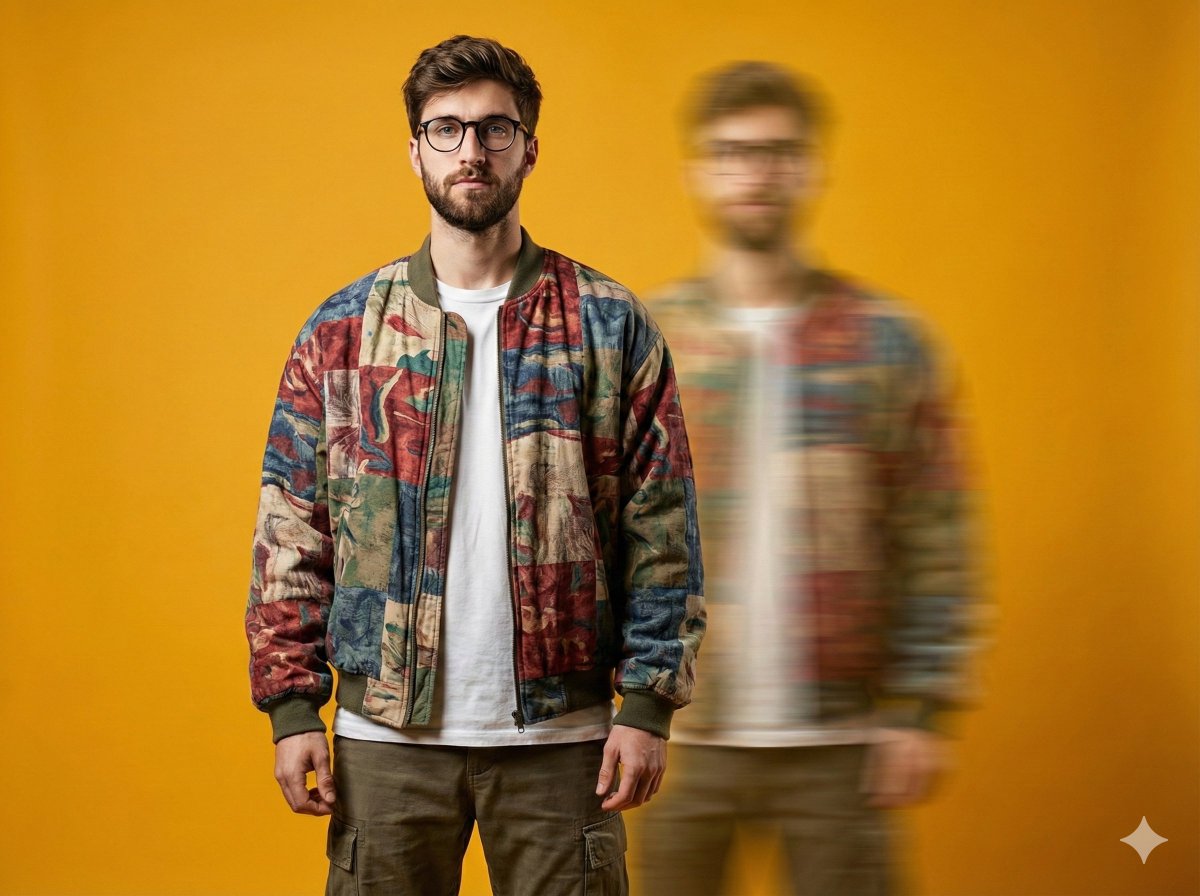
Avant-Garde Fashion Portrait with Ghost Duplicate
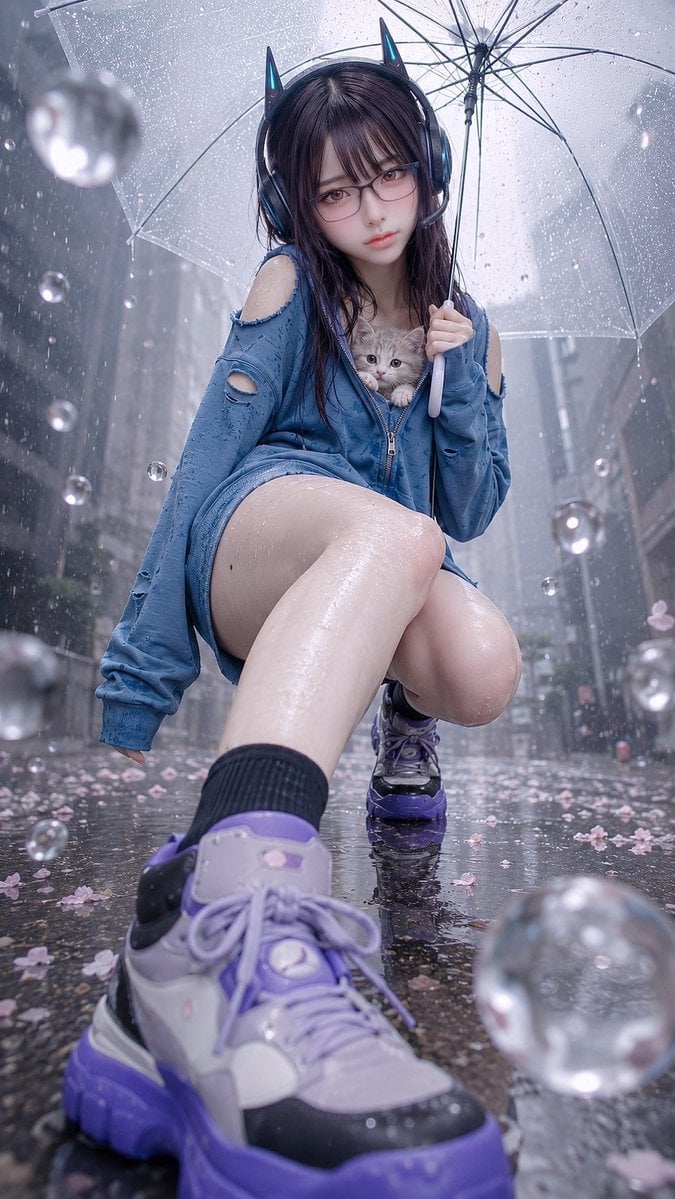
Rainy Cat-Ear Girl with Kitten
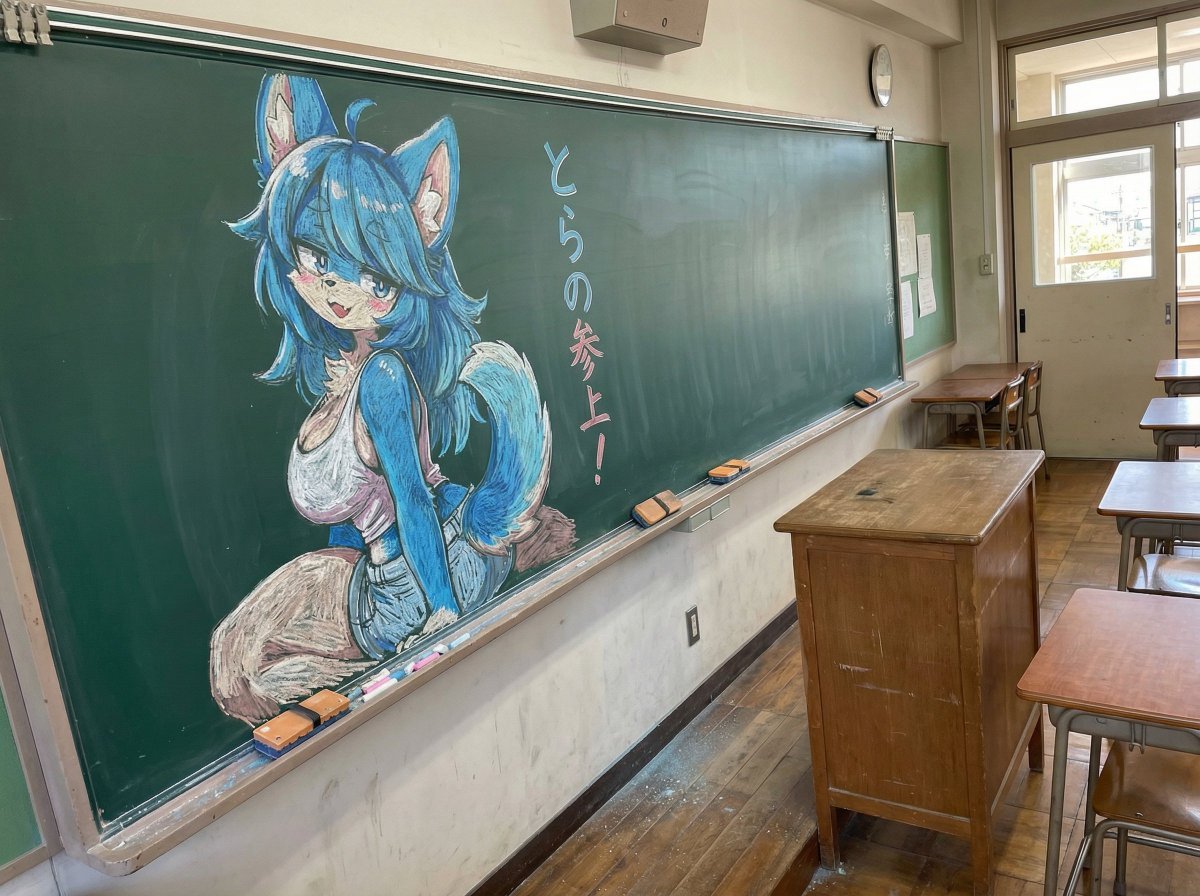
Chalk drawing of an illustration on a classroom blackboard
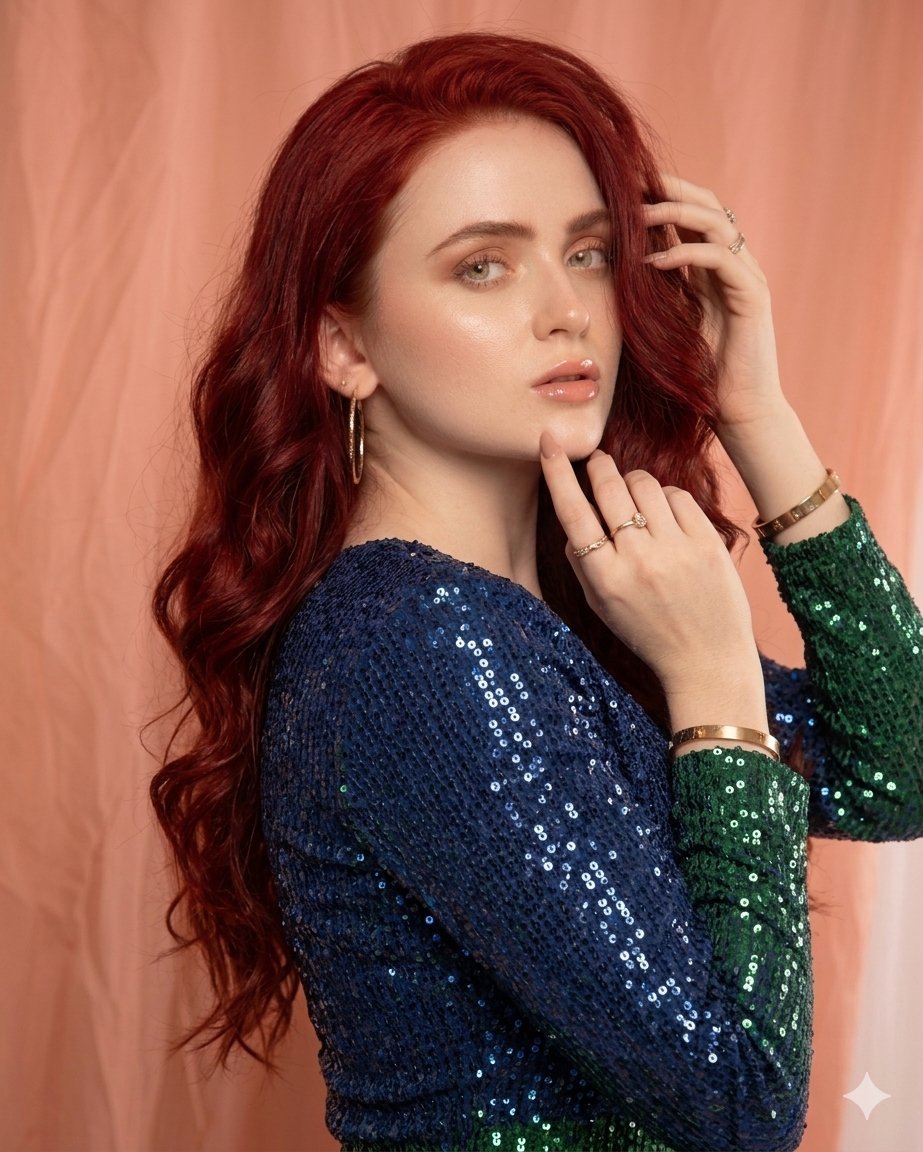
Glamorous High-Fashion Portrait with Gradient Sequin Dress
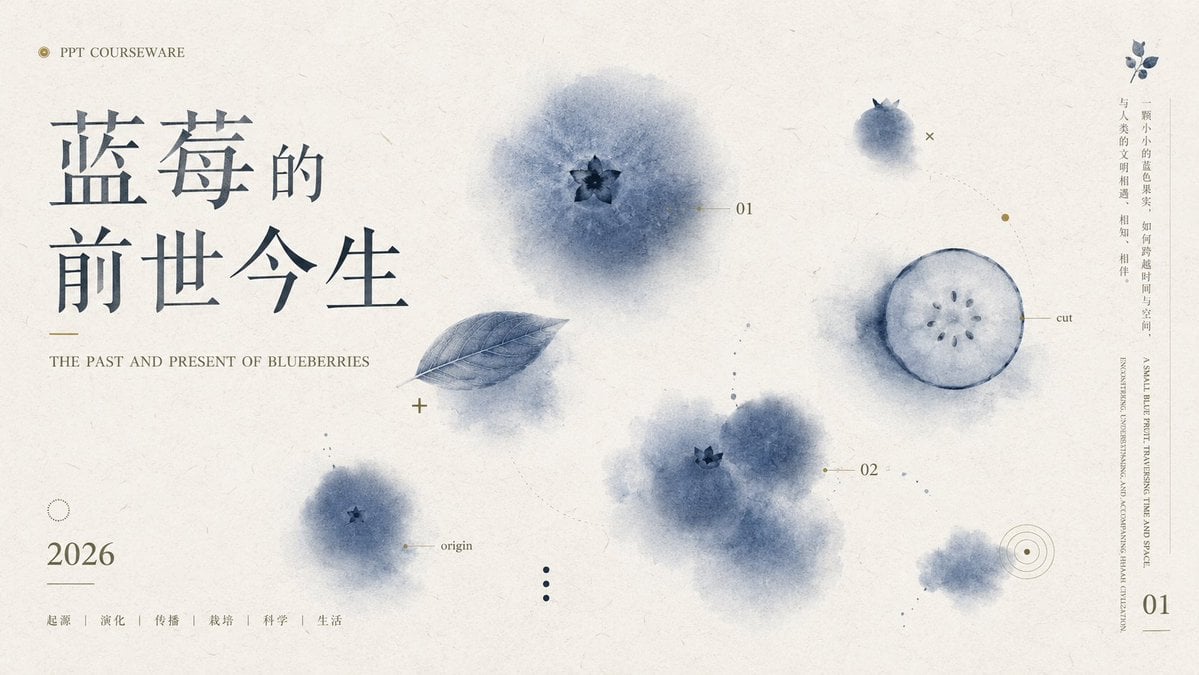
Blueberry Courseware Cover Slide
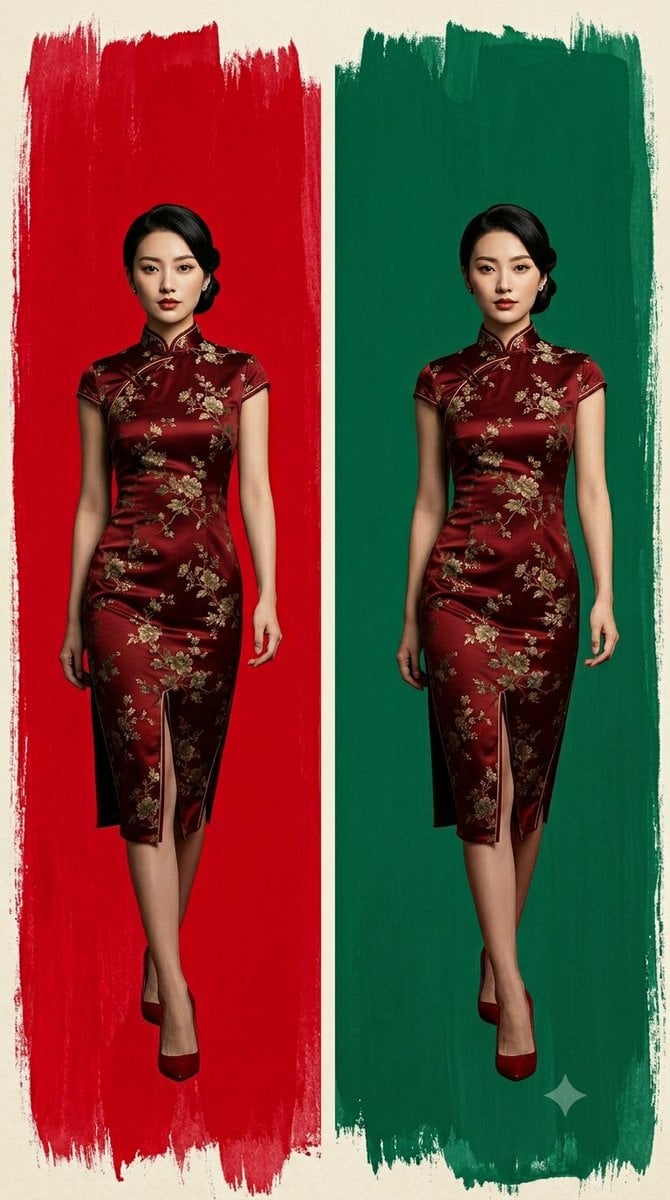
Cheongsam Fashion Diptych
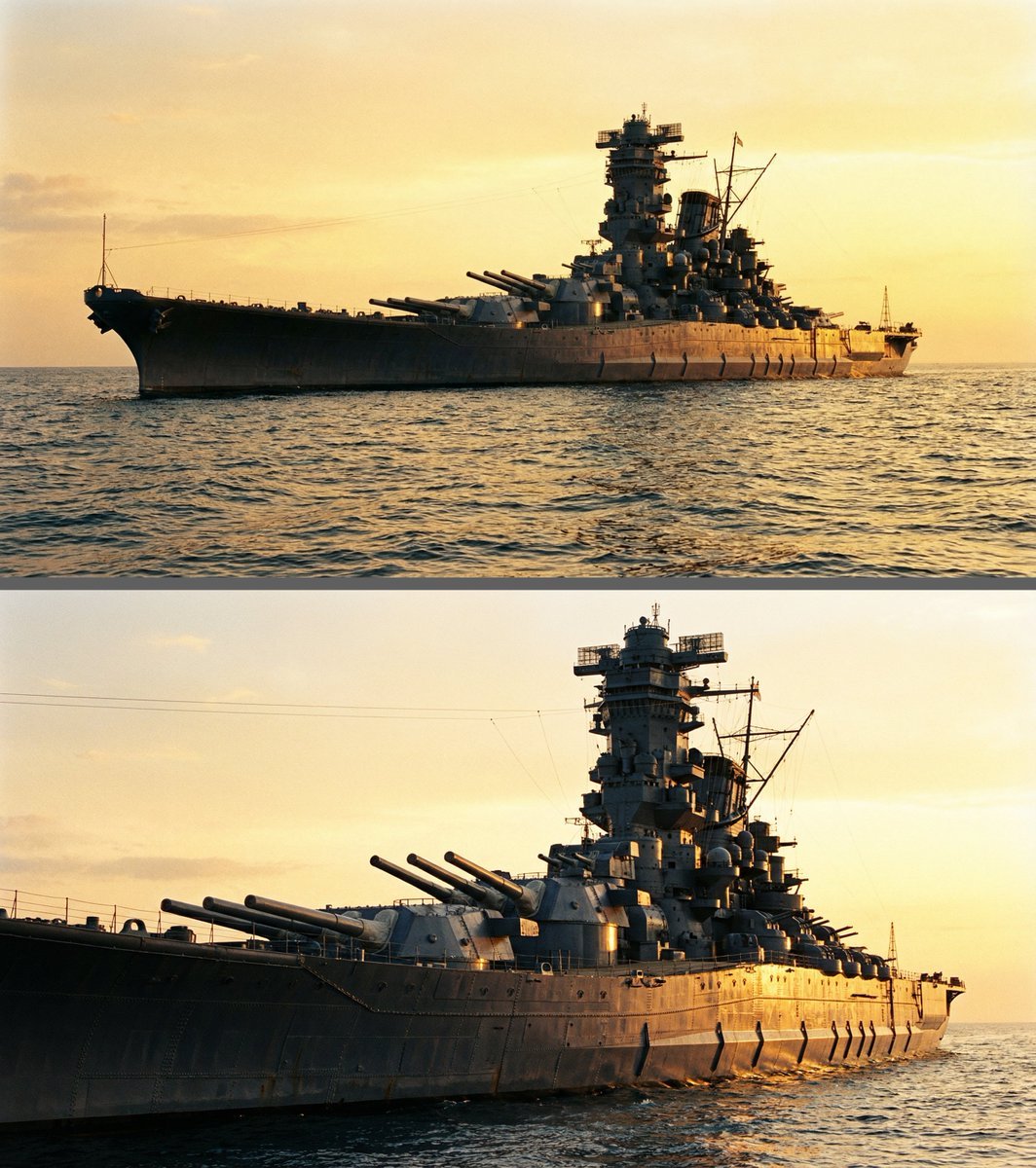
Colossal battleship at dawn illustration prompt
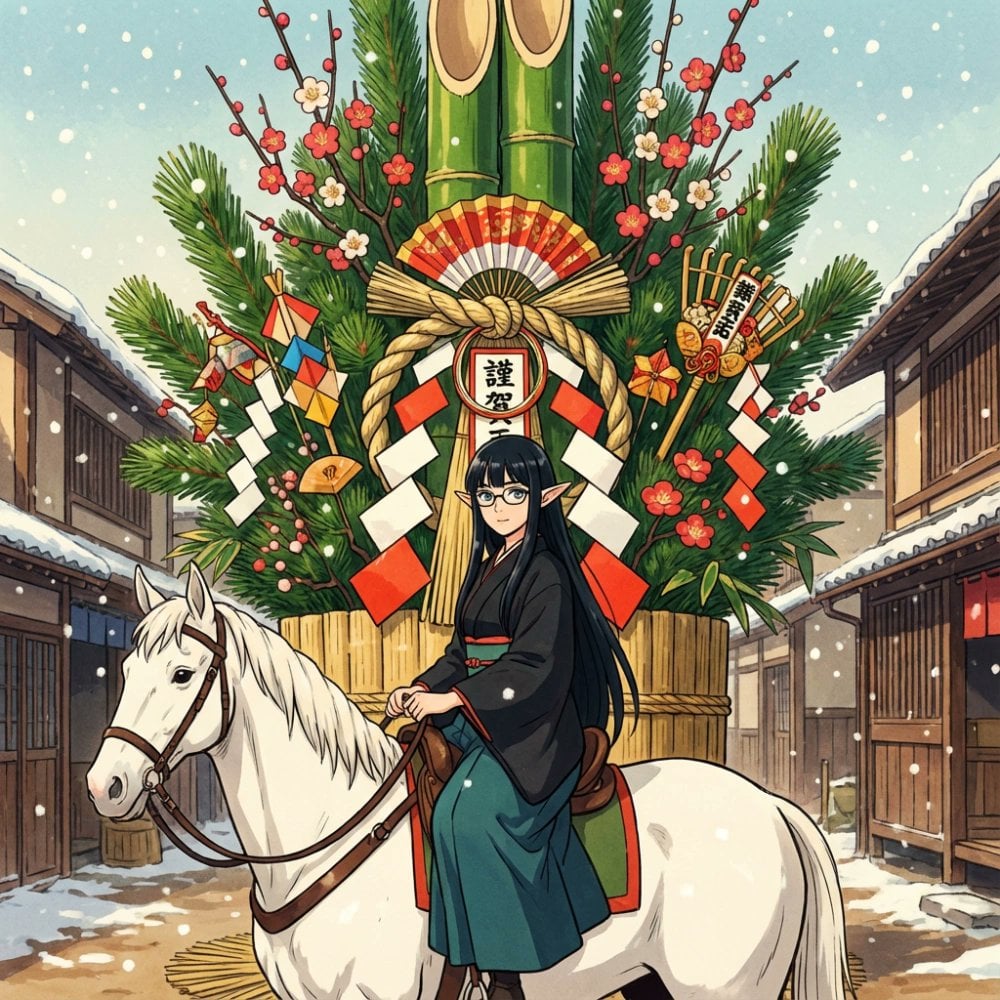
New Year's Postcard Prompt for Nano Banana Pro
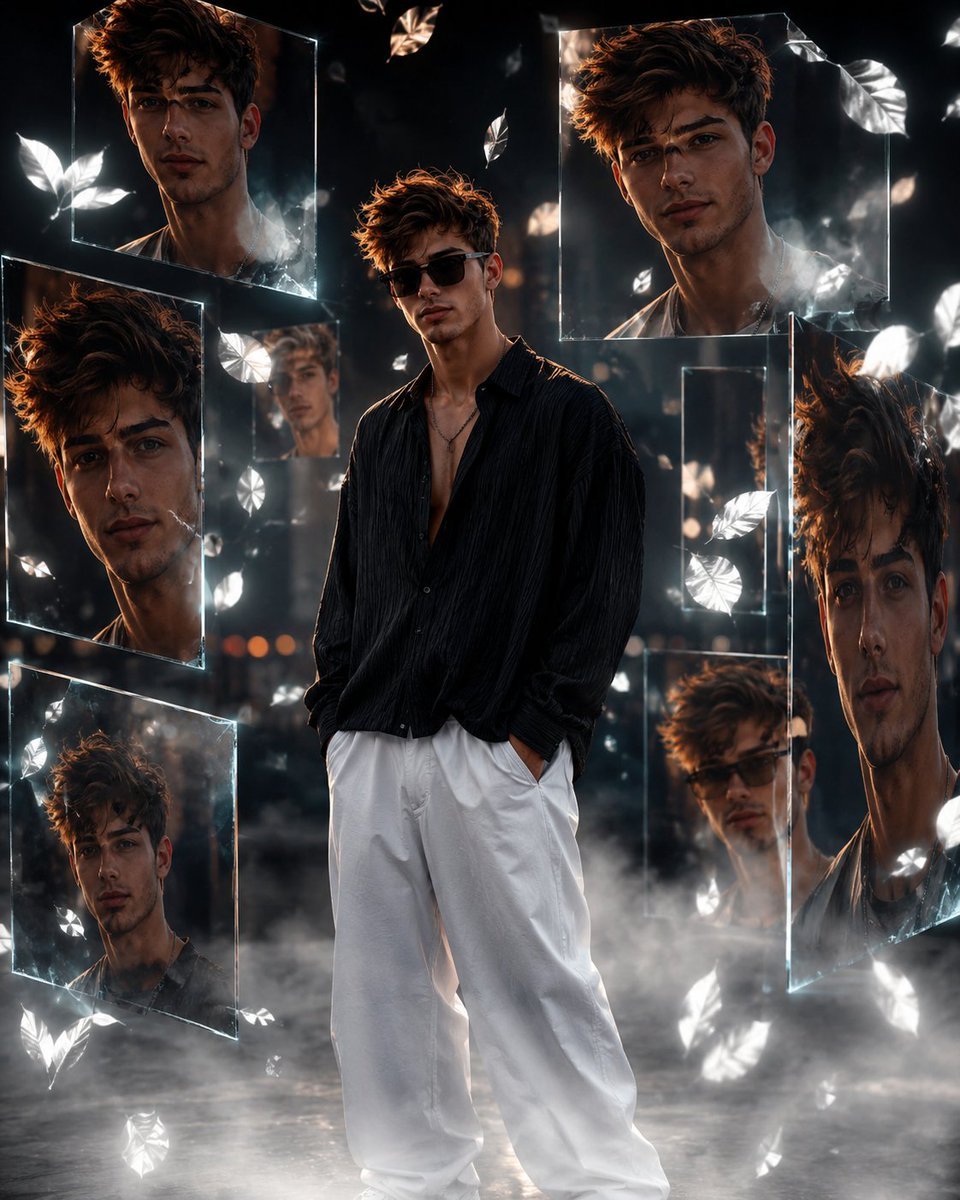
Cinematic Urban Portrait Poster
Browse template categories
Cinematic Artisan Portrait Prompt for Model Making Workshop questions
How do I use the Cinematic Artisan Portrait Prompt for Model Making Workshop template?
Add your photo if the template asks for one, edit the prompt if you like — the template's model and format are already selected — and press Generate. Your version opens in PicX Studio.
Can I customize the Cinematic Artisan Portrait Prompt for Model Making Workshop template?
Yes. You can change the subject, setting, lighting, mood, format, and available model controls before creating your image.
Is the Cinematic Artisan Portrait Prompt for Model Making Workshop template free?
Opening and editing this template is free. Generating uses credits, shown on the Generate button when you are signed in.
Which AI model should I use?
Start with Nano Banana 2, which is the model associated with this template. You can compare another compatible model for a different finish.
Looking for something else? Browse all templates.

Your photo, any look
Thousands of ready templates for every top image and video model, from one credit balance.