
Surreal Fashion Portrait in a Textile Dye Workshop
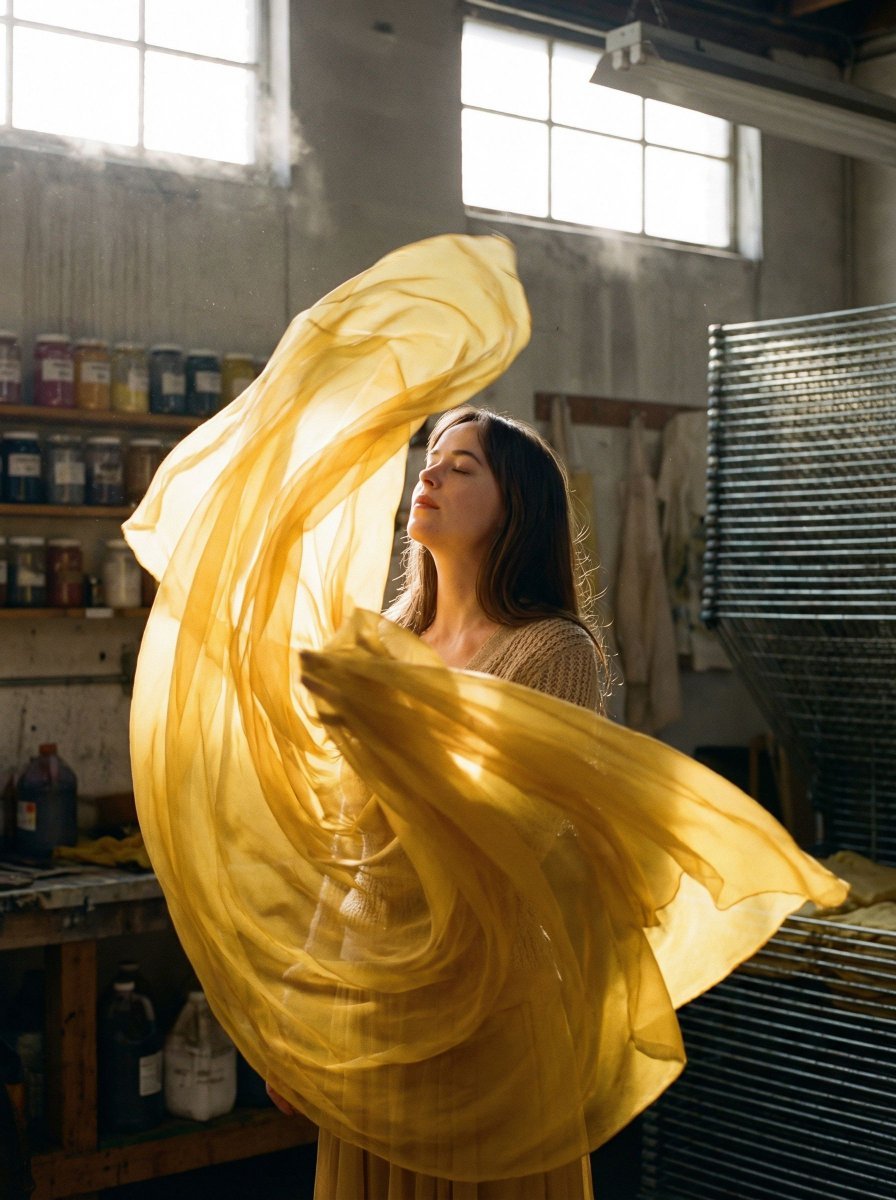
A complex, structured JSON prompt for generating a hyper-realistic medium format portrait of a subject (Dakota Johnson likeness implied) enveloped in swirling saffron yellow chiffon fabric within a cluttered artisan…
- Prompt included
- Model and format preset
- Premium template
The prompt behind this image
Copy the exact prompt behind Surreal Fashion Portrait in a Textile Dye Workshop, or open it in the studio and make it yours.
{ "vibe_title_en": "Saffron Silk Storm", "master_prompt": "A hyper-realistic medium format portrait of The Protagonist standing in the center of a cluttered, dusty artisan textile dye workshop. The subject is completely enveloped in yards of translucent, vibrant {argument name="fabric color" default="yellow"} chiffon fabric that is spiraling upwards and outwards in a surreal, gravity-defying vortex, mimicking a frozen wind tunnel effect. The fabric wraps elegantly around the neck and head, partially obscuring the face, while the subject keeps their chin raised and eyes closed in a state of deep sensory immersion. The background is dense and busy: wooden shelves overflowing with glass jars of powdered pigments, drying racks laden with stained linens, and antique brass tools scattered on workbenches. Heavy volumetric golden sunlight streams through grime-streaked high windows, illuminating the floating dust motes and making the yellow fabric glow with intense subsurface scattering. Shot on a Hasselblad H6D-100c with an 80mm f/1.9 lens to capture the microscopic weave of the silk against the rough texture of the workshop walls. Kodak Portra 400 film simulation for warm, creamy skin tones and organic grain.", "meta": { "intent": "Editorial Fashion meets Magical Realism", "priorities": "Texture Contrast, Volumetric Light, Surreal Fabric Physics", "device_profile": "Hasselblad H6D-100c" }, "frame": { "aspect": "4:5", "composition": "Medium Close-Up with Environmental Context", "layout": "Centered subject with swirling radial framing elements", "camera_angle": "Eye-level, slightly upward tilt to accentuate the chin", "tilt_roll_degrees": "0" }, "subject": { "gender": "Female", "identity": "The Protagonist", "demographics": "Universal/Neutral", "face": "Chin raised, serene expression, eyes closed, soft skin texture showing pores", "hair": "Concealed or wrapped by the fabric", "body": "Static posture, neck elongated", "expression": "Peaceful, sensory absorption, trance-like", "pose": "Standing still while chaos swirls around, head tilted back" }, "wardrobe_accessories": { "garments": [ { "item": "Oversized Fabric Wrap", "material": "Translucent Chiffon/Silk", "color": "Vibrant Saffron Yellow", "fit": "Surreal, floating, spiraling" }, { "item": "Base Layer Top", "material": "Textured Knit", "color": "Muted Beige", "fit": "Fitted" } ], "accessories": [] }, "environment": { "setting": "Artisan Textile Dye Workshop", "surfaces": "Rough wooden floorboards, dusty glass jars, peeling plaster walls", "depth": "High clutter density in background, shallow depth of field blurring the rear shelves", "atmosphere": "Hazy, warm, dusty, filled with floating particles", "lens_interaction": "Strong backlight causing glow on fabric edges" }, "lighting": { ""
How to use Surreal Fashion Portrait in a Textile Dye Workshop in 3 steps
- 1
Open
The prompt is already in the box next to the preview, with the template's model and format selected.
- 2…a portrait of your subject in softgolden-hour light, 85mm…
Personalize
Edit the subject and creative details for your destination.
- 3Generate
Generate
Press Generate — your image is created in PicX Studio, so you can compare it with the original and refine one variable at a time.
More like this
Templates with the same subject, style or setup. Open one to see its prompt.

Nano Banana 2 High Fashion Sports Campai

Couture Fashion Editorial Woman and Drag

Ive Yujin Fashion Portrait in Blue

Nano Banana 2 Editorial Fashion Portrait

Caution Tape Fashion — Industrial Editorial
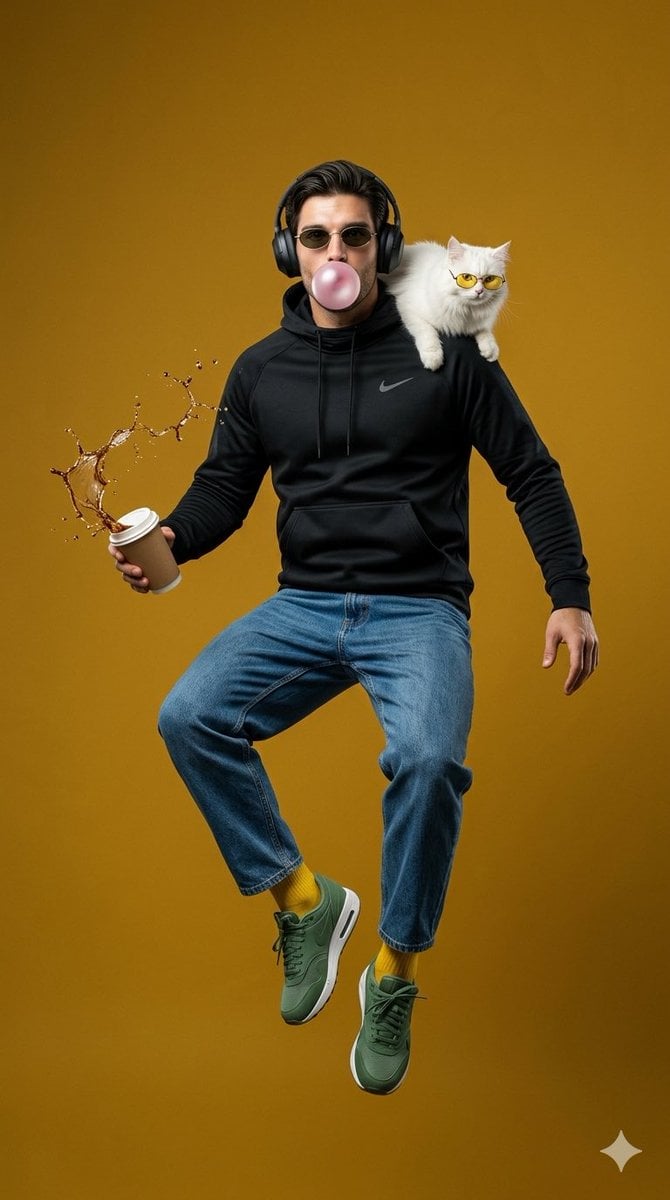
Surreal Jumping Fashion Portrait
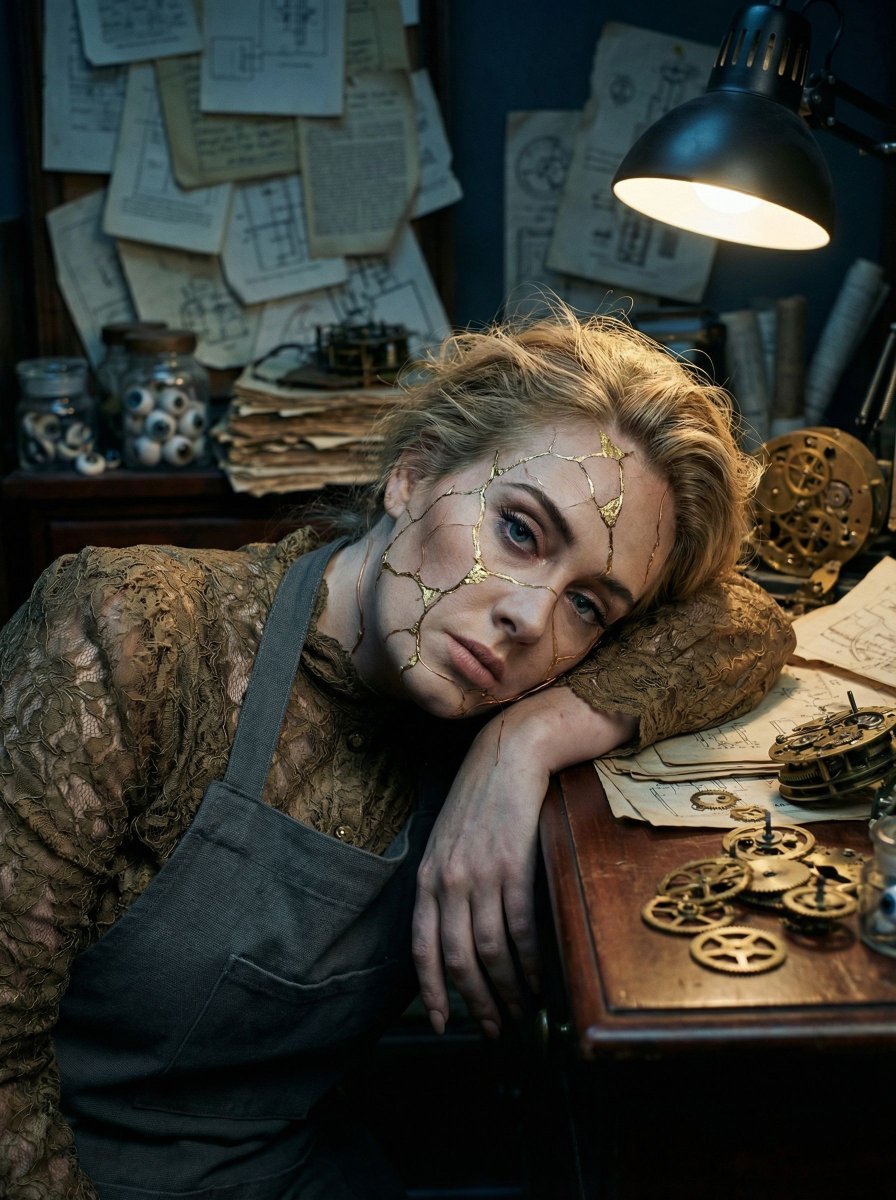
Surreal Kintsugi Portrait in an Automaton Workshop

Miniature Self Portrait Collage

Found Photograph: Us, 1970

80s Couple Studio Portrait

80s College Gate

1988 Mall Style
Make it yours
Surreal Fashion Portrait in a Textile Dye Workshop works as-is. These are the safest ways to change it without losing the look.
Change one field
Copy a single group, rewrite it, and generate again so you can see what that field is doing.
Keep the frame, change the subject
Hold the composition and light of Surreal Fashion Portrait in a Textile Dye Workshop, then swap wardrobe, props or the person for a new take.
| If the result… | Why | Fix |
|---|---|---|
| The result drifts from the preview | Too many fields changed at once. | Reuse Surreal Fashion Portrait in a Textile Dye Workshop as-is first, then change one group — subject, light, or setting. |
| The model over-stylizes the scene | The prose prompt leaves finish and camera underspecified. | Add one camera or lighting sentence and stay on Nano Banana 2. |
More Nano Banana 2 templates
Other prompts made for Nano Banana 2.

Photorealistic Leaf Shaped Like a Dragon

K-Pop Idol Portrait Grid for Rapid Selection

Poetic Rain Forest Portrait During Golden Hour

Urban Street Portrait with Cartoon Inner Self Duo

Candid Nighttime Photo with Cat Prompt

High-Concept 3D Diorama Generation Prompt

Cinematic Futuristic Studio Portrait Template

Skincare Editorial Photography Collage Prompt

Hyper-Realistic Commercial Product Photography (Splash Effect)

Hyper-Realistic Nightclub Portrait Prompt
More image prompts
Fresh picks from across the catalog.
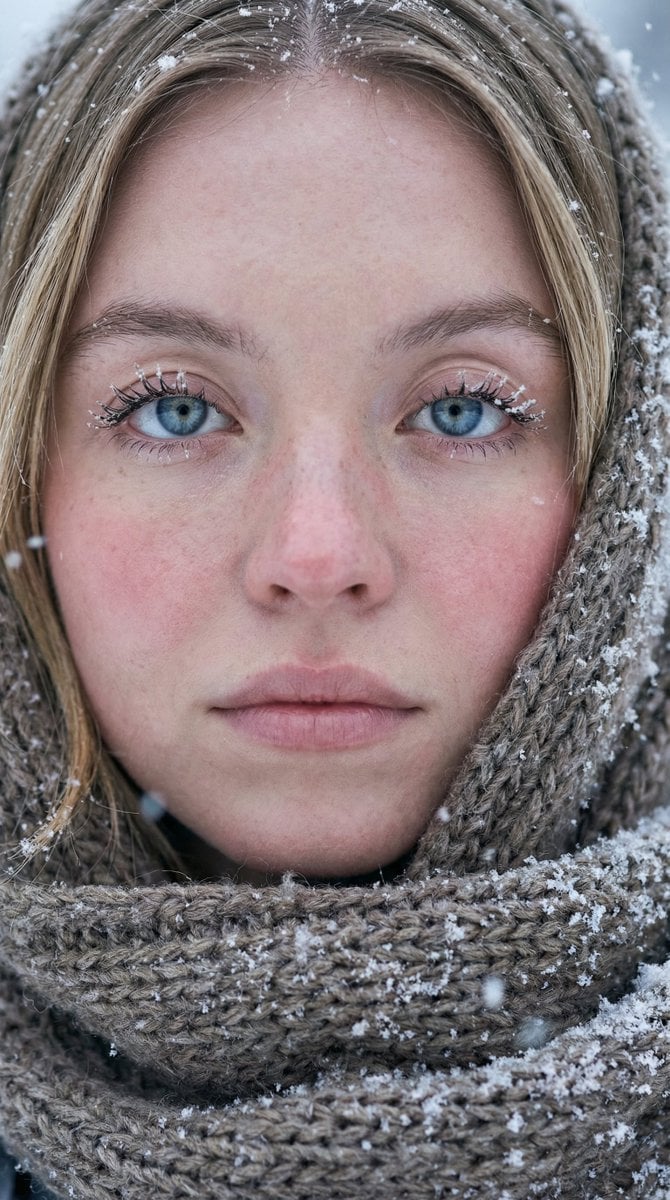
Ultra-Photorealistic Winter Portrait Macro Focus

Fake Apple CEO Announcement Poster
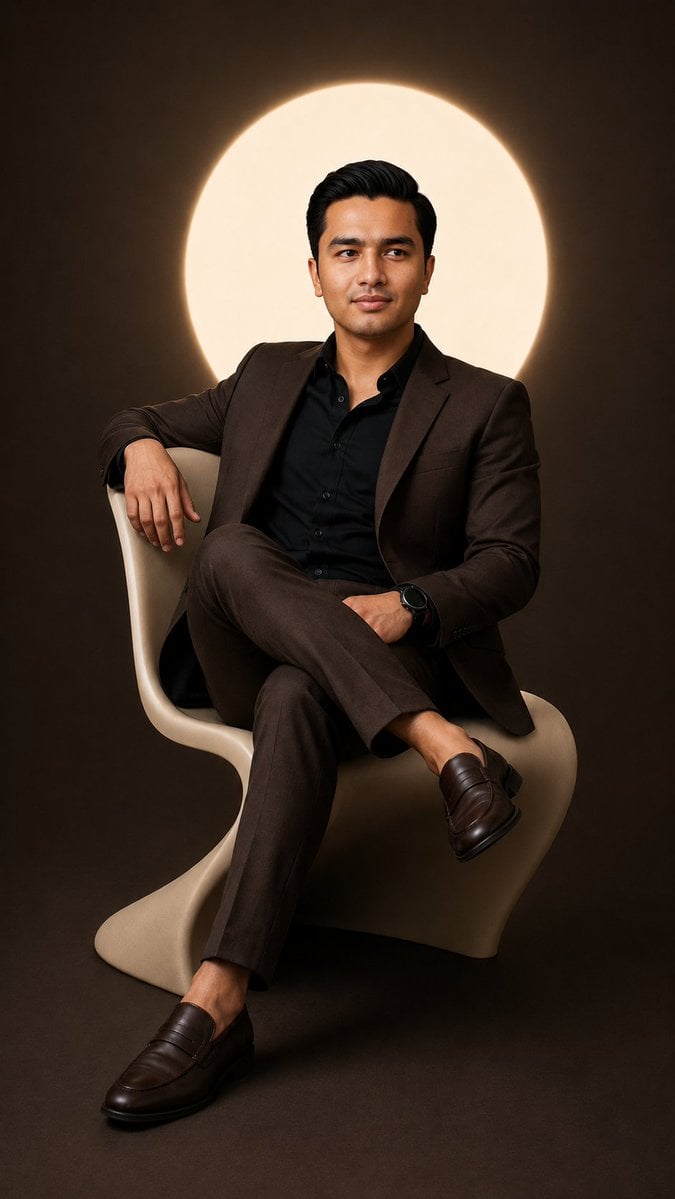
Cinematic Studio Suit Portrait
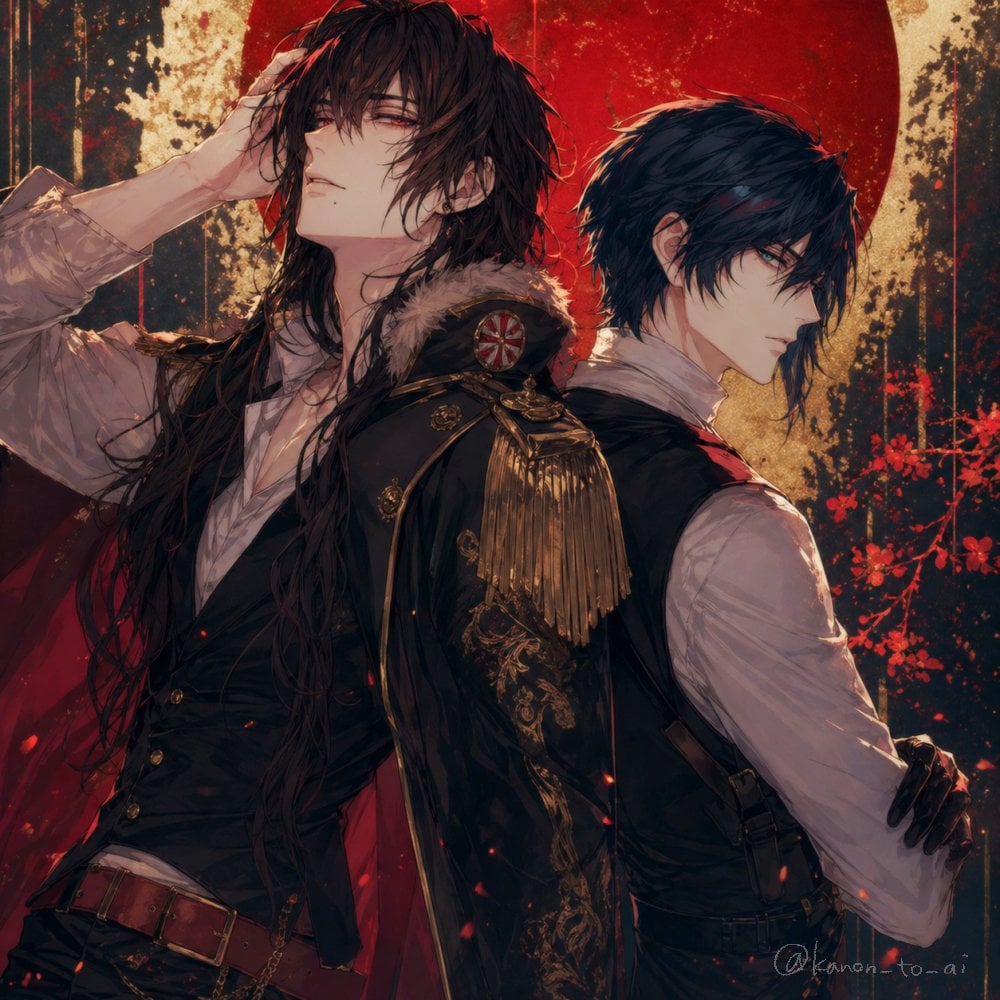
Back-to-Back Dark Bishounen Portrait
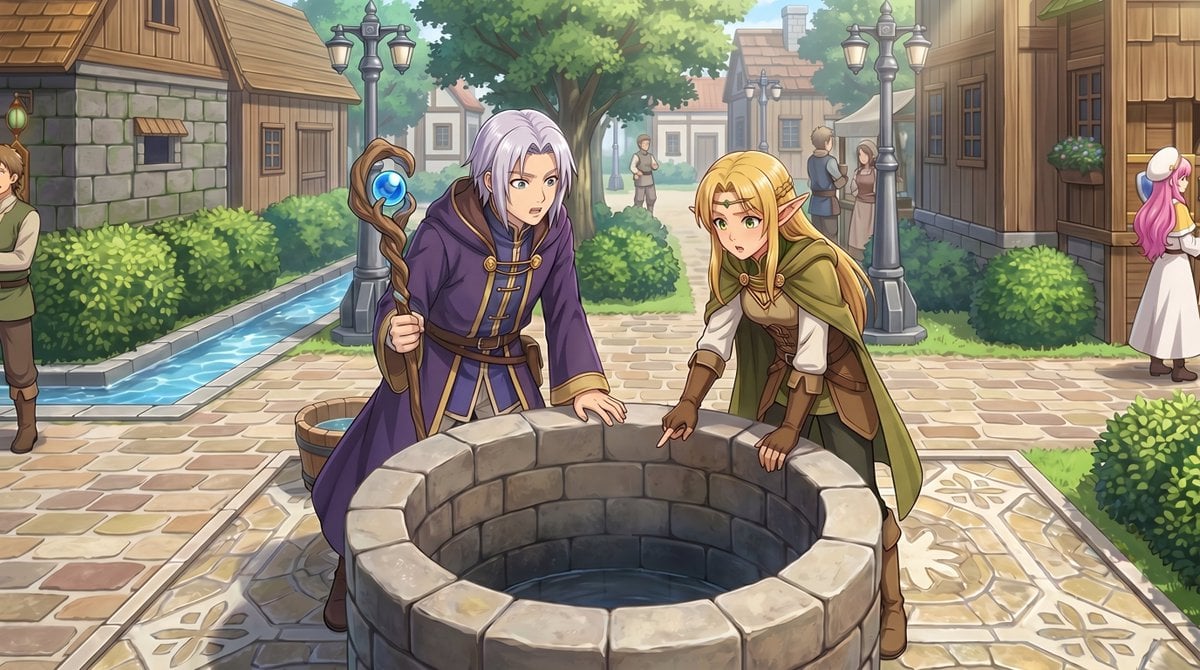
RPG Map to Anime Event Scene
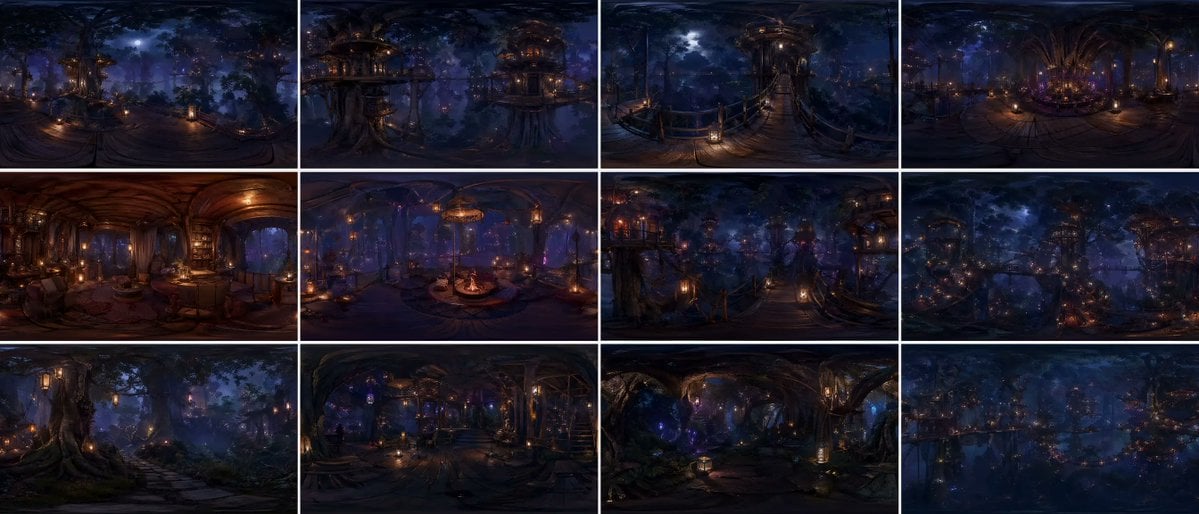
Degree Forest World Panorama Grid
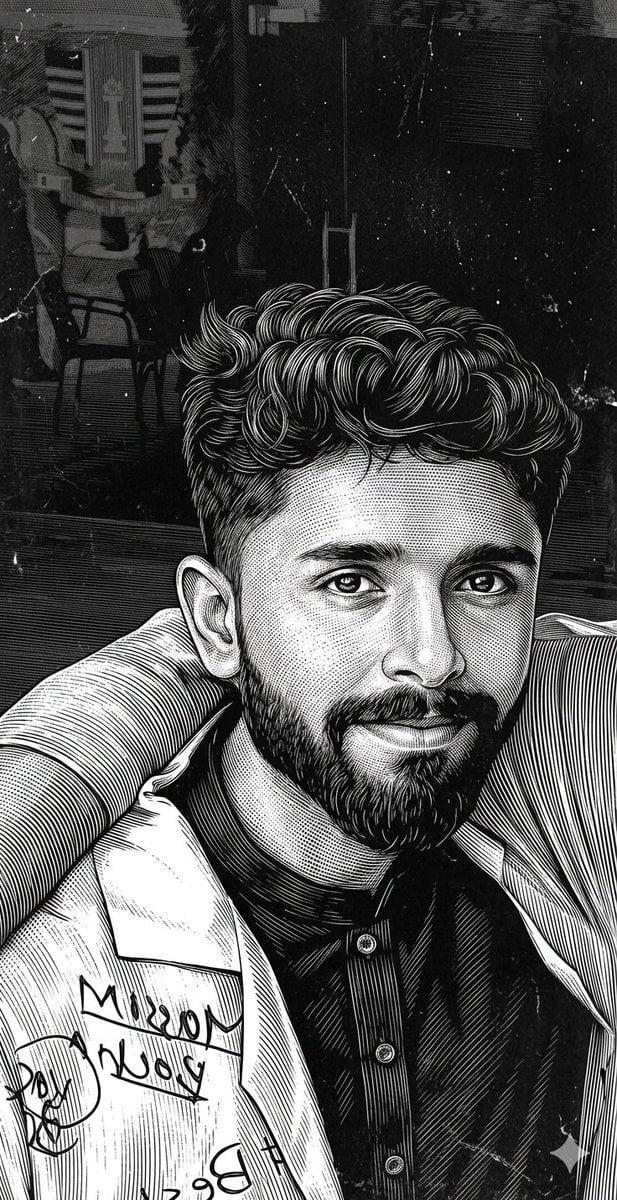
Scratchboard Engraving Portrait Transformation
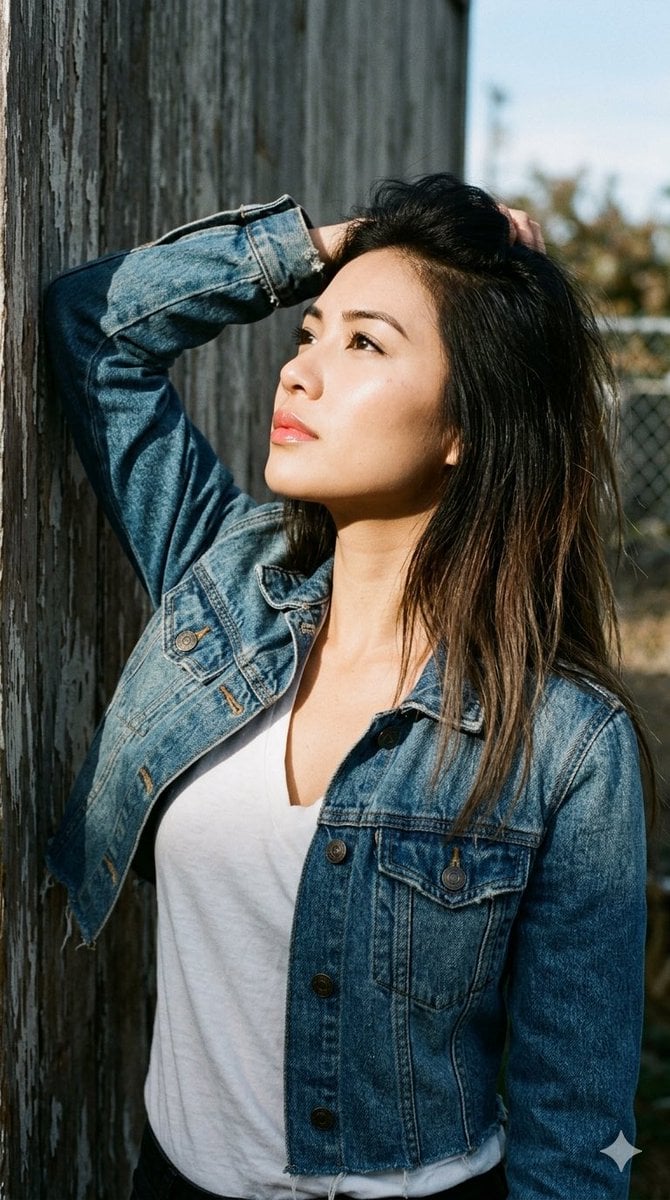
1990s Portrait Prompt for Gemini Nano Banana Pro
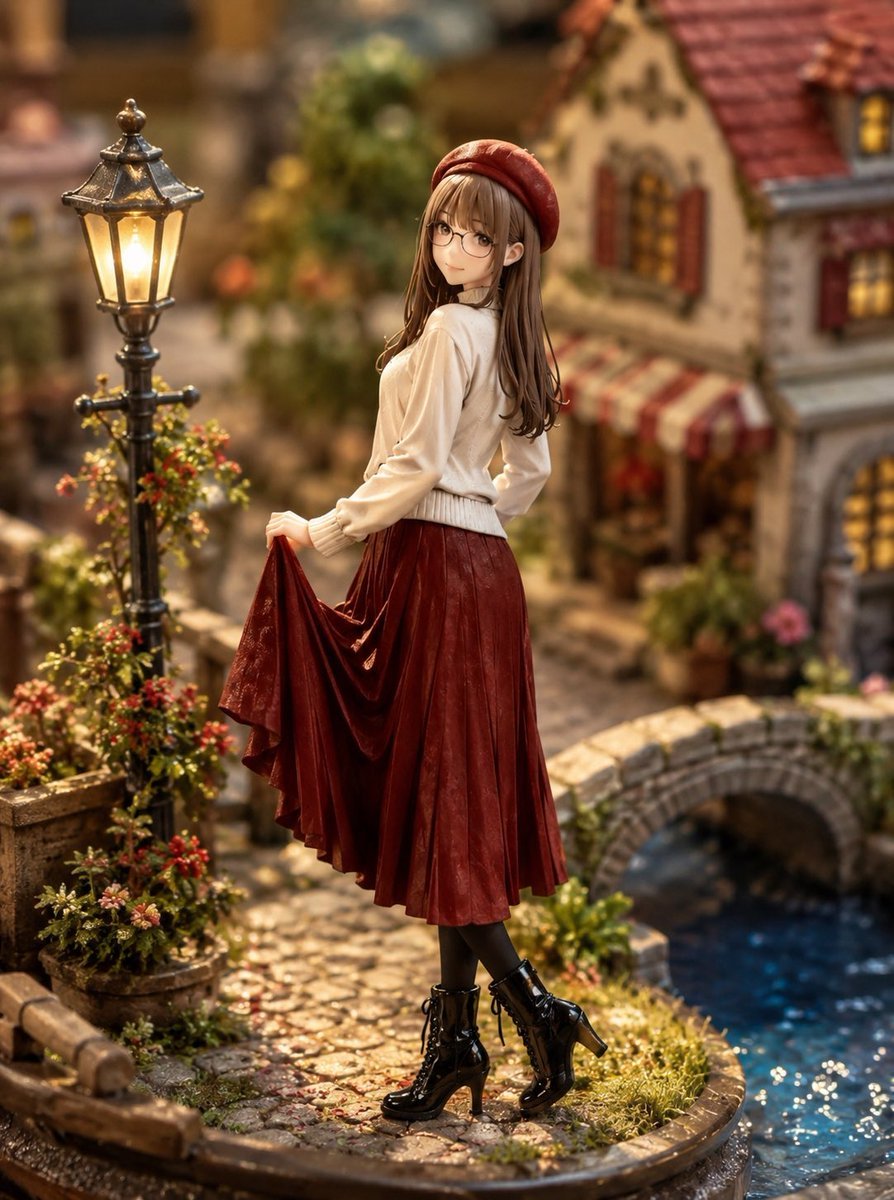
Miniature Diorama Style Transformation
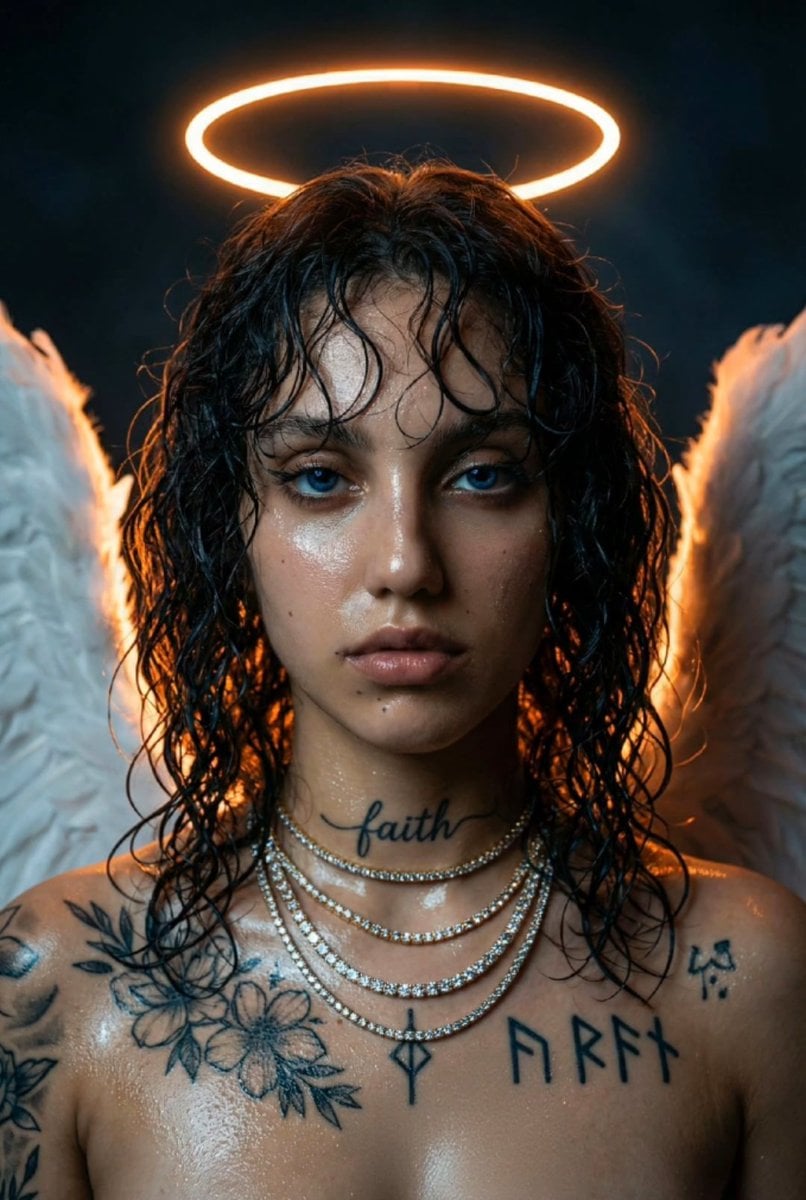
Dark Fantasy Neon Portrait with Glowing Halo Prompt
Browse template categories
Surreal Fashion Portrait in a Textile Dye Workshop questions
How do I use the Surreal Fashion Portrait in a Textile Dye Workshop template?
Add your photo if the template asks for one, edit the prompt if you like — the template's model and format are already selected — and press Generate. Your version opens in PicX Studio.
Can I customize the Surreal Fashion Portrait in a Textile Dye Workshop template?
Yes. You can change the subject, setting, lighting, mood, format, and available model controls before creating your image.
Is the Surreal Fashion Portrait in a Textile Dye Workshop template free?
Opening and editing this template is free. Generating uses credits, shown on the Generate button when you are signed in.
Which AI model should I use?
Start with Nano Banana 2, which is the model associated with this template. You can compare another compatible model for a different finish.
Looking for something else? Browse all templates.

Your photo, any look
Thousands of ready templates for every top image and video model, from one credit balance.