
Fashion Editorial with Exact 2D Cartoon Duplicate
A complex JSON prompt requiring the generation of a photorealistic fashion editorial portrait of a woman (with specific pose, wardrobe, and props) alongside an exact 2D vector cartoon duplicate of the subject, ensuring…
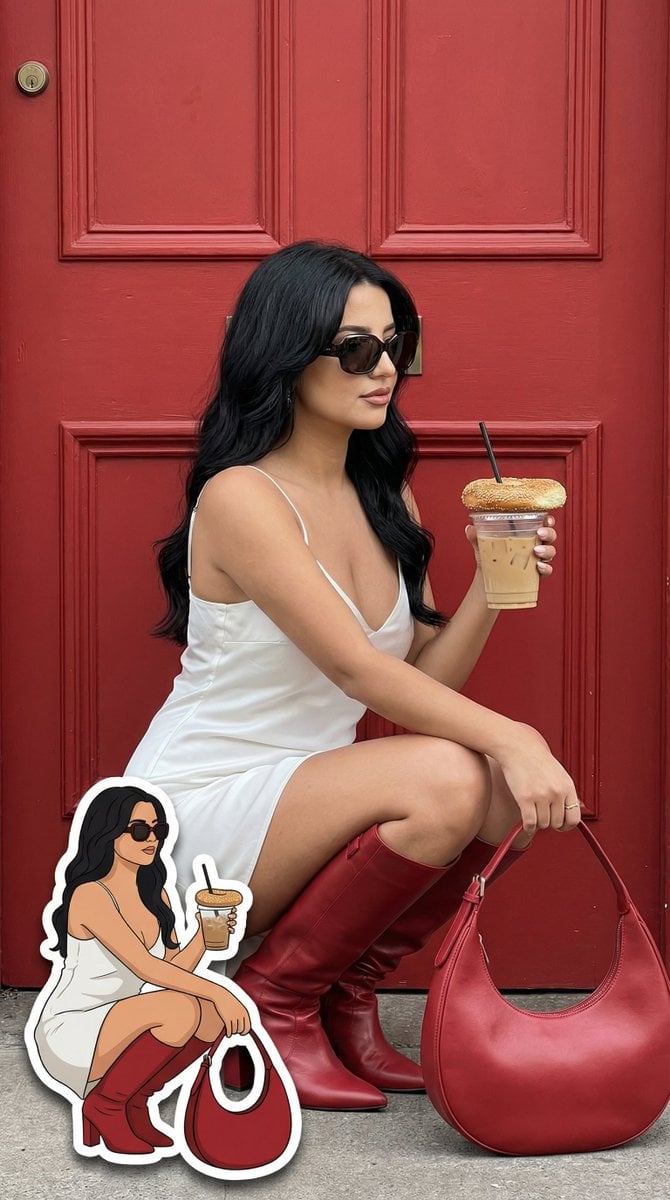
- Prompt included
- Model and format preset
- Free template
The prompt behind this image
Copy the exact prompt behind Fashion Editorial with Exact 2D Cartoon Duplicate, or open it in the studio and make it yours.
- Generation Request › Meta Data › Task Type
- fashion_editorial_street_portrait_with_exact_cartoon_duplicate
- Generation Request › Meta Data › Language
- en
- Generation Request › Meta Data › Priority
- highest
- Generation Request › Meta Data › Version
- v1.2_EXACT_2D_DUPLICATE_STICKER
- Generation Request › Input › Mode
- text_to_image
- Generation Request › Input › Notes
- Create a photoreal fashion portrait AND a 2D cartoon sticker that is an exact duplicate of the real woman’s pose, outfit, accessories and prop placement. The sticker must mirror the real subject precisely.
- Generation Request › Output › Aspect Ratio
- 4:5
- Generation Request › Output › Resolution
- ultra_high
- Generation Request › Output › Num Images
- 1
- Generation Request › Output › Sharpness
- editorial_crisp
- Generation Request › Output › Grain
- subtle_film
- Generation Request › Scene › Environment
- bold matte red wooden door
- Generation Request › Scene › Lighting
- soft natural daylight, no HDR, balanced contrast
- Generation Request › Scene › Mood
- confident luxury street style
- Generation Request › Subject › Person
- adult woman
- Generation Request › Subject › Pose
- crouching with knees close together, right hand holding iced coffee with bagel on lid, left hand relaxed near knee
- Generation Request › Subject › Expression
- calm confident subtle smile
- Generation Request › Subject › Hair
- soft brown waves
- Generation Request › Subject › Wardrobe › Dress
- white satin slip dress
- Generation Request › Subject › Wardrobe › Boots
- knee-high red leather boots
- Generation Request › Subject › Wardrobe › Bag
- large red crescent leather handbag placed on ground to her right side
- Generation Request › Subject › Wardrobe › Accessories
- dark oversized sunglasses
- Generation Request › Subject › Props › Drink
- clear iced coffee cup with black straw
- Generation Request › Subject › Props › Food
- toasted sesame bagel placed on top of cup lid
Raw JSON
{
  "generation_request": {
    "meta_data": {
      "task_type": "fashion_editorial_street_portrait_with_exact_cartoon_duplicate",
      "language": "en",
      "priority": "highest",
      "version": "v1.2_EXACT_2D_DUPLICATE_STICKER"
    },
    "input": {
      "mode": "text_to_image",
      "notes": "Create a photoreal fashion portrait AND a 2D cartoon sticker that is an exact duplicate of the real woman’s pose, outfit, accessories and prop placement. The sticker must mirror the real subject precisely."
    },
    "output": {
      "aspect_ratio": "4:5",
      "resolution": "ultra_high",
      "num_images": 1,
      "sharpness": "editorial_crisp",
      "grain": "subtle_film"
    },
    "scene": {
      "environment": "bold matte red wooden door",
      "lighting": "soft natural daylight, no HDR, balanced contrast",
      "mood": "confident luxury street style"
    },
    "subject": {
      "person": "adult woman",
      "pose": "crouching with knees close together, right hand holding iced coffee with bagel on lid, left hand relaxed near knee",
      "expression": "calm confident subtle smile",
      "hair": "soft brown waves",
      "wardrobe": {
        "dress": "white satin slip dress",
        "boots": "knee-high red leather boots",
        "bag": "large red crescent leather handbag placed on ground to her right side",
        "accessories": "dark oversized sunglasses"
      },
      "props": {
        "drink": "clear iced coffee cup with black straw",
        "food": "toasted sesame bagel placed on top of cup lid"
      }
    },
    "cartoon_sticker": {
      "enabled": true,
      "description": "2D cartoon duplicate of the same woman in EXACT same crouching pose, EXACT same leg angle, EXACT same hand placement, holding iced coffee and bagel in the same position, same white satin dress, same red boots, same red bag location, same sunglasses shape.",
      "style": "clean flat 2D vector illustration, bold black outline, flat color fills, minimal shading, simplified facial details but same hairstyle and expression, small cute proportions but anatomically consistent",
      "placement": "bottom-left corner",
      "scale": "18-22% of image height",
      "edge": "white sticker cutout border",
      "shadow": "subtle soft drop shadow",
      "strict_rules": [
        "do not change pose",
        "do not change outfit colors",
        "do not change prop placement",
        "do not turn into 3D",
        "do not mix realistic shading into sticker"
      ]
    },
    "camera": {
      "lens": "50mm prime",
      "aperture": "f/2.8",
      "focus": "sharp on main subject"
    },
    "style": {
      "aesthetic": "photoreal main image + clean 2D sticker overlay",
      "retouching": "natural skin texture",
      "no": "AI glow, deformed anatomy, sticker becoming realistic, duplicated background, extra limbs"
    }
  }
}How to use Fashion Editorial with Exact 2D Cartoon Duplicate in 3 steps
- 1
Open
The prompt is already in the box next to the preview, with the template's model and format selected.
- 2…a portrait of your subject in softgolden-hour light, 85mm…
Personalize
Edit the subject and creative details for your destination.
- 3Generate
Generate
Press Generate — your image is created in PicX Studio, so you can compare it with the original and refine one variable at a time.
More like this
Templates with the same subject, style or setup. Open one to see its prompt.
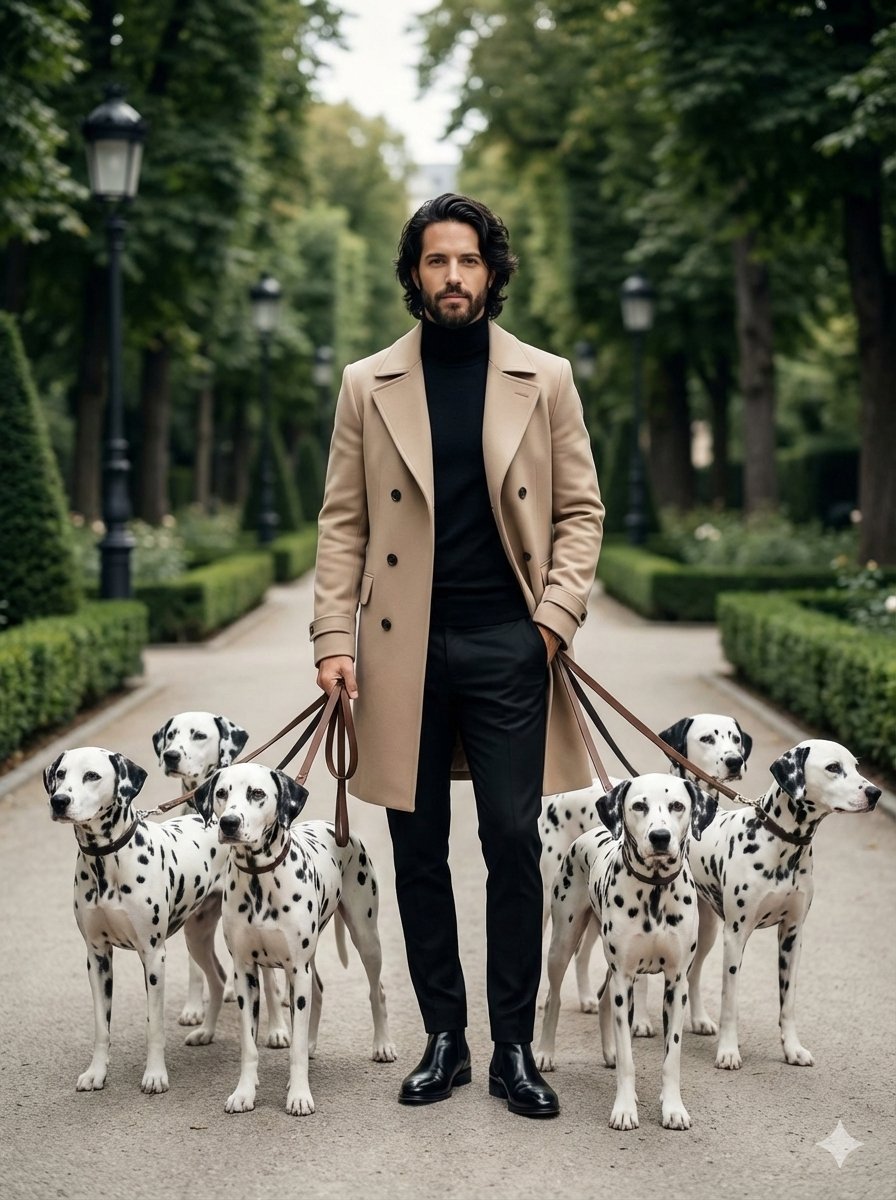
untitled
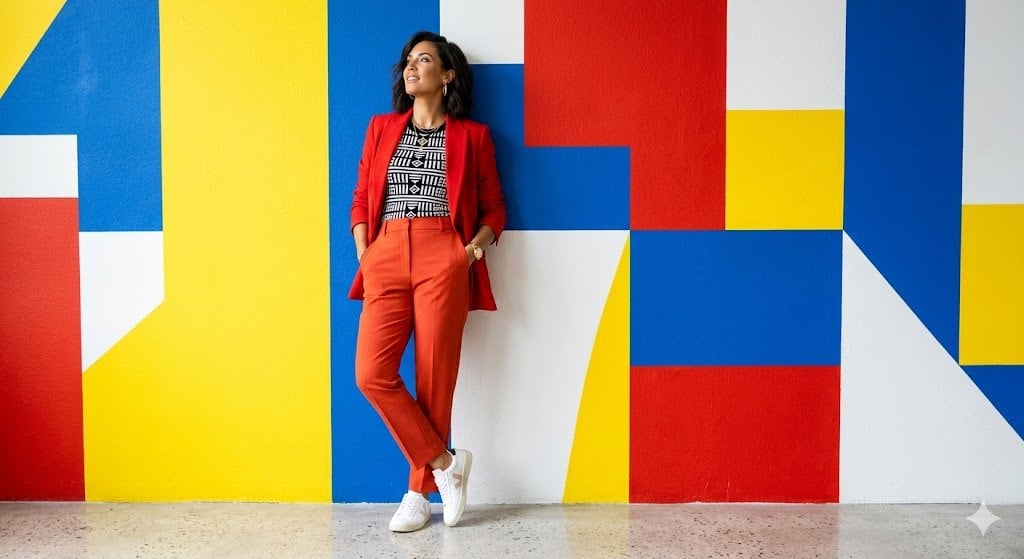
Google Gemini Nano Banana Pro
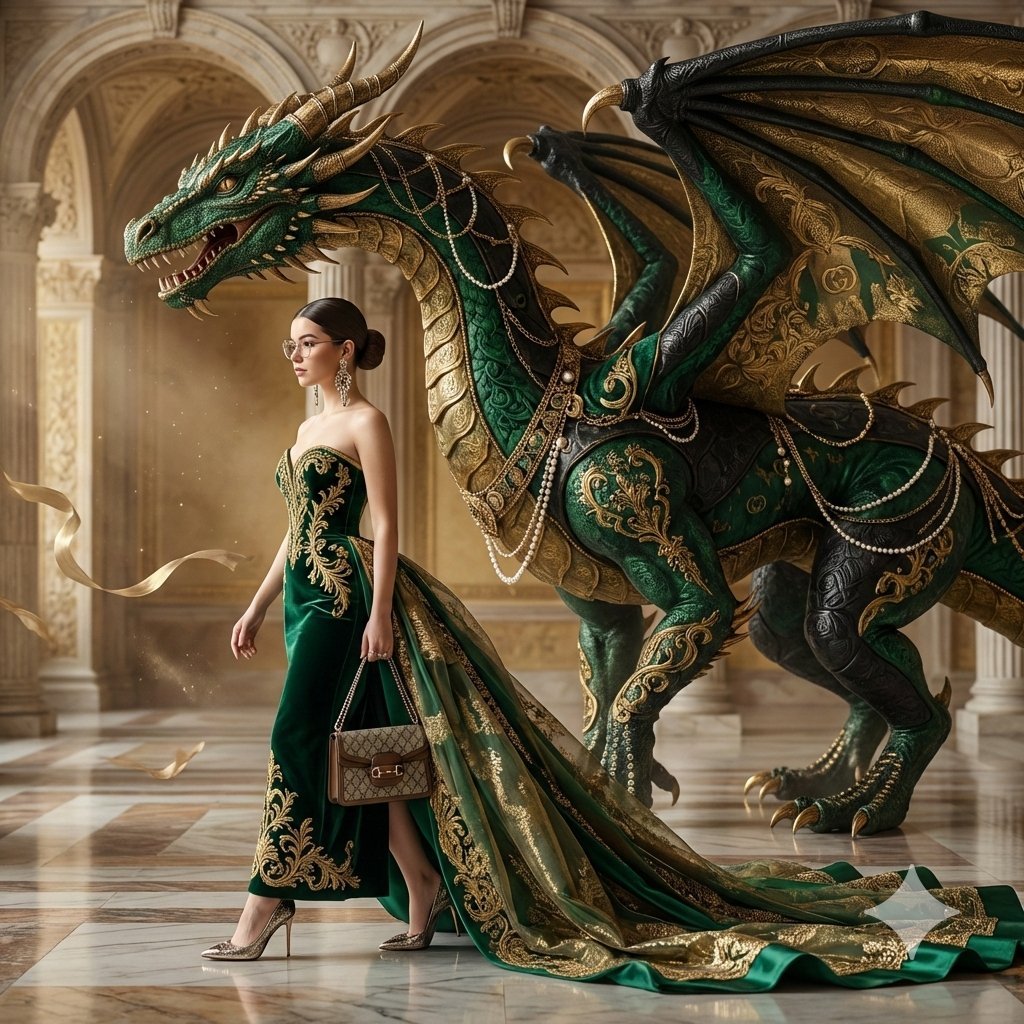
Conceptual Fashion Portrait in Spider We
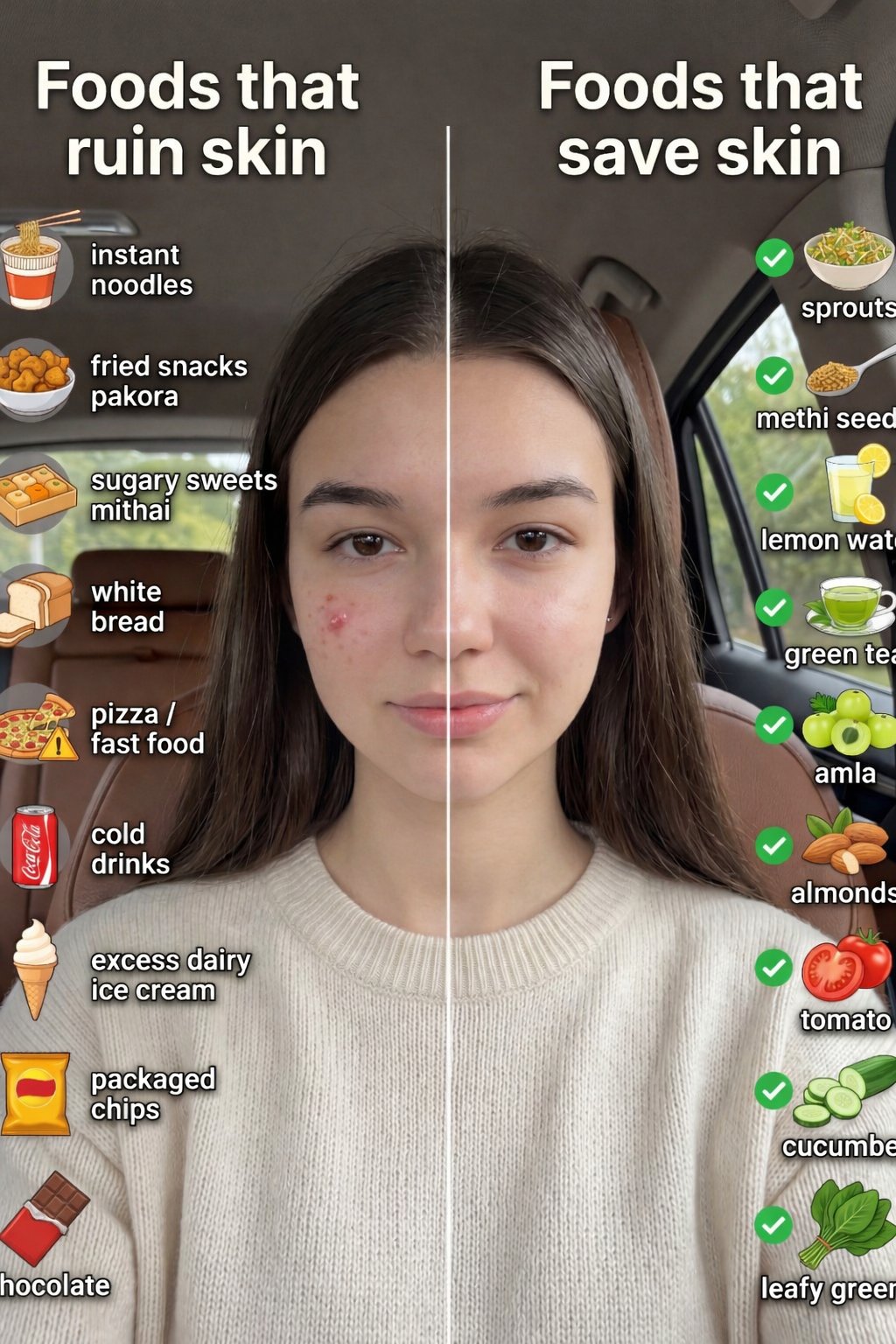
01 Skincare Split Portrait — Nano Banana 2
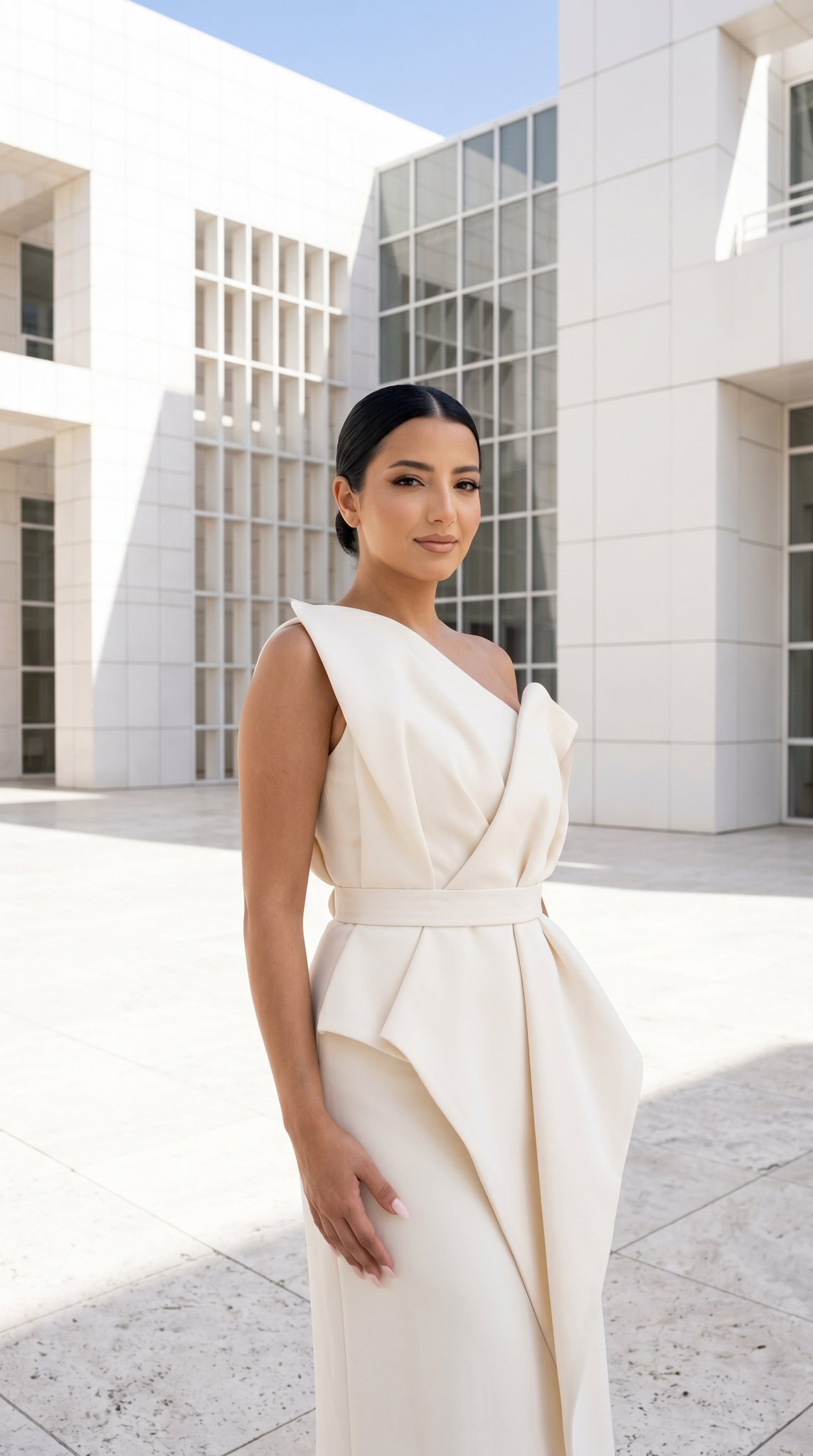
24 The Getty Center — California Series
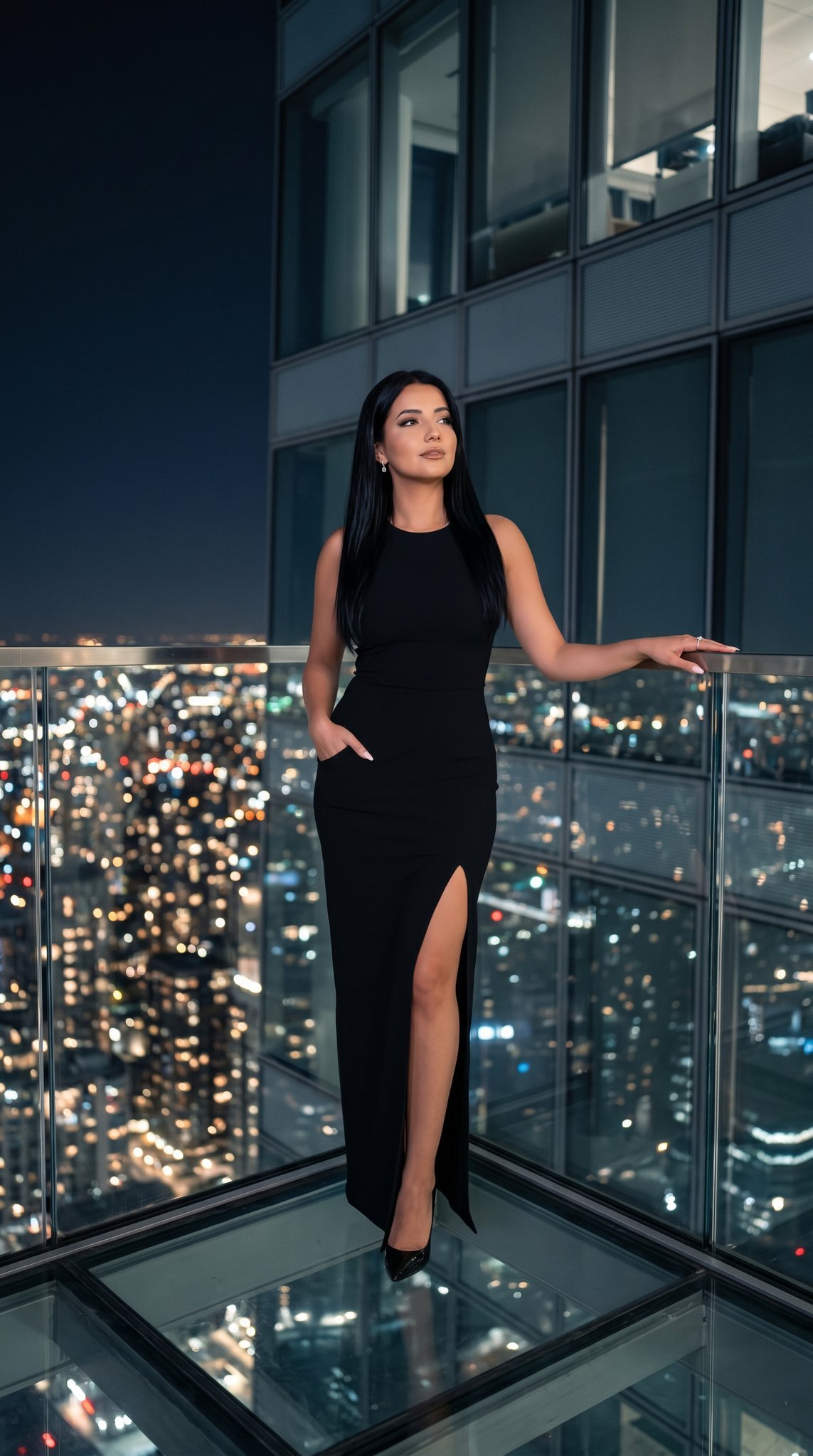
21 Glass Floor Skyscraper — California Series

19 Luxury Helicopter Travel — California Series

08 Rodeo Drive Luxury Exit — California Series
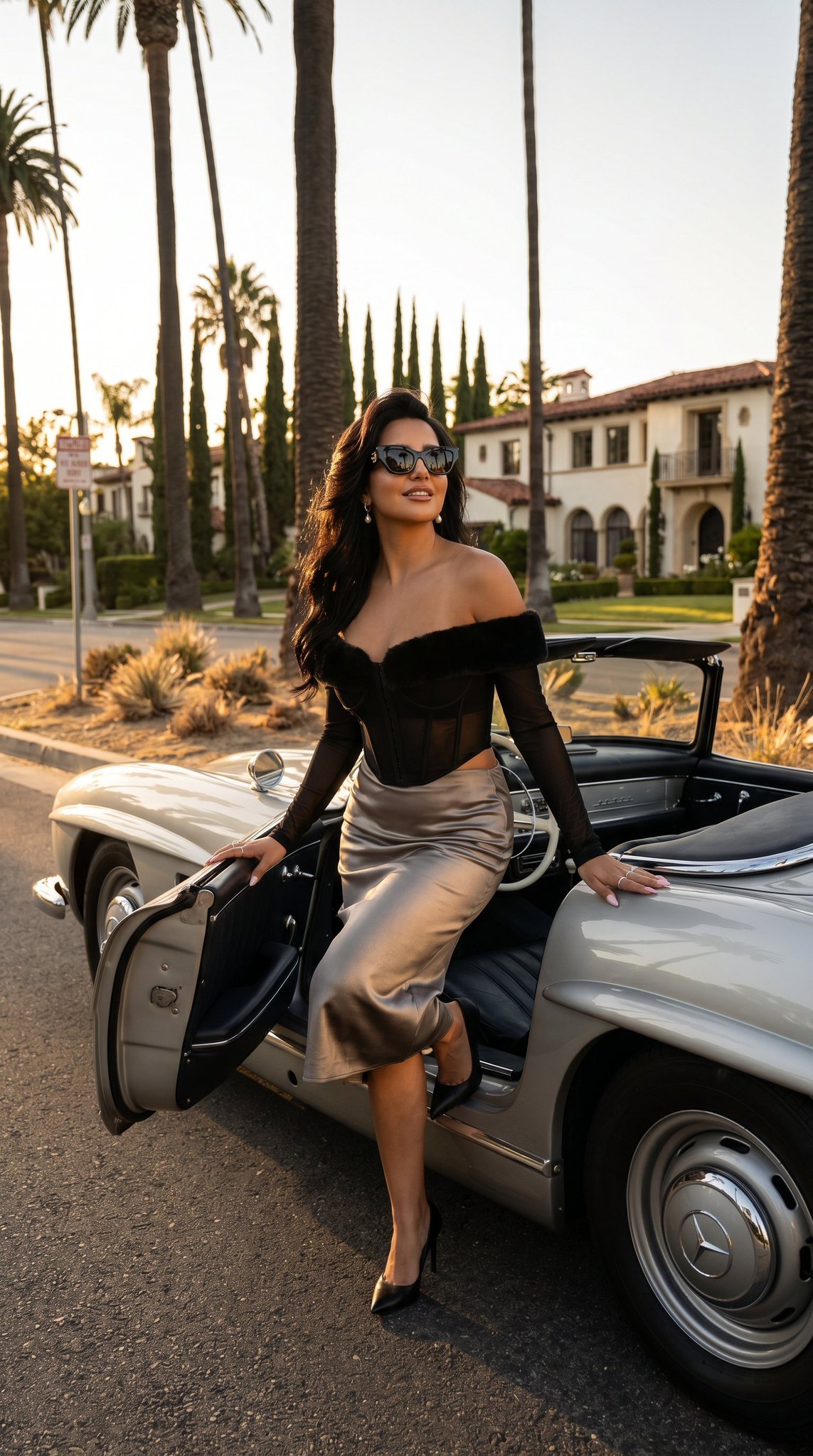
03 Beverly Hills Convertible — California Series
Gpt Image 2 Fashion Portrait

Caution Tape Fashion — Industrial Editorial
Nano Banana - Paris Cafe Editorial
Make it yours
Fashion Editorial with Exact 2D Cartoon Duplicate works as-is. These are the safest ways to change it without losing the look.
Swap the setting
Keep the rest of the prompt and replace the location block. The current setting is “bold matte red wooden door”.
Swap the light
One lighting change is enough to compare takes. Current light: “soft natural daylight, no HDR, balanced contrast”.
Change one field
Copy a single group, rewrite it, and generate again so you can see what that field is doing.
| If the result… | Why | Fix |
|---|---|---|
| The result drifts from the preview | Too many fields changed at once. | Reuse Fashion Editorial with Exact 2D Cartoon Duplicate as-is first, then change one group — subject, light, or setting. |
| Nano Banana 2 ignores part of the JSON | Some models flatten or skip nested keys. | Keep the same values and paste them as a short paragraph instead. |
More Nano Banana 2 templates
Other prompts made for Nano Banana 2.

Photorealistic Leaf Shaped Like a Dragon

K-Pop Idol Portrait Grid for Rapid Selection

Poetic Rain Forest Portrait During Golden Hour

Urban Street Portrait with Cartoon Inner Self Duo

Candid Nighttime Photo with Cat Prompt

High-Concept 3D Diorama Generation Prompt

Cinematic Futuristic Studio Portrait Template

Skincare Editorial Photography Collage Prompt

Hyper-Realistic Commercial Product Photography (Splash Effect)

Hyper-Realistic Nightclub Portrait Prompt
More image prompts
Fresh picks from across the catalog.
Hyper-Realistic Mixed-Media Illustration Prompt
Luxury Skincare Product Macro Shot in Water
Burgundy Gown Editorial on Black Chaise
Modern Korean Streetwear Portrait
Realistic NBA Fan Portrait
Sunset Catgirl School Rooftop Anime
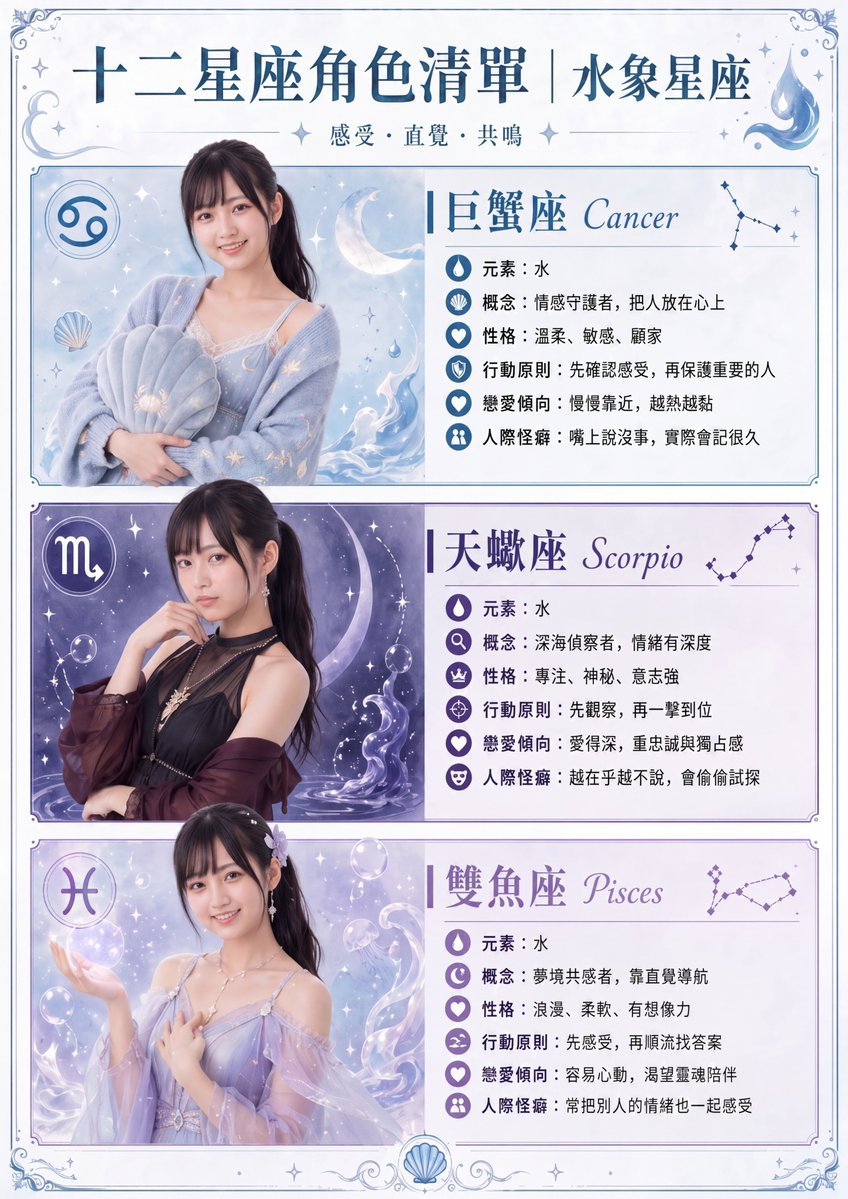
Gpt2 Infographic Edu Visual Water Signs Zodiac Character Poster
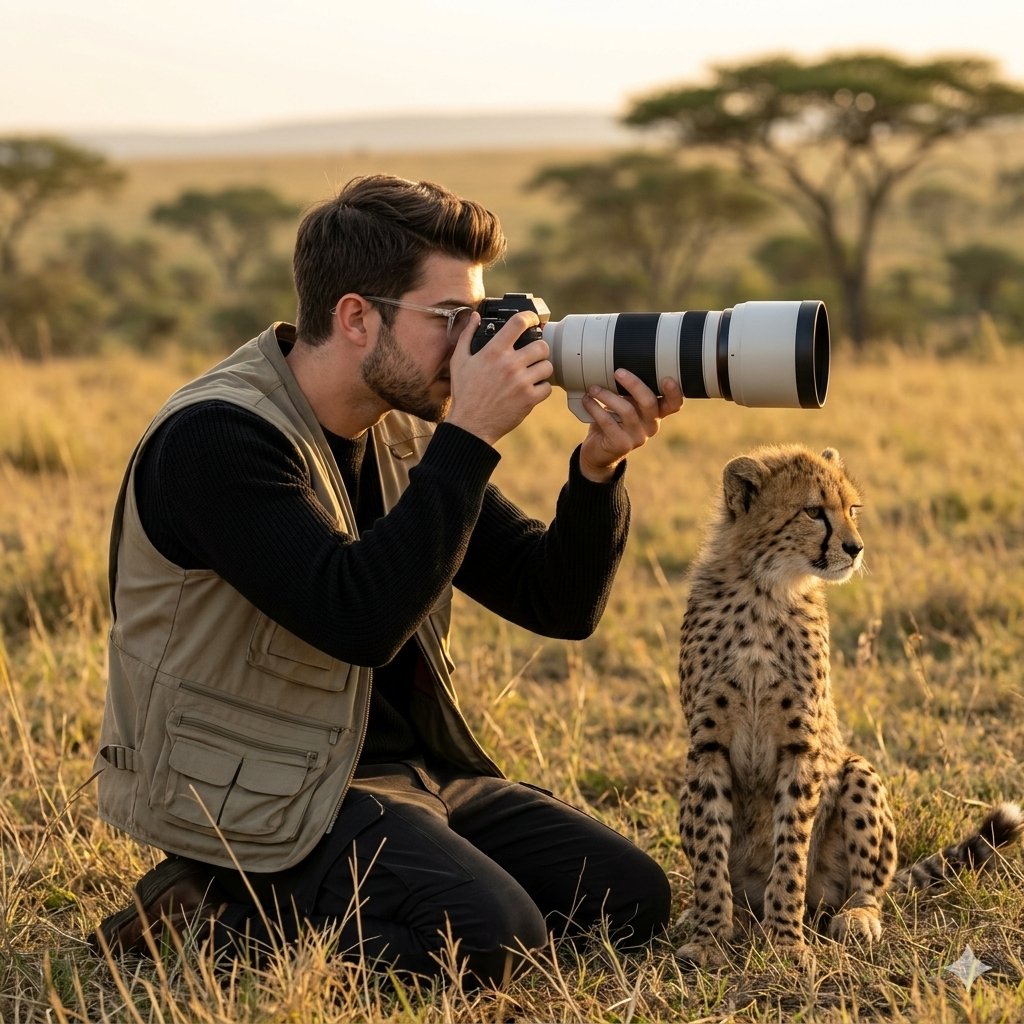
Wildlife Photographer with Cheetah Cub
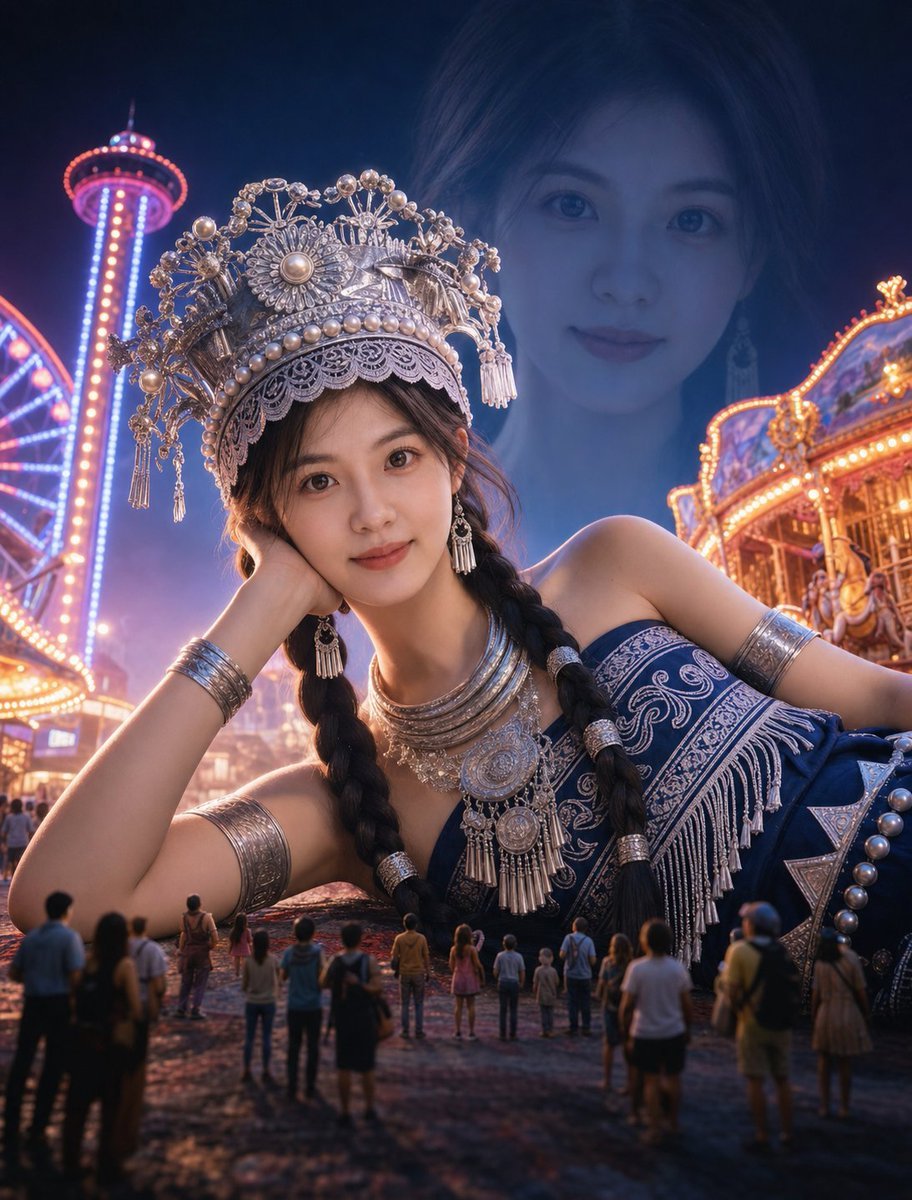
Surreal Giantess Neon Park Portrait
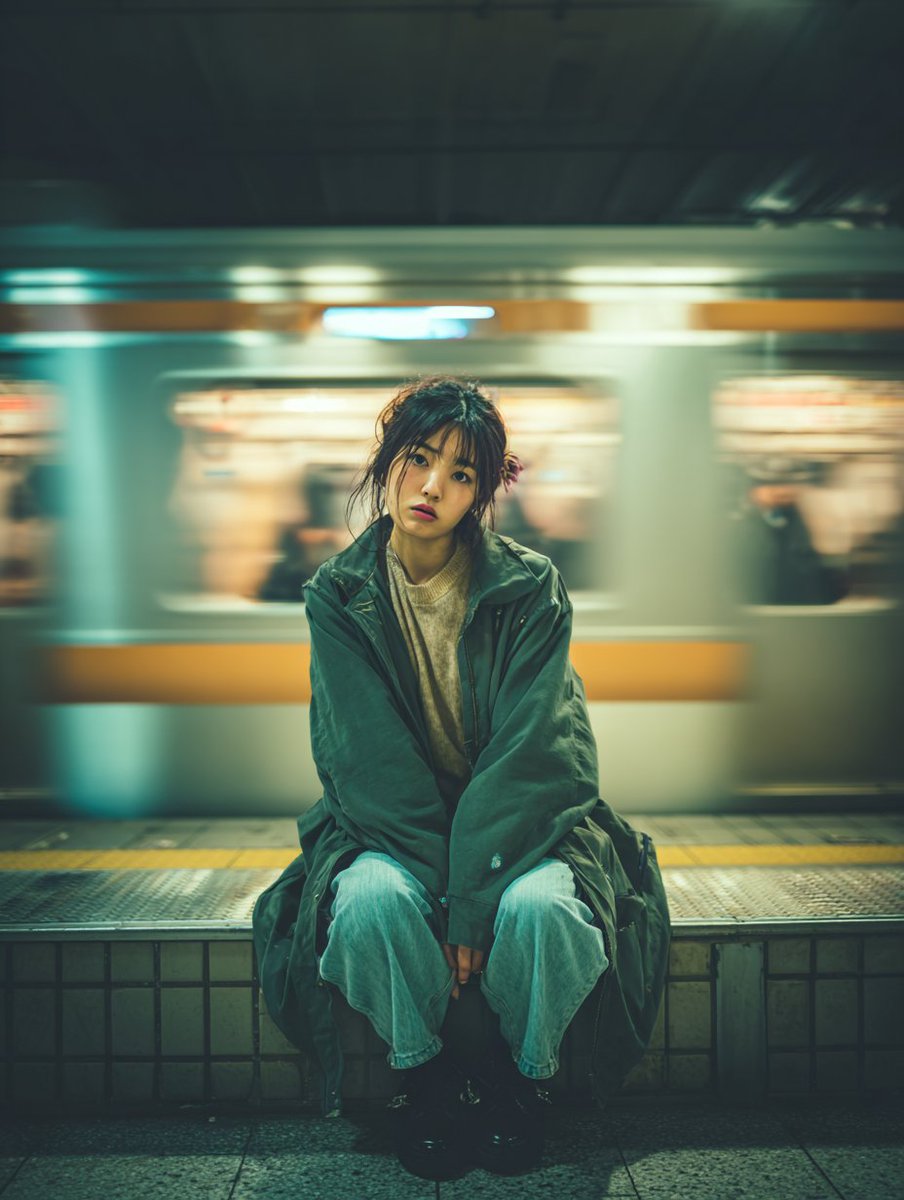
Cinematic Portrait of a Woman on a Train Platform
Browse template categories
Fashion Editorial with Exact 2D Cartoon Duplicate questions
How do I use the Fashion Editorial with Exact 2D Cartoon Duplicate template?
Add your photo if the template asks for one, edit the prompt if you like — the template's model and format are already selected — and press Generate. Your version opens in PicX Studio.
Can I customize the Fashion Editorial with Exact 2D Cartoon Duplicate template?
Yes. You can change the subject, setting, lighting, mood, format, and available model controls before creating your image.
Is the Fashion Editorial with Exact 2D Cartoon Duplicate template free?
Opening and editing this template is free. Generating uses credits, shown on the Generate button when you are signed in.
Which AI model should I use?
Start with Nano Banana 2, which is the model associated with this template. You can compare another compatible model for a different finish.
Looking for something else? Browse all templates.

Your photo, any look
Thousands of ready templates for every top image and video model, from one credit balance.