
Moonlit Rainy City Overpass
Generates a cinematic Japanese-style nighttime urban road scene viewed from a pedestrian bridge, ideal for atmospheric background art.
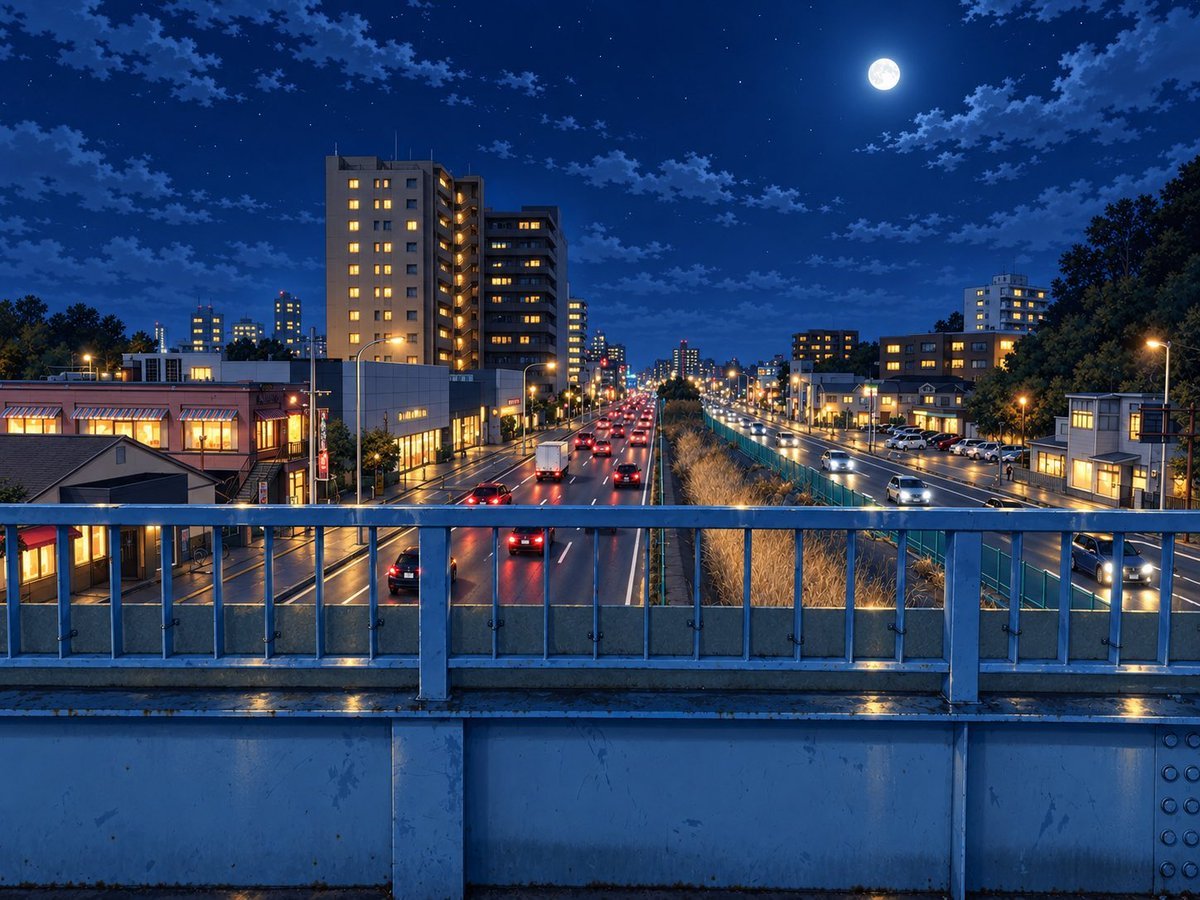
- Prompt included
- Model and format preset
- Free template
The prompt behind this image
Copy the exact prompt behind Moonlit Rainy City Overpass, or open it in the studio and make it yours.
Create a wide 4:3 cinematic night cityscape from the viewpoint of a pedestrian overpass, looking straight down a wet multi-lane urban road in {argument name="city" default="a quiet Japanese suburb"}. The foreground is dominated by a blue-gray metal bridge railing with vertical bars, bolts, a concrete lower wall, and rain-slick reflections along the ledge. Beyond the railing, show exactly two separated directions of traffic: the left roadway carrying cars away from the viewer with red taillights and one white box truck, and the right roadway carrying cars toward the viewer with white headlights; place a planted median or drainage strip between them with tall dry grasses and a teal fence. On both sides of the road, include mid-rise apartment buildings, small shops, streetlamps, parked cars, and warm yellow-lit windows, with the tallest apartment block on the left side near the foreground. Use {argument name="time of night" default="late evening after rain"}, a deep cobalt blue sky, scattered clouds, many small stars, and a bright full moon high in the upper right. Lighting should mix cool moonlit blue ambience with warm orange streetlights and window glow, with glossy wet pavement reflections, crisp perspective lines receding to a vanishing point in the center, realistic architectural detail, and a polished high-resolution anime-background / photoreal illustration style. No people, no text, no signs that are readable, no watermark.
How to use Moonlit Rainy City Overpass in 3 steps
- 1Upload ImagePNG, JPG or paste
Add your photo
Upload the photo the template builds on. The prompt, model and format are already set.
- 2…a portrait of your subject in softgolden-hour light, 85mm…
Personalize
Edit the subject and creative details for your destination.
- 3Generate
Generate
Press Generate — your image is created in PicX Studio, so you can compare it with the original and refine one variable at a time.
More like this
Templates with the same subject, style or setup. Open one to see its prompt.

Cozy Knit Sweater Window Portrait

Minimalist Hand-Drawn Doodle Portrait
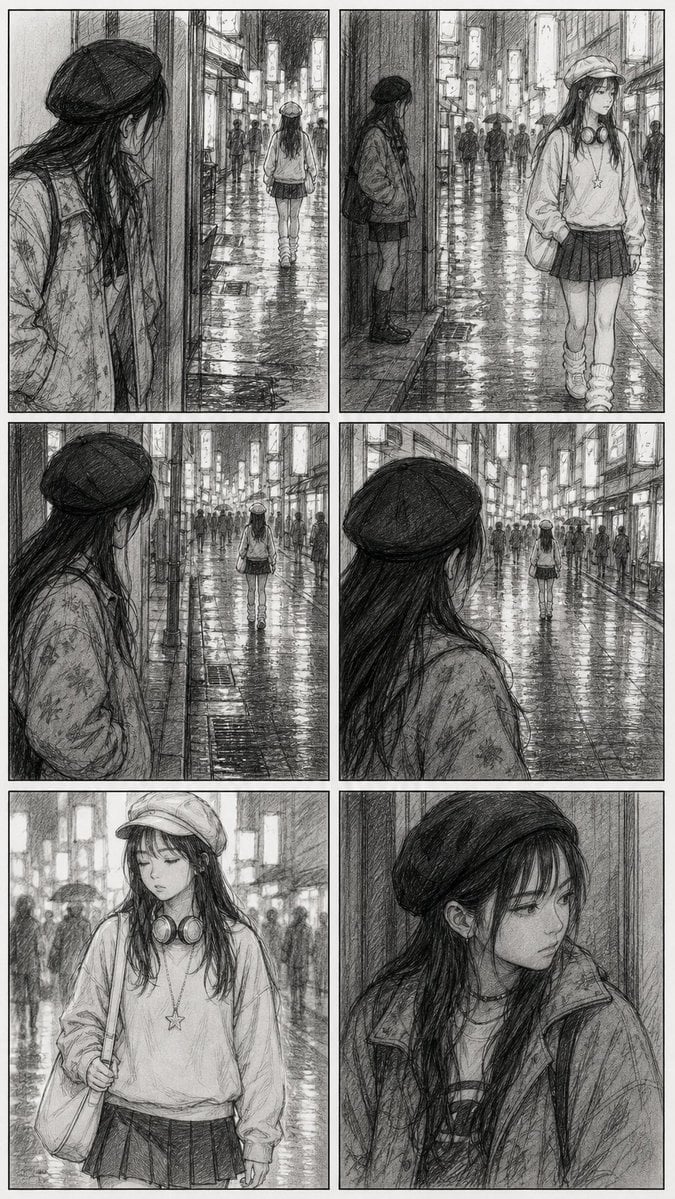
Rainy City Manga Storyboard
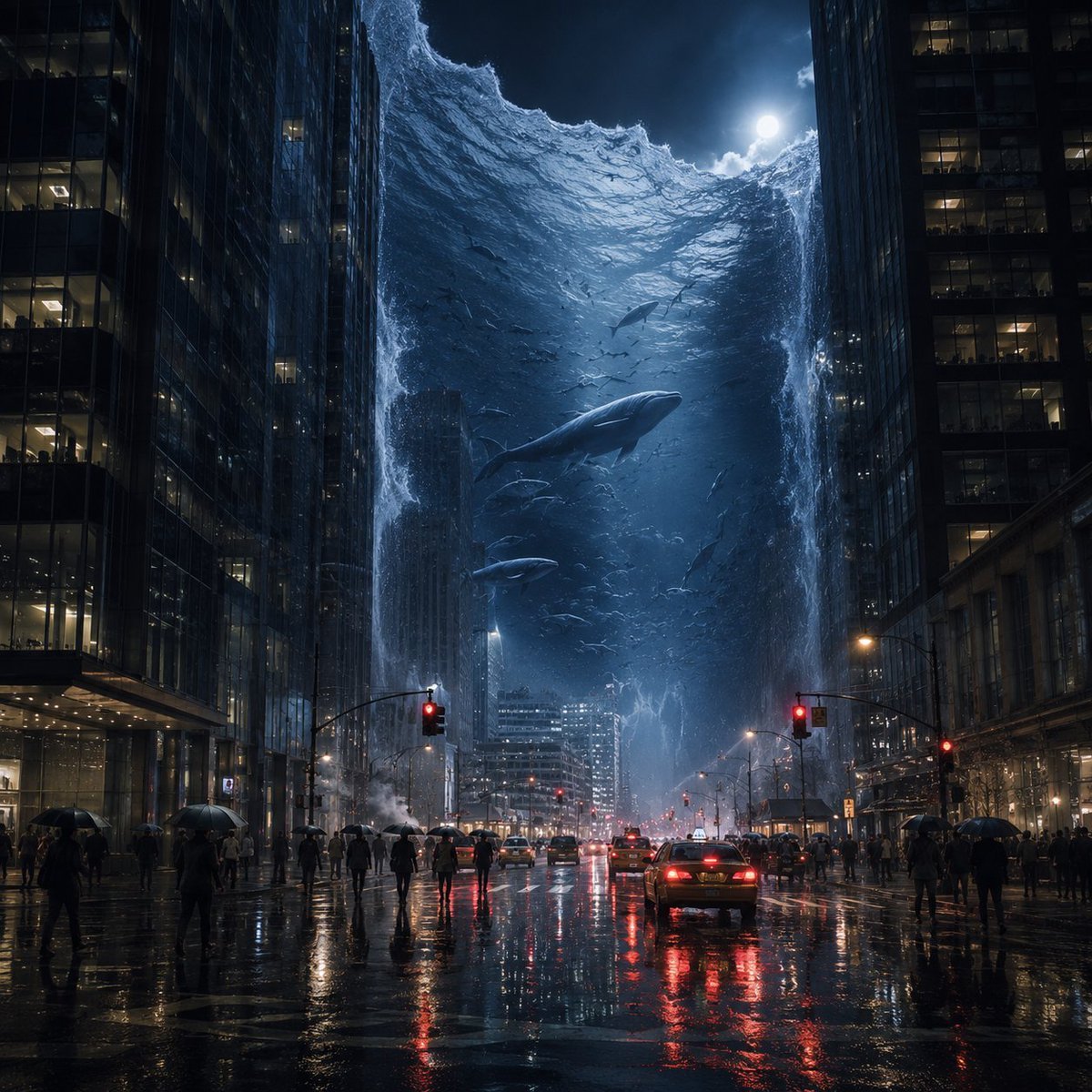
Surreal Ocean Wall in Rainy City

Nano Banana Pro 2.0 — 3x3 Travel Profile Grid

Moonlit Fox Mask Night Market

Lone Mountaineer in Moonlit Snow

Moonlit Ghost Lotus Anime Portrait
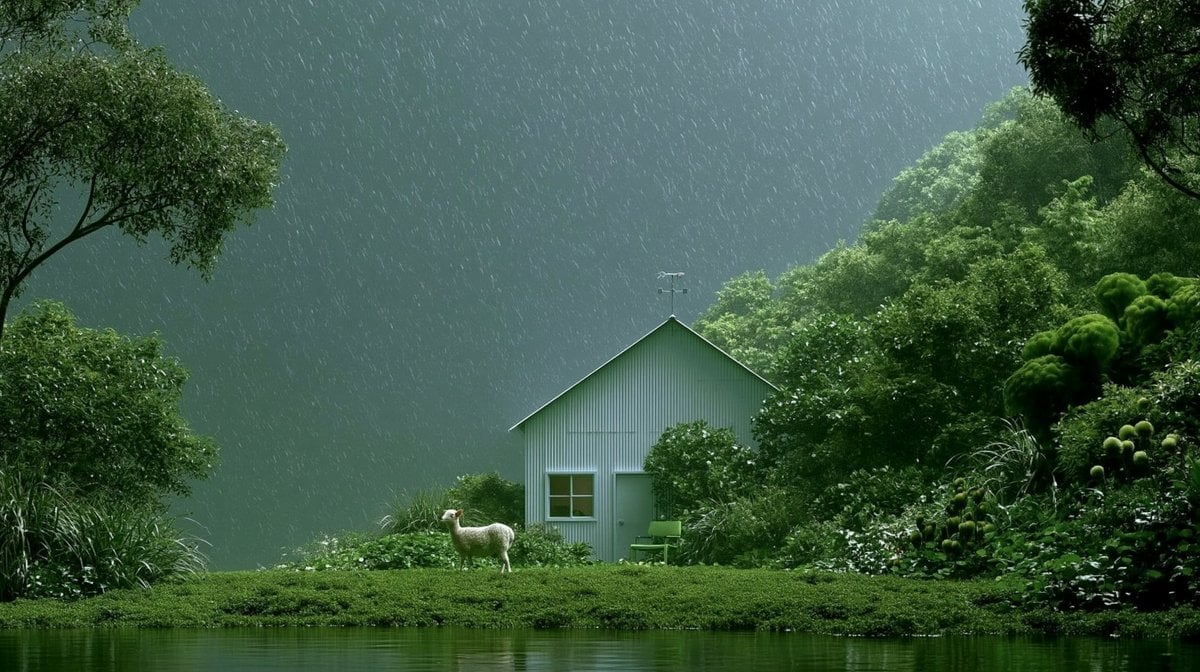
Rainy Cottage Garden With Sheep
Stylish Man in Modern City
Moonlit Lace Prince Portrait
Moonlit Gothic Fantasy Traveler
Make it yours
Moonlit Rainy City Overpass works as-is. These are the safest ways to change it without losing the look.
Change one field
Copy a single group, rewrite it, and generate again so you can see what that field is doing.
Keep the frame, change the subject
Hold the composition and light of Moonlit Rainy City Overpass, then swap wardrobe, props or the person for a new take.
| If the result… | Why | Fix |
|---|---|---|
| The result drifts from the preview | Too many fields changed at once. | Reuse Moonlit Rainy City Overpass as-is first, then change one group — subject, light, or setting. |
| The model over-stylizes the scene | The prose prompt leaves finish and camera underspecified. | Add one camera or lighting sentence and stay on GPT Image 2. |
More GPT Image 2 templates
Other prompts made for GPT Image 2.

Six VTuber Japanese Logo Sheet

Realistic Portrait of Woman and Deer

The Vista Modular Condo Poster

AI Model Routing Comparison Infographic

2.5D Anime Art Board

Isometric Productivity Desk Scene

New York Double Exposure Poster

Four-Panel AI Landscape Comparison

Japanese Tatami Lifestyle Magazine Cover

NESCAFÉ Coffee Map Poster
More image prompts
Fresh picks from across the catalog.

Business Presentation Icon Set
AI Generation of Custom Calligraphy Font Library
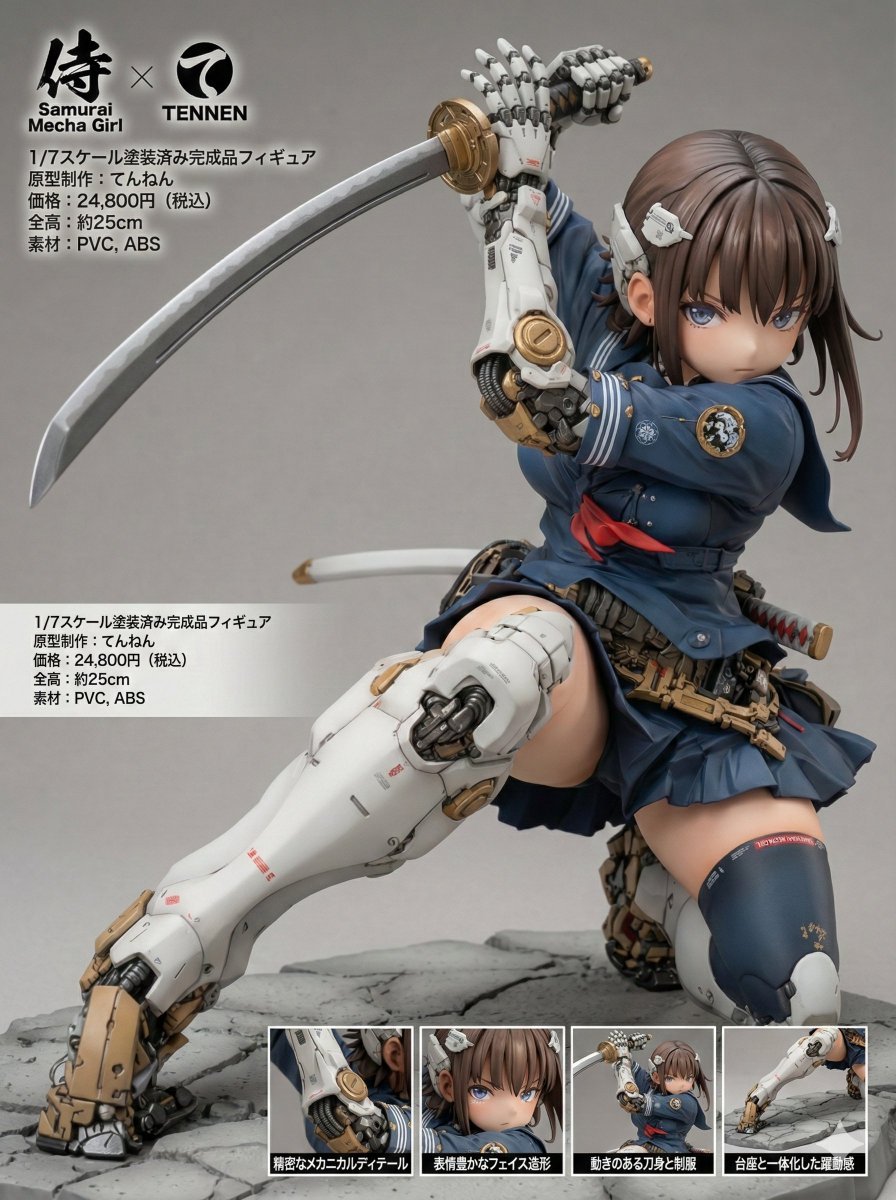
Multi-Language Figure Product Introduction Layout Prompt for Nano Banana Pro
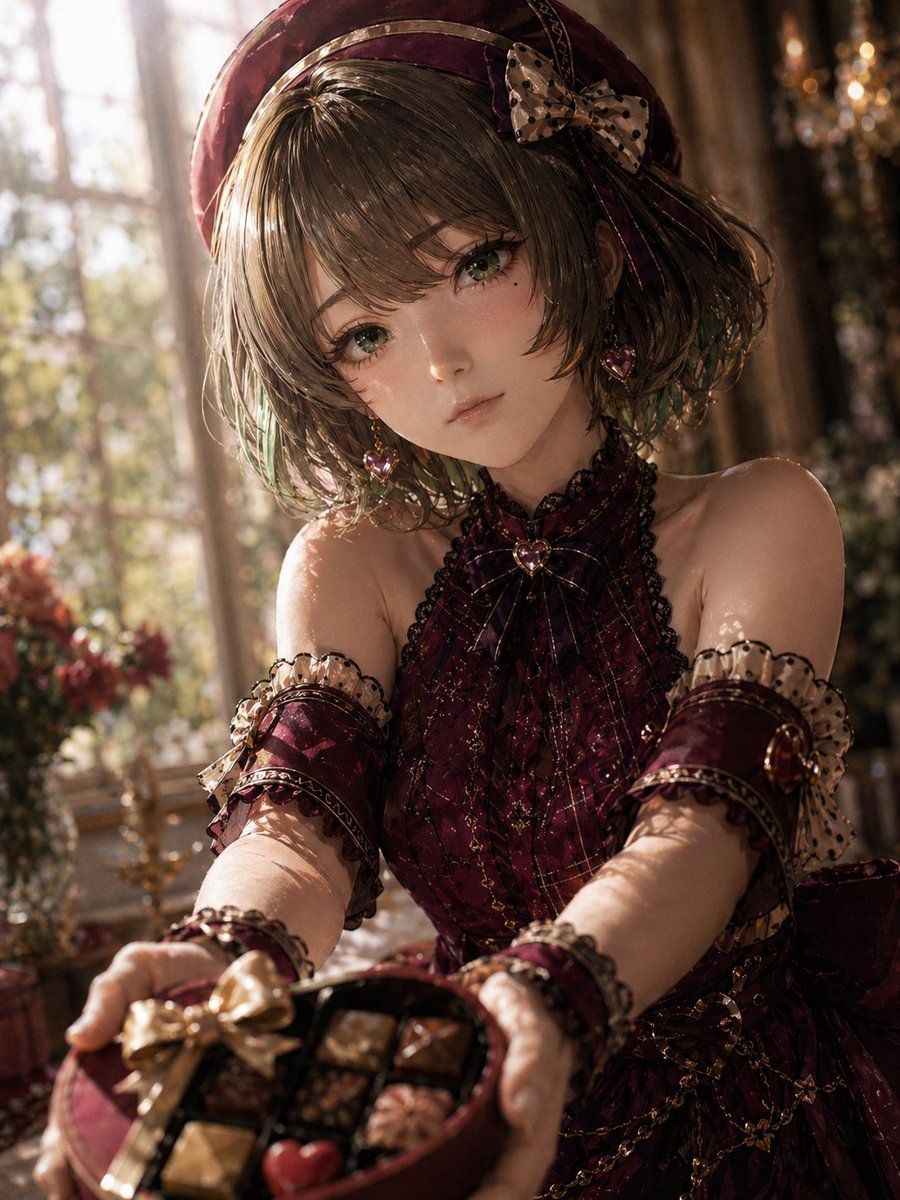
Photoreal Valentine Idol Portrait
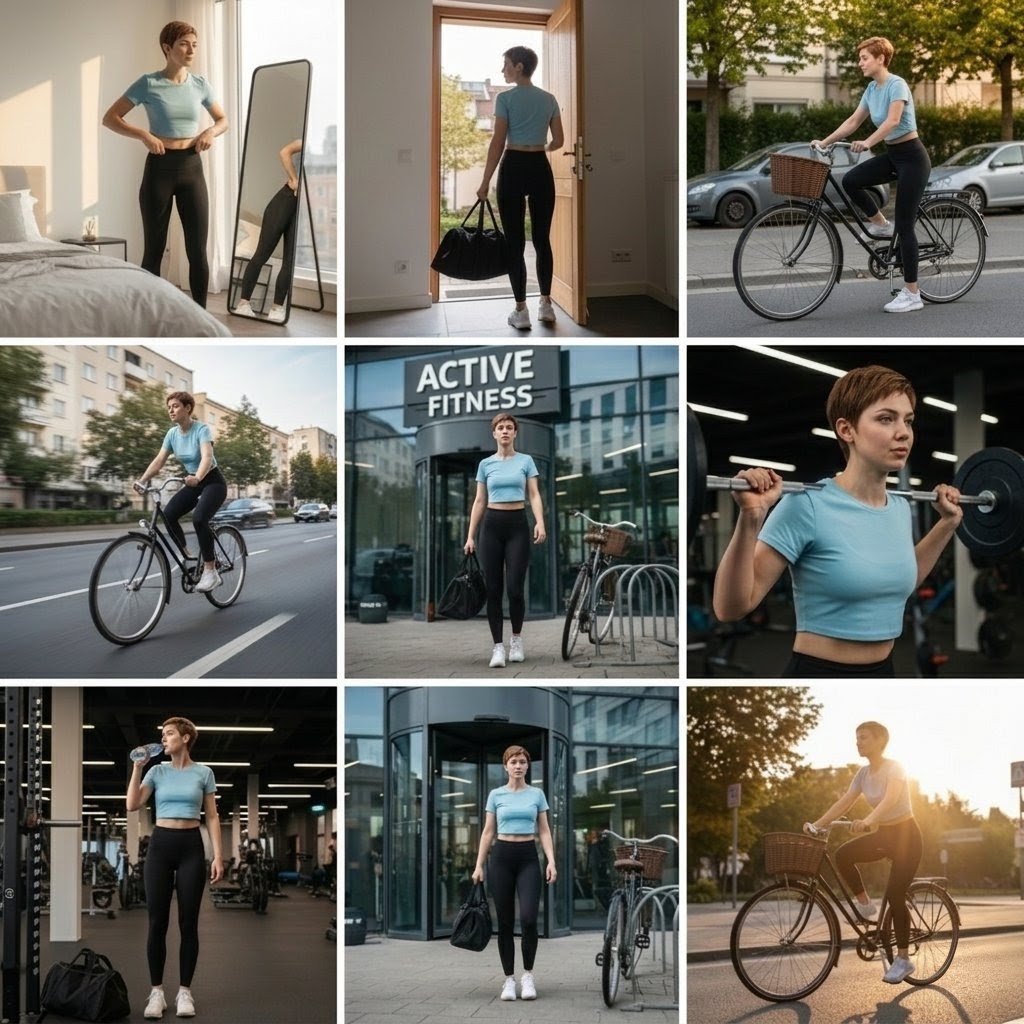
Photo Cinematic Collage for a Gym Girl's Fitness Journey
Shot Cinematic Campaign Sequence Prompt
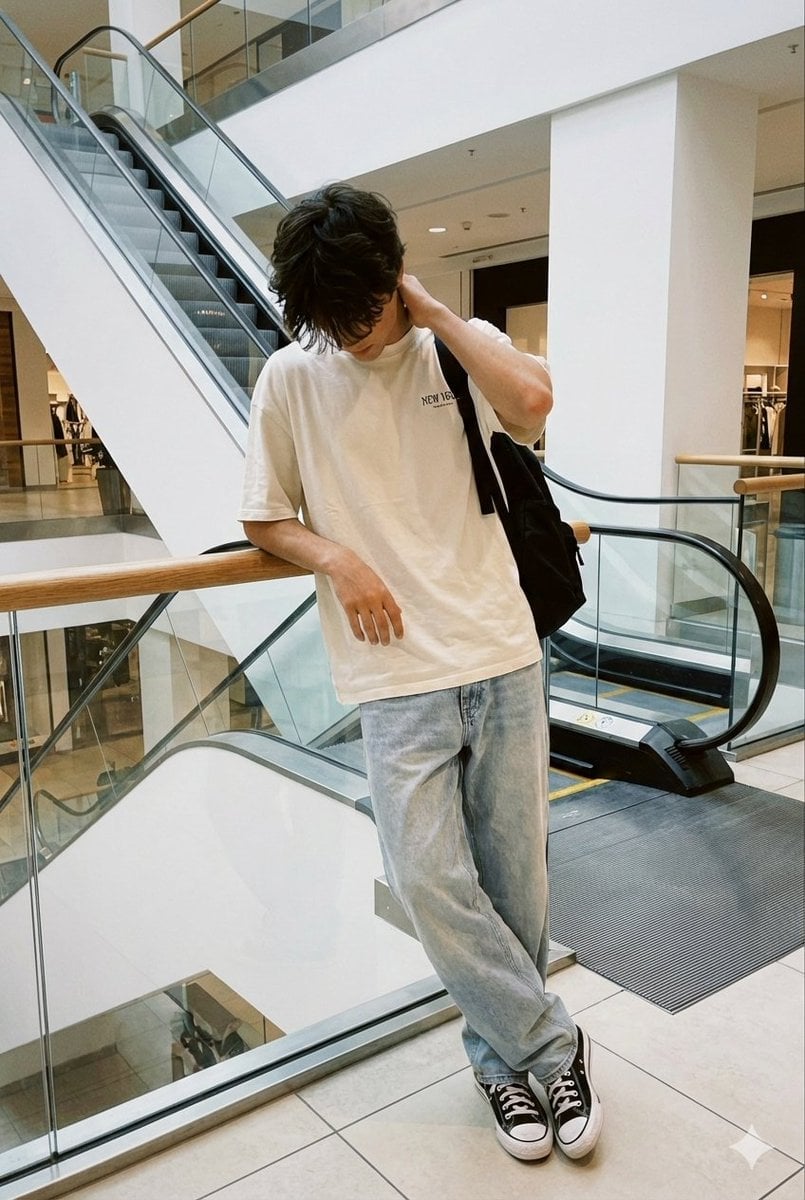
Realistic candid smartphone photo of a subject standing by an escalator in a mall
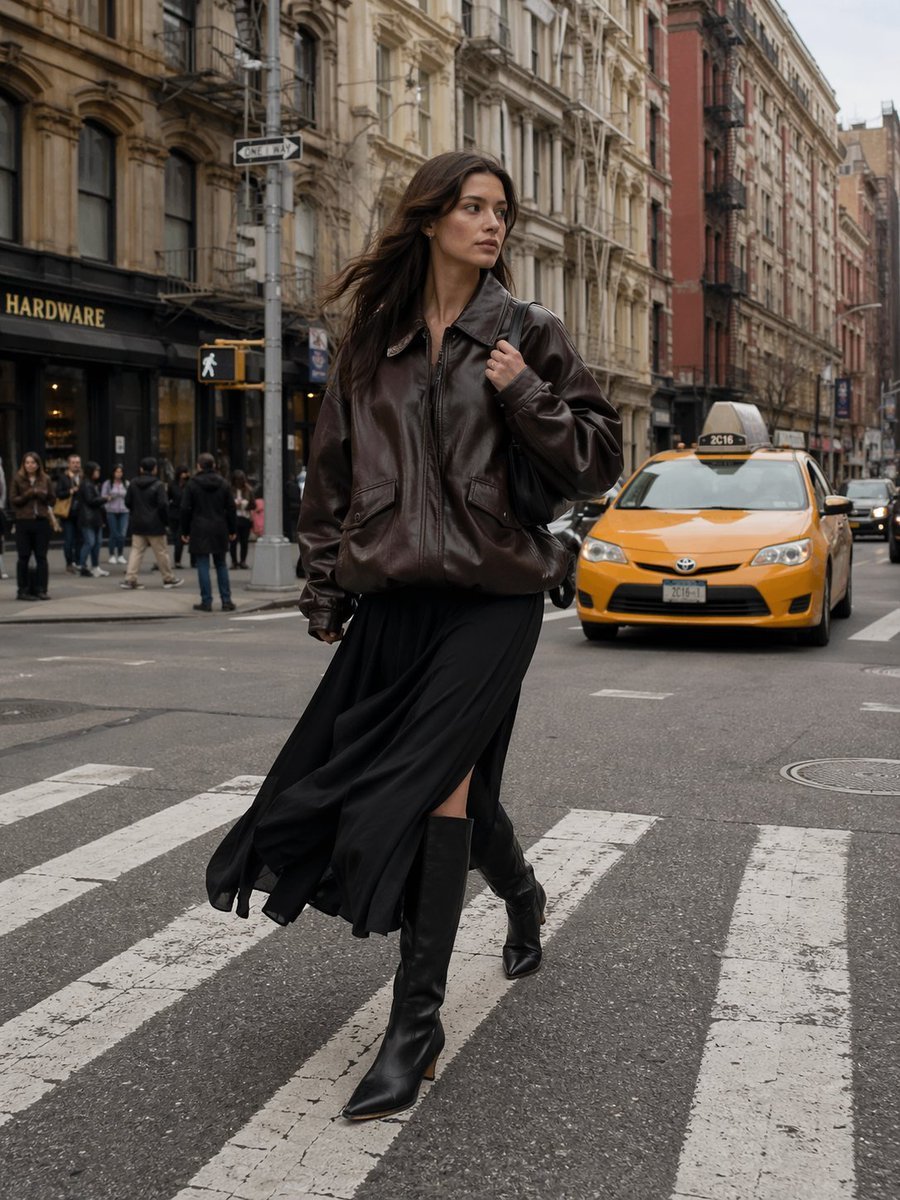
Urban Street Fashion Photography
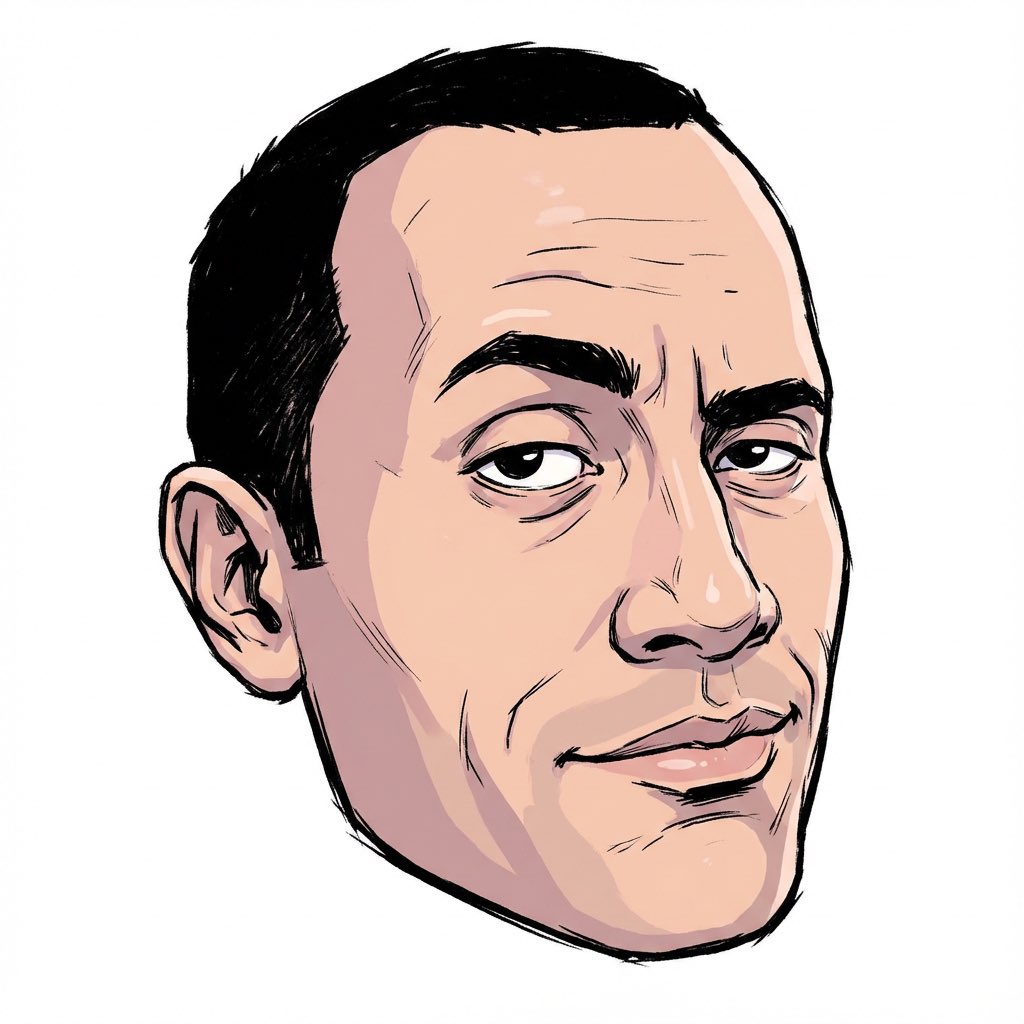
2000s Character Design Prompt
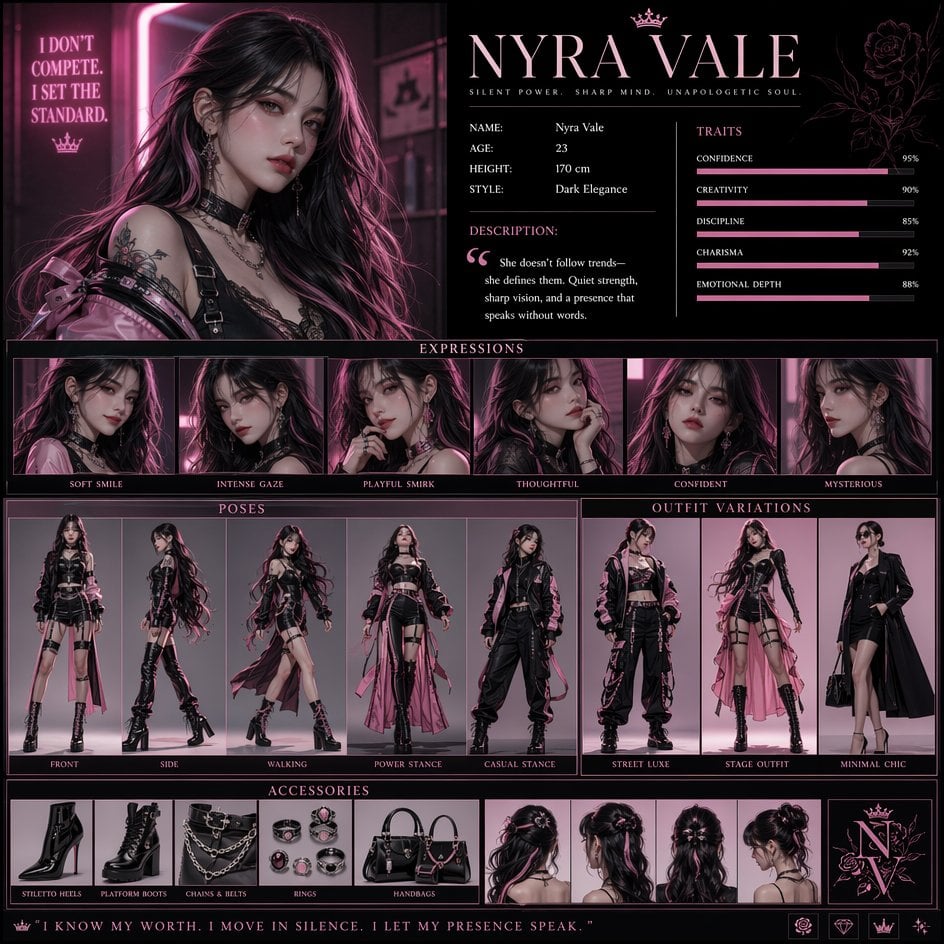
Luxury Fashion Character Concept Poster
Browse template categories
Moonlit Rainy City Overpass questions
How do I use the Moonlit Rainy City Overpass template?
Add your photo if the template asks for one, edit the prompt if you like — the template's model and format are already selected — and press Generate. Your version opens in PicX Studio.
Can I customize the Moonlit Rainy City Overpass template?
Yes. You can change the subject, setting, lighting, mood, format, and available model controls before creating your image.
Is the Moonlit Rainy City Overpass template free?
Opening and editing this template is free. Generating uses credits, shown on the Generate button when you are signed in.
Which AI model should I use?
Start with GPT Image 2, which is the model associated with this template. You can compare another compatible model for a different finish.
Looking for something else? Browse all templates.

Your photo, any look
Thousands of ready templates for every top image and video model, from one credit balance.