
Photoreal Valentine Idol Portrait
This prompt generates a realistic fashion-style portrait of a young woman in a burgundy Valentine idol costume offering a chocolate gift box in a warm vintage interior.
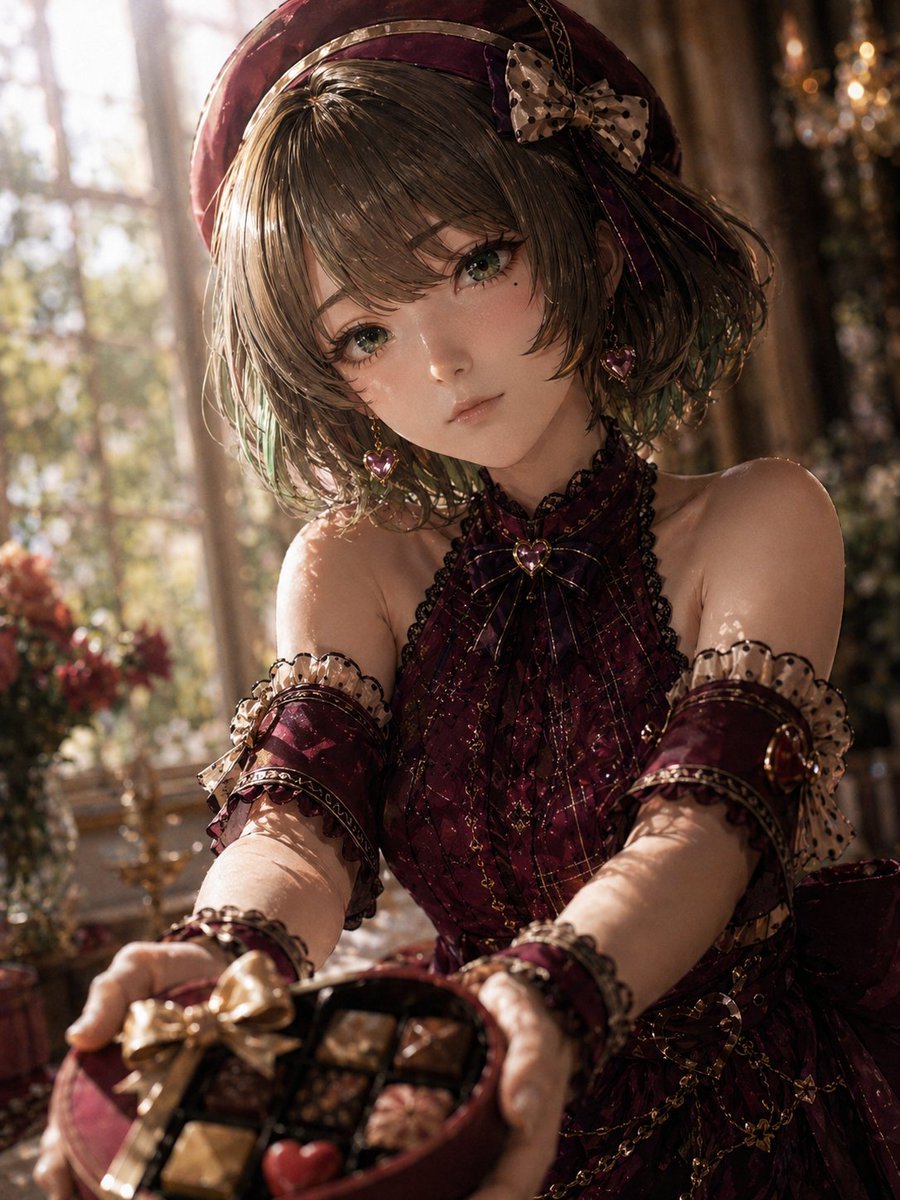
- Prompt included
- Model and format preset
- Free template
The prompt behind this image
Copy the exact prompt behind Photoreal Valentine Idol Portrait, or open it in the studio and make it yours.
A highly detailed photorealistic portrait of a young Japanese woman styled like an elegant idol-inspired Valentine character, shot indoors in a luxurious vintage room with warm afternoon sunlight streaming through tall windowpanes behind her. She is seated or leaning forward toward the camera, extending both hands to offer a round red gift box of assorted chocolates in the foreground, creating a slightly intimate first-person perspective. Her face is mostly hidden by her short wavy bob haircut and downward tilt of the head, giving a shy, gentle, mysterious mood. She has {argument name="hair color" default="soft ash brown with subtle green-tinted ends"} hair in a chin-length tousled bob with glossy texture, and wears a deep wine-red beret with a ribbon and a beige polka-dot bow on the right side. Her outfit is a rich {argument name="outfit color" default="dark burgundy"} gothic-lolita inspired dress with a sleeveless high-neck halter bodice, sheer patterned fabric, black lace trim, fine gold accents, a small heart-shaped jewel at the collar, matching detached arm warmers with translucent ruffled cuffs, frilled wrist accessories, dangling heart earrings, and delicate chain decorations around the waist. The chocolate box is round and red, tied with a metallic gold ribbon, and contains exactly 8 visible chocolates in black dividers, including one red heart-shaped piece and 7 assorted square or rounded pralines. The setting includes soft floral arrangements, antique decor, and a crystal chandelier bokeh in the background. Use cinematic shallow depth of field, strong backlighting, realistic skin and fabric rendering, subtle lens bloom, warm amber highlights, rich shadows, and an upscale fashion editorial style that feels like a real-life adaptation of {argument name="character concept" default="an elegant mature idol with a romantic Valentine theme"}. Emphasize exquisite costume craftsmanship, a slightly cosplay-like but premium studio-photo realism, and a refined, wistful atmosphere.
How to use Photoreal Valentine Idol Portrait in 3 steps
- 1Upload ImagePNG, JPG or paste
Add your photo
Upload the photo the template builds on. The prompt, model and format are already set.
- 2…a portrait of your subject in softgolden-hour light, 85mm…
Personalize
Edit the subject and creative details for your destination.
- 3Generate
Generate
Press Generate — your image is created in PicX Studio, so you can compare it with the original and refine one variable at a time.
More like this
Templates with the same subject, style or setup. Open one to see its prompt.
Valentine S Day Couple Portraits
Nano Banana Pro Photoreal Playful Couple

Found Photograph: Us, 1970

80s Couple Studio Portrait

80s Bollywood Star

80s Golden Hour Cinema

Me in 1985

1985 Studio Portrait
Idol Stage Performance Portrait

Hyper-Realistic Minecraft POV Portrait
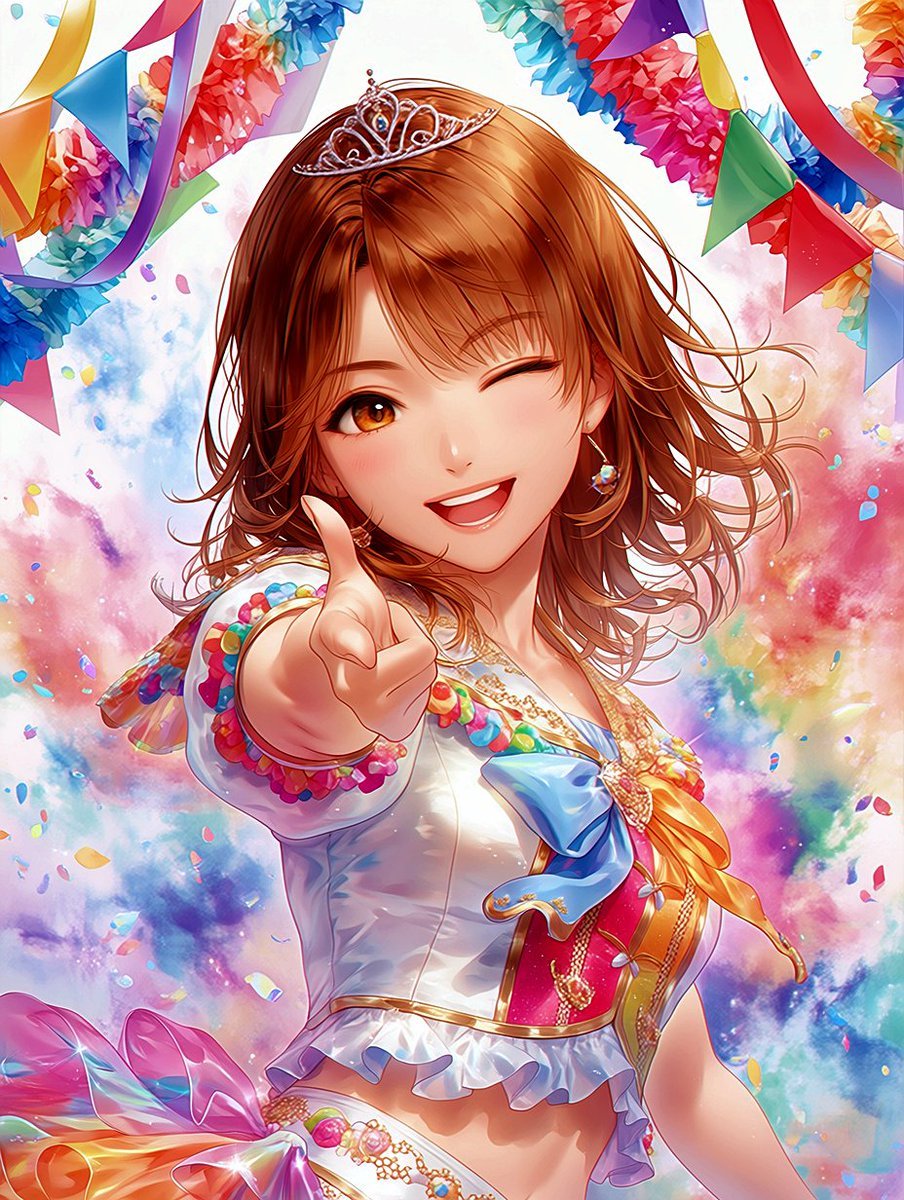
Winking Anime Idol Festival Portrait

Rooftop Fisheye — Cat-Ear Balaclava at Golden Hour
Make it yours
Photoreal Valentine Idol Portrait works as-is. These are the safest ways to change it without losing the look.
Change one field
Copy a single group, rewrite it, and generate again so you can see what that field is doing.
Keep the frame, change the subject
Hold the composition and light of Photoreal Valentine Idol Portrait, then swap wardrobe, props or the person for a new take.
| If the result… | Why | Fix |
|---|---|---|
| The result drifts from the preview | Too many fields changed at once. | Reuse Photoreal Valentine Idol Portrait as-is first, then change one group — subject, light, or setting. |
| The model over-stylizes the scene | The prose prompt leaves finish and camera underspecified. | Add one camera or lighting sentence and stay on GPT Image 2. |
More GPT Image 2 templates
Other prompts made for GPT Image 2.

Six VTuber Japanese Logo Sheet

Realistic Portrait of Woman and Deer

The Vista Modular Condo Poster

AI Model Routing Comparison Infographic

2.5D Anime Art Board

Isometric Productivity Desk Scene

New York Double Exposure Poster

Four-Panel AI Landscape Comparison

Japanese Tatami Lifestyle Magazine Cover

NESCAFÉ Coffee Map Poster
More image prompts
Fresh picks from across the catalog.
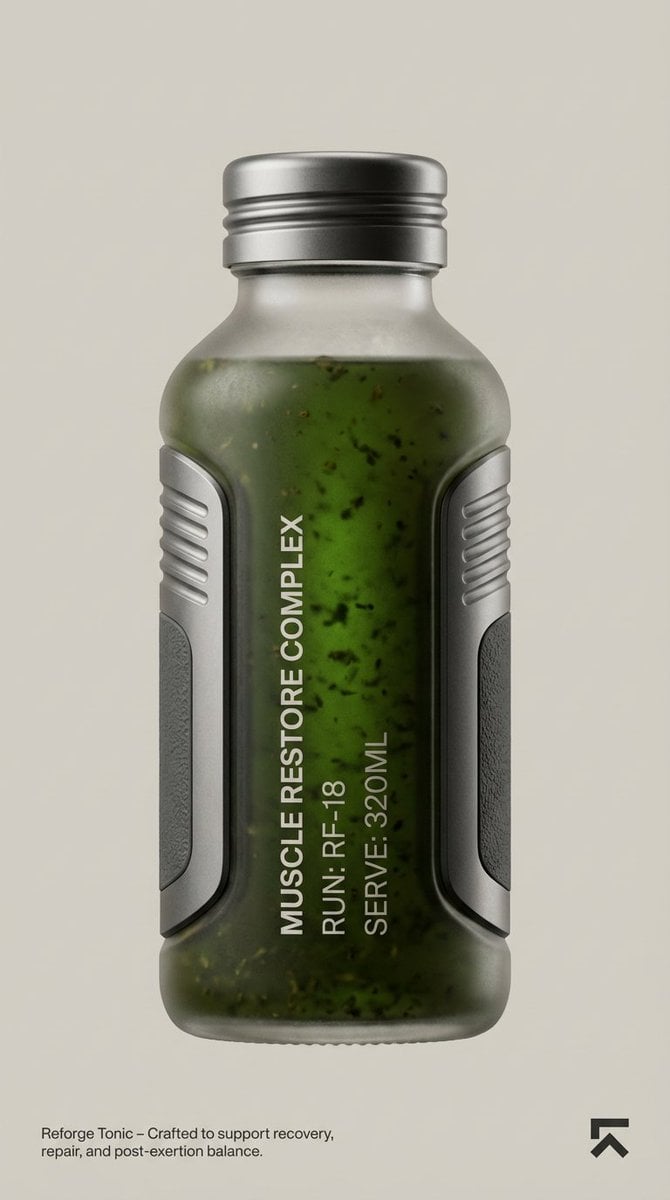
Cosmic Product Photography: Futuristic Energy Serum
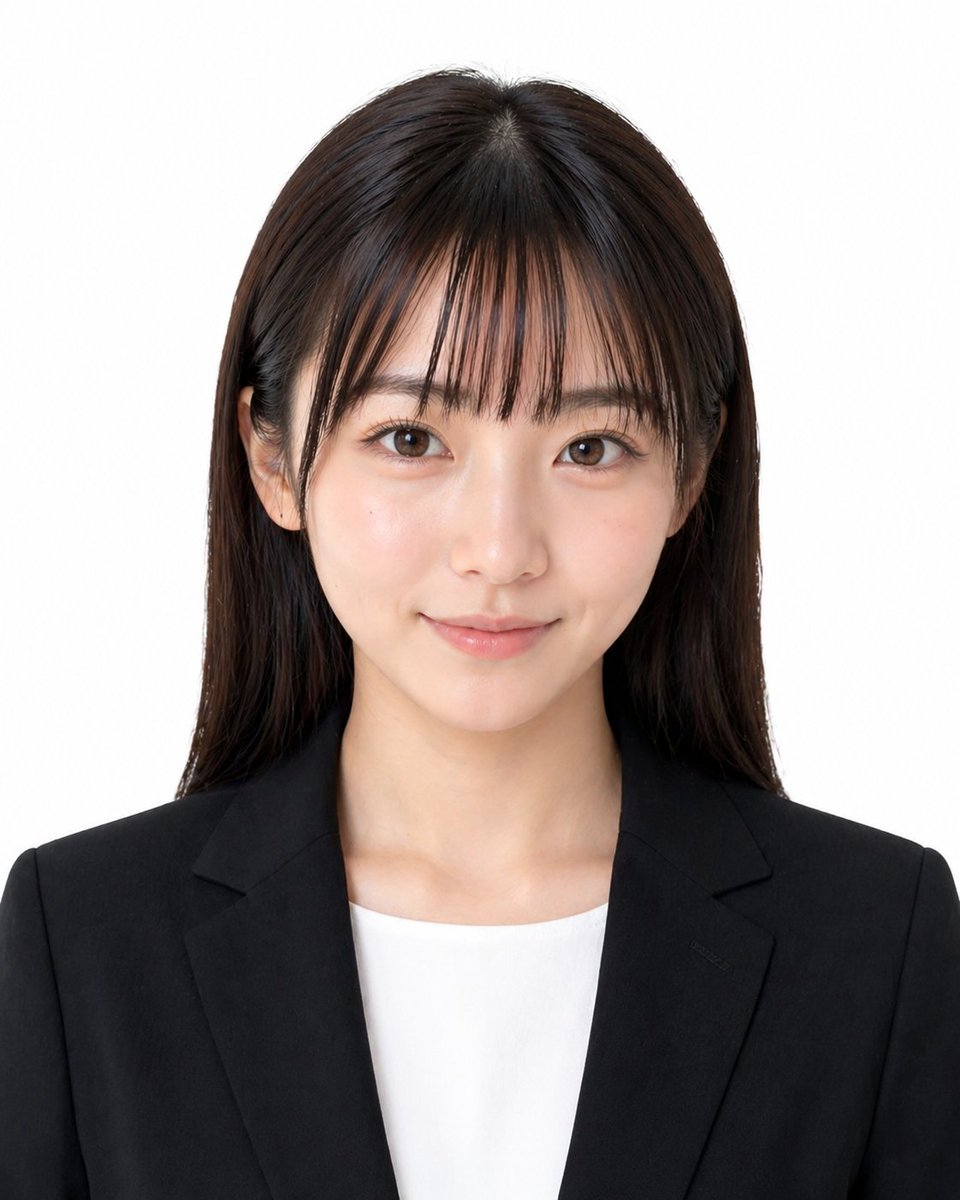
Professional ID Photo Generator

Macro Photography of Tiny Restoration Workers
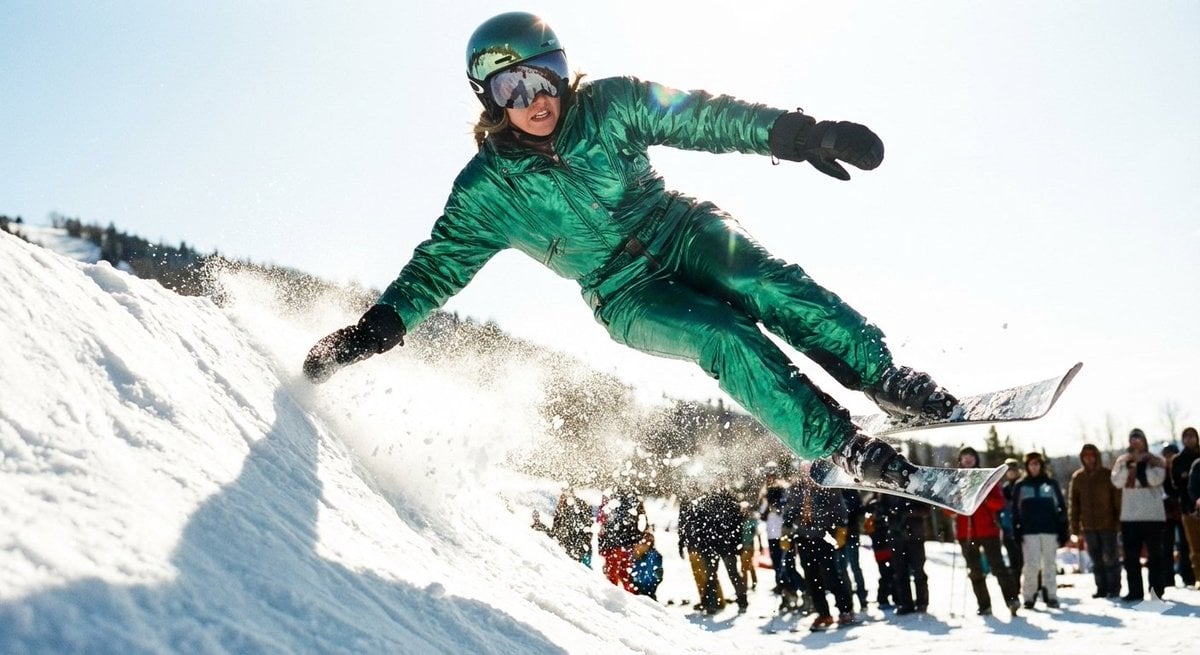
Extreme Ski Jump Action Shot (Cinestill Film Style)
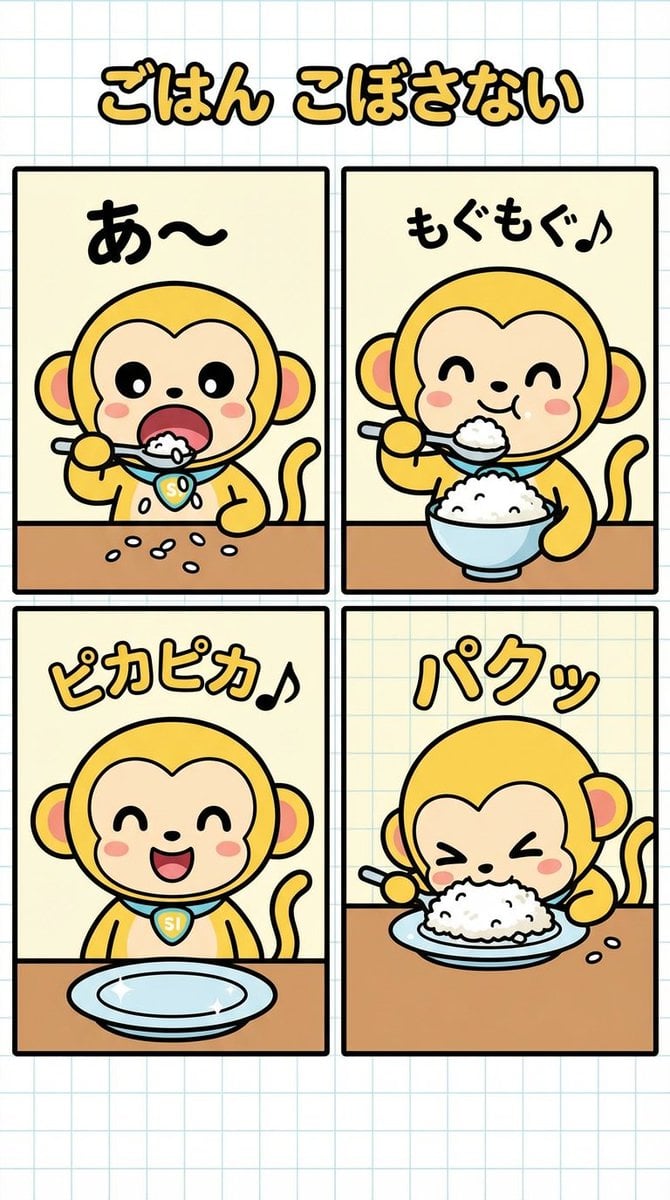
Four-Panel Manga Creation: Don't Spill Your Rice
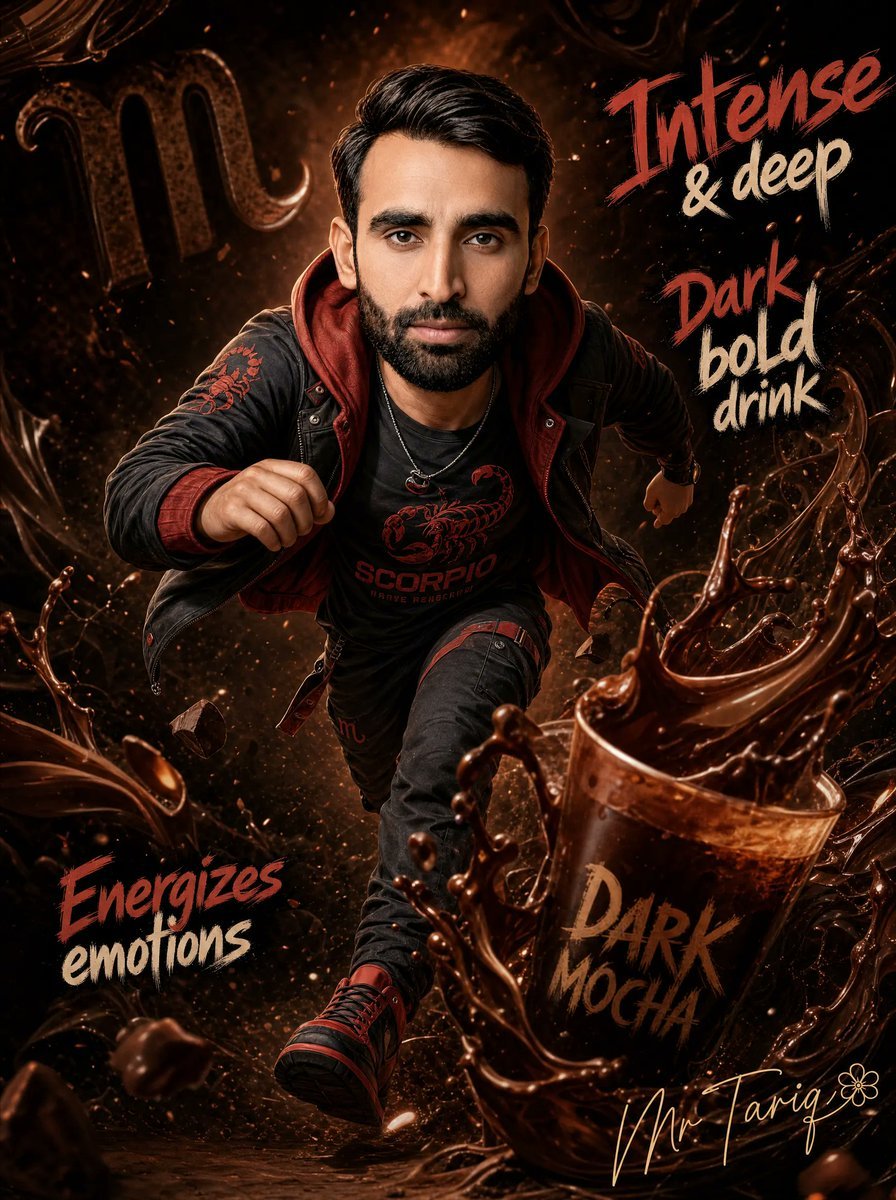
Dark Mocha Scorpio Action Poster
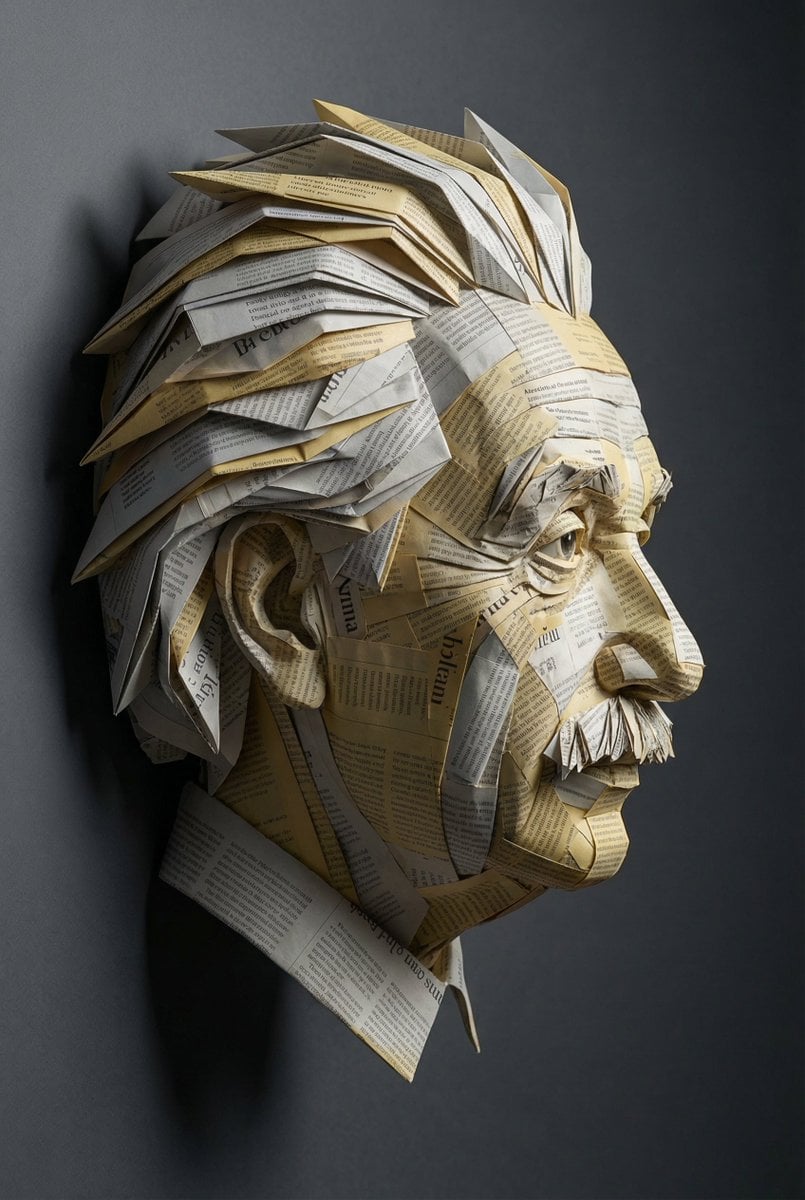
Surreal Einstein Paper Sculpture Photography Prompt

Vibrant Children's Shoe Ad Poster
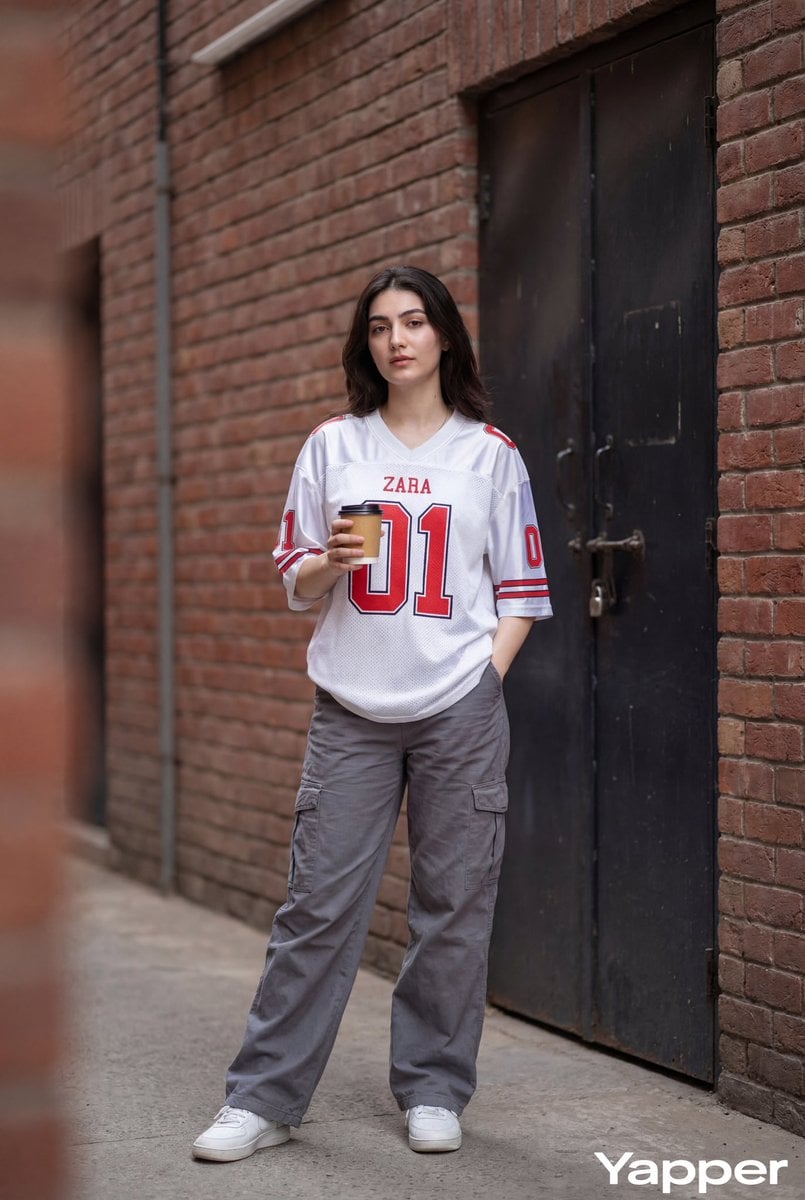
Ultra-Realistic Street Fashion Photography
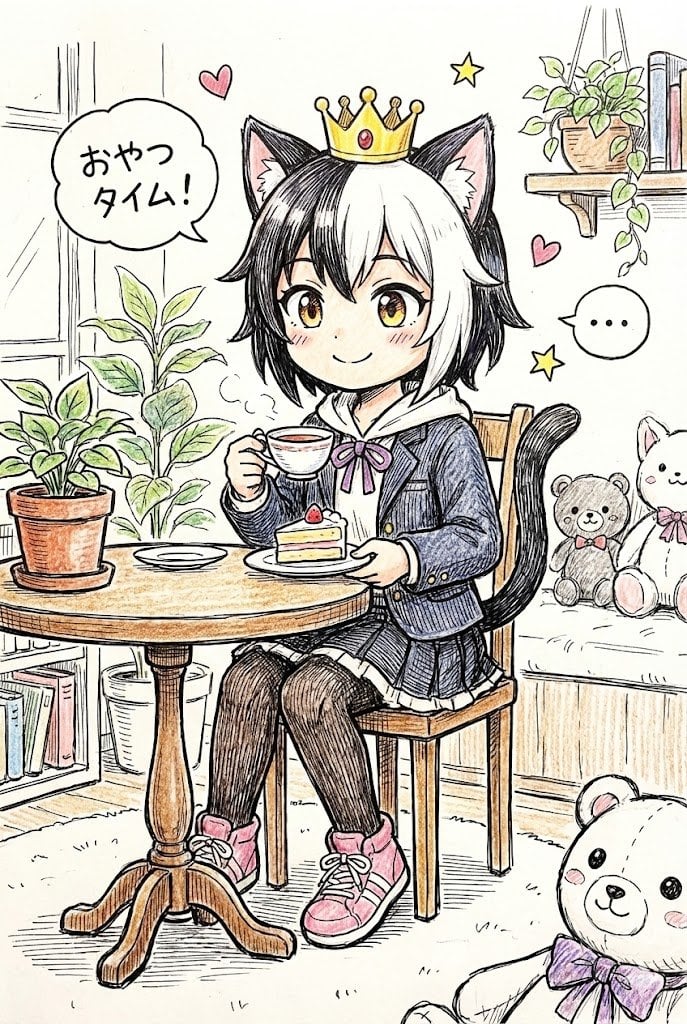
Hand-drawn Pop Art Style Character Scene Generation
Browse template categories
Photoreal Valentine Idol Portrait questions
How do I use the Photoreal Valentine Idol Portrait template?
Add your photo if the template asks for one, edit the prompt if you like — the template's model and format are already selected — and press Generate. Your version opens in PicX Studio.
Can I customize the Photoreal Valentine Idol Portrait template?
Yes. You can change the subject, setting, lighting, mood, format, and available model controls before creating your image.
Is the Photoreal Valentine Idol Portrait template free?
Opening and editing this template is free. Generating uses credits, shown on the Generate button when you are signed in.
Which AI model should I use?
Start with GPT Image 2, which is the model associated with this template. You can compare another compatible model for a different finish.
Looking for something else? Browse all templates.

Your photo, any look
Thousands of ready templates for every top image and video model, from one credit balance.